Customer Ratings & Reviews
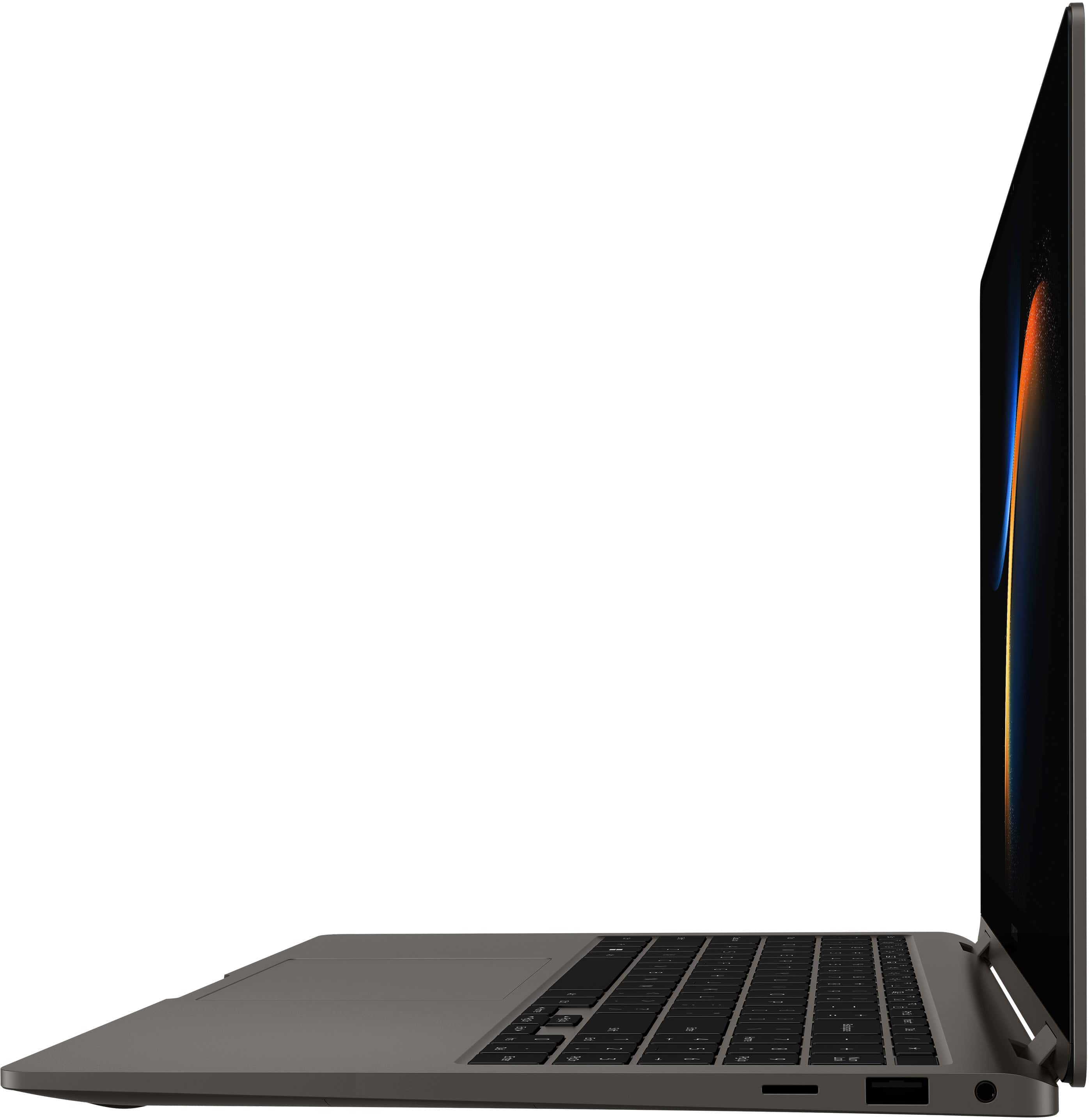
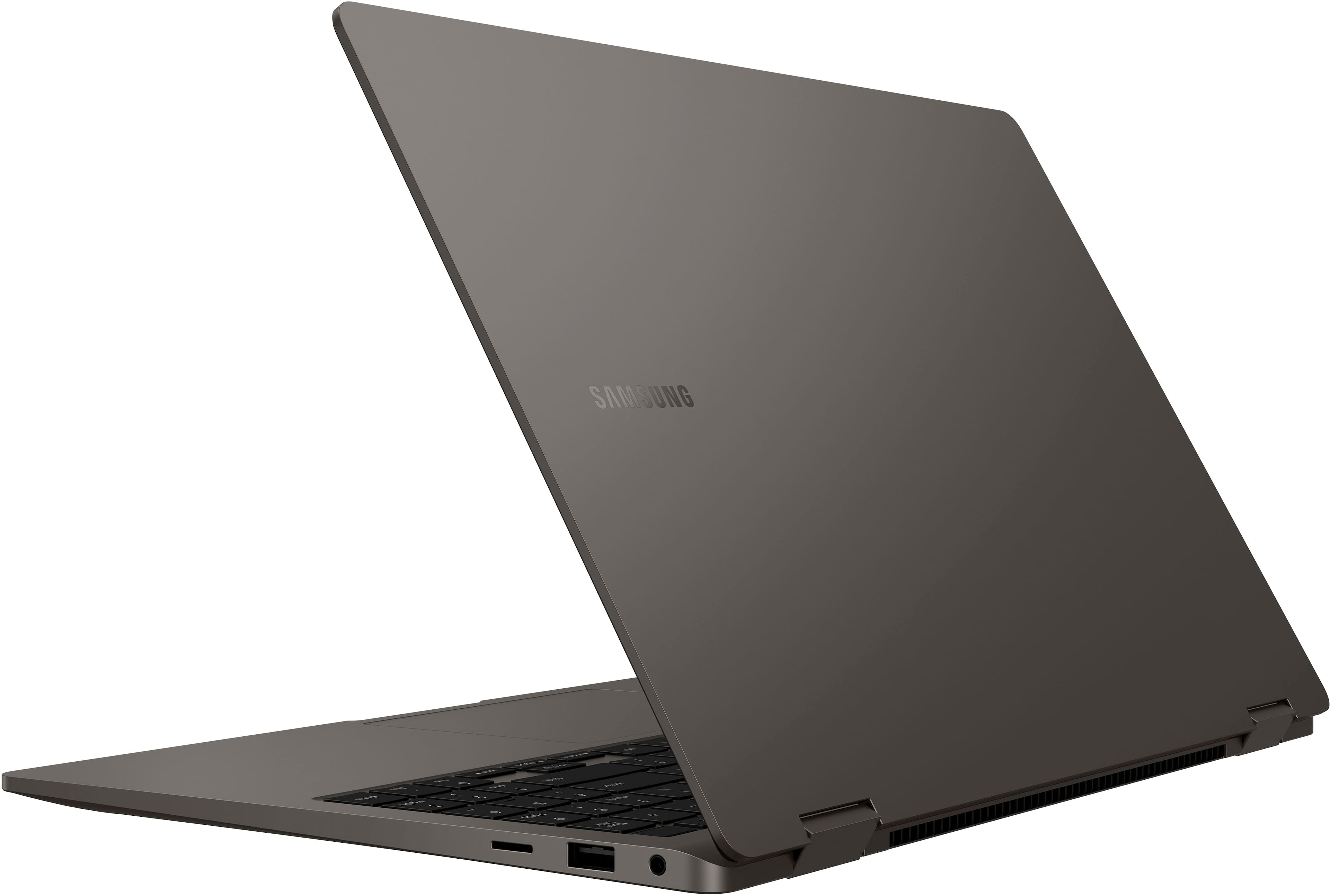


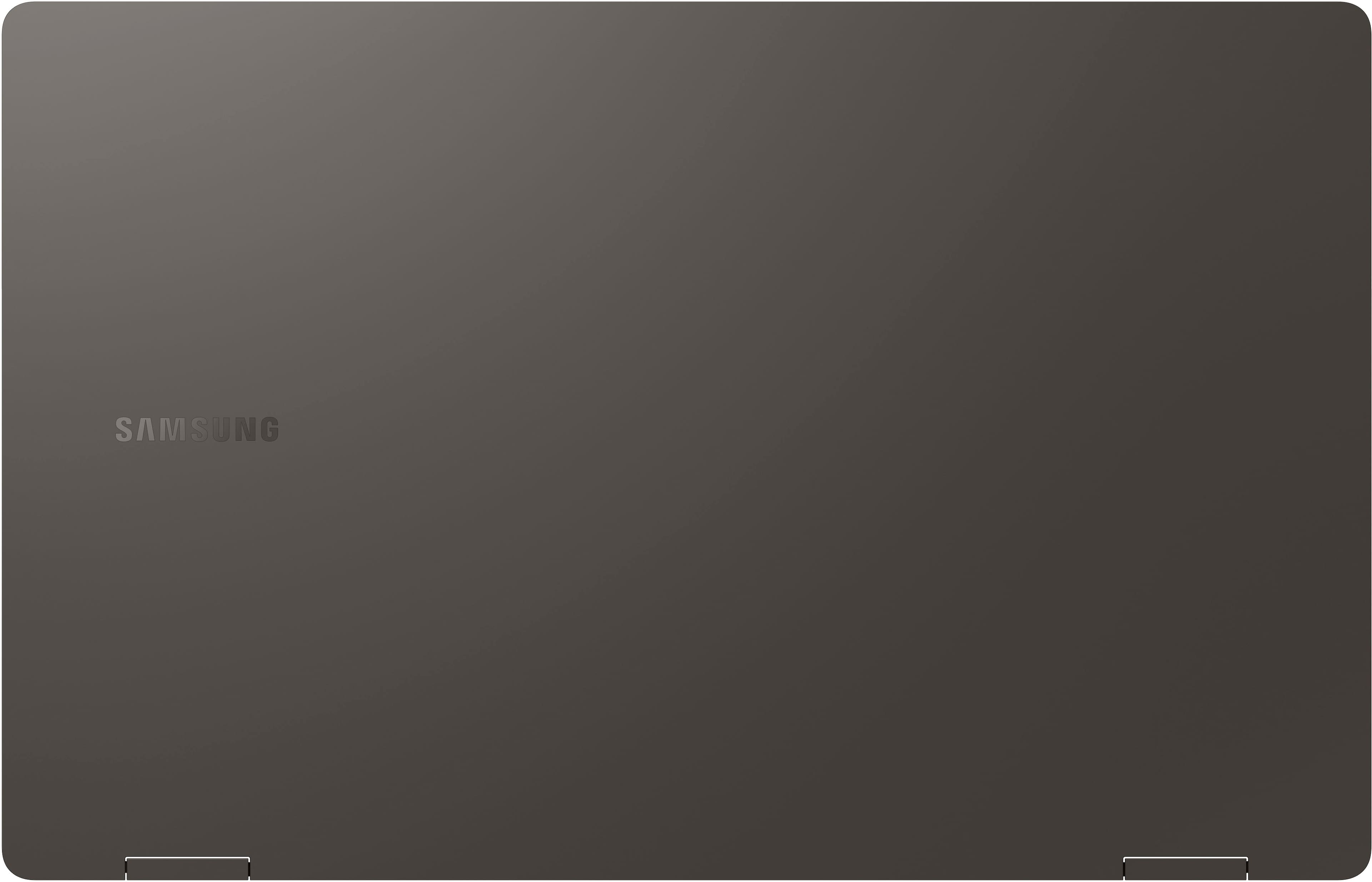
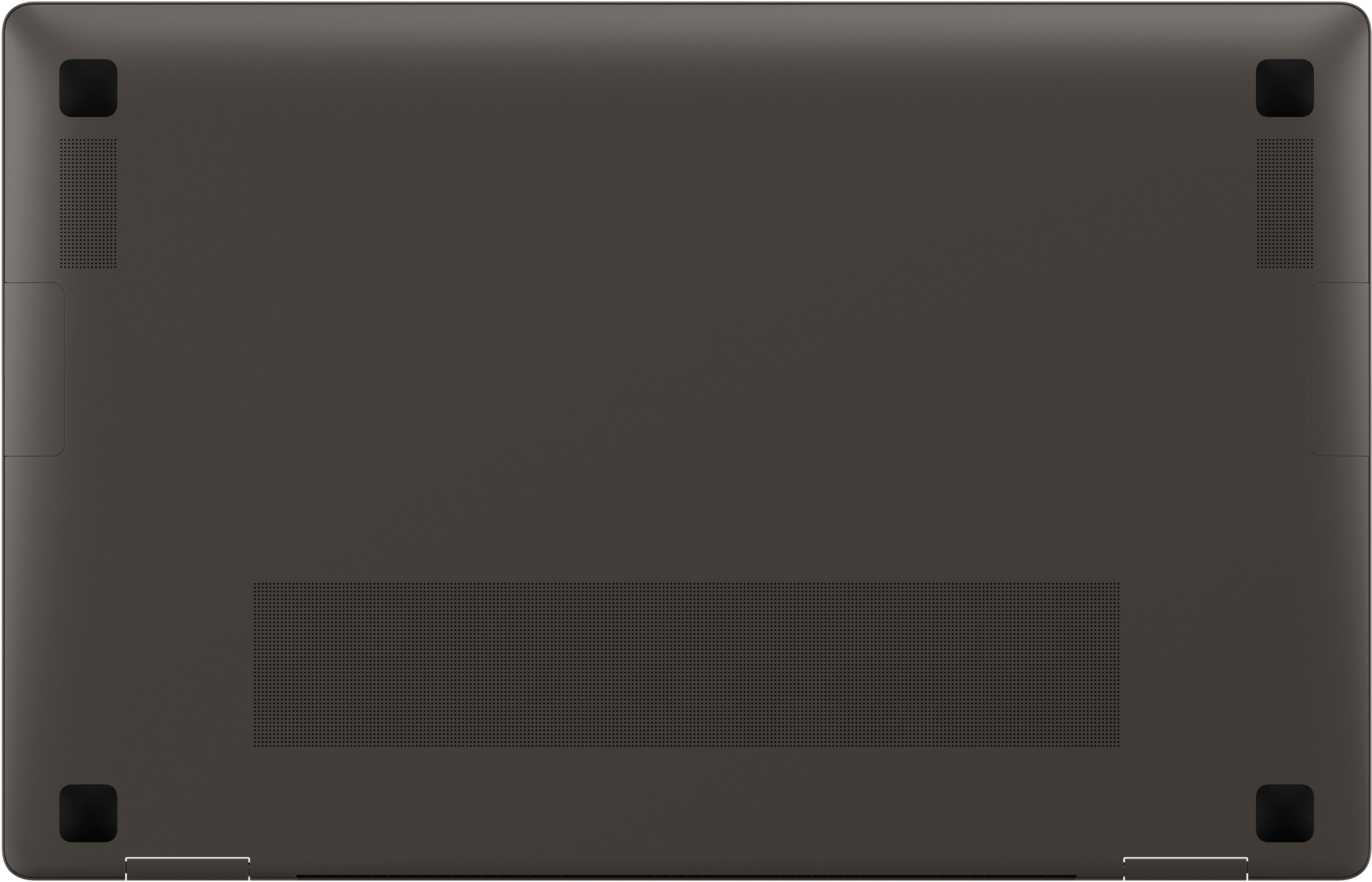











- Model:
- NP750QFG-KA2US
- SKU:
- 6531055
Rating by feature
- Battery Life
Rating 4.6 out of 5 stars
- Speed
Rating 4.8 out of 5 stars
- Display
Rating 4.8 out of 5 stars
Customers are saying
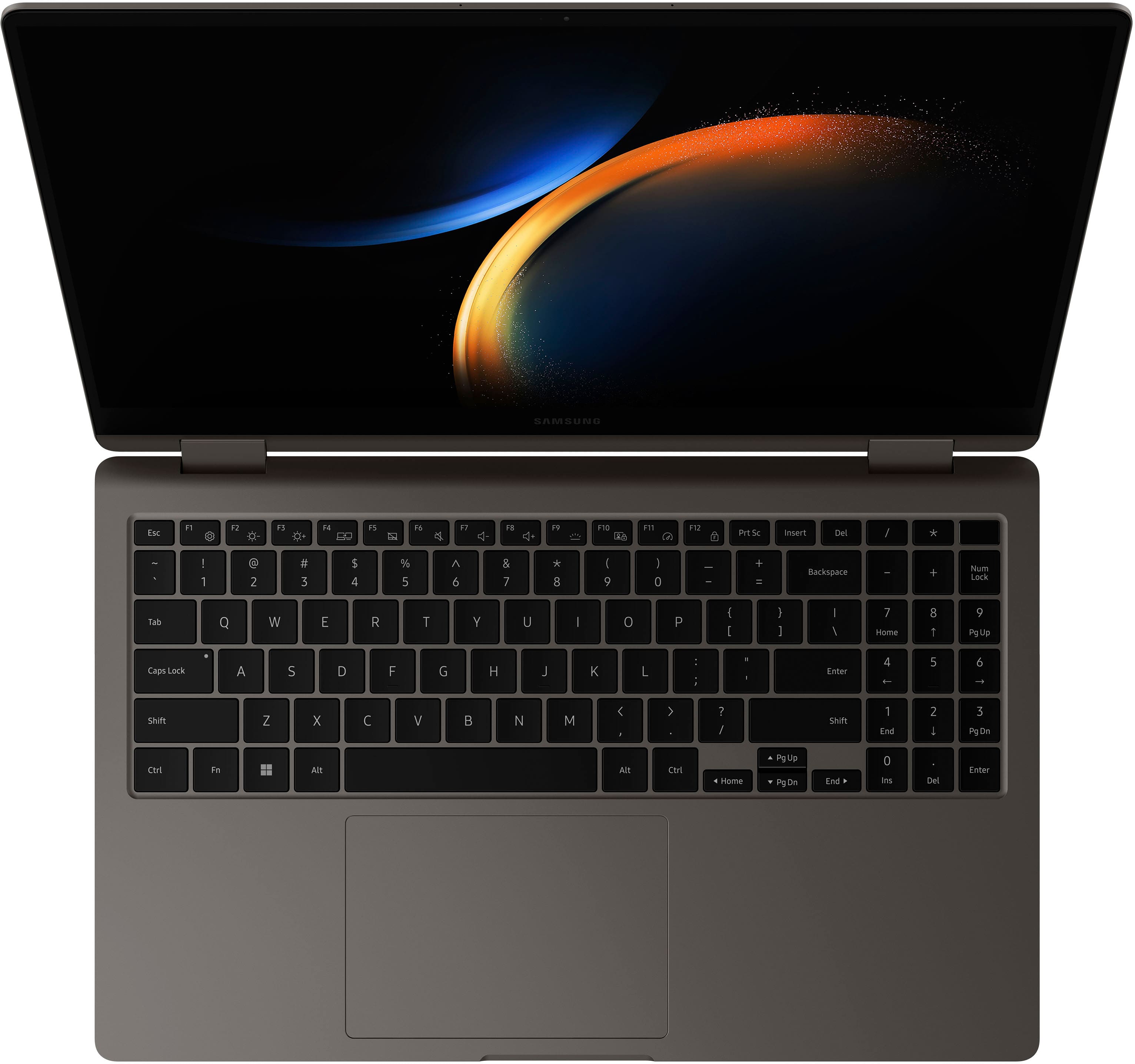
Customers are enthusiastic about the Galaxy Book3 360's stunning screen quality, light weight, and impressive performance. Many appreciate its ease of use and elegant design, making it suitable for both work and everyday tasks. While some users noted minor issues with the fingerprint sensor and S Pen, the overwhelmingly positive feedback points to a highly satisfying user experience.
This summary was generated by AI based on customer reviews.
- Pros mentioned:Weight
Samsung book 3
||Posted . Owned for 3 weeks when reviewed.This reviewer received promo considerations or sweepstakes entry for writing a review.The oled screen is beautiful to look at. To match this feature with the weight it takes the cake.
I would recommend this to a friend Best Buy Ohio PA
||Posted . Owned for 1 week when reviewed.This reviewer received promo considerations or sweepstakes entry for writing a review.Ohio PA. Best Buy… I walked in and the IT team that was selling computers were amazing . They took the time… asked me many questions reviewed different products with me and we picked the best one that I needed. The time they Took in the patients from the sales team and this Wen individual. I was really impressed and I will continue to go back to the store.
I would recommend this to a friendSamsung/Deskjet
||Posted . Owned for 3 weeks when reviewed.This reviewer received promo considerations or sweepstakes entry for writing a review.I am totally satisfied with my recent purchase of a Samsung Laptop and a HO Deskjet printer. It’s exactly what I was looking for in performance and applications. And the two store associates that helped me choose the models were very professional and helpful. I’ll come back for more products, since I’m buying a house and will need appliances. Thank you guys for all your knowledge and listening to me. Rick
I would recommend this to a friend- Pros mentioned:Speed
My Samsung
||Posted . Owned for 3 weeks when reviewed.This reviewer received promo considerations or sweepstakes entry for writing a review.Opens and processes fast. Operates my fear better than I had hoped.
I would recommend this to a friend PERFECT UPGRADE!!
||Posted . Owned for 3 months when reviewed.This reviewer received promo considerations or sweepstakes entry for writing a review.Wonderful update to my old HP Pavilion. Been a Samsung user since S3. The screen is very bright and sharp. Keyboard is large enough for even larger hands. Does come with numeric keypad and fingerprint reader for added security. Upon set up it took basically every setting available and updated it to this laptop. Buy confidentially!!!
I would recommend this to a friendgrest product
||Posted . Owned for 3 weeks when reviewed.This reviewer received promo considerations or sweepstakes entry for writing a review.excellent design. I enjoying this laptop very well
I would recommend this to a friendSamsungi7
||Posted . Owned for 3 weeks when reviewed.This reviewer received promo considerations or sweepstakes entry for writing a review.I really enjoy my laptop, it’s helpful for my homework
I would recommend this to a friendGreat Investment
||Posted . Owned for 2 weeks when reviewed.This reviewer received promo considerations or sweepstakes entry for writing a review.Fantastic Laptop. Great all across the board in all departments.
I would recommend this to a friendGood buy
||Posted . Owned for 6 months when reviewed.This reviewer received promo considerations or sweepstakes entry for writing a review.Bought a open box condition like new. Only complaint was that it was missing the original box, SPen, and there was a slight dent in the keyboard I didn't notice until now. I did save hundreds of dollars
I would recommend this to a friendThe best.
||Posted . Owned for 2 weeks when reviewed.This reviewer received promo considerations or sweepstakes entry for writing a review.I loved it's my second one the last year for my son university the best option and this year for me because I want to be empowered and with this laptop I feel like a queen.
I would recommend this to a friendSamsung PC book 13
||Posted . Owned for 1 month when reviewed.This reviewer received promo considerations or sweepstakes entry for writing a review.Good pc for home and business but you will need Microsoft 365 To run at its best, because It is set up to run on that by Microsoft.
I would recommend this to a friendQuick and easy
||Posted . Owned for 2 months when reviewed.This reviewer received promo considerations or sweepstakes entry for writing a review.Staff was quick to submit the order when the product wasn’t available in house.
I would recommend this to a friend10/10
||Posted . Owned for 6 months when reviewed.This reviewer received promo considerations or sweepstakes entry for writing a review.Great all around laptop. Business and fun friendly
I would recommend this to a friendGreat Laptop
||Posted . Owned for 1 month when reviewed.This reviewer received promo considerations or sweepstakes entry for writing a review.This laptop is of very good quality for the price.
I would recommend this to a friendExcellent product
||Posted . Owned for 3 weeks when reviewed.This reviewer received promo considerations or sweepstakes entry for writing a review.Bestbuy always the best on demand with all of their products
I would recommend this to a friend- Pros mentioned:Battery life, Screen quality, Speed

Fantastic laptop with okay features
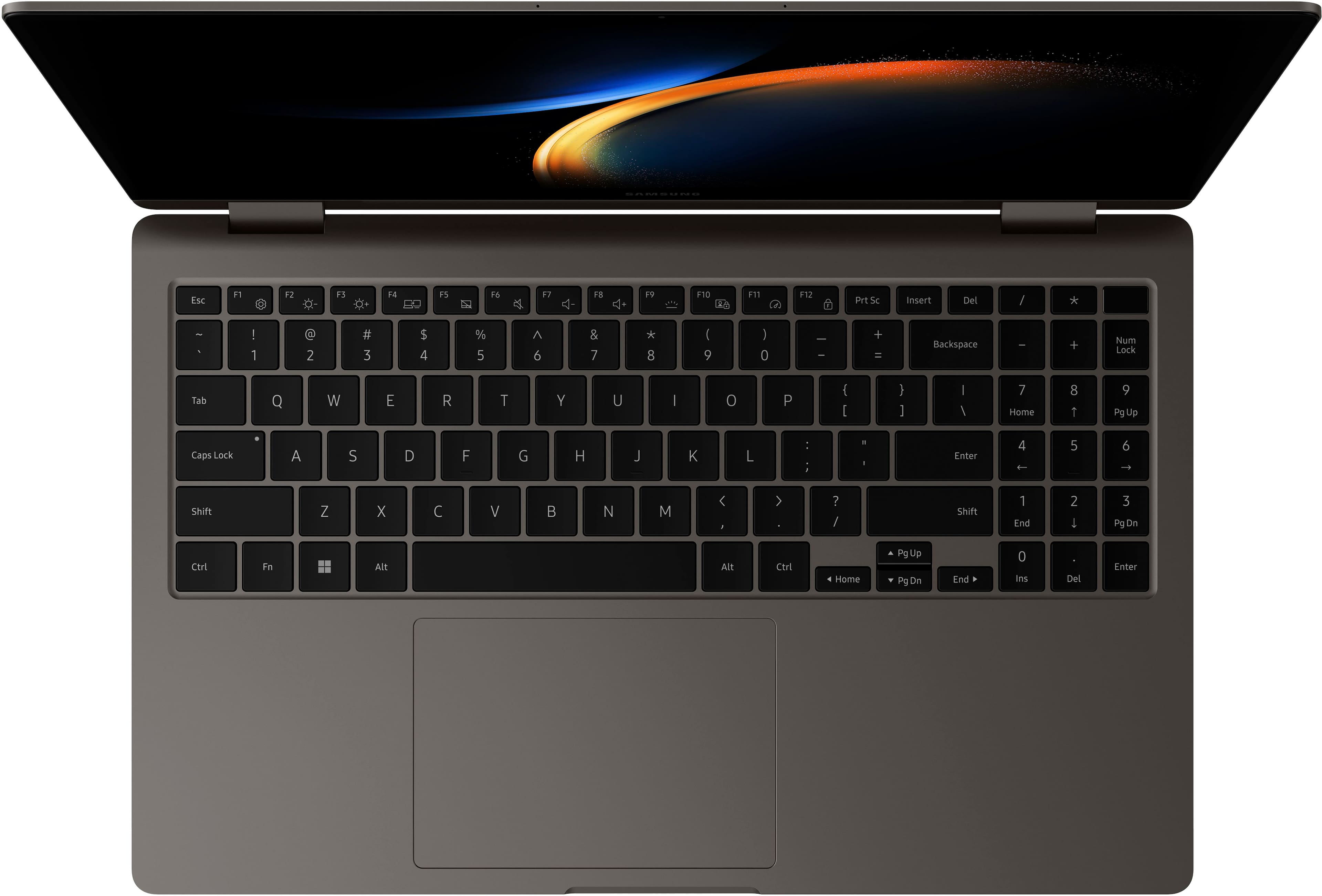
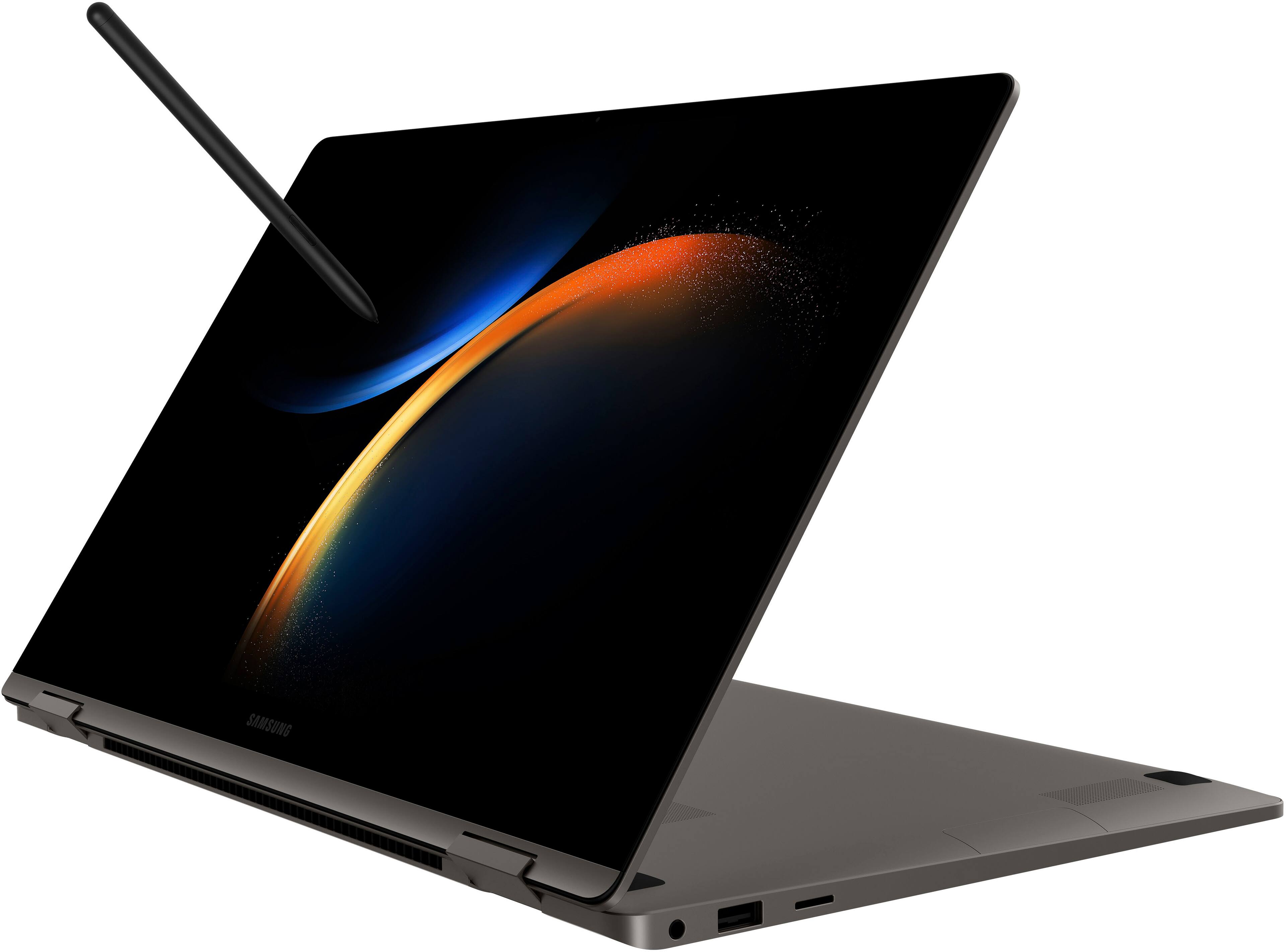
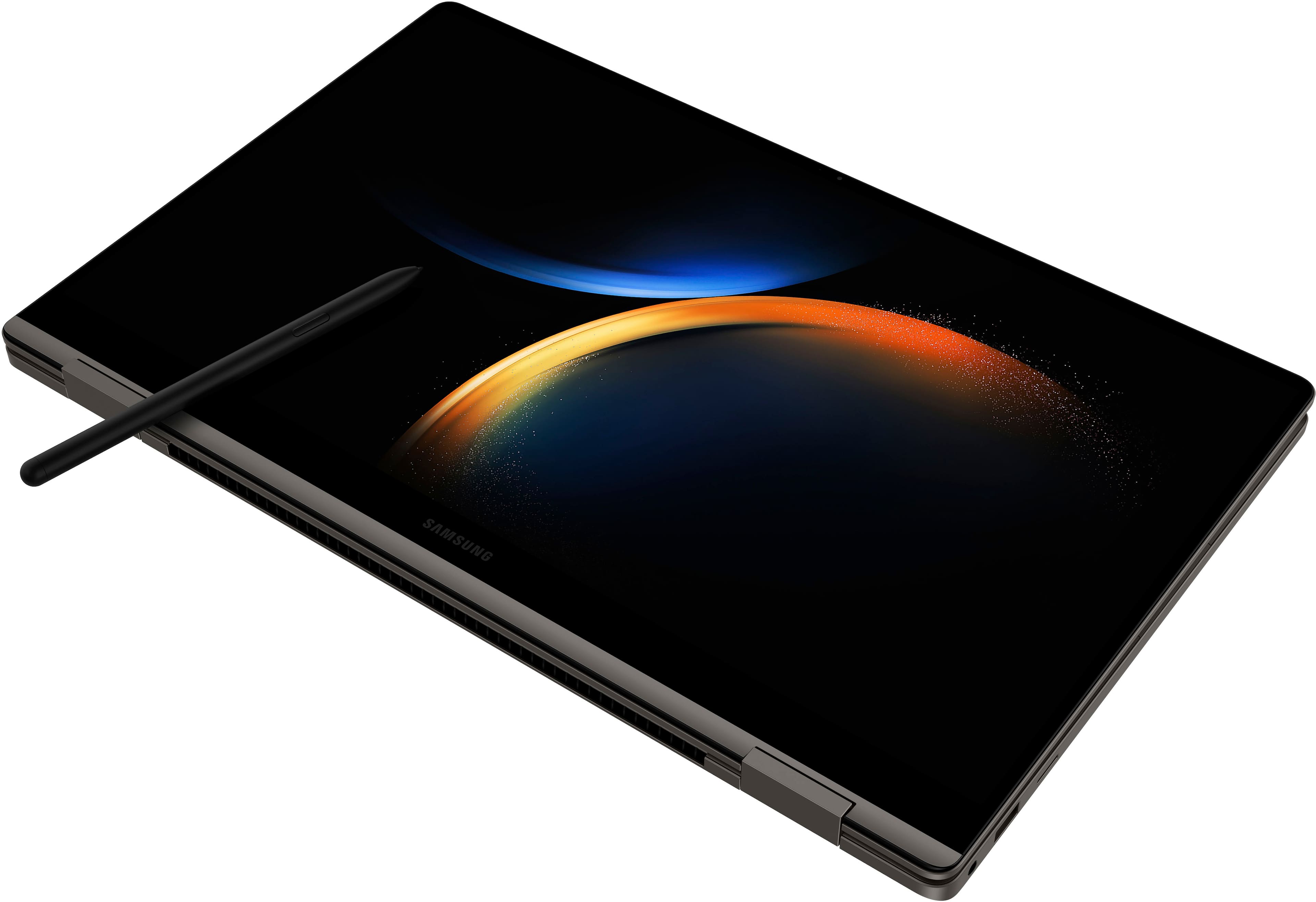
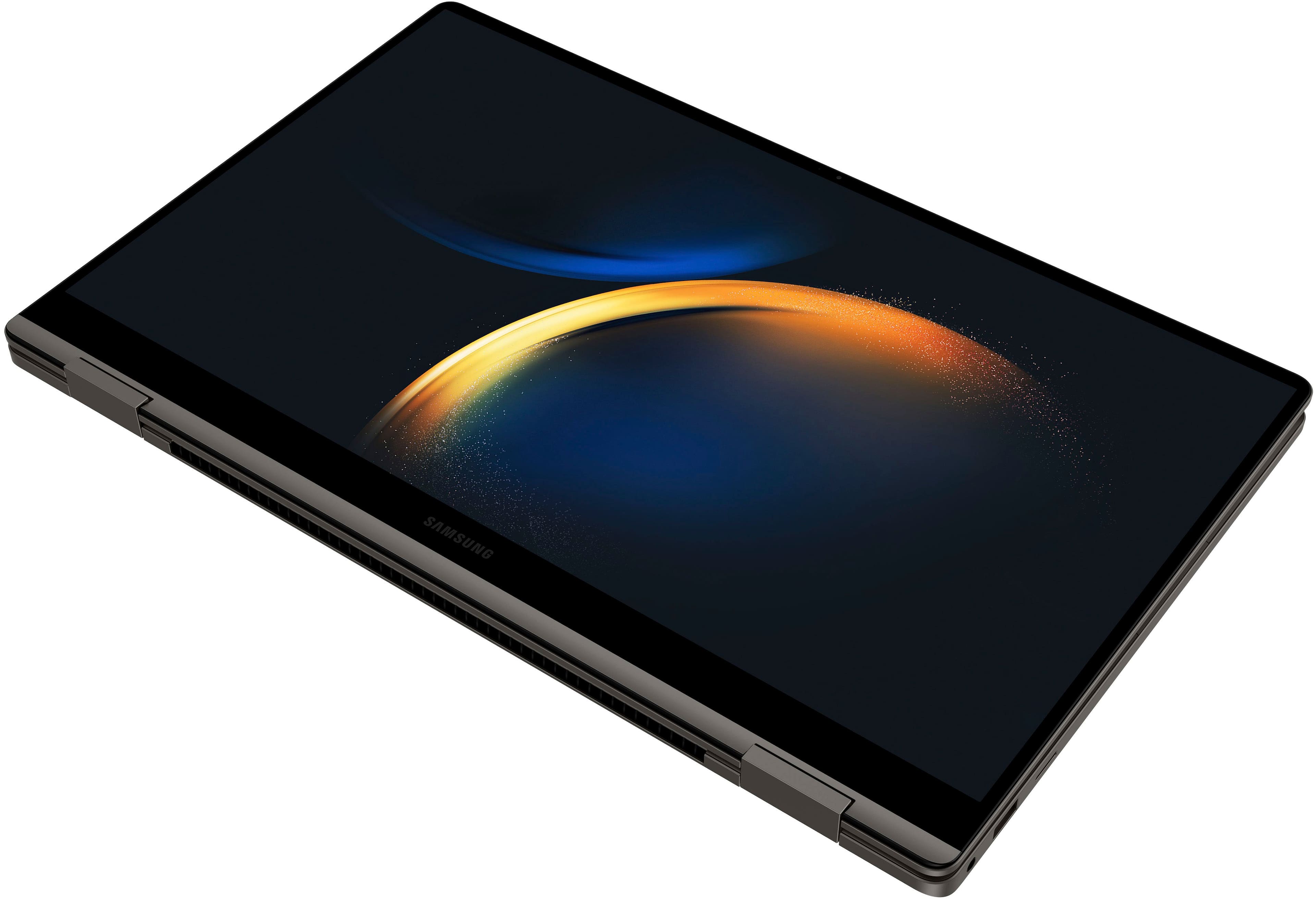
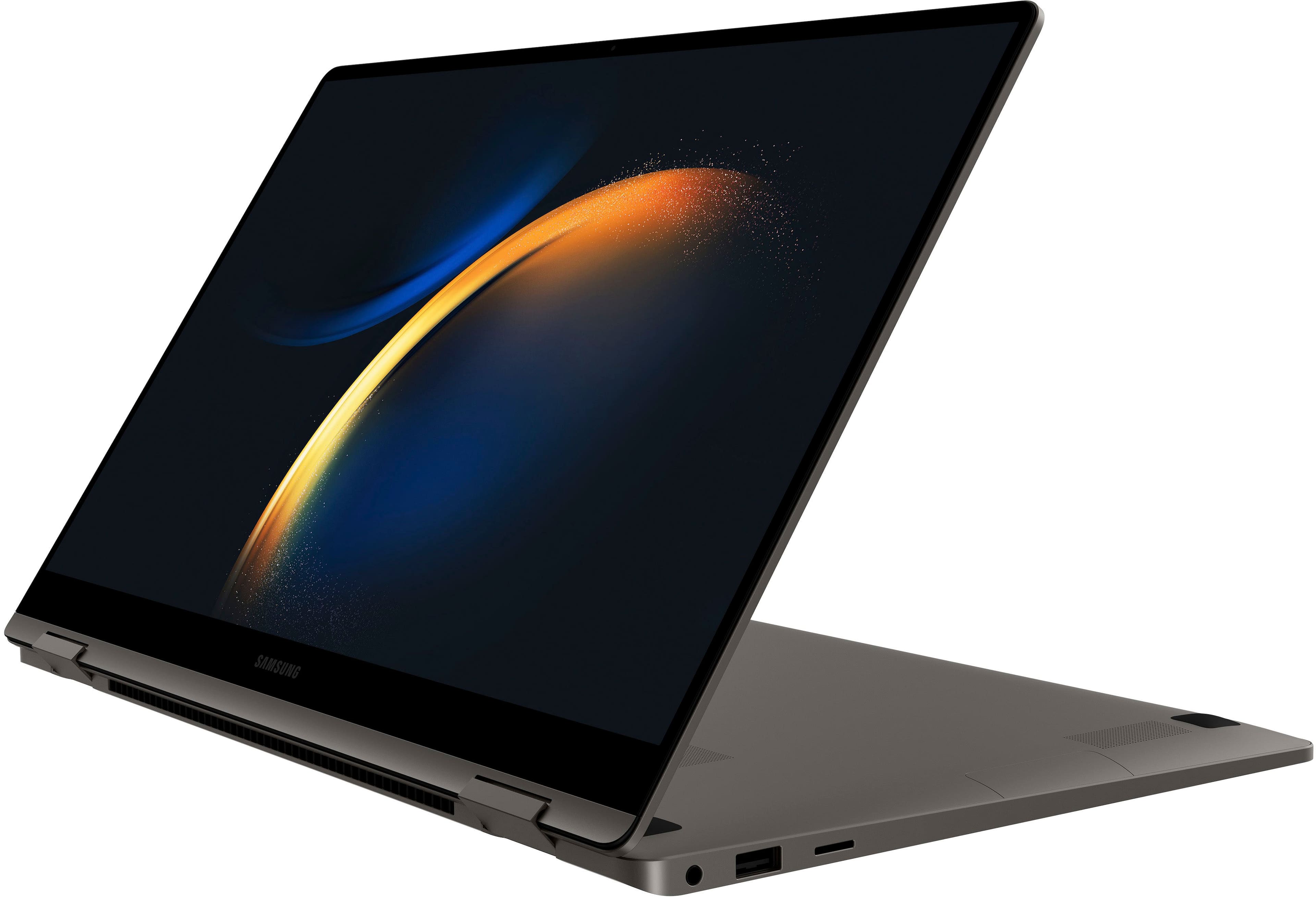
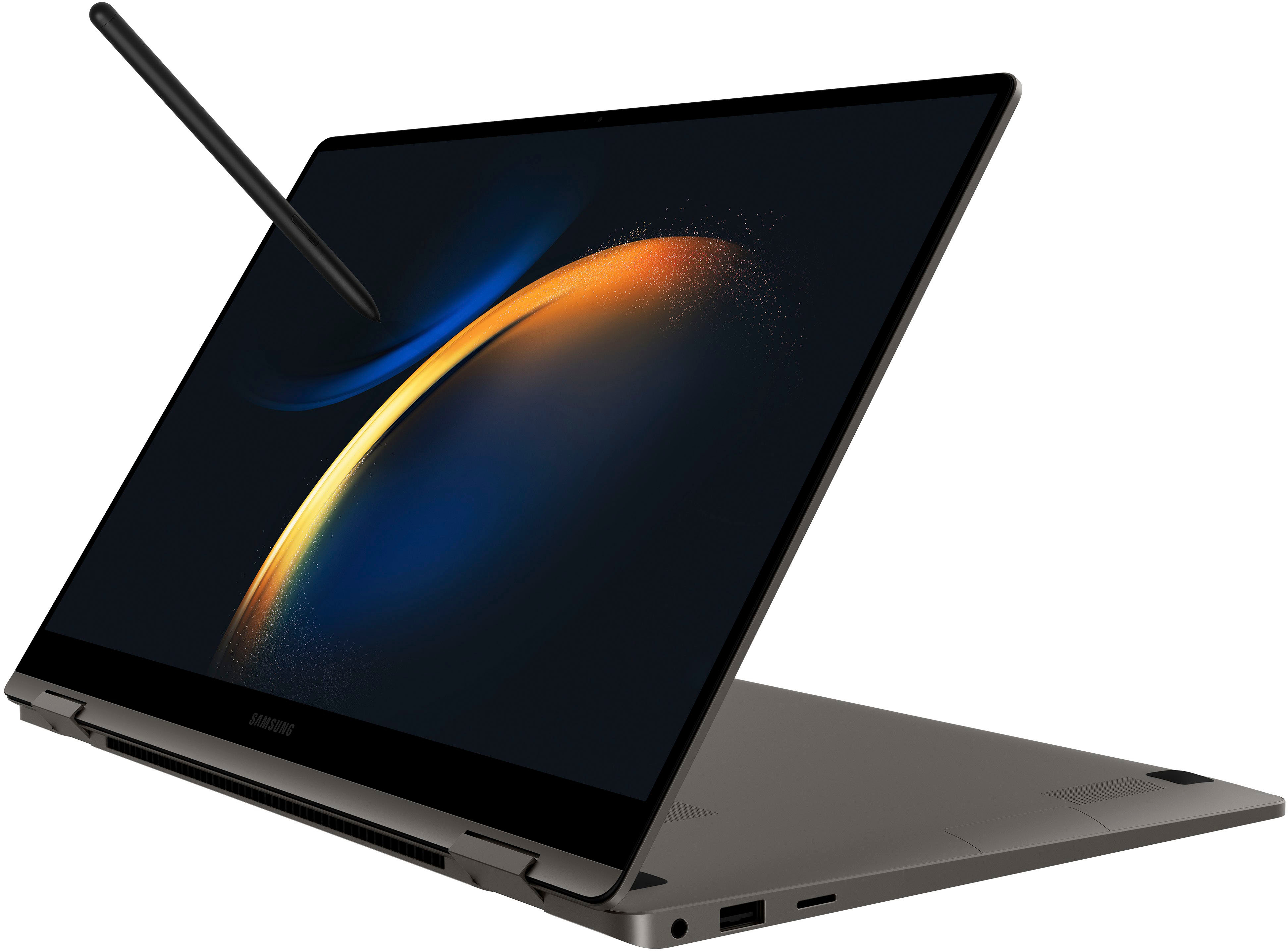
|Posted .This reviewer received promo considerations or sweepstakes entry for writing a review.As a laptop, this machine is fantastic. Solid construction, gorgeous screen, and ultra-fast i7 speeds all make for an excellent user experience. The physical construction is really a step above. Normally, even with an aluminum frame, these "360" laptops simply feel too brittle to use effectively in things like tent mode, but the GalaxyBook3 is an exception. You *can* use this in tablet or tent mode with no worries. The keyboard layout, with numberpad, is great for business use and the keys, despite seeming a bit shallow, can take my inept hammer typing with ease. Audio output is average to above average, but good enough to not feel like a strike against the device. This display is predictably excellent and with bright, popping colors that actually don't seem too saturated. I personally found battery life to be okay. It's not as great as you would get with some other laptops, but it's considerably better than my company-issued machine is. Be warned, though - the fast charging brick gets hot! Performance is excellent. The default RAM configuration and i7 provides more than enough horsepower for 95% of users. Gamers might want to look elsewhere, given that the device is only sporting Iris graphics, but the vast majority of users will have a top-tier experience that will last you well into the future. The included, uniquely Samsung features, however, are where things get a bit iffy. To be clear, these work really well, but since they really require a paired Samsung smartphone, they're not necessarily system sellers. Going over each: Quick Share - works well and quickly, but since most of us have been trained by this point to bounce documents and files off of online storage services or email attachments, there's not really much additional benefit found here. Quick Share, once you've paired your device and linked your Samsung account, is a fast and tidy way of sharing files, but again, this is only really going to impact people who already use Samsung phones. To put in another way, you're not really missing out on much if you're an Apple user and you're interested in this machine, which in a roundabout way is a plus for the computer. If you do use a Samsung phone, however, it's a nice extra. Given that we have to live in a world where our jobs (or schools) insist on us using something like Microsoft Teams, even where you can transfer photos and files pretty quickly and conveniently, you'll still more than likely be using some other service to do the same job. Multi-Screen: okay, this feature is actually pretty awesome. If you need or really benefit from having two desktop screens, this feature will actually impress you. Beyond being able to control your tablet with your laptop controls, Multi Screen makes expanding your virtual workspace both easy and beneficial. You can an MS Office window in full view and actually manipulate while having to observe your coworkers' faces and posts over Teams and Zoom meetings. Students can easily keep a digital book open and scroll through it while attending class (I'm not going to say anything about doing this while taking an online test). There are scores of practical applications to this, and the implementation is smooth and painless. Multi Screen completely obviates the need for a second portable display or multiple tabs running in a browser window. In short, it's pretty impressive. BUT to get the maximum benefit from it, you need a Galaxy tab. This isn't necessarily a bad thing, since Galaxy tabs are pretty impressive in their own right (best Android tabs on the market), but it's a real shame that this feature kind of binds you to the Samsung ecosystem if you use a different manufacturer's tablet. This is the real feature that people who are interested in this laptop who aren't daily Samsung users will miss out on. Private Share: This works well enough with a paired phone, and is certainly better than sharing files over potentially unsafe email attachments or online storage lockers, but this really only provides an additional layer of personal security for either 1) the kinds of things that there are better ways to protect (i.e. sensitive files like tax forms and encryption) 2) personal items that arguably don't need an additional layer of protection, like family photos and videos. Yes, the user experience is pretty easy and seamless, but you frankly shouldn't be sharing some kinds of documents with your phone in the first place. This does provide an excellent means for securely dumping really sensitive things you may accumulate on your phone (say something you received in an email attachment), but again it's arguable you shouldn't really be toting around extremely sensitive info on your phone in the first place. In short, Private Share does provide a pretty nifty and easy way to shuttle files back and forth between your phone and computer, but the usability of this feature is going to depend on your comfort level with keeping sensitive content on your phone. Perhaps the greatest thing about the Samsung feature suite, and this can't be stressed enough, is that it's unobtrusive. Instead of mucking up regular use of the OS or constantly nagging you with pop-up windows, these features sit in their own little box on your Windows taskbar and wait to be used until needed. They absolutely won't get in the way of your work, and their "in the background" implementation is perhaps their primary strength. Viewed this way, as a set of extras that augment your laptop experience if you need them, the feature set included with the GalaxyBook is an excellent perk for those who already use Samsung devices, but not something everyone else needs to worry about missing out on (Except for Multi Screen). In short, this is well-crafted, light, sturdy laptop with hardware that should last you years and is strongly recommended for anyone who needs a business laptop upgrade or who needs a reliable and powerful computer that will carry them through undergrad (or graduate school). An excellent computer, but not one you should necessarily purchase simply because of it's included features. This is okay, though, since the core machine and user experience is simply fantastic.
I would recommend this to a friend - Pros mentioned:Battery life, Screen quality, Weight
Great Laptop!
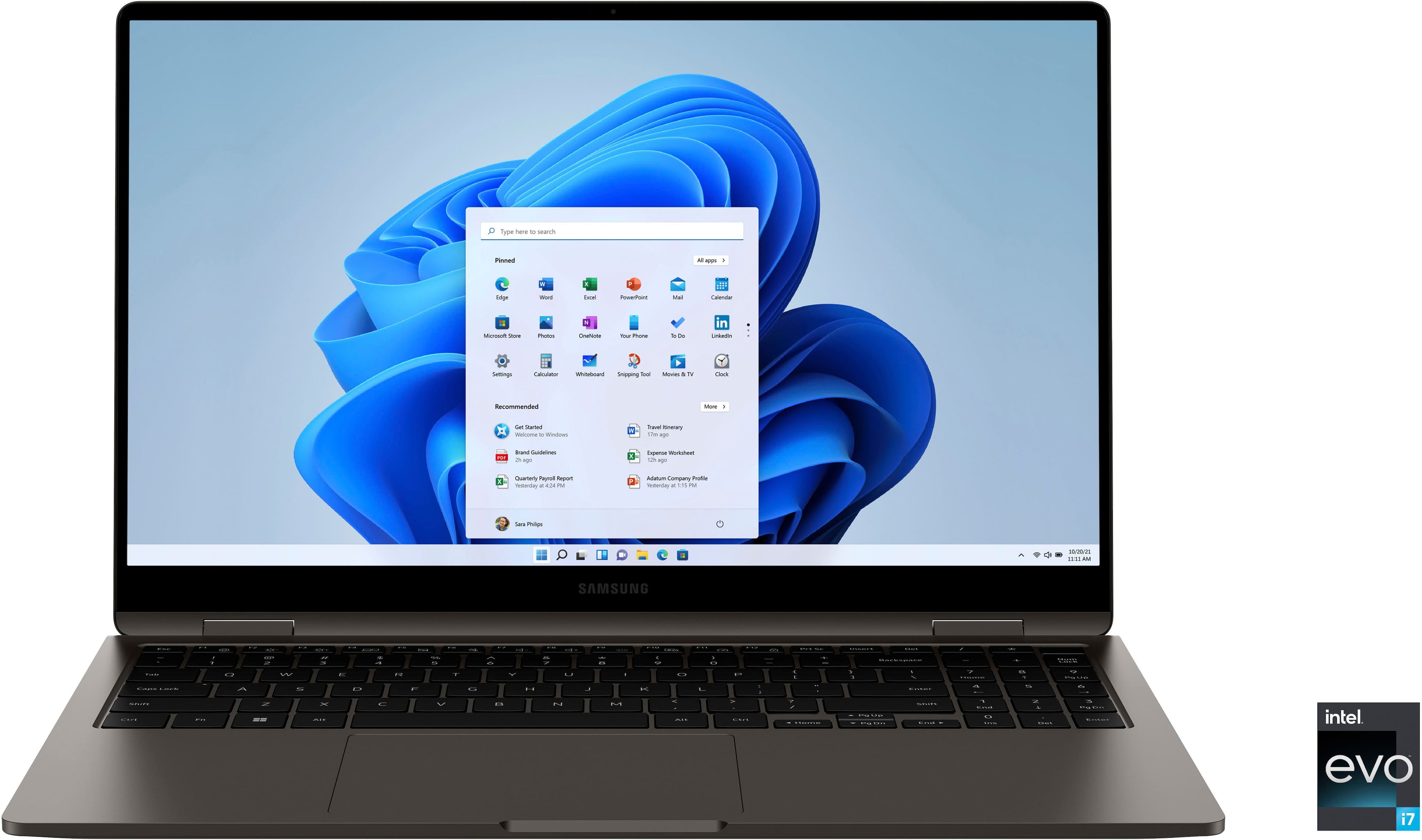
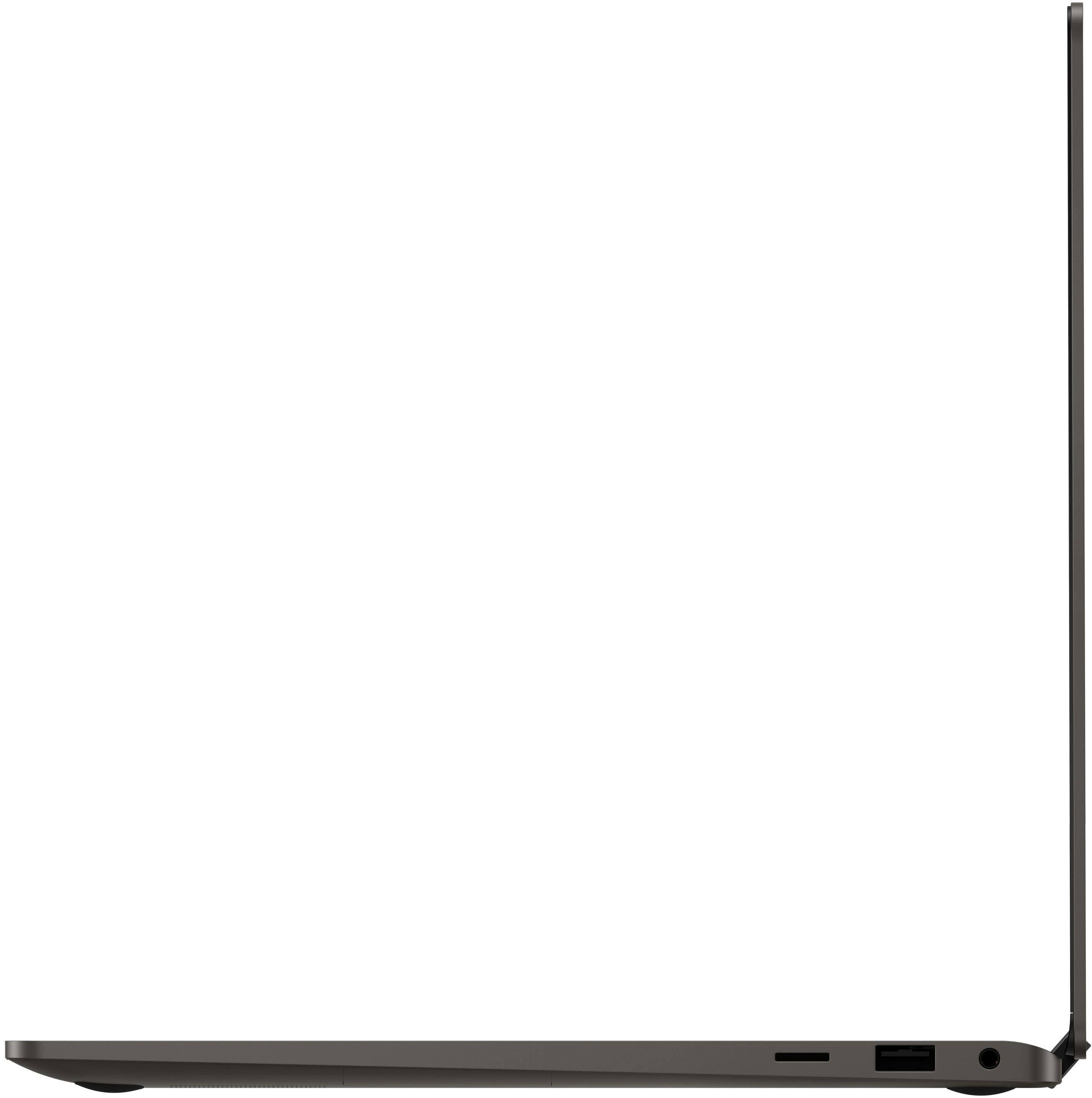
|Posted .This reviewer received promo considerations or sweepstakes entry for writing a review.I received the Samsung Galaxy Book3 360 2-in-1 15.6" FHD AMOLED Touch Screen Laptop, Intel 13th Gen Evo Core i7-1360P, 16GB Memory, 512GB SSD Graphite. This is a really nice looking laptop, seems to be well made and durable. It's thin and light weight design makes it easy to just grab it and go. Has a good battery life as well. Has a crisp, bright and beautiful, full-HD screen, with all the quality you expect from a Samsung Galaxy display. You have plenty of room to keep the files you need with 512GB of built-in storage that you can add up to 2TB of expandable storage via a microSD card. I really love the Quick Share/Private Share feature. Easily send your files to another device with Quick Share, a seamless connection that helps you save time and minimize frustration. I can send a file, a photo or video at full resolution without compression from your Galaxy Book3 to my Galaxy Note 10+ phone, or vise versa from laptop to my phone. You can share web links between devices as well. With Link to Windows, your Galaxy devices connect seamlessly to help you do more easily. You can transfer a call, a text or a video call in mid-conversation from your Galaxy Book3 PC to your phone or vice versa. Just make sure you’re signed in to your Samsung account and have an LTE or Bluetooth connection. If you have no Wi-Fi, no problem, stay connected with Auto Hotspot. If you’re on your Galaxy Book3, you can access the internet from your Galaxy phone with a simple tap. It’s easy to turn on Auto Hotspot with a few taps directly on your PC, you won’t even have to get your phone out of your pocket or bag. it does require a smartphone with Android 11.0 or later and PC with Windows 10 1901 or later. Must be logged in to the same Windows and Samsung account on both devices and have a Bluetooth and Wi-Fi connection. Requires initial setup on both smartphone and Galaxy Book, which was super easy. Overall this is a great light weight laptop to be able to share between devices is a big plus in my book! I would definitely recommend.
I would recommend this to a friend Buy a less expensive model and save disappointment
||Posted . Owned for 1 month when reviewed.This reviewer received promo considerations or sweepstakes entry for writing a review.Laptop isn't very fast considering what I paid for it ($1500) Issues with some keys not functioning properly right out of the box. Battery life isn't great
No, I would not recommend this to a friend- Pros mentioned:Battery life, Screen quality, Weight
Premium Build Just Be Careful of Screen Flex.
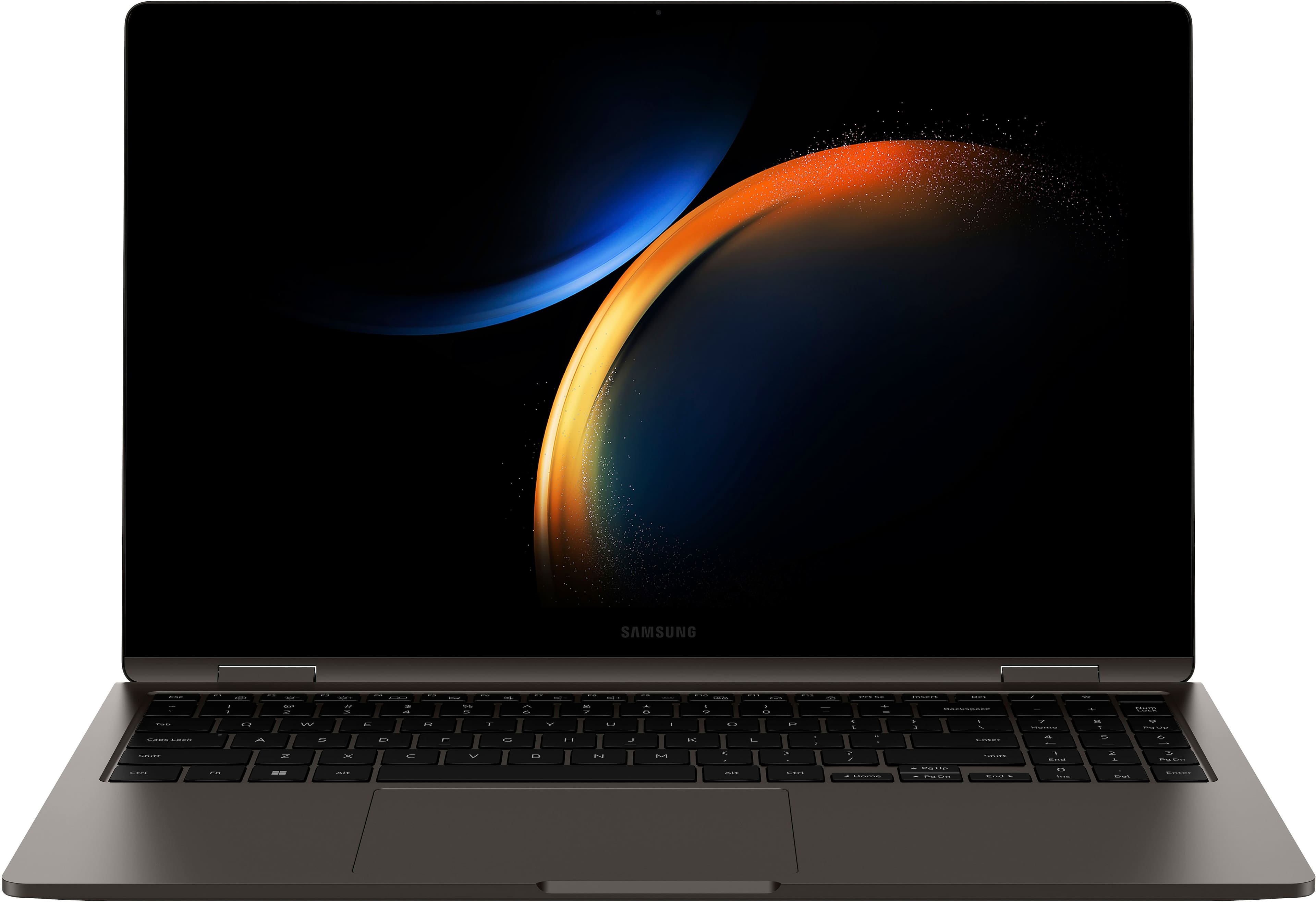
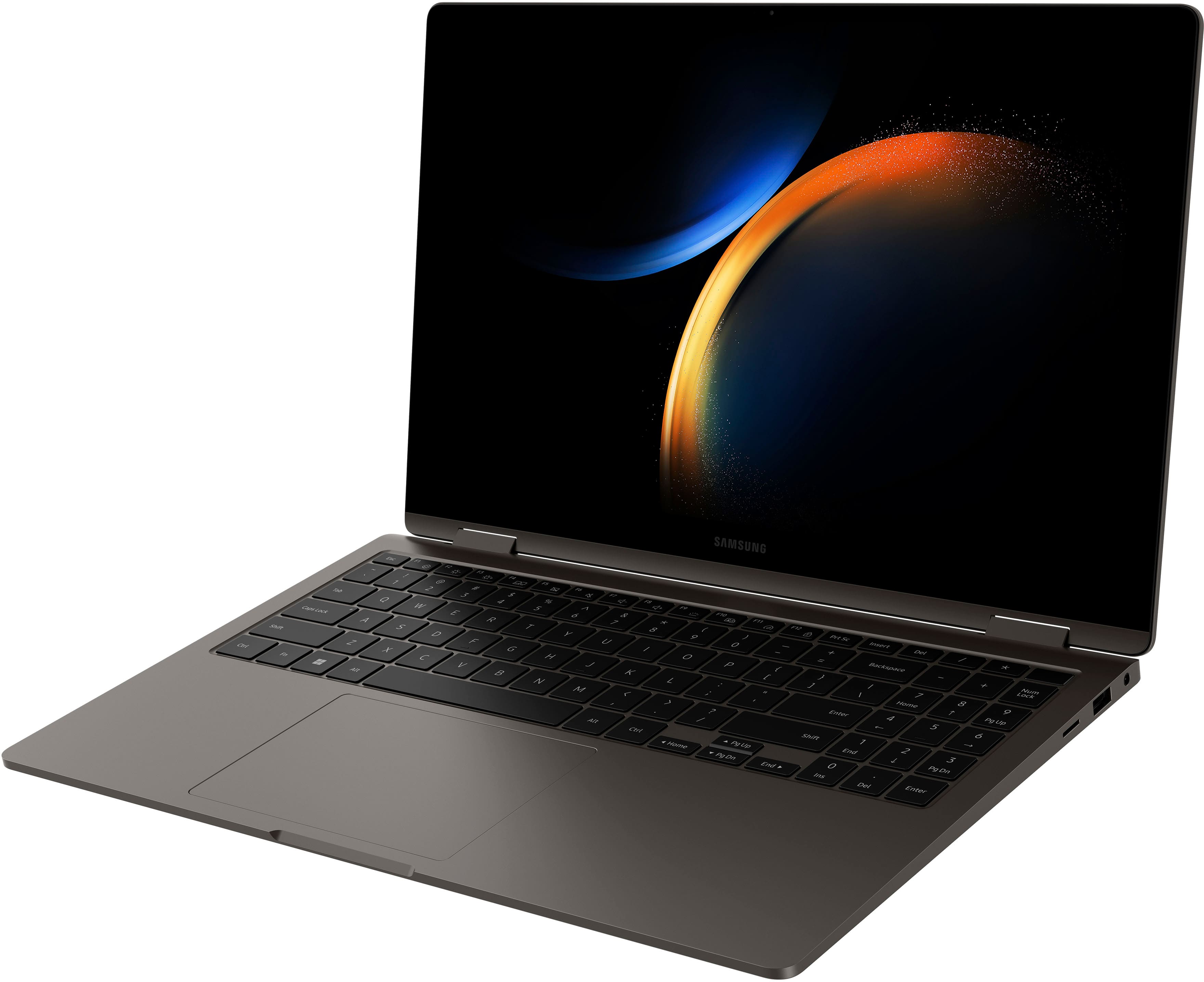
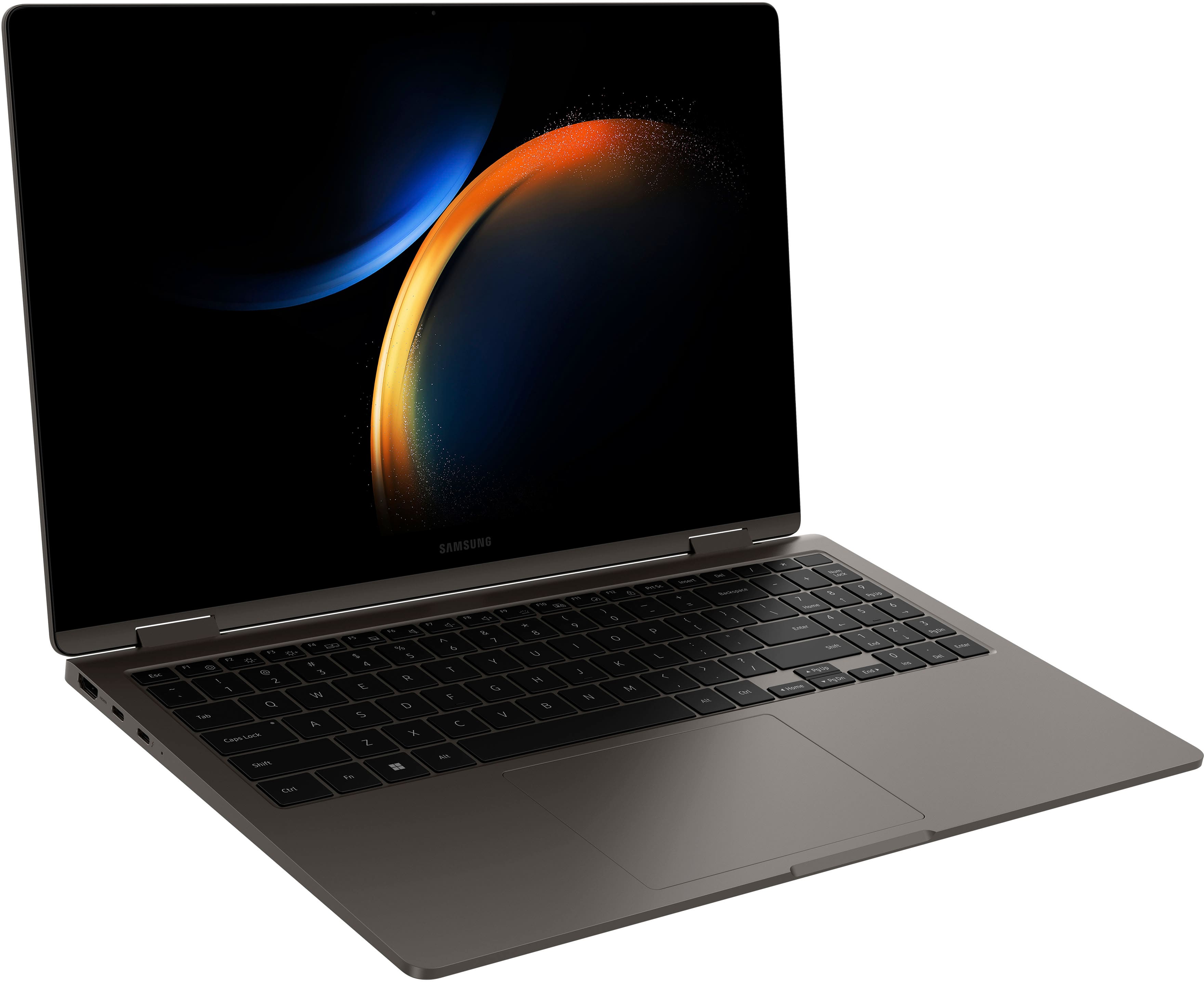
|Posted .This reviewer received promo considerations or sweepstakes entry for writing a review.There are a lot of pros when it comes to the Samsung Galaxy Book 3 360. First, the build quality is among the best. The all-aluminum build has a sleek and minimalist design. It is thin and very lightweight. The gray finish is pleasing to the eye. Yet, doesn't jump out screaming laptop! The edges are not pointed and aren't sharp. You can tell Samsung paid attention to the design and build when crafting this. You get a great keyboard with very little travel in the keys. You get a large-size trackpad which feels fantastic. The speakers sound good as well even though they are pointed down. The Display on this thing is amazing. The AMOLED Display is just a beauty to watch anything on. Yes, I know it's only 1080p but the blacks are deep black. The contrast pops out. The screen gets pretty bright also. On a sunny day, I was able to easily see the screen with the brightness up. When folded back in Tablet mode the screen and touch felt extremally smooth. There was no lag input or stuttering. I ended up using this thing more in tablet mode than I realized. There is a little reflection but nothing too bad. The CPU in the Samsung Galaxy Book 3 360 is the latest Intel 13 Generation I-7 1360p. It's a good processor to pair with a thin and light laptop. I had no problem with productivity and content creation for my needs. It also renders video quite well. In Cinebench R23 It scored 10232 in the multithreaded score. You get a long-lasting battery as well. It lasted 13 Hours on 40% Brightness in Quiet mode with just Youtube playback going. Some of the Bonuses that come along with this are the Samsung Ecosystem. You get a variety of apps that come with Samsung devices. Such as Quick Share, Multi-Control, Samsung Notes, Samsung Pass Etc. Quick Share allows you the ability to share and connect easily. Simply, you can share images or files very quickly with other Samsung Devices (I would check device supported list). You can even share and send large files over a Gig. This is shared between two Samsung Devices. You can use Private-Share to share with other devices. You have to have a Samsung Account and you can create a private link. This link can be shared with the other device and you can share and send files with the link. The Link is blockchain and encrypted. The Last bonus I think most people will enjoy is multi-control. You can link your Samsung tablet or phone's screen with the Galaxy Book 3 360. You can share the same mouse and keyboard as the connected device. You can have a second screen with the multi Control capabilities. Some Negatives come with the Galaxy Book 3 360. I know Samsung wanted to make a thin and light device and they did but that comes with some problems. The screen is thin and with pressure, it can flex. Thin and Light devices are meant to be portable. Most people use them in that way. When I hold the device the way most people do with laptops on the go. When I place my hand in that position it just doesn't feel as sturdy and durable in this position. I can feel some flex in the middle portion. It may not be a problem. I would just caution and not grab there. I would grab more toward the hinges. Some more small negatives are the 1080p screen. 1920x1200 would have been a little better. Plus, the useless number pad throws the mousepad off-center. Lastly, I opened the device up and saw there was only one m.2 storage. It looked like there was room for a second one? Overall, this is still a premium device. I would just caution on the middle portion of the screen if you are carrying this as an on-the-go laptop.
I would recommend this to a friend - Pros mentioned:Screen quality, Weight
Great entry level laptop which doubles as a tablet
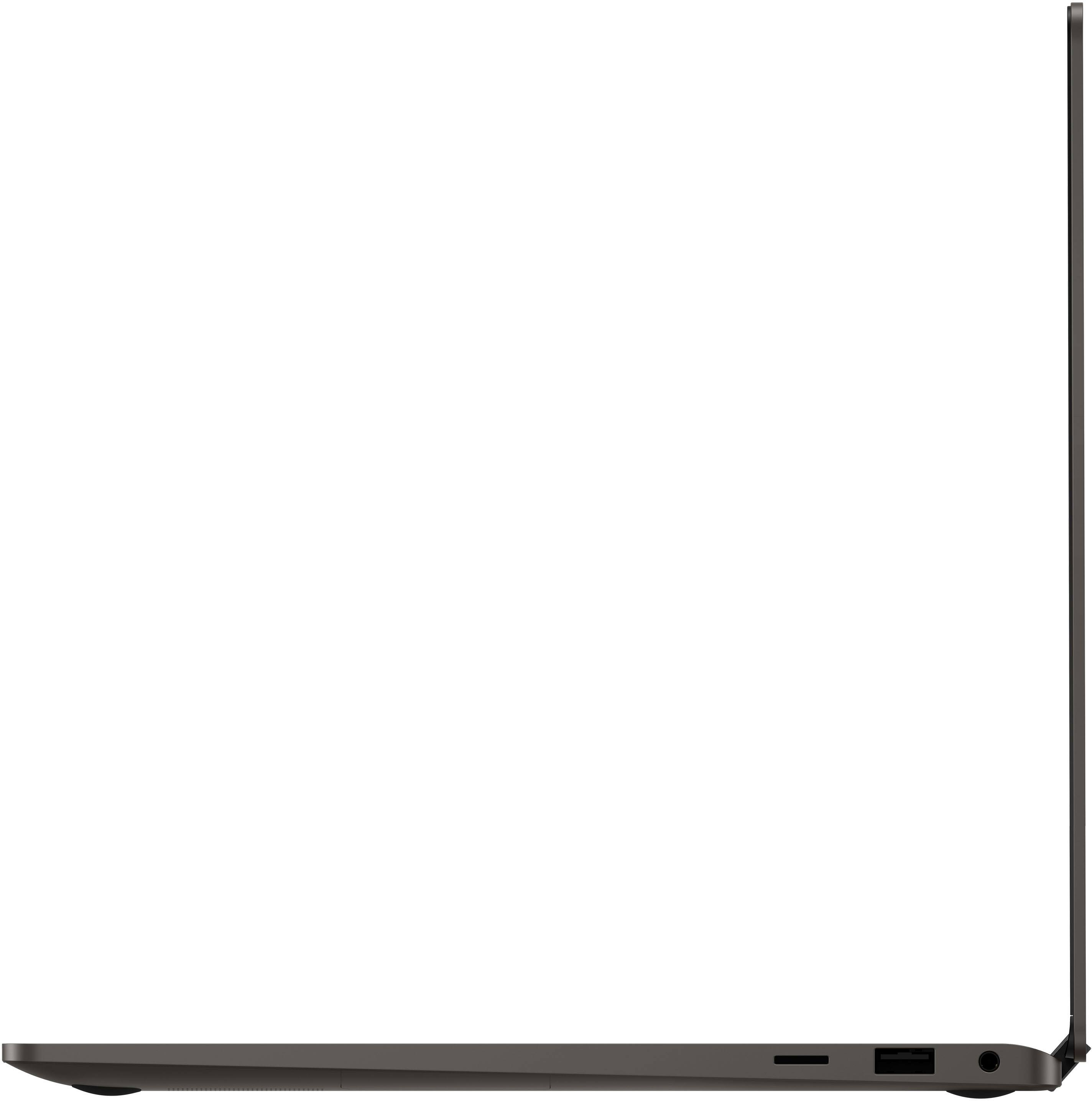
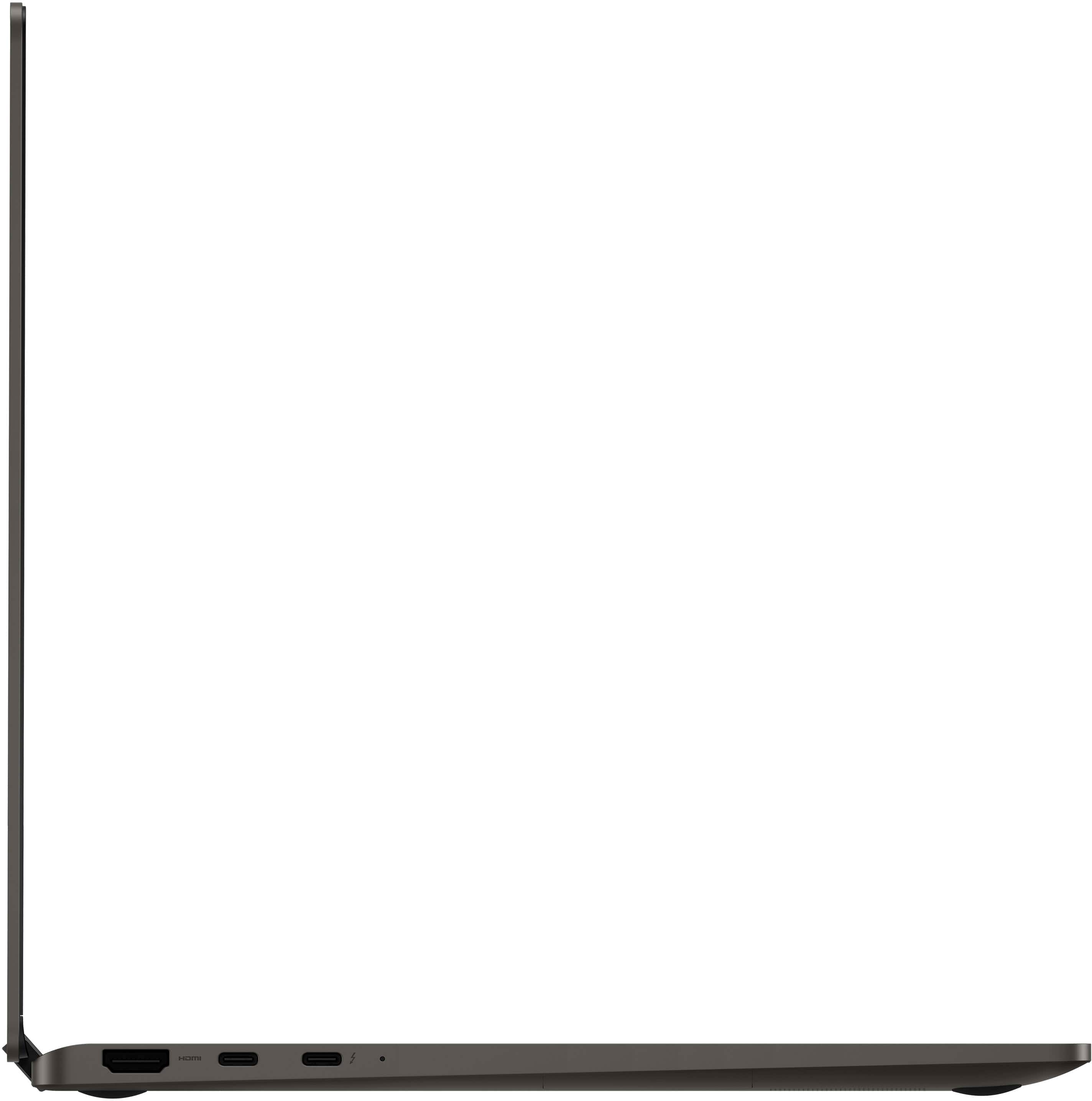
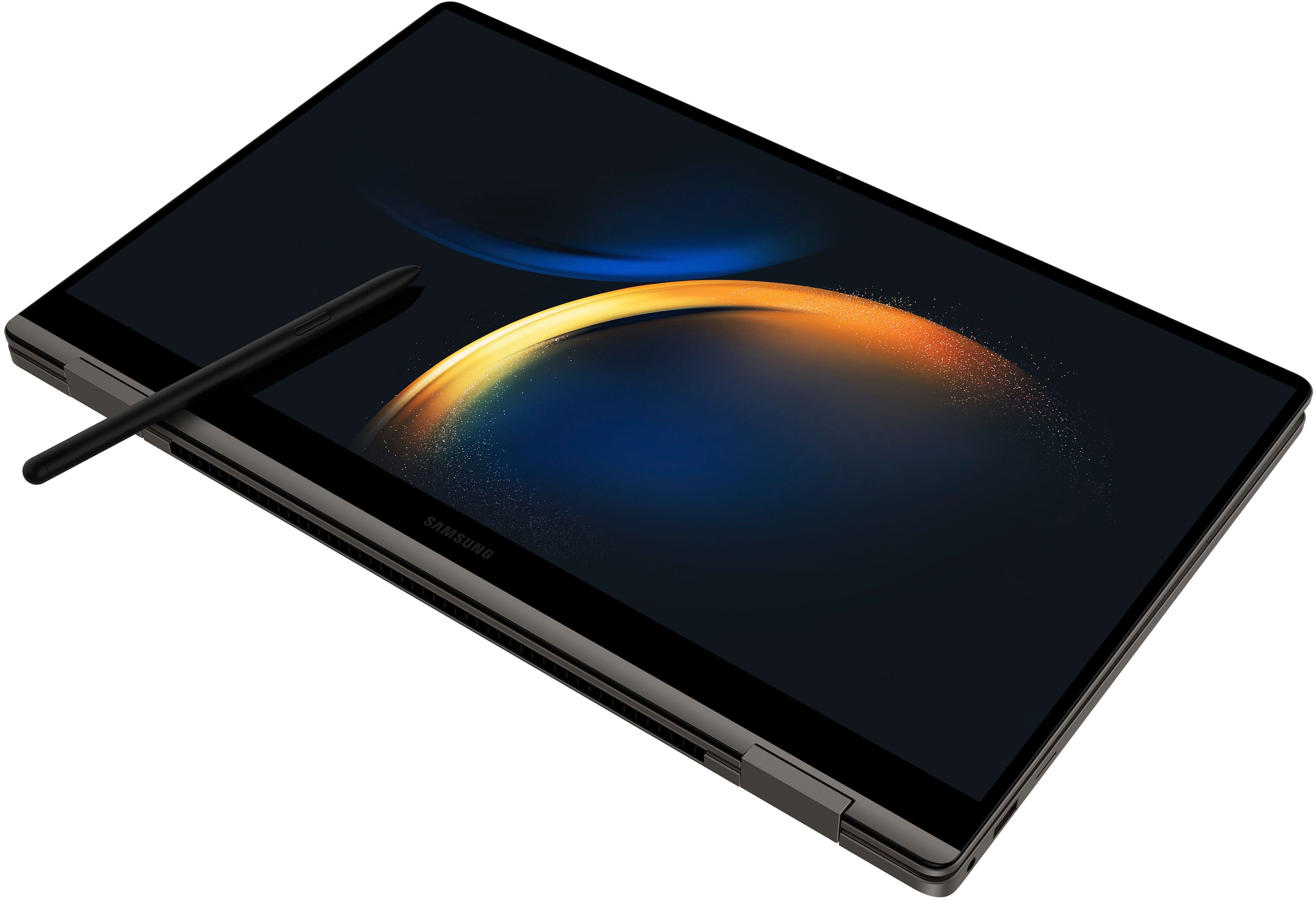
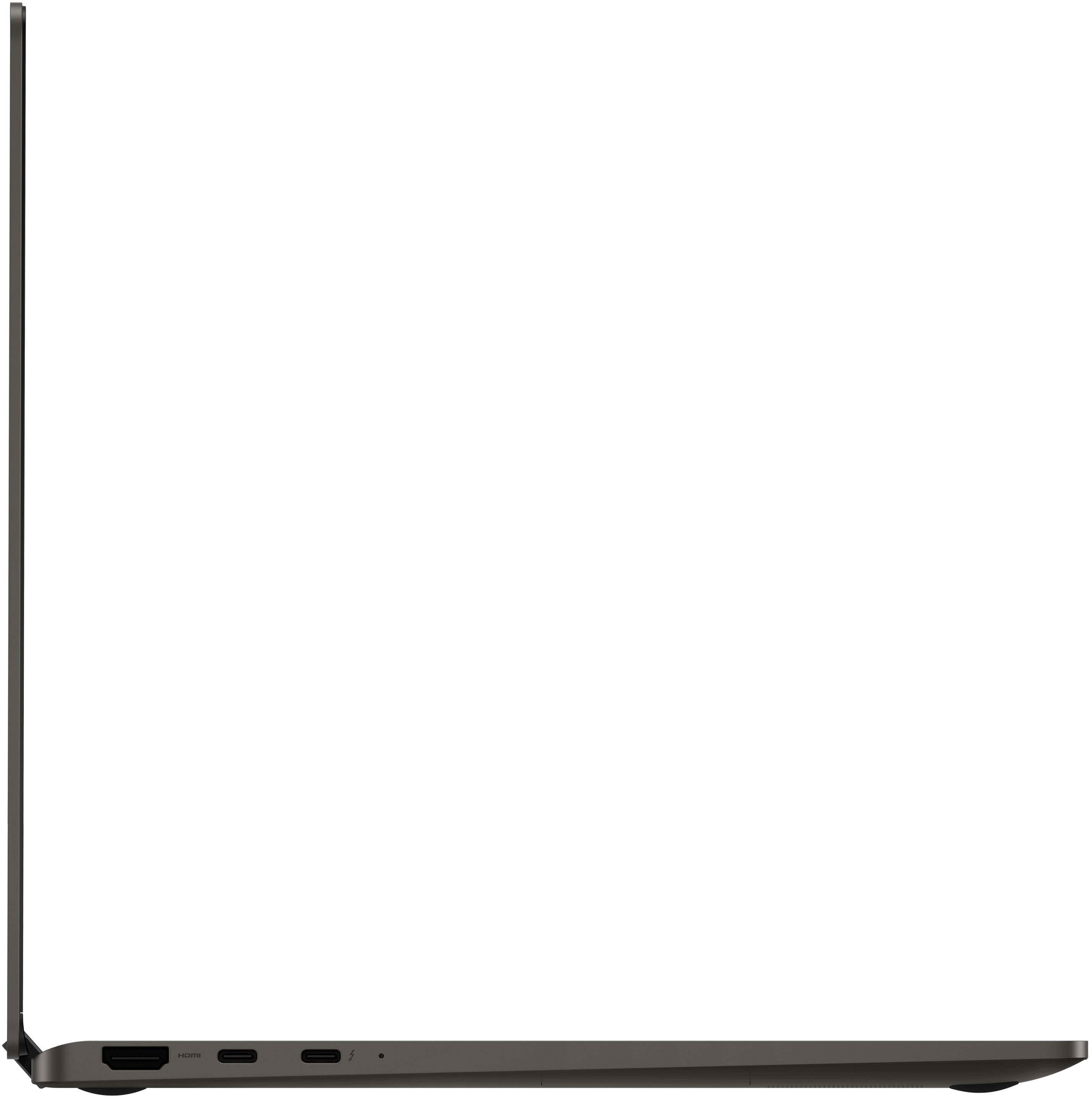
|Posted .This reviewer received promo considerations or sweepstakes entry for writing a review.They key to purchasing a laptop you want is knowing what you need it for. For gamers, you need a certain amount of power, RAM, HDD space...then you look at screen resolution, refresh rate...there's a lot to factor in. For the average consumer however, a choosing laptop may not require most of those factors to be considered, but you're also faced with even more options. I've tried a lot of different laptop options, and I must admit, with the Galaxy Book3 360, Samsung delivers a solid laptop that cuts through a lot of the noise and now has me focused on Samsung as a brand to look out for in the laptop space. To start, this screen is absolutely beautiful. Yes, it's only FHD, but the AMOLED display makes a huge difference. The starter background image used by Samsung is a wise choice as the blacks in the spacey background stand out on this screen which is something you can get used to. I've watched a few videos with it and it's stunning. The speaker quality on the Galaxy Book3 is solid, but I'm more of a headphones person myself. Once you get past the amazing screen, you'll notice the rest of the laptop isn't too bad either. For starters, it's light and thin. It's one of the lightest 15.6" laptops I've ever had. Samsung says it's 3.22 ilbs. That's either lighter then it's competitors with similarly sized screens, or barely heavier than those with smaller screens. The port selection is standard fare for the ultrabook type frame. What stands out for me is the keyboard. I'm not used to a number pad on something this small and light. The keys all have a solid feel on each push. I could type away on this thing all day. Each key has a solid backlight making the keyboard easily usable in darker rooms. The touchpad is fairly big, but doesn't get in the way of my typing. Awesome keyboard with a number pad, standard ports, awesome screen? That's the Galaxy Book3 as an ultralight laptop, however, the "360" in it's name speaks to it's laptop screens ability to bend back completely turning the Galaxy Book3 into a tablet. As a tablet you're dealing a touch screen interface (which, you can use the S Pen on) and the amazing screen. One thing I will say about the Galaxy Book3 360 as a tablet, while the keys lock (don't register clicks) in tablet mode, I wish there was some way they couldn't be pushed at all. I can see how that could create issues with keys locking up when not in tablet mode, but it does just feel weird using the Book3 360 as a tablet and feeling the keys push in. The connectivity between the Galaxy Book3 and Android phones is A1. With Phone link I can receive and send text messages as well as do anything else I can do from my phone from the laptop. Apps mirror allowing you to even use the apps on your phone from the laptop. Receive a text and have to send a cashapp? No problem, it can be done from the laptop via mirroring. While this is a great feature to access my phone while I'm locked in on the laptop, when I'm going away from the laptop quick share allows me to transfer files from the laptop to my phone in the blink of an eye. I shot a 28 mb file over to my phone in a couple of seconds. The one thing I'd say would make this laptop perfect for me is more power, which, Samsung does offer in it's higher-end models of the Galaxy Book 3 Ultra. Overall, the Galaxy Book3 360 is a great pickup for the average consumer looking to browse the web, be entertained, or do some school/work work. If that same average consumer is a Galaxy phone user, this laptop is an even greater choice. I'd say for anyone who happens to check this laptop out, average consumer, gamer, whoever...this laptop makes a statement about Samsung's seriousness in the laptop space, and if this laptop isn't for you, it may sway your interest in Samsung's higher end models.
I would recommend this to a friend