Customer Ratings & Reviews









- Model:
- NP960QFG-KA1US
- SKU:
- 6531073
Rating by feature
- Battery Life
Rating 4.4 out of 5 stars
- Speed
Rating 4.7 out of 5 stars
- Display
Rating 4.8 out of 5 stars
Customers are saying
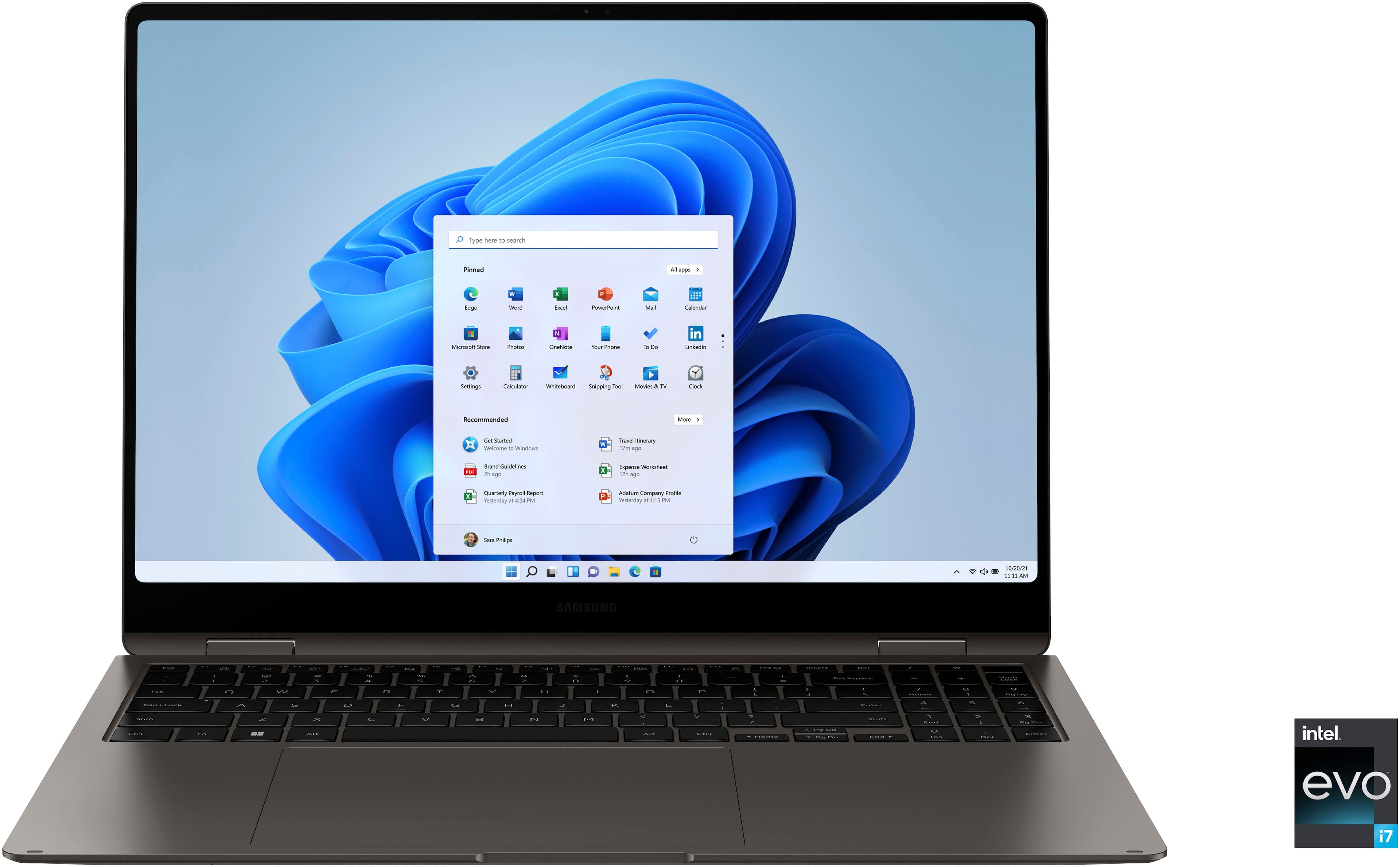
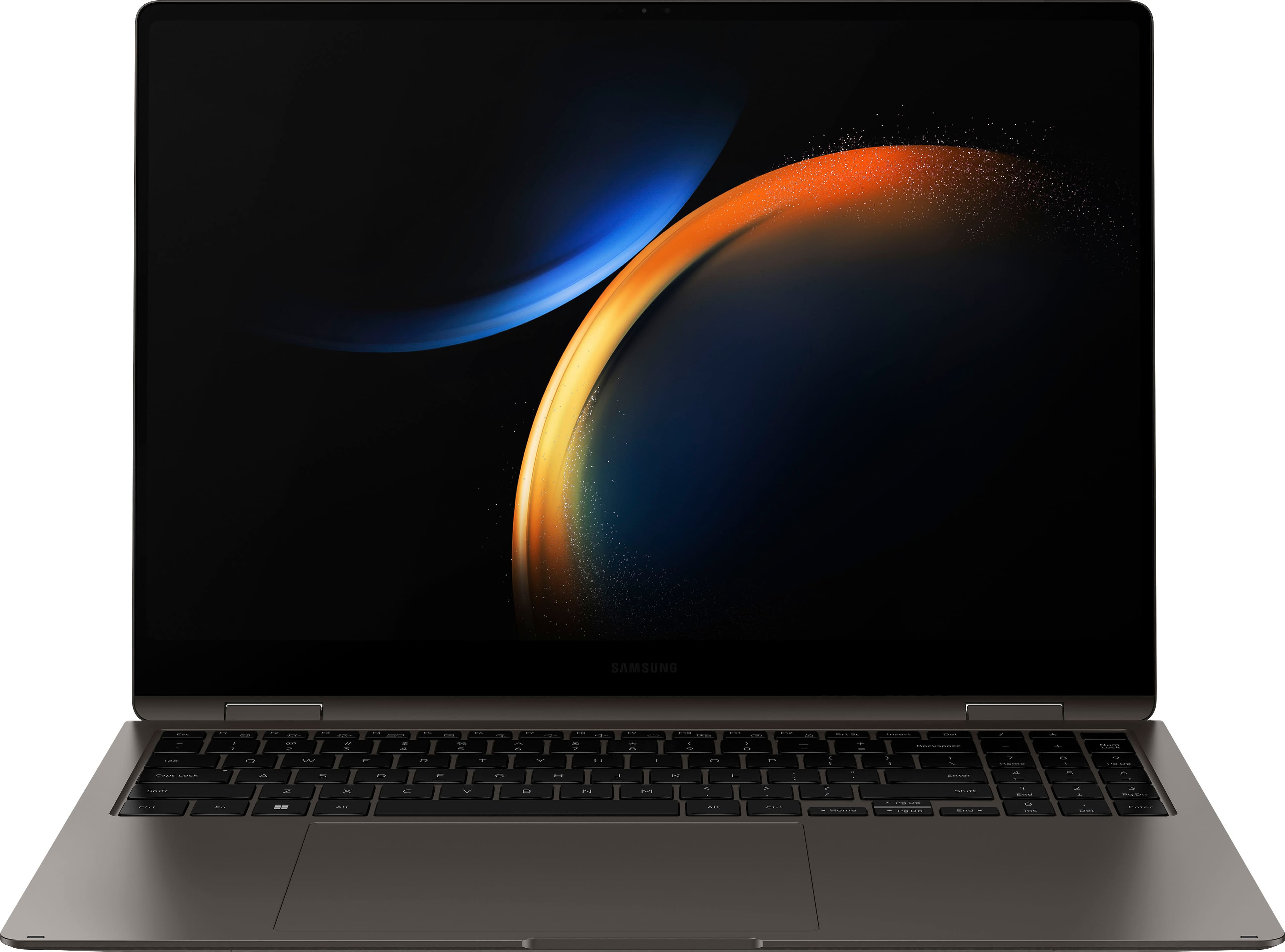
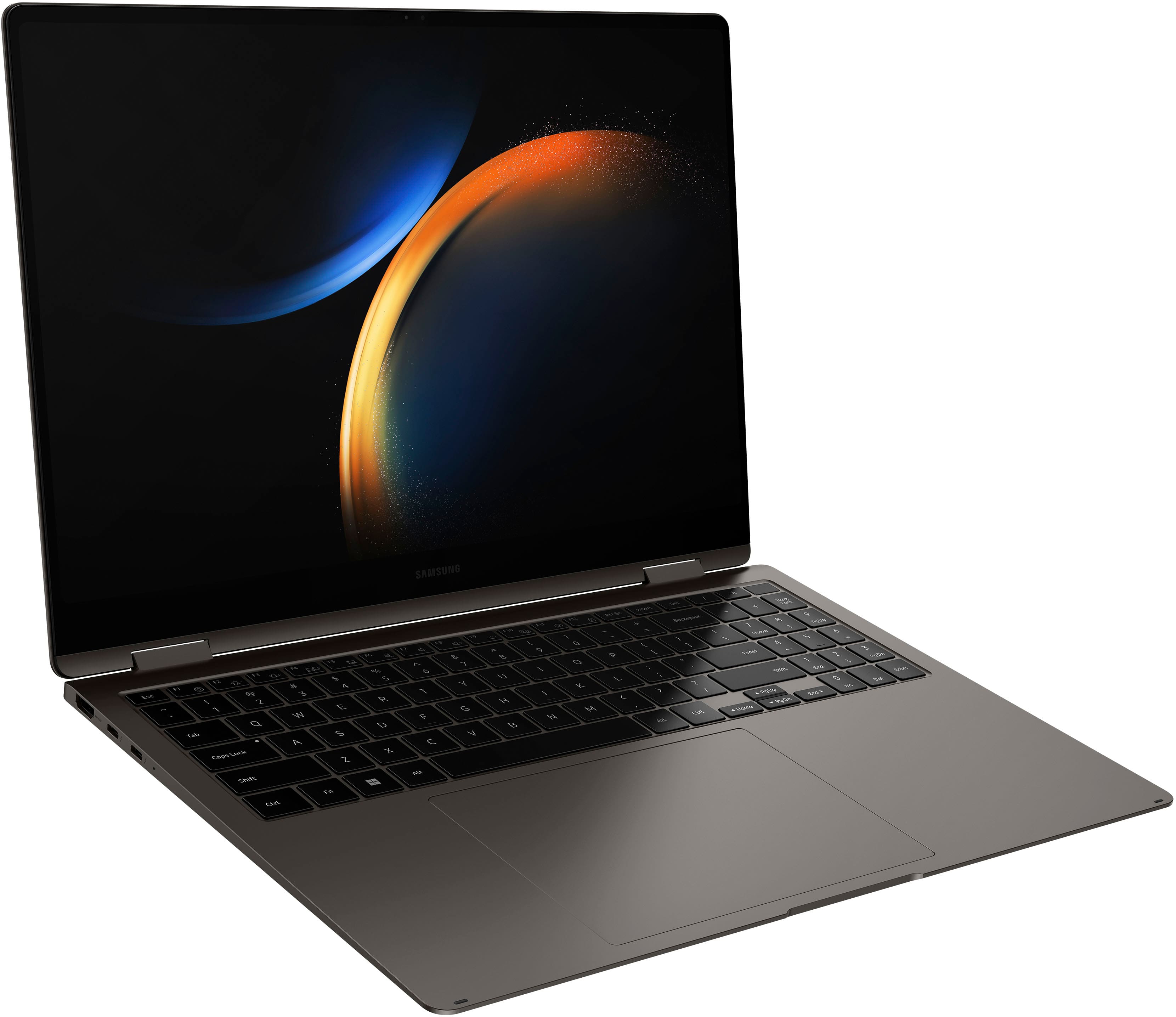
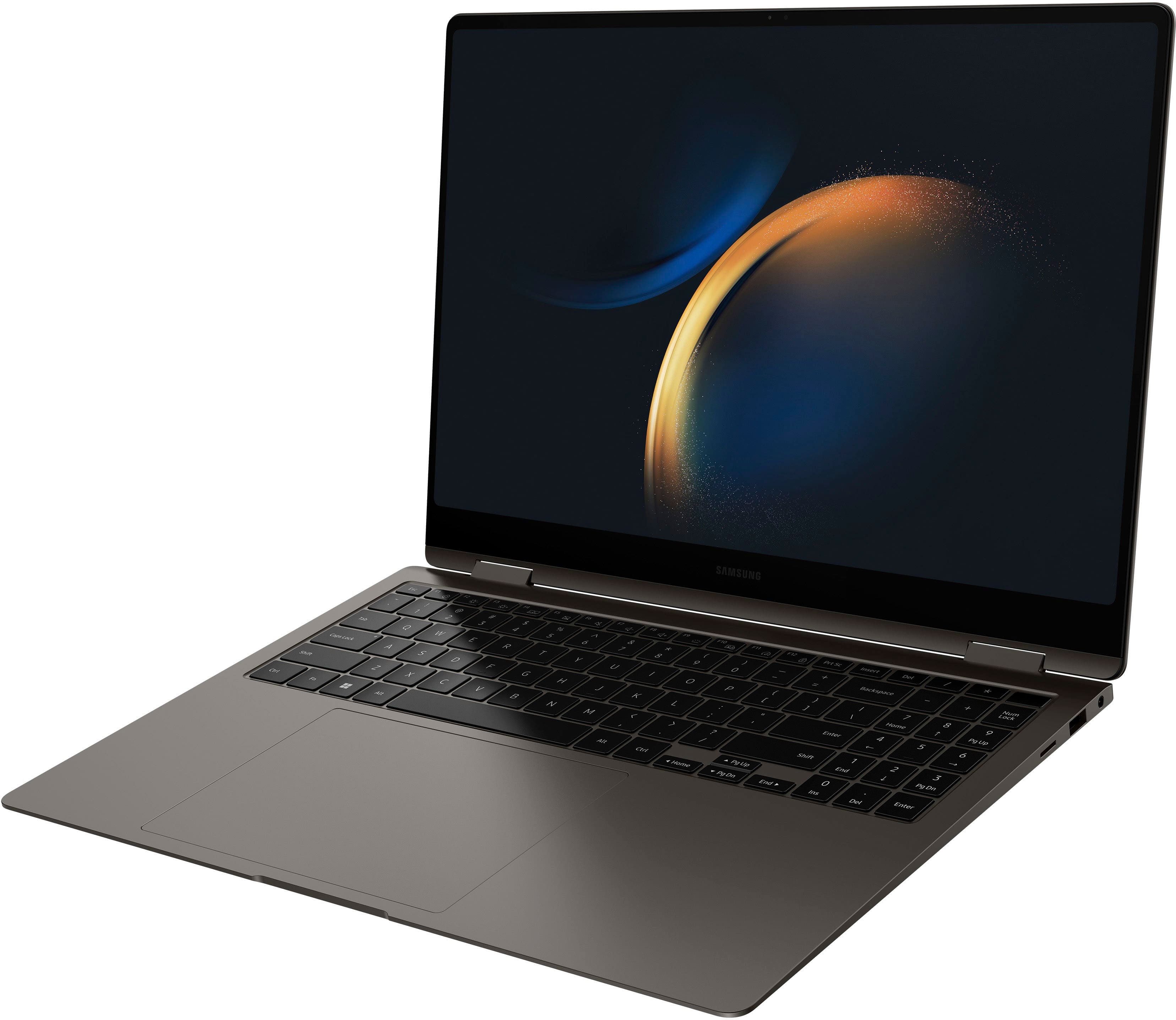
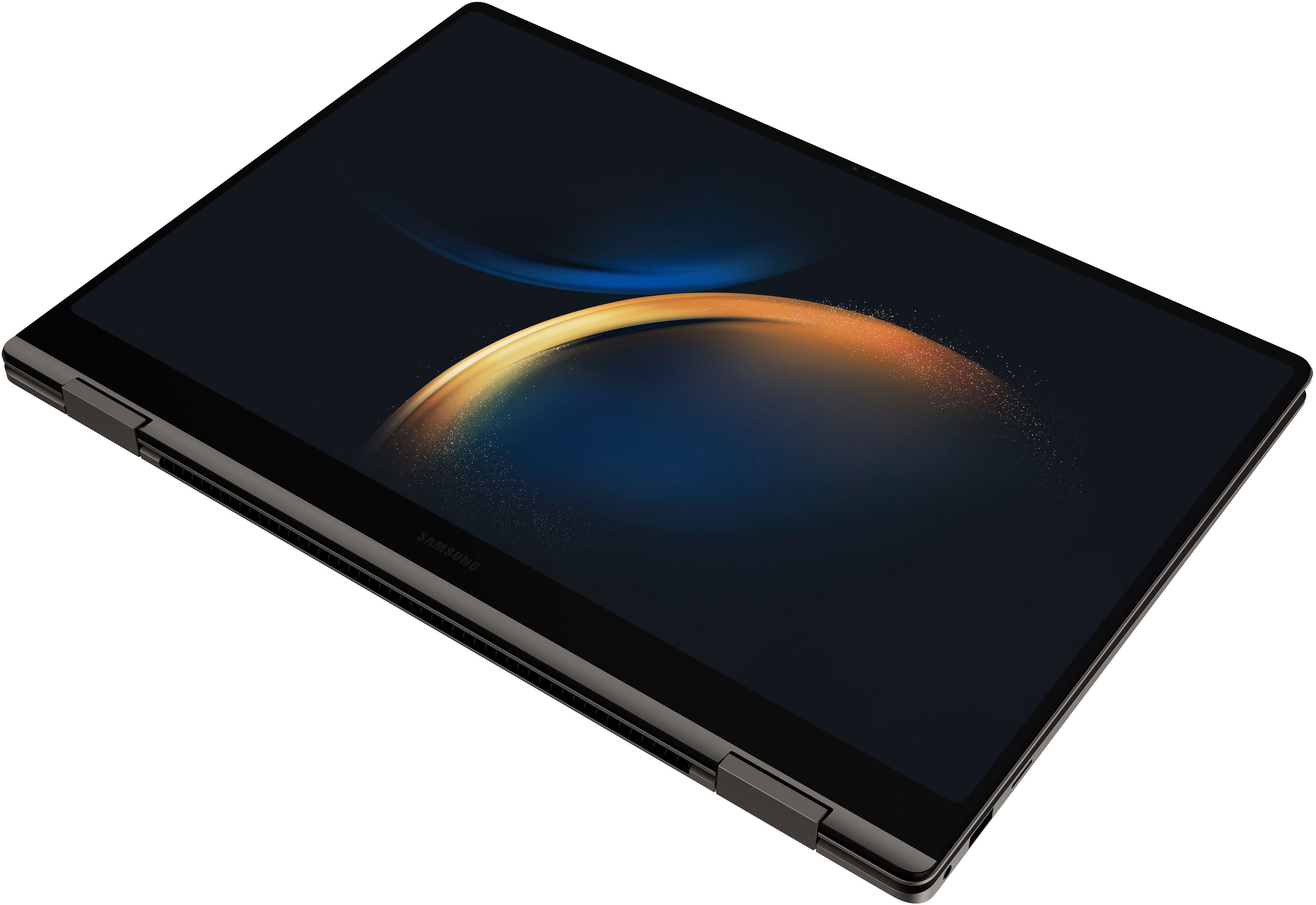
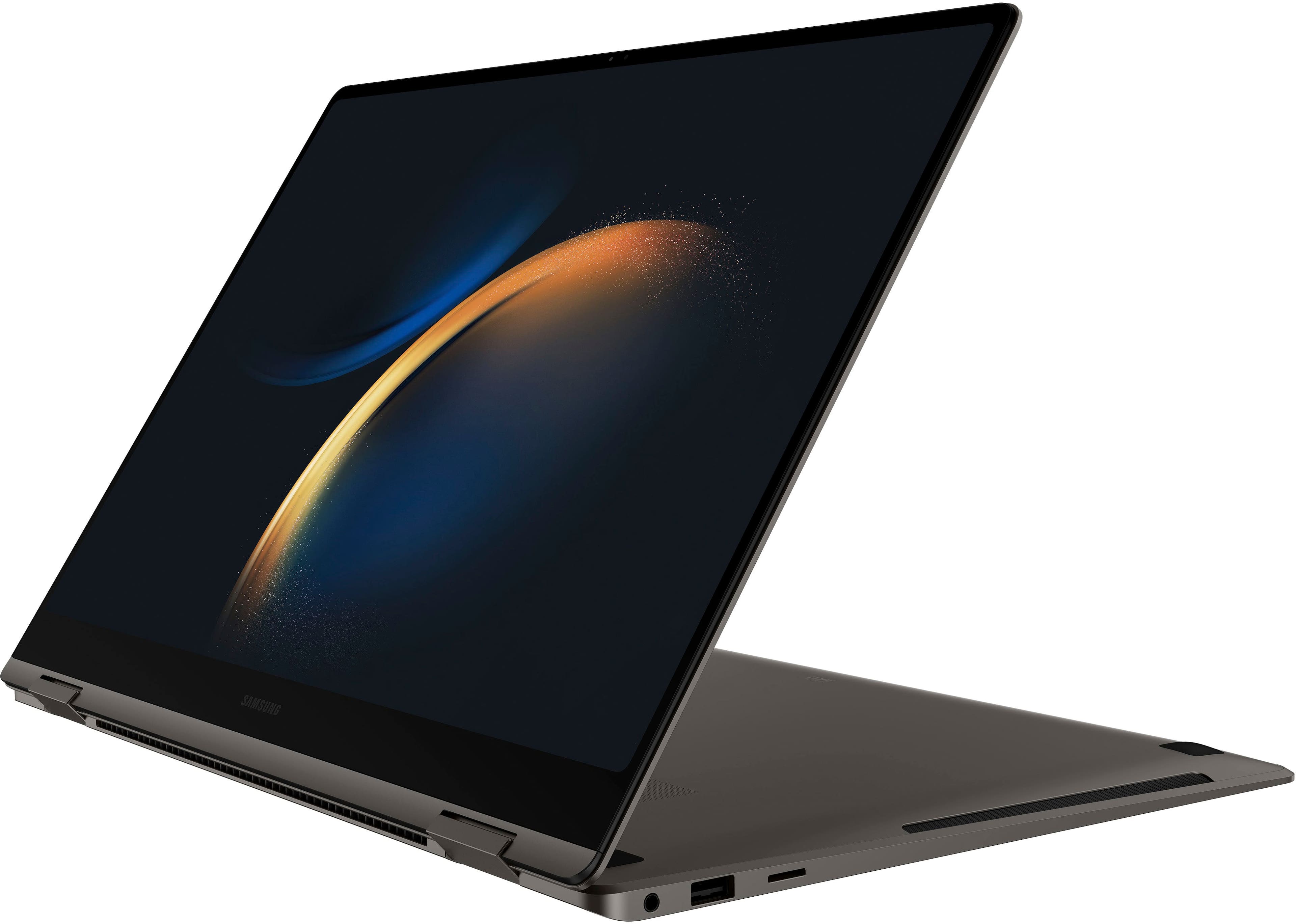
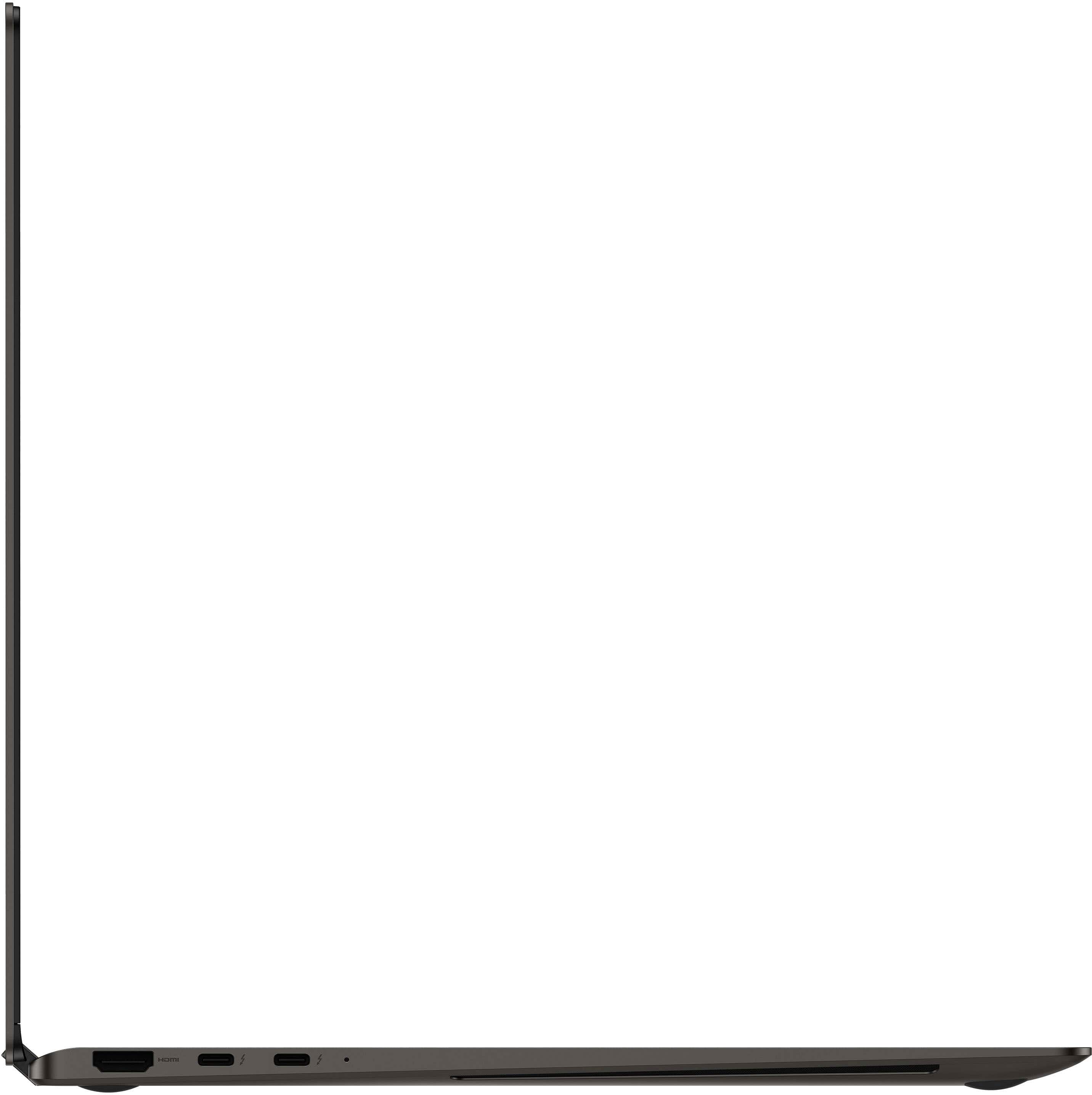
Customers love the Galaxy Book3 Pro 360's stunning screen quality, lightweight design, and long battery life. Many appreciate its strong performance and ease of use. However, some users found the trackpad size and potential for the device to become warm during use to be less than ideal. A few also expressed a desire for more RAM and a more robust graphics card.
This summary was generated by AI based on customer reviews.
- Pros mentioned:Battery life, Processor speed
very good laptop
||Posted . Owned for 3 weeks when reviewed.This reviewer received promo considerations or sweepstakes entry for writing a review.very good laptop that fits my needs. good battery life and good speed.
I would recommend this to a friend - Pros mentioned:Performance
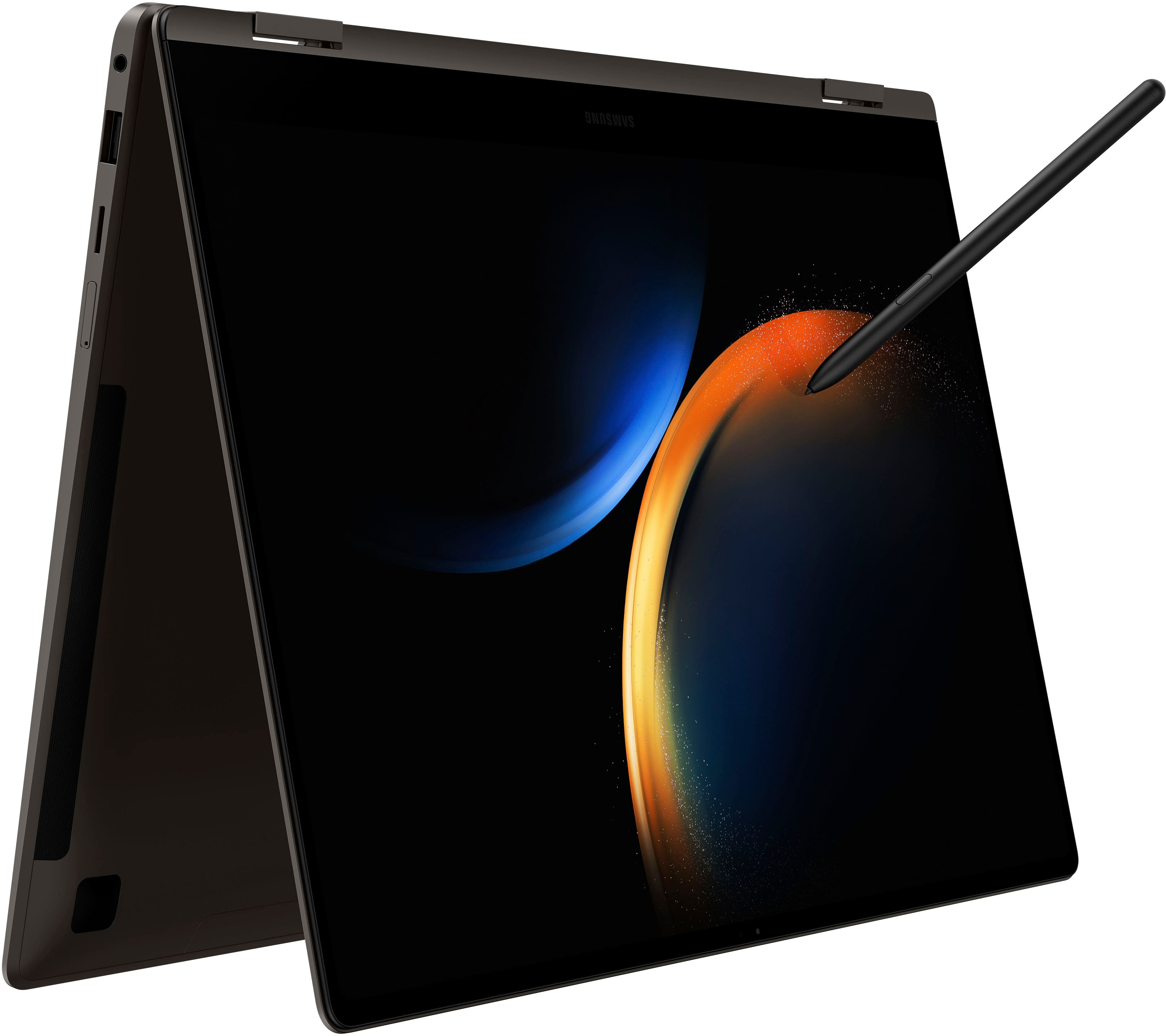
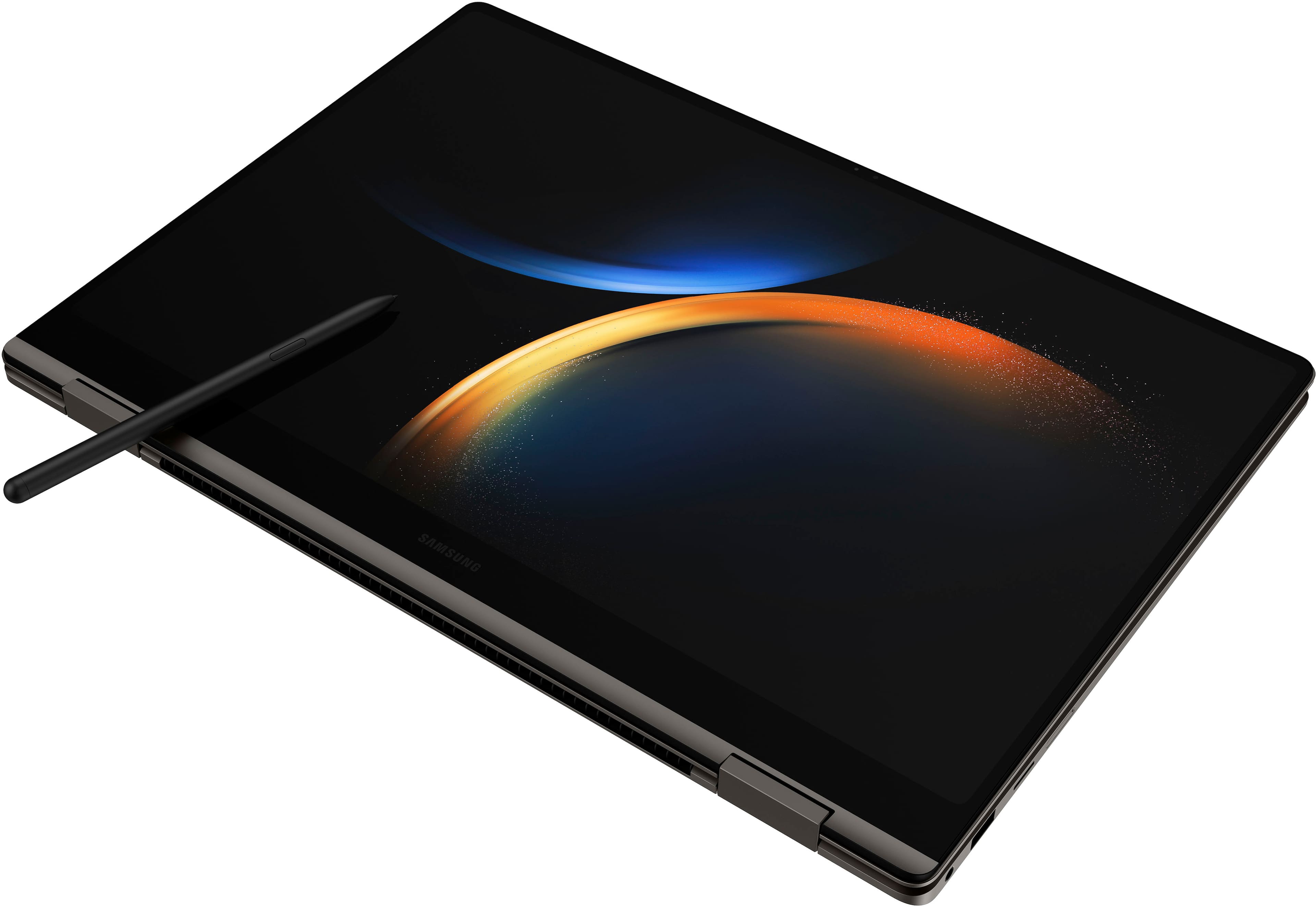
SPEN
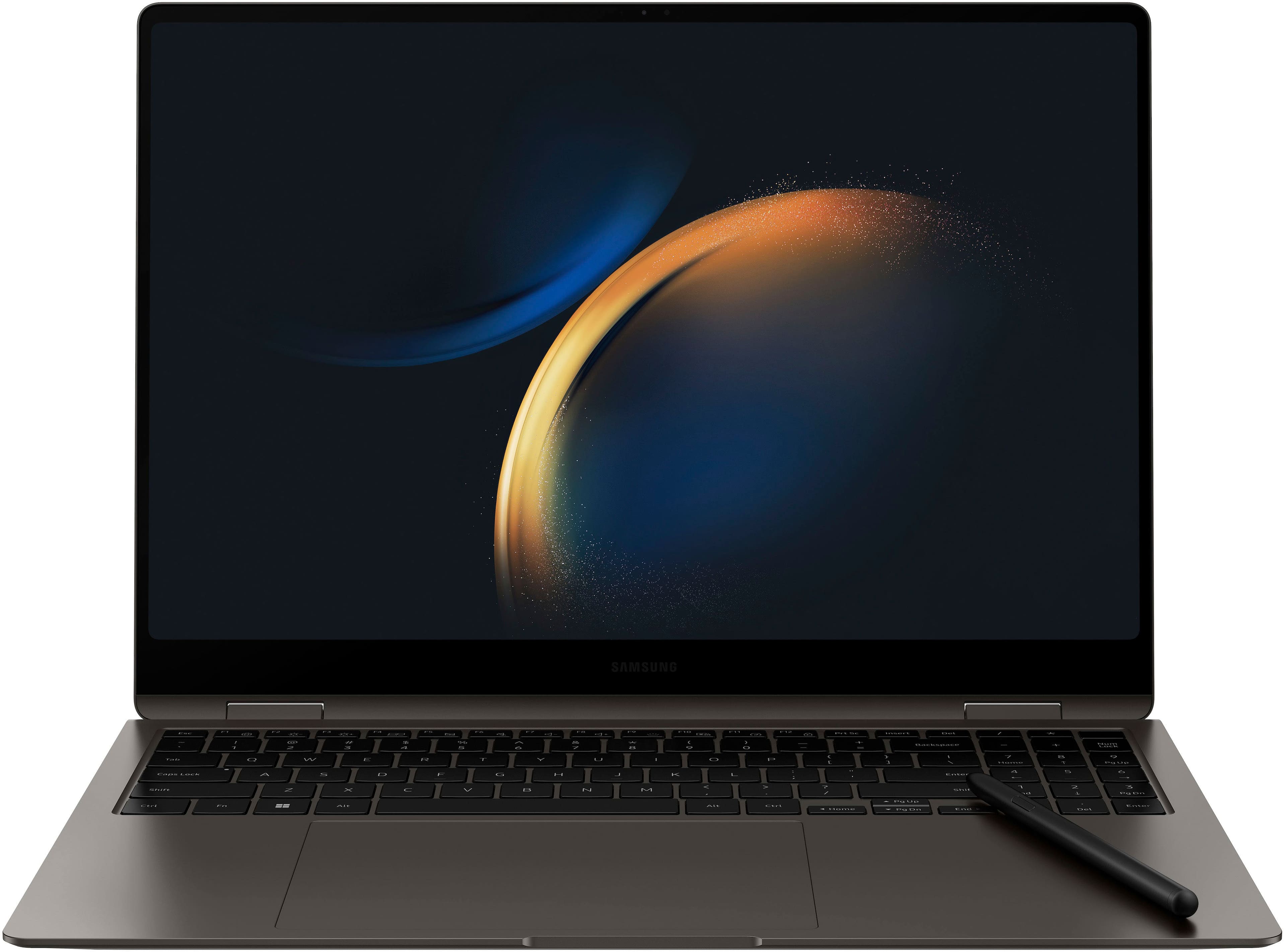
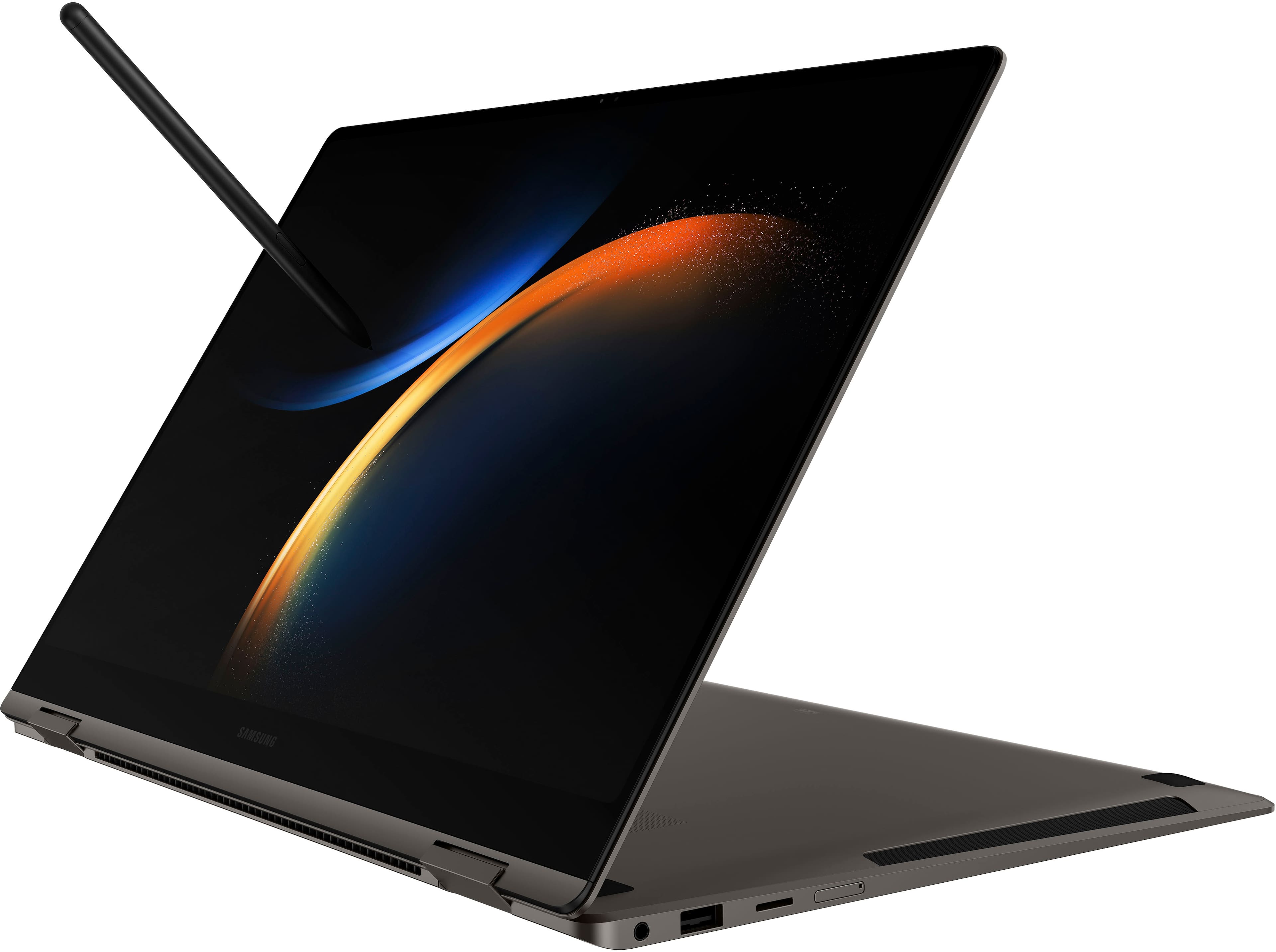
||Posted . Owned for 1 month when reviewed.This reviewer received promo considerations or sweepstakes entry for writing a review.I have been using this computer for about 5 days, so far so good. Still working through everything on here, was a huge upgrade from my PC. Transferring everything over has been an ordeal but a work in process. The SPEN seems impractical, cannot find a calendar or budget app it will work with for writing on.
I would recommend this to a friend - Cons mentioned:Graphics card
Fast Sturdy Improvec
||Posted . Owned for 1 week when reviewed.This reviewer received promo considerations or sweepstakes entry for writing a review.Samsung really improved with this generation. Was needing a laptop my ten year old original surface book barely works. Finally had the chance to get a new one and went with samsung due to I have samsung phone and tv. It integrated very well software wise. At this price you would think they wouldn't be apple and would throw in a graphics card. Overall I am happy with the book3 pro 360
I would recommend this to a friend - Pros mentioned:Performance, Weight
Best of all worlds
||Posted . Owned for 1 month when reviewed.This reviewer received promo considerations or sweepstakes entry for writing a review.Need a PC for work, and some casual gaming. This is light and just want I needed.
I would recommend this to a friend - Pros mentioned:Weight
Good
||Posted . Owned for 3 weeks when reviewed.This reviewer received promo considerations or sweepstakes entry for writing a review.Light weight, easy to operate, battery life could be better
I would recommend this to a friend - Pros mentioned:Processor speed, Weight
Very Happy :)
||Posted . Owned for 1 week when reviewed.This reviewer received promo considerations or sweepstakes entry for writing a review.I love my laptop! It's very fast, the graphics are amazing and very light weight
I would recommend this to a friend Samsung Book3 360Pro
||Posted . Owned for 1 week when reviewed.This reviewer received promo considerations or sweepstakes entry for writing a review.It is easier to use and it looks elegant plus its features are all really good
I would recommend this to a friend- Pros mentioned:Screen quality
Happy with my purchase
||Posted . Owned for 1 year when reviewed.This reviewer received promo considerations or sweepstakes entry for writing a review.I absolutely love my laptop. It has amazing picture quality and all the programs I need and more.
I would recommend this to a friend - Pros mentioned:Battery lifeCons mentioned:Trackpad
Terrible touchpad; overall, not worth price tag.
||Posted . Owned for 5 months when reviewed.This reviewer received promo considerations or sweepstakes entry for writing a review.I've had this laptop for six months. I keep it at my desk at home and travel with it once a week. The top of the screen already has a slight crack in it; the touchpad is already not responding to my clicks unless I click very hard, and sometimes it clicks twice (e.g., opens multiple tabs in Chrome when I click "+" once); I turned off the touchscreen because anytime I opened or moved my screen, my thumb would inadvertently close a window I didn't want closed; the whole laptop feels flimsy and not very strong (it sometimes feels like I'm handling cardboard). Sometimes the laptop will turn off automatically when I shut it temporarily and then I have to re-open all my windows again. Doesn't always seem to want to connect to the internet in places I never had problems connecting before. Hate how the F-row on the keyboard needs to be "unlocked" after every restart in order to, e.g., turn up the volume. The only thing I appreciate is the battery life -- even then. This is a $800 laptop dressed up to cost nearly $2000 (which is nearly what I paid when it first came out). Definitely going back to MacBooks after this experience. I was already hesitant about getting a Samsung.
No, I would not recommend this to a friend - Pros mentioned:Screen quality
absolutely great laptop but not convincing 2 in 1
||Posted . Owned for 1 month when reviewed.This reviewer received promo considerations or sweepstakes entry for writing a review.excellent 16" laptop. gorgeous screen. on the cons side, for a 2 in 1, when in laptop mode the screen is not stable enough to make the use of the touchscreen comfortable and the writing / drawing / annotating on the screen are close to impossible. if you are heavy user of the screen to write / annotate on it while in laptop mode I would suggest another solution.
I would recommend this to a friend - Pros mentioned:Processor speed
Jdur
||Posted . Owned for 1 week when reviewed.This reviewer received promo considerations or sweepstakes entry for writing a review.So far this is the best fastest computer I've ever owned. I love it the process of purchasing it. The sales Tech who described it to me and schooled me on its capabilities was amazing so far. I am amazingly happy with my purchase thank you best buy
I would recommend this to a friend - Pros mentioned:Weight
Excellent laptop
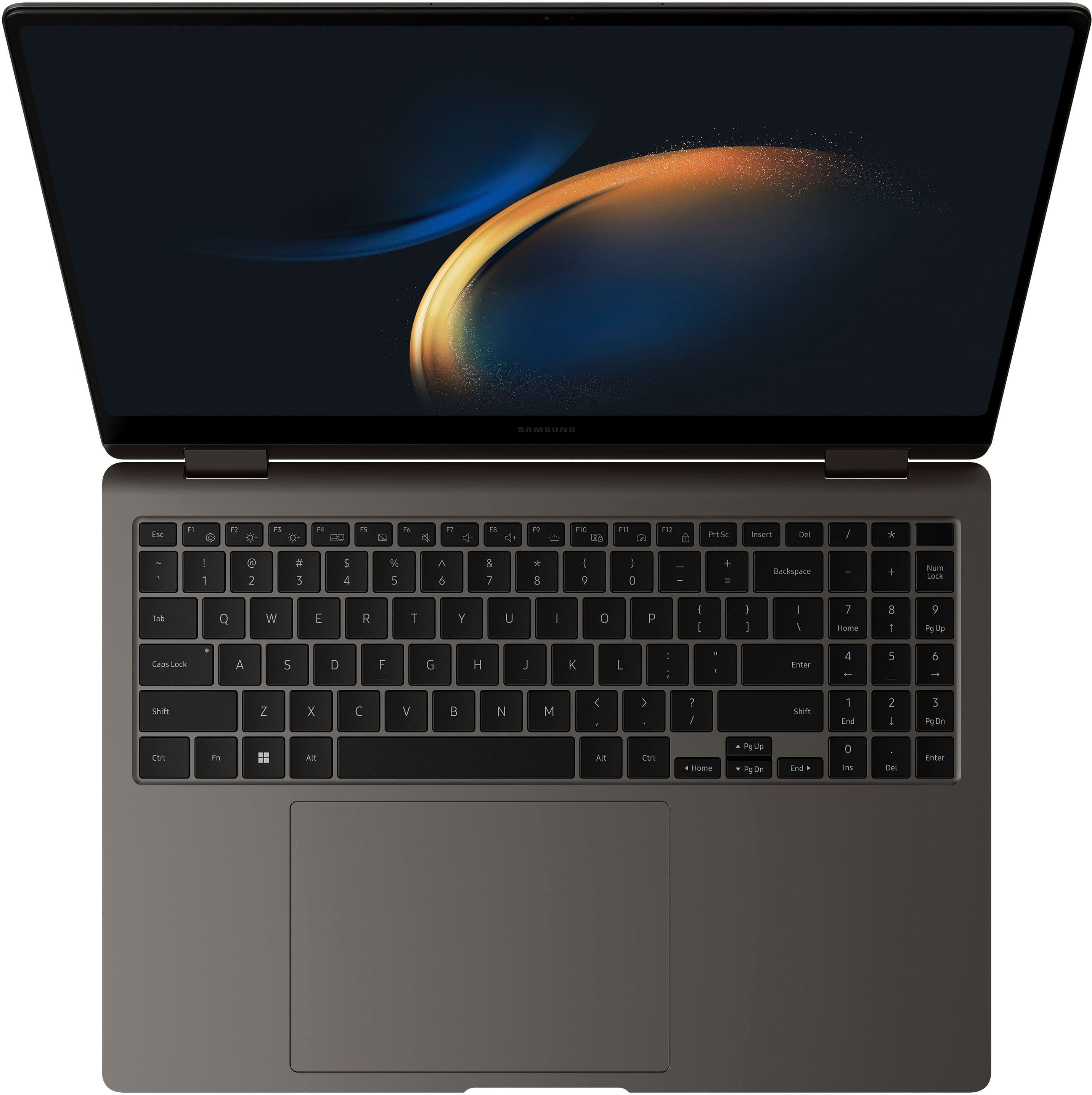
||Posted . Owned for 1 month when reviewed.This reviewer received promo considerations or sweepstakes entry for writing a review.This computer is wonderful. The visuals are outstanding. The size is just right and very thin and lightweight. The key number pad. I was looking for a convertable , key number pad, thin and all the bells and wistles that are included. I have been looking for this type of laptop for two years. You will not be disappointed.
I would recommend this to a friend - Pros mentioned:Screen quality
Defective Screen and Casing
||Posted . Owned for 4 months when reviewed.This reviewer received promo considerations or sweepstakes entry for writing a review.I ordered this as an open-box excellent product for $1016 + tax. It was a great bargain seeing how it goes for several hundred more. I have ordered several open-box items before and never had any issues. I set it up once I got home and started enjoying it. One thing I noticed was that there seemed to be some flex when I would open the laptop and I wondered if the casing was too thin for the 16-inch screen. Aside from that, it worked great and was a big improvement from my 2018 Samsung Notebook 7 Spin 2. The following week, I realized what was happening. I went to open it and the screen was slightly separated from the casing at the bottom where the left hinge was. If I left the screen at a 90 degree angle, it wasn't noticeable. However, once I went to close it I could see that it was pulling away. I went to Best Buy and explained the situation and asked if I could trade it for another open-box device. I was told that I'd have to return it and repurchase it at the current open-box price. Unfortunately, the price was now much higher and I didn't want to spend that much. Since I had the total tech membership I knew I had 60 days to return it. I waited for a couple of weeks to see if the price would go any lower but it didn't. I ended up returning it and purchasing the Galaxy Book3 360 2-in-1 15.6. It definitely is does not have as many features as the pro but it serves me well. I immediately noticed the difference in the solidness and didn't feel any flex. I don't know if the issue had to do with the device being open-box or if it's just an issue with the 16-in. pro. Before I bought it I read a few reviews where people complained about the screen cracking. It seems that the casing around the screen needs to be sturdier to prevent any flex which I imagine probably caused those cracked screens.
No, I would not recommend this to a friendBrand response from Samsung
Posted .Hi there EPCushion, we appreciate you sharing your thoughts with us about your Samsung Galaxy Book3 Pro 360. Your feedback is invaluable to us as we continue in our mission to provide the best experience to our customers through innovation in our product line. We are happy to hear you have found a device that best aligns with your needs and wants. Please feel free to reach out to us at any time with questions or additional feedback on your Samsung products. Thank you for being a Samsung customer. -Elizabeth

- Pros mentioned:Processor speed
Samsung - Galaxy Book3 Pro
||Posted . Owned for 1 month when reviewed.This reviewer received promo considerations or sweepstakes entry for writing a review.I love my new Galaxy Book3 laptop. I bought this to replace my old Galaxy that was not working and I needed immediate access. I send the old one away to be fixed and brought the new one home and plugged it in and was able to load everything off of the old one from the backup.
I would recommend this to a friend - Pros mentioned:Performance
Change from Mac
||Posted . Owned for 1 month when reviewed.This reviewer received promo considerations or sweepstakes entry for writing a review.Have been a Macbook Pro user for years but had to make the change for work. After making the change to this Samsung I wish I would have done it a long time ago. I have put them side by side and run the same programs and the Samsung beats the Mac every time.
I would recommend this to a friend - Pros mentioned:Processor speed
Impressed
||Posted . Owned for 11 months when reviewed.This reviewer received promo considerations or sweepstakes entry for writing a review.My old laptop was so slow and I needed a new one. I looked around for awhile trying to find something that would meet all of my needs. I have not been disappointed at all. It has the speed, memory, and all the extras I wanted.
I would recommend this to a friend - Pros mentioned:Processor speedCons mentioned:Heat
Excellent computer with a major fatal flaw
||Posted . Owned for 1 month when reviewed.This reviewer received promo considerations or sweepstakes entry for writing a review.Don't recommend buying one of these. The computer is awesome, but it has a major flaw. The specs are excellent. PC is fast, can sometimes run hot, but Samsung allows you to adjust the fans to mitigate that. The laptop comes with an S pen. It works great, does not require charging, but there is no place to store it. The Microsoft Surface computer allow you to attach their pen via magnets to the side of the computer. The S Pen has a magnet, but on the GB3 Pro 360 there is nothing metal to connect it to. The BIG FLAW with this computer is that it is not possible to install Windows from USB. If something happens and your existing version of Windows does not boot, you will need to send back to Samsung to have Windows re-installed.
No, I would not recommend this to a friend - Pros mentioned:Battery life, Screen quality
Great laptop
||Posted . Owned for 1 month when reviewed.This reviewer received promo considerations or sweepstakes entry for writing a review.Elegant and beautiful display. Good battery life. Premuim build.
I would recommend this to a friend - Pros mentioned:Weight
Love this laptop!
||Posted . Owned for 1 month when reviewed.This reviewer received promo considerations or sweepstakes entry for writing a review.Replaced my other Samsung galaxy laptop after it died. This one is faster, has more storage and is lighter weight than that one, and I loved it so I love this one more. Highly recommend!
I would recommend this to a friend - Pros mentioned:Performance
Computer
||Posted .This reviewer received promo considerations or sweepstakes entry for writing a review.The best computer hat I have ever owned. Great features.
I would recommend this to a friend