Customer Ratings & Reviews





- Model:
- NP940XHA-KG1US
- SKU:
- 6613610
Rating by feature
- Battery Life
Rating 4.7 out of 5 stars
- Speed
Rating 4.7 out of 5 stars
- Display
Rating 4.9 out of 5 stars
Customers are saying
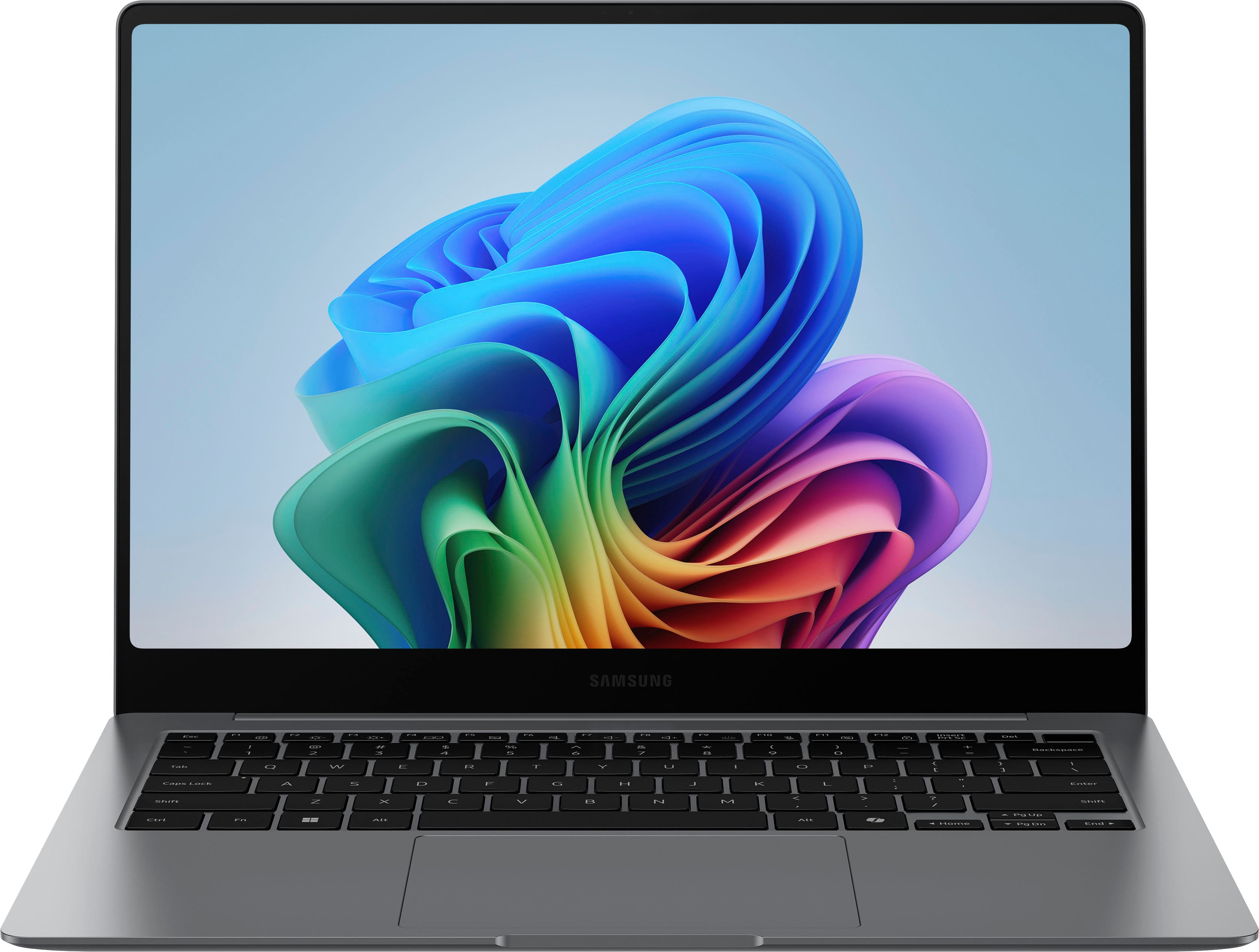
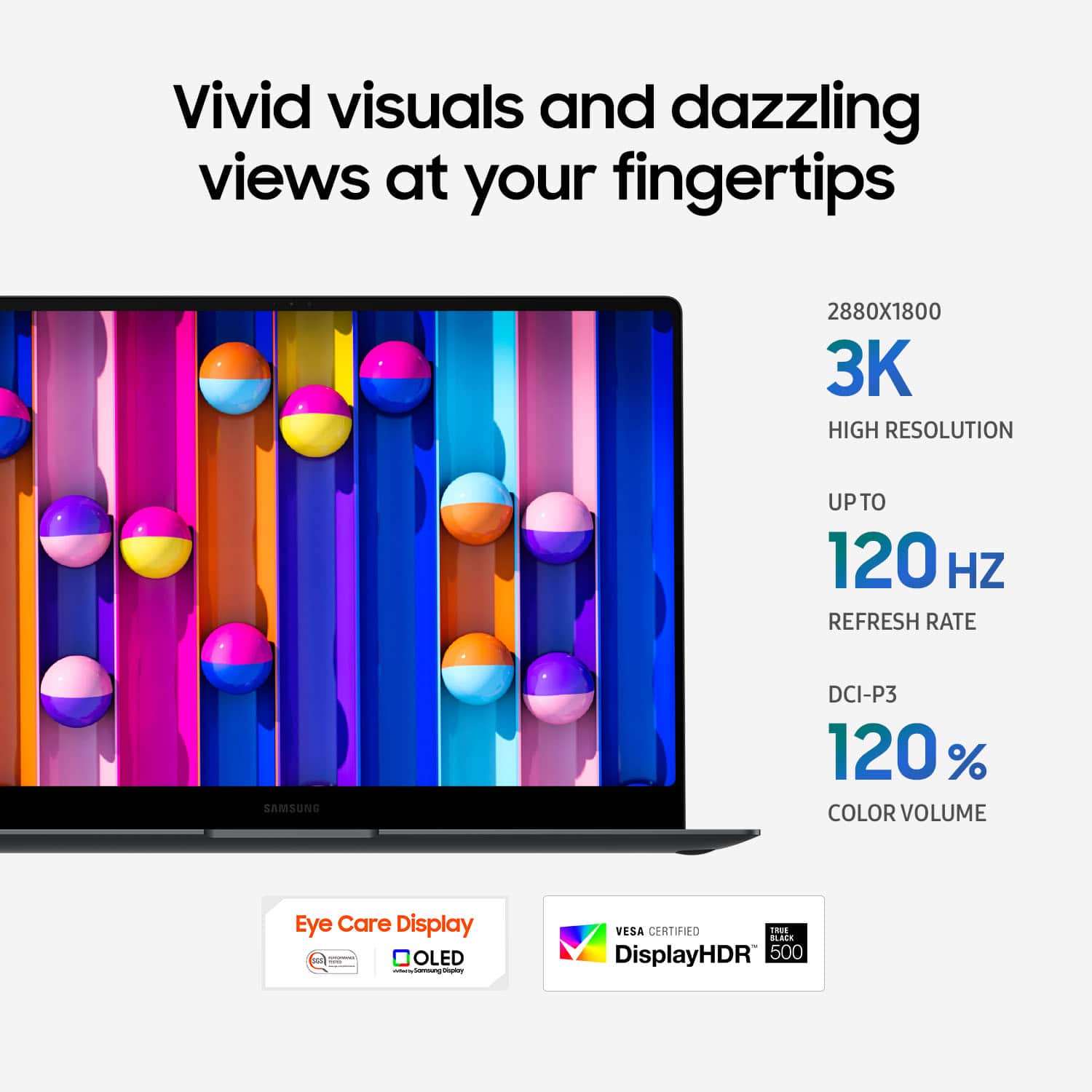
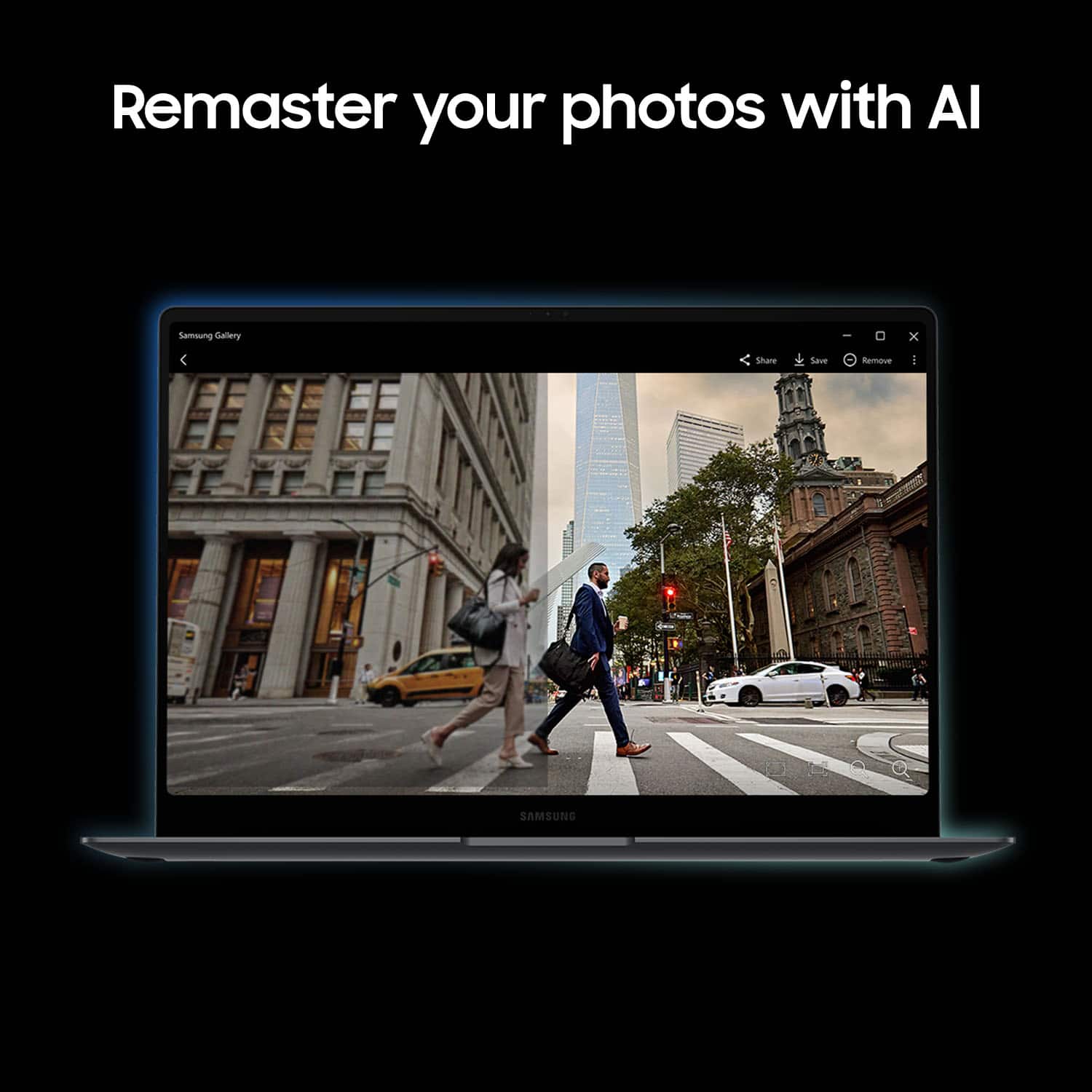
Customers are impressed with the Galaxy Book5 Pro, particularly its vibrant OLED display and overall performance. The laptop's fast processor speed and portability are also highly appreciated. Its solid battery life, thin and lightweight design, and compact size contribute to a positive user experience.
This summary was generated by AI based on customer reviews.
- Pros mentioned:Overall performance
Perfect laptop
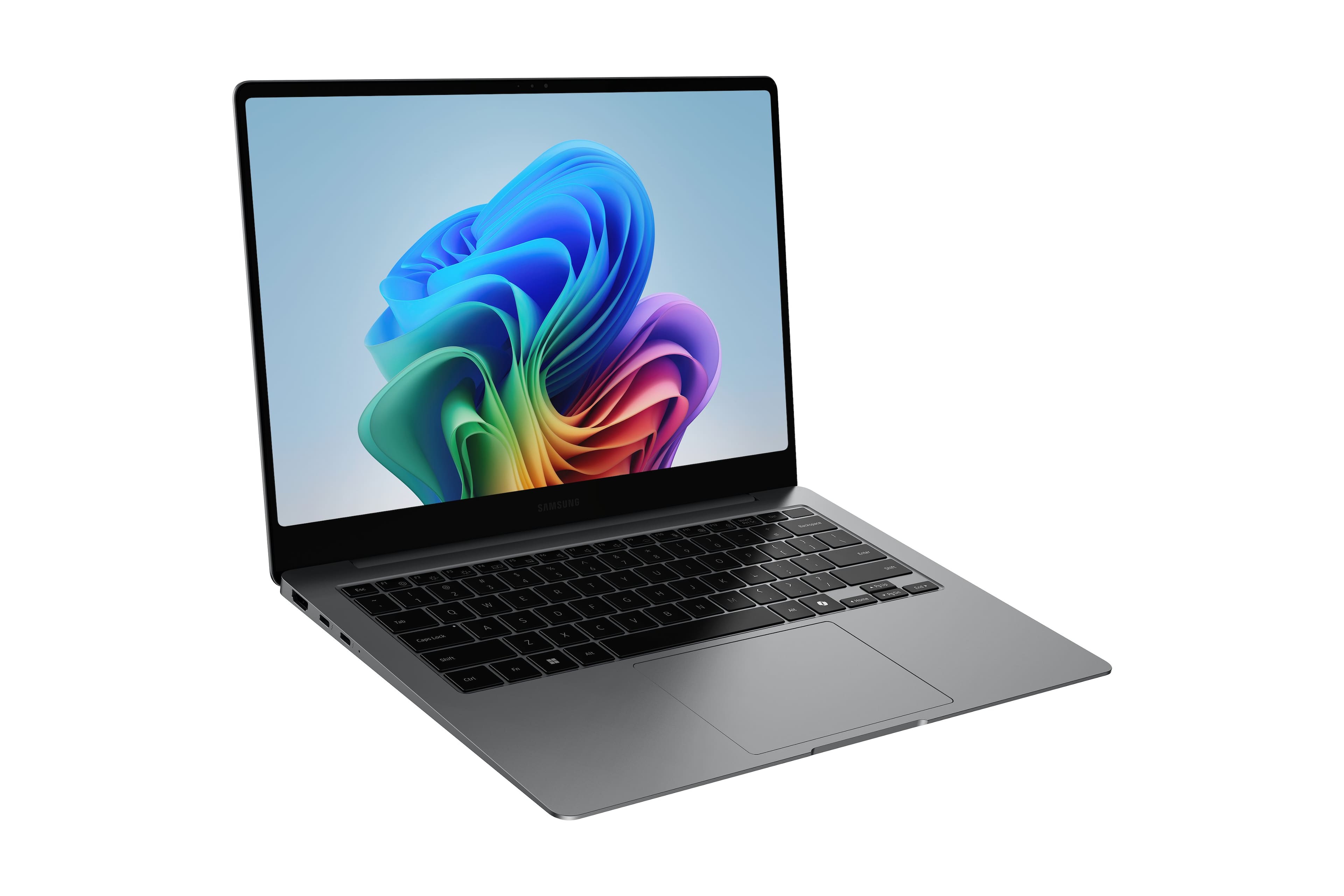
||Posted . Owned for 1 month when reviewed.This reviewer received promo considerations or sweepstakes entry for writing a review.This is the perfect laptop. The exterior is more luxurious than I expected. The 14-inch model is compact and very lightweight, making it easy to carry around. Its performance is powerful enough for Word documents, Excel, PowerPoint, Zoom meetings, and web surfing. The touchscreen provides additional convenience. I highly recommend this laptop.
I would recommend this to a friend - Pros mentioned:Battery life, Portability, Screen quality
The G.O.A.T
||Posted .This reviewer received promo considerations or sweepstakes entry for writing a review.If I were you and I wanted a ready-to-go, premium Windows laptop for school/work/media that feels modern, sleek, portable and has a great display — I’d pick the Galaxy Book5 Pro without hesitation. It hits an excellent balance between portability, power, battery life, and build quality. Its a amazing laptop the eco systems is amazing battery life is abnormal, the battery last forever. For business, creativity and school this is the laptop to buy. 5 star.
I would recommend this to a friend - Pros mentioned:Overall performance, Portability
Love my new Galaxy Book5 Pro
||Posted .This reviewer received promo considerations or sweepstakes entry for writing a review.Quick setup and dependable performance in a lightweight, sleek laptop. This is my third Samsung, and they’ve always lasted for years. I am committed to their products and purchasing from Best Buy.
I would recommend this to a friend Everything to love about this laptop!
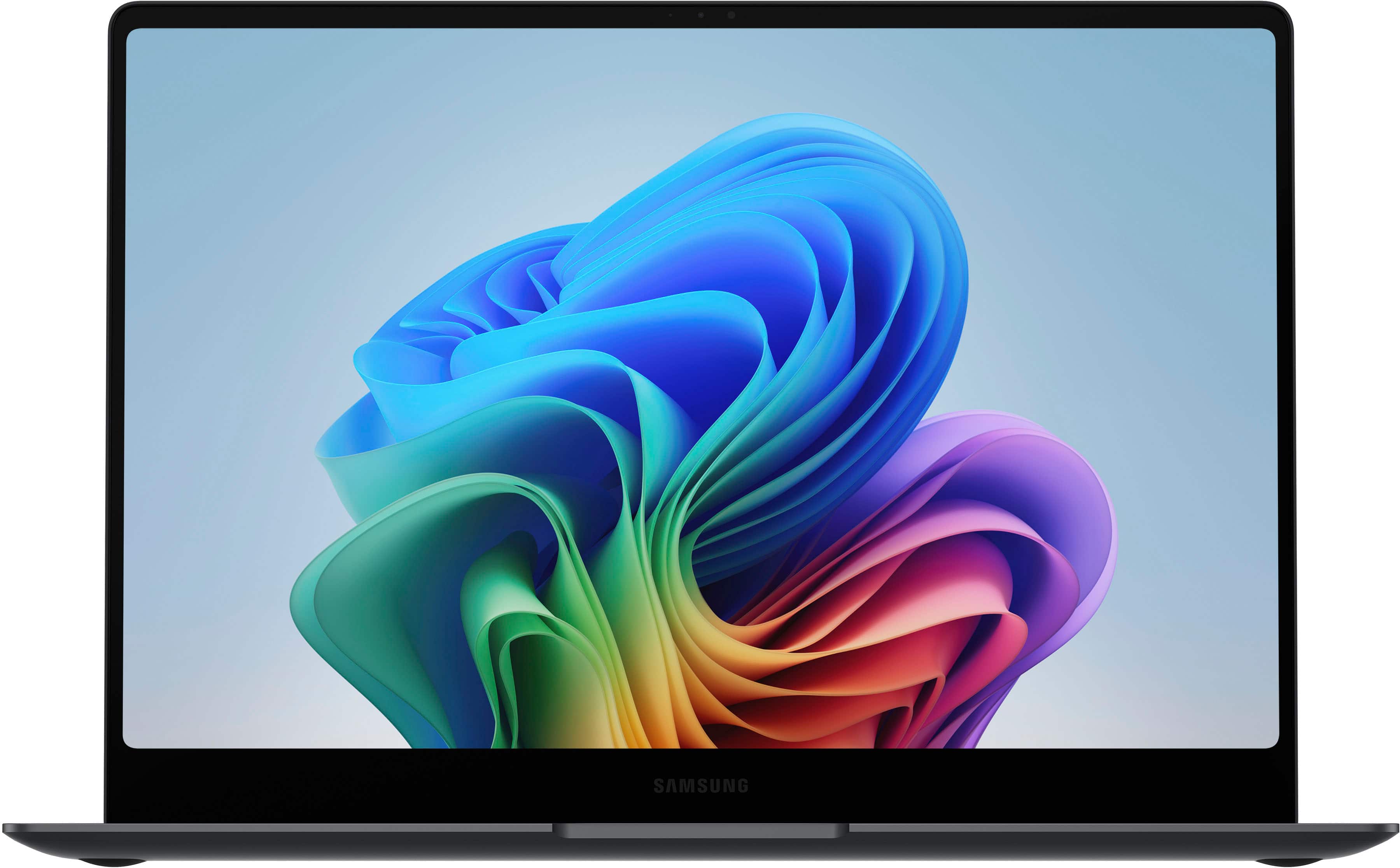
||Posted . Owned for 8 months when reviewed.This reviewer received promo considerations or sweepstakes entry for writing a review.The Samsung Galaxy Book5 Pro has exceeded my expectations. The 14-inch 3K AMOLED touchscreen is absolutely stunning—colors are vibrant, blacks are deep, and everything looks incredibly sharp. It’s lightweight, premium, and easy to carry whether I’m working from home, in the office, or on the go. Performance has been outstanding. The Intel Core Ultra 7 processor, 16GB of RAM, and 512GB SSD make multitasking effortless. It boots up quickly, runs quietly, and handles everything from business applications to schoolwork without missing a beat. The battery life is excellent, and the AI-powered Copilot+ features are a nice bonus for productivity. As someone who runs a business and attends college, this laptop has become an essential tool. If you’re looking for a premium Windows laptop with a gorgeous display, fast performance, and excellent portability, I highly recommend the Samsung Galaxy Book5 Pro. Samsung really got this one right.
I would recommend this to a friend- Pros mentioned:Overall performance, Screen quality
Best laptop
||Posted .This reviewer received promo considerations or sweepstakes entry for writing a review.Laptop is really good. Screen display is colorful and laptop is smooth to work. It meets more than my expectations. I'm able to do lot of things easily using built-in Copilot AI. Also I'm able to connect my phone S25.
I would recommend this to a friend Great laptop
||Posted . Owned for 1 month when reviewed.This reviewer received promo considerations or sweepstakes entry for writing a review.Great laptop from Samsung. Screen will blow you away but the near silent performance is something to witness. Truly an amazing product and will blow anything even a few years old away with performance and beauty. Great build quality.
I would recommend this to a friend- Pros mentioned:Processor speed
Fast accurate service
||Posted . Owned for 3 weeks when reviewed.This reviewer received promo considerations or sweepstakes entry for writing a review.Fast and accurate service. Item arrived as described and the process was quick. Would purchase again.
I would recommend this to a friend - Pros mentioned:Overall performance
Love samsung
||Posted . Owned for 2 weeks when reviewed.This reviewer received promo considerations or sweepstakes entry for writing a review.So far it's a pretty good laptop, very happy with it.
I would recommend this to a friend - Pros mentioned:Screen quality
Love it
||Posted .This reviewer received promo considerations or sweepstakes entry for writing a review.Love the new design So nice for work and school Love the keyboard DIsplay is 100%
I would recommend this to a friend Excellent
||Posted .This reviewer received promo considerations or sweepstakes entry for writing a review.I have four months with this computer excellent system
I would recommend this to a friendBest buy samsung labtop
||Posted . Owned for 1 month when reviewed.This reviewer received promo considerations or sweepstakes entry for writing a review.I believe that the more I have been using it for two months, the better I believe in buying it. I recommend it.
I would recommend this to a friendGalaxy book 5 pro
||Posted . Owned for 1 week when reviewed.This reviewer received promo considerations or sweepstakes entry for writing a review.Fast delivery, lightweight, super strong cpu, I absolutely love it
I would recommend this to a friendExcelente
||Posted .This reviewer received promo considerations or sweepstakes entry for writing a review.Excellent product and attention, I always recommend them
I would recommend this to a friendDO NOT BUY: Screen Crack/Warranty Denial
||Posted .This reviewer received promo considerations or sweepstakes entry for writing a review.I purchased this Galaxy Book5 Pro from Best Buy (USA), and i has only been a few months it has already developed a spontaneous hairline stress fracture with zero impact or accidental damage. The device is in pristine condition, yet the display failed on its own a clear manufacturing defect. I strongly recommend that no one purchase this device. A quick search on Reddit and tech forums shows this is a recurring issue across the Galaxy Book series, with many users reporting identical spontaneous cracks due to poor build quality or thermal stress. Despite this being a known issue, Samsung service (now that I am based in India) is refusing to acknowledge the defect and is attempting to charge for a repair by labeling it 'physical damage.' For a flagship Pro-series laptop, this level of fragility and the refusal to honor the International Warranty is unacceptable. Save your money and look at other brands that actually stand by their products, Samsung must stand by its global customers and honor its warranty.
No, I would not recommend this to a friendGalaxy Book 5 Pro
||Posted . Owned for 3 weeks when reviewed.This reviewer received promo considerations or sweepstakes entry for writing a review.I'm pleased with this galaxy book pro 5... excellent condition
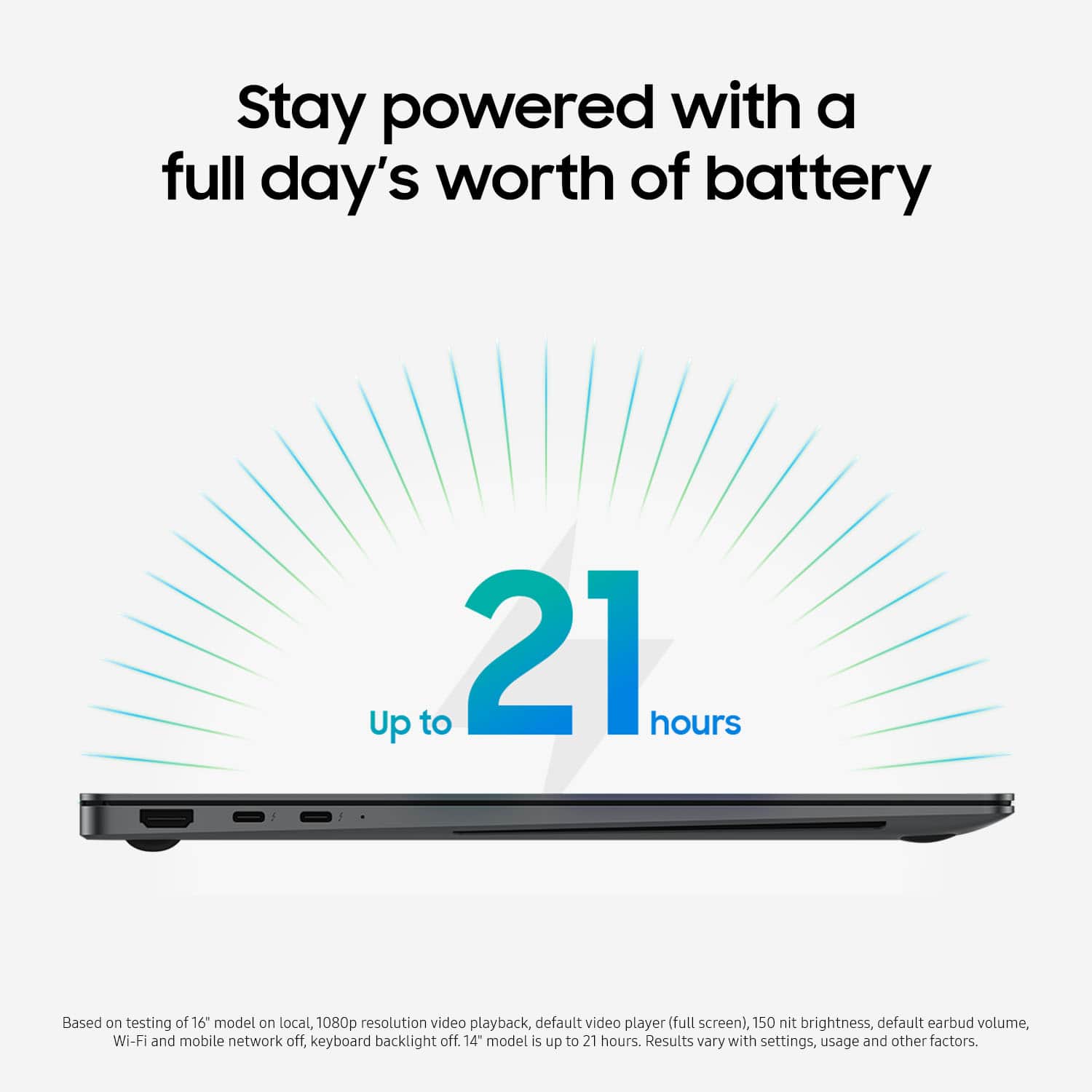
I would recommend this to a friendBattery life not like advertised
||Posted . Owned for 1 month when reviewed.This reviewer received promo considerations or sweepstakes entry for writing a review.After 1 month of use the best battery life thati got was 6hrs not 18 hrs
I would recommend this to a friend- Pros mentioned:Battery life, Processor speed, Screen quality

A very good daily use laptop from Samsung
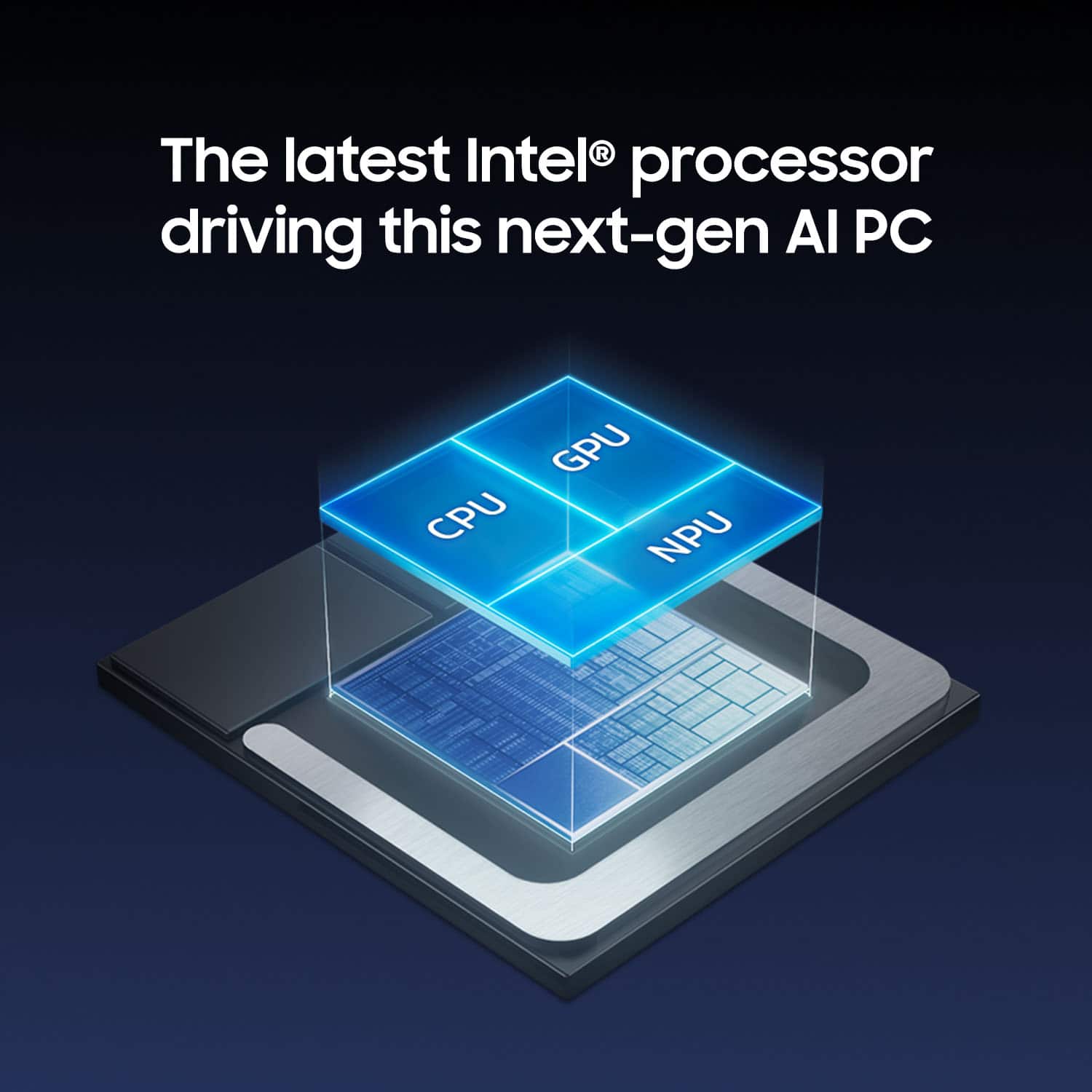
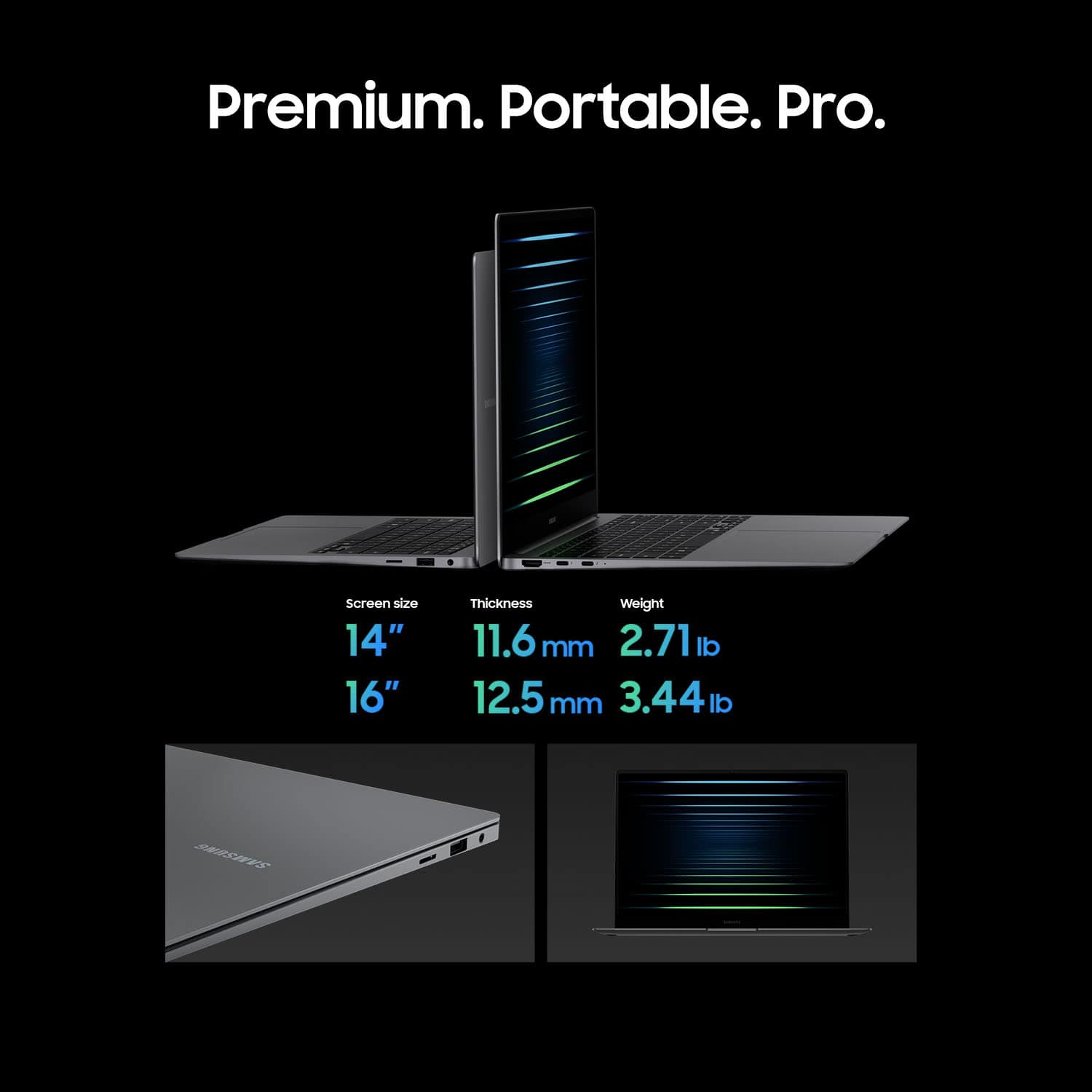
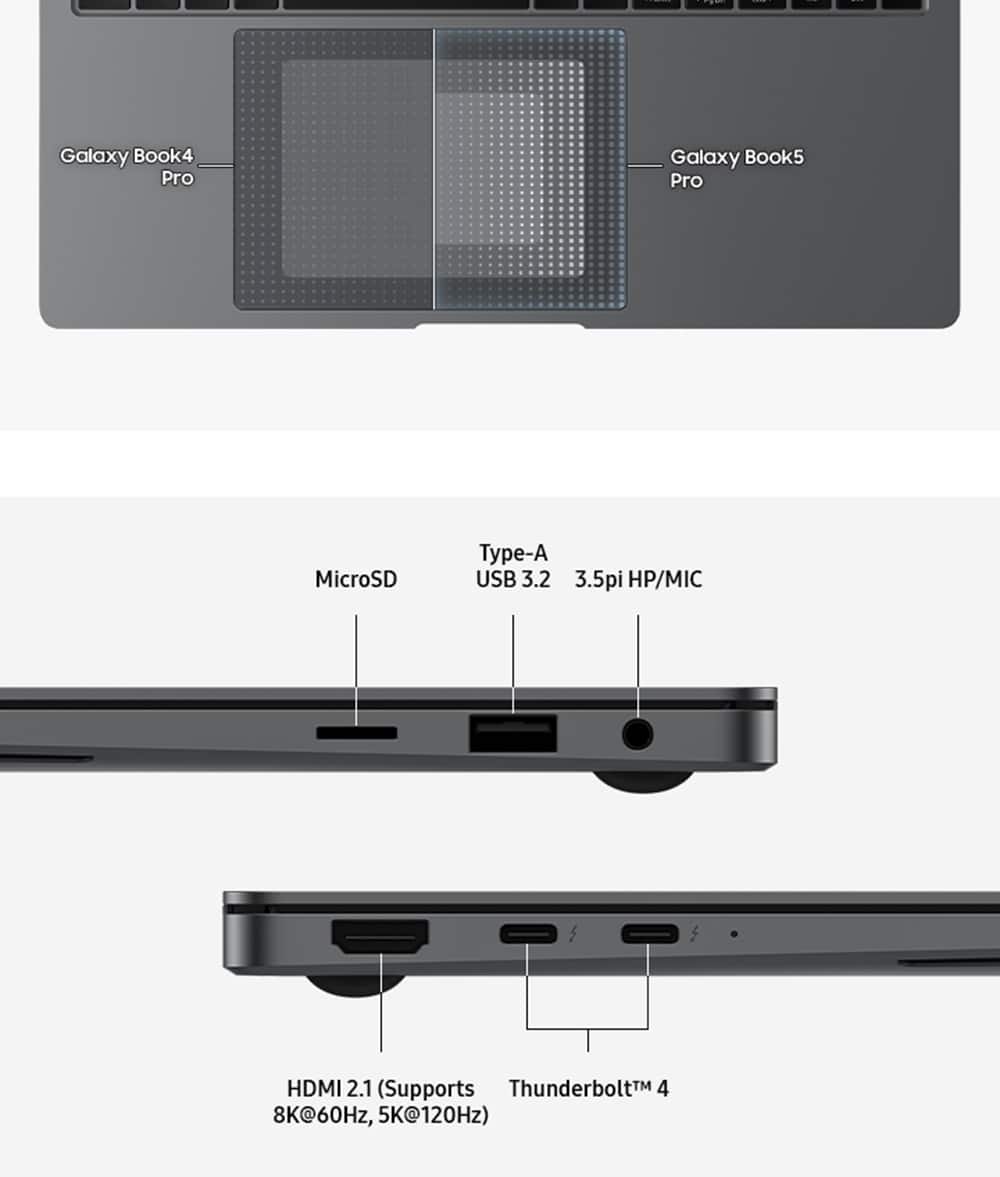
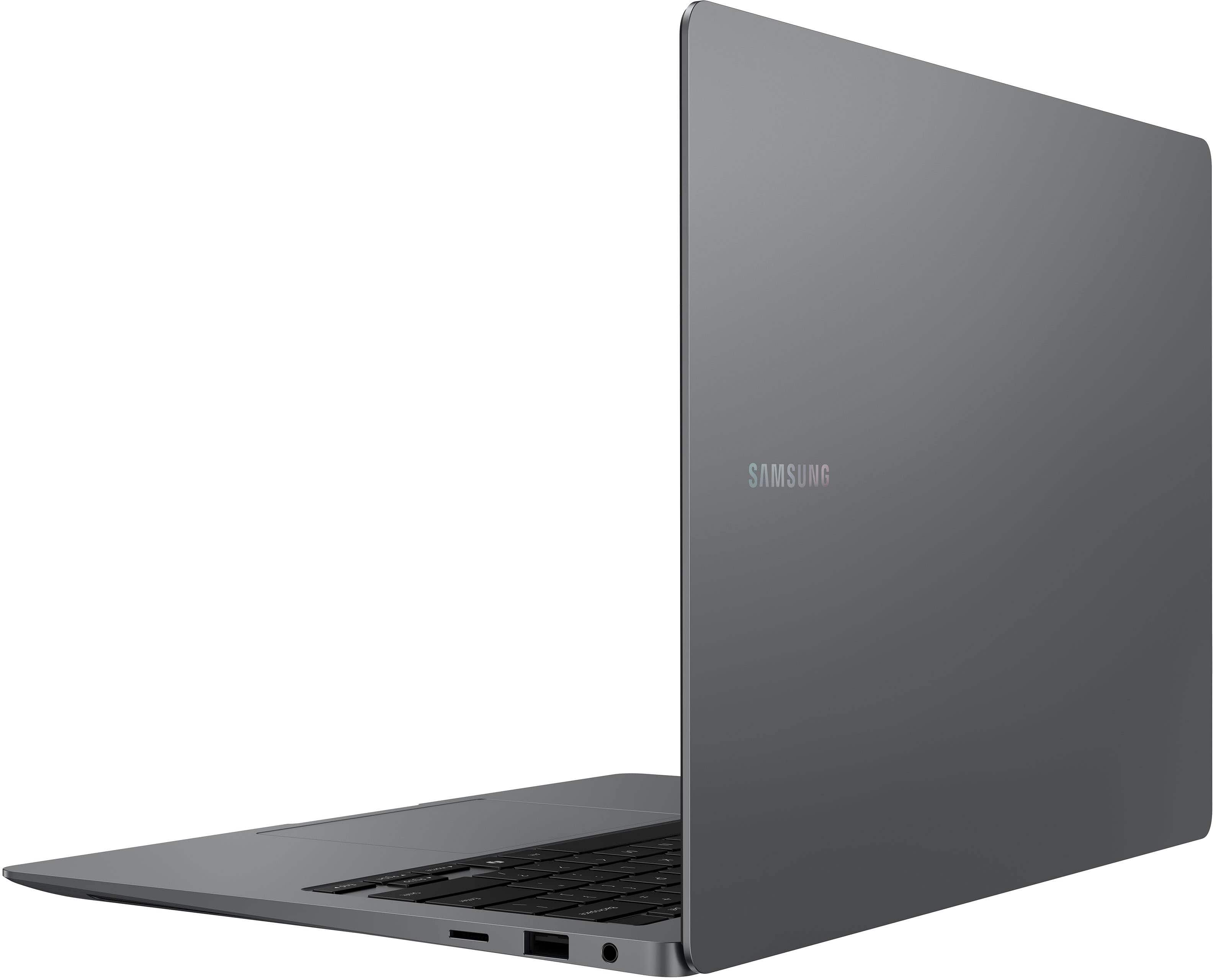
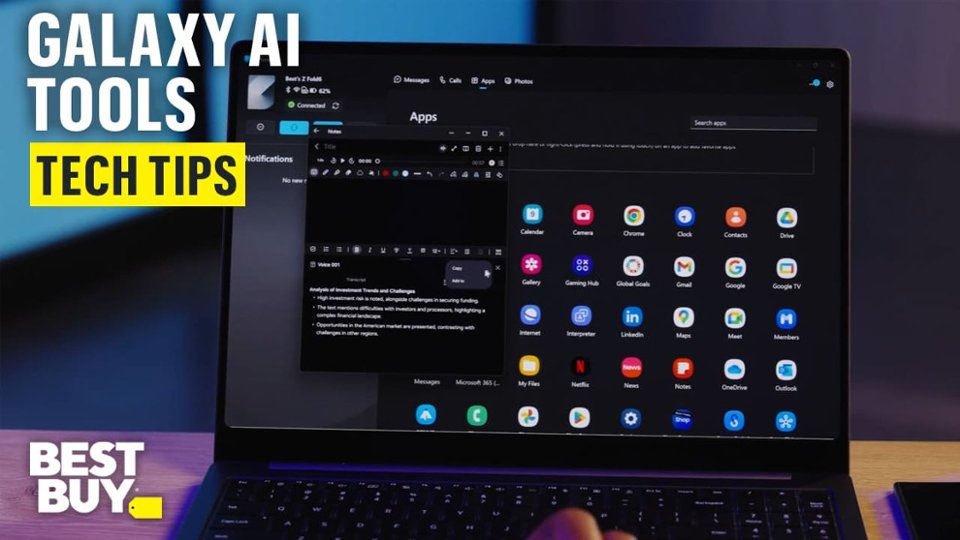
|Posted .This reviewer received promo considerations or sweepstakes entry for writing a review.Samsung Galaxy Book5 Pro is a very slim laptop with very advanced specifications. The most remarkable is the screen's resolution. The 3K AMOLED offers a very good visibility working in an office or playing games at home. The very high resolution allows expanding the screen without compromising the sharpness. The exterior look is very common (shared with too many other brands) but Samsung Galaxy Book5 Pro is very slim. Slimmer than the TV remote's control (check photo). It is also very light to carry. Solid and premium. The Intel Core Ultra 7 is not very capable on paper. I was surprised when I checked the benchmarks details. It is doing very well on this Galaxy Book5 Pro. Very fast working with very good power consumption and cooling requirement. I was able to run some heavy tasks (office and simulations) without any issues. The CPU was also capable of running some engineering tasks like debugging through USB without any issues. I was really surprised since it came less when compared with some other brands/series processors. Intel made some special efforts with this series of CPU. The NPU addition is very important for the new requirements. On the other hand, Samsung did a great job integrating their tools in Windows OS. If you have a Samsung phone, this laptop would be a very good addition completing your digital experience. If you are not big fan of integrations, you can wipe and re-install win11 only. I have Samsung Phone. As I mentioned earlier, the screen resolution is amazing. The laptop complete size, build and weight are perfectly fine for active daily tasks. The keyboard's layout and key travel are amazing. I got used to them without any efforts. The trackpad size is good. Touch screen is good to have (I often don't use it). The Galaxy Book5 Pro offers good connectivity ports: Full size HDMI, which is very important to me. It also has 2 USBS-C thunderbolt connectors on the same side. On the other side it has a regular USB connector and a headphone jack. Samsung also offers a Micro SD card socket. It is the 2025 floppy disk if you remember those... The laptop could be charged through any of its USB-C connectors. Battery life and charging: Samsung claims 21 hours on 1 battery charge. I think that's possible if you follow the fine print instructions. For my normal usage, I was able to get 7 to 9 hours battery life without issues with WiFi and BT on and screen set to good light. For charging this laptop: I was able to charge it using my phone charger (30W) and my universal USB-C charger without issues. Samsung is not enforcing their own charger to be used. Charging speed is quite good. The Camera is below average. Good enough for online meeting but not good to be used for face recognition. Samsung offers the fingerprint sensor. It works very well. I had a doubt that the laptop has cooling fans since they rarely come on until I've run a heavy electronic simulation. Then I could hear them. Back on that, the integration in one chip really improved the performance of the CPU and the over all performance of the laptop. Talking about the Operating System, Win11 is well known. Microsoft Copilot is running well on this Samsung Galaxy Book5 Pro thanks to the new Intel Processor installed. Copilot is getting better every day with a lot of things to improve. I'd recommend getting this laptop if you are looking for a Windows OS daily usage laptop with long lasting battery and if you have a Samsung Galaxy phone (Ultra series). It will make a very good addition. I like the 14" size and solid build.
I would recommend this to a friend - Pros mentioned:Battery life, Processor speed, Screen quality
A Powerful machine to attack your tasks
|Posted .This reviewer received promo considerations or sweepstakes entry for writing a review.The Galaxy book5 Pro is an amazing performer. It’s super thin, has a fast charging feature, a long battery life and you can upgrade your internal SSD…. What’s not to love? Battery: 10/10 The battery performed as advertised, Just watching videos I averaged 20 hours, which is pretty solid. When multi-tasking I averaged between 14-16.5 hours which is still very good. When using the fast charger (not included) you can get almost 40% in 30 minutes. Charging from 2% battery to 100% took about 2 hours 40 minutes for me. When left in sleep mode, i have seen minimal battery drain (2 days showed 10% loss of battery life). Display: 10/10, OLED is so colorful and vibrant, the screen is very good at not having a glare to it, the touch screen performance is very good Performance: 9/10 The ability to multi task and power through projects is superb. The Galaxy book5 Pro can handle pretty much everything I had to give it. Gaming was not an issue, using several different programs for my workflow had zero interruptions or loading issues. I would definitely recommend this to anyone looking for a new laptop or just wanting to upgrade.
I would recommend this to a friend - Pros mentioned:Screen quality
My New Favorite Brand!
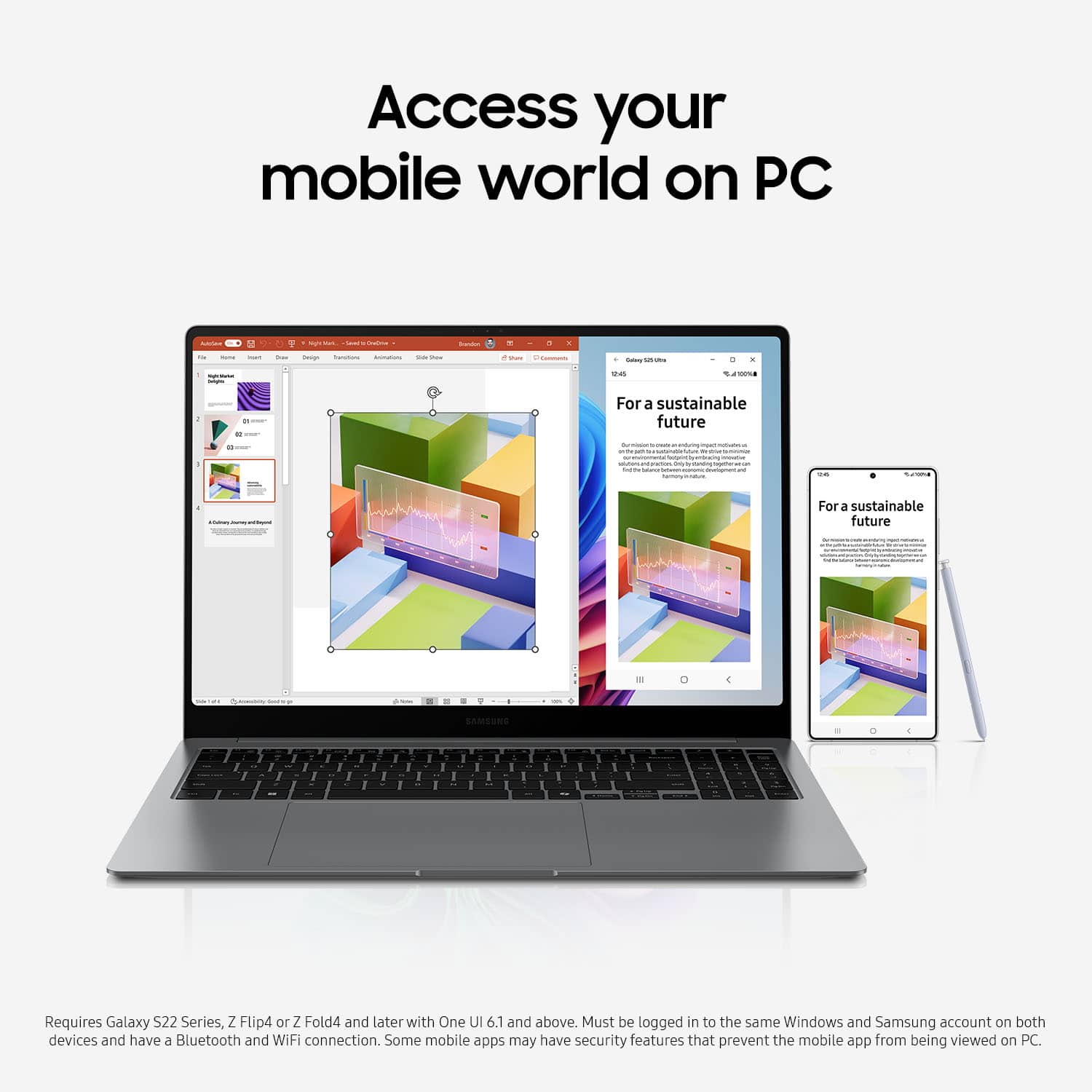
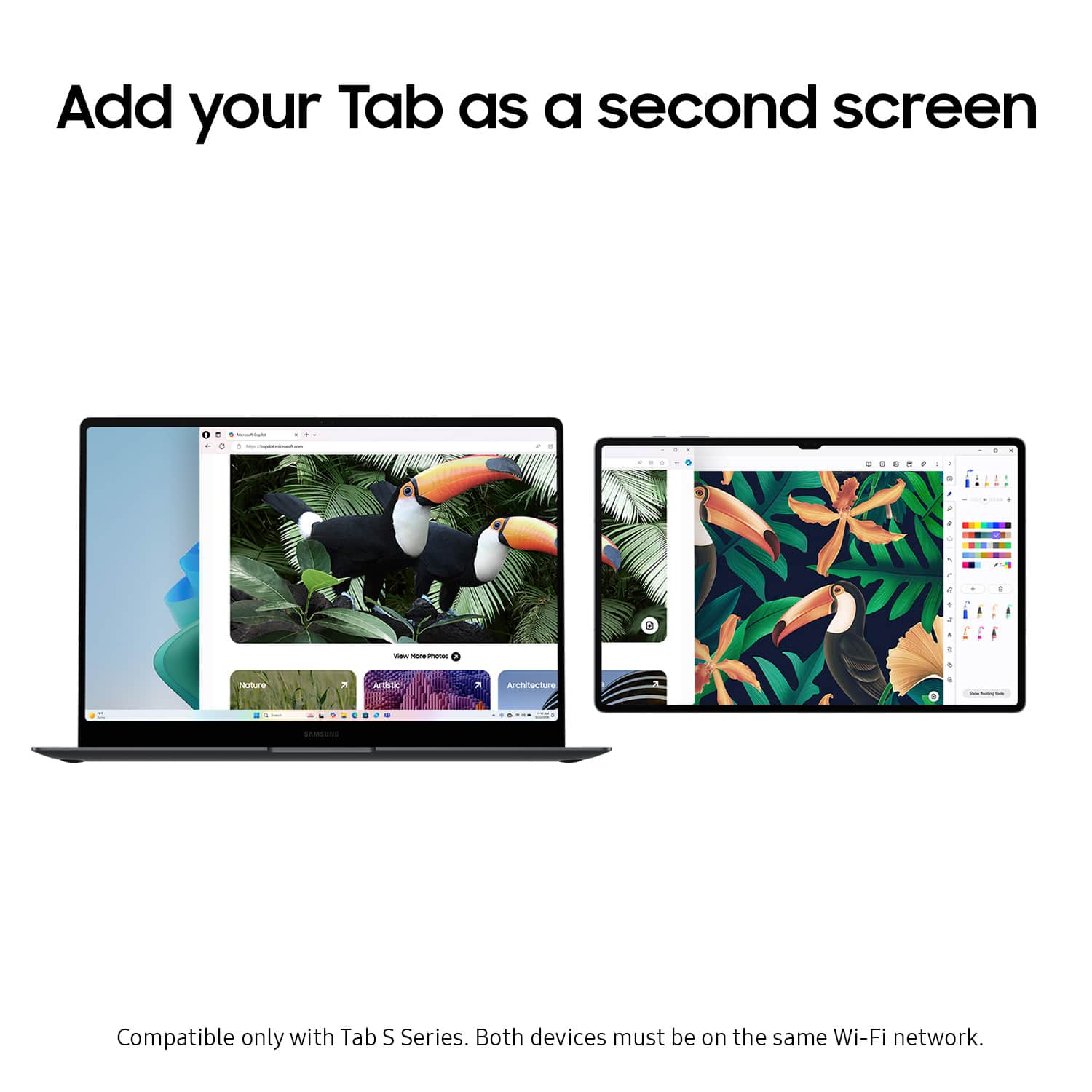
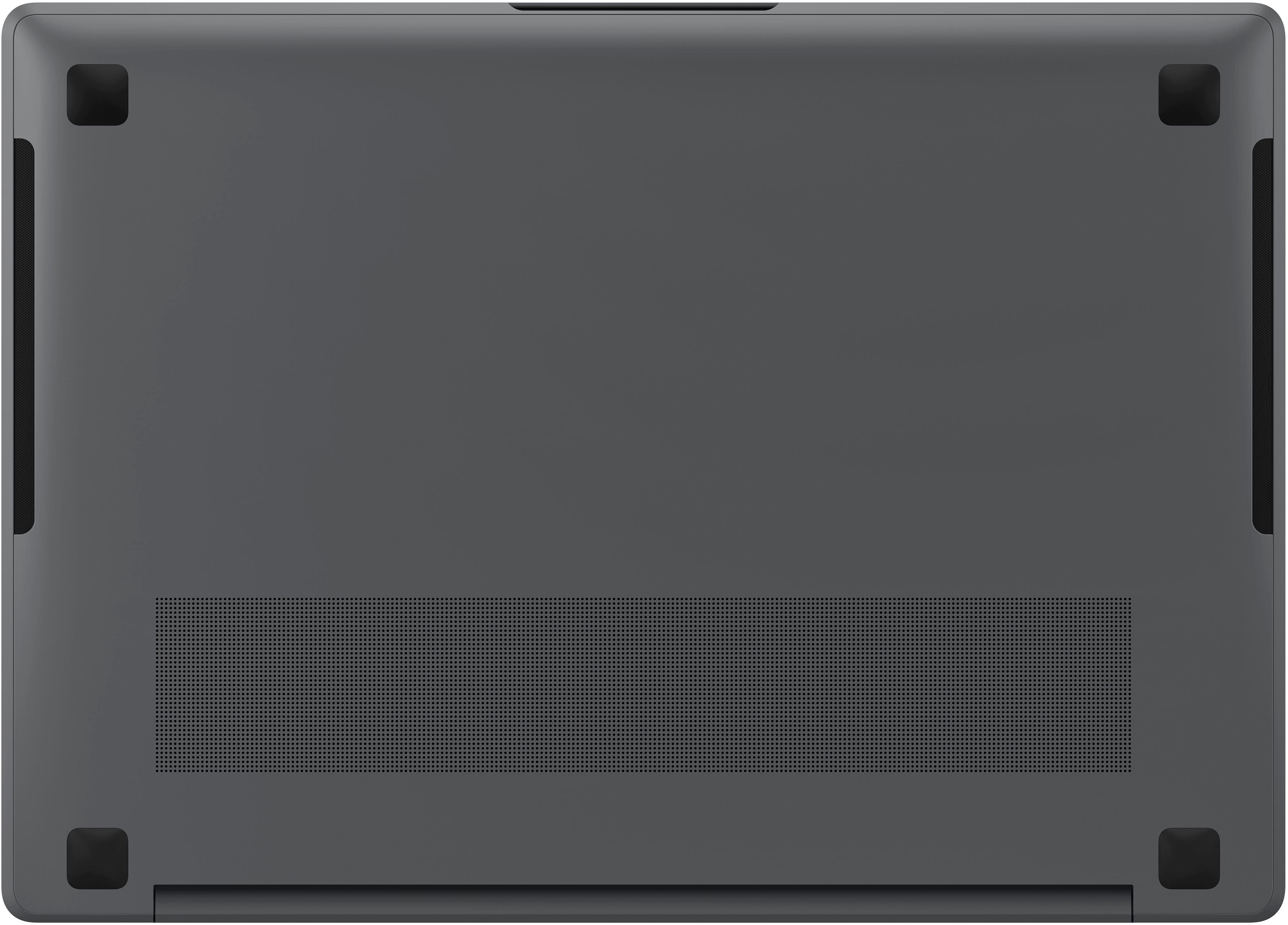
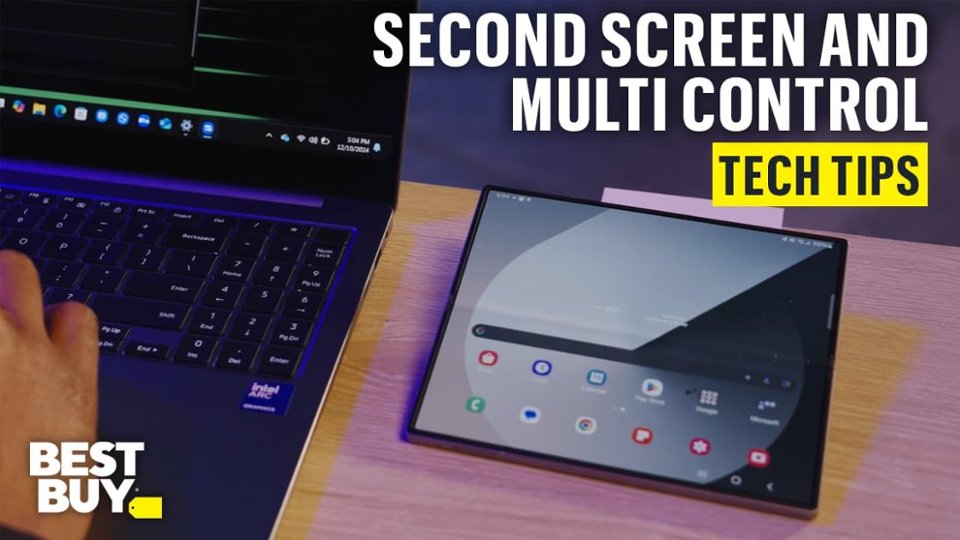
|Posted .This reviewer received promo considerations or sweepstakes entry for writing a review.Out-Of-The-Box My first impression of this laptop is excellent. The more I use it the more I like it. I have a few gripes, but overall this is definitely replacing my ASUS Zenbook 14 OLED (the laptop I had with OLED and ruined me on anything else)! Build Quality is solid. I love the how sturdy and planted it feels with no creaks when typing away on the lap or opening/closing the lid, or just generally picking it up and moving it around. You can definitely see where Samsung has gone hardcore after the Macbook line in design and thankfully (at least for now) has more ports available, meaning a dock is not necessary to actually get some stuff done. The OLED screen is nice and bright and quite anti-reflective. The touchscreen is very responsive, but doesn’t always hit the spot I am touching; mostly when typing and moving the cursor point. Hitting an onscreen button has never been an issue. Key travel feels good, puts out a little bit of a sound, but overall a good experience. The layout of the keyboard and trackpad is on center which is nice compared to some laptops that feel the touchpad should be positioned more to the left, which is quite annoying to me. The touchpad is very responsive and works as one would hope it to. The keyboard itself looks a little generic in design and layout and reminds me of a Chromebook. Which isn’t necessarily a bad thing. The backlight is nice and has 3 levels of brightness 0-30-60-100. 30% feels barely on and hard to tell between 0%. I tend to use 60% as my default for early morning and evening use. Removing the bottom cover took a bit of finesse, but I got it done. Typically when rubber feet are used to hide the screws, it has a double sided tape. When they are removed it tends to stretch the grommet and then they don’t quite fit properly when replaced and/or the adhesive weakens. Samsung chose to use snap-in grommets which take a bit of pressure to remove, but are quite nice for reuse. There are 4 only four screws and a lot of tabs around the perimeter, so proceed with care and caution. The chassis design is such that the bottom cover sits slightly lower than the frame. The only location one could get any leverage was at the hinge, which is not my first choice of applying pressure. Samsung Eco System If you are already using a Galaxy phone or tablet, adding the laptop into the eco-system is nice.I have used my Tab S9 Ultra as a second screen with an ASUS laptop and it was a little too laggy compared to a standard external display. Using it with the Book5 Pro was a little better and would do if necessary, but I will use my portable external display as necessary. The Book5 Pro is being added into my Samsung Eco System of S24 Ultra and Tab S9 Ultra. Having the official Samsung Notes app for Windows is now very nice as I use that quite a bit on both of my devices. But the redundant apps are a bit overkill. Some of these are production suites and others are for cross-device communication/sharing and a few are just duplicates of what Microsoft already has available like AI, Camera, Wallpaper, News, two Notes apps, Search, Screen Recorder. The Book5 Pro does come with a LOT of Samsung apps pre-installed, 26 to be precise. AI Select Bixby Camera Share Galaxy Book Experience Galaxy Book Smart Switch Live Wallpaper Multi Control News Noteshelf Samsung Quick Search Quick Share Samsung Account Samsung Care+ Samsung Cloud Assistant Samsung Device Care Samsung Find Samsung Flow Samsung Gallery Samsung Notes Samsung Pass Samsung Settings Samsung Studio Samsung Studio for Gallery Screen Recorder Second Screen SmartThings However, I will say the Samsung Studio app is a welcomed addition. Microsoft Clipchamp has been my go to for quick video creation as it is way cheaper than Adobe CC, offers a lot of great features, but also requires an internet connection to be used. Samsung Studio shines in this one aspect as internet is not necessary to use. It is not as feature rich as Clipchamp when it comes to AI capabilities, but a lot of free add-ons exist when downloaded first, like stickers and audio overlays. Thankfully this app is even more feature rich than the smartphone version. Dislikes…there are a few items I am not fond of: Screen design. Samsung decided to use heavy curves on the corners of the screen, which I find ridiculous on a laptop. Sharp 90 deg angles should be the only design. Keyboard FN Key: with all the extra apps and even a dedicated Samsung Settings menu, Samsung decided that a FN lock option was not necessary which again seems ridiculous considering the hot-key features are a primary function today for most users. Battery Life is a bit misleading from Samsung’s advertising. Based on testing of 16” model on local, 1080p resolution [which competes with the 3K resolution advertising] video playback, default video player [full screen], 150 nit brightness, default earbud volume, Wi-Fi and mobile network off, keyboard backlight off. 14” model is up to 21 hours. Results vary with settings, usage and other factors…all from Samsung.com product page. The “recommended” setting in Windows is the 2880x1800 @ 200% scale. I prefer the 150% scale for best use of the 14” screen size, however, the 1920x1200 setting @100% scale gives pretty close to the same amount of available screen space, so I will probably switch to that setting to get better battery life. I in now way reached 21 hours, closer to about 6 hours. But then I also realized that Samsung defaulted the Battery Saver to only charge to 80% for battery health. So, hopefully I can get around 10 hours of battery life with updated display settings and fully charged battery and that I would be totally fine with. Not a big fan of the non-upgradeable memory. Final Thoughts I can definitely recommend the Book5 Pro. The 16GB RAM does pretty well, but if you plan to do a lot of editing, the 32GB option would be best, which then doubles the storage from 512GB to 1TB. The price hike isn’t the worst I’ve seen, but Samsung takes the opportunity to hike the price on what a single 32GB RAM module would cost and a 1TB M.2 drive would cost. Personally, the 16GB RAM is enough, but I will add either a 2TB or 4TB M.2 for ample storage.
I would recommend this to a friend - Pros mentioned:Battery life, Overall performance, Portability
Excellent performance and display
||Posted . Owned for 1 month when reviewed.This reviewer received promo considerations or sweepstakes entry for writing a review.The Samsung Galaxy Book5 Pro is fast, lightweight, and beautifully designed. The AMOLED display is stunning, performance is smooth, and battery life easily lasts all day. A great choice for work, school, and everyday use.
I would recommend this to a friend