Customer Ratings & Reviews
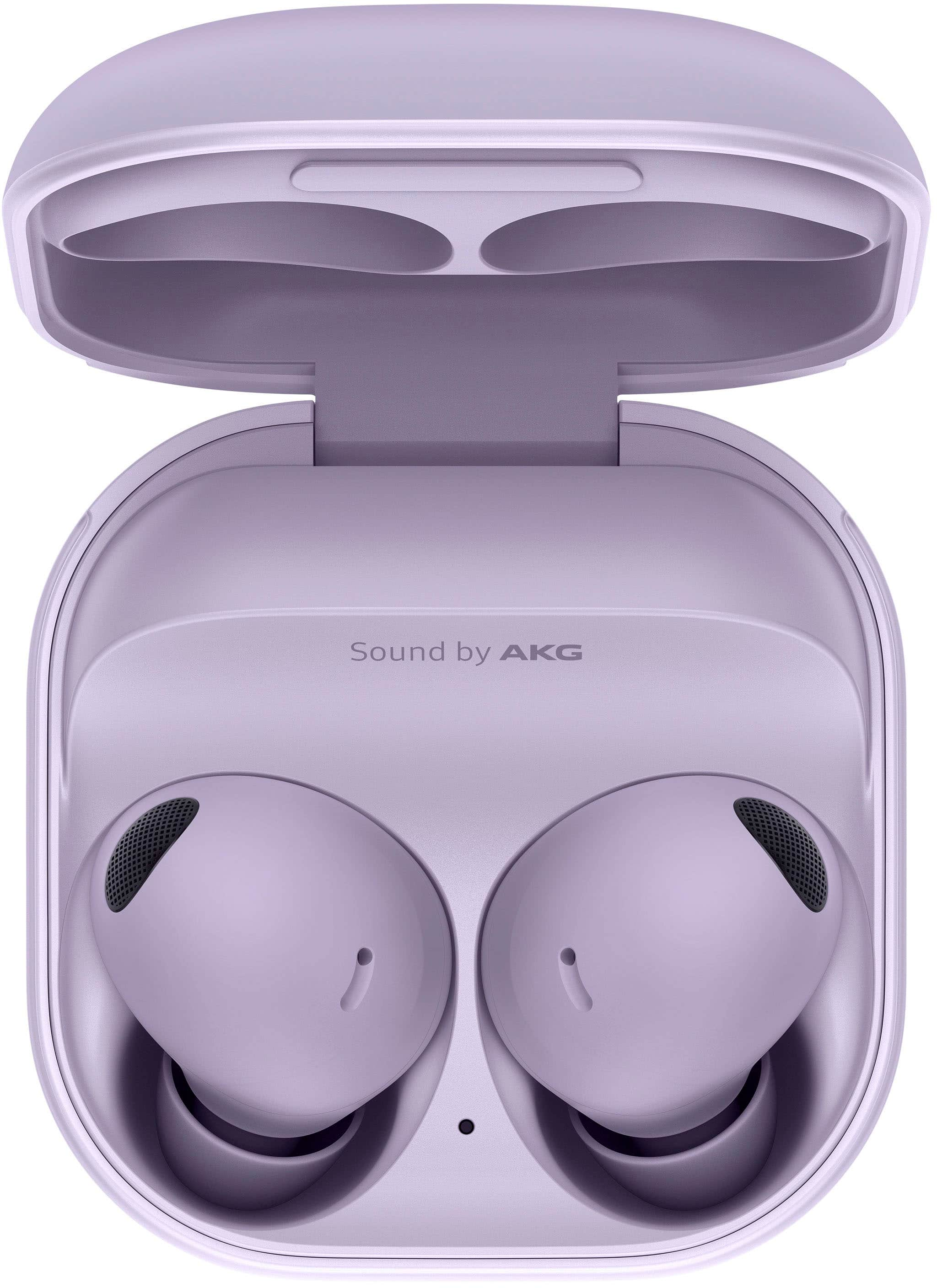
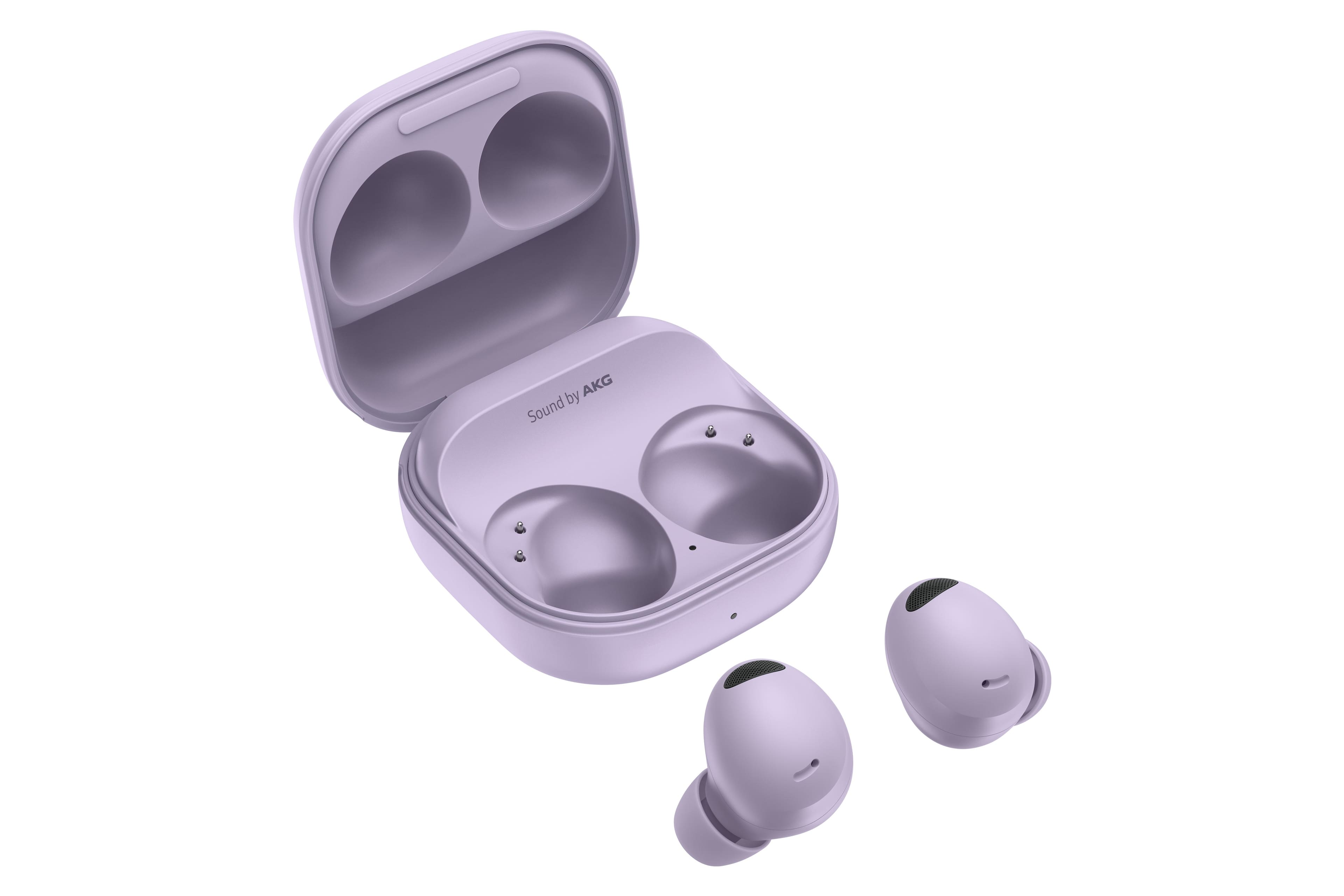

- Model:
- SM-R510NLVAXAR
- SKU:
- 11058968
Rating by feature
- Sound Quality
Rating 4.8 out of 5 stars
- Battery Life
Rating 4.6 out of 5 stars
- Connectivity
Rating 4.8 out of 5 stars
Headphone designs
||Posted . Owned for 8 months when reviewed.This reviewer received promo considerations or sweepstakes entry for writing a review.Great headphones, but the design of these to stay in the ear for at least me was horrible. It kept trying to slip out of my ear.
I would recommend this to a friendHeadphones dont work separately
||Posted . Owned for 3 weeks when reviewed.This reviewer received promo considerations or sweepstakes entry for writing a review.Cannot use one headphone at a time. The left headphone does not work at all.
No, I would not recommend this to a friendBrand response from Samsung
Posted .Greetings Diggy, thank you for finding the opportunity to share your sentiments with us about your Samsung Galaxy Buds2 Pro. We appreciate your directness as we strive to provide the very best products with superior functionality on the market to our customers while we remain committed to constant innovation. Our goal is for our customers to feel like they are having the most incredible experiences while using our products. Samsung provides a 12-month warranty on our products for manufacturing defects in materials and workmanship. If you have you lost or misplaced one of your Samsung earbuds, like the Galaxy Buds2, you can still enjoy your music until you find the missing earbud. Just use your single earbud with the phone that both earbuds were previously paired to. Take a moment to review, "Use a single Samsung earbud with your phone" and "Sync the Samsung earbuds to each other" when you have the free time available to resolve what you have described to be experiencing with your Galaxy Buds2 Pro. If you have any questions for us after reviewing the resources that have been shared or if you would like any further assistance, feel free to reach out to Samsung Support. Thank you for being a trustworthy Samsung customer. - Debra

Disconnects from bluetooth
||Posted . Owned for 10 months when reviewed.This reviewer received promo considerations or sweepstakes entry for writing a review.I bought this in sep 2023, so will have almost a year with. But since a few months back, they randomly disconnect from the bluetooth. It happens so often that at this point i want to throw them away. If i could return them i would or if i wouldve known it was going to be like that, i wouldnt have got them.
No, I would not recommend this to a friendBrand response from Samsung
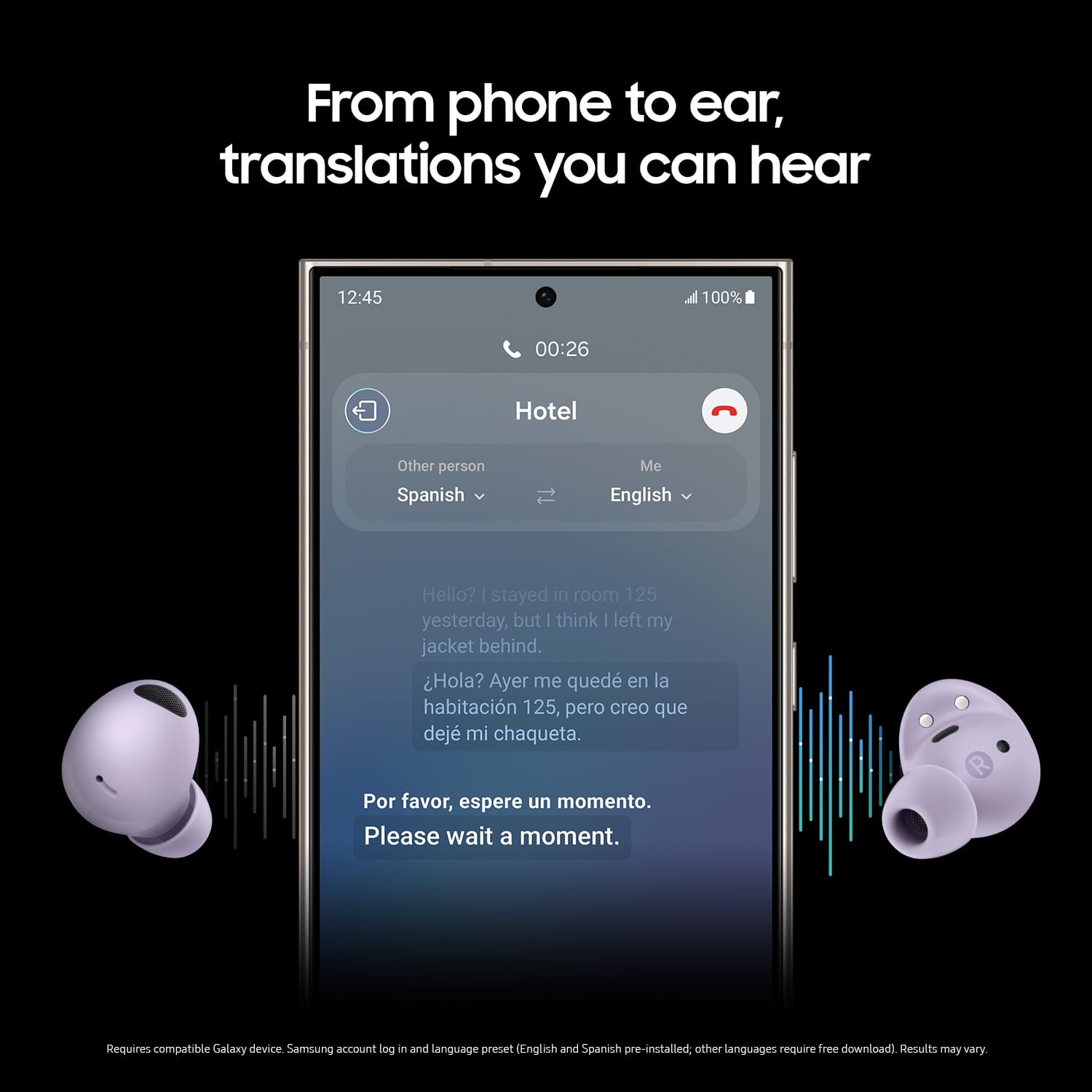
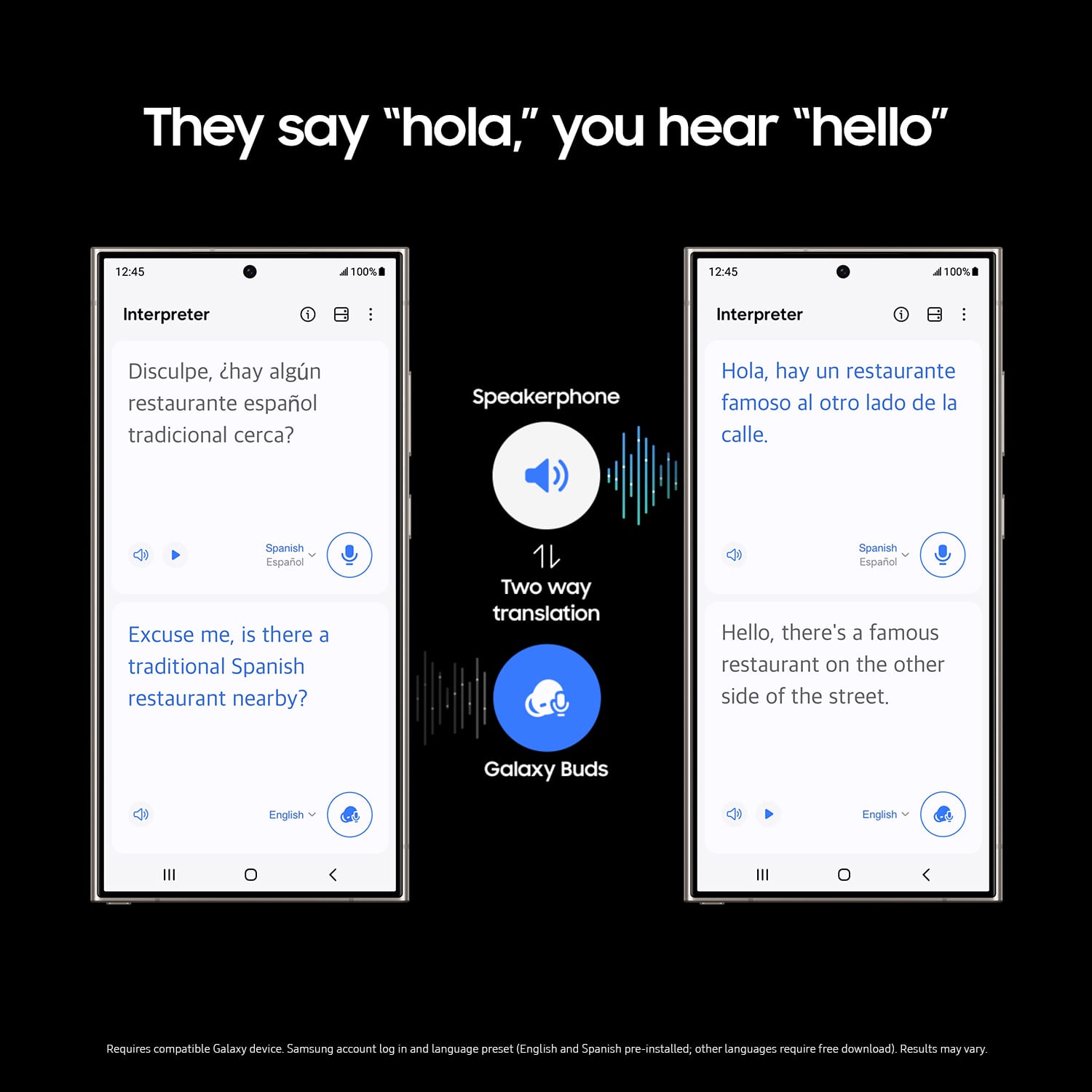
Posted .We appreciate you taking the time to share your feedback about the Galaxy Buds2 Pro with us, Ecorr. The Buds2 Pro features a 360 Audio experience enhanced by Dolby Atmos, providing immersive sound that adapts to head movements, creating a surround-sound effect. Key features include Intelligent Active Noise Cancellation, which allows users to focus on important sounds while minimizing background noise. The earbuds also support real-time translations through the Galaxy AI, facilitating communication in different languages during conversations. The design is ergonomic, ensuring a secure and comfortable fit, making them suitable for various activities.Frequent disconnection of Galaxy Buds models from a phone may stem from a weak Bluetooth connection or improper fit in the ears. It is essential to ensure that the earbuds are correctly positioned for optimal performance. Additionally, verifying the stability of the Bluetooth connection and ensuring that the earbuds' software is current are crucial steps to mitigate connectivity issues. Make sure to use the earbuds and your device within 30 feet of each other. The distance may vary depending on the environment and your phone model. Avoid using the device near obstructions that can block the Bluetooth signal, such as walls, routers, electrical equipment, or electromagnetic waves. Also, be aware of other devices you may have also connected your buds to. Check for software updates for the earbuds. You can check for software updates through the Galaxy Wearable app on your phone or tablet, through a PC, or using your TV. Check the earbuds' battery status. If they have a low battery, the buds may disconnect from the phone. In this case, you will need to charge the earbuds. You can check the battery level in the Galaxy Wearable app. If this persists, please be sure to reach out to us at Support so that we can look into what could be causing this. -Kelvin
ear buds
||Posted . Owned for 1 month when reviewed.This reviewer received promo considerations or sweepstakes entry for writing a review.good. I wish I could anser the phone from buds and adjust volume. They are quite exspense to just play and pause.
I would recommend this to a friendBrand response from Samsung
Posted .Aloha SharitaT, thank you for finding the opportunity to share your sentiments with us about your Samsung Galaxy Buds2 Pro. You can answer and control calls using your earbuds. To answer or end a call, double tap the touch pad on your earbuds. To decline a call, touch and hold the touchpad on your earbuds. The left and right earbuds can be assigned different shortcuts. 1. From Galaxy Wearable, tap Touch controls > Touch and hold. 2. Tap an option to set the touch controls for each earbud: * Switch noise controls (default): Activate the noise canceling or ambient sound features. * Voice command: Say commands to change settings on your earbuds. * Volume up or Volume down: The right earbud is volume up, and the left is volume down. Once one has been set, the other will automatically update to the volume control option. Hope that helps! Feel free to contact Samsung Support if you would like any further assistance. We're always here for you! Thank you for being a staunch Samsung customer. - Debra
Ear buds
||Posted . Owned for 8 months when reviewed.This reviewer received promo considerations or sweepstakes entry for writing a review.Ivlike my ear buds but am not able to use well. They keep falling from my ears so i have to be careful not to lose them.
No, I would not recommend this to a friend- Pros mentioned:Sound quality
best
||Posted . Owned for 3 weeks when reviewed.This reviewer received promo considerations or sweepstakes entry for writing a review.the best yet. by far my best pair of ear buds. sound and quality are most definitely off the charts
I would recommend this to a friend Earbuds don't turn off when unused
||Posted . Owned for 7 months when reviewed.This reviewer received promo considerations or sweepstakes entry for writing a review.Earbuds will rub out of battery when not in use outside of the charger, so you're 100% going to lose them
No, I would not recommend this to a friendBrand response from Samsung
Posted .Hi there James, thanks for taking the time to review your Samsung Galaxy Buds2 Pro. We appreciate your honesty as we strive to provide the best products with superior functionality on the market to our customers. Samsung provides a 12-month warranty on our products for manufacturing defects in materials and workmanship. Although the Galaxy Buds2 Pro do not have a manual power off button, they have been designed to utilize a low-power standby mode when they are not in use and outside of the case. Ultimately this design allows for your Galaxy Buds to quickly connect to your paired devices when they are needed. Feel free to check out, "All about your Samsung earbuds’ battery life" if you would like to learn more. If you misplace your Galaxy Buds2 Pro, you can usually locate them using the Galaxy Wearable app's "Find My Earbuds" feature. If you would like any further assistance or if you would like to share any other feedback with us, do not hesitate to contact Support. Thank you for being a loyal Samsung customer. - Debra
Mid
||Posted . Owned for 5 months when reviewed.This reviewer received promo considerations or sweepstakes entry for writing a review.They are ok . No one can hear me when making phone calls.
No, I would not recommend this to a friendBrand response from Samsung
Posted .Howdy WillieA, thanks for taking the available time out of your day to share your thoughts with us about your Samsung Galaxy Buds2 Pro. We appreciate your candor as we make every effort to improve the design and functionality of our product line. Our goal is for our customers to feel like they are having the most ideal experiences while using our products. Samsung provides a 12-month warranty on our products for manufacturing defects in materials and workmanship. When you have the opportunity available, please take a moment to review "No, low, or poor audio quality on Samsung earbuds" to help resolve what you have described to be experiencing with your device. If you have any questions for us afterward, feel free to contact Samsung Support. Thank you for being a valued Samsung customer. - Debra
- Pros mentioned:Sound quality
Cool headphones
||Posted . Owned for 1 week when reviewed.This reviewer received promo considerations or sweepstakes entry for writing a review.Love these beautiful headphones. Isolates me from the world Nd brings me back when I need to
I would recommend this to a friend - Pros mentioned:Sound quality
Fantastic
||Posted . Owned for 1 month when reviewed.This reviewer received promo considerations or sweepstakes entry for writing a review.These headphones are fantastic. The noise cancelling works very well at work around power tools
I would recommend this to a friend Average Sound & Fit
||Posted . Owned for 2 months when reviewed.This reviewer received promo considerations or sweepstakes entry for writing a review.Didnt sound great and wouod not stay in my ears even when using various included tips. Finally, connection was spotty.
No, I would not recommend this to a friendGalaxy Pro Ear Buds
||Posted . Owned for 9 months when reviewed.This reviewer received promo considerations or sweepstakes entry for writing a review.Bought October of 2023 and now it wont charge only left side charges
I would recommend this to a friendBrand response from Samsung
Posted .Thanks for reaching out, Gino! We appreciate your feedback on the Galaxy Buds2 Pro By enhancing the Hi-Fi signal, the Galaxy Buds2 Pro delivers 256 times more audio data than its predecessors, offering a new level of richness and clarity in sound. Additionally, we have maximized audio quality with our 2-way speaker design—transforming your experience with a wireless audio device will never be the same again! We hate to see that one of your buds isn't charging. Products sold by Samsung are warranted against manufacturing defects in material and workmanship for the limited 12-month warranty period specified for each product. We also provide the option to add additional coverage with Samsung Care+ on eligible devices, which offers extended protection and additional support. We recommend resetting your earbuds. Insert the earbuds into the charging case and close the lid. Wait at least seven seconds, and then remove the earbuds. They will restart and automatically reconnect to your device. Navigate to and open the Galaxy Wearable app on your connected phone. Make sure both earbuds are connected to the app. Test your Buds for normal operation. If you continue to have issues, go to the next step. Tap Earbud settings, then tap Reset, and then tap Reset again to confirm. If this persists, please be sure to reach out to us at Support so that we can gather some additional information and help get this resolved. -Kelvin
- Pros mentioned:Sound quality
Torn
||Posted . Owned for 3 weeks when reviewed.This reviewer received promo considerations or sweepstakes entry for writing a review.Great for music. Terribly disappointed in the phone call quality
No, I would not recommend this to a friendBrand response from Samsung
Posted .Hello EnriqueC, thank you for sharing your thoughts with us about your Samsung Galaxy Buds2 Pro. We are happy to hear you are enjoying your music on your device. We have an article on our website titled "Use call features on your Samsung earbuds" to help troubleshoot the call settings of your device. If you are still experiencing difficulty with the calls on your device, please reach out directly to the Samsung Support Team for additional assistance. Thank you for being a Samsung customer. -Elizabeth
Nice
||Posted . Owned for 1 month when reviewed.This reviewer received promo considerations or sweepstakes entry for writing a review.I like it but it keeps coming out of my ears and when I decide to return it the time past was the day before so I really don’t use it
I would recommend this to a friend- Pros mentioned:Sound quality
Highly Recommend
||Posted . Owned for 1 month when reviewed.This reviewer received promo considerations or sweepstakes entry for writing a review.Great earbuds! I work around machinery and they help tremendously with back ground noise.
I would recommend this to a friend I miss my bose.
||Posted . Owned for 5 months when reviewed.This reviewer received promo considerations or sweepstakes entry for writing a review.Not the best. I really regret buying the. No matter whoch piece I place, the earnuds come out flying from my ears. I prefer other branda.
No, I would not recommend this to a friendSamsung companion
||Posted . Owned for 1 month when reviewed.This reviewer received promo considerations or sweepstakes entry for writing a review.Nice casual listening experience, works seemless with Samsung, lack multi point support, please don't expect audiophile quality
I would recommend this to a friendVery disappointed!!!!!
||Posted .This reviewer received promo considerations or sweepstakes entry for writing a review.Order this head phone in July 13 and is yet to receive my order. It’s now July 28th.
No, I would not recommend this to a friendSomewhat of a disappointment
||Posted . Owned for 2 months when reviewed.This reviewer received promo considerations or sweepstakes entry for writing a review.Lacks normal creature comforts which take away from what should be a top tier experience
No, I would not recommend this to a friendBrand response from Samsung
Posted .Howdy ErickM, thanks for taking the time out of your hectic day to share your thoughts with us about your Samsung Galaxy Buds2 Pro. In the past, you may have worn earbuds that either pinched your ears or were too loose. Both options are equally uncomfortable, whether you're out jogging or just listening to music. Thankfully, you'll never have those problems with your Samsung earbuds. If they don't fit right, you can simply swap the earbud tips and wingtips. If you wear your buds correctly, it will help ensure they remain comfortable while providing the best sound and call quality possible. Before wearing your Galaxy Buds Pro, Buds2, or Buds2 Pro, make sure the earbud tips are attached. Wearing your earbuds properly will ensure they remain comfortable when you’re listening to your favorite content. If the earbud tips do not fit comfortably, you can try a different size to get a tighter seal. This will improve the microphone’s performance and provide a stronger sound. With the Buds2 and Buds2 Pro, you can use the Earbud fit test to make sure you’re wearing them correctly. From the Galaxy Wearable app, tap Earbud settings, and then tap Earbud fit test. Put the earbuds in your ears and then tap Start to begin the test. If you would like further assistance, please do not hesitate to contact Samsung Support when you have the available time to do so. Thank you for being a loyal Samsung customer. - Debra
MsJones
||Posted . Owned for 3 weeks when reviewed.This reviewer received promo considerations or sweepstakes entry for writing a review.These ear buds work good but would not stay in my ears. They would just fall out while sitting still.q
No, I would not recommend this to a friendBrand response from Samsung
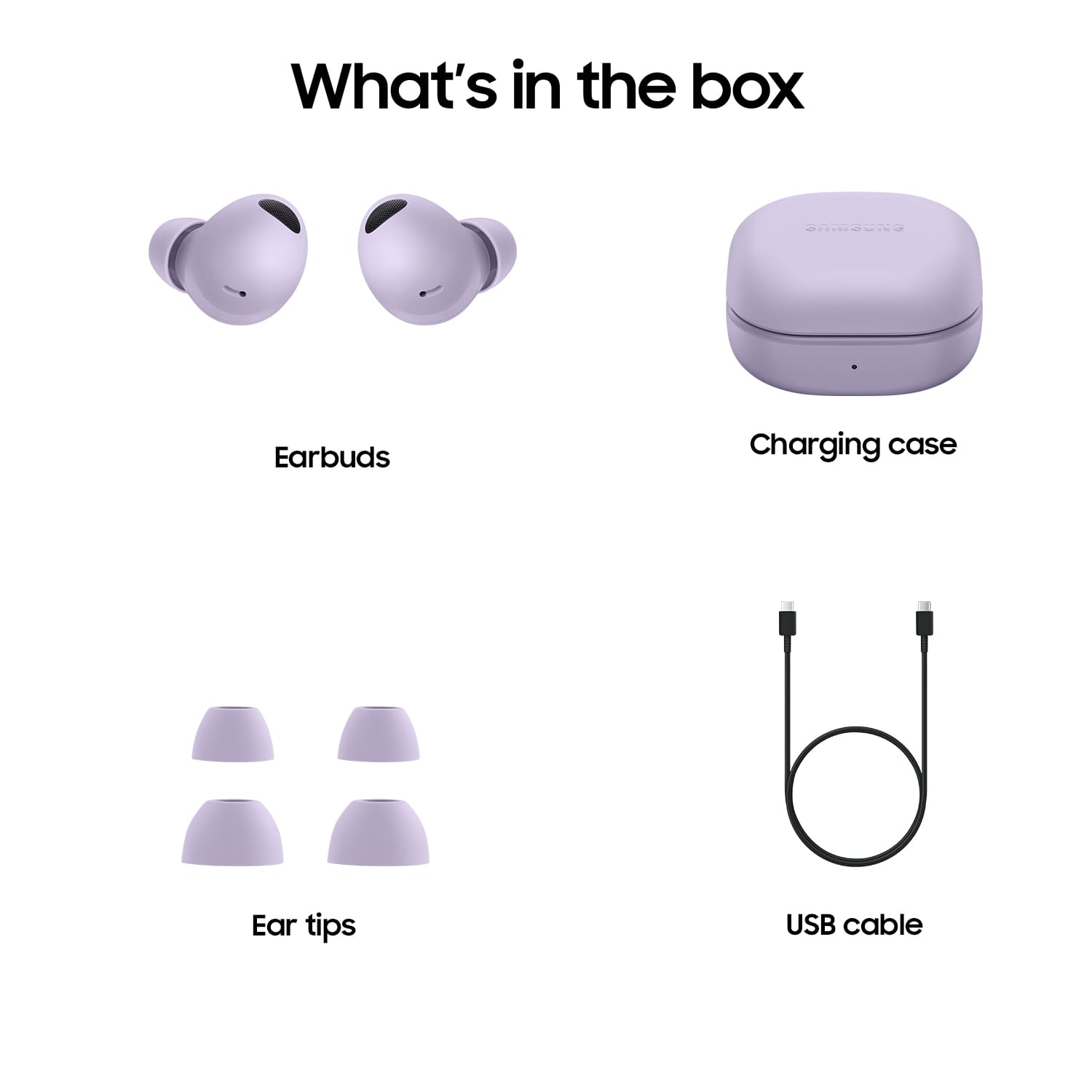
Posted .Hi RobbieT, we appreciate you sharing your thoughts with us about your Samsung Galaxy Buds2 Pro. We understand how important the fit of your buds is to your continued usage and enjoyment of the device. This device does come with additional ear tips in a larger and smaller size to help with the fit, we have a great article on our website titled "How to wear your Samsung earbuds" to help ensure the optimal placement, and lastly you can perform a fit test while wearing the buds and connected in the Samsung Wearables App. Thank you for being a Samsung customer. -Elizabeth