Customer Ratings & Reviews


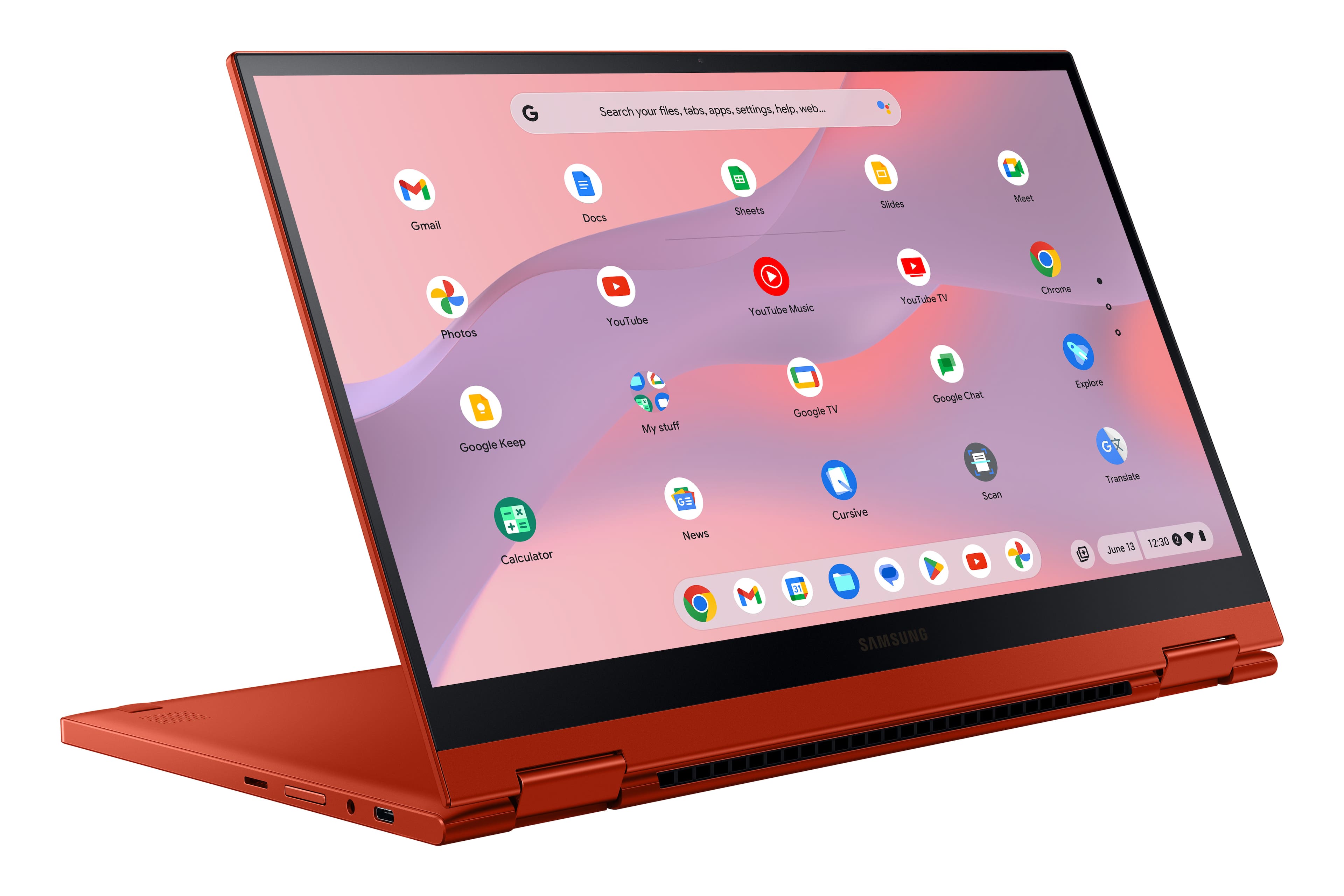
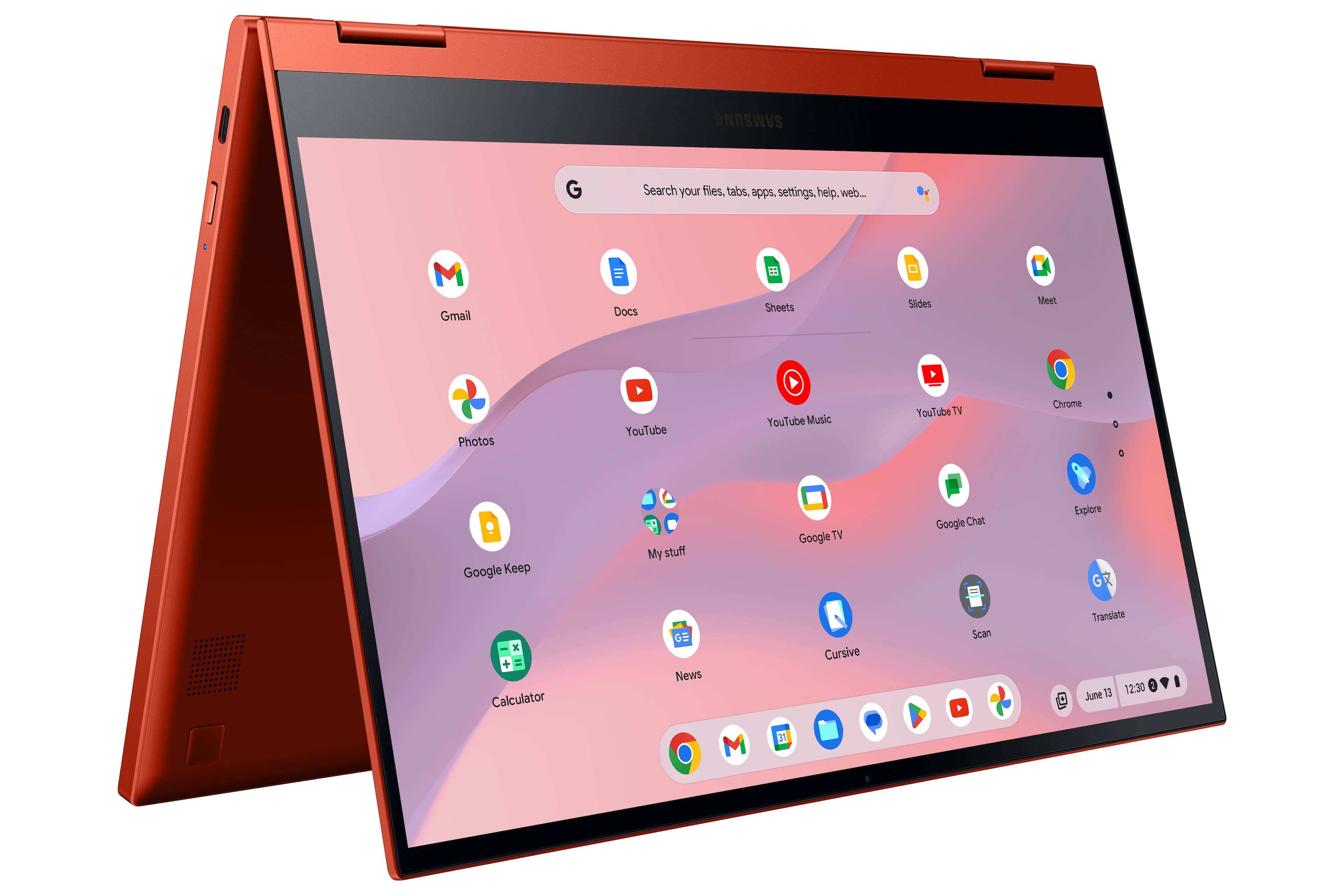
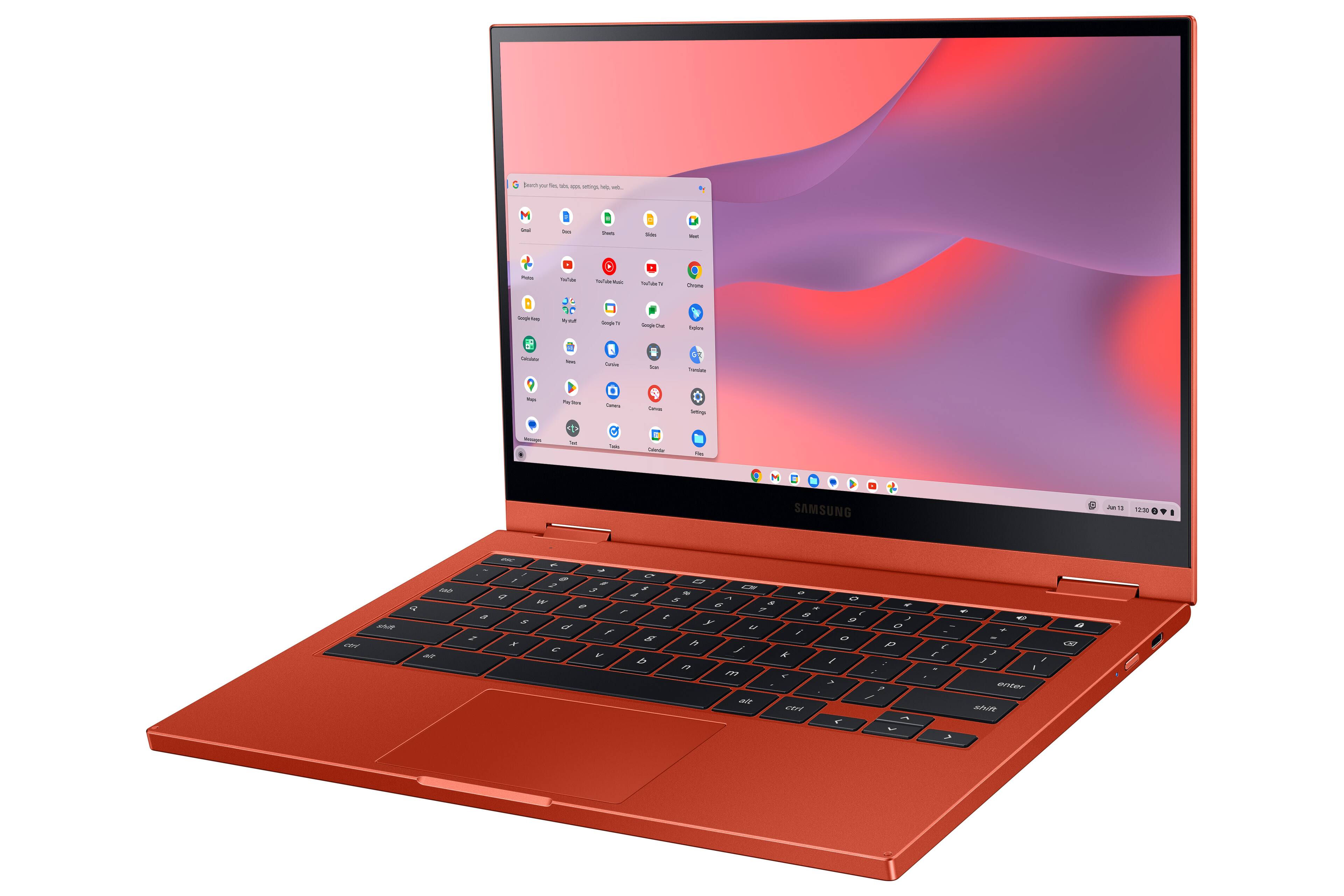
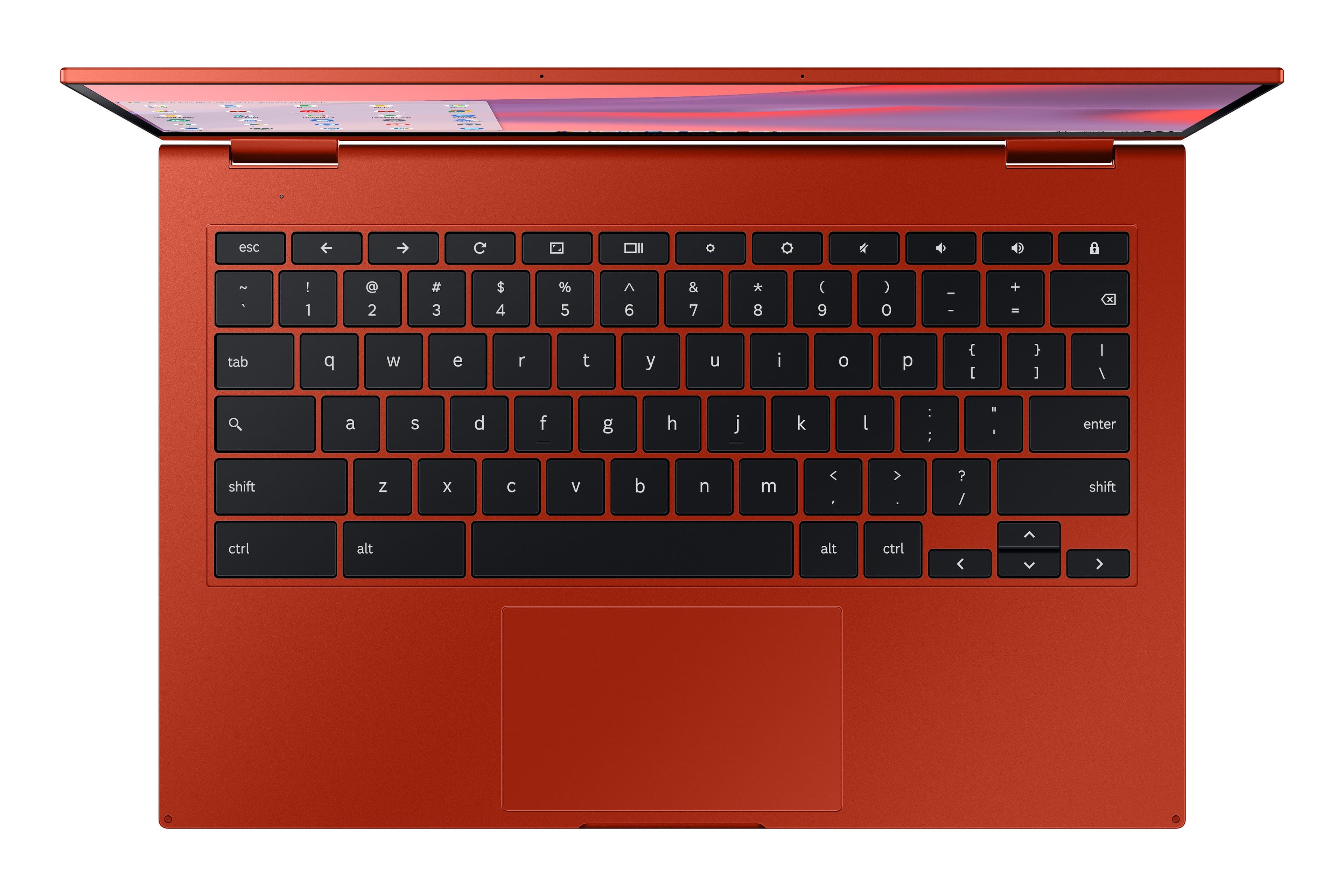

- Model:
- XE530QDA-KA2US
- |
- SKU:
- 6450560
Customer reviews
Rating 4.5 out of 5 stars with 124 reviews
(124 customer reviews)Rating by feature
- Battery Life4.7
Rating 4.7 out of 5 stars
- Speed4.5
Rating 4.5 out of 5 stars
- Display4.8
Rating 4.8 out of 5 stars
Customers are saying
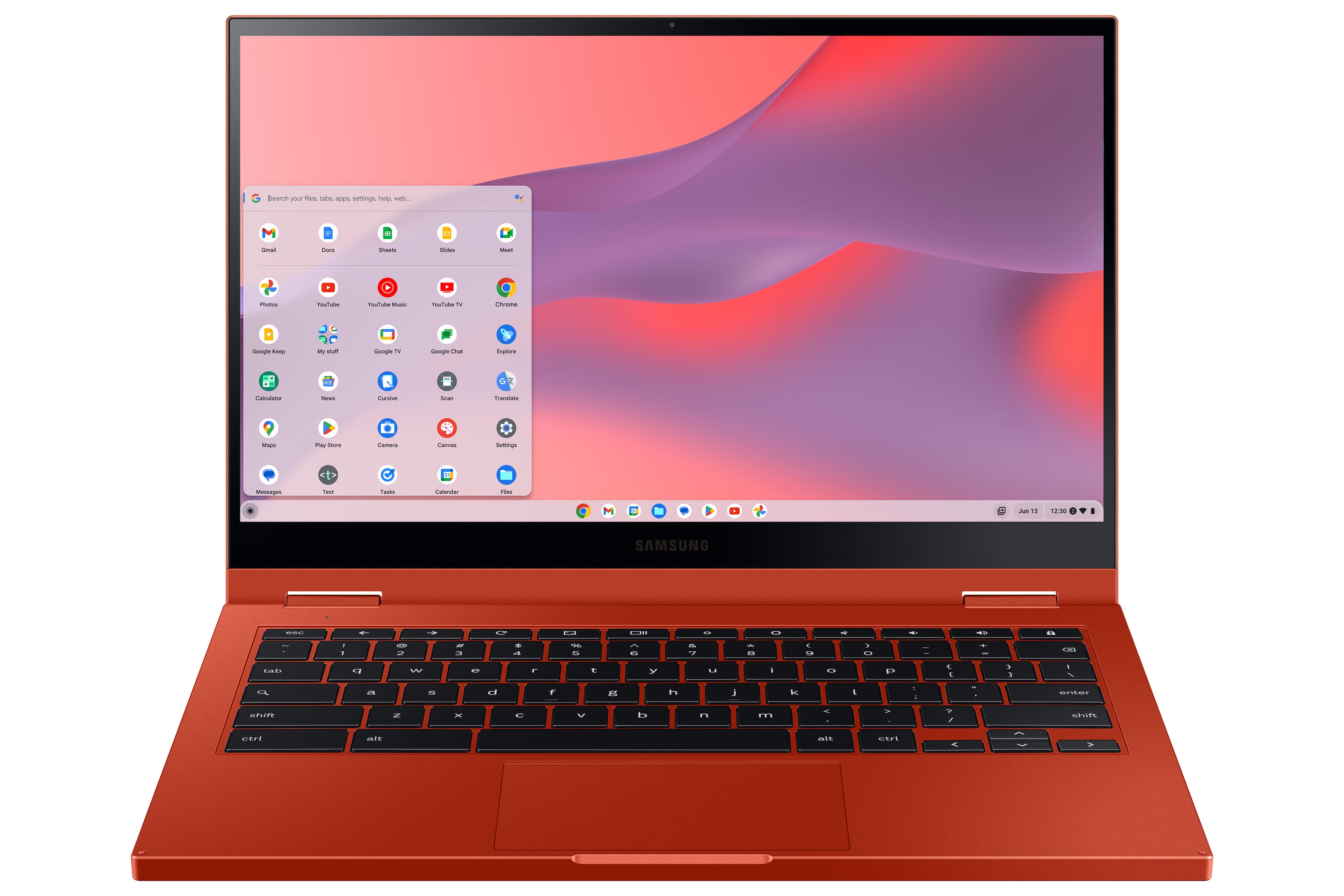
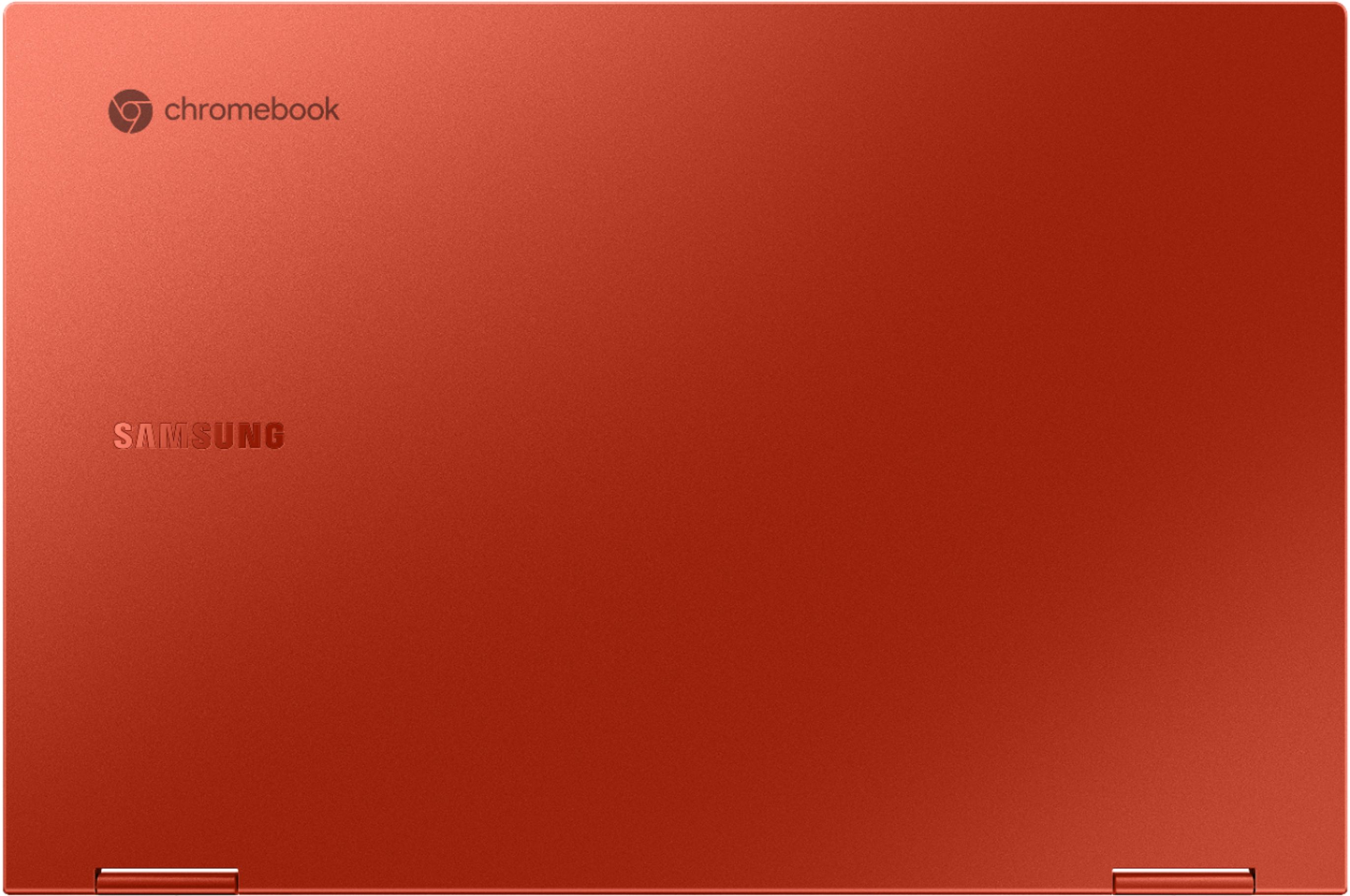
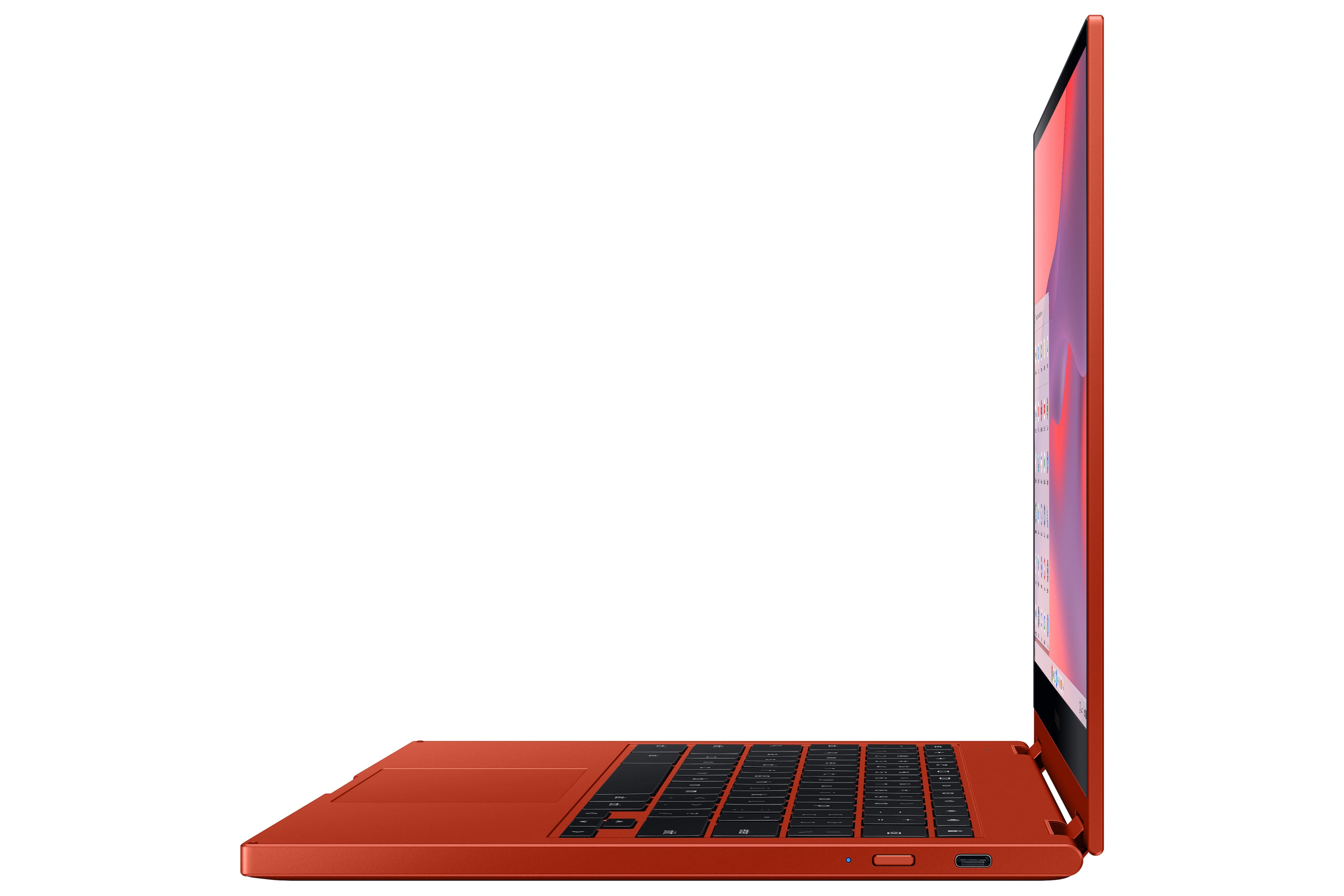
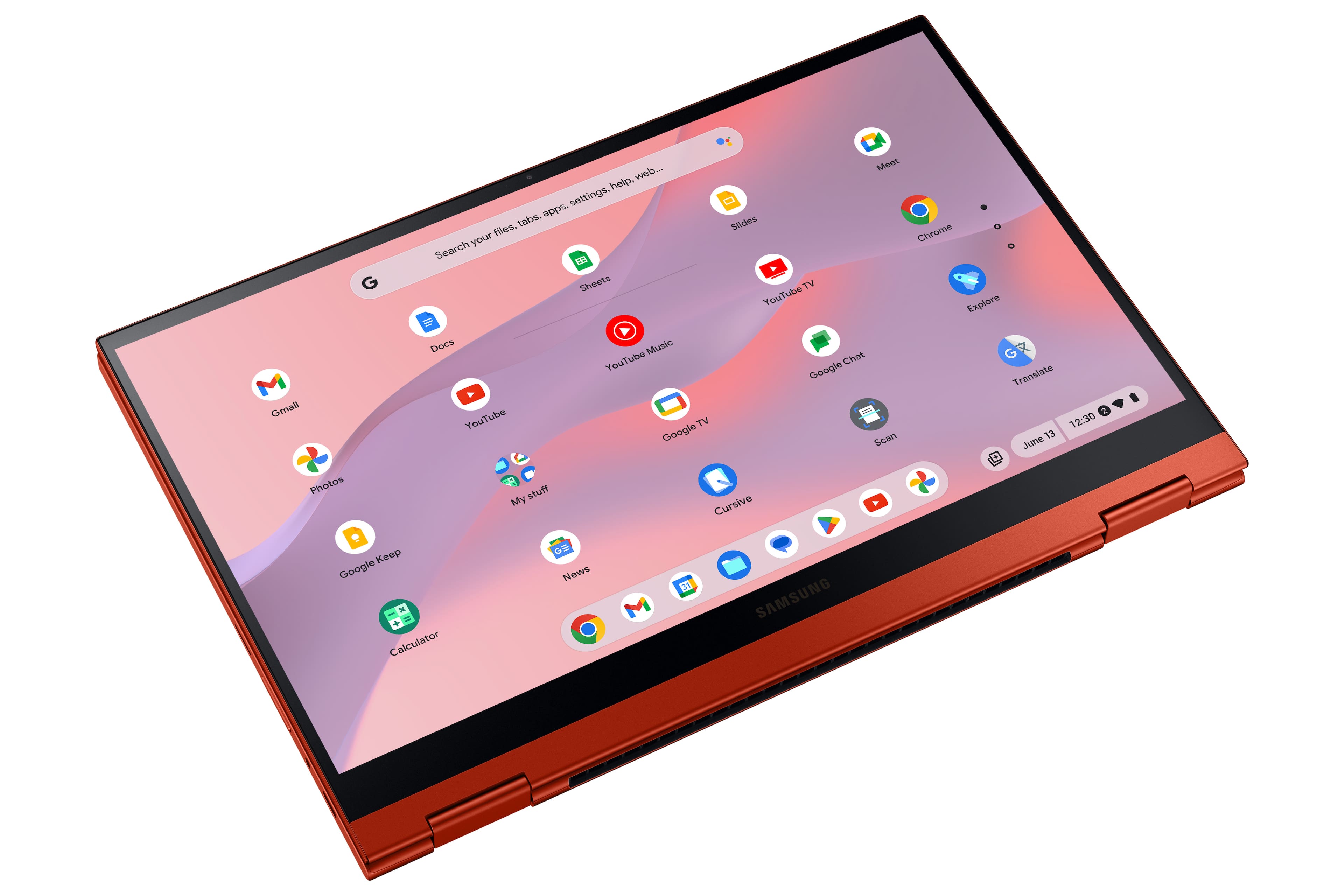
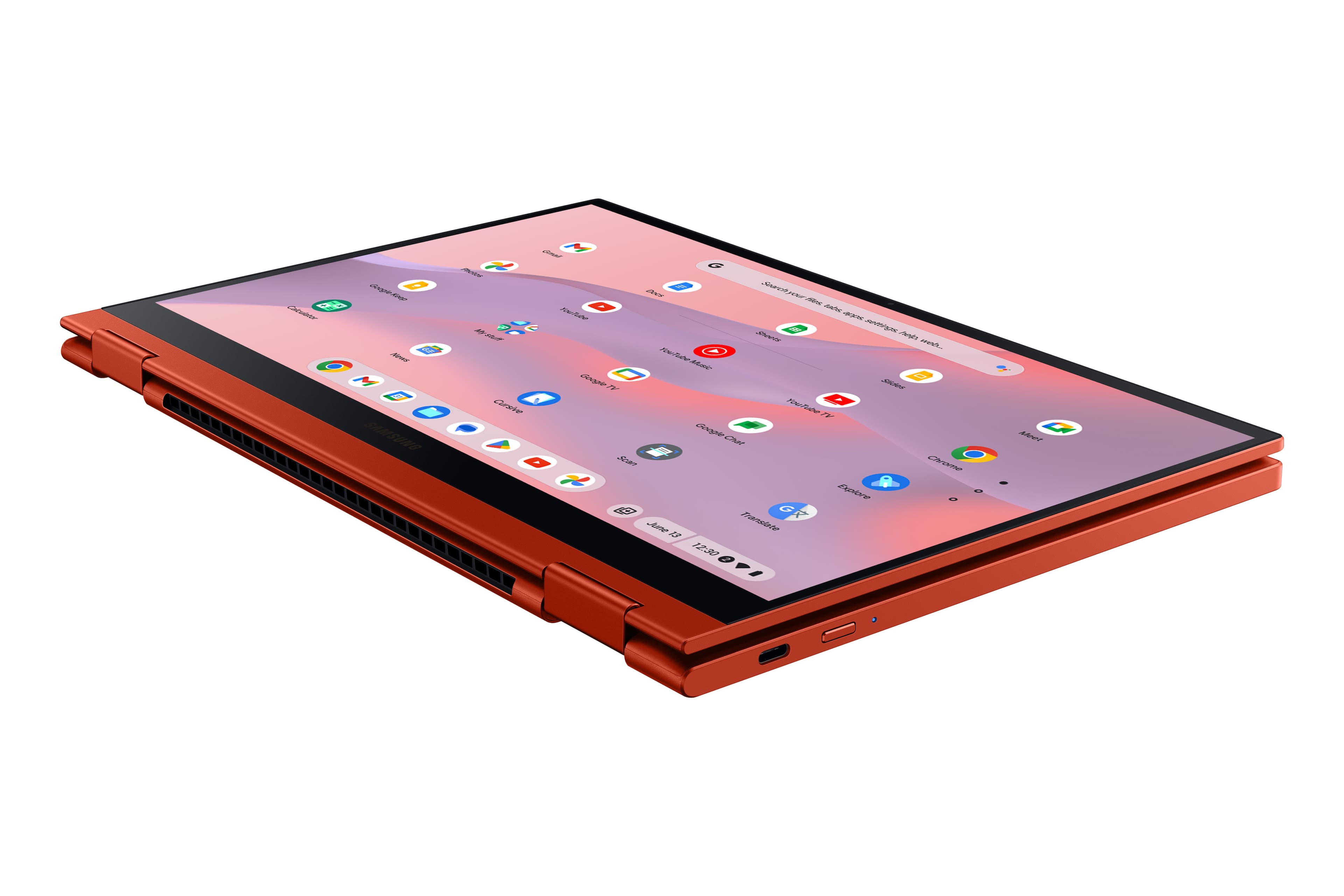
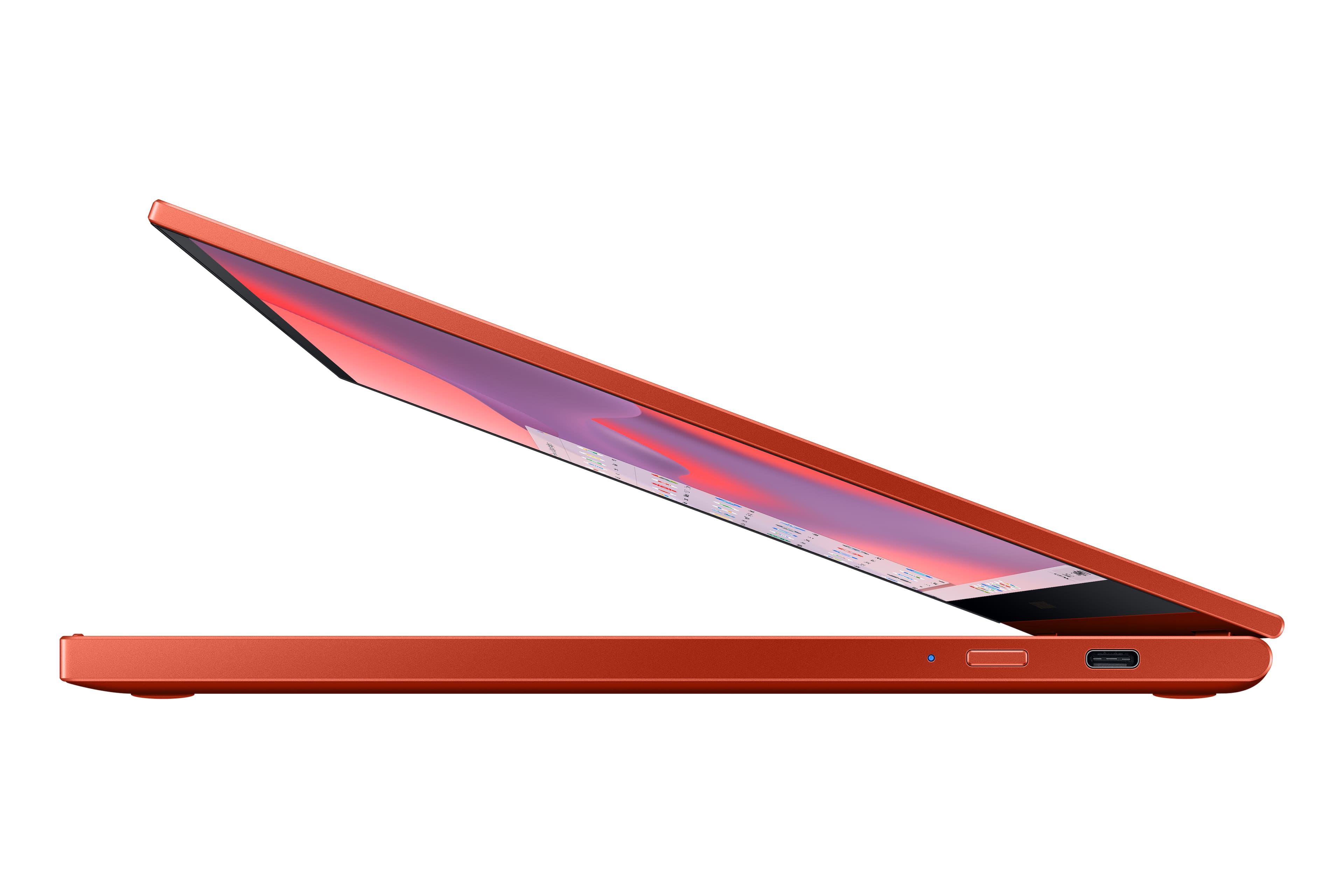
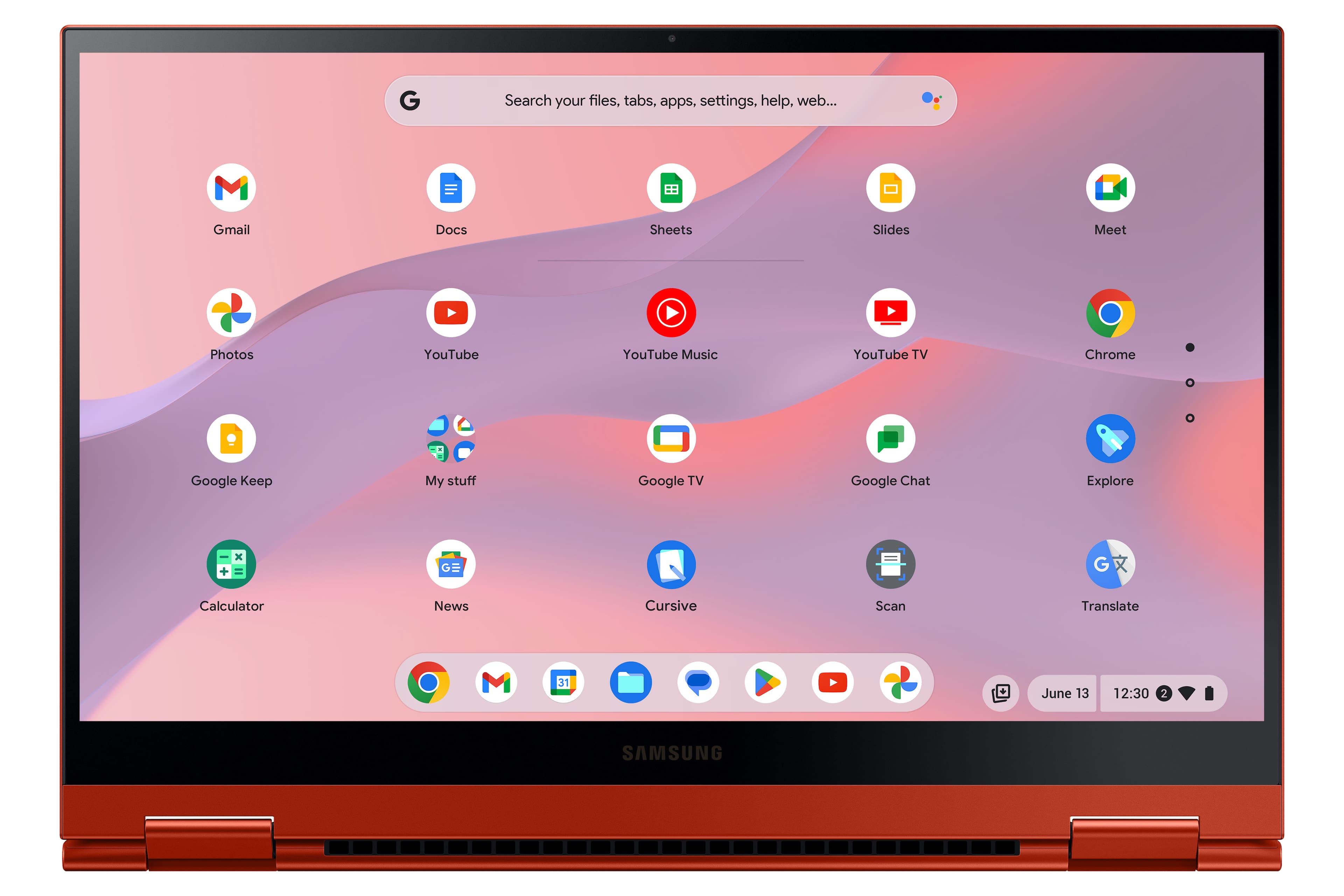
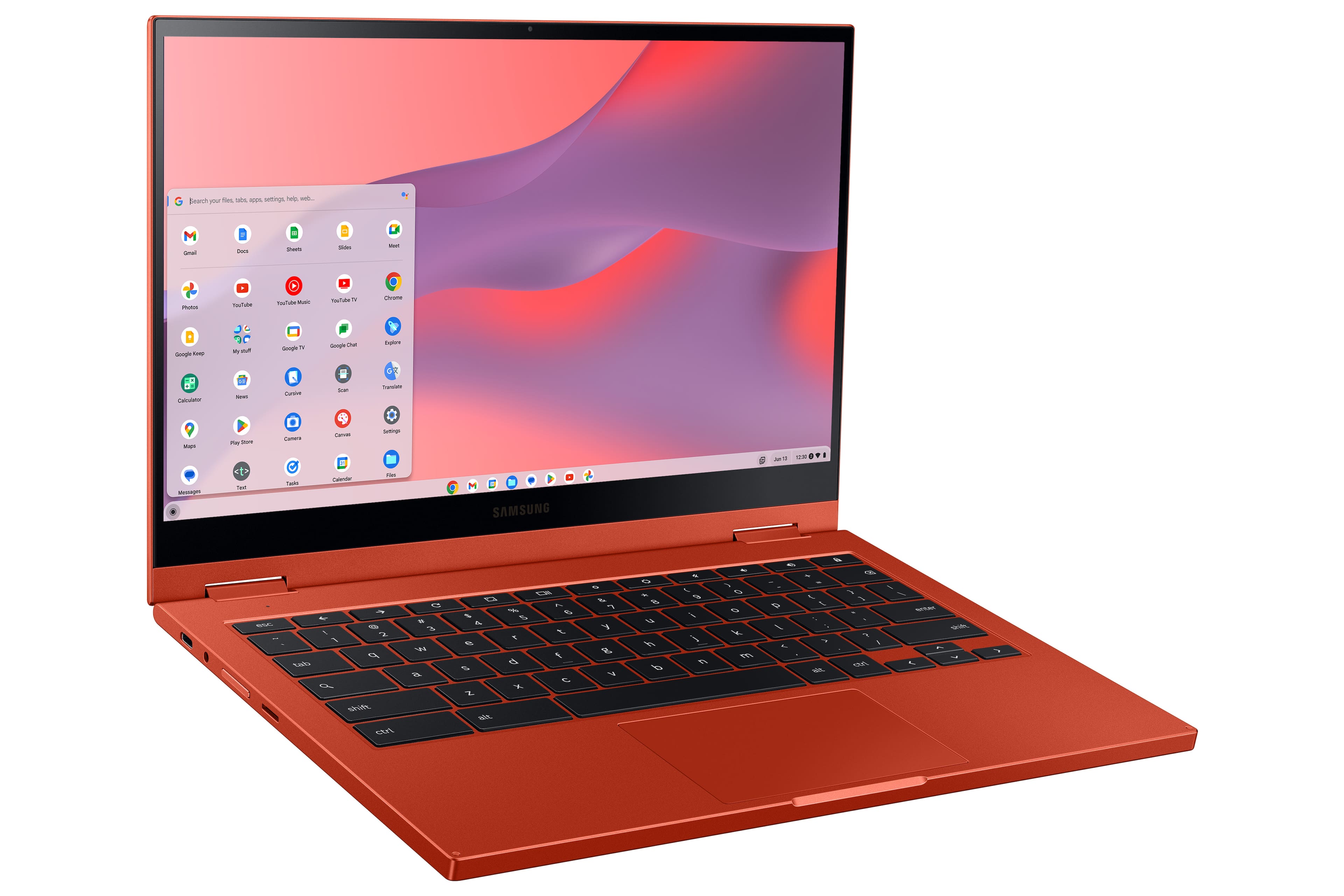
Customers have good things to say about the Galaxy Chromebook 2's touch screen, ease of use, and battery life. Many appreciate its lightweight design, making it ideal for portability. Positive feedback also highlights the device's color and size, with some describing it as compact and convenient. The Chromebook's performance is also frequently praised for its speed and smooth operation.
This summary was generated by AI based on customer reviews.
- Pros mentioned:Touch screen
Rated 5 out of 5 stars
My New Chromebook
Posted .This reviewer received promo considerations or sweepstakes entry for writing a review.Awesome chromebook, im loving it can't wait to start my online classes with it.
I would recommend this to a friend Rated 5 out of 5 stars
Good laptop
Posted .This reviewer received promo considerations or sweepstakes entry for writing a review.Hey it’s the best laptop that I have owned and I would recommend ir to anyone that is a first time user it’s a good laptop like I said so you can’t go wrong with the buy from Best Buy
I would recommend this to a friendRated 5 out of 5 stars
Laptop
Posted .This reviewer received promo considerations or sweepstakes entry for writing a review.Very nice looking and lightweight, but also good quality
I would recommend this to a friendRated 2 out of 5 stars
VERY SLOW, START UP SCREEN IS BLINDINGLY BRIGHT
Posted .This reviewer received promo considerations or sweepstakes entry for writing a review.I'm very disappointed with this Chromebook. It is *extremely* slow on start-up as well as signing out before powering down.....like....a *very* long wait. Also, the light of the screen as it's starting up is painfully bright (as in dangerously bright) and there is no way to change it as far as I can tell. It does not respond to brightness settings used once the device is fully fired up.
No, I would not recommend this to a friend