Customer Ratings & Reviews






- Model:
- XE520QEA-KB1US
- SKU:
- 6502057
Rating by feature
- Battery Life
Rating 4.6 out of 5 stars
- Speed
Rating 4.5 out of 5 stars
- Display
Rating 4.6 out of 5 stars
Customers are saying
Customers are delighted by the Galaxy Chromebook 2's touch screen, its compact size, and ease of use. Many appreciate the long battery life and lightweight design, making it portable and convenient. Positive feedback also highlights its performance and affordability. The sleek design and overall user experience are frequently praised.
This summary was generated by AI based on customer reviews.
Light office work
||Posted . Owned for 6 months when reviewed.This reviewer received promo considerations or sweepstakes entry for writing a review.Work well if you are needing it just for light office work and/ or internet shopping. Most of the office application I use are internet/ cloud based and there are easy to navigate. their is not much lag
I would recommend this to a friend- Pros mentioned:Battery life, Size, Touch screen

Nice workhorse machine
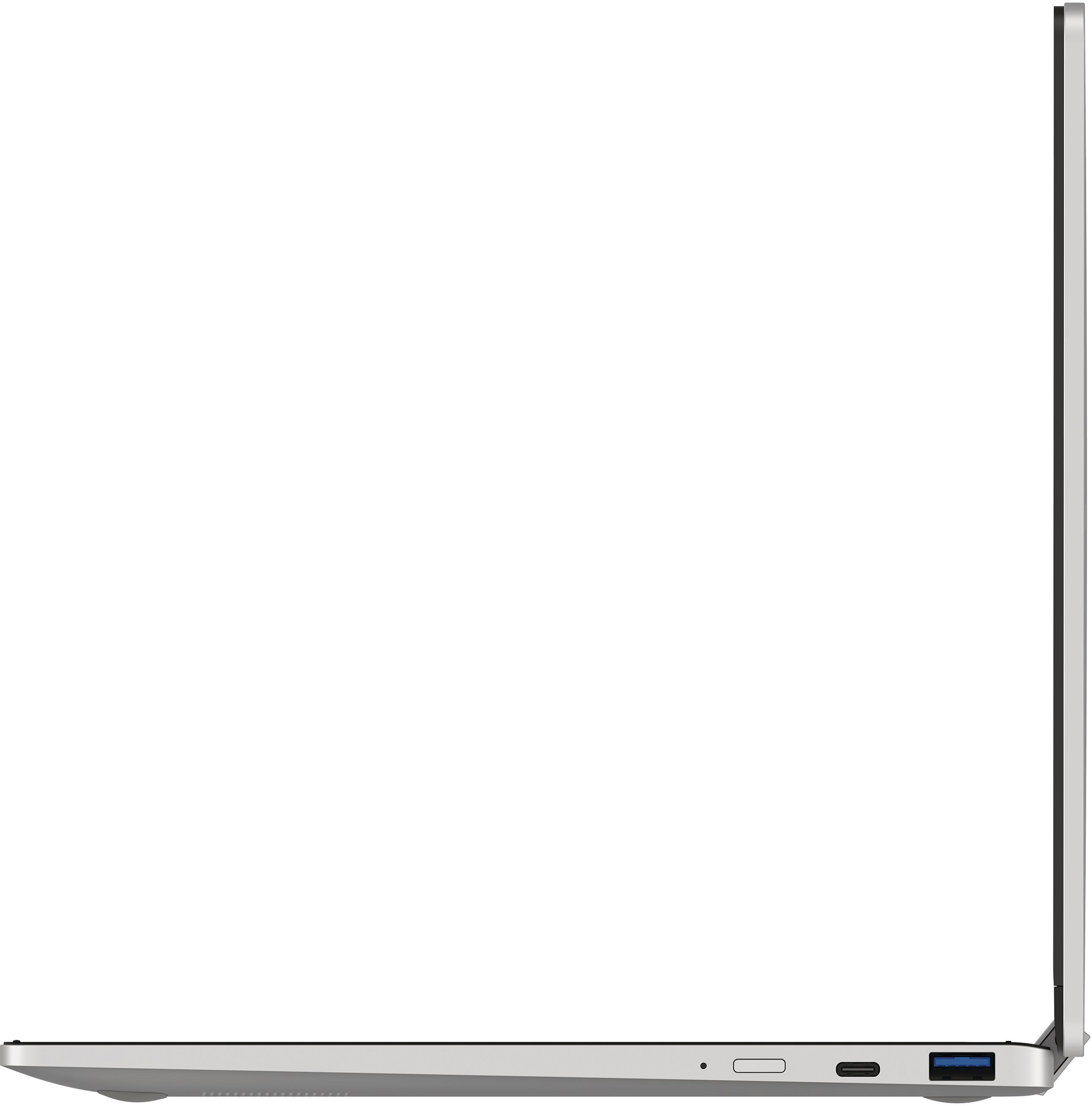
|Posted .This reviewer received promo considerations or sweepstakes entry for writing a review.Pros: Nice screen Good size Good port selection Well constructed (for a budget device) Touch Screen Cons: Dislike the keyboard Chromebook Apps from my other device started installing even though I explicitly told them not to. Feels sluggish at times Entire device feels very “plasticky” If you need a workhorse chromebook for typing papers, editing spreadsheets, and/or light media consumption; then this is a good device. That being said, they cut quite a few corners when designing this. First, let me start by talking about the screen. It’s bright, vivid, and a joy to look at. The aspect ratio is great for productivity uses and acceptable for media consumption. You will have black bars at the top and bottom when viewing most movies or TV shows on this though. This chromebook does flip into a “tablet,” and I found the screen was quite responsive to touch as well. Sound quality is “reasonable.” I thought the sound was a little tinny, but it certainly got loud enough that I could watch a show without straining to hear things. The keyboard feels shallow and “clacky.” It feels and sounds like hard plastic striking hard plastic each time you depress a key. The keys are lightly textured. This is a practical move as it prevents your fingers from sliding off, but it makes the keyboard feel even cheaper somehow. A very lightly rubberized texture would have been appreciated. The keys are well spaced, but that’s about all I can say in favor of this keyboard. The trackpad started out nice and responsive, but I found that it became somewhat less responsive after being used for a few days. I’m not sure if this is because of a bad update or what, but it was noticeable enough to be worth mentioning. Battery life is superb. I found myself getting 10+ hours on battery when doing web browsing, social media, and word processing. Media streaming did cut into that some. The device has a nice selection of ports. I appreciate the fact that it has both USB type-C and USB type-A ports (won’t have to cart along dongles as much), and it also has a headphone jack (for those times when I forget to charge my Bluetooth headphones). Even though I adjusted my sync settings prior to setting up this Chromebook to prevent my apps from my other Chromebook from installing automatically, my apps all started to install to this automatically and had to be canceled one at a time. My other Chromebook has more storage, so I would have quickly run out of room had I let this continue. This is more of a complaint about Chrome OS than this particular device though. Speaking of storage, I was pleased to see that this device has a micro-SD card slot. I’ll be picking up a good-sized card to store music and pictures on to save space on the device itself. I think this is a nice, practical device. It’s a workhorse that gets the job done, and it would work well for a student or a person just looking for a light-duty device.
I would recommend this to a friend Works great so far....
||Posted . Owned for 1 week when reviewed.This reviewer received promo considerations or sweepstakes entry for writing a review.This is replacing an older Samsung chromebook that I had that became outdated. It is pretty much the same as the older one, with a few more bells and whistles, and works just great so far...
I would recommend this to a friend- Pros mentioned:Battery life, Speed, Touch screen
Great Chromebook with speed and plenty of storage
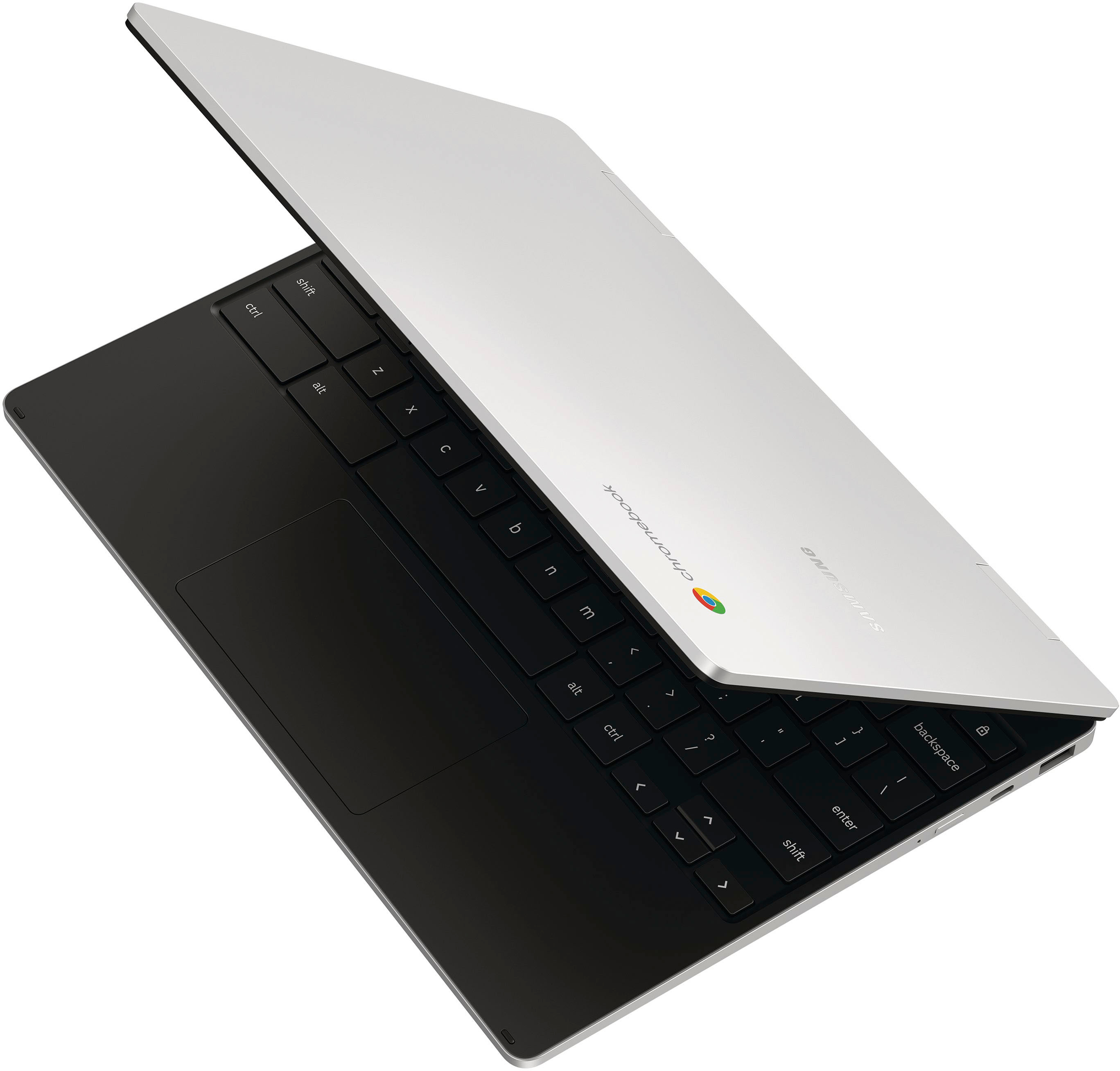
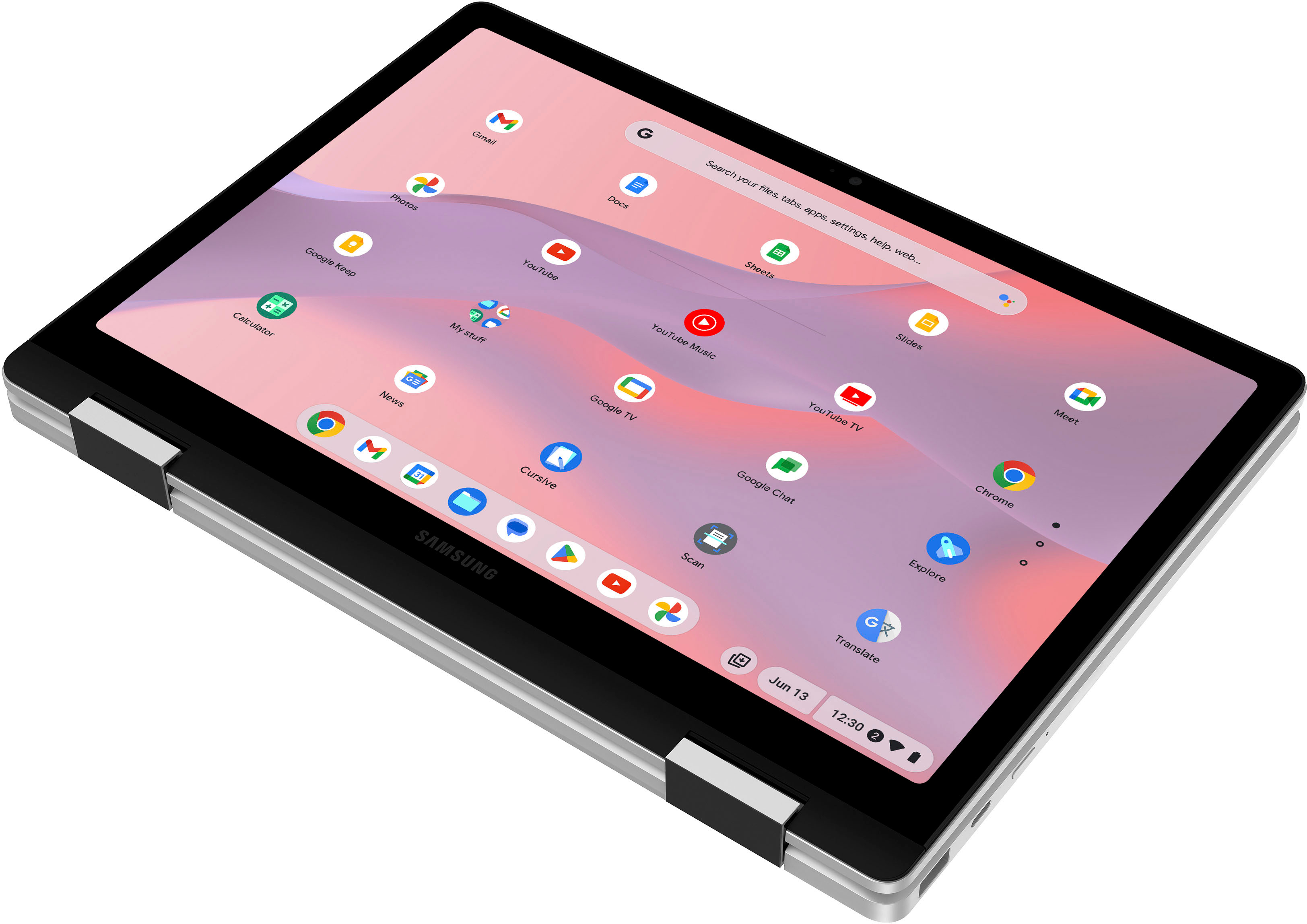
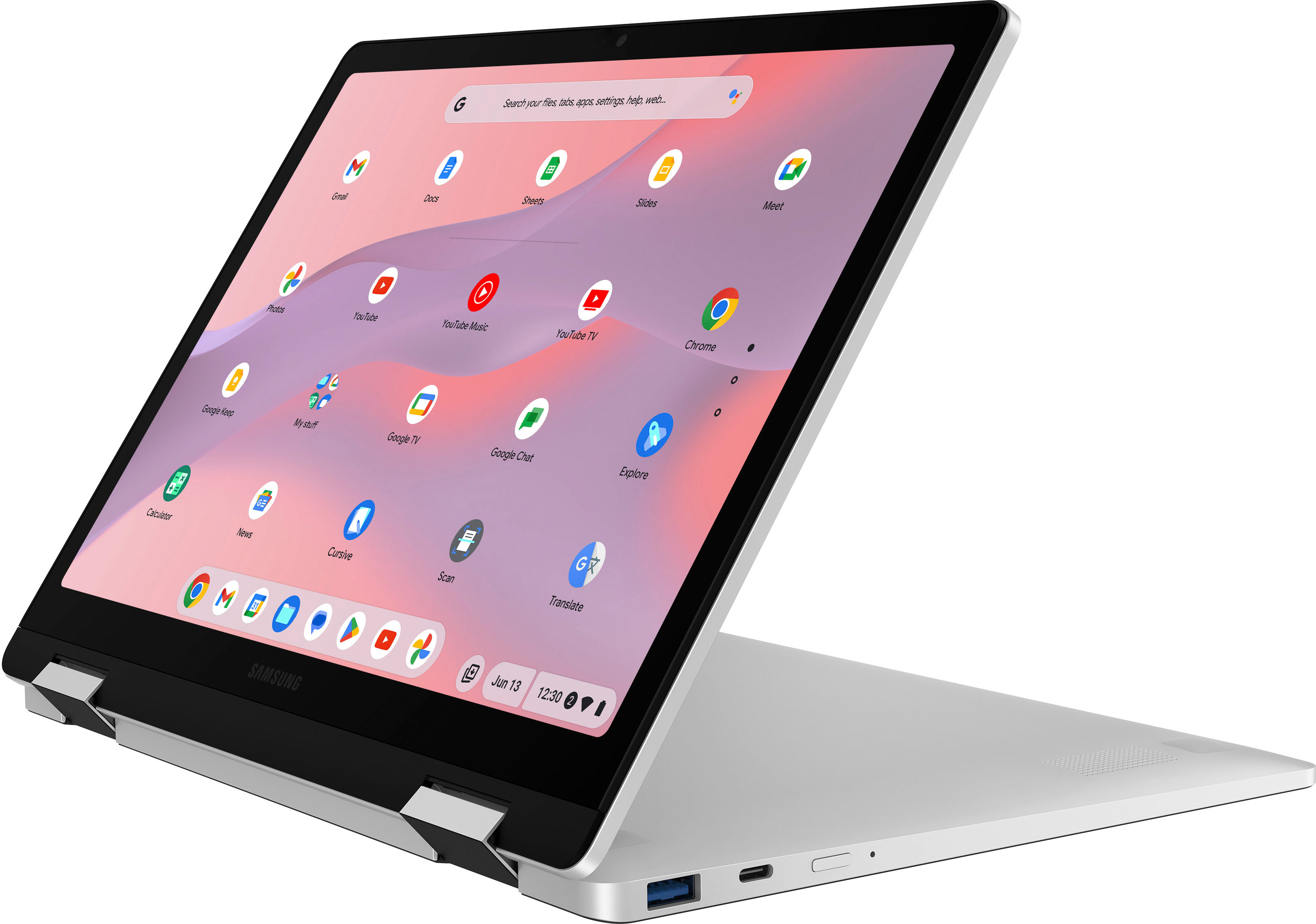
|Posted .This reviewer received promo considerations or sweepstakes entry for writing a review.The Galaxy Chromebook 360 is a really nice Chromebook compared to others I owned and used. The setup process was easy and straight forward. That’s one of several perks in owning a Chromebook. The build quality appears to be pretty good. However, mine had minor damage on the outer casing when I received it. It’s nothing major, but that’s something that should not appear when opening a brand new unit. The trackpad is fluid and works well. It’s not as good as the trackpad on my MacBook, but compared to most other PC’s and Chromebook’s, it’s really good. The keyboard feels good to type on. It has good key travel and the keys respond well with a nice tactile feel. I wish the keys on the keyboard had backlighting. It makes it difficult to type if you’re in a dark environment. The hinge design of the Chromebook allows you to use it in a traditional clamshell style like most laptops and Chromebooks, but you can also adjust it into other positions. Sometimes I flip it all the way back like a tablet, or fold it into an angled shape and stand it up in presentation mode. The hinges seem sturdy and appear as though they will last after years of movement. Only time will tell. The Chromebook comes with plenty of storage. A lot more storage compared to most other Chromebooks. The processor and drive are pretty snappy. Battery life is pretty good and the touchscreen works well. Mine did not come with a pen, so I’m unable to give any feedback on how well it works with this device. Overall, I’m happy with this Chromebook and it’s serving my needs well.
I would recommend this to a friend - Pros mentioned:Touch screen
Samsung makes a supremely quality 2-in-1
|Posted .This reviewer received promo considerations or sweepstakes entry for writing a review.Samsung delivers a quality product with this 2-in-1 chromebook. Thin and versatile, this chromebook is light enough to carry anywhere but doesn’t feel flimsy like it would break. The screen is bright and clear. It does fall prey to fingerprints as, while it does support the certain stylus’, it does not come with one, which means unless you have your own, your finger will have to do. However the screen is super responsive to your touch and as the name suggests it works as well as a tablet as it does a computer. The keyboard is somewhat small for my hands but the keys are satisfying to type on and offer a pleasurable if not somewhat cramped typing experience. The fact that the computer is marketed toward the educational experience was also something I had to see to believe. Giving my kids a chance to try it out I saw them easily navigate their school pages and apps with ease with full access to all they had to do in a streamlined fashion. The fact that they can use the split screen function to simultaneously take notes while reading articles is a game changer. Overall I think that this chromebook offers many amenities that help it stand out from many of the less expensive alternatives out there that cut corners to try win customers with a lower price point. Not overly expensive this chromebook delivers in both form and functionality and will be a stalwart educational companion for years to come.
I would recommend this to a friend NOT a Chromebook 2. "360" means "garbage"
||Posted . Owned for less than 1 week when reviewed.This reviewer received promo considerations or sweepstakes entry for writing a review.This is not a Chromebook 2. This misleadingly named product doesn't support USI pens, Android Play Store, and so on... nope! It's useless garbage unless you need a huge, slow phone with no phone part. BEWARE, Even Samsung has largely abandoned it. Dumpster fire for anything I planned to use it for.
No, I would not recommend this to a friendSamsung equals great quality
||Posted . Owned for 1 week when reviewed.This reviewer received promo considerations or sweepstakes entry for writing a review.Really sleek, compact, and worth every penny my nephew loves his gift you cannot go wrong with Samsung
I would recommend this to a friendSolid Chromebook good economical alt to laptop
||Posted . Owned for 1 month when reviewed.This reviewer received promo considerations or sweepstakes entry for writing a review.Solid chromebook. Not the cheapest but has a nice Keyboard. Would give 5 stars if it was backlit but recommend nevertheless.
I would recommend this to a friendDefective.
||Posted . Owned for 2 weeks when reviewed.This reviewer received promo considerations or sweepstakes entry for writing a review.Regret buying this. The screen/brightness glitches/flickers randomly for no reason. Apparently it’s a common Samsung chromebook issue. Started happening from day one. Returned one in hopes that it was a defective item but it happened to both.
No, I would not recommend this to a friendAmazing Christmas Gift
||Posted . Owned for 1 week when reviewed.This reviewer received promo considerations or sweepstakes entry for writing a review.This is an awesome gift for a kid. My son will love this gift for Christmas.
I would recommend this to a friendSamsung Galaxy Touchscreen Chromebook
||Posted . Owned for 1 week when reviewed.This reviewer received promo considerations or sweepstakes entry for writing a review.They love their Chromebook’s!! I bought them for my 4 grandchildren!!
I would recommend this to a friendGreat
||Posted . Owned for 1 week when reviewed.This reviewer received promo considerations or sweepstakes entry for writing a review.It's the best Chromebook I've had or seen in a long time.
I would recommend this to a friendGreat
||Posted . Owned for 4 months when reviewed.This reviewer received promo considerations or sweepstakes entry for writing a review.Very nice laptop for the price my kid love it !!!!
I would recommend this to a friendcant even trade it in for a pack of gum
||Posted . Owned for more than 2 years when reviewed.This reviewer received promo considerations or sweepstakes entry for writing a review.Looses all value the second you walk out of the store and is all the worst parts of both a laptop and a tablet
No, I would not recommend this to a friendNot happy with chromebook.
||Posted .This reviewer received promo considerations or sweepstakes entry for writing a review.There are too many inconsistent operational systems that require adjustments from normal computer operations. This system is too reliant on cloud memory to keep pace with the security needs on routine applications in Windows environments.
No, I would not recommend this to a friendGreat tablet
||Posted . Owned for 2 months when reviewed.This reviewer received promo considerations or sweepstakes entry for writing a review.Great product for streaming, and homework! Very portable too!
I would recommend this to a friendwaste of time
||Posted . Owned for 3 weeks when reviewed.This reviewer received promo considerations or sweepstakes entry for writing a review.I returned this item for another laptop. Just wanted my familiar brand. Your customer service should not have sent this.
No, I would not recommend this to a friend- Pros mentioned:Battery life, Speed
for Chrome OS fans-runs efficient, nicely designed
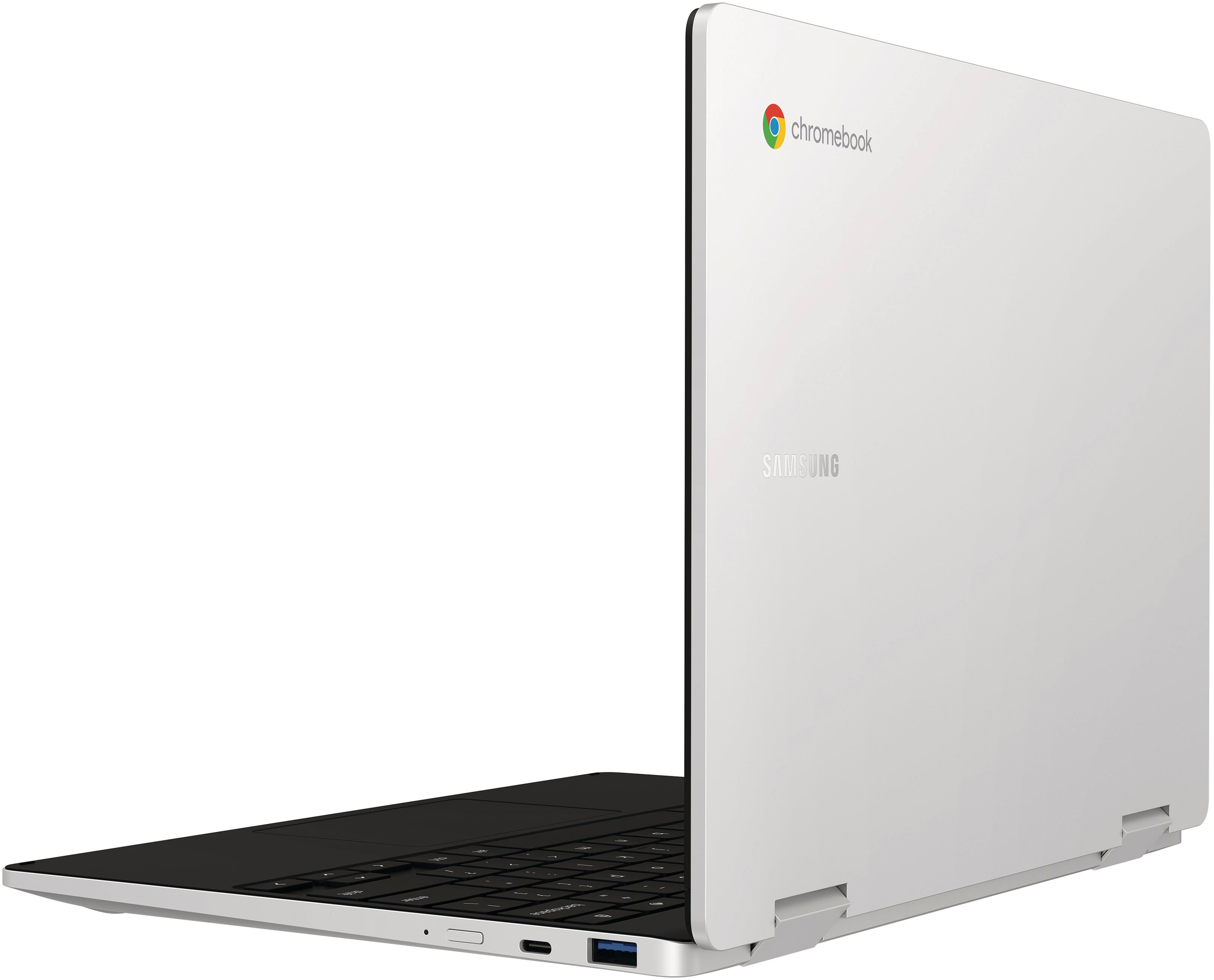
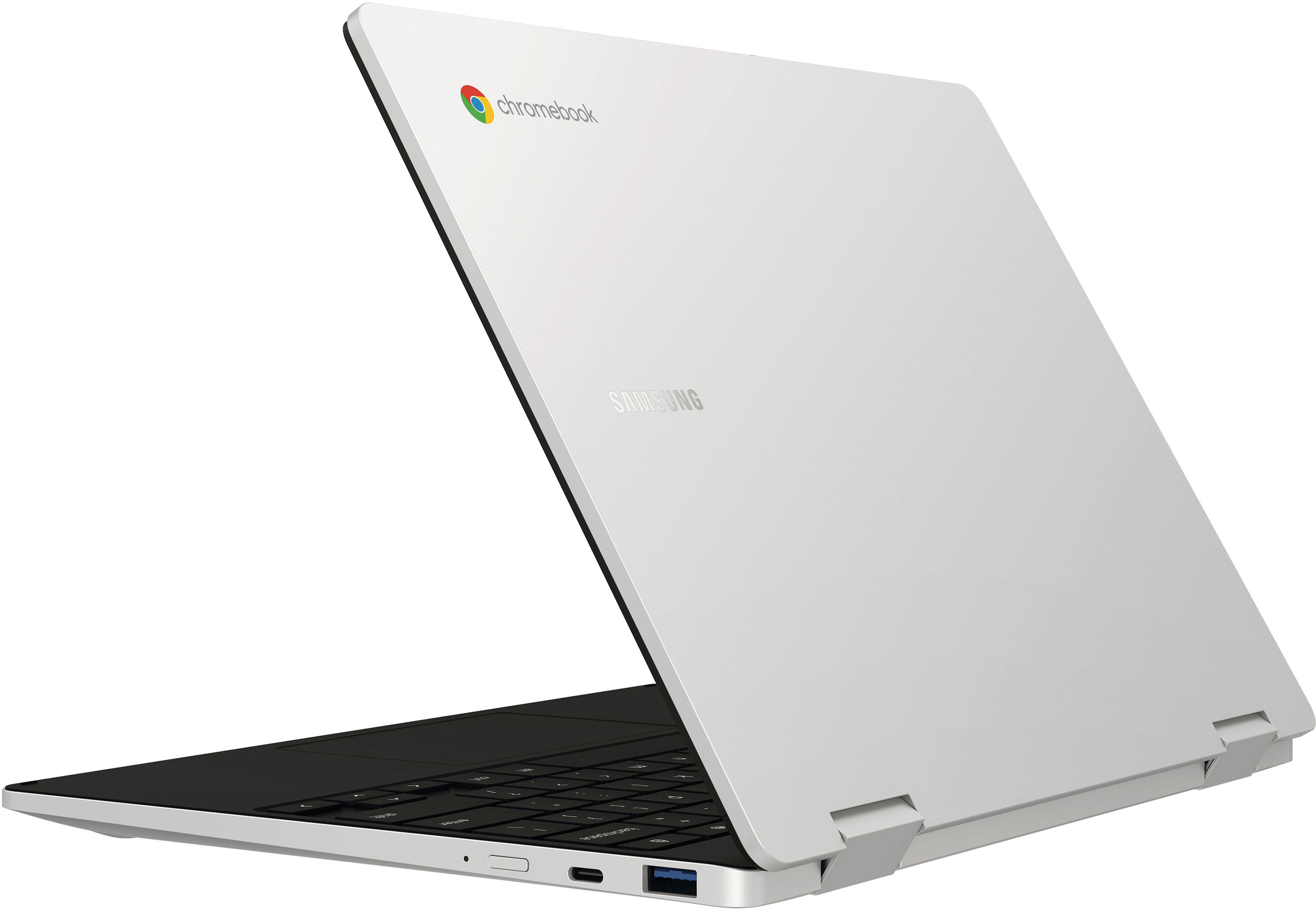
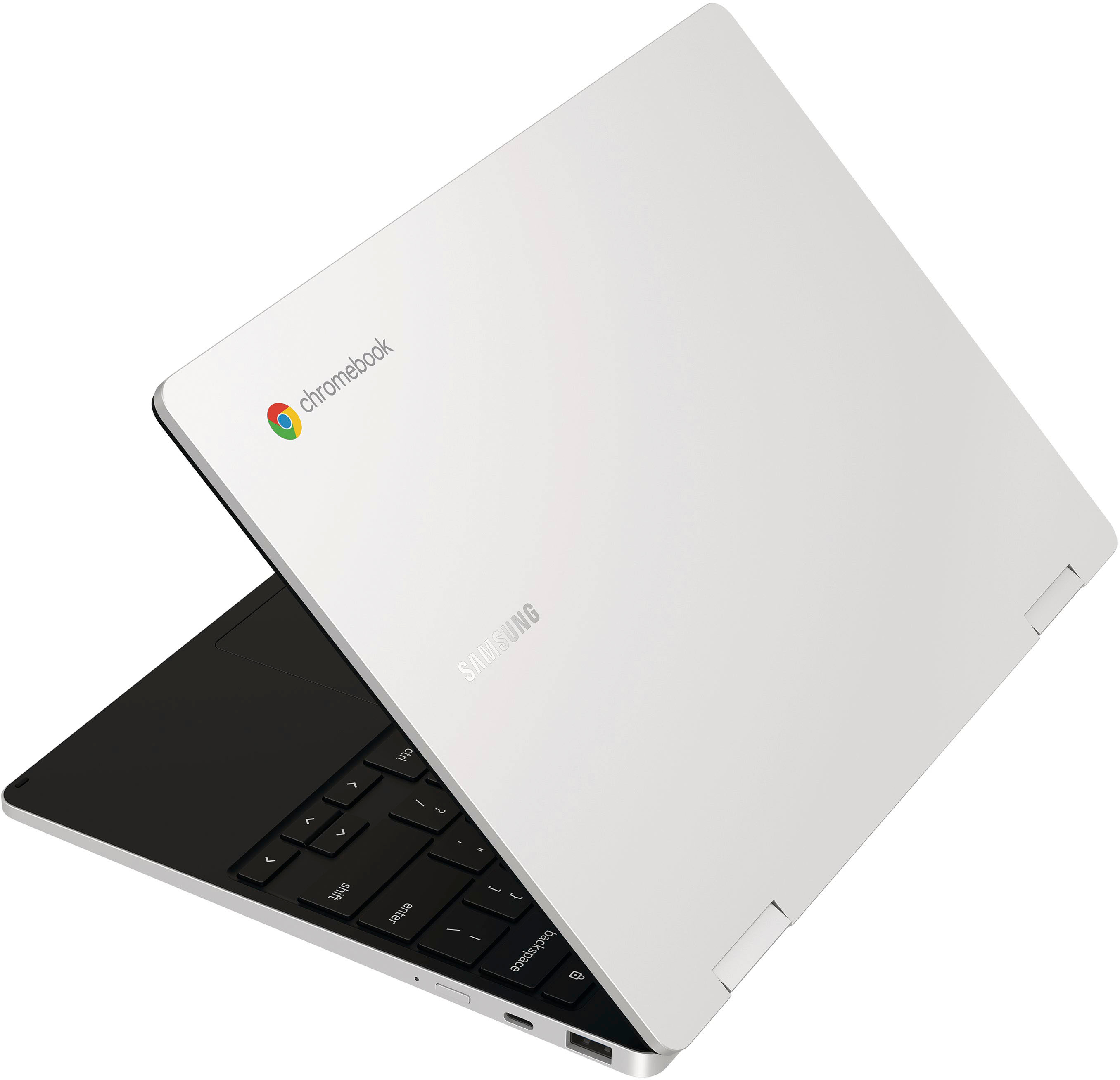
|Posted .This reviewer received promo considerations or sweepstakes entry for writing a review.The Samsung Galaxy Chromebook 2 360 is compact and fairly lightweight, the model I have has a Intel Celeron processor. The silver/grey model is less attractive in comparison to the Fiesta Red model. The top (lid) of this Chromebook is made out of aluminum, and everything below that is hard plastic. The touch screen is Samsung’s QLED which is similar to the display technology used in their TVs. This is a 360 convertible so you can fold over like a tablet or “A frame it” which is handy if you are just consuming media. The Chromebook weighs only 2.7 lbs and is 13.9 MM thick, which makes it easy to hold like a tablet. The Chrome operating system doesn't require a lot of horsepower, so the minimal hardware specs match well with the OS, a Windows laptop with these specs would barely be usable. if you are into the whole Google ecosystem this can work for you or a school age kid or young adult. Many schools use Chromebooks as they are generally a good value, the price point for this unit is not really in that bargain basement range, but it is quality. There is a higher-end model with an Intel I3 processor but frankly I found the Celeron to be pretty good, most programs open pretty quickly and operated well. I did think the Wi-Fi reception seem a bit low as even the connection to my mesh router network only yielded medium, which is unusual because I have a couple different wireless get a strong Wi-Fi signal on my other devices. The two bottom firing speakers which Samsung references as “Smart amp audio surround that is 178% more powerful than normal amps” Not sure what that really means, but the unit does produce better than average sound and can be raised to fairly loud level for a notebook. The battery is rated for up to 13 hours, I have yet to really determine if that is the case, but if this was a car, it would be sipping fuel. Overall, I am pleased, once you get past the idiosyncrasies of a Chromebook and the strange keyboard (not backlit by the way) that comes with them. Pros: - performance for a Celeron lower end processor is pretty good running the Chrome OS. - Lightweight - Nice display which folds over to become a quasi-tablet Cons: - No backlit keyboard - the keyboard layout coming from Windows is a bit odd
I would recommend this to a friend Galaxy chromebook 2 not working
||Posted . Owned for 1 month when reviewed.This reviewer received promo considerations or sweepstakes entry for writing a review.Laptop stopped charging wont turn on!!!!!!!!!!!!!!
No, I would not recommend this to a friendSurprised by my 1st Chromebook
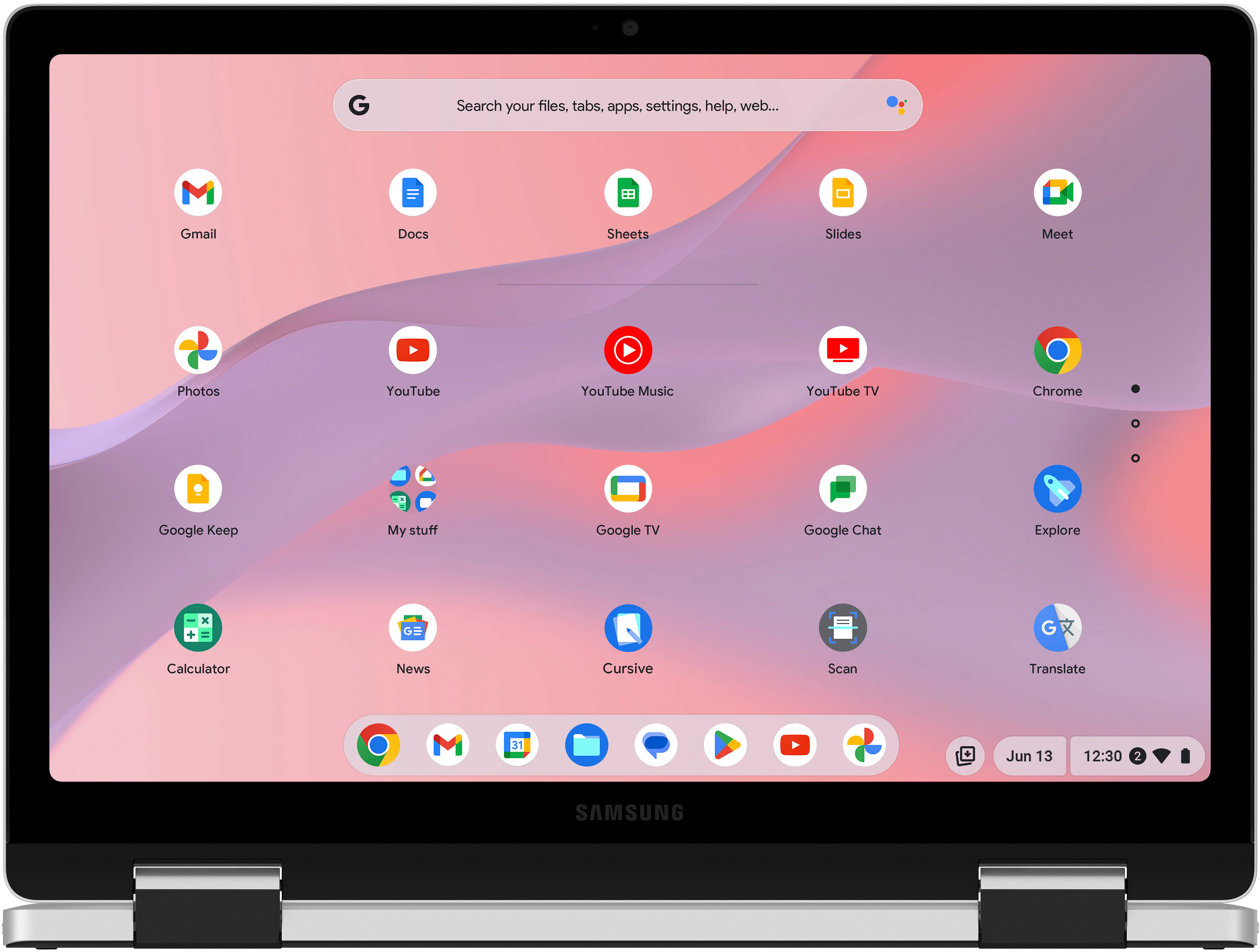
|Posted .This reviewer received promo considerations or sweepstakes entry for writing a review.This is my first Chromebook and have only used tables prior to this. My last few tablets I used with Bluetooth keyboards and began to use the tablet like a laptop. I figured it would be easier to use Chromebook and have found that it is far more pleasant to use the Galaxy Chromebook 2 360 in a lot of applications over the tablet. My first impression of the GC2 was that it felt nice and fairly solid for a chromebook. Not featherweight but not heavy. The metal from the lid is carried to the bottom and feels nice and smooth. I had more trouble than I admit on the little pieces of plastic that were on the center of the rubber feet were kind of annoying to get off. The keyboard is comfortable and has no discernible flex when typing. A lit keyboard is sorely missed but that would likely mean an additional cost. The GC2 is by no means a powerhouse compared to my Galaxy Tab S7. But for basic web browsing and streaming this is not a bad setup with the added benefit of WiFi6. The 2560X1600 LED screen is very sharp on the 12.4” screen which I have been able to use outside on a bright sunny day and even outside the speakers were adequately sufficient while lounging in the backyard, but if using it out in public, pairing with Bluetooth or even using the 3.5mm jack (!!!) is nothing. The GC2 comes WITH and is charged with the $50 USB C 45W Super Fast Charger… a phone that costs north of $1K does not come with a charger anymore (wth Samsung). 2 USB C and 1 USB A port have you covered for pretty much anything you're looking to quickly connect to this basic machine. In use, I find it more convenient to use this Chromebook when at the table or couch since it stands on its own and I don’t have to hold it up when on my lap. I can use it tented or as a laptop or even as a tablet by folding all the way over. When folded over it is only slightly thicker than my cased tablet. And even with the larger screen I find it lighter to hold. Touching back on the point of it not being a powerhouse, my kid wanted to play Roblox on the GC2 and I didn’t think it would be much of an issue... but it did NOT like running it. It was super laggy and almost unresponsive. Just don’t do it. But for basic web tasks I honestly have been enjoying using this Chromebook over my MUCH more expensive Tab S7 and would recommend it to anyone looking for a web based consumption device that won’t hit the wallet too hard.
I would recommend this to a friend