Customer Ratings & Reviews
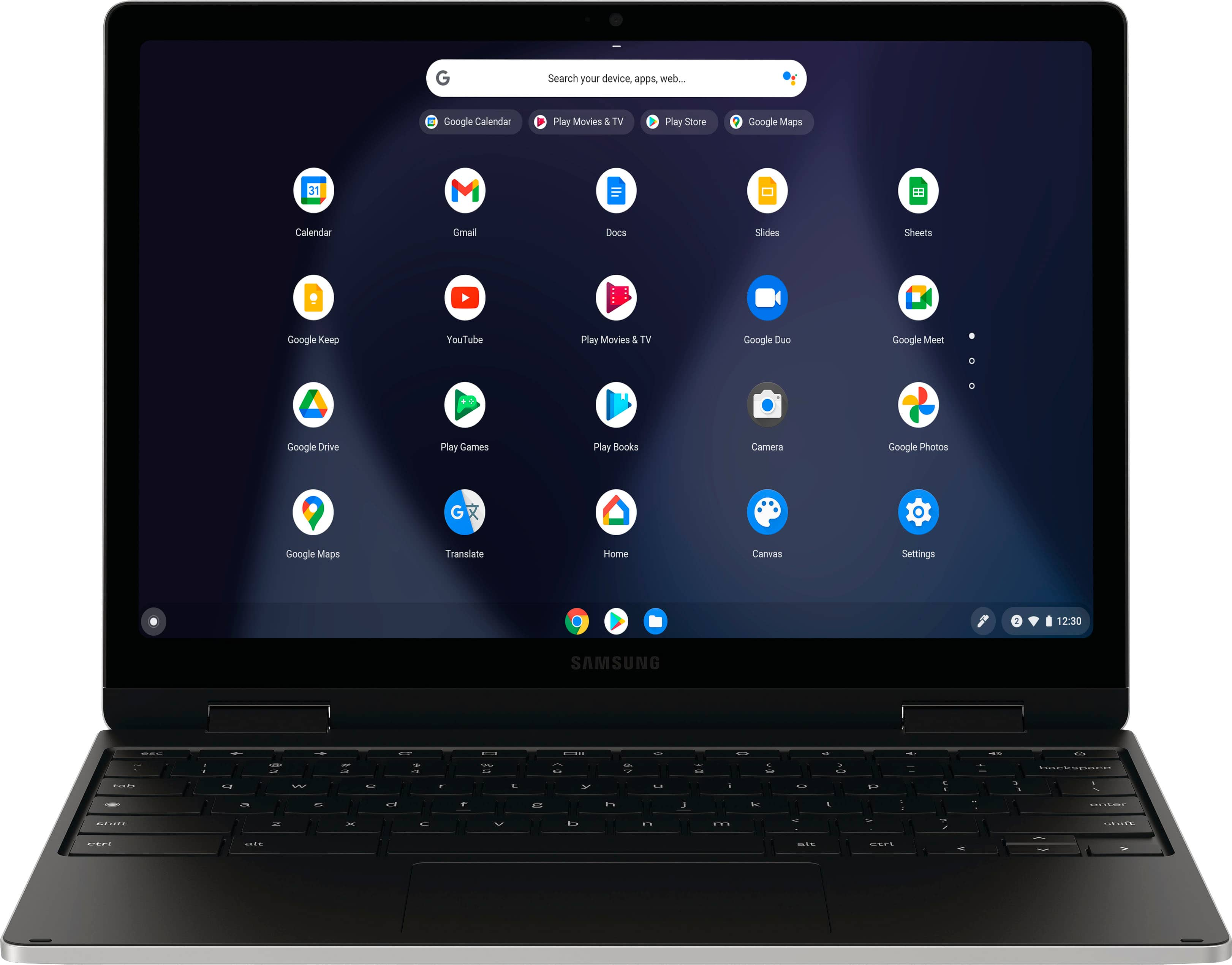
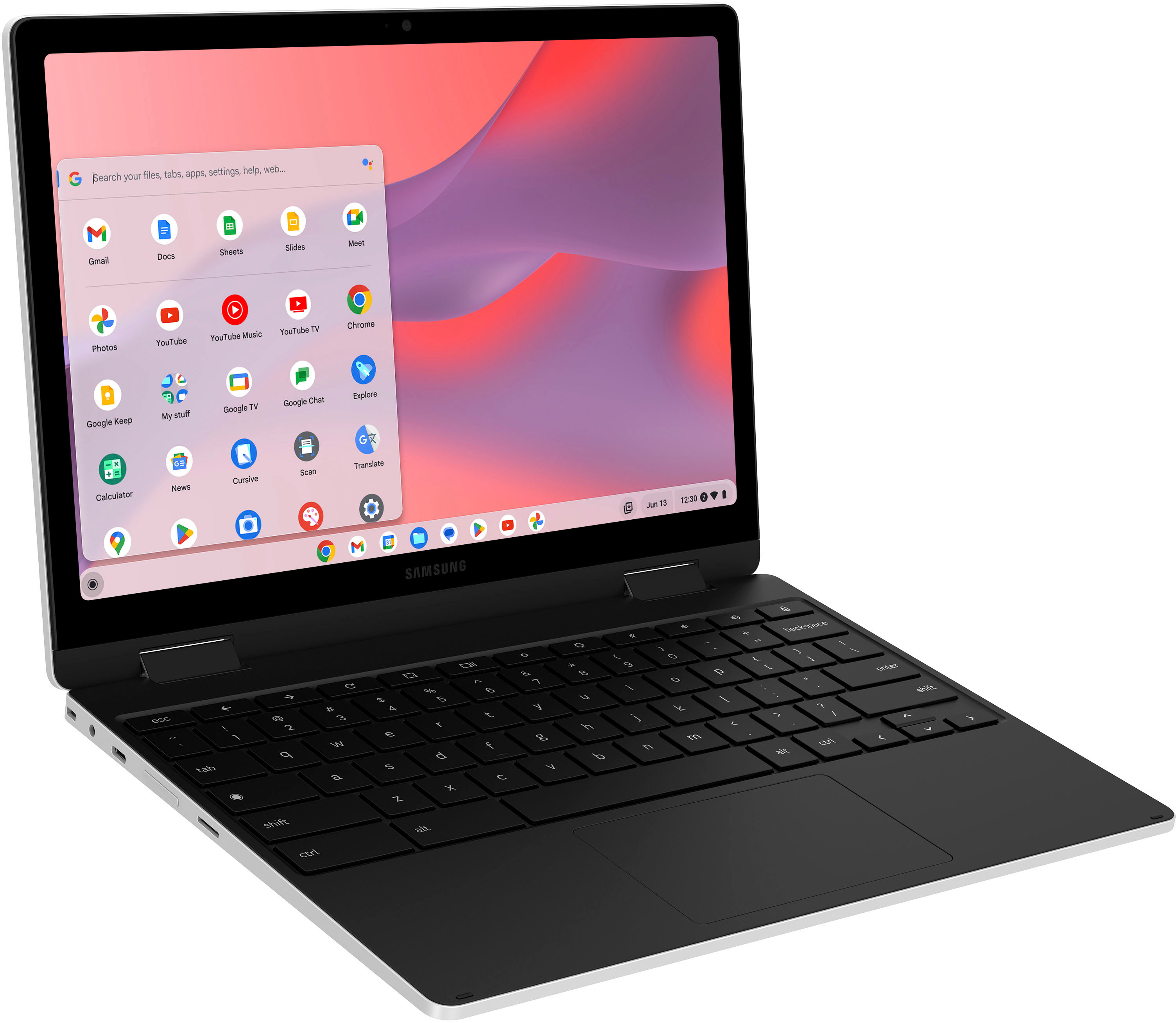
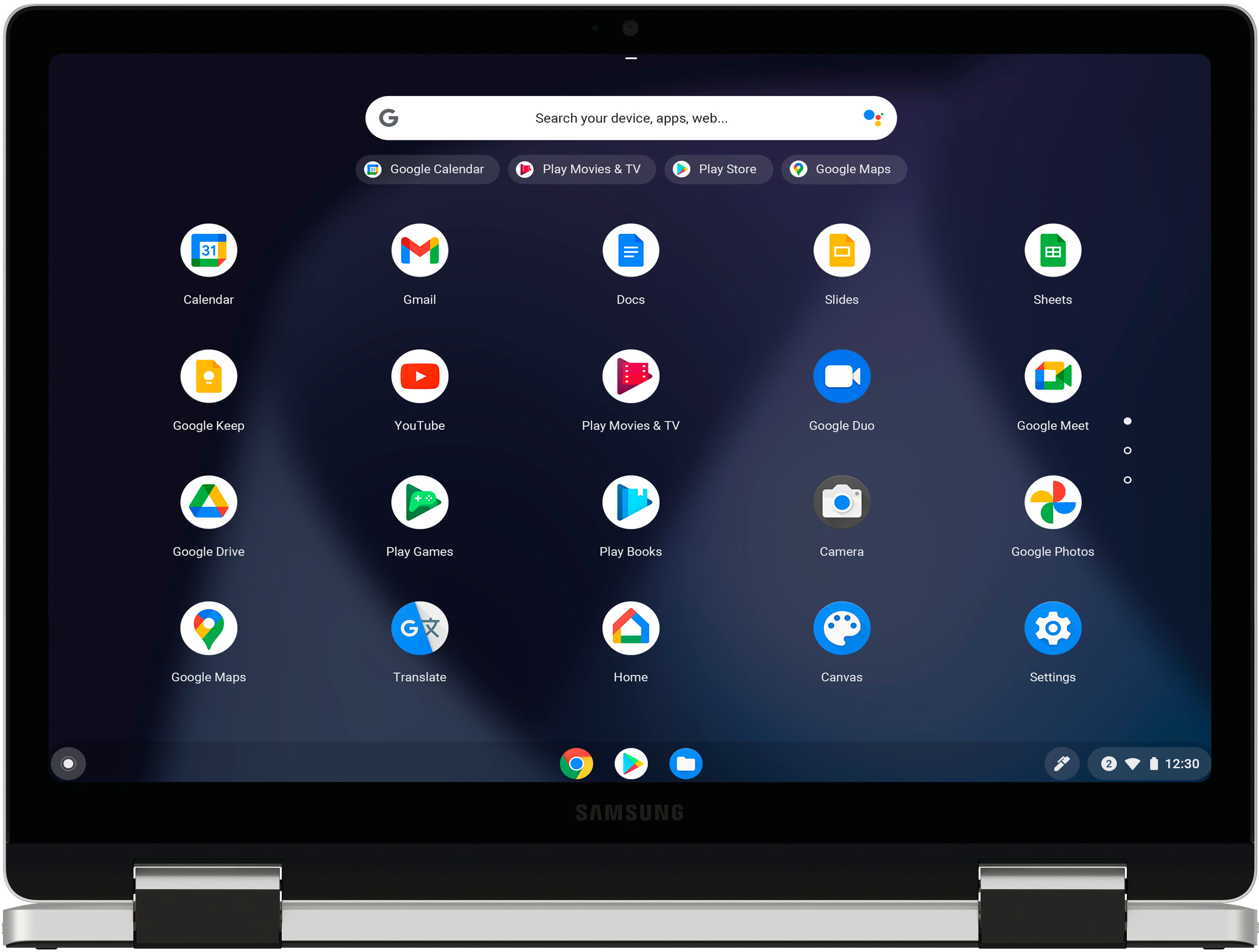
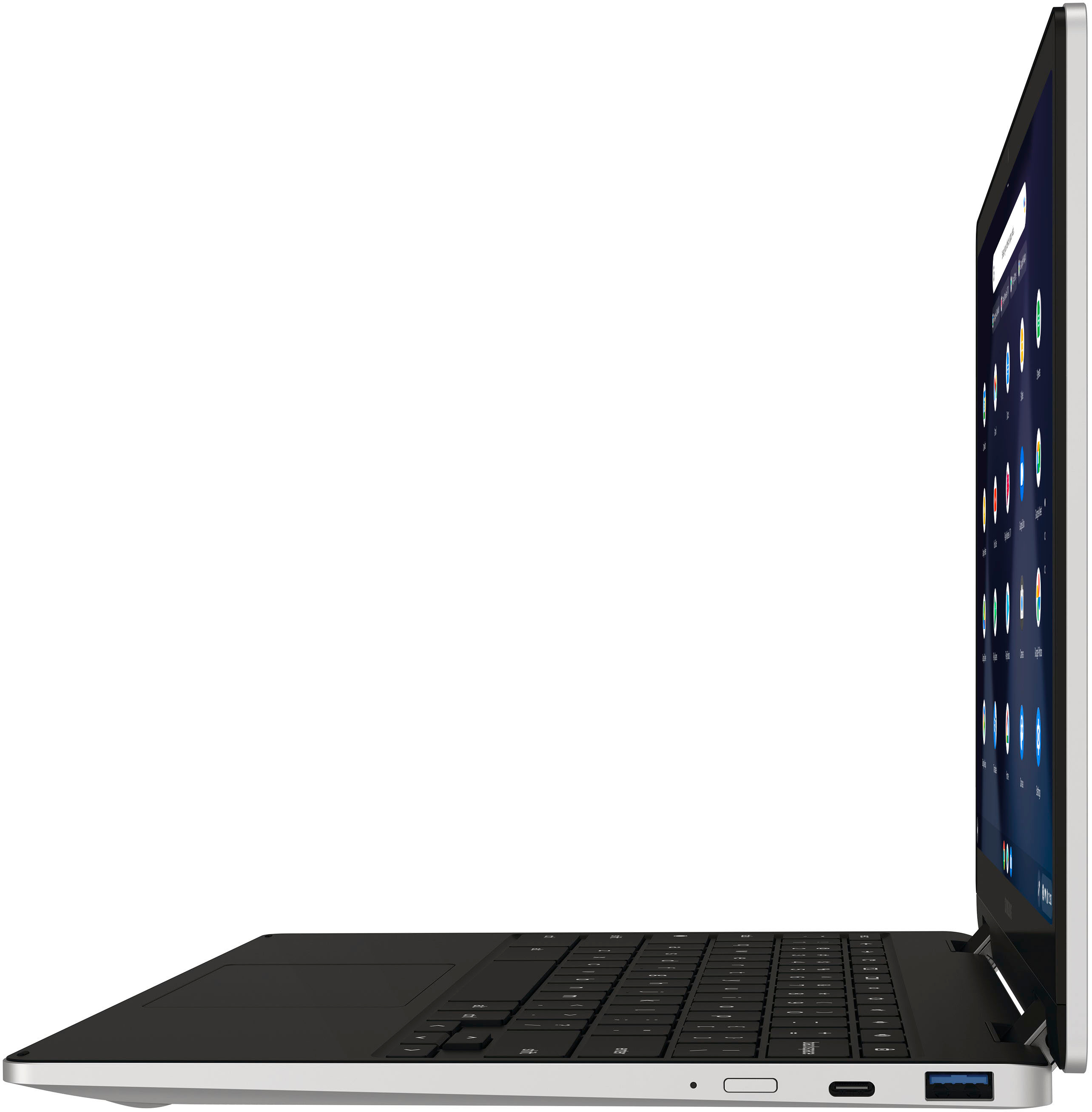






- Model:
- XE520QEA-KB1US
- SKU:
- 6502057
Rating by feature
- Battery Life
Rating 4.6 out of 5 stars
- Speed
Rating 4.5 out of 5 stars
- Display
Rating 4.6 out of 5 stars
Customers are saying
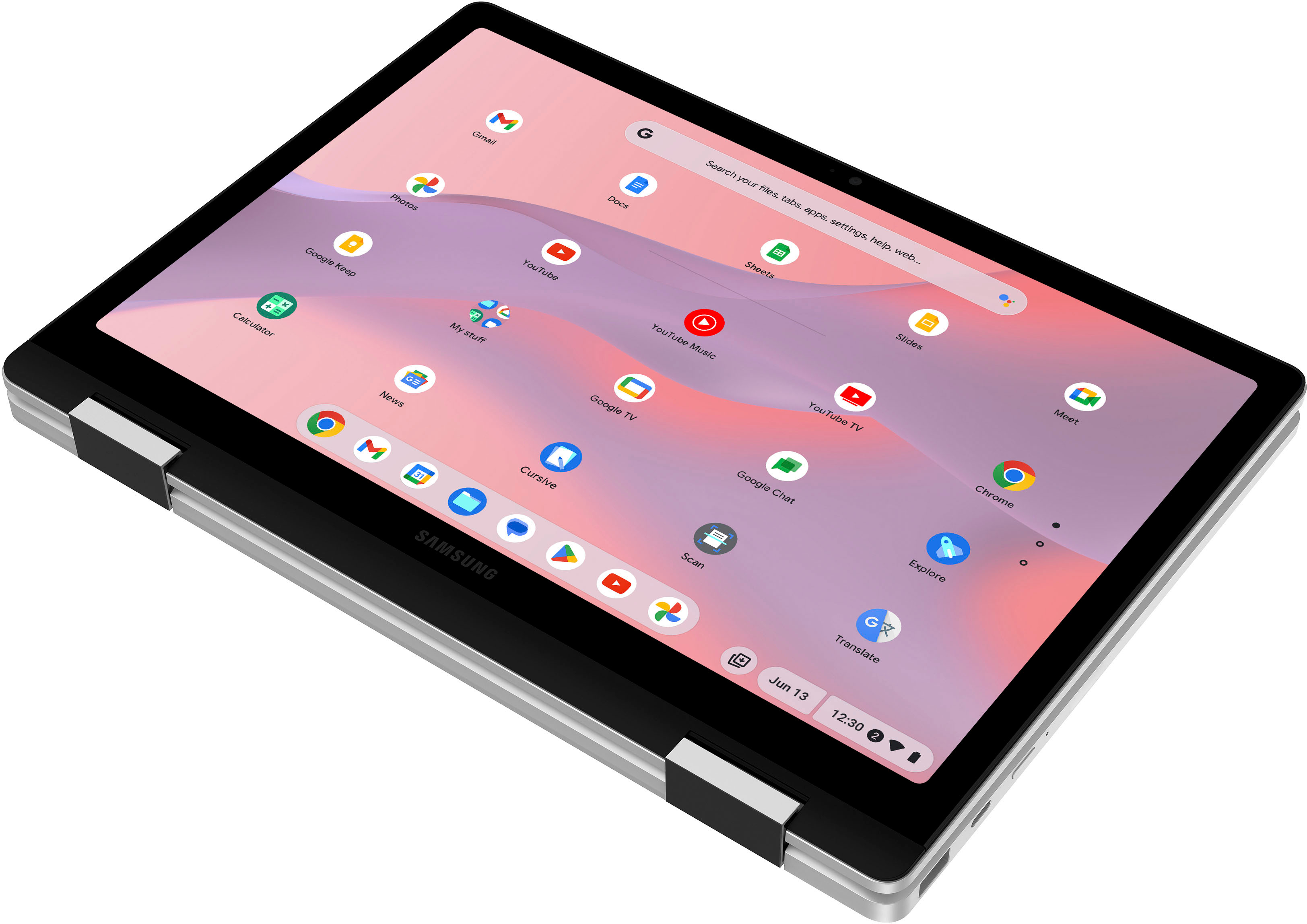
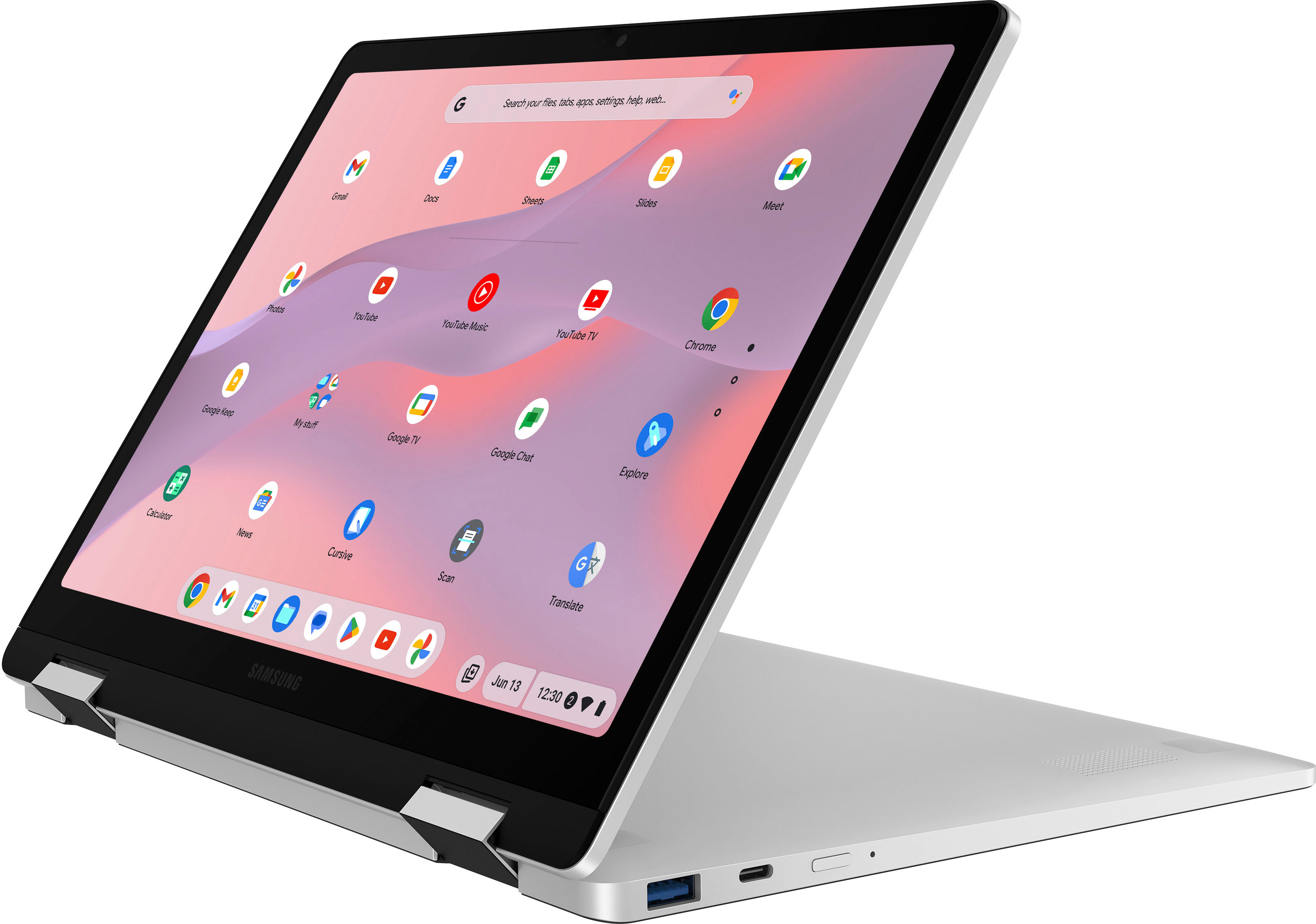
Customers are delighted by the Galaxy Chromebook 2's touch screen, its compact size, and ease of use. Many appreciate the long battery life and lightweight design, making it portable and convenient. Positive feedback also highlights its performance and affordability. The sleek design and overall user experience are frequently praised.
This summary was generated by AI based on customer reviews.

A great machine with a few shortcomings.
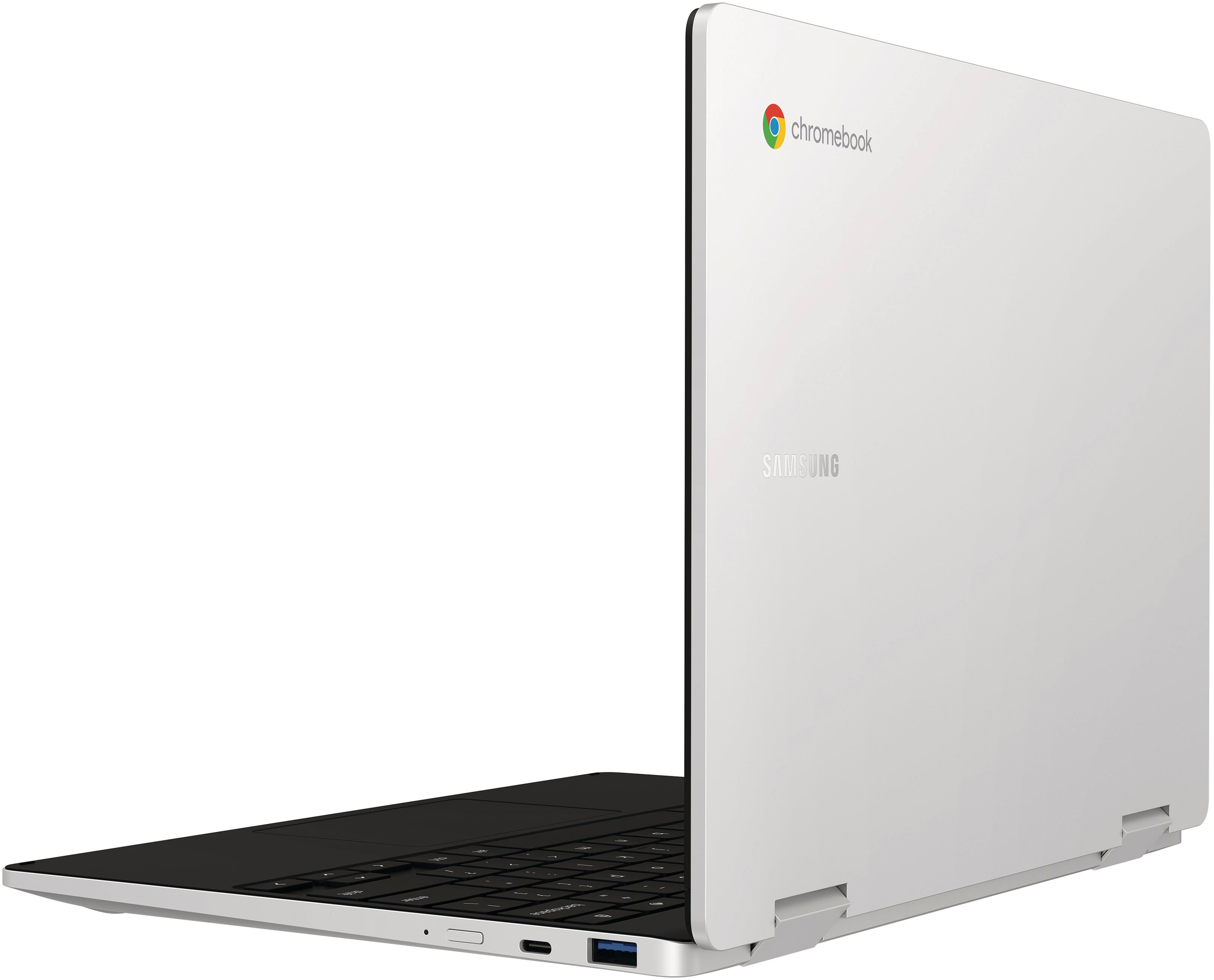
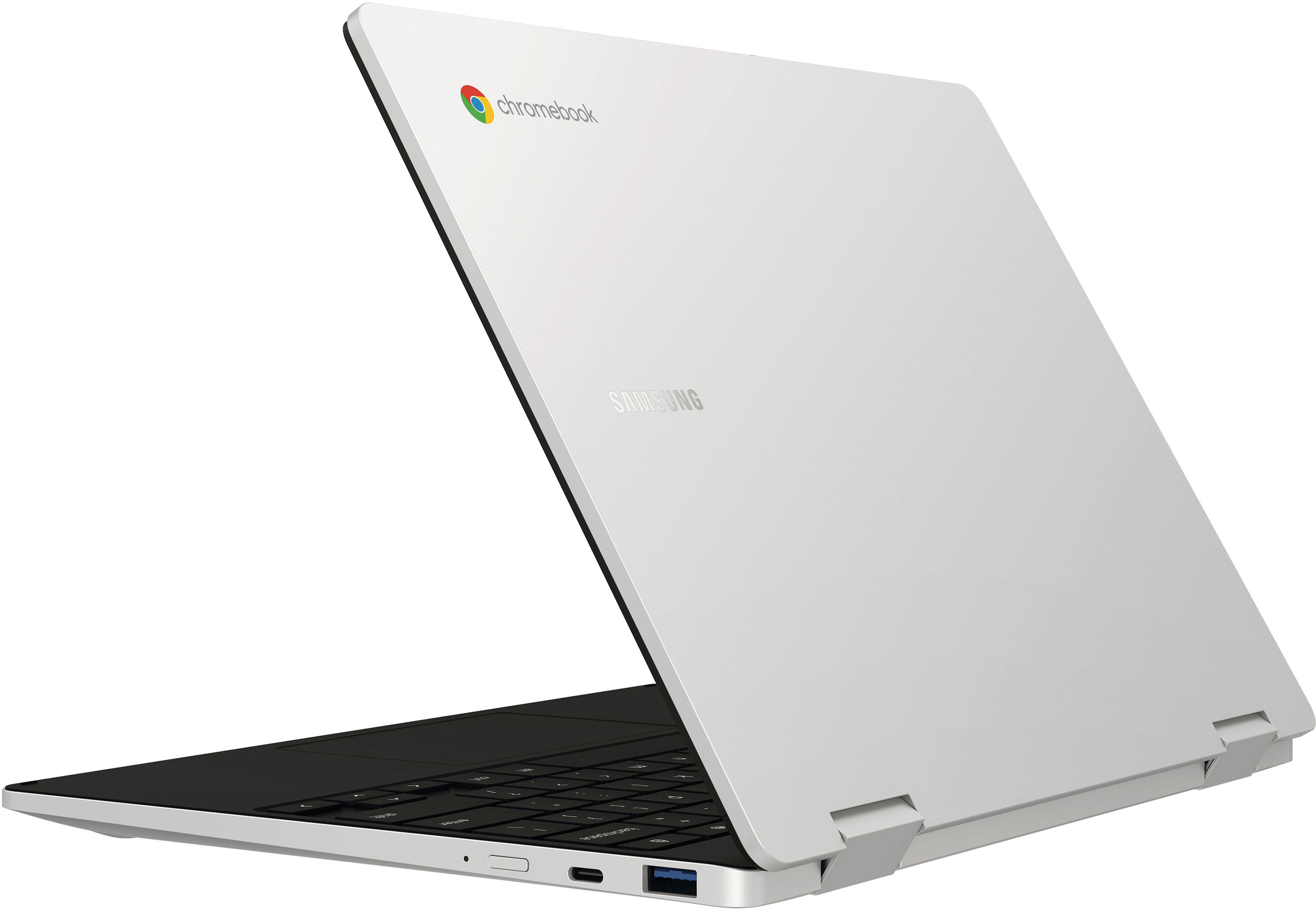
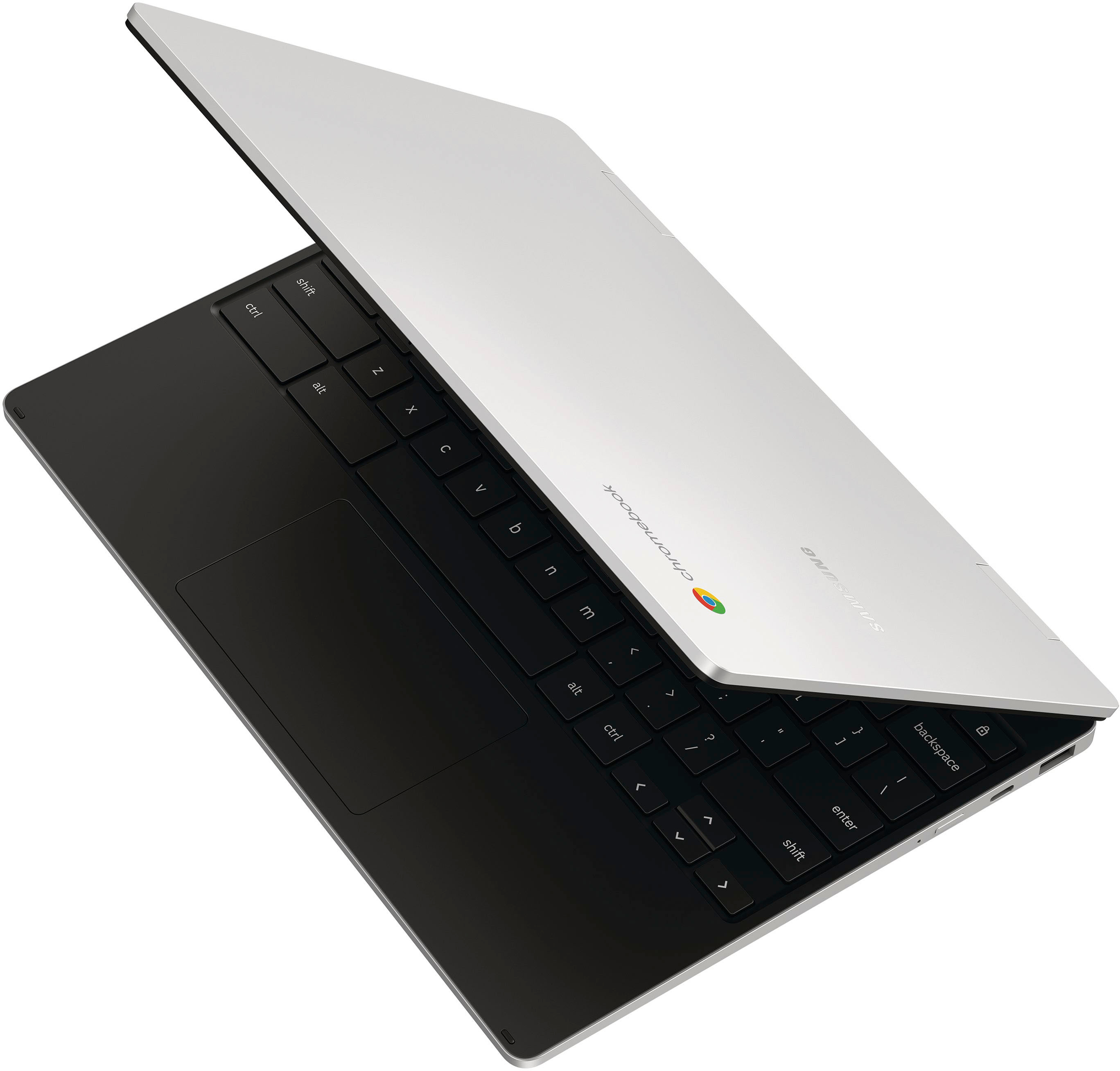
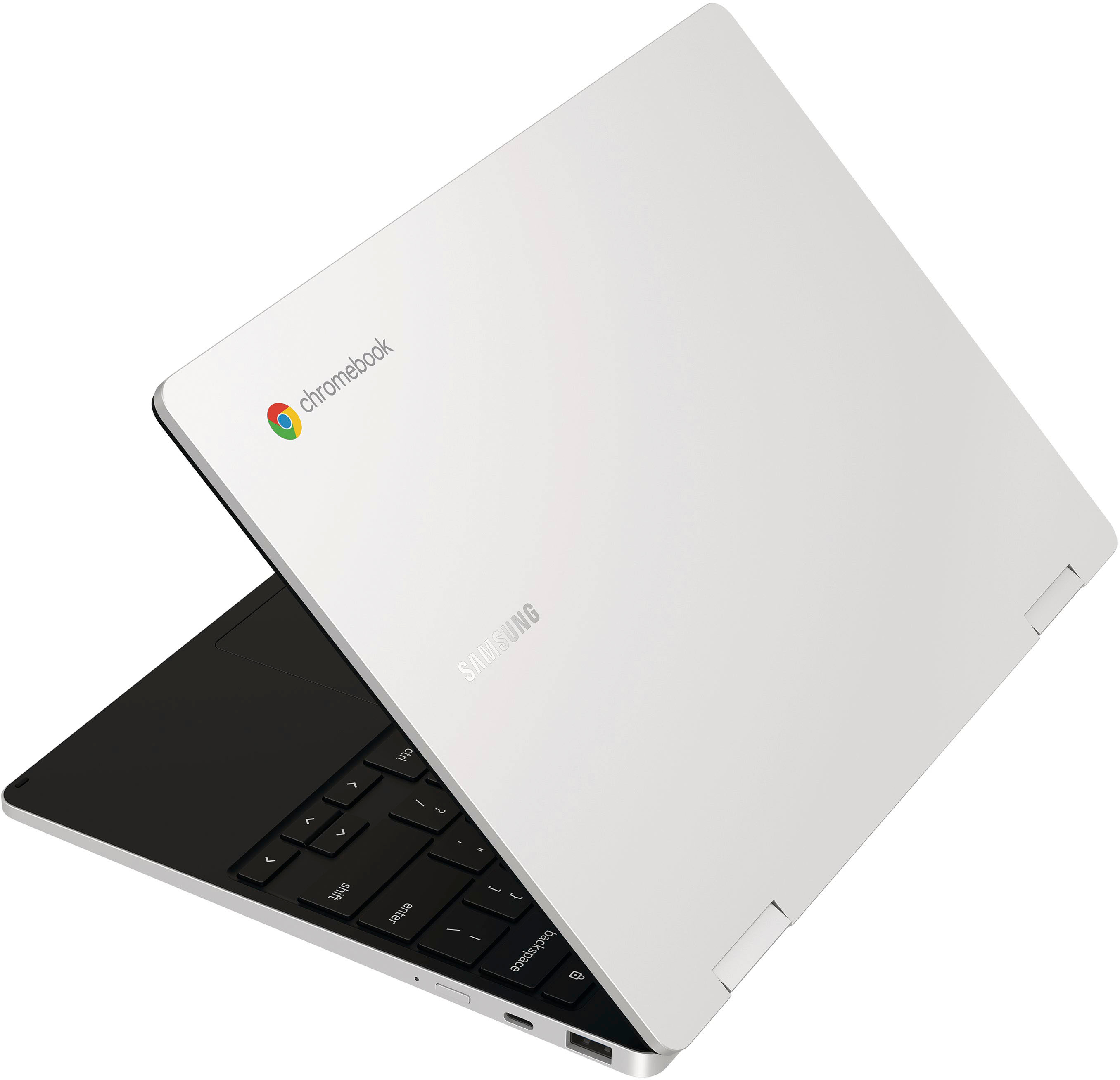
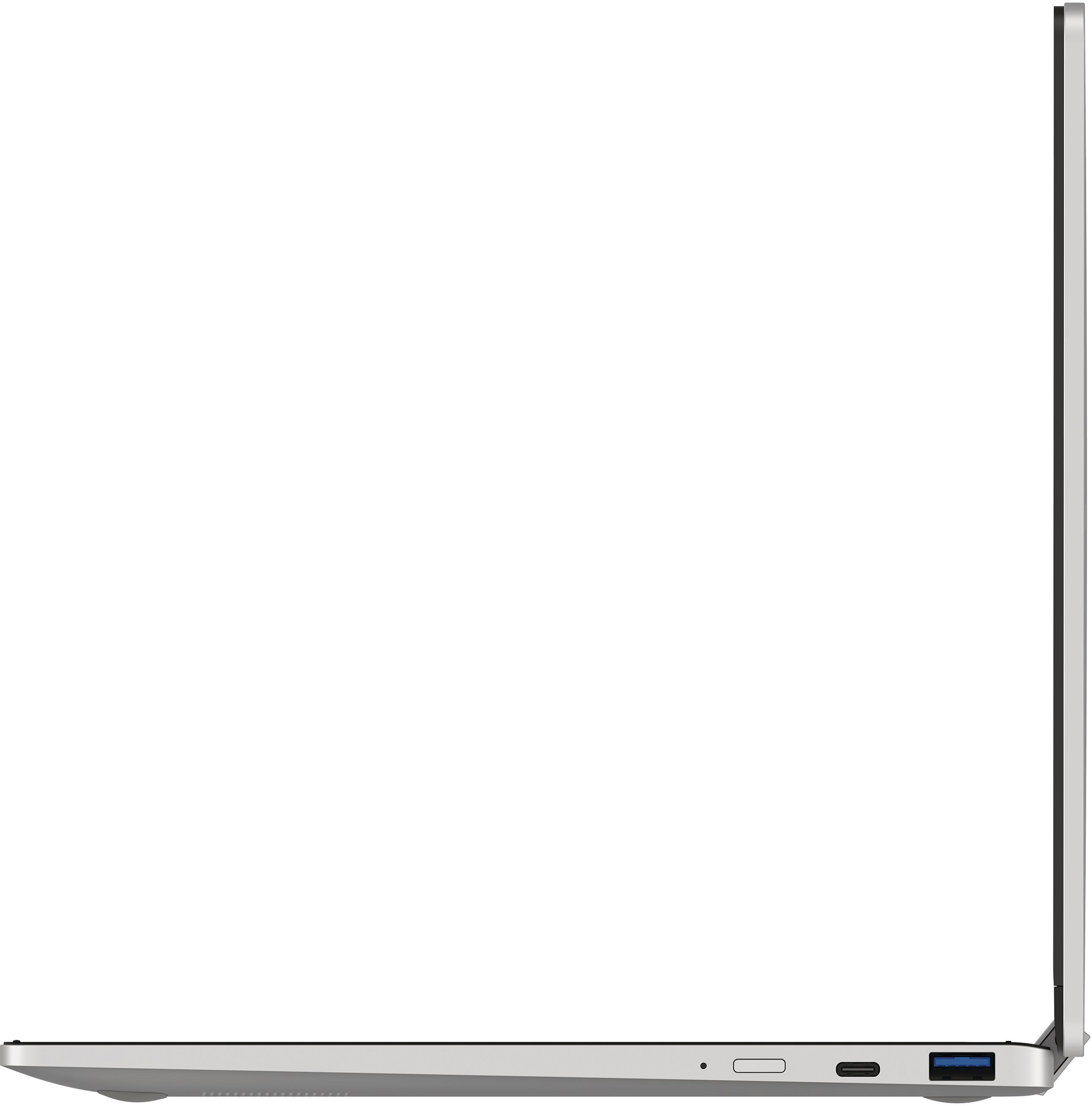
|Posted .This reviewer received promo considerations or sweepstakes entry for writing a review.I received the Samsung Galaxy Chromebook 360 2 and was eager to unbox it and get to work with this new version of Samsung's Chromebook line. Setup: Upon opening and booting the machine, I was met with the usual setup routine which is very straightforward and in a few minutes, I was up and running. So far, so good! Speed: I expected to be amazed at the speed but found that it is no faster than my old Samsung Chromebook Plus (ver. 1) that has been my go-to computer for just about everything. I ran several applications, streamed a lot of video and even played some games to see what the results would be in actual use. I found that the video streaming went well and I didn't suffer any studdering or other problems with Netflix, Youtube or other services when run under Chrome browser or the individual apps. The gaming performance, on the other hand, is a bit of a different deal. I found that some games performed well but others act like half the machine has been disabled. Any graphics intensive game brings the system down to a crawl and the heat builds quickly while the battery drains just as fast! Keyboard: The keyboard is very similar to my old machine, though short throws, the keys work well and it is fairly easy to type - I'm using it to write this review. The only thing that would have been better would be some back-lighting for use in low light environments. The touchpad is useful and responds well. Screen: I think the screen is the thing that saves the machine from the bottom of the stack that some of the other specs have left it under. It is bright and has a great resolution. I like setting it for the higher resolution and then adjusting so I can see more on the screen at a time. It is similar in resolution to my old Chromebook Plus and is better than many other machines I have used and seen. Case and Hinges: I am happy to see that Samsung has continued to build their cases out of quality materials and the hinges are still very sturdy as the old machine is. I have been opening and closing that one for years and have never had a single problem with it. Connections: With two USB-C ports and a single "regular" USB port, it has the connections to support many connections at a time. My old machine had dropped the older USB port, so I have already purchased many USB-C devices and adapters for external storage and video connections. This machine is easy to use external devices and monitors and Chrome is getting very stable and proficient as a computer. Usage: As a teacher, I use my Chromebook in class very often, drawing Chemistry structures and Anatomy illustrations for my students. I was very disappointed to find that even though this is a new Chromebook, it does not support the USI spec for pens since (according to Samsung) it does not have pressure sensitivity. One solution they did suggest is to use a passive/capacitive stylus. Unfortunately, this does not support the drawing features I need to use for my classes. Conclusion: Chromebooks have come a long way and this latest offering from Samsung is an example of how to cram a lot of features into a simple package that is very portable and useful for basic computing tasks. In a few months, the price will come down a bit and this will be a steal for web browsing and email use. For me, this machine will be a good backup machine with decent battery life if not used for games and will probably last for many years in that role. While the ads promote this as a Chromebook for teens, I think that the best audience will be those who are a bit older and just want a nice little machine to use just about anywhere they want.
I would recommend this to a friendPortable powerhouse
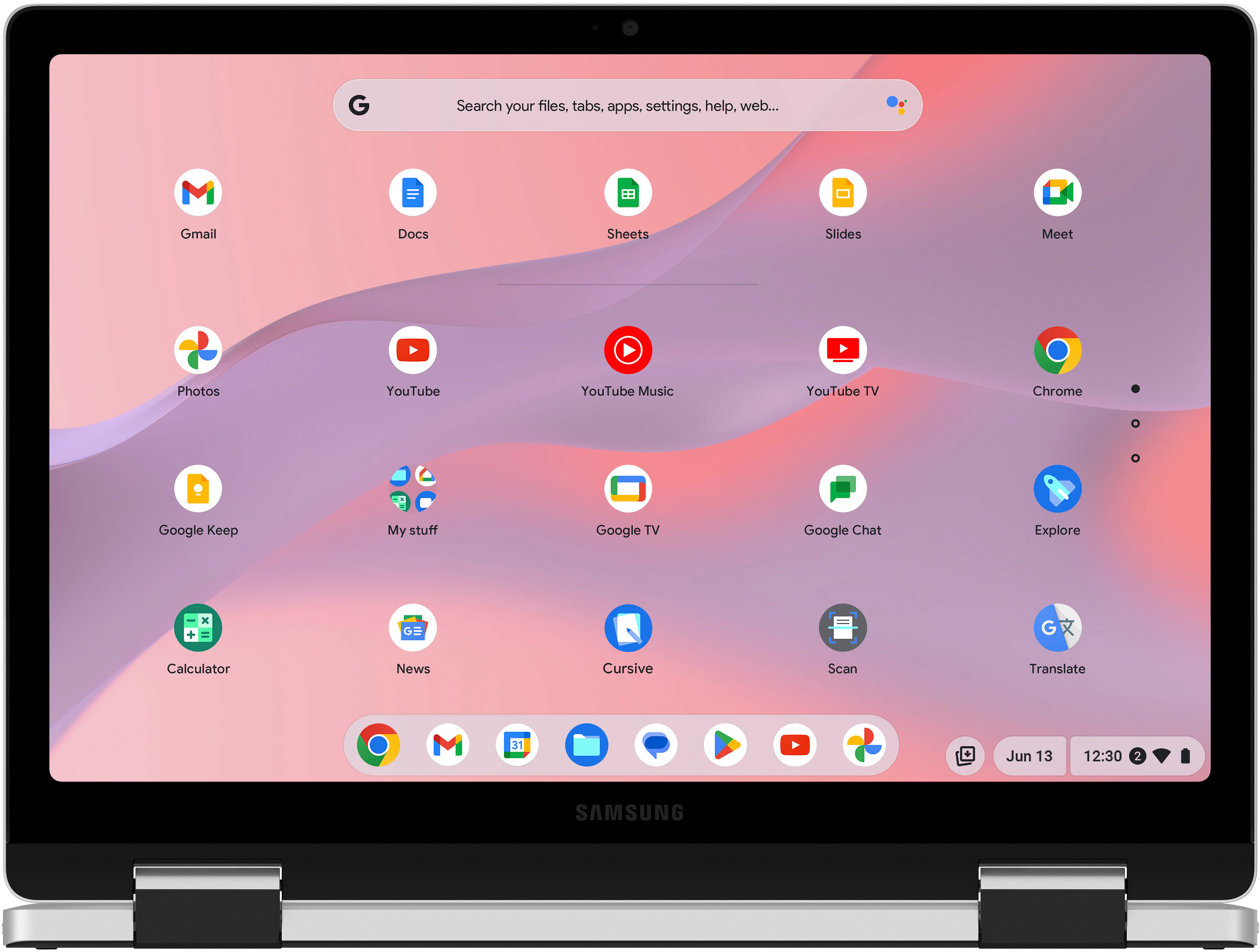
|Posted .This reviewer received promo considerations or sweepstakes entry for writing a review.Computers can be fickle as the serve a purpose with minimal features. Looking for a new computer you want the latest technology at an affordable price. The Galaxy Chromebook 360 brings everything you could want in a mobile compact package. Upon opening the package you are greeted with minimal yet sturdy packaging. The laptop is very sleek and stylish. The screen is large and keyboard is full sized. I booted it up and the magic came to life. The screen is bright and vibrant and reproduces all colors in a vivid pallet.The keyboard was responsive and had no keys that were unresponsive. Not really clicking but nice and smooth. Booting up took a reasonable time that got me to the “chrome” screen. I mainly used the laptop for school access. The 12.4” screen was very good and showed no signs of tearing or bleeding when I used multiple applications. Typing word documents on it was very simple and flowed very well. I was able to type up two 12 page papers and do research on a single charge over two days. Over all very good product that’s light for travel and schoolwork.
I would recommend this to a friendChromebook
Posted .This reviewer received promo considerations or sweepstakes entry for writing a review.Am happy with the Chromebook was not so happy that because it was open box I did not get the charger cord with it should have been told this before the purchase was a good deal still should have been told
I would recommend this to a friendfast surfing
Posted .This reviewer received promo considerations or sweepstakes entry for writing a review.You want a computer to surf the internet fast w/ 5 second computer startup buy this computer. Great graphics.
I would recommend this to a friendSamsung Galaxy Chromebook 2 360 led 12.4
Posted .This reviewer received promo considerations or sweepstakes entry for writing a review.I recommend the Samsung Galaxy Chromebook 2 360 led is very good for kids.
I would recommend this to a friendBad for the eyes. seriously bad.
Posted .This reviewer received promo considerations or sweepstakes entry for writing a review.Beware ! Beautiful computer, to a fault. The LED screen is very harsh on the eyes. Caused burning migraines and eye strain. Whatever this new technology is, it's very bad for the eyes. They need to fix this. Yeah, the colors are bright, but you will feel it after a few hours.
No, I would not recommend this to a friend