Customer Ratings & Reviews
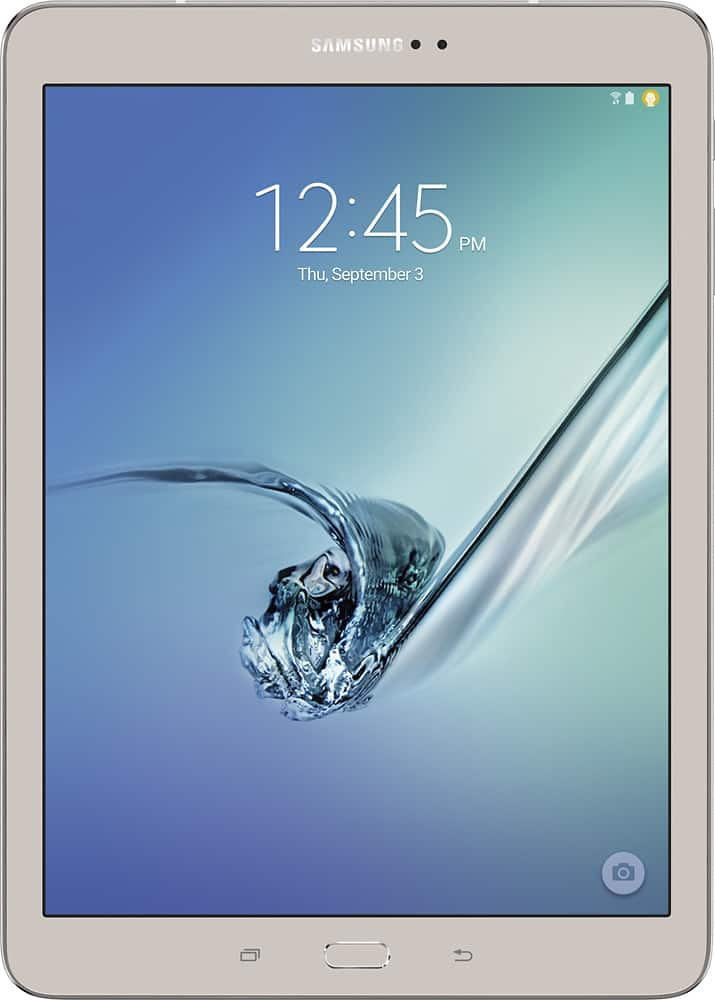
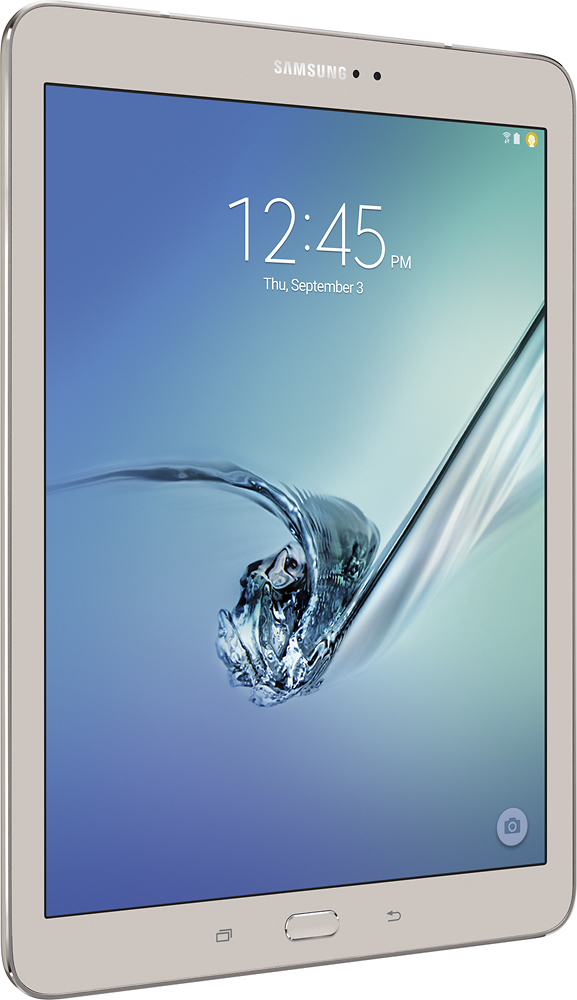
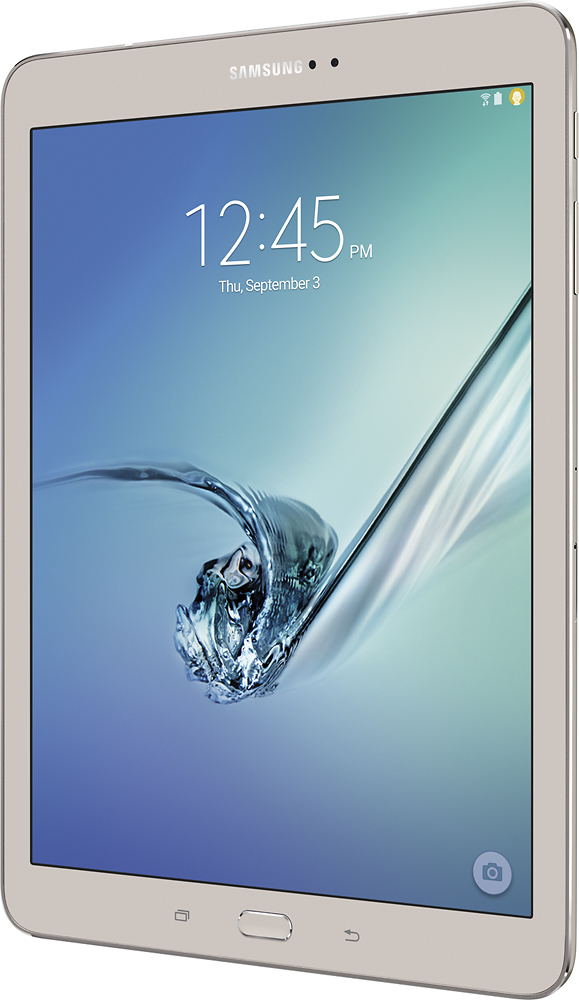
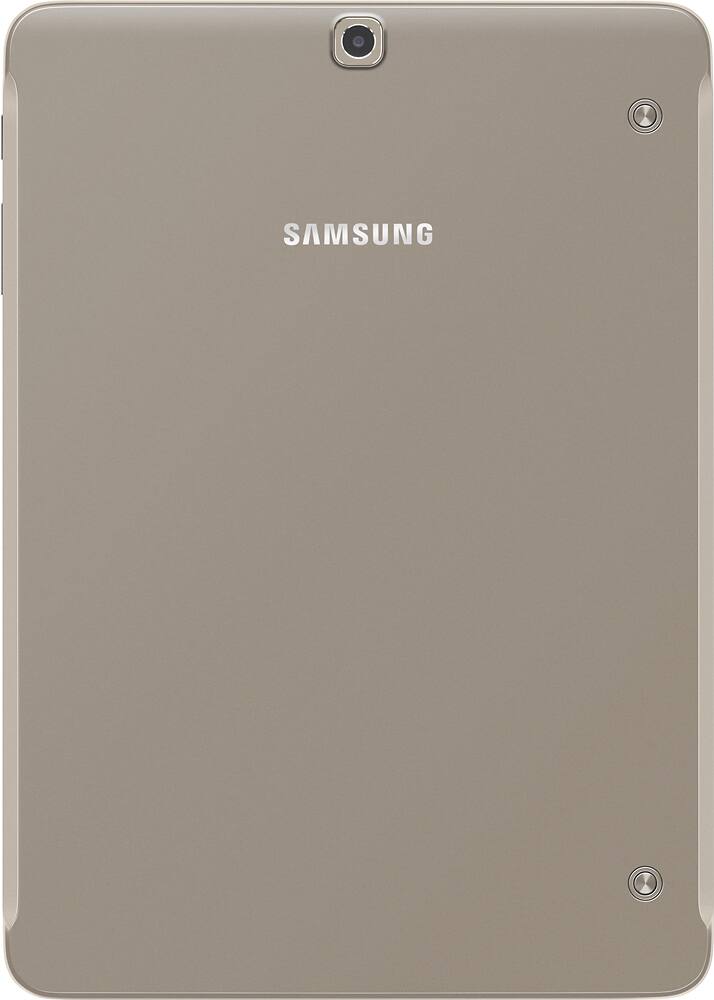

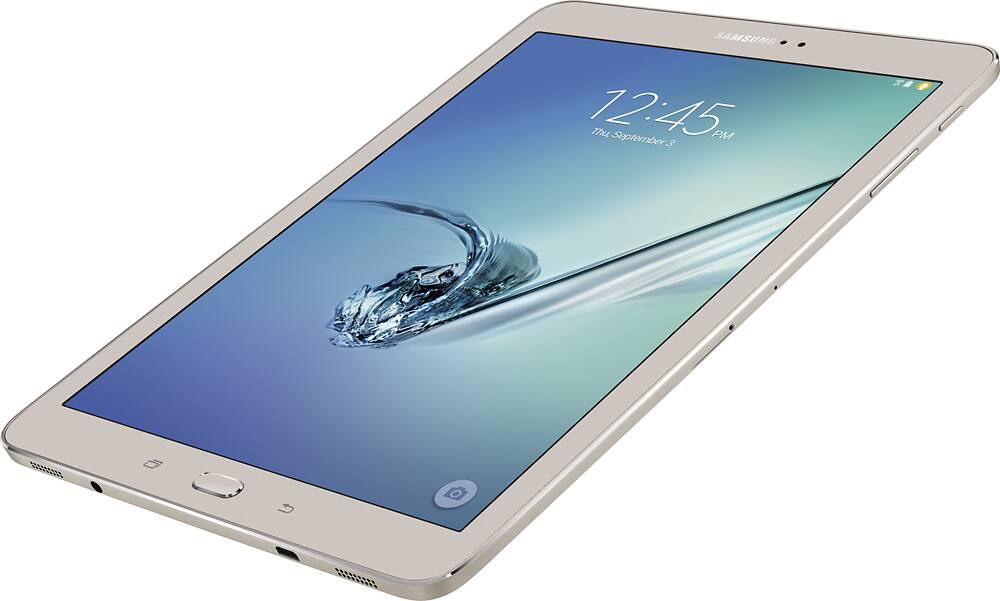
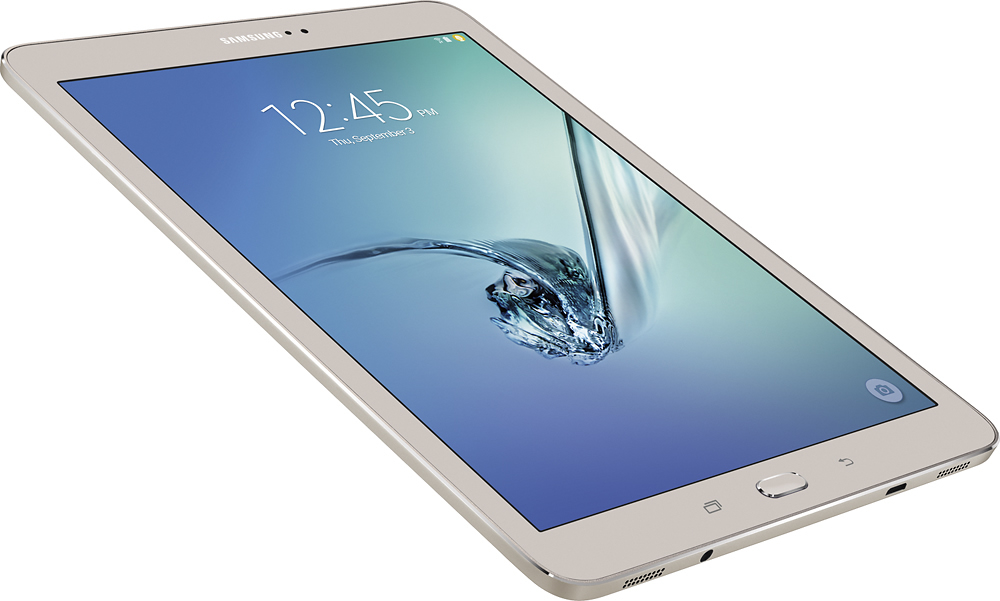

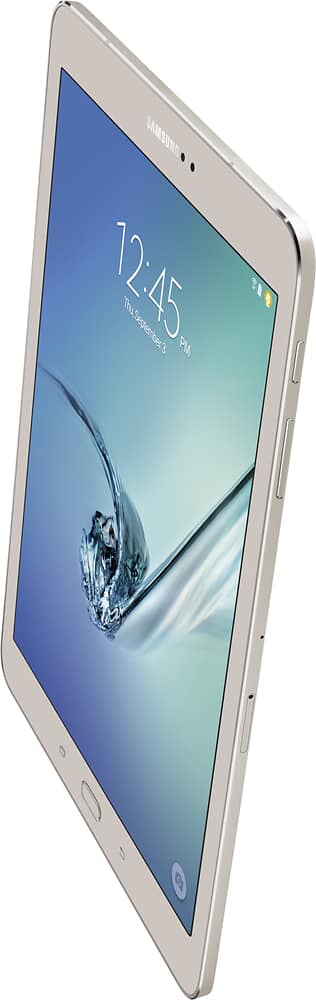
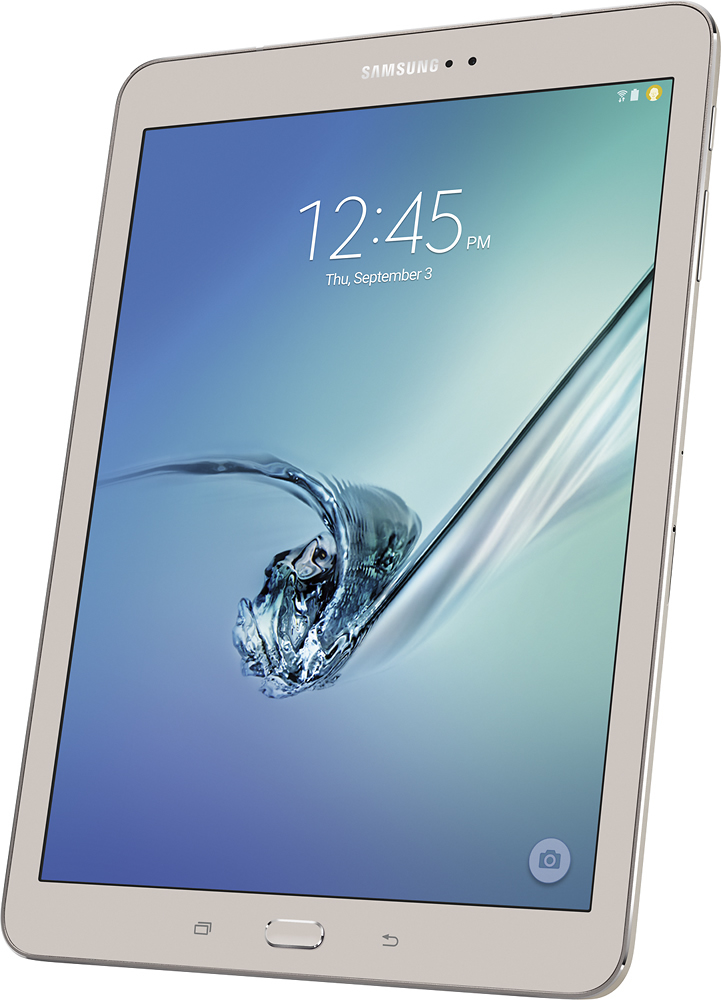
- Model:
- SM-T810NZDEXAR
- |
- SKU:
- 4251206
Customer reviews
Rating 4.8 out of 5 stars with 1741 reviews
(1,741 customer reviews)to a friend
Customers are saying
Customers consistently note the Galaxy Tab S2 9.7's exceptional screen quality, ease of use, and lightweight design. Many appreciate its convenient size and fast performance. Positive feedback also highlights the generally good battery life and expandable storage options. However, some customers find the price to be a significant drawback.
This summary was generated by AI based on customer reviews.
- Pros mentioned:Weight
Rated 4 out of 5 stars
A wonderful tablet
||Posted .This reviewer received promo considerations or sweepstakes entry for writing a review.I stopped at four stars instead of five, because I have not begun to touch its capacity, however the little I've done so far is awesome. I love its size, it's weight, and the potential it has, is very exciting to me. I'm looking forward to learning my tablet
I would recommend this to a friend - Pros mentioned:Ease of use, Screen quality
Rated 5 out of 5 stars
Wonderful camera
||Posted .This reviewer received promo considerations or sweepstakes entry for writing a review.I like this tablet because it's easy to use and the icons are easy to read. The pictures from the camera are clear and vibrant.
I would recommend this to a friend - Pros mentioned:Screen quality
Rated 5 out of 5 stars
Great Camera for a Tablet
||Posted .This reviewer received promo considerations or sweepstakes entry for writing a review.The reason I decided on this tablet for my wife was because her specific requirement was that it had a good camera. So I got her the best camera on the tablet market at the time. I checked all the other tables on the website, including the iPad, and this had the highest MP marks. My wife got it home and both the rear and front facing cameras work great when we skype. I haven't had a chance to use the tablet myself, but my wife loves it, she uses it for everything she needs, and it negates the need for a laptop.
This review is from Samsung - Galaxy Tab S2 9.7 - 9.7" - 32GB - Black
I would recommend this to a friend - Pros mentioned:Ease of use
Rated 4 out of 5 stars
Easy to learn
||Posted .This reviewer received promo considerations or sweepstakes entry for writing a review.System was easy to start up. The galaxy works great with all my samsung products.
I would recommend this to a friend Rated 5 out of 5 stars
Great tablet
||Posted .This reviewer received promo considerations or sweepstakes entry for writing a review.Picked this up for work to test out new apps and try developing as well. With the ability to have multiple user profiles, it has been a great shared resource between our team members. Screen is great too!
This review is from Samsung - Galaxy Tab S2 9.7 - 9.7" - 32GB - Black
I would recommend this to a friendRated 5 out of 5 stars
Very powerful in a perfect form factor
||Posted .This reviewer received promo considerations or sweepstakes entry for writing a review.This was a gift for my son who uses it for his college work. This machine is very capable. Added full sized keyboard & mouse, cast to full sized monitor. Not quite a Surface Pro 3, but a suitable substitute for 1/4 the price.
This review is from Samsung - Galaxy Tab S2 9.7 - 9.7" - 32GB - Black
I would recommend this to a friendRated 5 out of 5 stars
Great alternative to those apple products
||Posted .This reviewer received promo considerations or sweepstakes entry for writing a review.Have been using iPad for years. I was about due to upgrade a tablet, and decided to try an android tablet this go round. The amount of customization is great. I have found that this tablet does everything I could ask for.
This review is from Samsung - Galaxy Tab S2 9.7 - 9.7" - 32GB - Black
I would recommend this to a friendRated 5 out of 5 stars
Does so much. Beautiful resolution
||Posted .This reviewer received promo considerations or sweepstakes entry for writing a review.This is my first tablet. I have taken one class and really appreciate having help learning what all it can do. I still marvel at how beautiful the graphics are. I am still doing something new in it almost every day. Wow!!
This review is from Samsung - Galaxy Tab S2 9.7 - 9.7" - 32GB - Black
I would recommend this to a friendRated 5 out of 5 stars
Excellent tablet!
||Posted .This reviewer received promo considerations or sweepstakes entry for writing a review.The Samsung Galaxy Tab S2 comes highly regarded, and for good reason. The screen is sharp, bright and vibrant. Handwriting recognition is excellent and, unlike my previous Tab Pro, wifi reception is strong and consistent.
This review is from Samsung - Galaxy Tab S2 9.7 - 9.7" - 32GB - Black
I would recommend this to a friend- Pros mentioned:Ease of use
Rated 4 out of 5 stars
Wife enjoying it.
||Posted .This reviewer received promo considerations or sweepstakes entry for writing a review.Recommended by Best Buy team member. Purchased for my wife, she likes it alot.
This review is from Samsung - Galaxy Tab S2 9.7 - 9.7" - 32GB - Black
I would recommend this to a friend - Pros mentioned:Processor speed
Rated 5 out of 5 stars
It's fast and have a great screen display! I love
||Posted .This reviewer received promo considerations or sweepstakes entry for writing a review.I preferred it instead iPad. ..it's faster...better amoled screen and cheaper than iPad. ...you can increase with a memory card
This review is from Samsung - Galaxy Tab S2 9.7 - 9.7" - 32GB - Black
I would recommend this to a friend - Pros mentioned:Weight
Rated 5 out of 5 stars
Love my tablet
||Posted .This reviewer received promo considerations or sweepstakes entry for writing a review.Wanted a tablet to replace my old netbook. This does that and then some! I was concerned about not having a keyboard but the tablet on-screen keyboard and ability to enter via voice works so well, no other keyboard is needed. Originally purchased Samsung TabA but decided to get S2 instead because it is lighter weight. (Also happy with Best Buy 14 day return policy that allowed that return with no restocking fees). Even when at home rarely use my desktop computer any more...this does it all.
This review is from Samsung - Galaxy Tab S2 9.7 - 9.7" - 32GB - Black
I would recommend this to a friend - Pros mentioned:Screen quality
Rated 4 out of 5 stars
Great tablet
||Posted .This reviewer received promo considerations or sweepstakes entry for writing a review.Great tablet, perfect screen size and easy to use. Excellent screen resolution.
This review is from Samsung - Galaxy Tab S2 9.7 - 9.7" - 32GB - Black
I would recommend this to a friend - Pros mentioned:Processor speed, Screen quality
Rated 5 out of 5 stars
great tablet
||Posted .This reviewer received promo considerations or sweepstakes entry for writing a review.The AOLED screen has terrific vivid color and is very hi-res. Processor is fast, can handle all apps and movies tried so far.
I would recommend this to a friend Rated 4 out of 5 stars
Really nice product
||Posted .This reviewer received promo considerations or sweepstakes entry for writing a review.You cannot go wrong buying this. Everything you can do on here is outstanding.
I would recommend this to a friend- Pros mentioned:Processor speed, Screen quality, Weight
Rated 5 out of 5 stars
Beautiful device, Better than an Ipad
Posted .This reviewer received promo considerations or sweepstakes entry for writing a review.Samsung has done it with this one! I have owned four iPads over the years and only one other Android tablet previous to this (plus three iPhones and several Android phones). My chief complaint is that Android just isn't as polished as iOS. In certain areas, that holds true today, but Android has come a long way and Samsung has capitalized on it with this device. So, if you are trying to decide between this and an iPad, here is why you should choose this device, or at least give it a hard look. 1. Chromecast. This little inexpensive device is much cheaper than the Apple TV counterpart. For much less up front, you can mirror your screen on your TV. You can get a first gen Chromecast right now for $20 or $25. The new one will cost you $35, and the new Apple TV costs $149. You can get previous gen Apple TVs for less, but not $25. Now the first time, I connected this to a Chromecast, I got a warning that mirroring is not optimized on the S2, but I saw no issues when I was playing around with it. I did have to adjust my TV screen to get it to show properly though. Once that was done, it showed every bit as clear as my iPad on the Apple TV. 2. Micro SD. With an iPad, you are either stuck with what you have for memory (16, 64, 128 GB# or you use a cloud service. With this #and most other Android tablets#, you get a Micro SD card slot that will accept up to an additional 128 GB, and you can swap them out to further expand your storage. Of course you can still use cloud storage as well, and this thing comes with 100 GB of One Drive for two years! For me, I need the micro SD because on deployment, I don't have access to a cloud. 3. USB Host. Yes, this tablet has USB host. What does that mean? We all have USB flash drives laying around somewhere. With a USB OTG cable #we are talking like $6#, you can connect your flash drive to the tablet and transfer files to and from it. You will never be able to do that with an iPad. The most an iPad will support is pictures from a camera. With this option on the S2, you can import movies, pictures, documents, music, etc. Keep in mind that in order for the tablet to natively see it, the drive needs to be formatted to Fat32, which windows will do by default anyway. If you have a NTFS drive, you can still use it with a program like ES File Explorer, which is free on the Google Play store. 4. Speaking of the Google Play store, let's talk about the App store options on this vs the iOS App store. Apple has always been very picky about what it allows in the app store. And, if it isn't in the app store, good luck getting it on your iPad. With my S2, I currently have three app stores installed. First is the Google Play store, second is the Samsung store that is installed with the tablet, and third is the Amazon Underground app store. Google Play is obviously the native app store for Android devices #minus your Amazon devices#. It has millions of apps available. Google is a bit more lenient on the store vs Apple. To the consumer, that means there is much more variety, but a higher chance you will find an app that isn't quite compatible with your device. The advantage Apple has here is that the devices running iOS come from one company...Apple. With Android, you have probably 100 companies all developing devices to run android with a multitude of combinations of hardware. This will inevitably cause issues for certain devices. But, Samsung has realized that and created the Samsung app store. This store has all the apps that have been specifically tested to work on your S2. The list isn't too shabby either. Finally, the Amazon Underground app store. This is a new idea from Amazon. They take apps you would normally pay for, and make them free to the consumer through a new marketing strategy. To be honest, I am not sure what that strategy is or how Amazon funds this, but what matters is that you get FREE apps that you would normally pay for. So, if you can't find the app you need on one of these stores, you aren't looking hard enough! One distinct advantage in terms of apps is that you can get utorrent on Android. You can not on iOS. 5. Customization. Now, iOS has started to open up to this, but it is still nowhere near where Android is. With Android devices, if you don't like your launcher, you can change it. if you don't like your widgets, you can change them. If you want certain apps on the home screen and certain ones to only show up in the app drawer, you can do that. Of course, all these customization options leave some people feeling over whelmed and that is where the simplicity of iOS has won the hearts of millions, but if you want to venture into the unknown and make your device yours, with this you can. By the way, ask an iOS user what a widget is...they don't know. 6. Media Files types. So with iOS, you are limited in terms of the media files you can play, and there is no VLC player to make up the difference. On an iOS device, you will never get a .avi video file to play. So, this is a big deal breaker if you have a library of .avi movies. With Android, there are a number of media players that will play just about any file you throw at it. 7. File system. On iOS, you can go to a file directory and find the specific file you want and decide what to do with it. Files open in specific apps and if you are lucky, another app will recognize it. With Android, you can go to the file directory #much like windows# and drill down to a specific folder with a specific files and choose to delete, copy, open, etc. Okay, enough about the differences in Android vs iOS and more about this specific, beautiful device. 1. The screen is amazing. Very bright and vibrant. The colors really pop. Of course, this 4:3 format and resolution is a copy of the iPads, and for good reason. A 4:3 tablet is just better than a 16:9 tablet. It feels better holding it in portrait because it is more square. 4:3 uses more screen in less area. When you are talking about small screens, that little extra makes a world of difference. 2. The speakers are pretty good. You can definitely watch a movie or listen to a song without headphones. It is definitely on par with an iPad, if not better. 3. The design is beautiful. The gold color is subtle. Not too flashy and not quite dull. I love it. 4. The finger print scanner works every bit as good as the iPads and iPhones. It makes unlocking your tablet a breeze. 5. The first thing I noticed when I picked this thing up is how light it is. Coming from an iPad Air #1st gen#, I could definitely feel that this is lighter. It makes holding it a wonderful experience. 6. In several days of use with my new S2, I have experienced zero lag or freezes. The dual quad core #yes, 8 cores# CPU and 3 GB RAM in this thing really make the device super smooth. It won't slow down and lag like your sub $300 Android tablets. It will handle all apps very well and you can multitask without it slowing down. 7. The cameras are pretty darn good! The clarity is great and even low light shots seem to do pretty well. They are definitely on par with the iPad. Now, here is where an iPad wins vs the S2. 1. I will go back to the polished look. iOS apps generally look more polished than their Android counterparts. But, you will have to go into an app #i.e. Facebook) to notice the difference. On the home screen, you will see the S2 and think how beautiful it is. The launcher and home screen are very polished and go head to head with iOS. It is underneath, in the apps that you will start to notice a difference. 2. Battery Life. I would venture to say that iPad battery life is better than the S2. Not by much, but I can tell a slight difference. My battery gets to 90% on the S2 a little quicker than it did on my iPad. Of course, I have played with it off and on all day and still didn't get past like 50%, so battery life is definitely not shabby, just slightly less than an iPad. ...And that's it. That is the only two advantages I can think of for the iPad. So, after a series of unfortunate events, I was faced with a decision, a Galaxy Tab S2 or an iPad Air 2. I chose this and I am absolutely happy I did. It is a beautiful device that changes the playing field in the tablet world. iPad is no longer the premier device. In my opinion, this thing wins in a head to head battle with an iPad.
I would recommend this to a friend Rated 4 out of 5 stars
So far so good!
||Posted .This reviewer received promo considerations or sweepstakes entry for writing a review.This tablet is used by my wife, and so far so good. She loves it. The Samsung Reps Paul and Joseph at Best Buy in Baldwin have been very helpful with any questions and concerns we have had. I hope we keep enjoying this Galaxy Tablet for a long time.
This review is from Samsung - Galaxy Tab S2 9.7 - 9.7" - 32GB - Black
I would recommend this to a friend- Pros mentioned:Processor speed, Weight
Rated 5 out of 5 stars
Great tablet
||Posted .This reviewer received promo considerations or sweepstakes entry for writing a review.This is a great tablet, light, fast and powerful. Does everything I need and more.
I would recommend this to a friend Rated 5 out of 5 stars
Impressed With Tablet
||Posted .This reviewer received promo considerations or sweepstakes entry for writing a review.Has a very clear screen and responds rapidly. Have had difficulty getting the tablet to recognize the HP Printer plug-in. I've read online that others have had similar problems. Overall, this is a fantastic product.
I would recommend this to a friendRated 4 out of 5 stars
Fun and practical tool
||Posted .This reviewer received promo considerations or sweepstakes entry for writing a review.I primarily use my tablet to download and review documents and to read and send emails. It has proven to be just the right tool to accomplish the tasks. I have enjoyed using it for the past couple of months.
I would recommend this to a friend