Customer Ratings & Reviews

- Model:
- SM-L300NZEAXAA
- SKU:
- 10812373
Rating by feature
- Battery Life
Rating 4.3 out of 5 stars
- Durability
Rating 4.7 out of 5 stars
- Comfort
Rating 4.7 out of 5 stars
to a friend
Good watch
||Posted .This reviewer received promo considerations or sweepstakes entry for writing a review.Good watch for health tracking.stylish design and got many features. I liked it
I would recommend this to a friendOverall good
||Posted .This reviewer received promo considerations or sweepstakes entry for writing a review.been using the Samsung Galaxy Watch7 daily for workouts and notifications. Performance is smooth, the display is bright, and health tracking feels accurate. However, battery life barely lasts beyond a day, and charging is frequent. Still, it’s comfortable, responsive, and reliable for everyday fitness and smart features.
I would recommend this to a friendGreat watch!
||Posted .This reviewer received promo considerations or sweepstakes entry for writing a review.This product is worth the price, pretty easy to setup and user friendly. It has very good features including health, activity and lifestyle. The only backdrop I found is the battery life.
I would recommend this to a friend
Nice upgrade from last years version
|Posted .This reviewer received promo considerations or sweepstakes entry for writing a review.The reason I started getting smart watches was not the same reason most people got them. I wasn't interested in the health tracking nor the workout monitoring. I do my tracking with other apps on a tablet since I don't want to wreck a $1800 phone or a $400 watch. I scratched up my first watch pretty bad on my first lifting session. For devices that are marketed for fitness you should expect that the make them rough enough to withstand a work out. Ditch pretty with the cheapest aluminum you can find and add ruggedness and function. So, why did I get a watch. As phones tried finding ways of making the battery last longer and slim them down one thing that they nerfed was a good vibrator motor. These new phones can barely be felt while in your pocket where old phones could be felt strongly and even heard as they vibrate. So a watch was used mainly for notifications as they came in. It's still the main reason I use watches, but I did add bike riding a few years ago. With the help of QZ App and Heart Rate for Bluetooth I have a perfect riding companion. Still won't even think about wearing one of these watches while around bars and plates. I've had Samsung watches since the old Classic. Each version after that was always the steel or titanium, whatever was the hardest metal they made them in. I did get a Watch5, but it didn't survive a small knock against the wall and dented the edge and pushed it into the glass. Even cheap $20 watches took better dings than that watch did. Now I've got the Watch7. I kinda want the Ultra, but I don't like the rectangular shape. So classic watch shape it is with the Watch7. Setting up the new watch and transfering all my apps and customizations was pretty easy. After all was done, it was like I was looking at my old watch with a few screens that needed to be moved and changed. Otherwise I was ready to go in no time. The first two days had abysmal battery life. I'd use up 60-80% a day. Third day it dropped to about 50% and now it's at 40%. I don't turn on AOD and I have heart rate measuring continuously. I do have hourly chime, no sound, and vibrate only - strong zig-zag. With my other Galaxy Watch I'd get about 3 days before I need to charge when it hits under 40%. This is roughly 14hrs of use and off at night. The Watch7 has a smaller battery and body so there's no way I'd expect it to match my larger watch. Still, at 40% a day it does pretty good. One change I don't like is that you can't charge the watch while it's off. Once it hits the charger it powers on. Now the biggest nag is the "Get Busy" notification that occurs every day, all day, and is so annoying. There's no way to turn it off. I'm at work, I'm not gonna start working out. That's my evening task and I do it when I'm ready. I don't need a dumb device to keep bugging me about getting up. Fix this ASAP. This would be the one reason I'd toss the watch. If they don't remove this or allow the option to turn it off I don't think I'll be getting another Samsung watch. Micromanaging is something I don't deal well with, especially not from a dumb watch. The other negative is the gap in screen between the body. In the pick you can see some gunk that gathered in it. I've tried using a toothbrush, a sheet of aluminum, toothpick, and a sheet of paper. I just can't get in there to get the dirt out. Also there's a nick in the body near the dirt - get a body protector ASAP if you get this watch. Aluminum and the world don't mix very well.
I would recommend this to a friendSubtle evolution
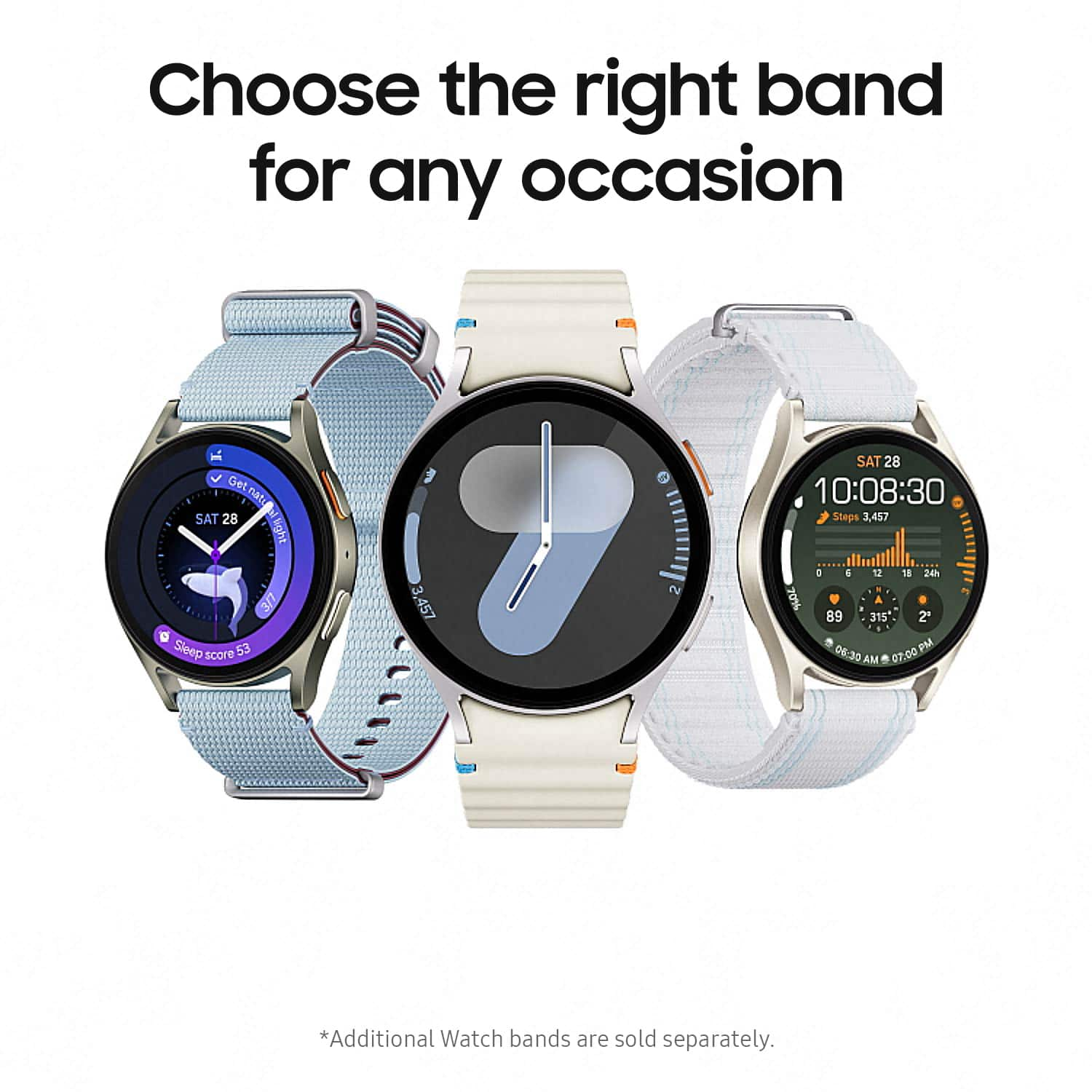
|Posted .This reviewer received promo considerations or sweepstakes entry for writing a review.The Galaxy Watch 7 doesn't reinvent the wheel when compared to the Watch 6. But its subtle refinements still make it an excellent upgrade. The new processor and sensors seem to be a good improvement over previous the models. For my experience though, the most notable thing is just how snappy and smooth navigating the watch feels. There would be an occasional hitch or hiccup sometimes on the Watch 6 for me, but I have yet to experience that with the Watch 7. - Setup - Getting the watch paired with your phone and everything configured is as smooth and seamless as ever. You turn on the watch, it asks you to get the Wear app, and then guides you through the process. It only takes a couple of minutes before you're up and running. - Experience - As I mentioned previously, the Watch 7 feels very snappy, and I have yet to experience any slowdown or issues with the software. It just works. Adding tiles to the home screen, replying to texts, swiping through notifications, it all feels fast and great. - Battery Life - I'm getting almost exactly 24 hours of battery life with the Watch 7. I could definitely squeeze a bit more life out of it, if I compromised on some settings, but I like how it's setup. The biggest way to extend battery life would be for me to disable the always on screen. I like having the always on screen for quick glances, without even changing my wrist, and still being able to see the time, or any other quick information. I do wish it lasted a bit longer, but it will easily make it through the day. - Watch bands - Worth mentioning, swapping watch bands is as easy as ever. The button-release clasp on the newer watch bands is a very welcome improvement. This started with the Watch 6, and I'm glad that it's on the 7 as well. It's much easier to just push a button to release the band, rather than trying to fiddle with those tiny pins. The included band is very comfortable and looks nice as well. - Pros - Easy setup, comfortable to wear all day, snappy performance, nice display - Cons - Battery life isn't bad, but I do wish it would last longer.
I would recommend this to a friendBest Christmas present to myself!
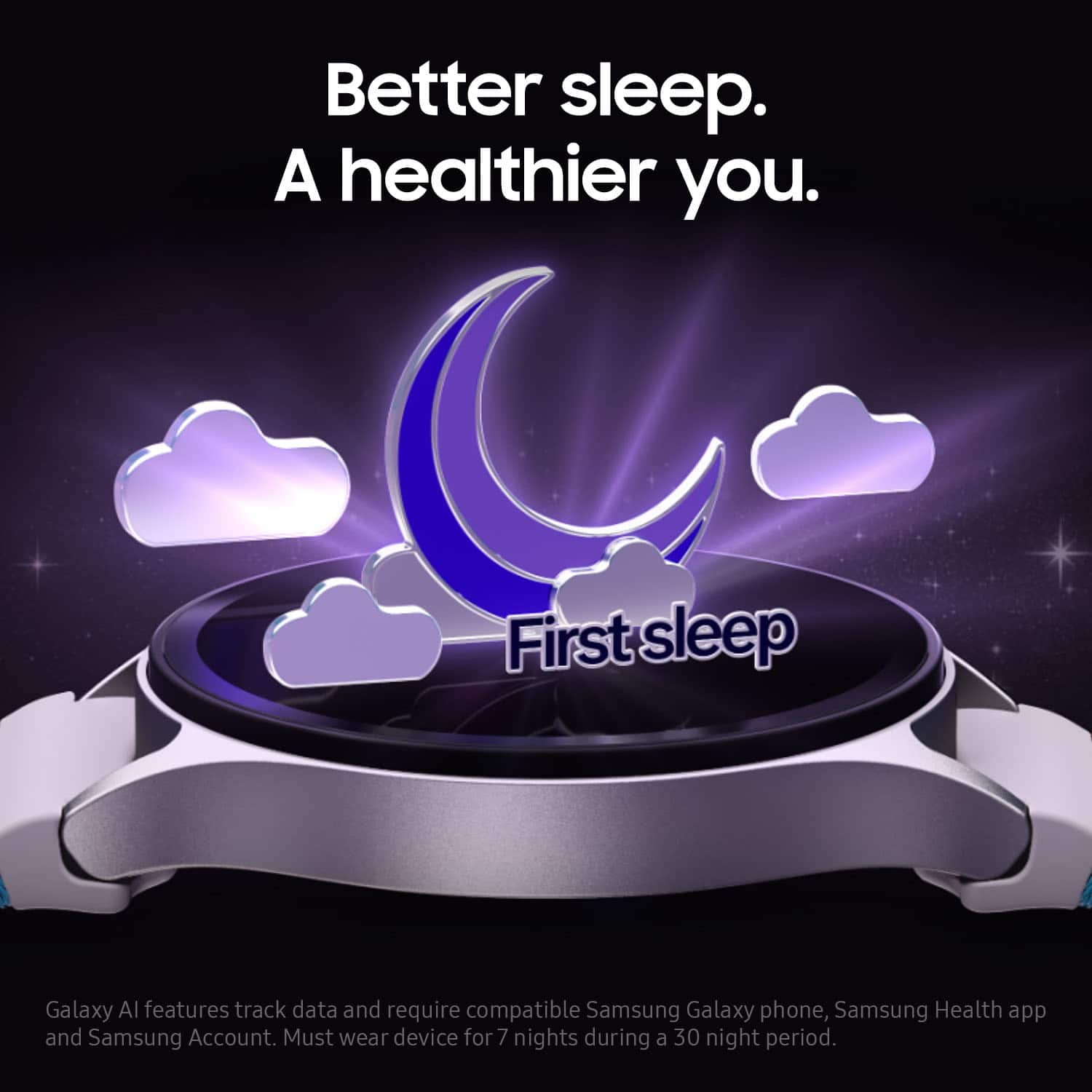
||Posted .This reviewer received promo considerations or sweepstakes entry for writing a review.Love my galaxy watch! Caught a great deal on something I've had my eyes on for a while. The watch is seamlessly easy to use, the tutorial was very helpful in teaching me the basics and the reat was easy to figure out once I started playing with it. I charge it once a day, charges quickly and lasts all day. I especially like that it tracks my sleep habits and other samsung health functions.
I would recommend this to a friendAlmost Perfect Smart Watch, Short Battery Life
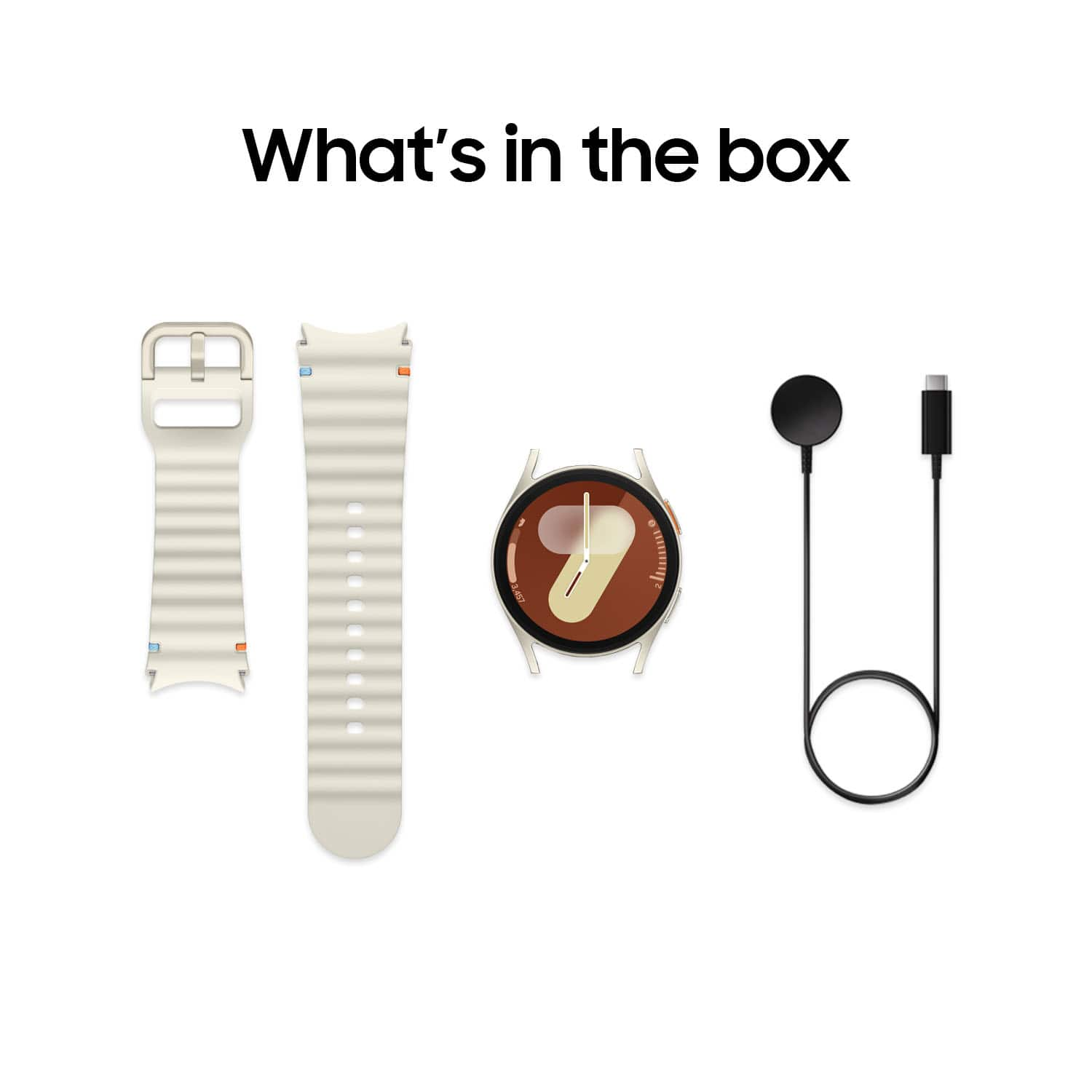
|Posted .This reviewer received promo considerations or sweepstakes entry for writing a review.I wanted an upgraded smart watch, as my current one was showing its age and didn’t track all the health metrics I wanted accurately. I picked up the Samsung Galaxy 7 watch as I’ve heard the Galaxy Watches have had great health tracking features and worked great when paired with a Samsung phone, which has been the only smartphones I’ve used. Pros: - Tons of Features! - Flat against wrist. - Magnetic charger. Cons: - Universal Gestures is not on by default. - Battery life with all features on is barely a day. - Watch face is big, even the 40mm is too big for smaller wrists. Setup: Setting up the Samsung Watch 7 was very straight forward, there is a quick start guide in the package. First off, press and hold the power/home button (orange outlined button) for a few seconds to power on the watch. Then on your phone download and open the Galaxy Wearable app, Samsung phones come pre-installed with this app. This will walk you through the setup steps, it will take 10-15mins in total to get through all the steps, if you have previously setup a Samsung Wearable device you will be able to skip some steps. Once the watch is done with the initial setup, you will be guided into the Samsung Health app if you accept the health tracking to configure more settings related to health tracking. This was my first smart watch with apps I needed to install, I added Gmail and WhatsApp so I could read the notifications. Installing the apps was a smooth experience, though initially this was a little slow over Bluetooth but connecting to the Wi-Fi directly quickly sped up the download. I found having the watch attached to Wi-Fi was nice, but as I’ll mention later the battery life suffered so much, I opted to keep Wi-Fi off to save power. The included charger is great, as it is magnetic on both the charging side and base which makes it easy to use a wall charger without the charger falling to the floor as you can stick it to any metal nearby. Additionally, with the USB-C charging it is future focused and works with faster charging than standard USB-A ports. Feel and Use: I found navigation on the Galaxy Watch 7 to be intuitive, with a few swipes I was able to navigate the menus quite reliably. The screen is very responsive for navigating, but the best part is the simple gestures that allow you to navigate through the menus without touching the screen. Double pinching your finger and thumb together will answer calls, dismiss notifications or capture pictures with the camera app open on your phone. It takes a little practice to get each down, but once you have the hang of the double pinch it changes everything! This is where my first complaint of the Galaxy Watch 7 is that the universal gestures are not enabled by default. These gestures really make a difference when interacting with the watch while doing almost anything, because you do not need to use your other hand to get into the watch settings. Gestures are even more important if you turn on power saving mode (which you will want to) which disables the always on display so you either need to have the gestures on to turn the display on or use your other hand to turn the display each time you want to interact with the watch. The watch lays flat against the wrist, even with a large face the watch didn’t feel like it stuck out too far wrist. I often would bang other watches against everything because they were just a little too bulky for me. The 40mm watch face still feels big compared to my older watch, though the 44mm model was huge on my wrist, which is on the smaller side at about 6.625in (about 170mm). So, if you have a small wrist, this watch will feel big! Battery Life: The battery life on the Galaxy Watch 7 is not good with the default power settings, which is a rather big inconvenience. Leaving the default power options on will net you maybe a day at most of battery life. That is 24 hours. This means usually in the middle of the day or while you are sleeping, the watch will run out of juice. Having a battery life that lasts more than a day is a big must for me, as I want to track my health metrics such as sleep at night and resting heart rate during the day. Having the watch die for any duration at either time will cause an issue for accurate readings, not to mention defeat the purpose of being a convenient access to notifications on my phone. But with Power Savings mode turned on, you can get 40 hours out of the battery which is much more manageable. I found that I could get by charging every other day during the middle of the day while at my desk, which works for me. The only trade off that I found inconvenient with Power Savings mode was the disabling of the wake with gestures, which meant you couldn’t turn on the screen just by raising your wrist. This would be a hassle, except with Universal Gestures you have the option to turn on the screen by making a fist twice. It took a little practice, but after getting used to the gesture it wasn’t an issue. The other tradeoffs that might matter were disabling of the Always On display and Wi-Fi, plus reduced processing power, but none of these impacted my use of the watch over the total battery life. Health Metrics: Health metrics are the main reason I switched to the Galaxy Watch 7. The standard suite of metrics is tracked from Steps, Heart Rate, Workouts, and Sleep. I found the Sleep tracking was much more informative with the sleep cycle data than my prior watch, showing when the cycles happened in better detail than my prior smart watch. This has helped me figure out some sleeping habits to tweak to help get better sleep. Additionally, Blood Oxygen levels can be tracked, with a breakdown that focuses on the Oxygen levels while sleeping. There are some additional features if you install the Health Monitor app, such as the ECG and Sleep Apnea diagnostic test. If you’ve been clinically diagnosed with the condition, you shouldn’t use the Sleep Apnea feature as it’s not meant for tracking just pre-diagnosis. I didn't have to spend much time to get the workout tracking working as I wanted, with the default settings more or less being what I wanted. I did have to adjust the quick select options, to have treadmill running instead of outdoor running but that was simple. The watch easily tracks most activities, picking up on when I take the dog out for a walk every time so far, even if there are longer pauses while walking. Between the default and power saving mode, I really didn’t notice any performance difference outside the Always On Display and Wake Up Gesture being disabled. The rest of the features worked as I’d prefer in the Power Saving mode and gave me enough battery life for my use. Phone Companion: I found that the call answering, notifications, and other paired apps worked well on the phone, even in Power Saving mode. I mainly only need the watch to notify me when I’ve got a call, message, or specific email. It does that, but also allows me to answer or access those messages from the watch if I need to. Though navigating an email or long message on the watch face is a bit tedious, just being able to read the sender and subject is enough for me. Conclusion: I will be adding this to my recommendations for smart watches, though I do hope there will be future updates to change some feature behavior and options, which I am hopeful for due to recent updates already released to address battery life concerns. The watch pairs perfectly with a Samsung Phone, which is no surprise, but I would highly recommend keeping that pairing for the best experience. The biggest drawback will be the battery life, but about 2 days works for me with the extra features. Overall, I am glad I got the Samsung Galaxy Watch 7 and will be figuring out the other cool features in the coming months.
I would recommend this to a friendWatchtastic!
||Posted .This reviewer received promo considerations or sweepstakes entry for writing a review.Great watch with many features! Easy to use. Battery needs charging frequently.
I would recommend this to a friendAbsolutely love this warch
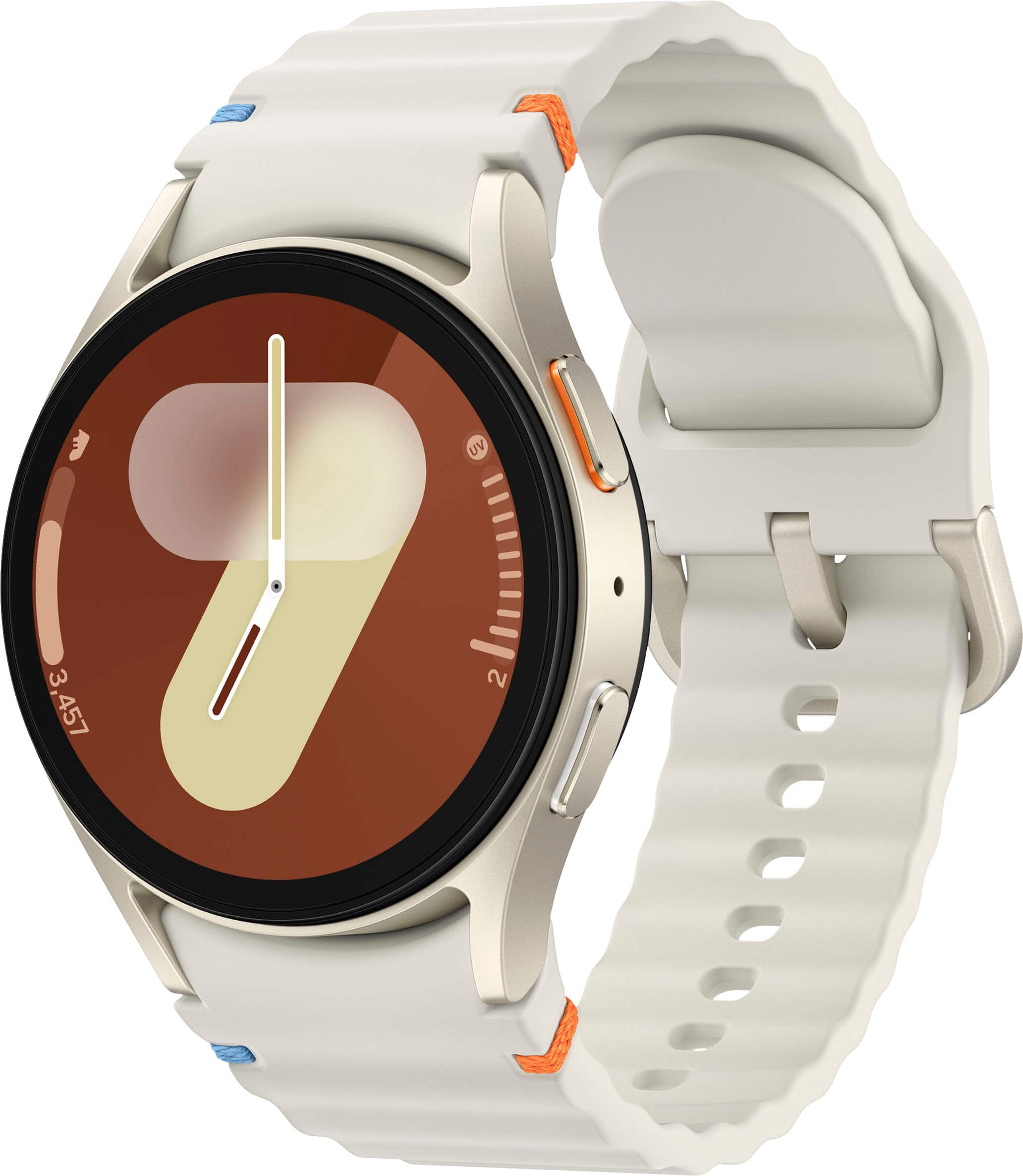
||Posted . Owned for 3 weeks when reviewed.This reviewer received promo considerations or sweepstakes entry for writing a review.I can’t say enough good things about this Samsung Galaxy Watch! From the moment I unboxed it, I was impressed by the sleek, modern design. The white band is not only super stylish but also comfortable enough to wear all day and night. It goes with everything I wear! Functionality-wise, this watch is unbeatable. The display is vibrant and crisp, and the performance is smooth with no lag. It tracks everything I need—heart rate, sleep, stress, steps, and even blood oxygen levels. As a new mom, I especially love how easy it is to check messages, calls, and reminders right from my wrist while taking care of my baby. Battery life is fantastic—I can go over a day with full use, and it charges up quickly when needed. The health features are accurate, the fitness tracking keeps me motivated, and the customization options are a nice touch. If you’re looking for a smartwatch that does it all while looking amazing, this is the one. Samsung knocked it out of the park!
I would recommend this to a friendTakes time to setup, but it's a great smart watch
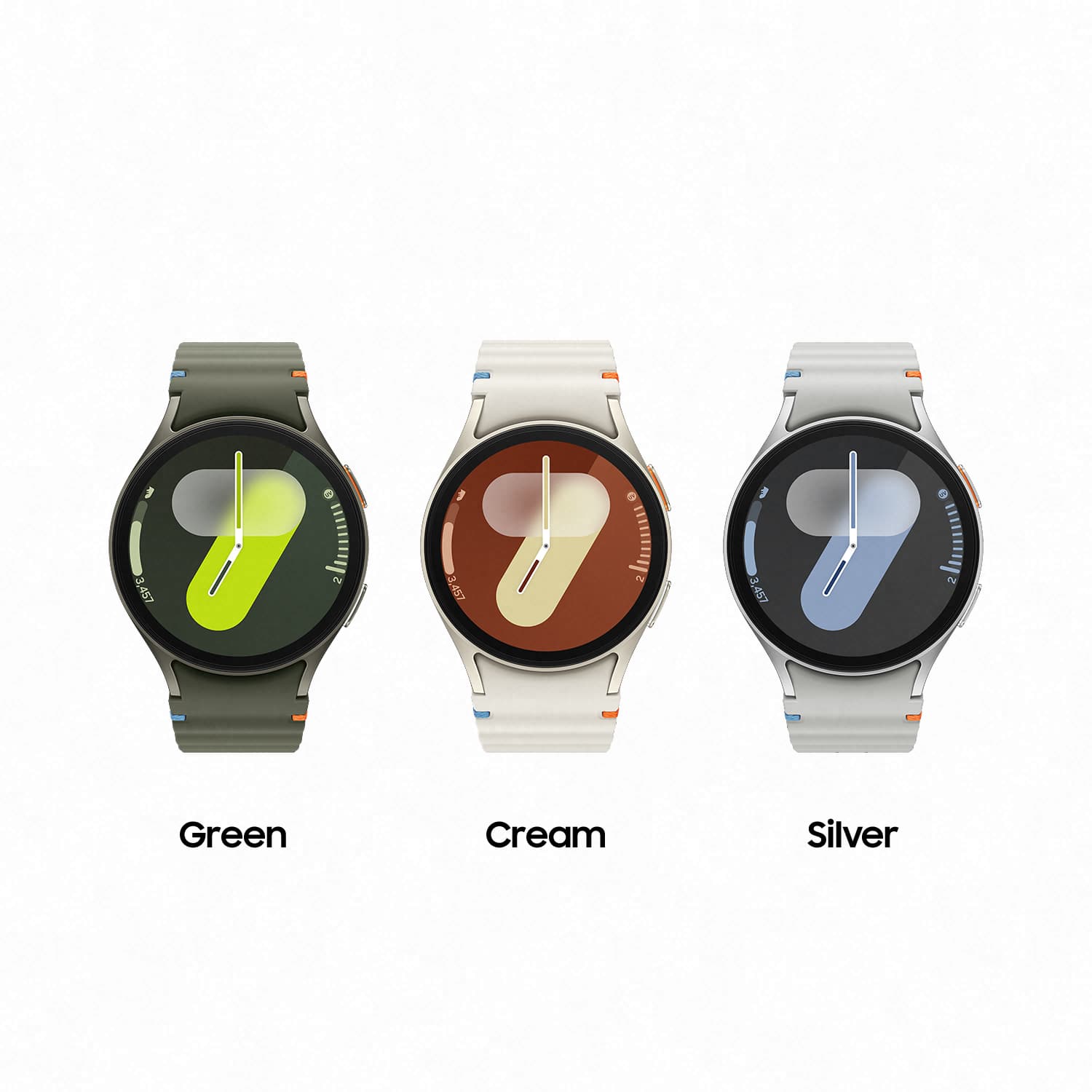
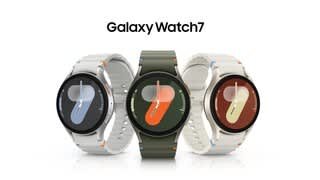
|Posted .This reviewer received promo considerations or sweepstakes entry for writing a review.The Galaxy Watch 7 is a nice watch with loads of features. First, the hardware. The Galaxy Watch 7 has a metallic body, with a round glass face, and a rubbery strap. The strap has orange and baby blue threads wrapped around a set of cutouts on each strap in an asymmetrical fashion (I’m personally not a fan of this and wish they hadn’t done it). The strap itself is a curious shade of green that’s right on the edge of being a dark grey. The back of the watch has a sensor array for tracking things like your heart rate, and the buttons along the right-hand side of the watch face (outlined in orange and white - again, not my first choice for colors) also contain sensors for body composition scanning. Battery life isn’t impressive. I get about a day and a half per charge. I’m not using this to track my sleep (having things on my wrist actually keeps me from getting to sleep), so I’m just charging it overnight each night. Setting up the watch was a bit of a challenge for me. The setup prompts you to install not just one, but several apps. I’m not even certain if all of them were necessary. The “Smart Switch” app prompted me to connect two phones together to transfer data and apps. I think it was referring to my watch, but I opted to just skip past this step completely. Skipping it doesn’t appear to have negatively impacted my experience at all. One of the apps that was referenced appeared to only be for Samsung phones. Again, skipping this one didn’t negatively impact my experience at all. By default, I wasn’t receiving any notifications on my Pixel phone. I found that I was able to go into the watch and app settings and manually turn on notifications for all of the apps that I care about. Notifications on this watch are handled very subtly. When you get a notification, you get a short little vibration (adjustable in the settings) followed by an orange dot on the left side of the screen. You can then flick left to view your notifications. I’m not sure if I prefer this to the “in your face” auto-displayed notifications or not. The watch face can be customized within the app, and there are a variety of options to choose from (including making your own). The watch comes with a fair amount of bloatware. I’m still figuring out what can be removed and what I need to keep. I installed Google Fit for monitoring my fitness as it was compatible, and I already have an account setup and am familiar with the interface. My preferred music streaming service seemingly isn’t compatible with this watch yet. At the time of this review, a lot of the third party watch face apps that I found weren’t compatible with this watch yet either. The body composition scanning isn’t great. I found that 4 out of 5 times, it gets to exactly 67% complete and then fails. When it does work, the results are radically different from my body composition scale (I WISH the watch’s body fat percentage was correct - I’d look absolutely shredded). Steps appear to be fairly accurate, and I haven’t noticed any anomalies with the heart rate monitoring. The auto-workout detection is great. Within a few minutes of light jogging on the treadmill, the watch prompts that I’m exercising and starts monitoring. It tries to retroactively record when I started, but I found that it was a little overly generous (giving me an additional five minutes of exercise - probably the time I spent walking across the gym and getting onto the treadmill). The assistant function seems to work well. I swapped the assistant from the default Bixby to Google without any issues. I have it setup to trigger with a long press of the top button, and it seems to work well and understand me clearly. By default, the volume was very VERY low, but I turned it up to a reasonable volume in settings. I also like the fact that I’m able to pair my calendar with this watch to keep track of appointments and tasks. In summary, this is a very nice and feature-rich smart watch. The initial setup is a little overly complicated. But once setup, this is a great watch for fitness tracking and day to day productivity.
I would recommend this to a friendProfessional Twist on Smart Wear
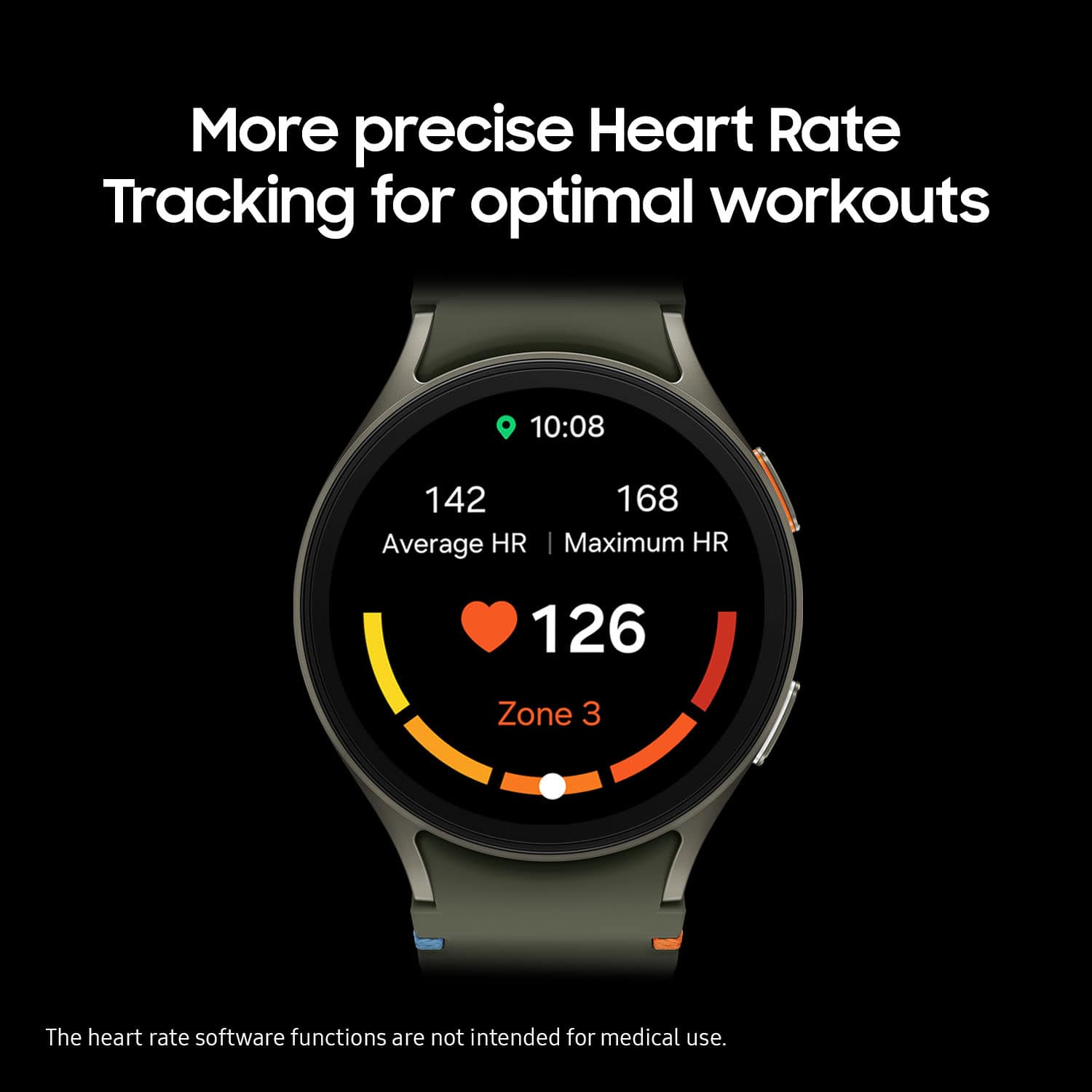
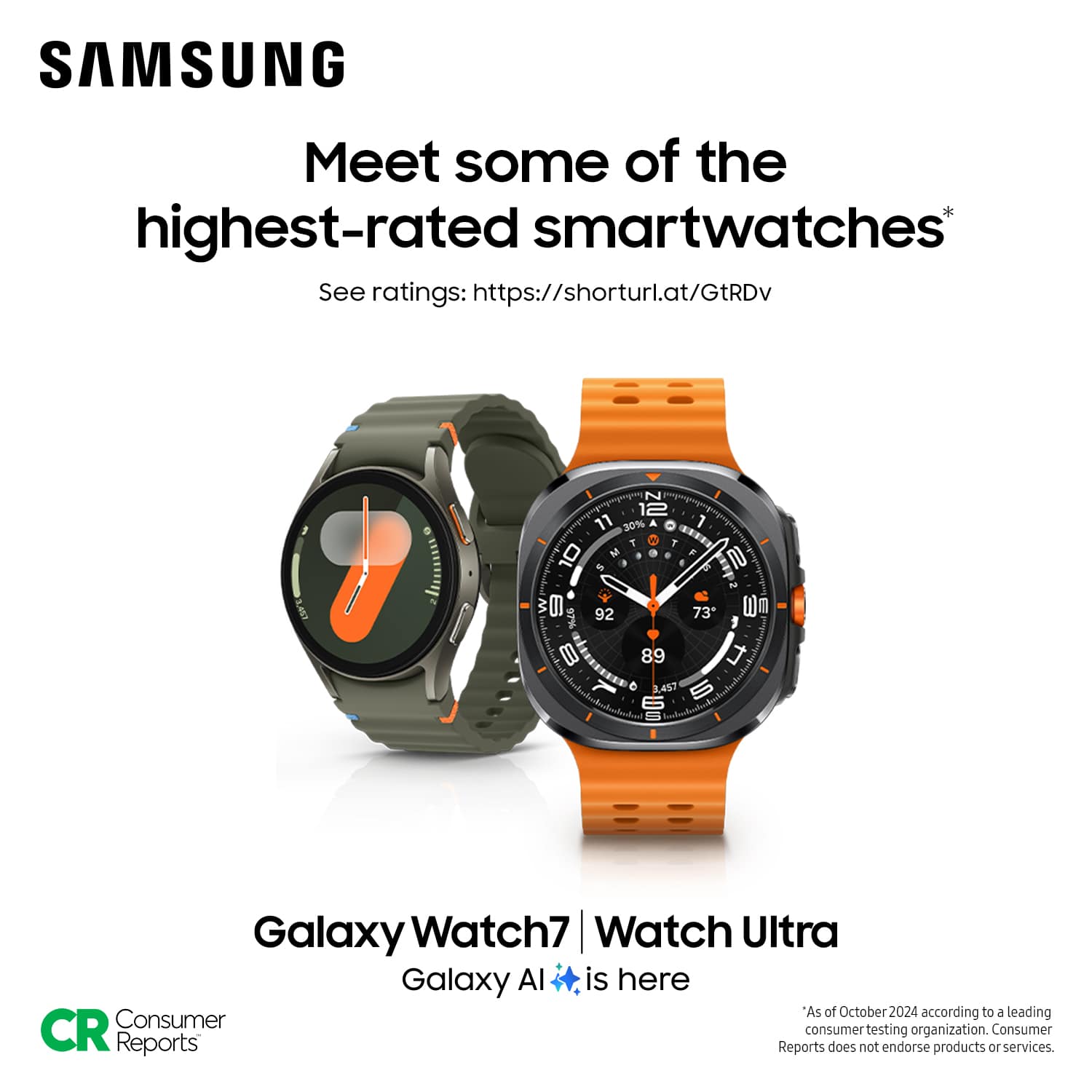
|Posted .This reviewer received promo considerations or sweepstakes entry for writing a review.As someone deeply embedded in a different tech ecosystem, I've consistently relied on my other smartwatch for daily activities, never quite mixing it with my professional life. However, the allure of the Galaxy Watch7 in deep green and its classy round shape has made me reconsider. Unlike the typical tech-savvy look of 'other' smartwatches, the Galaxy Watch7 exudes a more traditional, professional vibe, making it a perfect accessory for work. I use an Android phone daily for work, and integrating the Galaxy Watch7 into my routine seemed like a logical step. Although my phone is not a Galaxy model, which led to a somewhat fragmented setup process involving multiple app installations and permission pop-ups, the effort was worthwhile. This hiccup in the setup process could likely be smoothed out for Galaxy phone users, with likely a more seamless integration within the Samsung ecosystem. The interface of the Galaxy Watch7 was surprisingly familiar, echoing many features of my 'other' smartwatch. This similarity was a double-edged sword; while it made the transition less daunting, it also left me longing for more originality, especially in the watch faces. I found myself instinctively reaching for a non-existent crown to navigate messages, a testament to my muscle memory from the 'other' device. However, Samsung’s use of all four swiping directions is a key difference that I appreciated quickly. The physical aspects of the watch, like changing bands, presented a slight learning curve. The traditional mechanical pin used to secure the bands might raise durability concerns for more rugged activities—definitely a departure from the integrated slide-in channels I'm accustomed to. Yet, I suppose it mirrors the classic watch design that has stood the test of time. During work hours, the watch proved its mettle by allowing me to efficiently multitask, handling texts and notifications with ease. The fitness features were a bonus, particularly during my afternoon workouts. The heart rate monitor matched the accuracy of both my 'other' watch and gym machines, although getting used to the controls, like swiping to end a workout, did take some getting used to. Overall, the Galaxy Watch7 has earned its place on my wrist during work hours, striking a fine balance between professional aesthetics and smart functionality. It’s a nice companion for anyone looking to blend traditional watch style with modern smartwatch capabilities, even if it does come with a slight learning curve for those outside the Samsung family.
I would recommend this to a friendUseful When It Suits Your Needs
|Posted .This reviewer received promo considerations or sweepstakes entry for writing a review.Samsung’s Galaxy Watch7 (GW7 henceforth) is the latest generation in their Watch line of smartwatches. It comes in two sizes at 44mm and 40mm. But the unit reviewed here is the 40mm size. Rather than listing out the features and specs, I’ll defer that to Samsung’s product page. The GW7 felt small compared to the Watch 5 Pro that I’ve been using for the past couple of years. And because of its smaller size, the battery life suffers because of it. I set to have continuous heart rate and stress level measurement, with always on display on, and wearing it to sleep for two nights. The result is an estimated 1.5 days worth of battery life before it either shuts down or goes into extreme watch-only mode. I then decided to run a second battery test with many of the above settings but with these changes or additions – brightness set to about 75%, no adaptive brightness, screen timeout at 30 seconds (15s before), and _not_ wearing the watch during sleep. Starting at 100% in the morning, it went through the entire day without much hassle. However, in an attempt to use it for 2 days, there was not enough battery life to last until the end of the second day. Tweaking the settings will be necessary to get it to last two full days before needing a full recharge. To test the recharge speed, the watch started with 7% remaining. The charger is plugged to an Anker Prime 67W and timed for 30 minutes. At the end of 30 minutes, battery level is at 61%. At least the speed remains the same as my previous watch. It’s just a shame the battery didn’t last for two whole days of usage unless you take some power saving measures (ie. lowering the brightness, turning off always-on display). The GW7 does a decent job in keeping tabs on my heart rate as well as the occasional walking exercise I do. Health data can now be synchronized across health platforms and is no longer limited to being stuck on Samsung Health platform. This is thanks to the Health Connect app by Google. The watch apps can be limiting due to its size but certain functions can be useful at times. Unfortunately, the ECG is restricted to Samsung phones and it’s an annoying drawback. I cannot understand locking such a feature behind Samsung phones. Sleep tracking is naturally available but will take a bite out of the watch's battery life. The default wristband is yet another change. While I do like the band having more holes in order to fit around your wrist, I am not a fan of how the tail(?) ends up slipping under the band. The silicon material makes it difficult to tuck it in, especially under humid or moist environments. Fortunately, it is easy to switch out the band for another, especially a 3rd party one. I had leftover extra bands for future use in the Watch 5 Pro and they fit in perfectly with the GW7. So if you do want to change the wristband for a different one, there are plenty of choices around, especially if it’s advertised as compatible with the Watch 5 Pro. Overall, I think the GW7 is a decent buy. However, the caveat here is that it only applies if you do not have a smartwatch or have one that’s getting there in age. There are potential ways to reduce the overall cost, especially if you’re looking to upgrade. And you can get away with 2 days of use with a tiny bit of effort, which is necessary if you opt for the 40mm size instead of the 44mm. Would I recommend it? Honestly, it’s hard to say. The Good: latest generation hardware, smooth UI/UX The Bad: smaller size means smaller battery, ECG restricted to Samsung phones, the new wristband The Ugly: forgetting to charge the watch and having to force it into extreme power save (watch only) mode
I would recommend this to a friendSamsung 7 watch - perfect!
||Posted . Owned for 2 weeks when reviewed.This reviewer received promo considerations or sweepstakes entry for writing a review.Really enjoying the Samsung 7 watch, 40mm. I like the way it looks and its not bulky like others that I researched. The features are exactly what I wanted, especially the fitness and health trackers. I can do anything that I ussd to reach for my phone and now don't have to. I was stuck on the older traditional watches and I am sure glad that I moved forward with this.
I would recommend this to a friendGalaxy 7
Posted .This reviewer received promo considerations or sweepstakes entry for writing a review.Pretty good, stylish and has lot of features. Very easy to operate.
I would recommend this to a friendLoved over the newest
||Posted . Owned for 2 weeks when reviewed.This reviewer received promo considerations or sweepstakes entry for writing a review.Love it! Wanted the circular face and housing so chose this over the newest. It fit my wrist more and looked better overall. Just enouhh tech to stay connected when away from my phone, but not unnecessary extras I would never use. It took a few days for the watch to learn ym routines, but once it did the battery lasts longer than my apple watch.
No, I would not recommend this to a friendSmart watch
||Posted .This reviewer received promo considerations or sweepstakes entry for writing a review.Great smartwatch! Stylish design, clear display, and very comfortable to wear all day. Tracks activity accurately and has good battery life. Easy to use and perfect for everyday wear or workouts. Highly recommended!
I would recommend this to a friendGreat Fitness Companion
||Posted . Owned for 2 weeks when reviewed.This reviewer received promo considerations or sweepstakes entry for writing a review.This is my 3rd Galaxy watch. It has tons of features to help achieve your fitness goals. There are so many watch faces available that you can customize to provide you with an abundance of information. The sleep tracking feature is thorough and informative, but it does seem to drain the battery. On a side note, the watch bands from my old 40mm Galaxy Active2 fit this new Watch7. There is a slight gap between the watch and the band, but it's not an issue. Overall, I am very satisfied with this watch.
I would recommend this to a friendSleek and Stylish
|Posted .This reviewer received promo considerations or sweepstakes entry for writing a review.I've been intrigued for a little while to see what it would be like to have a smartwatch. Moreover, I've been also intrigued with the samsung smart watches. So when I saw this new samsung galaxy watch 7 being released; I knew I had to have it! Being that this is my first smart watch; I thought I would be lost trying to figure out how to get my samsung galaxy watch 7 connected to my google pixel 8 phone. Getting my watch and phone connected through bluetooth was not stressful at all; it was a breeze. It was great to see that my samsung galaxy watch 7 is not limited to be compatible with only samsung phones/products. I was happy to see that the features on my watch are compatible with my google pixel 8 phone. The only feature on the samsung galaxy watch 7 that seems to be limited to only be used with a samsung phone is the health monitor feature. Which is one of the cons I have found for the watch. The other con I have found is when I try to play music from my youtube music and I make sure to be connected to the wi-fi, I download the songs/playlists and yet it will tell me on the audio output; I need to pair a new device. That is something I've been working on trying to figure it out and I will still work on it. I have only found those two cons; which are very minor. The pros outweigh the cons with my new samsung galaxy watch 7! I really like how it monitors my sleep and yes, I do sleep with my watch. I like to see what it tracks it regards to my sleep.This watch is very intuitive which is what I love about it; it's very easy to navigate through with responsive touch and gesture controls. Another good feature is that it has accurate heart rate measurements along with AI health insights. Although, I have bought some cute cases to protect my samsung galaxy watch 7; I like that it's dust proof as well as 5ATM water resistant. I don't have to worry when I am caught in the rain while out and about. Moreover, when I am working out and I'm super sweaty while wearing my watch. I like that If I want to send a text or call someone; I am able to do that on my samsung galaxy watch 7 and not have to do so on my phone if I choose to! Overall, I am super satisfied with my smartwatch! It has exceeded all of my expectations and more. This samsung galaxy watch 7 although, it's my first smartwatch it will not be my only samsung product; it made me want to upgrade my phone to a samsung phone!
I would recommend this to a friendLove this Smartwatch
||Posted .This reviewer received promo considerations or sweepstakes entry for writing a review.I love this smartwatch that I have had now for about six weeks. I have a small wrist, fair, thin skin and the watch band is comfortable and fits perfectly. It counts steps, activity time, and calories expended. The watch has helped motivate me to exercise much more, I now walk over more than the recommended 7,000 steps daily, The watch charges very quickly. It notifies me if an irregular heartbeat occurs. I then can take my EKG by a touch of a button. I must wear it to bed because of experiencing occasional atrial fibrillation which only happens at night. The watch charges while I am showering etc. Texts and phone calls are an added plus. The watch can do so much more that I have so far not utilized. I recommend this smartwatch.
I would recommend this to a friendStylish Design and Solid Performance
|Posted .This reviewer received promo considerations or sweepstakes entry for writing a review.The first thing that stood out to me with this Samsung Galaxy Watch 7 is its aesthetics. The 40mm face size strikes the perfect balance between readability and usability without looking overly large, unlike some more utility-looking sport watches from other brands. The thin bezel helps maintain a premium look. I’m particularly impressed with how sharp the aluminum body looks and how robust and durable it feels. The watch manages to be both sleek and sporty. The AMOLED display is gorgeous and helps the watch stand out among the other watches I've used before—the screen is very bright, the colors are vivid, and the high resolution really helps with readability. The watch boasts up to 40 hours on a single charge, although I wasn't able to achieve that duration. As a heavy user of the watch's interface and apps, I find myself charging it nightly. Since I don't typically wear a watch overnight for Sleep Tracking, nightly charging isn't an issue for me. However, if you plan to use it around the clock, you might need to give it a quick charge midday. Fortunately, the induction charger refills the battery rapidly. This watch is packed with features, and while there is a bit of a learning curve, the interface is overall intuitive, and setting it up to your liking is fairly straightforward. Texting is straightforward—the keyboard is fairly small, but the touchscreen accuracy and responsiveness make it easy to use. However, if you’d like to avoid typing on the small keyboard, the AI-generated Suggested Replies are well done and often get the job done with just one tap. The seamless setup from my phone was a big plus—the watch automatically downloaded apps that matched what I had on my phone. With a plethora of apps available on the watch, it truly feels like an extension of my Android phone without any extra effort on my part. Customization directly from the watch interface is super simple, but you can tweak things even further with the Wearables App. It’s easy to customize the watch face, manage notifications, add apps and tiles, adjust quick panel settings, and more. Though it may seem like a small thing, I really appreciated the thoughtful addition of being able to flip the screen orientation and button layout (left or right) directly from the settings menu. The watch is not just great for day-to-day utility: the sports functionality is really solid as well. Being able to download Spotify playlists for offline listening during exercise is a game changer so I don't have to carry my phone with me when I got distance running. The generous 32GB capacity is plenty big to hold many apps and songs/podcasts. I connected my Bluetooth headphones to the watch and was able to listen to music while tracking my run via the Samsung Health App. The GPS connected almost instantaneously, and its accuracy was on par with my existing GPS-enabled sports watch. Pace and distance readings were very similar between the two. The summary page of the app is fantastic, displaying typical stats like daily steps, heart rate, sleep duration, etc. All this data syncs to the Samsung Health App on my phone, where it’s great to see the advanced metrics the watch captures—like time spent in different heart rate zones and specific Advanced Running Metrics such as Contact Time, Flight Time, and Vertical, with suggestions for drills and workouts to improve the subpar aspects of my running style. As a data nerd and avid runner, I absolutely love having these metrics plotted out and analyzed for my runs, and I’ll definitely be diving deeper into this data to level up my running game.
I would recommend this to a friend