Customer Ratings & Reviews










- Model:
- HW-B450/ZA
- SKU:
- 6505156
Rating by feature
- Value
Rating 4.5 out of 5 stars
- Quality
Rating 4.4 out of 5 stars
- Ease of Use
Rating 4.4 out of 5 stars
Customers are saying
Customers are positive about the sound quality, bass, ease of use, and value for the price of the HW-B450/ZA soundbar. Many appreciate its compact size and impressive volume. However, some customers expressed negative feedback regarding the lack of HDMI connectivity and issues with the remote control and Bluetooth connectivity. The setup process was generally considered easy, but some users found the remote confusing.
This summary was generated by AI based on customer reviews.
- Pros mentioned:Sound quality
Amazing
||Posted . Owned for 1 month when reviewed.This reviewer received promo considerations or sweepstakes entry for writing a review.This item is amazing I recommend to everyone should buy it. . Nd great discounts to
I would recommend this to a friend - Pros mentioned:Sound quality
Outstanding
||Posted . Owned for 3 weeks when reviewed.This reviewer received promo considerations or sweepstakes entry for writing a review.The sound quality is great love it I would definitely recommend buying this soundbar
I would recommend this to a friend - Pros mentioned:Sound quality
Samsung Sound Bar
||Posted . Owned for less than 1 week when reviewed.This reviewer received promo considerations or sweepstakes entry for writing a review.Great sound bar. Comes complete including wall brackets for mounting. Great sound!
I would recommend this to a friend Speaker
||Posted . Owned for 3 weeks when reviewed.This reviewer received promo considerations or sweepstakes entry for writing a review.Very good problem is small buttons and too many adjustments
No, I would not recommend this to a friendBrand response from Samsung
Posted .Hello Aaron,
Thank you for sharing your thoughts regarding the size of the remote. So you are aware you can use the TV remote to control the volume of your soundbar.
As long as your soundbar is connected to your TV with an optical cable, you can control the volume and mute the soundbar using your Samsung TV's remote. The soundbar should also turn on and off with the TV.
1. Use the TV remote to navigate to Settings, select Sound, and then select Sound Output on your Samsung TV.
2. Select your Samsung soundbar, and then select Close. Now you can use your TV remote to adjust volume and mute the soundbar. The soundbar should also turn on and off with the TV.
By default, Samsung TV remotes should be able to control Samsung soundbars. If it isn't working, be sure the soundbar is powered on, and then press and hold the WOOFER button up until "ON - TV REMOTE" appears on the display (about 5 seconds). Next, you'll need to choose between connecting with an optical cable or an HDMI cable.
Other manufacturers’ remotes may have to be enabled on your soundbar. First, turn Off the Soundbar. Once powered off, push up and hold the WOOFER button for 5 seconds. Each time you push the WOOFER button up and hold it for 5 seconds, the mode switches in the following order: “OFF-TV REMOTE” (Default mode), “SAMSUNG-TV REMOTE”, “ALL-TV REMOTE”. Please also make sure your speaker settings on the TV are set to External Speaker.
For detailed instructions, please visit: https://www.samsung.com/us/support/answer/ANS00049279/
If you’d like more help with settings, please know we’re here to help! Call us at 1-800-SAMSUNG (Ask for Soundbars), 8AM - 12AM EST, 7 days a week. Or visit us on the Samsung website and click on the ‘Support’ link for:
• LiveChat
• Manuals, Software, & Warranty Info
~ Samsung Solutions
- Pros mentioned:Sound quality
Amazing sound
||Posted . Owned for 3 weeks when reviewed.This reviewer received promo considerations or sweepstakes entry for writing a review.The sound is incredible I use it for my tv and for playing my music via Bluetooth
I would recommend this to a friend - Pros mentioned:Sound quality
My house
||Posted . Owned for 1 week when reviewed.This reviewer received promo considerations or sweepstakes entry for writing a review.It was easy to connect. The sound that comes out is just like being in a theater.
I would recommend this to a friend Sound goes out
||Posted . Owned for 4 months when reviewed.This reviewer received promo considerations or sweepstakes entry for writing a review.I should’ve bought a Polk. Ready to watch a movie. Turn my TV on and the sound has went out once again on my sound bar now I have to play around with it until sound comes back. This is happened a few times for absolutely no reason.
No, I would not recommend this to a friendBrand response from Samsung
Posted .Hello,
Thank you for sharing your experiences regarding the HW-B450 Soundbar. I am sorry to see that your out-of-box expectations have not been met.
There are a few steps you can take to troubleshoot your Soundbar.
Please verify that you are running the latest firmware on your Soundbar. You can download the firmware directly from Samsung’s website by clicking “Support” in the top right corner. Then go to “Manuals & Software” > “TVs & Home Theater” > “Home Theater” > “Sound Bars”. From there, you can select the HW-B450 under Standard.
Then try doing a soft reset, unplug the soundbar from the outlet for roughly 30 seconds and then plug it back in.
If this still does not correct your issue, then do a hard reset. With the Soundbar on, press the + & - Volume buttons on the body of the soundbar at the same time for at least 5 seconds. INIT OK” appears on the display and then the Soundbar is reset.
If we can further help with any other issues, please know we are here for you. Just call us at 1-800-SAMSUNG (Ask for Soundbars), 8 AM – 12 AM EST, 7 days a week. Or visit us on the Samsung website and click on the ‘Support’ link for:
• LiveChat with an agent
• Manuals, Software, & Warranty Info
~ Samsung Solutions
- Pros mentioned:Sound quality
This sound bar works well with the Samsung tv.
||Posted . Owned for 3 weeks when reviewed.This reviewer received promo considerations or sweepstakes entry for writing a review.This is a very good quality sound bar and woofer. It sounds great with the tv.
I would recommend this to a friend Sound bar and subwoofer
||Posted . Owned for 3 weeks when reviewed.This reviewer received promo considerations or sweepstakes entry for writing a review.It’s ok not that loud but for the price not too bad.
No, I would not recommend this to a friendBrand response from Samsung
Posted .Hello Amber,
Thank you for sharing your experiences with the HW-B450 Soundbar. Your review will be shared with our product team and is very important to us.
This soundbar features Bass Boost mode to instantly amplify the bass with a touch of a button.
You can manually optimize your settings by pressing the SOUND MODE button on your remote, and then select the desired sound effect by choosing SURROUND SOUND - GAME - ADAPTIVE LITE - BASS BOOST - STANDARD.
Additionally, there are two additional adjustments that can be made for bass and subwoofer:
1) Using the WOOFER button on the remote, you can adjust the volume of the subwoofer between -6 to +6 by toggling the button up or down. To set the subwoofer volume level to 0, press the button down
2) Adjust the BASS or TREBLE by pressing the TONE CONTROL button on the remote control, then you will use the UP/DOWN buttons to adjust either between -6 to +6.
Press and hold the SOUND CONTROL button for about 5 seconds to adjust the sound for each frequency band. 150Hz, 300Hz, 600Hz, 1.2kHz, 2.5kHz, 5kHz, and 10kHz are selectable using the Left/Right buttons and each can be adjusted to a setting between -6 to +6 using the Up/Down buttons. (Make sure the Sound mode is set to “STANDARD”.
If we can help with anything else, please call us at 1-800-SAMSUNG (Ask for Soundbars), 8 AM – 12 AM EST, 7 days a week. LiveChat with an agent as well as manuals, software, and warranty info can be found at the ‘Support’ link on our Samsung website.
~ Samsung Solutions
- Pros mentioned:Size
Perfect size for a small room.
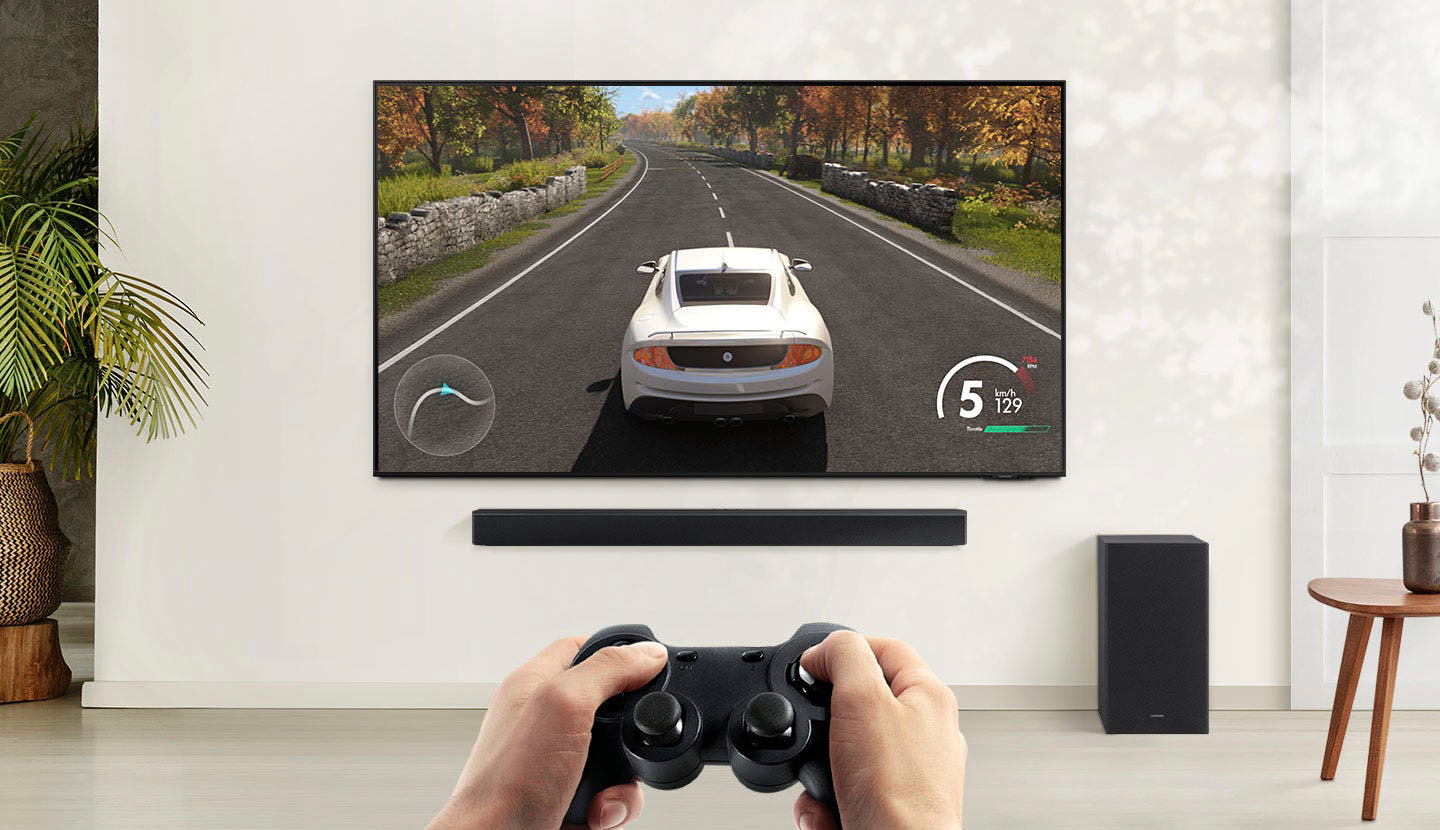
||Posted . Owned for 1 week when reviewed.This reviewer received promo considerations or sweepstakes entry for writing a review.This is the perfect size for a small room. Good for gaming and sports games.
I would recommend this to a friend - Pros mentioned:Sound quality
Worth the $129
||Posted . Owned for 2 weeks when reviewed.This reviewer received promo considerations or sweepstakes entry for writing a review.Sounds way better than regular tv speakers. I recommend the purchase for $129
I would recommend this to a friend - Pros mentioned:Sound quality
Good Price, Bad Product
||Posted . Owned for less than 1 week when reviewed.This reviewer received promo considerations or sweepstakes entry for writing a review.It started out great, hookef up easy and the sound was nice! But then the next day, the sound jept cutting out and i reconnected it and same thing. Unfortunately, you get what you pay for.
No, I would not recommend this to a friendBrand response from Samsung
Posted .Hello NCTeacher,
I’m sorry to hear that you have experienced issues with your new HW-B450 Soundbar’s audio cutting out.
We recommend to re-initialize the Soundbar. First turn On the Soundbar, then press both the Vol+ and Vol- buttons on the unit simultaneously until the display shows "INIT", then release. The Subwoofer will not lose connection to the Soundbar from doing this.
If you continue experiencing any issues with your HW-B450 Soundbar, please contact Samsung Customer Service and we will be happy to assist you at:
1) 1-800-SAMSUNG, 8 AM - 12 AM EST, 7 days a week.
2) LiveChat with an agent by clicking the ‘Support’ link on the Samsung website homepage.
We look forward to hearing from you.
~ Samsung Solutions
- Pros mentioned:Sound quality
N/A
||Posted . Owned for 1 month when reviewed.This reviewer received promo considerations or sweepstakes entry for writing a review.Has very nice sound at a great price. Was a nice add on with our Samsung TV.
I would recommend this to a friend - Pros mentioned:Sound quality
Low budget system that hits hard
||Posted . Owned for 3 months when reviewed.This reviewer received promo considerations or sweepstakes entry for writing a review.Packs a punch for being a basic sound system but still definitely recommend.
I would recommend this to a friend - Pros mentioned:Sound quality
Sound bar
||Posted . Owned for 3 weeks when reviewed.This reviewer received promo considerations or sweepstakes entry for writing a review.Love this sound bar it has great sound and I would definitely recommend it
I would recommend this to a friend - Pros mentioned:Sound quality
Sounds great
||Posted . Owned for 2 weeks when reviewed.This reviewer received promo considerations or sweepstakes entry for writing a review.Got this for my mom on Christmas, it sounds great and was easy to set up.
I would recommend this to a friend - Pros mentioned:Ease of use
Great quality soundbad
||Posted . Owned for 1 week when reviewed.This reviewer received promo considerations or sweepstakes entry for writing a review.This is a great soundbar. It was an easy set up and is reasonably priced.
I would recommend this to a friend - Pros mentioned:Sound quality
Gaming
||Posted . Owned for 3 weeks when reviewed.This reviewer received promo considerations or sweepstakes entry for writing a review.Perfect for gaming! Have on my desk and the subwoofer on the bottom shelf
I would recommend this to a friend - Pros mentioned:Sound quality
Great sound bar
||Posted . Owned for 1 week when reviewed.This reviewer received promo considerations or sweepstakes entry for writing a review.It was a great purchase. I love the sound and it is enough for a good movie
I would recommend this to a friend - Pros mentioned:Sound quality
Christmas gift
||Posted . Owned for 1 week when reviewed.This reviewer received promo considerations or sweepstakes entry for writing a review.Great quality for a reasonable price, will recommended others to buy it.
I would recommend this to a friend