Customer Ratings & Reviews
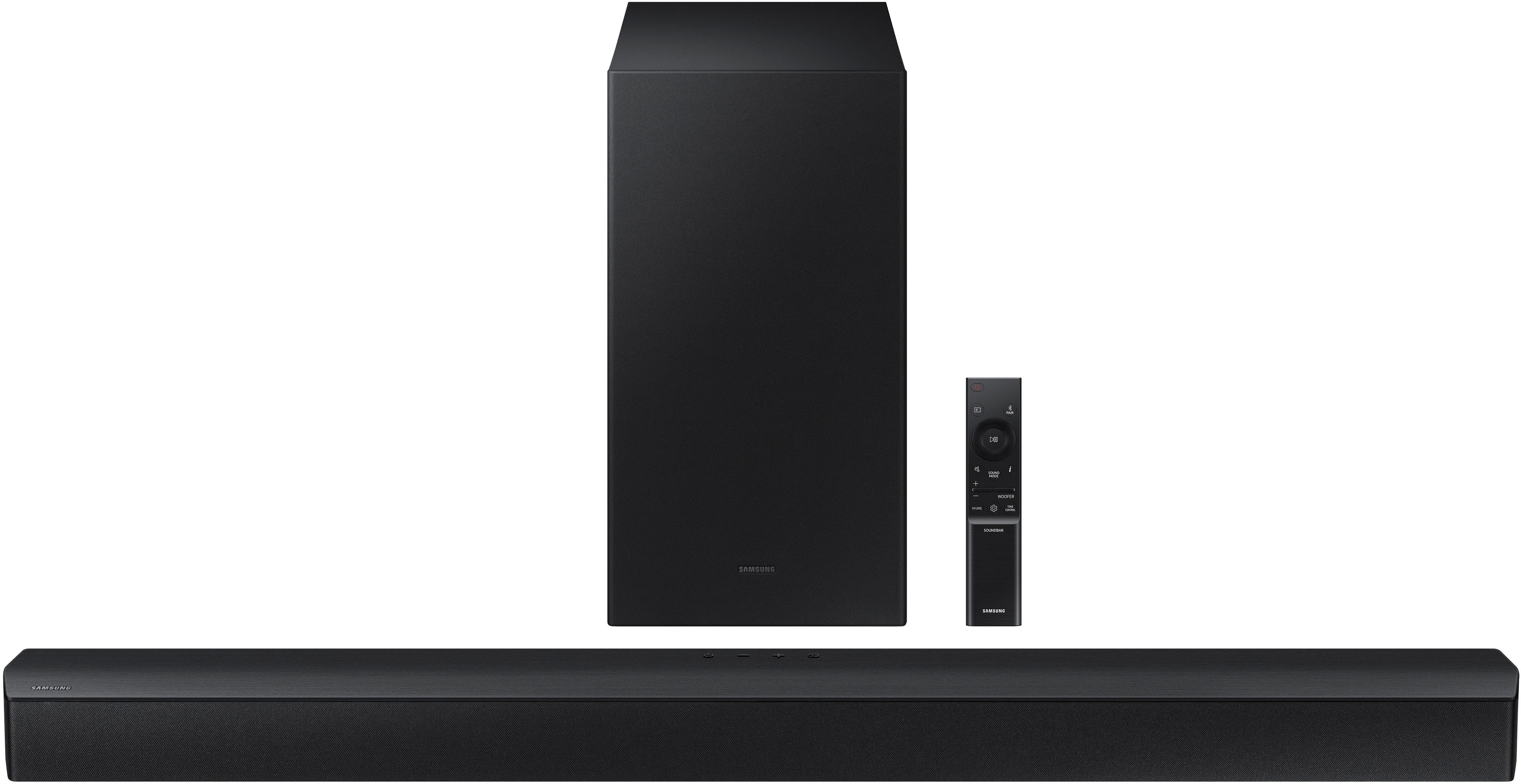
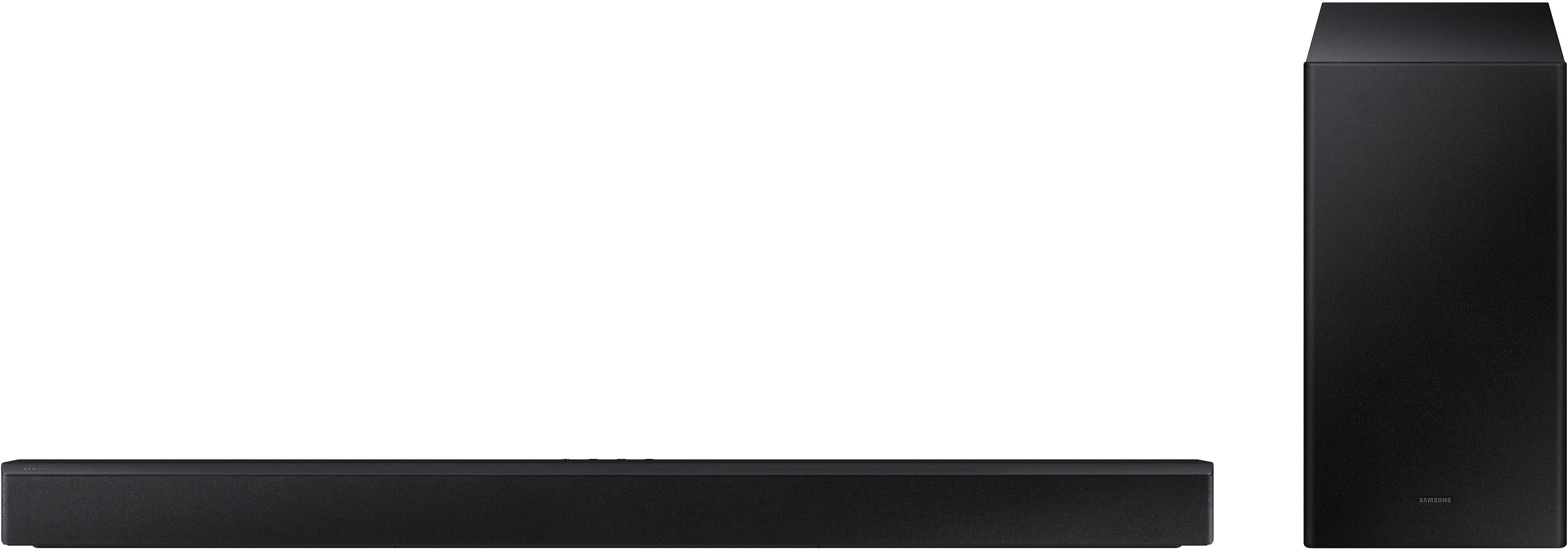
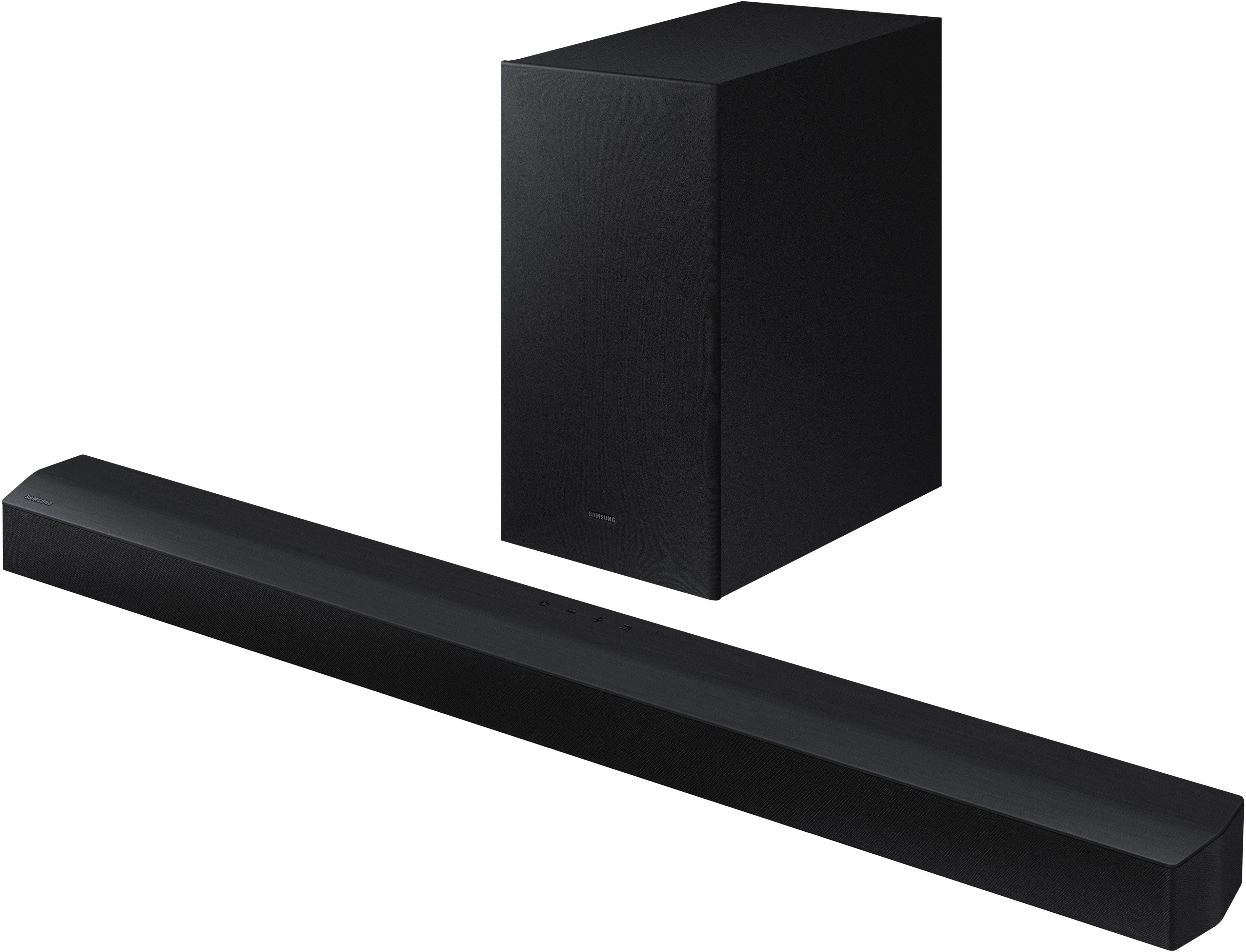




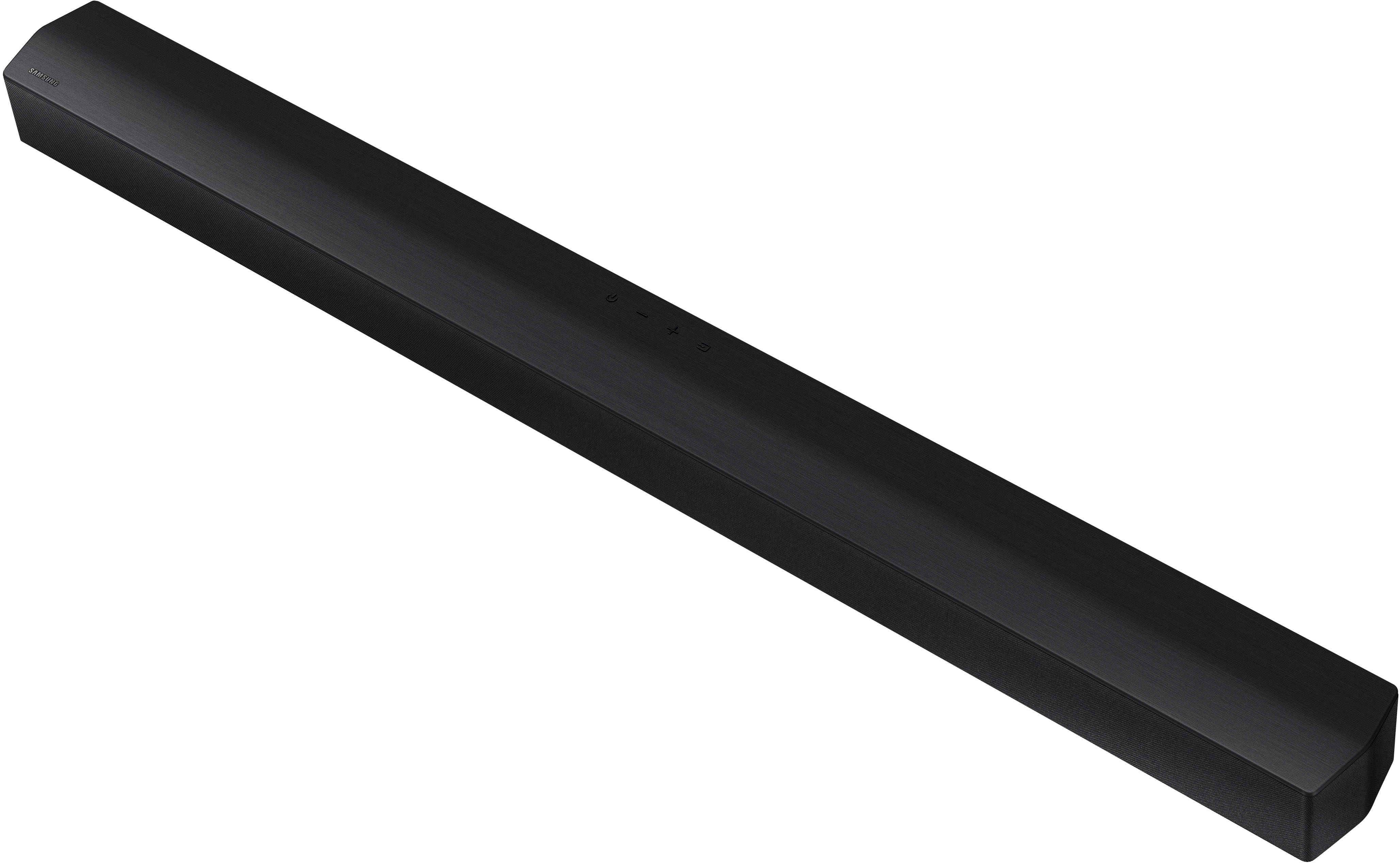






- Model:
- HW-B450/ZA
- SKU:
- 6505156
Rating by feature
- Value
Rating 4.5 out of 5 stars
- Quality
Rating 4.4 out of 5 stars
- Ease of Use
Rating 4.4 out of 5 stars
Customers are saying
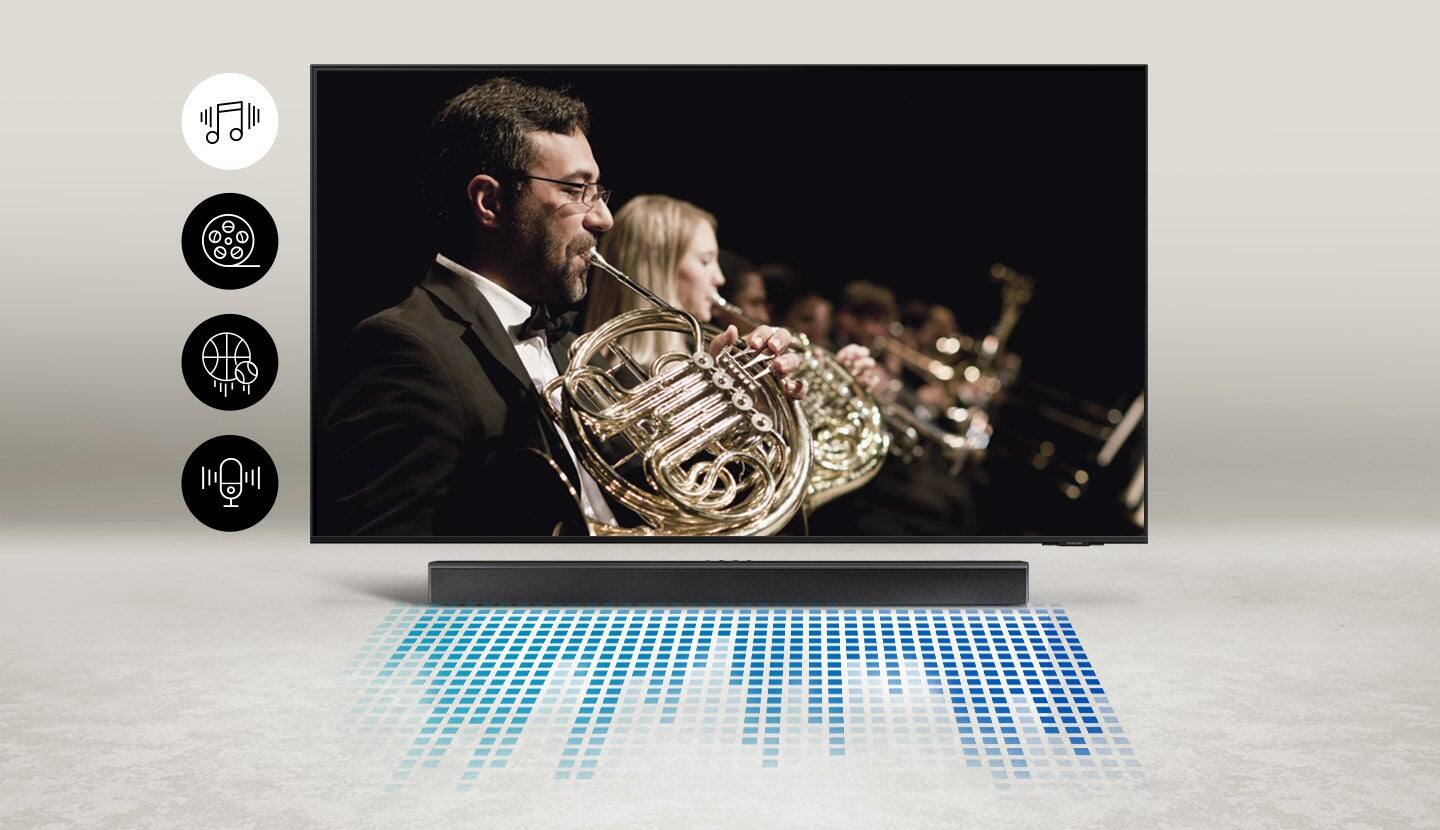
Customers are positive about the sound quality, bass, ease of use, and value for the price of the HW-B450/ZA soundbar. Many appreciate its compact size and impressive volume. However, some customers expressed negative feedback regarding the lack of HDMI connectivity and issues with the remote control and Bluetooth connectivity. The setup process was generally considered easy, but some users found the remote confusing.
This summary was generated by AI based on customer reviews.
- Cons mentioned:Soundbar
Samsung sound bar
||Posted . Owned for 6 months when reviewed.This reviewer received promo considerations or sweepstakes entry for writing a review.Powered on less than a dozen times and now doesn’t work. Won’t even power on.
No, I would not recommend this to a friendBrand response from Samsung
Posted .Hello Betty,
I am sorry to see that you have experienced this issue with your new HW-B450 Soundbar. This is not the experience we want for you.
So that we can offer troubleshooting or warranty assistance, please contact Samsung Customer Service. Call us at 1-800-SAMSUNG (ask for Soundbars), available 8 AM – 12 AM EST, 7 days a week.
LiveChat with an agent by clicking the ‘Support’ link on the Samsung website.
~Samsung Solutions
:(
||Posted . Owned for 2 weeks when reviewed.This reviewer received promo considerations or sweepstakes entry for writing a review.The soundbar cuts out intermittenly. This conveniently started happening two days after the return period.
No, I would not recommend this to a friendBrand response from Samsung
Posted .Hello ChrisJ,
Thank you for sharing your review of the HW-B450 Soundbar. I am sorry to see that you are experiencing this issue.
First, try doing a software update on your Soundbar. You can download the firmware directly from Samsung’s website by clicking “Support” in the top right corner. Then go to “Manuals & Software” > “TVs & Home Theater” > “Home Theater” > “Sound Bars”. From there, you can select the HW-B450 under Standard.
Download the update and install it via USB thumb stick to your soundbar. If you need additional help, there are how-to instructions on this page. Please know that Samsung Customer Service is here to assist as well.
If this doesn't solve your issue, then try doing a soft reset, unplug the soundbar from the outlet for roughly 30 seconds and then plug it back in.
Lastly if you are having this issue then try a hard reset. With the Soundbar on, press the + & - (Volume UP/DOWN) buttons on the body at the same time for at least 5 seconds. “INIT OK” appears on the display and then the Soundbar is reset.
Samsung is committed to providing the best possible product experience, quality, and value, and we back this soundbar with a 1-year limited manufacturer's warranty. We are here to help you with troubleshooting or warranty assistance if need be. Call us at 1-800-SAMSUNG (ask for Soundbars), available 8 AM – 12 AM EST, 7 days a week.
LiveChat with an agent by clicking the ‘Support’ link on the Samsung website.
~Samsung Solutions
So far so good!!
||Posted . Owned for 1 week when reviewed.This reviewer received promo considerations or sweepstakes entry for writing a review.So far so good. Only had it up for a day, but so far everything’s great about it. Hopefully it will continue to operate just as it started setup, plugged in, right out the box.
I would recommend this to a friendPoor quality control.
||Posted . Owned for 1 year when reviewed.This reviewer received promo considerations or sweepstakes entry for writing a review.Horrid product. Stopped working before a year’s use. Get sound for about 30 minutes then it shuts down. Let the unit set for about 10 minutes then turn it on and will get sound again for a few minutes before it shuts down again.
No, I would not recommend this to a friend- Pros mentioned:Bass, Sound qualityCons mentioned:Soundbar

An awesome upgrade from TV speakers but no aux in
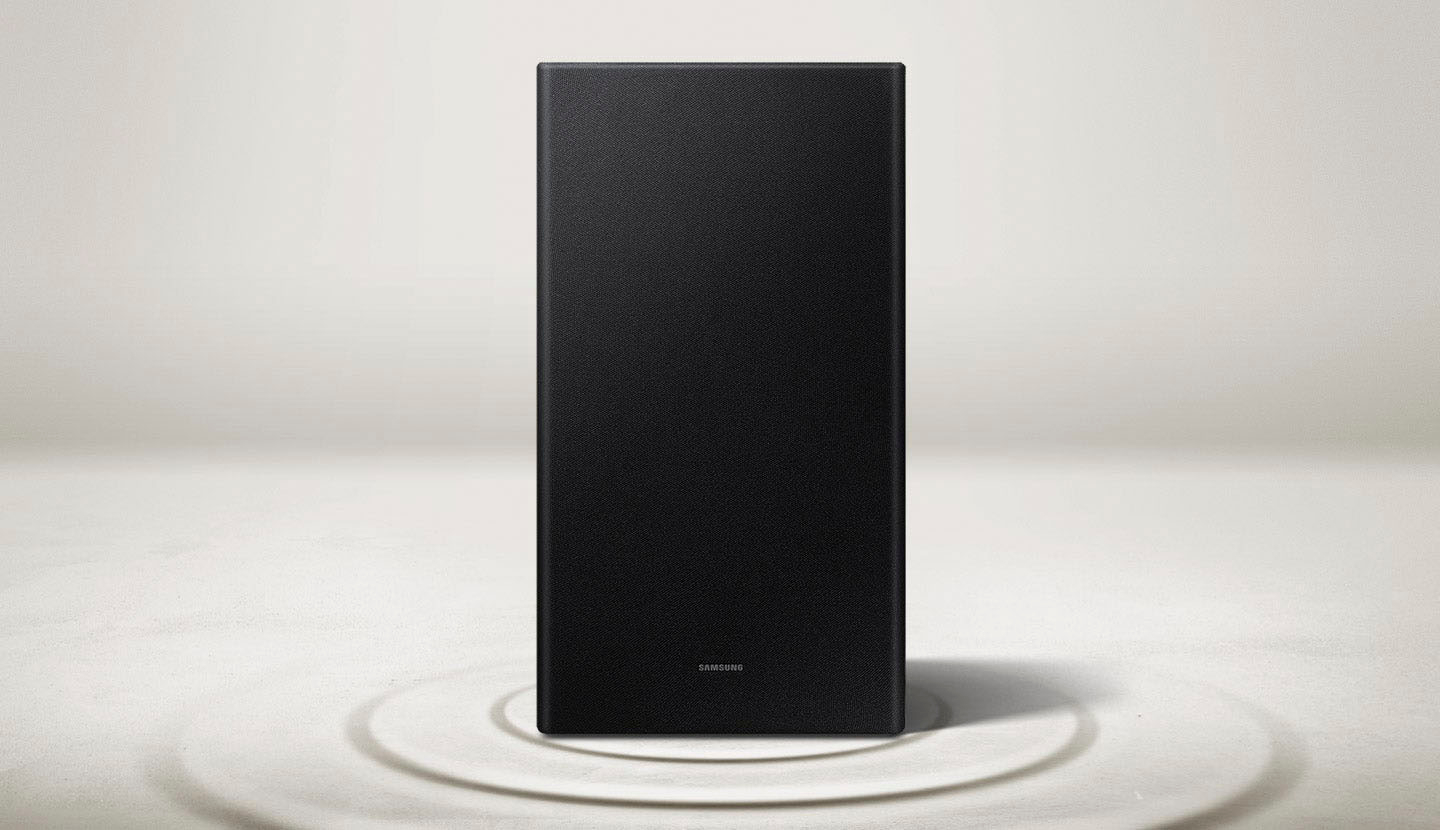
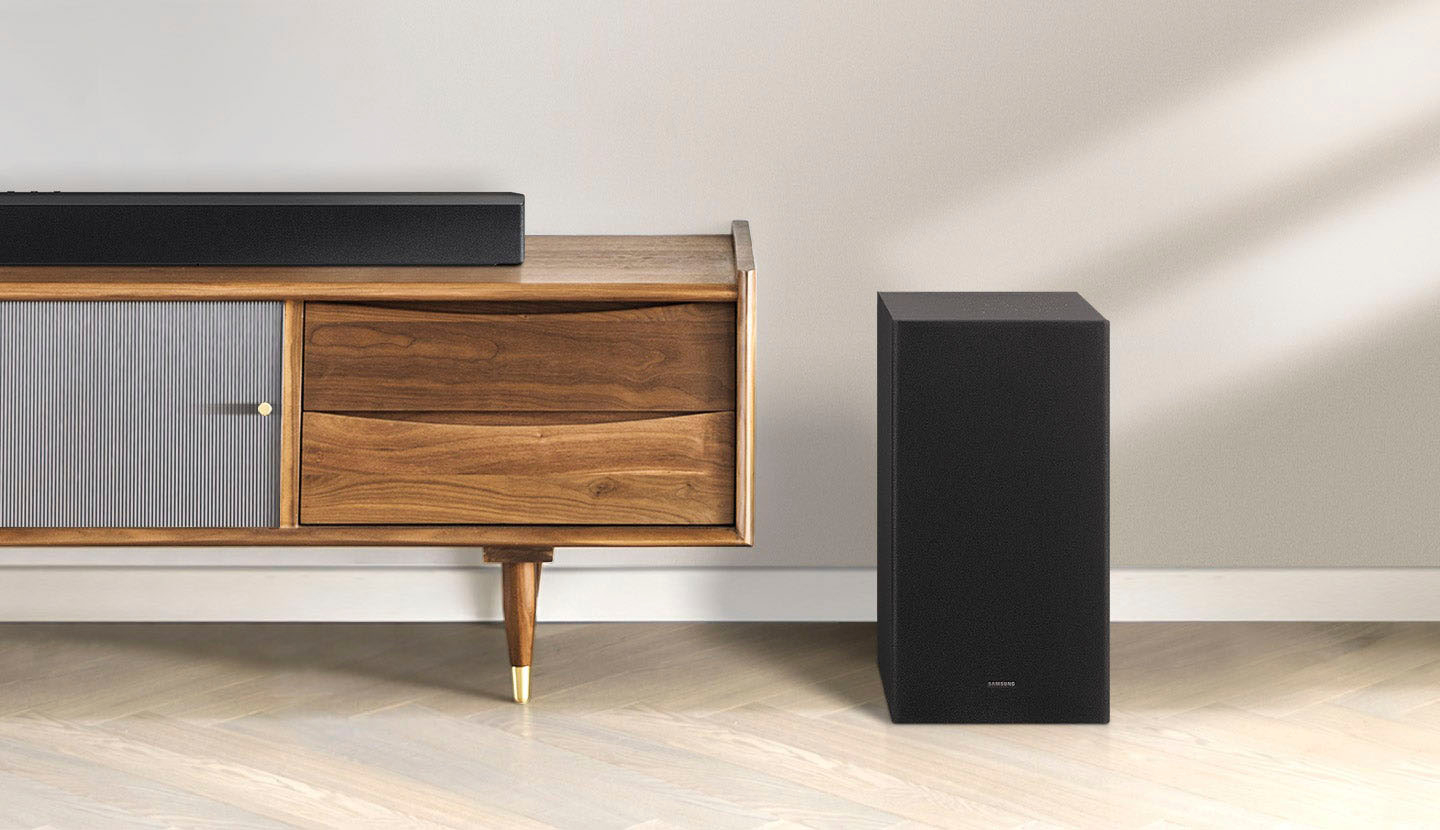
|Posted .This reviewer received promo considerations or sweepstakes entry for writing a review.This is a nice basic speaker, while this won’t quite rock your world the way the next step up in speakers will, this one has a nice balance of sound versus value. Also, it is still a giant improvement on TV or projector speakers. The bass sounds great and adds a whole new dimension to TVs over most built-in speakers on TVs and definitely mine. The woofer wirelessly connects and has had zero issues working every time I’ve turned the speaker on just as if it was wired, and I have not noticed any lag. This is really useful when you don’t have the ability or desire to run a hard wire. There are two ways to connect, a optical connection and Bluetooth. The Bluetooth I had issues on my projector with the audio level, but I ended up chalking that up to something in the projector as the TV and my phone did not have the same issue. The optical worked great on the TV, but the project did not have an optical output, I ended up buying a digital to aux converter which plugged in USB outlet on the speaker for power. This was really my only real issue with this speaker, that there was no Aux input. I was able to fix this with an adapter, but it was still an annoyance and I understand not having a lot of connection options at lower price points, but Aux definitely still feels important to me at least. Overall, I would definitely recommend this to anyone looking to upgrade their TV speakers as long as their TV as an optical output (most do at this point), or they don’t mind using the Bluetooth for the TV (which was lag free). Also, making sure to leave the Bluetooth free from the TV enables the Bluetooth to be used for your phone to play music on some nice speakers if you're not in the mood for TV at the moment.
I would recommend this to a friend - Cons mentioned:Soundbar
Should have read the reviews
||Posted . Owned for 5 months when reviewed.This reviewer received promo considerations or sweepstakes entry for writing a review.It worked well for about 6 months. Then the Bluetooth stop working followed by the optical connection. Good thing itvwas still under warranty. Contacted Samsung who took it back for a replacement. I hope the second one works better.
No, I would not recommend this to a friendBrand response from Samsung
Posted .Hello RA01,
We appreciate you giving us a chance to make things right. Thank you for your patience in having to deal with the inconvenience of waiting for your HW-B450 Soundbar to come back from Samsung.
Once you receive your soundbar replacement please contact us if you have any comments, concerns or need assistance with adjusting any settings.
Call us at 1-800-SAMSUNG (ask for Soundbars), available 8 AM – 12 AM EST, 7 days a week.
LiveChat with an agent by clicking the ‘Support’ link on the Samsung website.
~Samsung Solutions
- Cons mentioned:Soundbar
Horrible
||Posted .This reviewer received promo considerations or sweepstakes entry for writing a review.Horrible. Stopped working after a few days. Wouldn’t recommend to anyone
No, I would not recommend this to a friendBrand response from Samsung
Posted .Hello Erica,
Thank you for purchasing the Samsung HW-B450 Soundbar and sharing your review. I am sorry to hear that your soundbar stopped working so quickly.
So that we can better assist you, please reach out to Samsung Support via:
1) 1-800-SAMSUNG, 8 AM - 12 AM EST, 7 days a week. Ask for "Soundbars."
2) LiveChat with an agent by clicking the ‘Support’ link on the Samsung website homepage.
Samsung is committed to providing the best possible product experience, quality, and value, and we back this soundbar with a 1-year limited manufacturer's warranty.
We hope to hear from you and to make this right.
~Samsung Solutions
- Cons mentioned:Connectivity
Inconsistent
||Posted .This reviewer received promo considerations or sweepstakes entry for writing a review.Keeps disconnecting from tv randomly and won’t stay on when I switch inputs
No, I would not recommend this to a friendBrand response from Samsung
Posted .Hi Adartse,
I am sorry to hear that you are experiencing issues with your HW-B450 Soundbar disconnecting from the TV. This is not the experience we want for you to have with the unit.
You may first want to check the cable connection of the soundbar to the TV or external device to ensure it is secure, and properly connected to the correct port.
In addition to checking the connections of the soundbar, please make sure your soundbar is using the latest firmware version. Updating the firmware on your soundbar gives you all the benefits of the latest improvements. You can update your firmware by using a USB device.
You may also want to initialize your soundbar by pressing the - and + (volume) buttons on the side of the soundbar at the same time for at least 5 seconds. “INIT OK” appears on the display and then the Soundbar is reset. Please know, that this will reset all settings on the soundbar back to default; any sound adjustments will need to be performed again.
If you continue to experience connection issues or would like any assistance with something else in regards to your Soundbar, please contact us at
Call us at 1-800-SAMSUNG (ask for Soundbars), available 8 AM – 12 AM EST, 7 days a week.
LiveChat with an agent by clicking the ‘Support’ link on the Samsung website.
~Samsung Solutions
not sure how well it works
||Posted . Owned for 2 months when reviewed.This reviewer received promo considerations or sweepstakes entry for writing a review.Haven't used it yet because it didn't come with the correct cords to hook it up to my tv.
No, I would not recommend this to a friendBrand response from Samsung
Posted .Hello ThomasB,
Thank you for purchasing the Samsung HW-B450 Soundbar.
We appreciate you sharing your feedback regarding parts missing from your recent purchase. If purchased brand-new and unopened, please contact Samsung Customer Support and a representative will gladly help you.
If purchased in open-box condition, we recommend contacting Best Buy directly for assistance. We hope your issue is resolved in a timely manner.
If you need more help, Samsung is here for you. Please call us at 1-800-SAMSUNG, 8AM - 12AM EST (Ask for Soundbars), 7 days a week. Our LiveChat agents are also available by clicking on the ‘Support’ link on our website.
~ Samsung Solutions
Satisfied 100%
||Posted . Owned for 2 months when reviewed.This reviewer received promo considerations or sweepstakes entry for writing a review.Exactly as i expected. Good bass in the sub. Best buy online purchase. Always happy with them
I would recommend this to a friend- Pros mentioned:Sound quality
Surround sound
||Posted . Owned for 1 month when reviewed.This reviewer received promo considerations or sweepstakes entry for writing a review.Really need the 3.1 Samsung surround sound its more better
No, I would not recommend this to a friendBrand response from Samsung
Posted .Hello Darylpillers,
Thank you for sharing your experiences with the HW-B450 Soundbar. Your feedback is very important to us and will be shared with our internal teams.
The HW-B650 Soundbar is the first in our lineup that has the center channel, giving you the 3.1 channels.
Should you ever have questions or need help, please call us at 1-800-SAMSUNG (ask for Soundbars), available 8 AM – 12 AM EST, 7 days a week.
For additional support resources such as downloading a full manual, visit us on the Samsung website and click on the ‘Support’ link in the upper right corner of the homepage.
~Samsung Solutions
- Pros mentioned:Sound quality
Great buy
||Posted . Owned for 1 week when reviewed.This reviewer received promo considerations or sweepstakes entry for writing a review.Such a greal deal(open box) on such great quality . Win win
I would recommend this to a friendBrand response from Samsung
Posted .Hello,
Thank you for purchasing the Samsung HW-B450 Soundbar and for your review. I am glad to hear that you are happy with the performance of your new soundbar.
If you are experiencing specific issues which caused you to give this a 3-star rating, please know Samsung Customer Support is here to help.
If you need more help, Samsung is here for you. Please call us at 1-800-SAMSUNG, 8AM - 12AM EST (Ask for Soundbars), 7 days a week. Our LiveChat agents are also available by clicking on the ‘Support’ link on our website.
~ Samsung Solutions
No better than TV
||Posted . Owned for 3 weeks when reviewed.This reviewer received promo considerations or sweepstakes entry for writing a review.Sound quality not better than TV, and does not sync well with my Samsung TV
No, I would not recommend this to a friendBrand response from Samsung
Posted .Hello zzyzx1,
We appreciate your feedback regarding the performance of your HW-B450 Soundbar. I am sorry to see that you are not fully satisfied with your purchase.
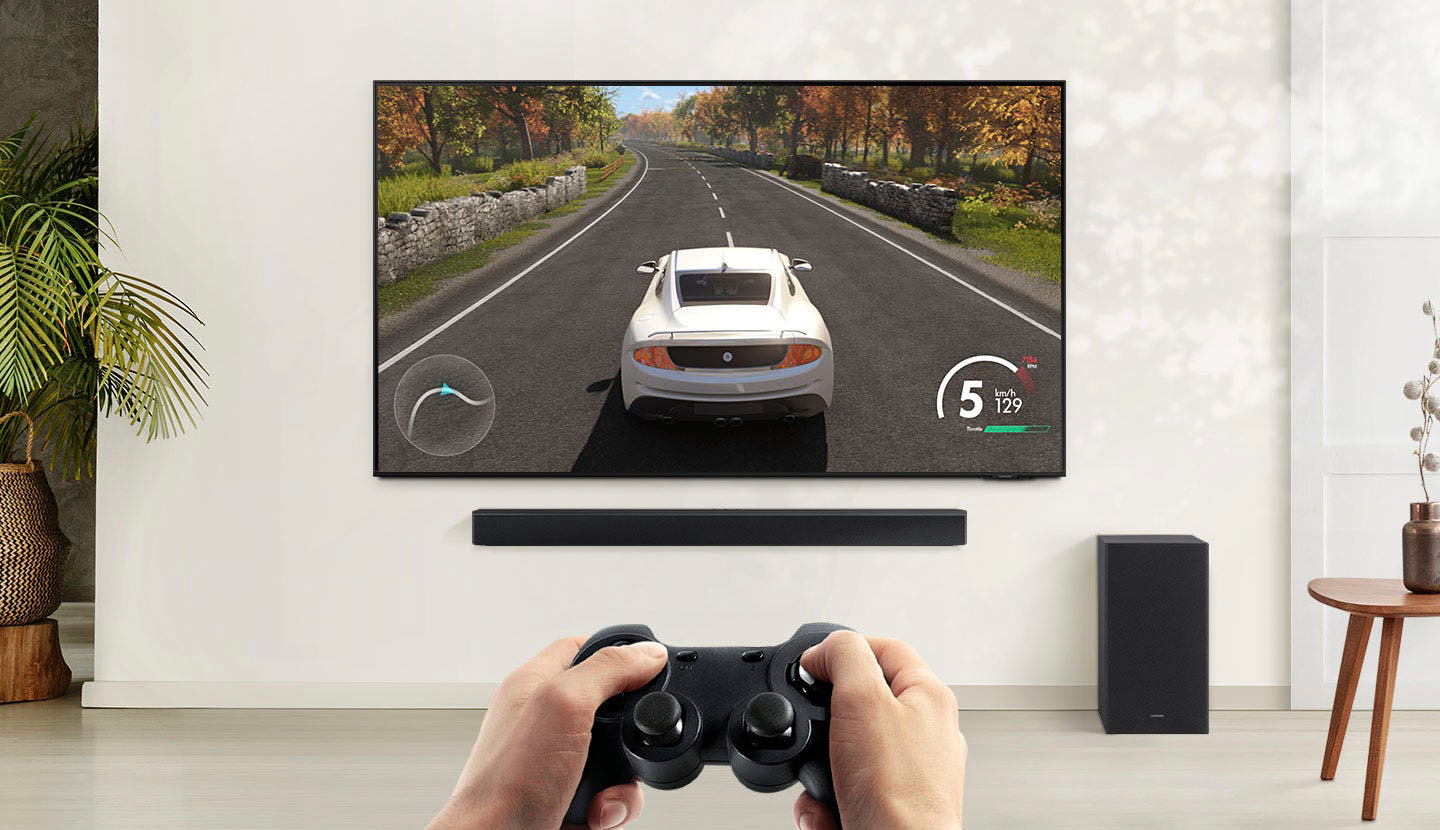
To optimize your audio experience, please try the various sound modes this model offers. Press the SOUND MODE button on your remote, and then select your desired sound effect: STANDARD, SURROUND SOUND, BASS BOOST, GAME, or ADAPTIVE LITE.
You can further adjust TREBLE and BASS via the TONE CONTROL button.
For precise audio adjustments, you can use the 7-band frequency equalizer to optimize the sound for your room acoustics by pressing and holding the SOUND CONTROL button for about 5 seconds, make sure you also set the SOUND MODE to STANDARD.
I hope these tips help you enjoy your new product.
You can always contact us for further help at 1-800-SAMSUNG (Ask for Soundbars), 8 AM – 12 AM EST, 7 days a week. Our LiveChat agents are also available by clicking on the ‘Support’ link on our website.
~ Samsung Solutions
Beware of open box items
||Posted . Owned for 1 month when reviewed.This reviewer received promo considerations or sweepstakes entry for writing a review.I purchased the open box. First installed by 3rd party from TotalTech & couldnt get woofer to work. It also had a crack in the wood on aide and bottom about 3 inches long. Soundbar made popping sounds. Geek squad came out and correctly hooked up woofer. Probably will return from damage to woofer & popping of spundbar quality.
No, I would not recommend this to a friendBrand response from Samsung
Posted .Hello Leese73,
Thank you for sharing your experiences with the HW-B450 Soundbar. I am sorry that you are not completely happy with your purchase.
We recommend that you contact Best Buy directly for assistance in correcting this situation. We hope your issue is resolved in a timely manner.
Should you ever have questions or need help, please call us at 1-800-SAMSUNG (ask for Soundbars), available 8 AM – 12 AM EST, 7 days a week.
For additional support resources such as downloading a full manual, visit us on the Samsung website and click on the ‘Support’ link in the upper right corner of the homepage.
~Samsung Solutions
Junk
||Posted . Owned for less than 1 week when reviewed.This reviewer received promo considerations or sweepstakes entry for writing a review.Just like all the other recent reviews, it works for about an hour or so then quits. Sometime you can unplug it and it will power up, sometimes it wont. When it does it only works for a few minutes. Not the quality I expect from Samsung. Don't do what I did and not trust the reviews. Steer clear of this one and go with the LG
No, I would not recommend this to a friendBrand response from Samsung
Posted .Hello DocH,
Thank you for taking the time to leave a detailed review of your thoughts and experiences with the HW-B450 Soundbar.
This is not the product experience we want for you, please contact Samsung Customer Service so we can work together to find the best solution.
Call us at 1-800-SAMSUNG (ask for Soundbars), available 8 AM – 12 AM EST, 7 days a week.
LiveChat with an agent by clicking the ‘Support’ link on the Samsung website.
~Samsung Solutions
Skratchy bass
||Posted . Owned for 1 month when reviewed.This reviewer received promo considerations or sweepstakes entry for writing a review.TOO MUCH bass Can't figure out how to cancel it Disconnected the sub-woofer completely
No, I would not recommend this to a friendBrand response from Samsung
Posted .Hello JLJLJJ,
I'm sorry to hear that you are having issues with your bass on the new HW-B450 Soundbar.
To adjust the levels of your subwoofer use your soundbar remote and push UP/DOWN to change from -12 (lowest setting) or -6 to +6.
If you press the TONE CONTROL button you'll be able to change the treble and bass levels which will help adjust your overall sound as well.
Hopefully, these tips will help you enjoy your soundbar properly.
Should you ever have questions or need help, please call us at 1-800-SAMSUNG (ask for Soundbars), available 8 AM – 12 AM EST, 7 days a week.
For additional support resources, visit us on the Samsung website and click on the ‘Support’ link in the upper right corner of the homepage.
~Samsung Solutions
Great sound at a great price!!
||Posted . Owned for 2 weeks when reviewed.This reviewer received promo considerations or sweepstakes entry for writing a review.This is perfect if you already have a smart samsung TV! Integrates perfect!!
I would recommend this to a friendGot a dud
||Posted . Owned for less than 1 week when reviewed.This reviewer received promo considerations or sweepstakes entry for writing a review.This one has problem when using optical Connection. Works for a while then stops.
No, I would not recommend this to a friendBrand response from Samsung
Posted .Hi there,
Thank you for purchasing the new HW-B450 Samsung Soundbar.
So that we may be better able to assist you, please contact Samsung Customer Support at
1) 1-800-SAMSUNG (ask for Soundbars), 8 AM - 12 AM EST, 7 days a week.
2) LiveChat with an agent by clicking the ‘Support’ link on the Samsung website homepage.
We hope to hear from you so we can work together to find a solution.
~ Samsung Solutions
Faulty system
||Posted . Owned for 3 weeks when reviewed.This reviewer received promo considerations or sweepstakes entry for writing a review.Bass was not working, cannot control volume of speaker from remote.
No, I would not recommend this to a friendBrand response from Samsung
Posted .Hello Praveen,
Thank you for taking the time to share your review of the HW-B450 Soundbar. I am sorry to see that you are experiencing this issue with your subwoofer.
The volume button is moved UP/DOWN (pushed forward and pulled backward) to adjust volume, and to MUTE the sound, you need to PRESS it in. Pressing it a second time will unmute.
If your soundbar is connected to your TV with an optical cable, you can control the volume and mute the soundbar using your Samsung TV's remote.
1) Use the TV remote to navigate to Settings, select Sound, and then select Sound Output on your Samsung TV.
2) Select your Samsung soundbar, and then select Close. Now you can use your TV remote to adjust volume and mute the soundbar. The soundbar should also turn on and off with the TV.
Other manufacturer’s remotes may have to be enabled on your soundbar. First, turn Off the Soundbar. Once powered off, push up and hold the WOOFER button for 5 seconds. Each time you push the WOOFER button up and hold it for 5 seconds, the mode switches in the following order: “OFF-TV REMOTE” (Default mode), “SAMSUNG-TV REMOTE”, “ALL-TV REMOTE”. Please also make sure your speaker settings on the TV are set to External Speaker.
Your soundbar and subwoofer should connect automatically when they are turned on, but you can also connect manually just as easily.
When both soundbar and subwoofer are plugged in, they should begin to connect automatically. When the subwoofer is completely connected, the blue LED LINK indicator on the subwoofer stops blinking and glows continuously. If the blue LED does not stop blinking, the process has failed.
For manual connection, after both soundbar and subwoofer are plugged in to a wall outlet, press and hold the ID SET button on the back of the subwoofer for at least 5 seconds. The red indicator on the rear of the subwoofer turns off and the blue indicator blinks.
Press and hold the Up button on the remote control for at least 5 seconds. The ID SET message appears on the display of the Soundbar for a moment, and then it disappears. The Soundbar will automatically power on when ID SET is complete.
Check if the LINK LED is solid blue (connection complete). The LINK LED indicator stops blinking and glows a solid blue when a connection is established between the Soundbar and the Wireless Subwoofer.
I hope these tips help you enjoy your new product.
You can always contact us for further help at 1-800-SAMSUNG (Ask for Soundbars), 8 AM – 12 AM EST, 7 days a week. Our LiveChat agents are also available by clicking on the ‘Support’ link on our website.
~ Samsung Solutions
Watts
||Posted . Owned for less than 1 week when reviewed.This reviewer received promo considerations or sweepstakes entry for writing a review.How many watts is this? I purchased but cant seem to find this info
I would recommend this to a friendBrand response from Samsung
Posted .Hi,
Thank you for purchasing the HW-B450 Soundbar.
The total wattage of the soundbar and subwoofer is 300W.
Should you ever have questions or need help, please call us at 1-800-SAMSUNG (ask for Soundbars), available 8 AM – 12 AM EST, 7 days a week.
For additional support resources such as downloading a full manual, visit us on the Samsung website and click on the ‘Support’ link in the upper right corner of the homepage.
~Samsung Solutions