Customer Ratings & Reviews
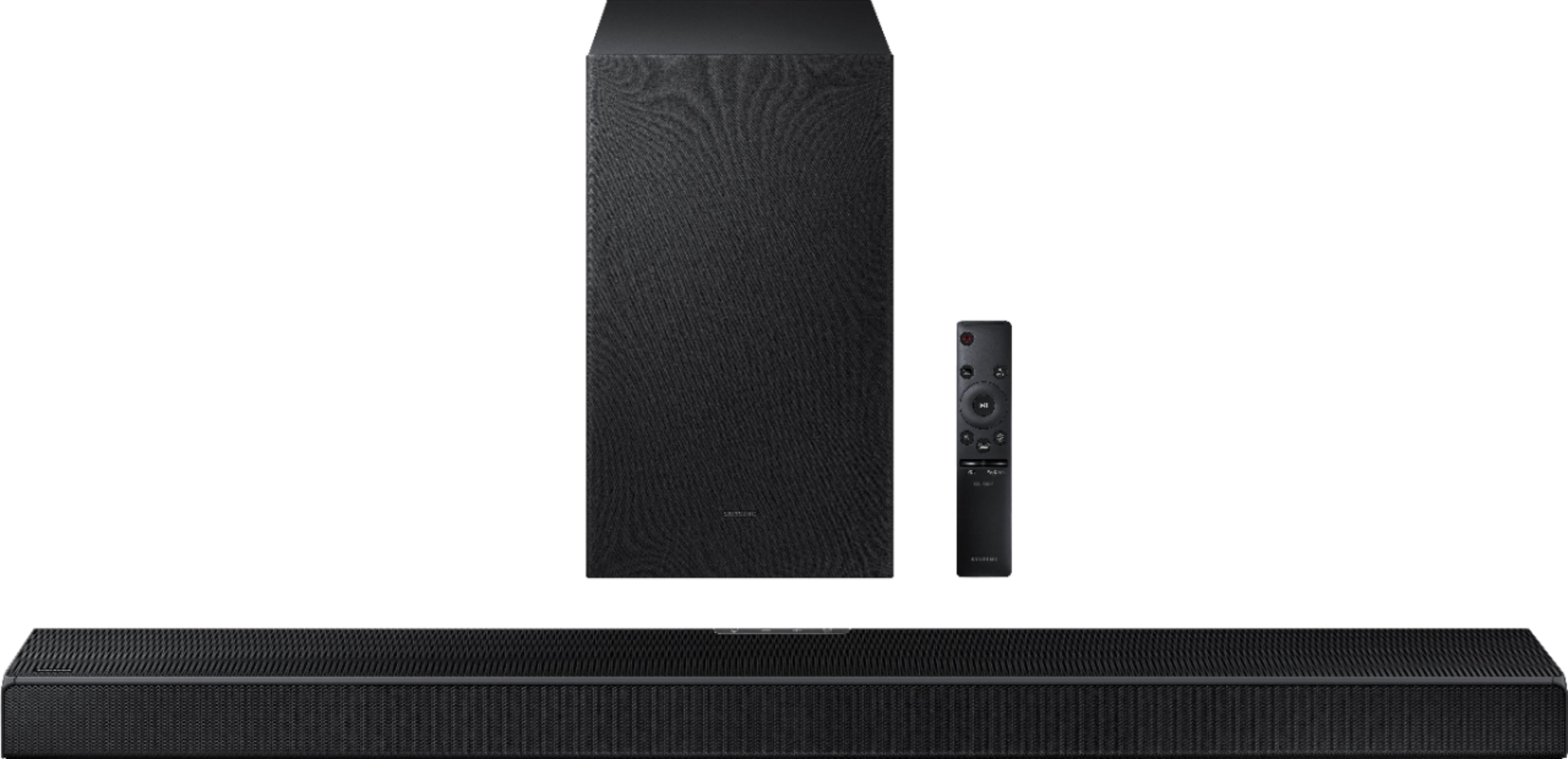
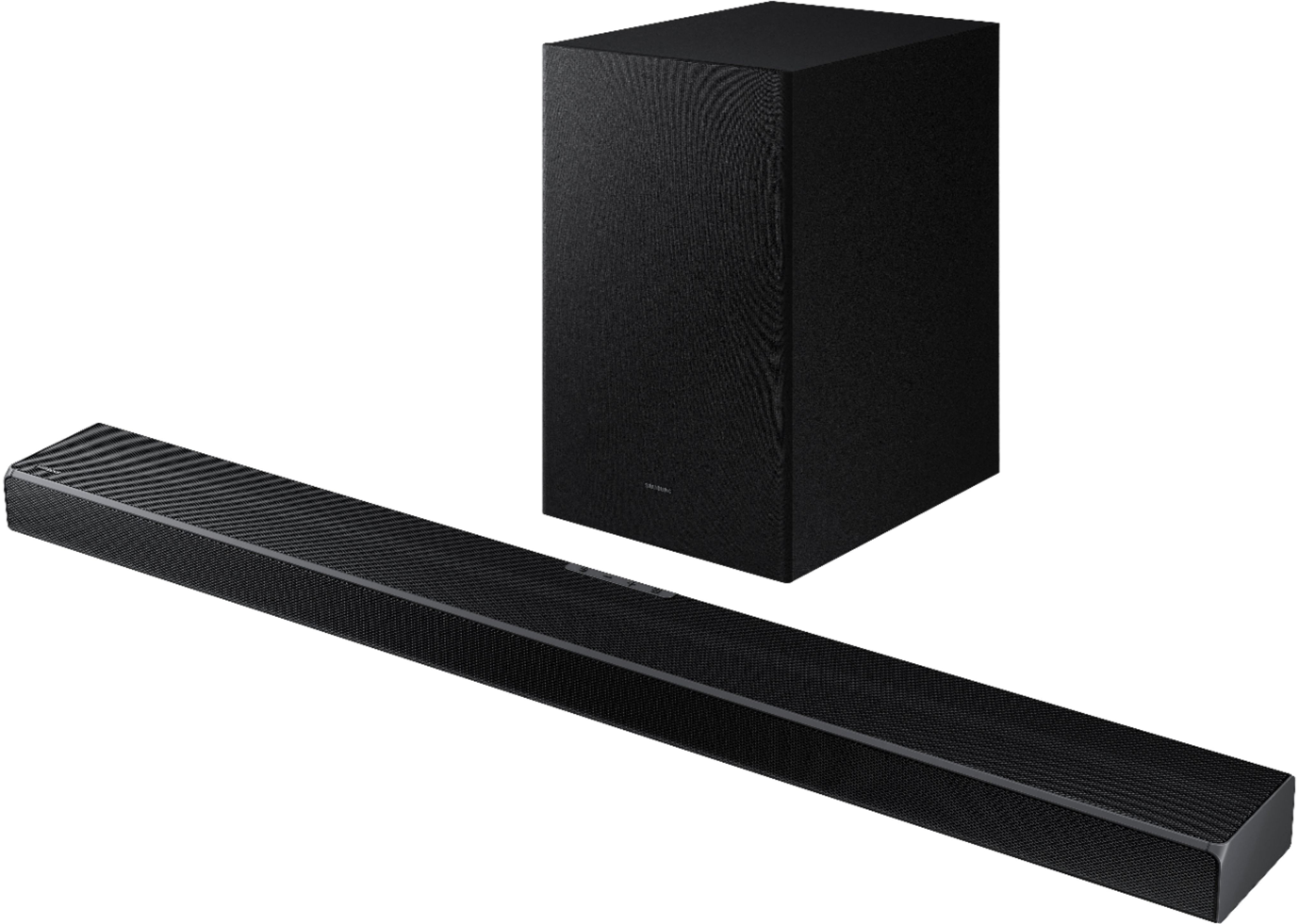
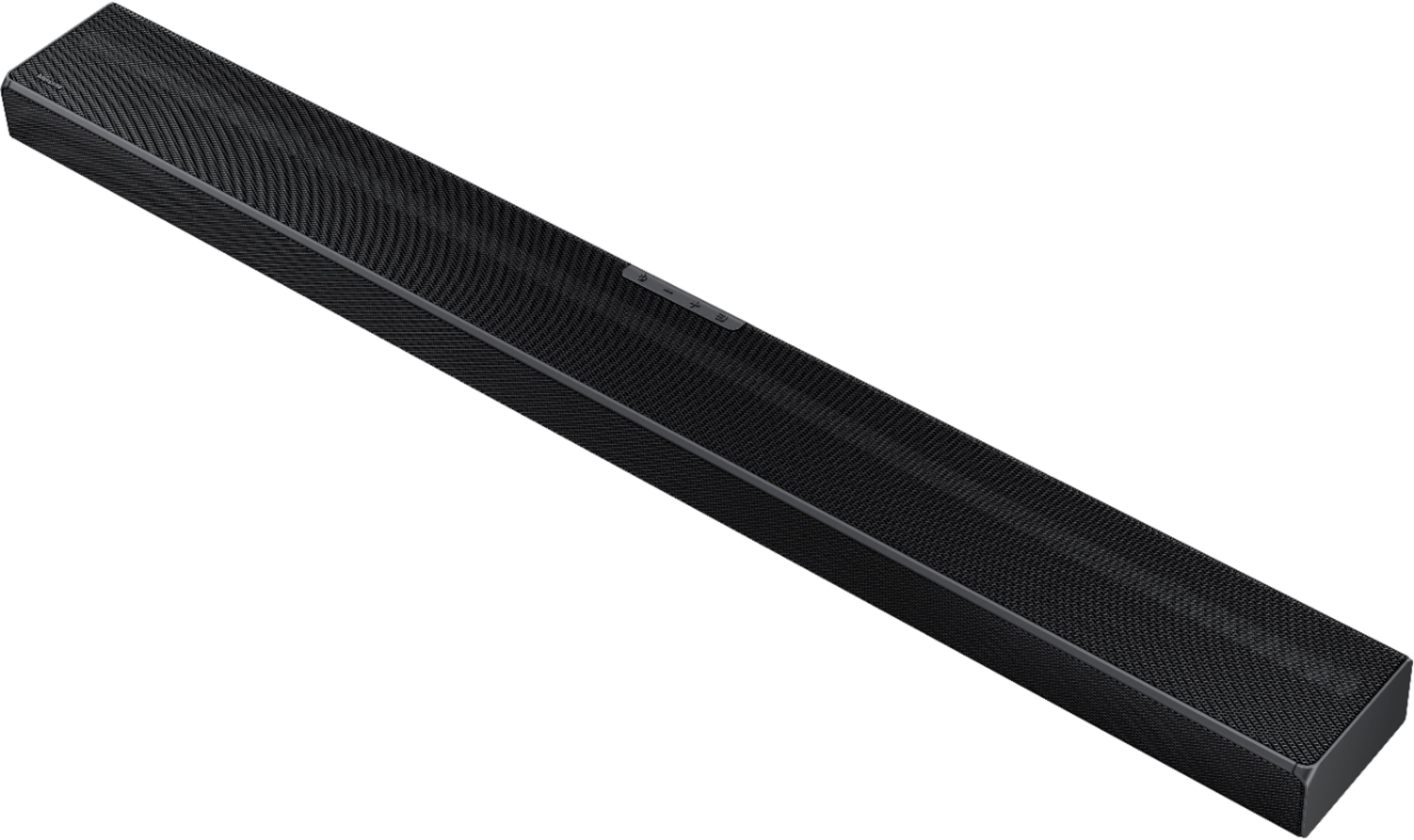
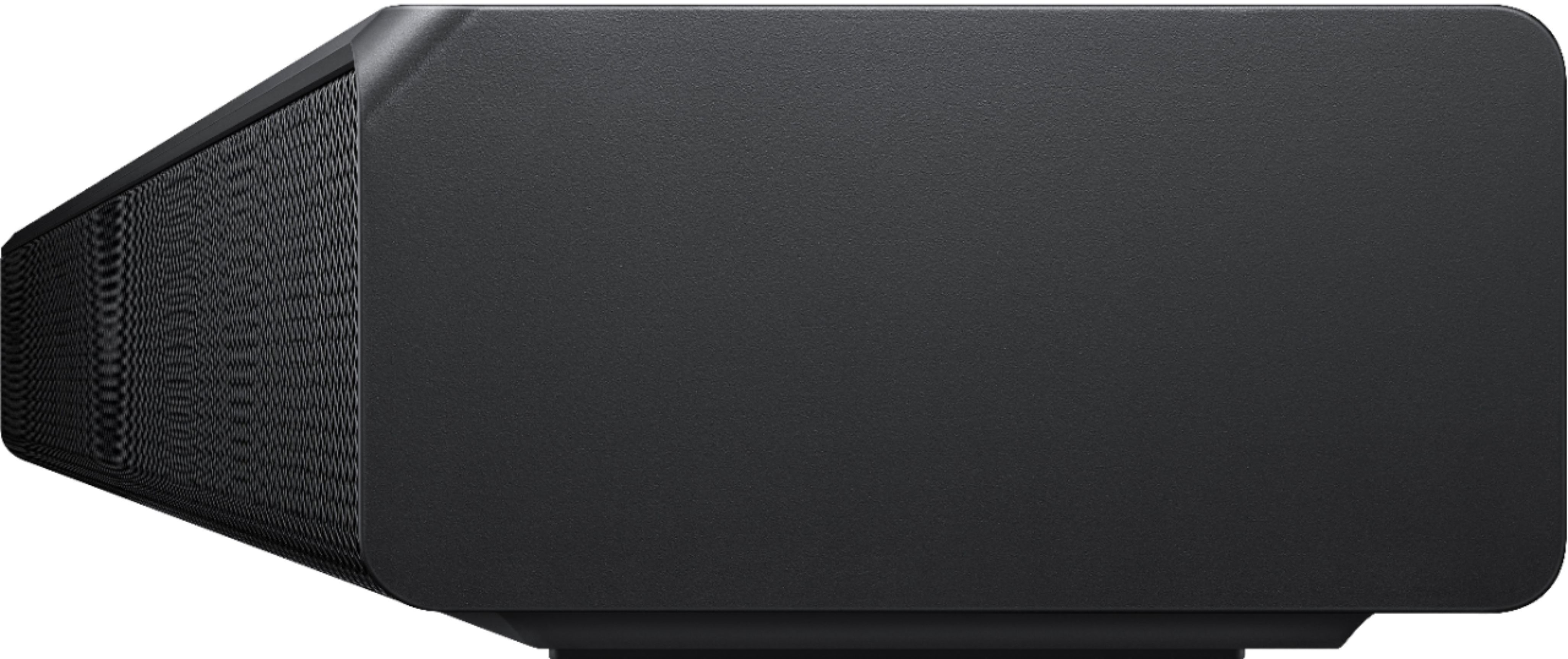






- Model:
- HW-Q600A/ZA
- SKU:
- 6454638
Rating by feature
- Value
Rating 4.4 out of 5 stars
- Quality
Rating 4.5 out of 5 stars
- Ease of Use
Rating 4.6 out of 5 stars
Customers are saying
Customers appreciate the HW-Q600A soundbar for its exceptional sound quality, easy setup, and affordable price. Many users rave about the crystal clear sound with loud bass and find the soundbar to be a great value for the money. Setting up the soundbar is a breeze, with some users reporting a quick installation time of around 10 minutes. However, a few customers have expressed a desire for more bass and a higher volume level.
This summary was generated by AI based on customer reviews.
Perfect sound
||Posted . Owned for 1 month when reviewed.This reviewer received promo considerations or sweepstakes entry for writing a review.Excellent product! Exactly what I was looking for.
I would recommend this to a friendSamsung fan
||Posted . Owned for 3 weeks when reviewed.This reviewer received promo considerations or sweepstakes entry for writing a review.Clean, crisp sound. Really nice bass from the sub!!
I would recommend this to a friendGood
||Posted . Owned for 2 weeks when reviewed.This reviewer received promo considerations or sweepstakes entry for writing a review.entertaining ,I love it I recommend it good price.
I would recommend this to a friendVery pleased
||Posted . Owned for 1 month when reviewed.This reviewer received promo considerations or sweepstakes entry for writing a review.Use this out under my covered patio and sound great.
I would recommend this to a friendSpeakers
||Posted . Owned for 1 month when reviewed.This reviewer received promo considerations or sweepstakes entry for writing a review.The speakers and woofer quality is good and steady.
I would recommend this to a friendThe best sound bar from samsung
||Posted .This reviewer received promo considerations or sweepstakes entry for writing a review.Very good price for this sound bar .. the sound is perfect
I would recommend this to a friendBrand response from Samsung
Posted .Hi Thebest,
Thank you for choosing Samsung's HW-Q600A Soundbar and for your review. With Dolby Audio and DTS Virtual:X, sounds are rich and robust, creating a 3D surround sound experience. Feel like you’re part of the scene with sharp, realistic sound.
If you are considering the addition of rear speakers for a full surround experience, your model is compatible with the SWA-9100S Rear Speaker Kit.
Should you ever have any questions or concerns or need help with settings or features, please contact Samsung Customer Support at 1-800-SAMSUNG (ask for Soundbars), available 8AM -12AM EST, 7 days a week. Or text HELP to 62913.
For additional support resources, visit us on the Samsung website and click on the ‘Support’ link in the upper right corner of the homepage for:
1) More ‘Contact Us’ options – LiveChat, Facebook, Twitter, Samsung Community, Samsung Members app
2) Manuals & Software
3) Warranty Info
4) Product Registration: For access to easy warranty support, convenient opt-in to special promos and offers, faster troubleshooting and service, and quick notification of system updates.
Thank you for choosing Samsung!
~ Samsung Specialist
Sound bar
||Posted . Owned for 2 months when reviewed.This reviewer received promo considerations or sweepstakes entry for writing a review.Loud and best for ur buck sound like ur in theater
I would recommend this to a friendSound bar
||Posted .This reviewer received promo considerations or sweepstakes entry for writing a review.The best of the best!!!!!!!!!!!!!!!!!!!!!!!!!!!!!!!
I would recommend this to a friendSpeakers
||Posted . Owned for 3 weeks when reviewed.This reviewer received promo considerations or sweepstakes entry for writing a review.These hoes bang can’t wait to get another subwoofer
I would recommend this to a friendSamsung 3.1 2-Channel Soundbar
||Posted . Owned for 1 month when reviewed.This reviewer received promo considerations or sweepstakes entry for writing a review.Excellent sound would recommend this sound bar!!!!
I would recommend this to a friendproduct
||Posted . Owned for 1 month when reviewed.This reviewer received promo considerations or sweepstakes entry for writing a review.Quality product, and functionally fit for purpose.
I would recommend this to a friendSurround speakers
||Posted . Owned for 1 month when reviewed.This reviewer received promo considerations or sweepstakes entry for writing a review.Not as great as was shown in store. Sound is not as clear an set up took a couple of times to speakers to connect. Customer service is terrible. Not a good experience once u have the product in your home.
No, I would not recommend this to a friendBrand response from Samsung
Posted .Hi bud1!
Thank you for sharing your review of the Samsung HW-Q600A Soundbar. We appreciate you sharing your experience with the sound performance and setup of your soundbar. Your feedback is very important to us and will be shared with our product team.
Please know that the with the Adaptive Sound mode, your soundbar analyzes your content and automatically optimize sound based on each scene.
You can also try manually optimizing your audio experience by pressing the SOUND CONTROL button (looks like a gear) to access the setting items such as TREBLE, BASS, SYNC, CENTER LEVEL, TOP LEVEL, and VIRTUAL ON/OFF. The selected item can be adjusted using the Up/Down buttons.
– To control the volume of the treble or bass sound, select TREBLE or BASS in Sound Settings, and then adjust the volume between -6 to +6 by using the Up/Down buttons.
– Press and hold the SOUND CONTROL button for about 5 seconds to adjust the sound for each frequency band. 150Hz, 300Hz, 600Hz, 1.2kHz, 2.5kHz, 5kHz, and 10kHz are selectable using the Left/Right buttons and each can be adjusted to a setting between -6 to +6 using the Up/Down buttons. (Make sure the Sound mode is set to “STANDARD”.)
– To control the volume of each speaker, select CENTER LEVEL or TOP LEVEL in Sound Settings, and then adjust the volume between -6 to +6 by using the Up/Down buttons.
– If Surround Speakers are connected, select REAR LEVEL and then use the Up/Down buttons to adjust the volume within a -6 to +6 range.
– The VIRTUAL Speaker function can be turned ON/OFF by using the Up/Down buttons.
Should you ever have any questions or concerns or need help with settings or features, please contact Samsung Customer Support at:
1-800-SAMSUNG (ask for Soundbars), available 8AM -12AM EST (Mon-Fri), 9AM – 6PM EST (Sat). Or text HELP to 62913.
For additional support resources, visit us on the Samsung website and click on the ‘Support’ link in the upper right corner of the homepage for:
1. More ‘Contact Us’ options – LiveChat, Facebook, Twitter, Samsung Community, Samsung Members app
2. Manuals & Software
3. Warranty Info
4. Product Registration: For access to easy warranty support, convenient opt-in to special promos and offers, faster troubleshooting and service, and quick notification of system updates.
~ Samsung Solutions
- Pros mentioned:Dolby atmos, Sound quality

Impressive, theater-esque sound
|Posted .This reviewer received promo considerations or sweepstakes entry for writing a review.Very happy with this sound bar!! I replaced my nearly 10 year old sound bar with this Samsung Q600A one and was amazed by the difference in sound quality. Voices sound much clearer with everything I watch, whether via streaming or our antenna channels, and the adaptive sound is apparent when switching between streaming services or videos on Youtube. In addition, the volume on this sound bar goes up VERY high (to 100) and, to me, gets very loud quickly. (The highest I have brought it up to is 30.) The subwoofer is awesome when watching suspenseful scenes in shows or movies - definitely gives me movie theater vibes. The preset sound modes are excellent baselines for starting off with when fine tuning the settings to your specific liking. The included user manual doesn't go into much depth with all the setting adjustments available, but the full manual, which is available online, does, and there are many adjustment options available to meet one's preference. For me, adjusting the settings for the Dolby Atmos / DTS:X was the biggest game changer for achieving that perfect sound. The Dolby Atmos / DTS:X really takes the sound to movie theater levels. Initial setup on the sound bar was super easy and basically consisted of plugging everything in. I have a Samsung TV so everything synched up automatically after powering them on together, even the tv remote. The small display screen on the sound bar is a nice feature to identify what the connection status is and the current preset mode selected is. The Bluetooth pairing feature worked perfectly with my phone and listening to music through this sound bar is nothing short of amazing. The only negative thing I found with this sound bar is the fact that both the sound bar and sub woofer have to be plugged into power outlets separately --because the subwoofer isn't wired to the sound bar. For me, lack of outlets is a bigger problem than the distance between the subwoofer and sound bar, but I now have everything plugged into a battery backup UPS to protect my equipment (which I also highly recommend) so it was only a minor inconvenience. Other than that, a great sound bar for a fair price - highly recommend grabbing it when it goes on sale!
I would recommend this to a friend Problems
||Posted . Owned for 1 week when reviewed.This reviewer received promo considerations or sweepstakes entry for writing a review.Sound would go out for a few seconds every few minutes. Watching a movie drove me nuts. Replaced it with the sound bar that was the next level up and have not any issues.
No, I would not recommend this to a friendBrand response from Samsung
Posted .Hi Ghoff!
Thank you for purchasing the Q600A and sharing your experience with us. Your experience is very important to us and will be shared with our product team.
It is possible that your unit needed minor troubleshooting, a firmware update, or adjustments in settings.
Should you have questions or need assistance with settings, setup, or features on your new Samsung soundbar, please know we are always here to help. You can contact us at:
1-800-SAMSUNG (ask for Soundbars), available 8AM -12AM EST, 7 days a week. Or text HELP to 62913.
For additional support resources, visit us on the Samsung website and click on the ‘Support’ link in the upper right corner of the homepage for:
1) More ‘Contact Us’ options – LiveChat, Facebook, Twitter, Samsung Community, Samsung Members app
2) Manuals & Software
3) Warranty Info
4) Product Registration: For access to easy warranty support, convenient opt-in to special promos and offers, faster troubleshooting and service, and quick notification of system updates.
~ Samsung Solutions
- Pros mentioned:Sound quality
Do not recommend
||Posted . Owned for 1 month when reviewed.This reviewer received promo considerations or sweepstakes entry for writing a review.Purchased 2.6.22, stopped having sound output 3.16.22. Called Best Buy, they stated the exchange date ended the day prior literally the day before on 3.15.22!! Called Samsung, found I had one year warranty and will be able to ship it back for exchange. Great sound when it was working for the 41 days, although expensive purchase to only work for that length of time.
No, I would not recommend this to a friendBrand response from Samsung
Posted .Hi Debbie,
Thank you for sharing your experience with your HW-Q600A Samsung Soundbar. I am very sorry to hear you experienced a shorter than expected life and are waiting for your unit to return from service.
Should you need additional assistance with settings or setup of your unit once it arrives, please contact Samsung Customer Support at 1-800-SAMSUNG (ask for Soundbars), available 8AM - 12AM EST, 7 days a week.
For additional support resources, visit us on the Samsung website and click on the ‘Support’ link in the upper right corner of the homepage for:
1) Chat with Us/Product Help: To begin a chat or find solutions, choose ‘TVs & Home Theater’ and select your model & topic.
2) Manuals & Software
3) Warranty Info
4) Register a Product: For access to easy warranty support, convenient opt-in to special promos and offers, faster troubleshooting and service, and quick notification of system updates
5) Contact Us
~ Samsung Solutions
Samsung Surround Sound Bar (glitches)
||Posted . Owned for 5 months when reviewed.This reviewer received promo considerations or sweepstakes entry for writing a review.Too many Glitching issues. I am also not able to use TV and surround sound at the same time. I have a Neo QLED Samsung TV that I hooked it up to. You think the sound would connect great without issues. Had to bring into Geek Squad twice now. Had a Geek Squad agent come to my home and navigate the issue. Issue of glitching sounds persists even after Total tech did a factory reset. Defective device? Wish I would just get an even swap.
No, I would not recommend this to a friendBrand response from Samsung
Posted .Hi there,
We appreciate your feedback regarding issues using Q-Symphony which allows the Soundbar to sync with a Samsung TV to bring your sound through two devices for optimum surround effect.
Q-Symphony is only available when you connect the soundbar to the TV using an HDMI cable or an optical cable. You will also need to change the source on your soundbar to D.IN. To do this, press Source on the soundbar’s remote until “D.IN” appears.
When the Samsung Soundbar is connected, the menu name such as "TV + Soundbar" appears under Sound Output (Settings > Sound > Sound Output). Select the menu. (Example: TV + [AV] Soundbar series name (HDMI) or TV + Optical)
You may also want to update your soundbar to the latest firmware version (ver1002.5). You can update the Soundbar by connecting the USB drive that contains the update firmware to the SERVICE port of the Soundbar.
I hope this helps! Should you need additional assistance with this, please call us at 1-800-SAMSUNG (ask for Soundbars), available 8AM - 12AM EST, 7 days a week.
For additional support resources, visit us on the Samsung website and click on the ‘Support’ link in the upper right corner of the homepage for:
1) Chat with Us/Product Help: To begin a chat or find solutions, choose ‘TVs & Home Theater’ and select your model & topic.
2) Manuals & Software
3) Warranty Info
4) Register a Product: For access to easy warranty support, convenient opt-in to special promos and offers, faster troubleshooting and service, and quick notification of system updates
5) Contact Us
~ Samsung Solutions
Would have been nice if it worked...
||Posted . Owned for 1 week when reviewed.This reviewer received promo considerations or sweepstakes entry for writing a review.Bought this with an OLED tv and was hoping it would have been as good as the salesperson said it was. Got it home and set up; first problem was the sound cutting off! The sound bar and subwoofer were very easy to install. Plug and play. Used the HDMI ARC option. TV recognized it right away. The sound was quite good. Then the trouble started. 20 minutes into use, the sound started to cut off and each time it would come back, the volume would max out and make a loud static click. Tried a few of the Samsung support suggestions (power reset, change cable, change tv, change output, etc.), nothing worked. So far, nothing has helped. Spent a lot of time chatting with support to no avail. At first, I thought I had a lemon unit, but after reading several dozen reviews, I am seeing that many of these sound bars have had issues. For those of you lucky enough to not have a problem with yours, good for you! You got really lucky. I'm taking mine back to BB for something else since they don't carry these anymore...no wonder...
No, I would not recommend this to a friendSamsung soundbar
||Posted .This reviewer received promo considerations or sweepstakes entry for writing a review.It's an ok soundbar for the price. Could be a little louder and needs more highs. But with today's tvs you have to have something for audio.
I would recommend this to a friendBrand response from Samsung
Posted .Hi Gatorlover!
Thank you for sharing your review of the Samsung HW-Q600A Soundbar. We value your feedback regarding the sound performance of your soundbar. You can try manually optimizing your audio experience by pressing the SOUND CONTROL button (looks like a gear) to access the setting items such as TREBLE, BASS, SYNC, CENTER LEVEL, TOP LEVEL, and VIRTUAL ON/OFF. The selected item can be adjusted using the Up/Down buttons.
– To control the volume of the treble or bass sound, select TREBLE or BASS in Sound Settings, and then adjust the volume between -6 to +6 by using the Up/Down buttons.
– Press and hold the SOUND CONTROL button for about 5 seconds to adjust the sound for each frequency band. 150Hz, 300Hz, 600Hz, 1.2kHz, 2.5kHz, 5kHz, and 10kHz are selectable using the Left/Right buttons and each can be adjusted to a setting between -6 to +6 using the Up/Down buttons. (Make sure the Sound mode is set to “STANDARD”.)
– To control the volume of each speaker, select CENTER LEVEL or TOP LEVEL in Sound Settings, and then adjust the volume between -6 to +6 by using the Up/Down buttons.
I hope this tip helps improve your sound experience. Should you need further assistance with features, functions, settings, or adjustments, please contact Samsung Customer Support.
1-800-SAMSUNG (ask for Soundbars), available 8AM -12AM EST (Mon-Fri), 9AM – 6PM EST (Sat). Or text HELP to 62913.
For additional support resources, visit us on the Samsung website and click on the ‘Support’ link in the upper right corner of the homepage for:
1. More ‘Contact Us’ options – LiveChat, Facebook, Twitter, Samsung Community, Samsung Members app
2. Manuals & Software
3. Warranty Info
4. Product Registration: For access to easy warranty support, convenient opt-in to special promos and offers, faster troubleshooting and service, and quick notification of system updates.
~ Samsung Solutions
Perfect provided you match it to your TV!
||Posted . Owned for 4 months when reviewed.This reviewer received promo considerations or sweepstakes entry for writing a review.works well, but not with the tv I bought. Returned this one and purchased the higher end 800A which absolutely rocks!
I would recommend this to a friendBrand response from Samsung
Posted .Hi Suess,
Thank you for sharing your review of the Samsung HW-Q600A and for sharing your experience with this soundbar, detailing the reasons you have decided to replace it with a different model. Thank you for being a loyal Samsung customer. Your feedback regarding this model is important to us and will be shared with our internal teams.
Should you have questions or need assistance with settings, setup, or features, with your new Samsung soundbar, please know we are always here to help. You can reach us at 1-800-SAMSUNG (ask for Soundbars), available 8AM - 12AM EST, 7 days a week.
For additional support resources, visit us on the Samsung website and click on the ‘Support’ link in the upper right corner of the homepage for:
1) Chat with Us/Product Help: To begin a chat or find solutions, choose ‘TVs & Home Theater’ and select your model & topic.
2) Manuals & Software
3) Warranty Info
4) Register a Product: For access to easy warranty support, convenient opt-in to special promos and offers, faster troubleshooting and service, and quick notification of system updates
5) Contact Us
~ Samsung Solutions
Poor quality sound bar
||Posted . Owned for more than 2 years when reviewed.This reviewer received promo considerations or sweepstakes entry for writing a review.I have had nothing but trouble with this sound bar.
No, I would not recommend this to a friend