Customer Ratings & Reviews

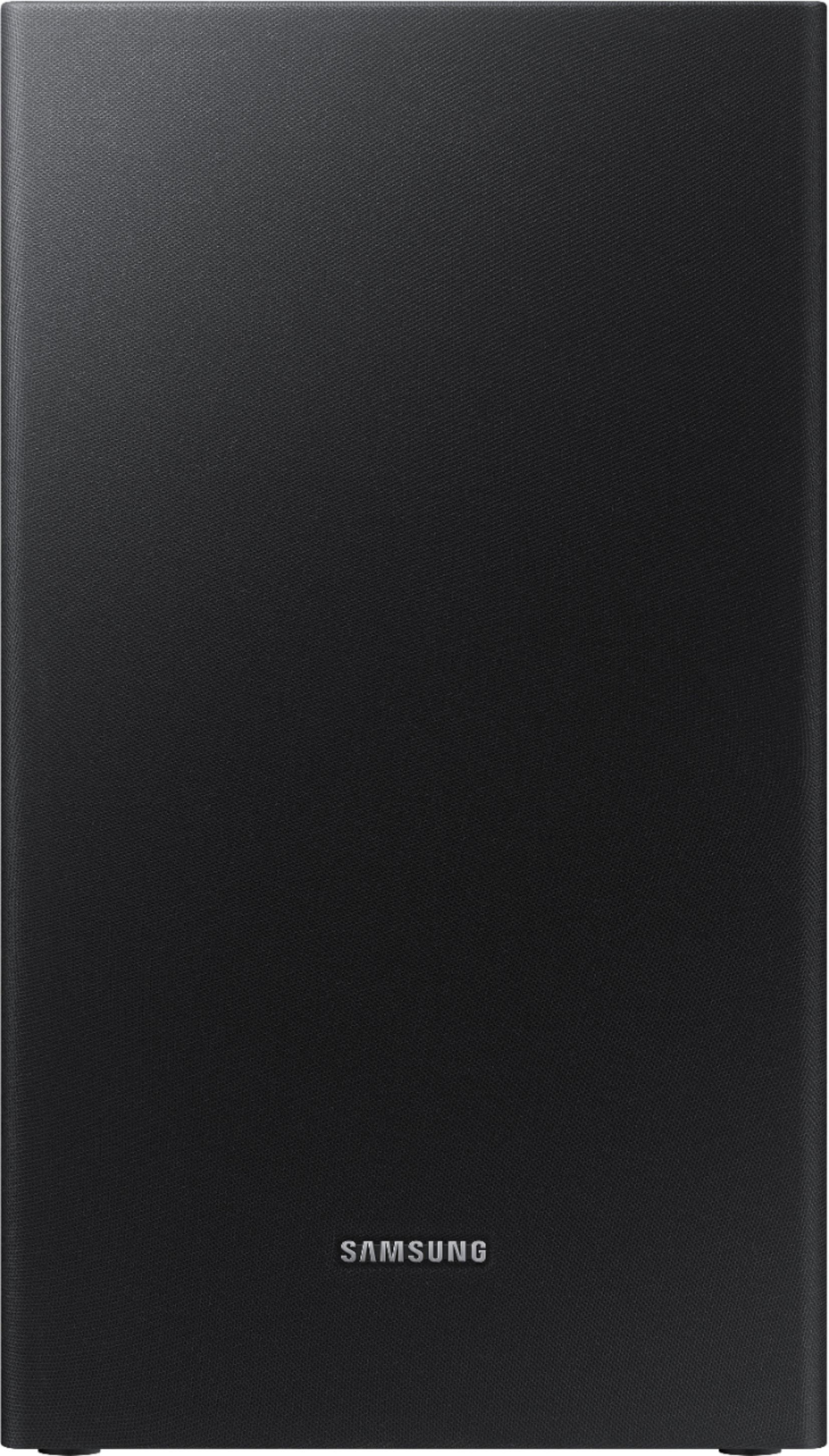
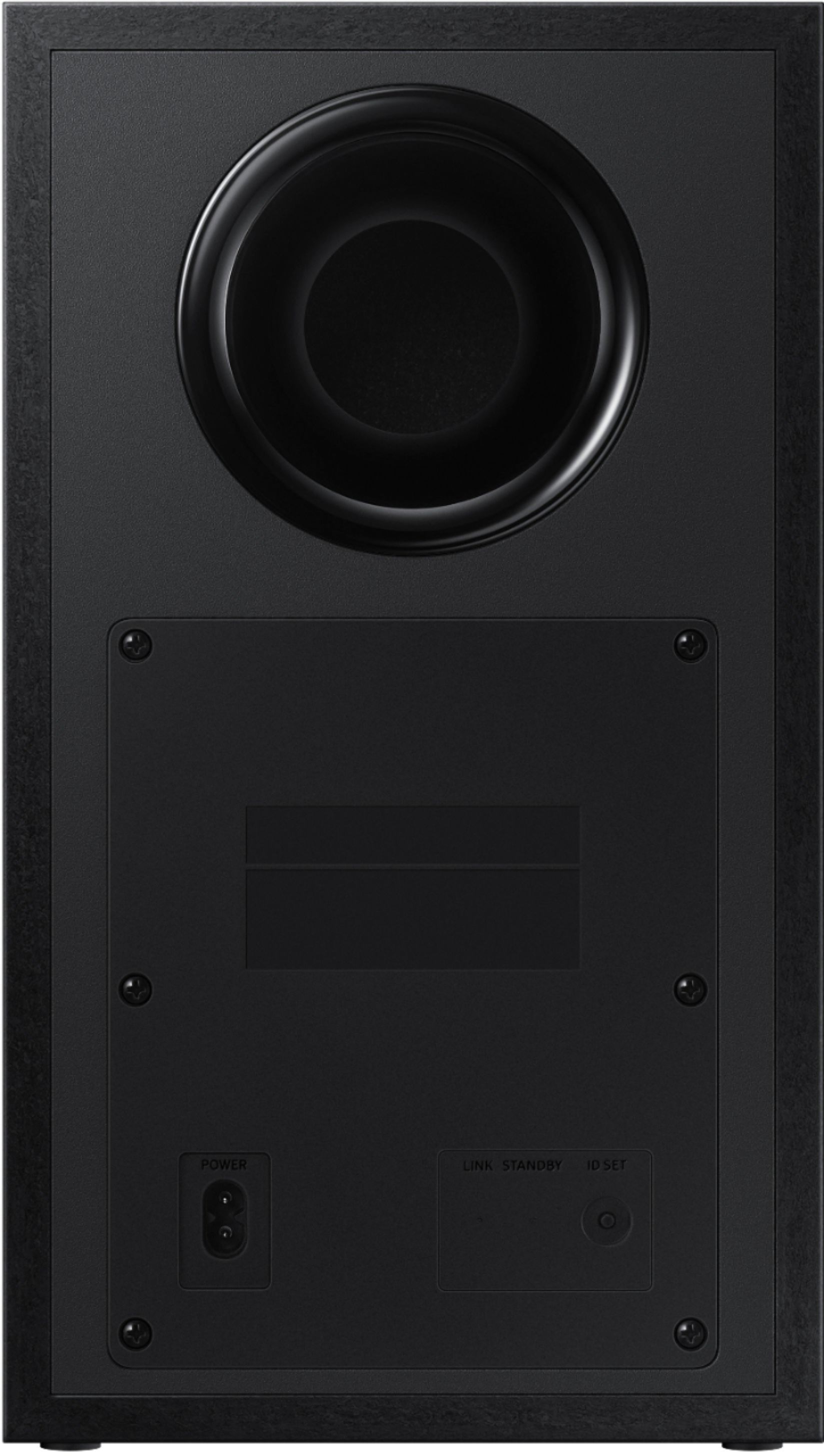
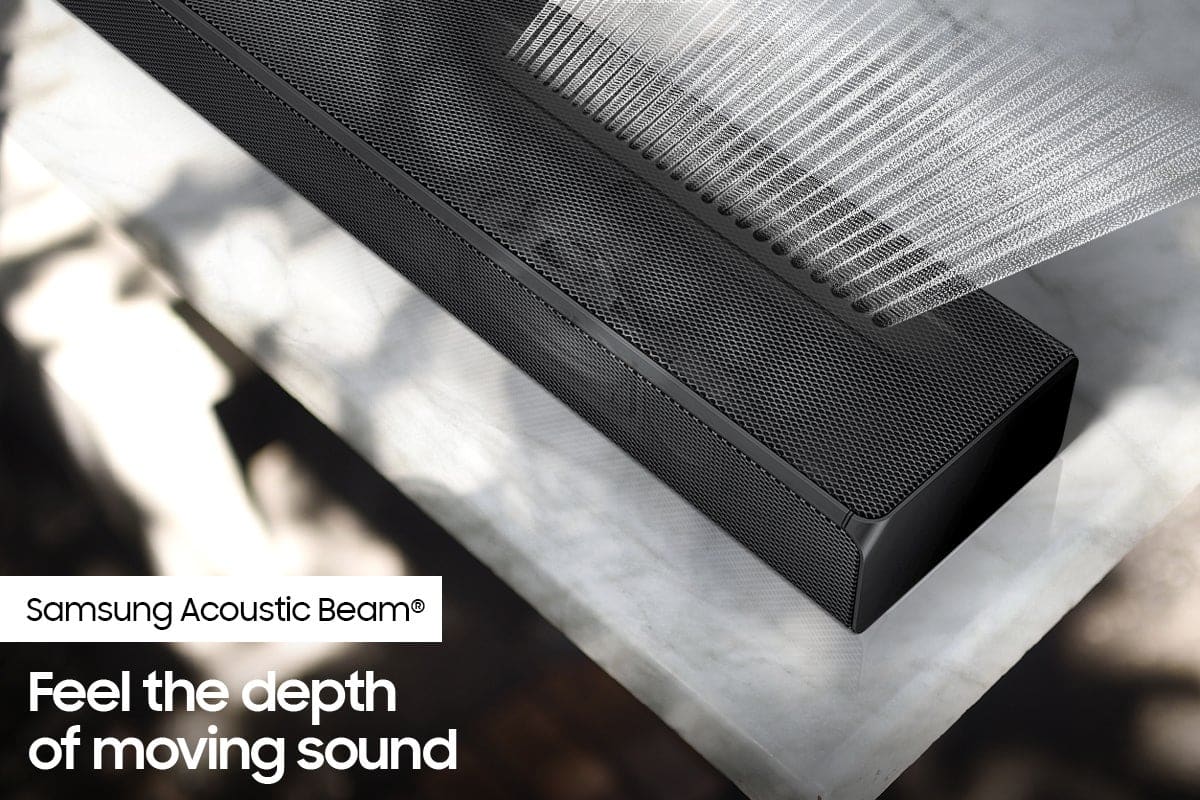





- Model:
- HW-Q65T/ZA
- SKU:
- 6454639
Rating by feature
- Value
Rating 4.4 out of 5 stars
- Quality
Rating 4.4 out of 5 stars
- Ease of Use
Rating 4.4 out of 5 stars
Customers are saying
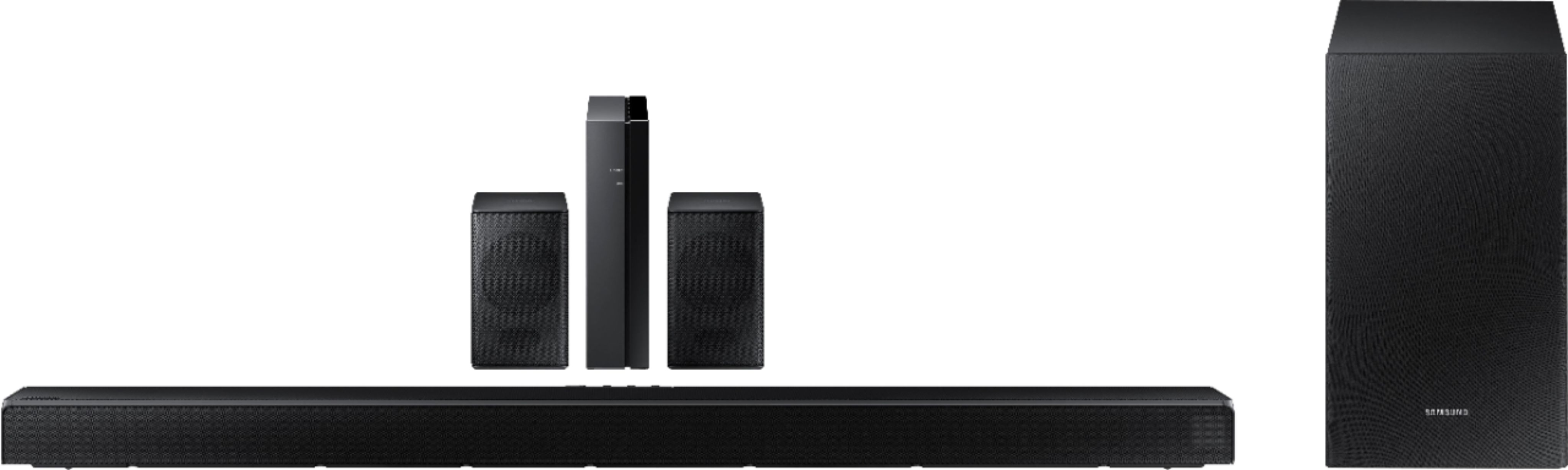
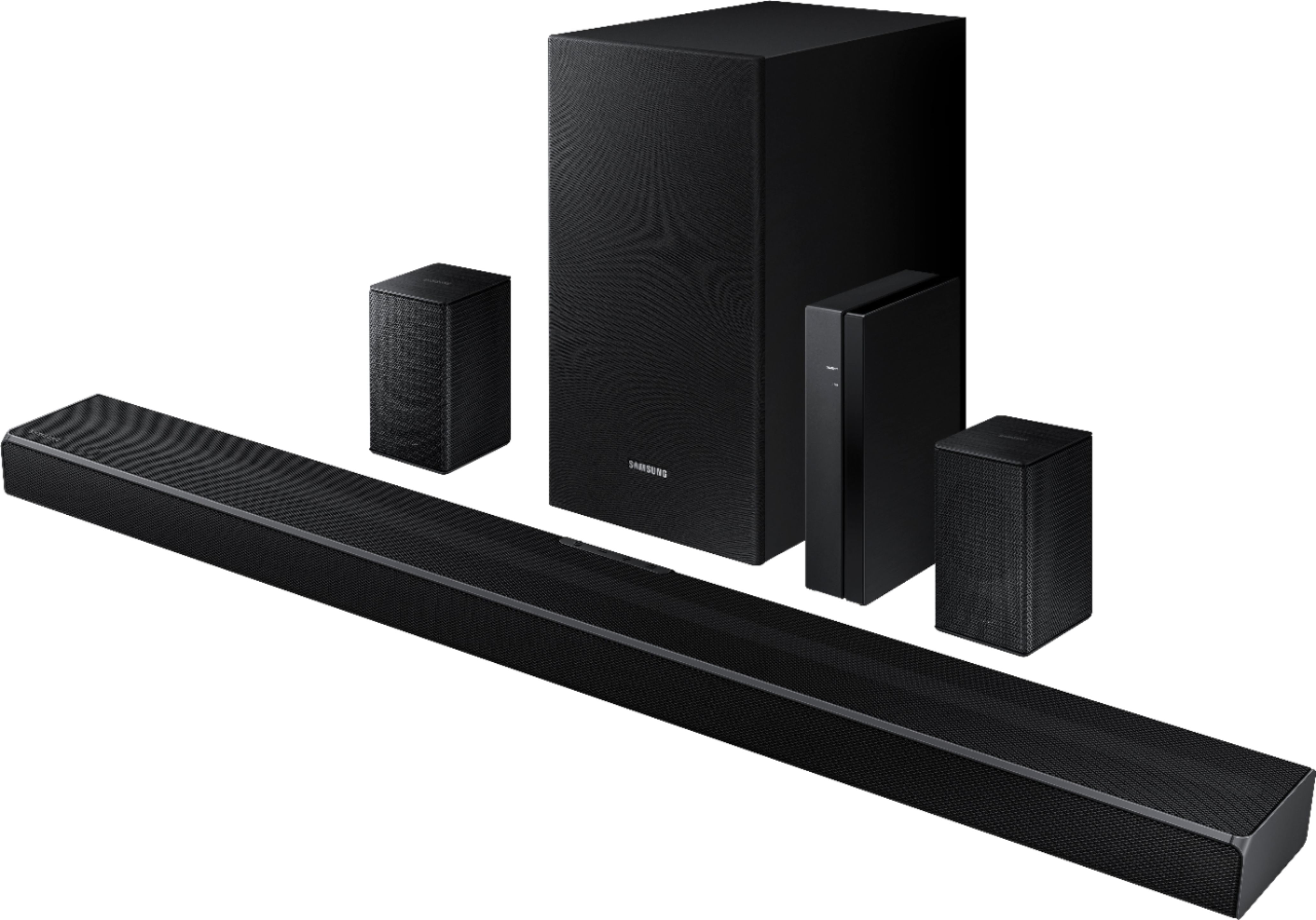
Customers value the HW-Q65T soundbar for its exceptional sound quality, easy setup process, and affordable price point. Many customers rave about the immersive surround sound experience and the rich bass it delivers. The soundbar seamlessly pairs with Samsung TVs, making it a convenient choice for Samsung users. However, some customers have concerns about the wireless rear speakers not being entirely wireless, occasional connectivity issues, and the volume being perceived as low. The remote control has also been mentioned as a pain point due to its limited range and responsiveness.
This summary was generated by AI based on customer reviews.
Easy to set up
||Posted . Owned for 2 months when reviewed.This reviewer received promo considerations or sweepstakes entry for writing a review.I had a smaller set up and thought it worked fine till I installed this, i was very surprised with the rich deep sound.
I would recommend this to a friendSound bar
||Posted . Owned for 1 month when reviewed.This reviewer received promo considerations or sweepstakes entry for writing a review.Sound bar works great would buy again and recommend
I would recommend this to a friendBrand response from Samsung
Posted .Hello Sound!
Thank you for purchasing the Samsung HW-Q65T and for your review. I am glad to hear you are enjoying the enhanced audio experience with your new soundbar.
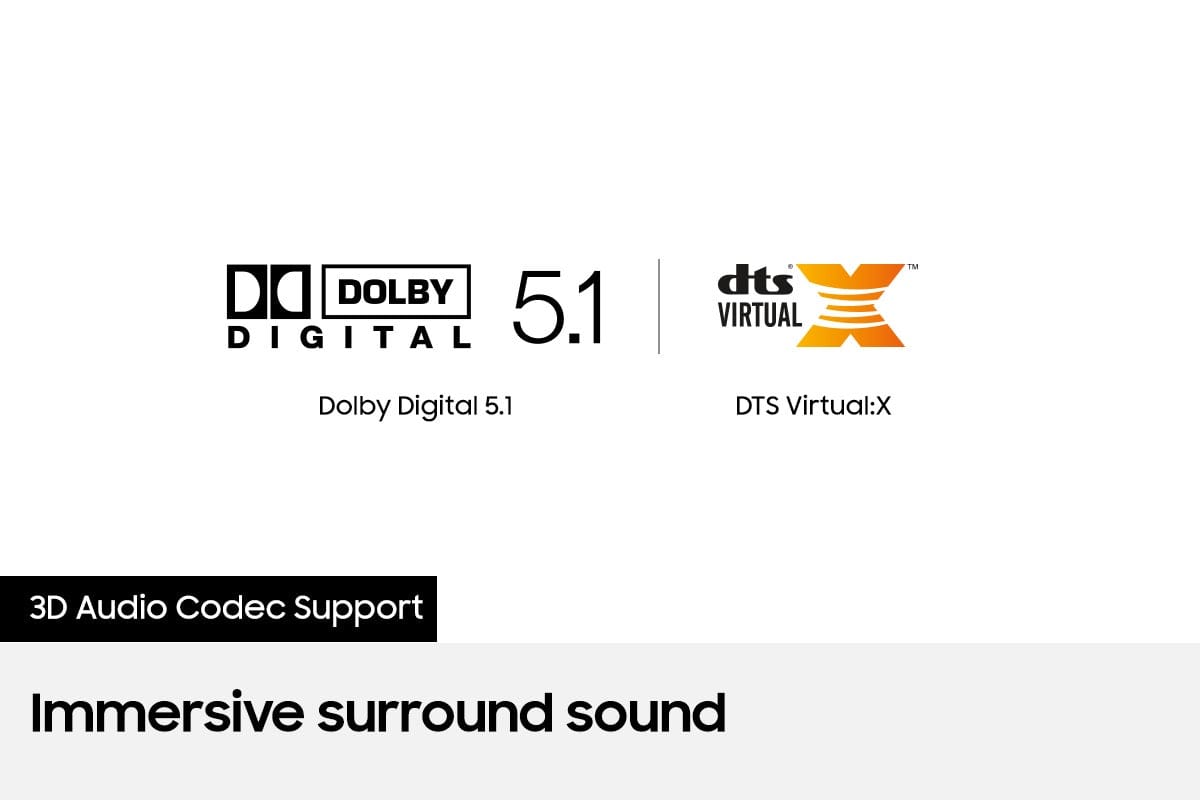
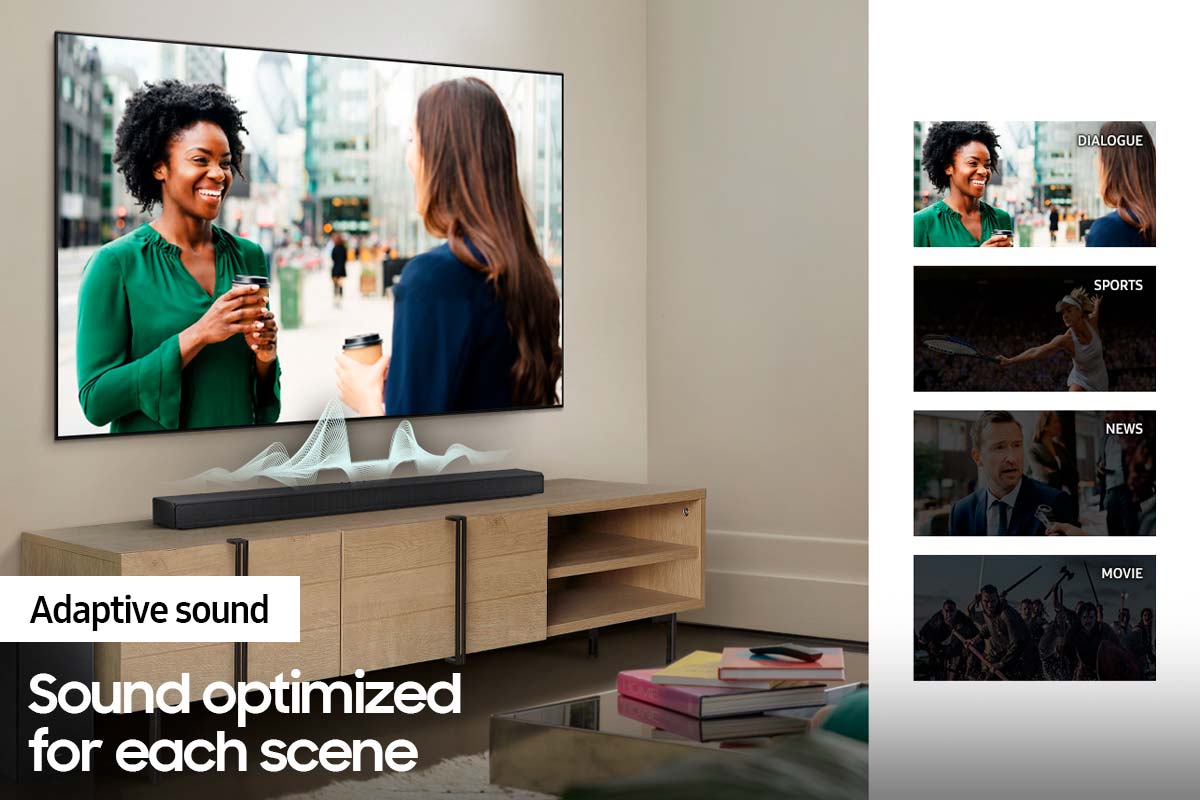
Have you tried the various Sound Modes offered with the HW-Q65T? You can choose from modes like Standard, Surround, Game Pro, DTS Virtual:X, or Adaptive Sound mode, which optimizes sound based on each scene and lets you hear voices clearly at low volumes. You can find these by pressing the Sound Mode button on your remote.
Should you ever have questions or need help, please call us at 1-800-SAMSUNG (ask for Soundbars), available 8AM - 12AM EST, 7 days a week.
For additional support resources, visit us on the Samsung website and click on the ‘Support’ link in the upper right corner of the homepage for:
1) Chat with Us/Product Help: To begin a chat or find solutions, choose ‘TVs & Home Theater’ and select your model & topic.
2) Manuals & Software
3) Warranty Info
4) Register a Product: For access to easy warranty support, convenient opt-in to special promos and offers, faster troubleshooting and service, and quick notification of system updates
5) Contact Us
~ Samsung Solutions
Nice laptop
||Posted . Owned for 1 month when reviewed.This reviewer received promo considerations or sweepstakes entry for writing a review.Great lap top for the lil ones nice and slim black stands out
I would recommend this to a friendSoundbar
||Posted . Owned for 1 month when reviewed.This reviewer received promo considerations or sweepstakes entry for writing a review.The sound bar sounds great. the two "wireless speakers" are very quiet. I didn't even set them up in my living room I put them in the garage so at least I have sound out there for music and such. The whole package would probably sound great in a bedroom not in a living room.
I would recommend this to a friendBrand response from Samsung
Posted .Hi JohnDoe,
Thank you for sharing your review on the Samsung HW-Q65T soundbar. Your experience is very important to us and will be shared with our product team.
Please know, by design, the surround speakers are supposed to simulate sounds happening behind the viewer. Therefore, most of the time the surround channels are only used for ambient sounds, which are naturally lower in volume.
However, there are a few settings you can change to adjust the surround effect to your preference:
1) Make sure that the source (e.g. TV output) is sending surround channels to the Soundbar. If the source is not capable of surround, then set the Surround mode to OFF on the Soundbar by pressing the Surround button on the remote.
2) If the source has surround channels, select the desired Sound Mode from the Soundbar remote.
3) Turn off Dynamic Range Control. This is done by pressing and holding the Sound Mode button while the Soundbar is in standby mode.
4) Increase the volume level of the surround speakers using the Sound Control button on the Soundbar remote control. Press the Sound Control button on the soundbar remote (looks like a gear), then select REAR LEVEL and use the Up/Down buttons to adjust the volume within a -6 to +6 range.
I hope these tips help to enhance your audio enjoyment.
Should you ever have questions or need help, please call us at 1-800-SAMSUNG (ask for Soundbars), available 8AM - 12AM EST, 7 days a week.
For additional support resources, visit us on the Samsung website and click on the ‘Support’ link in the upper right corner of the homepage for:
1) Chat with Us/Product Help: To begin a chat or find solutions, choose ‘TVs & Home Theater’ and select your model & topic.
2) Manuals & Software
3) Warranty Info
4) Register a Product: For access to easy warranty support, convenient opt-in to special promos and offers, faster troubleshooting and service, and quick notification of system updates
5) Contact Us
~ Samsung Ambassador
Great soundbar
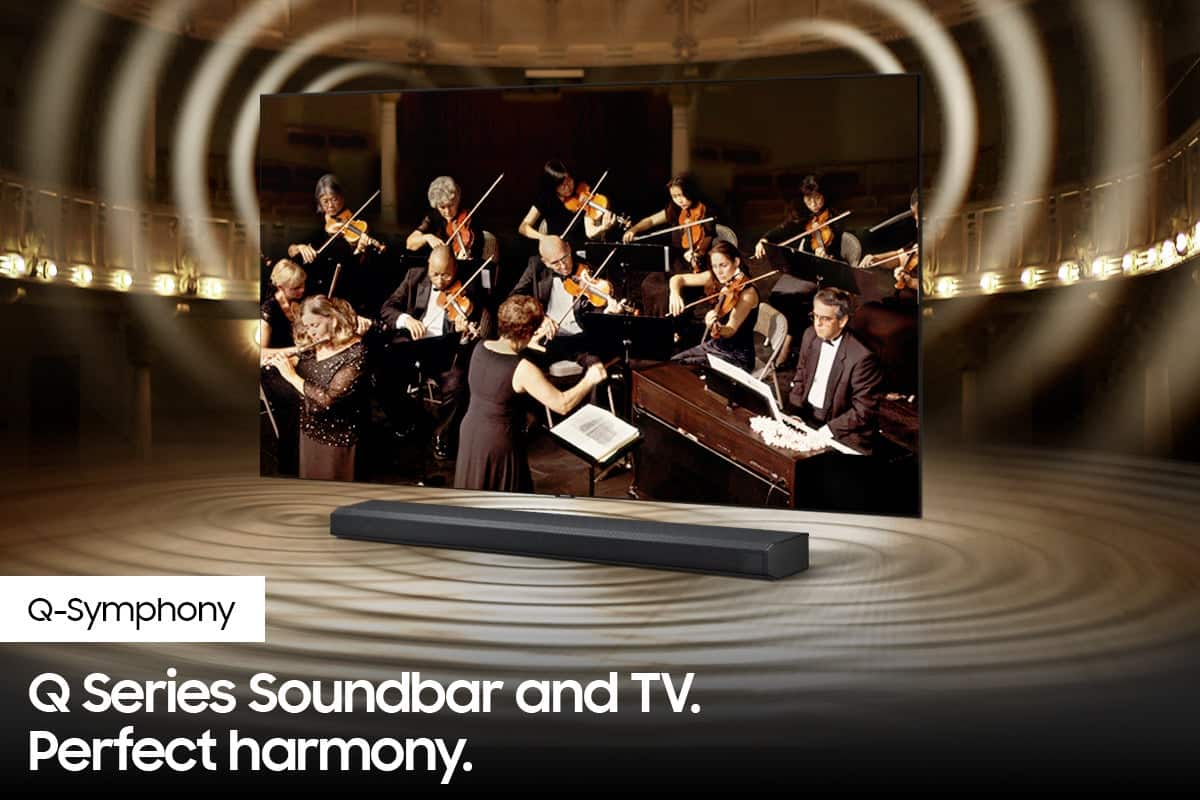
||Posted . Owned for 1 month when reviewed.This reviewer received promo considerations or sweepstakes entry for writing a review.Excellent sound. The bass fills the room. Rear speaker compliments the soundbar to perfection. Q symphony feature is amazing.
I would recommend this to a friendSamsung sound bar and rear speakers
||Posted . Owned for 1 month when reviewed.This reviewer received promo considerations or sweepstakes entry for writing a review.Sound bar and rear speakers makes a difference in viewing movies and TV shows. Best part is that the rear speakers are wireless.
I would recommend this to a friendSamsung sound system
||Posted . Owned for 3 weeks when reviewed.This reviewer received promo considerations or sweepstakes entry for writing a review.I bought this for my son for Christmas based on our success with the brand. He loves it and pretty simple to install.
I would recommend this to a friendMaster Bedroom
||Posted . Owned for 1 month when reviewed.This reviewer received promo considerations or sweepstakes entry for writing a review.I love my TV. We are a samsung family. So far if I'm not mistaken we have 11 samsung products. So far no complaints.
I would recommend this to a friendSurround Sound
||Posted . Owned for 4 months when reviewed.This reviewer received promo considerations or sweepstakes entry for writing a review.Love it. This is amazing sound. The kids just love watching a dinosaur movie ti get the whole effect.
I would recommend this to a friendSamsung Surround System
||Posted . Owned for 1 month when reviewed.This reviewer received promo considerations or sweepstakes entry for writing a review.I love the new surround system that was recently installed
I would recommend this to a friendLove my Q65T
||Posted .This reviewer received promo considerations or sweepstakes entry for writing a review.impressive sound enjoying the soundbar setup is horrid at first but now I can hear everything I enjoy it a lot!
I would recommend this to a friendGreat sound
||Posted .This reviewer received promo considerations or sweepstakes entry for writing a review.Once navigate through settings, movie and sporting event sound is amazing, perfect for smaller living rooms
I would recommend this to a friendSamsung sound bar
||Posted . Owned for 1 month when reviewed.This reviewer received promo considerations or sweepstakes entry for writing a review.Love the ease of use, synced to my ARC on tv, Apple TV, Xbox and xfinity box without any issues. Works awesome
I would recommend this to a friendGreat upgrade from standard TV speakers
||Posted . Owned for 3 months when reviewed.This reviewer received promo considerations or sweepstakes entry for writing a review.Got this as a recommendation from an employee when buying a Samsung TV. Massive improvement from the TV speakers
I would recommend this to a friendAverage sound system
||Posted . Owned for 1 month when reviewed.This reviewer received promo considerations or sweepstakes entry for writing a review.Honestly kind of disappointed. It is okay, gets the job done. Got it for a good deal on an open box so will not complain, but recommend spending a little more and getting a better system. Works flawlessly with LG TV, simple install and connection process to tv.
No, I would not recommend this to a friendBrand response from Samsung
Posted .Hi Nate,
We appreciate you sharing your feedback regarding the performance of your HW-Q65T sound system. If you are not completely satisfied with the initial performance of your soundbar, please know there are many audio settings available allowing you to further tune the sound to your environment.
You can try quickly optimizing audio performance for your specific content by pressing the SOUND MODE button on your remote, and then selecting the desired sound effect by choosing STANDARD, SURROUND SOUND, GAME, or ADAPTIVE SOUND.
To quickly adjust the audio further, you can access Treble, Bass and Rear Level via the SOUND CONTROL button (looks like a gear symbol). Once selected, use the Up/Down buttons on the remote to adjust the levels.
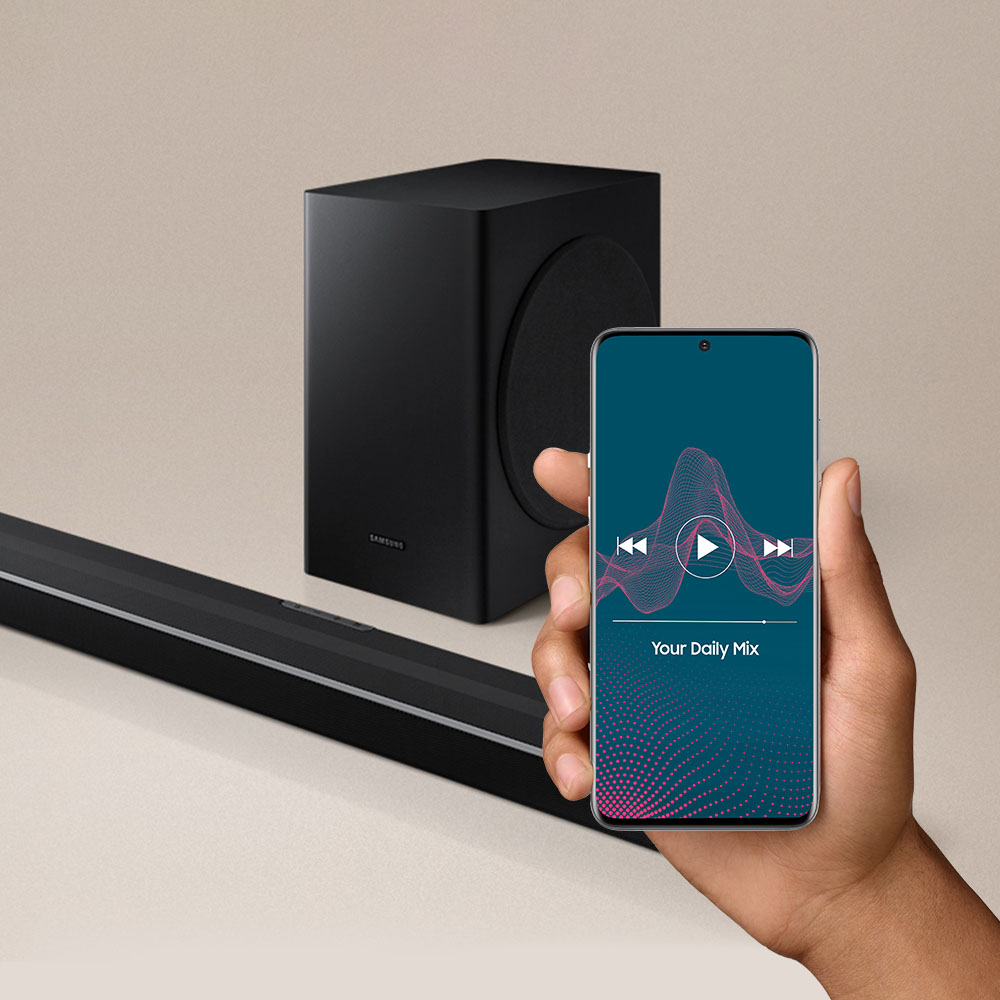
If you would like louder (or softer) bass from your subwoofer, you can adjust the level by rocking the WOOFER button on the soundbar remote, and then adjusting the level from -6 to +6. To set the subwoofer volume level to 0, press the button in.
I hope these tips help improve your experience with the product. Should you ever have questions or need help, please call us at 1-800-SAMSUNG (ask for Soundbars), available 8AM - 12AM EST, 7 days a week.
For additional support resources, visit us on the Samsung website and click on the ‘Support’ link in the upper right corner of the homepage for:
1) Chat with Us/Product Help: To begin a chat or find solutions, choose ‘TVs & Home Theater’ and select your model & topic.
2) Manuals & Software
3) Warranty Info
4) Register a Product: For access to easy warranty support, convenient opt-in to special promos and offers, faster troubleshooting and service, and quick notification of system updates
5) Contact Us
~ Samsung Solutions
Great Soeakers
||Posted . Owned for 3 weeks when reviewed.This reviewer received promo considerations or sweepstakes entry for writing a review.Love it! The small speakers you have to really be right by them to hear them if they are working but they do work.
I would recommend this to a friendSamsung surround sound
||Posted . Owned for 1 month when reviewed.This reviewer received promo considerations or sweepstakes entry for writing a review.I bought the Samsung surround sound system for my son for Christmas. It has a really nice sound and he loves it!
I would recommend this to a friendBetter than my old Vizio surround sound bar unit
||Posted . Owned for 1 month when reviewed.This reviewer received promo considerations or sweepstakes entry for writing a review.The virtual 3d really hits. I was pleasantly surprised
I would recommend this to a friend- Cons mentioned:Rear speakers
Nice sub and sound bar, poor rear speakers
||Posted . Owned for 1 month when reviewed.This reviewer received promo considerations or sweepstakes entry for writing a review.Bar and Sub sound good and strong for my space. Rear speakers are worthless, so I discarded them. I would not recommend this system for that reason.
No, I would not recommend this to a friendBrand response from Samsung
Posted .Hi MagnoliaRed,
We value your feedback, and regret to hear that you’re not completely satisfied with your soundbar’s included wireless Rear Speakers.
If there is anything we can do to improve your enjoyment such as helping to optimize settings for your specific sound scenario, please contact Samsung Customer Support. You can reach us at 1-800-SAMSUNG (ask for Soundbars), available 8AM - 12AM EST, 7 days a week.
For additional support resources, visit us on the Samsung website and click on the ‘Support’ link in the upper right corner of the homepage for:
1) Chat with Us/Product Help: To begin a chat or find solutions, choose ‘TVs & Home Theater’ and select your model & topic.
2) Manuals & Software
3) Warranty Info
4) Register a Product: For access to easy warranty support, convenient opt-in to special promos and offers, faster troubleshooting and service, and quick notification of system updates
5) Contact Us
~ Samsung Solutions
OK unit...
||Posted . Owned for 3 weeks when reviewed.This reviewer received promo considerations or sweepstakes entry for writing a review.As a fan of Samsung products (bought this with the samsung qn90a TV) i was pretty disappointed with this unit. Overall, This unit was OK, initially purchased to replace my 4 yr old off brand unit, but i preferred my old unit to this one. On this unit ill start with the good, I love the quality of soundbar with the metal face and the easy to read screen on the right side. the main bar does get loud and can be heard clearly. Setup was easy, surround speakers paired flawlessly, and it connected to my tv instantly. Thats about it for me. For the bad Very weak bass, and the surround speakers could be louder. Ended up returning this for the vizio m 51ax-j6. After a few weeks, i am still much happier with the Vizio
No, I would not recommend this to a friendBrand response from Samsung
Posted .Hi TreeTrunk1891,
Thank you for your review of the Samsung HW-Q65T. Your input is invaluable in our continuous pursuit of delivering the best in product and customer experience
Should you ever decide to give Samsung Soundbars another try and have questions or need assistance with settings, setup, or features, please know we are always here to help. Call us at 1-800-SAMSUNG (ask for Soundbars), available 8AM - 12AM EST, 7 days a week.
For additional support resources, visit us on the Samsung website and click on the ‘Support’ link in the upper right corner of the homepage for:
1) Contact Us: For additional Chat & Text options, choose ‘TVs & Home Theater’ and select your model & topic.
2) Manuals, Software, & Warranty Info
We hope to regain you as a customer in the future.
~ Samsung Solutions