Customer Ratings & Reviews
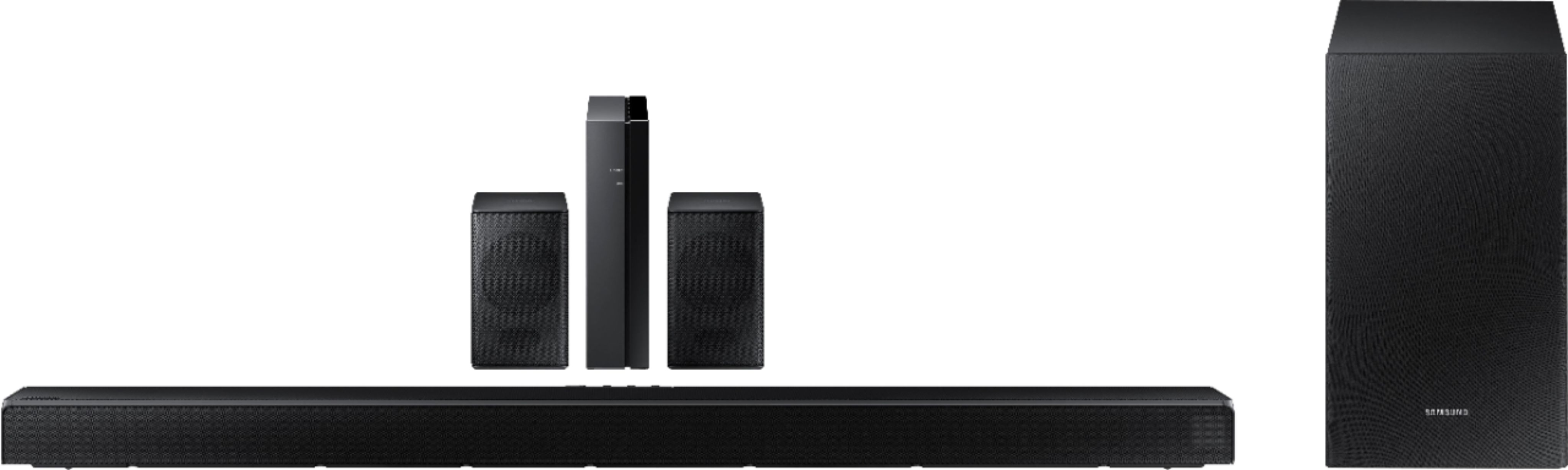
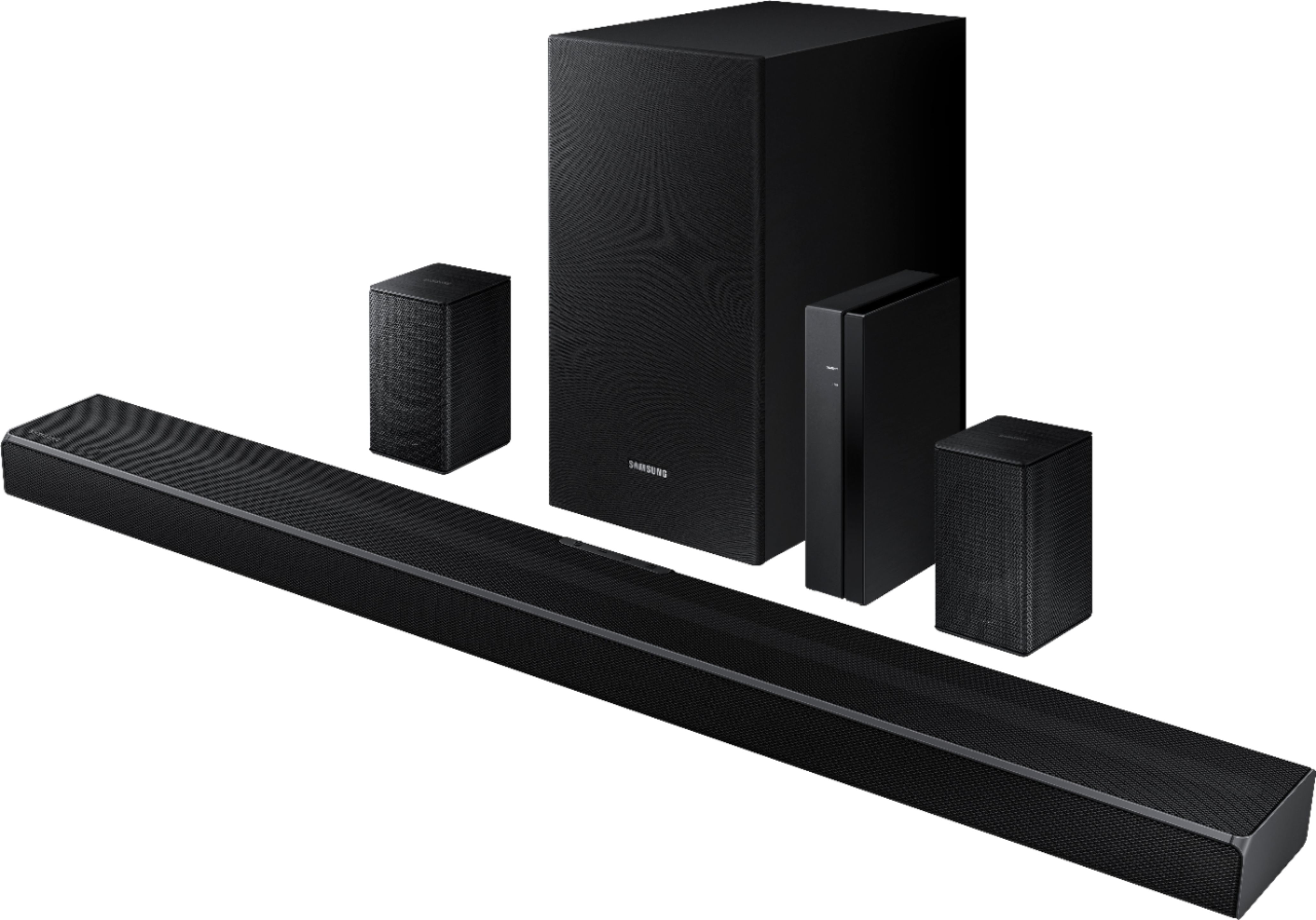
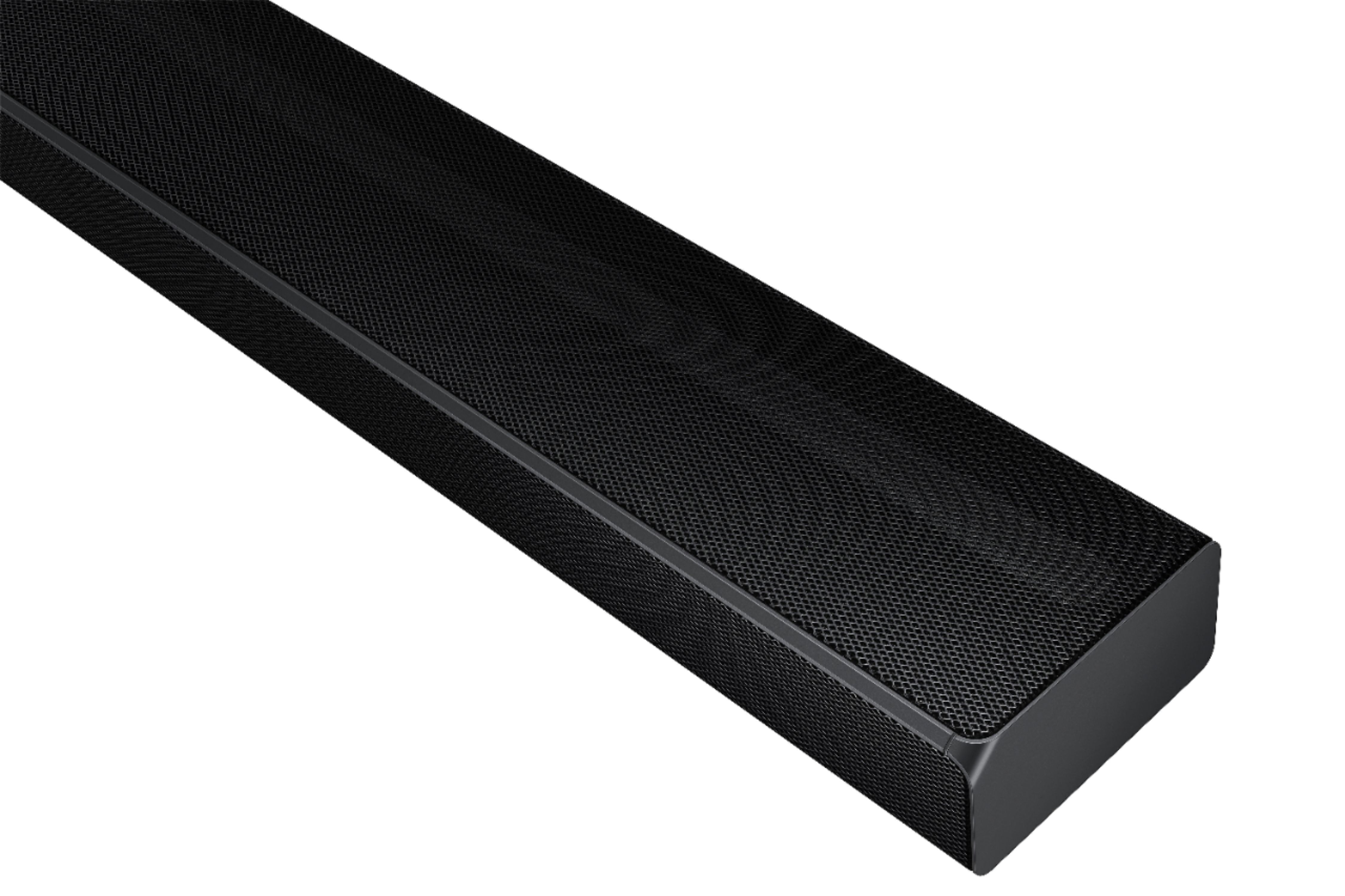
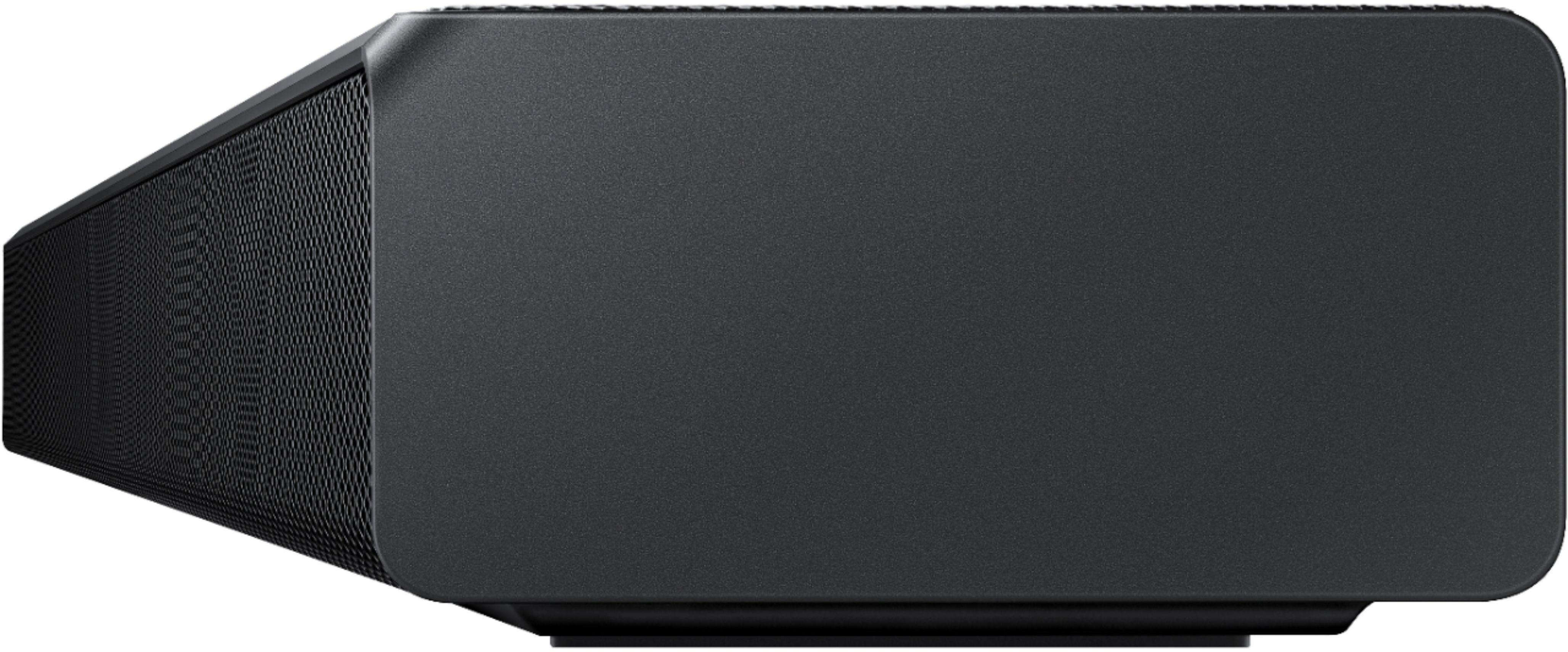

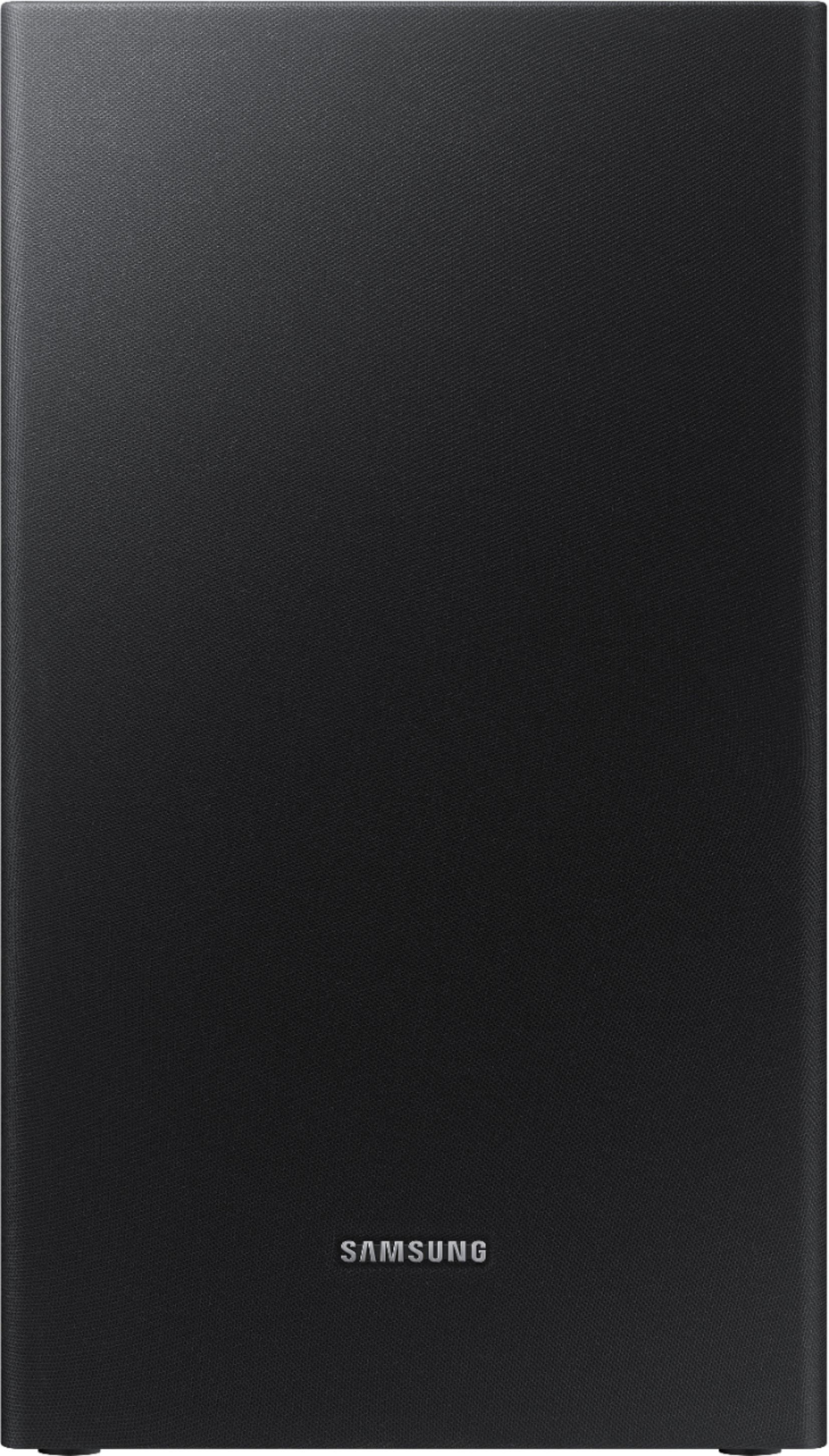
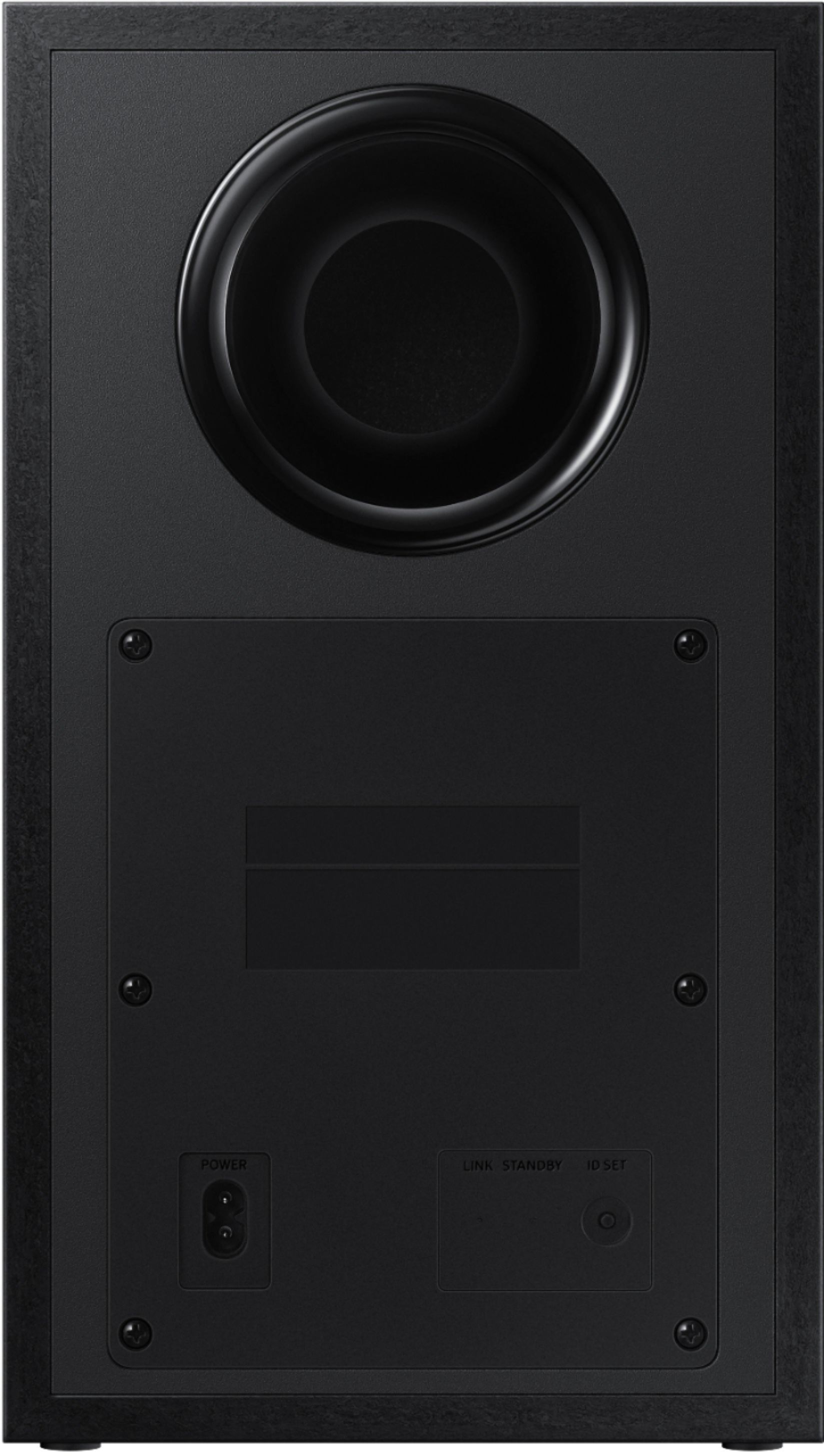





- Model:
- HW-Q65T/ZA
- SKU:
- 6454639
Rating by feature
- Value
Rating 4.4 out of 5 stars
- Quality
Rating 4.4 out of 5 stars
- Ease of Use
Rating 4.4 out of 5 stars
Customers are saying
Customers value the HW-Q65T soundbar for its exceptional sound quality, easy setup process, and affordable price point. Many customers rave about the immersive surround sound experience and the rich bass it delivers. The soundbar seamlessly pairs with Samsung TVs, making it a convenient choice for Samsung users. However, some customers have concerns about the wireless rear speakers not being entirely wireless, occasional connectivity issues, and the volume being perceived as low. The remote control has also been mentioned as a pain point due to its limited range and responsiveness.
This summary was generated by AI based on customer reviews.
samsung HWQ 65T 7.1
||Posted . Owned for 1 month when reviewed.This reviewer received promo considerations or sweepstakes entry for writing a review.not worth spending money. the base is very shallow and mids are not strong
No, I would not recommend this to a friendBrand response from Samsung
Posted .Hi vineysoundbar!
Thank you for your review of this Samsung HW-Q65T Soundbar. We appreciate you sharing your feedback regarding the sound performance.
There are two adjustments that can be made to maximize bass from the soundbar and subwoofer:
1) Using the WOOFER button on the remote, you can adjust the level between -6 to +6. To set the subwoofer volume level to 0, press the button in.
2) Adjust the bass control by pressing the SOUND CONTROL button (gear icon) on the remote control, then select BASS to increase the level. You can adjust the volume between -6 to +6 by using the Up/Down buttons.
For precise audio adjustments, you can use the 7-band frequency equalizer to optimize the sound for your room acoustics.
I hope this helps. For further assistance with features, settings, adjustments, or functions please contact Samsung Customer Support at 1-800-SAMSUNG (ask for Soundbars), available 8AM - 12AM EST, 7 days a week.
For additional support resources, visit us on the Samsung website and click on the ‘Support’ link in the upper right corner of the homepage for:
1) Chat with Us/Product Help: To begin a chat or find solutions, choose ‘TVs & Home Theater’ and select your model & topic.
2) Manuals & Software
3) Warranty Info
4) Register a Product: For access to easy warranty support, convenient opt-in to special promos and offers, faster troubleshooting and service, and quick notification of system updates
5) Contact Us
~ Samsung Ambassador
Its okay
||Posted . Owned for 1 month when reviewed.This reviewer received promo considerations or sweepstakes entry for writing a review.Works great, connects flawlessly. I just feel like for 300$ it could sound better.
I would recommend this to a friendBrand response from Samsung
Posted .Hi Rebel0531,
Thank you for your review. I'm glad to hear you found the connection to be quick and easy with your new Samsung Soundbar. We appreciate you sharing your feedback regarding the audio performance of your HW-Q65T sound system.
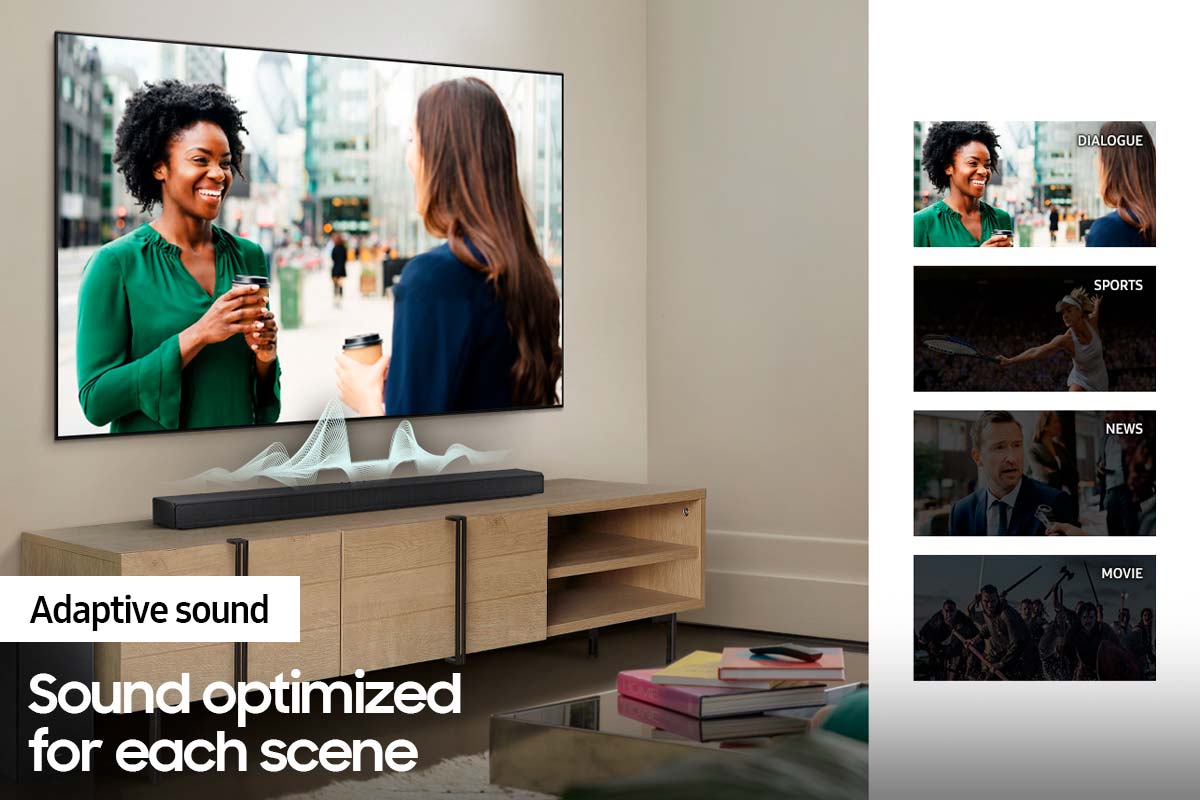
Our 2021 HW-Q65T 7.1ch Soundbar system was designed to deliver immersive surround sound. You can try optimizing audio performance for your specific content by pressing the SOUND MODE button on your remote, and then selecting the desired sound effect by choosing STANDARD, SURROUND SOUND, GAME, or ADAPTIVE SOUND.
– You can further adjust Treble and Bass via the SOUND CONTROL button (looks like a gear symbol).
– With the Surround Speakers connected, select REAR LEVEL and then use the Up/Down buttons to adjust the volume within a -6 to +6 range.
– If you would like louder (or softer) bass from your subwoofer, you can adjust the level by rocking the WOOFER button on the soundbar remote, and then adjusting the level from -6 to +6. To set the subwoofer volume level to 0, press the button in.
If you need further assistance, please know we are here to help. You can reach Samsung Customer Support at 1-800-SAMSUNG (ask for Soundbars), available 8AM - 12AM EST, 7 days a week.
For additional support resources, visit us on the Samsung website and click on the ‘Support’ link in the upper right corner of the homepage for:
1) Chat with Us/Product Help: To begin a chat or find solutions, choose ‘TVs & Home Theater’ and select your model & topic.
2) Manuals & Software
3) Warranty Info
4) Register a Product: For access to easy warranty support, convenient opt-in to special promos and offers, faster troubleshooting and service, and quick notification of system updates
5) Contact Us
~ Samsung Solutions
- Cons mentioned:Connectivity
Disappointed
||Posted . Owned for 3 weeks when reviewed.This reviewer received promo considerations or sweepstakes entry for writing a review.Back speakers worked when first hooked up. Now they will not work and owners manual does not help with trying to solve they problem.
No, I would not recommend this to a friendBrand response from Samsung
Posted .Hi Owner,
Thank you for purchasing the Samsung HW-Q65T Soundbar. We appreciate you sharing your experience with us. We would love the opportunity to investigate this for you so we can provide additional settings adjustments or troubleshooting assistance.
Please know, Samsung products are engineered to the highest standards of performance and quality and we back this model with a 1-year limited manufacturer's warranty, if purchased brand-new directly from an authorized seller.
Please contact Samsung Customer Support for troubleshooting or warranty assistance. Call us at 1-800-SAMSUNG (ask for Soundbars), available 8AM - 12AM EST, 7 days a week.
For additional support resources, visit us on the Samsung website and click on the ‘Support’ link in the upper right corner of the homepage for:
1) Contact Us: For additional Chat & Text options, choose ‘TVs & Home Theater’ and select your model & topic.
2) Manuals & Software
3) Warranty Info
4) Register a Product: For access to easy warranty support, convenient opt-in to special promos and offers, faster troubleshooting and service, and quick notification of system updates
We look forward to hearing from you soon.
~ Samsung Ambassador
Too complicated for me
||Posted . Owned for 3 weeks when reviewed.This reviewer received promo considerations or sweepstakes entry for writing a review.Very confusing to set up wireless. Had to set it up by wire connection. After a week of use speaker bar started to momentarily stop transmitting sound for about a half second. This happens every minute or so. Need a lot of room (space) to set up all the pieces including 3 additional speakers.
No, I would not recommend this to a friendBrand response from Samsung
Posted .Hi Rick,
I am sorry to hear that you are experiencing issues with the sound occasionally dropping from your soundbar. You may first want to check the cable connection of the soundbar to the TV or external device to ensure it is secure, and properly connected to the correct port.
In addition to checking the connections of the soundbar, please make sure your soundbar is using the latest firmware version (v.1006). Updating the firmware on your soundbar gives you all the benefits of the latest improvements. You can update your firmware by using a USB device.
You may also want to initialize your soundbar by pressing the - and + (volume) buttons on the side of the soundbar at the same time for at least 5 seconds. “INIT OK” appears on the display and then the Soundbar is reset. Please know, this will reset all settings on the soundbar back to default; any sound adjustments will need to be performed again.
I hope these tips help resolve your issues. Should you ever have questions or need help, please call us at 1-800-SAMSUNG (ask for Soundbars), available 8AM - 12AM EST, 7 days a week.
For additional support resources, visit us on the Samsung website and click on the ‘Support’ link in the upper right corner of the homepage for:
1) Chat with Us/Product Help: To begin a chat or find solutions, choose ‘TVs & Home Theater’ and select your model & topic.
2) Manuals & Software
3) Warranty Info
4) Register a Product: For access to easy warranty support, convenient opt-in to special promos and offers, faster troubleshooting and service, and quick notification of system updates
5) Contact Us
~ Samsung Solutions
Too pricy
||Posted . Owned for 9 months when reviewed.This reviewer received promo considerations or sweepstakes entry for writing a review.Way too much for basic sound quality disply also is hard to see
No, I would not recommend this to a friendBrand response from Samsung
Posted .Hello there,
Thank you for purchasing the Samsung HW-Q65T Soundbar and for your review. We appreciate your feedback regarding the sound performance of your unit. You can try manually optimizing your audio experience by pressing the SOUND CONTROL button (looks like a gear) to access the setting items such as TREBLE, BASS, and AUDIO SYNC. The selected item can be adjusted using the Up/Down buttons.
– To control the volume of the treble or bass sound, select TREBLE or BASS in Sound Settings, and then adjust the volume between -6 to +6 by using the Up/Down buttons.
– Press and hold the SOUND CONTROL button for about 5 seconds to adjust the sound for each frequency band. 150Hz, 300Hz, 600Hz, 1.2kHz, 2.5kHz, 5kHz, and 10kHz are selectable using the Left/Right buttons and each can be adjusted to a setting between -6 to +6 using the Up/Down buttons. (Make sure the Sound mode is set to “STANDARD”.)
– If the video on the TV and audio from the Soundbar are not synchronized, select AUDIO SYNC in Sound Control, and then set the audio delay between 0~300 milliseconds by using the Up/Down buttons.
– With the Surround Speakers connected, select REAR LEVEL and then use the Up/Down buttons to adjust the volume within a -6 to +6 range.
– If you would like louder (or softer) bass from your subwoofer, you can adjust the level by rocking the WOOFER button on the soundbar remote, and then adjusting the level from -6 to +6. To set the subwoofer volume level to 0, press the button in.
Should you ever have questions or need help, please call us at 1-800-SAMSUNG (ask for Soundbars), available 8AM - 12AM EST, 7 days a week.
For additional support resources, visit us on the Samsung website and click on the ‘Support’ link in the upper right corner of the homepage for:
1) Chat with Us/Product Help: To begin a chat or find solutions, choose ‘TVs & Home Theater’ and select your model & topic.
2) Manuals & Software
3) Warranty Info
4) Register a Product: For access to easy warranty support, convenient opt-in to special promos and offers, faster troubleshooting and service, and quick notification of system updates
5) Contact Us
~ Samsung Solutions
Save your money
||Posted .This reviewer received promo considerations or sweepstakes entry for writing a review.Had for an hour packed it back up and returned it. Test movies were Unstoppable and Deep water horizon. Soundbar was ok Subwoofer has no bass what so ever. Had it all the way up to +6 very faint rumbles Rear speakers are horrible had them cranked up to +6 also and could just barely hear them volume is very low Soundbar is not worth the price tag
No, I would not recommend this to a friendBrand response from Samsung
Posted .Hi Srwilliams777,
Thank you for your review of the Samsung HW-Q65T Soundbar. Your feedback is very important to us and will be shared with our product team.
Please know that should you ever need assistance with settings or adjustments with a future Samsung purchase to optimize your sound experience, Samsung Customer Support is here to help. You can reach us at 1-800-SAMSUNG (ask for Soundbars), available 8AM -12AM EST, 7 days a week. Or text HELP to 62913.
For additional support resources, visit us on the Samsung website and click on the ‘Support’ link in the upper right corner of the homepage for:
1) More ‘Contact Us’ options – LiveChat, Facebook, Twitter, Samsung Community, Samsung Members app
2) Manuals & Software
3) Warranty Info
4) Product Registration: For access to easy warranty support, convenient opt-in to special promos and offers, faster troubleshooting and service, and quick notification of system updates.
~ Samsung Specialist
Shuts down automatically and wont power back on!!!
||Posted . Owned for 1 week when reviewed.This reviewer received promo considerations or sweepstakes entry for writing a review.The entire soundbar system shuts down in the middle of the movie or song and it doesnt come up until I unplug and plug the main adapter. Not sure if its a known issue in this model. I am planning to return mine. The system was good but many times this shutdown incident happened and I am not sure if its reliable.
No, I would not recommend this to a friendBrand response from Samsung
Posted .Hi Vignesh,
Thank you for purchasing the Samsung HW-Q65T and for sharing your review. Your experience is important to us and will be shared with our product teams.
Please know, Samsung is committed to providing the best possible product experience, quality, and value. We back this Samsung Soundbar with a 1-year limited manufacturer's warranty, including authorized repair for manufacturer defect, if purchased brand-new directly from an authorized seller.
Please give us the opportunity to gather additional information from you so we can isolate this issue. Call us at 1-800-SAMSUNG (ask for Soundbars), available 8AM - 12AM EST, 7 days a week.
For additional support resources, visit us on the Samsung website and click on the ‘Support’ link in the upper right corner of the homepage for:
1) Contact Us: For additional Chat & Text options, choose ‘TVs & Home Theater’ and select your model & topic.
2) Manuals & Software
3) Warranty Info
4) Register a Product: For access to easy warranty support, convenient opt-in to special promos and offers, faster troubleshooting and service, and quick notification of system updates
~ Samsung Solutions
- Cons mentioned:Rear speakers
Sound bar Samsung
||Posted . Owned for 3 weeks when reviewed.This reviewer received promo considerations or sweepstakes entry for writing a review.Average product, Overpriced, does not work for a medium or large size room bed OK for room size 10 x 10. Subwoofer and surroundsound speakers are flat and Rajeev and produce through Dolby.
No, I would not recommend this to a friendBrand response from Samsung
Posted .Hi KnAlb,
Thank you for purchasing the Samsung HW-Q65T Soundbar and for your review. We appreciate your feedback regarding the sound performance of your unit. You can try manually optimizing your audio experience by pressing the SOUND CONTROL button (looks like a gear) to access the setting items such as TREBLE, BASS, and AUDIO SYNC. The selected item can be adjusted using the Up/Down buttons.
– Press and hold the SOUND CONTROL button for about 5 seconds to adjust the sound for each frequency band. 150Hz, 300Hz, 600Hz, 1.2kHz, 2.5kHz, 5kHz, and 10kHz are selectable using the Left/Right buttons and each can be adjusted to a setting between -6 to +6 using the Up/Down buttons. (Make sure the Sound mode is set to “STANDARD”.)
– If Surround Speakers are connected, select REAR LEVEL and then use the Up/Down buttons to adjust the volume within a -6 to +6 range.
Additionally, there are two adjustments that can be made for bass and subwoofer:
1) Using the WOOFER button on the remote, you can adjust the volume of the subwoofer between -6 to +6 by toggling the button up or down. To set the subwoofer volume level to 0, press the button down
2) Adjust the bass control by pressing the SOUND CONTROL button (gear icon) on the remote control, then select BASS to increase the level. You can adjust the volume between -6 to +6 by using the Up/Down buttons.
If you need further assistance, please know we are here to help. You can reach Samsung Customer Support at: 1-800-SAMSUNG (ask for Soundbars), available 8AM - 12AM EST, 7 days a week.
For additional support resources, visit us on the Samsung website and click on the ‘Support’ link in the upper right corner of the homepage for:
1) Contact Us: For additional Chat & Text options, choose ‘TVs & Home Theater’ and select your model & topic.
2) Manuals & Software
3) Warranty Info
4) Register a Product: For access to easy warranty support, convenient opt-in to special promos and offers, faster troubleshooting and service, and quick notification of system updates
~ Samsung Solutions
About as good as a $10 mono speaker.
||Posted . Owned for 1 month when reviewed.This reviewer received promo considerations or sweepstakes entry for writing a review.I have found the Samsung HW-Q65T 7.1ch sound bar to be not much better than the speakers on the TV. I would NOT buy this product again and I would not recommend it to anyone, a total waste of money even though I was told this is the perfect sound bar for the Samsung TB I purchased.
No, I would not recommend this to a friendBrand response from Samsung
Posted .Hi 1234,
We appreciate you sharing your feedback regarding the performance of your HW-Q65T sound system. If you are not completely satisfied with the initial performance of your soundbar, please know there are many audio settings available allowing you to further tune the sound to your environment.
You can try quickly optimizing audio performance for your specific content by pressing the SOUND MODE button on your remote, and then selecting the desired sound effect by choosing STANDARD, SURROUND SOUND, GAME, or ADAPTIVE SOUND.
To quickly adjust the audio further, you can access Treble, Bass and Rear Level via the SOUND CONTROL button (looks like a gear symbol). Once selected, use the Up/Down buttons on the remote to adjust the levels.
If you would like louder (or softer) bass from your subwoofer, you can adjust the level by rocking the WOOFER button on the soundbar remote, and then adjusting the level from -6 to +6. To set the subwoofer volume level to 0, press the button in.
I hope these tips help. Should you ever have questions or need help, please call us at 1-800-SAMSUNG (ask for Soundbars), available 8AM - 12AM EST, 7 days a week.
For additional support resources, visit us on the Samsung website and click on the ‘Support’ link in the upper right corner of the homepage for:
1) Chat with Us/Product Help: To begin a chat or find solutions, choose ‘TVs & Home Theater’ and select your model & topic.
2) Manuals & Software
3) Warranty Info
4) Register a Product: For access to easy warranty support, convenient opt-in to special promos and offers, faster troubleshooting and service, and quick notification of system updates
5) Contact Us
~ Samsung Solutions
average product. Sound quality is not great.
||Posted . Owned for 3 months when reviewed.This reviewer received promo considerations or sweepstakes entry for writing a review.Price is high but the sound quality is not as expected.
No, I would not recommend this to a friendBrand response from Samsung
Posted .Hi Yogi,
We appreciate you sharing your feedback regarding the price and performance of your HW-Q65T sound system. You can try quickly optimizing audio performance for your specific content by pressing the SOUND MODE button on your remote, and then selecting the desired sound effect by choosing STANDARD, SURROUND SOUND, GAME, or ADAPTIVE SOUND.
– You can further adjust Treble and Bass via the SOUND CONTROL button (looks like a gear symbol).
– With the Surround Speakers connected, select REAR LEVEL and then use the Up/Down buttons to adjust the volume within a -6 to +6 range.
– If you would like louder (or softer) bass from your subwoofer, you can adjust the level by rocking the WOOFER button on the soundbar remote, and then adjusting the level from -6 to +6. To set the subwoofer volume level to 0, press the button in.
If you need further assistance, please know we are here to help. You can reach Samsung Customer Support at 1-800-SAMSUNG (ask for Soundbars), available 8AM - 12AM EST, 7 days a week.
For additional support resources, visit us on the Samsung website and click on the ‘Support’ link in the upper right corner of the homepage for:
1) Chat with Us/Product Help: To begin a chat or find solutions, choose ‘TVs & Home Theater’ and select your model & topic.
2) Manuals & Software
3) Warranty Info
4) Register a Product: For access to easy warranty support, convenient opt-in to special promos and offers, faster troubleshooting and service, and quick notification of system updates
5) Contact Us
~ Samsung Solutions
Holder screws not included
||Posted .This reviewer received promo considerations or sweepstakes entry for writing a review.Why aren’t holder screws included for the wall mount?
I would recommend this to a friendBrand response from Samsung
Posted .Hi Poor,
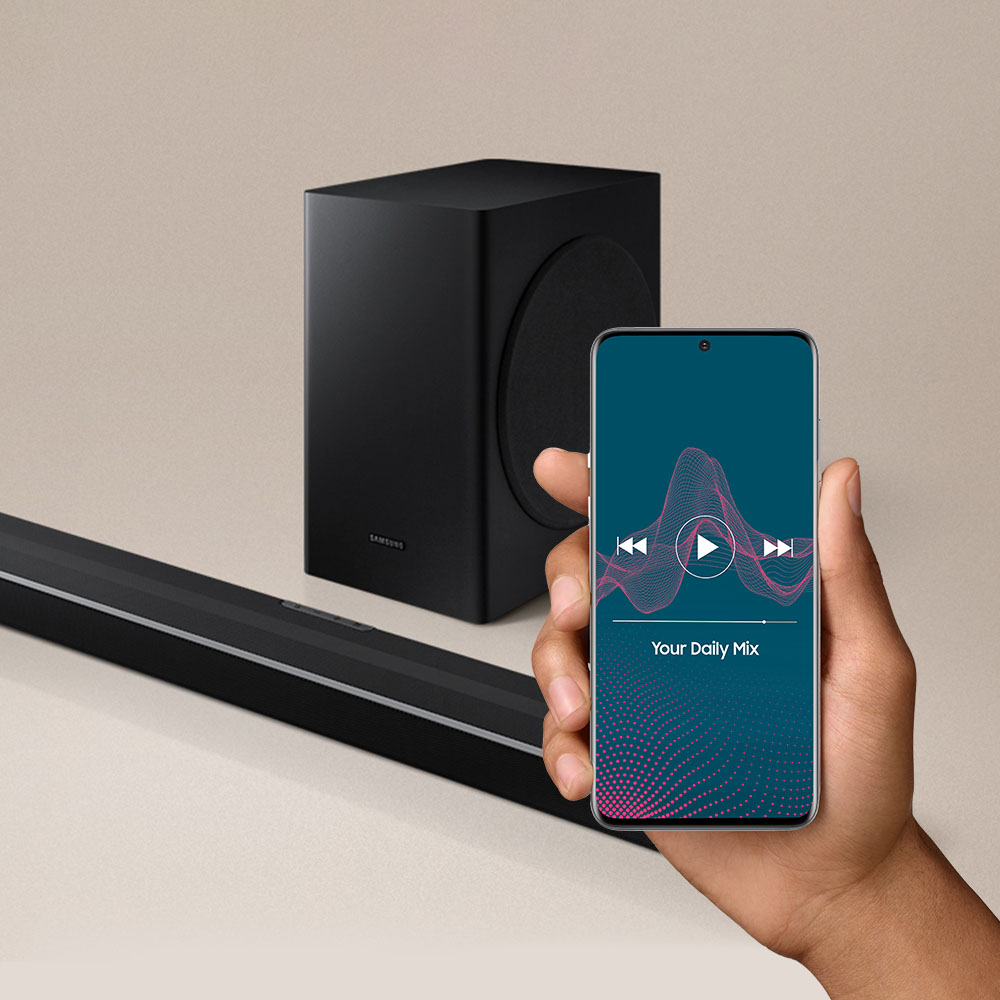
Thank you for purchasing the HW-Q65T Soundbar from Samsung featuring powerful bass with a 6.5" subwoofer and immersive soundbar with the included Wireless Rear Speaker Kit.
Please know, the HW-Q65T will include both the mounting brackets and screws required to mount the soundbar to the wall direct. If purchased brand-new and unopened, please contact Samsung Customer Support and a representative will gladly help you. If purchased in open-box condition, we recommend contacting Best Buy directly for assistance.
We hope your issue is resolved in a timely manner.
Should you ever have questions or need help, please call us at 1-800-SAMSUNG (ask for Soundbars), available 8AM - 12AM EST, 7 days a week.
For additional support resources, visit us on the Samsung website and click on the ‘Support’ link in the upper right corner of the homepage for:
1) Chat with Us/Product Help: To begin a chat or find solutions, choose ‘TVs & Home Theater’ and select your model & topic.
2) Manuals & Software
3) Warranty Info
4) Register a Product: For access to easy warranty support, convenient opt-in to special promos and offers, faster troubleshooting and service, and quick notification of system updates
5) Contact Us
~ Samsung Solutions
Meh
||Posted . Owned for 3 months when reviewed.This reviewer received promo considerations or sweepstakes entry for writing a review.Not a bad choice on a sound bar. I mean it does the job.
No, I would not recommend this to a friendBrand response from Samsung
Posted .Hi SanStyle,
Thank you for purchasing the Samsung HW-Q65T soundbar and for your review. If you are experiencing specific issues which caused you to give this a 3-star rating, please know Samsung Customer Support is here to help.
Please call us at 1-800-SAMSUNG (ask for Soundbars), available 8AM - 12AM EST, 7 days a week.
For additional support resources, visit us on the Samsung website and click on the ‘Support’ link in the upper right corner of the homepage for:
1) Contact Us: For additional Chat & Text options, choose ‘TVs & Home Theater’ and select your model & topic.
2) Manuals & Software
3) Warranty Info
4) Register a Product: For access to easy warranty support, convenient opt-in to special promos and offers, faster troubleshooting and service, and quick notification of system updates
We look forward to hearing from you.
~ Samsung Solutions
Product sucks and so does transport company
||Posted .This reviewer received promo considerations or sweepstakes entry for writing a review.Poor quality mount, the soundbar does not sit level when mounted. The power cord has a huge brick attached with not enough length to feed through a wall if needed. Other speakers are small and require wires connected. Best Buy used OnTrack to ship and they are awful!! They delayed shipping the evening it was too arrive. They next day they threw it over my gate at 9:30pm after I complained to their dispatcher because I needed to get to bed and couldn’t wait up again another night did tue package. We live in a rural area with huge properties and you can’t leave packages outside or they will be stolen. OnTrack delivers past 9pm, not convenient for the guy that needs to get up at 3am for work.
No, I would not recommend this to a friendBrand response from Samsung
Posted .Hi Naturalgamer,
Thank you for purchasing the Samsung HW-Q65T soundbar and for sharing your review. Your input on the design of the soundbar and mounting bracket is invaluable in our continuous pursuit of delivering the best in product and customer experience.
Should you ever have questions or need help, please call us at 1-800-SAMSUNG (ask for Soundbars), available 8AM - 12AM EST, 7 days a week.
For additional support resources, visit us on the Samsung website and click on the ‘Support’ link in the upper right corner of the homepage for:
1) Chat with Us/Product Help: To begin a chat or find solutions, choose ‘TVs & Home Theater’ and select your model & topic.
2) Manuals & Software
3) Warranty Info
4) Register a Product: For access to easy warranty support, convenient opt-in to special promos and offers, faster troubleshooting and service, and quick notification of system updates
5) Contact Us
~ Samsung Solutions
Sound is good but bass...
||Posted . Owned for 2 weeks when reviewed.This reviewer received promo considerations or sweepstakes entry for writing a review.The sound was good, but the bass was a 1 out of 5, and I am being generous. I even replaced the set, in case it was an issue with the sub. The sub at full vol was less noticeable than a burp. That said the main speaker was very clear.
No, I would not recommend this to a friendBrand response from Samsung
Posted .Hi JoseJ,
We appreciate you sharing your thoughts and experience with the bass performance of the included subwoofer. I am sorry to hear that the settings and adjustments you have tried did not improve your audio experience with the soundbar to your liking.
If there is anything we can do to improve your enjoyment such as helping to optimize additional settings for your specific sound scenario, please contact Samsung Customer Support at 1-800-SAMSUNG (ask for Soundbars), available 8AM - 12AM EST, 7 days a week.
For additional support resources, visit us on the Samsung website and click on the ‘Support’ link in the upper right corner of the homepage for:
1) Chat with Us/Product Help: To begin a chat or find solutions, choose ‘TVs & Home Theater’ and select your model & topic.
2) Manuals & Software
3) Warranty Info
4) Register a Product: For access to easy warranty support, convenient opt-in to special promos and offers, faster troubleshooting and service, and quick notification of system updates
5) Contact Us
~ Samsung Solutions
- Cons mentioned:Connectivity
Horrible
||Posted . Owned for 1 month when reviewed.This reviewer received promo considerations or sweepstakes entry for writing a review.Horribleeeeeeee i have to keep unplugging it in order for soundbar to connect to tv. So very disappointed. Small speakers barely work this was a waste of money.
No, I would not recommend this to a friendBrand response from Samsung
Posted .Hello,
Thank you for purchasing the Samsung HW-Q65T and for your detailed review. We appreciate you sharing your thoughts, and your experience will be shared with our product teams.
If you are experiencing issues with no sound on occassion, you may want to try the following troubleshooting steps. Check that the cable connection is not loose.
If available, we recommend using the HDMI connection to your TV.
Connecting your soundbar to a TV through HDMI will provide the best audio and user experience, often eliminating any connection or delay issues you may be experiencing. There are 2 ways to connect your soundbar with HDMI: you can connect a device to your soundbar (like a Blu-ray player) and then connect the soundbar to the TV, or you can use HDMI ARC. The first method will give you the best possible sound from external devices you regularly use. ARC is the way to go if you want great sound from streaming apps on your TV and a soundbar.
You may also want to initialize your soundbar again by pressing the - + (volume) buttons at the same time for at least 5 seconds. “INIT” appears on the display when the soundbar is initialized.
Please also make sure that you have the latest firmware update (v.1006.0). You can update your firmware by using a USB device. Updating the firmware on your soundbar gives you all the benefits of the latest improvements, and may improve the connection of your Bluetooth as well.
Should you want to troubleshoot your issue, please contact Samsung Customer Support at:
1-800-SAMSUNG (ask for Soundbars), available 8AM - 12AM EST, 7 days a week.
For additional support resources, visit us on the Samsung website and click on the ‘Support’ link in the upper right corner of the homepage for:
1) Chat with Us/Product Help: To begin a chat or find solutions, choose ‘TVs & Home Theater’ and select your model & topic.
2) Manuals & Software
3) Warranty Info
4) Register a Product: For access to easy warranty support, convenient opt-in to special promos and offers, faster troubleshooting and service, and quick notification of system updates
5) Contact Us
~ Samsung Solutions
- Pros mentioned:Easy setup
Sound system
||Posted . Owned for 1 month when reviewed.This reviewer received promo considerations or sweepstakes entry for writing a review.Sound was terrible and not very loud. Easy to set up but only kept it for about an hour and took it back and bought a Vizio sound system that was cheaper and sounds alot better
No, I would not recommend this to a friendBrand response from Samsung
Posted .Hi Harley,
Thank you for your review of this Samsung Soundbar System. Your input is invaluable in our continuous pursuit of delivering the best in product and customer experience
Should you ever decide to give Samsung Soundbars another try and have questions or need assistance with settings, setup, or features, please know we are always here to help. Call us at 1-800-SAMSUNG (ask for Soundbars), available 8AM - 12AM EST, 7 days a week.
For additional support resources, visit us on the Samsung website and click on the ‘Support’ link in the upper right corner of the homepage for:
1) Contact Us: For additional Chat & Text options, choose ‘TVs & Home Theater’ and select your model & topic.
2) Manuals, Software, & Warranty Info
We hope to regain you as a customer in the future.
~ Samsung Solutions
SoundBar
||Posted . Owned for less than 1 week when reviewed.This reviewer received promo considerations or sweepstakes entry for writing a review.This system does not have any bass whatsoever. I tried all the sound settings that come with this system but I did not here the boom when I played movies that had a lot of action scenes that were loud and required some bass.
No, I would not recommend this to a friendBrand response from Samsung
Posted .Hi Romethou,
Thank you for your review of this Samsung HW-Q65T Soundbar. We appreciate you sharing your feedback regarding the bass performance.
You mentioned adjusting audio settings already; however, please be aware there are two adjustments that can be made to maximize bass from the soundbar and subwoofer:
1) Using the WOOFER button on the remote, you can adjust the level between -6 to +6. To set the subwoofer volume level to 0, press the button in.
2) Adjust the bass control by pressing the SOUND CONTROL button (gear icon) on the remote control, then select BASS to increase the level. You can adjust the volume between -6 to +6 by using the Up/Down buttons.
For precise audio adjustments, you can use the 7-band frequency equalizer to optimize the sound for your room acoustics.
I hope this helps. For further assistance with features, settings, adjustments, or functions please contact Samsung Customer Support at 1-800-SAMSUNG (ask for Soundbars), available 8AM - 12AM EST, 7 days a week.
For additional support resources, visit us on the Samsung website and click on the ‘Support’ link in the upper right corner of the homepage for:
1) Chat with Us/Product Help: To begin a chat or find solutions, choose ‘TVs & Home Theater’ and select your model & topic.
2) Manuals & Software
3) Warranty Info
4) Register a Product: For access to easy warranty support, convenient opt-in to special promos and offers, faster troubleshooting and service, and quick notification of system updates
5) Contact Us
~ Samsung Solutions
Worst Soundbar from Samsung yet!
||Posted . Owned for less than 1 week when reviewed.This reviewer received promo considerations or sweepstakes entry for writing a review.I brought a HW-850T Openbox soundbar from Bestbuy last week. The product was in fair condition which I did not observe while buying. The sound kept cutting on and off and hence I returned it. The same day, I brought this Q65t soundbar because it was 7.1 ch. The soundbar was way below my expectation. I paid $499 for this and the subwoofer seems as good as it is not available :D Even the 2 surround speakers have very very low volume! It looks like this soundbar is not available anywhere else other than bestbuy! Plus, the smart things app does not support this soundbar. There are other soundbars that are way better than this. I do not recommend this product.
No, I would not recommend this to a friendBrand response from Samsung
Posted .Hello Lionsden,
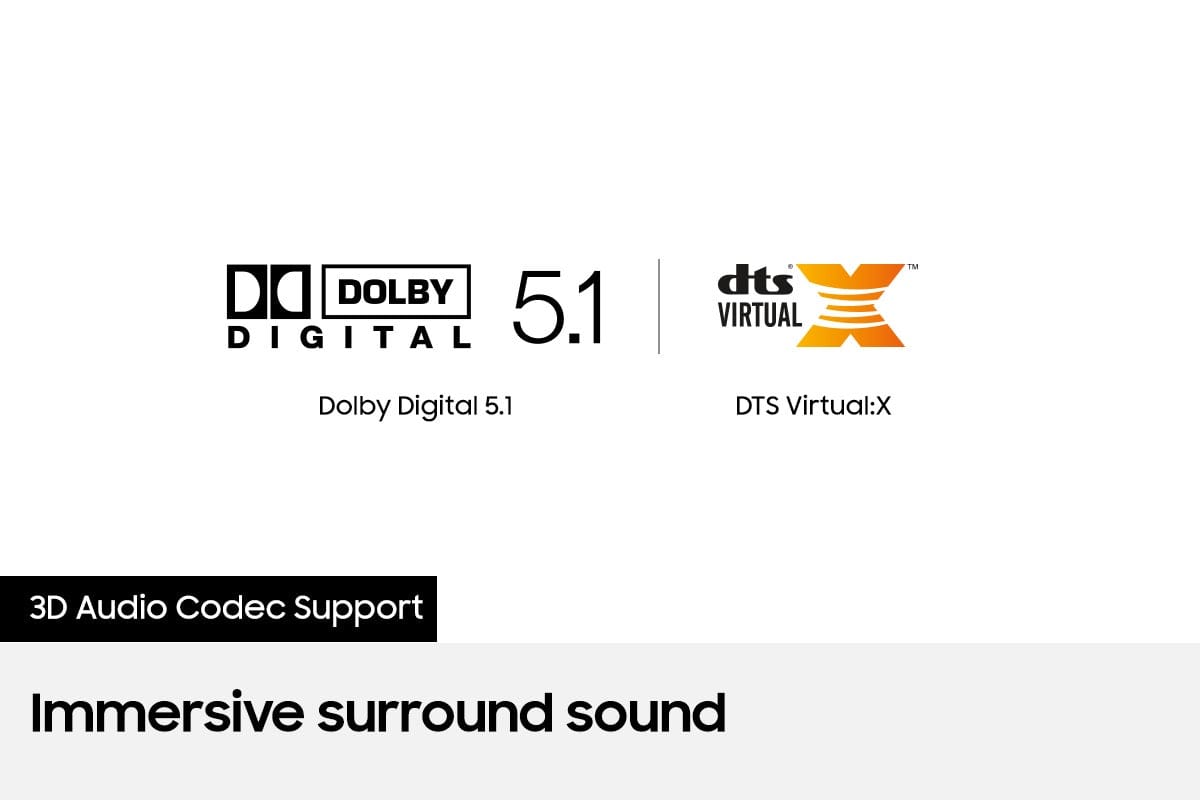
Thank you for purchasing the Samsung HW-Q65T Soundbar with Dolby Digital 5.1 and DTS:X bringing you powerful 3D surround sound. We appreciate your feedback regarding the performance of your soundbar.
You can try optimizing audio performance for your specific content by pressing the SOUND MODE button on your remote, and then selecting the desired sound effect by choosing STANDARD, SURROUND SOUND, GAME PRO, ADAPTIVE SOUND, or DTS VIRTUAL:X.
You can further adjust TREBLE and BASS via the SOUND CONTROL button (looks like a gear symbol).
Refer to pages 27-29 of the User Manual for detailed instructions: https://downloadcenter.samsung.com/content/UM/202104/20210414172923834/HW-Q65T_ZA_FullManual_00_ENG_210318.0.pdf
You can also increase the volume level of the rear speakers by using the up/down buttons on your remote to adjust the volume within a -6 to +6 range.
I hope these tips help improve your audio experience. Should you ever have questions or need help, please call us at 1-800-SAMSUNG (ask for Soundbars), available 8AM -12AM EST, 7 days a week. Or text HELP to 62913.
For additional support resources, visit us on the Samsung website and click on the ‘Support’ link in the upper right corner of the homepage for:
1) More ‘Contact Us’ options – LiveChat, Facebook, Twitter, Samsung Community, Samsung Members app
2) Manuals & Software
3) Warranty Info
4) Product Registration: For access to easy warranty support, convenient opt-in to special promos and offers, faster troubleshooting and service, and quick notification of system updates.
We look forward to hearing from you.
~ Samsung Specialist
- Cons mentioned:Rear speakers
Not good compared to jbl
||Posted . Owned for 1 month when reviewed.This reviewer received promo considerations or sweepstakes entry for writing a review.Not Good, had to end up returning the product. Subwoofer is very low. good thing is dialogue is clear but no bass/sound. compared to JBL 5.1 it is very low on sound
No, I would not recommend this to a friendBrand response from Samsung
Posted .Hi Vinod,
Thank you for your review of the Samsung HW-Q65T Soundbar and for sharing the issue that has caused you to return your unit. Your experience is very important to us and will be shared with our product team.
It is possible that your unit needed minor troubleshooting, a firmware update, or adjustments in settings.
Should you ever decide to give Samsung Soundbars another try and have questions or need assistance with settings, setup, or features, please know we are always here to help. Call us at 1-800-SAMSUNG (ask for Soundbars), available 8AM - 12AM EST, 7 days a week.
For additional support resources, visit us on the Samsung website and click on the ‘Support’ link in the upper right corner of the homepage for:
1) Contact Us: For additional Chat & Text options, choose ‘TVs & Home Theater’ and select your model & topic.
2) Manuals, Software, & Warranty Info
We hope to regain you as a customer in the future.
~ Samsung Ambassador
Samsung sound bar
||Posted . Owned for 3 weeks when reviewed.This reviewer received promo considerations or sweepstakes entry for writing a review.The rear speakers are so low, You have to be within 12 inches to hear them. So much for surround sound. Very disappointed. After the Holidays, please get in touch with me and see if we can fix this issue.
No, I would not recommend this to a friendBrand response from Samsung
Posted .Hi,
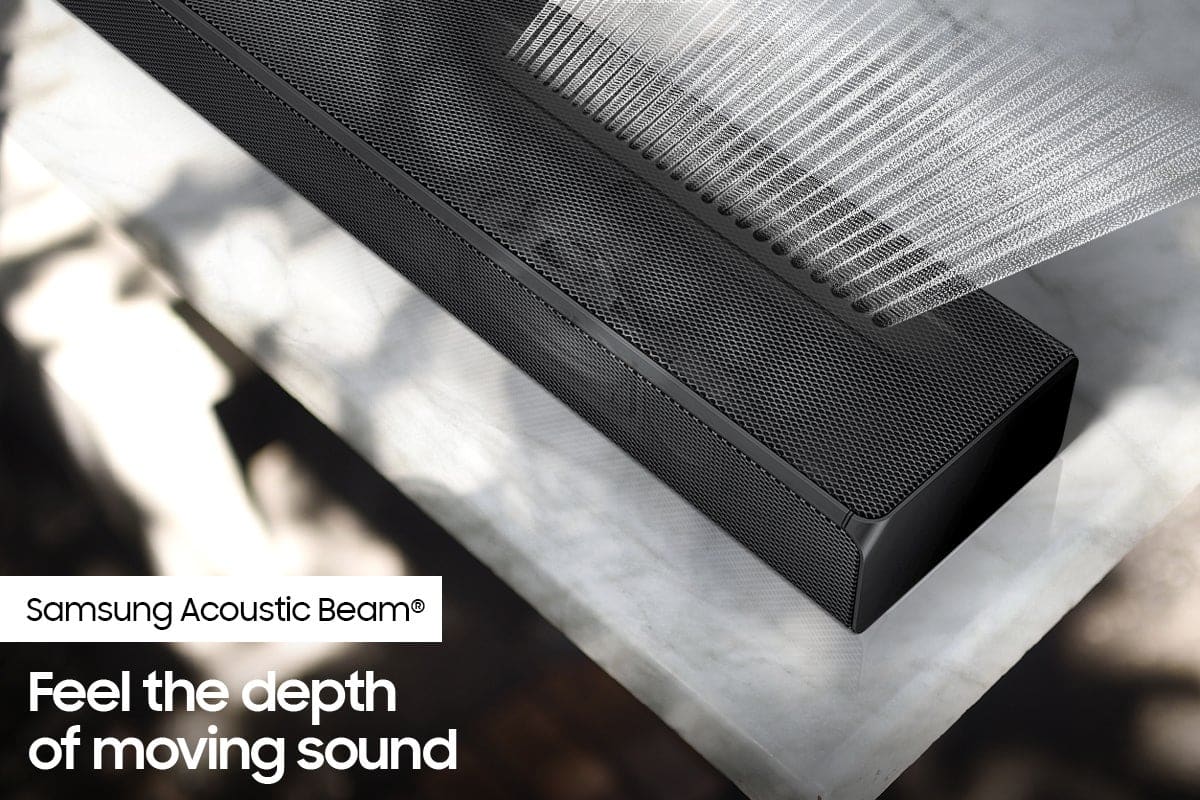
Thank you for purchasing the Samsung HW-Q65T soundbar and for sharing your feedback regarding the surround sound performance. Our HW-Q65T 7.1ch Soundbar was designed to deliver immersive surround sound. Speakers firing from the front and behind bring the surround sound to life.
To improve your surround sound experience, you may want to try adjusting the sound mode. The Surround mode may provide you with an improved and more immersive surround sound experience.
Press the SOUND MODE button on your remote, and then select the desired sound effect by choosing STANDARD, SURROUND SOUND, GAME, or ADAPTIVE SOUND.
Additionally, you can increase the volume level of the surround speakers using the Sound Control button on the Soundbar remote control. Press the Sound Control button on the soundbar remote (looks like a gear), then select REAR LEVEL and use the Up/Down buttons to adjust the volume within a -6 to +6 range.
I hope this helps you further enjoy your audio experience. Should you ever have questions or need help, please call us at 1-800-SAMSUNG (ask for Soundbars), available 8AM - 12AM EST, 7 days a week.
For additional support resources, visit us on the Samsung website and click on the ‘Support’ link in the upper right corner of the homepage for:
1) Chat with Us/Product Help: To begin a chat or find solutions, choose ‘TVs & Home Theater’ and select your model & topic.
2) Manuals & Software
3) Warranty Info
4) Register a Product: For access to easy warranty support, convenient opt-in to special promos and offers, faster troubleshooting and service, and quick notification of system updates
5) Contact Us
~ Samsung Solutions