Customer Ratings & Reviews
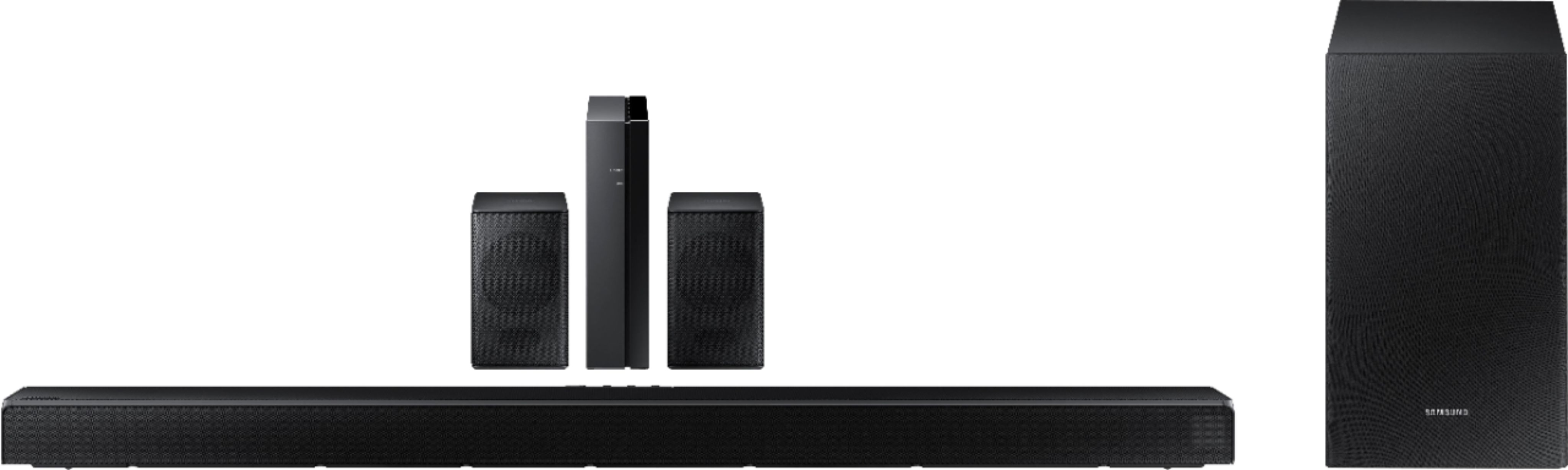
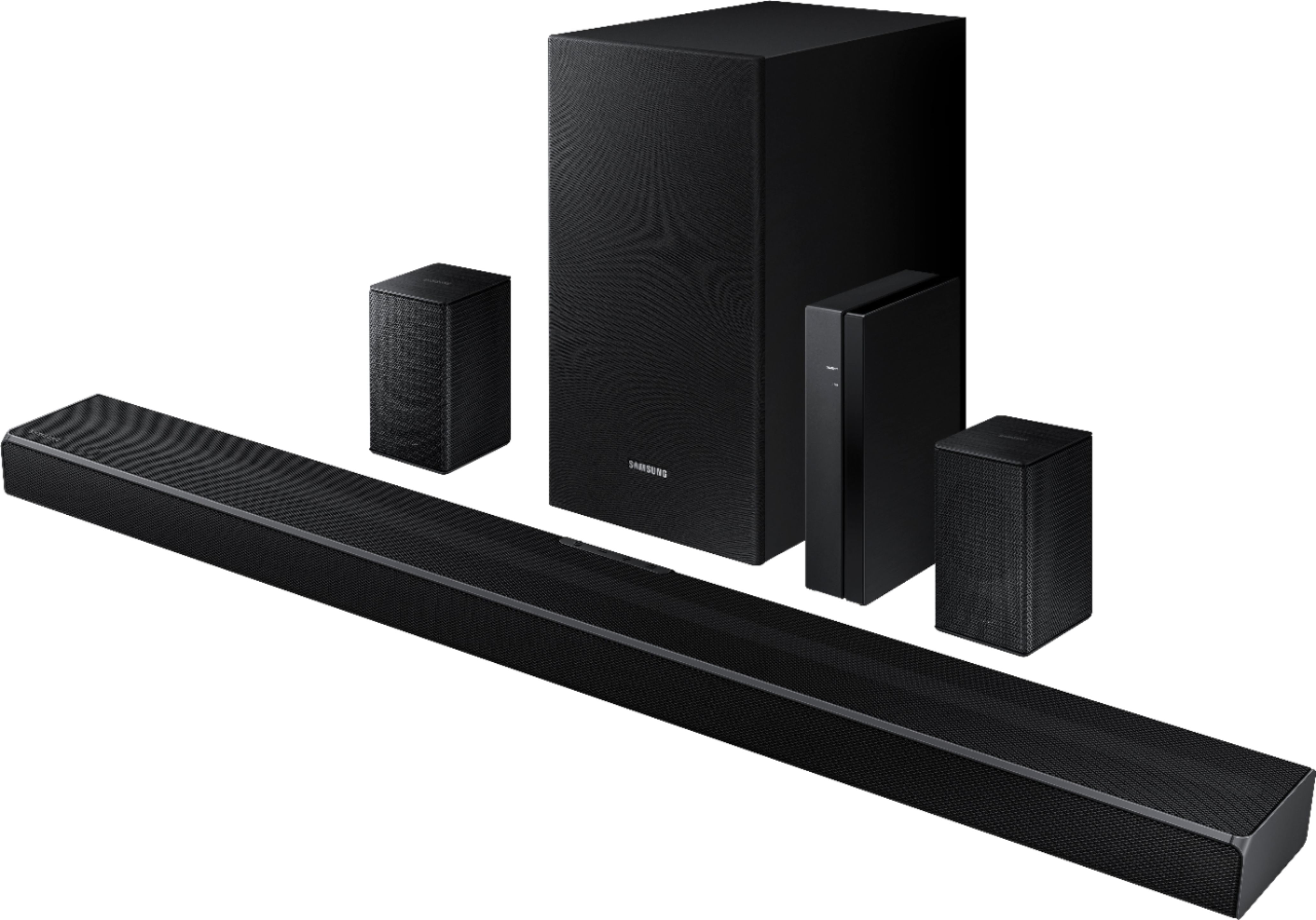
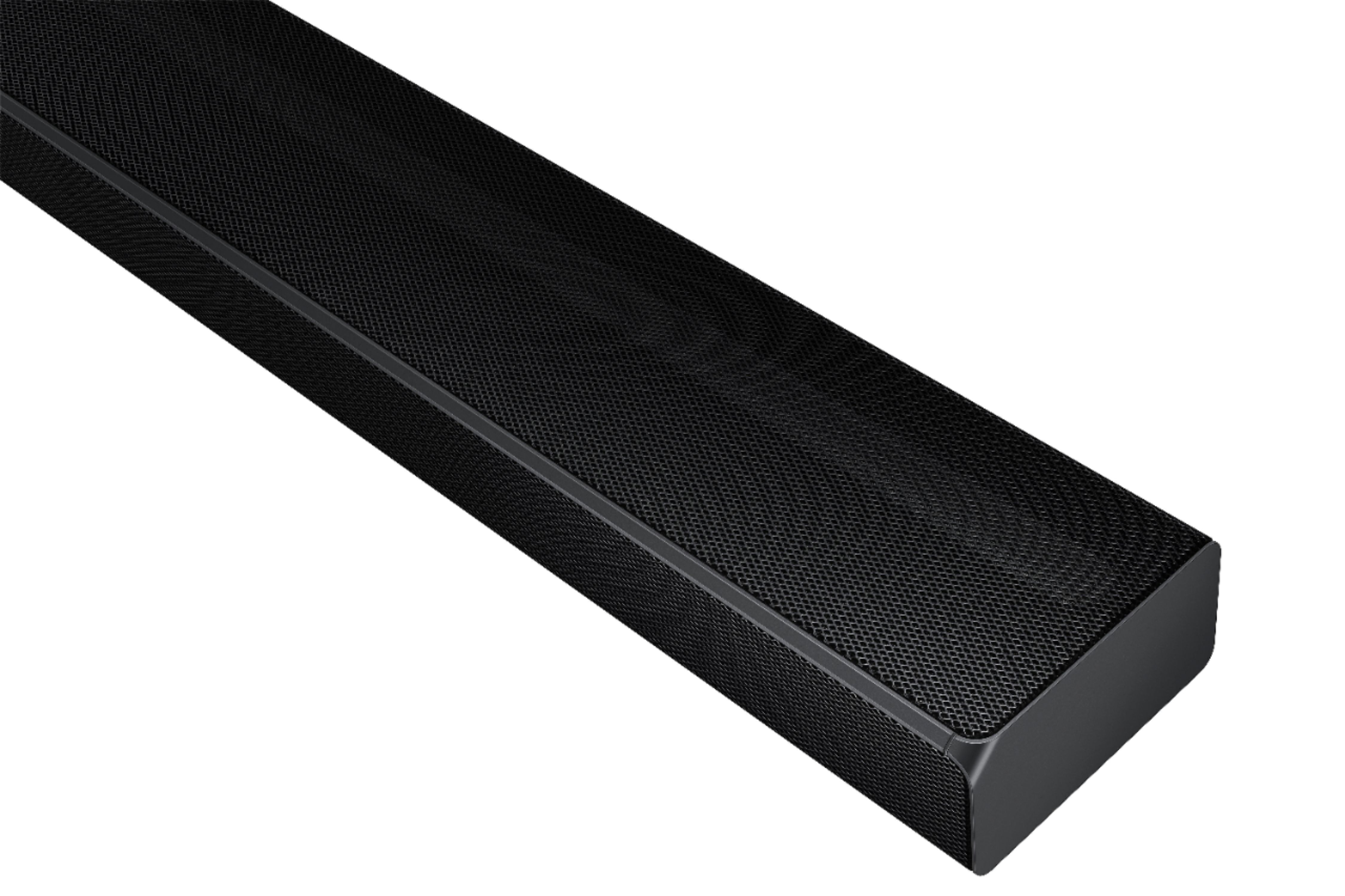
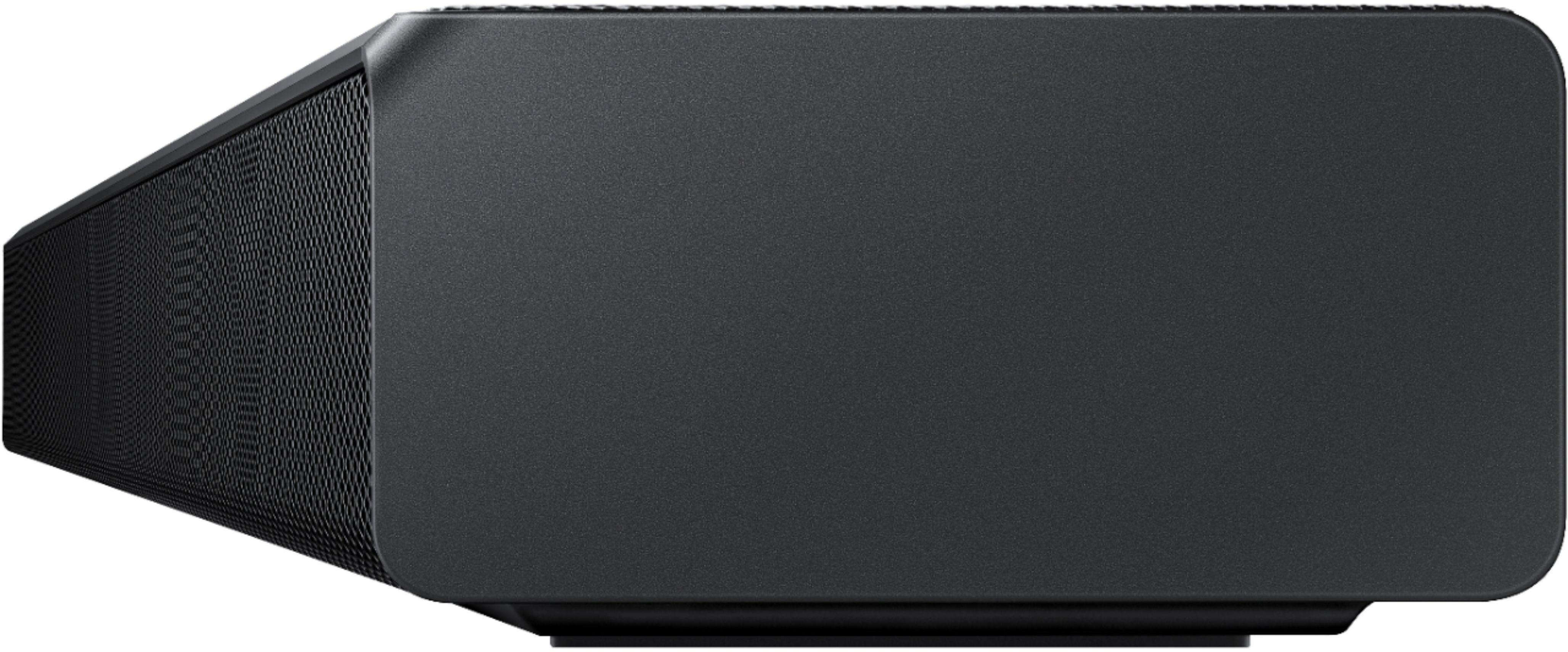






- Model:
- HW-Q65T/ZA
- SKU:
- 6454639
Rating by feature
- Value
Rating 4.4 out of 5 stars
- Quality
Rating 4.4 out of 5 stars
- Ease of Use
Rating 4.4 out of 5 stars
Customers are saying
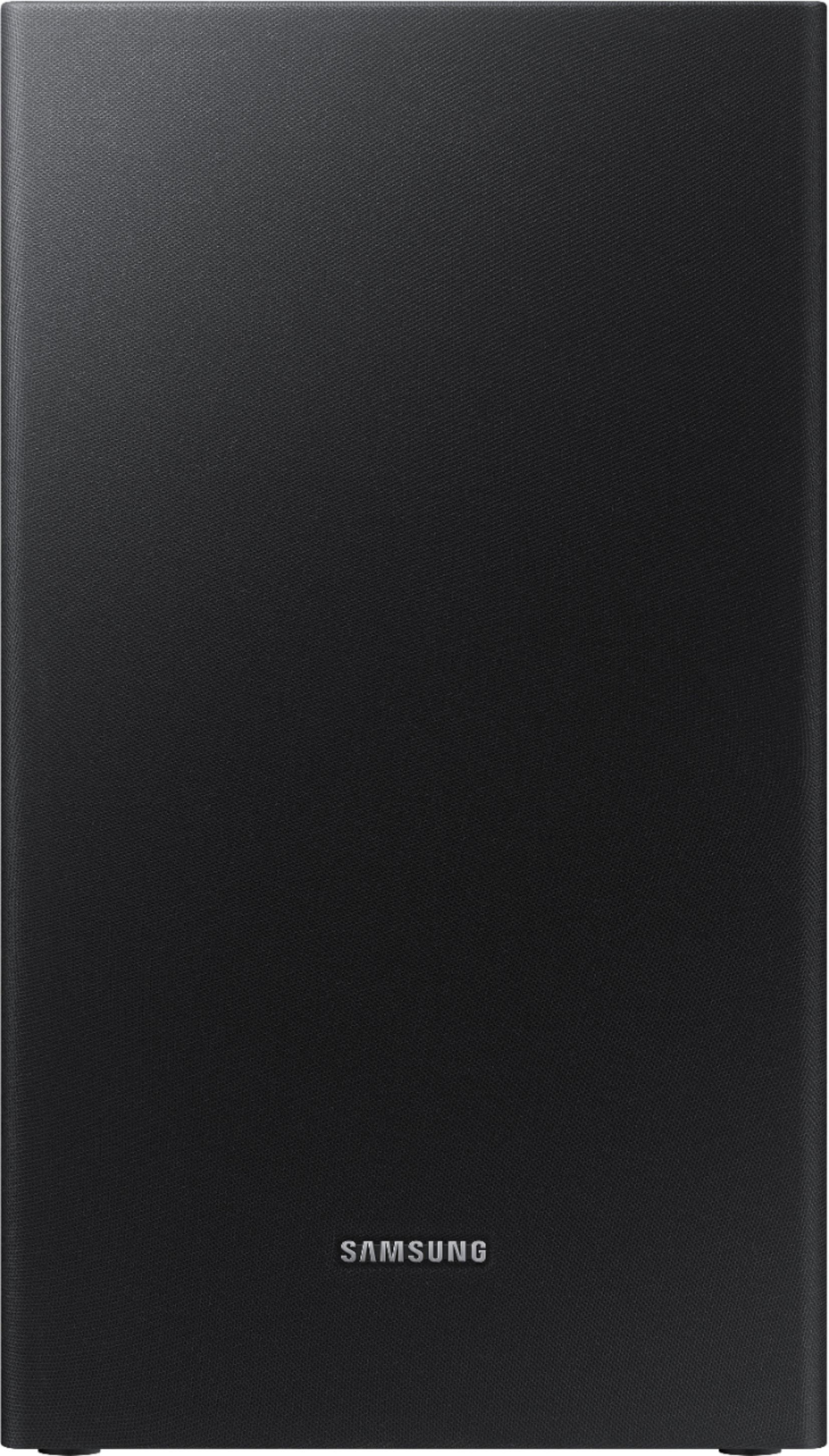
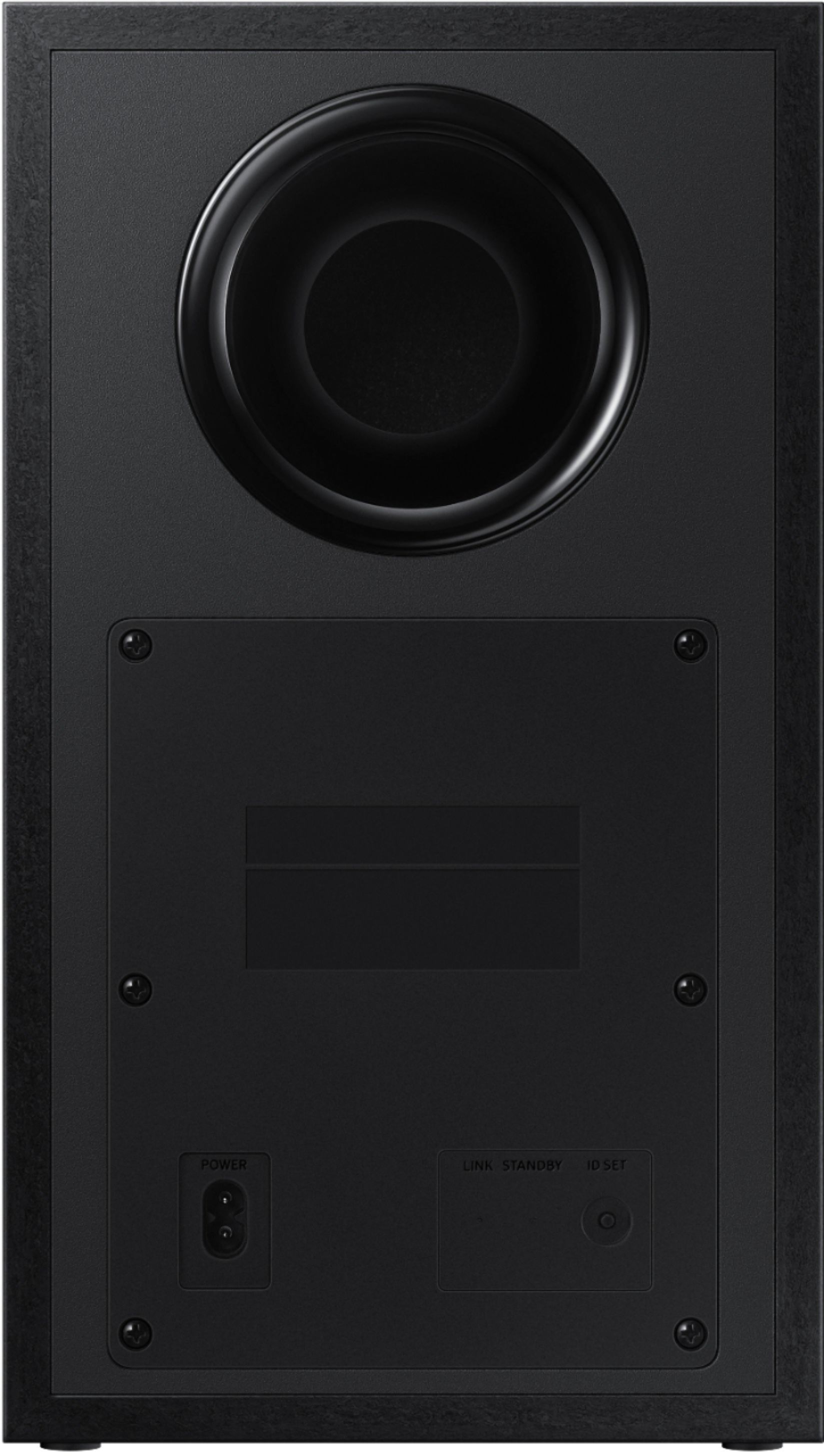
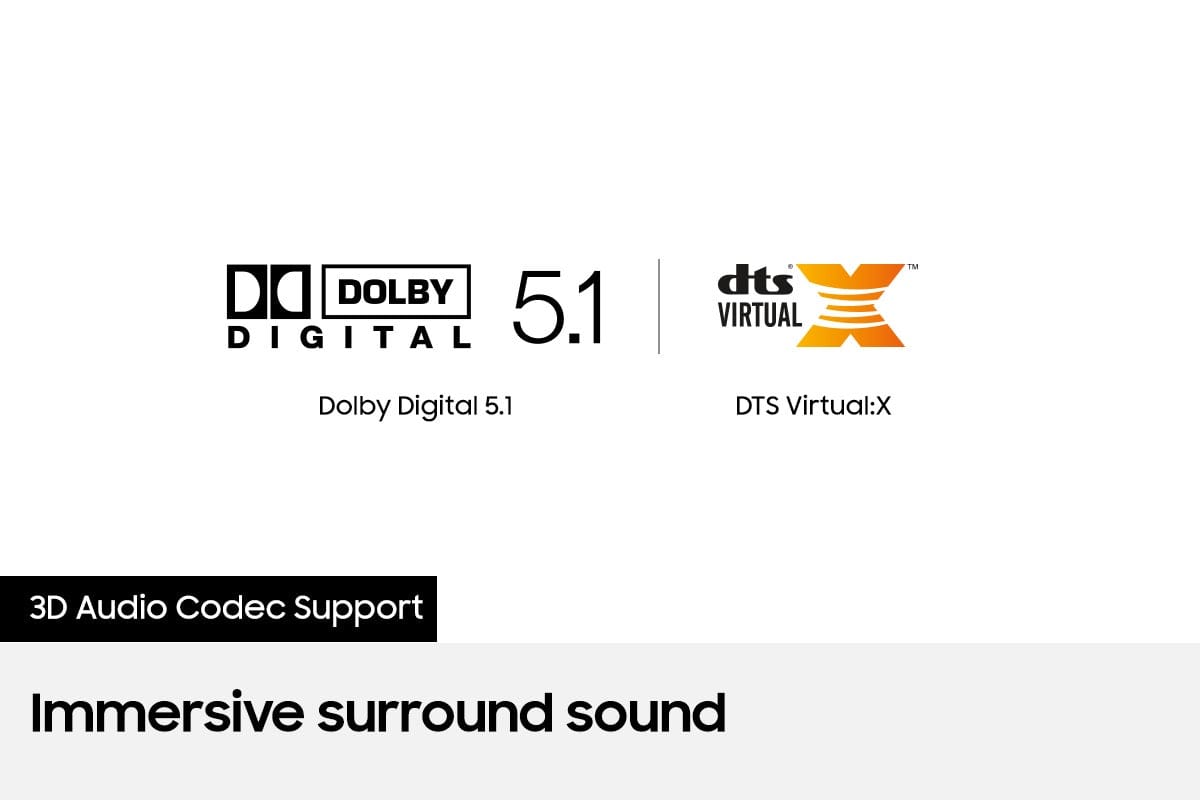
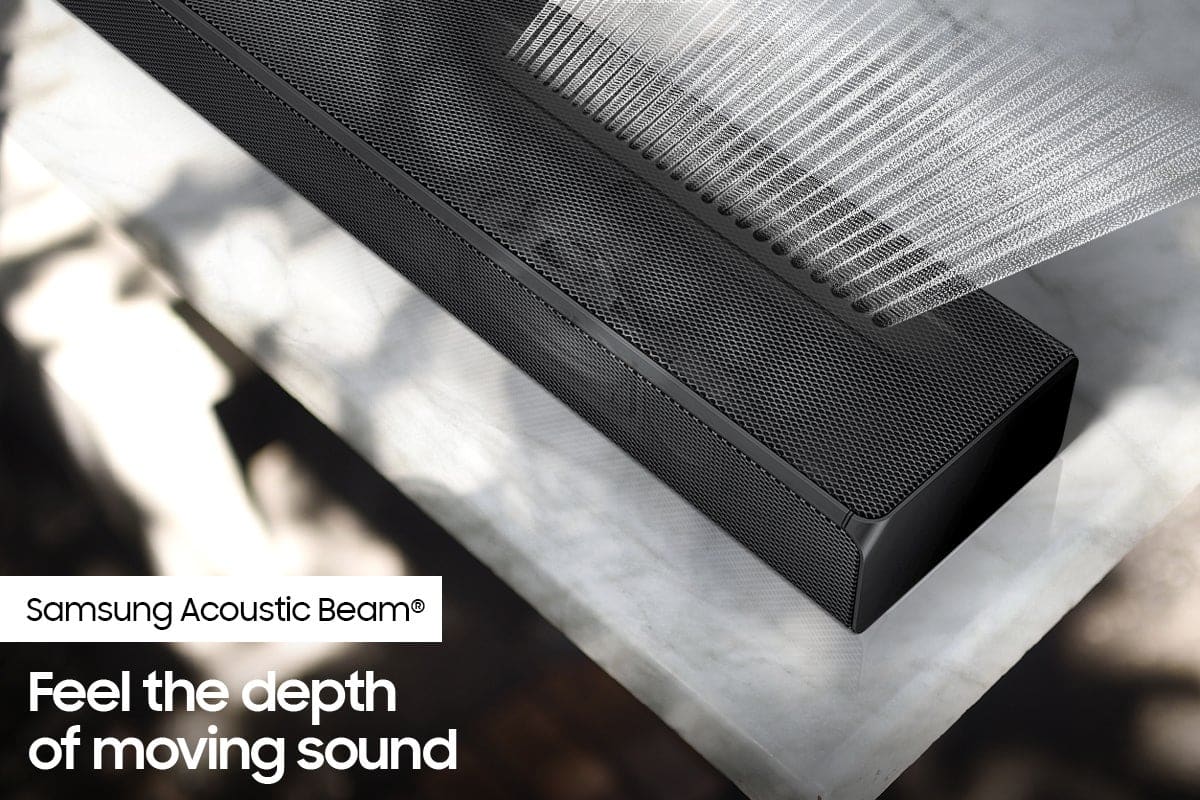
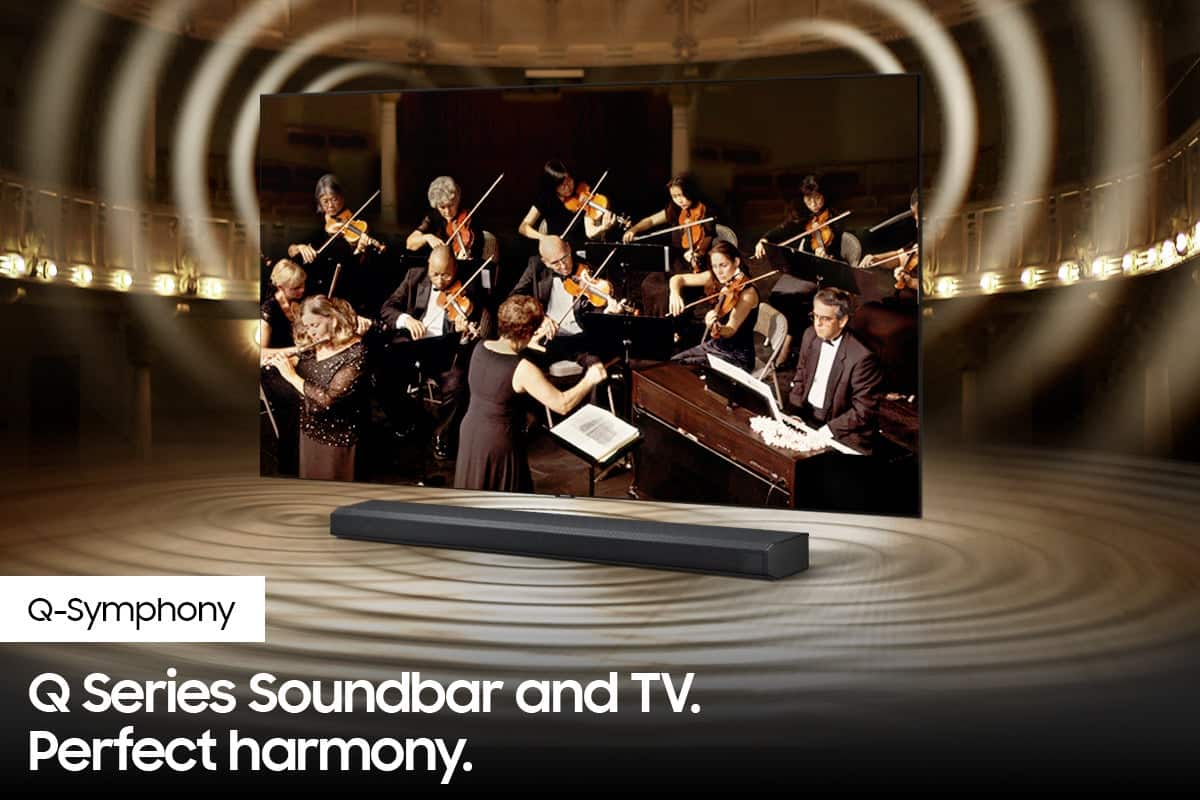
Customers value the HW-Q65T soundbar for its exceptional sound quality, easy setup process, and affordable price point. Many customers rave about the immersive surround sound experience and the rich bass it delivers. The soundbar seamlessly pairs with Samsung TVs, making it a convenient choice for Samsung users. However, some customers have concerns about the wireless rear speakers not being entirely wireless, occasional connectivity issues, and the volume being perceived as low. The remote control has also been mentioned as a pain point due to its limited range and responsiveness.
This summary was generated by AI based on customer reviews.
- Pros mentioned:Sound quality
Great sound
Posted .This reviewer received promo considerations or sweepstakes entry for writing a review.Haven’t had surround sound in a long time. Love it, sometimes I think someone is behind me.
I would recommend this to a friend - Pros mentioned:Easy setup
good sound, easy setup
Posted .This reviewer received promo considerations or sweepstakes entry for writing a review.easy for an old woman to set up, works well, love the wireless speakers and bass, just what I wanted
I would recommend this to a friend - Pros mentioned:Sound quality
love it
Posted .This reviewer received promo considerations or sweepstakes entry for writing a review.honestly i love it only thing that need is more bass but overall is sick love the surround sound
I would recommend this to a friend - Pros mentioned:Sound quality
Perfect
Posted .This reviewer received promo considerations or sweepstakes entry for writing a review.I love the sound system. Exactly what I needed for my basement theater like feel.
I would recommend this to a friend - Pros mentioned:Easy setup
Easy to use
Posted .This reviewer received promo considerations or sweepstakes entry for writing a review.The whole set works as expected. Easy to set up if you follow instructions.
I would recommend this to a friend - Pros mentioned:Price
Great system
Posted .This reviewer received promo considerations or sweepstakes entry for writing a review.A very good system for the money. Similar to systems at 2-3 times the cost
I would recommend this to a friend - Pros mentioned:Sound quality
Samsung winner system
Posted .This reviewer received promo considerations or sweepstakes entry for writing a review.Sounds phenomenal, surround is great.This system is well worth it.
I would recommend this to a friend - Pros mentioned:Sound quality
Samsung Soundbar
Posted .This reviewer received promo considerations or sweepstakes entry for writing a review.Good sound Amazing Performance I would recommend if you like surround sound
I would recommend this to a friend - Pros mentioned:Sound quality
GREAT PRODUCT
Posted .This reviewer received promo considerations or sweepstakes entry for writing a review.this is a great product the all round surround is amazing
I would recommend this to a friend - Cons mentioned:Rear speakers
NOT Dolby Atmos, subwoofer lacking
Posted .This reviewer received promo considerations or sweepstakes entry for writing a review.Sound bar sounds decent. Rear satellite speakers are ok. Subwoofer is lacking even with the bass maxed out. I was expecting a little more out of this system. The Polk systems of comparable price actually sounded better. Also it is being advertised as Dolby Atmos which is false information. Had I known this before hand I would not have purchased.
No, I would not recommend this to a friendBrand response from Samsung
Posted .Hi Chris!
Thank you for purchasing the Samsung HW-Q65T Soundbar and for your review. We appreciate your feedback regarding the sound performance of your unit. You can try manually optimizing your audio experience by pressing the SOUND CONTROL button (looks like a gear) to access the setting items such as TREBLE, BASS, and AUDIO SYNC. The selected item can be adjusted using the Up/Down buttons.
– To control the volume of the treble or bass sound, select TREBLE or BASS in Sound Settings, and then adjust the volume between -6 to +6 by using the Up/Down buttons.
– Press and hold the SOUND CONTROL button for about 5 seconds to adjust the sound for each frequency band. 150Hz, 300Hz, 600Hz, 1.2kHz, 2.5kHz, 5kHz, and 10kHz are selectable using the Left/Right buttons and each can be adjusted to a setting between -6 to +6 using the Up/Down buttons. (Make sure the Sound mode is set to “STANDARD”.)
– If Surround Speakers are connected, select REAR LEVEL and then use the Up/Down buttons to adjust the volume within a -6 to +6 range.
– Using the WOOFER button on the remote, you can adjust the level between -6 to +6. To set the subwoofer volume level to 0, press the button in.
I hope this helps. For further assistance with features, settings, adjustments, or functions please contact Samsung Customer Support.
1-800-SAMSUNG (ask for Soundbars), available 8AM -12AM EST (Mon-Fri), 9AM – 6PM EST (Sat). Or text HELP to 62913.
For additional support resources, visit us on the Samsung website and click on the ‘Support’ link in the upper right corner of the homepage for:
1. More ‘Contact Us’ options – LiveChat, Facebook, Twitter, Samsung Community, Samsung Members app
2. Manuals & Software
3. Warranty Info
4. Product Registration: For access to easy warranty support, convenient opt-in to special promos and offers, faster troubleshooting and service, and quick notification of system updates.
~ Samsung Solutions
Apple desktop
Posted .This reviewer received promo considerations or sweepstakes entry for writing a review.Excellent price and the support was superb. Took it upon himself to go beyond making sure that I received the sale price and the on time delivery.
I would recommend this to a friendNot loud!
Posted .This reviewer received promo considerations or sweepstakes entry for writing a review.I bought it today, price was $499, now I see change of price to $419!! I have a 75 inch Samsung TV and this sound system didn’t add much to the quality, I was hoping for more of theater sound and LOUDER sound, side speakers you barely hear them Recommend it if you have a cheap TV to get better quality.
I would recommend this to a friendBrand response from Samsung
Posted .Hi,
Thank you for purchasing the Samsung HW-Q65T. We appreciate you sharing your feedback regarding the audio performance of your new sound system.
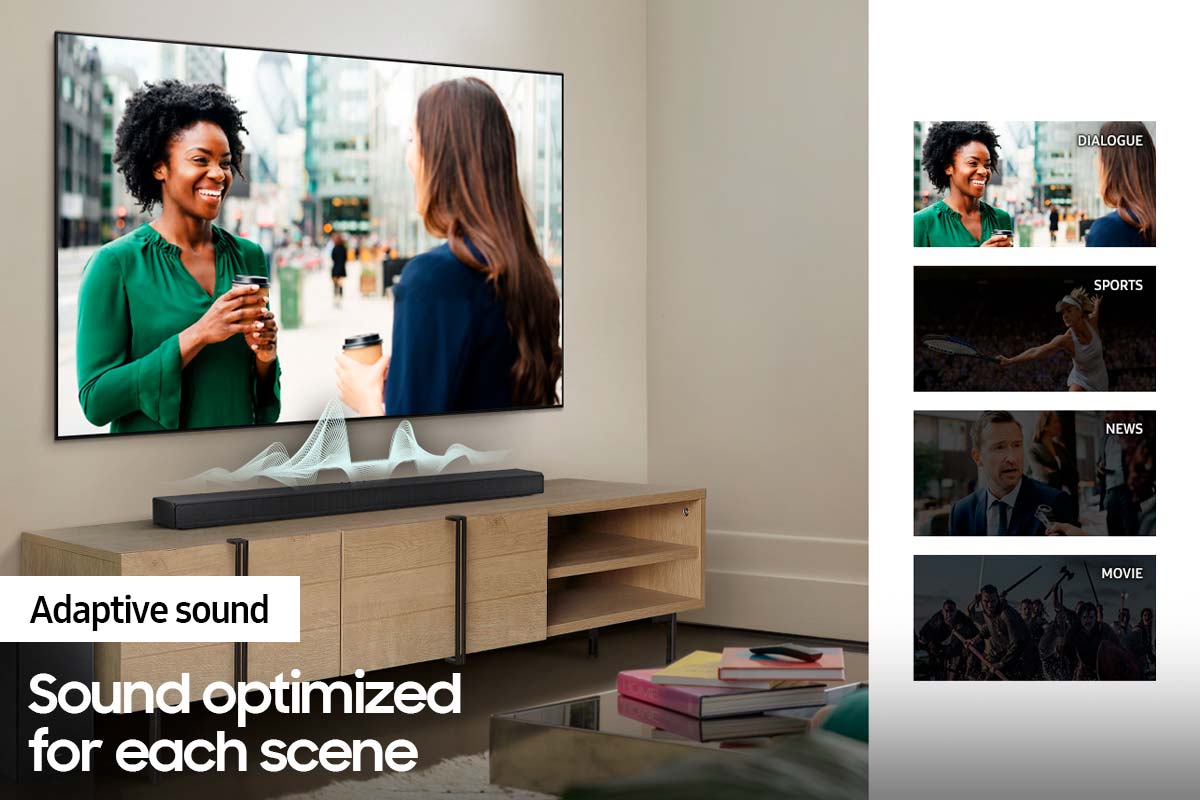
Our 2021 HW-Q65T 7.1ch Soundbar system was designed to deliver immersive surround sound. You can try optimizing audio performance for your specific content by pressing the SOUND MODE button on your remote, and then selecting the desired sound effect by choosing STANDARD, SURROUND SOUND, GAME, or ADAPTIVE SOUND.
– You can further adjust Treble and Bass via the SOUND CONTROL button (looks like a gear symbol).
– With the Surround Speakers connected, select REAR LEVEL and then use the Up/Down buttons to adjust the volume within a -6 to +6 range.
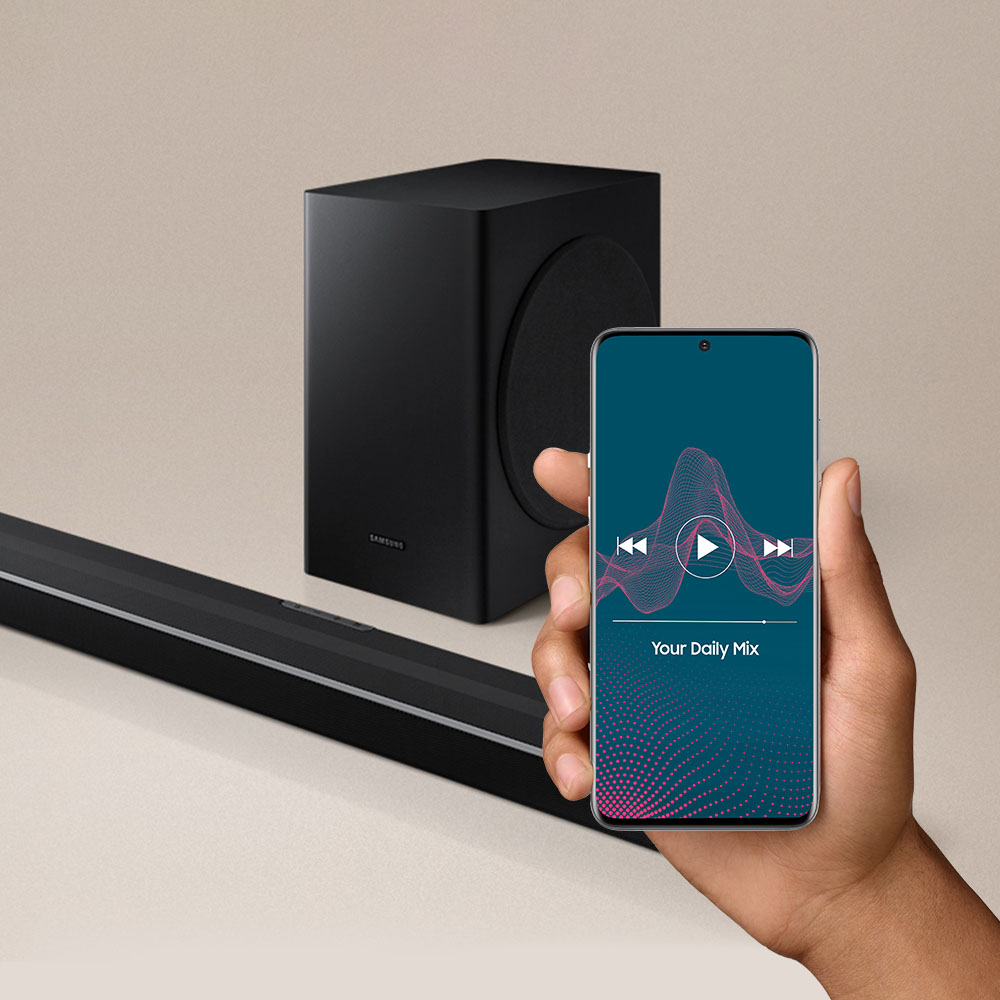
– If you would like louder (or softer) bass from your subwoofer, you can adjust the level by rocking the WOOFER button on the soundbar remote, and then adjusting the level from -6 to +6. To set the subwoofer volume level to 0, press the button in.
If you need further assistance, please know we are here to help. You can reach Samsung Customer Support at 1-800-SAMSUNG (ask for Soundbars), available 8AM - 12AM EST, 7 days a week.
For additional support resources, visit us on the Samsung website and click on the ‘Support’ link in the upper right corner of the homepage for:
1) Chat with Us/Product Help: To begin a chat or find solutions, choose ‘TVs & Home Theater’ and select your model & topic.
2) Manuals & Software
3) Warranty Info
4) Register a Product: For access to easy warranty support, convenient opt-in to special promos and offers, faster troubleshooting and service, and quick notification of system updates
5) Contact Us
~ Samsung Solutions
Amazing sound
Posted .This reviewer received promo considerations or sweepstakes entry for writing a review.Sounds is incredible I love this system and am glad I purchased it
I would recommend this to a friendAwesome sound
Posted .This reviewer received promo considerations or sweepstakes entry for writing a review.The sound is amazing! It’s like being at the theater.
I would recommend this to a friendGood sound system
Posted .This reviewer received promo considerations or sweepstakes entry for writing a review.Bought this as a gift, but system sounds good.....
I would recommend this to a friendGreat purchase
Posted .This reviewer received promo considerations or sweepstakes entry for writing a review.Sound bar has great sound quality. It’s a must buy
I would recommend this to a friendWill not pair with my TV
Posted .This reviewer received promo considerations or sweepstakes entry for writing a review.I generally really like Samsung products. But this sound bar would NOT pair with my TV. I tried for a few hours, and then I had my partner try for a few hours (he's an IT expert.) He then called Samsung customer service and went through the same steps over and over until the customer service rep said, 'I'm sorry, but I can't help you.' I went online and saw that numerous people have had a difficult time getting their TV to synch with HDMI ARC. That's what hung us up. This should not have taken 6 hours and a customer service call (which ended up failing anyway) to figure out. I'm returning this.
No, I would not recommend this to a friendBrand response from Samsung
Posted .Hi DisplayName,
I am very sorry to hear about the difficulties you experienced with the setup of your new Samsung Soundbar and the HDMI ARC connection to your TV.
We hope that, despite this incident, you would consider Samsung in the future and stop by your local Best Buy to experience in person the impressive audio performance of our soundbars.
Should you ever decide to give Samsung Soundbars another try and have questions or need assistance with settings, setup, or features, please know we are always here to help. Call us at 1-800-SAMSUNG (ask for Soundbars), available 8AM - 12AM EST, 7 days a week.
For additional support resources, visit us on the Samsung website and click on the ‘Support’ link in the upper right corner of the homepage for:
1) Contact Us: For additional Chat & Text options, choose ‘TVs & Home Theater’ and select your model & topic.
2) Manuals, Software, & Warranty Info
We hope to regain you as a customer in the future.
~ Samsung Solutions
Do Not Buy!
Posted .This reviewer received promo considerations or sweepstakes entry for writing a review.It is junk. Don’t waste your money. Had issues from the start. 1. Turns off for no reason. 2. Sound stops playing no matter what input you are using. Samsung wants $120 to repair the “known issue”. Would rather buy any other sound bar than spend an additional $120 for a junk product.
No, I would not recommend this to a friendPoor spumd
Posted .This reviewer received promo considerations or sweepstakes entry for writing a review.You cant hear people talking but you can definitely hear the background. We are talking about returning this
No, I would not recommend this to a friendBrand response from Samsung
Posted .Hi Casc,
Thank you for sharing your experience with the dialogue becoming drowned out and overpowered by the background noise.
To improve your experience, press the Sound Mode button on your remote control and select Adaptive Sound. In Adaptive Sound mode, the soundbar analyzes the content and volume to optimize the audio rendering resulting in clearer dialogue.
Using Dynamic Range Control (DRC). DRC lets you apply dynamic range control to Dolby Digital tracks. With DRC turned on, loud sounds will be reduced.
1) Turn off your Soundbar.
2) While the Soundbar is off, press and hold the Sound Mode button on the remote control for 6 seconds until you see “DRC ON” shown on the display.
3) To turn off DRC, repeat steps 1 and 2 above.
I hope this helps! For further assistance with features, functions, or adjustments to settings, please contact Samsung Customer Support at 1-800-SAMSUNG (ask for Soundbars), available 8AM - 12AM EST, 7 days a week.
For additional support resources, visit us on the Samsung website and click on the ‘Support’ link in the upper right corner of the homepage for:
1) Chat with Us/Product Help: To begin a chat or find solutions, choose ‘TVs & Home Theater’ and select your model & topic.
2) Manuals & Software
3) Warranty Info
4) Register a Product: For access to easy warranty support, convenient opt-in to special promos and offers, faster troubleshooting and service, and quick notification of system updates
5) Contact Us
~ Samsung Solutions
Sound bar
Posted .This reviewer received promo considerations or sweepstakes entry for writing a review.Horrible. Keeps changing the hdmi and we can’t even use it because it just cuts off
No, I would not recommend this to a friendBrand response from Samsung
Posted .Hi Sheila,
Thank you for sharing your feedback regarding the soundbar not maintaining the desired source connection. Please know that the soundbar will remember the last setting before it was turned off. Thus, if you wish the soundbar to turn on to detect HDMI, make sure that the HDMI is the used source when you turn off.
For further assistance, please reach out to us at:
1-800-SAMSUNG (ask for Soundbars), available 8AM - 12AM EST, 7 days a week.
For additional support resources, visit us on the Samsung website and click on the ‘Support’ link in the upper right corner of the homepage for:
1) Chat with Us/Product Help: To begin a chat or find solutions, choose ‘TVs & Home Theater’ and select your model & topic.
2) Manuals & Software
3) Warranty Info
4) Register a Product: For access to easy warranty support, convenient opt-in to special promos and offers, faster troubleshooting and service, and quick notification of system updates
5) Contact Us
~ Samsung Ambassador