Customer Ratings & Reviews
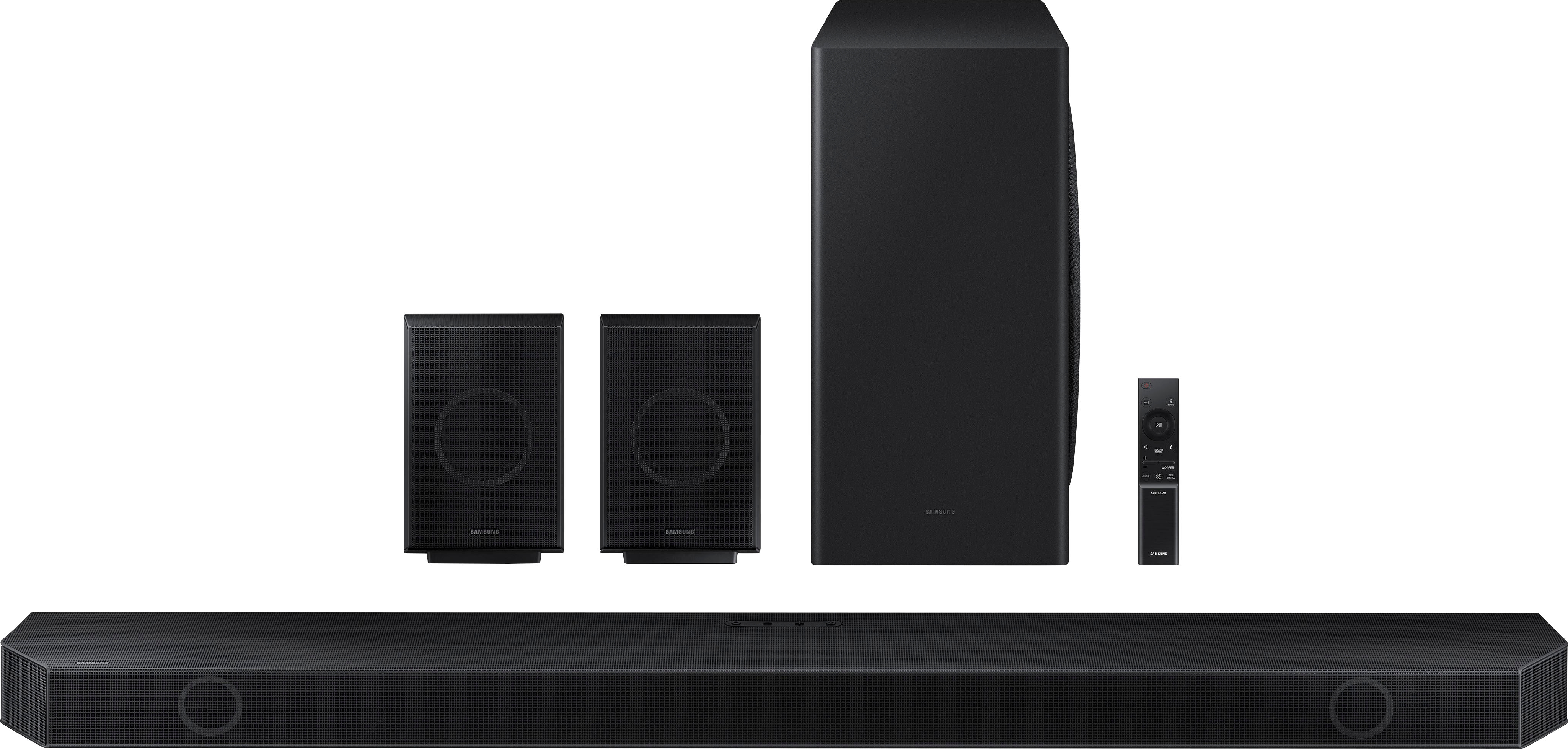
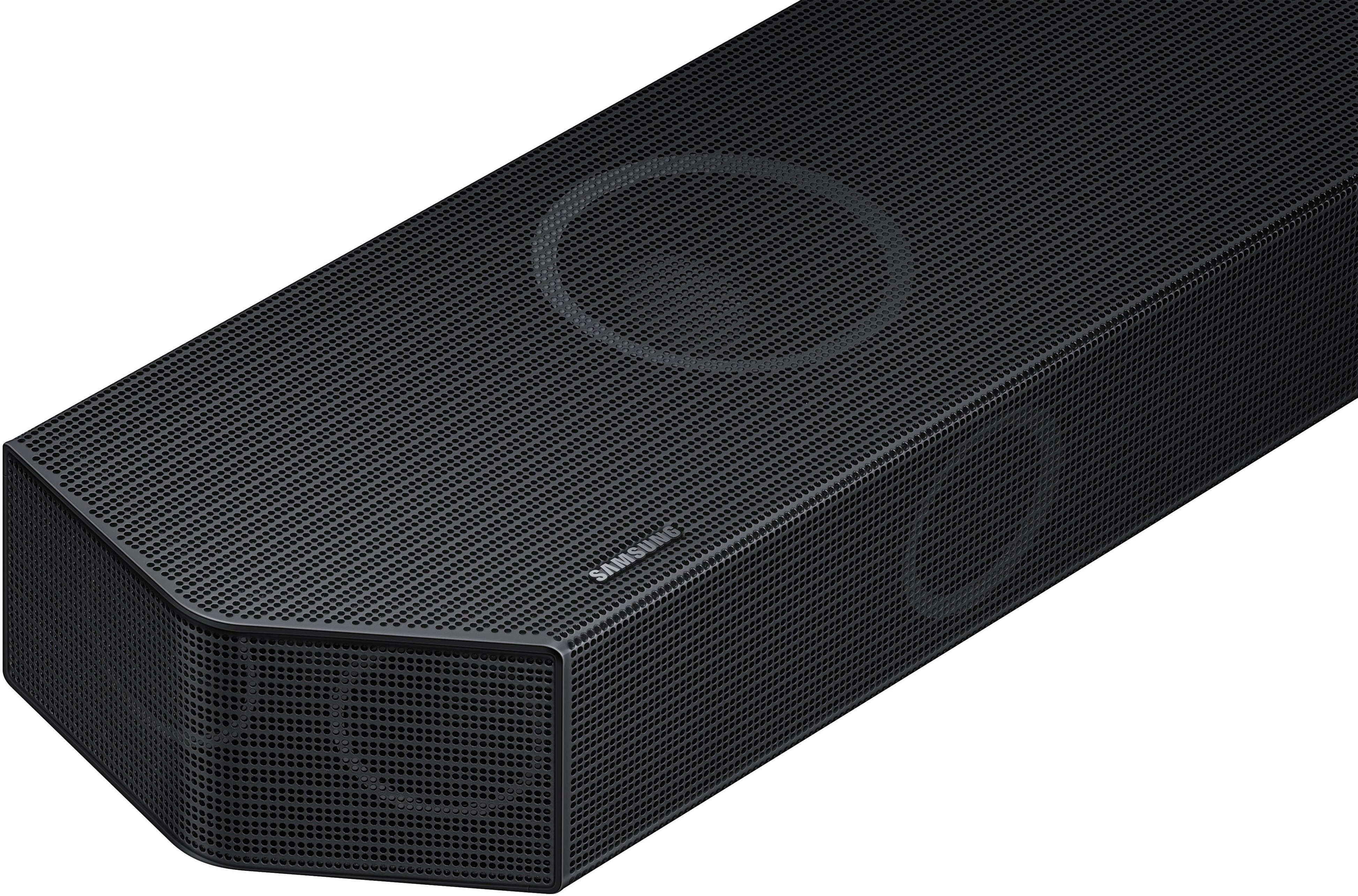
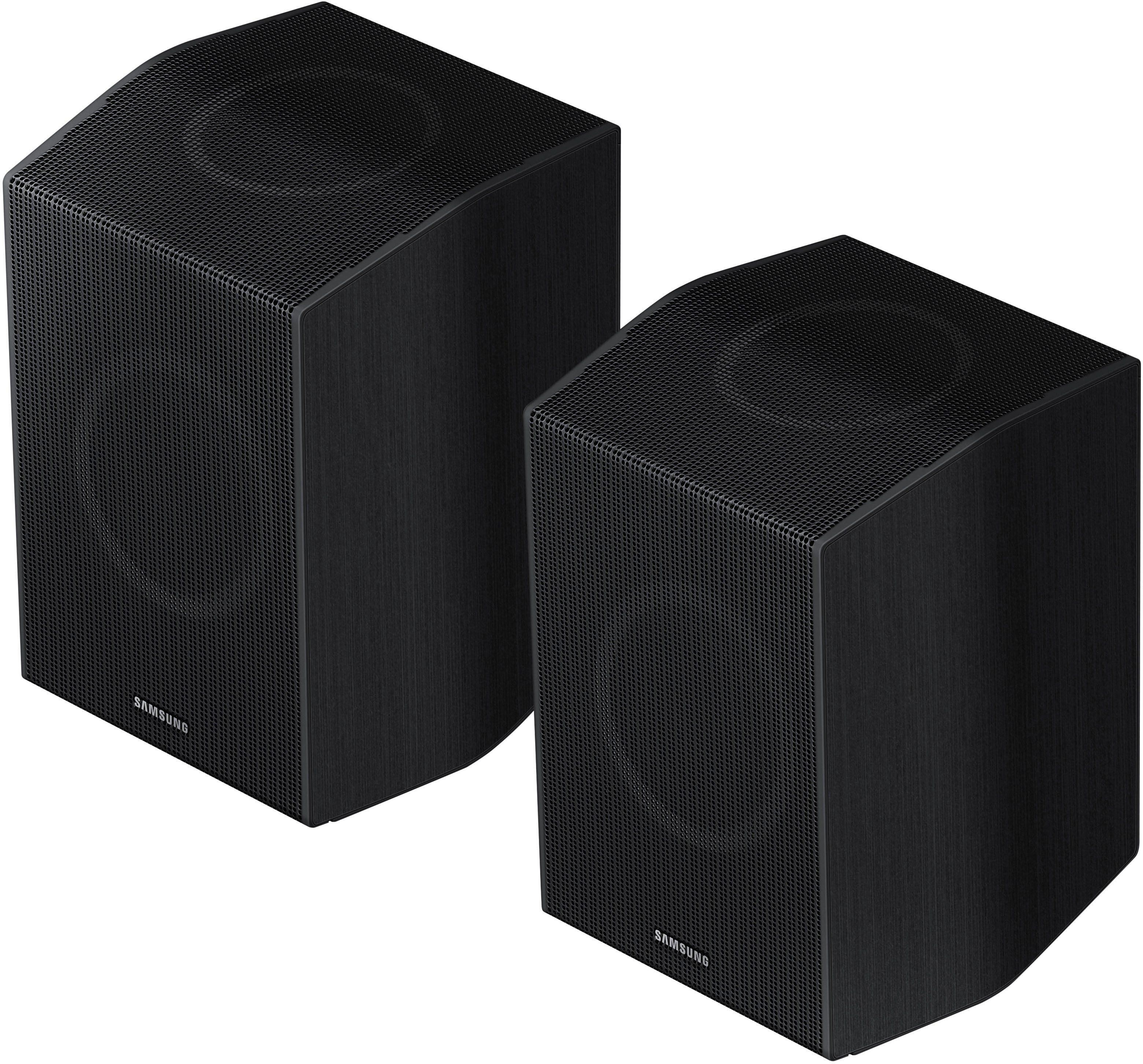
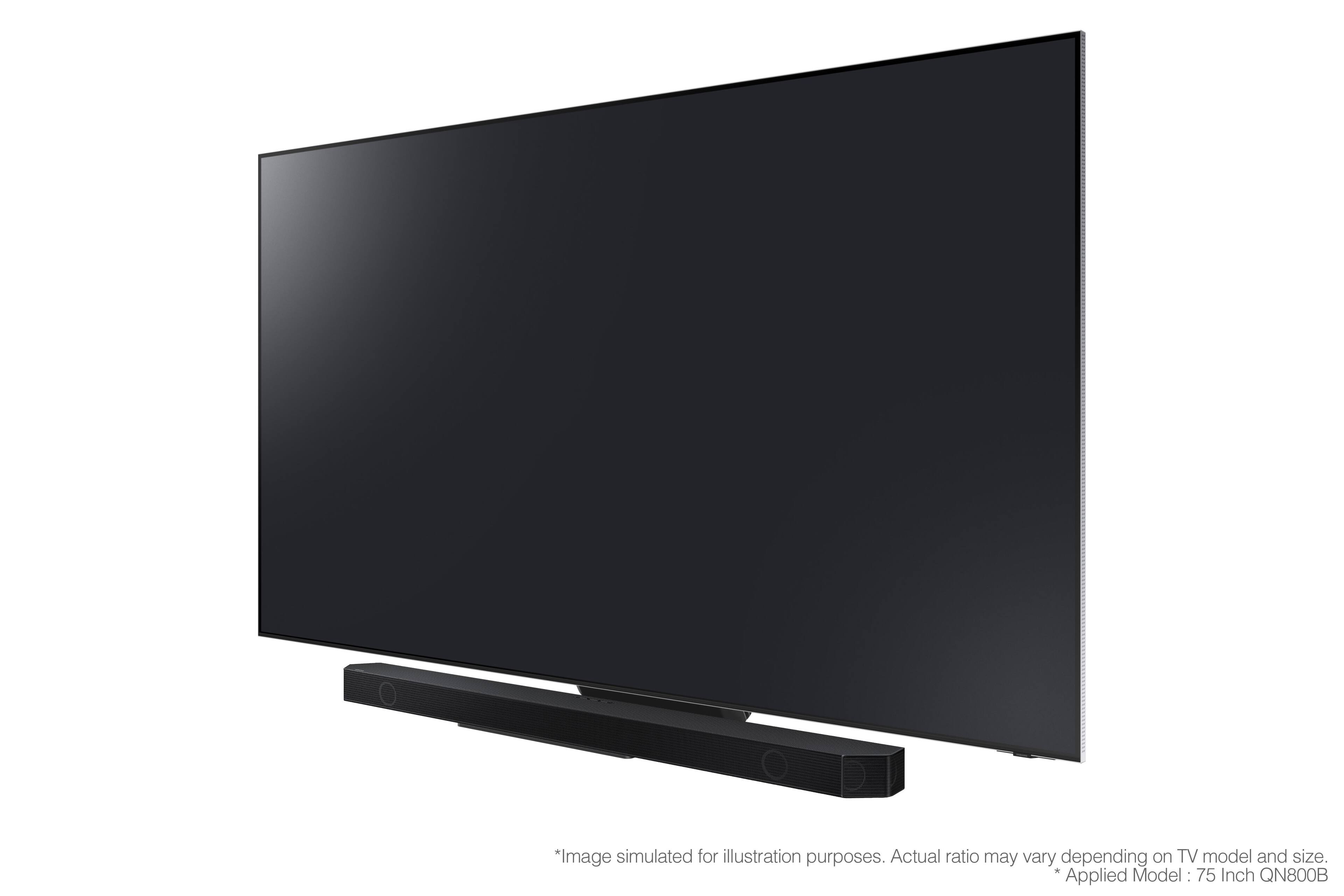



- Model:
- HW-Q930B/ZA
- SKU:
- 6505165
Rating by feature
- Value
Rating 4.5 out of 5 stars
- Quality
Rating 4.7 out of 5 stars
- Ease of Use
Rating 4.6 out of 5 stars
Customers are saying
Customers are delighted by the HW-Q930B/ZA 9.1.4ch Soundbar's exceptional sound quality, with many praising its crisp and immersive audio experience. The Dolby Atmos feature is also highly regarded for its excellent surround sound upgrade, taking movies and music to a new level. While some customers have concerns about the bass and connectivity issues, the overall sentiment is positive, with many appreciating the soundbar's easy setup, wireless connectivity, and price point.
This summary was generated by AI based on customer reviews.
- Pros mentioned:Sound quality
Great Sound System
Posted .This reviewer received promo considerations or sweepstakes entry for writing a review.Overall an outstanding sound system. Love having the wireless rear speakers. Sound fills the room from all angles. Totally enjoy it.
I would recommend this to a friend - Pros mentioned:Price
Good
Posted .This reviewer received promo considerations or sweepstakes entry for writing a review.I’m pretty happy with this entire system. Good price.
I would recommend this to a friend Great sound
Posted .This reviewer received promo considerations or sweepstakes entry for writing a review.Sounds great, plug & play, only complaint are the short power cords for the surround sound speakers.
I would recommend this to a friendTop quality sound
Posted .This reviewer received promo considerations or sweepstakes entry for writing a review.Outstanding equipment. Produces high quality surround sound.
I would recommend this to a friend- Pros mentioned:Sound quality
Awesome for the price!!!
Posted .This reviewer received promo considerations or sweepstakes entry for writing a review.Tried multiple different soundbars and none of them came close to matching the sound of the the Q930B!!
I would recommend this to a friendBrand response from Samsung
Posted .Hello There,
Thank you for purchasing the Samsung 9.1.4 HW-Q930B Soundbar with Dolby Atmos and DTS:X bringing you 3D true surround sound.
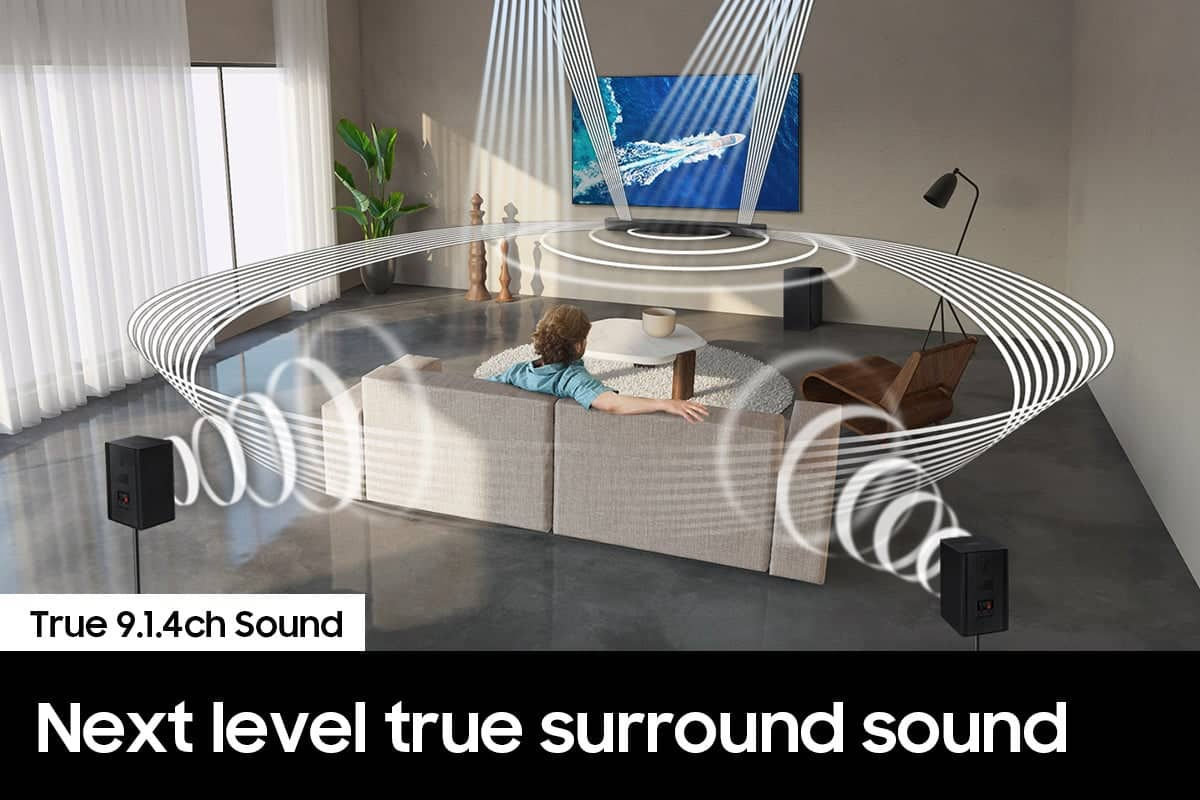
The HW-Q930B brings you theater-quality sound that fires from the front, side and above for true audio immersion with the included true wireless rear speakers.
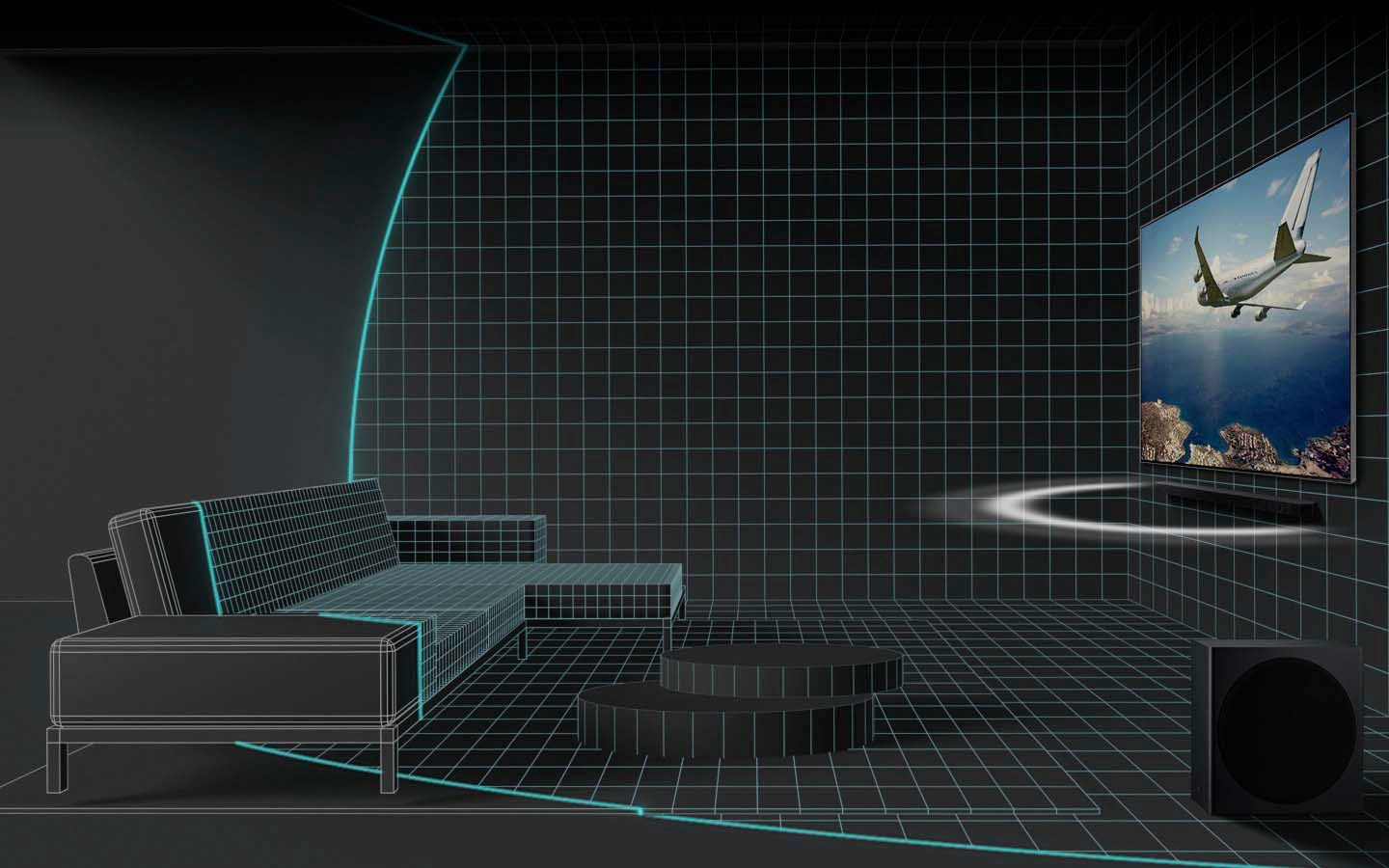
Elevate your sound experience with a soundbar that automatically analyzes your room and calibrates the upper range tones to best fill your space using SpaceFit Sound technology even if you aren't using a Samsung TV!
Should you ever have any questions or concerns or need help with settings or features, please contact Samsung Customer Support at 1-800-SAMSUNG (ask for Soundbars), available 8 AM – 12 AM EST, 7 days a week.
For additional support resources, visit us on the Samsung website and click on the ‘Support’ link in the upper right corner of the homepage for:
1) Chat with Us/Product Help: To begin a chat or find solutions, choose ‘TVs & Home Theater’ and select your model & topic.
2) Manuals & Software
3) Warranty Info
4) Register a Product: For access to easy warranty support, convenient opt-in to special promos and offers, faster troubleshooting and service, and quick notification of system updates
5) Contact Us
~ Samsung Solutions
- Cons mentioned:Customer service
Worst purchase ever.
Posted .This reviewer received promo considerations or sweepstakes entry for writing a review.Save your money. The subwoofer paired for a total of 15mins. The rest of the day was spent staring at a blue blinking light. Im in IT and still couldnt get the sub to pair with the sounbar. Unacceptable.
No, I would not recommend this to a friendBrand response from Samsung
Posted .Hello JohnB,
Thank you for sharing your feedback regarding the HW-Q930B Soundbar. Your experiences are very important to us and will be shared with our product team.
I am sorry that your out-of-box experience was not ideal. There are a few troubleshooting steps you can do before contact Samsung Customer Support.
First, try doing a soft reset, unplug the soundbar and subwoofer from the outlet for roughly 30 seconds and then plug it back in.
Next, update the firmware on your soundbar. The easiest way to accomplish this would be to download the SmartThings app and connect your Soundbar to Wi-Fi. This will allow you to not only download any firmware updates but also control your entire soundbar on the screen of your smart device.
If this still does not correct your issue, then do a hard reset. With the Soundbar on, press the + & - Volume buttons on the body of the soundbar at the same time for at least 5 seconds. You will see a "INIT OK" scroll across the LED display on the front of the soundbar.
If you are still experiencing this issue, please contact Samsung Customer Support. Know that we are here and happy to help you.
If we can further help with any other issues, please know we are here for you. Just call us at 1-800-SAMSUNG (Ask for Soundbars), 8 AM – 12 AM EST, 7 days a week. Or visit us on the Samsung website and click on the ‘Support’ link for:
• LiveChat with an agent
• Manuals, Software, & Warranty Info
~ Samsung Solutions
Great Sound, Poor control
Posted .This reviewer received promo considerations or sweepstakes entry for writing a review.Qualty of the sound is good but there is an issue with volume control, even if we increase, decrease the volume its default to 32 after sometime. Really disappointed with this.
No, I would not recommend this to a friendBrand response from Samsung
Posted .Hello Naresh,
Thank you for sharing your experiences with the HW-Q930B Soundbar. I am sorry to see that your volume is causing this headache for you.
There are a few steps you can take to troubleshoot your Soundbar.
First, try doing a soft reset, unplug the soundbar from the outlet for roughly 30 seconds and then plug it back in.
Next, update the firmware on your soundbar. The easiest way to accomplish this would be to download the SmartThings app and connect your Soundbar to Wi-Fi. This will allow you to not only download any firmware updates but also control your entire soundbar on the screen of your smart device.
Lastly do a hard reset. With the Soundbar on, press the + & - (Volume UP/DOWN) buttons on the body at the same time for at least 5 seconds. “INIT OK” appears on the display and then the Soundbar is reset. This will reset any and all settings on your Soundbar including your Wi-Fi password.
If we can help with anything else, please call us at 1-800-SAMSUNG (Ask for Soundbars), 8 AM – 12 AM EST, 7 days a week. LiveChat with an agent as well as manuals, software, and warranty info can be found at the ‘Support’ link on our Samsung website.
~ Samsung Solutions
Claims eARC support, Samsung says unsupported
Posted .This reviewer received promo considerations or sweepstakes entry for writing a review.This sound bar advertises eARC support for uncompressed audio between TV and sound bar. However, this doesn't work at all with a Samsung Q90B TV and furthermore, Samsung support claims that eARC is not supported. DO NOT BUY if you intend to use the eARC port.
No, I would not recommend this to a friendBrand response from Samsung
Posted .Hello Jason,
Thank you for sharing your experiences with the HW-Q930B Soundbar. Your feedback is very important to us and will be shared with our internal teams.
The HW-Q930B Soundbar does in fact support eARC. You will need to turn on eARC on in the Expert Settings menu of the Samsung Q90B TV. Once you do this, then you will be all set.
Please be sure you are using a high-speed HDMI cable with Ethernet Channel (sometimes called HDMI HEC cable). Lastly, please also verify that you are running the latest firmware. You can check to see what software version your TV is using and if there is an available update through the settings on your TV. Go to: Menu > Settings > Support > Software Update.
If we can further help with any other issues, please know we are here for you. Just call us at 1-800-SAMSUNG (Ask for Soundbars), 8 AM – 12 AM EST, 7 days a week. Or visit us on the Samsung website and click on the ‘Support’ link for:
• LiveChat with an agent
• Manuals, Software, & Warranty Info
~ Samsung Solutions
Just buy the sound bar not the full kit
Posted .This reviewer received promo considerations or sweepstakes entry for writing a review.Sound bar is decent. Loud, but the voices while watching tv is much to quiet compared to the rest of the sound. The rear speakers are useless while watching TV. I can’t hear them unless my ear is touching the speaker. The sub is also junk even turned up all the way
No, I would not recommend this to a friendBrand response from Samsung
Posted .Hello,
Thank you for sharing your experiences with the HW-Q930B Soundbar. Your feedback is very important to us, and shall be shared with our internal product team.
You can optimize your soundbar in multiple ways to improve your overall audio experience.
First, press the CH LEVEL button to control the volume of each speaker. Select CENTER LEVEL (where your dialogue will be produced from), SIDE LEVEL, or FRONT TOP LEVEL in Sound Settings. Then adjust the volume between -6 to +6 by using the Up/Down buttons. When your surround speakers are connected, select REAR LEVEL or REAR TOP LEVEL and then use the Up/Down buttons to adjust the volume within a -6 to +6 range.
Press and hold the SOUND CONTROL button for about 5 seconds to adjust the sound for each frequency band. 150Hz, 300Hz, 600Hz, 1.2kHz, 2.5kHz, 5kHz, and 10kHz are selectable using the Left/Right buttons and each can be adjusted to a setting between -6 to +6 using the Up/Down buttons. (Make sure the Sound mode is set to “STANDARD”.)
To control the volume of the treble or bass sound, press the TONE CONTROL button, and then adjust the volume between -6 to +6 by using the Up/Down buttons.
Lastly, by pressing the SOUND MODE button, you can select one of the pre-equalized audio modes such as Surround, Game, Standard, Adaptive sound.
I hope these tips help you enjoy your new product.
You can always contact us for further help at 1-800-SAMSUNG (Ask for Soundbars), 8 AM – 12 AM EST, 7 days a week. Our LiveChat agents are also available by clicking on the ‘Support’ link on our website.
~ Samsung Solutions