Customer Ratings & Reviews






- Model:
- HW-S801D
- SKU:
- 10517902
Rating by feature
- Value
Rating 4.6 out of 5 stars
- Quality
Rating 4.8 out of 5 stars
- Ease of Use
Rating 4.8 out of 5 stars
to a friend
Ultra slim and small
||Posted . Owned for 1 month when reviewed.This reviewer received promo considerations or sweepstakes entry for writing a review.This soundbar would be great for a small space or if you had limited space on your entertainment center. It is very, very small and doesn't produce quite the sound I had anticipated.
No, I would not recommend this to a friendBrand response from Samsung
Posted .kterin,
I’m sorry to hear that you’re not fully satisfied with the sound quality of your HW-S800D Soundbar.
To take full advantage of your new soundbar, download the SmartThings App to your smart device. This will allow you to control your soundbar as you would with the provided remote, but with the added advantage of seeing what changes you make on your device.
You can optimize your audio experience by trying the various sound modes and features. By pressing the sound mode button on your remote or using SmartThings you can select Adaptive Sound, Night Mode, DTS Virtual: X, Music, Game, Standard, Surround or activate functions like Voice Enhance, Space Fit Sound Pro and Active Voice Amplifier.
If you would like louder (or softer) bass from your subwoofer, you can adjust the level by rocking the WOOFER button on the soundbar remote, and then adjusting the level from -6 to +6. To set the subwoofer volume level to 0, press the button in.
You can adjust the Treble and Bass by pressing the TONE CONTROL button then use the UP/DOWN buttons to change the levels between -6 to +6.
I hope this tip helps improve your enjoyment. For more help, please call us at 1-800-SAMSUNG (Ask for Soundbars), 8 AM – 12 AM EST, 7 days a week. Live Chat with an agent as well as manuals, software, and warranty info can be found at the ‘Support’ link on our Samsung website.
~ Samsung Solutions

A top-notch sound system
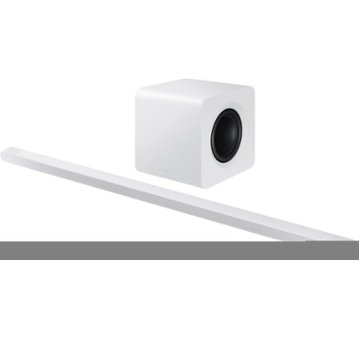
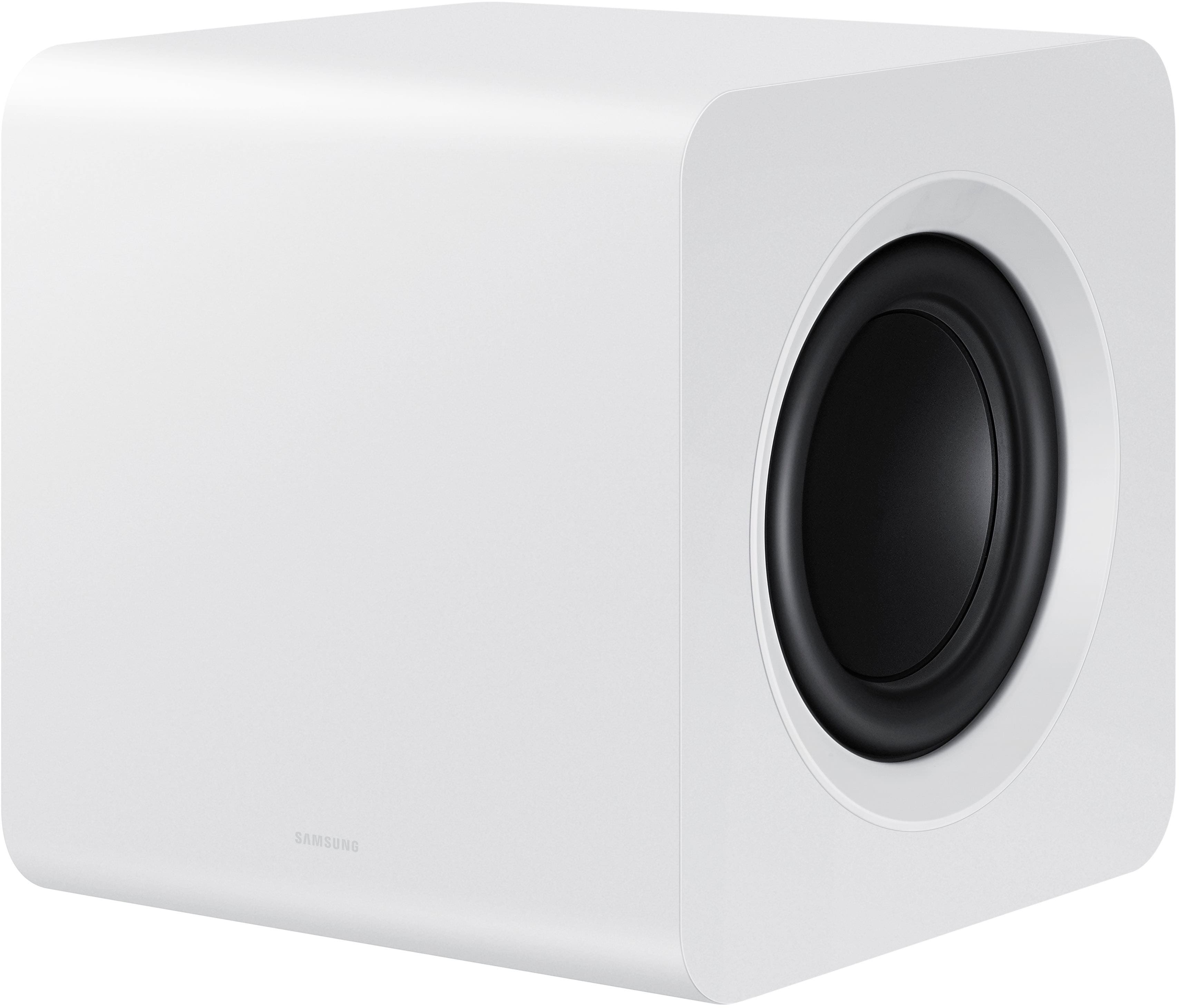
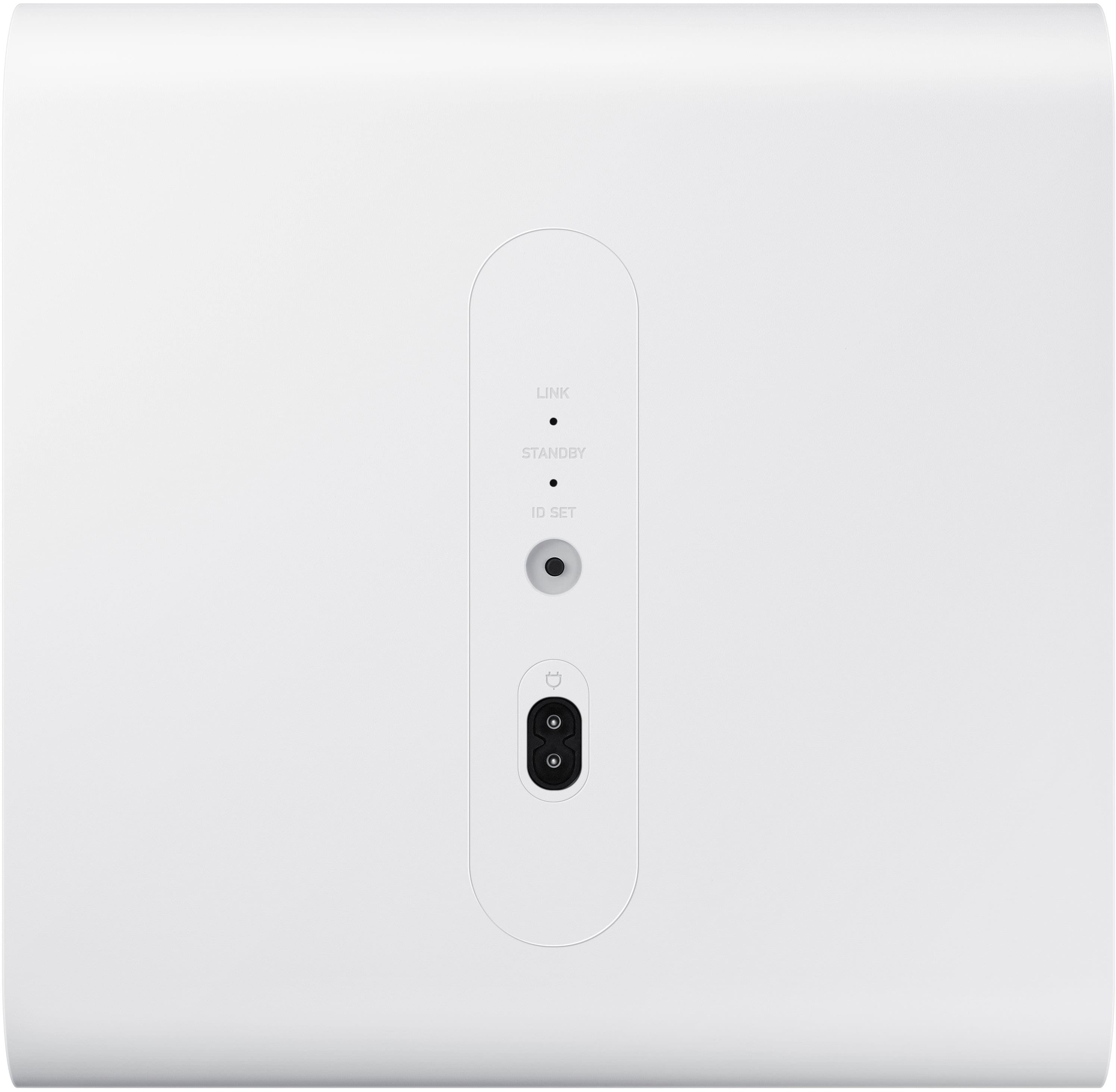
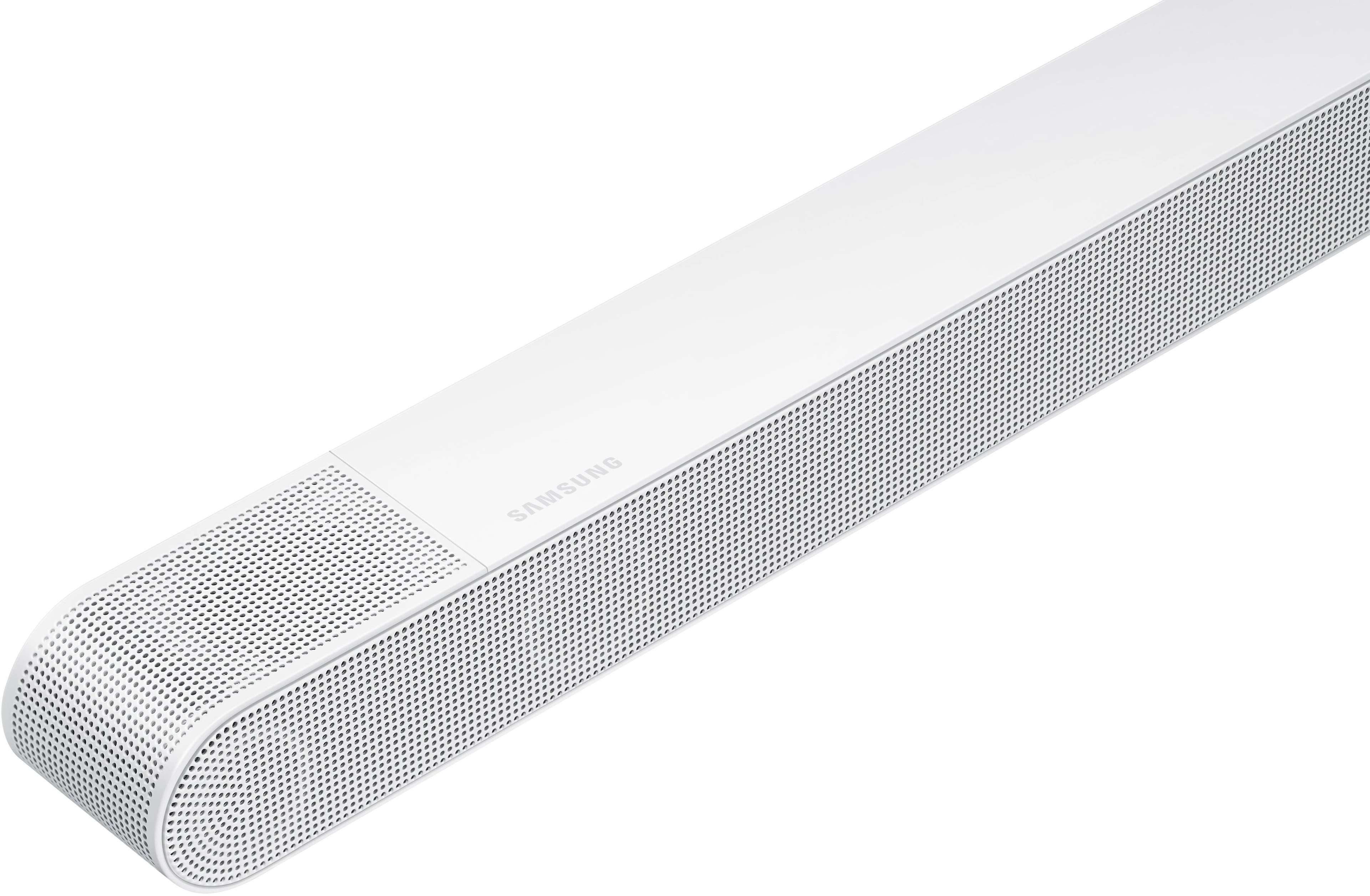
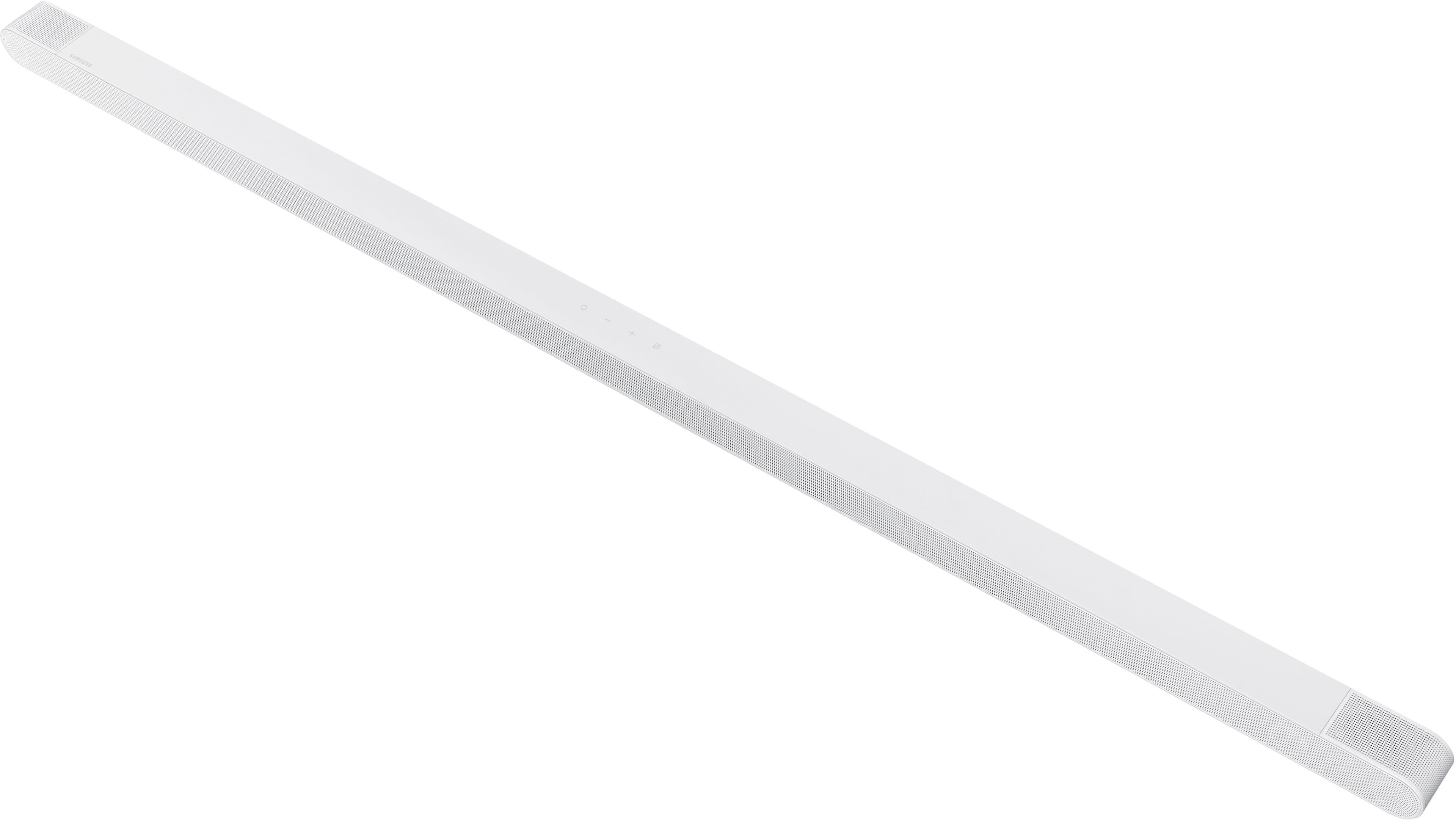
|Posted .This reviewer received promo considerations or sweepstakes entry for writing a review.The Samsung HW-S800D Soundbar is an a Ultra Thin Soundbar 3.2.1ch with an accompanying wireless subwoofer. Count me impressed as to how good this sounds. This replaces a different vendor’s model that has served me well for some time now. Full disclosure, I do not have a Samsung TV. This means that I could not get the full breath of features this soundbar is capable of, something that would only be possible if I was using a Samsung TV. And still, I’m impressed with this soundbar. Here are some characteristics of the HW-S800D: • Voice Assistant: Alexa and Bixby • Remote: Yes • Wireless Connectivity: Bluetooth and Wi-FI • Bluetooth Enabled: Yes • Works With: Google Assistant and Alexa • General Features: Dolby Atmos and Q-Symphony • 1 HDMI Cable with MicroUSB HDMI connector for TV side • Number of Channels: 3.1.2 Surround Sound Supported Dolby Atmos, Dolby Digital Plus, Dolby TrueHD, DTS, DTS Virtual:X, Surround Sound Peak Power: 330 watts Setting this system up was very easy. The soundbar itself only has two ports to connect to: one is for the MicroUSB side of the HDMI cable; the other is a connection for the power supply. That’s it! Plug the larger HDMI end into the ARC HDMI port on your TV, add power to the soundbar and to the wireless subwoofer, and there you have it. It’s all ready to go. Another admission, I don’t use Alexa or Bixby. I do have a Samsung phone, but all automation at home is Google Assistant based. This soundbar system is delivered with an accompanying handheld remote. For the remote to work as designed, the soundbar needs to have the controls on the soundbar (mute, +, -, Pairing) pointing upwards and the speaker grill pointing outwards to where you will be sitting. This is because the remote’s sensors are all located under the speaker’s grill. If the grill is pointing in any other direction, like you were trying to reflect the sound off the wall for better coverage, the remote will not work properly. In addition to using the remote to control the soundbar, I configured the Samsung SmartThings app on my Samsung phone to recognize the soundbar. Once done, I could control the soundbar and all its features using my phone, including volume control. Configurable parameters of the soundbar include the following: • Sound Mode: Standard, Surround, Game, Adaptive Sound, and DTS Virtual X • Equalizer: This differs depending on which sound mode. Standard gives you 7 controls, as well as None, Pop, Jazz, and Classical presets. All other sound modes give you just Bass and Treble. • Woofer: Lets you select how much subwoofer you hear • SpaceFIt Sound: On or off • Active Voice Amplifier: On or off • Advanced Sound Settings: Voice Enhancements (on or off), Night Mode (On or off), and Virtual (On or off) I did notice that voice amplification is evident when some of these settings are turned on. For example, Standard and Adaptive Sound offers better voice clarity (for me) than does Surround Sound, which was better if I was watching an action movie or listening to a band. The sound quality of this system is surprisingly good. I was having trouble imagining how such an ultra-thin soundbar could put out such a good sound, but it does! And in that the SmartThings app also lets you control the subwoofer, this lets you minimize the walls shaking, books toppling off bookshelves, and other “the-neighbors-are-complaining” moments. I haven’t talked to my neighbors yet, so I’m not completely sure that they are as hyped up about this soundbar as I am. The SmartThings app also provides a Tap View / Tap Sound option. With this feature turned on, gently touching the soundbar with your phone will mirror whatever audio you’re listening to over to the soundbar. In playing around with this, I mirrored the audio from Audible and Google Music to the soundbar. I had to leave the phone on the soundbar for about 2-4 seconds to be prompted to start the audio connection. And since I use Google Home, the soundbar - which I renamed from “Ultra-Thin Soundbar” to just Soundbar – is known to the Google Assistant. Saying “Play Medium Rock Music on my Soundbar” to Google Assistant casts the music directly to the soundbar. You can also cast music to the Soundbar directly from Google Music by pressing the {cast} option, then selecting Soundbar. This soundbar/subwoofer combo truly is top-notch. And as such, I am giving it 5 stars.
I would recommend this to a friendGreat sound, small space
Posted .This reviewer received promo considerations or sweepstakes entry for writing a review.Paired it with the Samsung oled 65” s90d and it sounds amazing. TV and soundbar work together. I put the wireless subwoofer by the tv because you can feel it too much behind the couch but it can be adjusted to any area. Actually got it half price from amazon with only a small dent in the box. Guarantee is the same.
I would recommend this to a friendGood open box buy
Posted .This reviewer received promo considerations or sweepstakes entry for writing a review.Upgraded my sound in my family room this is great was a open box added extra wireless speakers and sound like I am in a theater
I would recommend this to a friendGreat SoundBar
Posted .This reviewer received promo considerations or sweepstakes entry for writing a review.Very happy w/the sound and quality of this purchase.
I would recommend this to a friendIncredible!
Posted .This reviewer received promo considerations or sweepstakes entry for writing a review.Amazing sound quality with this sound bar! I couldn’t be happier we chose this soundbar.
I would recommend this to a friendBestBuy
Posted .This reviewer received promo considerations or sweepstakes entry for writing a review.Excellent TV video and sound, and also a good team installed them
I would recommend this to a friend