Customer Ratings & Reviews
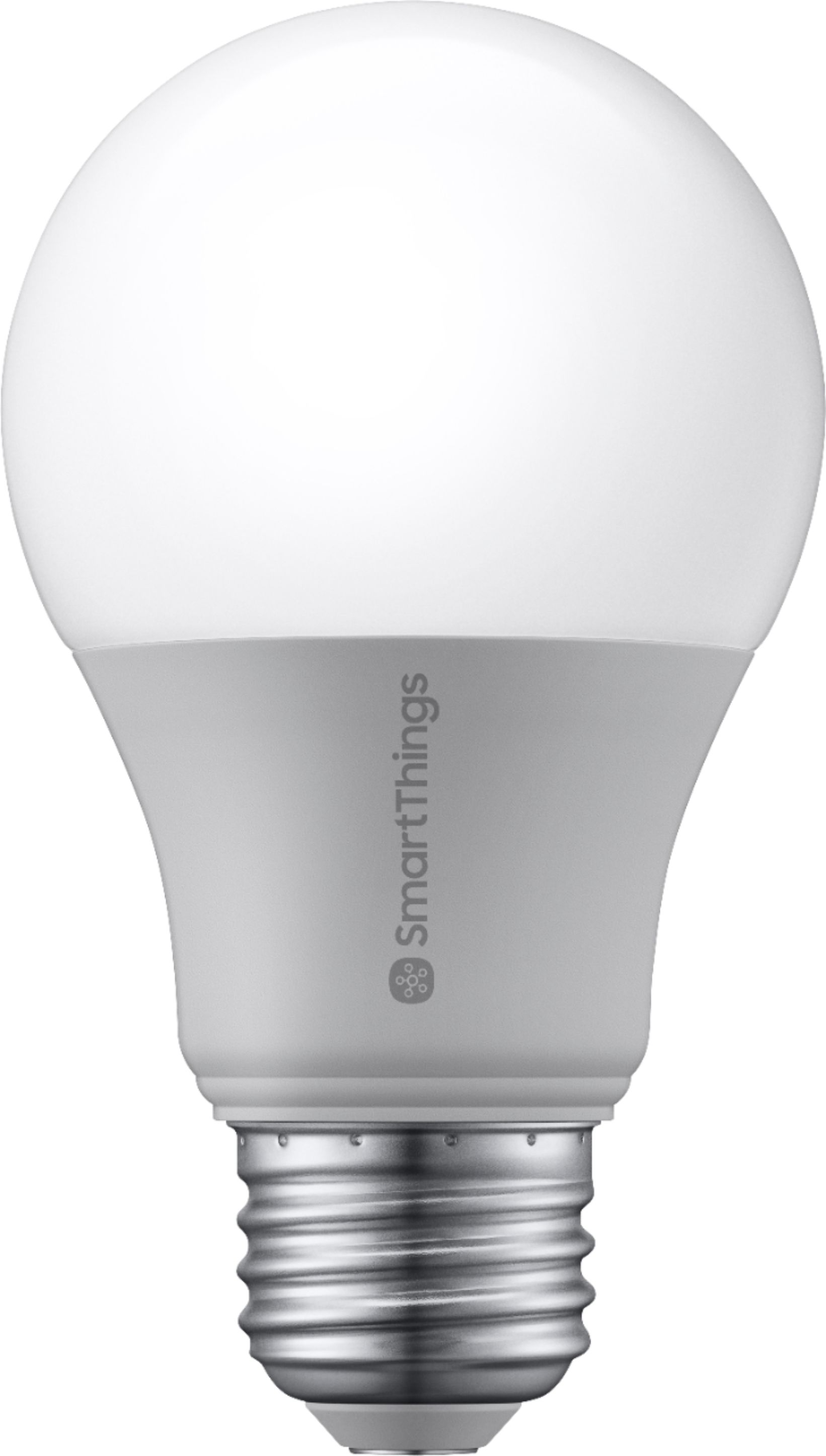
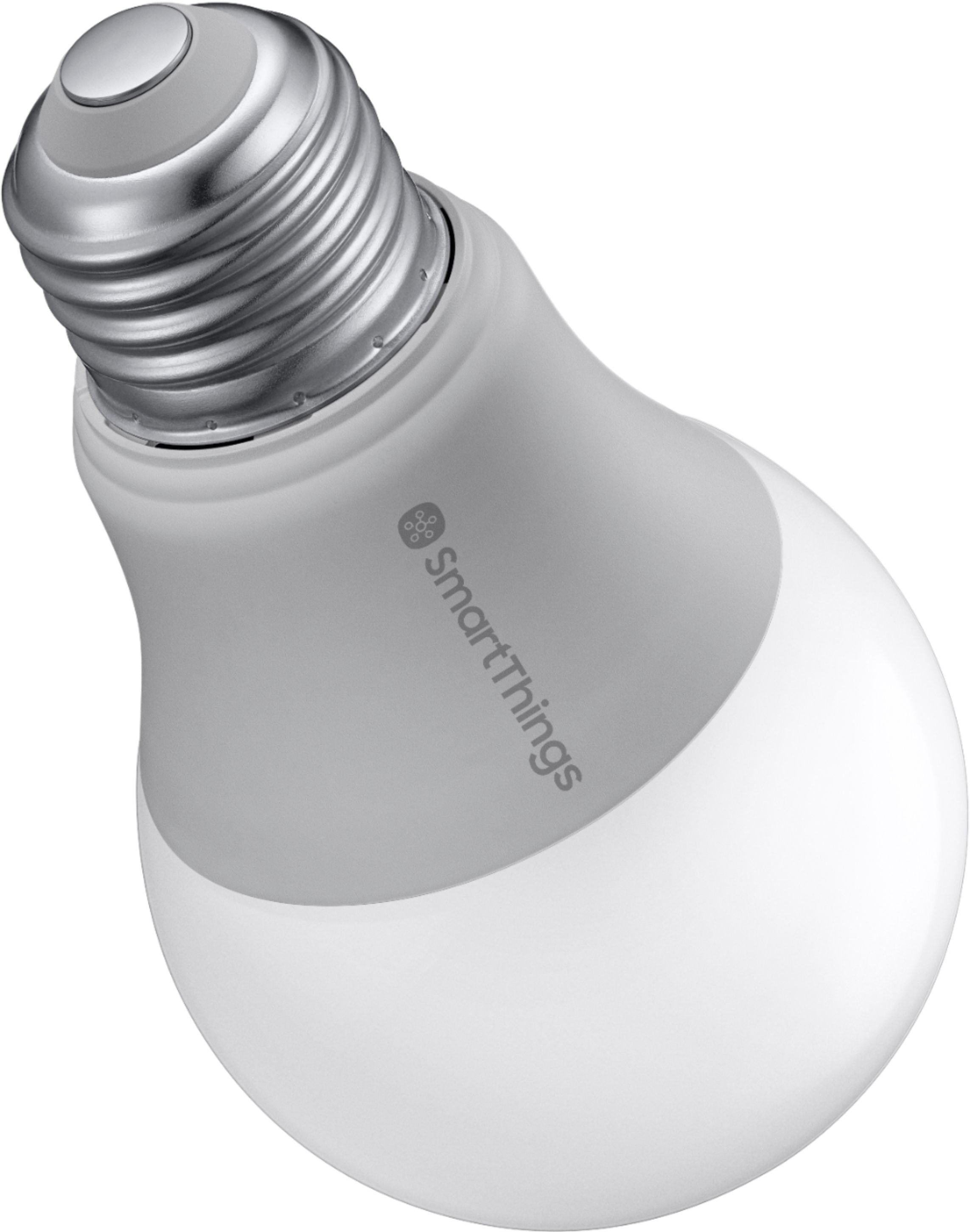
- Model:
- GP-LBU019BBAWU
- SKU:
- 6348264
Rating by feature
- Value
Rating 4.4 out of 5 stars
- Quality
Rating 4.5 out of 5 stars
- Ease of Use
Rating 4.2 out of 5 stars
Customers are saying
Customers are enthusiastic about the SmartThings White A19 Smart LED Bulb's ease of use, brightness, and compatibility with SmartThings. Many appreciate its affordability and straightforward setup process. However, some users point out the need for a separate hub and occasional connectivity issues. The energy efficiency and automation features also receive positive feedback.
This summary was generated by AI based on customer reviews.
Smartthings Bulbs are Garbage
||Posted . Owned for 10 months when reviewed.This reviewer received promo considerations or sweepstakes entry for writing a review.Just got this July 2020 and, after the last Smartthings update, it's broken along with the other one I have. 20 bucks down the tube. If you want smart bulbs, don't get Samsung Smartthings. They are ripping people off.
No, I would not recommend this to a friendThumbs down
||Posted . Owned for 1 week when reviewed.This reviewer received promo considerations or sweepstakes entry for writing a review.Could not get it to pair in smart things or Google
No, I would not recommend this to a friendBrand response from Samsung
Posted .I’m sorry to hear of the issues you encountered while attempting to connect your SmartThings Bulb. The SmartThings Bulb does require a SmartThings Hub or a compatible device with SmartThings Hub functionality. The instructions for connecting the SmartThings Smart Bulb through the SmartThings App can be found on our support page here -- https://support.smartthings.com/hc/en-us/articles/360029630172. Our support page also has information for connecting your SmartThings with Google Assistant, which can be found here -- https://support.smartthings.com/hc/en-us/articles/214609826 – and includes helpful tips and tricks for Google Assistant controls. If you have questions, or need further assistance, please reach out to our SmartThings team at 1-866-813-2404. We look forward to hearing from you! ~Samsung Brand Ambassador

A hub is needed
||Posted . Owned for 1 month when reviewed.This reviewer received promo considerations or sweepstakes entry for writing a review.Must have a hub for it to work with google mini. Even though the description reads works with Google assistant.
No, I would not recommend this to a friendBrand response from Samsung
Posted .We apologize for the confusion! The SmartThings Smart LED Bulb does require a SmartThings Hub, or a device with SmartThings Hub functionality, in order to connect. Once the Smart Bulb has been connected to a SmartThings Hub, you can then integrate with Google Assistant. You can find more information about the Google Assistant integration on our Support page here -- https://support.smartthings.com/hc/en-us/articles/214609826. If we can assist in any way, please contact our dedicated SmartThings team at 1-866-813-2404 or [email protected]. Thank you! ~Samsung Brand Ambassador
Useless without a hub
||Posted . Owned for 1 month when reviewed.This reviewer received promo considerations or sweepstakes entry for writing a review.If you don't have a Smart Things hub, this is a useless product. Didn't read that (only saw it was compatible with Google/Amazon) and now have something that's a piece of junk.
No, I would not recommend this to a friendWill not pair
||Posted . Owned for 6 months when reviewed.This reviewer received promo considerations or sweepstakes entry for writing a review.I'm sure this lightbulb is great, just not for me. I tried several times to set and reset with no luck. I still use the lamp there are in, I just have to use the light switch
No, I would not recommend this to a friend- Pros mentioned:Brightness

Good entry into the SmartThings life
|Posted .This reviewer received promo considerations or sweepstakes entry for writing a review.This is my first step into the world of smart devices around my home. I'll preface this review with the understanding you already have and know how to work your smart things hub. Bulb is well just a bulb screw into a standard socket. I found the pairing process to be a little annoying. The app asks you to scan a QR code which can only be found on the bulb but by the time you reach this process in the installation you are supposed to have already screwed the light bulb in to start the pairing process. There is a non code way to pair by doing a manual search of the area for devices in pairing mode. After a few tries I was able to get it connected. With the app on the phone you can very easily turn the bulb on and off with a single click in the app. Note you must leave the actual light in the on position at all times and turn the bulb on and off via the app. If someone turns the light to the off position manually it will not work. I find the light to be sufficient nothing to write home about but it does what you expect it lights. Overall quite happy with the smarthings smart bulb but I removed one star for the troublesome pairing process, I think they should have left the QR code in the instructions or on the box putting in on the bulb when you have already screwed in the bulb was a dumb decision.
I would recommend this to a friend Impossible to connect via smart things, Google hom
||Posted . Owned for 6 months when reviewed.This reviewer received promo considerations or sweepstakes entry for writing a review.It was 10$ so oh well but it's just a light bulb to me. Nothing smart about it. There's multiple manufacturers all sold as the same thing.
No, I would not recommend this to a friendhad to return
||Posted . Owned for 3 weeks when reviewed.This reviewer received promo considerations or sweepstakes entry for writing a review.item needs a smart things hub to work, does not work with only the alexa dot
No, I would not recommend this to a friendBrand response from Samsung
Posted .We apologize for the confusion, Samii! The SmartThings Smart Bulb does require the SmartThings Hub, or a device with SmartThings Hub functionality, in order to set up. If we can assist in any way, please contact our dedicated SmartThings team at 1-866-813-2404 or [email protected]. Thank you for considering SmartThings! ~Samsung Brand Ambassador
- Pros mentioned:Brightness, Ease of use
Works as advertised
|Posted .This reviewer received promo considerations or sweepstakes entry for writing a review.Set up was easy and completed within the app. You will need the SmartThings hub in order to use this bulb. The bulb offers white light but you can dim it by using the app. The current must be flowing to the bulb (the lamp switch must be on) for the bulb to be connected to the network and be operable. Overall very happy with it, easy to set up and works as advertised. Good choice.
I would recommend this to a friend - Pros mentioned:Brightness
Works fine mostly
|Posted .This reviewer received promo considerations or sweepstakes entry for writing a review.First and foremost, this SmartThings bulb obviously needs a SmartThings Hub to work as intended. Pairing is fairly straightforward and you just scan the QR code from sticker in the bulb's box after selecting SmartThings bulb in the app. The bulb emits soft-white light. One usual issue with SmartThings bulbs are that they lose paring after a while. Fortunately, that hasn't happened with this bulb since 1 week. One issues that I realized is that the light output of the bulb doesn't change for any value between and including 1%-10%. In other words for any percentage between 1 and 10, the intensity of the light is the same. However, in general, the dimming works fine. It's not just as granular as the app makes you believe.
I would recommend this to a friend - Pros mentioned:Brightness, Ease of use
Easy automation edition
|Posted .This reviewer received promo considerations or sweepstakes entry for writing a review.From the early days of home automation, adding devices could always be tricky. It has now become a breeze. Adding the bulb was a simple as opening the SmartThings app, clicking add a device and screwing in the bulb. The bulb fits a standard bulb base, is dimmable and produces a nice light when at 100%. Great addition!
I would recommend this to a friend - Pros mentioned:Brightness
Super basic (smart) bulb
|Posted .This reviewer received promo considerations or sweepstakes entry for writing a review.This was part of my first foray into the Smartthings world. I currently own and use several smart home products, all of which are hub-less and run over WiFi. Smartthings is different, you must have their hub to control and connect their devices. Overall, the bulb works. It replaces a standard bulb and can be controlled with the app. However, I find it all to be a little silly. Why would I get out my phone when I could flip a switch? To me the value in smart tech is to do things automatically. For instance, with Belkin’s Wemo line you can create rules to do things like scheduling lights to turn on and off. With Smartthings, that’s not a feature. With every smart bulb, you MUST keep power running to the fixture at all times, so if the bulb is on a switch, the switch must stay on. Think about this, the switch is on, but the bulb isn’t. An uninformed person, might think, the bulb is broken; but alas it’s not broken, it’s just over techinified (I made that word up, but it makes sense). This bulb is just like all those others in that sense, where it differs is some other functions. Unlike the Hue bulbs, you can’t change the color (or the color temp). You can adjust the brightness, which is a handy feature in a low cost build. And you can also control it with your voice using Amazon’s Echo or any other smart speaker. So in conclusion, my low rating on this is less about the bulb and more about its functions. The bulb (like every smart bulb) doesn’t work like a normal one on a switch. Yes, they did add a dummy function that turns the bulb on if the switch gets flipped, but overall the functions of this bulb within smartthings are kinda weak. If it at least had scheduling, it would be a 4 star product. I ended up installing this bulb on my back porch—where I rarely ever turn on the light. Now, I can ask the echo to turn it on.
No, I would not recommend this to a friendBrand response from Samsung
Posted .Thank you for your review, and I’m sorry to hear that the Smart LED Bulb is not meeting your expectations. Please feel free to visit our SmartThings support page – https://support.smartthings.com/ - to find helpful tips and tricks, such as how to create an automation within the SmartThings App. If you need additional support, please reach out to our dedicated team at 1-866-813-2404. We look forward to assisting you further! ~Samsung Brand Ambassador
- Pros mentioned:Setup
Very cool programable bulb.
|Posted .This reviewer received promo considerations or sweepstakes entry for writing a review.I wasn't sure I would like this bulb very much because it does not have a color change option, like other available smart bulbs on the market, and I honestly kinda wanted that option. That aside, I am very pleased with this bulb. I like the dimmer function a lot, sometimes you want full brightness and sometimes you don't. I also love that if I come home late, I can now turn the light on inside from my car, not having to walk into a completely dark home. You will need the smart things hub to operate this bulb however, so be aware before you buy it!
I would recommend this to a friend - Cons mentioned:Hub
Needs a hub!
|Posted .This reviewer received promo considerations or sweepstakes entry for writing a review.It's an energy-efficient LED, but it is Zigbee and Z-Wave enabled, so you will need a SmartThings hub to connect it. The bulb is dimmable and can be controlled via voice with Bixby, Google Assistant or Alexa or in the SmartThings app. Samsung needs to make this bulb without needing a hub to operate. There are cheaper bulbs in the market that have this feature. Smart things app in the iPhone can be more user friendly and intuitive. I’ve been using this bulb for couple weeks now, no issues so far.
I would recommend this to a friendBrand response from Samsung
Posted .Thank you for your review of the SmartThings Smart LED Bulb! Connecting to the SmartThings Hub and the SmartThings App is what gives the Smart Bulb the ability to be used for manual controls, custom automations, and scenes. Our SmartThings team is continually working to improve the SmartThings system, and your suggestion of a Smart Bulb that does not require connection to the Hub has been shared with our team. If you have questions, or ever need assistance in the future, our SmartThings team of experts can be reached at 1-866-813-2404 or [email protected]. Thank you for being a Samsung customer! ~Samsung Brand Ambassador
- Pros mentioned:Ease of use
Yes, its a light bulb, but way more convenient
|Posted .This reviewer received promo considerations or sweepstakes entry for writing a review.My house is very dark when I wake up for work, especially in the winter. Using this bulb (with the required hub) makes it a bit safer for me first thing in the morning. I open the app while laying in bed and turn the light on in my first floor dining room. And the same thing when I come home late. I pull in the driveway and turn the inside lights on from my car. This is an excellent safety feature that would make a great gift for anyone that have to move around in the dark.
I would recommend this to a friend - Pros mentioned:Ease of use
Love the dimmer feature!
|Posted .This reviewer received promo considerations or sweepstakes entry for writing a review.Awesome smart bulb. I installed mine into a decorative lamp that sits on one of my end tables next to the love seat. Was quick easy and painless to get set up. Works exactly like it should work and I haven't had any issues with it at all. I like the dimer feature, and it's nice to be able to turn the light on even when I'm not home. It's also pretty neat to be able to turn the light on from another room, or even the same room using my smart phone. Usually I would have to get up and pull the string to turn on the lamp.
I would recommend this to a friend - Pros mentioned:Setup
App-controlled Light Bulb with quick response
|Posted .This reviewer received promo considerations or sweepstakes entry for writing a review.This Wi-Fi connected light bulb was very easy to setup and is quick to respond to requests from the app (SmartThings) to turn it on, off, or dim it to a specific percentage. I'm still working out how to incorporate it into routines, but the community on the internet has some very helpful pages for all of that.
I would recommend this to a friend - Pros mentioned:Brightness
One step closer...
|Posted .This reviewer received promo considerations or sweepstakes entry for writing a review.Slowly making my home "smart" and this is just what I needed. I already have led bulbs but this one is brighter. Hopefully because its smart it has a similar if not longer lifespan.
I would recommend this to a friend - Pros mentioned:Ease of use
Great!
|Posted .This reviewer received promo considerations or sweepstakes entry for writing a review.Works seamlessly with my Smartthings Hub which is connected to my google home. "ok google....turn on piano light" and it always turns on.....easy set up in 2 minutes.
I would recommend this to a friend Works as expected.
|Posted .This reviewer received promo considerations or sweepstakes entry for writing a review.Works as expected. I am turning my home into a smart home slowly and this was a nice little update.
I would recommend this to a friend