Customer Ratings & Reviews


- Model:
- MU-PC2T0H/AM
- SKU:
- 11332413
Rating by feature
- Value
Rating 4.7 out of 5 stars
- Quality
Rating 4.9 out of 5 stars
- Ease of Use
Rating 4.9 out of 5 stars
to a friend
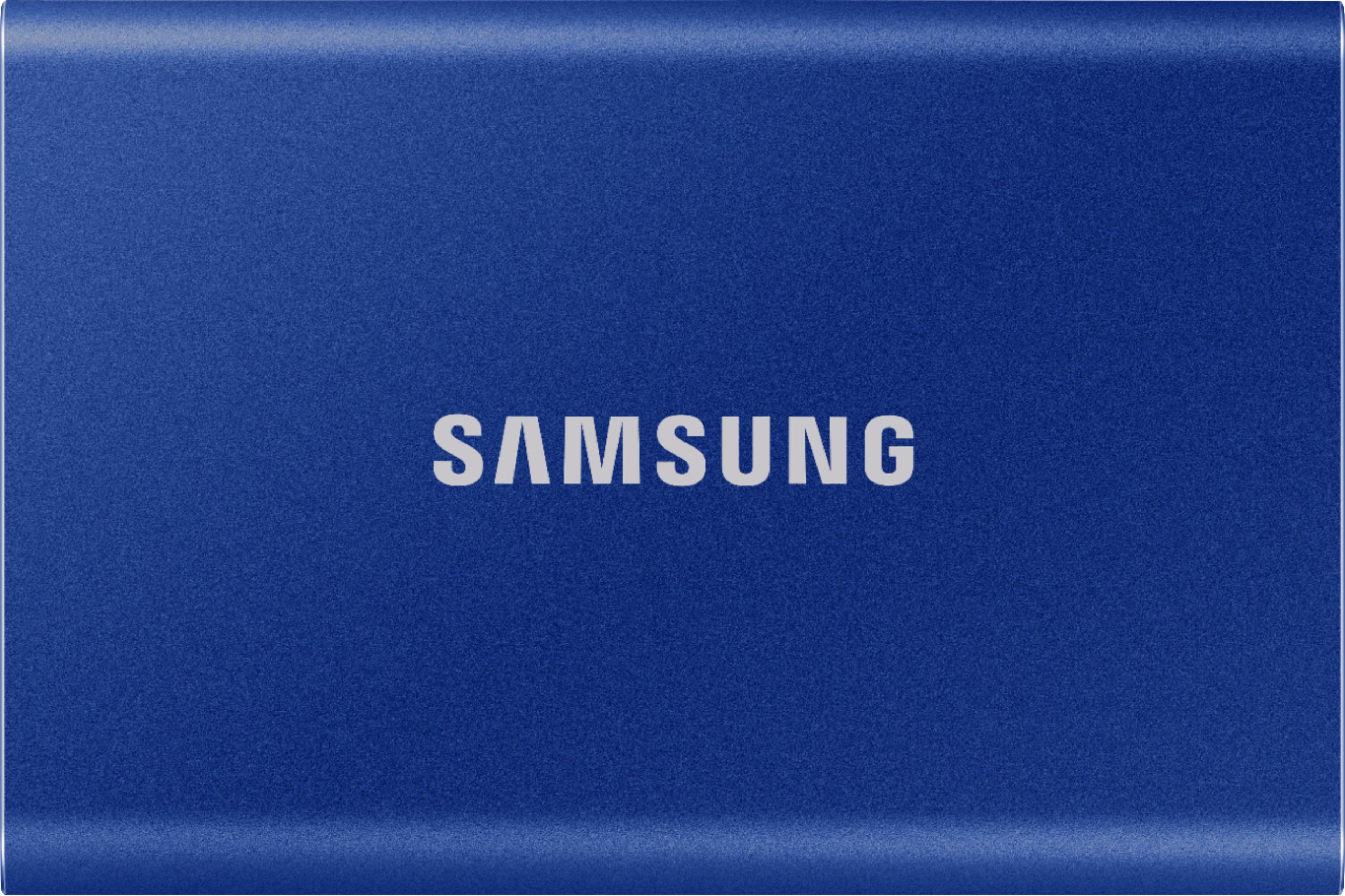
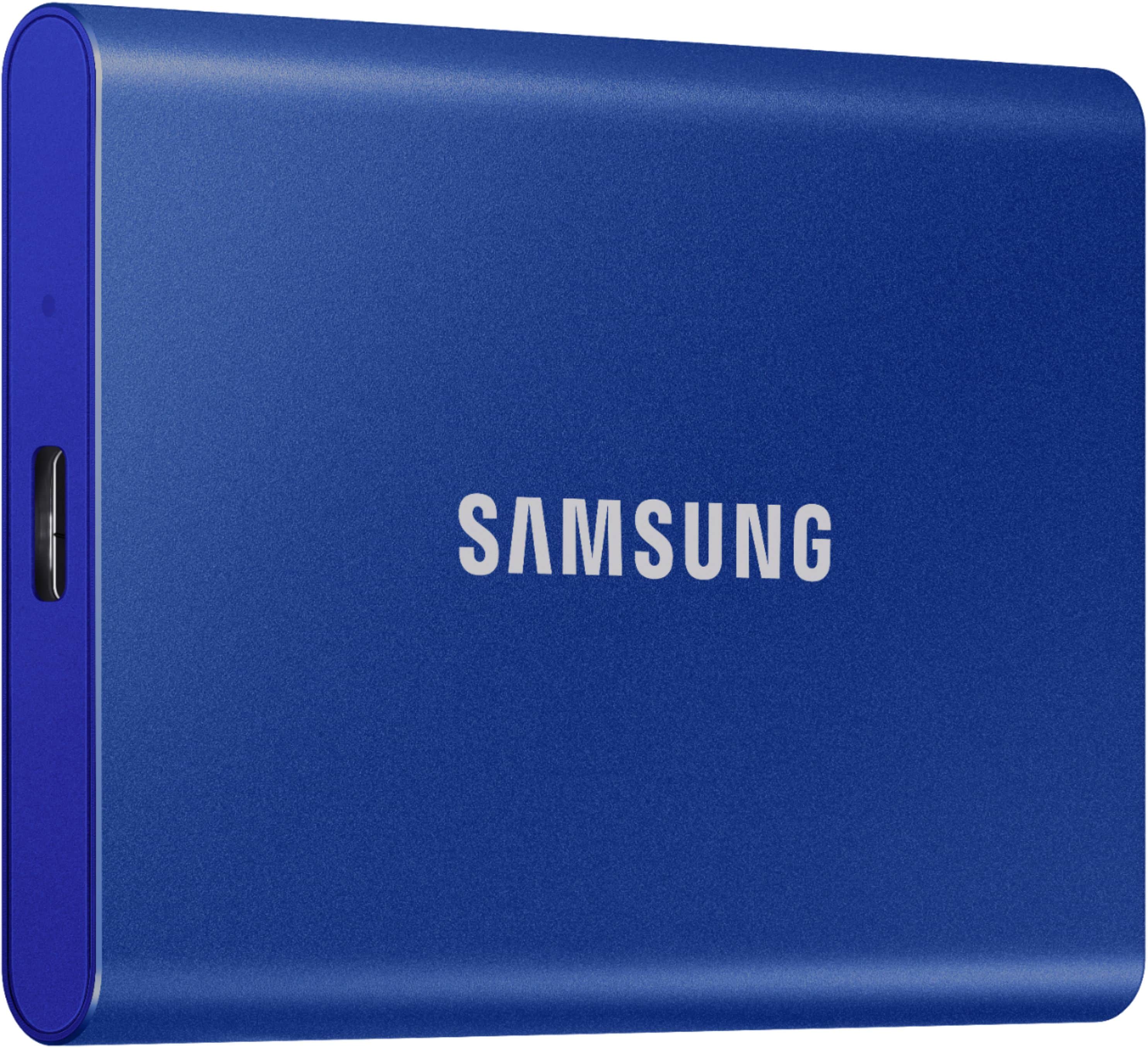
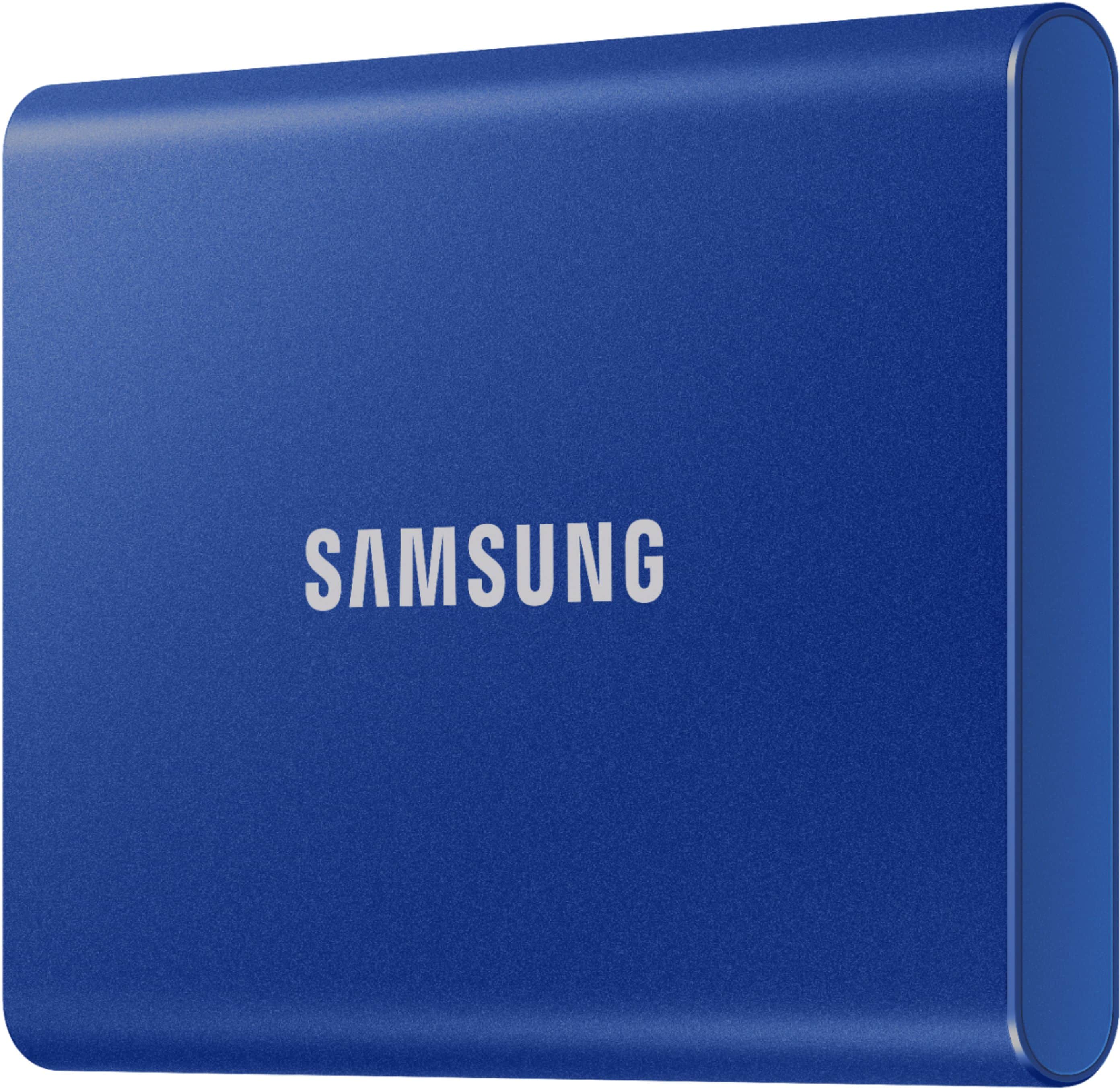
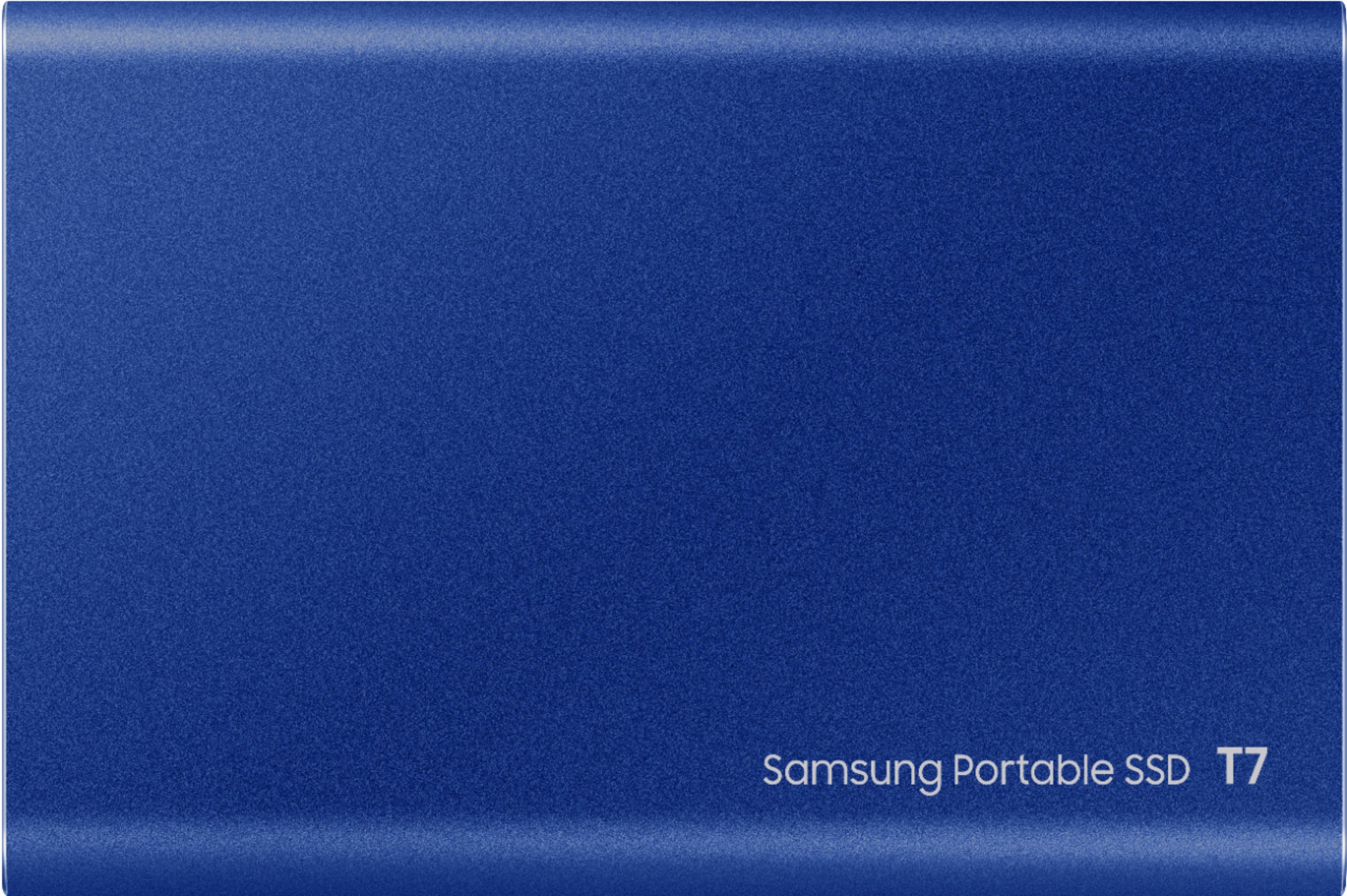
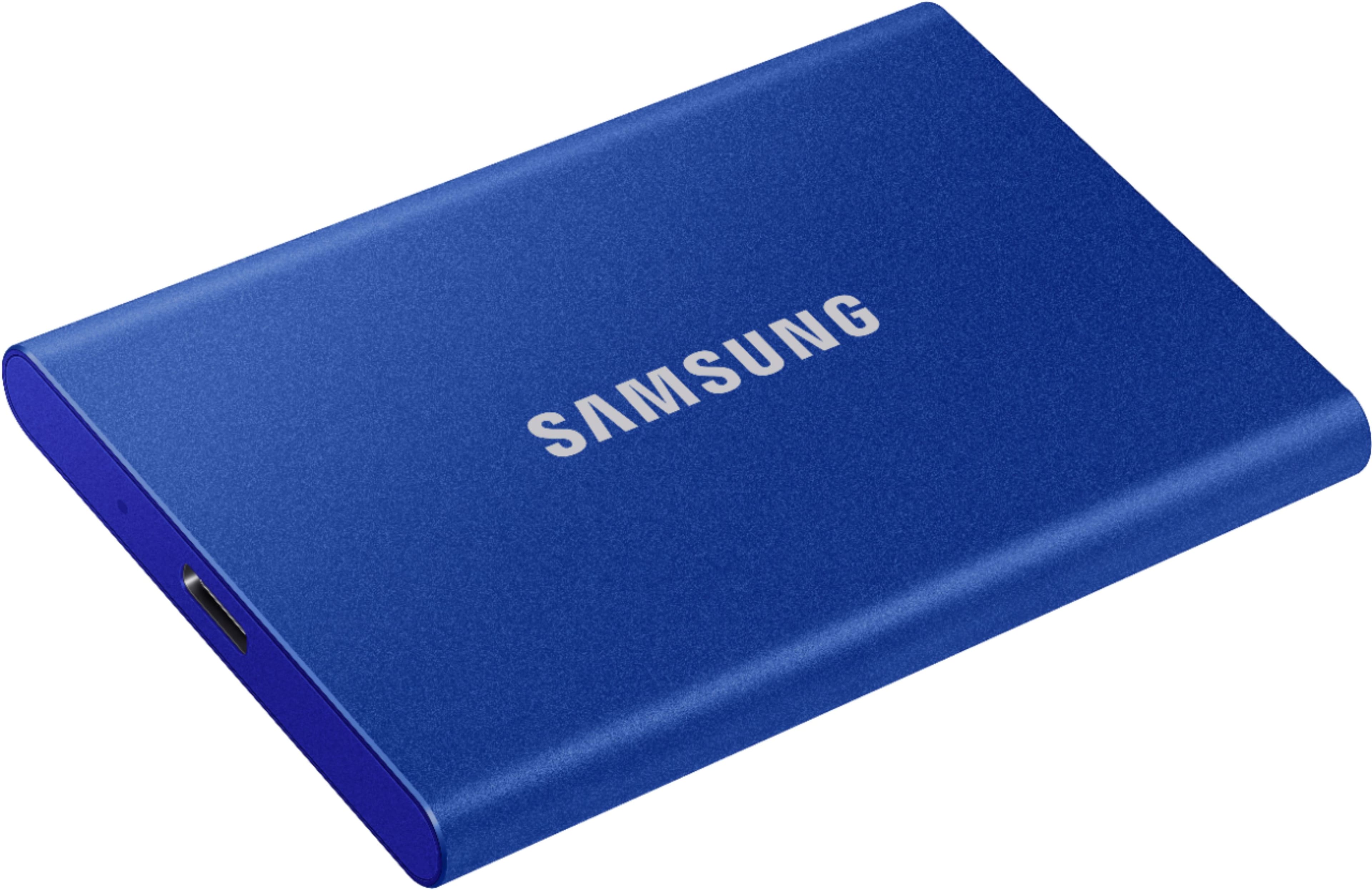
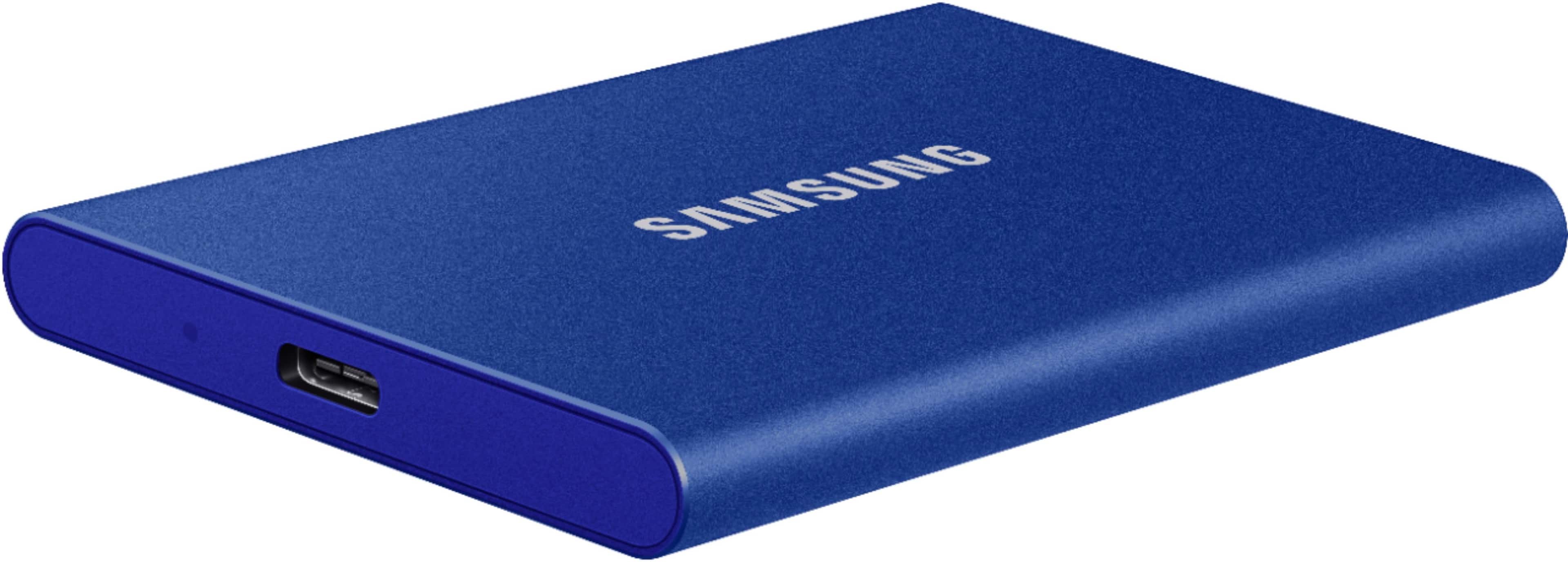
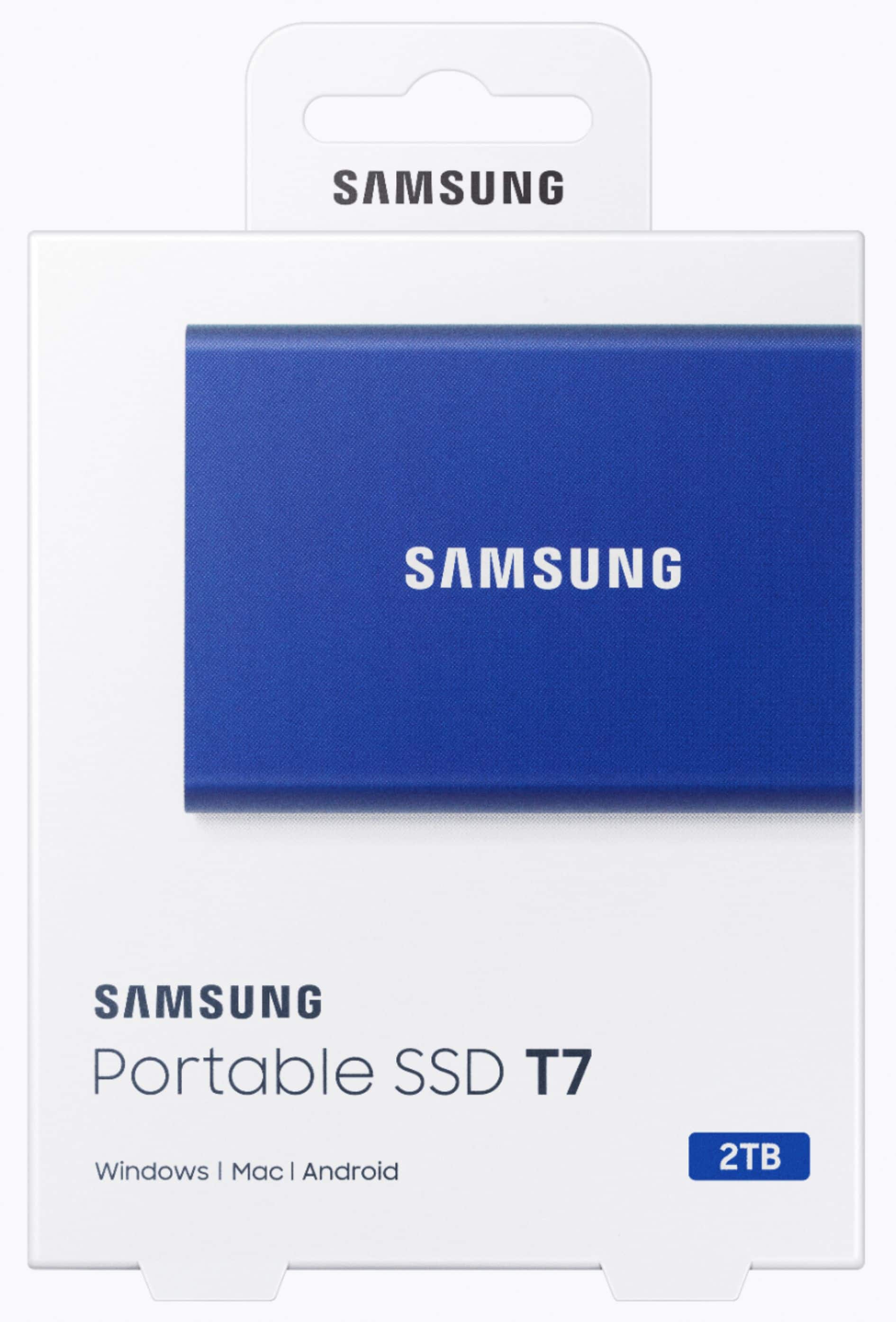
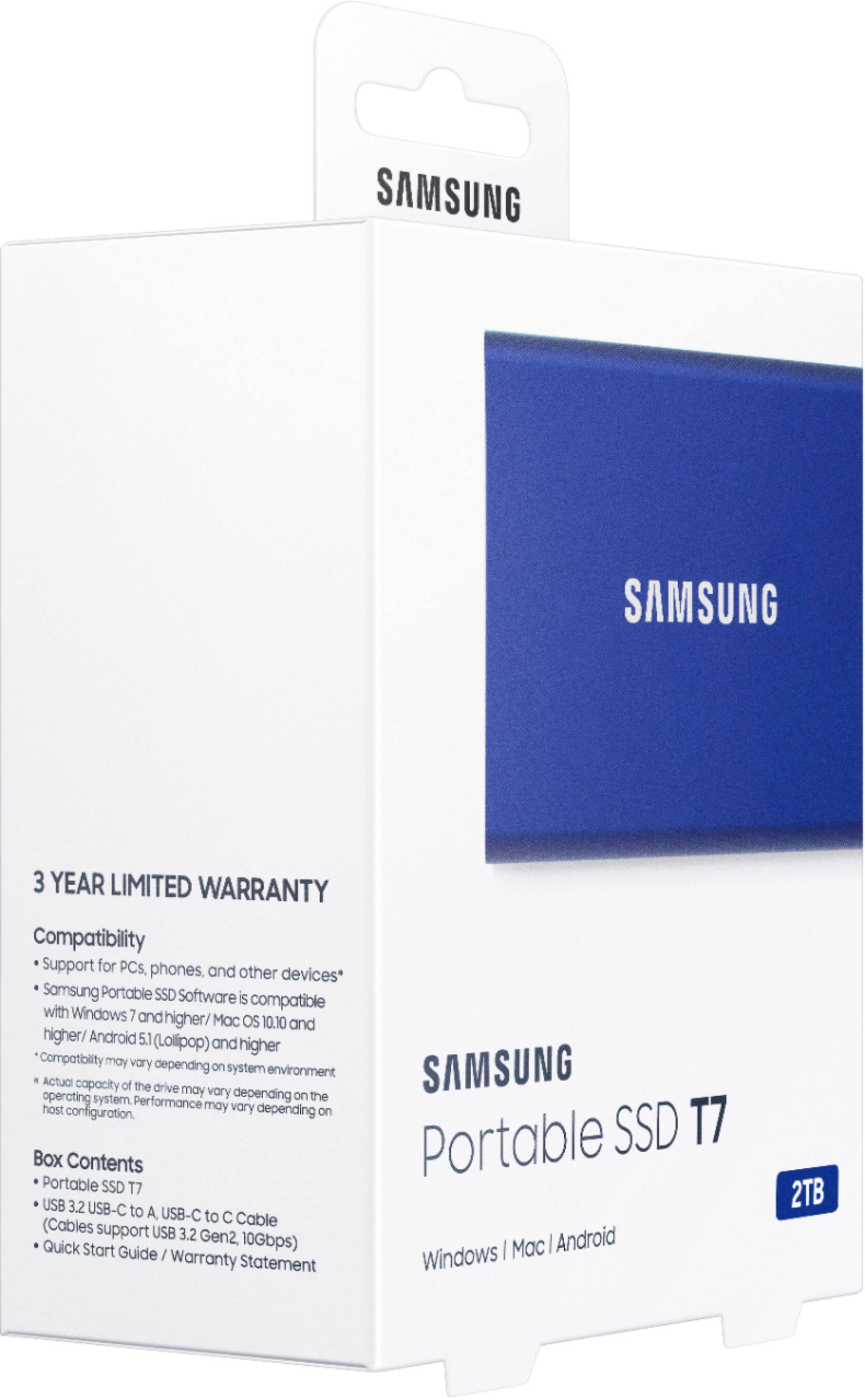
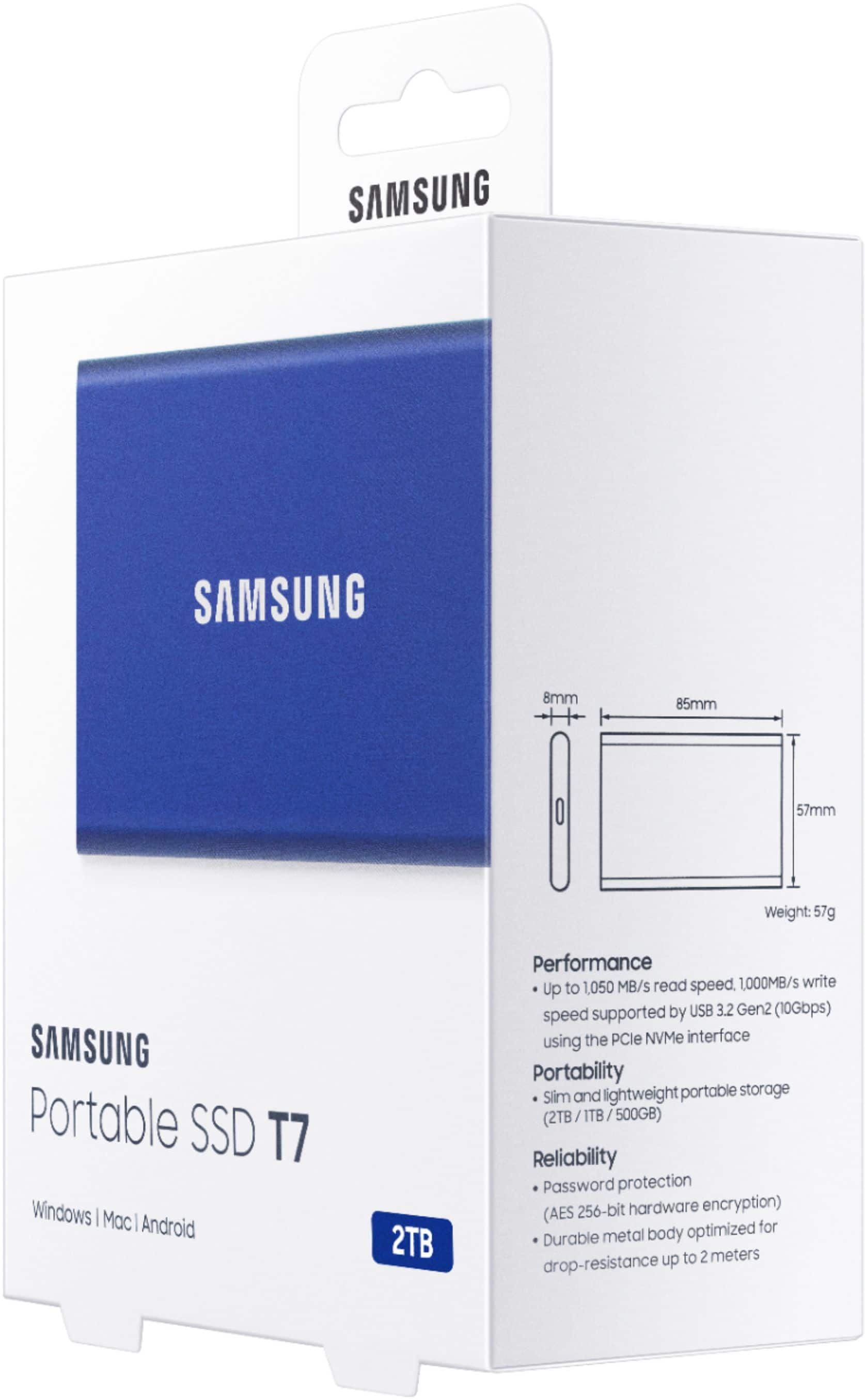
T7 2TB External Hard Drive
||Posted . Owned for 3 weeks when reviewed.This reviewer received promo considerations or sweepstakes entry for writing a review.This portable works great. 2nd one. Thx to your kind sales people.Easy!
I would recommend this to a friendMy buddy
||Posted . Owned for 1 year when reviewed.This reviewer received promo considerations or sweepstakes entry for writing a review.Very compatible, good in battery life, elegant design, true colors, I was about to buy ipad pro but definitely took a right decision with S8, it's cheaper and works like charm, everyone who works or study or fun this one is a game changer
I would recommend this to a friendEverything I could need from an SSD.
||Posted . Owned for 1 year when reviewed.This reviewer received promo considerations or sweepstakes entry for writing a review.Really great quality with fantastic read and write speed. This allows me to make my macbook with 500gb ssd usable. I have it attached to the back of my monitor for constant storage. I liked it so much I bought 2.
I would recommend this to a friendMy Samsung
||Posted . Owned for 3 weeks when reviewed.This reviewer received promo considerations or sweepstakes entry for writing a review.Excellent picture quality and great features along with ease of operation. Everything I could hope for at a very fair price.
I would recommend this to a friendSamsung portable SSD T7
||Posted . Owned for 6 months when reviewed.This reviewer received promo considerations or sweepstakes entry for writing a review.Im thankful for this purchase and I look forward to it lasting many years!
I would recommend this to a friendExternal SSD CARD
||Posted . Owned for 1 month when reviewed.This reviewer received promo considerations or sweepstakes entry for writing a review.i like this product bc it helped expand my storage on my xbox.
I would recommend this to a friendA decent SSD
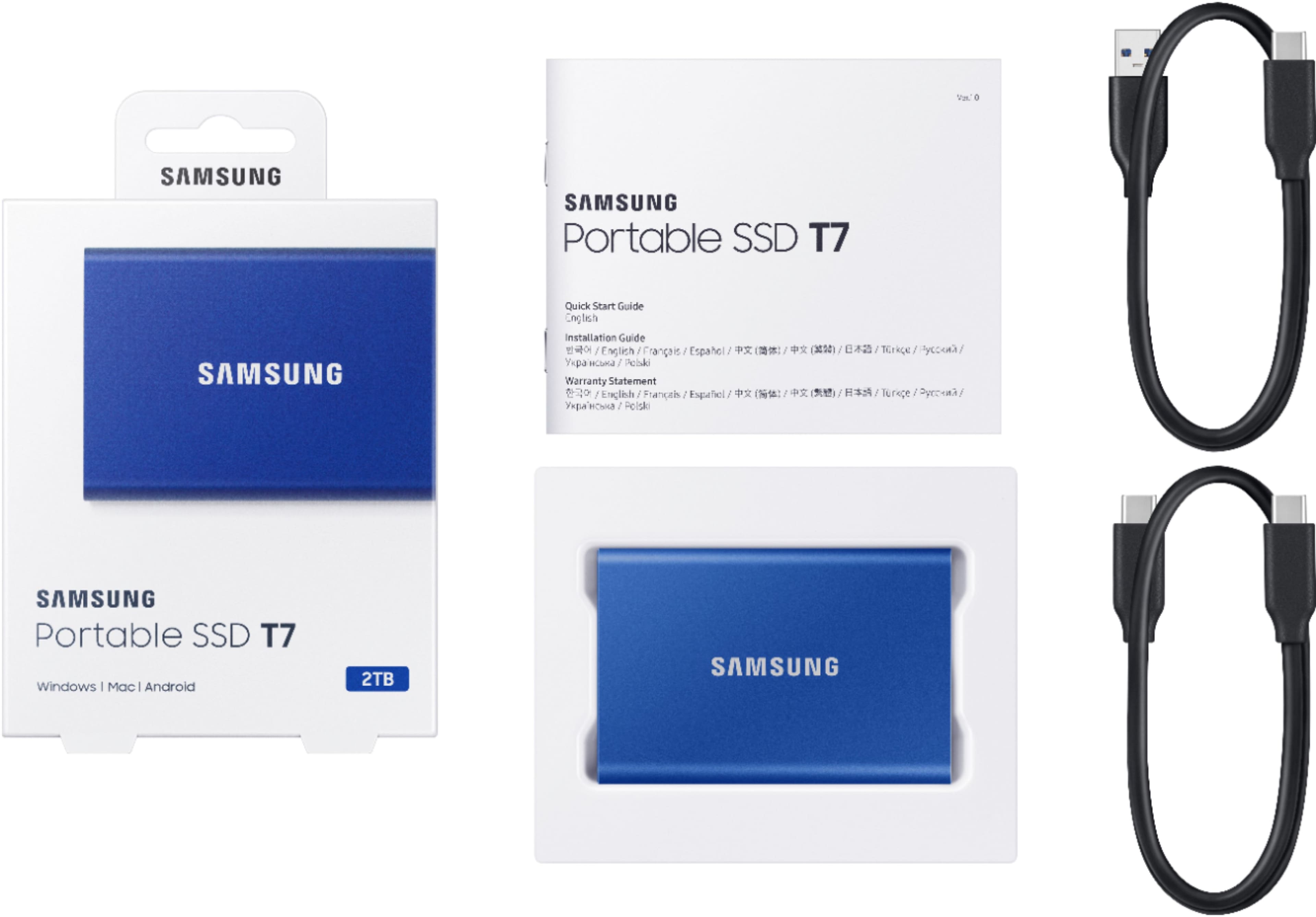
||Posted . Owned for 3 weeks when reviewed.This reviewer received promo considerations or sweepstakes entry for writing a review.Good write/read speed, decent price point for what it is, and it comes with a usb c-a cable, as well as a c-c cable
I would recommend this to a friendGot About 10 Ten of Them ( 9.9 stars)
||Posted . Owned for 11 months when reviewed.This reviewer received promo considerations or sweepstakes entry for writing a review.Every Other of job I get I buy one on these. So I probably have around 10 of them. Does the job. The whole transfer speed well let's just say real world I'm getting around 500 to 600 MB When I transfer files. Not the 1000 they say. I do transfer a lot big 4k Files from my job sites everyday. If you can catch on sale grab them. Yall can check us out on You Tube: All Access Construction. Of course I had to plug us.. :)
I would recommend this to a friendBroken already
||Posted . Owned for 1.5 years when reviewed.This reviewer received promo considerations or sweepstakes entry for writing a review.It’s a very fast Ssd but I think the security feature on this Ssd crashes the Ssd to fail. Every time I connect it, enter my password it disconnects and say reconnect it. I have personal data on here that I can’t get off. I would not purchase again… only because I just got it and it crashed on a fast gaming computer. Used for storage files
No, I would not recommend this to a friendBrand response from Samsung
Posted .LavonzeS:
We always aim to deliver a great experience, and it’s unfortunate to hear the T7 SSD did not meet your expectations. We completely understand your frustrations, and we are here to help.
Samsung stands behind the quality and performance of every T7 SSD we manufacture with a limited 3-year manufacturer’s warranty when purchased brand-new, directly from any authorized dealer, like Best Buy.
Please contact Samsung Customer Support directly so that we can better investigate your issue and assist you towards a resolution or replacement.
1) Call: 1-800-SAMSUNG (ask for Memory). Available 9AM - 12AM EST (Mon-Fri)
2) Email: samsungmemorysupport@sea.samsung.com
3) LiveChat 9AM-6PM EST (Mon-Fri) - https://www.livehelpnow.net/lhn/lcv.aspx?d=34834&ms=&zzwindow=0&lhnid=29783
We look forward to hearing from you soon.
- Samsung Memory
Sturdy and Fast
||Posted . Owned for 1 month when reviewed.This reviewer received promo considerations or sweepstakes entry for writing a review.I love this external hard drive. It’s sturdy & fast. I have been using this exact one for over a year now.
I would recommend this to a friendExcellent reliable drive
||Posted . Owned for 9 months when reviewed.This reviewer received promo considerations or sweepstakes entry for writing a review.This is a very good external hard drive. Very good for backing up an old hard drive.
I would recommend this to a frienddisk is slow
||Posted . Owned for 2 weeks when reviewed.This reviewer received promo considerations or sweepstakes entry for writing a review.I have a 2017 iMac 5K and about 2 weeks ago I got this ssd its fast and everything worked great I installed MacOS Ventura on it made it my boot drive and that was golden I got iCloud Photos on the photos app but it crashed constantly so I was like"ok maybe I need to update the firmware on the ssd"so I installed Samsung magician and then got a kernel panic because little that I knew apparently Samsung magician isn't optimized well for Mac. I was like"ok I'll back up my ssd to my server I have"so I apparently my iMac without the ssd plugged in and when the iMac booted up i copied my stuff to my server and I noticed the ssd transfer speed was vary slow so I opened up black magic speediest and this is my speed(see picture below)I am NOT HAPPY I will NEVER buy a Samsung ssd again, i will be returning this shortly0
No, I would not recommend this to a friendBrand response from Samsung
Posted .techman123:
Thank you for purchasing the Samsung T7 SSD and for your review. We value your feedback regarding the speed of yourSSD.
As there are various factors that could affect speed, I would encourage you to call Samsung Customer Support if you need further assistance to troubleshoot your issue.
1) Call: 1-800-SAMSUNG (ask for Memory). Available 9AM - 12AM EST (Mon-Fri)
2) Email: samsungmemorysupport@sea.samsung.com
3) LiveChat 9AM-9PM EST (Mon-Fri) - https://www.livehelpnow.net/lhn/lcv.aspx?d=34834&ms=&zzwindow=0&lhnid=29783
Samsung stands behind the quality and performance of every T7 SSD we manufacture with a limited 3-year manufacturer’s warranty when purchased brand-new, directly from any authorized dealer, like Best Buy.
We hope to hear from you soon.
~ Samsung Memory
Great fast drive
||Posted . Owned for more than 2 years when reviewed.This reviewer received promo considerations or sweepstakes entry for writing a review.Using this on my PS5 to install PS4 games and works like it should. Keep in mind, this is only to play PS4 games. You cannot play PS5 of it. Also want to mention it does get warm to the touch when in use
I would recommend this to a friendGreat external hard drive with encyption!
||Posted . Owned for 3 weeks when reviewed.This reviewer received promo considerations or sweepstakes entry for writing a review.Great product, the encyption is easy to use. Very satisfied with my purchase.
I would recommend this to a friendGreat portable drives
||Posted . Owned for 3 weeks when reviewed.This reviewer received promo considerations or sweepstakes entry for writing a review.They had the portable hard drives I needed, when I needed them. A+
I would recommend this to a friendNice for the price
||Posted . Owned for 7 months when reviewed.This reviewer received promo considerations or sweepstakes entry for writing a review.Fast read rights idal for doing thingx love it may get more
I would recommend this to a friend
A Pocket Ace
|Posted .This reviewer received promo considerations or sweepstakes entry for writing a review.External storage primarily comes in two varieties: you get to choose between a large, hulking hard drive that sits on your desk, usually needs its own power supply, and performs just okay, or a small thumbdrive that offers a small amount of storage with poor speeds. There were few options that delivered both compact and speedy external storage, usually ringing in at exorbitant prices reserved only for professionals and extreme hardware enthusiasts. The last few years have mercifully changed the landscape as solid state disks (SSDs) became immensely more affordable and even smaller, with some of the highest performing disks fitting into a package the size of a stick of gum and coming in at palatable, even justifiable, prices. Samsung’s new T7 Portable SSD is a prime example of striking the balance between price, performance, and capacity, offering up to as much as two terabytes of storage into a “credit card” form factor with performance that puts many internal SSDs to shame. - Unboxing and Setup First impressions of the T7 are that of surprise. The portable SSD is smaller than the packaging implies, coming in slimmer and thinner than a deck of playing cards. It has the right amount of heft in the hand to feel premium, and the finish on the case is very smooth with no seams, as if milled from a single block of aluminum. The disk feels like it could take some hard drops and be none the worse for wear. Unlike external hard drives, an external SSD has no moving parts, so it can much more easily withstand bumps, shocks, and physical damage without destroying the mechanisms that let the drive function at all. Samsung includes both USB-A and USB-C cables in the packaging for use with virtually all devices on the market. The setup guide is very sparse, but as an external disk the T7 is as plug-and-play as it gets. Once connected to a PC, the drive presents a standard partition containing an installer for the Samsung Portable SSD Software - a nice touch to speed up the setup process. The software is pretty lightweight and serves to toggle drive encryption and update the firmware on the SSD. - Security & Encryption Once a password is set through the Samsung Portable SSD app and “Security Mode” enabled, the drive will encrypt all data written to it. The app acts as the decryptor to allow existing data to be read and new data written to the disk until the computer is shut down or the drive is disconnected. Upon reconnection, the drive will present just a read-only partition containing the Portable SSD Software installer, and the stored data partition will not present to the OS until the drive is unlocked in the app. The drive uses hardware-driven AES 256-bit encryption, which is the current industry standard for data security. It’s very difficult to crack besides brute-forcing the password, so the strength of your security will depend upon your password’s complexity. Don’t lose or forget it though, since there’s no way to recover the data otherwise and you’ll need to factory reset the drive to use it again, destroying all your data in the process. - Performance The drive’s performance is greatly affected by the type of connection you use. To get top speeds you will need to connect this to a USB-C port that supports USB 3.2 Gen 2, which is still somewhat new and primarily featured in upper-midrange to high-end devices. A regular USB-A connection will be limited to USB 3.0 speeds, roughly half performance of USB 3.2 Gen2. I was able to test both connections using CrystalDiskMark, a benchmark application to test drive speed, and had repeatable results shown in the attached images. The differences between the two connection types were most apparent with sequential operations, where it is clear that the lower bandwidth of USB-A was the limiting factor, cutting read and write speeds by nearly half. Strangely, the older USB-A connection performed significantly better at random reads and writes, outperforming some SATA disks in that regard. I could almost see this being used as an external boot disk for a full OS installation - the performance is that good. Encryption (Security Mode) made little difference in performance, impacting the results by only a trivial amount that can be written off to standard benchmark variations. I backed up about 800GB of data to the drive in a single go to test real-world performance on USB 3.2 Gen 2, and found that performance settled in at around 500MB per second writes peak with averages lower due to smaller file sizes getting mixed in. Over the course of an hour of constant activity, the disk got somewhat warm to the touch but never got near anything that felt hot. Performance remained consistent and never fell off. - Bottom Line There isn’t much to say about external storage - when it works, it works, and Samsung’s Portable SSD T7 1TB has the performance to justify its premium asking price. The drive is consistently fast and only truly limited by the connection type used, which may be even less of a factor should the drive receive a firmware update to support Thunderbolt or newer USB types. This is a great option for computer backups, game storage for consoles, or even diagnostics and testing, as its performance is much stronger than any external hard disk drive or USB flash disk (i.e. thumbdrives) available on the market. The Samsung name does come with a price premium, but within the SSD space the brand is well-respected with its portfolio of high performing, reliable SSDs that the T7 has no trouble slotting into. Highly recommended!
I would recommend this to a friendHigh Quality External SSD
||Posted . Owned for 4 months when reviewed.This reviewer received promo considerations or sweepstakes entry for writing a review.Samsung is the best maker of SSDs. SSDs will eventually wear out if used (ie, written to) enough. But Samsung is known to be among the very best, and its shows in their warranty. For the T7 it's 3yrs -- with NO specific "TBW" (Terrabytes Written) limit on the warranty. The PNY Elite V2 on the other hand -- for 1TB only allows 80TBW before the warranty voids (160 if 2TB). That should tell you something. I have a couple of these T7s and they work great. They're more than fast enough (I don't have USB 3.2 connections, just 3.1 so I don't get the "top" speed, but even at 3.1 it's more than fast enough). Lightweight, and feels well-made. Right now (early 2026) the prices for ALL (not just Samsung) SSDs are insane, as there is a shortage of the necessary parts, and all companies are reaping way too much profit. But the insane prices are seen across all brands. If you're going to buy an SSD, by a Samsung. No compaints at all about the T7s, they're great. , and the warranty for the T7 shows (3 years, but no specified TBW limit). SSDs do eventually wear out in time, but Samsung is known to be among the very best, quality-wise. The PNY Pro Elite V2 for example limits the warranty to only 80 TBW (Terrabytes Written)
I would recommend this to a friendBest SSD For Price.
Posted .This reviewer received promo considerations or sweepstakes entry for writing a review.This is by far the easiest recommendation i have ever had to make because of how awesome the drive is. The obvious cool thing about this drive is the size. Its small and thin and can even fit in my wallet if I wanted to because it has the length and width profile of a credit card. Granted, it is a little wider than its predecessor the T5 but the difference does not affect its portability. Note that it is also thinner than the T5.Even along with the included cables it fits into any pocket without being conspicuous. This makes it very easy to travel with and use on the go. The include cables are a huge plus for me because it helps the drive deliver on performance. True almost everything is USB C now and most people have cables they can use with it, but I found that using the included cables gives a slight boost in performance. The performance of this drive is amazing. Its read and write times were almost twice as fast as the T5 which was already plenty fast. The software utility included is intuitive and easy to use. It allows for either a password or a pin which also adds to its ease of use and portability. Whether I am connected to my phone, tablet or computer it is comforting to know that my files are secure and cannot be altered without my permission. The price is also very reasonable considering the protection you get. i got the 2TB which might be overkill for most but it comes in 500GB and 1TB also. It has been worth the investment for me because I know that even if I misplace it, my intellectual property and personal items will still be protected since it will only open as a read-only drive without the password. To sum up, its sleek, fast and secure and also a must have for anyone with any digital information to protect.
I would recommend this to a friendBrand response from Samsung
Posted .knero:
Thanks for purchasing the Samsung T7 Portable SSD and for your review. I'm glad to see you are happy with the experience and performance.
This light, pocket-sized Portable SSD T7 delivers fast speeds with easy and reliable data storage for transferring large files. Whether you're storing critical business documents, games, or movies, the Portable SSD T7 gives you speed and durability in a palm-sized package.
To optimize your product experience, we encourage you to register your new Samsung SSD at: https://www.samsung.com/us/account/signin/?redirect=https%3A%2F%2Fwww.samsung.com%2Fus%2Fsupport%2Fregister%2F
…and gain access to easy warranty support, convenient opt-in to special promos & offers, faster troubleshooting & service, and quick notification of system updates.
Should you ever have questions or need assistance using this product, please contact Samsung Customer Support.
1) Call: 1-800-SAMSUNG (ask for Memory) Available 9AM - 12AM EST (Mon-Fri)
2) Email: [email protected]
3) LiveChat: https://www.livehelpnow.net/lhn/lcv.aspx?d=34834&ms=&zzwindow=0&lhnid=29783
Available 12PM-6PM EST (Mon-Fri)
The Samsung Members Community is also a great resource for getting help from Samsung moderators and customers: https://us.community.samsung.com/t5/Get-Help/ct-p/get-help
Samsung is committed to providing the best possible product experience, quality, and value, and we are always here to help with any of your questions.
Thank you for choosing Samsung!
~ Samsung Memory
Super Small Super Fast.
Posted .This reviewer received promo considerations or sweepstakes entry for writing a review.The T7 is a USB 3.2 (Gen2) drive that is super light and super small. It is swift (10Gbps), assuming you have a compatible USB 3.2 port. It is roughly the size of a credit card and fits almost anywhere! It features password security that encrypts the drive and keeps the contents safe, so it is perfect if you have sensitive or confidential data, or work in an environment where data must be protected. I work in the government healthcare field, so this drive is a must. The drive offers 256bit AES hardware encryption. The only downside to the password protection (and the reason for my 4-star review instead of five) is that it requires Samsung's software to be installed on the computer you are using to access this drive. In other words, the hardware encryption is dependent on software to enter the password to decrypt the drive. This software requirement severely limits where you can use the drive, and requires you to have administrative rights on every computer to install the software. Without the software, the drive will not unlock. Likewise, if you forget your password, there is no way to recover it, and the data on the drive is lost. These two downsides are the only negative to an otherwise almost perfect USB drive. If Samsung could figure out a way to build the password protection into the hardware of the device, bypassing the software unlocking, it would be perfect. Samsung offers the same drive with a fingerprint reader that is hardware-based and does unlock the drive without the need for the software (other than initial device setup). In any event, the non-touch version of the T7 is excellent if you only plan to use the drive on computers that you own. For the price, you get a high-speed drive plus data protection. Other comparable devices cost about the same but don't offer the data security that the T7 does. Speedwise, short data transfers are amazingly fast on the T7. In fact, it blows the T5 model out of the water. On larger file transfers, things start to equalize between the T7 and T5 as the write speeds on the T7 slow after the device exceeds its cache. The drive comes in different sizes to meet your needs, 500GB, 1TB, and 2TB. The drive comes with two USB cables: a C-C and an A-C. If you need a fast, secure drive for personal or business storage, you can't go wrong with the T7. If you plan to travel with the drive, you should consider the T7 touch model.
I would recommend this to a friendBrand response from Samsung
Posted .WillD:
Thank you for your purchase of the T7 Portable SSD and for sharing your review. This light, pocket-sized Portable SSD T7 delivers fast speeds with easy and reliable data storage for transferring large files. Whether you're storing critical business documents, games, or movies, the Portable SSD T7 gives you speed and durability in a palm-sized package.
Also, we thank you for your feedback regarding password protection and will be sharing with our Product team.
Should you ever have questions or need assistance using this product, please contact Samsung Customer Support.
1) Call: 1-800-SAMSUNG (ask for Memory) Available 9AM - 12AM EST (Mon-Fri)
2) Email: [email protected]
3) LiveChat: https://www.livehelpnow.net/lhn/lcv.aspx?d=34834&ms=&zzwindow=0&lhnid=29783
Available 12PM-6PM EST (Mon-Fri)
The Samsung Members Community is also a great resource for getting help from Samsung moderators and customers: https://us.community.samsung.com/t5/Get-Help/ct-p/get-help
If you have not already done so, we invite you to register your new Samsung SSD at: https://www.samsung.com/us/account/signin/?redirect=https%3A%2F%2Fwww.samsung.com%2Fus%2Fsupport%2Fregister%2F
Registering your product gives you access to easy warranty support, convenient opt-in to special promos & offers, faster troubleshooting & service, and quick notification of system updates.
Thank you for choosing Samsung!
- Samsung Memory