Customer Ratings & Reviews
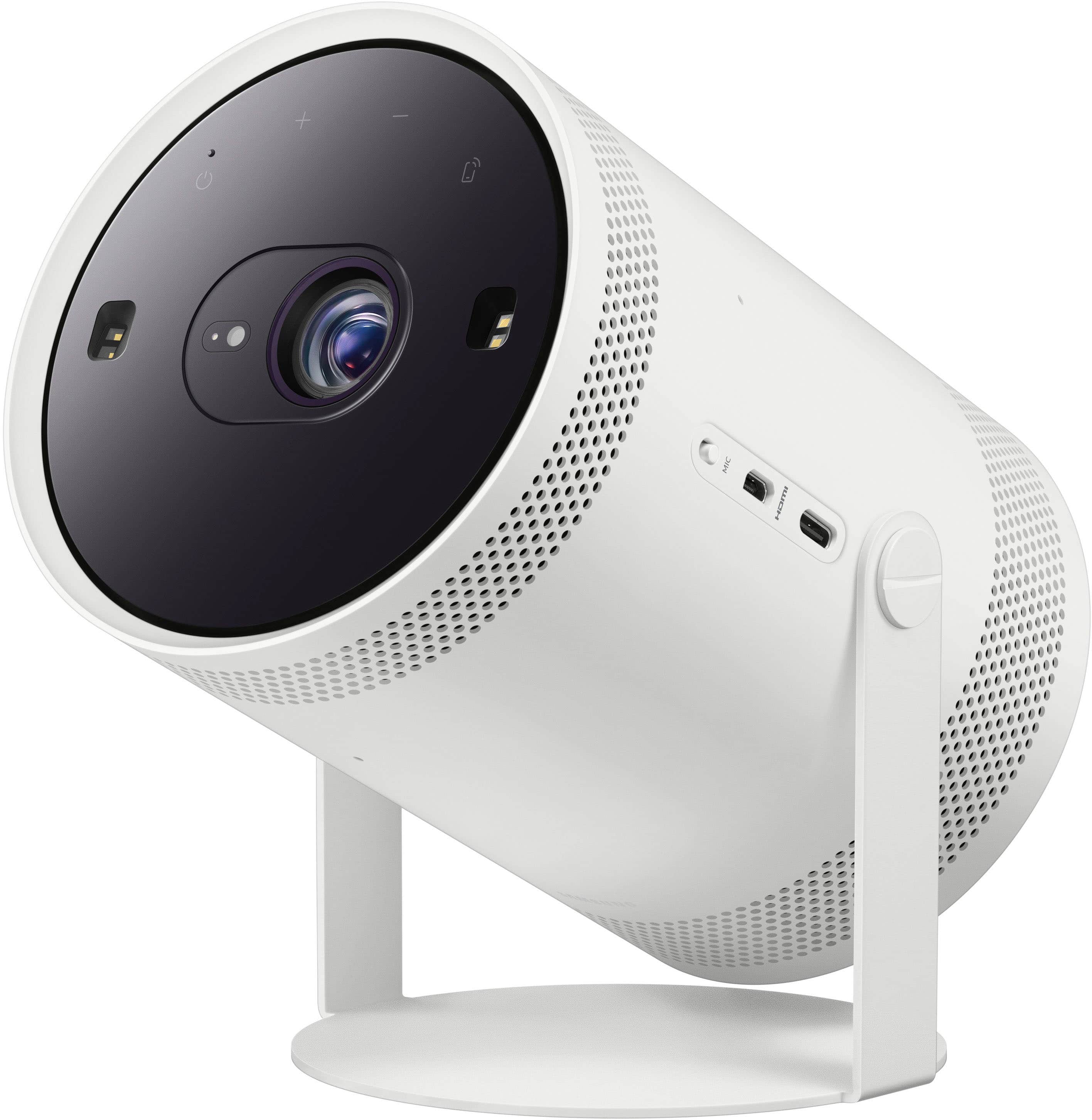
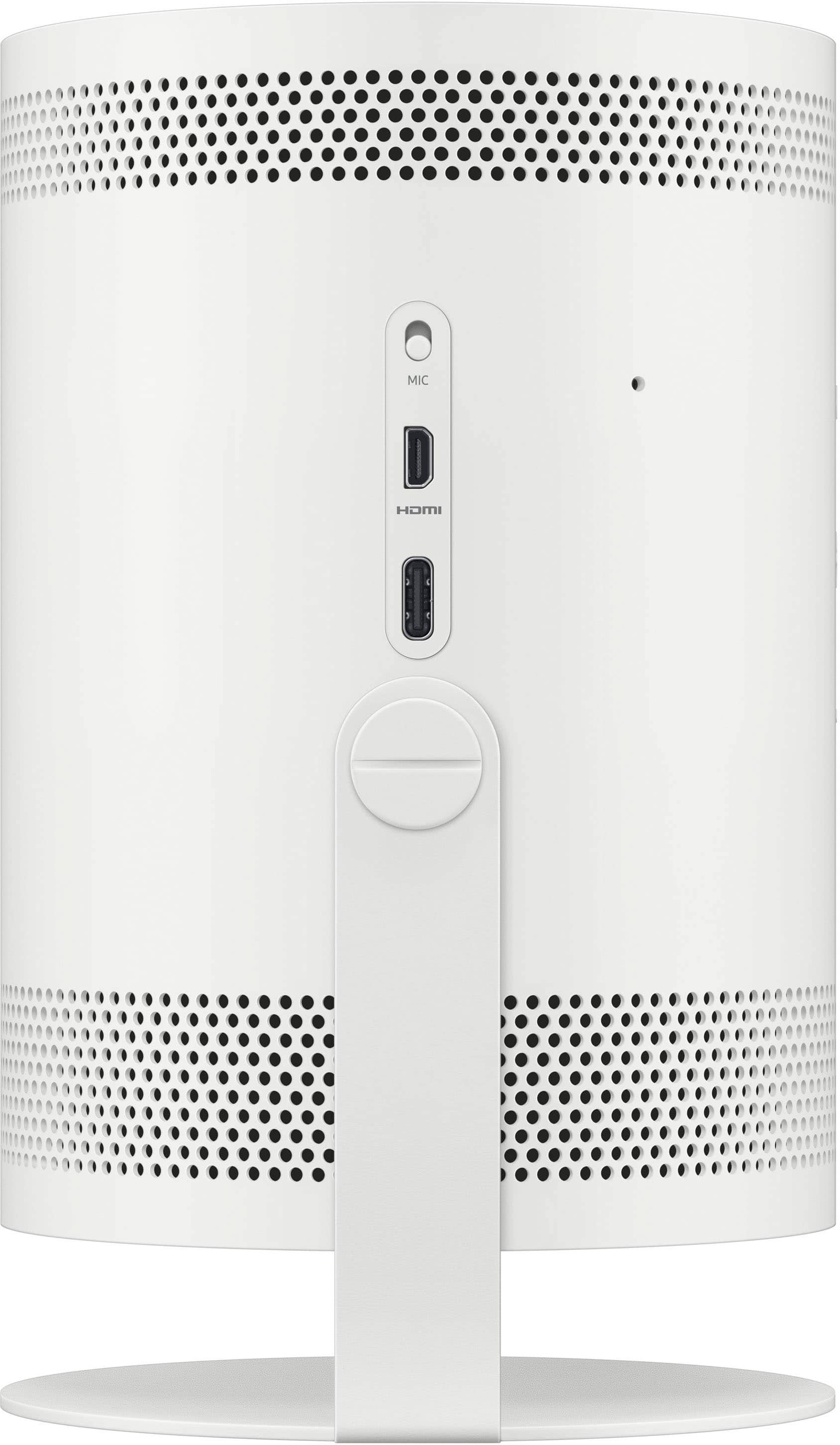
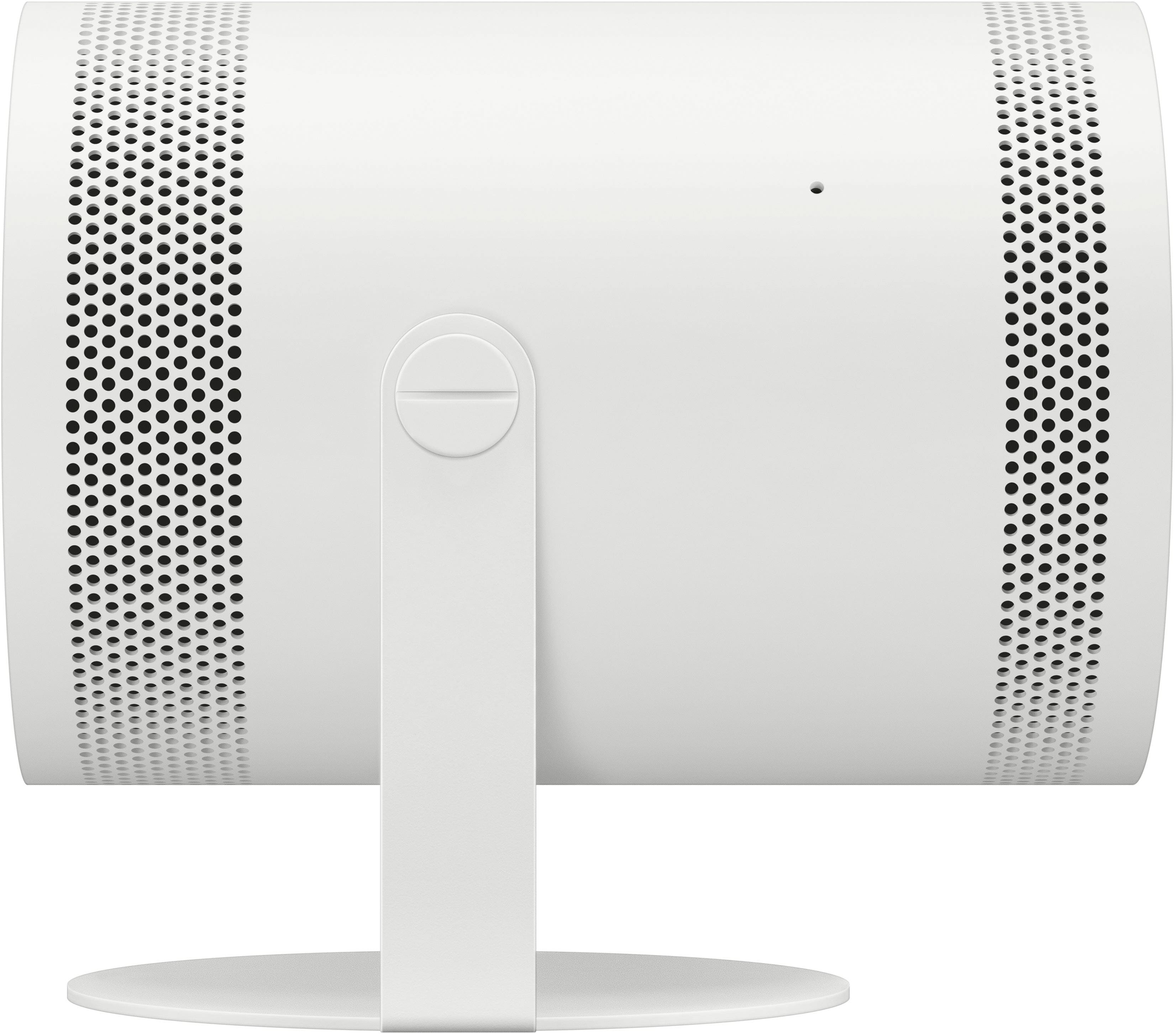
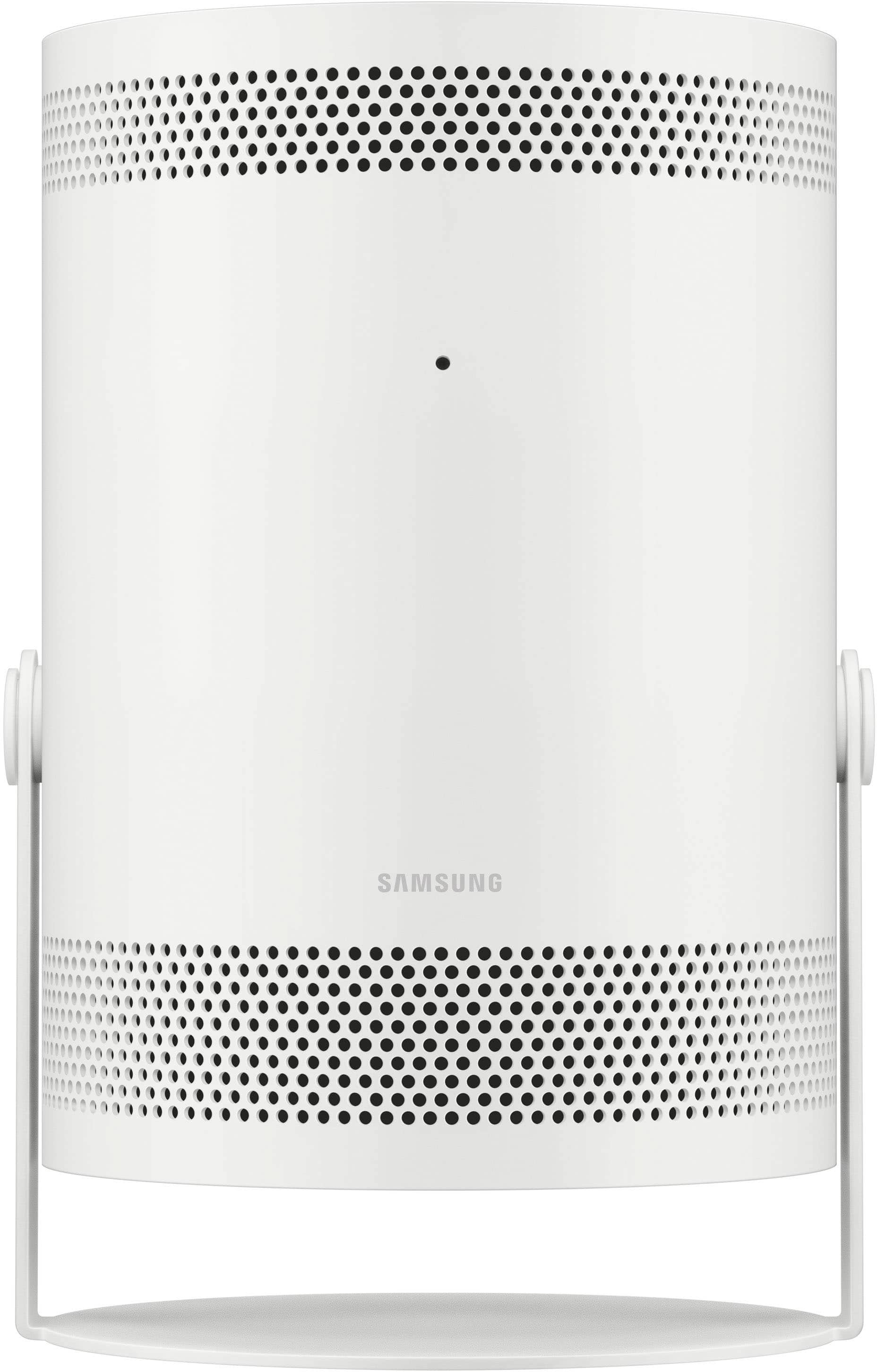
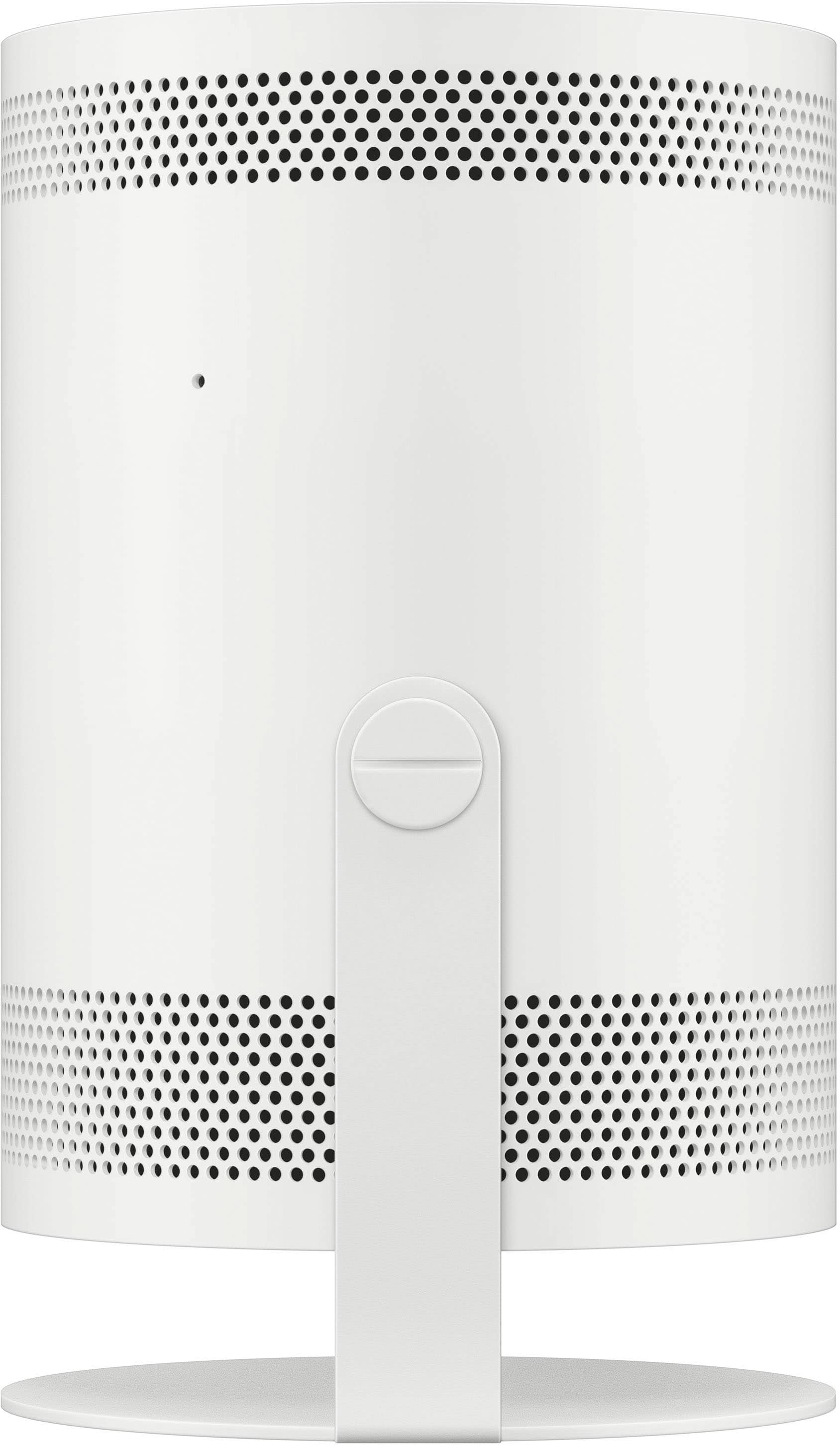
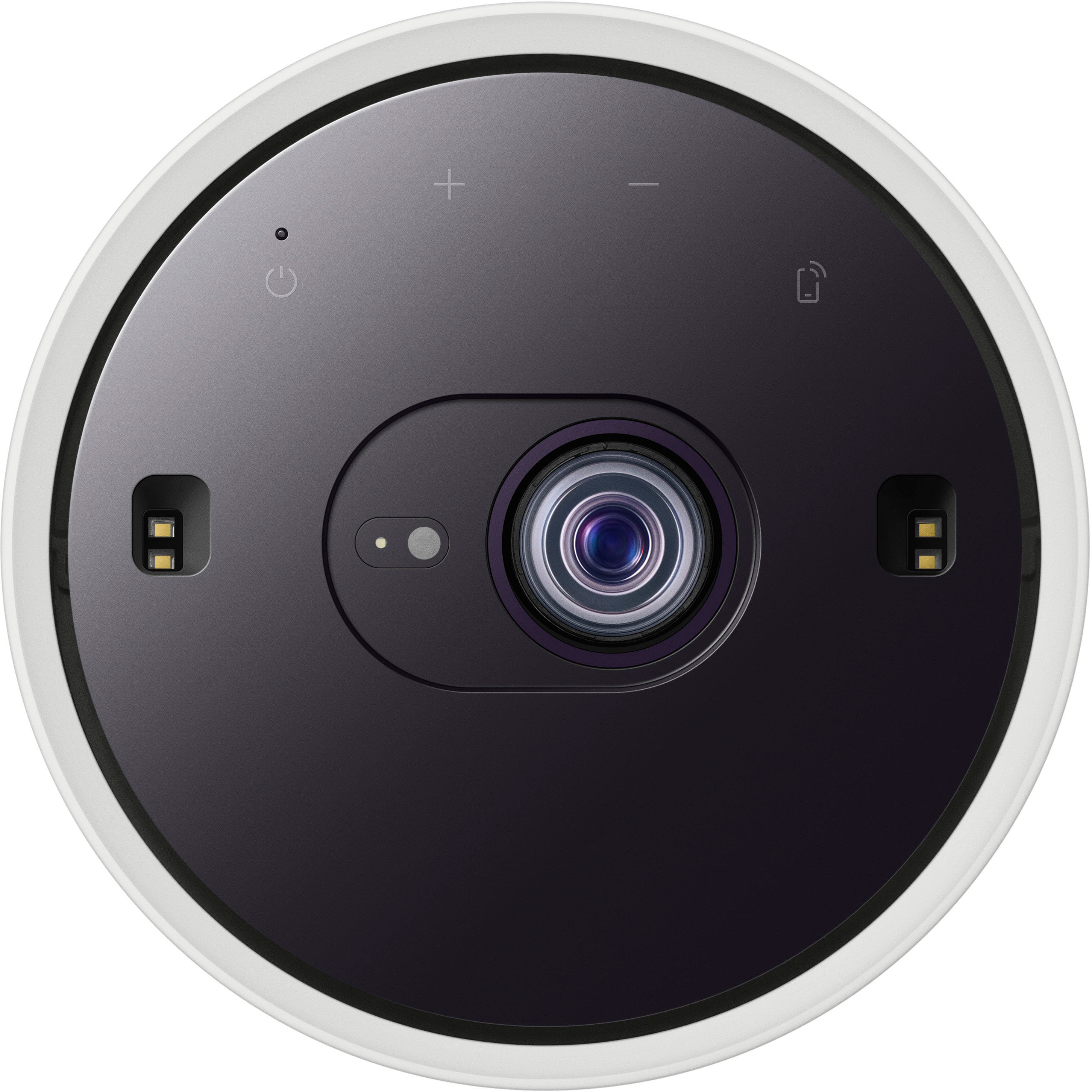
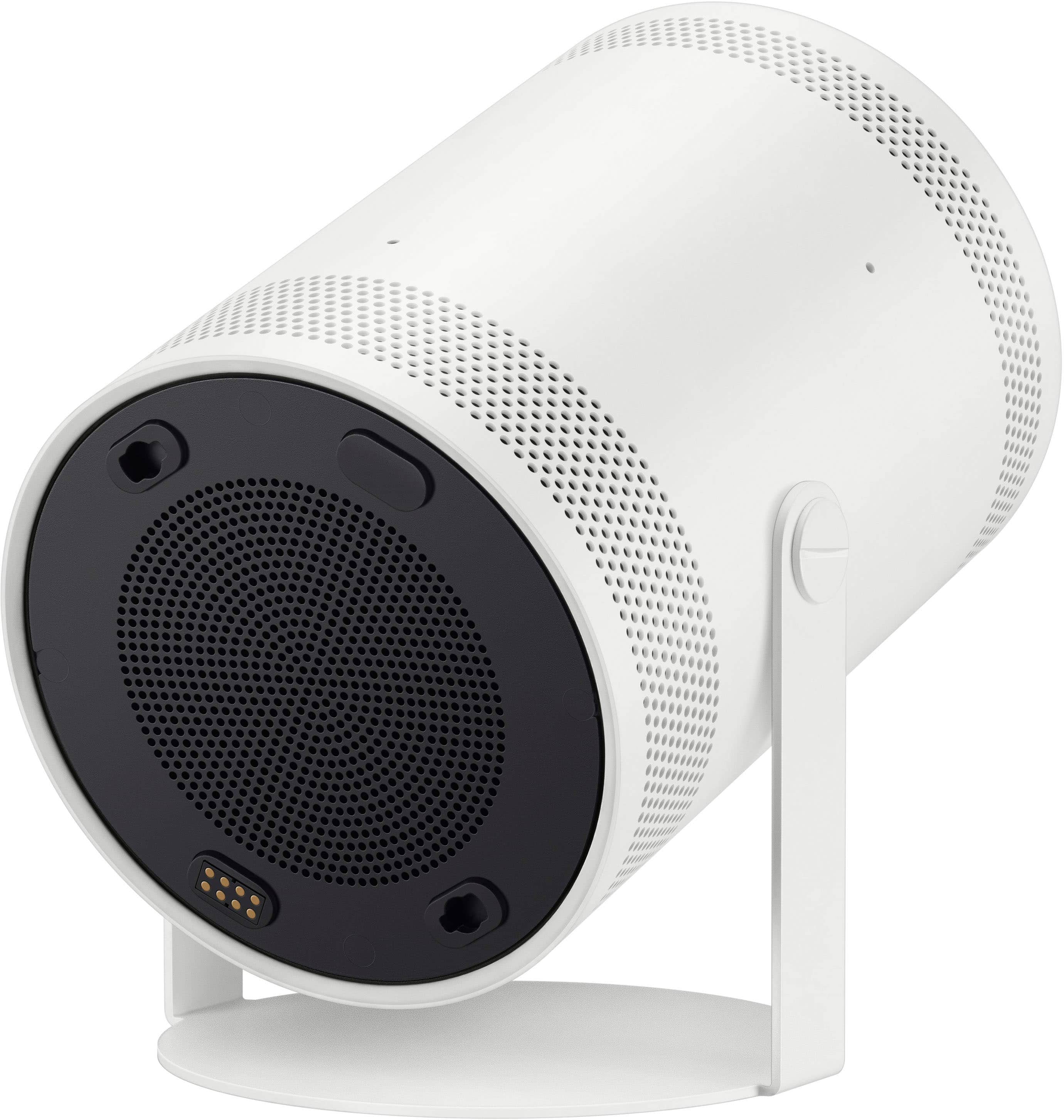
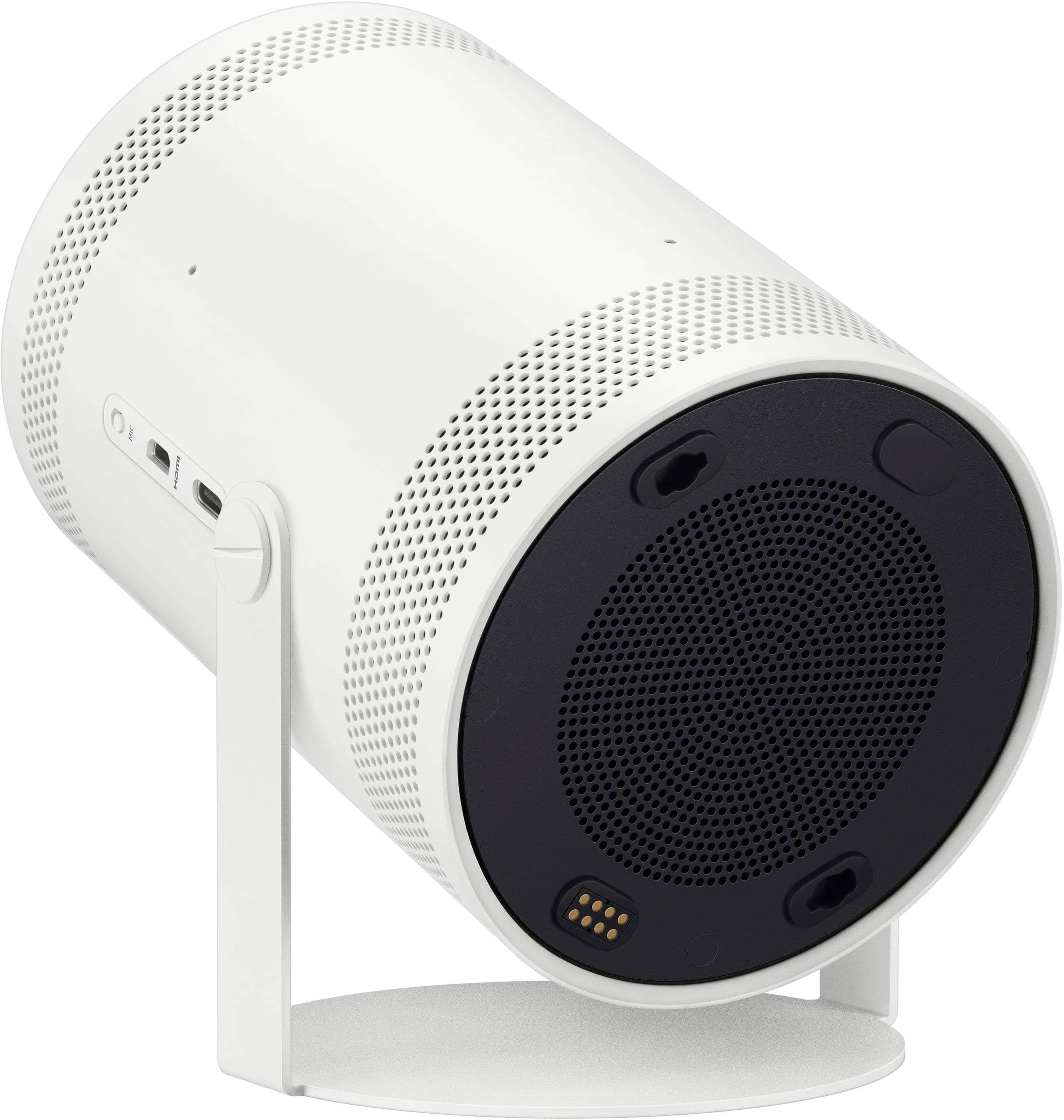

- Model:
- SP-LFF3CLAXXZA
- |
- SKU:
- 10100683
Customer reviews
Rating 4.5 out of 5 stars with 406 reviews
(406 customer reviews)Rating by feature
- Value4.4
Rating 4.4 out of 5 stars
- Quality4.5
Rating 4.5 out of 5 stars
- Ease of Use4.6
Rating 4.6 out of 5 stars
Customers are saying
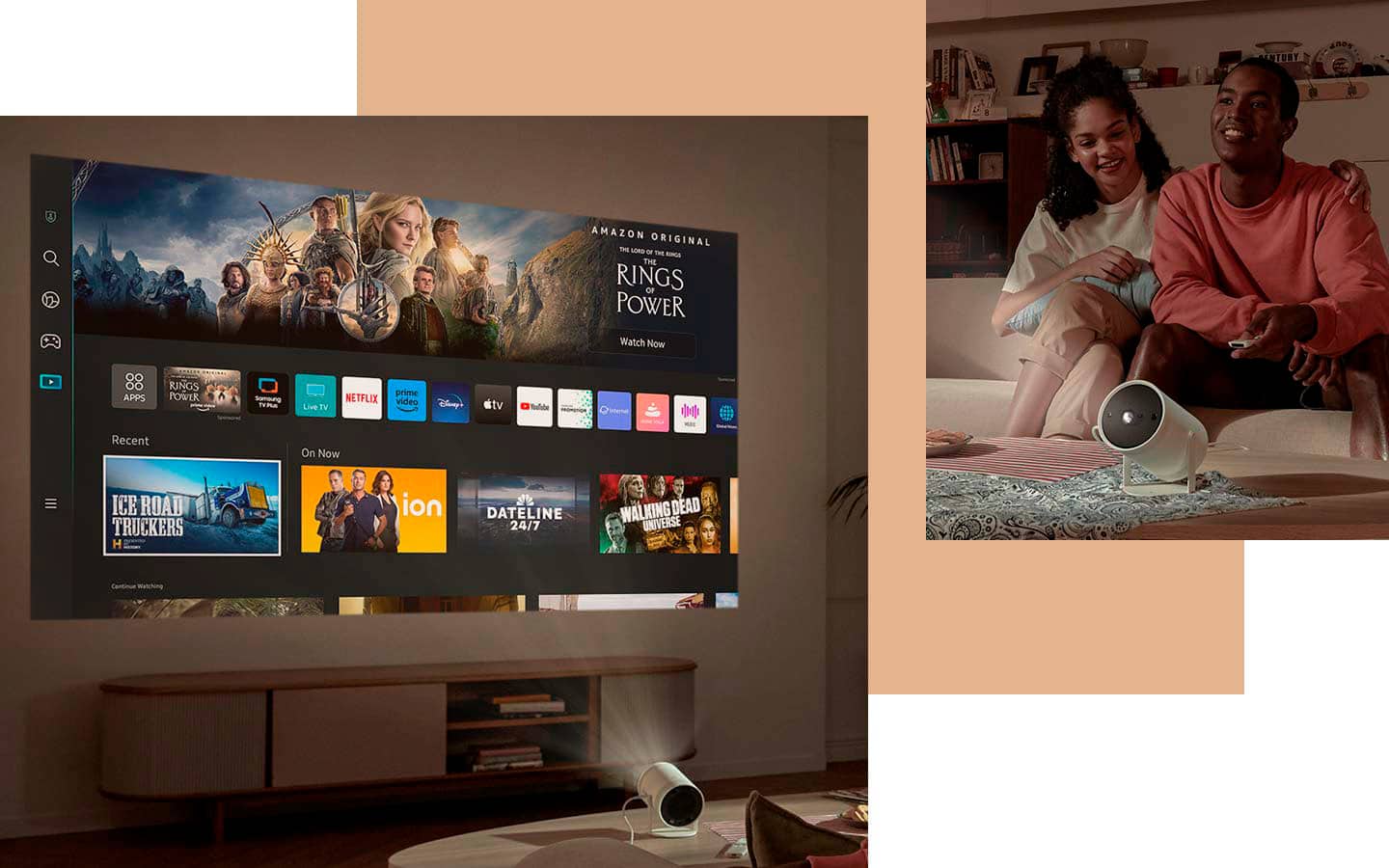
Customers value the product's excellent picture quality, portability, and user-friendly setup, noting its convenient size and effective auto-focus. However, a notable concern among customers is the brightness of the device. Additionally, some users have expressed minor frustrations with connectivity options and the overall price.
This summary was generated by AI based on customer reviews.
- Pros mentioned:Portability
Rated 5 out of 5 stars
Great fun...perfect for NYC apartment!
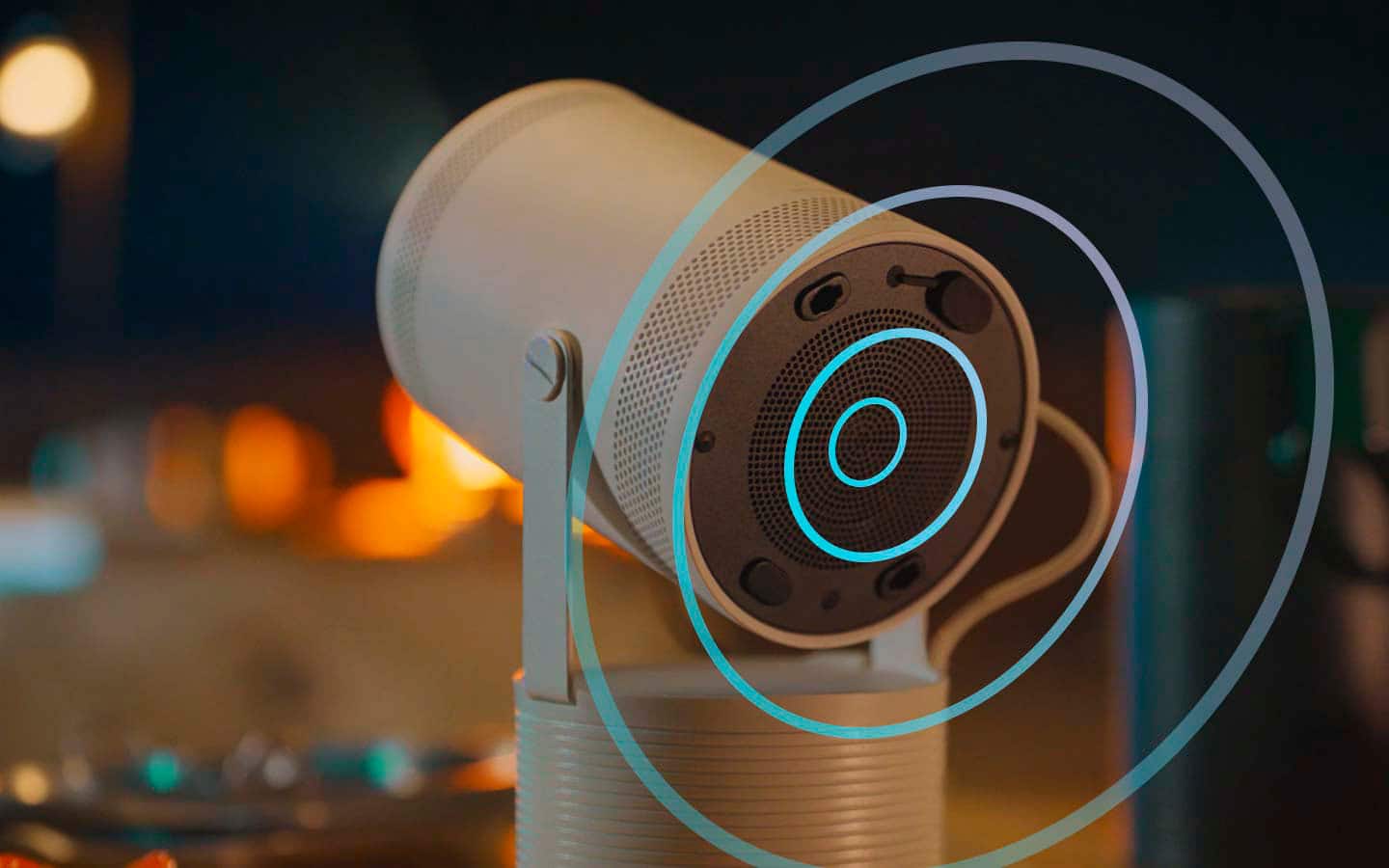
||Posted . Owned for 3 weeks when reviewed.This reviewer received promo considerations or sweepstakes entry for writing a review.We love our new portable projector from Samsung. The built in speaker is loud enough.
This review is from Samsung - The Freestyle 2nd Gen with Gaming Hub FHD HDR Smart Portable Projector - White
I would recommend this to a friend Rated 5 out of 5 stars
Excellent product
||Posted . Owned for 1 week when reviewed.This reviewer received promo considerations or sweepstakes entry for writing a review.Very pleased with my Freestyle Gen 2. I exchanged my TV for it and I don't regret it.
This review is from Samsung - The Freestyle 2nd Gen with Gaming Hub FHD HDR Smart Portable Projector - White
I would recommend this to a friend- Pros mentioned:Picture quality
Rated 5 out of 5 stars
Worth it
||Posted . Owned for 3 months when reviewed.This reviewer received promo considerations or sweepstakes entry for writing a review.I really like the projector, worth buying it. :)..
This review is from Samsung - The Freestyle 2nd Gen with Gaming Hub FHD HDR Smart Portable Projector - White
I would recommend this to a friend - Pros mentioned:Portability
Rated 5 out of 5 stars
Really cool!
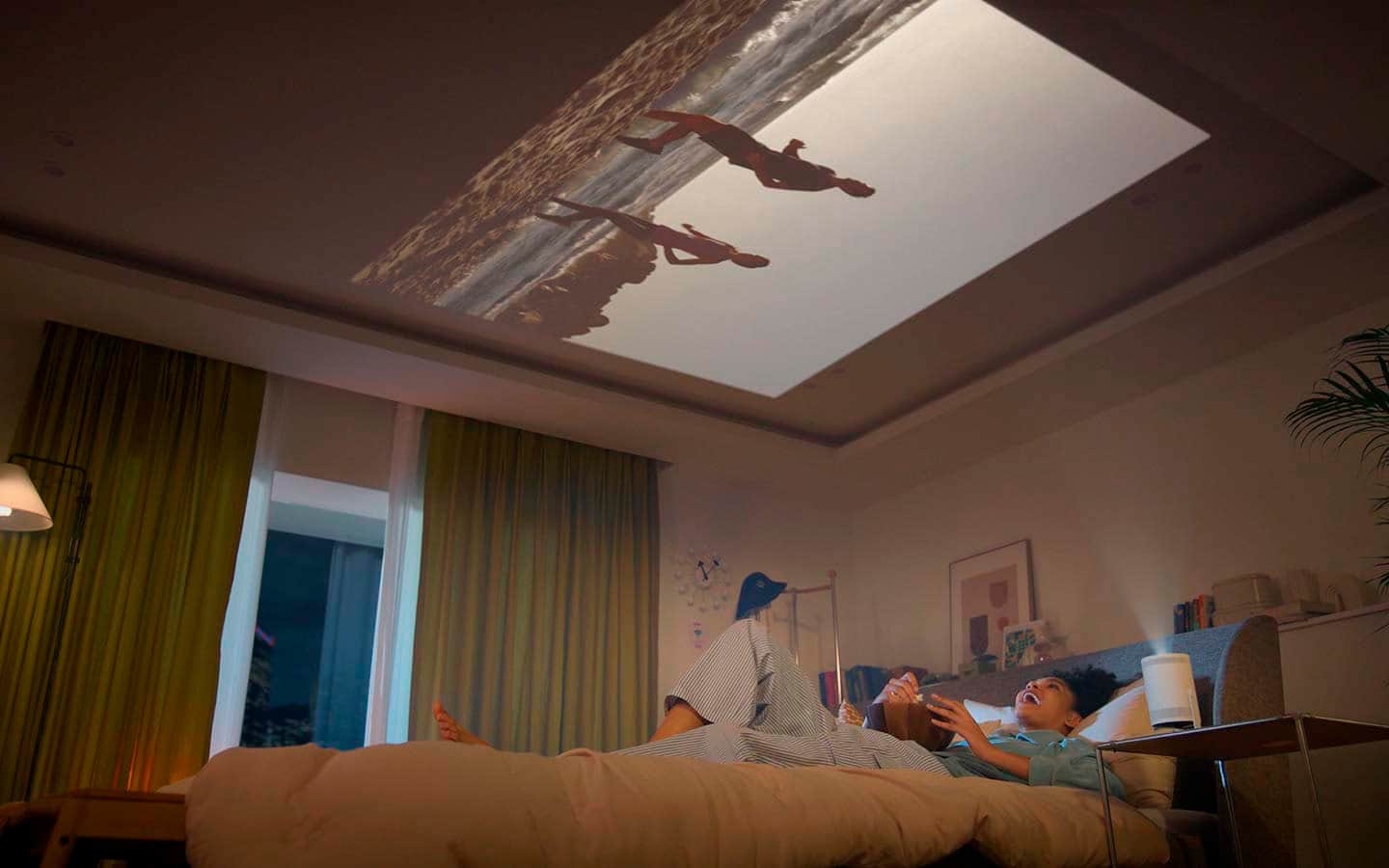
||Posted . Owned for 1 week when reviewed.This reviewer received promo considerations or sweepstakes entry for writing a review.I can watch my movie into my ceiling. How cool is that!. Totally easy to set-up.
This review is from Samsung - The Freestyle 2nd Gen with Gaming Hub FHD HDR Smart Portable Projector - White
I would recommend this to a friend - Pros mentioned:Size
Rated 5 out of 5 stars
Samsung smart projector
||Posted . Owned for 1 month when reviewed.This reviewer received promo considerations or sweepstakes entry for writing a review.Awesome projector used it so much on my relocation to Houston in Airbnb and on weekend trip very compact but great functionality!!
This review is from Samsung - The Freestyle 2nd Gen with Gaming Hub FHD HDR Smart Portable Projector - White
I would recommend this to a friend - Pros mentioned:Picture quality
Rated 5 out of 5 stars
Love the Samsung projector!
||Posted . Owned for 3 weeks when reviewed.This reviewer received promo considerations or sweepstakes entry for writing a review.It was a Christmas gift for my teen age children but we all love it! The quality is amazing and all its features are great! Highly recommended!
This review is from Samsung - The Freestyle 2nd Gen with Gaming Hub FHD HDR Smart Portable Projector - White
I would recommend this to a friend - Pros mentioned:Portability
Rated 5 out of 5 stars
Pretty Awesome!
||Posted . Owned for 2 weeks when reviewed.This reviewer received promo considerations or sweepstakes entry for writing a review.Love the size and versitily (can take and point anywhere and it auto adjusts). Just make sure the room or space is dark enough to view properly.
This review is from Samsung - The Freestyle 2nd Gen with Gaming Hub FHD HDR Smart Portable Projector - White
I would recommend this to a friend - Cons mentioned:Brightness
Rated 5 out of 5 stars
Recommend
||Posted . Owned for 1 month when reviewed.This reviewer received promo considerations or sweepstakes entry for writing a review.The product is still new, but it's Lightweight, and functional! Expect to have the room dark even for gaming.
This review is from Samsung - The Freestyle 2nd Gen with Gaming Hub FHD HDR Smart Portable Projector - White
I would recommend this to a friend - Pros mentioned:Picture quality
Rated 5 out of 5 stars
buy it
||Posted . Owned for 4 months when reviewed.This reviewer received promo considerations or sweepstakes entry for writing a review.LOVE IT PRICE AND QUALITY AND daily night time use.
This review is from Samsung - The Freestyle 2nd Gen with Gaming Hub FHD HDR Smart Portable Projector - White
I would recommend this to a friend Rated 5 out of 5 stars
Best projector I’ve ever seen hands down
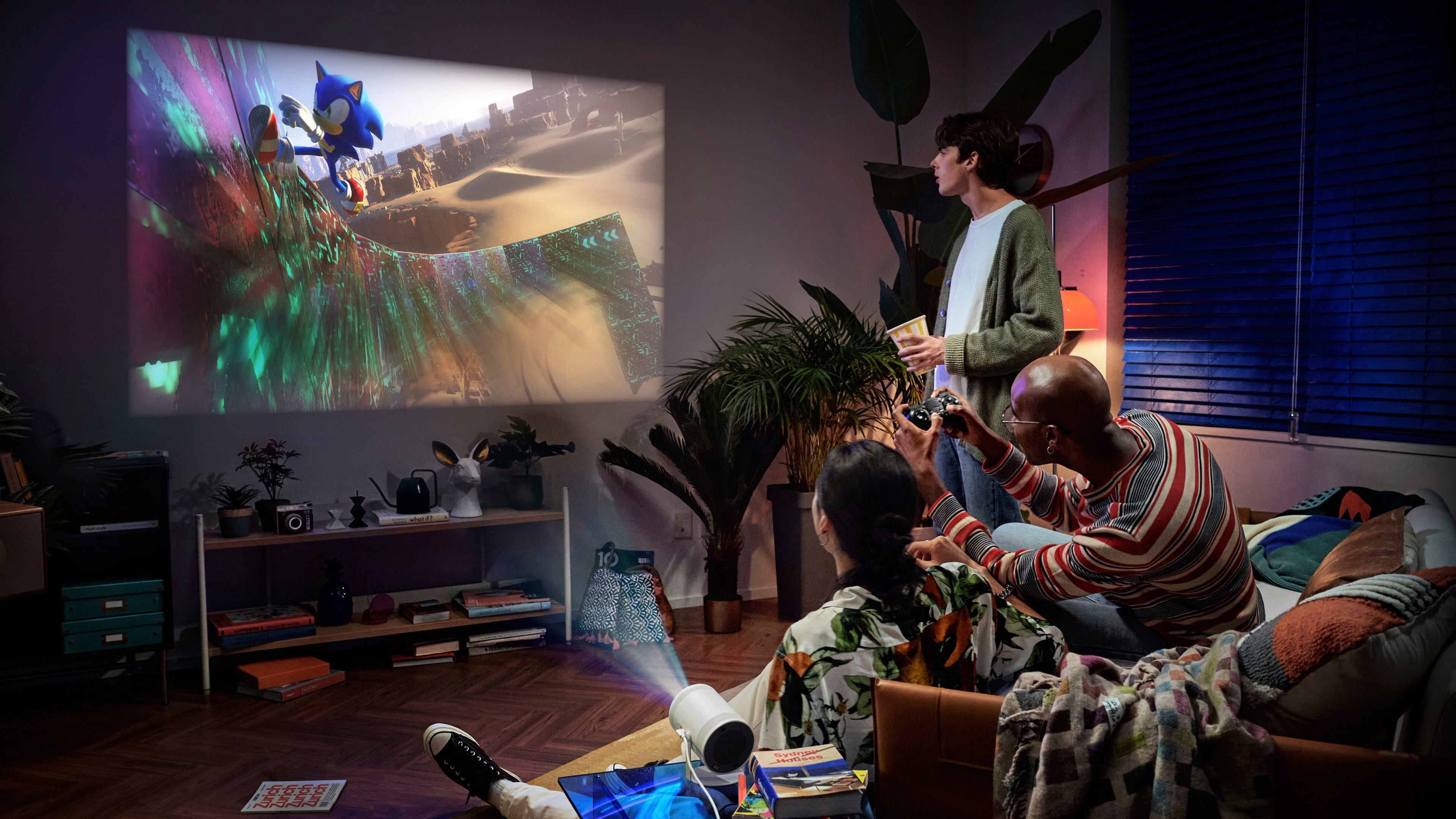
||Posted . Owned for 3 months when reviewed.This reviewer received promo considerations or sweepstakes entry for writing a review.100% WORTH THE MONEY!!! Such an amazing device. I play any Xbox game or any other hdmi compatible device will connect to this. If you need an adapter do your research on the correct HDMI adapter that works for gaming consoles for this projector.
This review is from Samsung - The Freestyle 2nd Gen with Gaming Hub FHD HDR Smart Portable Projector - White
I would recommend this to a friend- Pros mentioned:Portability
Rated 5 out of 5 stars
Best purchase
||Posted . Owned for 3 weeks when reviewed.This reviewer received promo considerations or sweepstakes entry for writing a review.Easy to setup and much better than the big projectors with a lot of wires
This review is from Samsung - The Freestyle 2nd Gen with Gaming Hub FHD HDR Smart Portable Projector - White
I would recommend this to a friend - Pros mentioned:Picture quality
Rated 5 out of 5 stars
Projectoristick
||Posted . Owned for 1 month when reviewed.This reviewer received promo considerations or sweepstakes entry for writing a review.Love this its a great purchase people try ot u will love it
This review is from Samsung - The Freestyle 2nd Gen with Gaming Hub FHD HDR Smart Portable Projector - White
I would recommend this to a friend - Pros mentioned:Picture quality
Rated 5 out of 5 stars
Amazing
||Posted . Owned for 1 month when reviewed.This reviewer received promo considerations or sweepstakes entry for writing a review.The convenience of this projector is really great. We have watched movies and played video games with such a large screen
This review is from Samsung - The Freestyle 2nd Gen with Gaming Hub FHD HDR Smart Portable Projector - White
I would recommend this to a friend - Cons mentioned:Brightness
Rated 5 out of 5 stars
Awesome!
||Posted . Owned for 1 month when reviewed.This reviewer received promo considerations or sweepstakes entry for writing a review.I use it all the time. For home and I take it to work and put it on a wall. Dark movies it can be a little hard to see but overall i love it.
This review is from Samsung - The Freestyle 2nd Gen with Gaming Hub FHD HDR Smart Portable Projector - White
I would recommend this to a friend - Pros mentioned:Portability
Rated 5 out of 5 stars
Great projector
||Posted . Owned for 3 weeks when reviewed.This reviewer received promo considerations or sweepstakes entry for writing a review.It’s a great way to experience the freedom from TV constraints and enjoy the same technology.
This review is from Samsung - The Freestyle 2nd Gen with Gaming Hub FHD HDR Smart Portable Projector - White
I would recommend this to a friend - Pros mentioned:Picture quality
Rated 5 out of 5 stars
No TV need
||Posted . Owned for 2 months when reviewed.This reviewer received promo considerations or sweepstakes entry for writing a review.Excellent projector good quality is like you are at the movie theater
This review is from Samsung - The Freestyle 2nd Gen with Gaming Hub FHD HDR Smart Portable Projector - White
I would recommend this to a friend - Pros mentioned:Picture quality
Rated 5 out of 5 stars
Great projector!
||Posted . Owned for less than 1 week when reviewed.This reviewer received promo considerations or sweepstakes entry for writing a review.I love how it auto adjust to the space we have to project on. The sound on the projector is pretty good also.
This review is from Samsung - The Freestyle 2nd Gen with Gaming Hub FHD HDR Smart Portable Projector - White
I would recommend this to a friend Rated 5 out of 5 stars
Samsung Projector
||Posted . Owned for 3 weeks when reviewed.This reviewer received promo considerations or sweepstakes entry for writing a review.Very nice but i had network issues when i turn it on so i decided to bring it to the store to exchange it. Rep in Sacaramento made me pay for $99 restocking fee even if it is damaged and still within the return period. I should have called samsung since it has warranty. Nevertheless, i enjoy it so i have it exchanged and picked up in Pleasant Hill.
This review is from Samsung - The Freestyle 2nd Gen with Gaming Hub FHD HDR Smart Portable Projector - White
I would recommend this to a friend- Pros mentioned:Picture quality
Rated 5 out of 5 stars
Perfect
||Posted . Owned for 3 weeks when reviewed.This reviewer received promo considerations or sweepstakes entry for writing a review.Great picture! Auto adjust feature! Works with PC, PS, and Xbox
This review is from Samsung - The Freestyle 2nd Gen with Gaming Hub FHD HDR Smart Portable Projector - White
I would recommend this to a friend - Pros mentioned:Portability
Rated 5 out of 5 stars
Doesn't fail.
||Posted . Owned for 2 weeks when reviewed.This reviewer received promo considerations or sweepstakes entry for writing a review.Love this piece of tech better to use outside. Better to pair it with a external speaker.
This review is from Samsung - The Freestyle 2nd Gen with Gaming Hub FHD HDR Smart Portable Projector - White
I would recommend this to a friend