Customer Ratings & Reviews
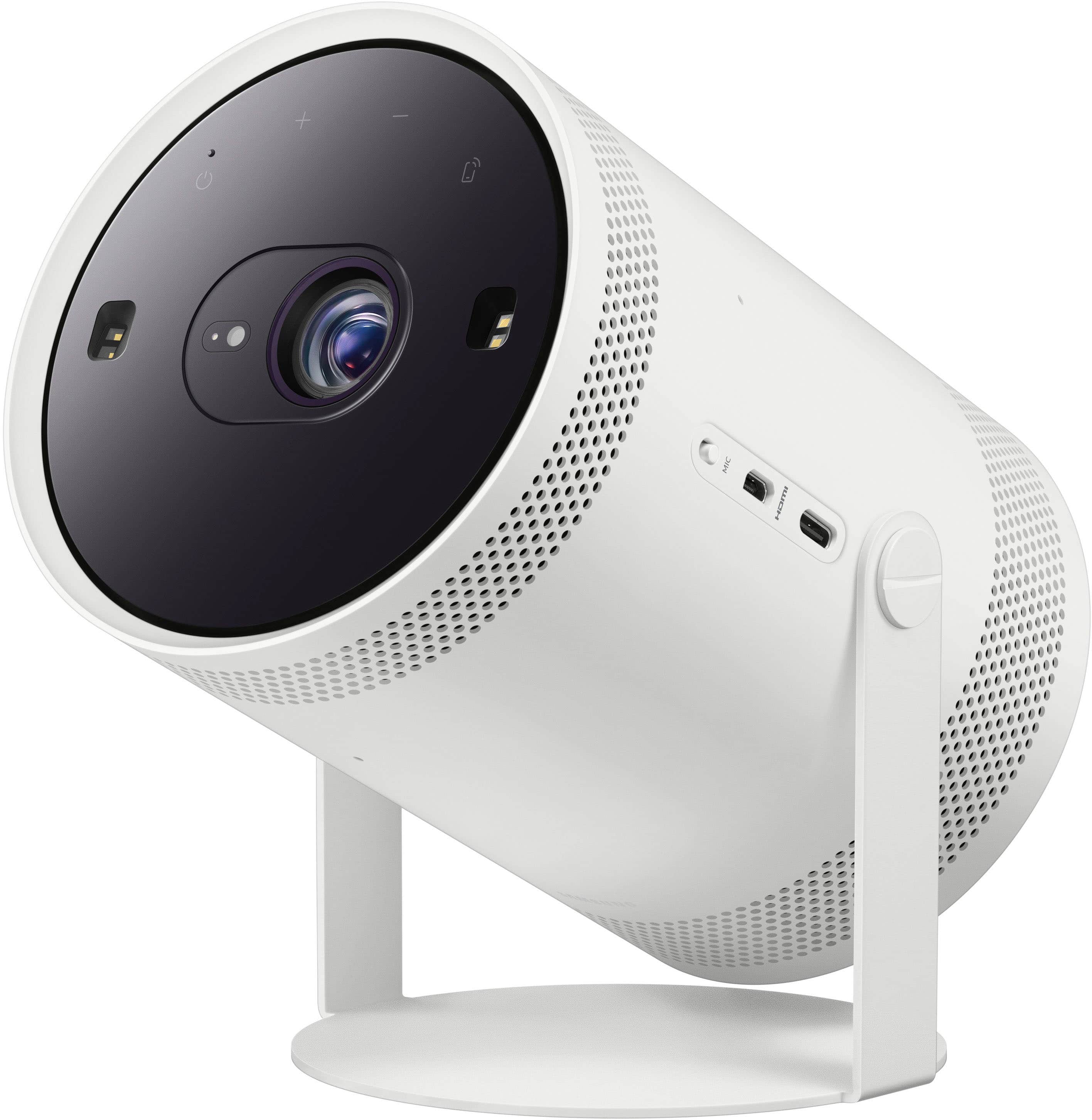
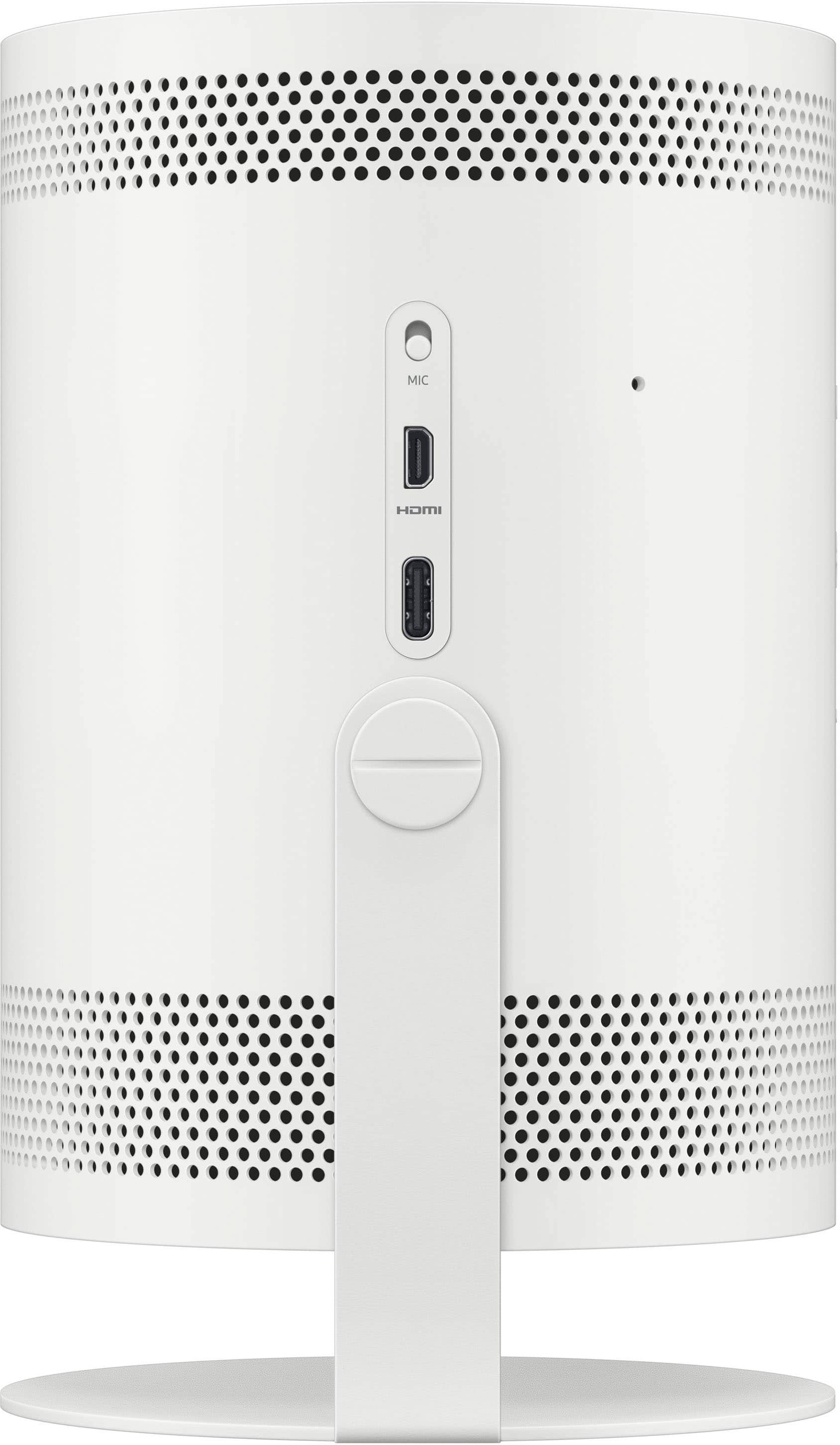
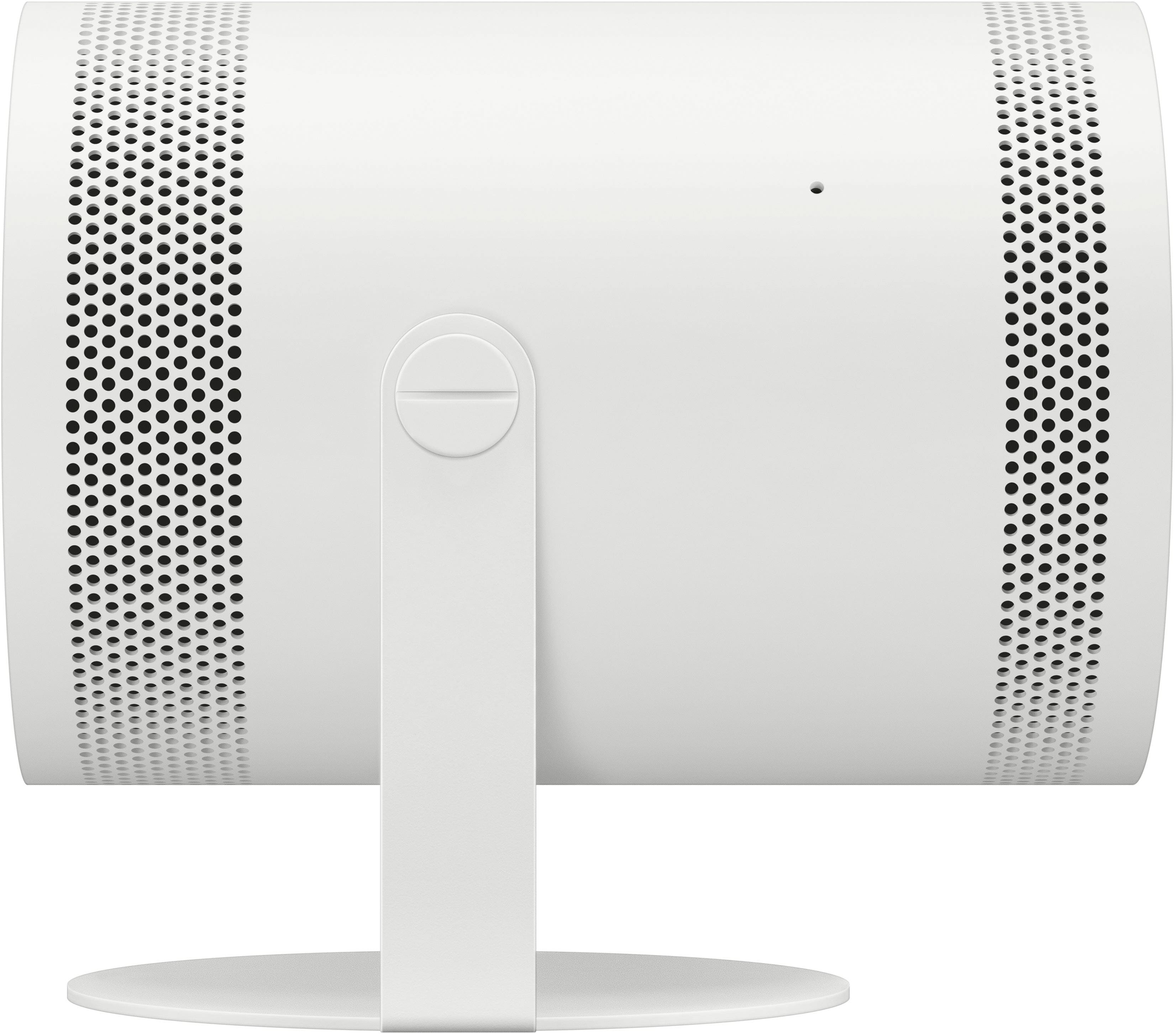
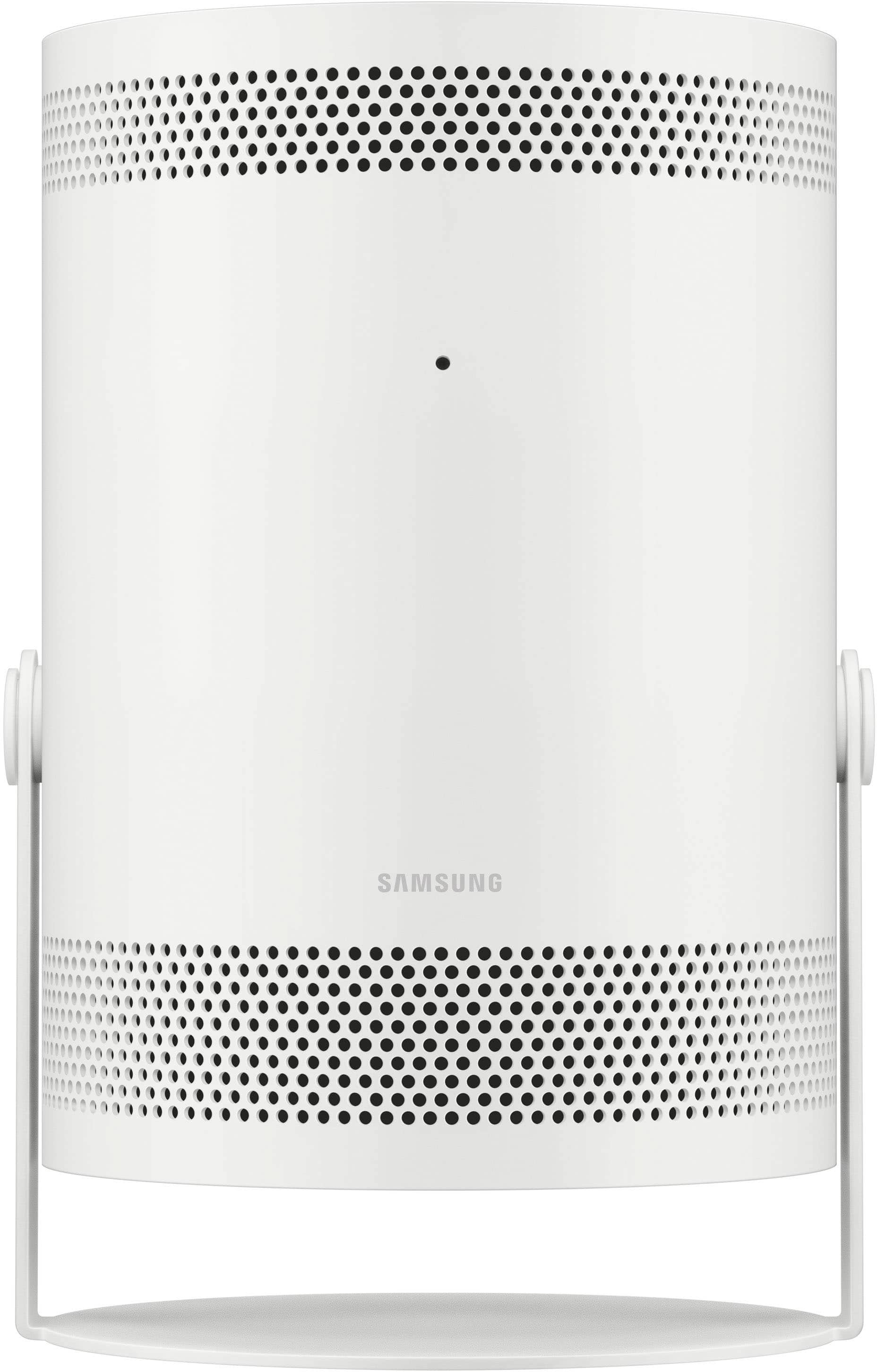
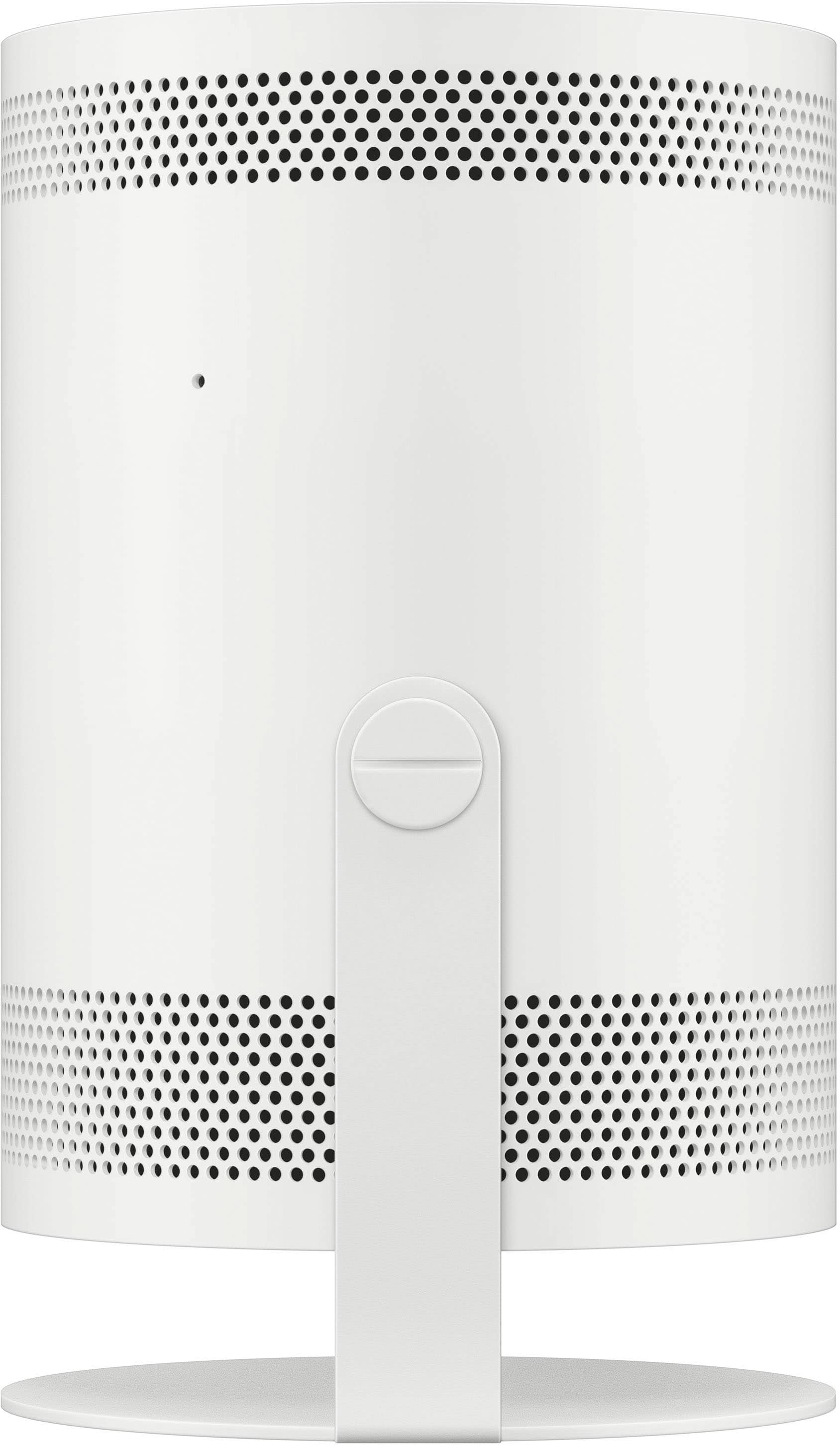
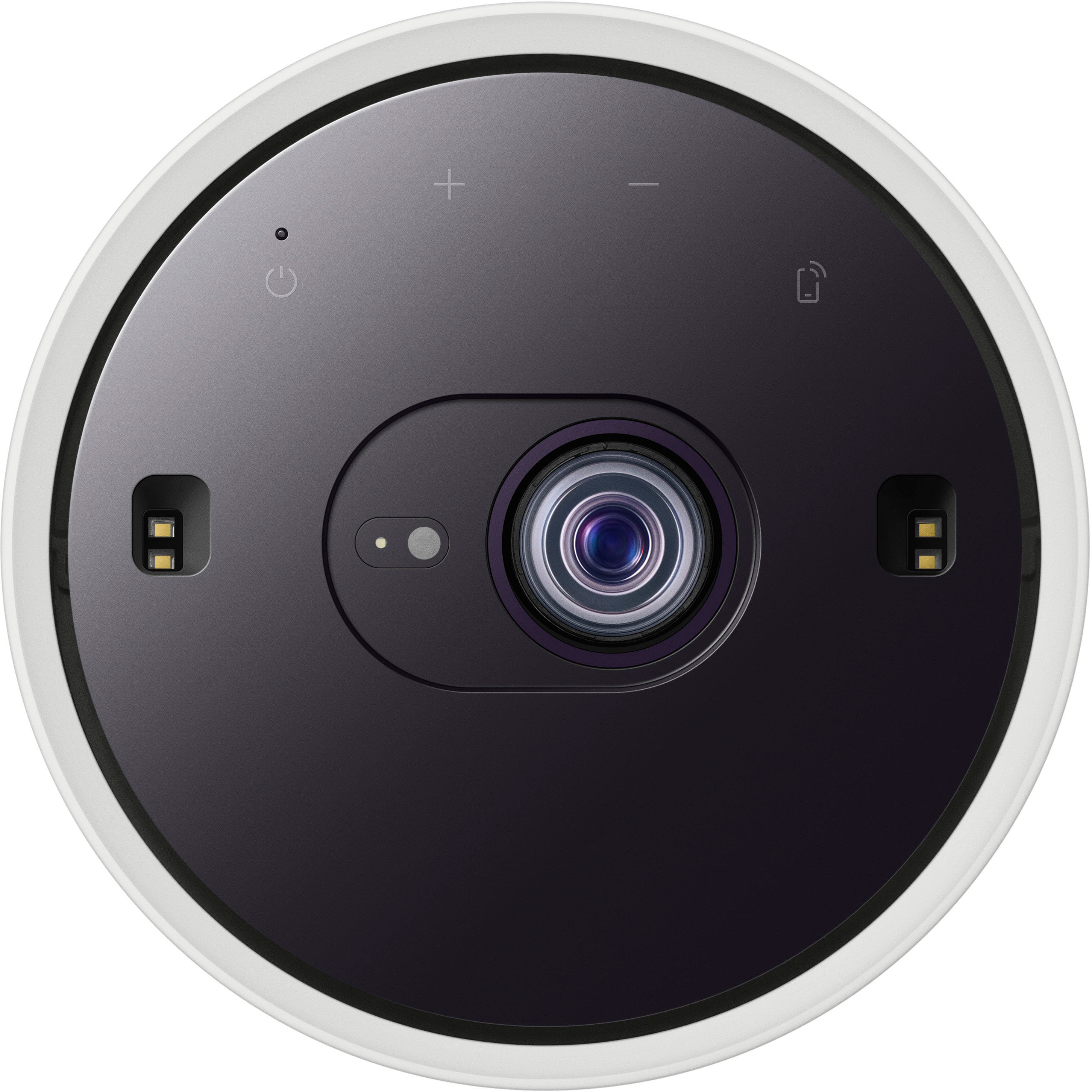
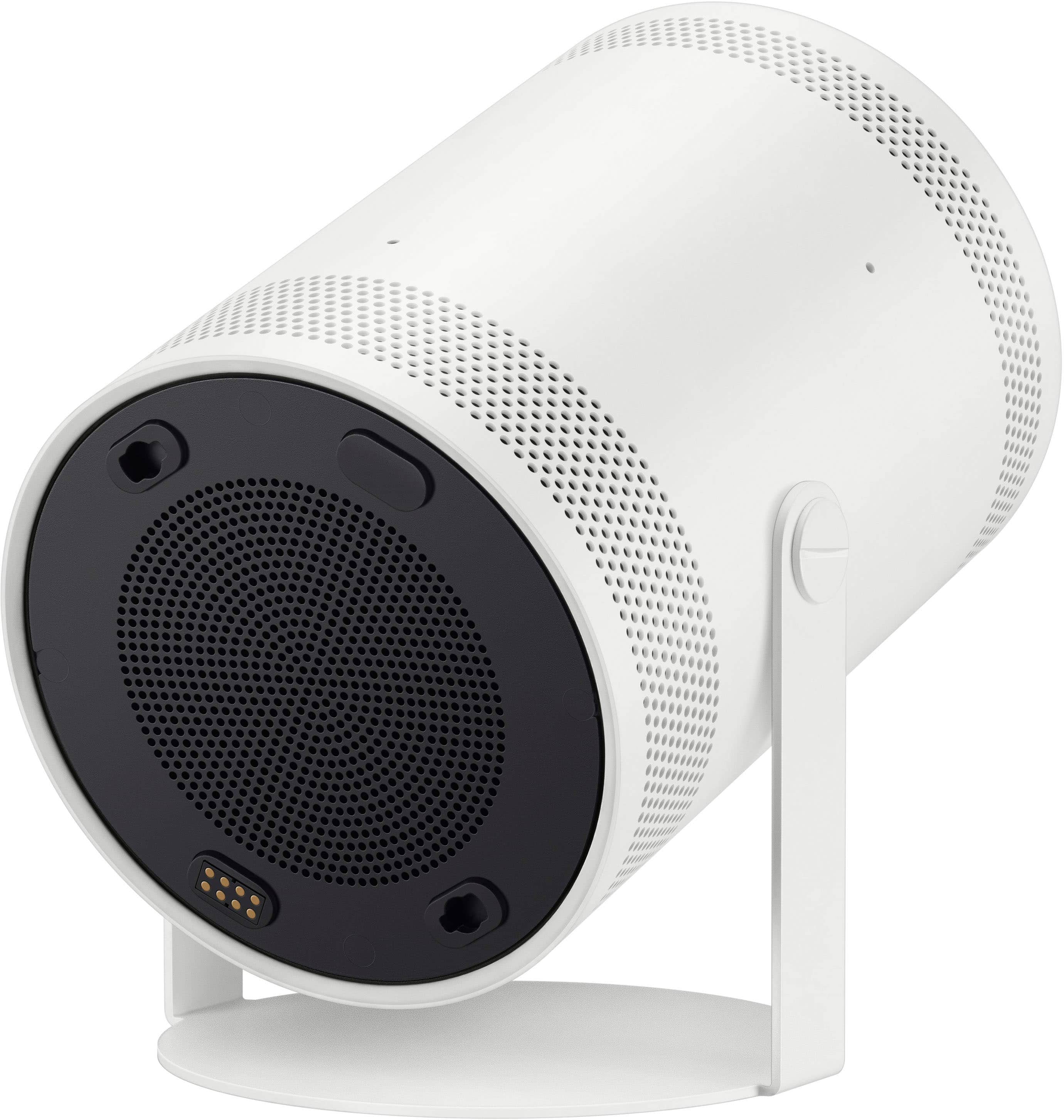
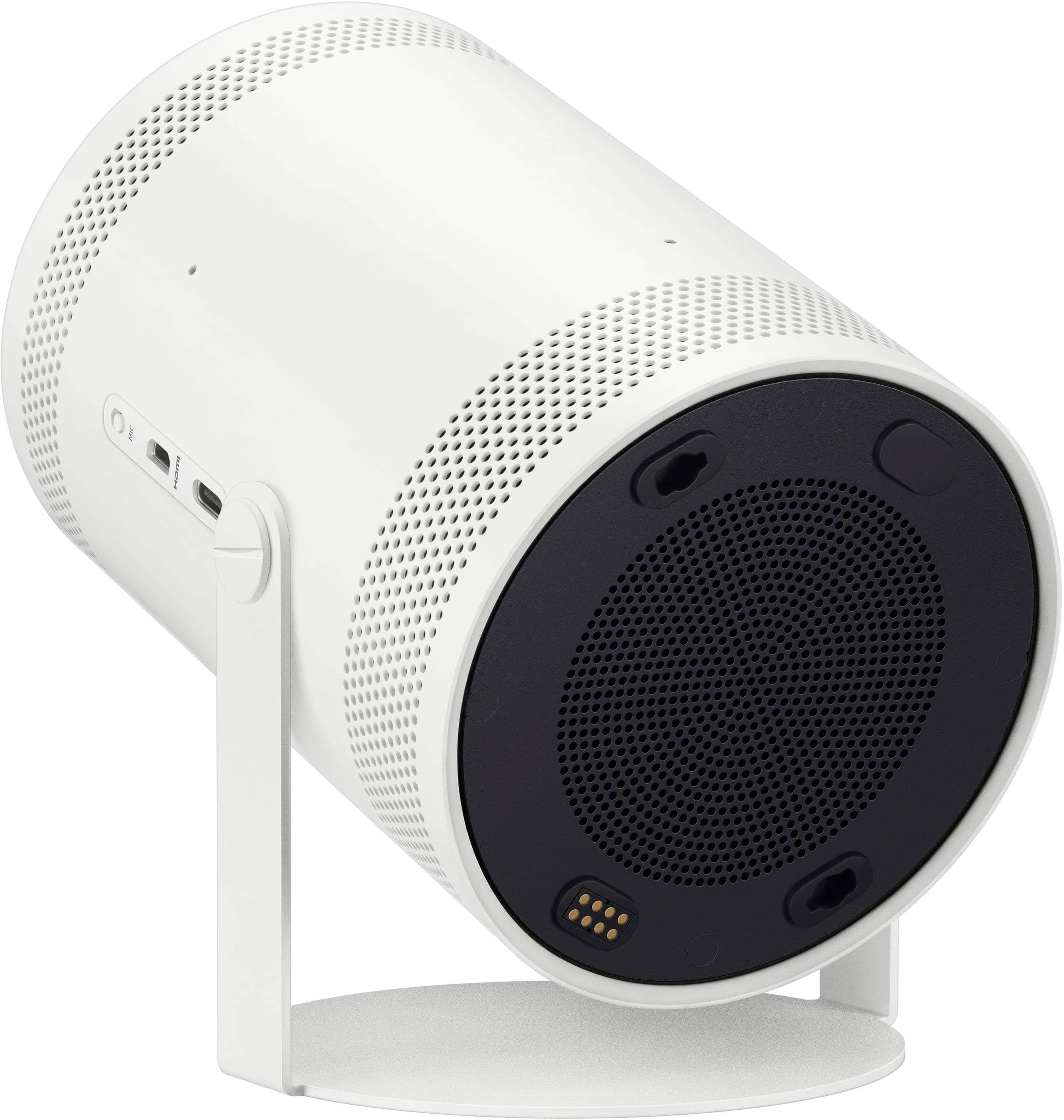

- Model:
- SP-LFF3CLAXXZA
- SKU:
- 10100683
Rating by feature
- Value
Rating 4.4 out of 5 stars
- Quality
Rating 4.5 out of 5 stars
- Ease of Use
Rating 4.6 out of 5 stars
Customers are saying
Customers value the product's excellent picture quality, portability, and user-friendly setup, noting its convenient size and effective auto-focus. However, a notable concern among customers is the brightness of the device. Additionally, some users have expressed minor frustrations with connectivity options and the overall price.
This summary was generated by AI based on customer reviews.
- Pros mentioned:Picture quality, Portability
Amazing
||Posted . Owned for less than 1 week when reviewed.This reviewer received promo considerations or sweepstakes entry for writing a review.The setup is very simple and the quality is amazing regardless if its at 50 inch or 100! Totally worth every penny
I would recommend this to a friend - Pros mentioned:Picture quality
Perfect for Outdoor Sports Nights!
||Posted . Owned for 1 month when reviewed.This reviewer received promo considerations or sweepstakes entry for writing a review.My daughter and my guys love watching games outside with the Samsung Freestyle 2nd Gen. The picture is crisp, sound is solid, and setup is a breeze. It turns any backyard into the perfect spot for sports nights. We use it all the time — total game-changer!
I would recommend this to a friend - Pros mentioned:Picture quality, Setup
Awesome
||Posted . Owned for less than 1 week when reviewed.This reviewer received promo considerations or sweepstakes entry for writing a review.Very pleased with the quality and how easy it was to set it up. It’s my first projector and I couldn’t be happier with it.
I would recommend this to a friend - Cons mentioned:Brightness
Bright enough
||Posted . Owned for 2 weeks when reviewed.This reviewer received promo considerations or sweepstakes entry for writing a review.I was worried that it might not be bright enough but in a light controlled room (blackout curtains) even in day light, i can watch it very nicely. Also, auto keystone is something I like a lot. Now that i tried it at my home, i will definitely recommend it. If you don't have a light controlled room, you can't see this in daylight. This is not a TV.
I would recommend this to a friend - Pros mentioned:Picture quality, Portability
My best buy
||Posted . Owned for 1 month when reviewed.This reviewer received promo considerations or sweepstakes entry for writing a review.Excellent definition, compact, easy to travel with.
I would recommend this to a friend - Pros mentioned:Portability
movie nights >
||Posted . Owned for 3 months when reviewed.This reviewer received promo considerations or sweepstakes entry for writing a review.worth the $. used for my sisters gender reveal party & now my gf & i use it when we're lazy in bed. also makes movie nights fun with fam/friends :D
I would recommend this to a friend - Pros mentioned:Picture quality
Best purchase I’ve ever made
||Posted . Owned for 2 weeks when reviewed.This reviewer received promo considerations or sweepstakes entry for writing a review.Amazing product love how well the quality is for such a small device. And the sound quality is amazing too. It sounds like a surround sound speaker.
I would recommend this to a friend - Pros mentioned:Picture quality
Nice projector
||Posted . Owned for 1 month when reviewed.This reviewer received promo considerations or sweepstakes entry for writing a review.Nice projector for our living room. The less lighting in the room the better.
I would recommend this to a friend - Pros mentioned:Picture quality
Projector screen
||Posted .This reviewer received promo considerations or sweepstakes entry for writing a review.I really love this item, it is really clear. Looks really good on the wall.
I would recommend this to a friend - Pros mentioned:Picture quality
No regrets
||Posted . Owned for 3 weeks when reviewed.This reviewer received promo considerations or sweepstakes entry for writing a review.This is my first projector. I've wanted one for a long time but I didn't want the expense. No regrets so far. I love this little projector so far. I'm happy I made this decision.
I would recommend this to a friend - Pros mentioned:Picture quality
The best first projector
||Posted . Owned for less than 1 week when reviewed.This reviewer received promo considerations or sweepstakes entry for writing a review.I like this projector alot i think the fact that it looks very good on the wall really says alot about the actualy product itself. I recommend you give it a look for yourself!
I would recommend this to a friend - Pros mentioned:Picture quality
Love it!
||Posted . Owned for 1 month when reviewed.This reviewer received promo considerations or sweepstakes entry for writing a review.Love it picture show very clear it adjust to any size screen you may have
I would recommend this to a friend - Pros mentioned:Portability
Very happy
||Posted . Owned for 3 months when reviewed.This reviewer received promo considerations or sweepstakes entry for writing a review.Love this projector. Perfect for people who don’t have space for a tv. Love that it’s mobile. You can’t take it with you anywhere. Awesome for outdoor movie viewing.
I would recommend this to a friend - Pros mentioned:Picture quality
Projector
||Posted . Owned for 1 year when reviewed.This reviewer received promo considerations or sweepstakes entry for writing a review.Have had it for some time now and it’s great absolutely love it
I would recommend this to a friend - Pros mentioned:Picture quality
Great product
||Posted . Owned for 1 month when reviewed.This reviewer received promo considerations or sweepstakes entry for writing a review.Excellent product! The kids love it and it’s also perfect for sports. Works well, even in day light. Easy to use and very clear image.
I would recommend this to a friend - Pros mentioned:Picture quality
So happy
||Posted . Owned for 2 weeks when reviewed.This reviewer received promo considerations or sweepstakes entry for writing a review.Amazing product, does everything for you, the quality is amazing, speakers are loud… super happy with my purchase
I would recommend this to a friend - Pros mentioned:Portability
Best purchase ive made
||Posted . Owned for 2 weeks when reviewed.This reviewer received promo considerations or sweepstakes entry for writing a review.Honeslty this is way easier than having to mount a big 82in tv, movie nights are the best !!
I would recommend this to a friend The best purchase for far
||Posted . Owned for 2 weeks when reviewed.This reviewer received promo considerations or sweepstakes entry for writing a review.I’m absolutely enjoying my evenings at home with a full-screen experience, just like at the cinema! The quality and size of the screen really enhance my movie nights. It’s like having a personal theater in the comfort of my own home. Definitely a great purchase, and I couldn’t be happier with the experience!
I would recommend this to a friend- Pros mentioned:Picture quality, SetupCons mentioned:Brightness, Hdmi

Interesting, useful, but with some bugs
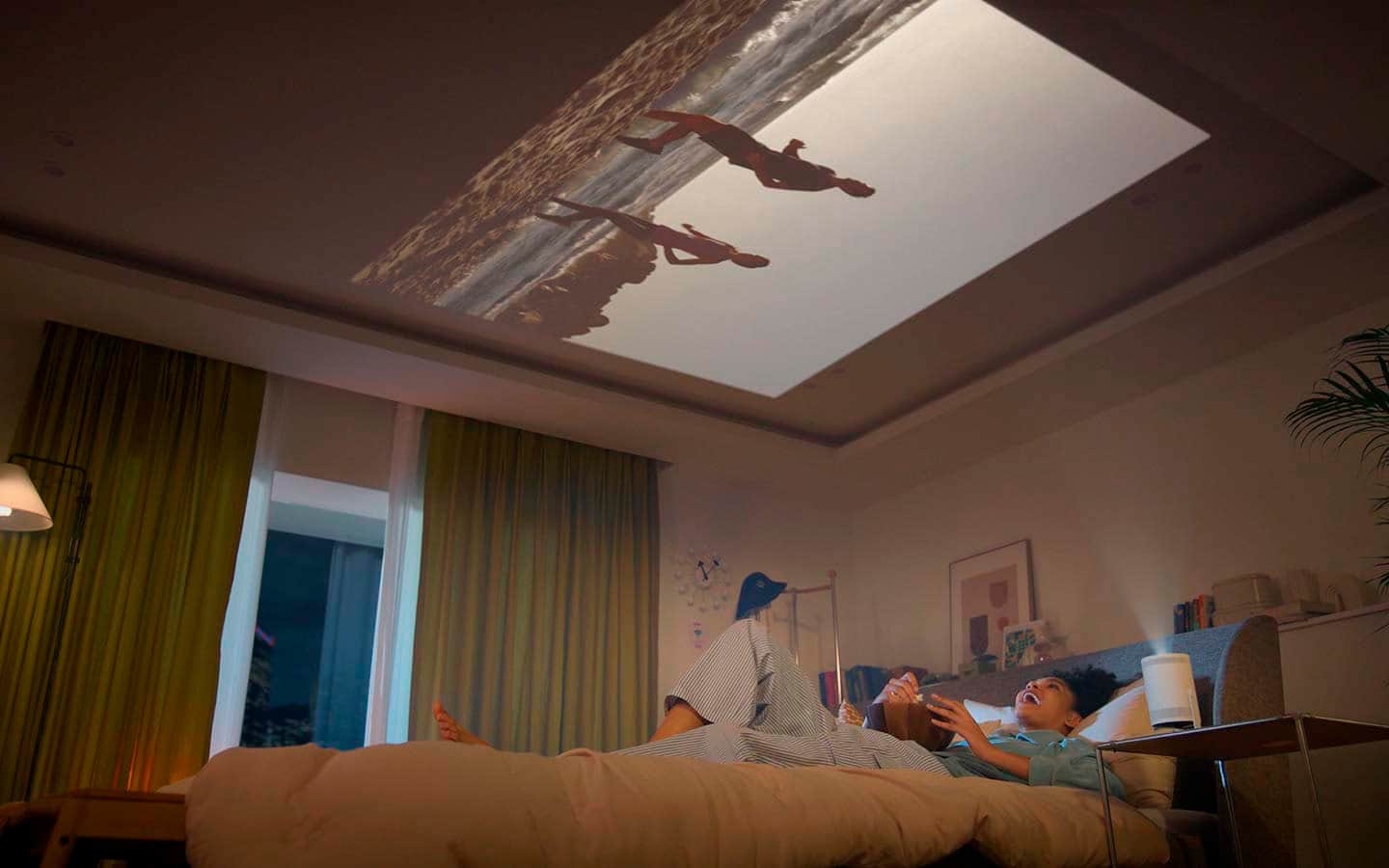
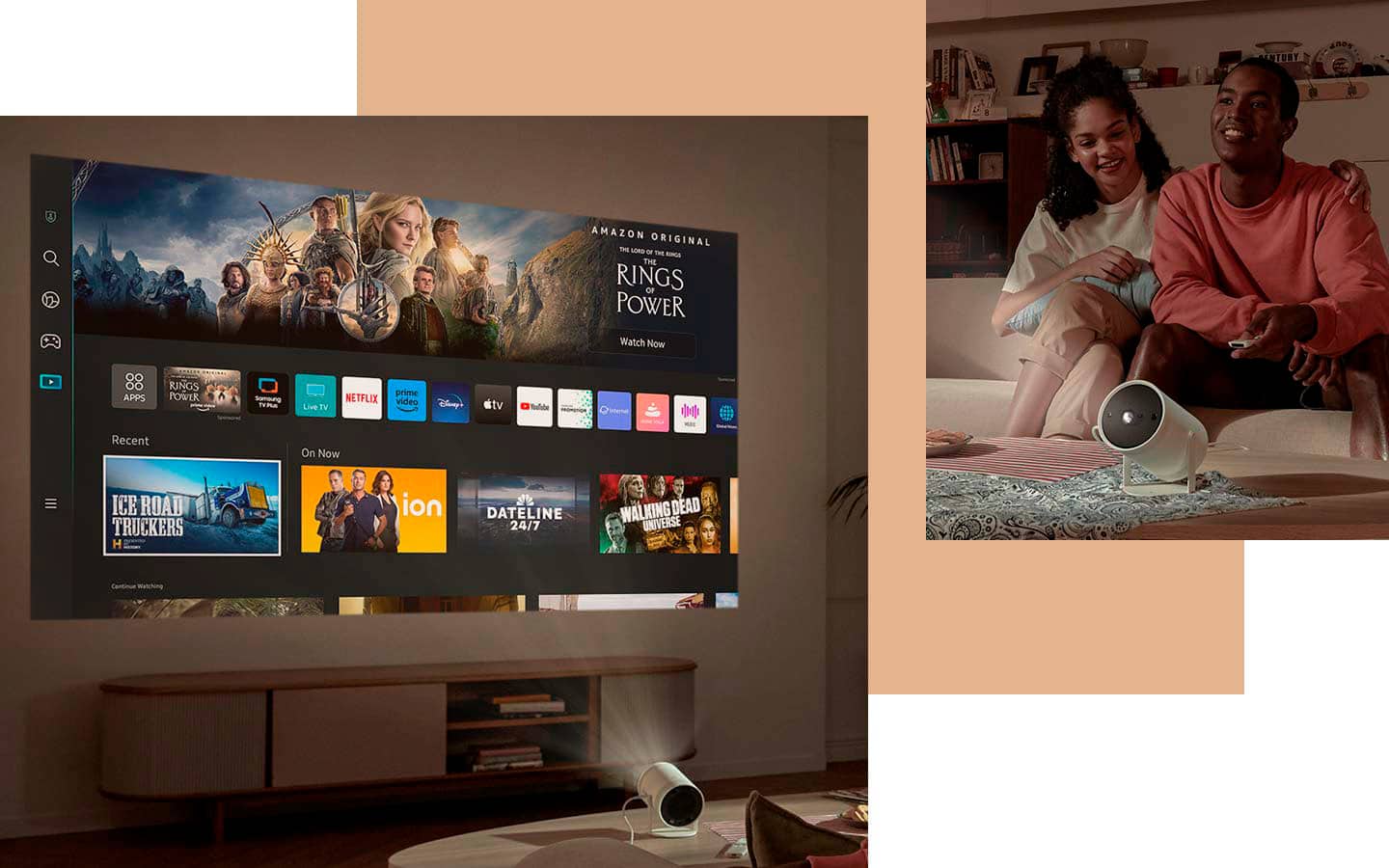
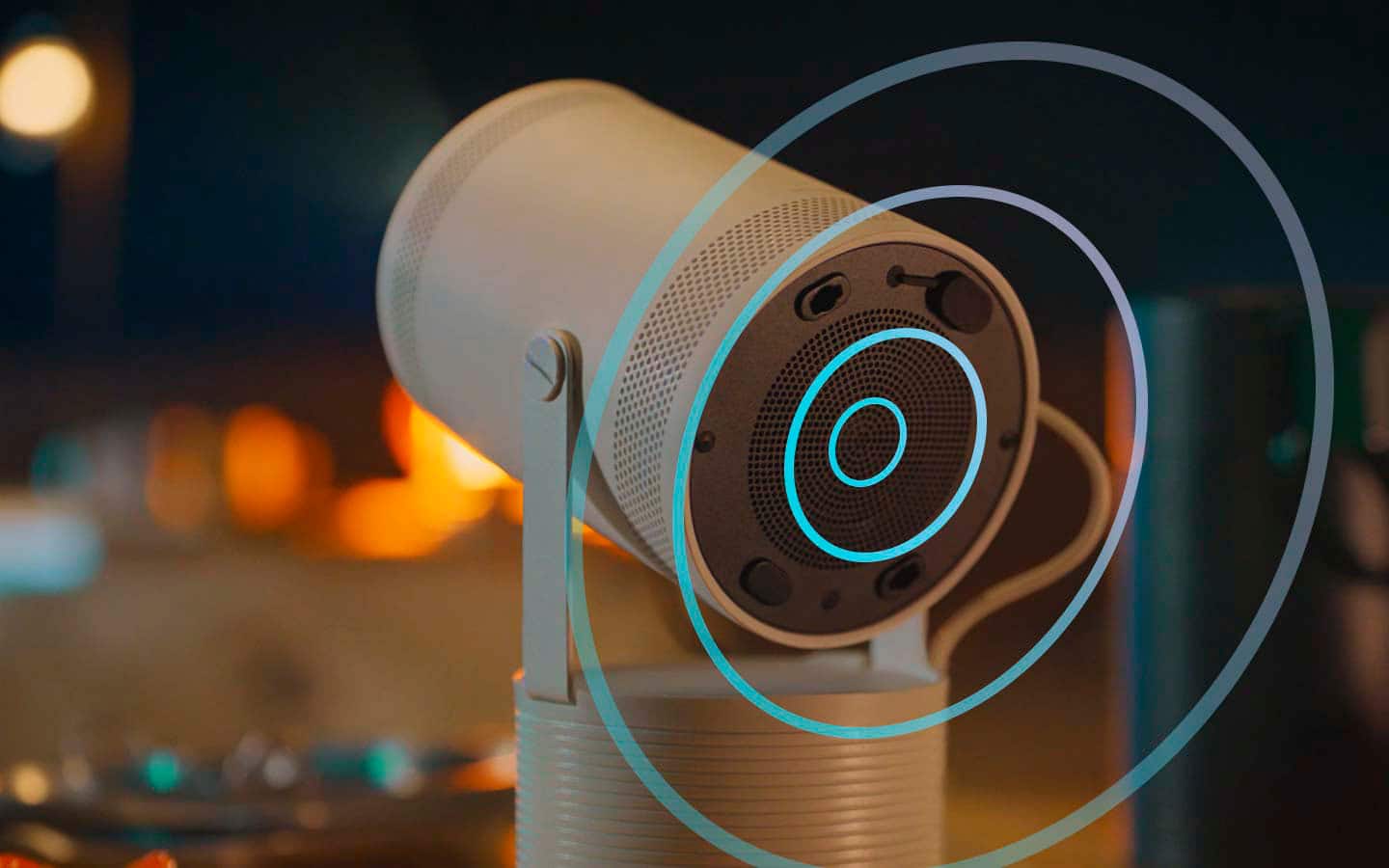
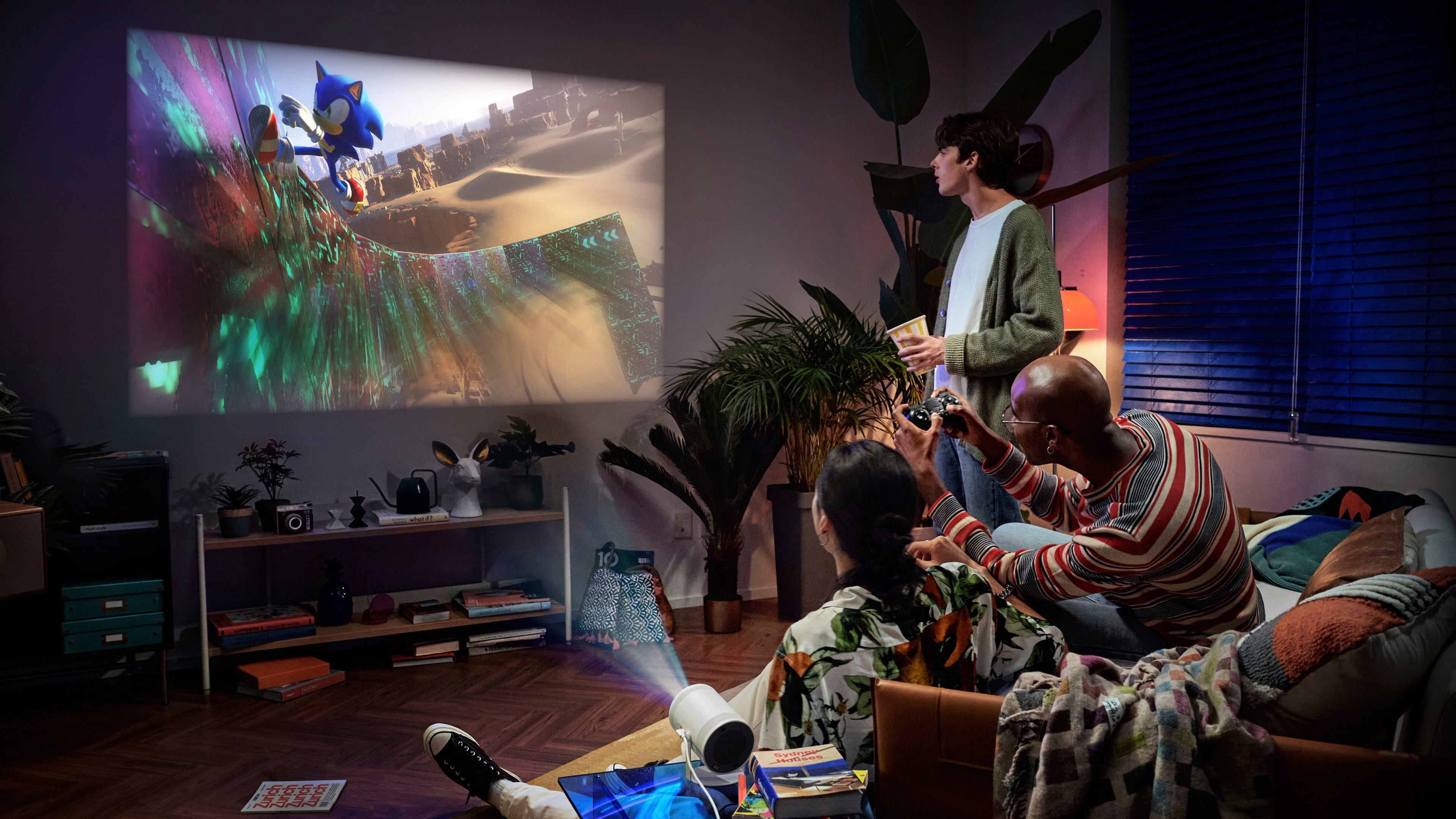
|Posted .This reviewer received promo considerations or sweepstakes entry for writing a review.The Freestyle 2nd generation, as the name suggests, is the 2nd iteration of Samsung’s foray into the “portable” projector market, and in most of the cases they have nailed it. However, during my extensive use during the ICC Cricket World Cup and the exhilarating Las Vegas F1 Grand Prix held last month, I also faced some bugs/quirks. In summary here’s a rundown of what I observed: Pros: Excellent design and easy to use Great build. The fit and finish feels like this was indeed designed to be moved around. The exterior has a smooth yet grippy feel, and the metal base is sturdy Comes with a “lens” cover to keep the optics protected when not in use USB-C power port makes it very versatile. Even though the included 65W USB-C wall adapter is needed to get the best brightness, I was able to use it with my 45W phone charger, albeit with a lower brightness Micro-HDMI port provides support for external video source Easy to setup Most of the popular apps come preloaded (Netflix, YouTube, etc.) Samsung’s Tizen-based OS is pretty well developed, and is quite fast compared to a lot of smart TVs. The app store is quite robust as well, however not as well rounded as Android TV The remote is innovative and is rechargeable as well as being solar powered. Most of the time no charging was needed as long as I kept it facing down during the time when I was not using it. When in a pinch, the USB-C port made getting it working again easy The auto-focus and auto-keystone performed amazingly. After changing the orientation or moving to different wall/screen, the Freestyle was able to get back into action in under a minute Video image quality was pretty good, and with a good background watching movies and sports was so much enjoyable Since the base made it easy to rotate the unit 180-degrees, I frequently used it while cozied up on my bed, with the video playing on the ceiling. This made watching the late night cricket matches very very easy and comfortable to watch The versatility of the projector was amazing. It did well on projector screens, regular walls, orange-peeled white wall and ceiling - basically any light-colored surface I threw at it. And I must say, getting a 100” video playing in the room is a pretty interesting experience The built-in speaker did a decent job, and the ability to pair to external Bluetooth speakers and headphones is a handy feature. When using external speakers there was a little bit of lag, but not that much noticeable The Freestyle comes preloaded with Gaming Hub, which includes Xbox Game Pass of which I’m a subscriber. After pairing my Xbox controller via Bluetooth, getting games up and running via Cloud Gaming was no challenge. Overall the gaming experience was OK. For casual gaming I had a good time, but whenever I was doing some immersive RPG or FPS, I went back to my 4k TV since I missed the Dolby Vision and the 120 Hz refresh rate which this projector does not support. It also supports GeForce Now and Amazon Luna among other gaming platforms, natively The Samsung Smart Things is supported, which makes setting up even more easy, especially since I was already in the Samsung ecosystem Cons: The settings menu is not the most intuitive nor very easy to navigate. While the initial setup was a breeze, after that I had to dig a lot to get everything exactly how I liked it. Especially I think there should an easy way to quickly change the brightness Sometimes it took a bit of time to start it up before operation can be performed Samsung TV Plus, which offers some free live TV channels, became an annoyance after a while. It’ll start automatically in some random channel, with full audio blasting through the speaker. Even though I toggled some settings so that nothing should play when the projector boots up, it nonetheless went to a channel from time to time. And there’s no way to get rid of the TV Plus app The projector brightness is not the best out there. In a well-lit room, it struggled a bit, especially if the projection surface was not smooth and entirely white Resolution was limited to 1080p, so even with a “giant” sized image, in some cases it was not very crisp Refresh rate is limited to 60 Hz, so not the most ideal display for FPS-style games Micro-HDMI cable is not widely available, a standard HDMI port and an additional USB-C with HDMI/Displayport support would have been better Even though Samsung touts easy screen mirroring from PCs, it was not very easy. And the manual/website/interface does not do a great job in explaining all the ways. Windows screen projection worked inconsistently Even though the speakers were good, it was not very loud - especially in a crowded room In a quiet environment, especially when it was set at my bedside table for late night cricket matches, the whirring/fan noise of the projector became a bit distracting On a number of occasions, when watching for a long time (2/3 hours), the projector will restart suddenly (and annoyingly go to some random TV plus channel). After this it took a few minutes to regain control and get back into the game The projector is not completely “portable” out of the box, since there’s not built-in battery. Rather a battery base needs to be bought separately. For the system to work a power supply with USB-C is needed All in all, the Samssung Freestyle Gen 2 projector opened up a new way to watch stuff for me. I enjoyed it very much during the recent Cricket world cup, and the F1 live streams. It has taken up a large part of my daily TV viewing, and would highly recommend it.
I would recommend this to a friendBrand response from Samsung
Posted .Jack,
Thank you for sharing your thoughts on The Freestyle 2nd Gen. For optimal performance, we ask that you please ensure you've got the latest firmware version installed on your unit. You can check this by going to: Home > Menu > Settings > Support > Software Update.
While your Projector may currently default to Samsung’s TV Plus app, please know you can choose what your TV does when you turn it on by going to Menu > Settings > All Settings > General & Privacy > Start Screen Option
1) Enabling Start with Smart Hub Home automatically launches Smart Hub when the TV is turned on. Navigate to this option to enable or disable the feature.
2) If Autorun Last App is set to on, the last used app is automatically run when you turn on the TV. You can turn this function on or off by pressing the Select button in the current menu.
To assist you in learning the various features, functions, and settings of your Projector and remote, you can download the User Manual, e-Manual, and Quick Setup Guide on Samsung's website under Support (top right corner) > Manuals & Software > TVs & Home Theater. From there, you can select The Freestyle 2nd Gen under Projectors > The Freestyle to download the guides you would like.
The e-Manual and Remote Guide are both also embedded into the Projector itself under Menu > Settings > Support.
I hope these tips help. If you need more assistance, Samsung is here for you. Please call us at 1-800-SAMSUNG, 8AM - 12AM EST, 7 days a week. Our LiveChat agents are also available by clicking on the ‘Support’ link on our website.
~ Samsung Specialist
Projector
||Posted .This reviewer received promo considerations or sweepstakes entry for writing a review.Super convenient and easy to move around and nice sound volume
I would recommend this to a friend