Customer Ratings & Reviews


- Model:
- SDSSDX3N-1T00-G26
- SKU:
- 6567640
Rating by feature
- Value
Rating 4.7 out of 5 stars
- Quality
Rating 4.9 out of 5 stars
- Ease of Use
Rating 4.9 out of 5 stars
Customers are saying
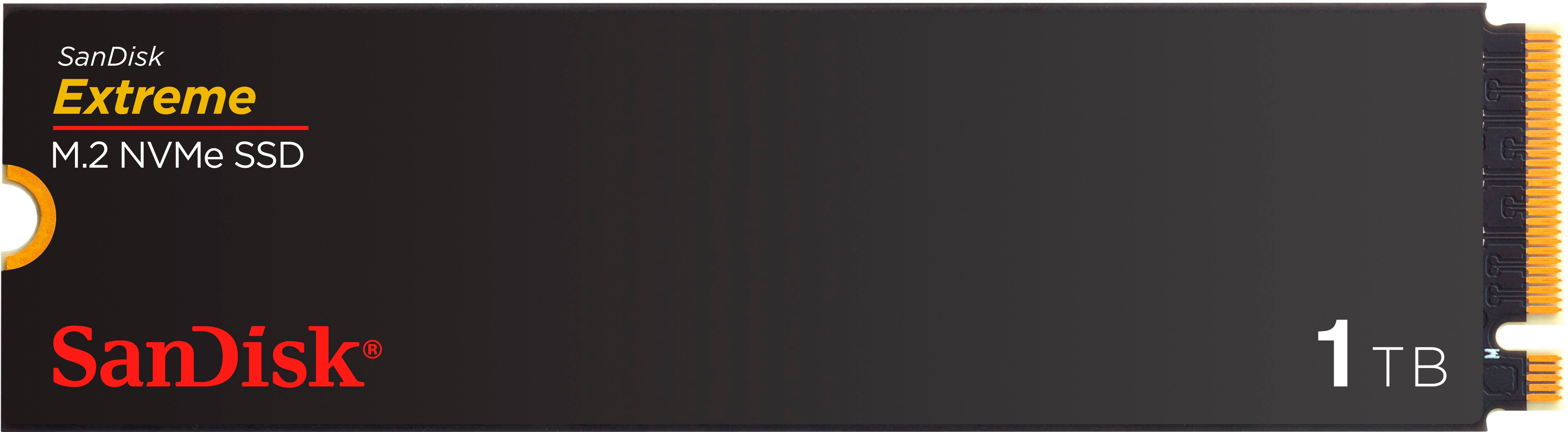
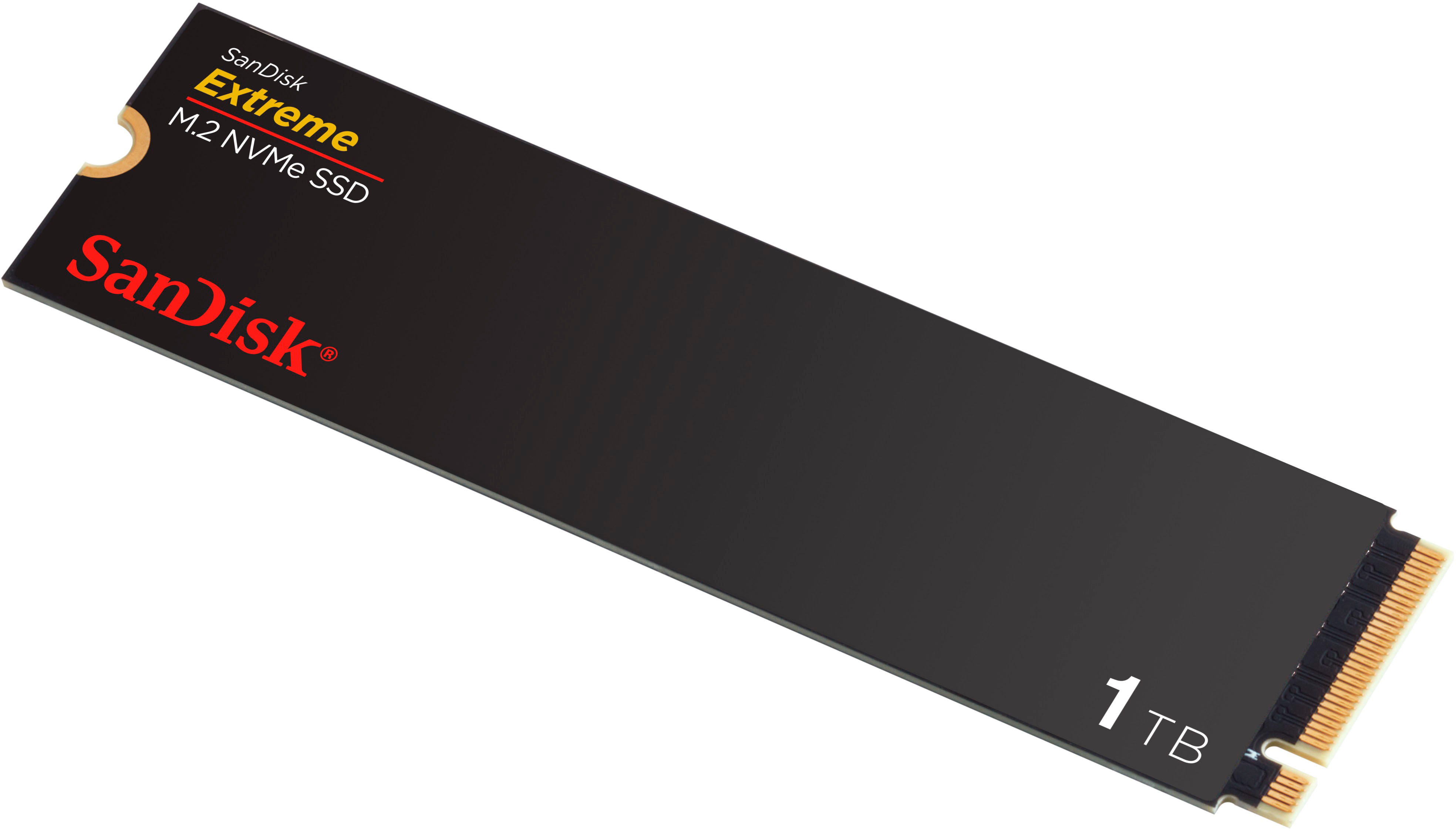
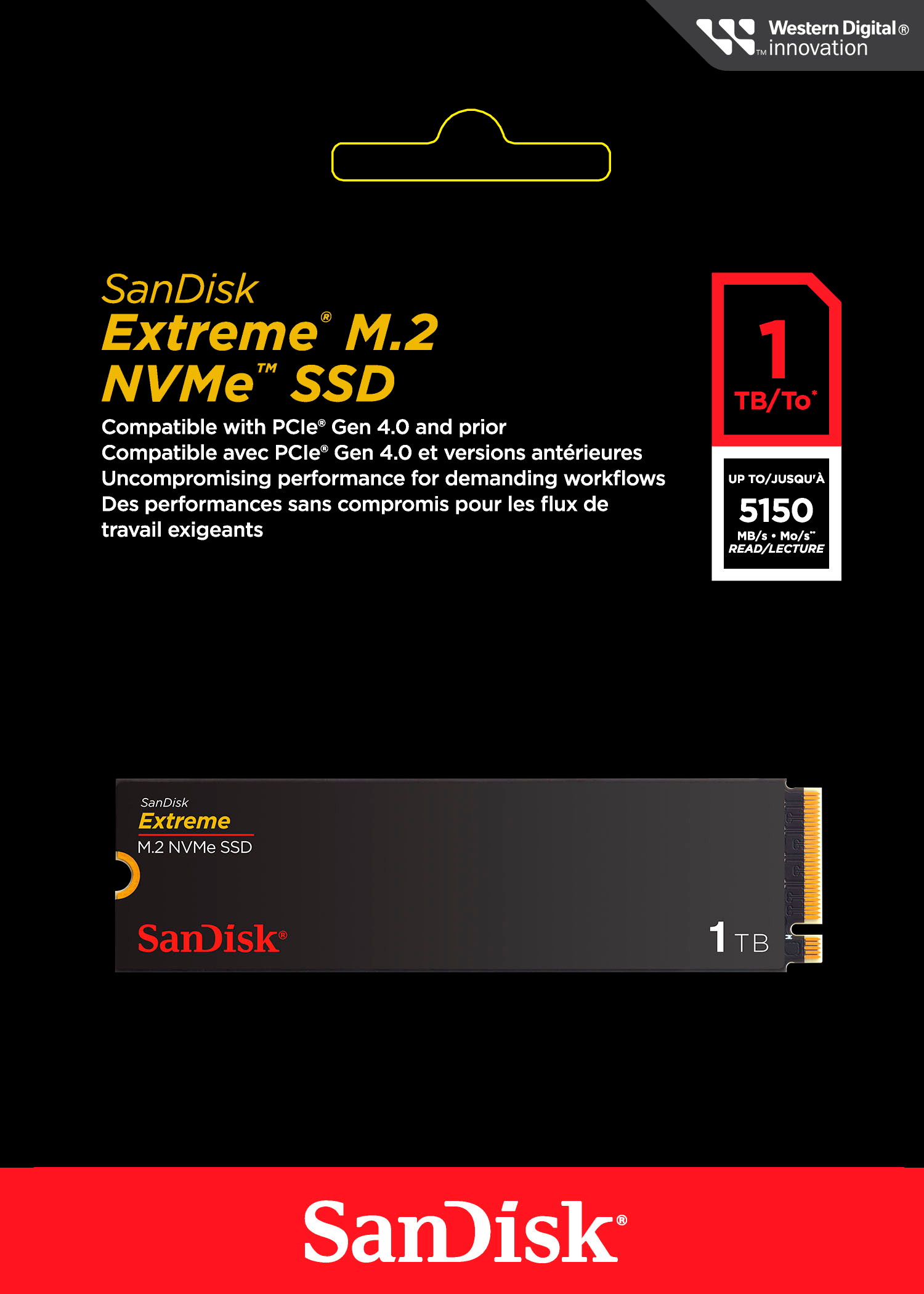
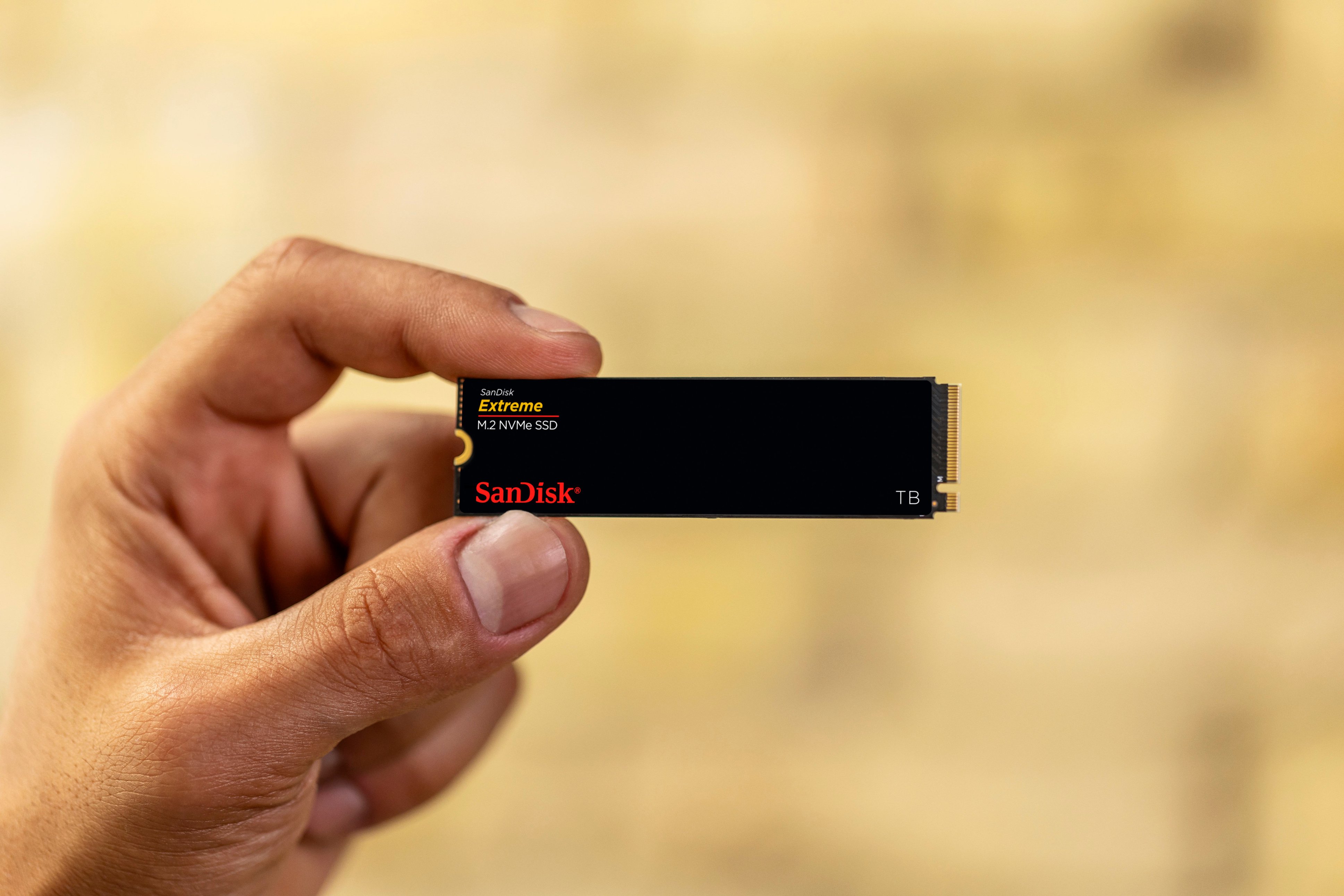
Customers frequently mention the Extreme M.2 1TB Internal SSD PCIe Gen 4x4 NVMe's ample storage and impressive speed. Positive feedback also highlights the ease of installation and the included warranty. While some users noted heat generation, many reported that it was within acceptable ranges.
This summary was generated by AI based on customer reviews.
- Pros mentioned:Speed, WarrantyCons mentioned:Heat

Extreme Excellence
|Posted .This reviewer received promo considerations or sweepstakes entry for writing a review.The 1TB Sandisk Extreme M.2 NVMe PCIe Gen 4 SSD (Sandisk) lives up to its speed claims and is a terrific choice. My specific use for it is to edit photos with Adobe Lightroom and Photoshop and occasionally 4K video with Final Cut Pro. I can easily end up with 1,000+ pictures after a photo session. With so many files it’s a chore to cull, organize, and get them print or display ready so I like to be able to push through the process as fast as possible. That means using a fast drive that won’t choke on a high data, fast-paced workflow. When the internal SSD on my MacBook Pro is already full of other projects I have to use a supplemental external drive. Unfortunately, no pre-built external SSD is fast enough for my needs, so I construct my own by installing a speedy internal SSD into an also fast 40Gbps USB4 external enclosure. In this instance I used the 1TB Sandisk Extreme M.2 NVMe PCIe Gen 4. In choosing an SSD for photo editing I want four things: 1. A trusted brand, backed up by a long-term warranty, 2. Fast, but not record breaking, speed, because I can’t benefit from the very fastest models, and 3. It doesn’t get blazing hot just editing photos. On paper at least, the Sandisk filled the first two requirements with a 5-year warranty and advertised 5150 Mb/s read and 4900 Mb/s write speeds. Impossible to know about the heat until you use it. So, I initialized the Sandisk as an ExFAT drive for multi-platform compatibility and put it through the paces to confirm it was what its advertised to be and that it didn’t get too toasty. Using Blackmagic’s Disk Speed Test, the Sandisk proved it was everything it claimed to be and more as it exceeded the advertised speeds. I used the toughest stress test Blackmagic offers, 5GB, and it performed magnificently: 6272 Mb/s write and 5090 Mb/s read. Expectedly, the test indicated the Sandisk is capable of editing common flavors of 8K video and a few of 12K too. This is what I mean by my not needing the very fastest – the ability to edit even a few kinds of 12K video is already well beyond my needs. Of course, Blackmagic’s test is only theoretical, but my real-life experience mimics the Sandisk’s reported speed. For example, it took 4 seconds to transfer a 12.6 GB folder of photos from my M3 MacBook Pro to the Sandisk. (The SSD in the M3 MacBook Pro is similar in speed as the Sandisk so YMMV if you your internal drive is slower than the Sandisk). Photo editing with Lightroom and Photoshop (2024 version) on the Sandisk also feels as smooth as when I edit with the Mac’s internal SSD. Scrolling through hundreds of 36MB RAW photos goes almost too fast and even computer taxing edits like the new Lens Blur feature completes nearly instantly. Basic edits like exposure and dehazing are immediate even when done in rapid succession of each other. Also, I never experienced any “start and stop” that can happen when a drive hits a data bottleneck processing read and write tasks. So that brings me to that one “must not have” – excessive heat. Since I don’t have a thermal camera or similar tools, so, I had to resort to the “hand test.” If my hand is comfortable resting on the case then it’s “normal” heat. And that’s what I encountered after hours of constant use. My SSD enclosure’s temperature was hand warmer, but not an egg cooker. A wild guess of the temp I experienced here is somewhere in the 80F range. Next I disconnected the enclosure to feel the temperature of the Sandisk itself. It was many degrees cooler than my enclosure case which tells me my enclosure was doing its job being an effective heat sink and this SSD seems to keep to “average” SSD temperatures. Speaking of heatsinks, this Sandisk SSD model doesn’t have one built-in, making it ideal for upgradable laptops and external enclosures where space is tight. This Sandisk model is ideal for anyone who edits photos or videos or needs a fast “mid-range” SSD and has a computer or external enclosure than can take advantage of Gen 4 PCIe speed. It would probably also work well as a boot drive, but overkill for just storing files.
I would recommend this to a friend - Pros mentioned:SpeedCons mentioned:Heat
Easy install, decent read/write, fast transfers
|Posted .This reviewer received promo considerations or sweepstakes entry for writing a review.I installed this SanDisk Extreme Gen 4 NVMe as a secondary storage drive in my gaming laptop. While it is my first internal SSD from SanDisk, I’ve used several of their parent company’s (Western Digital) SSDs from their other labels. Installation was quick and easy by simply sliding the drive into an open m.2 NVMe slot in my laptop and securing with a single screw (not included). I then had to initialize it in Windows 11 using Disk Management which also partitions and formats the drive. This mid-tier DRAM-less drive employs a single TLC NAND flash chip and advertises a max sequential read speed up to 5150 MB/s and write speed up to 4900 MB/s. In my testing using CrystalDiskMark I found that the drive performed fairly close to those figures when transferring large files (32GB); transferring smaller files (1GB) allowed the drive to eke out slightly faster speeds. Not only does the drive perform well for gaming purposes, it also handles the demands of content creation just fine for editing and exporting large video files. Although it does not come with a heat sink, I recommend using one (e.g. a thermal sticker with copper plate), as it can keep the drive running about 5-10°C cooler than without one. Under light loads I observed drive temperatures around 50-60°C (with passive heat sink) and it topped out at just under 80°C during sustained peak writing. As the drive lacks DRAM, it employs an SLC cache which can sustain peak write speeds up to a certain point, after which it will drop off to a reduced/throttled speed. While not advertised, this cache is likely large, to the tune of 50% of the capacity of the drive or more, so unless you're constantly writing large amounts of data, you’ll likely never encounter this limitation. For normal uses like gaming, streaming, and creative work, you’ll find that it runs smoothly, and its rated lifespan is 600 TBW (Terrabytes Written). This Gen 4 drive is backwards compatible with older systems like Gen 3 and earlier PCIe slots, however, would only perform up to the limitations of those protocols in terms of read and write speeds. Overall, the SanDisk Extreme performs well for me as a storage drive and while it isn’t the fastest Gen 4 SSD out there, it is an affordable option for everyday computing tasks, casual gaming, and content creation, where the absolute fastest speeds are not essential.
I would recommend this to a friend - Pros mentioned:SpeedCons mentioned:Heat
Scrappy Competitor
|Posted .This reviewer received promo considerations or sweepstakes entry for writing a review.My intentions did not comport with reality when I agreed to test this drive. I intended to replace the installed 512GB M.2 NVME drive in my HP Dragonfly Pro with the 1TB SanDisk Extreme M.2 NVME SSD I was to test. While I knew the Dragonfly Pro’s memory was soldered in and therefore non-replaceable, I assumed that the installed M.2 drive was removable and replaceable. However, when the drive arrived, I watched videos of some of the YouTube reviewers of the laptop and discovered that its SSD is not user replaceable. I had no plan B. I no longer own a desktop, and the other products I own are MacBooks of recent vintage and therefore not candidates for any SSD replacement. To test the SanDisk, I was relegated to installing it in a USB enclosure. Since I suspect other users may face the same dilemma, I decided to test the drive with the tools I had. For those who might consider using the SanDisk in this manner, be advised that you may not be able to get the advertised read speeds for this drive which are stated to be 5150 MB/sec. The limiting factor is the speed of the USB enclosure. Connected to the M.2 slot on my MacBook Pro, its installed 1 TB M.2 drive had a measured read speed of 6129.09 MB/sec and a write speed of 7393.54 using AmorphousDiskMark. The Dragonfly Pro’s installed M.2 drive had a tested read result of 7037.02 MB/sec and a write speed of 3771.62 MB/sec using CrystalDiskMark. Both the MacBook and the HP have Thunderbolt 3 capable USB-C ports which can pass 40Gb/sec, however, my Orico enclosure is only specified for 10Gb/sec. Neither a heatsink nor a thermal pad was furnished with the SanDisk Extreme, but I only noticed occasional warmth when using the enclosure. Excessive heat did not appear to be any problem with SanDisk during use while installed in the enclosure. The CrystalDiskMark results for the SanDisk showed a read speed of 1001.87 MB/sec and a write speed of 991.00 MB/sec. Again, the bottleneck in evidence is not the SanDisk, but a limitation imposed by the enclosure. I am endeavoring to order one of the more modern M.2 enclosures which advertise 40Gb/sec speed and will re-test and post the results in the comments below this review. The SanDisk is a speedy and competitive drive and priced accordingly. Sizable photographic and video files transferred speedily and without issue for me, even under the limitations of my enclosure. I am looking forward to re-testing with a newer and better enclosure. I fully expect the SanDisk to come very close to the speed of the NVME drive mounted in the M2 slot on my Dragonfly Pro. I expect it to serve me for many years to come.
I would recommend this to a friend - Pros mentioned:Speed, WarrantyCons mentioned:Heat
Fast extra drive space
|Posted .This reviewer received promo considerations or sweepstakes entry for writing a review.This is a great additional drive for media, media editing and gaming. I'm an average non-pro user who edits video and makes slideshows occasionally. When installing, it was being compared to my regular SSD that was getting full. I had no expectations of any perceivable speed increase, and I was so very wrong! Loading and executing files is much faster. Without testing software I have no numbers to verify speed differences, but seat of the pants feel and clocking with a stopwatch, it's a good 30% or more faster than a typical SSD. Installation is a breeze, however, no installation screw is included. That's a big complaint from me and would normally drop to 4 stars. If you don't already have a mounting screw, be prepared to buy a mounting screw kit. Inexpensive, but a pain to have to get something extra. While it's a little on the pricey side for 1TB compared to other brands, this has a 5 year warranty. It can also transfers data faster than others in its class. There is no heat sink on this drive which could be a concern on installations without good airflow or cooling. So far with my infrared thermal laser thermometer it hasn't gotten above 38.5 degrees Celsius. This would make a great consistent drive for media editors or gamers. Especially for adding space to a PS5.
I would recommend this to a friend - Pros mentioned:Installation, Performance, StorageCons mentioned:Heat
Super fast SSD. Games & Content creators
|Posted .This reviewer received promo considerations or sweepstakes entry for writing a review.Added this card to an empty PCIe slot in my desktop. Install took seconds and it was ready to go. Speeds for processing and rendering video for Youtube took very little time. Even clips with complex graphics and 3D rendering took a fraction of the usual time. Does not come with a heatsink, instead it's encased in a Sandisk cover that I'm guessing is supposed to help disperse heat. My first uses of it generated quite a bit of heat, but not enough to cause me to worry. If you are using it for long stretches, then it might be worth looking into ways of cooling the SSD. Adequate for gaming as well, though I didn't do much with it for that. Tried Ratchet and Clank (which uses the SSD for game effects) and didn't notice any slowdown or clipping. Worked fine. Mostly I'll use this card for photo and video rendering, and for both it works like a charm. 1TB is large enough for most 1080p projects and short 4K products, depending on the encoding one uses. Overall a solid product, as usual, from the gang at Sandisk.
I would recommend this to a friend - Pros mentioned:Installation, SpeedCons mentioned:Heat
Rock Solid
|Posted .This reviewer received promo considerations or sweepstakes entry for writing a review.One thing I have found over the past five years is that SanDisk is perhaps one of the best manufacturers of flash memory storage. Whether it's one of their USB flash memory keys or one of their external SSD drives. The one time I had a problem with one they replaced it with one model better as they did not have one of the model I had. That's a winner in my book. This Extreme M.2 1TB internal SSD is my first NVMe drives I have had from them and after just a few days I'm here to say it will not be the last. This thing has rather fast read and write speeds. Like wicked fast. And it is a piece of cake to install. Just plug it in and you are off to the races. So far I've not noticed any excessive heating or performance degradation. And this is after spending a few hours copying files to and from the drive as part of my testing it. What pushes it over the top with me is knowing the manufacturer stands behind their stuff. That is piece of mind you don't get with those cheaper no-name drives you'll find out there. Overall this is a solid drive and I highly recommend it.
I would recommend this to a friend