Customer Ratings & Reviews

- Model:
- SDSSDX3N-1T00-G26
- SKU:
- 6567640
Rating by feature
- Value
Rating 4.7 out of 5 stars
- Quality
Rating 4.9 out of 5 stars
- Ease of Use
Rating 4.9 out of 5 stars
Customers are saying
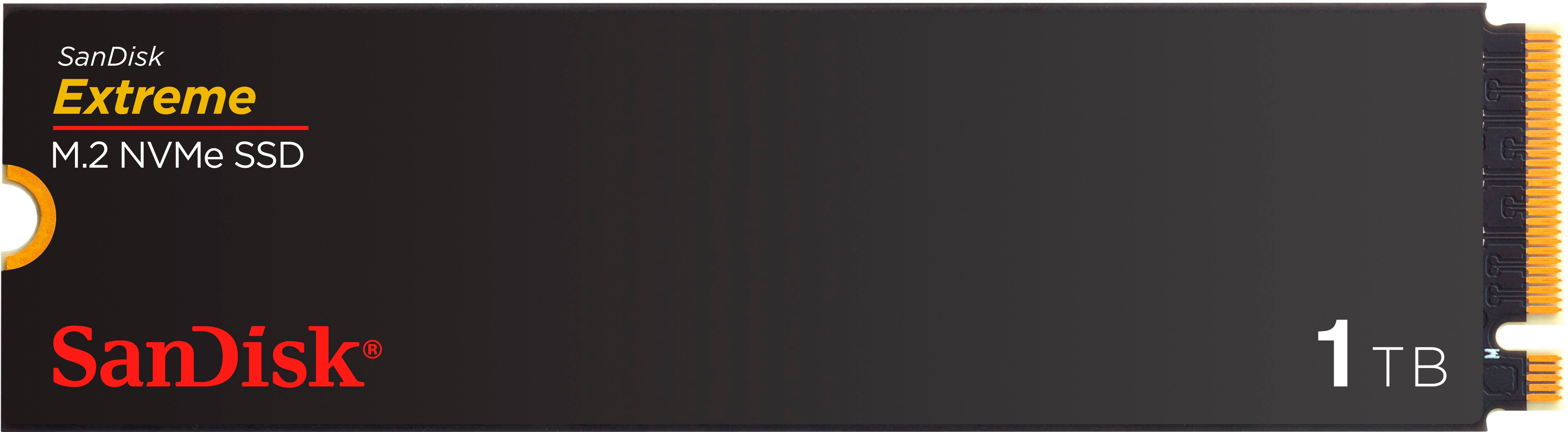
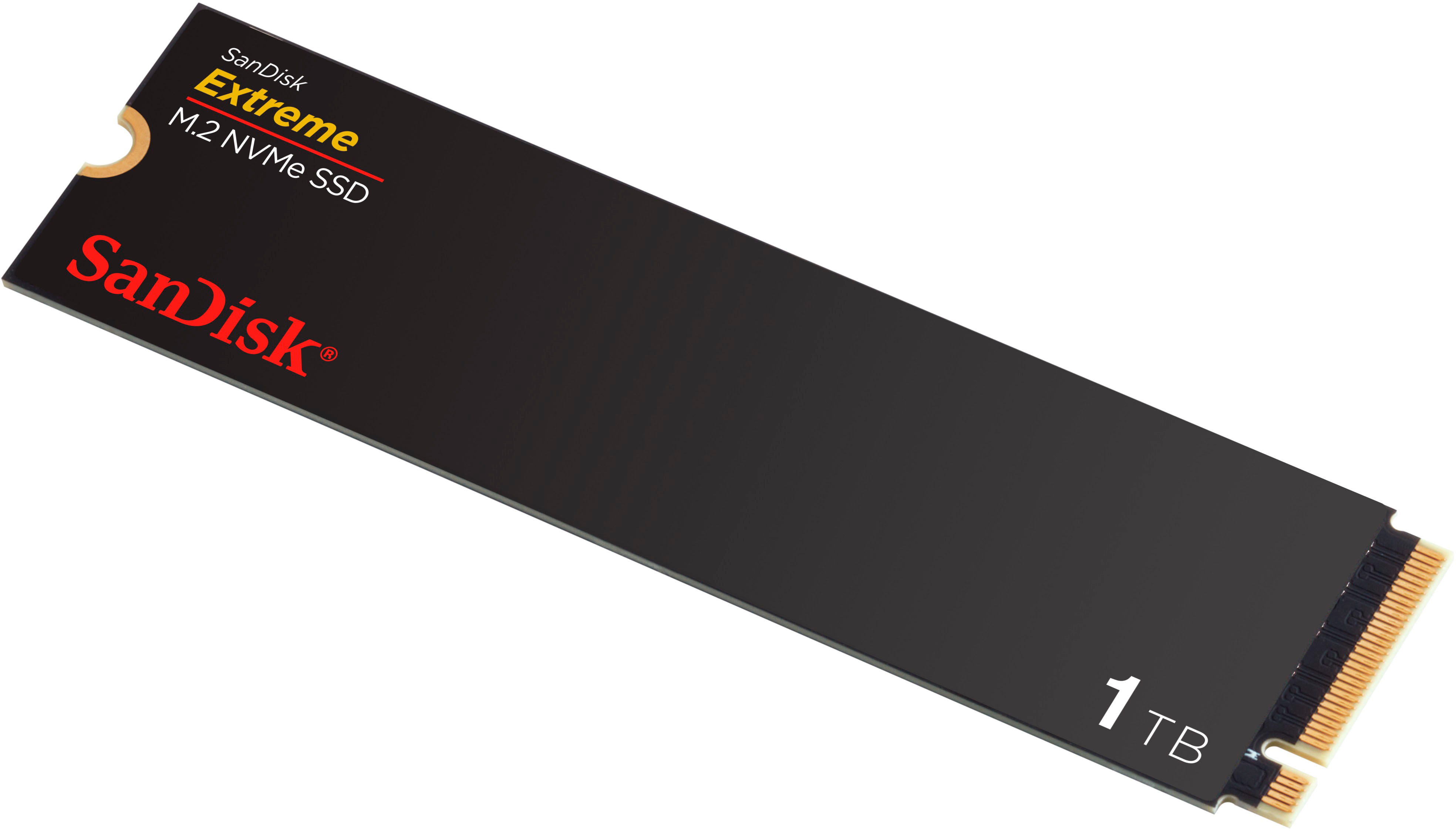
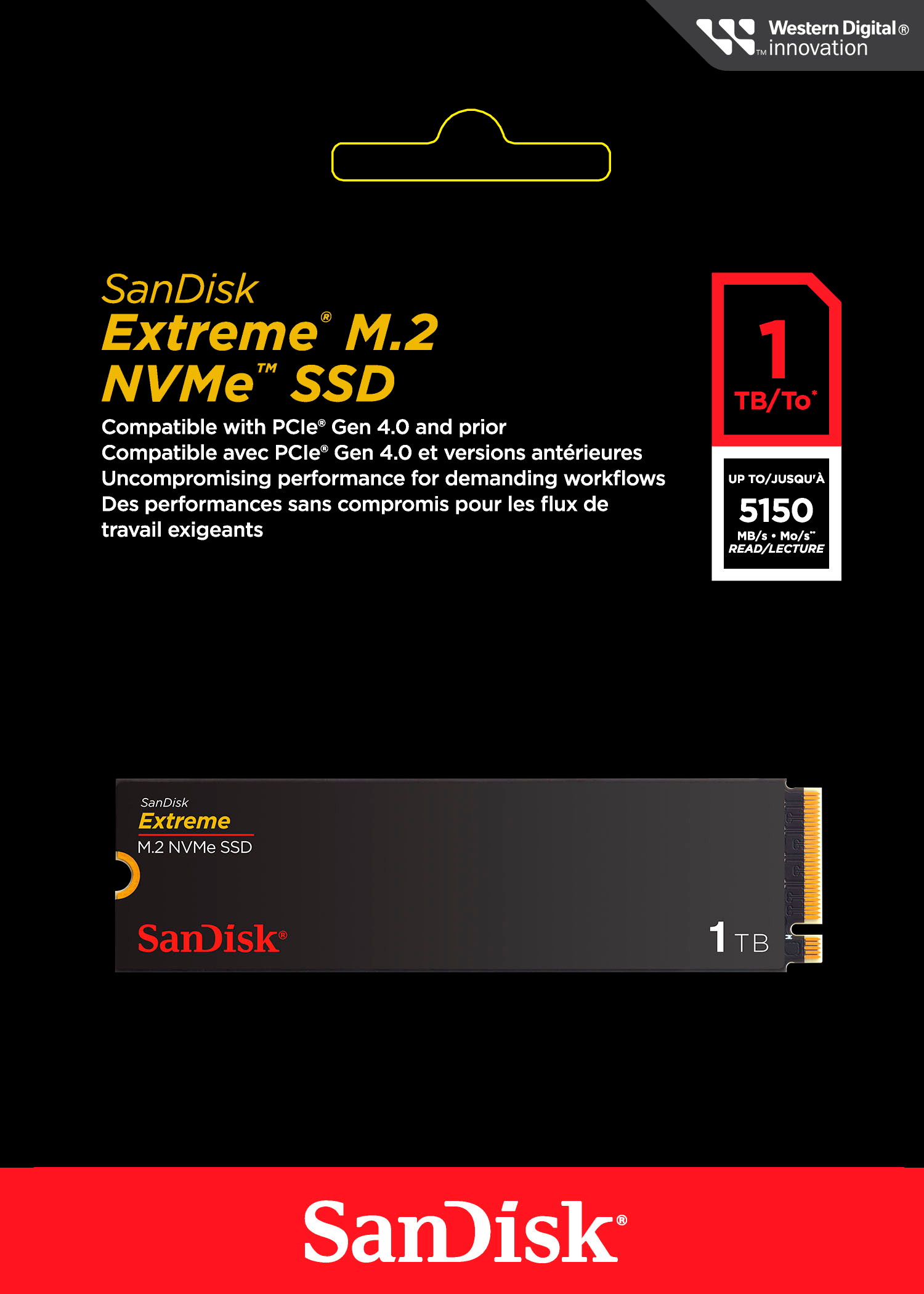
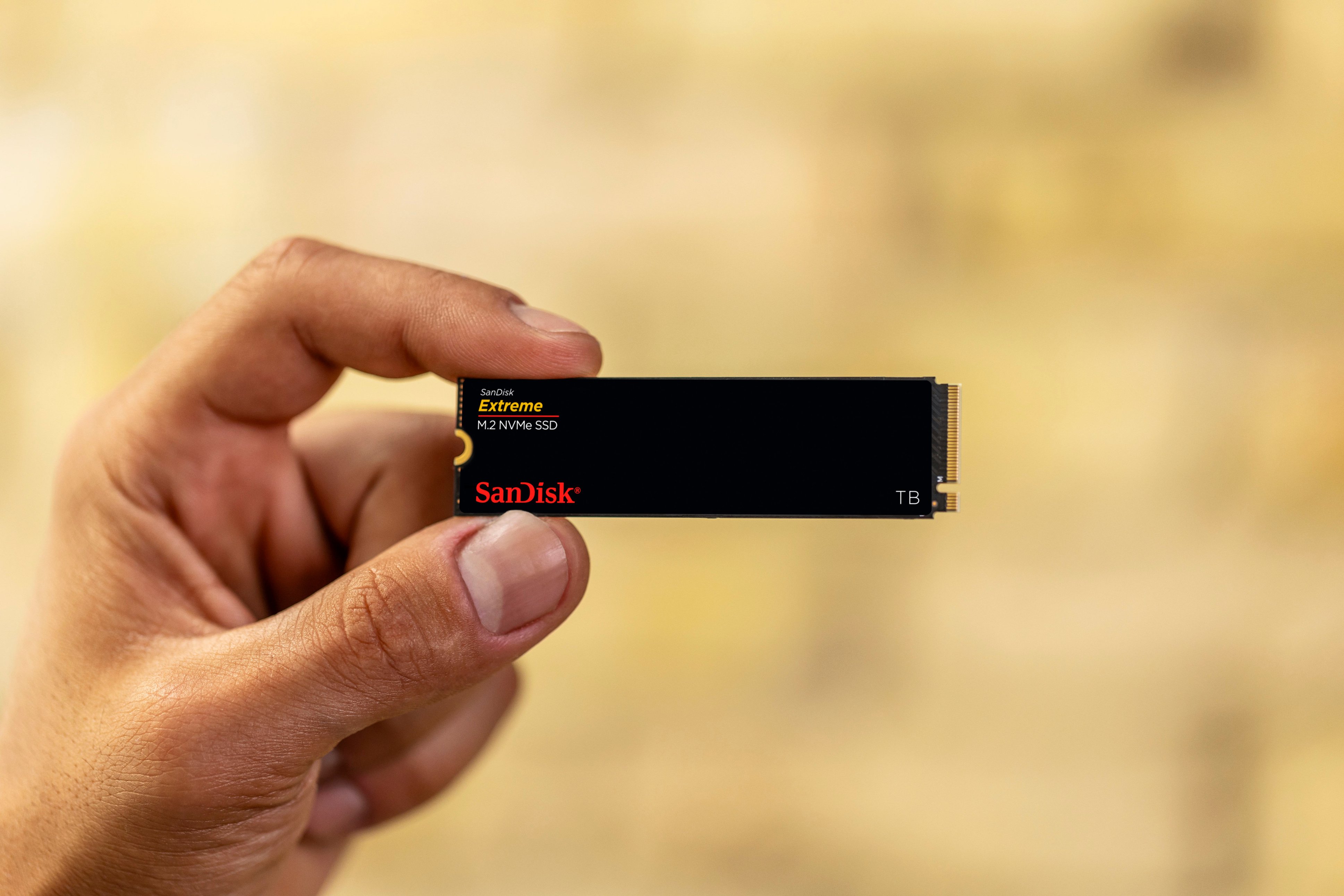
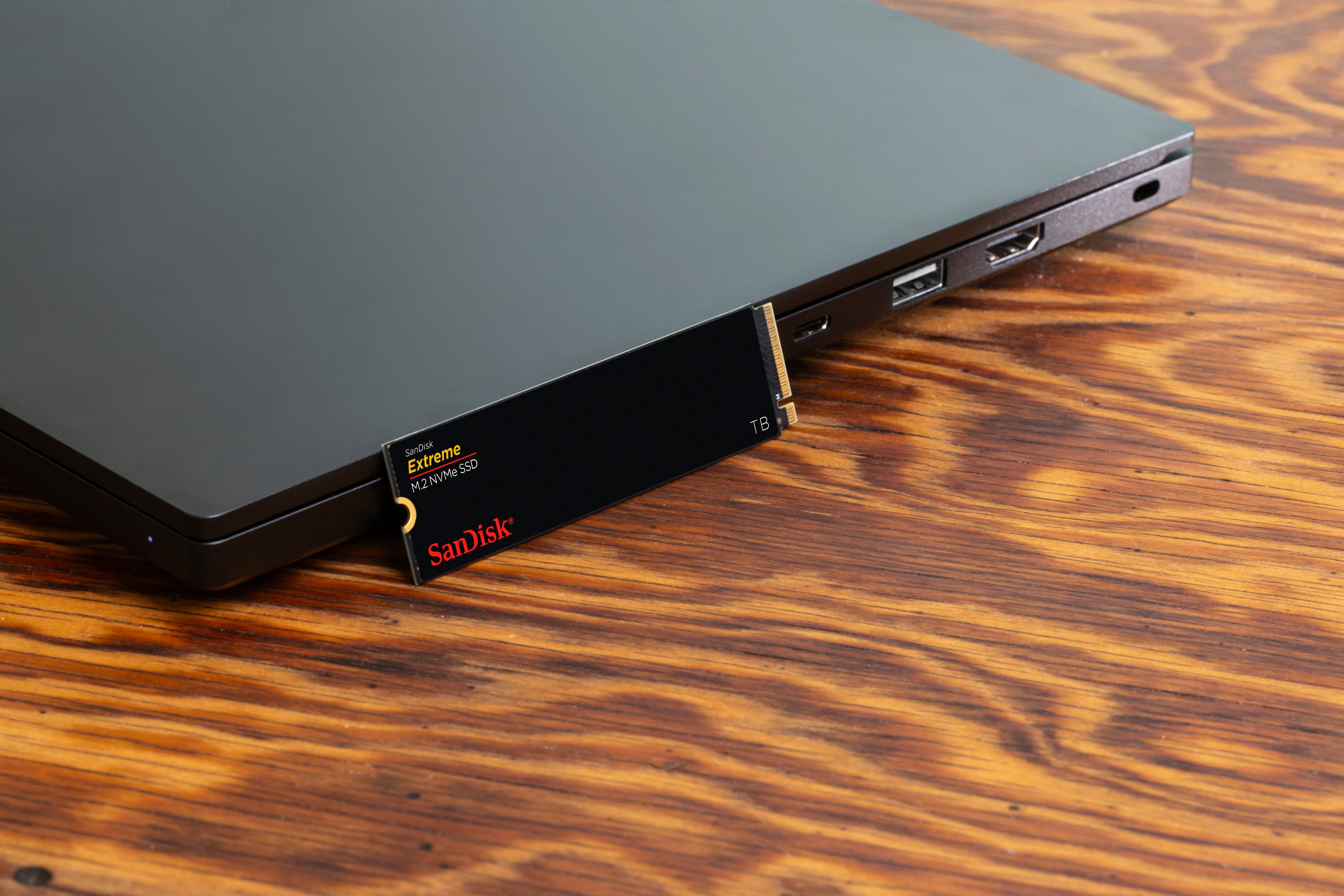
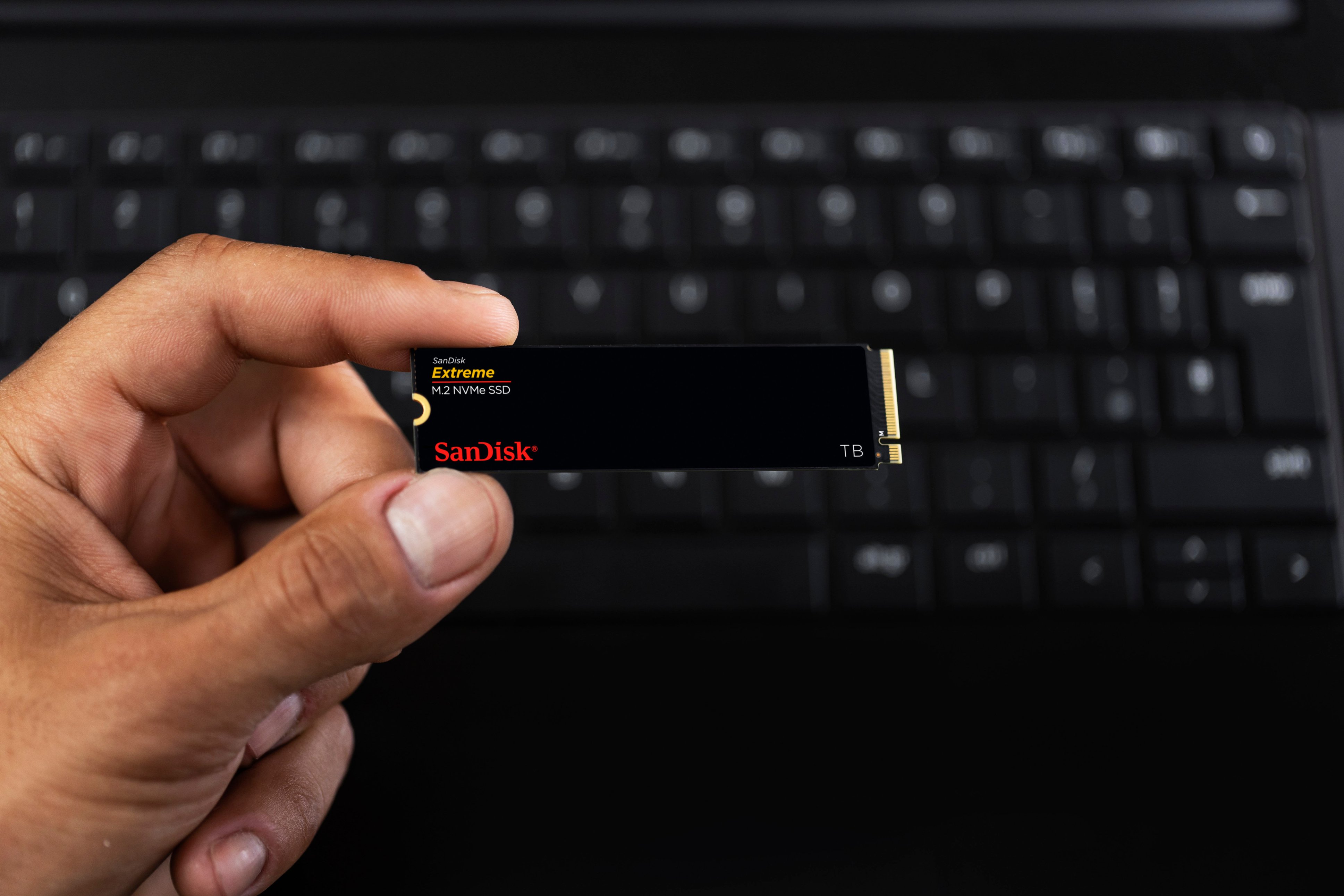
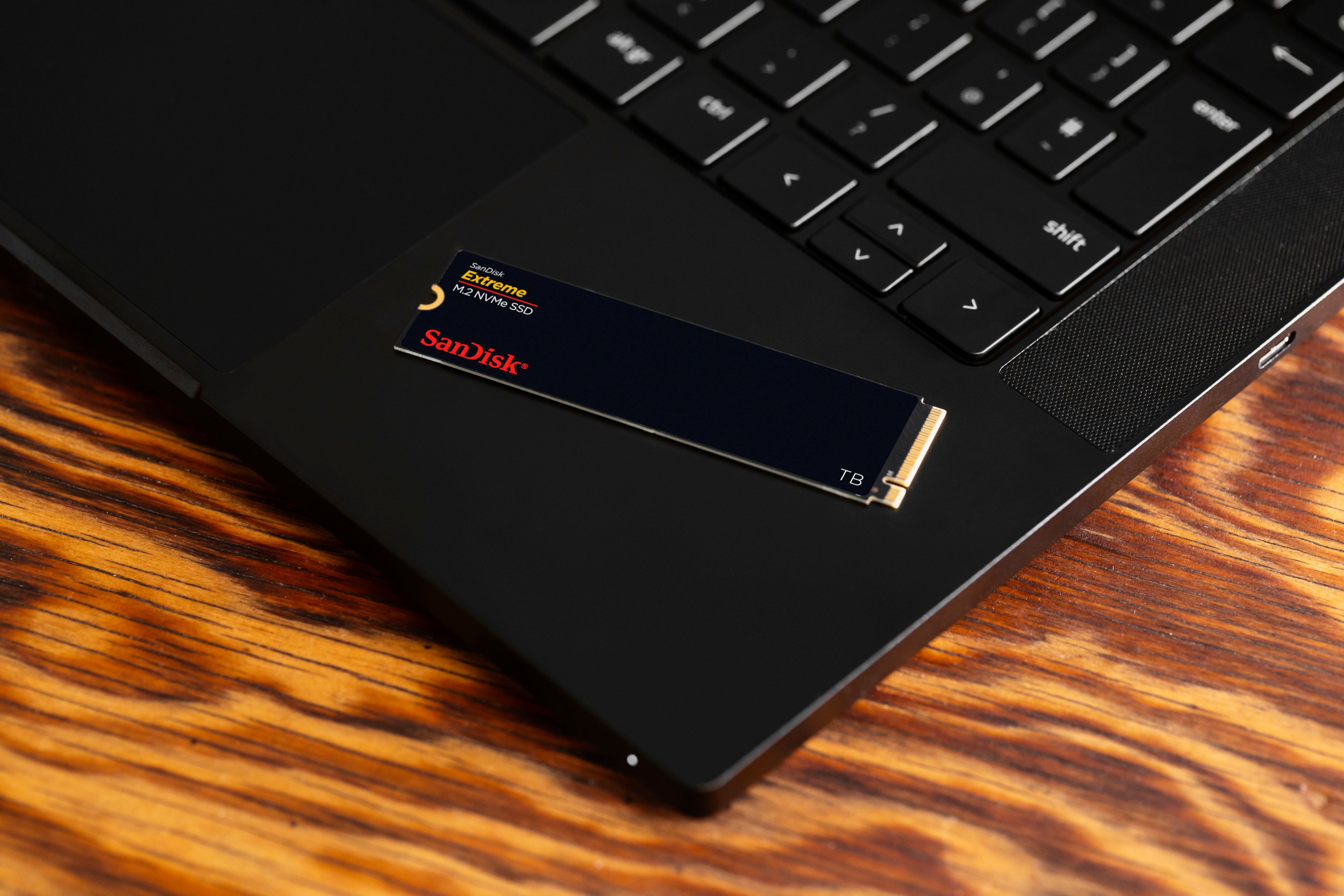
Customers frequently mention the Extreme M.2 1TB Internal SSD PCIe Gen 4x4 NVMe's ample storage and impressive speed. Positive feedback also highlights the ease of installation and the included warranty. While some users noted heat generation, many reported that it was within acceptable ranges.
This summary was generated by AI based on customer reviews.
- Pros mentioned:Installation, Speed, Storage

Blazing Speeds Boost Productivity and Creativity
|Posted .This reviewer received promo considerations or sweepstakes entry for writing a review.I'm a tech enthusiast who dabbles in everything from video editing to casual gaming. My 5 year old laptop started feeling moving like molasses. I decided to upgrade the storage to the Insignia Western Digital Extreme M.2 1TB Internal SSD. This SSD is where it truly shines. Booting up my computer now takes mere seconds now, applications launch in a blink, and even large file transfers happen at warp speed. Compared to my old HDD, it's like night and day. PCIe Gen 3 speeds (up to 3,300 MB/s read) they make a noticeable difference in daily tasks. 1TB provides me ample space for my OS, essential programs, and a decent game library. I can finally store those high-resolution photos and videos without worrying about filling up the drive anytime soon. Now, I'm not the most tech-savvy person, but installing the SSD was surprisingly straightforward. The included instructions were clear, and the process took less than 30 minutes. Bonus points for Western Digital's downloadable software that helped with migration and optimization. After using the Insignia Western Digital Extreme M.2 1TB Internal SSD, I'm thoroughly impressed. It's injected new life into my old computer, offering significant speed improvements and ample storage. If you're looking for a performance boost, this SSD is definitely worth considering. Just make sure your system is compatible and you're aware of the potential trade-offs due to the lack of DRAM cache.
I would recommend this to a friend - Pros mentioned:Installation, Speed, Warranty
Performance Drive and a Great Value!
|Posted .This reviewer received promo considerations or sweepstakes entry for writing a review.This is a fantastic drive that lives up to its promises. Fast loading, writing and handling of larger photos/files for creative professionals like myself. And if that’s not you, this performance is great for just about anything, from gaming to every day computing. I often handle large image files, jumping between Adobe Photoshop and Illustrator on a regular basis for editing and design. This drive speeds things up. Most SSDs provide better read/write speeds than any HDD, but I was pleasantly surprised to find a performance SSD specifically geared toward these needs at such a great price. San Disk, owned by Western Digital, are brands I’ve owned in the past and they’ve really nailed it here. - I only wish I got the 2TB model! Installing the drive was extremely simple in my gaming-style PC tower, but it’s often pretty straightforward in most laptops as well. The drive is very low profile was installed in under a minute. With a 5 year warranty from a name brand, I’m not worried about longevity. Performance was spot on with other reviewer’s screenshots here. I would have appreciated max read speeds closer to 7,000 Mbps, but the lower price point makes for a small tradeoff. In practice, it’s great as expected. With this new M.2 installed, I moved my remaining software and files over from my old HDD partition and have been reaping the benefits of night-and-day performance improvements, which is why these upgrades are so beneficial - real world speed improvements and time savings to your workflow are what you’ll notice and appreciate.
I would recommend this to a friend - Pros mentioned:Installation, Speed
Great M.2 SSD for video editing and gaming
|Posted .This reviewer received promo considerations or sweepstakes entry for writing a review.I have always had a good experience with SanDisk MicroSD's and other NVMe and this internal drive is no different. Installation was a breeze and it fit right into my daughter's gaming laptop that she uses for video editing and streaming. Doing just a general speed test I was able to move large amounts of previously edited video files from her other internal hard drive to this one with a consistent sustained right speed of 2.5 GBps. As far as video editing goes she saw a 30 to 35% speed boost over exporting and encoding to the other internal NVMe hard drive that came with her laptop. She uses a variety of video editing apps and primarily CapCut and Filmora for most of her YouTube editing as well as twitch and OBS studio for streaming. As we expected this drive has done great since we installed it allowing for deceeased export times and less wait time to upload to YouTube. For anyone who does a lot of video editing or streaming this hard drive is a great option to add as a second drive or even to replace your primary drive if it fails. With the PCIe 4.0 interface it will be compatible with most of your current laptops and even those that are a few years old while still allowing you to benefit from the increased throughput speeds.
I would recommend this to a friend - Pros mentioned:Installation, Performance, Speed
Another Huge Leap For Western Digital
|Posted .This reviewer received promo considerations or sweepstakes entry for writing a review.As with any take-aways regarding computer memory, hard drives, etc., the bottom line is always, “Does it make a difference in speed?” Many reviewers like to throw around a bunch of benchmark tests and results, comparing numbers that to the average user don’t make much of an impression. But what does make the impression is a noticeable increase in speed. Before I received the SanDisk Extreme M.2 1TB Internal SSD PCIe Gen 4x4 NVMe, (wow, that’s a mouthful!), I was generally happy with the performance of my desktop. I do a lot of video/photo editing and production, and it’s important in many ways to have enough memory with sufficient read/write speeds to get the job done. So the question to answer here is, does the SanDisk Extreme live up to its hype? I fell in love with Western Digital decades ago when they blew the tech world away with their incredible hard drives. So i had very high expectations here as well. There are times when how the product was shipped, that is, how it was packaged for shipment. And I typically consider this issue when writing a review. But that isn’t really a factor in this case. Even with the often brutal handling of packages these days by delivery companies, SanDisk packaged the memory so that it is practically immune from shipping damage. Installing the memory took very little effort. All I had to do was loosen a couple of screws, and the side of the computer came right off. Locating the appropriate slot was easy, and installing the memory stick was nothing more than a matter of inserting it into its slot. There’s only one way it can be inserted, so there isn’t any worry about inserting it wrong. If you are not really sure about how to install an M.2 card, there are plenty of videos and discussion boards to help you along. After installing, I went through the formatting process which took very little time, and I was ready to put the SanDisk to a test. As I stated at the beginning of this review, photo and video editing is my primary use of this particular desktop computer. Over the years I have ridden the wave of faster performance, and have tried out various solutions for being able to do my work faster. Nanoseconds may be insignificant when dealing with simple tasks such as cropping a photo or deleting unwanted video segments. But when your needs become a bit/lot more memory intense, those nanoseconds coupled with memory capacities can turn those nanoseconds in several seconds. None of us like sitting through buffering wait times. I use high-end video editing software. My desktop did a very good job at keeping up, but when performing certain renderings, I have noticed some minor bogging issues. What better way to test out the new memory, right? Holy cow! The speed upgrade was immediately evident. Even the speed with which the software opened up was noticeable! As I opened up a particular file, and began playing around with some of the features, there was an incredible difference in rendering speeds! I am trying not to overly exaggerate, but the differences are so noticeable that its difficult not to. I played around with several other software packages, and was blown away by the speed with which they operated. With 1 TB of storage capacity, and the insanely fast read/write speeds, I have definitely achieved a new milestone in my ability to work MUCH faster than before. As I stated before, the true test is in performance. You can be impressed by all the technical specs, but I am much more impressed by the performance. The SanDisk Extreme M.2 1TB Internal SSD PCIe Gen 4x4 NVMe memory performed so much better than I dreamed possible. Everything was faster. Bottom line. Much, much faster. There were no installation issues, no heating issues, no performance issues. All I encountered were simply amazing results. Thank you Western Digital!! If you have any doubts about the SanDisk M.2 internal SSD, lay them all aside. It is definitely worth the small investment.
I would recommend this to a friend - Pros mentioned:Installation, Performance, StorageCons mentioned:Heat
Super fast SSD. Games & Content creators
|Posted .This reviewer received promo considerations or sweepstakes entry for writing a review.Added this card to an empty PCIe slot in my desktop. Install took seconds and it was ready to go. Speeds for processing and rendering video for Youtube took very little time. Even clips with complex graphics and 3D rendering took a fraction of the usual time. Does not come with a heatsink, instead it's encased in a Sandisk cover that I'm guessing is supposed to help disperse heat. My first uses of it generated quite a bit of heat, but not enough to cause me to worry. If you are using it for long stretches, then it might be worth looking into ways of cooling the SSD. Adequate for gaming as well, though I didn't do much with it for that. Tried Ratchet and Clank (which uses the SSD for game effects) and didn't notice any slowdown or clipping. Worked fine. Mostly I'll use this card for photo and video rendering, and for both it works like a charm. 1TB is large enough for most 1080p projects and short 4K products, depending on the encoding one uses. Overall a solid product, as usual, from the gang at Sandisk.
I would recommend this to a friend - Pros mentioned:Installation, SpeedCons mentioned:Heat
Rock Solid
|Posted .This reviewer received promo considerations or sweepstakes entry for writing a review.One thing I have found over the past five years is that SanDisk is perhaps one of the best manufacturers of flash memory storage. Whether it's one of their USB flash memory keys or one of their external SSD drives. The one time I had a problem with one they replaced it with one model better as they did not have one of the model I had. That's a winner in my book. This Extreme M.2 1TB internal SSD is my first NVMe drives I have had from them and after just a few days I'm here to say it will not be the last. This thing has rather fast read and write speeds. Like wicked fast. And it is a piece of cake to install. Just plug it in and you are off to the races. So far I've not noticed any excessive heating or performance degradation. And this is after spending a few hours copying files to and from the drive as part of my testing it. What pushes it over the top with me is knowing the manufacturer stands behind their stuff. That is piece of mind you don't get with those cheaper no-name drives you'll find out there. Overall this is a solid drive and I highly recommend it.
I would recommend this to a friend - Pros mentioned:Installation, Speed, Storage
Easily installed for more storage space.
|Posted .This reviewer received promo considerations or sweepstakes entry for writing a review.Sandisk Extreme 1 TB size SSD M.2 NVME So what was needed for the Windows 11 gaming laptop being used was more capacity for games, movies, pictures and files. Since my gaming laptop I use as my main computer (due to the fast response and the powerful Nvidia GeForce 4060 video GPU) has space for a second NVME M.2 module this SanDisk easily tripled my capacity from the 512GB that the computer came with to a total of 1.5TB after this SanDisk was installed. I carefully opened up my laptop and carefully installed this M.2 module. My laptop was good enough to have the tighten-down retaining screw on the M.2 slot location for this second NVME and therefore installation was quick and easy. I just had to find my small screwdrivers set but after I found that the M.2 module just snapped in with the gold connecter end and was secured down with the screw. Windows 11 on my laptop recognized it on the next power-up and I see the additional drive letter in my File Explorer matrix. As a photographer (an amateur photographer "plus" who almost always carries a bag or backpack with a DSLR in addition to a smartphone for pictures) the added storage space on my laptop is appreciated. The SanDisk Extreme M.2 produces very fast response when transferring camera or phone pictures to the laptop via USB cable as well as when opening saved images. While using several image cropping/manipulation/editing programs the response never lags or stutters when using the SanDisk M.2 as the main storage destination. For now, for my needs, it has ample space for photos, music, some videos, and some documents with the capacity of 1TB. SanDisk provides a 5 year warranty. Keep your proof of purchase should the need arise to enforce said warranty. Strongly recommended.
I would recommend this to a friend - Pros mentioned:Installation, Speed
Easy install, feels ZIPPY
|Posted .This reviewer received promo considerations or sweepstakes entry for writing a review.I’m not sure if it’s just placebo or not, but the same installation that was cloned to this SSD feels faster. The installation was quick and easy. I love how M.2 go in, versus SATA drives. The included downloadable software worked well for formatting and working with the drive and I was up and running in no time. I should probably benchmark it so I can substantiate the feeling that it is faster. As my primary drive for the operating system in this laptop, it is working well. I DO wish that products like this didn’t come in a blister pack, because I feel like I’m going to break whatever is inside the plastic while I’m trying to get it opened… and this drive is small and light enough that that’s maybe possible. One screw installation is quick and easy. I think the only thing you could even potentially mess up is the placement of the pins, and those have to be seated to install the screw. Overall this is a very quick and reliable drive. I recommend it to anyone seeking to expand their storage and needs speedy read / write performance.
I would recommend this to a friend