Customer Ratings & Reviews
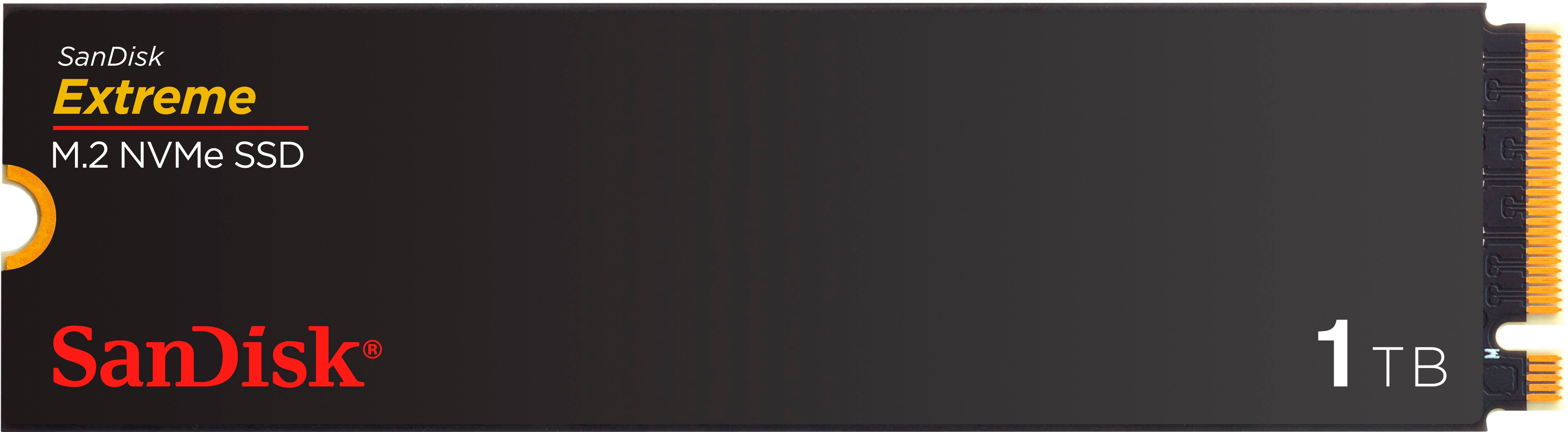
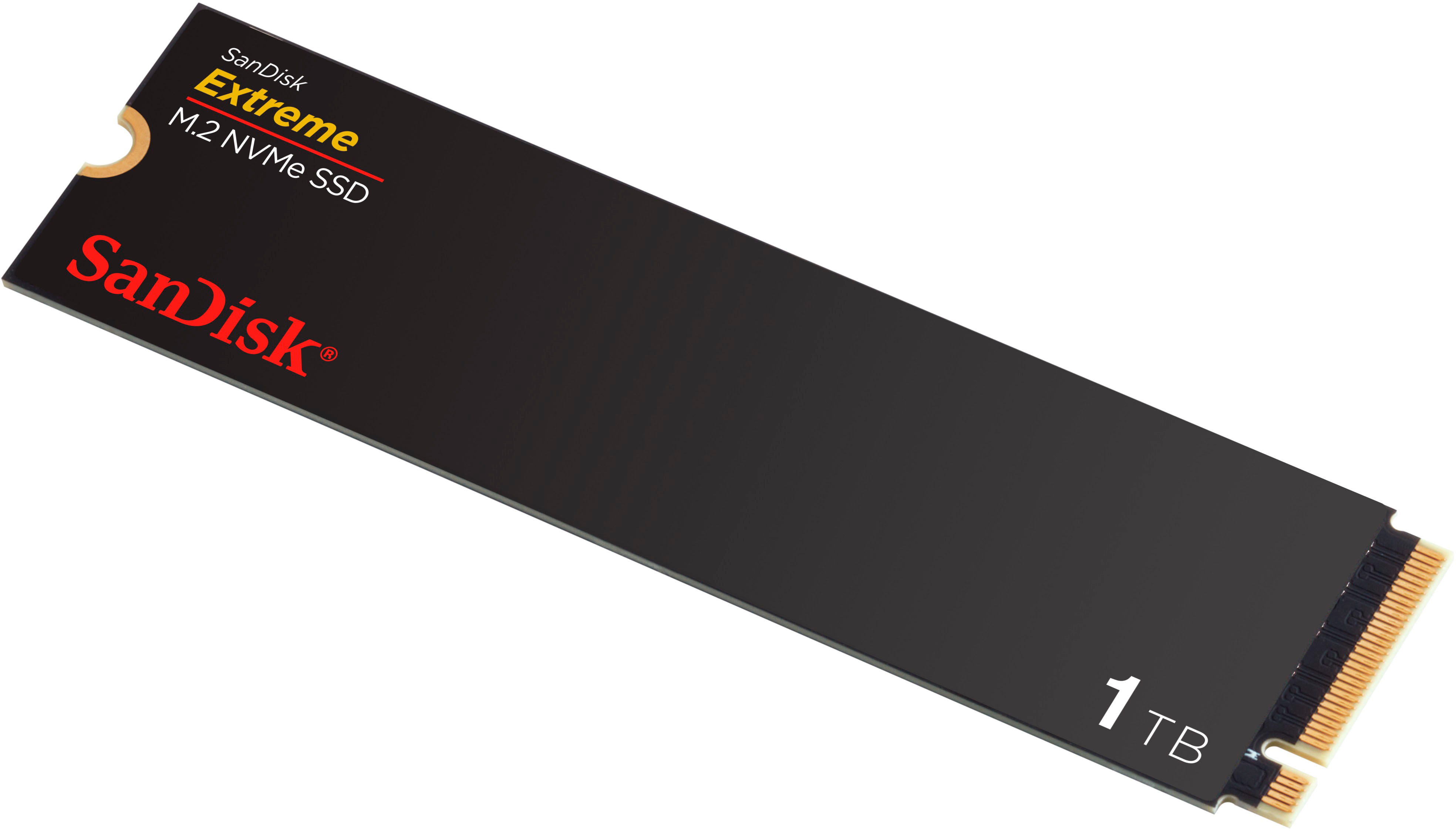
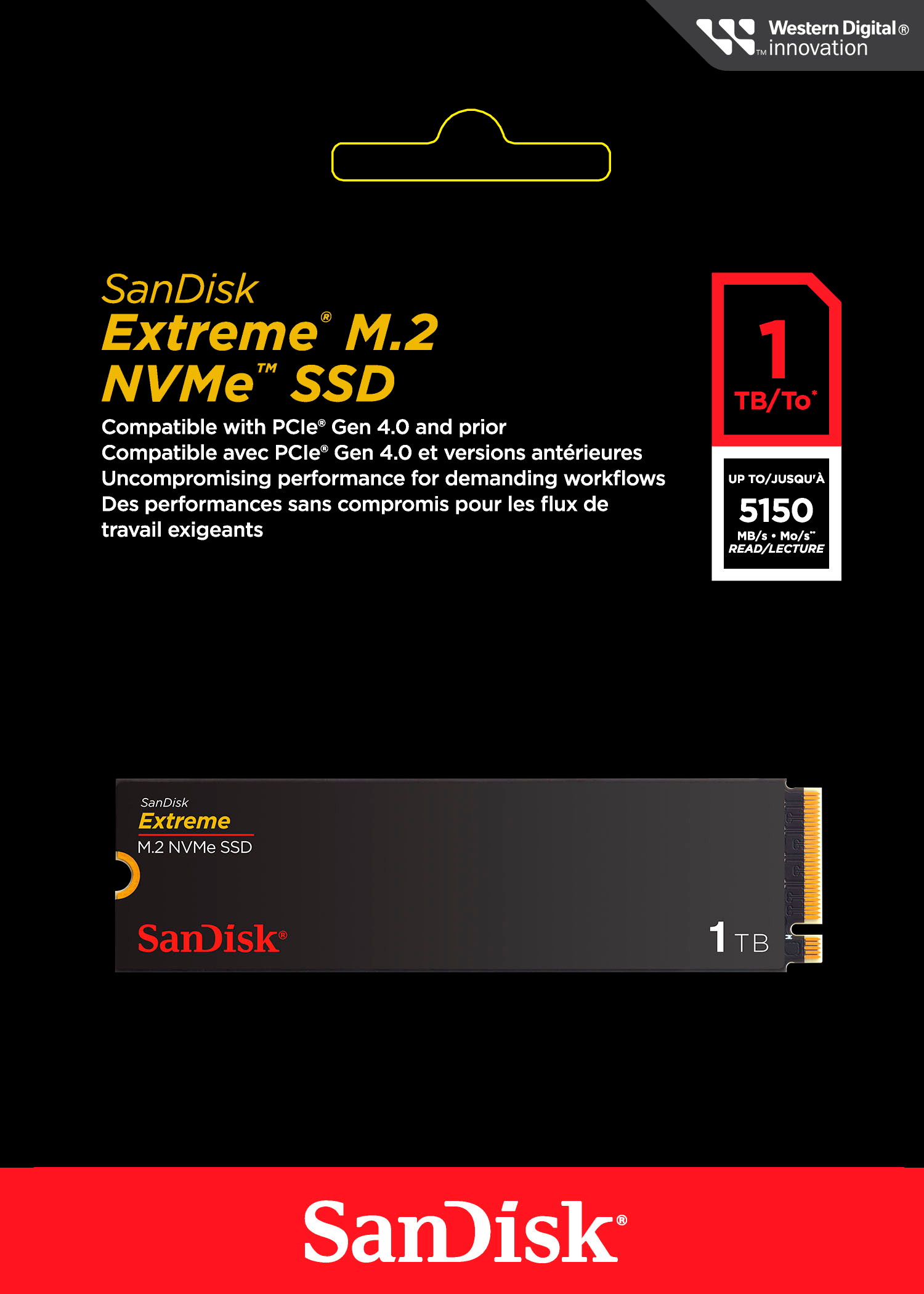
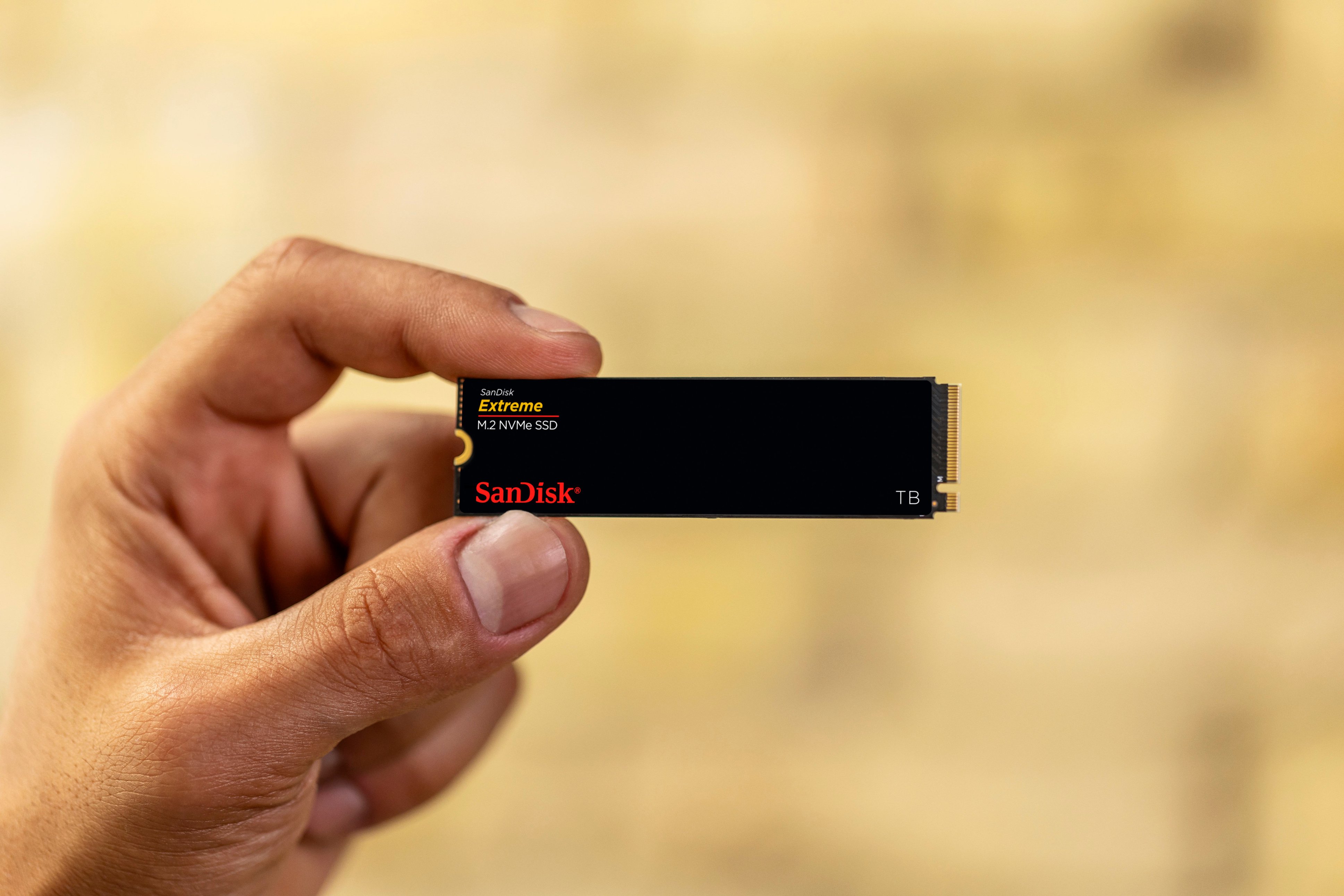
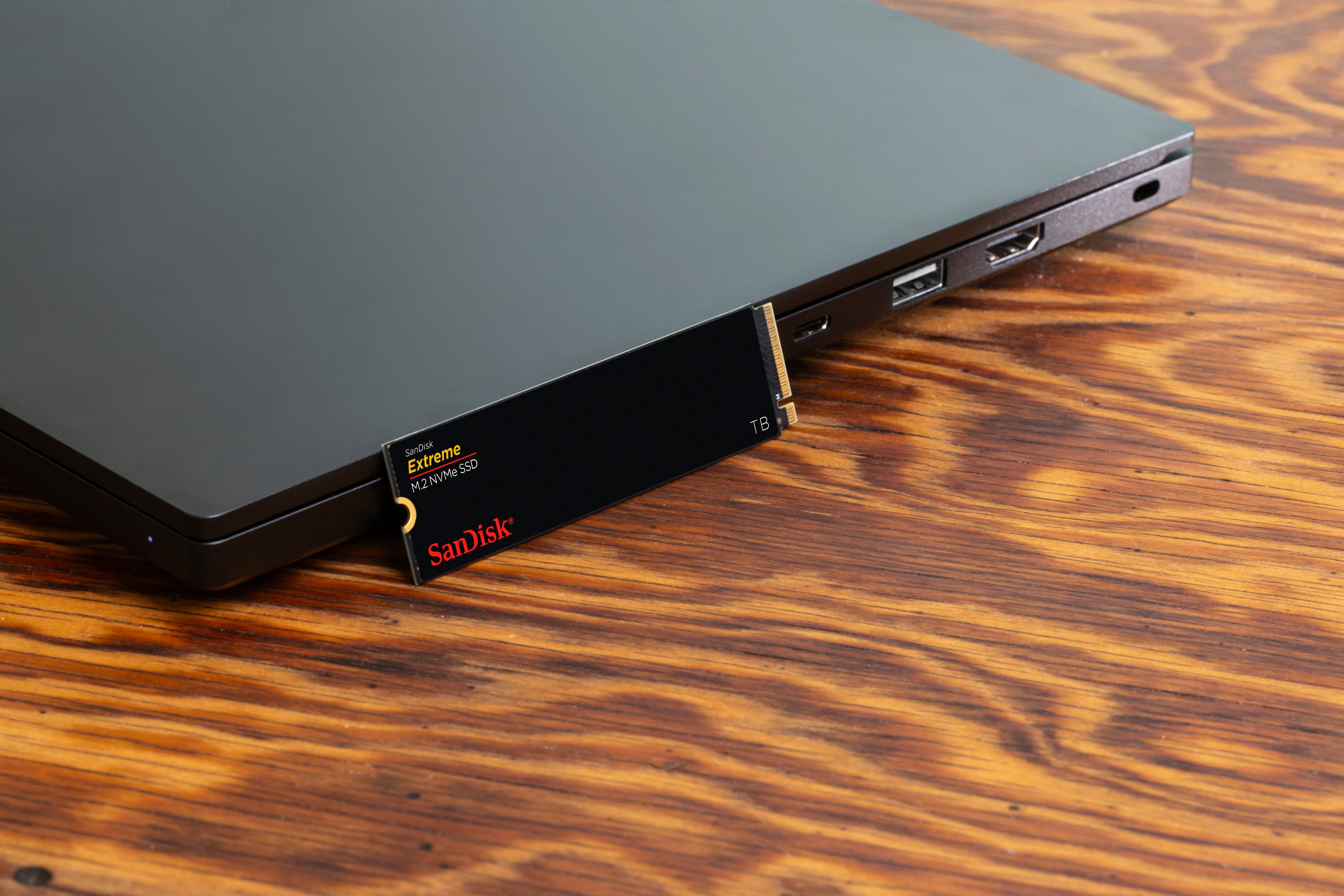
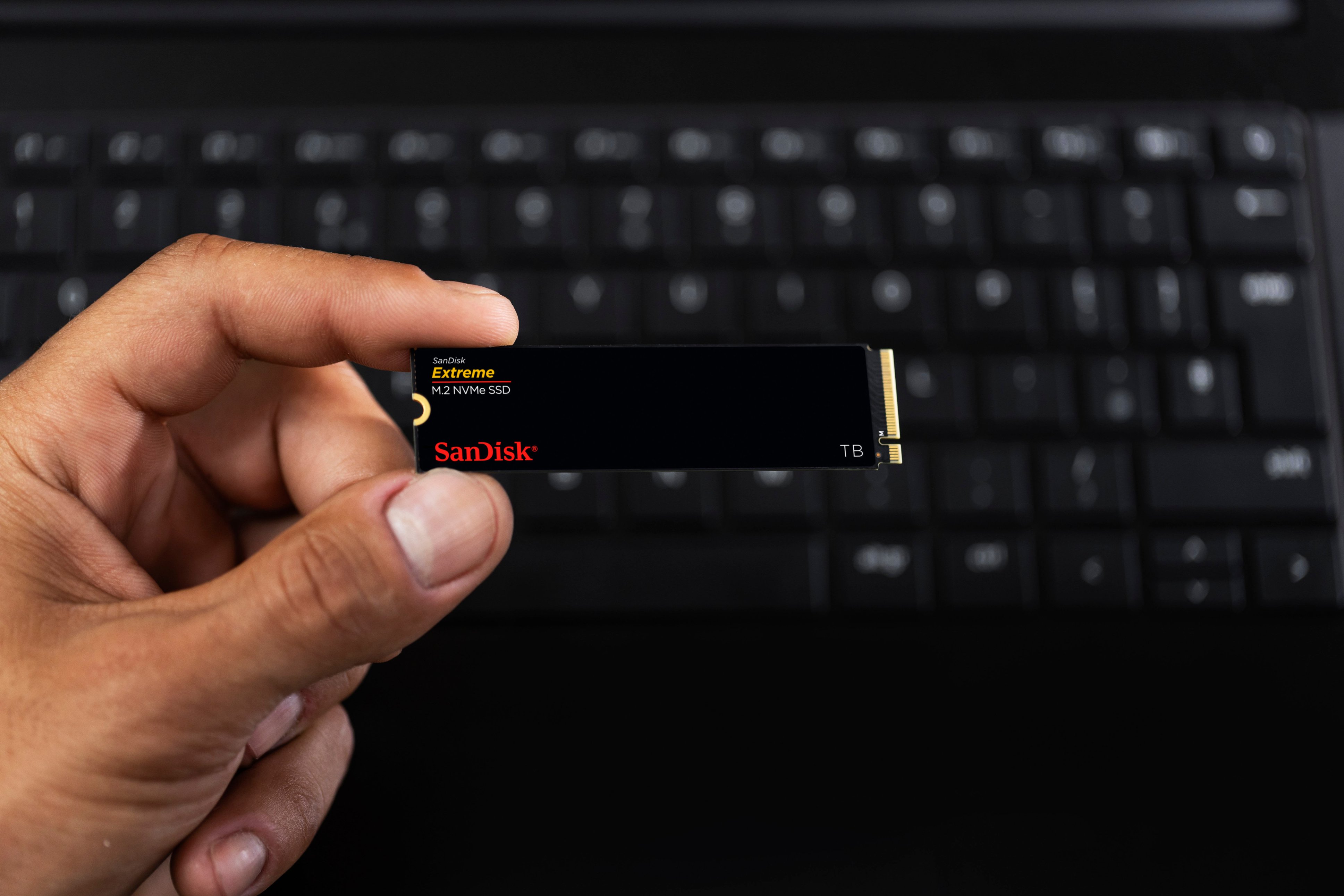
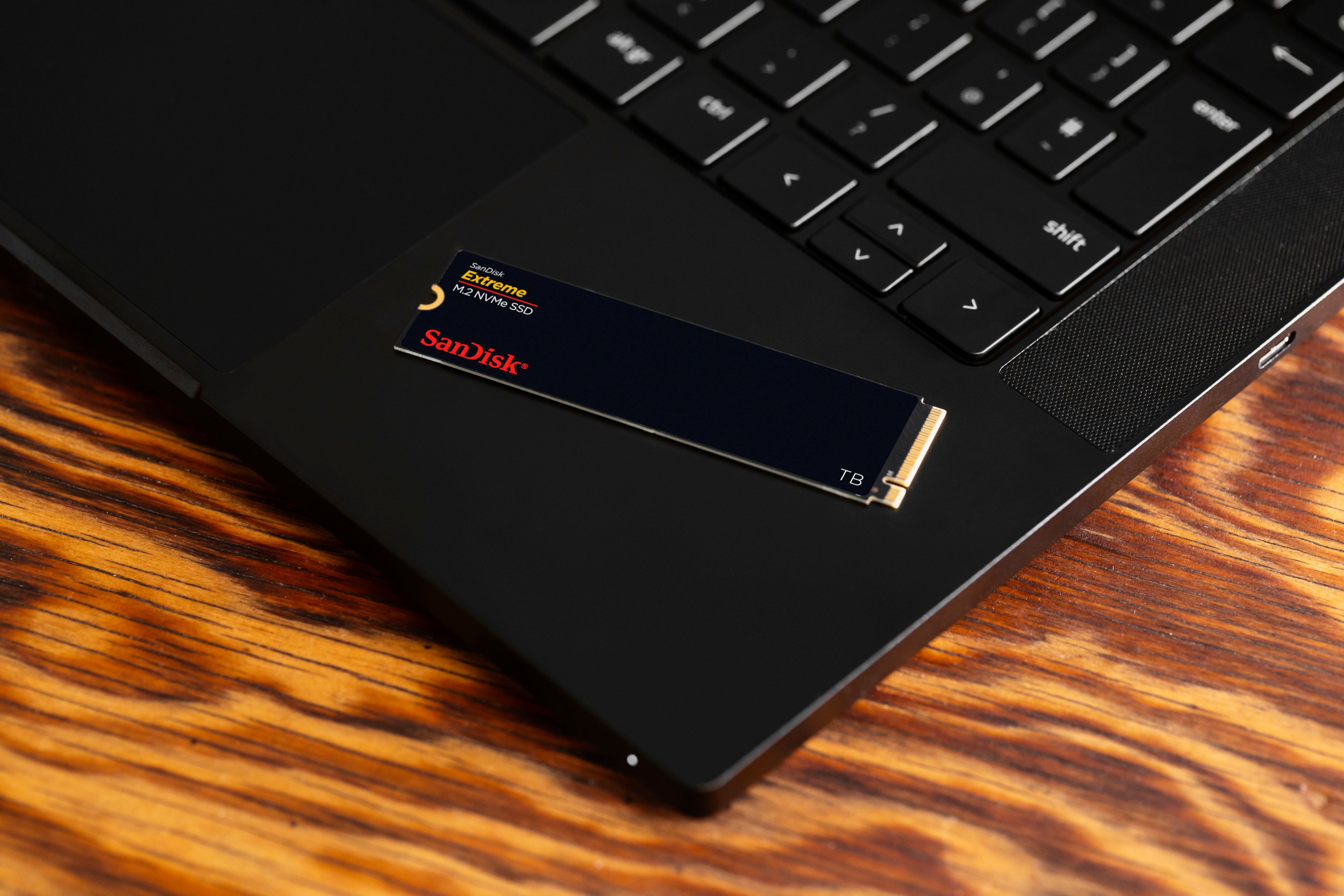

- Model:
- SDSSDX3N-1T00-G26
- SKU:
- 6567640
Rating by feature
- Value
Rating 4.7 out of 5 stars
- Quality
Rating 4.9 out of 5 stars
- Ease of Use
Rating 4.9 out of 5 stars
Customers are saying
Customers frequently mention the Extreme M.2 1TB Internal SSD PCIe Gen 4x4 NVMe's ample storage and impressive speed. Positive feedback also highlights the ease of installation and the included warranty. While some users noted heat generation, many reported that it was within acceptable ranges.
This summary was generated by AI based on customer reviews.
- Pros mentioned:Performance, Speed

Incredible drive, perfect price, and upgrade!
|Posted .This reviewer received promo considerations or sweepstakes entry for writing a review.This drive is EXACTLY what I needed to upgrade the performance of my stock pre-built gaming PC. I have a 1-year-old Asus pre-built gaming PC that had the OS installed on a pretty tired and small 512GB SSD that only maxed out write speeds at 1800 MB/s. This was generally adequate when I was only gaming. But after I started streaming a few months ago (EagleEyeHunts on Twitch), I realized I needed more storage and faster storage to meet the demands of my streaming, gaming, video recording, and all of the programs and files I was constantly opening, downloading, and moving around. Enter this new SanDisk Extreme M.2 1TB internal SSD. With its PCIe Gen 4x4 capabilities, I am observing fantastic results for a drive at this price! I got read speeds topping 5281 MB/s and write speeds of 4354 MB/s! This is faster read by 1000MB/s of my old micron 512GB SSD and almost 2.5 times faster write speeds! This exceeds the advertised figures for this drive from Sandisk, and it is EXACTLY what I needed to spruce up my system to get it to current 2024 speed standards! The drive, packaging, etc., are everything you would expect of an M.2 internal SSD in this form factor. One thing I like about the drive itself is that there is not an excessively bulky or annoying heat sink on it that would make it a chore to get it slotted into some laptops or desktops. It can easily be installed in any compatible M.2 slot and is backwards compatible with previous PCIe generation standards. For those who will be cloning a smaller or older HDD or SSD and want to migrate their Windows OS system to this new SSD from Sandisk, I just want to let you know I used diskgenius free version to do it. It is a website and was indeed absolutely free and easy to migrate my old 512GB OS drive and move it onto this 1TB version! There are YouTube tutorials that can show you how to do it with this program! Altogether, I 1000% percent recommend this drive. Whether you are upgrading your desktop or laptop, building a new one from scratch, or looking for a good drive for an external SSD closure, this is a great pick. Thanks for reading, and I hope you liked the review!
I would recommend this to a friend - Pros mentioned:Performance, Storage
Speedy and Thrifty
|Posted .This reviewer received promo considerations or sweepstakes entry for writing a review.Sandisk has been my go to for SD cards for most of my devices. I’ve never had one fail, so I trust the name and brand. So when I came across this Sandisk NVME SSD, I just had to have it. I’ve only had it installed on my laptop for about a week now but so far, everything is great. I needed to upgrade my storage space from 512 because that just isn’t enough. This 1TB SSD is the Goldilocks size for most users. Just enough space for most day to day tasks and gaming if that’s what you plan on doing with your desktop or laptop. I use my Asus G14 for gaming and photo edifing and this SanDisk SSD definitely performs. This SSD feels a tad quicker than the stock ssd that came with my laptop. My Os boots up almost instantly, my videos load up a bit faster than before and when edit photos In Lightroom, everything just loads and works quick and seamlessly. If you don’t have an SSD in your computer yet, definitely pick this up. It will breathe new life into your computer. Time will tell how long this will serve me for, but given SanDisks reliability and performance. I am confident that it will keep my laptop running for the rest of its lifetime. Would I recommend this SSD? Yes! It’s a great value, you can’t go wrong with this drive. It’s fast enough for every casual user and most professional / gamer uses.
I would recommend this to a friend - Pros mentioned:Performance, Warranty
Not as Extreme as before
|Posted .This reviewer received promo considerations or sweepstakes entry for writing a review.There was a time when Sandisk Extreme meant best-in-class performance for NAND flash, especially with SD and micro-SD cards for digital photography and small electronics devices like GoPro cameras. That gold foil Extreme meant you were getting the best and fastest but unfortunately that’s not the case here as you are getting mid level performance. After being acquired, Sandisk hasn’t competed in the highest end with higher end SSDs from the company that acquired them. This Extreme SSD performs fine, don’t get me wrong. But it’s far off the mark for the highest end Gen4 NVMe drives that will do 7000+MB/s sequential read/writes while this one will do 5000 or so. Still good, but it’s not competing with the higher tier drives more like the mid tier offerings out there. I tried to find info on this drive and the markings indicate both the NAND and the controller are both made by Sandisk, so it looks like it’s all 1st party but not competitive with others that produce their own controller or NAND or both. Still a solid drive for a PS5, laptop to increase storage, boot drive for a desktop PC or anything else you want more storage and Sandisk is a reliable brand and this has a 5 year warranty which is solid.
I would recommend this to a friend - Pros mentioned:Performance
Performance, performance, performance
|Posted .This reviewer received promo considerations or sweepstakes entry for writing a review.It's difficult to write a typical consumer's review of something as apparently mundane as an internal storage device. Was the packaging nice? (Yes, easy to open, little waste). For the one time (hopefully) I ever see the drive, are the aesthetics nice? (Yes, brushed black with clear text) When installing a PCIe SSD, 99.9% of the difficulty is on the laptop manufacturer's case and BIOS designs. So what's important here? Performance and Reliability. Reliability I can't discuss at this time. I've been using the drive for all of a day. I do have prior experience with SanDisk and have NEVER had an SSD fail. Once I installed, checked the BIOS (recognized without any changes on my part) and told Windows initialize, format and label the drive (super easy- less than 5 minutes), I performed my tests. First I copied my primary music folder from my primary internal drive to the SanDisk. 80mb in a blink of an eye. Playback, immediate and flawless. Second, I copied some very large RAW-format images (I'm a budding pro photographer) and opened them in Windows Photo. The files opened noticeably faster on the new drive. Next, I worked on a very large file in Lightroom and latency was much better than on the old drive. So far, so good. I intend to move all of my data and image files, as well as apps that depend on high-performance to this drive, leaving only the OS and less speed-critical ones on the old drive.
I would recommend this to a friend - Pros mentioned:Performance
It just works
||Posted .This reviewer received promo considerations or sweepstakes entry for writing a review.It works. I need it and it does the job. Not much else there is to say.
I would recommend this to a friend - Pros mentioned:Performance
Great Drive
||Posted . Owned for 1 month when reviewed.This reviewer received promo considerations or sweepstakes entry for writing a review.I use this as my primary OS drive. Works as advertised (very fast)!
I would recommend this to a friend - Pros mentioned:Performance
Great for gaming Pcs
||Posted . Owned for 3 weeks when reviewed.This reviewer received promo considerations or sweepstakes entry for writing a review.Fast and efficient makes downloads extremely fast.
I would recommend this to a friend - Pros mentioned:Installation, Performance, Speed
Another Huge Leap For Western Digital
|Posted .This reviewer received promo considerations or sweepstakes entry for writing a review.As with any take-aways regarding computer memory, hard drives, etc., the bottom line is always, “Does it make a difference in speed?” Many reviewers like to throw around a bunch of benchmark tests and results, comparing numbers that to the average user don’t make much of an impression. But what does make the impression is a noticeable increase in speed. Before I received the SanDisk Extreme M.2 1TB Internal SSD PCIe Gen 4x4 NVMe, (wow, that’s a mouthful!), I was generally happy with the performance of my desktop. I do a lot of video/photo editing and production, and it’s important in many ways to have enough memory with sufficient read/write speeds to get the job done. So the question to answer here is, does the SanDisk Extreme live up to its hype? I fell in love with Western Digital decades ago when they blew the tech world away with their incredible hard drives. So i had very high expectations here as well. There are times when how the product was shipped, that is, how it was packaged for shipment. And I typically consider this issue when writing a review. But that isn’t really a factor in this case. Even with the often brutal handling of packages these days by delivery companies, SanDisk packaged the memory so that it is practically immune from shipping damage. Installing the memory took very little effort. All I had to do was loosen a couple of screws, and the side of the computer came right off. Locating the appropriate slot was easy, and installing the memory stick was nothing more than a matter of inserting it into its slot. There’s only one way it can be inserted, so there isn’t any worry about inserting it wrong. If you are not really sure about how to install an M.2 card, there are plenty of videos and discussion boards to help you along. After installing, I went through the formatting process which took very little time, and I was ready to put the SanDisk to a test. As I stated at the beginning of this review, photo and video editing is my primary use of this particular desktop computer. Over the years I have ridden the wave of faster performance, and have tried out various solutions for being able to do my work faster. Nanoseconds may be insignificant when dealing with simple tasks such as cropping a photo or deleting unwanted video segments. But when your needs become a bit/lot more memory intense, those nanoseconds coupled with memory capacities can turn those nanoseconds in several seconds. None of us like sitting through buffering wait times. I use high-end video editing software. My desktop did a very good job at keeping up, but when performing certain renderings, I have noticed some minor bogging issues. What better way to test out the new memory, right? Holy cow! The speed upgrade was immediately evident. Even the speed with which the software opened up was noticeable! As I opened up a particular file, and began playing around with some of the features, there was an incredible difference in rendering speeds! I am trying not to overly exaggerate, but the differences are so noticeable that its difficult not to. I played around with several other software packages, and was blown away by the speed with which they operated. With 1 TB of storage capacity, and the insanely fast read/write speeds, I have definitely achieved a new milestone in my ability to work MUCH faster than before. As I stated before, the true test is in performance. You can be impressed by all the technical specs, but I am much more impressed by the performance. The SanDisk Extreme M.2 1TB Internal SSD PCIe Gen 4x4 NVMe memory performed so much better than I dreamed possible. Everything was faster. Bottom line. Much, much faster. There were no installation issues, no heating issues, no performance issues. All I encountered were simply amazing results. Thank you Western Digital!! If you have any doubts about the SanDisk M.2 internal SSD, lay them all aside. It is definitely worth the small investment.
I would recommend this to a friend - Pros mentioned:Performance, Speed, Storage
Good drive
|Posted .This reviewer received promo considerations or sweepstakes entry for writing a review.Seems like a pretty good drive so far. I'm not really a proffesional (how do you spell that?) photographer but I do like to take a lot of pictures and videos and usually do some editing on them. This can require a fair amount of hard drive space and speed to be more productive. While this may not be the fastest in rated speeds it is still quite fast and seems plenty fast for this purpose. Some rated speeds seem a bit overblown anyway especially with larger files which often slow down as the transfers take longer. This one is made by SanDisk which is a well known brand and quite reliable. They were bought out by Western Digital awhile back which is another good brand which I have trusted for a long time. I have used a lot of hard drives over the years and I prefer Western Digital drives above the others for long life and reliability as well as speed. They just seem to keep on working well. Easy to install as are most m.2 drives if you have an open slot. I put it in my acer i5 laptop which came with a 512 Gb drive but had another slot for an additional m.2 drive so this drive gave me much more space to play with. I also installed quite a few music mp3's and so far it works well. The packaging was kind of surprising as it is quite minimalist (?). It seems to offer less protection than other drives I've purchased but still arrived in very good condition via usps and functions fine. A bit less waste for the landfill is always good.
I would recommend this to a friend - Pros mentioned:Installation, Performance, StorageCons mentioned:Heat
Super fast SSD. Games & Content creators
|Posted .This reviewer received promo considerations or sweepstakes entry for writing a review.Added this card to an empty PCIe slot in my desktop. Install took seconds and it was ready to go. Speeds for processing and rendering video for Youtube took very little time. Even clips with complex graphics and 3D rendering took a fraction of the usual time. Does not come with a heatsink, instead it's encased in a Sandisk cover that I'm guessing is supposed to help disperse heat. My first uses of it generated quite a bit of heat, but not enough to cause me to worry. If you are using it for long stretches, then it might be worth looking into ways of cooling the SSD. Adequate for gaming as well, though I didn't do much with it for that. Tried Ratchet and Clank (which uses the SSD for game effects) and didn't notice any slowdown or clipping. Worked fine. Mostly I'll use this card for photo and video rendering, and for both it works like a charm. 1TB is large enough for most 1080p projects and short 4K products, depending on the encoding one uses. Overall a solid product, as usual, from the gang at Sandisk.
I would recommend this to a friend - Pros mentioned:Performance, Storage
Super Fast
|Posted .This reviewer received promo considerations or sweepstakes entry for writing a review.This drive is extremely fast. I have a SSD already in my laptop, I use it for image and video editing while I am out and about. The laptop I have is high end and has some of the best components available on the market. No it is not an Apple product. I needed a second SSD that performed at or near the level of the preinstalled drive. The preinstalled drive is rated in the 9th percentile based on the following command run from Windows admin command line. winsat disk -drive c This drive had slightly better stats than the C drive that came with the laptop. It still ranked 95th percentile. Used the following commad: winsat disk -drive d My disk results from Passmark actually improved after adding this SSD drive just slightly. Tests are great but real world performance is what matters. I am still seeing the same response and speed I am use to before adding the SSD drive. While it has not improved my productivity, it has given me the extra space I required and I am not losing performance like I was when using a external drive after I filled a good portion of my C drive. Overall this is a great addition that has given me the space I need without costing me speed during my editing. Plus I don't have a drive dangling off my laptop with my archived images. One wish I have for all internal SSD drive makers. Add a screw in the packaging. I had to dig through my spare parts and get one from an old laptop that had a bad motherboard. I keep old hardware just in case I need a part. Highly recommended addition to any laptop or desktop that has extra onboard SSD slots.
I would recommend this to a friend - Pros mentioned:Performance, Speed
Significant speed increase
|Posted .This reviewer received promo considerations or sweepstakes entry for writing a review.I replaced a factory non-SSD drive in my laptop I use for photo and video editing that had a 500 GB traditional drive and 32 GB of ram. Given the amount of ram I didn’t think there would be such a night and day difference in performance, but I was wrong. Aside from faster loading and saving, the increased speed in editing and editing, rendering and other photo/video manipulation is fantastic. This drive supports PCIe version 4 with a stated maximum read speed of 5,150 MB/s and a maximum write speed of 4,900 MB/s. My computer only supports up to version 3, and PCIe 4 has approximately doubled the bandwidth of 3. As you can see from my test results, if you were using this drive in a system that supports PCIe version 4 you would reach the advertised speeds in sequential transfer. With PCIe version 3 testing with a 1Gib test file the read speed was a very respectable 3,541 MB/s and the write speed was 3,199 MB/s. I've seen a better inrease in performance with this upgrade than when I doubled my ram.
I would recommend this to a friend - Pros mentioned:Performance, Speed
Good pick for boot drive
|Posted .This reviewer received promo considerations or sweepstakes entry for writing a review.Recently started a new build and am using this for the boot drive. It's a mid range system so, parts wise, it's not top of the line stuff. That said, there are other drives out there that are faster or capable of being faster, but this one does a great job so nearly any application. Speed wise, it's capable of (up to) 5150 MB/s which is fast enough for any type of system you're building. For gaming, works fine but if you're in the market for a super duper fast NVME then, again, there are other faster ones out there. I think for the majority of users, whether you're building a new PC or need to replace/upgrade your existing drive, this one would work out just fine. It's not bottom end type of component however it's also not top of the line either. This works best for that mid range application that will suit just about most people's needs. Great little drive that's fast and pretty reliable (so far). Curious to see what SanDisk has for Gen5 NVMEs but this one looks and works pretty well.
I would recommend this to a friend