Customer Ratings & Reviews
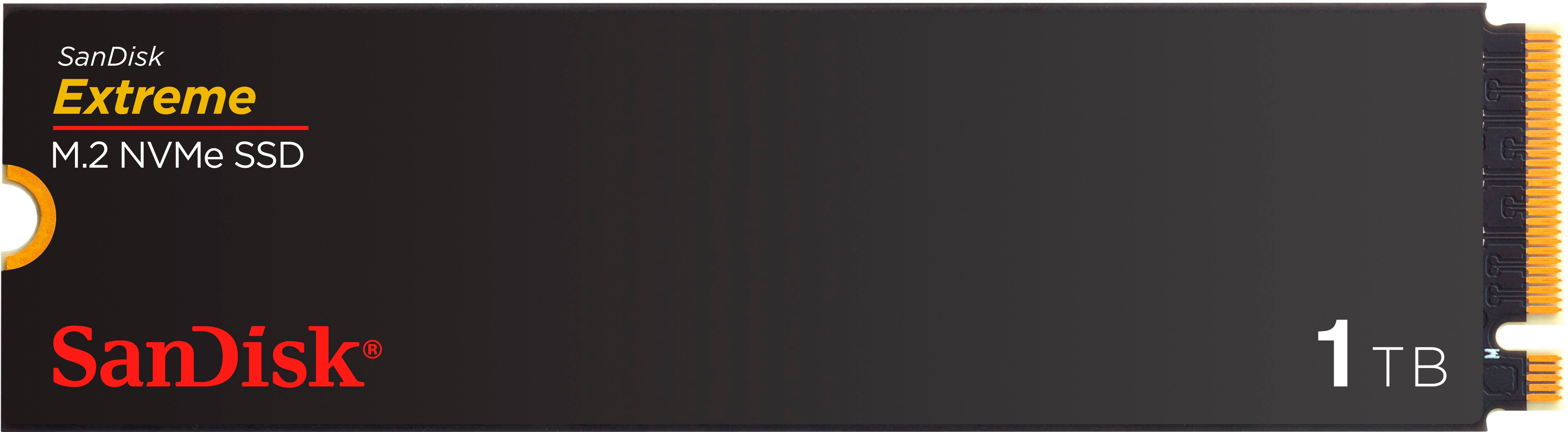
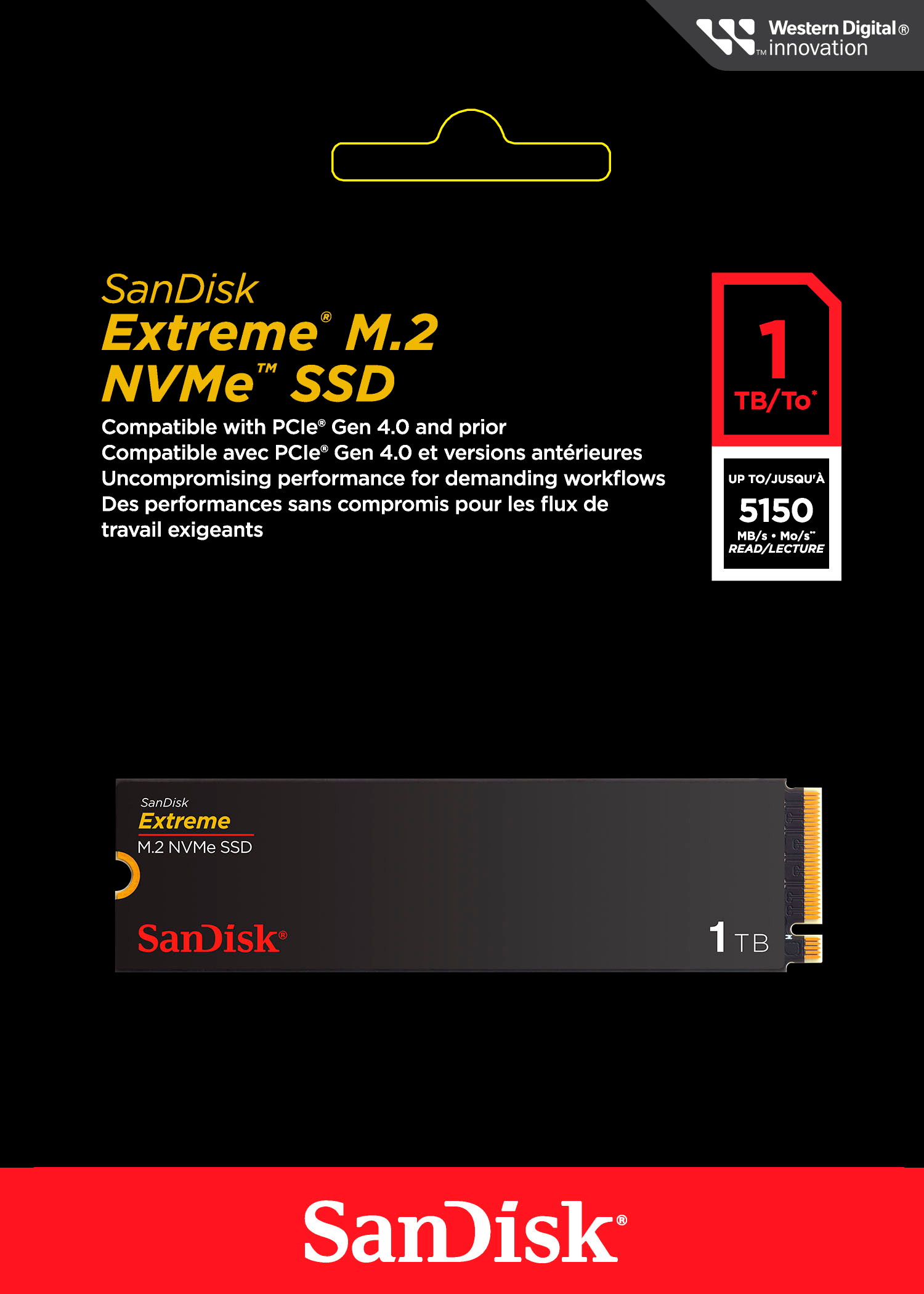
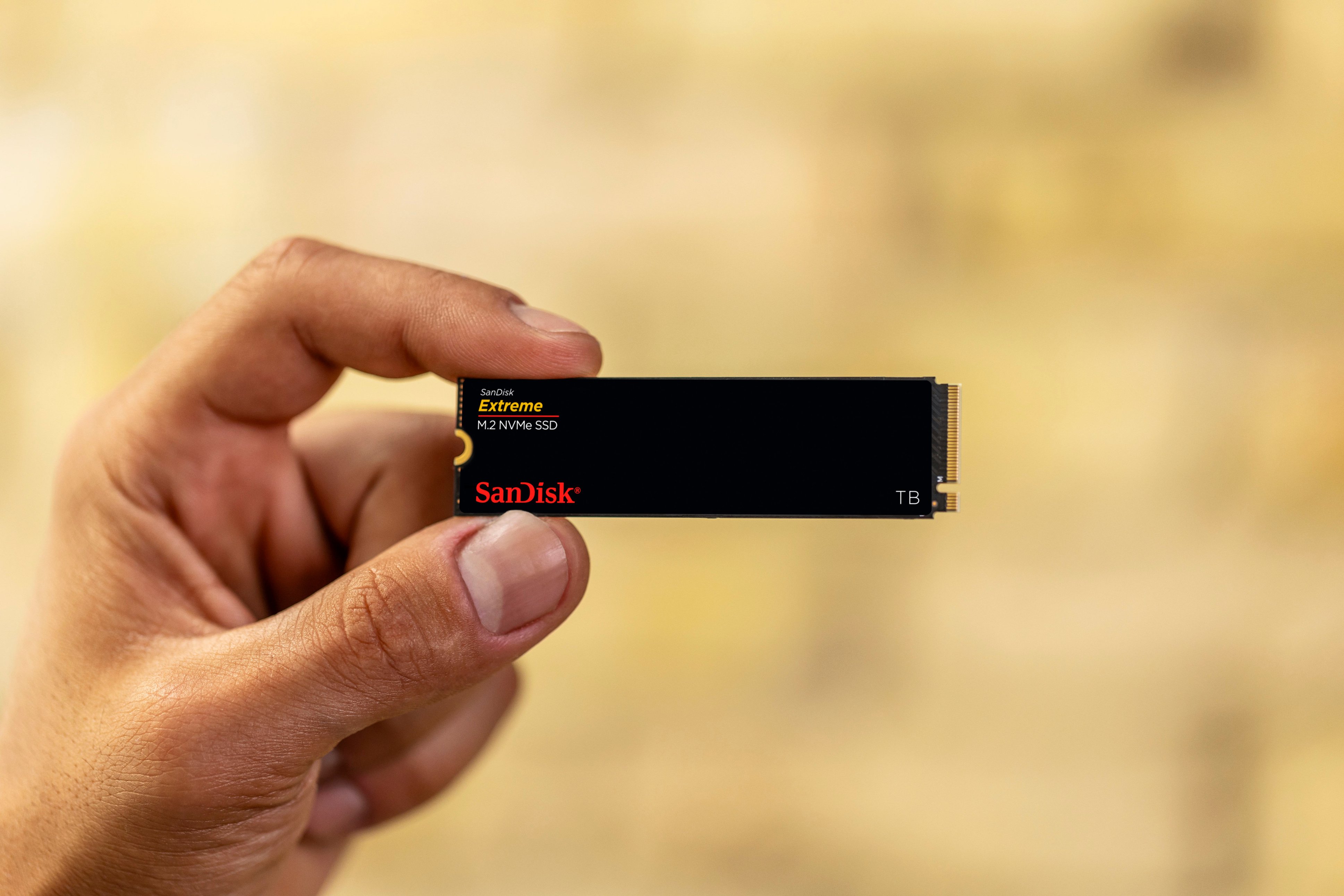


- Model:
- SDSSDX3N-1T00-G26
- SKU:
- 6567640
Rating by feature
- Value
Rating 4.7 out of 5 stars
- Quality
Rating 4.9 out of 5 stars
- Ease of Use
Rating 4.9 out of 5 stars
Customers are saying
Customers frequently mention the Extreme M.2 1TB Internal SSD PCIe Gen 4x4 NVMe's ample storage and impressive speed. Positive feedback also highlights the ease of installation and the included warranty. While some users noted heat generation, many reported that it was within acceptable ranges.
This summary was generated by AI based on customer reviews.
- Pros mentioned:Speed, WarrantyCons mentioned:Heat

Extreme Excellence
|Posted .This reviewer received promo considerations or sweepstakes entry for writing a review.The 1TB Sandisk Extreme M.2 NVMe PCIe Gen 4 SSD (Sandisk) lives up to its speed claims and is a terrific choice. My specific use for it is to edit photos with Adobe Lightroom and Photoshop and occasionally 4K video with Final Cut Pro. I can easily end up with 1,000+ pictures after a photo session. With so many files it’s a chore to cull, organize, and get them print or display ready so I like to be able to push through the process as fast as possible. That means using a fast drive that won’t choke on a high data, fast-paced workflow. When the internal SSD on my MacBook Pro is already full of other projects I have to use a supplemental external drive. Unfortunately, no pre-built external SSD is fast enough for my needs, so I construct my own by installing a speedy internal SSD into an also fast 40Gbps USB4 external enclosure. In this instance I used the 1TB Sandisk Extreme M.2 NVMe PCIe Gen 4. In choosing an SSD for photo editing I want four things: 1. A trusted brand, backed up by a long-term warranty, 2. Fast, but not record breaking, speed, because I can’t benefit from the very fastest models, and 3. It doesn’t get blazing hot just editing photos. On paper at least, the Sandisk filled the first two requirements with a 5-year warranty and advertised 5150 Mb/s read and 4900 Mb/s write speeds. Impossible to know about the heat until you use it. So, I initialized the Sandisk as an ExFAT drive for multi-platform compatibility and put it through the paces to confirm it was what its advertised to be and that it didn’t get too toasty. Using Blackmagic’s Disk Speed Test, the Sandisk proved it was everything it claimed to be and more as it exceeded the advertised speeds. I used the toughest stress test Blackmagic offers, 5GB, and it performed magnificently: 6272 Mb/s write and 5090 Mb/s read. Expectedly, the test indicated the Sandisk is capable of editing common flavors of 8K video and a few of 12K too. This is what I mean by my not needing the very fastest – the ability to edit even a few kinds of 12K video is already well beyond my needs. Of course, Blackmagic’s test is only theoretical, but my real-life experience mimics the Sandisk’s reported speed. For example, it took 4 seconds to transfer a 12.6 GB folder of photos from my M3 MacBook Pro to the Sandisk. (The SSD in the M3 MacBook Pro is similar in speed as the Sandisk so YMMV if you your internal drive is slower than the Sandisk). Photo editing with Lightroom and Photoshop (2024 version) on the Sandisk also feels as smooth as when I edit with the Mac’s internal SSD. Scrolling through hundreds of 36MB RAW photos goes almost too fast and even computer taxing edits like the new Lens Blur feature completes nearly instantly. Basic edits like exposure and dehazing are immediate even when done in rapid succession of each other. Also, I never experienced any “start and stop” that can happen when a drive hits a data bottleneck processing read and write tasks. So that brings me to that one “must not have” – excessive heat. Since I don’t have a thermal camera or similar tools, so, I had to resort to the “hand test.” If my hand is comfortable resting on the case then it’s “normal” heat. And that’s what I encountered after hours of constant use. My SSD enclosure’s temperature was hand warmer, but not an egg cooker. A wild guess of the temp I experienced here is somewhere in the 80F range. Next I disconnected the enclosure to feel the temperature of the Sandisk itself. It was many degrees cooler than my enclosure case which tells me my enclosure was doing its job being an effective heat sink and this SSD seems to keep to “average” SSD temperatures. Speaking of heatsinks, this Sandisk SSD model doesn’t have one built-in, making it ideal for upgradable laptops and external enclosures where space is tight. This Sandisk model is ideal for anyone who edits photos or videos or needs a fast “mid-range” SSD and has a computer or external enclosure than can take advantage of Gen 4 PCIe speed. It would probably also work well as a boot drive, but overkill for just storing files.
I would recommend this to a friend - Pros mentioned:Installation, Speed, Warranty
Performance Drive and a Great Value!
|Posted .This reviewer received promo considerations or sweepstakes entry for writing a review.This is a fantastic drive that lives up to its promises. Fast loading, writing and handling of larger photos/files for creative professionals like myself. And if that’s not you, this performance is great for just about anything, from gaming to every day computing. I often handle large image files, jumping between Adobe Photoshop and Illustrator on a regular basis for editing and design. This drive speeds things up. Most SSDs provide better read/write speeds than any HDD, but I was pleasantly surprised to find a performance SSD specifically geared toward these needs at such a great price. San Disk, owned by Western Digital, are brands I’ve owned in the past and they’ve really nailed it here. - I only wish I got the 2TB model! Installing the drive was extremely simple in my gaming-style PC tower, but it’s often pretty straightforward in most laptops as well. The drive is very low profile was installed in under a minute. With a 5 year warranty from a name brand, I’m not worried about longevity. Performance was spot on with other reviewer’s screenshots here. I would have appreciated max read speeds closer to 7,000 Mbps, but the lower price point makes for a small tradeoff. In practice, it’s great as expected. With this new M.2 installed, I moved my remaining software and files over from my old HDD partition and have been reaping the benefits of night-and-day performance improvements, which is why these upgrades are so beneficial - real world speed improvements and time savings to your workflow are what you’ll notice and appreciate.
I would recommend this to a friend - Pros mentioned:Speed, Warranty
Solid NVMe, Packaging will have me coming back
|Posted .This reviewer received promo considerations or sweepstakes entry for writing a review.I’ve used a lot of different brands of M.2 drives over the years in custom computer builds, laptop upgrades, and external storage solutions. So, I’m no stranger to the speed boost these drives provide and the small size of the drive. I was excited to see a familiar and old brand release a new drive which just so happened to fit my needs, so I picked up the SanDisk – Extreme M.2 NVMe SSD 1TB to add another 1TB of storage to my recording/streaming laptop I mainly use as a mobile workstation. Pros: - Fast Read and Write - No Driver issues to worry about - Minimal packaging - 5-year limited warranty Cons: - Endurance of only 600 TBW for 1TB model Before I even get to the device or performance, I want to say how much I really like the minimalistic packaging that SanDisk chose for the drive. No big box or clunky container, no many layers of hard plastic that will cut your fingers. Simple card stock outside with a plastic holder. This is a small detail, but it really makes a difference and is environmentally considerate. The main purpose of getting the SanDisk Extreme M.2 NVMe SSD was to be an extra drive on my workstation laptop for video recording and storage. I decided to get a second drive as I’ve been filling up the main drive while recording during the last few uses, I transferred all the extra recordings but still only have about 300 GB of free space due to installed programs and libraries on hand. I don’t use the laptop every day, but mainly for gigs or recording events which need a mobile recording device with enough power to record and live steam. Installation was easy, just unpack the drive, slot into the open M.2 slot in my workstation laptop, put the laptop case back on and start it up. After formatting the drive, everything was in order in a matter of minutes once I relocated the default storage space for my video recordings to the second drive. I ran a CrystalDiskMark test and was pleasantly surprised. I was very impressed with the performance of the SanDisk Extreme M.2 NVMe SSD. Using CrystalDiskMark, I was able to get 5279MB/s Read and 4993MB/s write, which is actually faster than the stated specs of 5150MB/s Read and 4900MB/s Write on the packaging. This is the first time I’ve had the stated specs be lower than the actual first test on a new NVMe drive! Usually there are additional tweaks or firmware updates needed to get the drive to work at the stated speeds. The only concern I have with the SanDisk Extreme M.2 NVMe SSD is the Endurance rating of only 600TB TBW (Total Bytes Written), which is rather average for 1TB NVM drives but seems rather low for a drive targeted for content creation and video editing where files will be written and deleted on the level of 100TB’s per month in some use cases. Though with the 5-Year Limited Warranty, that should help cover any premature failures. Though 600 TB TBW should be good for most normal users, and in my case I will likely not reach the 600 TB within the 5 year warranty but is something to consider when selecting a NVMe drive. Overall, I am very happy with the 1TB the SanDisk Extreme M.2 NVMe SSD, it works great and is fast as expected. I’ll be recommending it to my fellow content creators, as well as adding it to my list of drives to choose when building future computers. Just the packaging alone will make me reach of the SanDisk Extreme M.2 NVMe more often!
I would recommend this to a friend - Pros mentioned:Speed, Warranty
Whoa, I was not expecting that!
|Posted .This reviewer received promo considerations or sweepstakes entry for writing a review.So, this is an interesting drive. Mostly because I’m not quite sure where it should be priced. As recently some of the top performing drives are coming in around this price point on sale (and sometimes twice the storage for about 15 - 30 bucks more) and will out perform this drive. In my testing I was able to get the rated speeds (5226 read and 4995 write) in CrystalDiskMark. Has 600 TB SSD endurance. 5-year warranty. Testing: Sata III SSD to this NVMe drive: Transferred 458 GB of games started at 500 MB/s, dropped to 440 MB/s where it held steady for 200 GB and then INCREASED to 530 MB/s for another 100 GB before fluctuating between 440 – 480 MB/s for 50 GB back up to 535 MB/s remaining 108 GB. Total time about 18 minutes. Immediately after I took it from this SSD to the Crucial P5 NVMe. Which is a 3x4 drive. Meaning we aren’t maxing out speeds drive to drive here. There was a lot of variability in this one, between 700 MB/s – 2.5 GB/s but average was around 1.25 GB/s. Took 8 minutes. Then immediately erased the 458 GB and transferred from my other Gen 4x4 Drive back to this one. Peaked at 3.04 GB/s. Varied between 1.50 GB/s – 3.04 GB/s with average being about 2.5 GB/s. With about 70 GB left it dropped to 300 – 800 MB/s. Not sure if this was from overheating (as I ran it with no heat sink), it finally having enough after transferring about 1.5 TB of data non-stop, or what. But it finished out at that speed. Total time that took was 7 minutes. To be honest, I was not expecting this drive to handle the sustained writes/reads so well. I went from being on the fence. To a fan. Again, this isn’t the best performing SSD. But it really isn’t to shabby either and while the max speeds may not be hitting the top performing SSDs. The sustained writes/reads are impressive. Making it a solid choice. Especially, if on sale it comes in at an insane price. Making it a great choice for gaming, video editing, other high-end workflows (except maybe your halo workflows that are ultra demanding), and normal day to day computing.
I would recommend this to a friend - Pros mentioned:Performance, Warranty
Not as Extreme as before
|Posted .This reviewer received promo considerations or sweepstakes entry for writing a review.There was a time when Sandisk Extreme meant best-in-class performance for NAND flash, especially with SD and micro-SD cards for digital photography and small electronics devices like GoPro cameras. That gold foil Extreme meant you were getting the best and fastest but unfortunately that’s not the case here as you are getting mid level performance. After being acquired, Sandisk hasn’t competed in the highest end with higher end SSDs from the company that acquired them. This Extreme SSD performs fine, don’t get me wrong. But it’s far off the mark for the highest end Gen4 NVMe drives that will do 7000+MB/s sequential read/writes while this one will do 5000 or so. Still good, but it’s not competing with the higher tier drives more like the mid tier offerings out there. I tried to find info on this drive and the markings indicate both the NAND and the controller are both made by Sandisk, so it looks like it’s all 1st party but not competitive with others that produce their own controller or NAND or both. Still a solid drive for a PS5, laptop to increase storage, boot drive for a desktop PC or anything else you want more storage and Sandisk is a reliable brand and this has a 5 year warranty which is solid.
I would recommend this to a friend - Pros mentioned:Speed, WarrantyCons mentioned:Heat
Fast extra drive space
|Posted .This reviewer received promo considerations or sweepstakes entry for writing a review.This is a great additional drive for media, media editing and gaming. I'm an average non-pro user who edits video and makes slideshows occasionally. When installing, it was being compared to my regular SSD that was getting full. I had no expectations of any perceivable speed increase, and I was so very wrong! Loading and executing files is much faster. Without testing software I have no numbers to verify speed differences, but seat of the pants feel and clocking with a stopwatch, it's a good 30% or more faster than a typical SSD. Installation is a breeze, however, no installation screw is included. That's a big complaint from me and would normally drop to 4 stars. If you don't already have a mounting screw, be prepared to buy a mounting screw kit. Inexpensive, but a pain to have to get something extra. While it's a little on the pricey side for 1TB compared to other brands, this has a 5 year warranty. It can also transfers data faster than others in its class. There is no heat sink on this drive which could be a concern on installations without good airflow or cooling. So far with my infrared thermal laser thermometer it hasn't gotten above 38.5 degrees Celsius. This would make a great consistent drive for media editors or gamers. Especially for adding space to a PS5.
I would recommend this to a friend