Customer Ratings & Reviews


- Model:
- SDSSDX3N-1T00-G26
- SKU:
- 6567640
Rating by feature
- Value
Rating 4.7 out of 5 stars
- Quality
Rating 4.9 out of 5 stars
- Ease of Use
Rating 4.9 out of 5 stars
Customers are saying
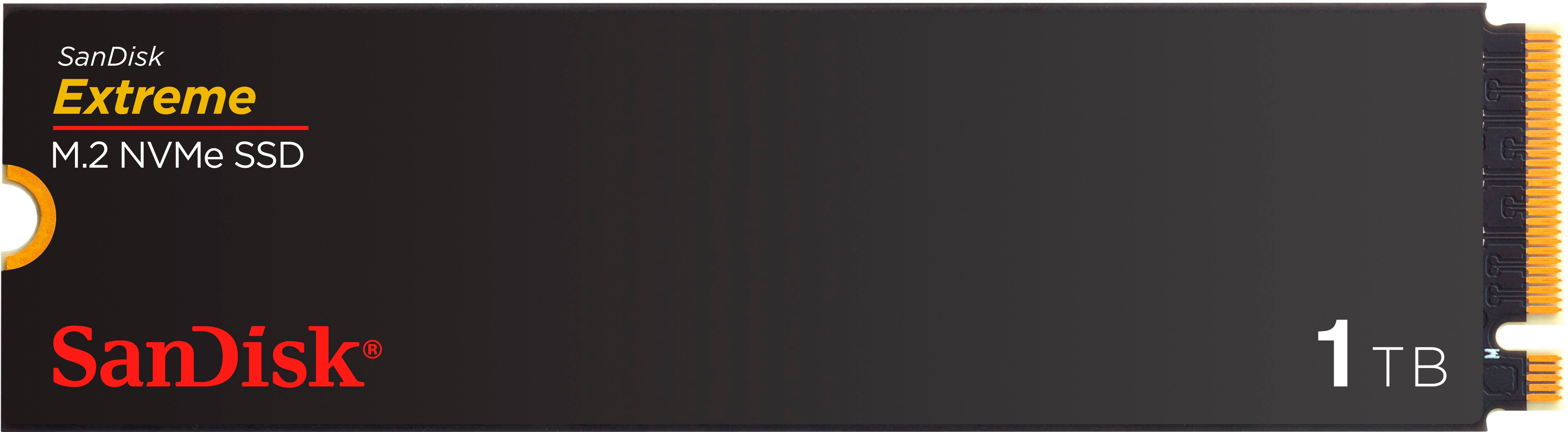
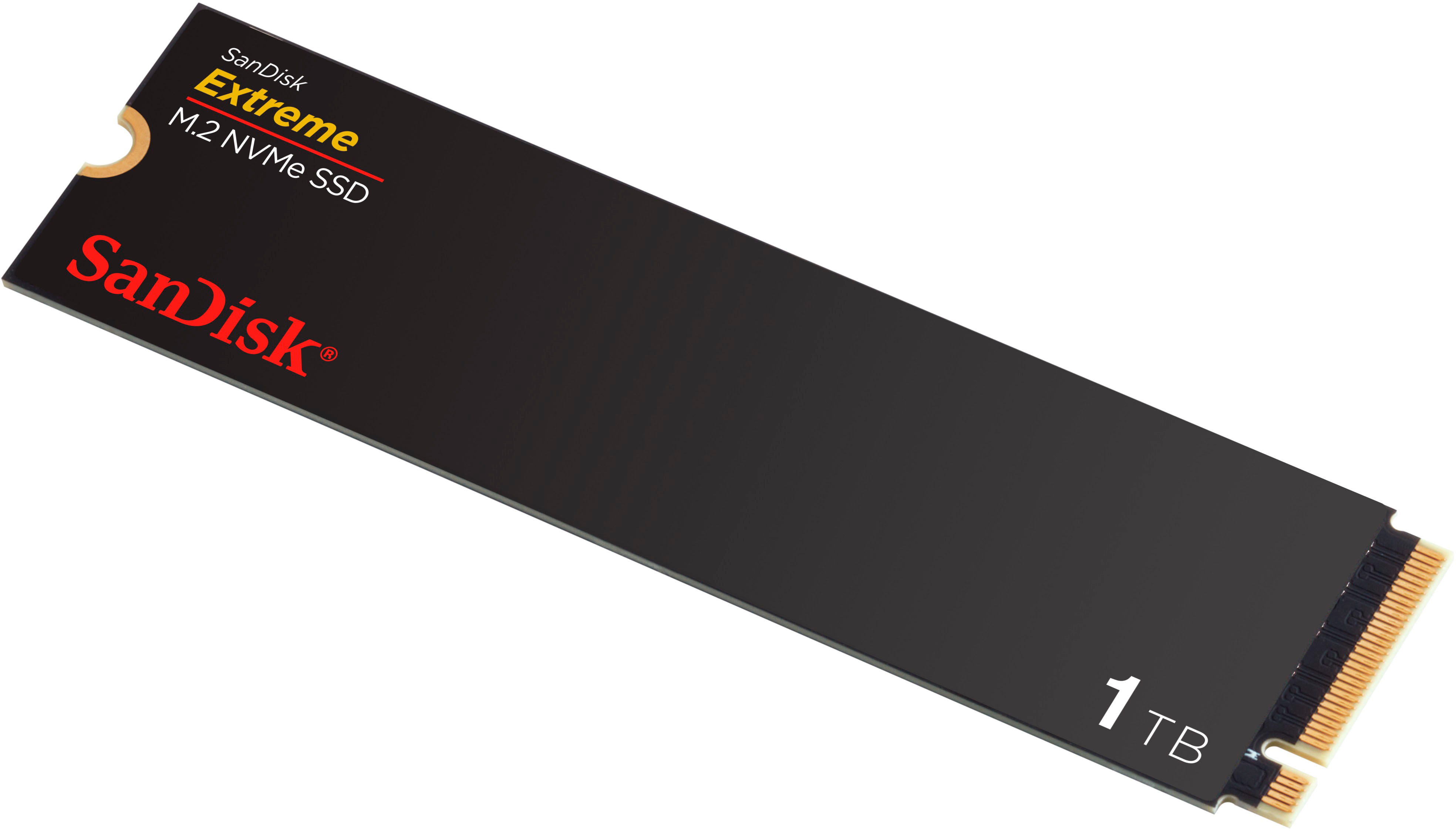
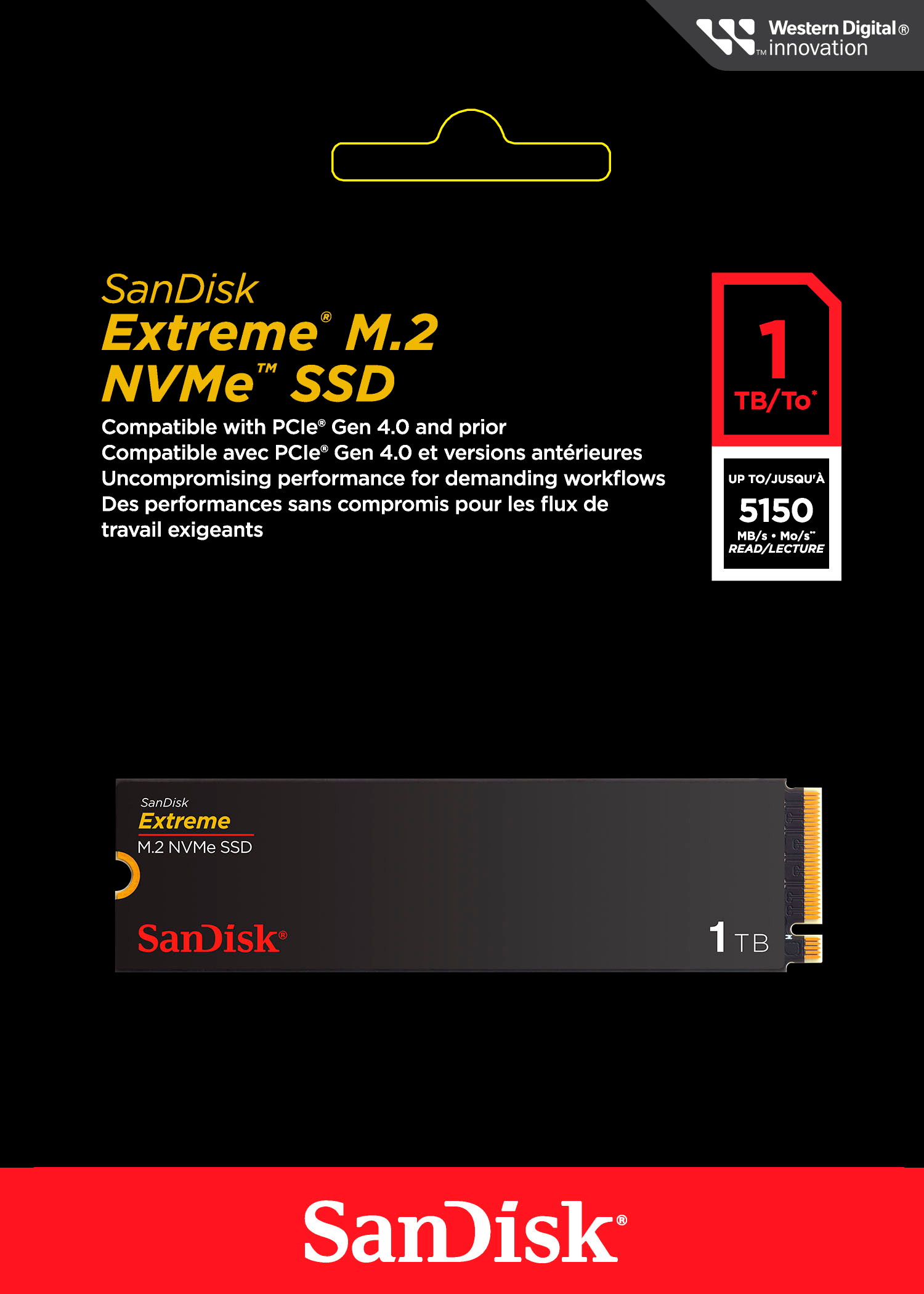
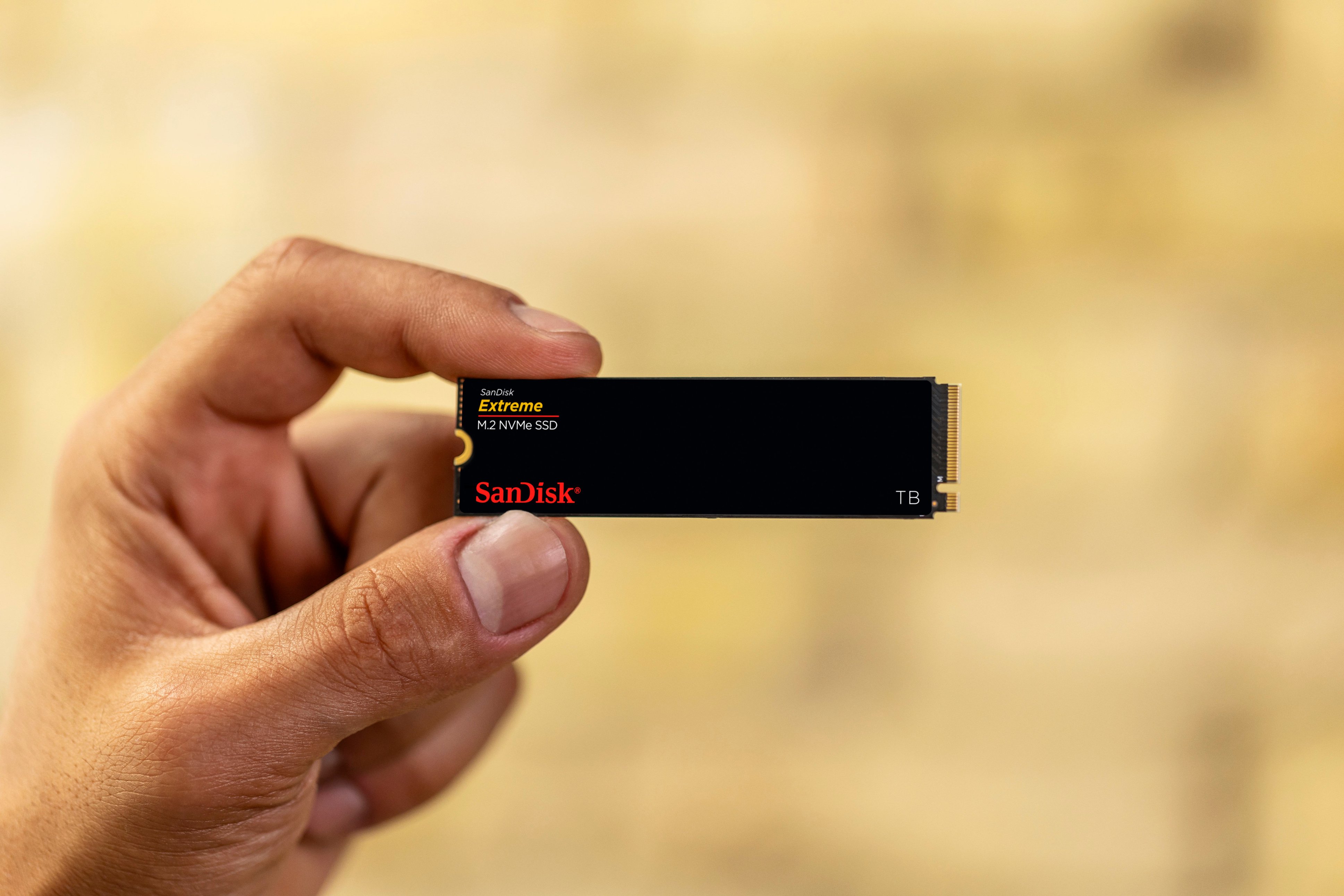
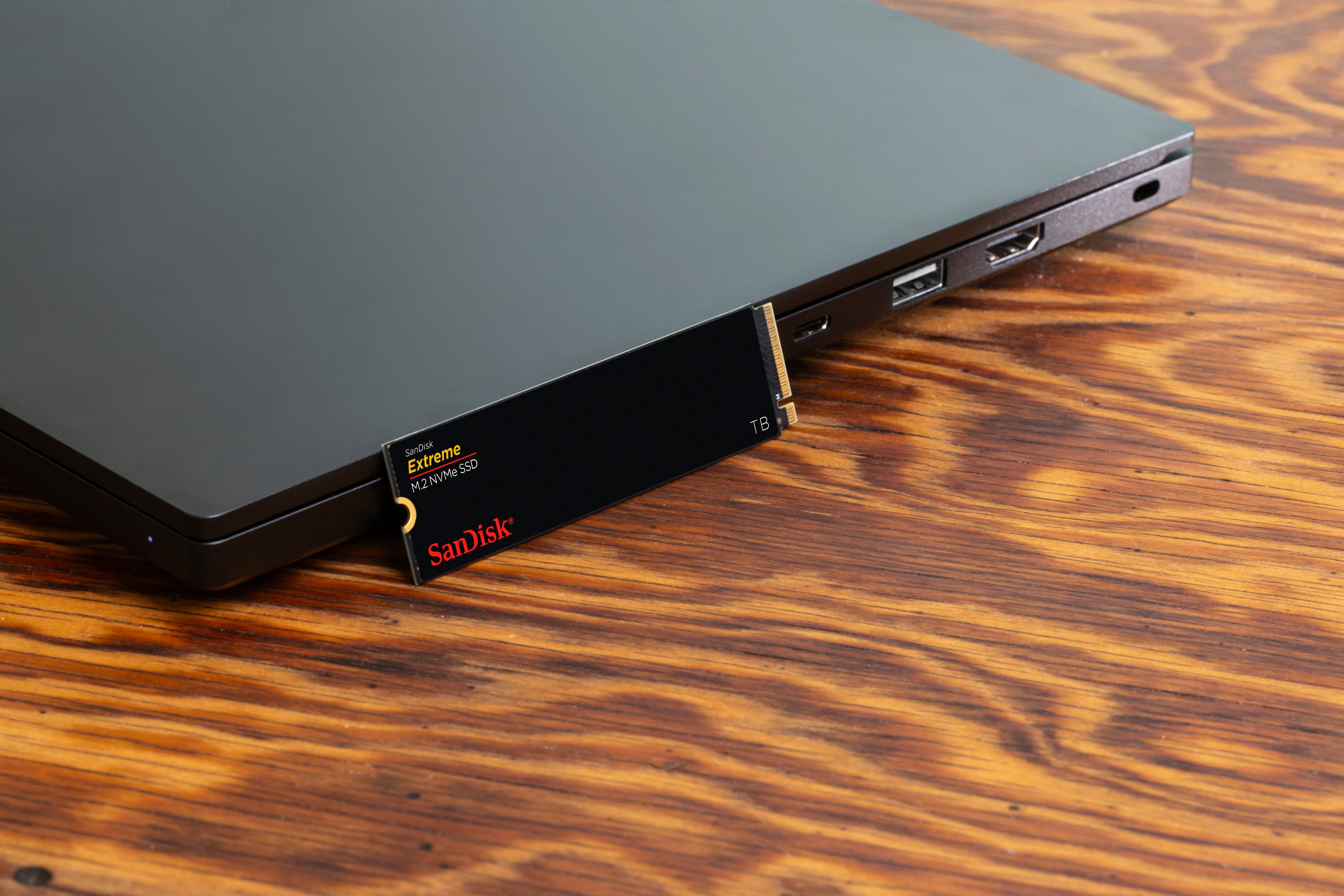
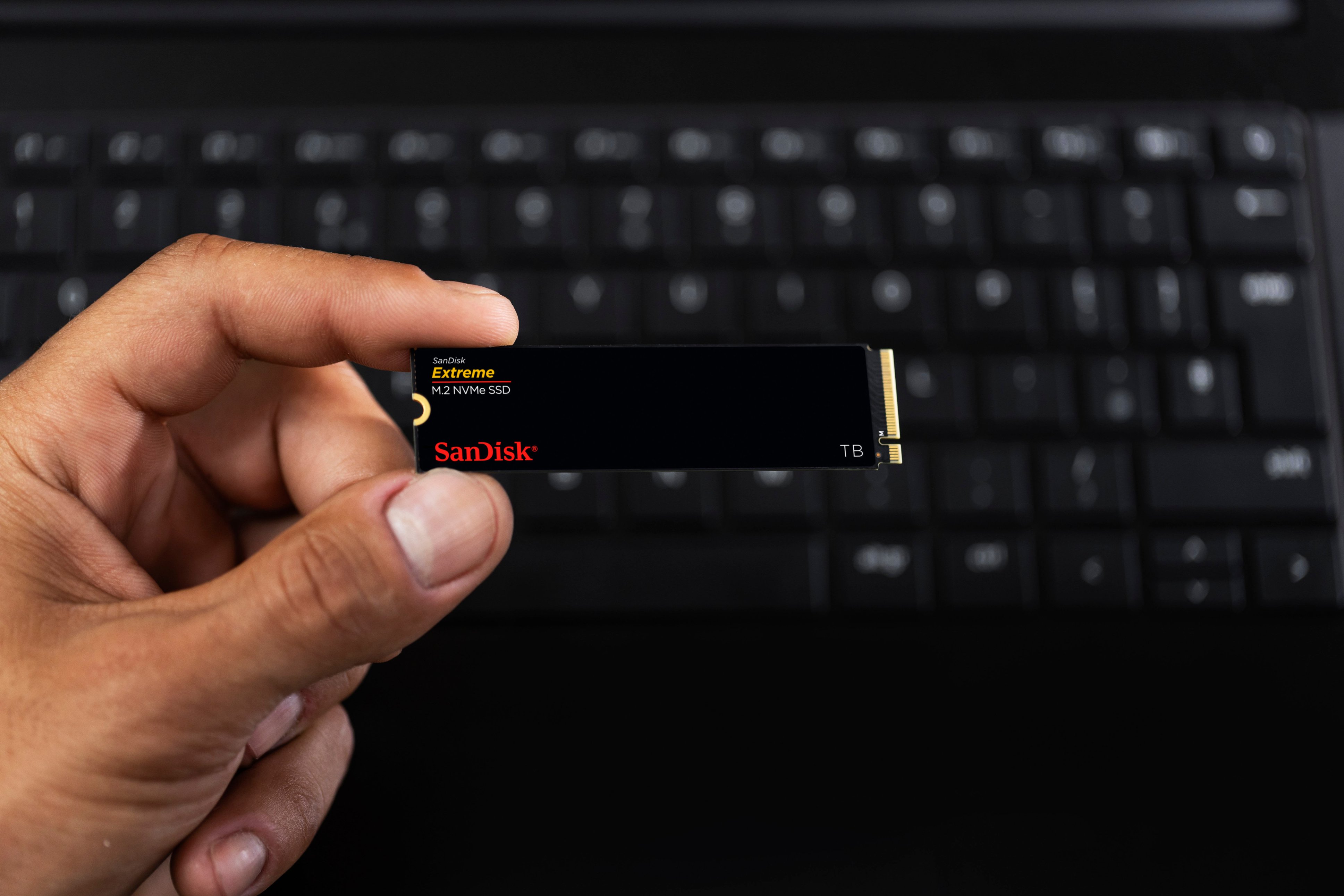
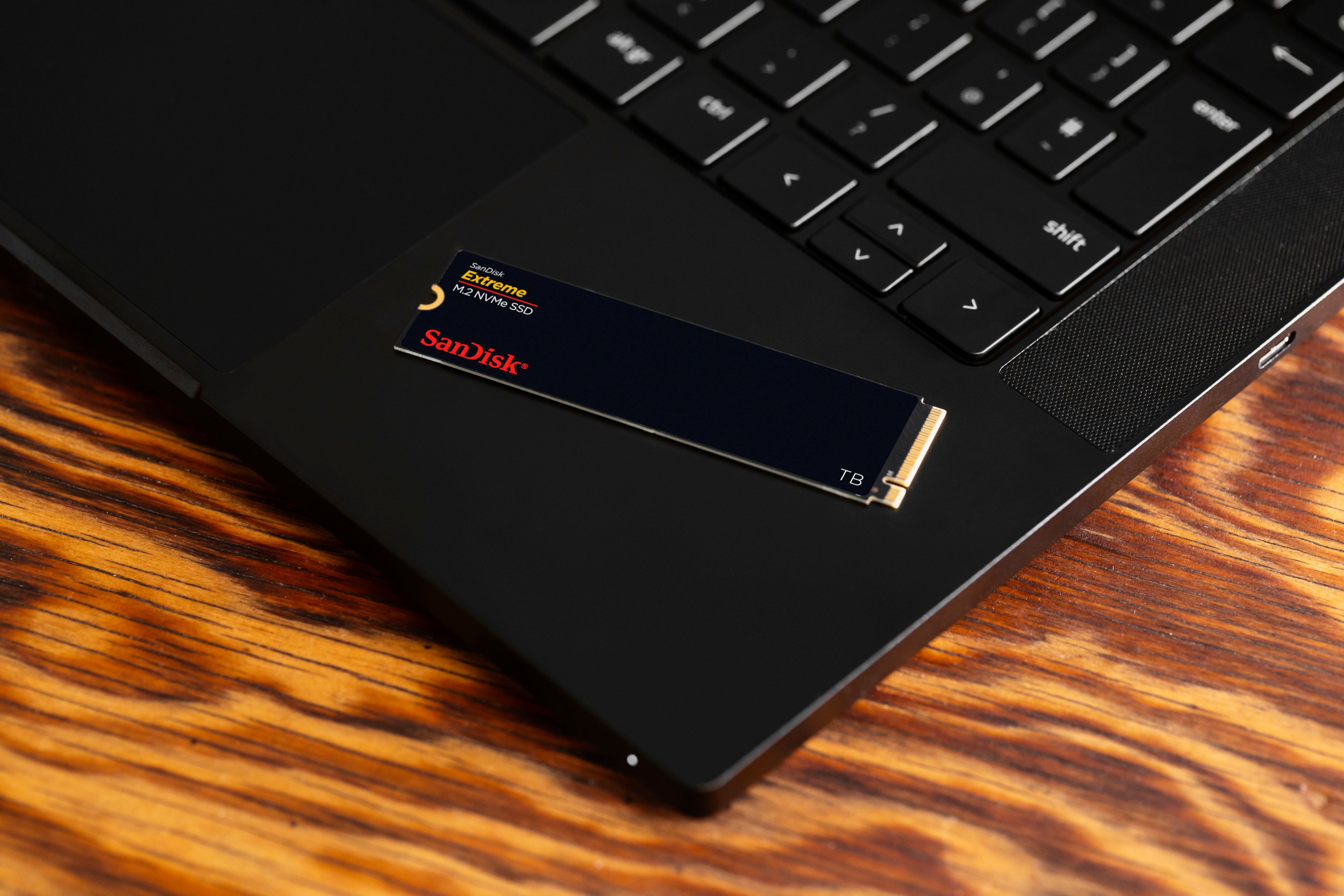
Customers frequently mention the Extreme M.2 1TB Internal SSD PCIe Gen 4x4 NVMe's ample storage and impressive speed. Positive feedback also highlights the ease of installation and the included warranty. While some users noted heat generation, many reported that it was within acceptable ranges.
This summary was generated by AI based on customer reviews.
- Pros mentioned:SpeedCons mentioned:Heat

Scrappy Competitor
|Posted .This reviewer received promo considerations or sweepstakes entry for writing a review.My intentions did not comport with reality when I agreed to test this drive. I intended to replace the installed 512GB M.2 NVME drive in my HP Dragonfly Pro with the 1TB SanDisk Extreme M.2 NVME SSD I was to test. While I knew the Dragonfly Pro’s memory was soldered in and therefore non-replaceable, I assumed that the installed M.2 drive was removable and replaceable. However, when the drive arrived, I watched videos of some of the YouTube reviewers of the laptop and discovered that its SSD is not user replaceable. I had no plan B. I no longer own a desktop, and the other products I own are MacBooks of recent vintage and therefore not candidates for any SSD replacement. To test the SanDisk, I was relegated to installing it in a USB enclosure. Since I suspect other users may face the same dilemma, I decided to test the drive with the tools I had. For those who might consider using the SanDisk in this manner, be advised that you may not be able to get the advertised read speeds for this drive which are stated to be 5150 MB/sec. The limiting factor is the speed of the USB enclosure. Connected to the M.2 slot on my MacBook Pro, its installed 1 TB M.2 drive had a measured read speed of 6129.09 MB/sec and a write speed of 7393.54 using AmorphousDiskMark. The Dragonfly Pro’s installed M.2 drive had a tested read result of 7037.02 MB/sec and a write speed of 3771.62 MB/sec using CrystalDiskMark. Both the MacBook and the HP have Thunderbolt 3 capable USB-C ports which can pass 40Gb/sec, however, my Orico enclosure is only specified for 10Gb/sec. Neither a heatsink nor a thermal pad was furnished with the SanDisk Extreme, but I only noticed occasional warmth when using the enclosure. Excessive heat did not appear to be any problem with SanDisk during use while installed in the enclosure. The CrystalDiskMark results for the SanDisk showed a read speed of 1001.87 MB/sec and a write speed of 991.00 MB/sec. Again, the bottleneck in evidence is not the SanDisk, but a limitation imposed by the enclosure. I am endeavoring to order one of the more modern M.2 enclosures which advertise 40Gb/sec speed and will re-test and post the results in the comments below this review. The SanDisk is a speedy and competitive drive and priced accordingly. Sizable photographic and video files transferred speedily and without issue for me, even under the limitations of my enclosure. I am looking forward to re-testing with a newer and better enclosure. I fully expect the SanDisk to come very close to the speed of the NVME drive mounted in the M2 slot on my Dragonfly Pro. I expect it to serve me for many years to come.
I would recommend this to a friend - Pros mentioned:Performance, Warranty
Not as Extreme as before
|Posted .This reviewer received promo considerations or sweepstakes entry for writing a review.There was a time when Sandisk Extreme meant best-in-class performance for NAND flash, especially with SD and micro-SD cards for digital photography and small electronics devices like GoPro cameras. That gold foil Extreme meant you were getting the best and fastest but unfortunately that’s not the case here as you are getting mid level performance. After being acquired, Sandisk hasn’t competed in the highest end with higher end SSDs from the company that acquired them. This Extreme SSD performs fine, don’t get me wrong. But it’s far off the mark for the highest end Gen4 NVMe drives that will do 7000+MB/s sequential read/writes while this one will do 5000 or so. Still good, but it’s not competing with the higher tier drives more like the mid tier offerings out there. I tried to find info on this drive and the markings indicate both the NAND and the controller are both made by Sandisk, so it looks like it’s all 1st party but not competitive with others that produce their own controller or NAND or both. Still a solid drive for a PS5, laptop to increase storage, boot drive for a desktop PC or anything else you want more storage and Sandisk is a reliable brand and this has a 5 year warranty which is solid.
I would recommend this to a friend No Windows
||Posted . Owned for 2 weeks when reviewed.This reviewer received promo considerations or sweepstakes entry for writing a review.It is a good drive but it does not have windows installed on it. This created some issues for me.
No, I would not recommend this to a friendGreat for the Price
||Posted . Owned for 2 months when reviewed.This reviewer received promo considerations or sweepstakes entry for writing a review.Great drive for the price. No issues after a few months.
I would recommend this to a friend- Pros mentioned:Installation, Speed, Storage
Easily installed for more storage space.
|Posted .This reviewer received promo considerations or sweepstakes entry for writing a review.Sandisk Extreme 1 TB size SSD M.2 NVME So what was needed for the Windows 11 gaming laptop being used was more capacity for games, movies, pictures and files. Since my gaming laptop I use as my main computer (due to the fast response and the powerful Nvidia GeForce 4060 video GPU) has space for a second NVME M.2 module this SanDisk easily tripled my capacity from the 512GB that the computer came with to a total of 1.5TB after this SanDisk was installed. I carefully opened up my laptop and carefully installed this M.2 module. My laptop was good enough to have the tighten-down retaining screw on the M.2 slot location for this second NVME and therefore installation was quick and easy. I just had to find my small screwdrivers set but after I found that the M.2 module just snapped in with the gold connecter end and was secured down with the screw. Windows 11 on my laptop recognized it on the next power-up and I see the additional drive letter in my File Explorer matrix. As a photographer (an amateur photographer "plus" who almost always carries a bag or backpack with a DSLR in addition to a smartphone for pictures) the added storage space on my laptop is appreciated. The SanDisk Extreme M.2 produces very fast response when transferring camera or phone pictures to the laptop via USB cable as well as when opening saved images. While using several image cropping/manipulation/editing programs the response never lags or stutters when using the SanDisk M.2 as the main storage destination. For now, for my needs, it has ample space for photos, music, some videos, and some documents with the capacity of 1TB. SanDisk provides a 5 year warranty. Keep your proof of purchase should the need arise to enforce said warranty. Strongly recommended.
I would recommend this to a friend - Pros mentioned:Speed
Very fast but not so extreme
|Posted .This reviewer received promo considerations or sweepstakes entry for writing a review.This has a current generation PCIe 4.0 interface (There is PCIe 5.0 but it's not yet commonly used, and the improvements in connection speed would not matter in this case). Both the controller and memory chips are stamped with SanDisk on them, so it's truly a 'first party' product. The controller is made in Taiwan and the memory in China. Speed wise, it's very fast, but not the fastest. This SSD has the same specs (and as it appears to me, the same components as the Western Digital Black Series SN770) - WD is SanDisk's parent company, whereas SanDisk focuses in NVRAM products. This is a product that came to market about two years ago, so it makes a proven technology. There are faster drives out there but they cost more, however at a read rate of about 5K MB/s and similar write speeds, this is more than enough for most, and if planning on using an USB-C enclosure, this is faster than most USB-C cases. The form factor on this SSD is the '2280' size. This is the longest type of SSD stick. Not every laptop or AIO fits these, so make sure it fits first. There is a similar model in a smaller form factor. There are similar SanDisk and WD SSDs with the same components in a smaller size, if needed. I'm using it to make it into a boot device on a Xeon based home server, and for this application is a great choice.
I would recommend this to a friend - Pros mentioned:Performance, Speed
Good pick for boot drive
|Posted .This reviewer received promo considerations or sweepstakes entry for writing a review.Recently started a new build and am using this for the boot drive. It's a mid range system so, parts wise, it's not top of the line stuff. That said, there are other drives out there that are faster or capable of being faster, but this one does a great job so nearly any application. Speed wise, it's capable of (up to) 5150 MB/s which is fast enough for any type of system you're building. For gaming, works fine but if you're in the market for a super duper fast NVME then, again, there are other faster ones out there. I think for the majority of users, whether you're building a new PC or need to replace/upgrade your existing drive, this one would work out just fine. It's not bottom end type of component however it's also not top of the line either. This works best for that mid range application that will suit just about most people's needs. Great little drive that's fast and pretty reliable (so far). Curious to see what SanDisk has for Gen5 NVMEs but this one looks and works pretty well.
I would recommend this to a friend