Customer Ratings & Reviews

- Model:
- 601-178-03-102-NA
- SKU:
- 6558789
Rating by feature
- Value
Rating 4.2 out of 5 stars
- Quality
Rating 4.4 out of 5 stars
- Ease of Use
Rating 4.2 out of 5 stars
Customers are saying
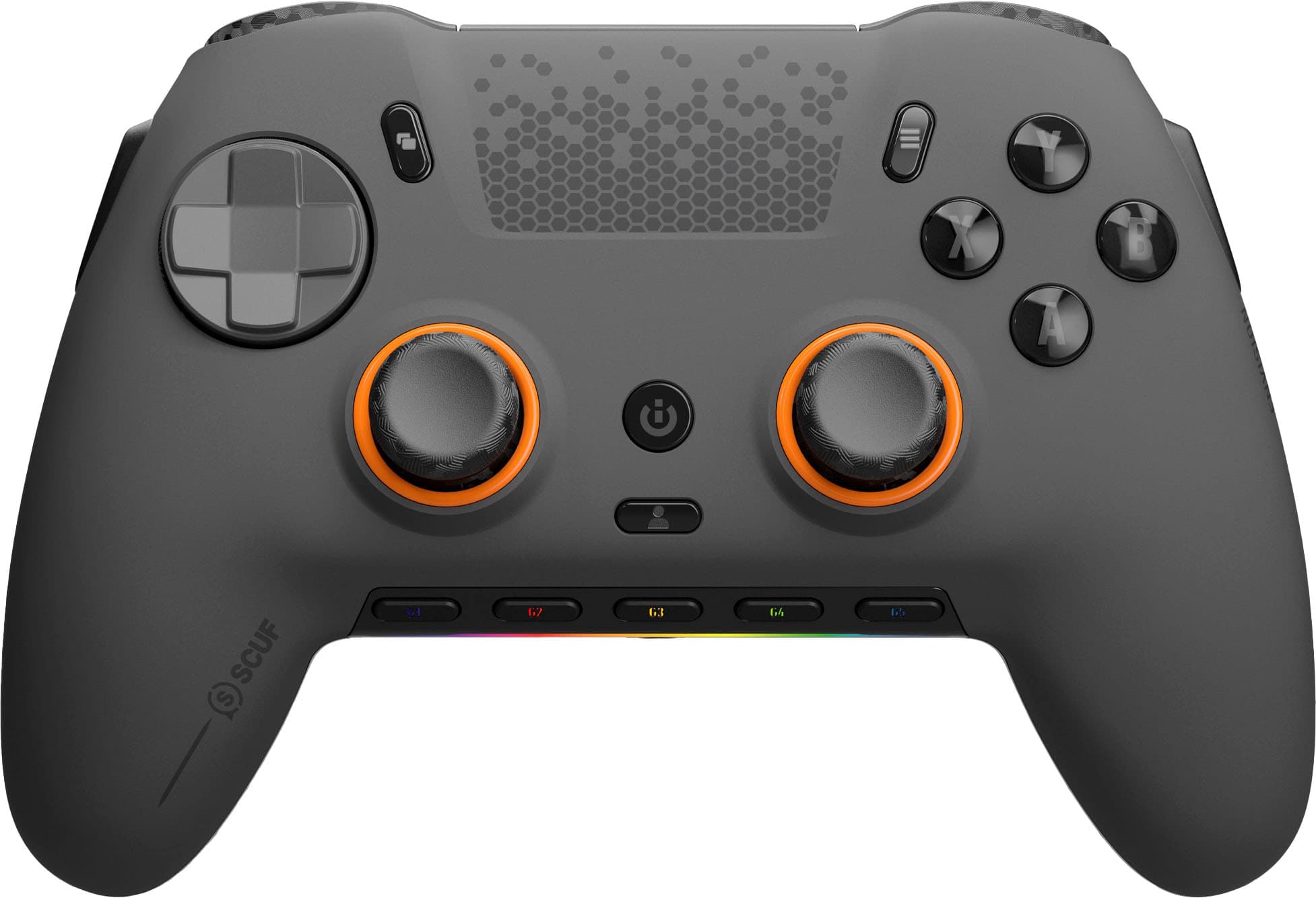
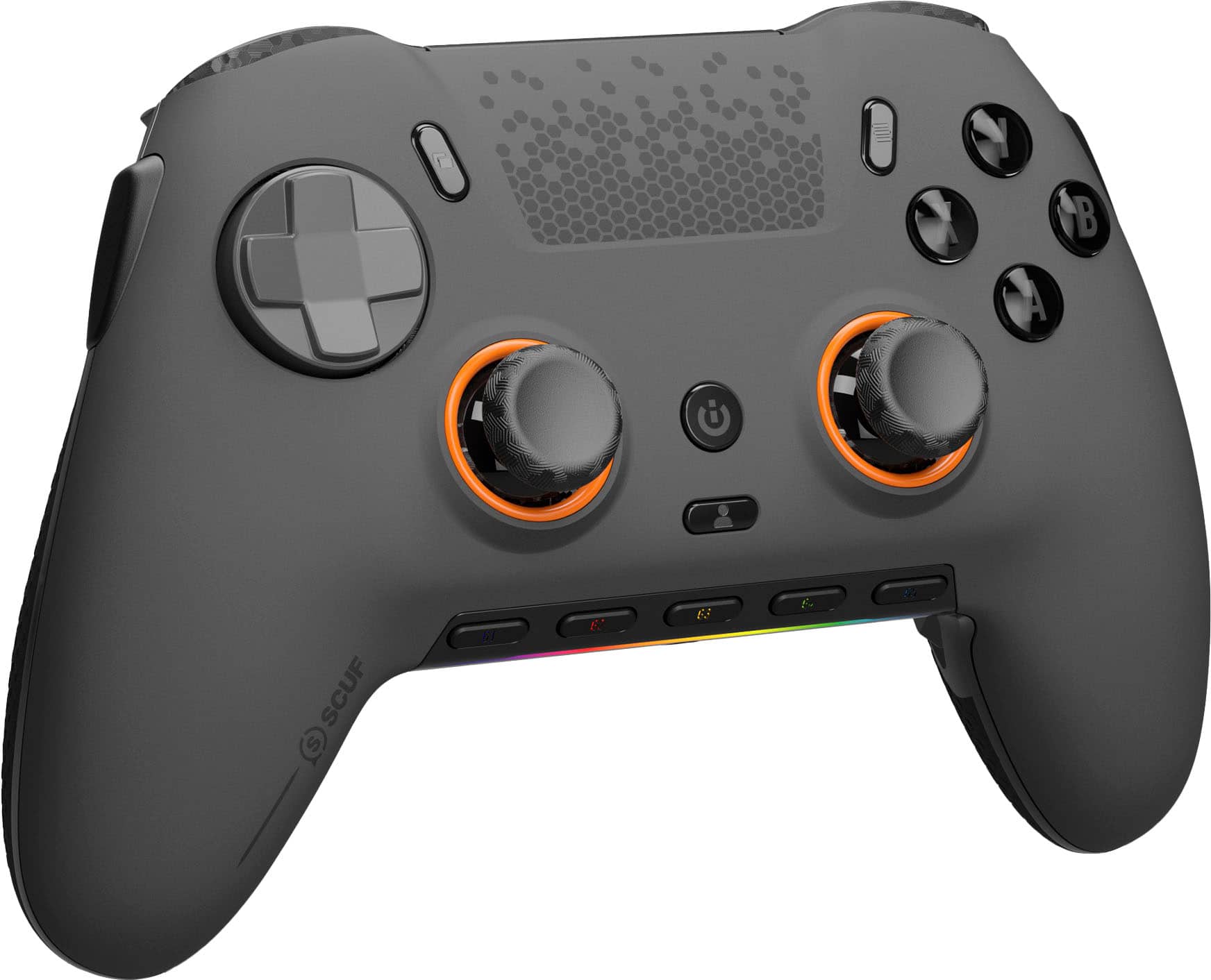
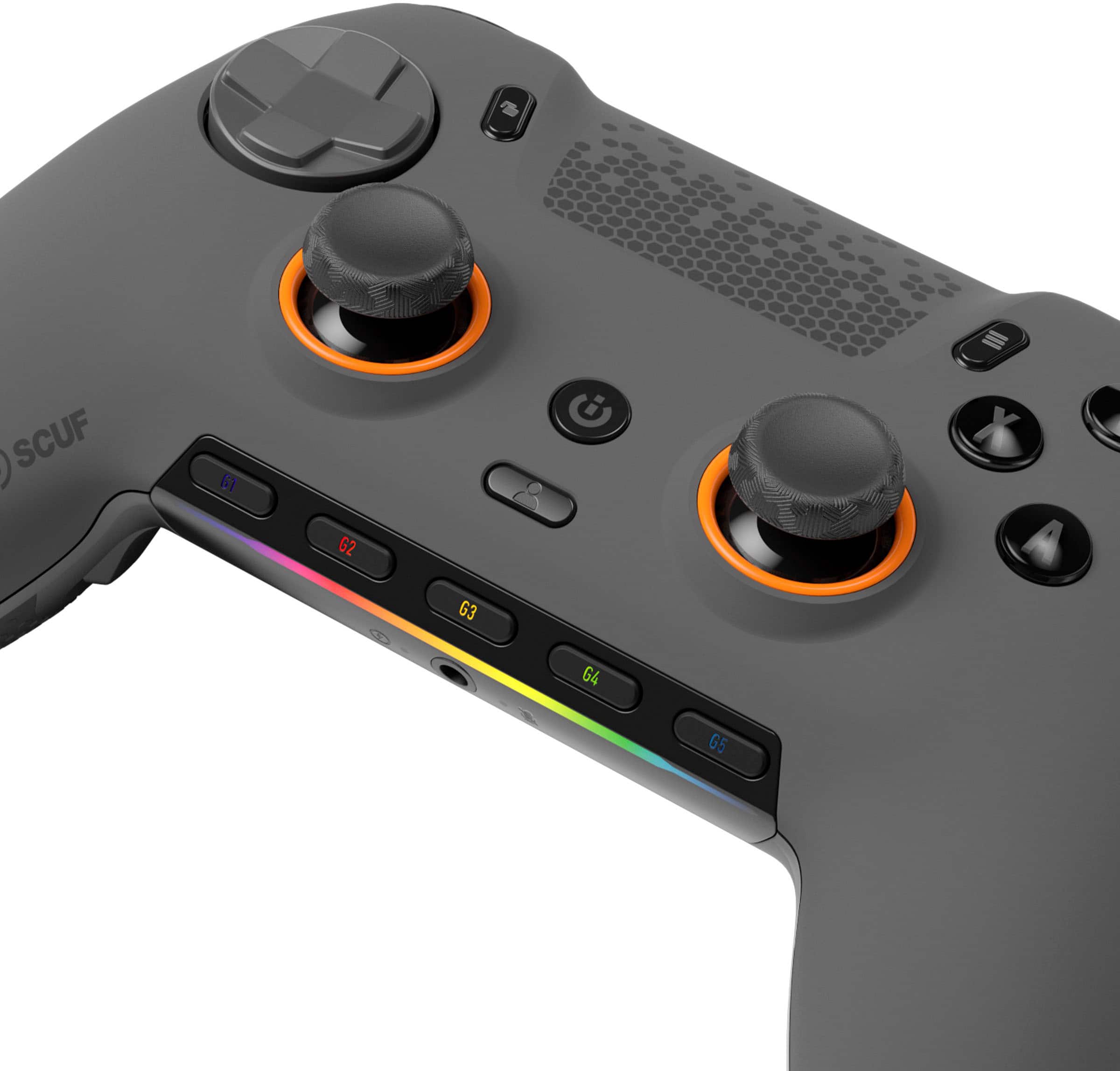
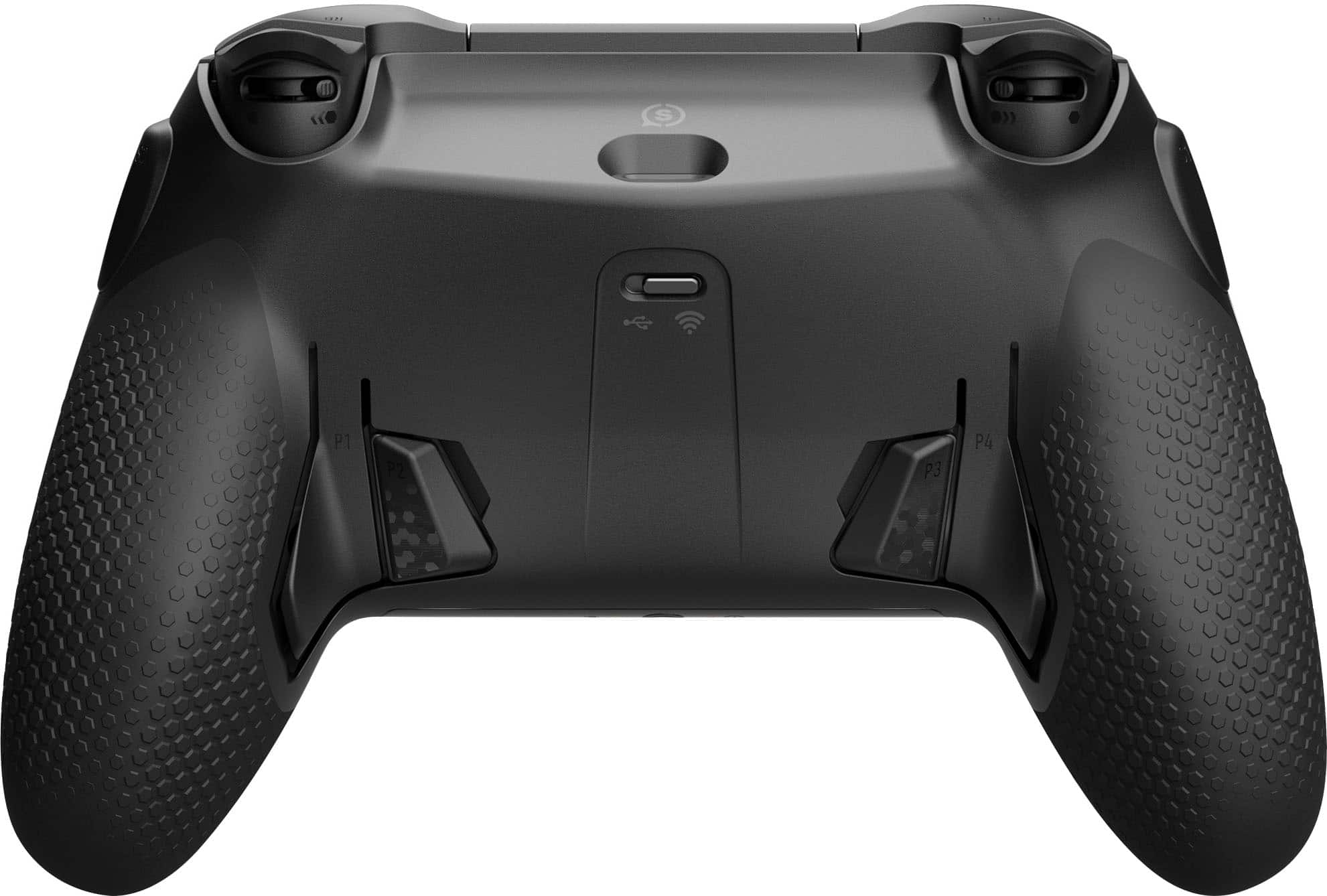
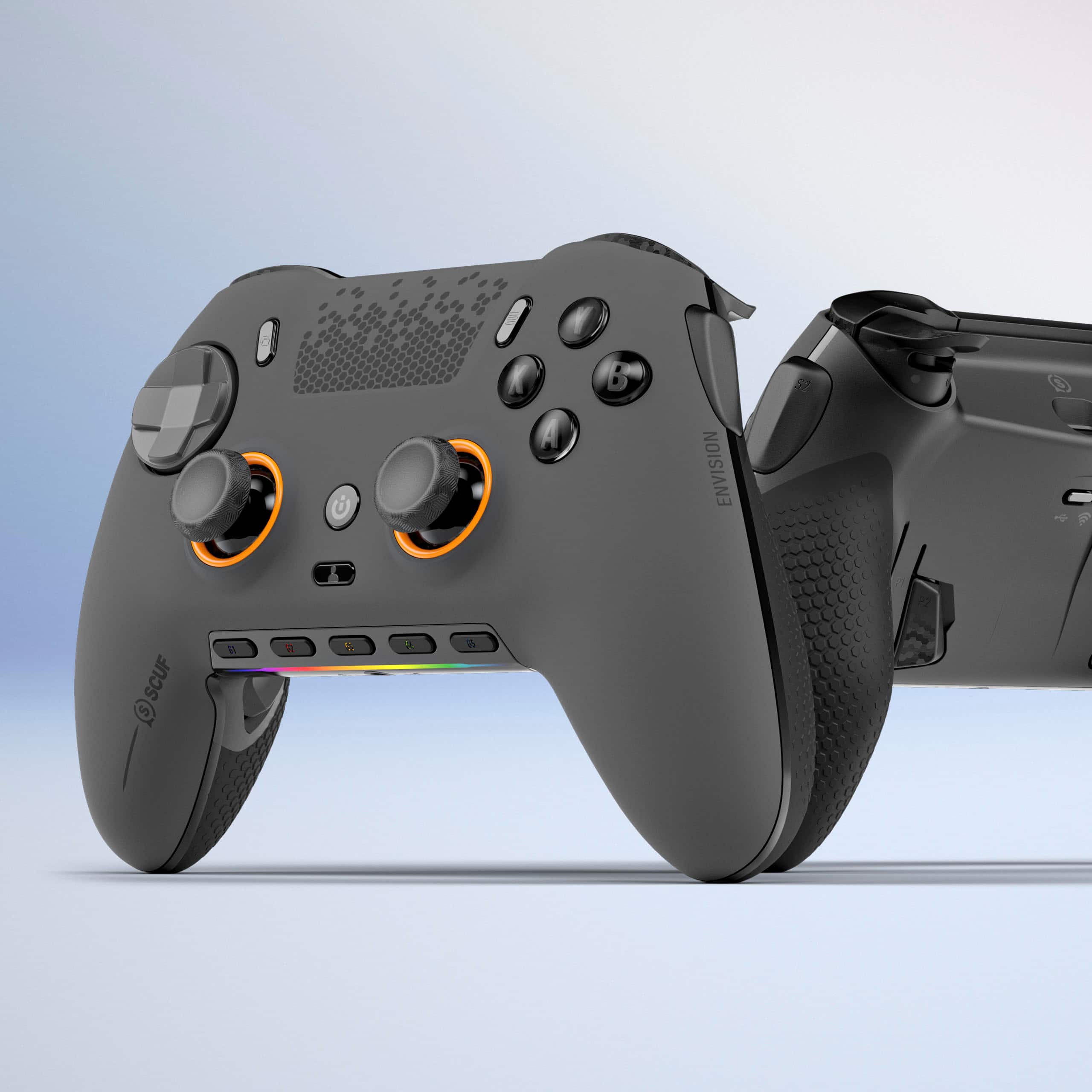
Customers admire the ENVISION PRO V1 Wireless Gaming Controller for PC's overall performance, programmable buttons, ease of use, customization options, and solid feel. However, some customers have expressed concerns regarding the software, stick drift, connectivity, battery life, and price.
This summary was generated by AI based on customer reviews.
FPS special!
||Posted .This reviewer received promo considerations or sweepstakes entry for writing a review.Love the PC interface. Super quick and responsive pulling tate and the back paddles and side paddles are easy to customize. The ICUE software is pretty easy to install yet somewhat buggy. Overall the controller is a better fit for larger hands. I recommend using kontrol freaks add ins to enhance the feel of the controller. You can keybind dual actions to the paddles and buttons due to the game pad being recognizable as a key board. Great controller!
I would recommend this to a friend- Pros mentioned:Buttons, Overall performance
BEST CONTROLLER EVER
||Posted . Owned for 2 weeks when reviewed.This reviewer received promo considerations or sweepstakes entry for writing a review.Very very nice controller money well spent very very well spent
I would recommend this to a friend - Cons mentioned:Software
Great controller with outside issues
||Posted . Owned for 2 weeks when reviewed.This reviewer received promo considerations or sweepstakes entry for writing a review.The controller is great with only 1ms input delay out of the box and its fun to use. My only take away from it is the cosair software it can be complicated to us. My other take away is the side buttons can get in the away but no big deal just takes time get use to it
I would recommend this to a friend - Cons mentioned:Software
Scuf
||Posted . Owned for 4 months when reviewed.This reviewer received promo considerations or sweepstakes entry for writing a review.Great product terrible software mappings always rest and paddles work after a bunch of updates
I would recommend this to a friend - Pros mentioned:Buttons
SCUF Must
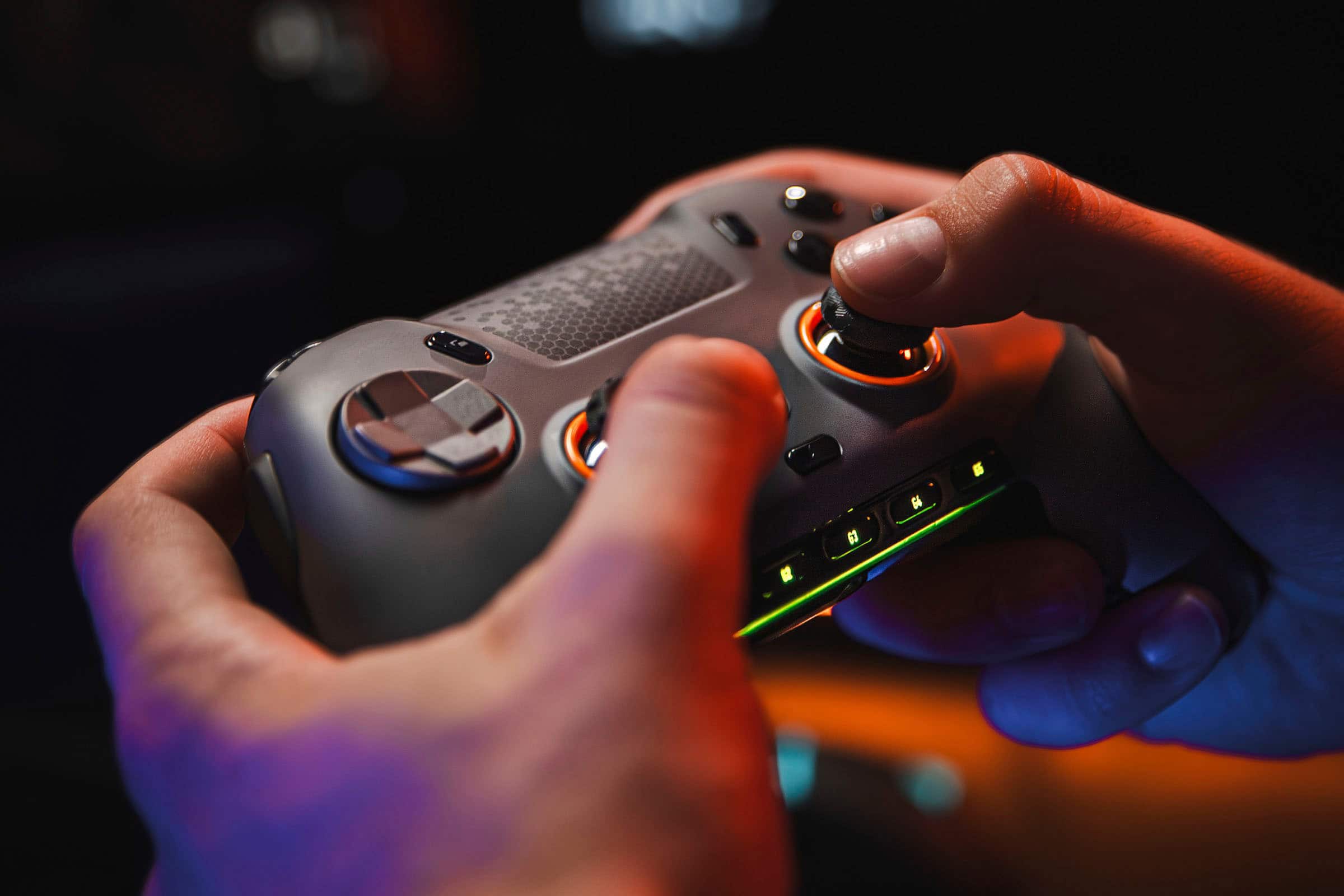
||Posted . Owned for 1 week when reviewed.This reviewer received promo considerations or sweepstakes entry for writing a review.Loving it so far! The grip feels great in hand, and the extra buttons on the back and side are perfect for my solo games — they really help make everything more relaxed and customizable.
I would recommend this to a friend - Pros mentioned:Ergonomics
LOVE LOVE LOVE!
||Posted .This reviewer received promo considerations or sweepstakes entry for writing a review.I know its only a gaming controller, but fits in your hand so nicely! Responsive, highly recommend!
I would recommend this to a friend - Cons mentioned:Software
Favorite controller
||Posted . Owned for 1 month when reviewed.This reviewer received promo considerations or sweepstakes entry for writing a review.Definitely not without its issues. The feel of the controller is perfect. The software can be pretty buggy at times though, whether it be resetting all your settings, or just not working in general. But when it works its the best controller out of my 3 ps4 and 2 xbox scuf controllers
I would recommend this to a friend Never going back to a normal controller again
||Posted . Owned for 1 year when reviewed.This reviewer received promo considerations or sweepstakes entry for writing a review.Fantastic controller, does everything i need and more!
I would recommend this to a friend- Cons mentioned:Software

Almost
|Posted . Owned for 1 week when reviewed.This reviewer received promo considerations or sweepstakes entry for writing a review.[Employee of bestbuy] The mechanical switches are the selling point for me, feel great. For the price it should have hall effect joy sticks as mine already drift slightly out of the box. The fact that I need to install iCue is very annoying, the software has improved but gaming software feels like bloatware to me.
I would recommend this to a friend Good controller
||Posted . Owned for 2 weeks when reviewed.This reviewer received promo considerations or sweepstakes entry for writing a review.I have a ps4 scuff, and a sony ps5 edge, and id say that this controller is my favorite scuff for pc gaming. You can overclock the controler for call of duty and have 0 delay at all. Or you can play a game with it being completely wireless on pc. It is a little small so it tooka little bit to get used to, coming from a ps5 edge. But overall with the icue software app and all the remapable buttons. This is my favorite pro controller ever
I would recommend this to a friend- Pros mentioned:Overall performance
Great controller
||Posted . Owned for 11 months when reviewed.This reviewer received promo considerations or sweepstakes entry for writing a review.Love this controller! Best PC controller on the market!
I would recommend this to a friend - Pros mentioned:ButtonsCons mentioned:Software
Best PC controller on the market.
||Posted . Owned for 3 weeks when reviewed.This reviewer received promo considerations or sweepstakes entry for writing a review.Back paddles are a little too low for my hands. Clicky buttons feel great. Software is not amazing but it’s also optional.
I would recommend this to a friend - Cons mentioned:Stick drift
High quality
||Posted . Owned for 1 week when reviewed.This reviewer received promo considerations or sweepstakes entry for writing a review.Good product but mine had one of the thumbsticks have a weird cut that would scratch the anti friction rings. Mightve been some quality control thing. Also did in fact already have stick drift when at super low deadzone but has not seem to get worse.
I would recommend this to a friend - Pros mentioned:Overall performance
So good and versatile
||Posted . Owned for 3 weeks when reviewed.This reviewer received promo considerations or sweepstakes entry for writing a review.Bought this to pair with my pc and it works as expected on youtube reviews. i love the design on the paddles and its very reliable to have. And dont forget the software is so good and detailed.
I would recommend this to a friend Envision Pro Review
||Posted . Owned for 1 month when reviewed.This reviewer received promo considerations or sweepstakes entry for writing a review.Honestly, this is my first time buying a high grade controller with paddles. I have been playing games on mouse and keyboard but needed a reliable controller for certain games. That’s when I came across the envision pro, all the features it has as well as the price point is some of the best on the market. I’ve been using this controller for about a month and it’s been great since, no issues. My only critique would be that this specific controller is only made for PC, so console users are out of luck.
I would recommend this to a friend- Pros mentioned:Overall performance
Yes buy
||Posted . Owned for 1 month when reviewed.This reviewer received promo considerations or sweepstakes entry for writing a review.Just a little goofy install but works great. Monitors computer well.
I would recommend this to a friend Best PC controller
||Posted . Owned for 1 month when reviewed.This reviewer received promo considerations or sweepstakes entry for writing a review.this controller just comes down to customizability. it's the most versatile controller I've had. I know scuf has reliability issues, but so far so good. build quality feels great. For the price I don't think there is a better controller you can use if you game on PC. Pros: extremely fast button clicks. stick tension is one of the best. solid feel and build. Cons: if you have smaller hands this may not be the right controller for you unless you delete some of the extra buttons.
I would recommend this to a friend- Pros mentioned:Customization
Best controller I have owned
||Posted .This reviewer received promo considerations or sweepstakes entry for writing a review.Will do exactly what you need it to, mapping options and stick configurations leave nothing to be desired. Absolutely love it.
I would recommend this to a friend Almost Perfect
||Posted . Owned for 1 week when reviewed.This reviewer received promo considerations or sweepstakes entry for writing a review.So far it's great, bought that one to replace my steelseries one. while some people say it's to expensive, I personally find it very well, the distance of the side and back buttons are places just right that it's easy to press but not at a place where you can press them by accident. the white color make it perfect for me, since most when playing in the dark, for me as a ps layout I need to look at which button is which and it's hard to see on most controllers in the dark, for some reason the only place they don't have light is the buttons. my only issue was that I thought since it's using slipstream, I can use it with the same USB I already have for my headset/mouse, save me some USB slot, but you can't, it's not that type of slipstream, so it does need to have it's own USB, other than that, it's been perfect for me.
I would recommend this to a friendDecent controller
||Posted . Owned for 10 months when reviewed.This reviewer received promo considerations or sweepstakes entry for writing a review.Pretty good controller. Breaks pretty easily if not careful and left in the mouse click triggers
I would recommend this to a friend