Customer Ratings & Reviews



- Model:
- 601-178-03-102-NA
- SKU:
- 6558789
Rating by feature
- Value
Rating 4.2 out of 5 stars
- Quality
Rating 4.4 out of 5 stars
- Ease of Use
Rating 4.2 out of 5 stars
Customers are saying
Customers admire the ENVISION PRO V1 Wireless Gaming Controller for PC's overall performance, programmable buttons, ease of use, customization options, and solid feel. However, some customers have expressed concerns regarding the software, stick drift, connectivity, battery life, and price.
This summary was generated by AI based on customer reviews.
Controler
||Posted . Owned for 2 weeks when reviewed.This reviewer received promo considerations or sweepstakes entry for writing a review.It works okay just buttons mix up mid game which is flustered
I would recommend this to a friendBrand response from Corsair
Posted .Hello,
I'm afraid I'm not fully understanding the issue, please contact our team directly on our site for assistance.
-Art
- Cons mentioned:Software
A lot of option around the same price.
||Posted . Owned for 1 week when reviewed.This reviewer received promo considerations or sweepstakes entry for writing a review.To many updates for the software. I’ve been using the Vitrix and Sony Dual Sense Pro and they have been perfect. Mouse clicks was cool and satisfying to listen to if you play with out headphones.
No, I would not recommend this to a friendBrand response from Corsair
Posted .Hello John,
We do try to improve any occurring issues with software, correct!
-Art
Not for me
||Posted . Owned for 2 months when reviewed.This reviewer received promo considerations or sweepstakes entry for writing a review.I was really hoping this would be a good upgrade. The buttons on the bottom are pretty useless. Response time is pretty good.... When it works... This thing CONSTANTLY loses it's programming for mapped buttons. I will be returning.
No, I would not recommend this to a friendBrand response from Corsair
Posted .Hello Chris,
Do contact our team directly on our site for troubleshooting any of your existing problems!
-Art
Not satisfied
||Posted . Owned for 1 week when reviewed.This reviewer received promo considerations or sweepstakes entry for writing a review.Not really satisfied going to return it today lol.
No, I would not recommend this to a friendBrand response from Corsair
Posted .Hello Josh,
What seems to have been the issue? Please contact us directly right on our site for assistance.
-Art
- Cons mentioned:Connectivity
Do Not Buy
||Posted . Owned for 2 months when reviewed.This reviewer received promo considerations or sweepstakes entry for writing a review.Borderline unusable, disconnects and reconnects at random, sometimes multiple times in a row, including during gameplay. Would return it if I still could, but made the mistake of giving it a chance.
No, I would not recommend this to a friendBrand response from Corsair
Posted .Hello,
Do contact our team directly on our site, they'd be able to help with any issues that are still occurring for you!
-Art
Good but could be better
||Posted . Owned for 1 month when reviewed.This reviewer received promo considerations or sweepstakes entry for writing a review.Decent controller, buttons on the side get in the way
I would recommend this to a friendBrand response from Corsair
Posted .Hello Chris,
Did you have issues not related to the design? If so, do contact our team directly on our site for assistance.
-Art
Stick drift already
||Posted . Owned for 1 week when reviewed.This reviewer received promo considerations or sweepstakes entry for writing a review.Less than 2 weeks of use and the right stick is drifting.
No, I would not recommend this to a friendBrand response from Corsair
Posted .Hello Bubba,
That's unfortunate, please reach out directly to our team on our site for assistance.
-Art
Great controller, terrible software
||Posted . Owned for 1 week when reviewed.This reviewer received promo considerations or sweepstakes entry for writing a review.The controller when it does connect via usb is amazing. But Bluetooth WOULD NOT CONNECT. Then when I switch it to usb mode from faulty Bluetooth mode it would then continue to not work in either state…. Of course now there out of stock -_- thanks scuf
No, I would not recommend this to a friendBrand response from Corsair
Posted .Hi,
Sorry to hear about your experience. Have you tried performing a reset on your ENVISION PRO? To reset your controller, follow the steps below:
1) Using your finger, gently pull the faceplate from the top of the controller and carefully lift it over the thumbsticks.
2) Locate the small reset button on the front of the controller, next to A and B buttons.
3) Use a small tool to press the button inside the hole.
4) Hold the button down for about 3–5 seconds.
5) Connect your controller to your PC using the USB cable that came with your SCUF.
6) Press the Start button.
If any issues persist, please contact support via SCUF's website - we'd be happy to provide a solution.
-Albert
Defective controller buy at your own risk.
||Posted . Owned for 3 weeks when reviewed.This reviewer received promo considerations or sweepstakes entry for writing a review.Controller is ok. Used it like 4 times from the day i received it. Button already getting stuck go to best buy and they basically tell me i stuck with defective controll they only give you 16 days to exchange or return. I had to go through scuf so I emailed them because of course they arent answering Phones at this time its been a week and no answer no email nothing so basically im stuck with defective control. Best buy and scuf are no help. Would not buy onr more Controller from this place again. If you want the headache go ahead and buy from them. At your own risk.
No, I would not recommend this to a friendBrand response from Corsair
Posted .Hi,
Sorry to hear about your experience. Our support team may be experiencing high volume and will get back to you ASAP.
-Albert
Worst controller
||Posted . Owned for 6 months when reviewed.This reviewer received promo considerations or sweepstakes entry for writing a review.Save money, buy another brand or xbox controller. Corsair drivers and software is horrible and you can't really use the controller for what's it's made for without.
No, I would not recommend this to a friend- Cons mentioned:Stick drift
Scuff envision pro
||Posted . Owned for 2 weeks when reviewed.This reviewer received promo considerations or sweepstakes entry for writing a review.Not great returned 2 of them stick drift an it feels unresponsive. Not good for competitive games
No, I would not recommend this to a friendBrand response from Corsair
Posted .Hello Randy,
Unfortunate, sorry to hear that. Please contact our team directly right on our site for assistance with this.
-Art
- Cons mentioned:Software
BUYER BEWARE
||Posted . Owned for 2 months when reviewed.This reviewer received promo considerations or sweepstakes entry for writing a review.Doesn’t get recognized by games and has terrible software. Would be 4 stars if it actually worked.
No, I would not recommend this to a friendBrand response from Corsair
Posted .Hello,
Sorry about this, contact our team directly right on our site via ticket for assitsance!
-Art
Doesn’t last long
||Posted .This reviewer received promo considerations or sweepstakes entry for writing a review.Back left instant trigger stopped registering so I had to put it back to full press in order for it to work it was disappointing because that’s one of the main reasons to get a pro controller and it didn’t last long at all.
No, I would not recommend this to a friend- Cons mentioned:Battery life
Not charging
||Posted . Owned for 1 week when reviewed.This reviewer received promo considerations or sweepstakes entry for writing a review.3 days using the controller, I decided to charge it pluged it in for 3 hours started using it and realized that it did not charged the battery at all, I tried everything but no luck.
No, I would not recommend this to a friendBrand response from Corsair
Posted .Hello Juan,
Definitely unfortunate, but an exchange will solve the issue. If you're outside of that possibility with BestBuy, do contact our team directly on our site.
-Art
software is trash
||Posted . Owned for less than 1 week when reviewed.This reviewer received promo considerations or sweepstakes entry for writing a review.love the controller software on the other hand made me to reinstall windows 2 times. what happened was i was able to restart pc after software install ran with usb cable controller worked great plugged in the usb dongle and i lost all my usb ports on there website there is a post where sertain motherboards have i these issue with the software and give you a couple things to try but none on them work. sad thing was this was a problem since 2021 and yet there is still no fix. I lost alot of time and money due to this problem and I would not recommend this to anyone who may have a amd motherboard b550m pro4
No, I would not recommend this to a friendBrand response from Corsair
Posted .Hello,
This controller just released, but if you're having issues with iCue then do contact our team directly on our site for assistance.
-Art
Not good, malfunctioning
||Posted . Owned for 2 weeks when reviewed.This reviewer received promo considerations or sweepstakes entry for writing a review.Not a good controller, has malfunctions after a week of use
No, I would not recommend this to a friend- Cons mentioned:Price
Not worth the price tag
||Posted . Owned for 3 weeks when reviewed.This reviewer received promo considerations or sweepstakes entry for writing a review.Mapping the back buttons would not work at all. Tried through the icue app and by itself. Definitely not worth the price tag. Also package came damaged and banged up
No, I would not recommend this to a friendBrand response from Corsair
Posted .Hello,
Very sorry to hear about how you received the unit and the lack of available options for set up. If you are to repurchase this, do let our team know whether you need assistance whatsoever!
-Art
Meh
||Posted . Owned for 2 weeks when reviewed.This reviewer received promo considerations or sweepstakes entry for writing a review.Feels great at first. 3 weeks in buttons don't activate switches properly. Got it replaced. 2 weeks in feels like it's not quite triggering the switches properly.
No, I would not recommend this to a friendBrand response from Corsair
Posted .Hello,
Definitely something our team can assist with, please contact them directly right on our site at any time!
-Art
- Cons mentioned:Connectivity
Scuf controllers
||Posted . Owned for 2 weeks when reviewed.This reviewer received promo considerations or sweepstakes entry for writing a review.The controller wouldn’t connect or work correctly. Nothing on Best Buy, it’s the maker themselves and the drivers now working
No, I would not recommend this to a friendBrand response from Corsair
Posted .Hello Eric
Sorry to hear. Do contact our team directly right on our site at any time for assistance.
-Art
- Pros mentioned:Buttons

Probably the best gamepad ever.
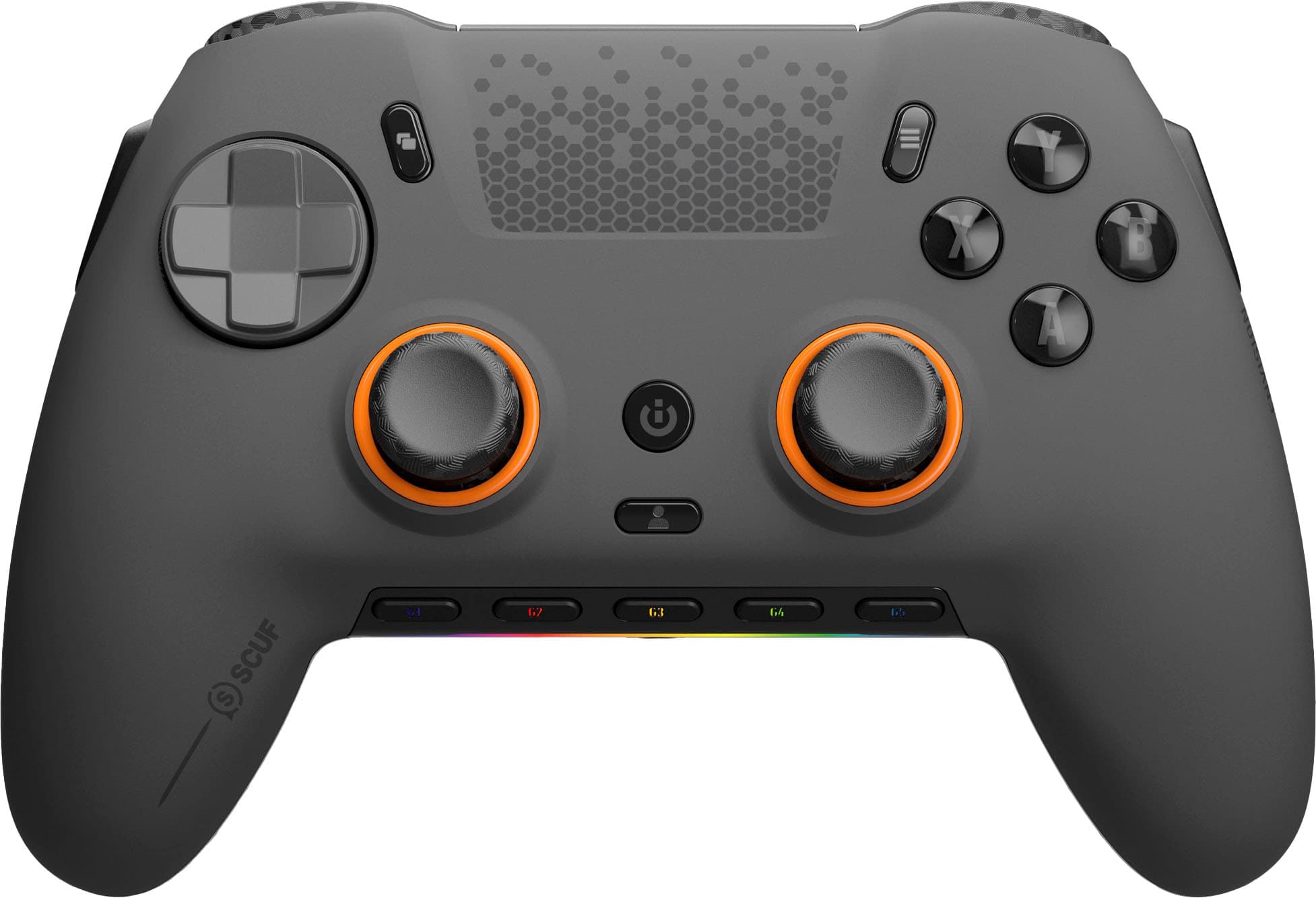
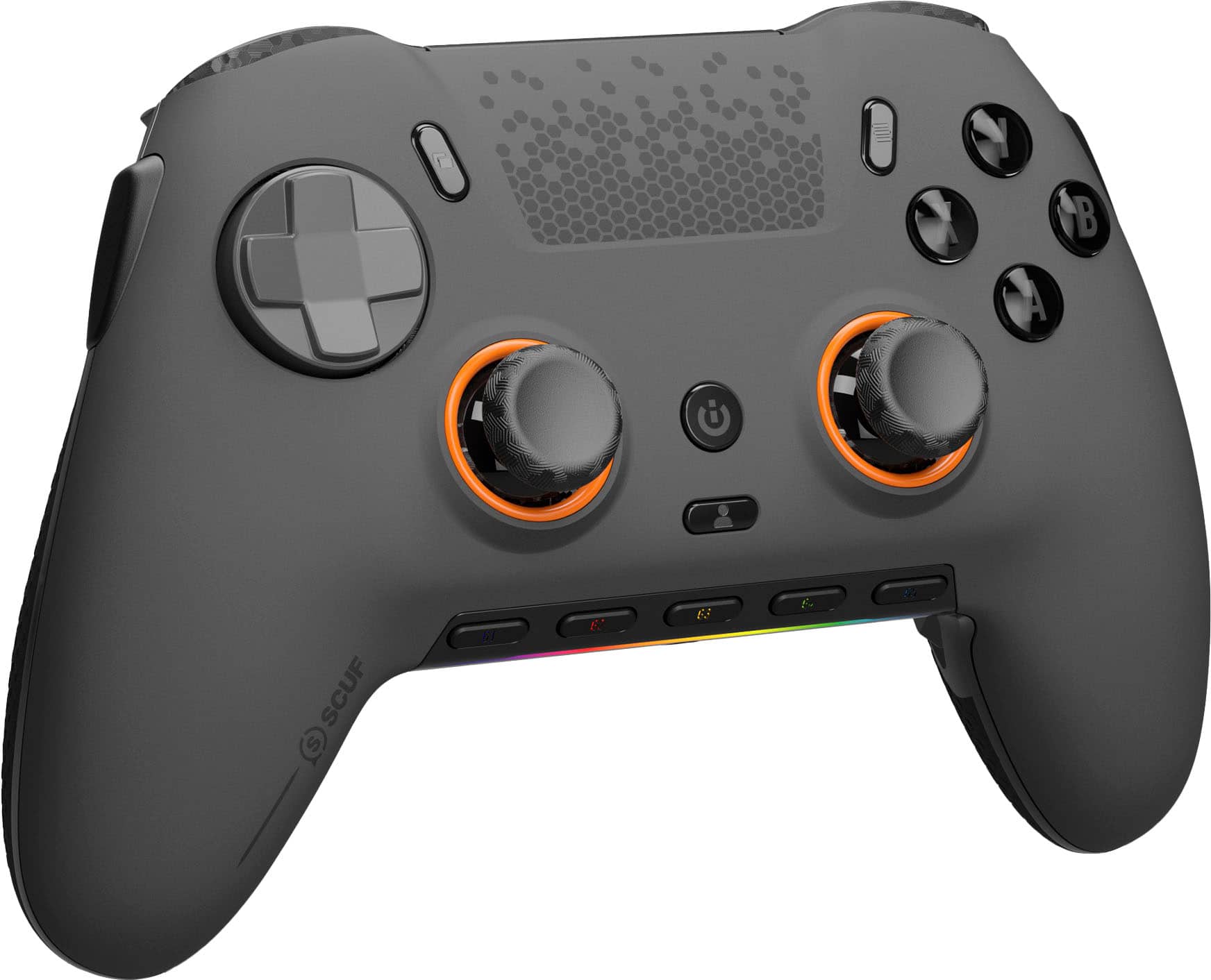
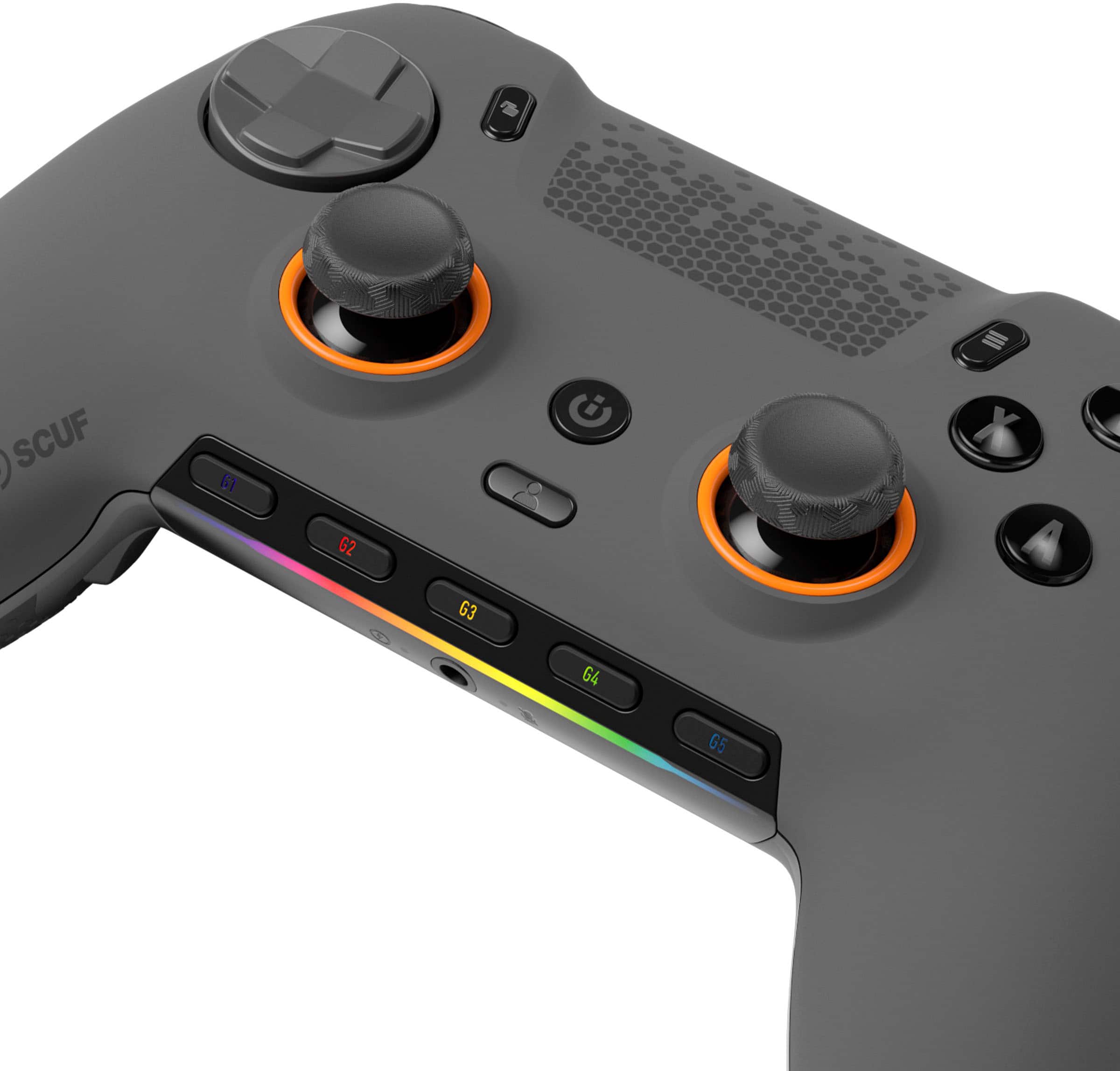
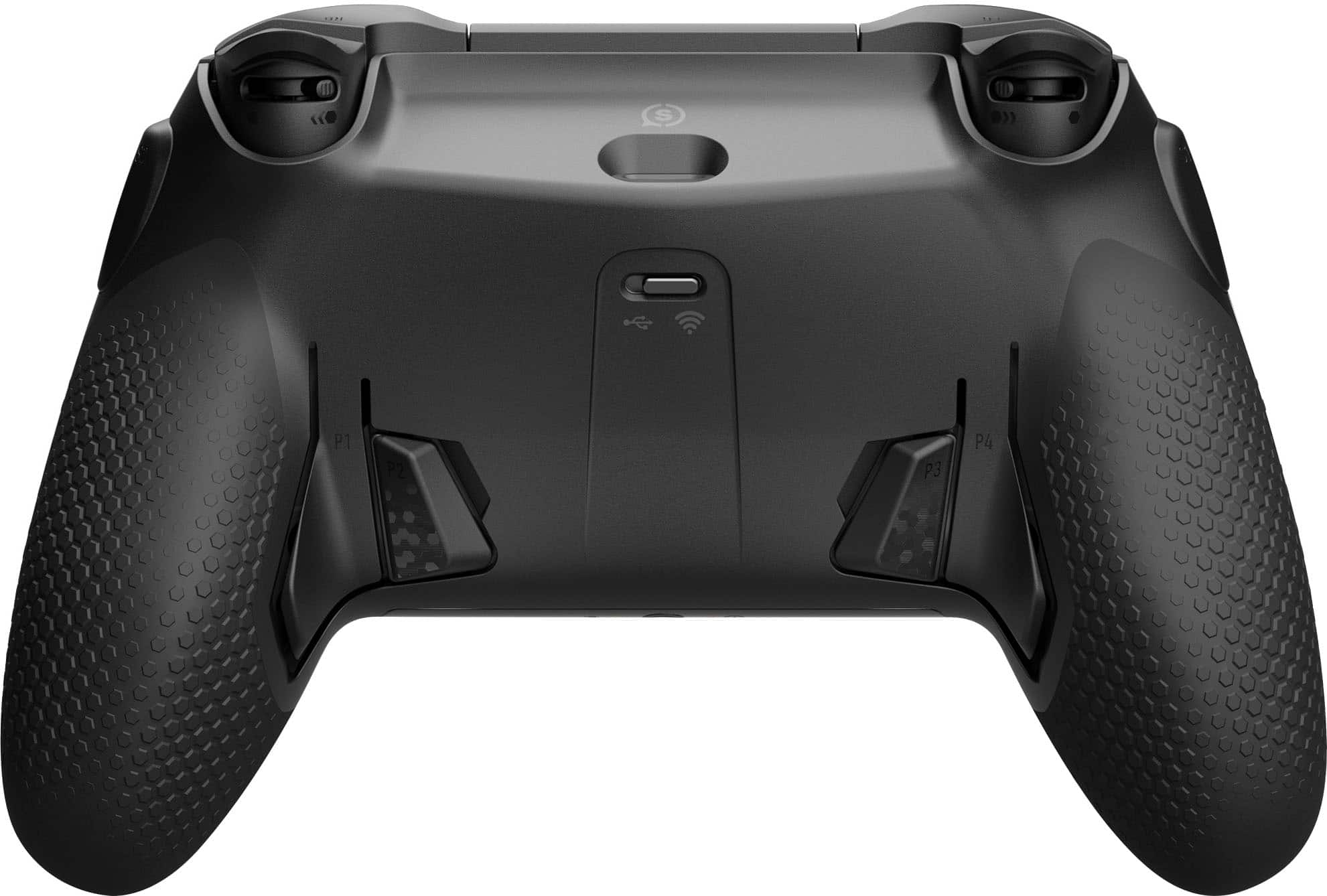
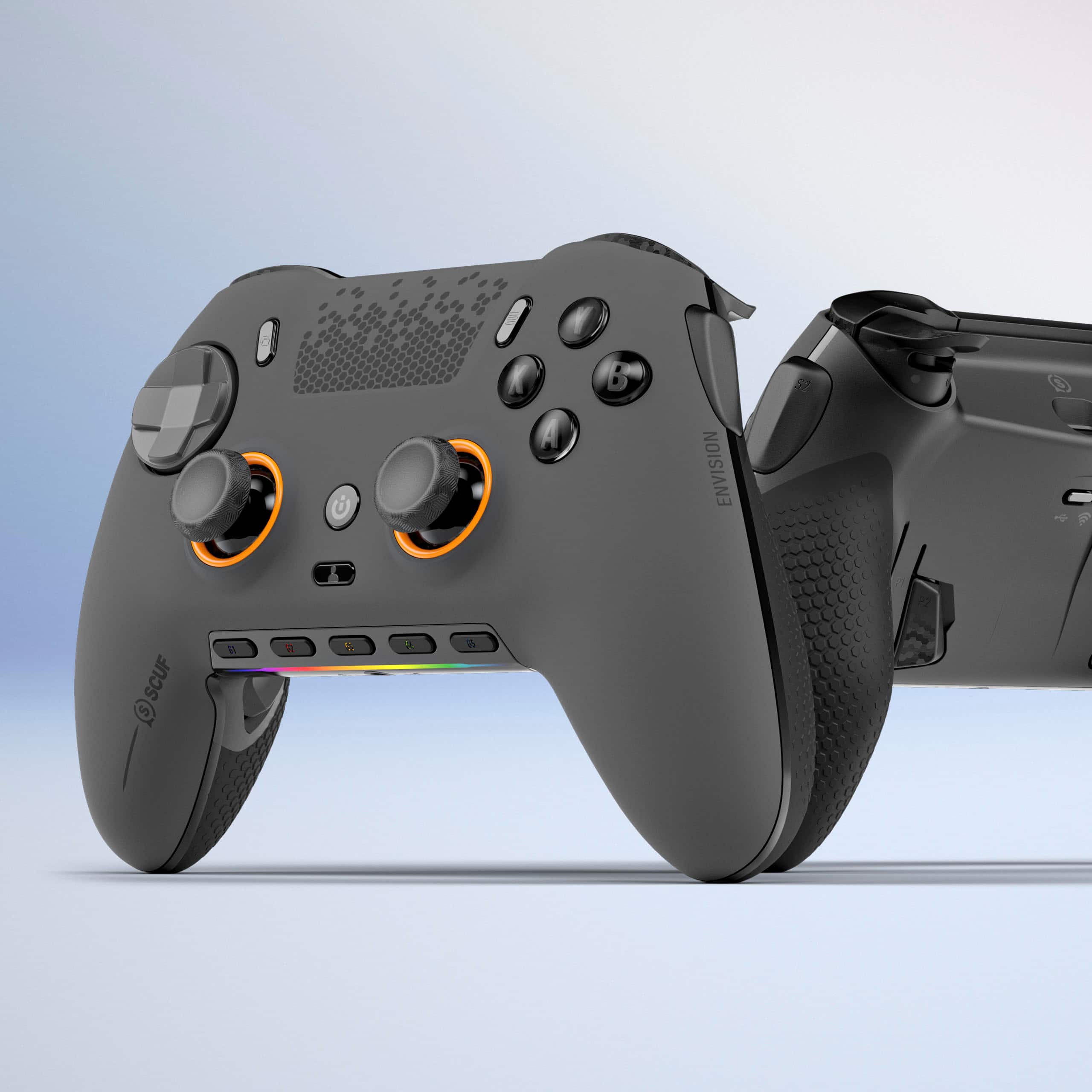
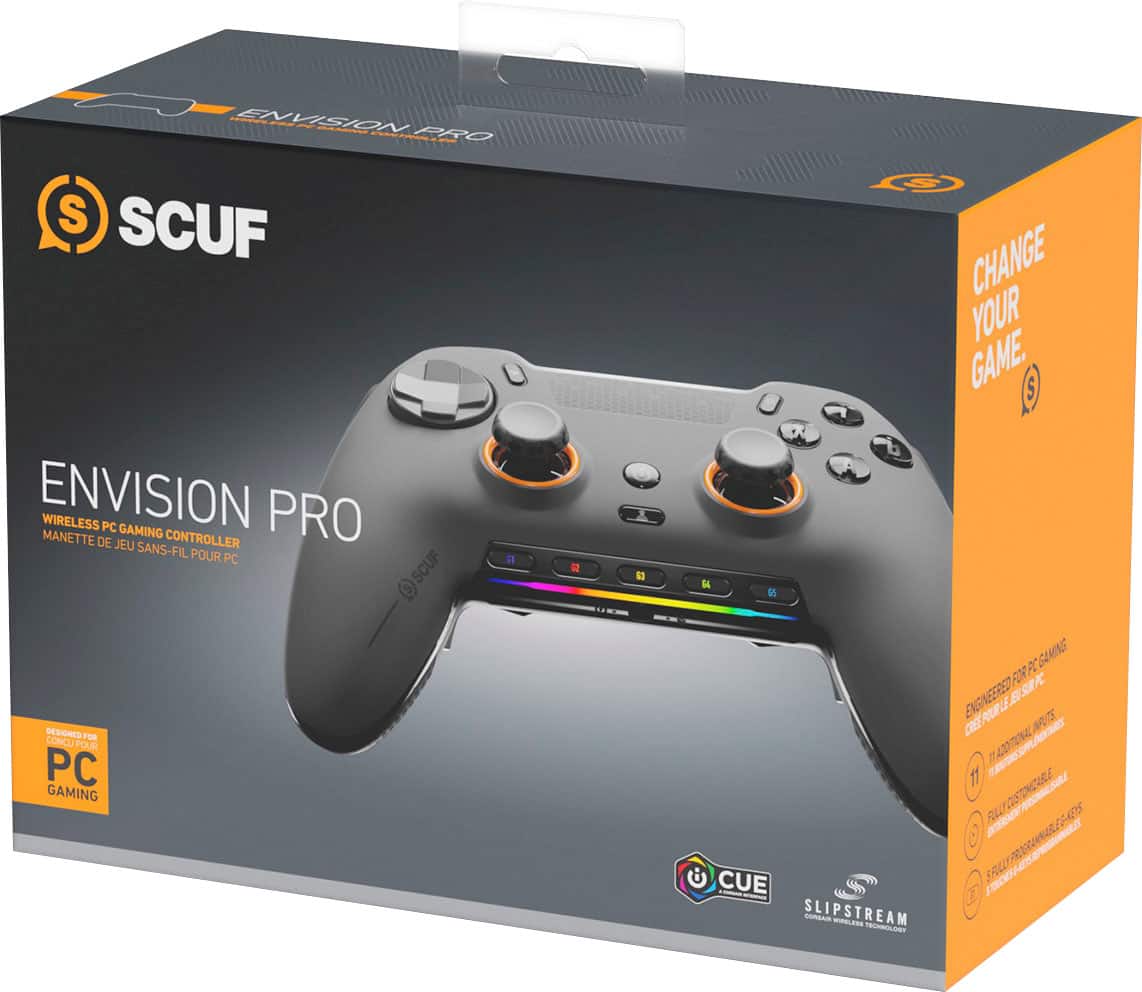
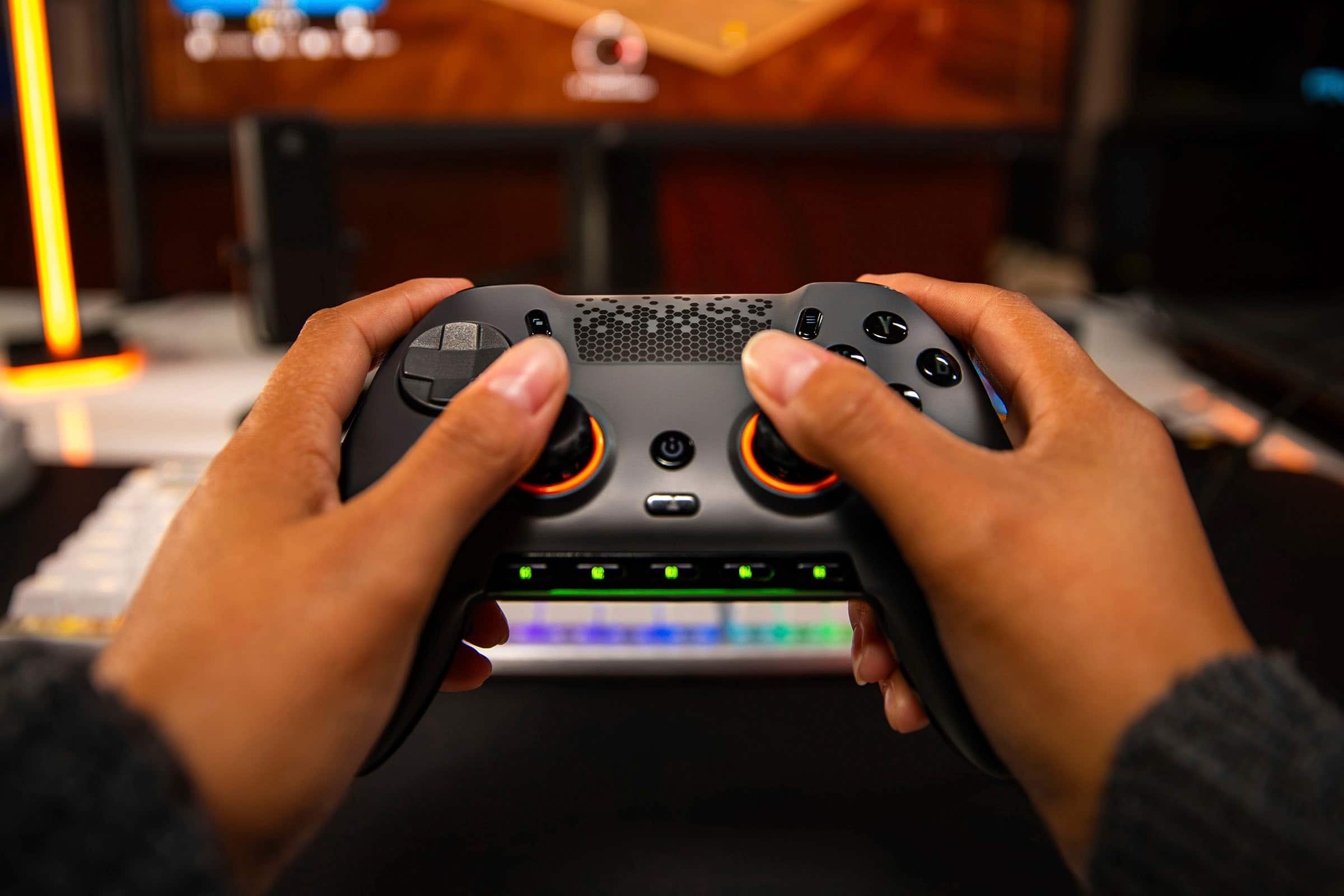
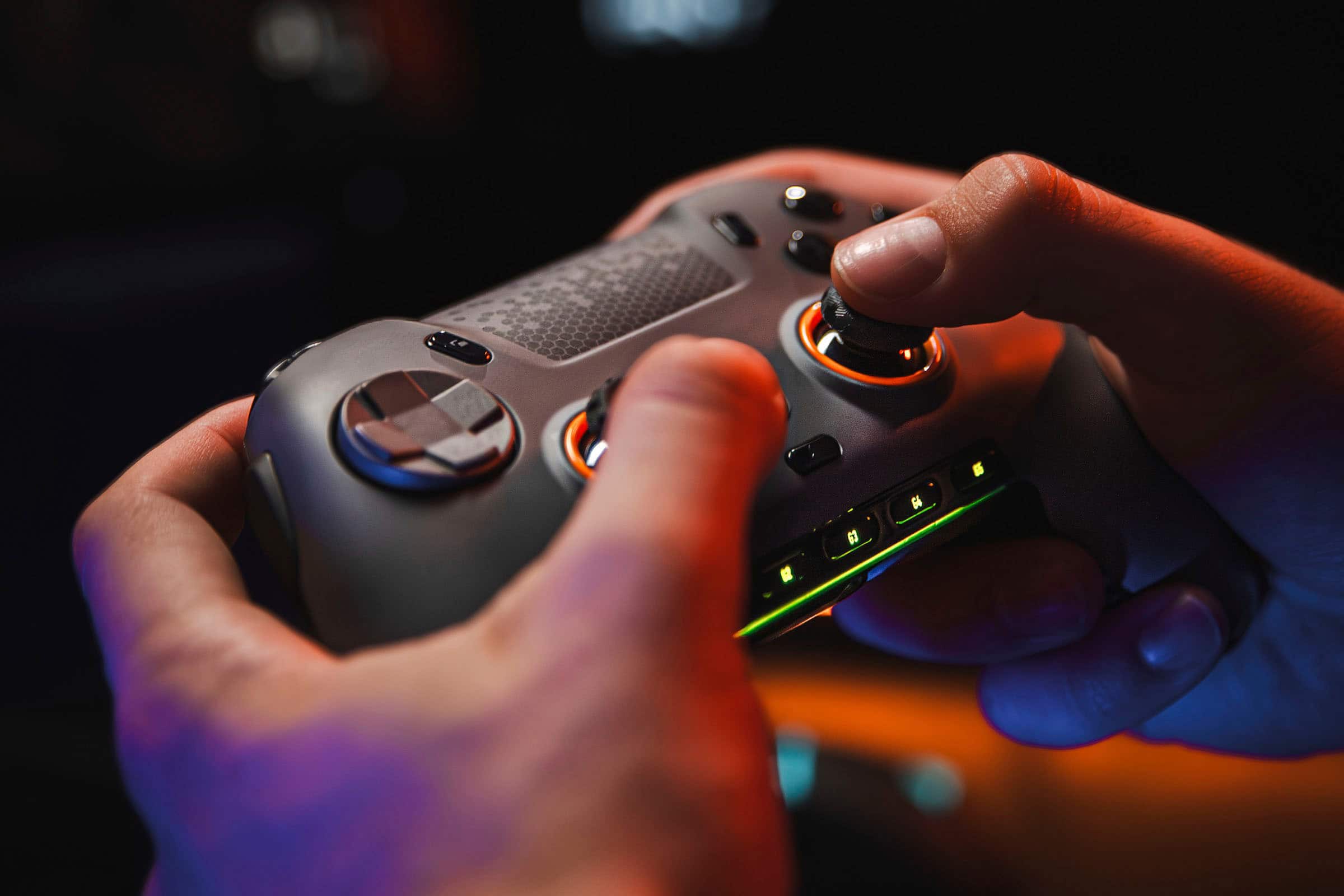
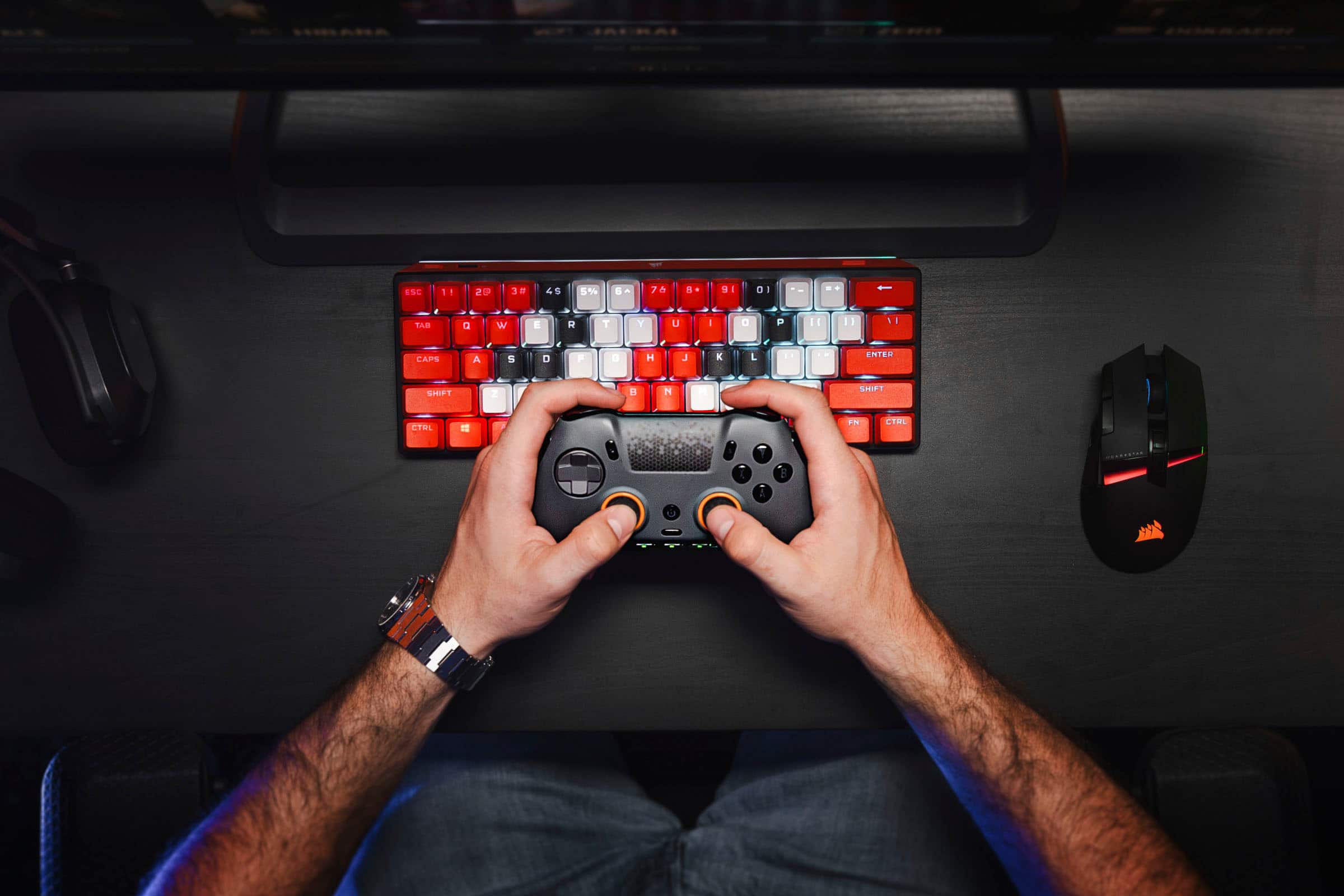
|Posted .This reviewer received promo considerations or sweepstakes entry for writing a review.The SCUF Envision Pro controller is probably the best dedicated PC controller out there, maybe even the best controller I've ever used. Between the mechanical switches for the D-Pad and every button, the analog sticks that are the most accurate I've used, programmable G-buttons that can do macros or control things like the computer volume level, and just the overall feel in-hand of the controller, I absolutely love it. Unboxing is an experience almost on par with Apple. While I would have preferred a sleeve around the inner box instead of an outer box, the inner box opens with the pomp and circumstance worthy of this controller. The controller itself has a little peel on it, protecting the RGB and a few shiny surfaces, along with a stick lock that safely holds the analog sticks in place for travel. Under the controller, you'll find a sleeved USB-A to USB-C cable, a USB-C to USB-A adapter, a wireless adapter using the Corsair Slipstream standard for directly connected-like wireless performance, and domed analog sticks should you prefer those over the concave style that comes installed by default. Before attaching the Envision Pro to your computer, you'll want to install Corsair's iCue software first, as this will enable to you use the under-controller paddles and side buttons. Once installed and running, connect the Envision Pro directly, as this is the only way the buttons can be programmed. It's also a good excuse to charge the controller. Usage without programming anything is good. The d-pad and buttons all feel amazing due to being mechanical, though pulling off special moves in fighting games may take some getting used to as buttons don't need to be pressed as hard - or far - to be triggered. Speaking of, the dual-mode triggers are great in quick click mode for games like Tekken 7, Street Fighter 6, Sackboy's Big Adventure, and Mortal Kombat 1. For games like Team Fortress 2, Counter Strike, and Halo Infinite, having the face buttons mapped by default to the paddles is a dream. The left and right side buttons are unmapped by default, and the G buttons are configured to system functions. When you use iCue to map the buttons, however, that's where the real magic begins. For example, I have a profile set for the Mortal Kombat games that maps the shoulder and trigger buttons to the paddles, along with left trigger+right trigger to the left side button so I don't even have to think about that special move. For the way I prefer to hold a controller, it makes it easier to deal with the shoulder buttons. Also, iCue is how you customize the light show put on by the RGB strip, or how you turn it off completely. The headphone port is good for in game chat, and I appreciate that the 3.5mm port is lit up. However, I'd like to see more than just the headphone port, G buttons, and the RGB strip lit up; while I don't want to see the whole thing lit up, halos around the sticks and the non-letter face buttons would be great for dark environments. All in all, the SCUF Envision Pro is a sweet gamepad. The weight and mechanical switches make it a win for me.
I would recommend this to a friend