Customer Ratings & Reviews
- Model:
- 603-178-01-010-NA
- SKU:
- 6584539
Rating by feature
- Value
Rating 4.4 out of 5 stars
- Quality
Rating 4.6 out of 5 stars
- Ease of Use
Rating 4.4 out of 5 stars
Customers are saying
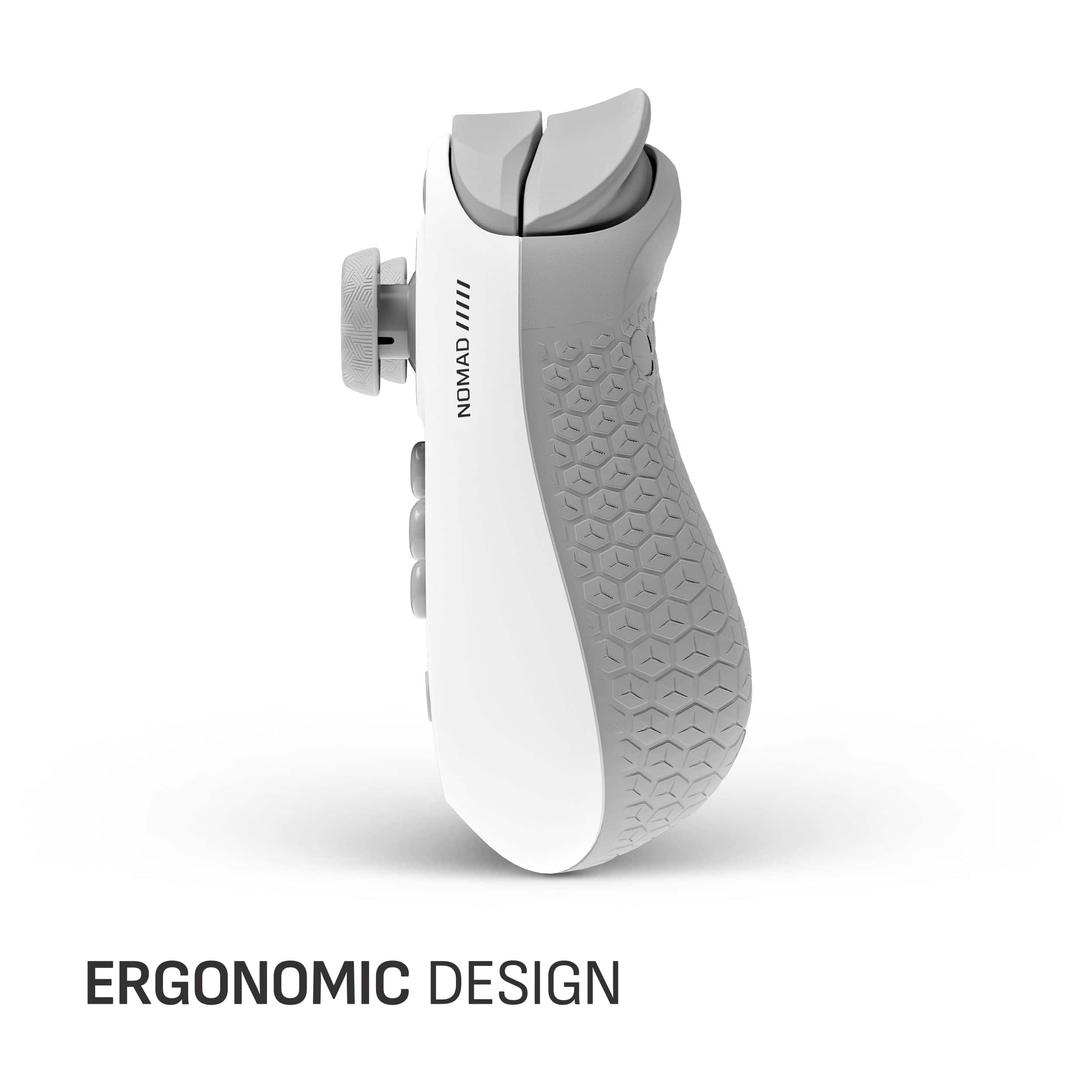
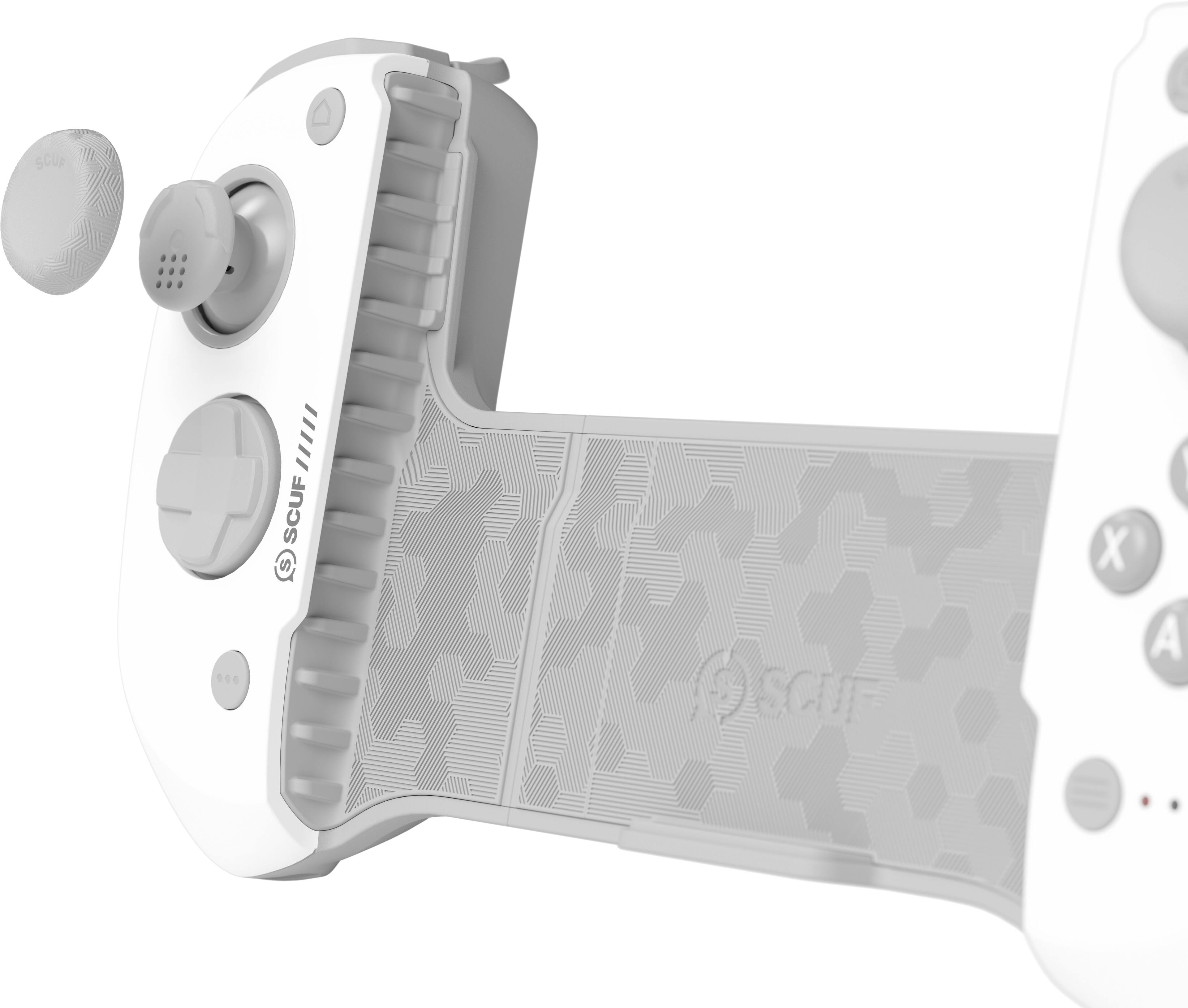
Customers have good things to say about the NOMAD Wireless Mobile Gaming Controller for iPhone, especially its premium build quality, excellent battery life, wide compatibility, and solid ergonomics for extended gaming sessions. However, some customers have reported issues with connectivity, noting input delay. Some users have also experienced lag, particularly with the right joystick, and occasional delays during gameplay.
This summary was generated by AI based on customer reviews.
- Pros mentioned:Build quality, ErgonomicsCons mentioned:Connectivity

Great Physical Design - Too bad it's wireless!
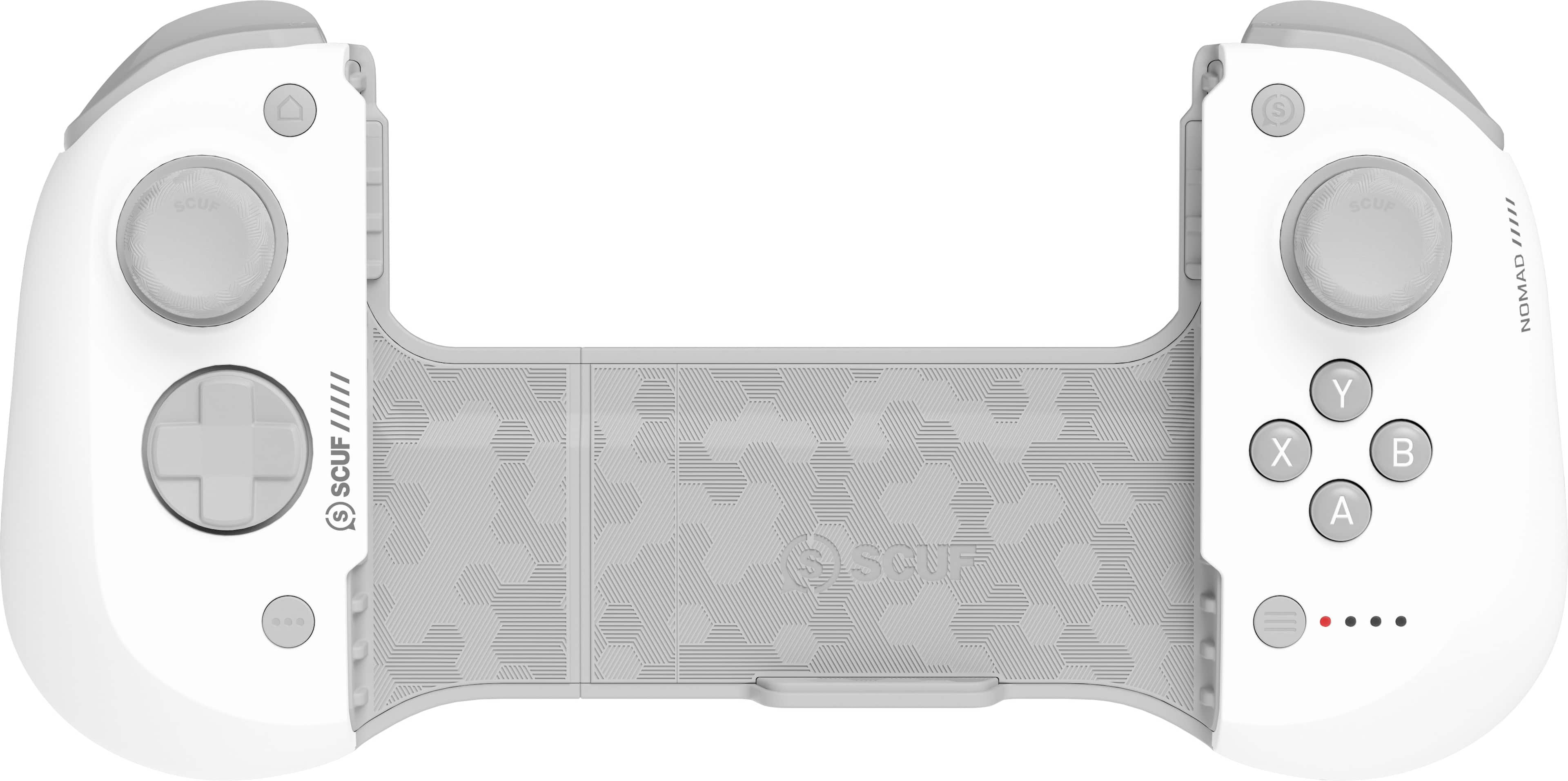
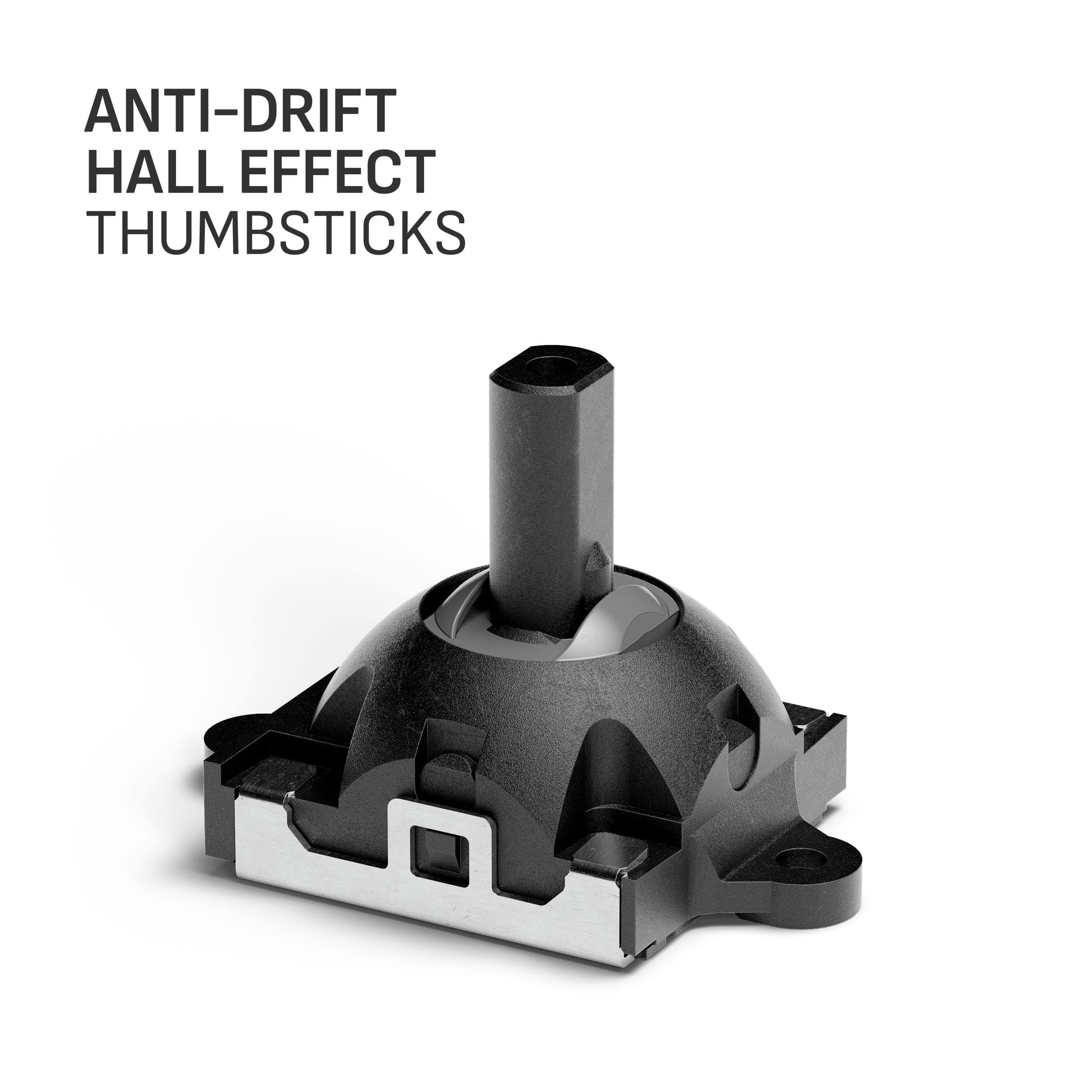
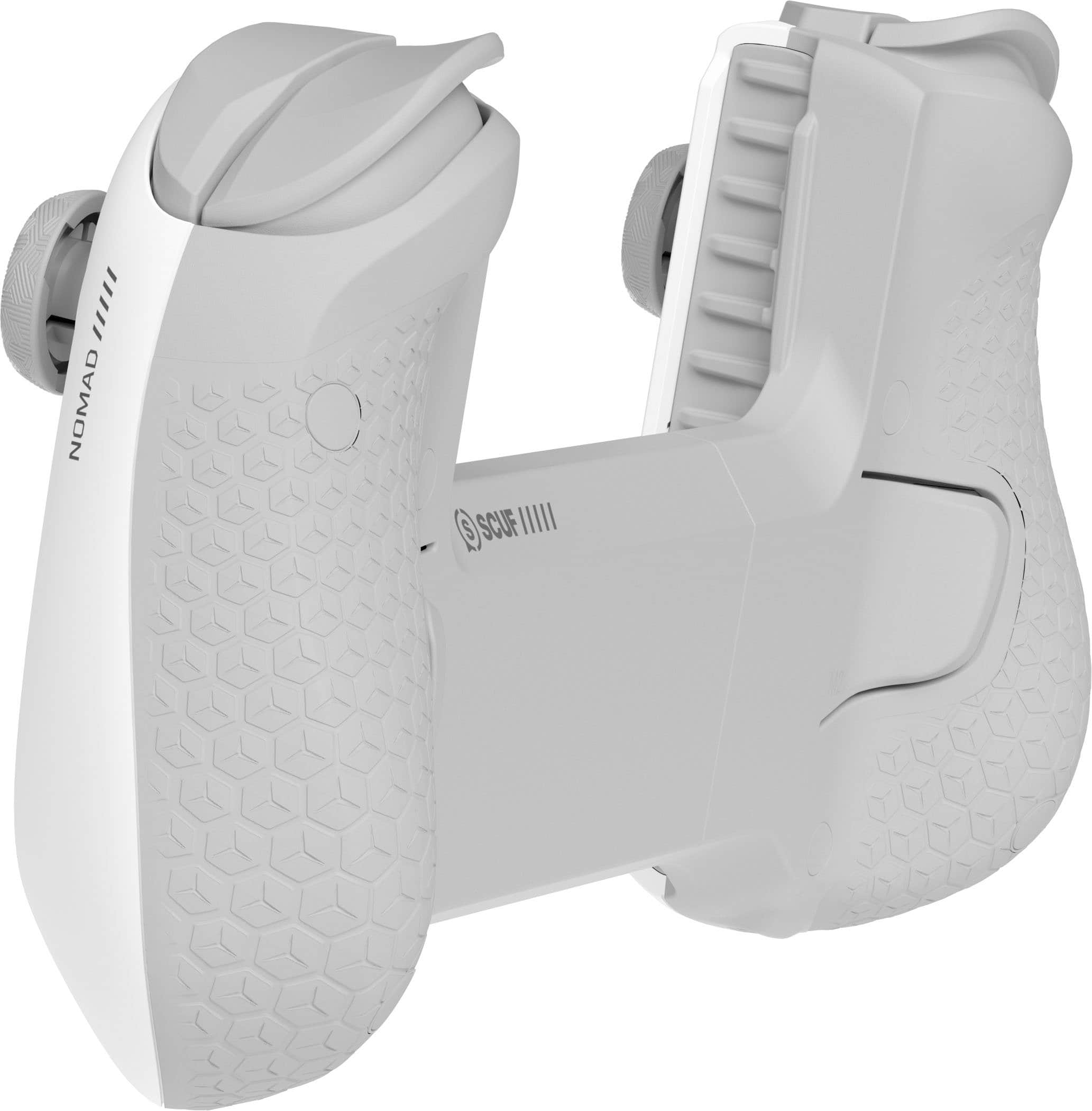
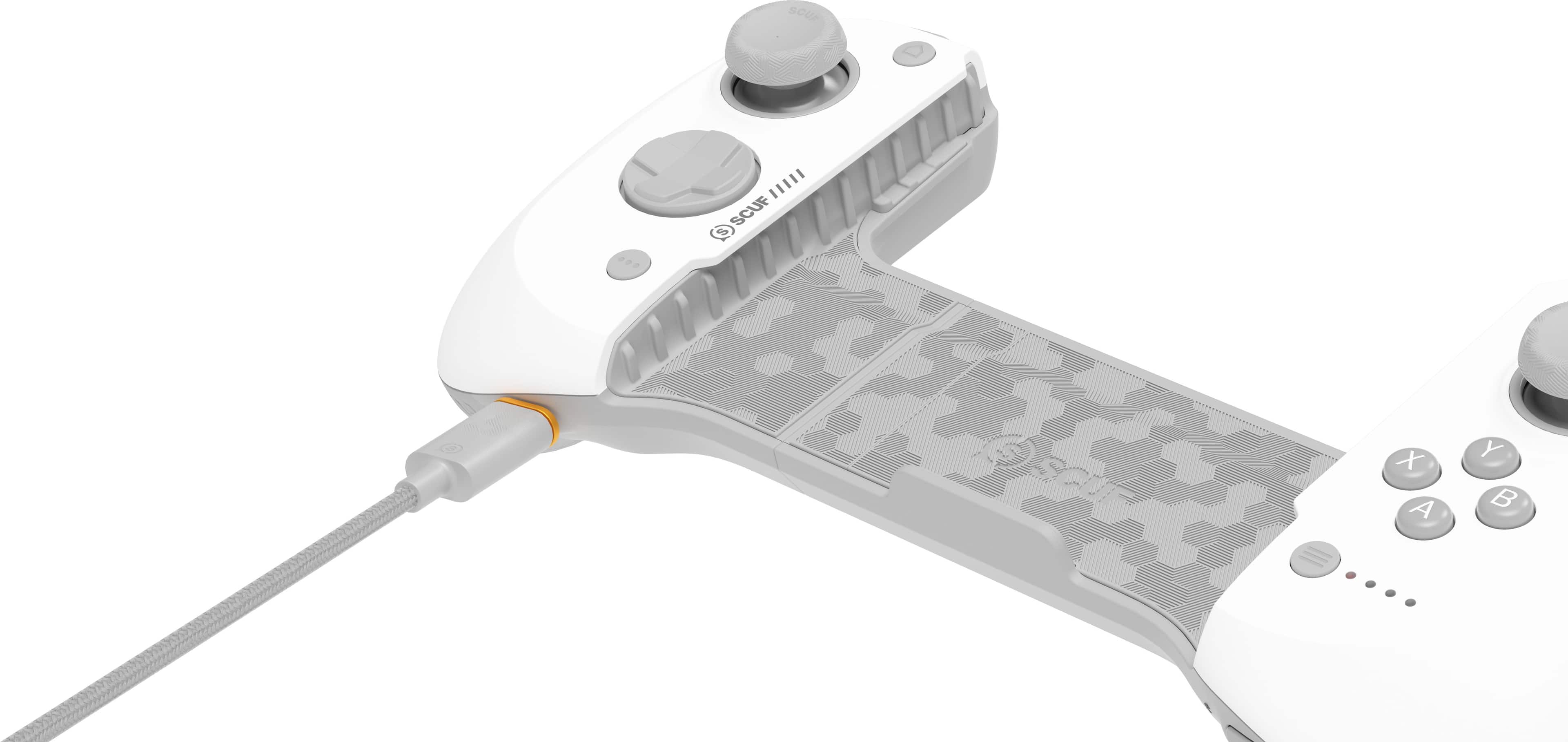
|Posted .This reviewer received promo considerations or sweepstakes entry for writing a review.The SCUF controllers are all known for their rugged, high-quality designs. The build quality on the NOMAD is no exception. The controller has a different layout vs competing phone controller devices, but has a heft and firmness that some of the others don't get close to. One of the standout, yet controversial, features of the NOMAD is its wireless connectivity - The controller works over Bluetooth and requires charging. This is problematic for 3 key reasons: - It has a limited battery life of its own, rather than relying on phone power - The lack of USB-C connectivity means no power-pass-through abilities, thus while gaming with your smartphone, you're depleting the battery without an option to top-up during gameplay - Latency and disconnection that bluetooth/MFI connectivity is known for. I wish I could laud the excellent Hall-Effect thumbsticks, or the excellent clickiness of both the rear shoulder and trigger buttons, as well as the D-Pad and the ABXY buttons - I wish I could celebrate how good my iPhone 15 Pro Max feels in this, even with a thin Otterbox (Symmetry) or Apple case on it. But instead I can barely get this thing to stay connected to my phone for a 15-minute run in Asphalt 8, or ANY time at all in Galaxy On Fire where controller connectivity is critical. I wish I could talk about the awesome SCUF app, but couldn't without lamenting the lack of XBOX Game Pass support natively, when their competitors have this done SO WELL! At the end of the day, software and services could probably fix this thing, and I'll update this review if they ever do, but for now, this goes in the "try it again later drawer". Do not recommend.
No, I would not recommend this to a friendBrand response from Corsair
Posted .Hello,
And thanks for your feedback. I'm certain the product will keep improving in every single way and we'll be here to receive any suggestions at any time!
-Art
- Pros mentioned:Build quality
A useful iPhone / iPad only controller
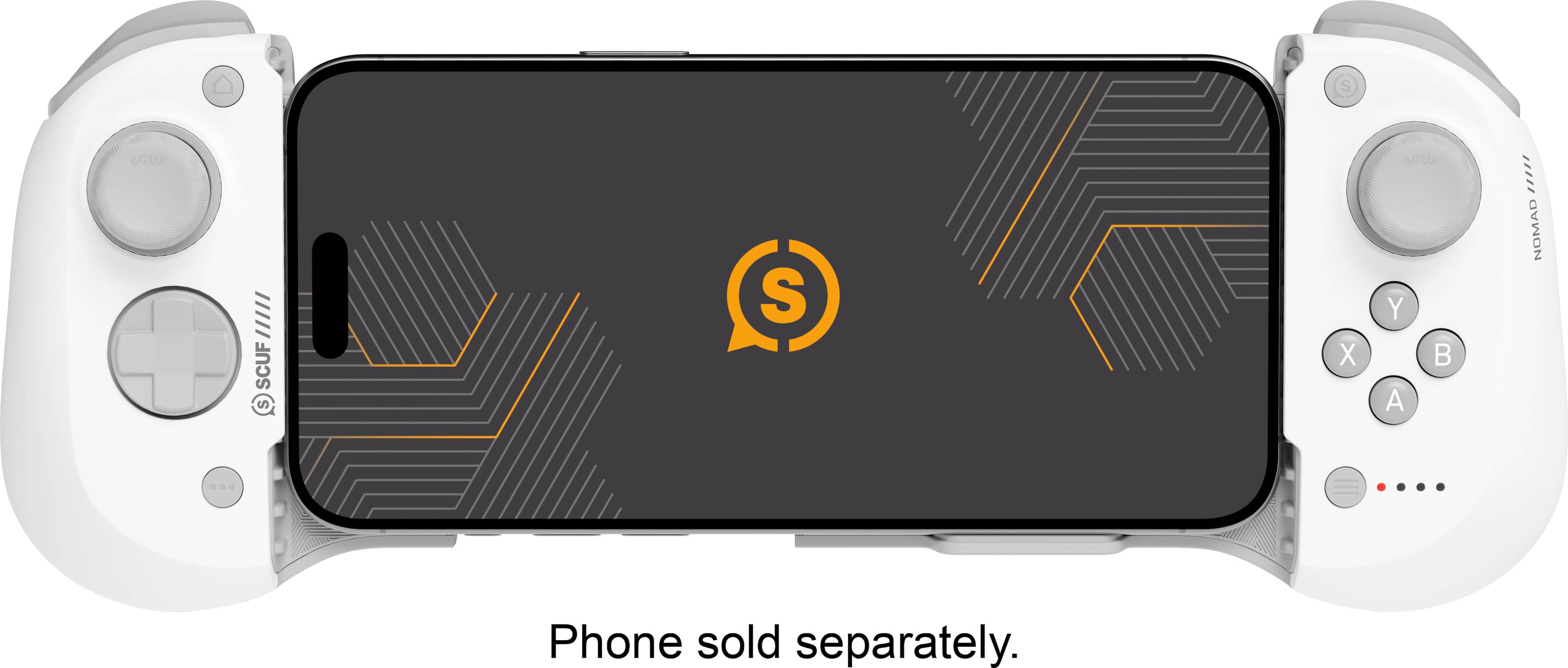
|Posted .This reviewer received promo considerations or sweepstakes entry for writing a review.Like every Scuf controller I've tried, the Nomad has a good feel to it. Nice heft, feels solid in your hands. The thumbsticks are smooth. The face buttons could be a little crisper, but they're not bad. The bottom triggers have a fairly short throw; this isn't helpful for driving games where more fine control on throttle and brakes matter. The Nomad has the same problem most mobile controllers have due to its small size. The d-pad and face buttons are directly below the thumbsticks rather than being diagonally offset. Using the thumbsticks and triggers is fine, but you really need to curl your thumbs in to use the face buttons and d-pad, and it's not comfortable. The alternative is to shift your grip so you're holding the controller higher up in your hands, mostly with your fingers. But with the weight of a phone in the controller, it makes it quite top-heavy and is not easy to hold in this manner. Other than that, it's a fine controller. Whether its worth the $100 to you depends on how much gaming on your phone or tablet matters to you. Though it doesn't say explicitly, this controller is also compatible with an iPad, which is where I mostly use it. Rather than taking it on the go with my phone, I use an iPad as a second screen for Xbox and PlayStation and use this controller for playing remote when the TV is otherwise occupied. Or if you want to play for a few minutes in bed before going to sleep. Biggest limitation is that it only works with iPhone and iPad. It would be really nice if you could also use it with Android or just as a generic Bluetooth controller with computers as well, but it is what it is.
I would recommend this to a friend - Pros mentioned:Battery life
Great controller for your phone
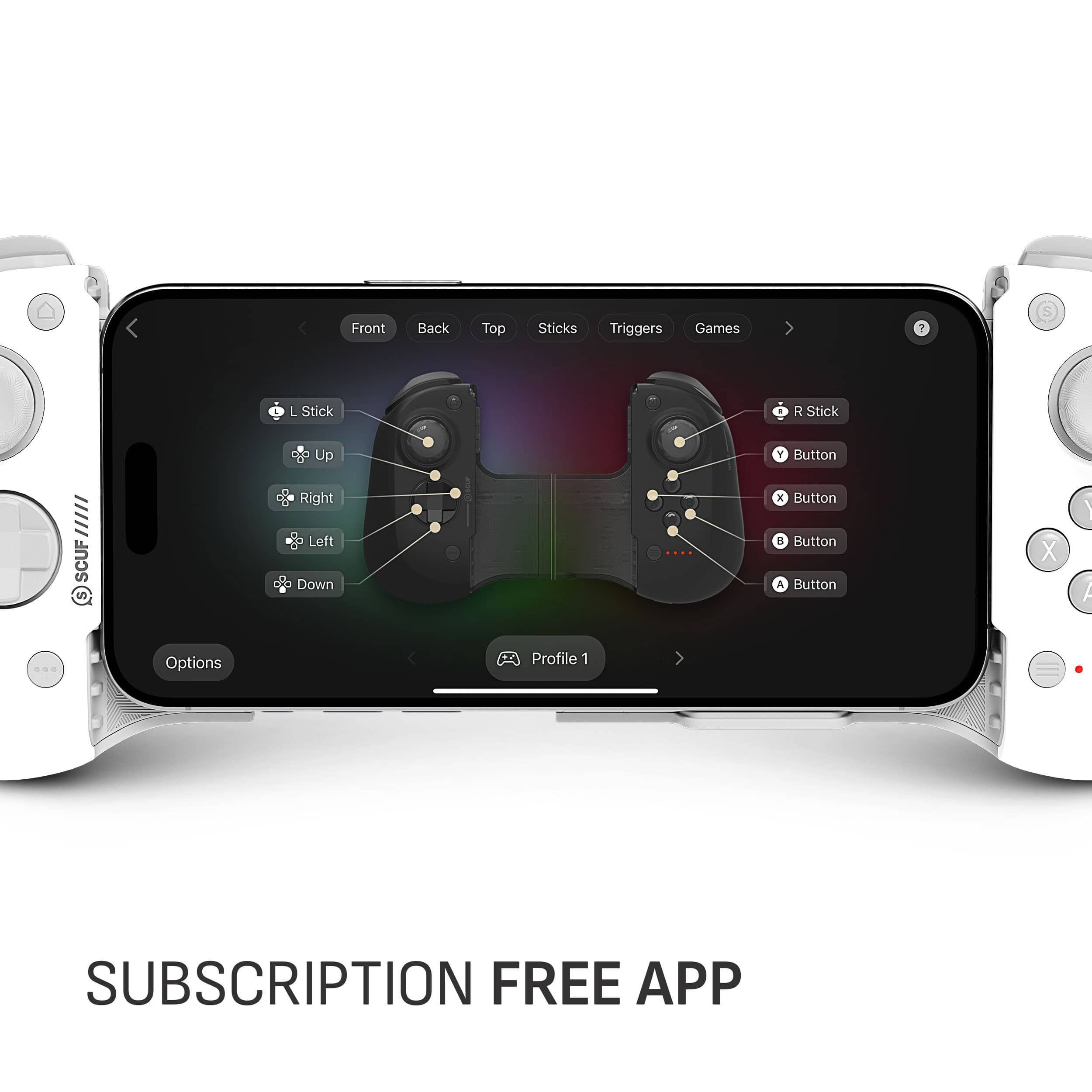
|Posted .This reviewer received promo considerations or sweepstakes entry for writing a review.I have seen other manufacturers make these kind of controllers for a while now like the Backbone one I've seen that has the PlayStation white and buttons. They were nice looking but at the time I didn't have a PlayStation 5 and I rarely game on my phone besides candy crush and games like that. Anyways this controller for your iPhone is great. Also comes with an app that acts like an aggregator of other apps you can use this controller with. No subscriptions or anything for the app. I've tested this with two iOS games StarWars the knights of the old Republic 1 and 2 along with PlayStation remote play with my PS5. Playing with it for like an hour or two I got used to the control layout and it's nice. Responsive. Nice to have the Hall Effect sticks so there shouldn't be an issue with stick drift with the joysticks on these at all. The device also comes with a USB A to Type C to charge it and they say you get about 16 hours of battery life with it. I knocked down a star because I feel like they should of made it compatible with Android phones as well. Weird that it isn't because it's Bluetooth.
I would recommend this to a friend - Pros mentioned:Compatibility
Must have for mobile gamers
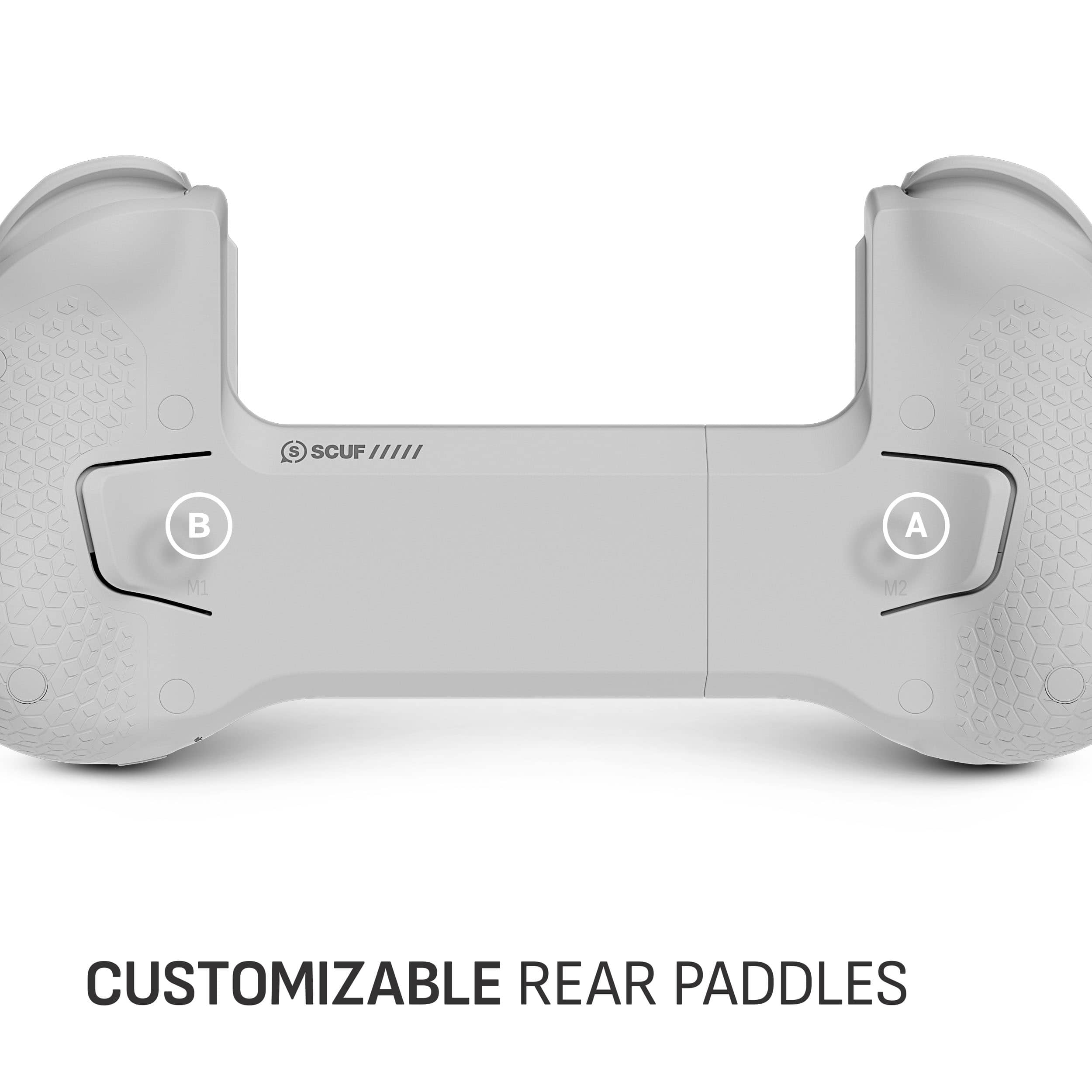
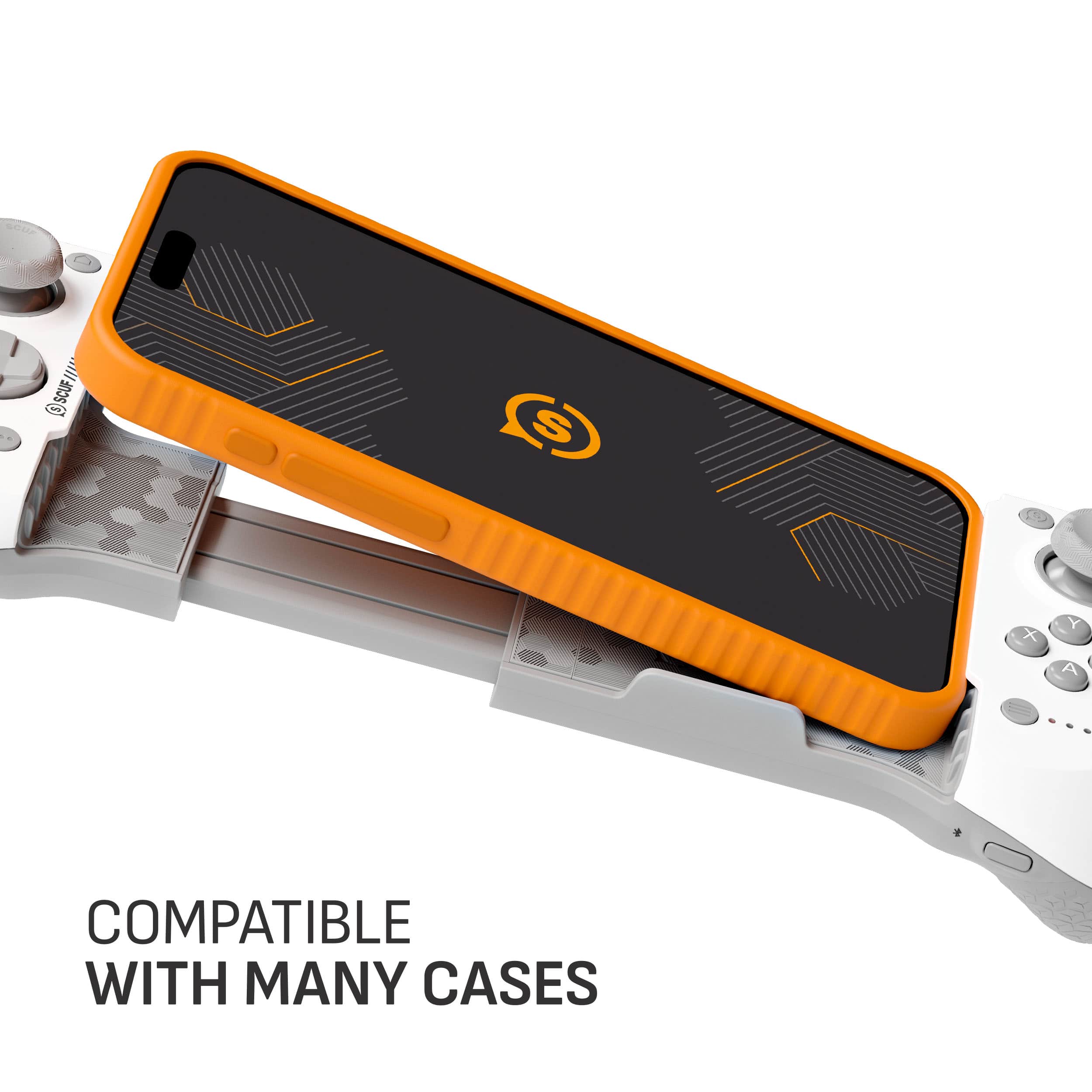
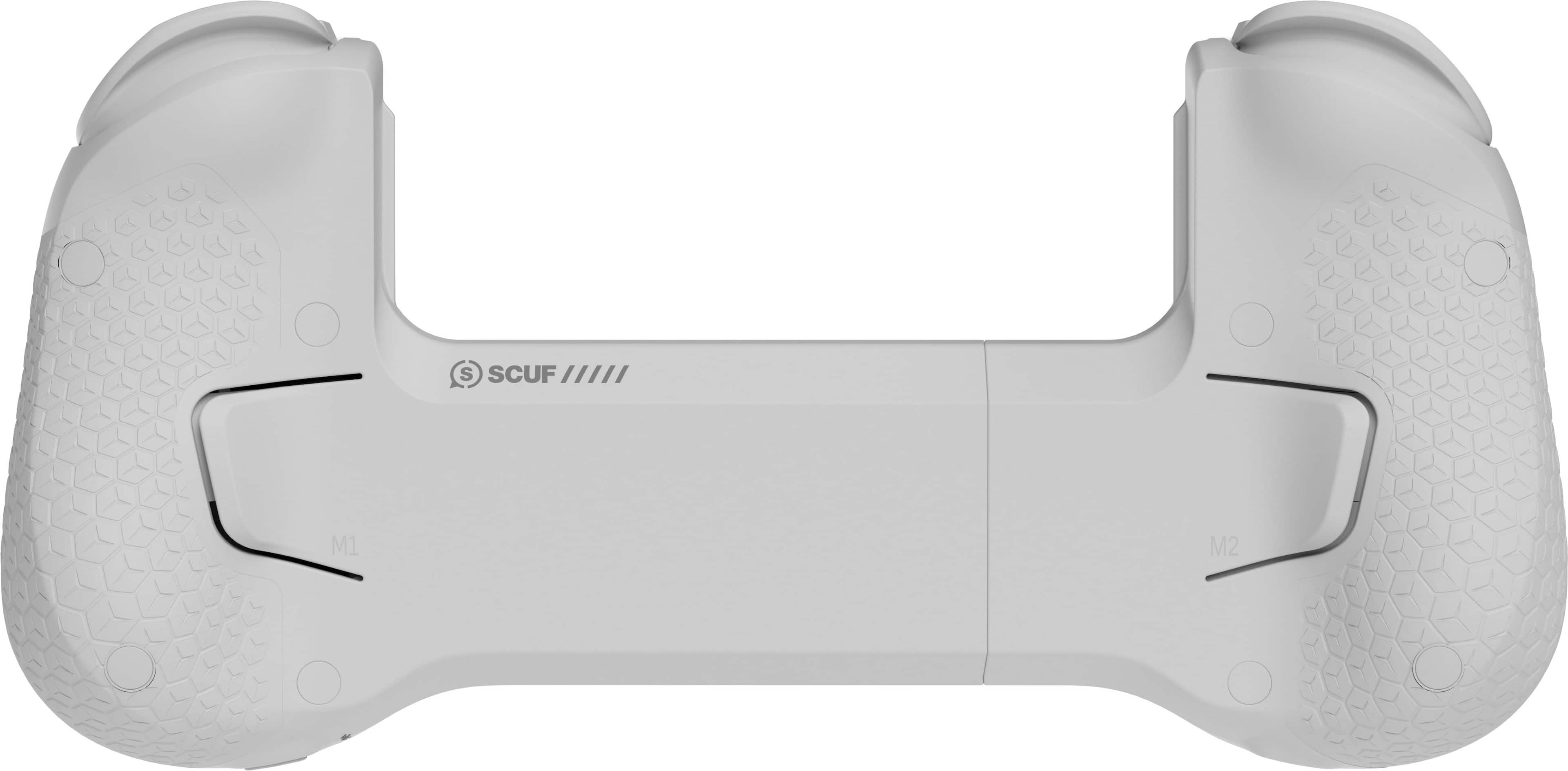
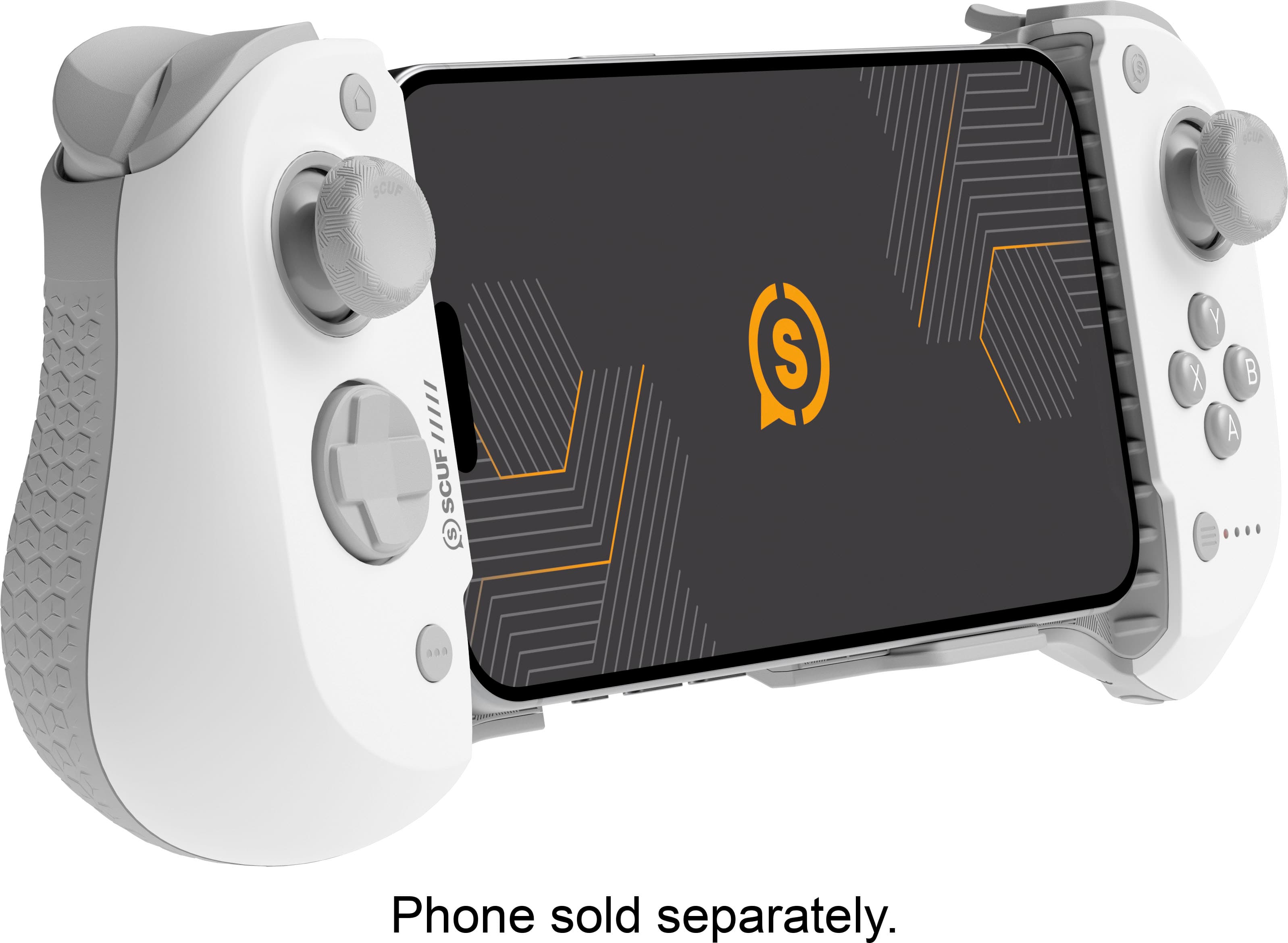
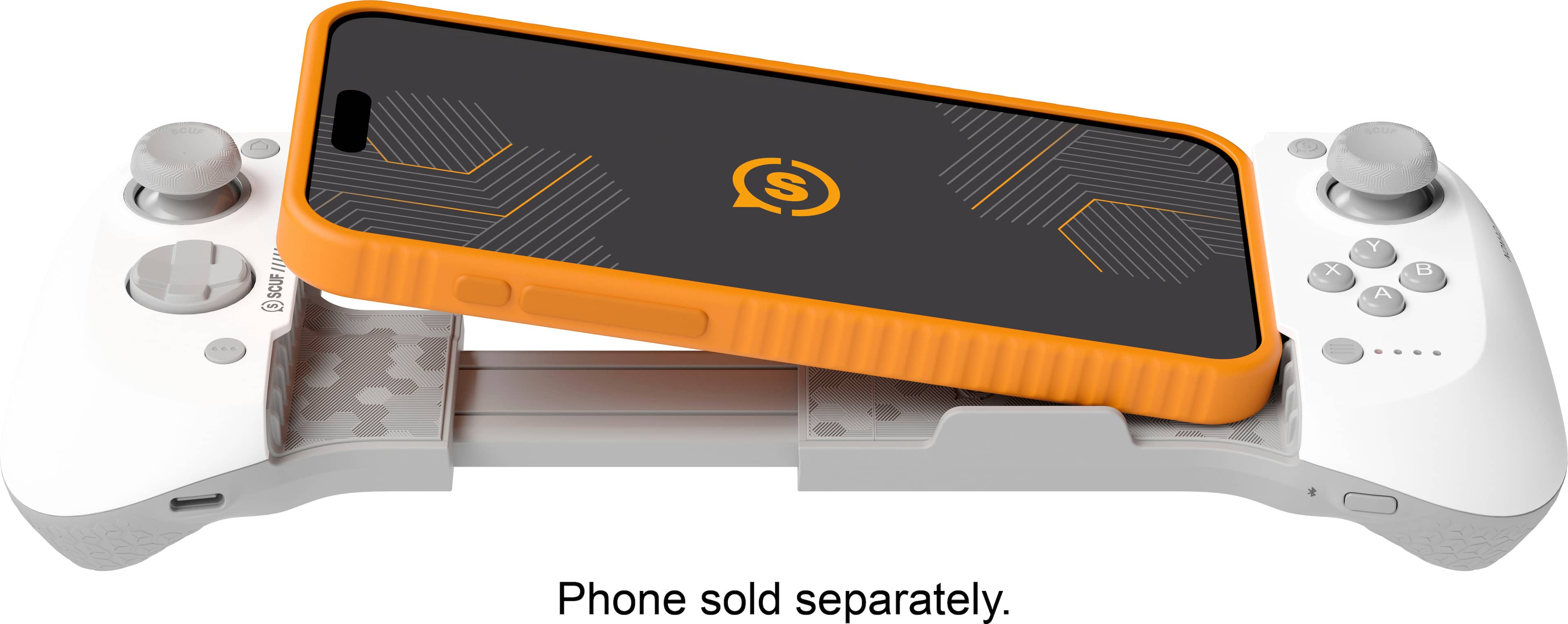
|Posted .This reviewer received promo considerations or sweepstakes entry for writing a review.In the past couple of years, mobile gaming has come a long way. Mobile phones can run graphic intensive games and I would even go as far as calling it the modern day “Gameboy.” The one issue with gaming on a phone is the lack of a physical controller. A few manufacturers have made mobile controllers that attach to your phone, but frankly they have not been that great. The SCUF Nomad gaming controller is here to improve the mobile gaming market and offer pro controls. The design of this controller is far superior to anything else on the market. I have to start this off by discussing my all-time favorite thing about it. That is, it works with the iPhone 15 Pro Max in a case. I have tried out tons of iPhone accessories in the past and they make you remove your phone from the case. With the price of iPhones and the all-glass design, I prefer to keep it inside of a case. If you have one of the smaller iPhones, it also has a rubber piece that can be added so that it fits correctly. Another thing this controller has is paddles on the back of the controller. This is a premium feature and makes playing first-person shooters much more enjoyable. The A,B,X,Y buttons are smaller than I would like but since it has the paddles makes up for it in most cases. It charges via USB-C, with the newest iPhones, which means one less charger. The app is one of the things that makes this controller unique. It does not cost money to download or use. Inside of the app it will suggest games that you can download and play. A couple that I have been playing are Call of Duty mobile and Asphalt 9 but the number of games are endless. The app also lets you set up different controller maps for each game. This level of customizability is amazing. If you are a PlayStation player, you can download the remote play app and have your entire PS5 at your fingertips. One of my favorite games to play is the latest Call of Duty. I was able to log into my PS5 on remote play and using the SCUF controller on my phone made it feel like I was using an actual controller all well laying in bed. The SCUF Nomad brings mobile gaming to the next level. I wish they would have made this controller sooner. This controller is perfect for anyone who likes to game on the go. Whether you are out an about, commuting, on an airplane, or just at home in bed, this controller will bring your mobile gaming to the next level.
I would recommend this to a friend - Pros mentioned:Build quality
Great hardware controller - software needs work
|Posted .This reviewer received promo considerations or sweepstakes entry for writing a review.Corsair KNOWS gaming hardware and you can tell the moment you take this controller out of the package that it's a solid piece of kit. It's not heavy, but has a solid feel to it and you can tell that it's well-built out of quality materials. The sliding action is smooth and the spring is strong enough to keep your device in place without worry that it will get crushed. I have the iPhone 15 Pro with an Otterbox Defender case and this is the first of this type of controller that fits with the case on! (I probably will end up taking the case off through as the case is very slippery on the ends and even with the rubbery grips on the controller, it does tend to slip out.) Charging and pairing the controller (it's Bluetooth after all) is easy and I was prompted to download the SCUF softrware (more on that in a bit) and off I went. The controller feels great in the hand, including the normal buttons, D-Pad, analog sticks and triggers and I was soon seeing my typical performance in games that I would see with a standard controller on a full-sized gaming platform! All in something I can easily throw in my bag for gaming on the go since I already have my phone everywhere I go. Mapping buttons was quite easy and I was able to get the controller to work with every game I tried (it does show up as a SCUF controller, so not sure if it would work with the few games that require Xbox or PS controllers as I don't play those games much). Really, the only weak point is the software. While it does allow nice build of controller profiles per game, it only lets you add games from it's "recommended" list which is pretty narrow and from it's cloud services list which is even narrower. Why can't I add ANY game/app on my phone? That would seem to be a standard thing that should be there. Also, the "SCUF" button on the controller is supposed to bring up the software in game and then take you back when pressed twice, but for the games I tried, it brought up the software but didn't take me back. But, I have hopes that the software can be fixed with updates, and this is still GREAT hardware regardless of that. So there you have it - a GREAT controller (the best I've used in the "expandable" controller genre - and I've most of the big names) that needs some software work. I can still highly recommend the controller - if you like to game on your phone (in games that a controller could help on) put this on your list to check out!
I would recommend this to a friend - Pros mentioned:Compatibility
The Best iPhone Controller I've had
|Posted .This reviewer received promo considerations or sweepstakes entry for writing a review.This truly turns my iPhone into a portable gaming console. I've had a similar controler from another brand but this SCUBA one beats it hands down. Not only is it more responsive which makes it ideal for more demanding games that require real-time interaction but it also has all the controls you'd usually need for almost any type of game. At least the type you would find available at Apple app store. And it's more comfortable too. Two other things grabbed my attention to make this the best controller of the type in my opinion. The first is that you can program the buttons to suit your gaming needs. That's not a common feature but it is a very welcome one. The second and probably one of the best features simply because a lot of accessory makers ignore this need is that it works nicely with all my iPhone cases. Granted, none is too thick, but it still doesn't force me to remove a case just to play a game. I find myself playing games on my phone a lot more with this controller than with my previous one. Just because I don't have to worry about removing the case. I wish it was perfect, but it does have its cons. The main one is and the only one important to me is that I don't like the placement of the joystick that much. Probably because I'm more used to Playstation and other similar controllers and have looked at those as "standard". But it's not that bad and I can get used to it.
I would recommend this to a friend MagSafe would have been genius!
Posted .This reviewer received promo considerations or sweepstakes entry for writing a review.The biggest issue I have is no pass through charging! If they would have added MagSafe as the pass through charging option it would have been truly epic! So one star gone for that! The other thing that confirms it’s not a 5 star for me is the weird bumper for iPhone 15 Pros. Using a smaller phone and having to use that weird bumper thing that can be lost is a weird design decision. I feel like they could have thought of something else. That’s all my gripes. Using it on Vampire Survivor is great! COD Mobile, ZZZ, Genshin, etc. all great experiences to cure boredom. I’ll admit it’s a behind closed doors use for me but when I do it’s great. I’m not a use it in public type of guy.
I would recommend this to a friendUse with a case!
Posted .This reviewer received promo considerations or sweepstakes entry for writing a review.The thing to buy if you want to use a case. Works without perceptible latency.
I would recommend this to a friend