Customer Ratings & Reviews
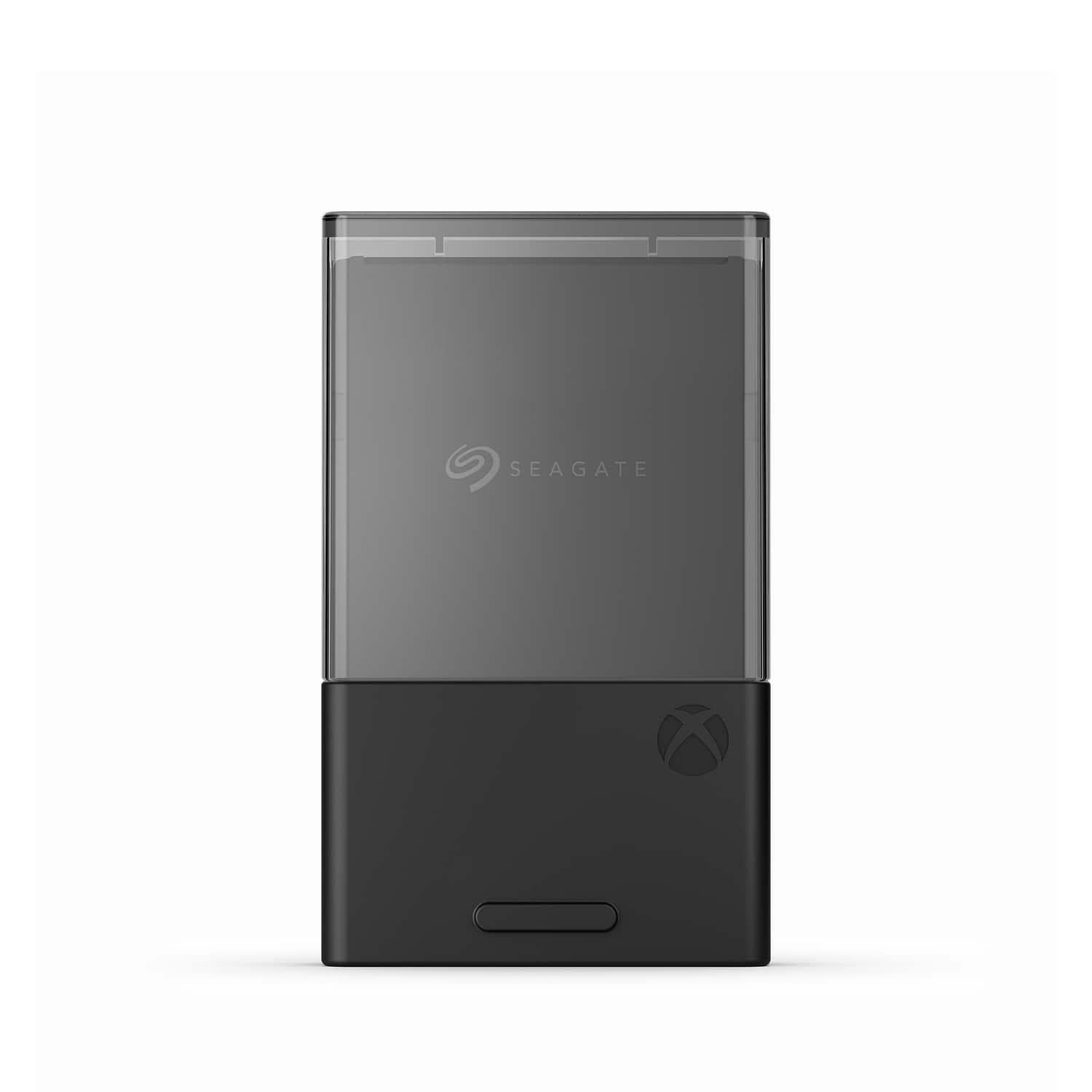
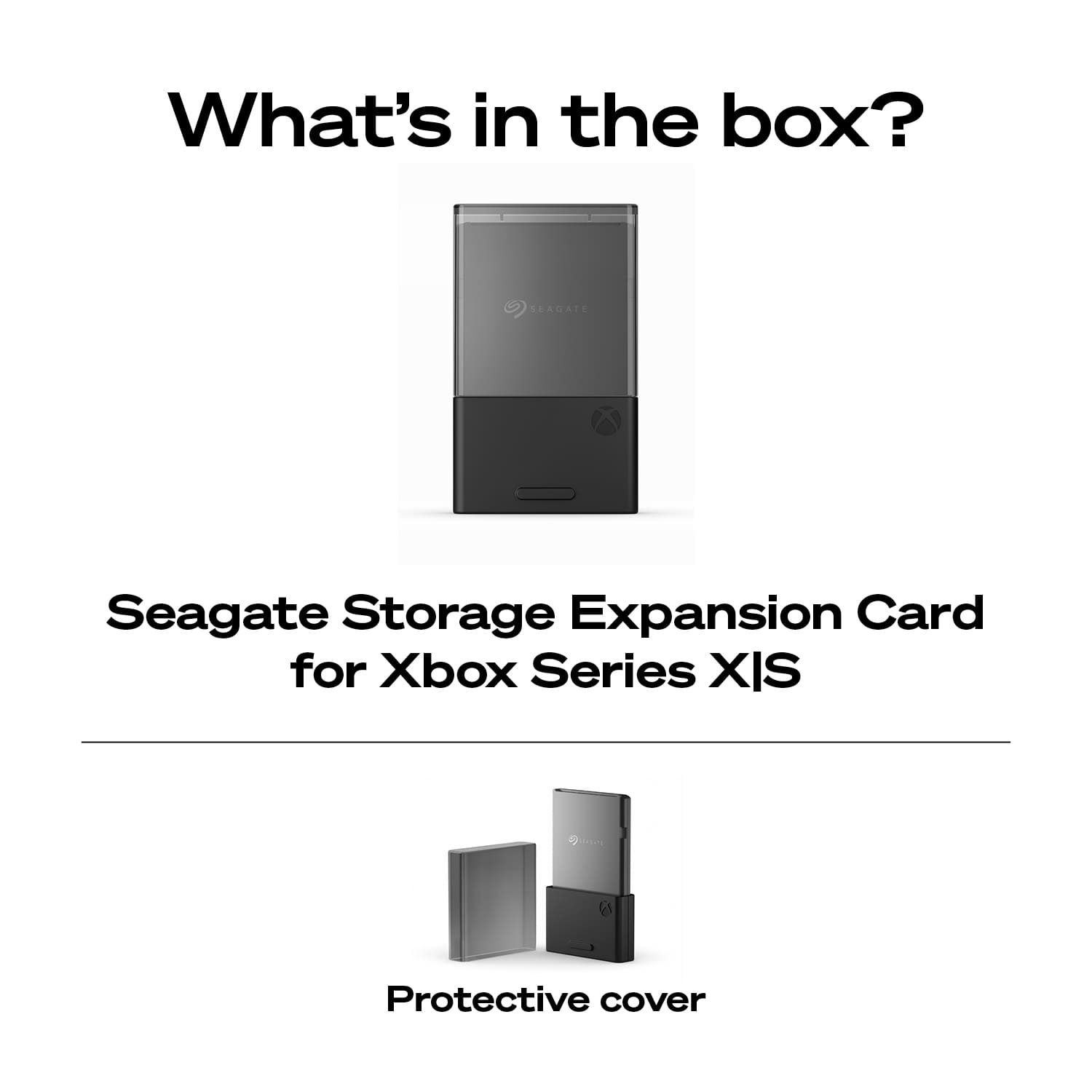
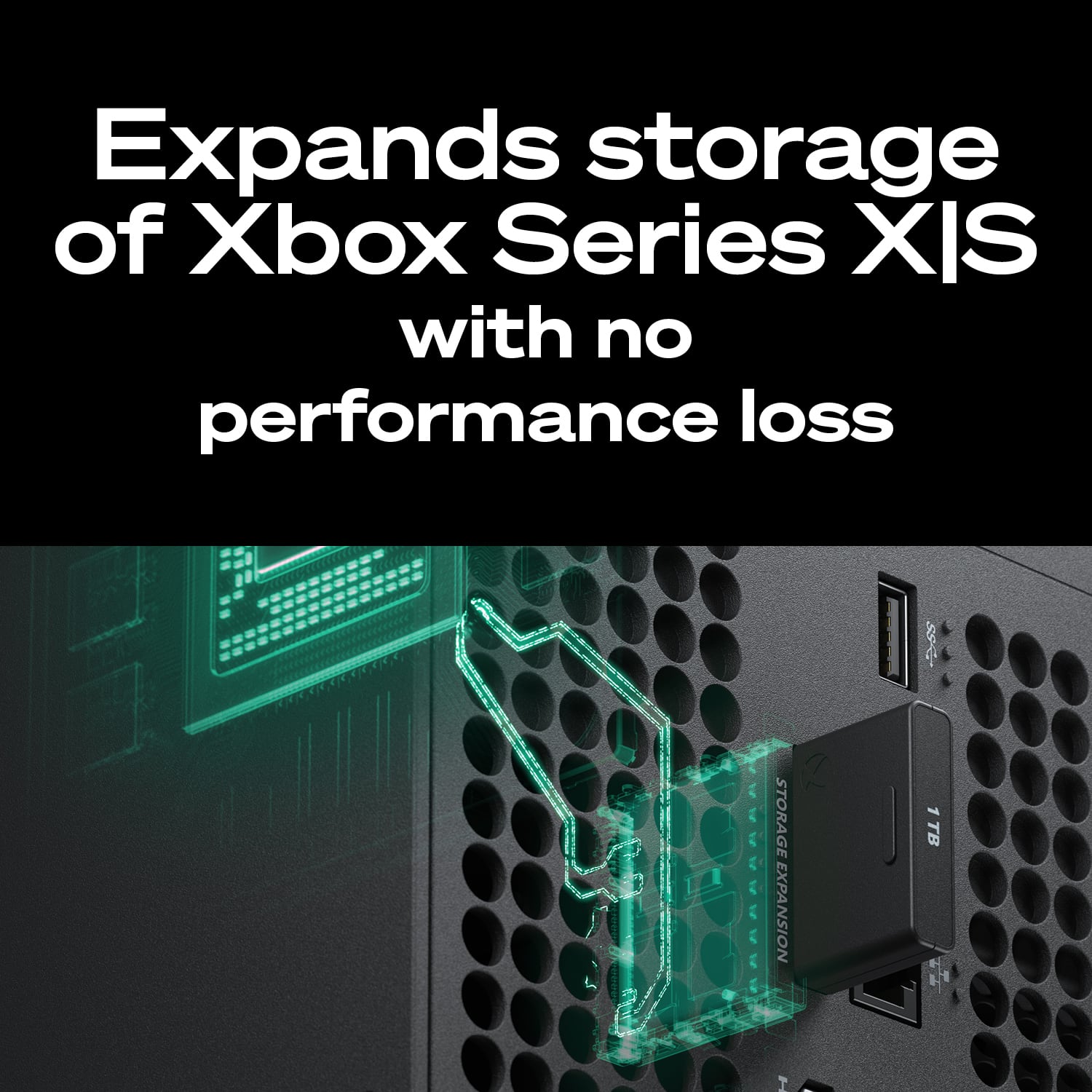
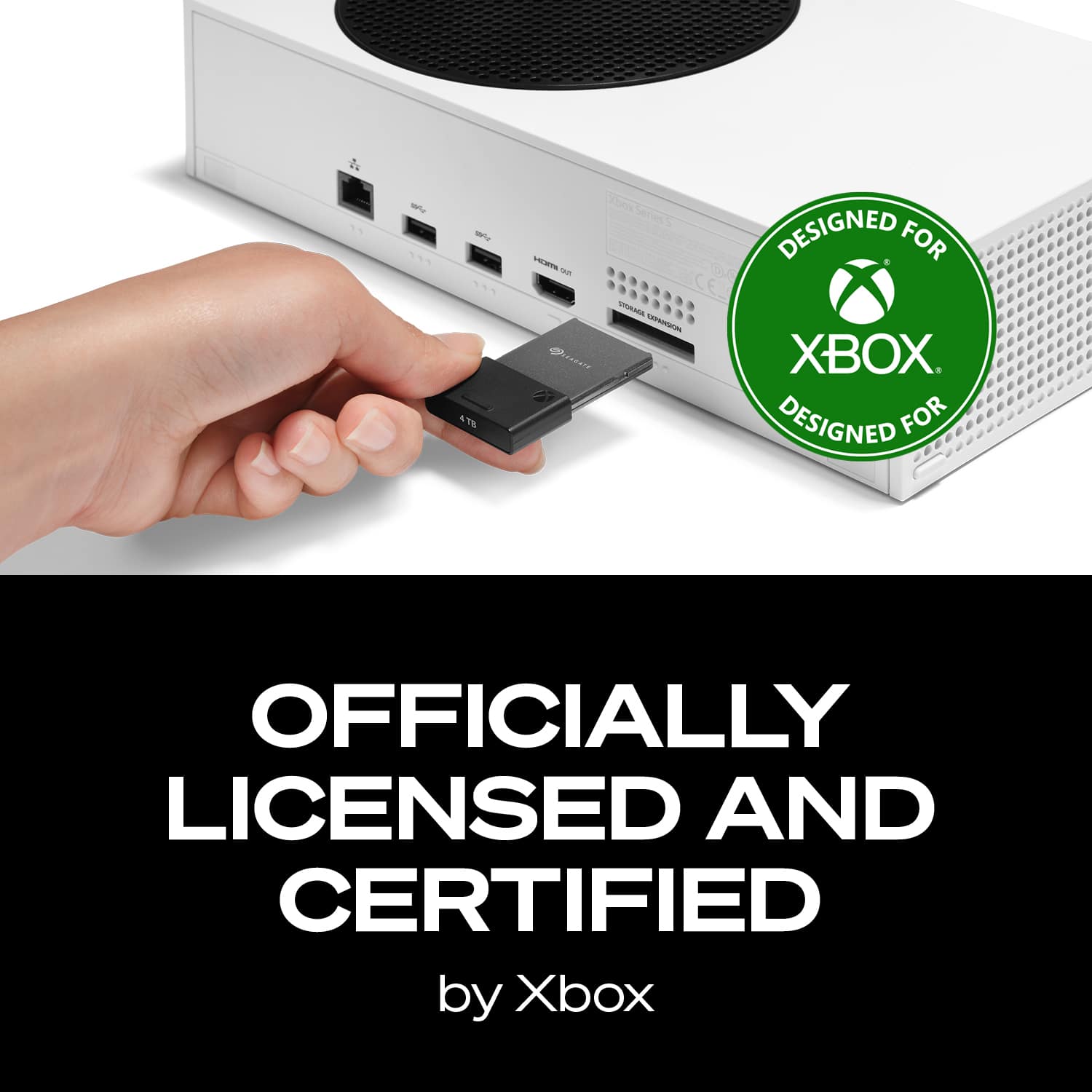
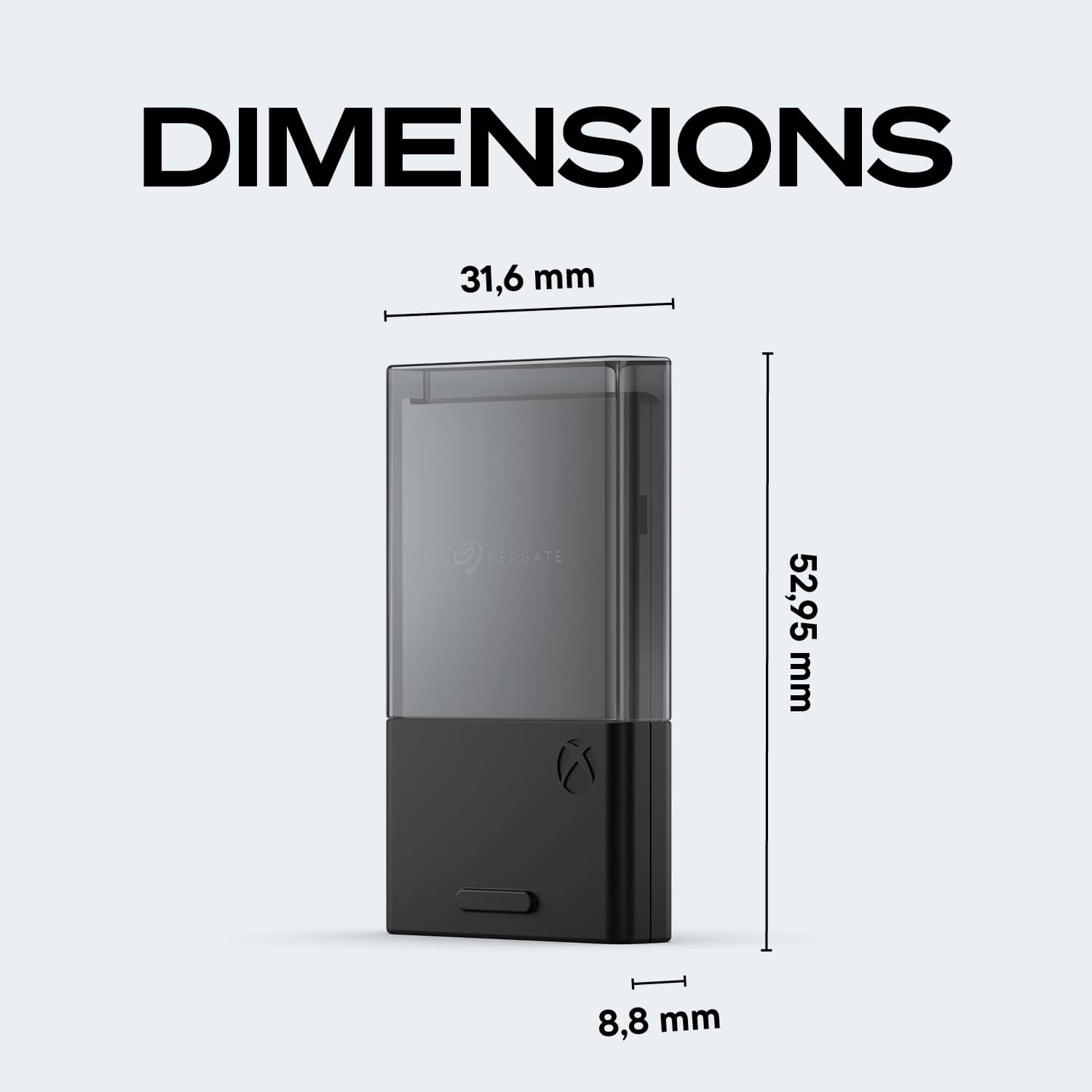
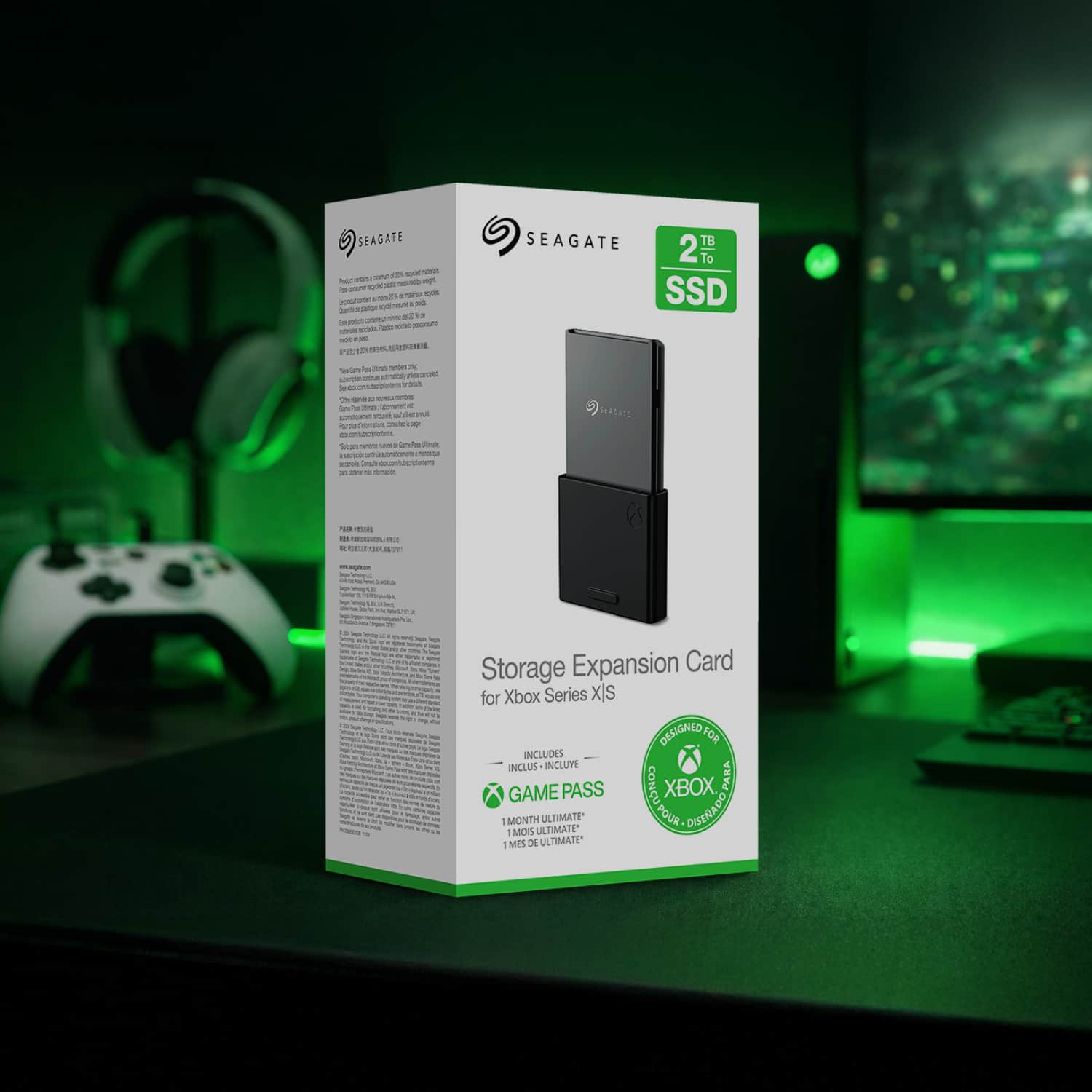
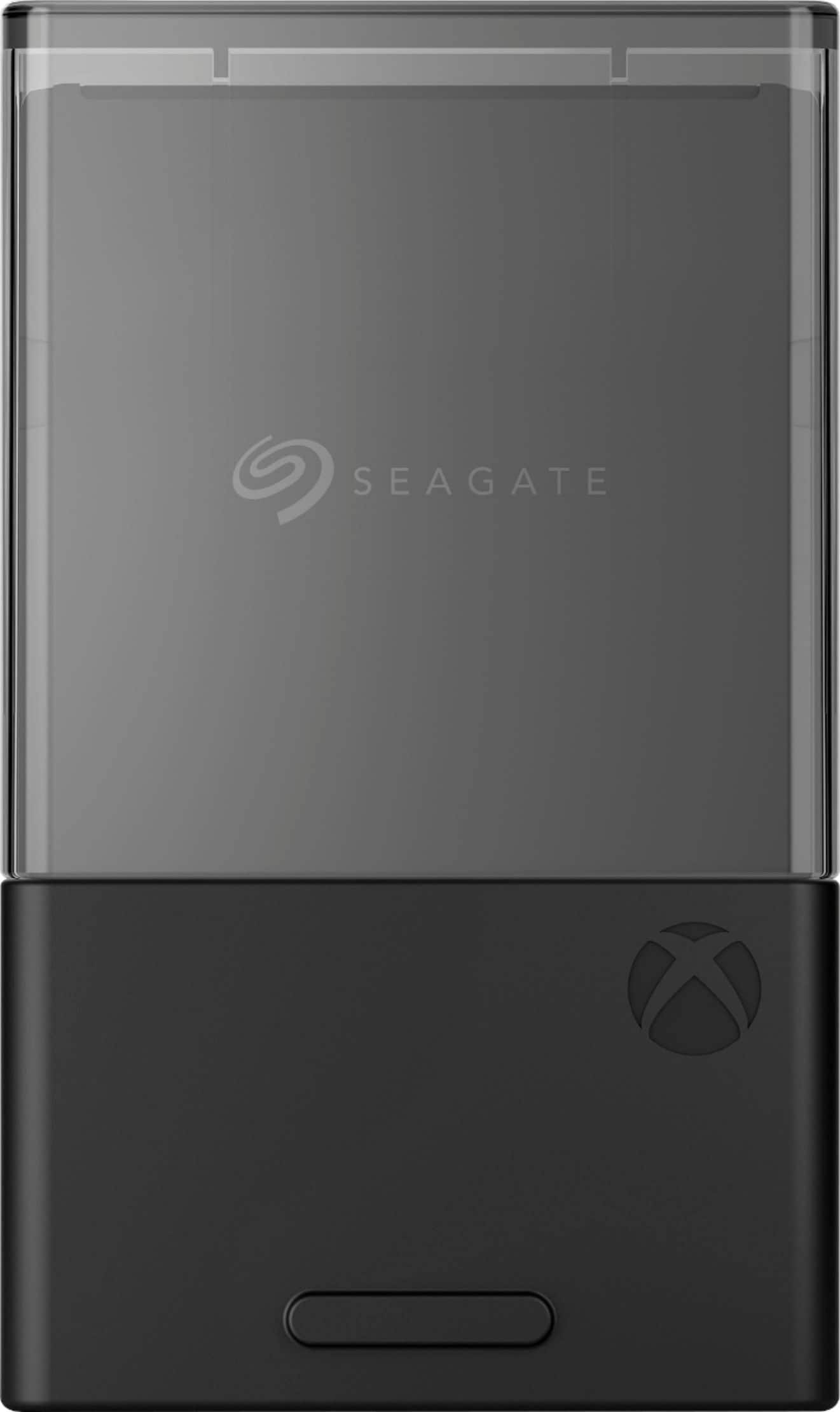
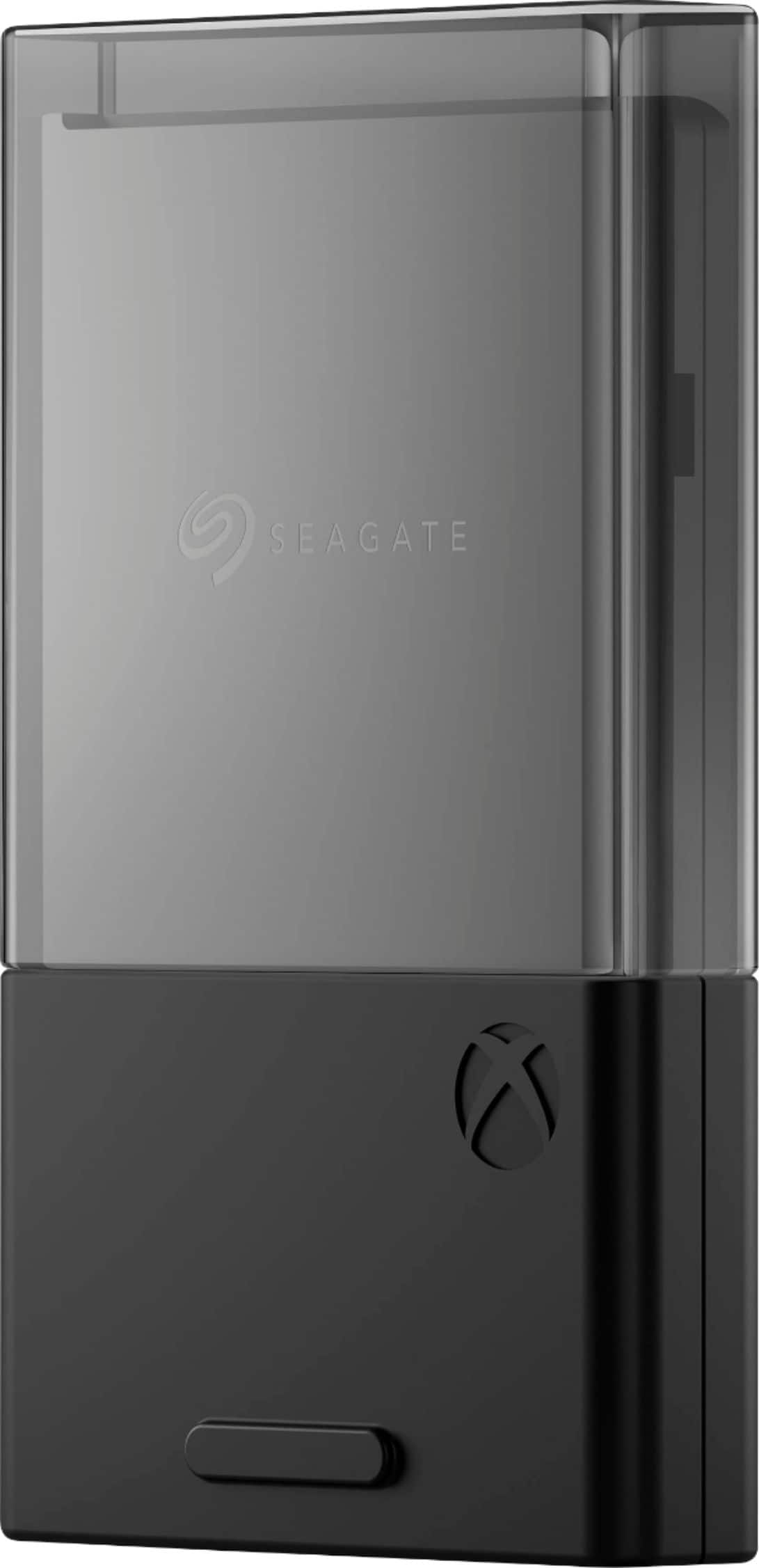
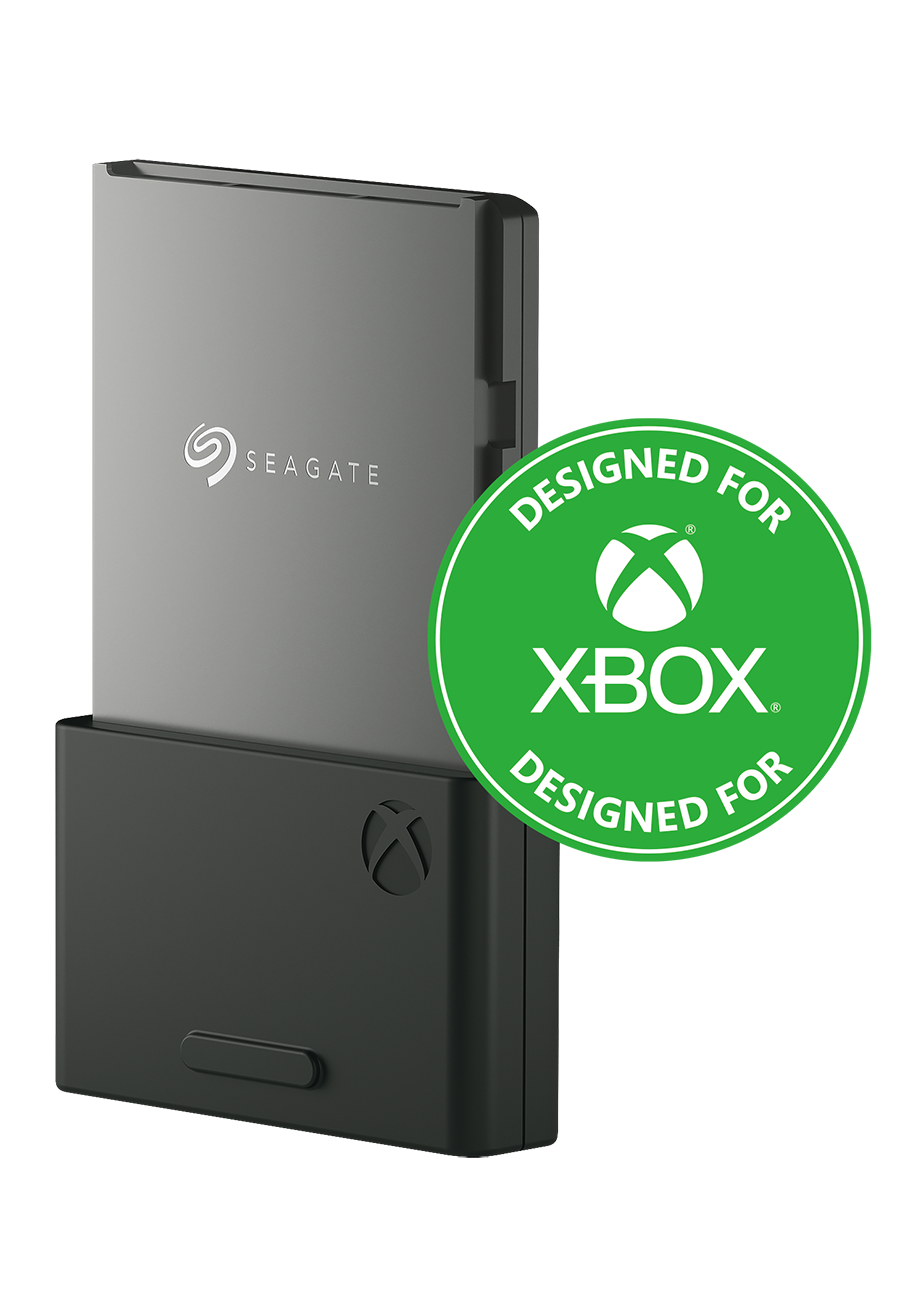
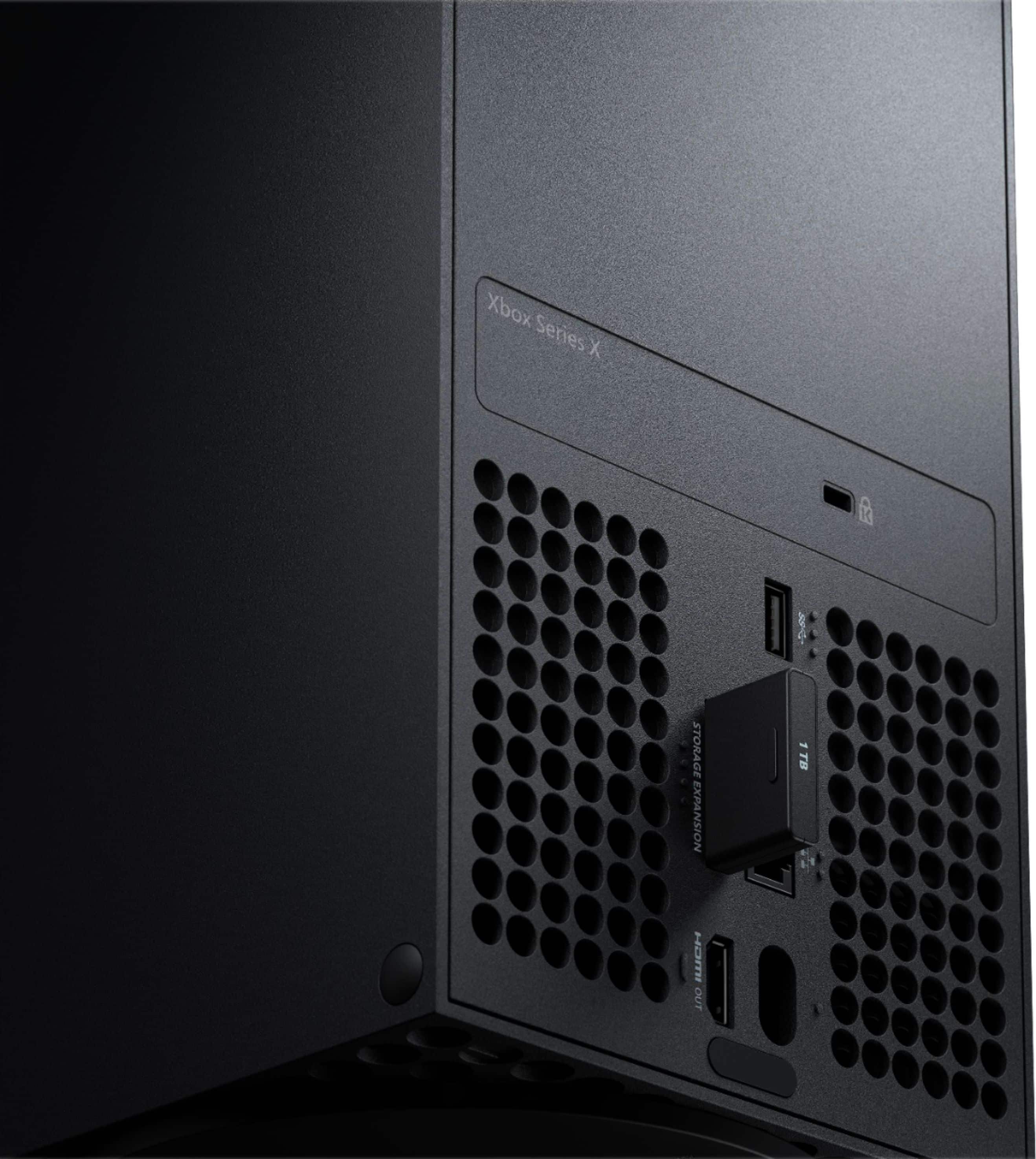
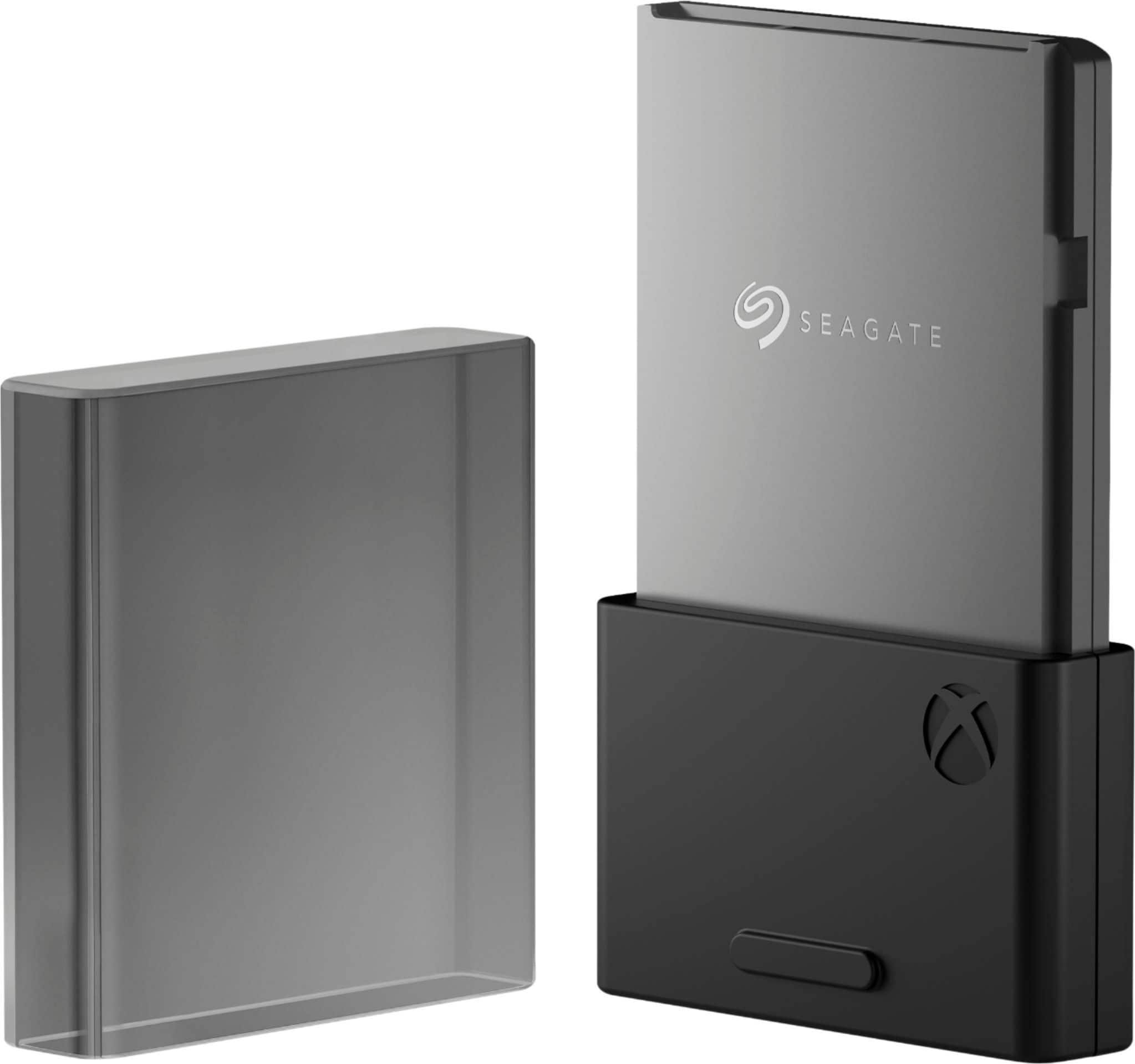
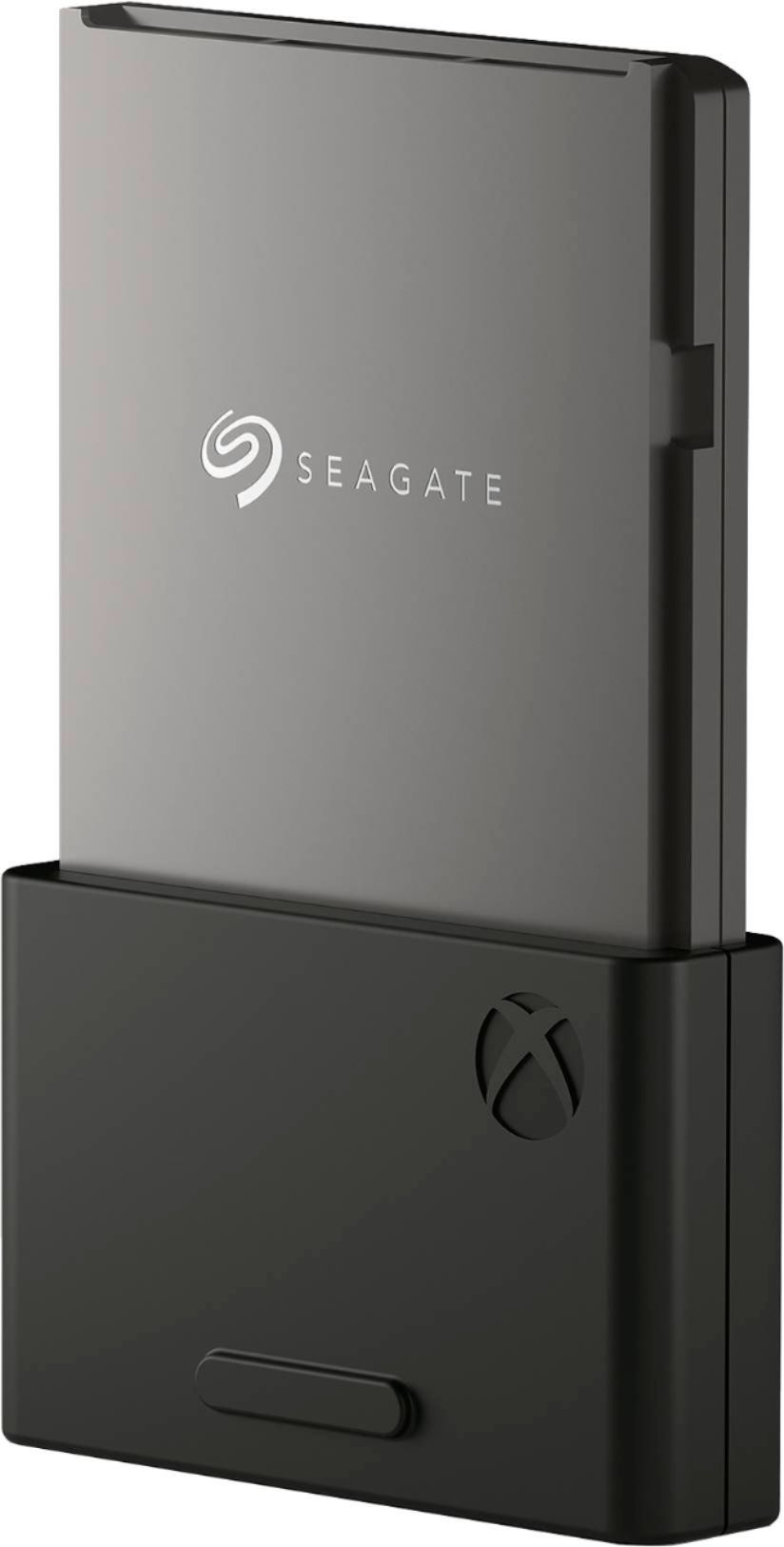

- Model:
- STJR1000400
- |
- SKU:
- 6425015
Customer reviews
Rating 4.8 out of 5 stars with 4902 reviews
(4,902 customer reviews)Rating by feature
- Value4.2
Rating 4.2 out of 5 stars
- Quality4.9
Rating 4.9 out of 5 stars
- Ease of Use4.9
Rating 4.9 out of 5 stars
Customers are saying
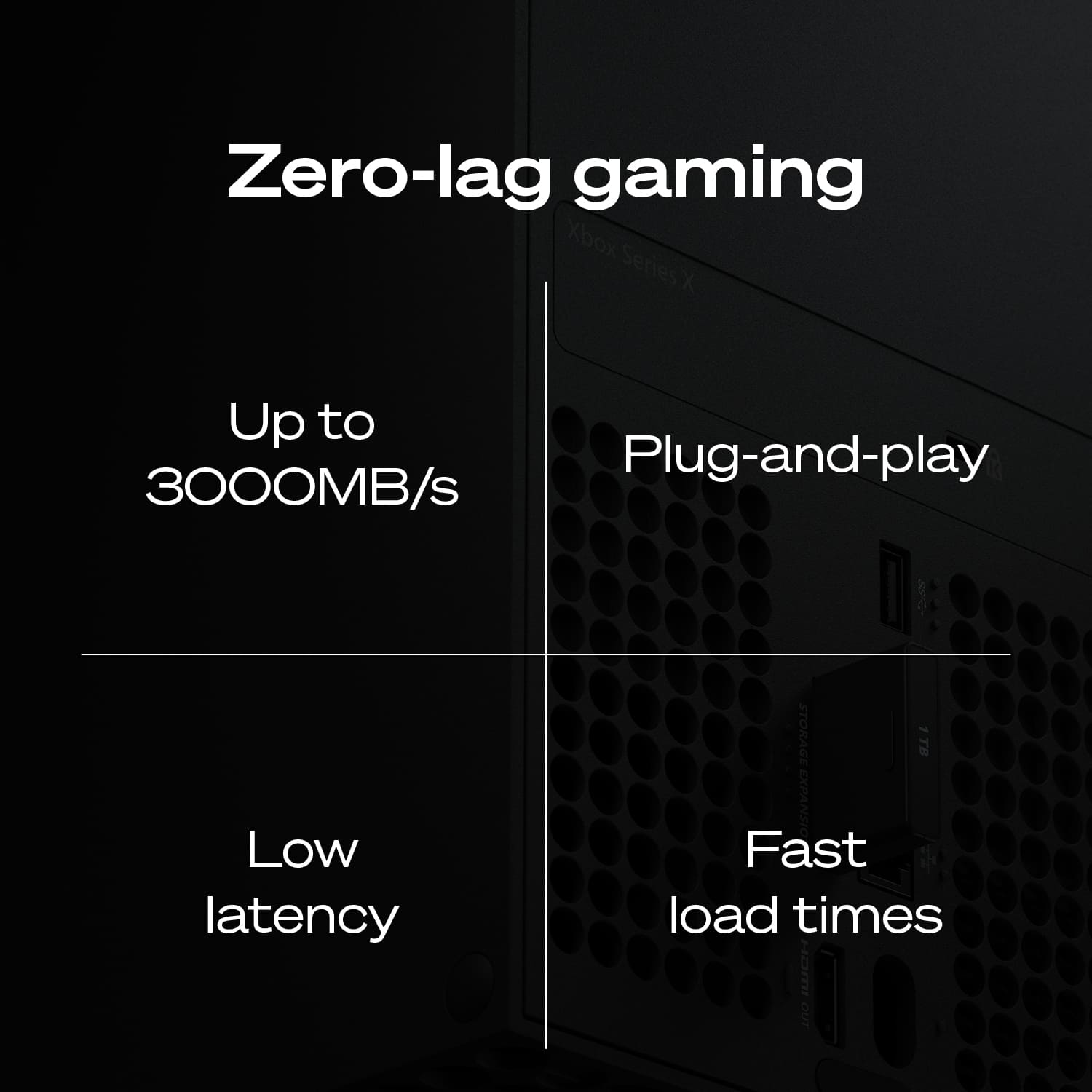
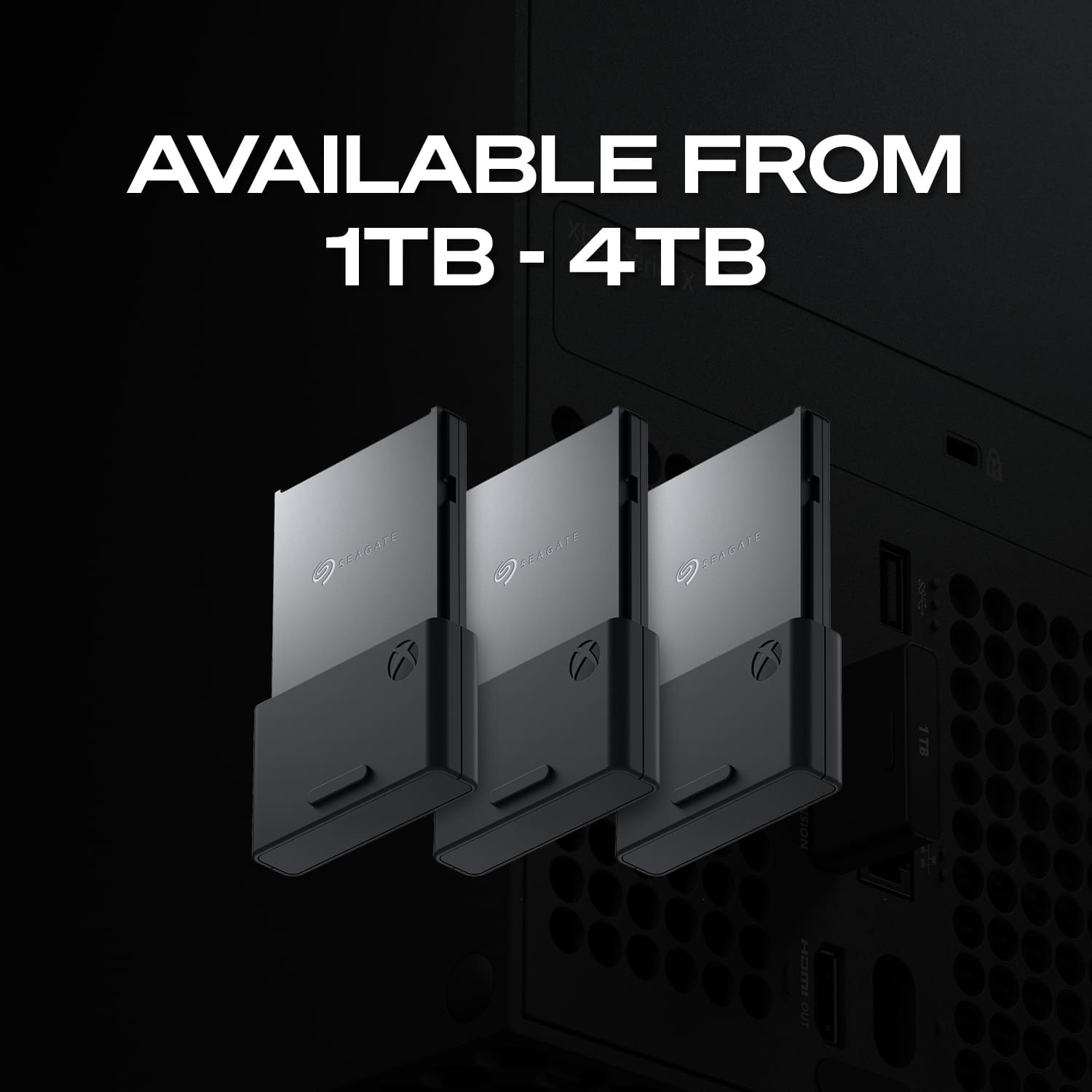
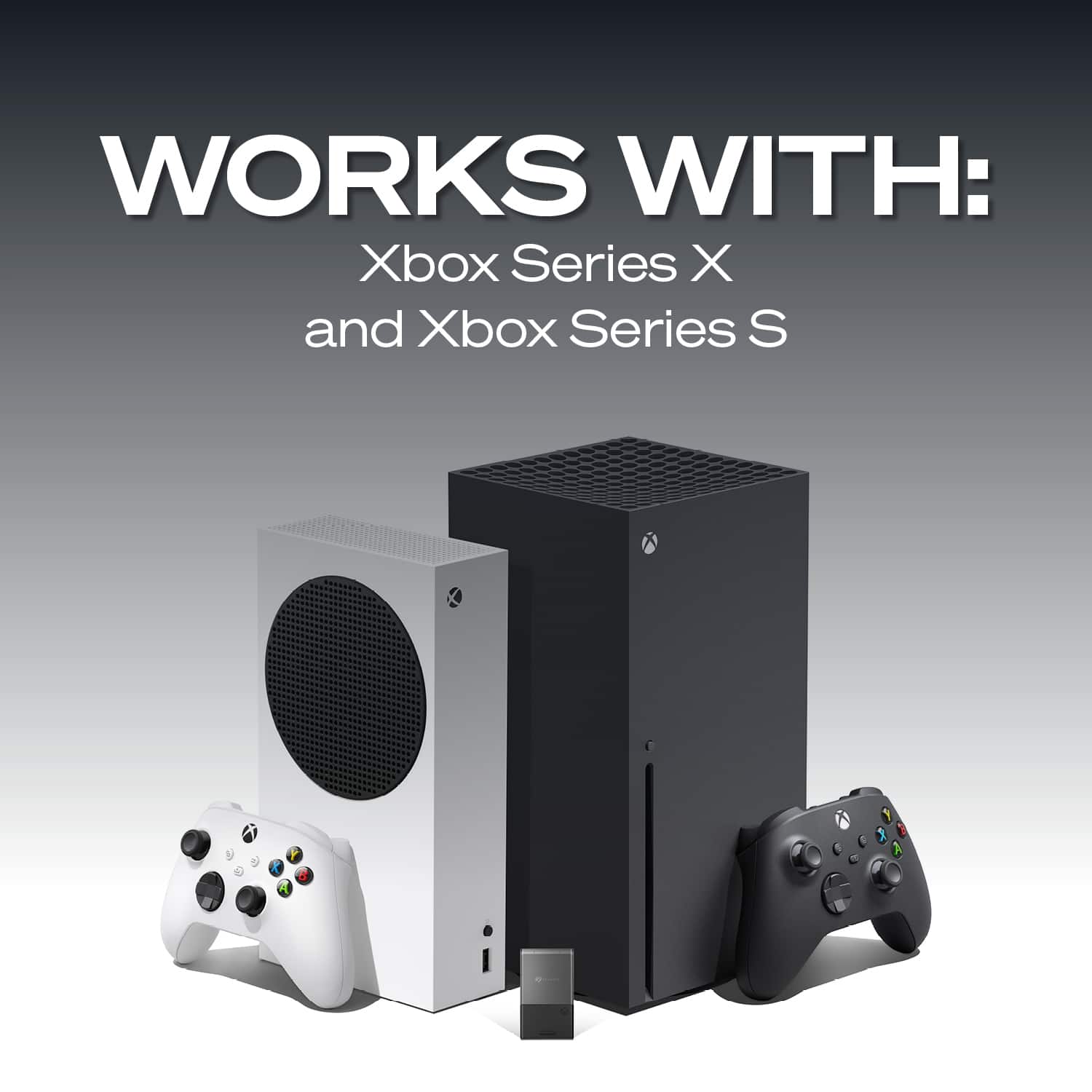
Customers are impressed with the storage, ease of use, and speed of the 1TB Storage Expansion Card for Xbox Series X|S NVMe SSD. Many appreciate the performance, easy installation, compact size, and compatibility with their consoles. The primary concern for most customers is the price of the product. Some customers have also noted concerns about heat and load times.
This summary was generated by AI based on customer reviews.
- Pros mentioned:Ease of useCons mentioned:Price
Rated 5 out of 5 stars
Mem card at next gen speeds
||Posted . Owned for 3 weeks when reviewed.This reviewer received promo considerations or sweepstakes entry for writing a review.Does what its supposed to do. Actually the only thing to compare it to is internal memory of the Series X and transferring data back and forth between them is noticeably faster than transferring between an external SSD or HDD. Easy peasy install as well. Only con is the price, but I can only imagine a 2tb one costing around 400.
I would recommend this to a friend - Pros mentioned:Speed, Storage
Rated 5 out of 5 stars
Fantastic storage
||Posted . Owned for 3 weeks when reviewed.This reviewer received promo considerations or sweepstakes entry for writing a review.Good amount of storage. I personally play a lot of games that take up a lot of storage, so having the additional ssd helps a lot. No issues at all with downloads and everything runs smoothly.
I would recommend this to a friend - Pros mentioned:SpeedCons mentioned:Price
Rated 5 out of 5 stars
Must have!
||Posted .This reviewer received promo considerations or sweepstakes entry for writing a review.Love it, a must have if you play multiple games, especially multiplayer games like call of duty and other major series like forza. Just make sure you have it inserted or it won’t read lol It loads games super quick, as are transfers between the and the internal drive Do wish it was a bit cheaper, but I understand it’s new, fast, and ease
I would recommend this to a friend Rated 5 out of 5 stars
Easily stores and access 5TB of content
||Posted . Owned for 3 weeks when reviewed.This reviewer received promo considerations or sweepstakes entry for writing a review.I'm writing this because of all the reviews I see complaining about the drive not showing up on their computer initially, saying "It doesn't work right out of the box!" I often wonder if some of these people never even read the documentation before giving up. The included documentation for the drives is horrible, with only a Quick Start page that shows how to plug it in, but there is great info on Seagate's site that helps if you go look at it. There's also something else I found out that might be helpful, and I'll address that here. Once I've had it in use for a while I'll update this review for a more in-depth account of how well it works. I'll list my comments by issue: 1) Drive not getting recognized. After seeing so many "it doesn't show up" comments, I was concerned when mine didn't show up on my iMac either. I followed the instructions on plugging it in (in sequence, which may or may not make a difference, but you gotta do it correctly just in case), and the first thing you have to do is decide which US Standard plug to slide onto the universal plug adapter; there are two that are almost identical, two-prong plugs; one has holes in the prongs and the other doesn't. Docs say nothing about which to use, so I went with the one with holes. The unit powered up and sounded like it was initializing, but it wouldn't get recognized by my Late 2017 iMac. Unplugging and restarting did nothing. I went to the online documentation and did the recommended check to see if Show Hard Drives was checked in Finder/Preferences/Show-Hard Drives. It was (which I already knew because my others show there, but just in case I needed to recycle the command...). That did no good. After a bit of thought, I decided I'd try the other plug, and that did the trick. USE THE PLUG WITH NO HOLES IN IT if using it in the US! Once that was solved, it showed up and all looked good. 2) Using Time Machine on Mac. The info in the product description says the drive is ready to use with Time Machine, preformatted. The problem is, if you have Catalina or later, there is a new formatting called APFS that replaces xFat, and you will have to reformat to use with Time Machine. This is a simple process using Disc Utility, and it reformats quickly. Once I had that issue solved, I got Carbon Copy Cloner (trial version) and set up the tasks of copying my main hard drive (348.3 GB) and my 8 TB external drive to the new Seagate drive and let it go. The main drive was backed up in just over 47 minutes. Yeah, it's a tad noisy, but nothing that can't go on while working on the computer by any means unless you're maybe recording a YouTube video at the computer or something. The external drive, which had 6.58 TB of stuff on it took a little longer... 12 1/2 hours to be exact. Slow? I don't know, it's the first time I've copied a hard drive with that much stuff on it, but I set the task and left it alone and it was done in the morning. The image included here shows Carbon Copy's review page for the performed tasks. CAVEAT: you may need to use a program that allows the computer to work without shutting down after a period of inactivity. I use an app called "Amphetamine", which forces the computer to stay on in various circumstances that you can set. I set mine to remain on "as long as the specified app is working" and chose Carbon Copy Cloner. Not sure you have to do this, but Amphetamine is a great app and I didn't want to take the chance of having to start over, so I used it, and it worked great. The noise some complaint about could be from other drives (I have the 12 TB version for desktop) or it may be a personal preference, but a drive in a plastic case like this with lots of air holes in it will make some noise, however, I didn't find this "noisy" at all IMHO. So far, I'm impressed with Carbon Copy as well, but like the drive, I'm in my infancy with using it, so time will tell. I also have a 1 TB external I use for Time Machine, so instead of using this one for that, I will most likely also set up the drive to copy that drive so I have a backup of my Time Machine just in case. You can set Carbon Copy to copy whenever it detects a change in a drive, so once the initial copying is done, the lengthy copies are done, and it's only copying when things change. If you have issues with one of these drives not being recognized by your computer straight out of the box, FIRST make sure you have the correct US plug installed. THEN, make sure to reformat to APFS if you're running Catalina or later if you plan to use it for your Time Machine backups. At that point, so far in my experience, it's a great drive. I'm giving four stars only because of having to hunt down good documentation for the actual necessity for reformatting for the OSs, and for having NO information about the right plug to use. NO idea why the one with holes won't work, but it would be nice if they gave a heads-up on that. Once it's been working for a while, I'll readdress this review.
I would recommend this to a friend- Pros mentioned:Speed, Storage
Rated 5 out of 5 stars
Excellent item that works
||Posted . Owned for 1 month when reviewed.This reviewer received promo considerations or sweepstakes entry for writing a review.I love this memory card that works seemlessly with our xbox series S to function in conjunction with the system memory. Playing downloaded games off of the expanded memory is refreshing.
I would recommend this to a friend - Pros mentioned:Storage
Rated 5 out of 5 stars
Amazing storage
||Posted . Owned for 2 weeks when reviewed.This reviewer received promo considerations or sweepstakes entry for writing a review.Absolutely amazing. It helped a lot when I only had 500 GB of storage and was only able to have 2 games now I can have up to 10 and its very compact and you can barely notice it's there
I would recommend this to a friend - Pros mentioned:Speed, Storage
Rated 5 out of 5 stars
Little pricey. Performs well.
||Posted . Owned for 3 weeks when reviewed.This reviewer received promo considerations or sweepstakes entry for writing a review.With games these days taking so much space and getting latger and larger with every update, getting one of these is essential. It’s fast and works without any issues. If it fits into your budget I recommend getting one.
I would recommend this to a friend - Pros mentioned:StorageCons mentioned:Price
Rated 5 out of 5 stars
1tb Storage Expansion
||Posted . Owned for 3 weeks when reviewed.This reviewer received promo considerations or sweepstakes entry for writing a review.This is great if you want to expand your storage on your next gen xbox. I have an xbox series s and this is perfect since the series s only has 350gb of storage. It seems expensive but if you get it on sale then thats your best bet
I would recommend this to a friend - Pros mentioned:StorageCons mentioned:Price
Rated 5 out of 5 stars
Must have!!
||Posted . Owned for 4 months when reviewed.This reviewer received promo considerations or sweepstakes entry for writing a review.The price is a bit high but it's a must if you have the Xbox Series S. Plugs right into the back and immediately expands your system memory. If you have trouble accessing your games simply remove and reinsert your card while your xbox is powered off and you shouldn't have the problem anymore.
I would recommend this to a friend - Pros mentioned:Ease of use
Rated 5 out of 5 stars
Great Item
||Posted .This reviewer received promo considerations or sweepstakes entry for writing a review.Easy to use, great value, excellent for expanding your storage on your Xbox
I would recommend this to a friend - Pros mentioned:Ease of use, Performance
Rated 5 out of 5 stars
2 TB of native SSD performance.
||Posted . Owned for 3 weeks when reviewed.This reviewer received promo considerations or sweepstakes entry for writing a review.Absolutely perfect. Take it out of the package and plug it in. That’s it. Same performance as internal SSD and sometimes you’ll find these on sale for 150-180 dollars, and they will get cheaper in the future since MS has approved 3rd party storage cards. My PS5 still can’t even add storage!!! MS hit the ball out of the park on this one.
I would recommend this to a friend - Pros mentioned:Ease of use, Storage
Rated 5 out of 5 stars
Great product
||Posted . Owned for 3 weeks when reviewed.This reviewer received promo considerations or sweepstakes entry for writing a review.Gave me the extra storage i needed. Easy to use. Would buy it again
I would recommend this to a friend - Pros mentioned:Ease of use
Rated 5 out of 5 stars
Must have!
||Posted . Owned for 5 months when reviewed.This reviewer received promo considerations or sweepstakes entry for writing a review.This is a must have. Super small sized so it doesn’t take up extra space or stick out of your console. Basically it’s plug and play. Very easy to use
I would recommend this to a friend - Pros mentioned:Installation, Storage
Rated 5 out of 5 stars
Expansion card Xbox x/s
||Posted . Owned for 5 months when reviewed.This reviewer received promo considerations or sweepstakes entry for writing a review.I love this I now have to much storage on my Xbox like I never run out of space and it’s just a simple plug in and format and you are good and it’s attached to the console so it’s out of the way to
I would recommend this to a friend - Pros mentioned:Speed, StorageCons mentioned:Price
Rated 4 out of 5 stars
Works perfectly - too expensive
||Posted . Owned for 2 months when reviewed.This reviewer received promo considerations or sweepstakes entry for writing a review.It works just dandy. Doubled my Series X space and is the same speed as the internal drive. Only reason not 5 stars is because it's stupid expensive.
No, I would not recommend this to a friend - Pros mentioned:Ease of use, Speed, Storage
Rated 4 out of 5 stars
Gets the job done.
||Posted . Owned for 1 week when reviewed.This reviewer received promo considerations or sweepstakes entry for writing a review.Works as it should. Easy to install speed feels same as internal. Wish was offered with more tb's and price was cheaper. Bit overall great product.
I would recommend this to a friend - Pros mentioned:StorageCons mentioned:Price
Rated 5 out of 5 stars
Xbox expansion
||Posted . Owned for less than 1 week when reviewed.This reviewer received promo considerations or sweepstakes entry for writing a review.Much needed expansion if you plan to play the enhanced version of the games. Since the enhanced games are required to be played from either the internal or this expansion the internal (820gb) goes quickly. This expansion adds 920gb of additional storage. It is a little pricey, eventually this should come down, but probably won’t for a while.
I would recommend this to a friend - Pros mentioned:Speed, Storage
Rated 5 out of 5 stars
Expensive, But Awesome
||Posted . Owned for less than 1 week when reviewed.This reviewer received promo considerations or sweepstakes entry for writing a review.Just bought a Xbox Series S and this Seagate Expansion Card was most definitely needed! Definitely increases the SSD storage space required to play games that are Series X/S optimized. Performance is the same as the internal. Definitely hope they go down in price soon or offer a large capacity for these expansion cards.
I would recommend this to a friend - Pros mentioned:StorageCons mentioned:Price
Rated 5 out of 5 stars
Expensive but useful
||Posted . Owned for 2 months when reviewed.This reviewer received promo considerations or sweepstakes entry for writing a review.This is a very expensive product but it is almost necessary for the new Xbox Series consoles. The main benefit is that most of the one TB is available because there is not much need for os files to be on the external drive. Price is high but it is necessary if you want to have all updated version immediately accessible.
I would recommend this to a friend - Pros mentioned:Ease of useCons mentioned:Price
Rated 5 out of 5 stars
Great idea but expensive and storage is small
||Posted . Owned for 2 weeks when reviewed.This reviewer received promo considerations or sweepstakes entry for writing a review.Small, easy to plug in. Expensive. 1TB may not be enough?
I would recommend this to a friend