Customer Ratings & Reviews
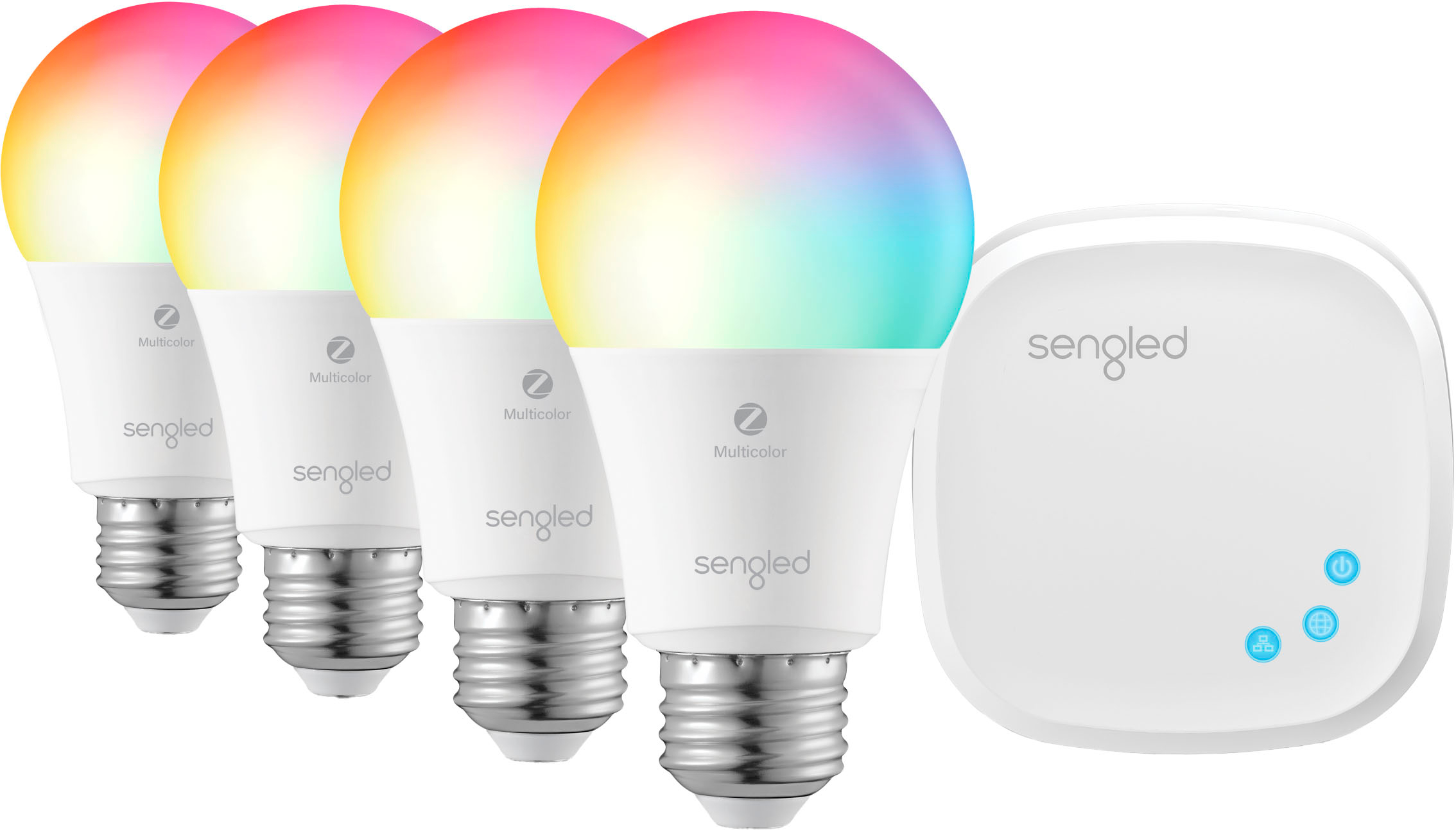
- Model:
- E29-NA05FW_4K
- SKU:
- 6373497
Rating by feature
- Value
Rating 4.4 out of 5 stars
- Quality
Rating 4.5 out of 5 stars
- Ease of Use
Rating 4.2 out of 5 stars
Customers are saying
Customers commend the Smart LED A19 Starter Kit for its vivid color options, ease of use, and reasonable price. Positive feedback also highlights the straightforward setup process and compatibility with popular smart home assistants. However, some users experienced connectivity issues and reported occasional app glitches. A few customers also noted limitations with scheduling options and response times.
This summary was generated by AI based on customer reviews.

Good Quality, Good Value, App is Limited
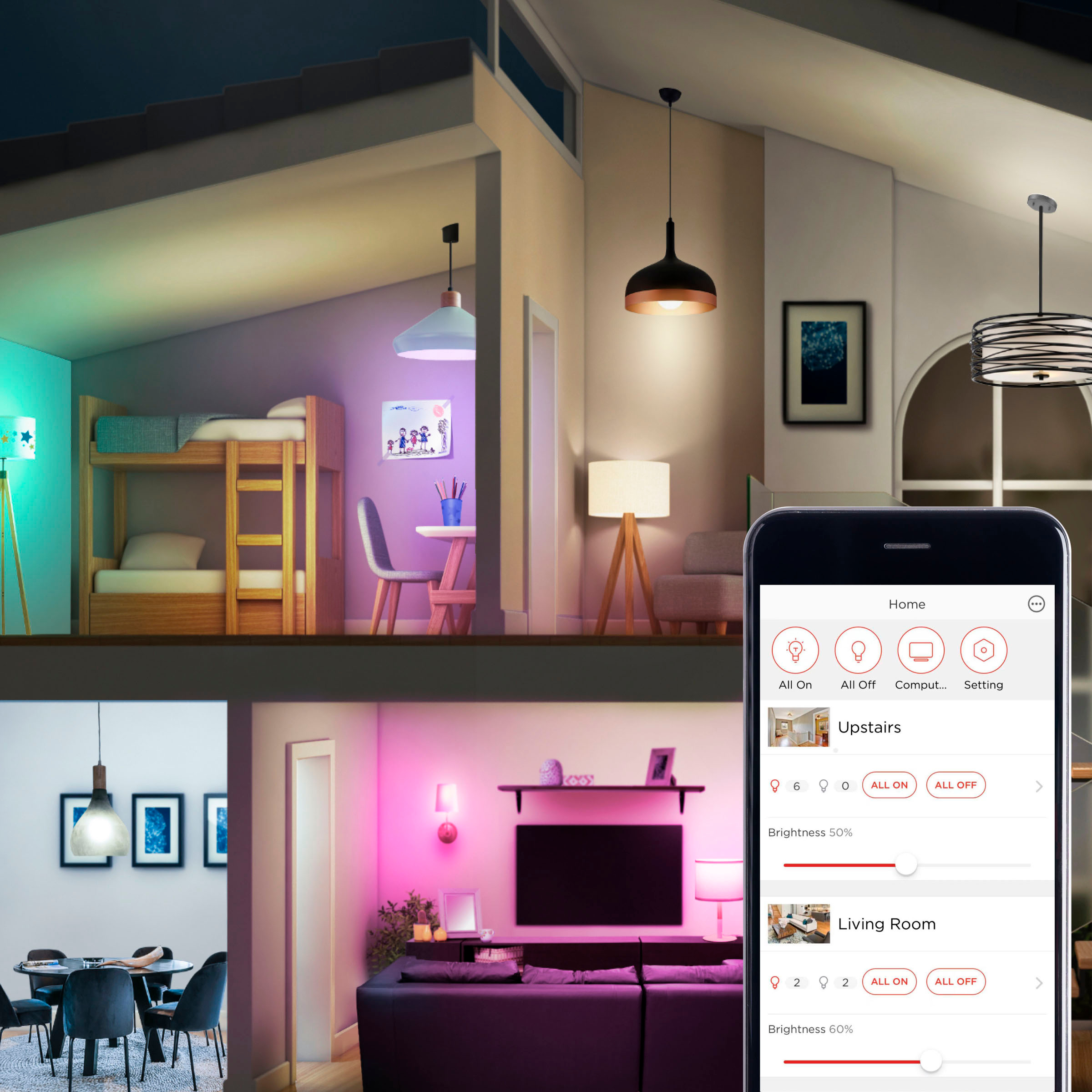
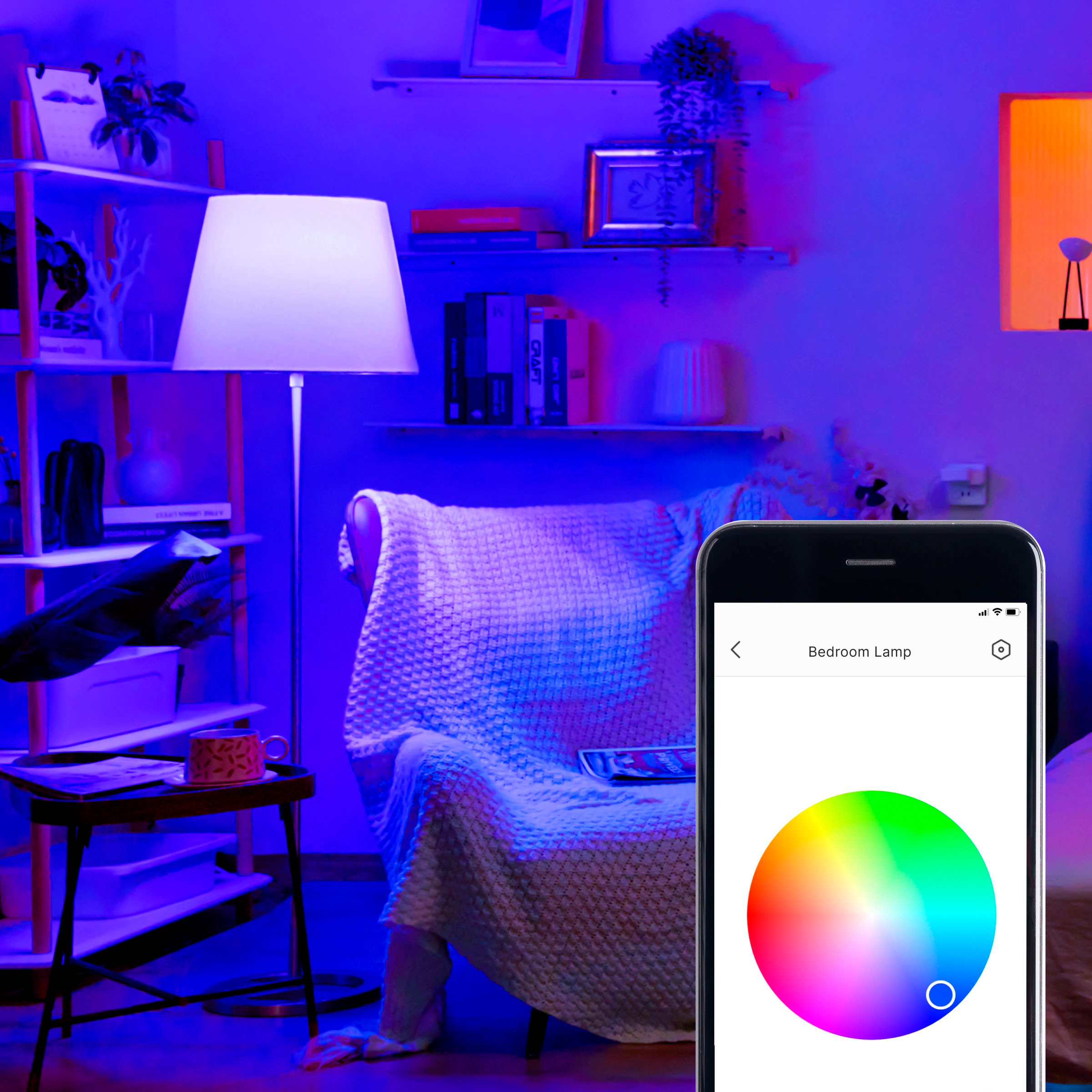
|Posted .This reviewer received promo considerations or sweepstakes entry for writing a review.What I like most about these bulbs is their traditional shape. They look like a standard round light bulb. And I prefer this style light bulb for certain lamps and fixtures in my house. They do an excellent job providing all types of light; they produce every color on the visible spectrum, including all shades of white. The app itself provides 5 default white colors to chose from: Edison; Warm; Neutral; Cool; and Daylight. And if you don’t like the color of a certain preset, you can manually adjust the color to your liking. The bulbs in this pack are 60-watt incandescent equivalents. I removed my old “warm” CFLs and installed these in their place. The amount of light produced was equivalent. The only difference is I needed to adjust the white color temperature because I thought they were too warm. As mentioned earlier, this was easily done within the app. I used the slider to move the white light between the Warm color and the Neutral color. Every time I turn on this particular light bulb, it returns to its customized setting. I’m using the other two bulbs in the pack for holiday lighting. Even though they’re not rated for outside use, I installed them in a couple of light fixtures that are under my roof and far away from the elements. (Again, these are only rated for indoor use. I accept I may be voiding my warranty by using these bulbs outside). I have one bulb a bright red and another a bright green. So far, they’ve been working fine and do a good job lighting up that area of my house. Setup was a breeze. Even though the instructions clearly state to make sure your phone is connected to a 2.4 GHz network, my Galaxy S9 phone didn’t have any problems identifying these bulbs even though it mainly operates on the 5 GHz network. I’m running a mesh network (Linksys Velop) that simultaneously runs a 2.4 and 5 GHz network using the same SSID (network name). If you have a router that runs a duel network but uses different names for each (e.g. HomeNetwork_2.4 vs HomeNetwork_5), then you’ll need to disconnect your phone from the 5 GHz network, and connect it to the 2.4 GHz network. This can be done in your phone’s Wi-Fi settings. My only grip is the lack of customization in terms of scenes within the app. Scenes allow you to save certain color settings, then recall them at any point. Say for example, I want to change my red and green programmed Christmas settings to regular white lights for a night, the app doesn’t allow you to save your Christmas customization to recall it later. Currently, you have to manually change the bulbs to white, then change them back to red and green at a later time. Also, the scheduling is limited. Currently, it only allows for two schedules to be setup. The good thing about these limitations is that since they’re app based, there is a possibility the company can add these additional features in the future. Hopefully they will. Overall, I really do like these bulbs. Their color reproduction is excellent, and their look/style is the classic round shaped bulb. Also, they’re a good value when compared to other multi-color starter sets with an included hub.
I would recommend this to a friend- Cons mentioned:Response time
Not practical for everyday use
|Posted .This reviewer received promo considerations or sweepstakes entry for writing a review.This could be a great product if you never have to touch the lamp that the bulbs are in, but that is typically not the case for most of us and sometimes, flipping or turning a switch is easier than trying to program a lightbulb. I have had several issues with these bulbs: First of all, I somehow removed a bulb from the gateway and have been unsuccessful in reading it for use. The QR code on the bulb scans but the bulb will not add itself back to the list of available bulbs. I have the two remaining bulbs on a schedule, but the schedules don't seem to work properly. The bulbs either don't go on/off at the correct times and the brightness/color information is not being relayed to the bulb that is scheduled to activate/deactivate at specific times. If you turn off the lamp that the bulb is in, it takes to finagling to get the bulb to respond to the app again. All in all, it would be easier to have a dimmer switch on a lamp that you control manually instead of pulling up an app and troubleshooting every time you want to change the color or brightness of a bulb.
No, I would not recommend this to a friend Enlightened
|Posted .This reviewer received promo considerations or sweepstakes entry for writing a review.Everything seems really well built between the hub and bulbs they are solid. The bulbs are heavier than others I have used, but you can tell they will last. The hub is really small compared to other brands, about 1/4 the size of other brands. Range on the bulbs and hub are really fantastic. My other brand hub occasionally can not reach the same distance this hub reaches. The app to control the bulb is very intuitive and well designed. This will work with Google Home. It says it works with Alexa, I will take its word for it. The thing that set this apart from other hubs, after initial configuration, you can unplug the hub from your networking gear and place it where it works best for you. All you need to do after setup is unplug the CAT-5 cable, wait 60 seconds for it to attach the wireless network and then you can unplug from the wall and place where you want it. This is a really great product, I am hoping that BB will start carrying the individual bulbs in store so I can expand my smart lighting.
I would recommend this to a friendA nice alternative
|Posted .This reviewer received promo considerations or sweepstakes entry for writing a review.Economical choice for custom light colors. Voice controls work well for basic color commands. Con: App lacks any sort of “lighting effects” colors are static.
I would recommend this to a friend- Pros mentioned:Color, Ease of use
Great Bang for the Buck
Posted .This reviewer received promo considerations or sweepstakes entry for writing a review.App works well, lights are bright and worked well out of the box. I had 0 issues with setup and they connected to my google home perfectly. Considering they are about 1/4 the price of most smart light bulbs out there this is a steal.
I would recommend this to a friend - Cons mentioned:App
Anticipation foiled by a sad result
|Posted .This reviewer received promo considerations or sweepstakes entry for writing a review.Let me preface this by saying that I have a home control system that has nearly 30 devices on it. I am a designer/developer and feel I have the technical prowess to setup, install, or even engineer just about anything, from an application or device standpoint. Why do I bring these things up? Well, I have the Sengled Element Color Plus A19 bulbs and even as I type this review, they have yet to be anything but soft white light bulbs in my lamps. I just cannot get the controller up and running, at least not with the app (Android). I have followed the directions included in the box. I have followed the instructions on their web site. I have used the suggestions they have provided on their support and FAQ pages (mind you, there are differences in each of these). After doing so, I have a controller that looks to be set up properly with an app that consistently lists the device as offline. I fooled with this thing for at least 2 and a half hours, factory resetting the controller several times in the process… All to no avail. The app should probably include some other settings/controls for each device. At least give the user more information about the device and its network connectivity – this could help in diagnosing the issue. In my efforts, I did discover what I think may be the problem. It seemed my controller was displayed in the app with the wireless MAC address even though the device was wired. I am assuming this because in my router’s device list, the MAC address was different (the last character) than what was displayed in the app (on the HUB selection screen). I tried following the direction for WPS setup… I guess the controller is saying, “not today”. Just could not get this going. Sadly, my experience with these bulbs was frustratingly exhausting.
I would recommend this to a friend Ok, but needs some work
|Posted .This reviewer received promo considerations or sweepstakes entry for writing a review.I've had this set for about two days now and although I like it, it needs some work. After opening the package and separating the contents, I began setting up the system. I connected the hub to my Orbi router and followed the remaining directions to complete the setup. So far so good. I downloaded the app, which eventually needed to be updated later in the setup process. The problem began when I went to setup the bulbs for each room. I didn't realize there were two different types of bulbs in the package. Two of the bulbs can be set to different colors and brightness levels. The third bulb doesn't appear to have that option. Its basically, off and on, no colors. Ok, that's not that big of a deal to me, so I continued with the setup process. I labelled each bulb individually so that I could easily identify which is which. I did this after having problems with programming two of the bulbs in the same room. I have two bulbs installed in matching lamps in my formal living room. I programmed both of them to come on at the same time and with the same color and brightness. Voila, it worked!! I didn't want to leave the hub connected to my Orbi router and since the hub worked wirelessly, I followed the directions for removing the lan connection and letting it connect wirelessly. After rebooting the hub, I tested everything and it still worked. Perfect! Then the real problems began with the lights not coming on at the scheduled time on day two, the hub disconnecting and connecting although the router is less than five feet from the hub and having a strong wireless connection. I spent at least an hour troubleshooting the problem only to still not have a resolution. I will say when this was connected via LAN connection to my router, I didn't have any problems. When connecting wirelessly to the 2.4ghz channel, nothing has worked properly since. I really don't want more wires and cables plugged into my Orbi satellite, which is located in my bedroom, but that may be the best option to get this thing working properly. There are other options on the market that are much easier to setup and use than this one, but I think it could be great if the connection issues are worked out. For now, I wouldn't recommend this.
No, I would not recommend this to a friendGreat value.
Posted .This reviewer received promo considerations or sweepstakes entry for writing a review.Bought these four years ago and they're still working great!
I would recommend this to a friendFrustrating
|Posted .This reviewer received promo considerations or sweepstakes entry for writing a review.When I first set it up it would turn the bulbs on and off via the android app but couldn't adjust the bulbs. Soon it wouldn't even do that. The app said no hub connected so I reset it and got it connected again but still would not work with the bulbs. It would just say bulbs not connected. The bulbs turn on with the wallswitch but not with the app. I spent a lot of time trying to get it to work but unsuccessful so far. It seems like a lot of trouble to turn some lights on when you could just flip a switch. Or use a motion detector. I thought the colors and hue adjustments would be cool but they don't seem to work at all for me. I will try some more to get it working but for now it's a bust. How many techs does it take to change a lightbulb?
No, I would not recommend this to a friend- Pros mentioned:Ease of use
Work Great!
Posted .This reviewer received promo considerations or sweepstakes entry for writing a review.Work really great! easy setup and easy to use. I definitely recommend these light bulbs.
I would recommend this to a friend - Cons mentioned:Connectivity
Headache
Posted .This reviewer received promo considerations or sweepstakes entry for writing a review.I purchases thir kit and the only thing i got out of it was a headache and frustration. The hub will not connect to my router no matter what I did to it. I tried everything in the support page and nothing worked. I even added the device manually and nothing, gettinf a refund
No, I would not recommend this to a friend