Customer Ratings & Reviews





- Model:
- K43S20M2
- SKU:
- 12316878
Rating by feature
- Picture Quality
Rating 4.8 out of 5 stars
- Sound Quality
Rating 4.6 out of 5 stars
- Brightness
Rating 4.7 out of 5 stars
GEEK SQUAD MEMBER
||Posted . Owned for 2 weeks when reviewed.This reviewer received promo considerations or sweepstakes entry for writing a review.WAS TOLD TV WOULD NOT BE PRICED LOWER IN THE FUTURE. JUST READ LATEST EMAIL AND REDUCED OVER $100. MY APPT. FOR DELIVERY AND INSTALLATION WAS CANCELLED THE FIRST TIME AS THE AGENT HAD A ‘FAMILY’ ISSUE. I WAITED THE ENTIRE DAY TO FIND THIS OUT. TOTALLY DISAPPOINTED. ON THE PHONE WITH AGENTS THAT BARELY SPOKE ENGLISH AND WAS ASSURED TO HAVE A FIRST APPT. OF THE DAY.. NEVER HAPPENED.. ONCE AGAIN…..7 - 7PM. WAS TOLD BY STORE MGR. GASTON OF A PROMISED FIRST APPT. NEVER HAPPENED.
No, I would not recommend this to a friendSony TV
||Posted . Owned for 2 weeks when reviewed.This reviewer received promo considerations or sweepstakes entry for writing a review.Is not user friendly and can not use with Spectrum on demand
No, I would not recommend this to a friendBrand response from SonyListens
Posted .Hi JaniceS,
Thank you for sharing your feedback regarding your experience with the BRAVIA 2 II. We truly appreciate you providing these insights, as your comments are essential in helping us understand our customers' needs and the specific services they value most.
We have noted your experience regarding the availability of Spectrum On Demand. Please be assured that we will share your feedback with our team. This type of input is vital as we continue to evaluate our partnerships and work toward improving the integration of popular services with our hardware.
In the meantime, many of our customers enjoy their Spectrum content on this television by using the built-in Chromecast feature to cast from the Spectrum mobile app on a smartphone or tablet, or by connecting an external streaming device that supports the application.
We really appreciate your time, and thank you for considering Sony!
Regards,
Dominick
Worthless Buy
||Posted . Owned for 2 months when reviewed.This reviewer received promo considerations or sweepstakes entry for writing a review.Terrible TV. I hate I wasted my money on this. I have to restart it often just to refresh apps
No, I would not recommend this to a friendBrand response from SonyListens
Posted .Hi Squishy,
We apologize for the frustration this has caused. To help resolve the app refreshing issues, we recommend checking for the latest software updates under Settings > System > About > Software Update. Additionally, you can perform a soft reset by holding the Power button on your remote for about 5 seconds until the TV restarts. If the issue persists, clearing the cache for specific apps under Settings > Apps > See all apps can often improve performance.
Thanks for choosing Sony.
Best regards,
Eliab
Sony brand tv rate no good
||Posted . Owned for 1 week when reviewed.This reviewer received promo considerations or sweepstakes entry for writing a review.The tv not showing the pictures clearly i need help
No, I would not recommend this to a friendBrand response from SonyListens
Posted .Hi Jainarainechumandath,
Thanks for sharing your experience with us! We are truly sorry to hear you are experiencing an issue with the picture clarity on your Sony BRAVIA 2 II television. We want to help you get the clear picture quality you expect!
Please try these simple troubleshooting steps, which often resolve picture issues:
1. Restart your TV: Press and hold the power button on the Sony remote for about 10 seconds.
2. Check for software updates: You can navigate to Settings > System > About > System software, and install any available updates.
3. Adjust the picture settings: You can increase the sharpness and adjust other settings to achieve a more detailed picture by going to Settings > Display and sound > Picture > Clarity.
4. Check your cables: If you are using an external device (like a cable box or streaming player), please ensure you are using a High-Speed HDMI cable. This is crucial because standard or older cables may not have the necessary bandwidth to transmit the full high-resolution video signal, leading to a less clear or detailed image.
If after trying these simple steps the issue persists, please do not hesitate to contact our technical support team for more personalized assistance: https://us.esupport.sony.com/support/s/support-contact?language=en_US&category=tv
Thank you for considering Sony products!
Best regards,
Dominick
Do not buy
||Posted .This reviewer received promo considerations or sweepstakes entry for writing a review.Bought this tv had it for less than 30 days and no longer works
No, I would not recommend this to a friendBrand response from SonyListens
Posted .Hi Collegebound,
We sincerely apologize for the inconvenience and frustration you are experiencing with your new Sony BRAVIA 2 II. We understand that having a TV fail so quickly is disappointing, and we are committed to helping you resolve this issue immediately.
To address the situation quickly, we recommend performing two simple troubleshooting steps:
1. Perform a Power Cycle: Please unplug the TV completely from the electrical outlet, wait for about two minutes, and then plug it back in. This simple reset can often resolve minor operating faults.
2. Test a Different Outlet: We also suggest trying the TV in a completely different wall outlet to ensure the power source is not the issue.
If the TV is still not working properly after these steps, we strongly suggest contacting our dedicated technical support team right away through the link below:
https://us.esupport.sony.com/support/s/support-contact?language=en_US&category=tv
Thank you for considering Sony products!
Regards,
Dominick
- Pros mentioned:Picture quality
The TV of Year
Posted .This reviewer received promo considerations or sweepstakes entry for writing a review.The Picture is very Sharp It almost feels like I am there when there filming , The Color Stands out very well , That what makes it feel like your right there , The Sound even though I don't have surround sound stands out even at a low volume ,
I would recommend this to a friendBrand response from SonyListens
Posted .Thank you for the fantastic review, CarmineC!
We are absolutely thrilled to hear that the K-43S20M2 makes you feel like you're right on set! It’s great to know that the sharp picture and vivid colors are delivering that immersive experience, and we’re especially glad the sound is standing out for you even at lower volumes.
Thank you for choosing Sony for your home entertainment!
Best regards,
Gus,
Sony Social Media Team
Best Buy, Downers Grove, IL
Posted .This reviewer received promo considerations or sweepstakes entry for writing a review.Purchased a 42 inch Sony TV. CJ was the sales associate. He was very helpful to me and answered all of my questions. Jesse delivered and installed the new TV, again answering all my questions. He also took the old TV away with all packaging and boxes.
I would recommend this to a friend- Pros mentioned:Picture quality
Great TV
Posted .This reviewer received promo considerations or sweepstakes entry for writing a review.Clear picture and love the sound. Sony does thru every time.
I would recommend this to a friendBrand response from SonyListens
Posted .Hello Jayden,
Thank you for choosing Sony!
It brings us great joy to hear that the K43S20M2 TV’s clear picture and sound quality continue to impress you. Your trust in Sony’s consistency inspires us to keep delivering products that enhance your viewing experience.
Best regards,
-Fred
Good upgrade from my old TCL tv.
Posted .This reviewer received promo considerations or sweepstakes entry for writing a review.upgraded from tcl to sony, best decision I ever made, the video quality and smooth work around is way much better, dont need another device for tv show and movie subscriptions which is already implemented in.
I would recommend this to a friendBrand response from SonyListens
Posted .Hi SanDisk!
It is fantastic to know that upgrading to the K-43S20M2 was the best decision you’ve ever made and that you're loving the smooth experience!
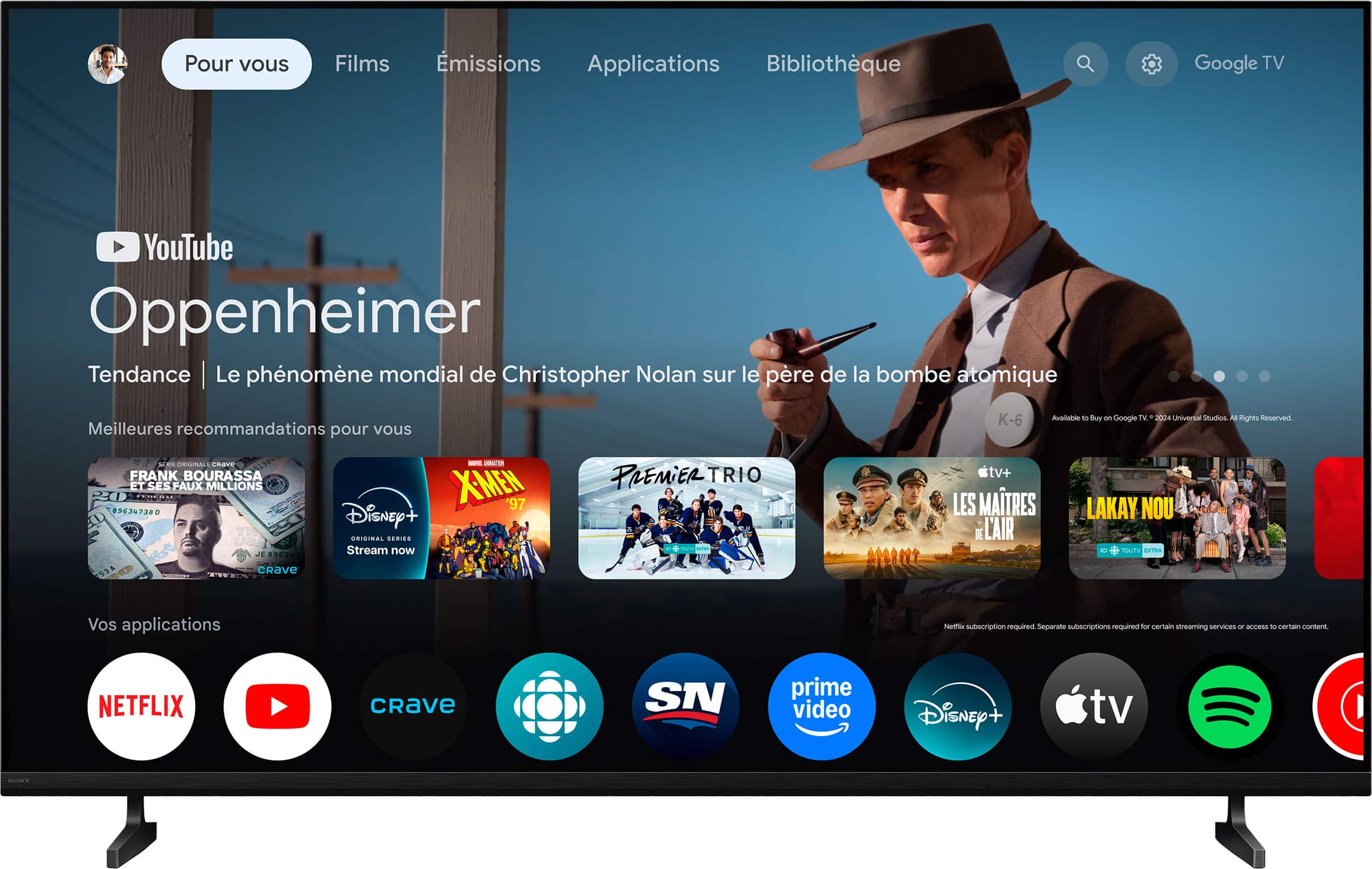
This TV features Google TV, allowing you to access all your favorite streaming subscriptions directly on the screen without needing extra plug-in devices.
We appreciate your decision to go with Sony!
Best regards,
Estefany
SONY Bravia TV
Posted .This reviewer received promo considerations or sweepstakes entry for writing a review.Excellent smart TV with great features and responsive
I would recommend this to a friendBrand response from SonyListens
Posted .Hello Gabe,
Thank you for choosing Sony!
We're excited to hear that your K43S20M2 TV is delivering excellent performance with great features and responsiveness. It’s rewarding to know our product is enhancing your viewing experience, and we appreciate you sharing your positive feedback.
Best regards,
-Fred
SONY 43 INCH TV
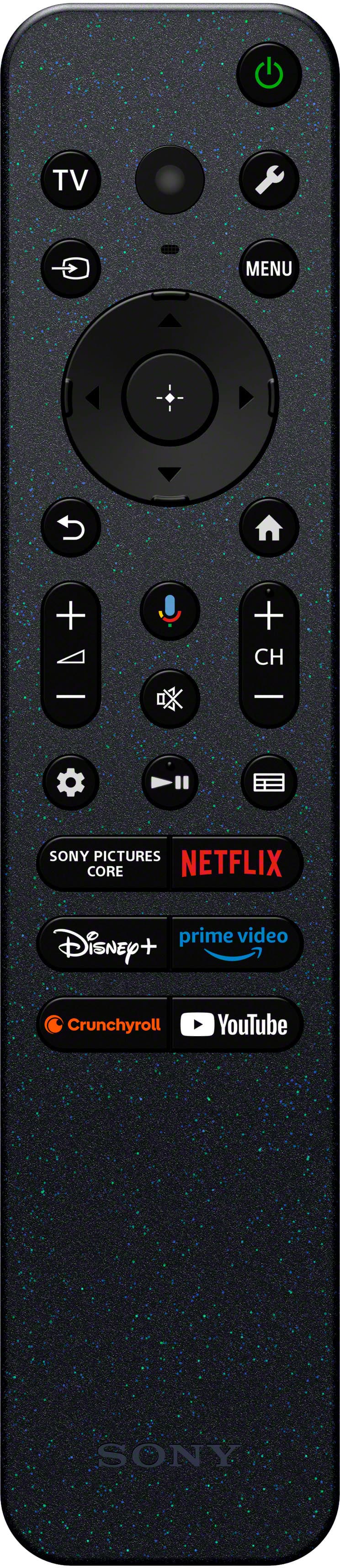
Posted .This reviewer received promo considerations or sweepstakes entry for writing a review.Love the TV but the remote is tiny. Hard to read and to discover the function of the various buttons.
I would recommend this to a friendBrand response from SonyListens
Posted .Hi CarolB,
We are thrilled to hear that you are loving your new TV!
While we are glad the display itself is a hit, we appreciate your honest feedback regarding the remote control design. We intentionally moved toward a more compact, eco-friendly remote to reduce plastic waste and clutter, focusing on a streamlined layout for the most-used features. However, we understand that smaller buttons and text can take some getting used to. We recommend exploring the "Google Assistant" feature to help you navigate functions more easily while you settle in.
Thank you for choosing Sony and for helping us improve through your feedback!
Regards,
Dominick
- Pros mentioned:Picture quality
Unpleasant quirk
Posted .This reviewer received promo considerations or sweepstakes entry for writing a review.This 43” Sony turns itself on in the middle of the night. Despite otherwise good quality, I’m sorry I bought it.
No, I would not recommend this to a friendBrand response from SonyListens
Posted .Hi Jean23490,
We are very sorry to hear that your new BRAVIA 2 II is turning itself on during the night. We understand how disruptive this can be, especially when you are otherwise enjoying the quality of the television.
To help resolve this power-on issue, we recommend trying these three troubleshooting steps:
1- Power Cycle: Unplug the TV from the power outlet for a full 2 minutes. This allows the internal system to fully reset and can often clear minor software glitches.
2- Software Update: Ensure the TV is running the latest firmware to prevent any bugs. You can check this by navigating to: Settings > System > About > System Software update > Update your TV software.
3- Check Timers: It is possible a scheduled timer was accidentally enabled. Please press the Quick Settings button (the gear icon) on your remote and select On timer or Timer to ensure this setting is disabled.
If the issue persists after these steps, we would like to investigate this further with you. Please contact our technical team directly at the following link:
https://us.esupport.sony.com/support/s/support-contact?language=en_US&category=tv
Thank you for considering Sony, and we look forward to getting this fixed for you!
Regards,
Dominick
Sony tv
Posted .This reviewer received promo considerations or sweepstakes entry for writing a review.Delivery person HANDED me SONY remote to program tv. After I programmed tv was unable to work tv. After calling my tv carrier Verizon was told I had to use their remote control to work Sony tv. I paid $119 for nothing as I brought tv home in my car n could have put feet on myself also was told that $119 included programming tv.
I would recommend this to a friendPoor service
Posted .This reviewer received promo considerations or sweepstakes entry for writing a review.How would I know if it works? It has been nearly impossible to get someone to set it up.
No, I would not recommend this to a friend