Customer Ratings & Reviews
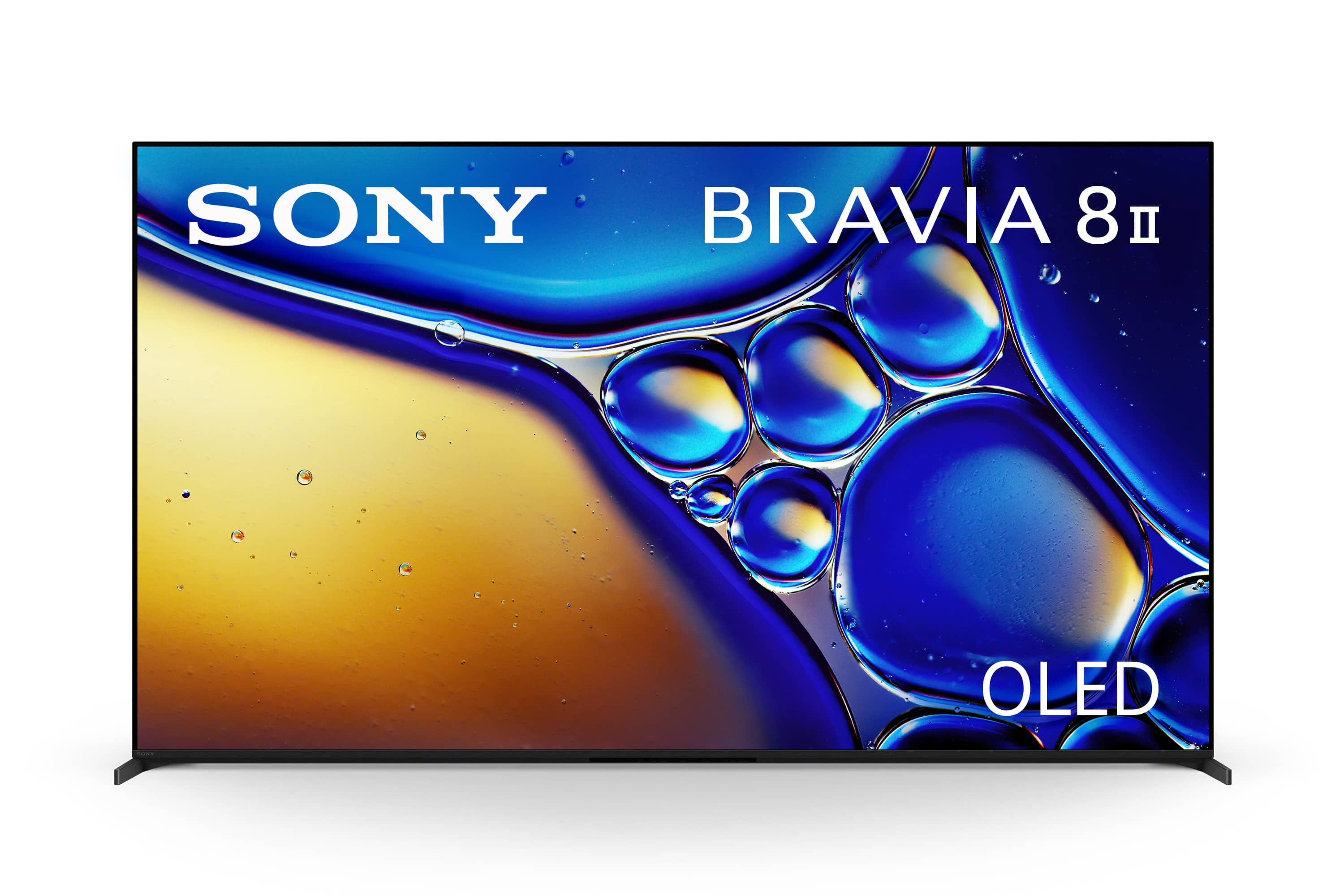

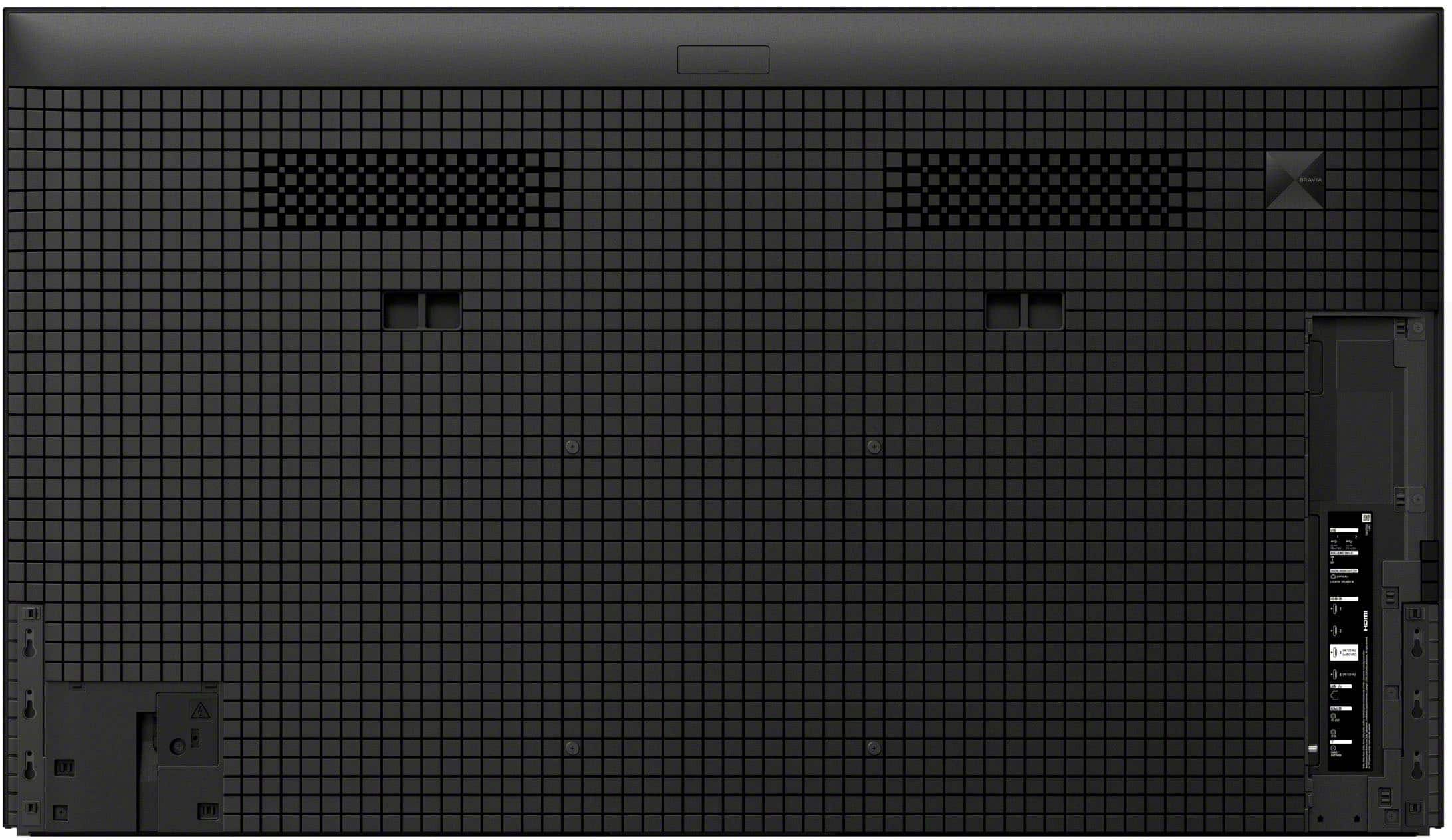
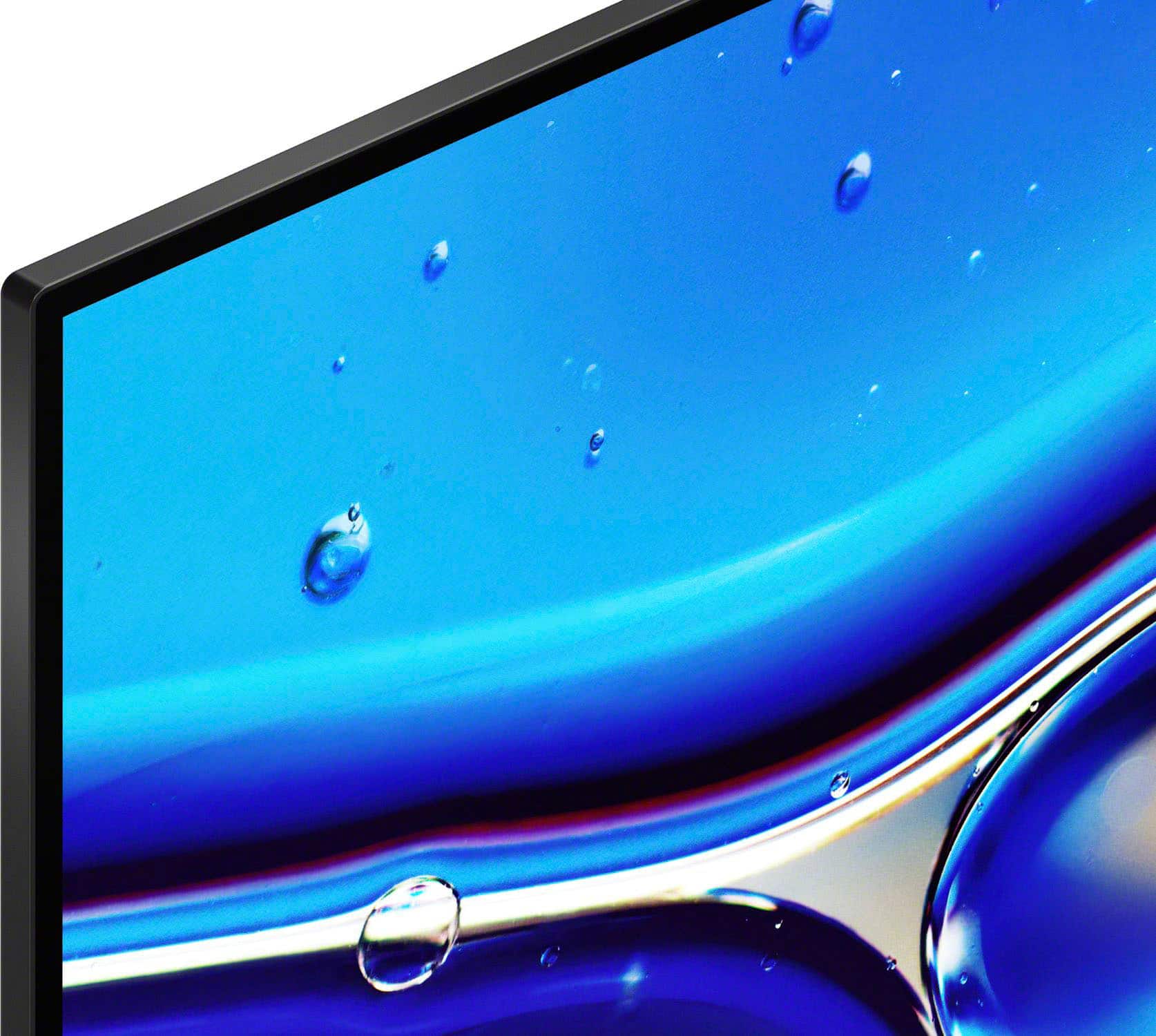
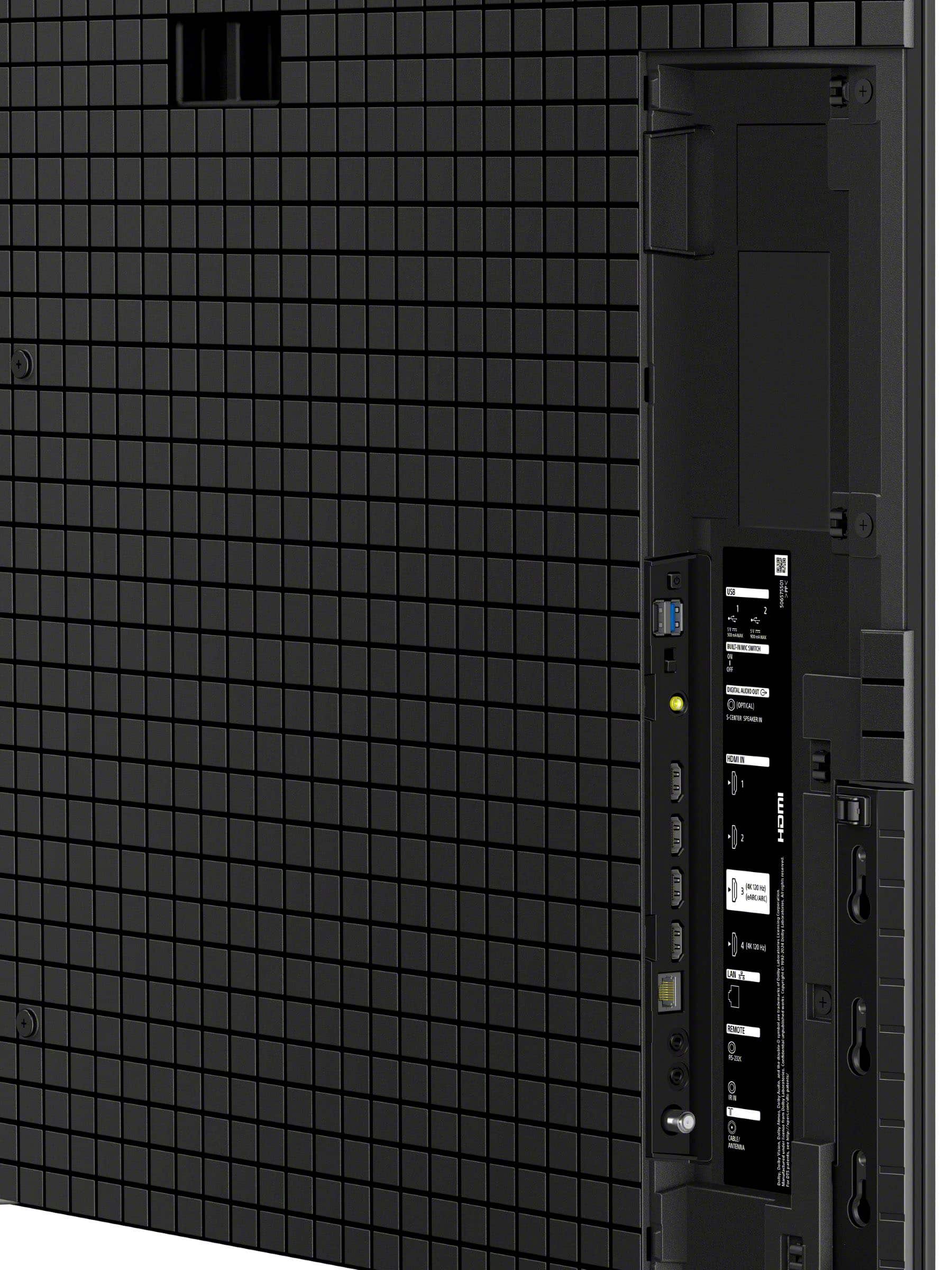
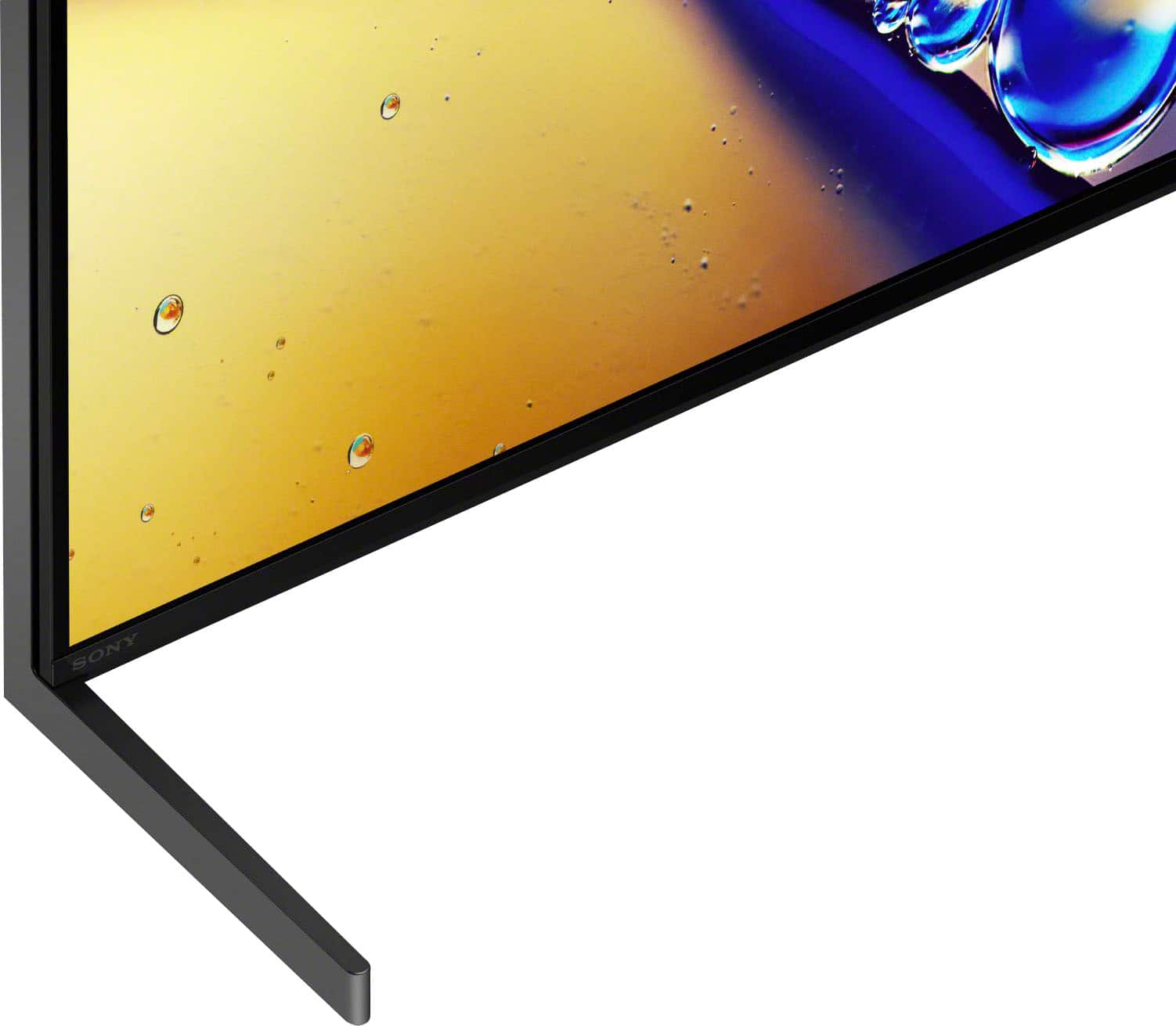
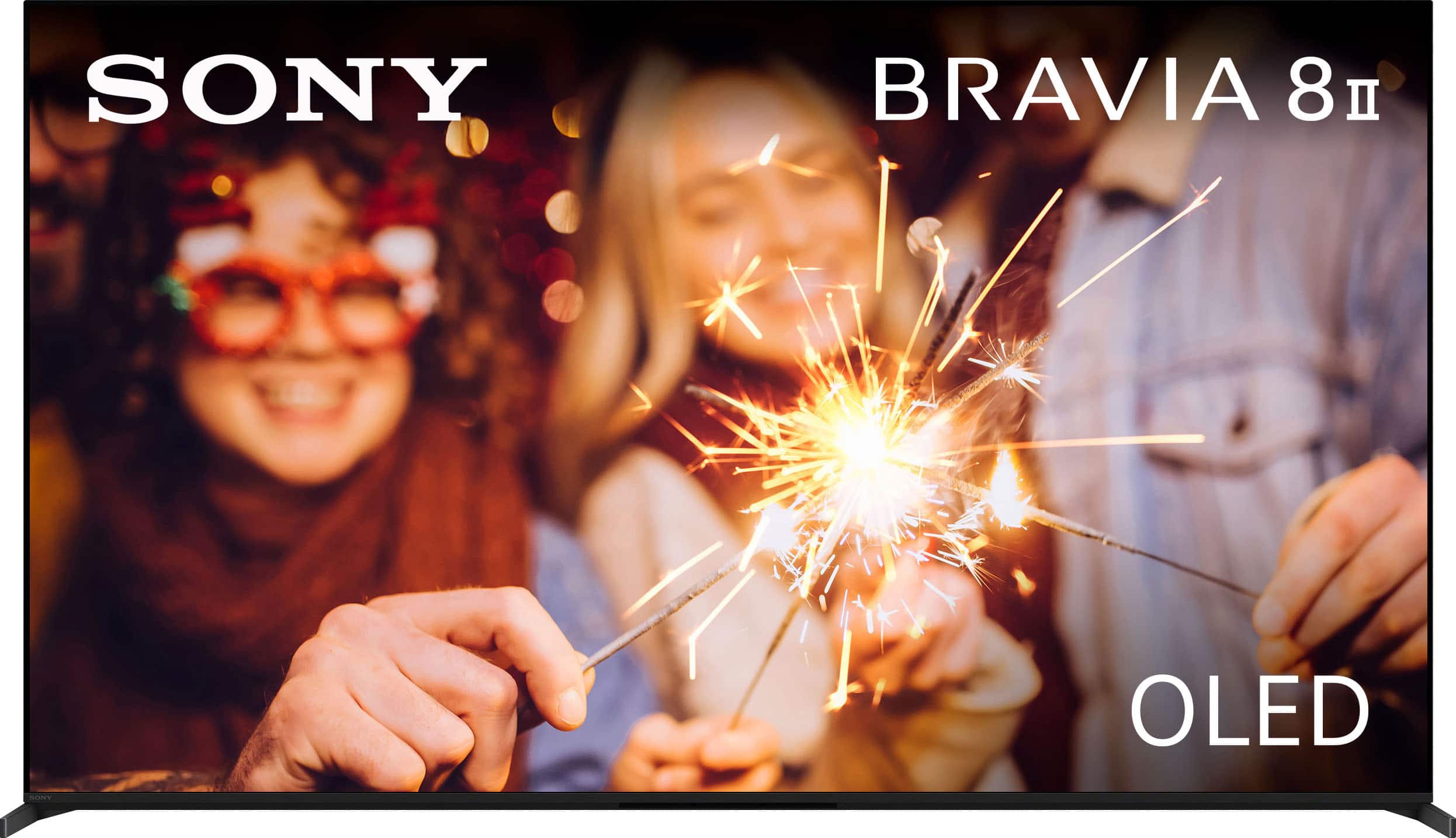
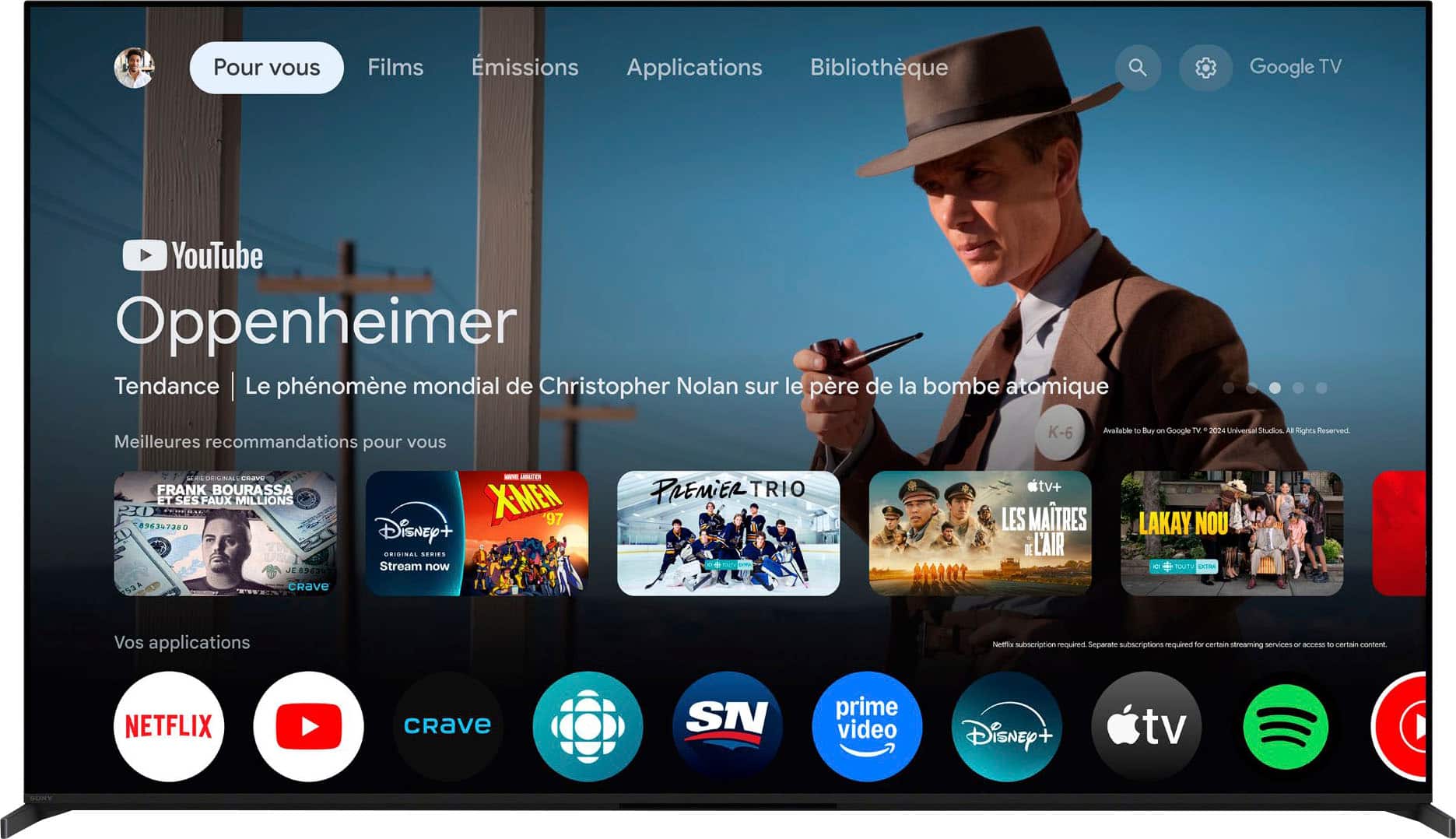
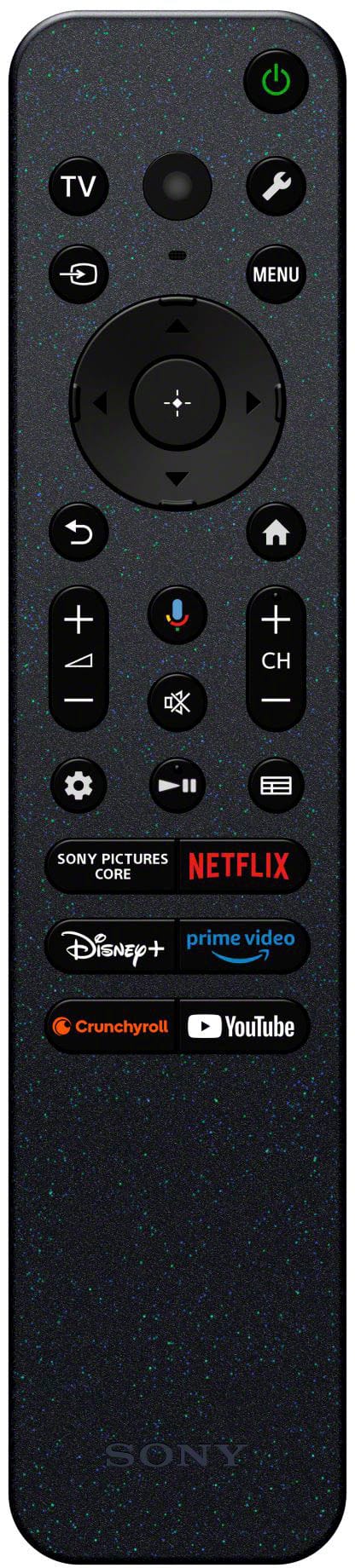


- Model:
- K55XR80M2
- SKU:
- 6626033
Rating by feature
- Picture Quality
Rating 4.9 out of 5 stars
- Sound Quality
Rating 4.5 out of 5 stars
- Brightness
Rating 4.9 out of 5 stars
Customers are saying
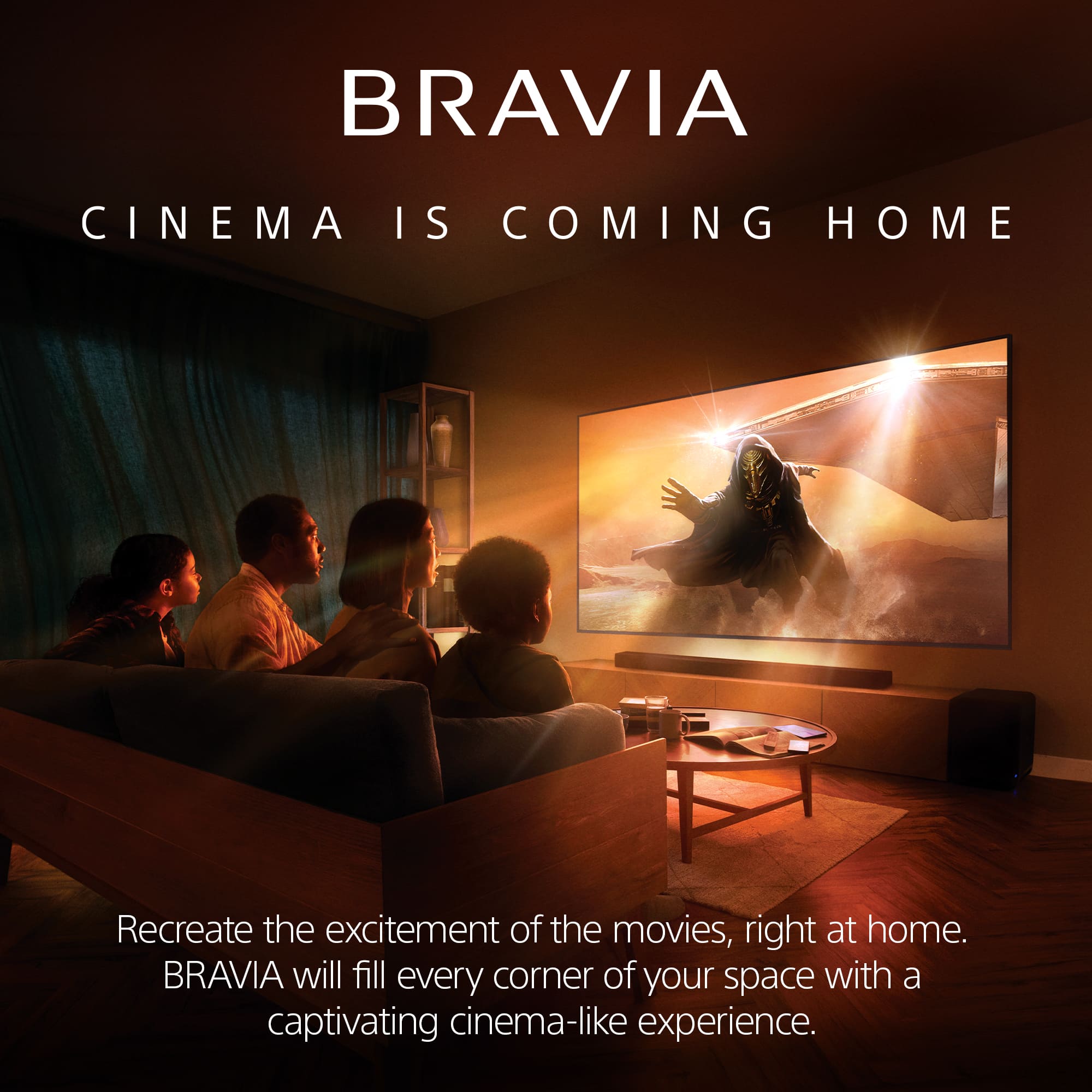
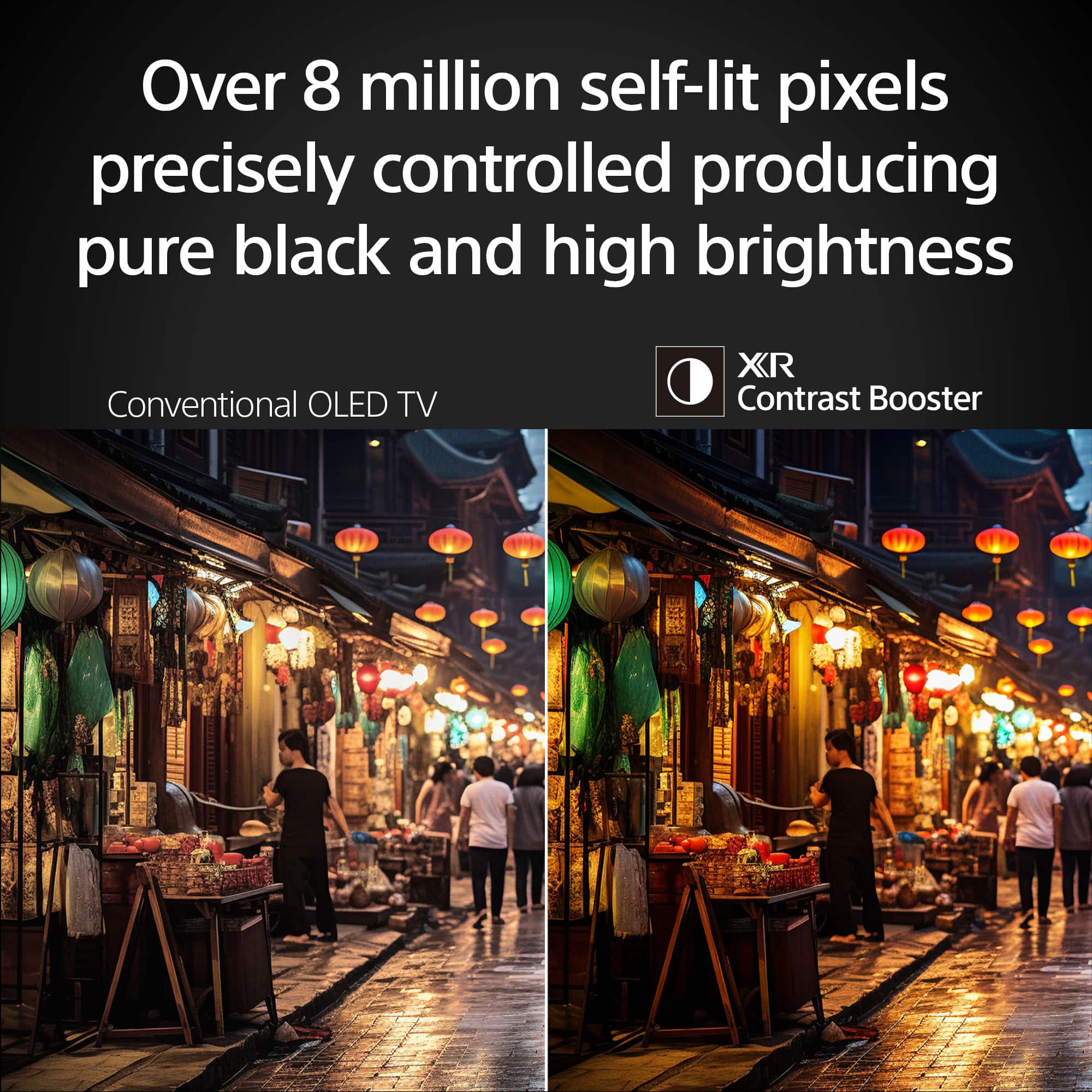
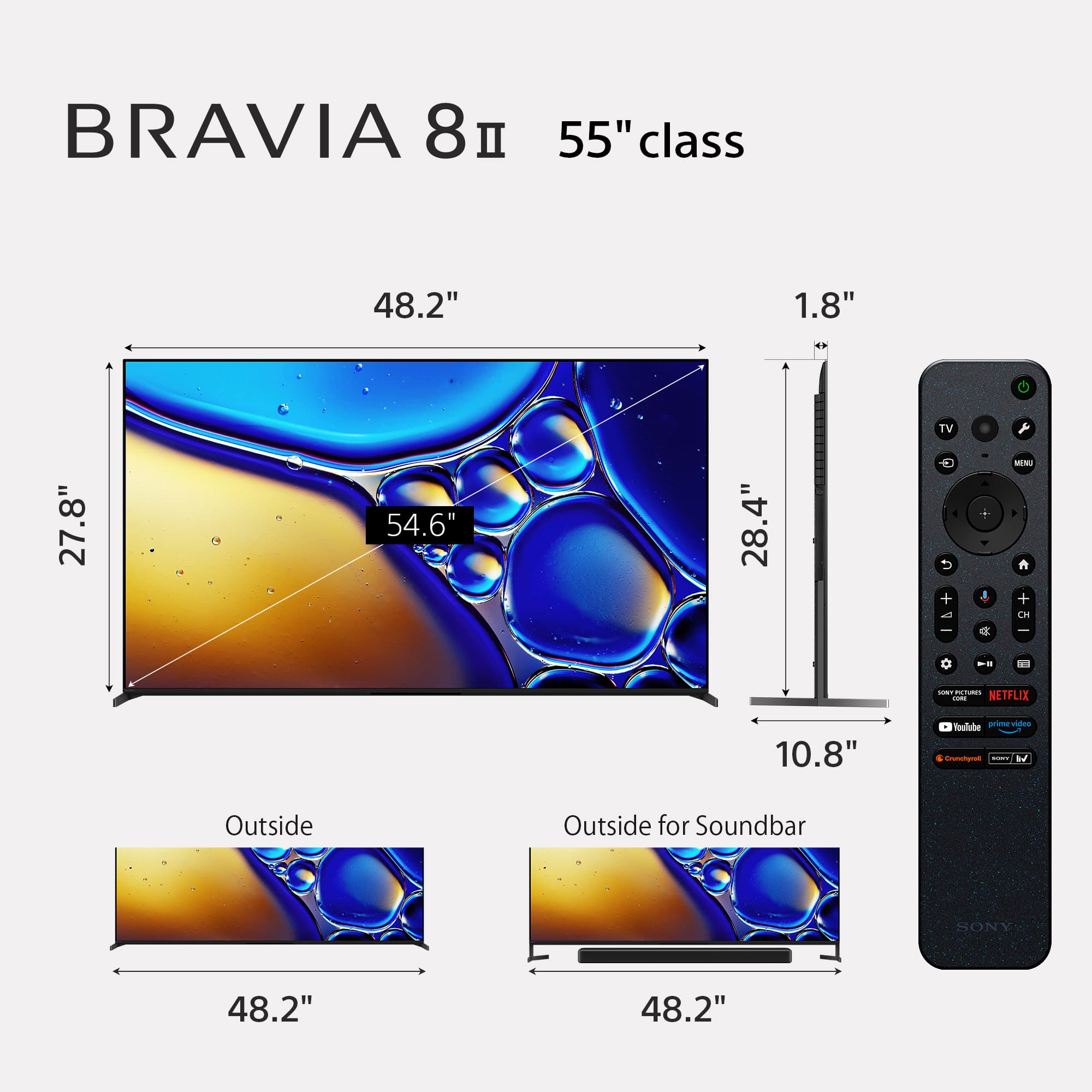
Customers find value in the exceptional picture quality and amazing OLED display, with many highlighting it as the best TV they've owned. They also appreciate its surprisingly simple setup, impressive brightness, convenient built-in streaming and casting functionality, appealing size, and contemporary design.
This summary was generated by AI based on customer reviews.
- Pros mentioned:Picture quality
Sony 55’ tv
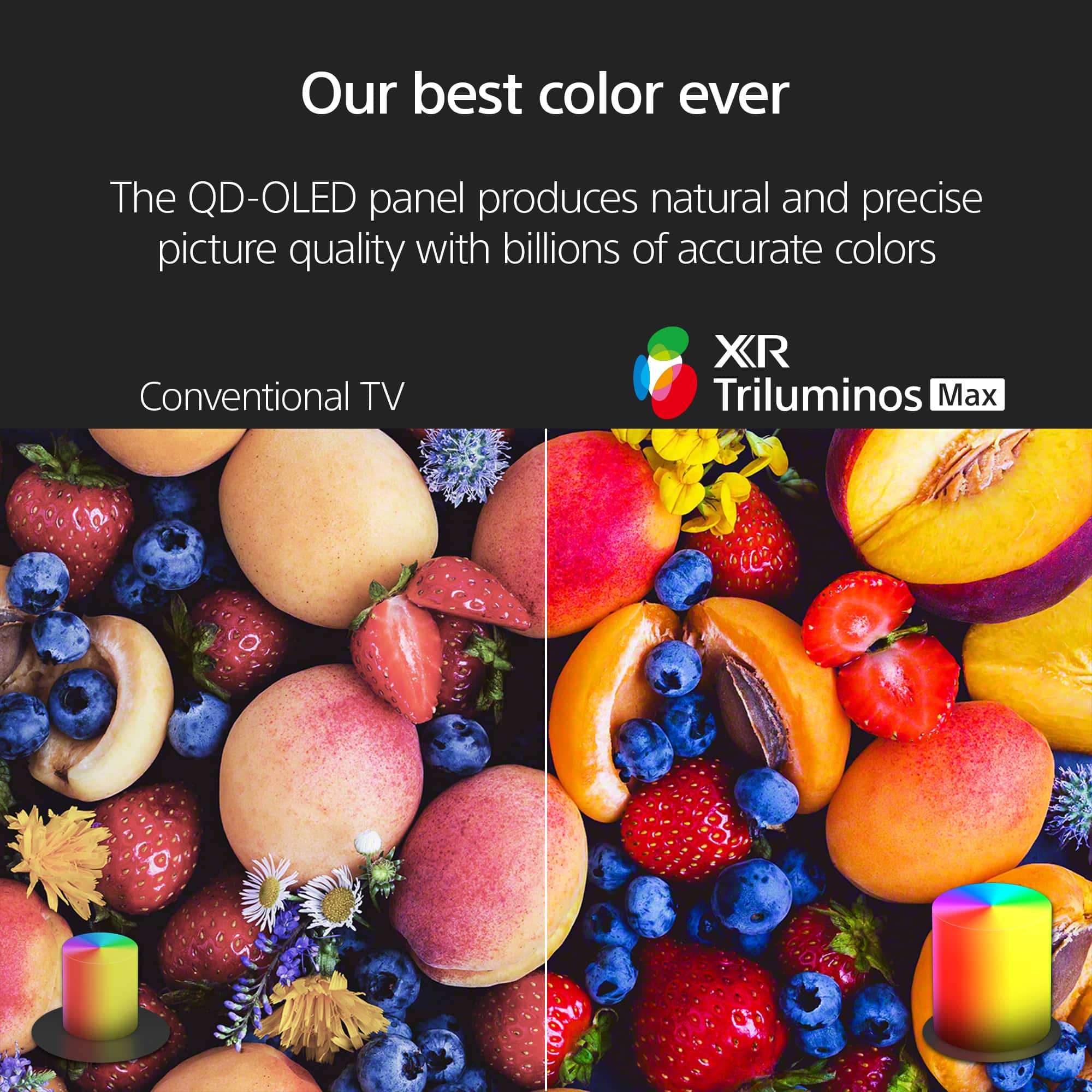
Posted .This reviewer received promo considerations or sweepstakes entry for writing a review.Great value. The color is amazing and crisp. Highly recommend
I would recommend this to a friendBrand response from SonyListens
Posted .Hi Danny,
We are thrilled you're loving the amazing color and crisp detail of your new BRAVIA 8 II! It's great to hear that the QD-OLED performance is delivering the high value you expected.
Thanks for choosing Sony.
Best regards,
Eliab
- Pros mentioned:Picture quality
Bravia 8 II
Posted .This reviewer received promo considerations or sweepstakes entry for writing a review.Excellent TV screen and picture especially matte screen when morning sunlight hits screen.
I would recommend this to a friendBrand response from SonyListens
Posted .Hi PaulB!
It is truly wonderful to know that the K-55XR80M2 is a perfect fit for your home, especially with how well that matte screen handles the bright morning sunlight. It's great to hear that you can enjoy such a clear, vibrant picture regardless of the time of day!
Thanks for selecting Sony!
Best regards,
Estefany
- Pros mentioned:Picture quality
Beautiful picture
Posted .This reviewer received promo considerations or sweepstakes entry for writing a review.The picture is crystal clear. The Sony Bravia 8 II is easy to use.
I would recommend this to a friendBrand response from SonyListens
Posted .Thank you for the fantastic review, BridgetB!
We are so glad to hear your Bravia 8 II is delivering that crystal clear picture you were looking for! We worked hard to make sure our most advanced OLED technology stays simple and intuitive to navigate, so you can spend less time adjusting settings and more time enjoying the show.
Enjoy those stunning visuals and thank you for choosing Sony!
Best regards,
Gus, Sony Social Media Team
Video & Sound System: Sales & Installation
Posted .This reviewer received promo considerations or sweepstakes entry for writing a review.purchase was facilitated by Jon an expert, knowledgeable about items he is recommending and able to implement the best features of the Sony TV on installation. Steve who was in charge of implementing the sound system (Sonos soundbar and two era 100s was similarly knowledgeable and facile with installation. Both BestBuy techs are a credit to the Organization that hired them
I would recommend this to a friendAbsolute Cinema!
Posted .This reviewer received promo considerations or sweepstakes entry for writing a review.Definitely worth the upgrade from my former Sony AH8 to the Sony Bravia ii
I would recommend this to a friendBrand response from SonyListens
Posted .Hi DontBuy,
We are thrilled to hear that the BRAVIA 8 II was such a significant upgrade from your A8H! It is great to know that the jump in picture quality and performance made it worth the move.
Thanks for choosing Sony.
Best regards,
Eliab
D. Meyer
Posted .This reviewer received promo considerations or sweepstakes entry for writing a review.Excellent service rep, he showed us several options and explained them all
I would recommend this to a friendBrand response from SonyListens
Posted .Hi DuanedM,
We’re thrilled you had such a great experience with our team! The BRAVIA 8 II is an incredible choice, featuring our latest QD-OLED panel and AI Scene Recognition to deliver the most vibrant colors and sharpest detail we’ve ever offered.
Thanks for choosing Sony.
Best regards,
Eliab
Sony Pedigree
Posted .This reviewer received promo considerations or sweepstakes entry for writing a review.HDR Beast! SDR good too, too bad these tv's don't have 4 2.1 HDMI inputs, bummer.
I would recommend this to a friendBrand response from SonyListens
Posted .Hi KingC,
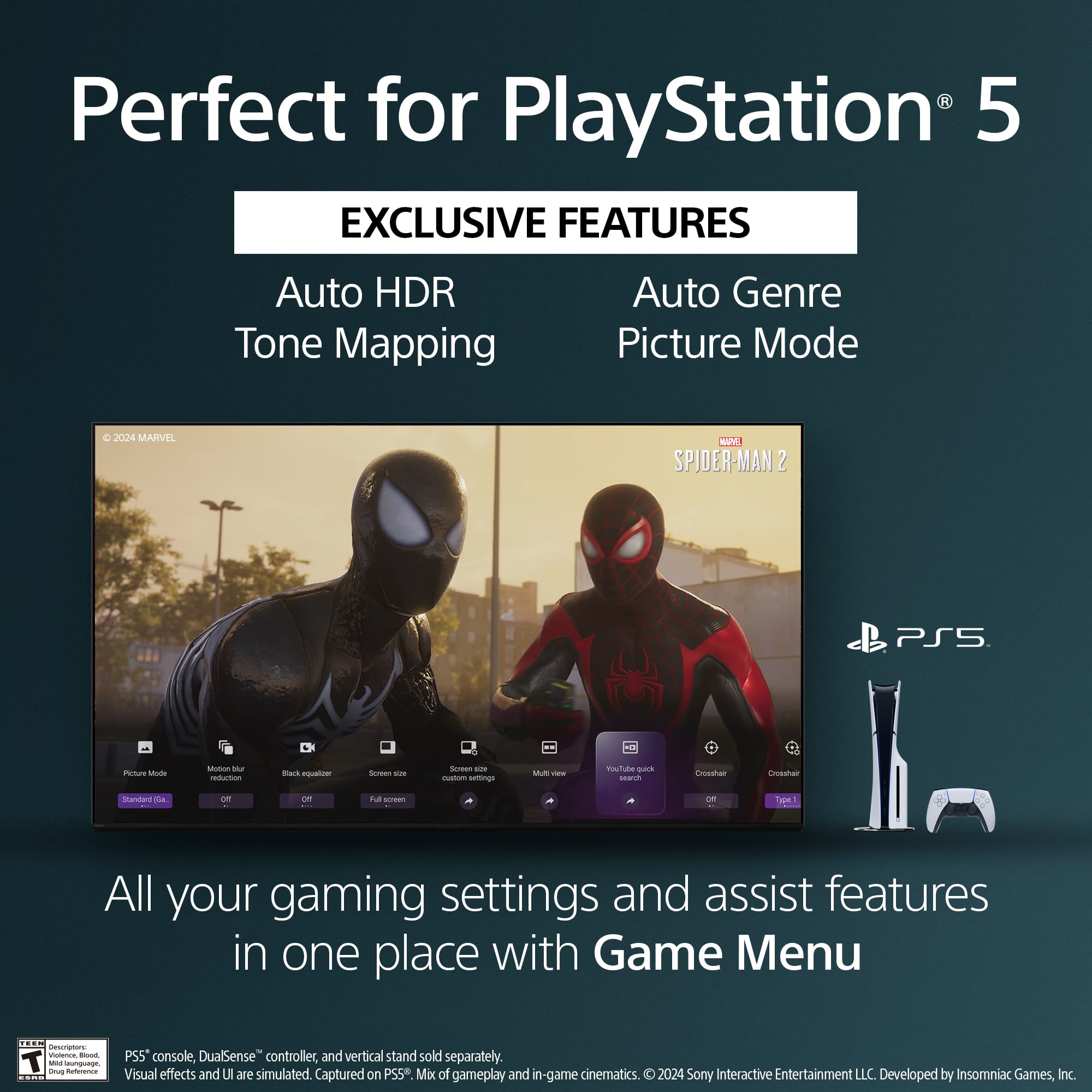
We’re thrilled to hear you’re enjoying the HDR and SDR performance on your new BRAVIA 8 II! Regarding the HDMI ports, this model features two HDMI 2.1 ports (Ports 3 and 4) which support 4K/120Hz, VRR, and ALLM for high-performance gaming. We understand the desire for more high-speed inputs and will certainly share your feedback with our product development team.
Thanks for choosing Sony.
Best regards,
Eliab
Over priced
Posted .This reviewer received promo considerations or sweepstakes entry for writing a review.Not exactly plug and play. I've spent considerable amount of time trying to figure out how to work. This television, and it's remote. Thank you so much.
No, I would not recommend this to a friendBrand response from SonyListens
Posted .Hi FrankMcL,
We are sorry to hear that you've had a difficult time setting up your new BRAVIA 8 II. To help simplify things, we recommend checking the Setup Guide and Help Guide available on our support website, which provide step-by-step instructions for the remote and features. Additionally, ensuring your remote is paired via Bluetooth in the Settings > Remotes & Accessories menu can make navigation much smoother.
Thanks for choosing Sony.
Best regards,
Eliab
Jusk ok
Posted .This reviewer received promo considerations or sweepstakes entry for writing a review.Just average, maybe it is the signal. I see smudges quite often, which I don't like.
I would recommend this to a friendBrand response from SonyListens
Posted .Hi ToddS,
Thank you for sharing your feedback with us. We want you to have the premium experience you expect from the Sony BRAVIA 8 II, and we would like to help you optimize your picture quality.
Regarding the smudges or signal quality you mentioned, your TV offers extensive customization options to help sharpen the image and reduce digital noise. We recommend exploring the picture settings using this official guide:
https://helpguide.sony.net/tv/musltn1/v1/en-003/contents/TP1001675534.html
To ensure you are getting the best possible performance from your display, we also recommend the following:
1- For the most impressive detail, ensure the content you are watching is in 4K resolution.
2- If you are using a cable box or a Blu-ray player, please ensure you are using a High Speed HDMI cable to maintain signal integrity.
3- If the "smudges" are physical marks on the exterior of the display, we suggest using a clean, dry microfiber cloth to gently wipe the screen.
If you continue to experience issues or need personalized help with your settings, please do not hesitate to contact our dedicated support team here:
https://us.esupport.sony.com/support/s/support-contact?language=en_US&category=tv
We are committed to helping you get the best out of your BRAVIA 8 II and hope these steps improve your viewing experience!
Thank you for considering Sony!
Regards,
Dominick
Truthful Reviews
Posted .This reviewer received promo considerations or sweepstakes entry for writing a review.Horrible this is the TRUTH, horrible, horrible. Sony has changed drastically they don’t have quality TVs anymore, I don’t know how to explain it horrible horrible horrible and blurry.
No, I would not recommend this to a friendBrand response from SonyListens
Posted .Hi Ladycook,
As the BRAVIA 8 II OLED is one of our top-of-the-line premium models, it is designed to deliver industry-leading clarity and should certainly not look blurry. To resolve this, please ensure your HDMI signal format is set to "Enhanced" and try switching to "Professional" picture mode to disable unnecessary processing. If these steps do not immediately resolve the issue, please contact our support team so we can investigate your specific unit and ensure you are getting the elite performance this TV is built to provide.
Thanks for choosing Sony.
Best regards,
Eliab