Customer Ratings & Reviews
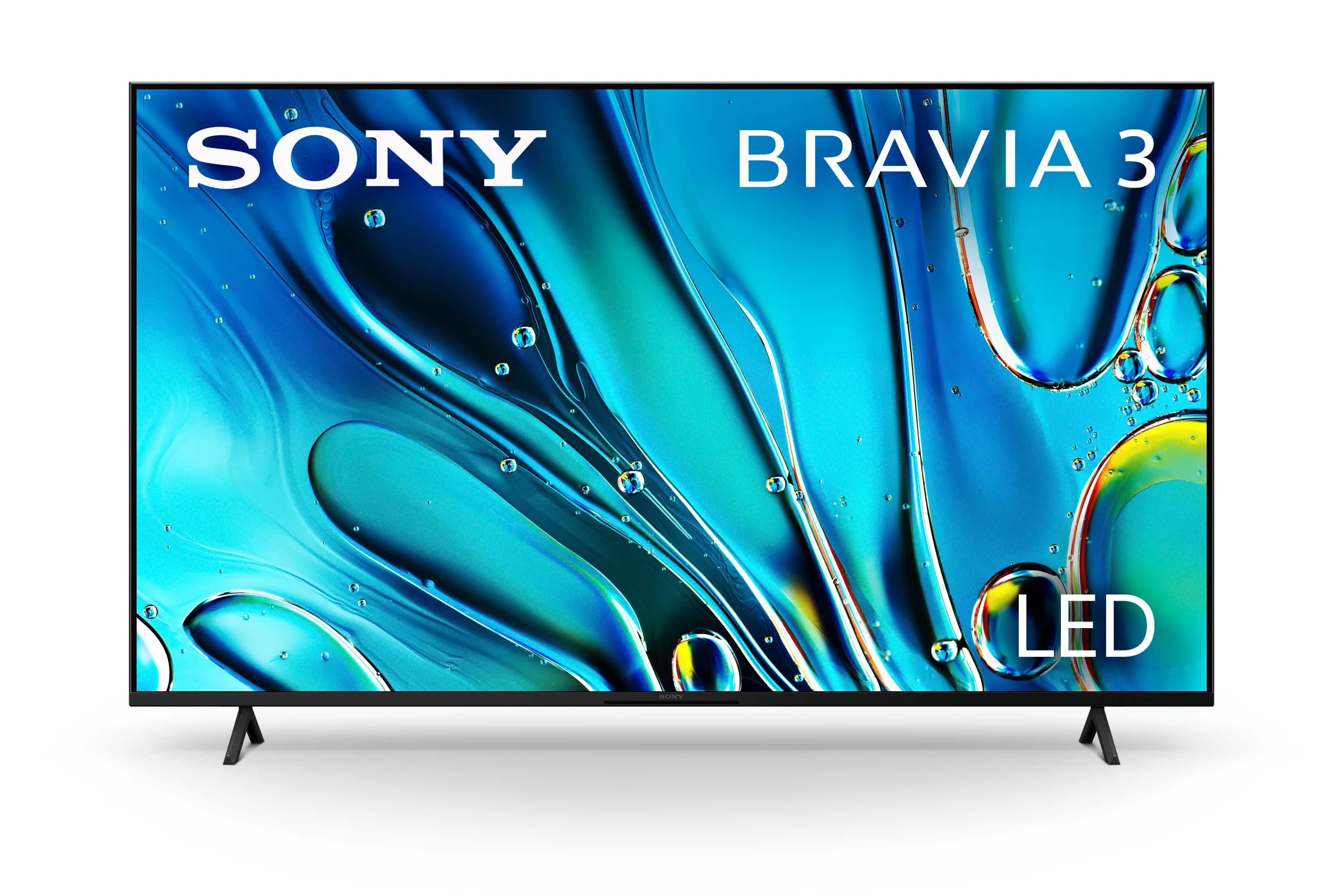
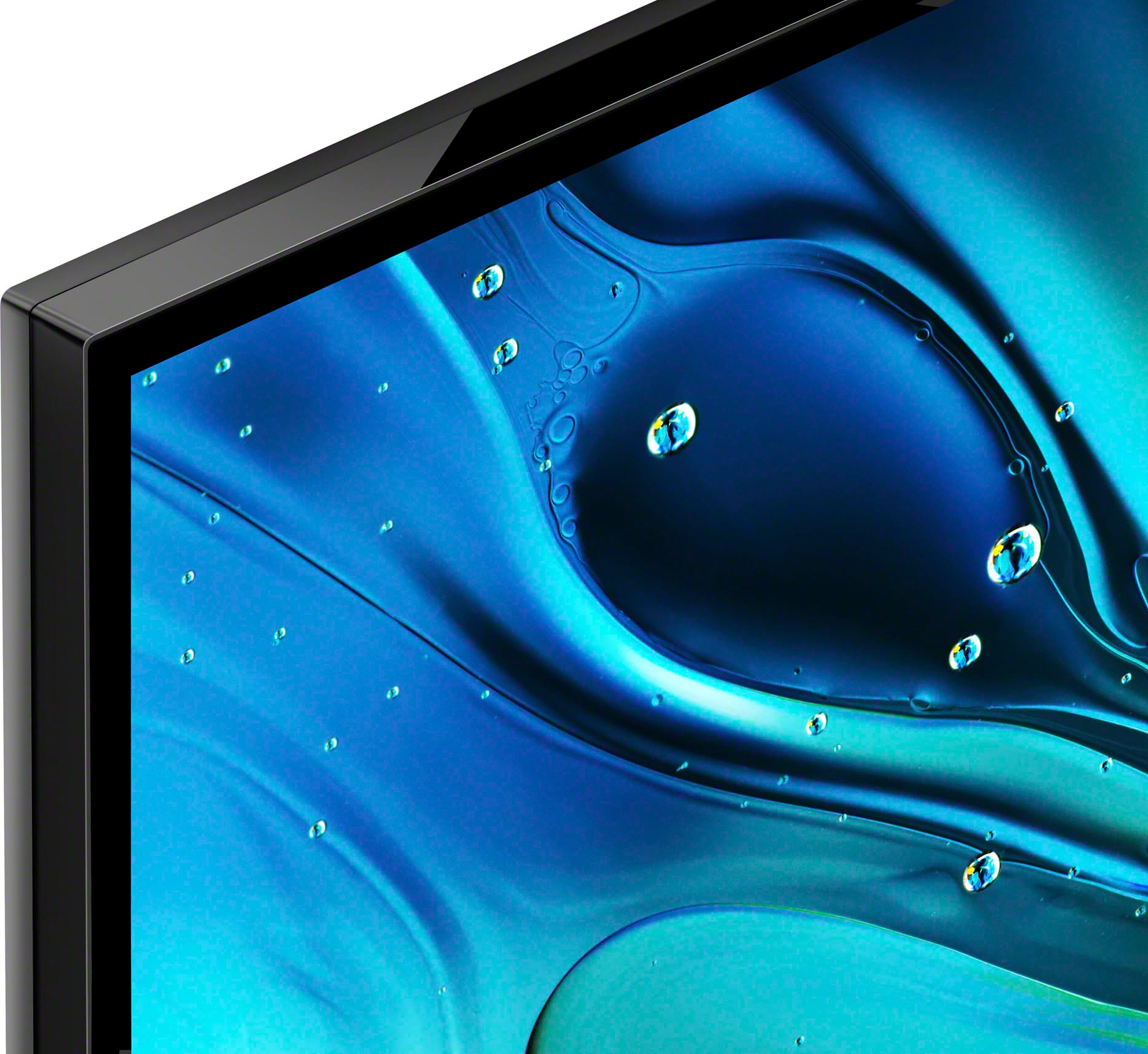
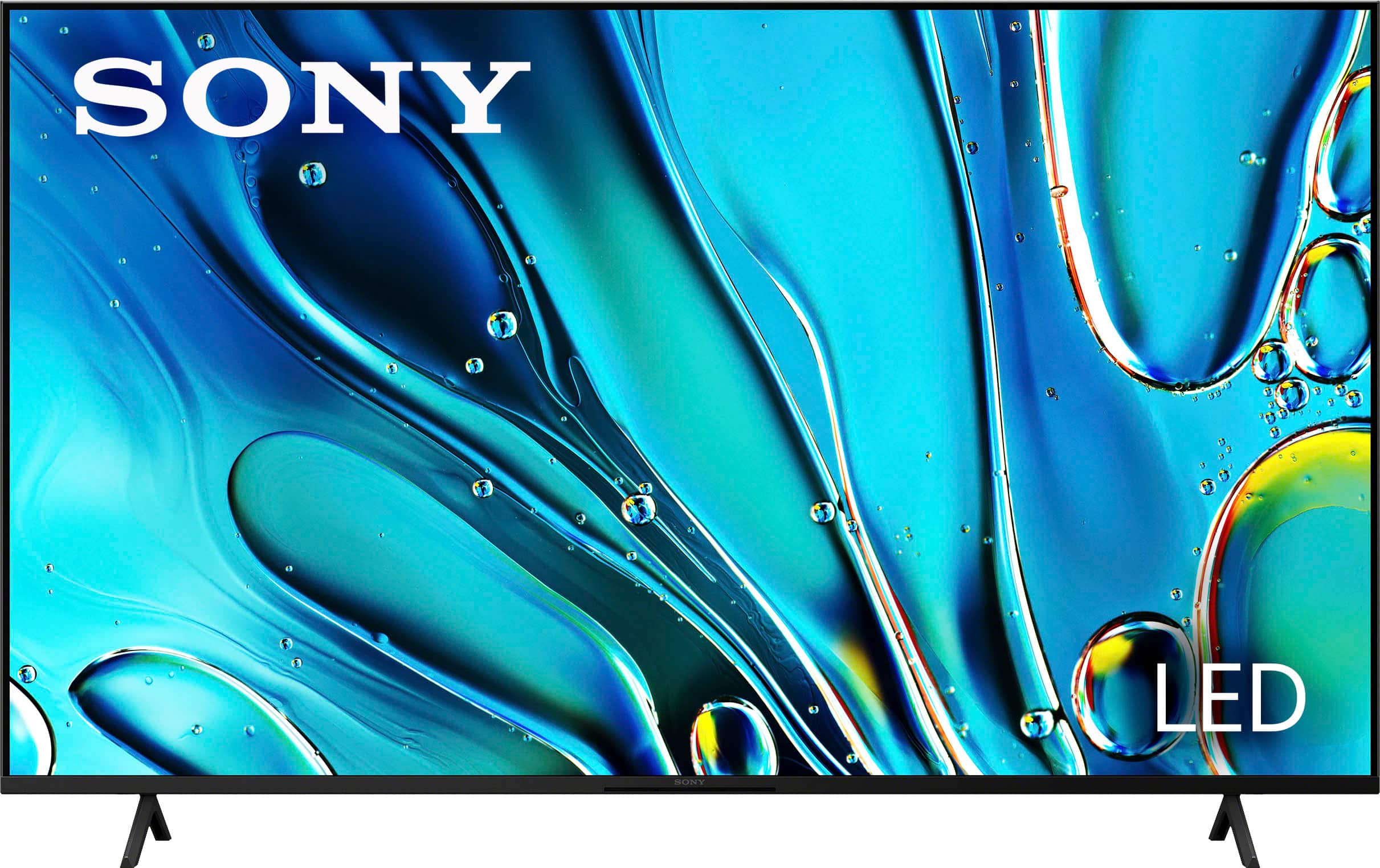
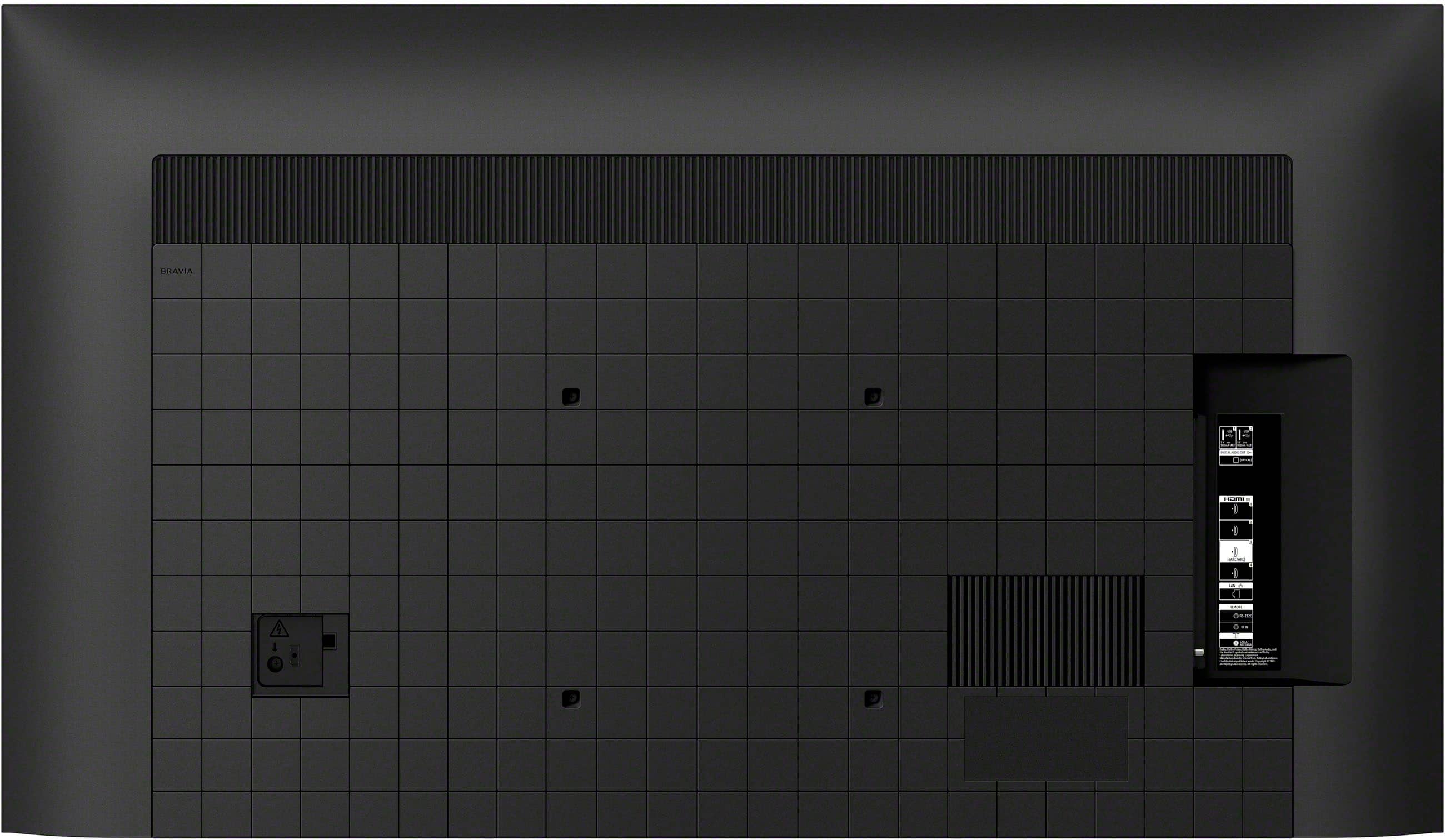
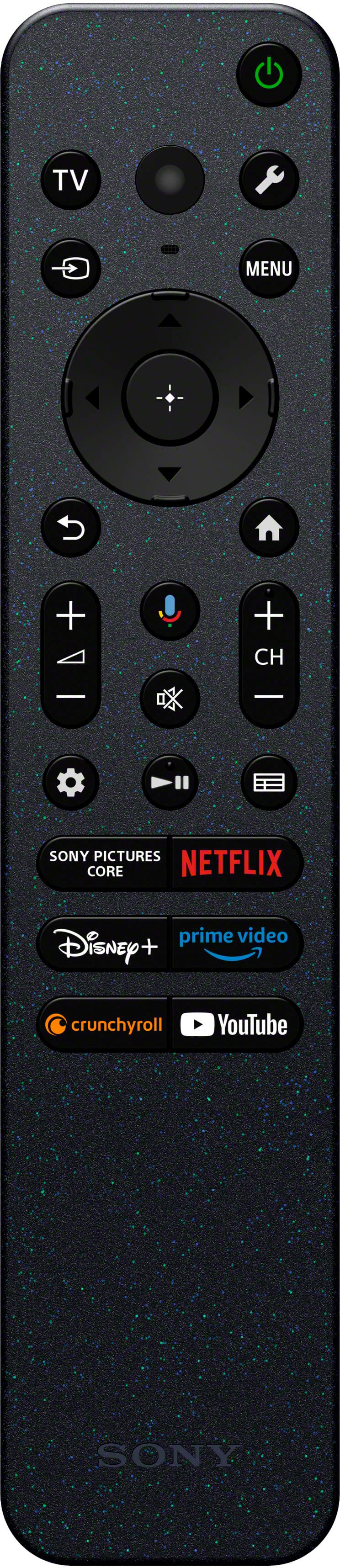
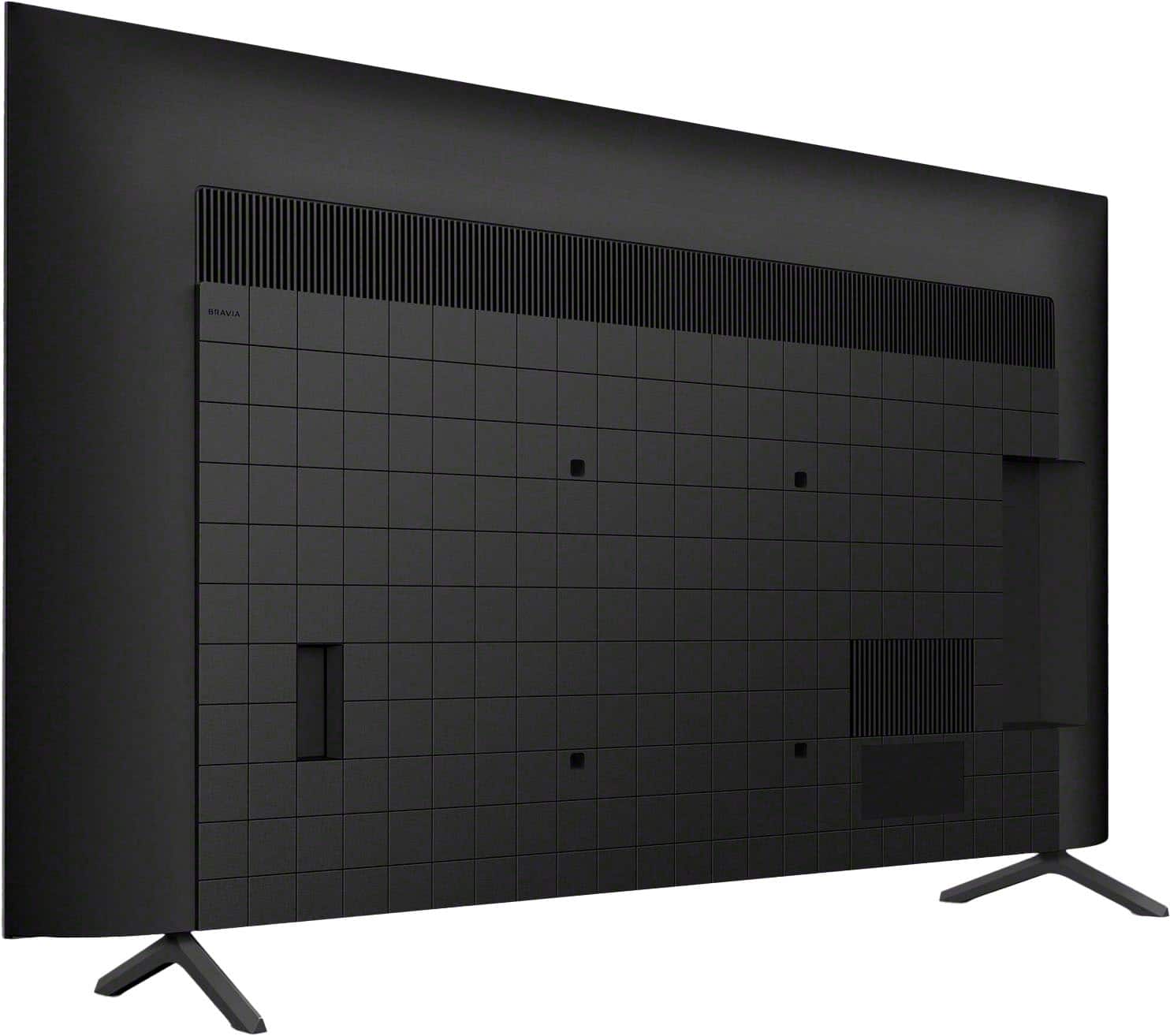
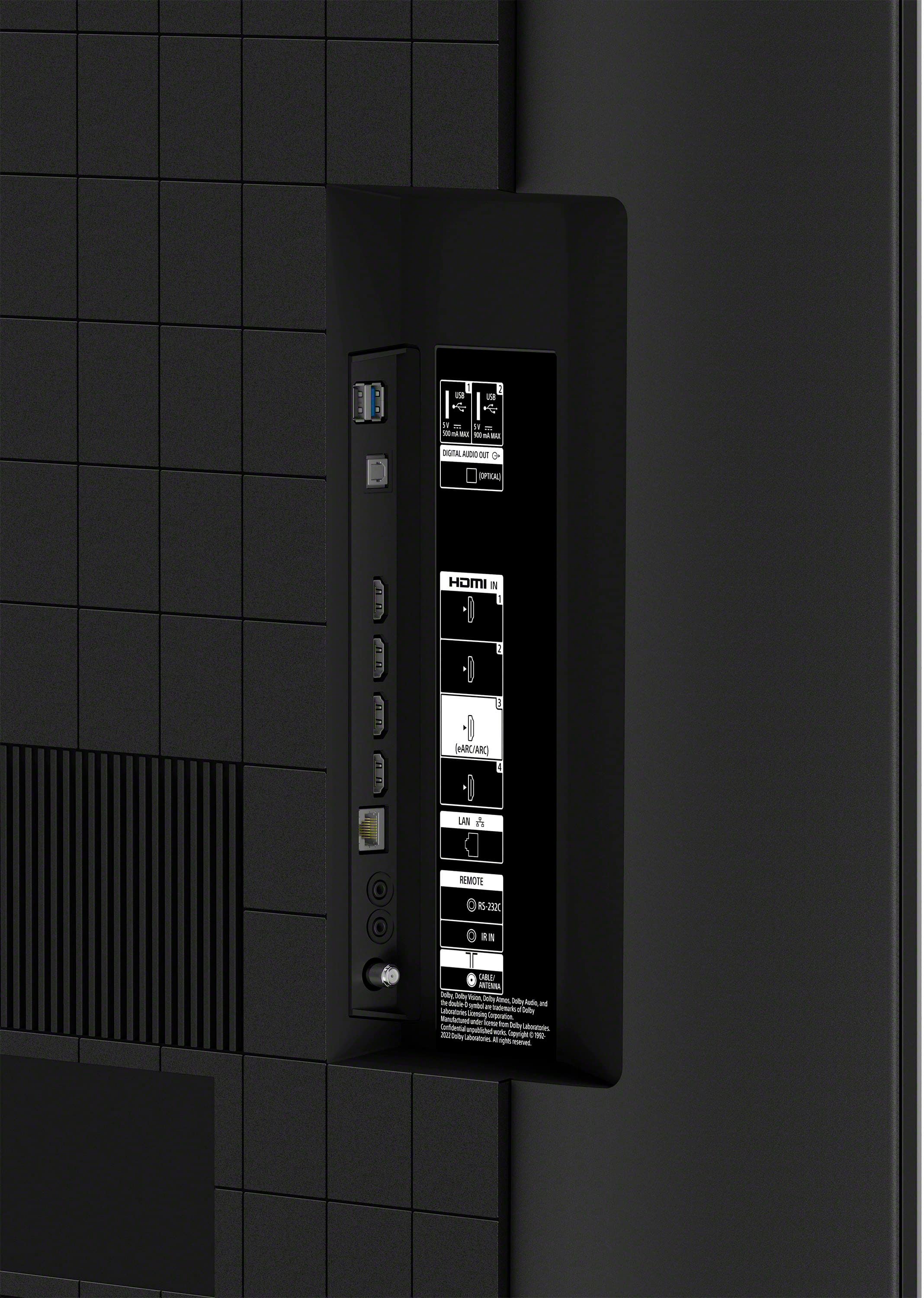
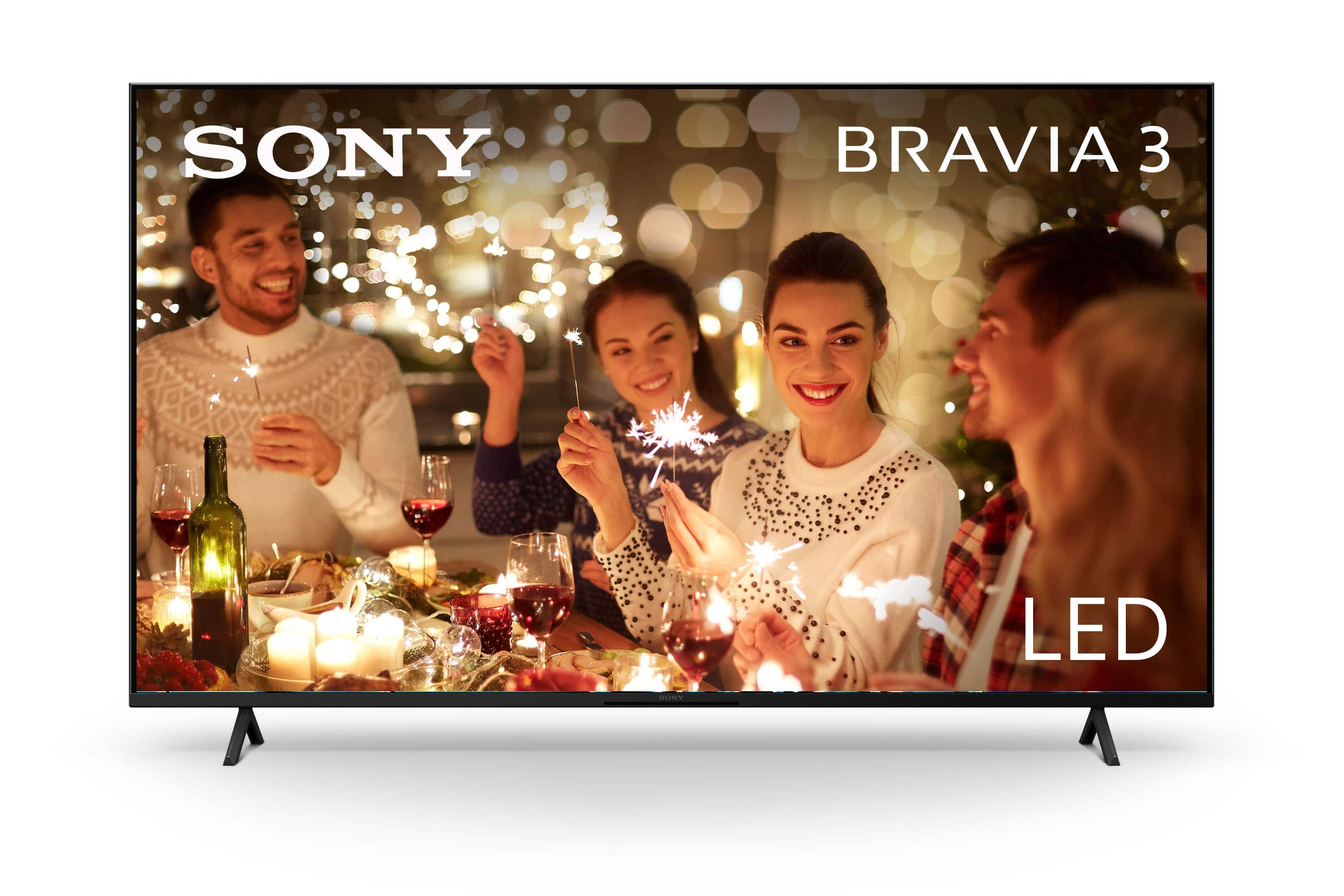
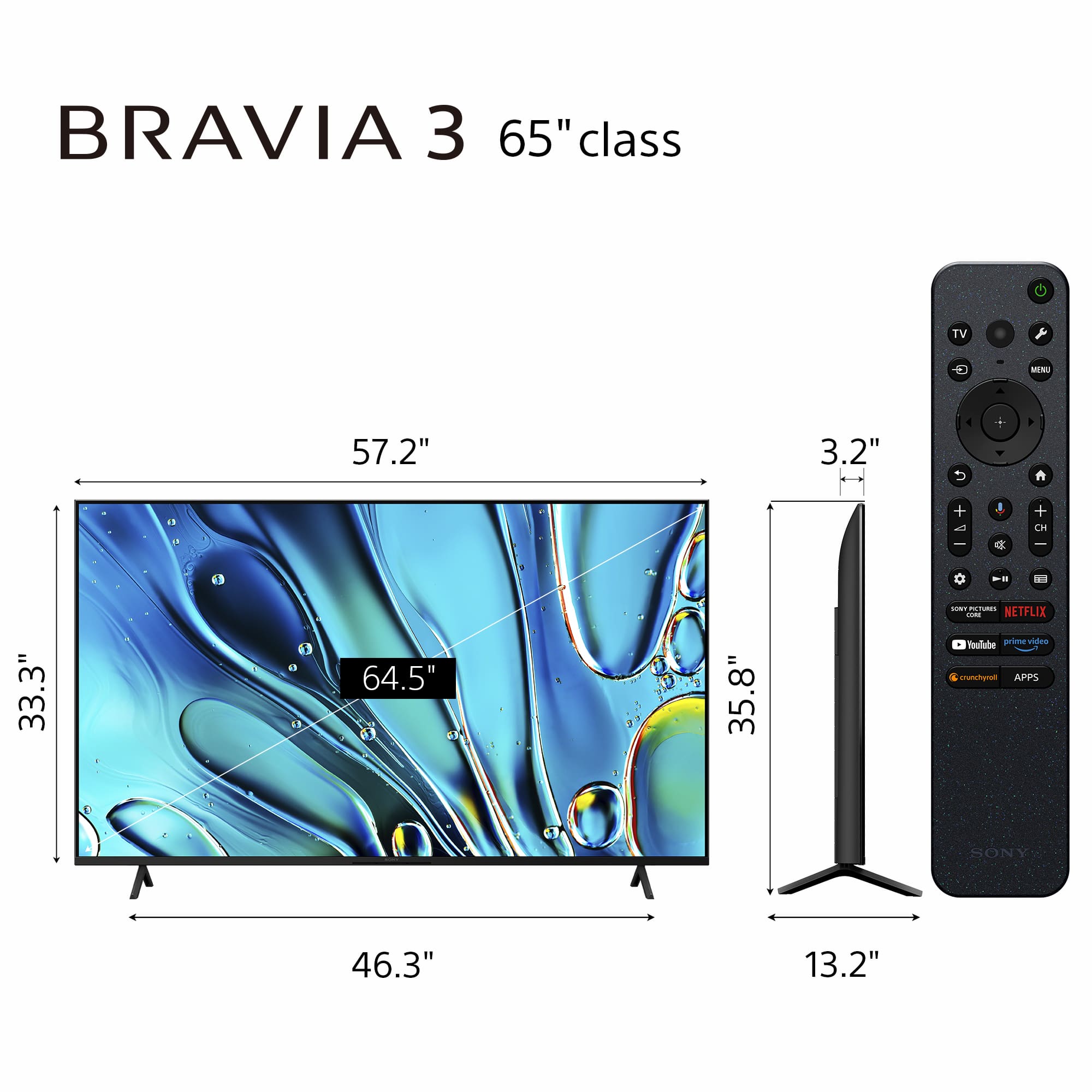








- Model:
- K65S30
- SKU:
- 6578579
Rating by feature
- Picture Quality
Rating 4.7 out of 5 stars
- Sound Quality
Rating 4.5 out of 5 stars
- Brightness
Rating 4.7 out of 5 stars
to a friend
Customers are saying
Customers frequently mention the excellent picture quality and ease of use as major positives of the 65" Class BRAVIA 3 LED 4K UHD Smart Google TV (2024). Color, price, and setup are also appreciated by users. However, some customers have reported issues with connectivity and the remote control.
This summary was generated by AI based on customer reviews.
Awesome tv
||Posted . Owned for 1 month when reviewed.This reviewer received promo considerations or sweepstakes entry for writing a review.The tv is great. The quality if the screen is really good.
I would recommend this to a friendBrand response from SonyListens
Posted .Hi Mason!
Thanks for your feedback. We are very happy to hear that you're enjoying the picture quality in the television.
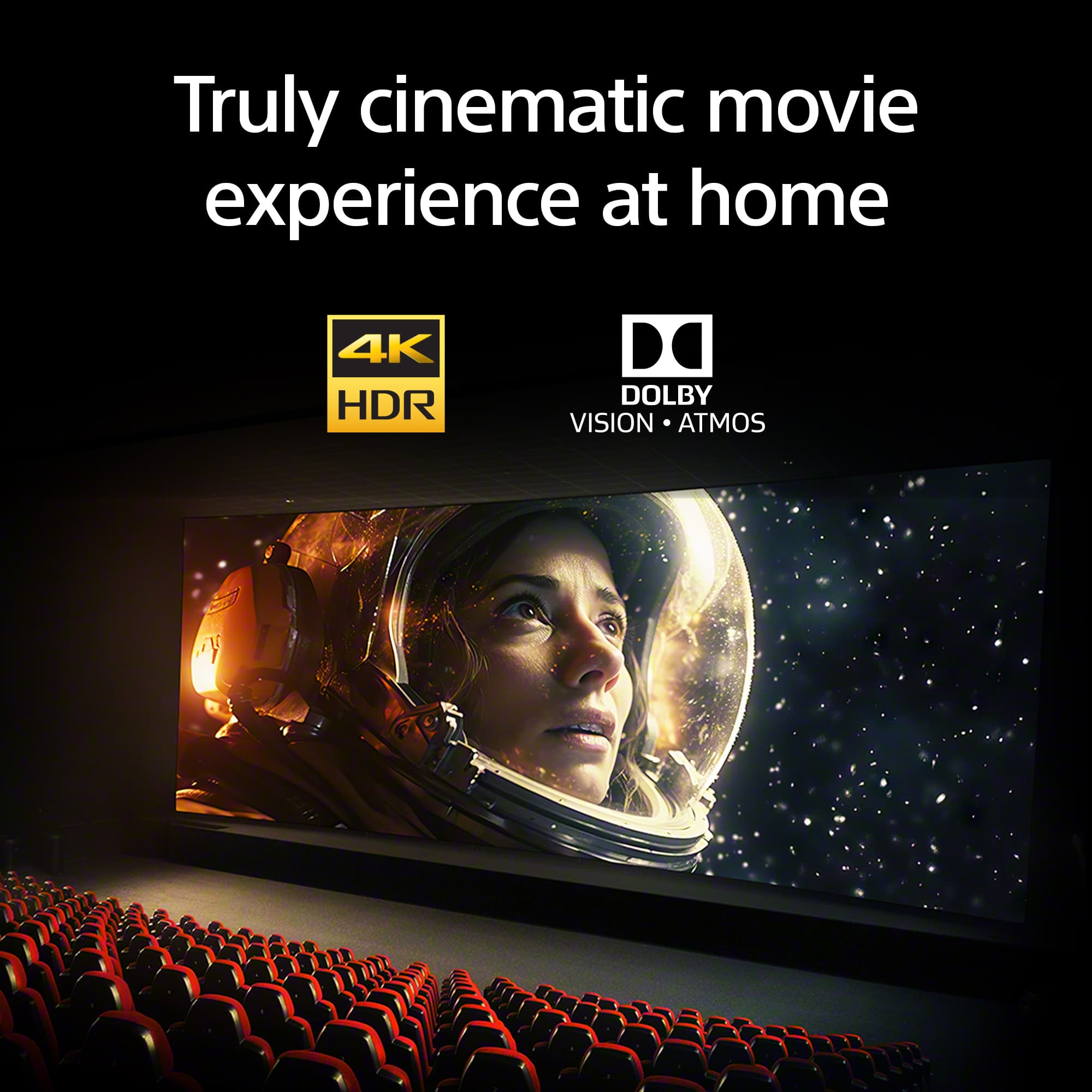
With our BRAVIA 3 you can get a truly cinematic viewing experience with support for4K HDR, Dolby Vision and Dolby Atmos.
We appreciate you choosing Sony!
Best regards,
Estefany
Beautiful Television
||Posted .This reviewer received promo considerations or sweepstakes entry for writing a review.Awesome television connected to the internet quickly and easily setup to my preference
I would recommend this to a friendBrand response from SonyListens
Posted .Hello JacobG,
Thank you for choosing Sony!
It's rewarding to hear that your K65S30 is an awesome television for you! We're happy to know that connecting to the internet was quick and that you found the setup to your preferences easy. Your experience motivates us to continue delivering high-quality products.
Best regards,
-Fred
SONY 65" BRAVIA 3 LED 4K UHD SMARTTV 2024!
||Posted . Owned for 3 weeks when reviewed.This reviewer received promo considerations or sweepstakes entry for writing a review.Geek SQUAD # 1, GREAT, CLEAN INSTALLATION !! BRAVO!!
I would recommend this to a friendBrand response from SonyListens
Posted .Hi CiriacoP,
Thanks for sharing your experience! We're thrilled to hear you're now enjoying your BRAVIA 3. It's great to know you had such an amazing experience with the installation.
Thanks for choosing Sony!
Sincerely,
Jenn | Sony North America.
OK
||Posted . Owned for 1 week when reviewed.This reviewer received promo considerations or sweepstakes entry for writing a review.it's ok but not great, easy to setup & stands are good if you choose to use....the picture quality is OK but seems grainy & we liked our old TV better. Sound is not great so need a sound bar of good quality.
No, I would not recommend this to a friendBrand response from SonyListens
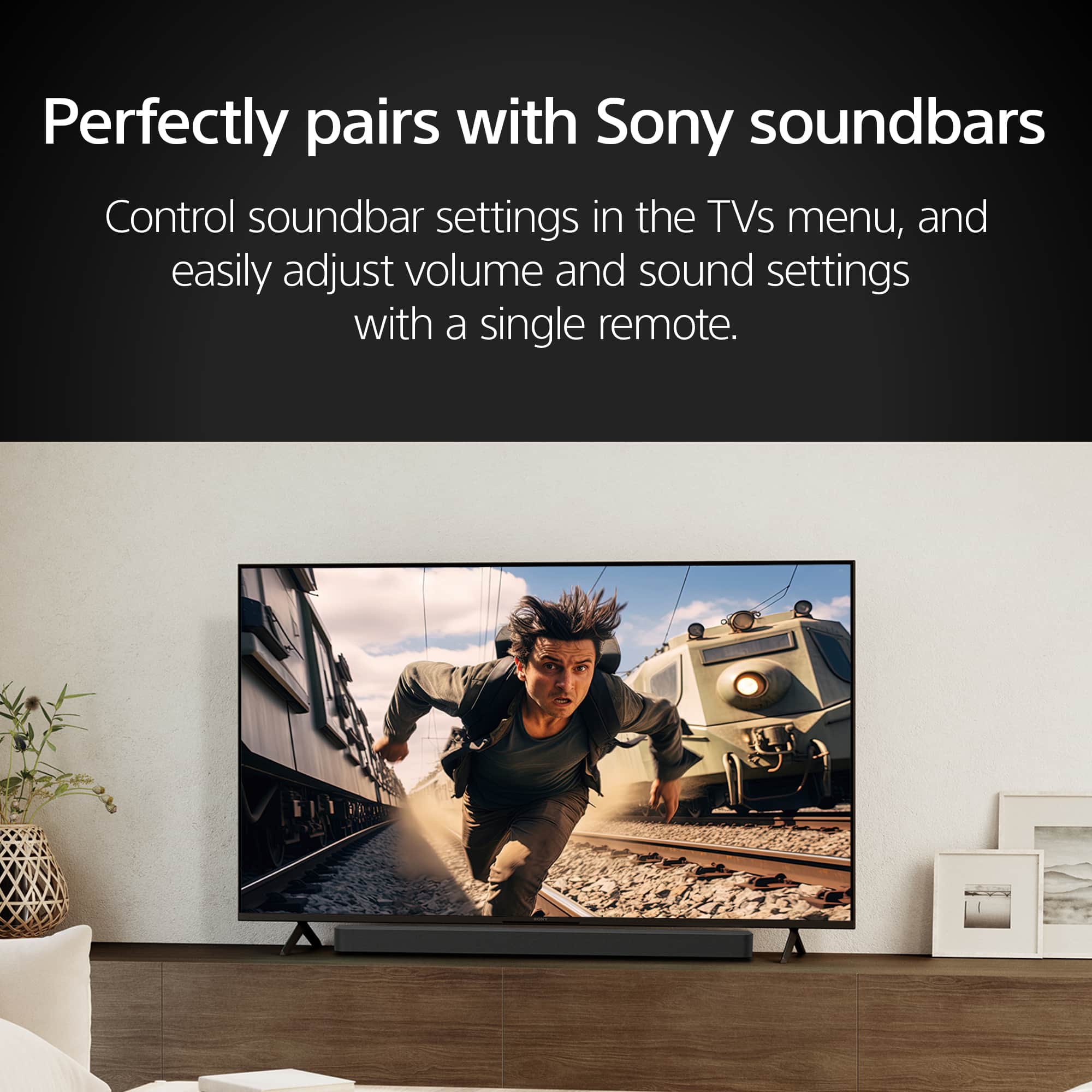
Posted .Hi LakeGirl, thanks for choosing and purchasing our product. Hope you are enjoying it. We're sorry to hear that you have an issue with the sound quality of our your Sony unit. To enhance the sound quality of your K65S30 TV, I recommend considering a high-quality soundbar. Sony offers several soundbars that can significantly improve your audio experience. HT-A7000: This premium soundbar delivers exceptional sound quality with support for various audio formats and advanced features like 360 Reality Audio. Thanks for choosing Sony. ~Earl
Television
||Posted . Owned for 8 months when reviewed.This reviewer received promo considerations or sweepstakes entry for writing a review.It is not best you can get. But for the price its well worth it.
I would recommend this to a friendBrand response from SonyListens
Posted .Hi TylerW, it's fantastic to know you're finding great value in your Sony - BRAVIA 3. This model offers impressive 4K HDR picture quality with vibrant colors and smart features, making it a solid choice for enjoying your favorite movies and shows. We appreciate you recognizing the quality it brings at its price point and hope it continues to enhance your viewing experience! Thanks for choosing Sony. Best regards, -Dominick
Tv is good for gaming and in bedrooms
||Posted .This reviewer received promo considerations or sweepstakes entry for writing a review.Good tv with good lighting not that great when sun hits tho
I would recommend this to a friendBrand response from SonyListens
Posted .Hi JavierG!
It's truly wonderful to know how much you're liking your new BRAVIA 3.
We designed the BRAVIA 3 to have an incredible picture with features like dynamic contrast and vivid colors.
For those times when the sun hits the screen, you might want to adjust the brightness and contrast settings in the picture menu. You can also try tilting the screen slightly.
Thanks for choosing Sony!
Best regards,
Estefany
Overpriced
||Posted .This reviewer received promo considerations or sweepstakes entry for writing a review.Works great but overpriced for what it is. Since buying I’ve seen same or better quality TV for less.
No, I would not recommend this to a friendBrand response from SonyListens
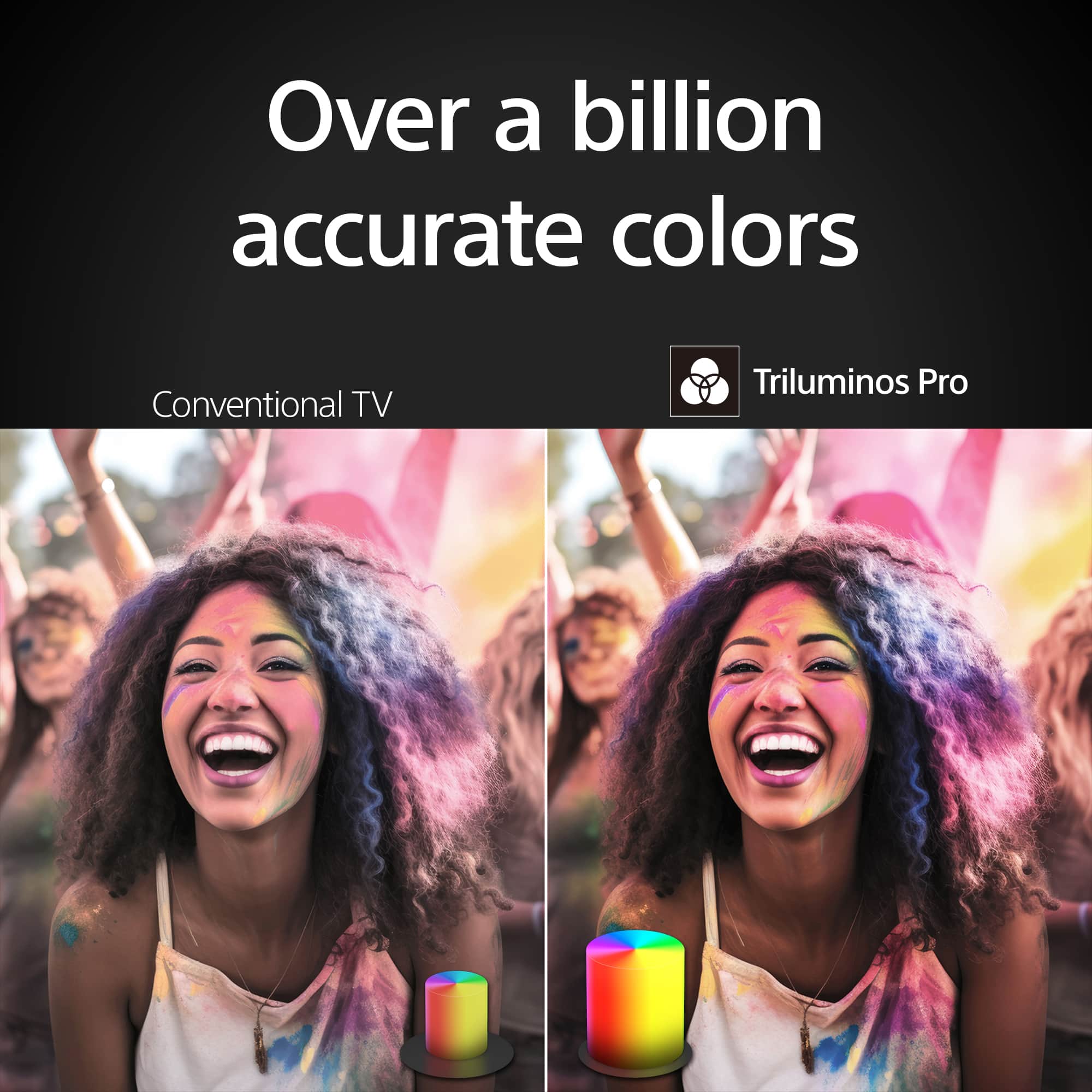
Posted .Hi SpenW, thanks for sharing your thoughts and feedback on the Sony - 65" Class BRAVIA 3! This TV comes with our 4K HDR Processor X1 and Triluminos Pro technology, which produces over a billion of colors with enhanced saturation and hue for natural shades. It also has support for Dolby Vision and Dolby Atmos creating a truly cinematic viewing experience. We understand that personal preferences and prices can vary in a highly competitive market, we appreciate your comments as this helps us create more valuable products and a better experience. Thanks for choosing Sony! Regards, -Dominick
On and off too slow
||Posted . Owned for 1 month when reviewed.This reviewer received promo considerations or sweepstakes entry for writing a review.Not like what i expectation. The picture not as good as my old tv, and slow to change the channel. I dont know it is the tv problem or the remote problem
No, I would not recommend this to a friendBrand response from SonyListens
Posted .Thank you for your feedback, Sonia. We’re sorry to hear that your K-65S30 isn't meeting your expectations regarding the picture quality and channel speed. We want you to love your new TV, so we recommend switching your picture mode to Professional under the Display and Sound settings to get the most accurate colors. If the picture feels too dim, you might also try turning off the Light Sensor in the Eco settings. To speed up channel changes, try pressing the Enter or OK button immediately after typing a channel number to skip the wait time. Additionally, please ensure your TV software is fully updated to improve overall responsiveness. Thank you for choosing Sony!
Best regards, Gus, Sony Social Media Team
owner
||Posted . Owned for less than 1 week when reviewed.This reviewer received promo considerations or sweepstakes entry for writing a review.David the service tech was good and made such that I understood very thing. Great guy and personality. Would also recommend him to anyone.
I would recommend this to a friendBrand response from SonyListens
Posted .Hi JackieR,
Great! We're glad that you were assisted professionally. Thank you for choosing Sony!
-Ralph
I recommend
||Posted . Owned for 3 weeks when reviewed.This reviewer received promo considerations or sweepstakes entry for writing a review.very good service and price for the tv, Thank you very much, we are happy
I would recommend this to a friendTV
||Posted . Owned for 1 month when reviewed.This reviewer received promo considerations or sweepstakes entry for writing a review.Bought this as a gift for my son. He absolutely loves it. It was easy to install and perfect for gaming
I would recommend this to a friendBrand response from SonyListens
Posted .Hi Nove. Great! We're pleased to hear that your son is enjoying the new K-65S30 Sony TV!. We love the fact it was easy for you to install it, that's what we try to do is reduce the difficulty to get it all set up. We hope he keeps enjoying it!. Thanks for choosing Sony. -Milton
Good old Bravia
||Posted . Owned for 1 month when reviewed.This reviewer received promo considerations or sweepstakes entry for writing a review.Overall this is good TV. I had a Sony Bravia 55" TV for about 15 years and that is why I chose same TV again. I wish sound is better.
I would recommend this to a friendBrand response from SonyListens
Posted .Hi LjiljanaV, we're glad you like our product. We're sorry to hear that you have an issue with your Sony unit. You can configure various settings related to the TV’s sound such as sound quality. Please follow this link for more details:
https://helpguide.sony.net/tv/lusltn2/v1/en-003/01-03-09_02.html?hl=sound
If you require any additional support with regard to this product, please email us at socialsupport@am.sony.com with the following details: Name: Username: Model Number: Issue: Telephone Number:
Thanks for choosing Sony. ~Earl
Sony Smart TV
||Posted . Owned for 2 months when reviewed.This reviewer received promo considerations or sweepstakes entry for writing a review.Great price bought this TV for a house git when my daughter moved into her new house.
I would recommend this to a friendBrand response from SonyListens
Posted .Hi BillM, thank you so much for the 5-star review! We're thrilled to hear the Sony - 65" Class BRAVIA 3 made such a meaningful gift for your daughter's new home. Great picture quality at a great price is exactly what we aim for. Thank you for choosing Sony! Regards, -Dominick
Good quality tv
||Posted . Owned for 3 weeks when reviewed.This reviewer received promo considerations or sweepstakes entry for writing a review.Good product. I love it. We can download most of apps.
I would recommend this to a friendBrand response from SonyListens
Posted .Hi MOHAMMADIQBALM, thanks for taking the time to share your experience! This Sony - BRAVIA 3 is an absolute game-changer! It's incredibly user-friendly with all its smart features and apps, making everything so easy to watch. But what truly stands out are the stunningly detailed, vibrant pictures and the dynamic sound – they make every movie and show feel so much more immersive and exciting! Thank you for choosing Sony, and enjoy every moment with your new TV! Regards, -Dominick
Nope.
||Posted . Owned for 7 months when reviewed.This reviewer received promo considerations or sweepstakes entry for writing a review.Color is great, size is perfect. Sound is alright but we use our sound bar anyway. What is the most disappointing is sometimes it won't turn on and we have to unplug the cord to "soft" restart. I've already did all the updates and setting back to factory and then having to reload all my apps. It worked for a bit but now it's like once a week. Also the sound randomly stops working I have to manually switch to TV speakers then back to sound bar for it to come back on. Very disappointed Best Buy told me to call Sony because it's under warranty even tho I purchased their warranty. I'm just exhausted with this TV and don't have time to return an entire TV and pay for shipping. Don't bother with this one, go with any other brand.
No, I would not recommend this to a friendBrand response from SonyListens
Posted .Hi StephaineL, thanks for choosing and purchasing our product. We're sorry to hear that you have an issue with your new TV. We appreciate your efforts in troubleshooting your TV. To better assist you, please email the below information to socialsupport@am.sony.com .
Apologies if you disclosed some of this information in your review and to customer service, we just want to ensure that we have your accurate details at the time of communication.
Full Name:
Best Buy Username:
Telephone Number:
Sony TV Model Number:
Additional Information regarding your experience with the K65S30
We are sorry for the inconvenience and hope to speak to you to resolve this matter.
Regards,
Earl
not cheap
||Posted . Owned for 1 month when reviewed.This reviewer received promo considerations or sweepstakes entry for writing a review.I did not find instruction manual so I had difficulties in finding out how to set up personal preferences and options available on the tv. Finally figured it out by trial and error.
I would recommend this to a friendBrand response from SonyListens
Posted .Hi GeneM,
We regret to hear that you had difficulties setting up the TV. We're glad that you were able to configure it to your standards. Help guides and manuals are available on our support website. You may find this link helpful:
https://www.sony.com/electronics/support/televisions-projectors-lcd-tvs-android-/k-65s30
In case you need further assistance, we're here to help! Please email the below information to socialsupport@am.sony.com.
Name:
Username:
Model Number:
Issue:
Telephone Number:
Or contact our product support team via phone call or chat through this link:
https://us.esupport.sony.com/support/s/support-contact?language=en_US&category=tv
Sincerely,
-Ralph
Great picture
||Posted . Owned for 1 month when reviewed.This reviewer received promo considerations or sweepstakes entry for writing a review.Am very satisfied with this product. Installation folks were very helpful
I would recommend this to a friendBrand response from SonyListens
Posted .Hello JamesW, thank you for giving us a 5-star rating! We're delighted to hear you're enjoying your BTAVIA 3! It's also great to know the installers were helpful. Thank you for choosing Sony. Best regards, -Jenn.
Best salesperson ever at Best Buy.
||Posted . Owned for 1 week when reviewed.This reviewer received promo considerations or sweepstakes entry for writing a review.Our salesperson was the best!!! Very knowledgeable, courteous & extremely pleasant. We give him 10 stars. He made our shopping a pleasant experience.
I would recommend this to a friendBrand response from SonyListens
Posted .Hi ArthurSarita, we're glad you like your new TV! Thanks for choosing Sony. ~Earl
Simple and beautiful
||Posted . Owned for 2 months when reviewed.This reviewer received promo considerations or sweepstakes entry for writing a review.Beautiful and easy to use. Appreciate Apple TV plus and other apps already present.
I would recommend this to a friendBrand response from SonyListens
Posted .Hi George, we're glad you are enjoying your new TV! Thanks for choosing Sony. ~Earl
Installation
||Posted . Owned for 1 week when reviewed.This reviewer received promo considerations or sweepstakes entry for writing a review.The technicians that came out to set it up were great. They had a long day, bad weather etc. but gave excellent service despite being tired.
I would recommend this to a friendBrand response from SonyListens
Posted .Hi Lama, we're glad you are enjoying your new TV! Thanks for choosing Sony. ~Earl