Customer Ratings & Reviews
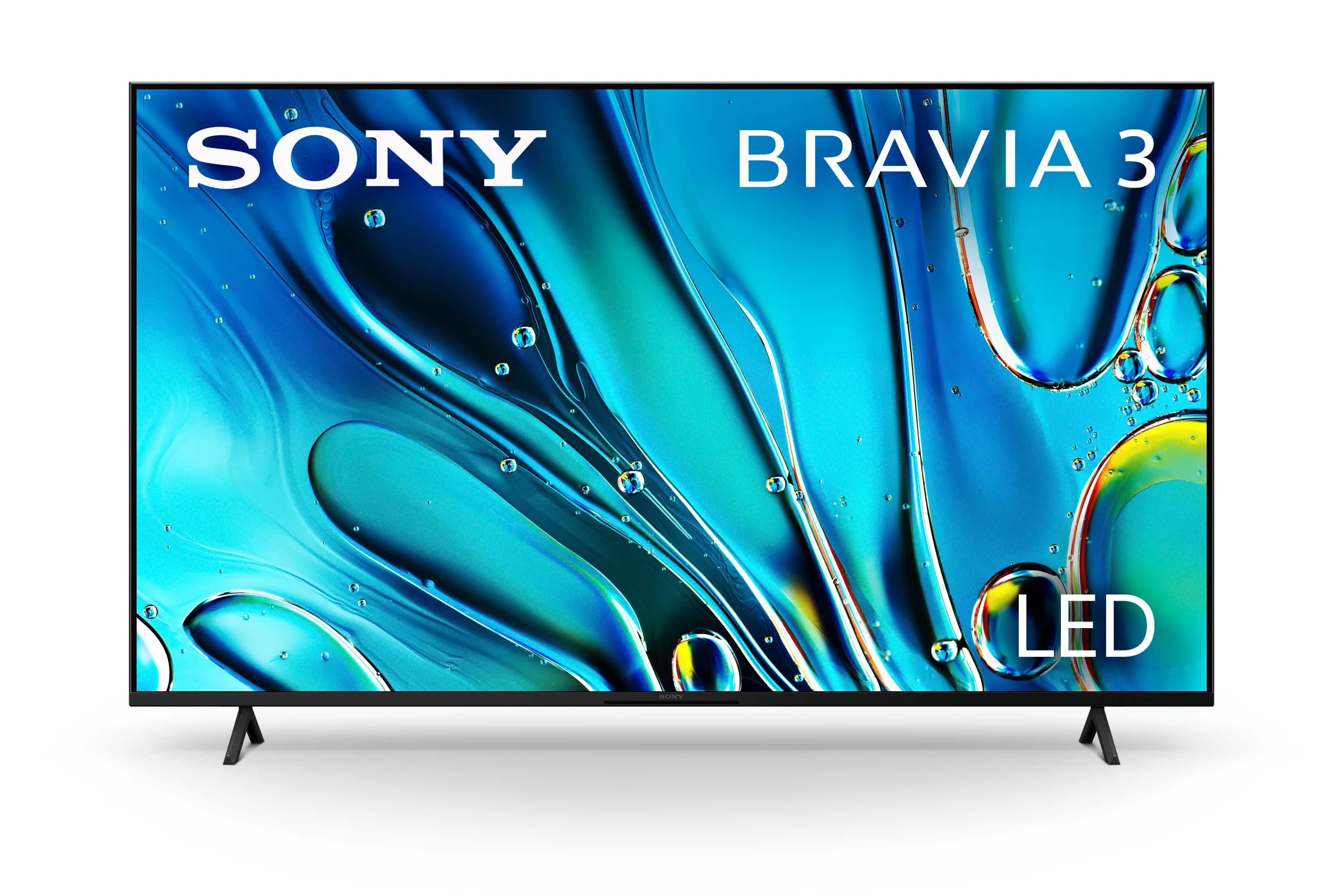
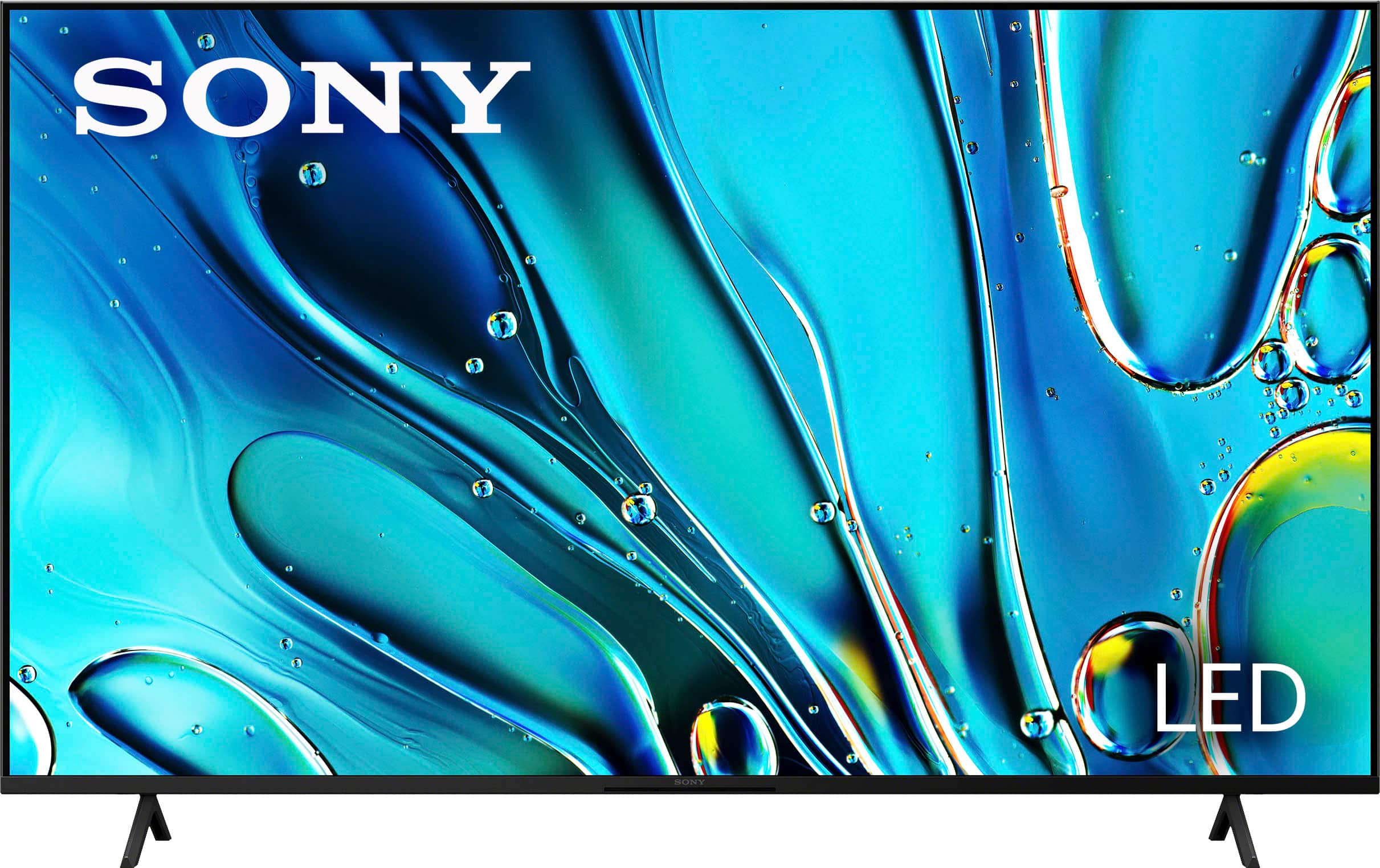
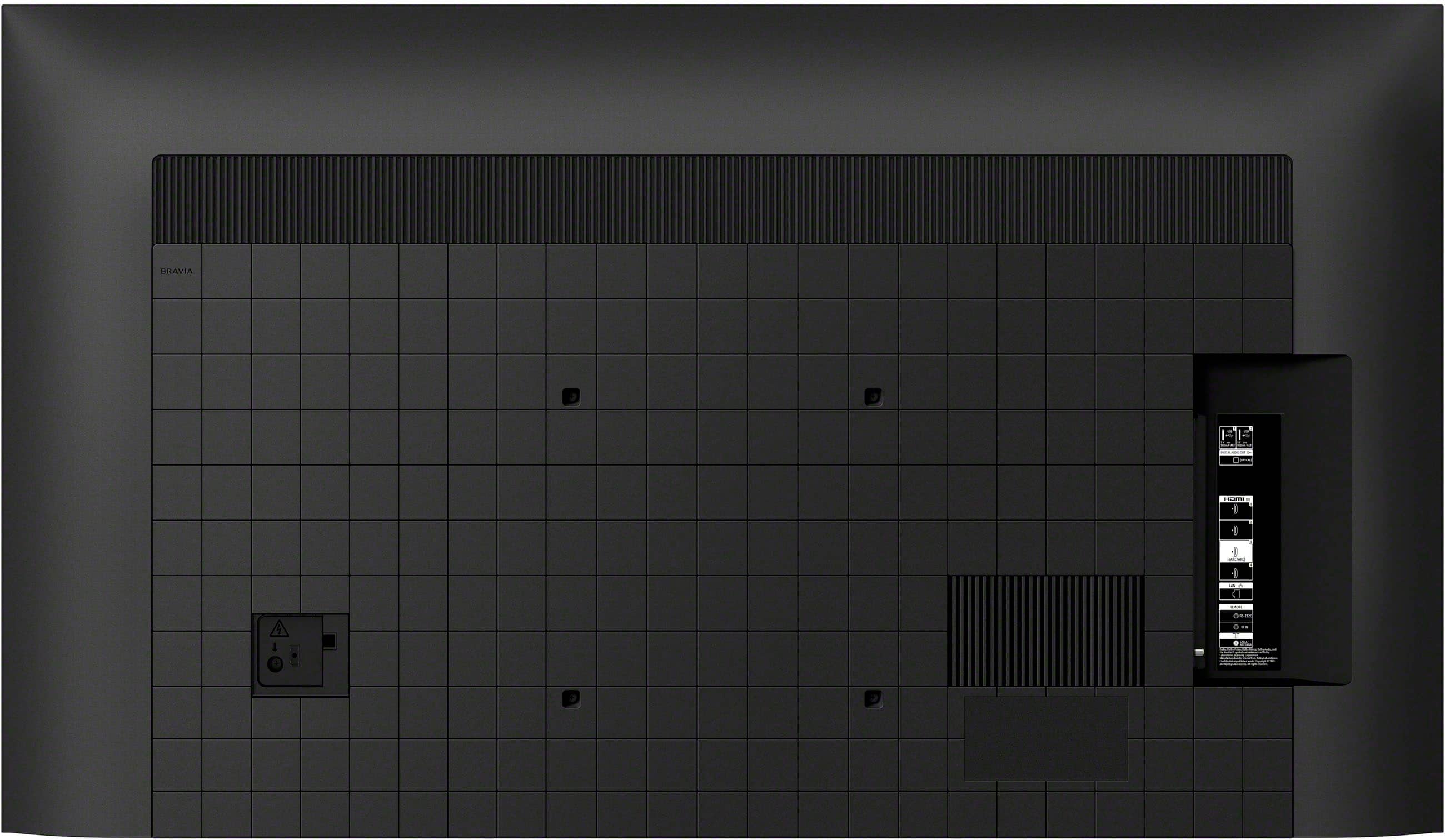








- Model:
- K65S30
- SKU:
- 6578579
Rating by feature
- Picture Quality
Rating 4.7 out of 5 stars
- Sound Quality
Rating 4.5 out of 5 stars
- Brightness
Rating 4.7 out of 5 stars
to a friend
Customers are saying
Customers frequently mention the excellent picture quality and ease of use as major positives of the 65" Class BRAVIA 3 LED 4K UHD Smart Google TV (2024). Color, price, and setup are also appreciated by users. However, some customers have reported issues with connectivity and the remote control.
This summary was generated by AI based on customer reviews.
I love Sony!
||Posted . Owned for 3 weeks when reviewed.This reviewer received promo considerations or sweepstakes entry for writing a review.This is an excellent smart TV. I am happy with my purchase and recommend it!!!
I would recommend this to a friendBrand response from SonyListens
Posted .Hi EdnaF, we're glad you are happy with your purchase! Enjoy your new TV! Thanks for choosing Sony! ~Earl

Mike
||Posted . Owned for 3 weeks when reviewed.This reviewer received promo considerations or sweepstakes entry for writing a review.Service was great. Miah is phenomenal-she sold us a Tv I wasn’t planning to buy
I would recommend this to a friendBrand response from SonyListens
Posted .Hi CherylH, it is nice to know that you had a great experience with your purchase! We're glad you like your new TV! Thanks for choosing Sony! ~Earl
Sony tv
||Posted . Owned for 1 month when reviewed.This reviewer received promo considerations or sweepstakes entry for writing a review.The tv works great, it has amazing features and fictions well with the ps5.
No, I would not recommend this to a friendBrand response from SonyListens
Posted .Hi Jada, Thanks for the 5-star rating! We're glad you like your new TV. Enjoy and thanks for choosing Sony. -Craig
New TV
||Posted . Owned for 2 weeks when reviewed.This reviewer received promo considerations or sweepstakes entry for writing a review.The salesclerk Cameron was very helpful to us as we could not make up our mind. He was patient and answered all our questions
I would recommend this to a friendBrand response from SonyListens
Posted .Hi SharonJ, we're glad you had a great experience with your purchase. Enjoy your new TV. Thanks for choosing Sony! ~Earl
Improper installation
||Posted . Owned for 1 month when reviewed.This reviewer received promo considerations or sweepstakes entry for writing a review.The TV was installed by a contractor (NOT BESTBUY) and the speaker system I ordered was not installed properly, and NEVER worked so it was returned, I wanted a speaker system and very unhappy with the initialization and the TV because it does meet my hearing needs.
I would recommend this to a friendBuyer
||Posted . Owned for 3 weeks when reviewed.This reviewer received promo considerations or sweepstakes entry for writing a review.Great tv we love best price in town WiFi is awesome no usb cable needed
I would recommend this to a friendBrand response from SonyListens
Posted .Hi RandyB, Thanks for the 5-star rating! We're glad you are happy with your new TV. Enjoy and thanks for choosing Sony. -Craig
Follow instructions!
||Posted . Owned for 2 weeks when reviewed.This reviewer received promo considerations or sweepstakes entry for writing a review.Absolutely love this, but make sure you pick it up like it says because it will break
I would recommend this to a friendBrand response from SonyListens
Posted .Hi JuanmanuelH, we're glad you love our product! Thanks for choosing Sony. ~Earl
Good Service
||Posted . Owned for 1 month when reviewed.This reviewer received promo considerations or sweepstakes entry for writing a review.Very good service by best buy saleperson. thank you
I would recommend this to a friendBrand response from SonyListens
Posted .Awesome, MicrosoftCamera! We're glad you we're assisted professionally by your dealer. Enjoy and thanks for choosing Sony. -Craig
Looks good
||Posted . Owned for 1 week when reviewed.This reviewer received promo considerations or sweepstakes entry for writing a review.So far it had been great. It is semi heavy for the wall but you can’t help that.
I would recommend this to a friendBrand response from SonyListens
Posted .Hi WWFG,
Many thanks for the 5-star rating rating! We're glad to hear your enjoyable experience with your new BRAVIA 3 TV. Your satisfaction is our top priority. Thanks for choosing Sony! - Kris
Tv
||Posted . Owned for 1 week when reviewed.This reviewer received promo considerations or sweepstakes entry for writing a review.Great Tv. Great visuals. Love that it has plenty of options on smart tv
I would recommend this to a friendBrand response from SonyListens
Posted .Hi SpiderMan, we're glad you love your new TV! Thanks for choosing Sony. ~Earl
LG TV
||Posted . Owned for 3 weeks when reviewed.This reviewer received promo considerations or sweepstakes entry for writing a review.i was expecting better quality but i didn't find it with this model , i have 2 choices pay a lot more for a higher Sony model or got a different brand , i spend an additional $ 400 dlls and bought a LG
No, I would not recommend this to a friendBrand response from SonyListens
Posted .H AntonioC, thanks for choosing and purchasing our product. It's unfortunate to hear about your disappointment with the Sony K65S30 model. The K65S30 is generally considered a solid choice with good overall performance, but it seems it did not meet your expectations in terms of quality.
May we contact you to help? If so, please email the below information to socialsupport@am.sony.com .
Apologies if you disclosed some of this information in your review and to customer service, we just want to ensure that we have your accurate details at the time of communication.
Full Name:
Best Buy Username:
Telephone Number:
Sony TV Model Number:
Additional Information regarding your experience with the K65S30
Sincerely,
~Earl
sony tv 65 inch
||Posted . Owned for 1 month when reviewed.This reviewer received promo considerations or sweepstakes entry for writing a review.Tv is nice . But a lot of issues with tv like a new channel guide that is hard to understand. Keep losing the volume and keeps putting subtitles on some chanels at random .
No, I would not recommend this to a friendBrand response from SonyListens
Posted .Hi Smokey2020, thanks for choosing and purchasing our product. Glad you like it. We're sorry to hear that you have issues with your Sony unit. Please follow this link to isolate the issues on your new TV:
https://www.sony.com/electronics/support/articles/00200862?utm_source
May we contact you to help? If so, please email the below information to socialsupport@am.sony.com .
Apologies if you disclosed some of this information in your review and to customer service, we just want to ensure that we have your accurate details at the time of communication.
Full Name:
Best Buy Username:
Telephone Number:
Sony TV Model Number:
Additional Information regarding your experience with the K65S30
Thanks for choosing Sony. ~Earl
Yes
||Posted . Owned for 1 week when reviewed.This reviewer received promo considerations or sweepstakes entry for writing a review.Works excelente !!! Best graphics ever I loveee playing movies !!!
I would recommend this to a friendBrand response from SonyListens
Posted .Hi NoemyC, we're glad you love the picture quality of our product. Thanks for choosing Sony! ~Earl
Picture
||Posted . Owned for 1 month when reviewed.This reviewer received promo considerations or sweepstakes entry for writing a review.Dont like the color. Not really bright even after adjusting settings
No, I would not recommend this to a friendBrand response from SonyListens
Posted .HI BeverlyG,
We're very sorry to hear the color and brightness of your BRAVIA 3 are not meeting your expectations, even after making adjustments. Since this is often related to the picture mode, please ensure you are testing the Vivid or Standard modes, and check if the Light Sensor feature is enabled, as disabling it will prevent the TV from automatically dimming the brightness based on room light. If the issue persists, please contact Sony Product Support for personalized color calibration assistance: https://us.esupport.sony.com/support/s/support-contact?language=en_US
Thanks for choosing Sony. Best regards, Eliab
New TV
||Posted . Owned for 3 weeks when reviewed.This reviewer received promo considerations or sweepstakes entry for writing a review.I hace 2 other TVs. They are Samsung, i wish I would have bought Samsung again instead of Sony because it wassimple to navigate through the settings.
No, I would not recommend this to a friendBrand response from SonyListens
Posted .Hi Melt, we are sorry to know that the tv is not meeting your expectations in regards to the navigation, your feedback is greatly appreciated it as it helps to improve our products and make them a better option for you. Regards - Dominick
Not The SONY We Knew
||Posted . Owned for 3 months when reviewed.This reviewer received promo considerations or sweepstakes entry for writing a review.Had to return. Kept not recognizing remote buttons or voice. SONY wanted to do a HOT restart & we said no thanks.
No, I would not recommend this to a friendBrand response from SonyListens
Posted .Thank you for sharing your feedback, GilB.
We are very sorry to hear about the issues you experienced with your K-65S30, particularly the unresponsiveness of the remote buttons and voice commands, which ultimately led to you returning the television. We understand how frustrating this must have been, and we apologize that the product did not meet your expectations for reliability and seamless operation.
While we believe a "hot restart" often resolves temporary software glitches, we respect your decision to decline the troubleshooting step and return the TV. Your satisfaction is our top priority, and we regret that we couldn't resolve the issue for you in a way you were comfortable with.
Thank you for providing this feedback, as it is valuable to us for product improvement.
Best regards,
Gus,
Sony Social Media Team
Skip this TV
||Posted . Owned for 5 months when reviewed.This reviewer received promo considerations or sweepstakes entry for writing a review.The worst TV I ever had. Constantly disconnects from WIFI, Netflix and Youtube Constantly crash. The TV cannot stay connected to my sound bar as well.
No, I would not recommend this to a friendBrand response from SonyListens
Posted .Hi DashawnD, thank you for taking the time to share your experience with your BRAVIA 3. We sincerely apologize for the issues you've been encountering, including the frequent disconnections from Wi-Fi and difficulties with your sound bar. We understand how frustrating this can be.
To assist you better, we highly recommend reaching out to our technical support team at https://us.esupport.sony.com/support/s/support-contact?language=en_US&category=tv
They can provide you with the necessary guidance to troubleshoot and resolve these issues effectively.
In the meantime, feel free to follow the steps outlined in these links: https://www.sony.com/electronics/support/articles/00184183?utm_source=glean
https://www.sony.com/electronics/support/articles/00137387?utm_source=glean
Thank you for being a valued Sony customer and we hope to have the opportunity to improve your experience.
Best regards,
Estefany
Review
||Posted . Owned for 1 week when reviewed.This reviewer received promo considerations or sweepstakes entry for writing a review.Nice size tv, but the picture quality isn’t the best. It’s definitely not the picture quality of the tv they showed me in the store. The sound quality is ok.
No, I would not recommend this to a friendBrand response from SonyListens
Posted .Hi HeatherW, thanks for choosing and purchasing our product. We're glad you like the size and sound quality of the BRAVIA 3. We're sorry to hear that you have an issue with the picture of your new Sony unit. You can configure various settings related to the TV display such as color and brightness for picture quality, or screen size. Please follow this link for more details:
https://helpguide.sony.net/tv/lusltn2/v1/en-003/01-03-09_01.html?hl=picture+quality
May we contact you to help? If so, please email the below information to socialsupport@am.sony.com .
Apologies if you disclosed some of this information in your review and to customer service, we just want to ensure that we have your accurate details at the time of communication.
Full Name:
Best Buy Username:
Telephone Number:
Sony TV Model Number:
Additional Information regarding your experience with the K65S30
Our BRAVIA 3 Smart TV is exceptionally easy to use with a variety of all-in-one smart features for stress-free viewing. With a large screen, detailed pictures full of color and dynamic sound, everything you love feels so much more exciting. ~Earl
Wasted $600
||Posted . Owned for 3 weeks when reviewed.This reviewer received promo considerations or sweepstakes entry for writing a review.I’ve had this TV for ONE MONTH. Wont turn on half the time, issues connecting to wifi, must unplug constantly…awful awful awful purchase.
No, I would not recommend this to a friendBrand response from SonyListens
Posted .Hi Savannah,
We regret to hear that you are not satisfied with the TV. Sony's commitment to customer satisfaction is our top priority. For optimum performance, make sure that the software version of the TV is up-to-date. Please refer to this link for more information:
https://www.sony.com/electronics/support/articles/00028577
Aside from unplugging the TV, performing a power reset on your router/modem may also help resolve the issue:
-Disconnect the power to your modem/router for at least one minute, then reconnect the power and wait for your modem/router to complete its connection to the internet. This procedure doesn't change any settings stored in the router. If you need specific information and instructions, check your modem/router manual.
Additional troubleshooting steps are also available on this link:
https://www.sony.com/electronics/support/articles/00184183
You may also find this link helpful:
https://www.sony.com/electronics/support/articles/00133631
If still not resolved, reset the TV to factory settings:
1. On the supplied remote control, press the (Quick Settings) button or HOME button depending on your TV.
2. Select Settings.
3. Select System → About → Reset → Factory data reset → Erase everything → Yes.
Hope this helps. If the issue is not resolved or you need further assistance, please contact our product support team via phone call or chat through this link:
https://us.esupport.sony.com/support/s/support-contact?language=en_US&category=tv
Sincerely,
-Ralph
Disappointing Purchase and Customer Service
||Posted . Owned for 11 months when reviewed.This reviewer received promo considerations or sweepstakes entry for writing a review.Installed by Best Buy October 2024. Disappointing purchase with no help from Best Buy. Video goes black while audio continues. Have to turn tv off and then back on again. Visited Best Buy with this concern and received NO HELP!!! Was promised that someone would call me back. That was 2 months ago. Cancelling my membership and will not spend another cent with this outfit. Senior Citizens beware!
No, I would not recommend this to a friend