Customer Ratings & Reviews
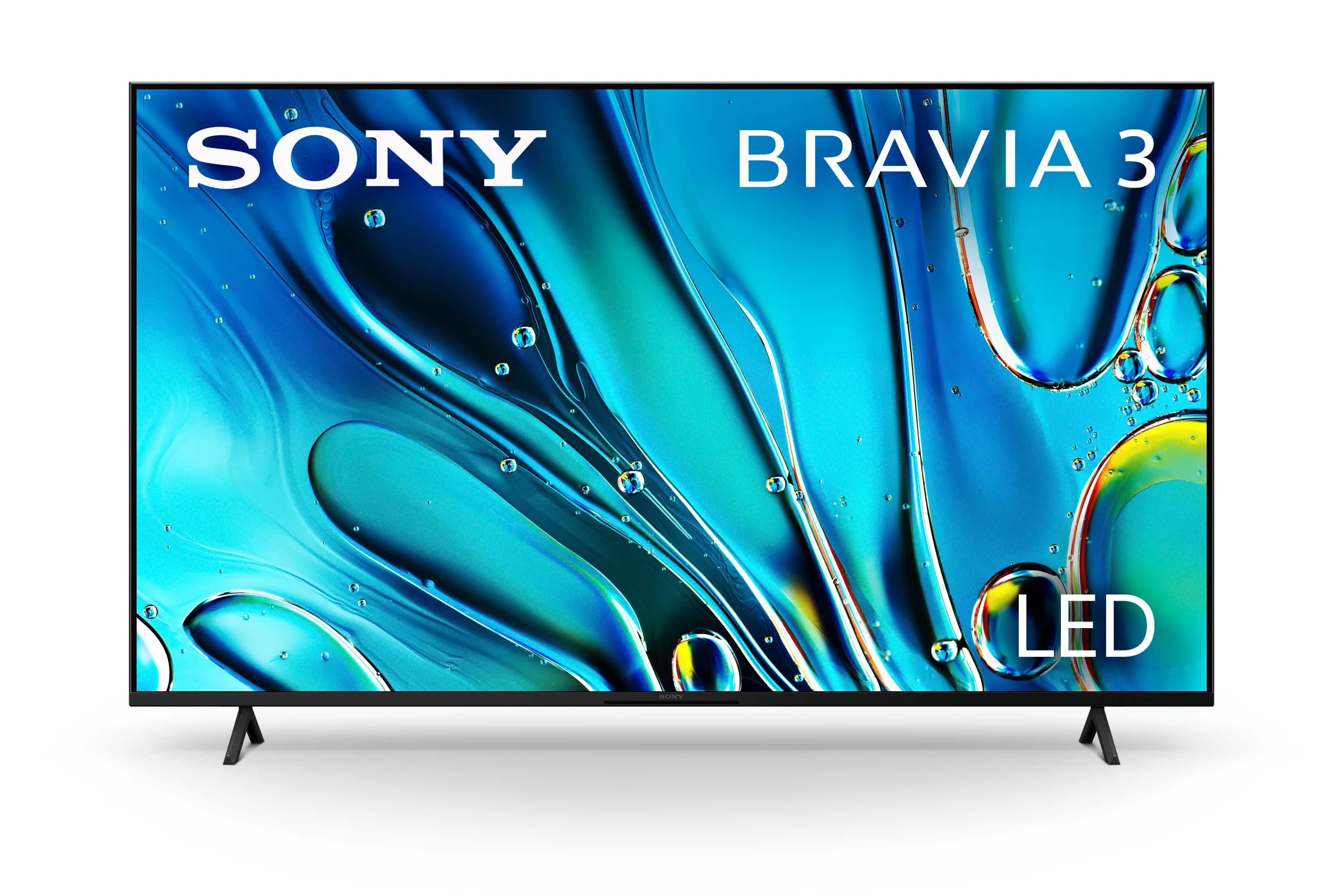
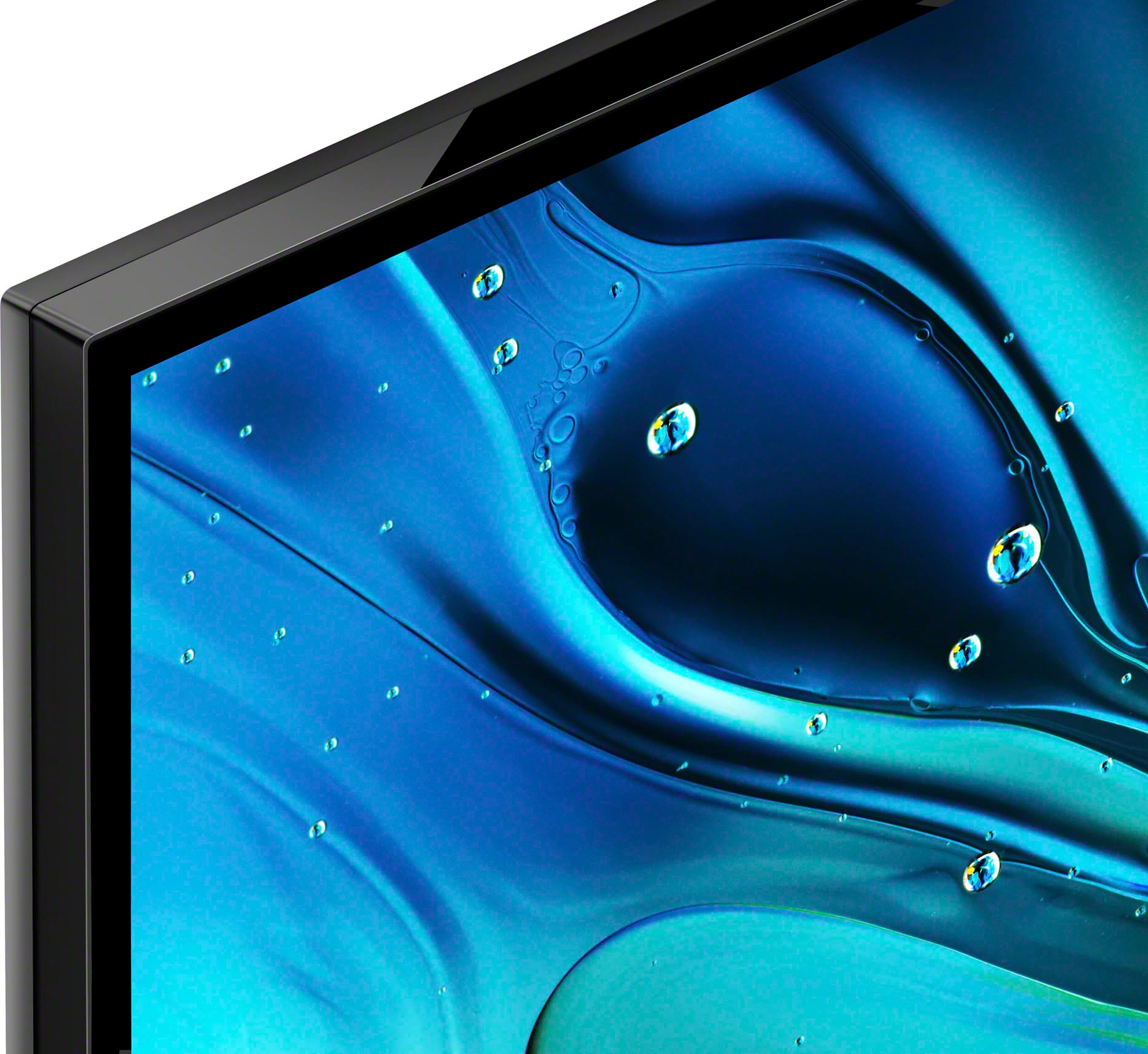
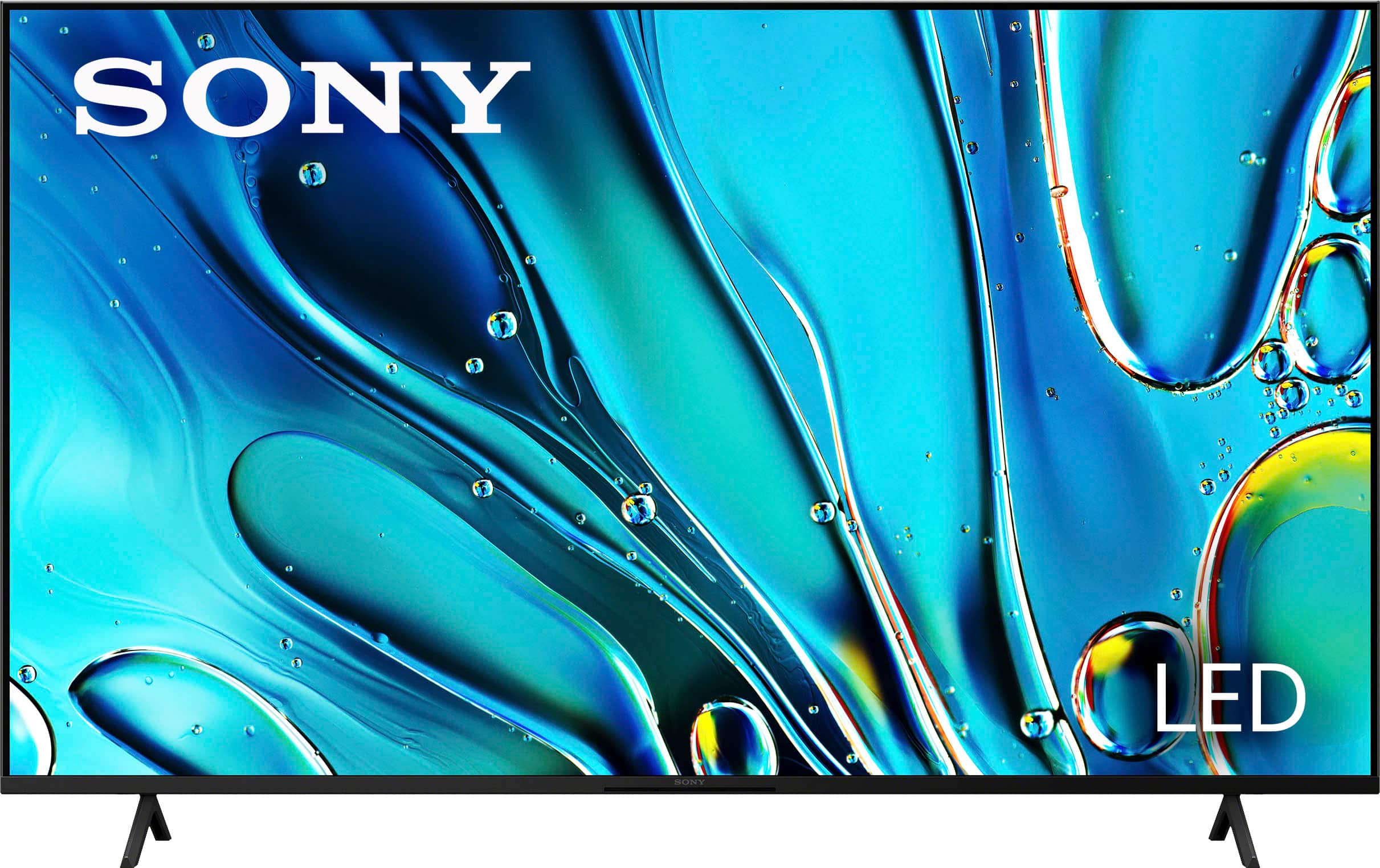
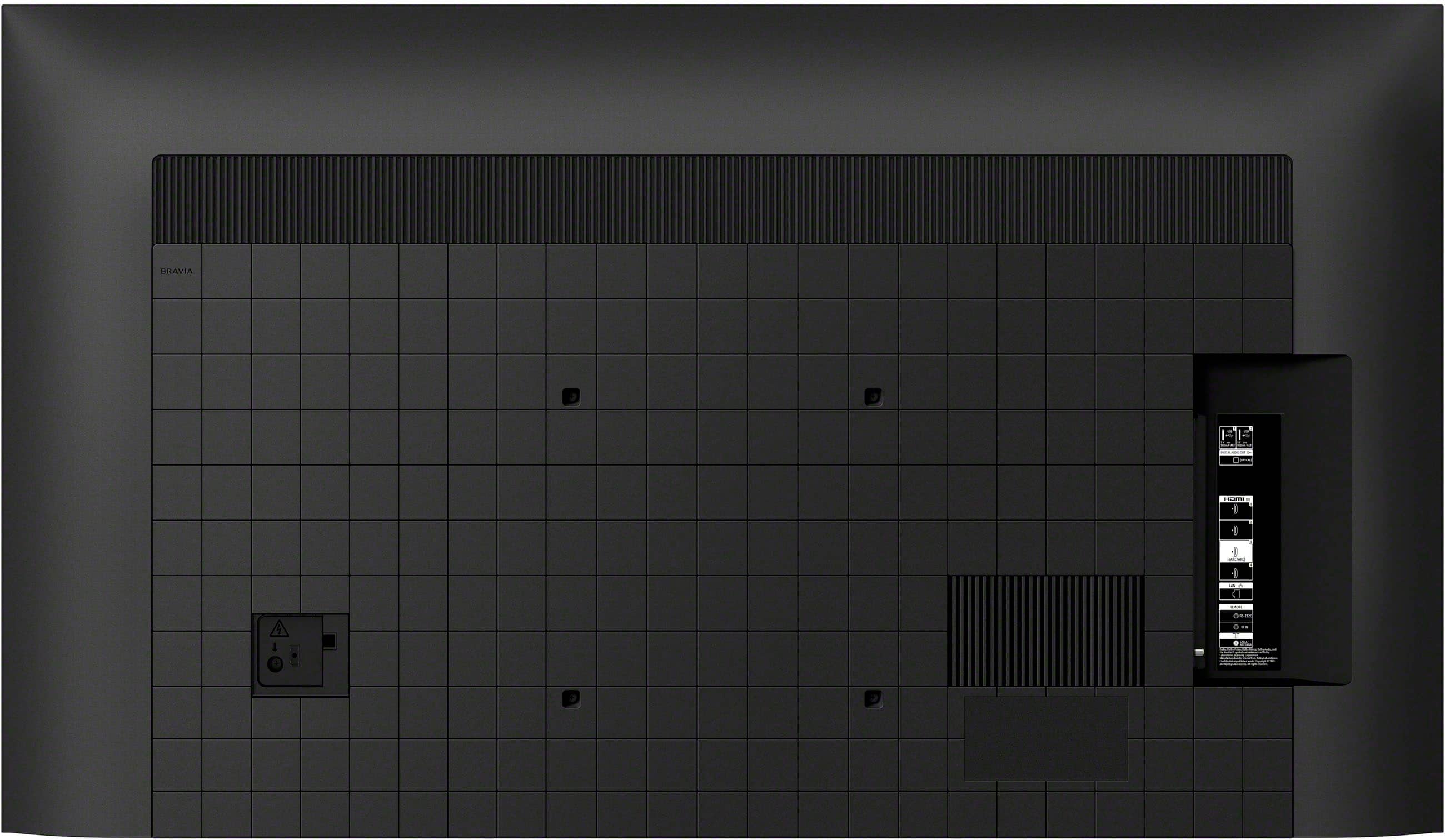
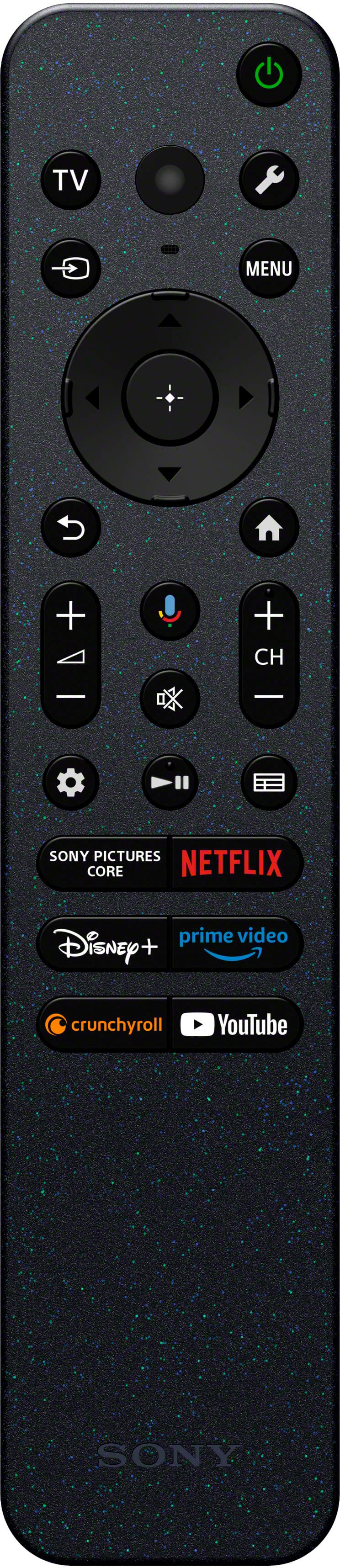
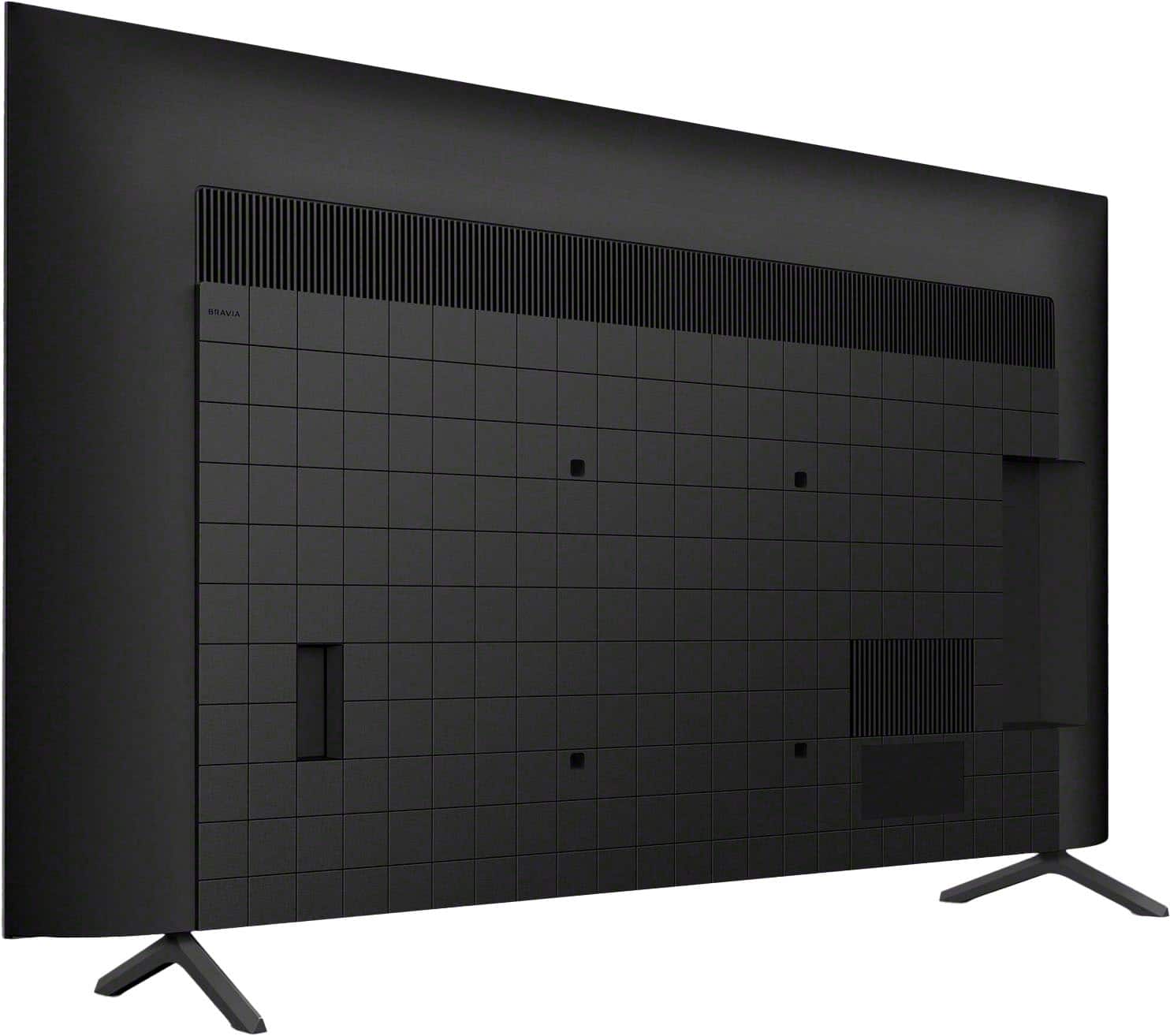
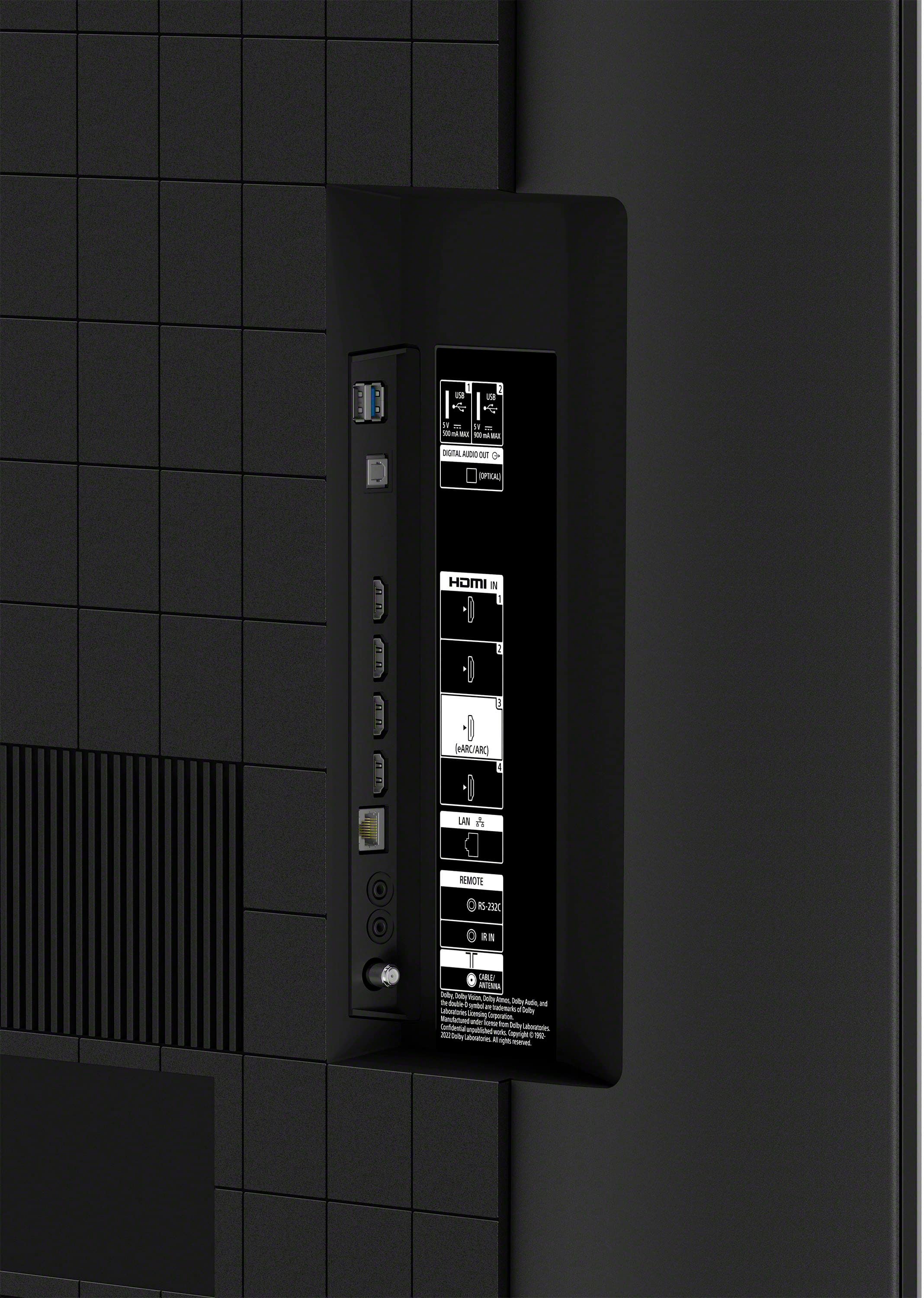
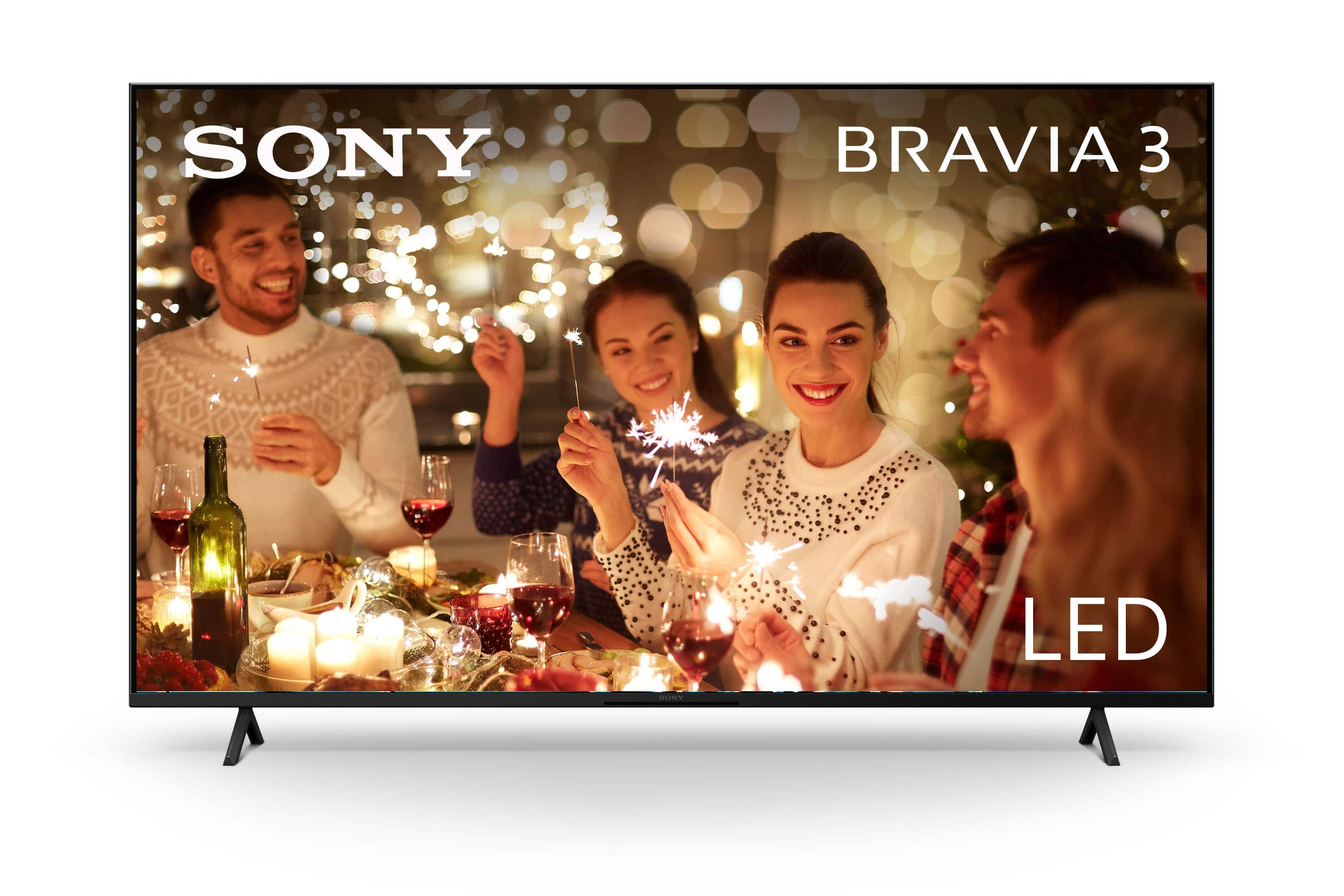
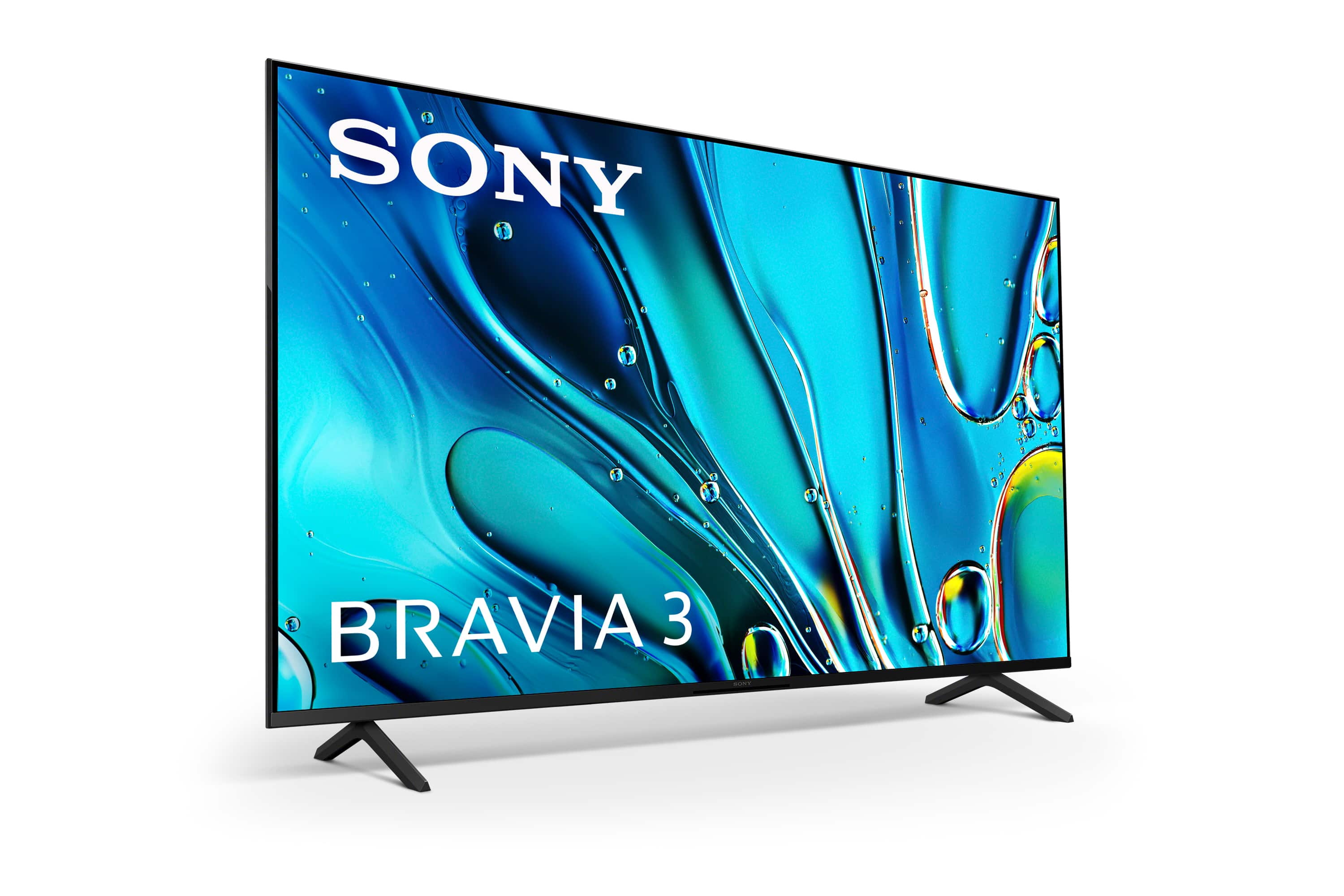
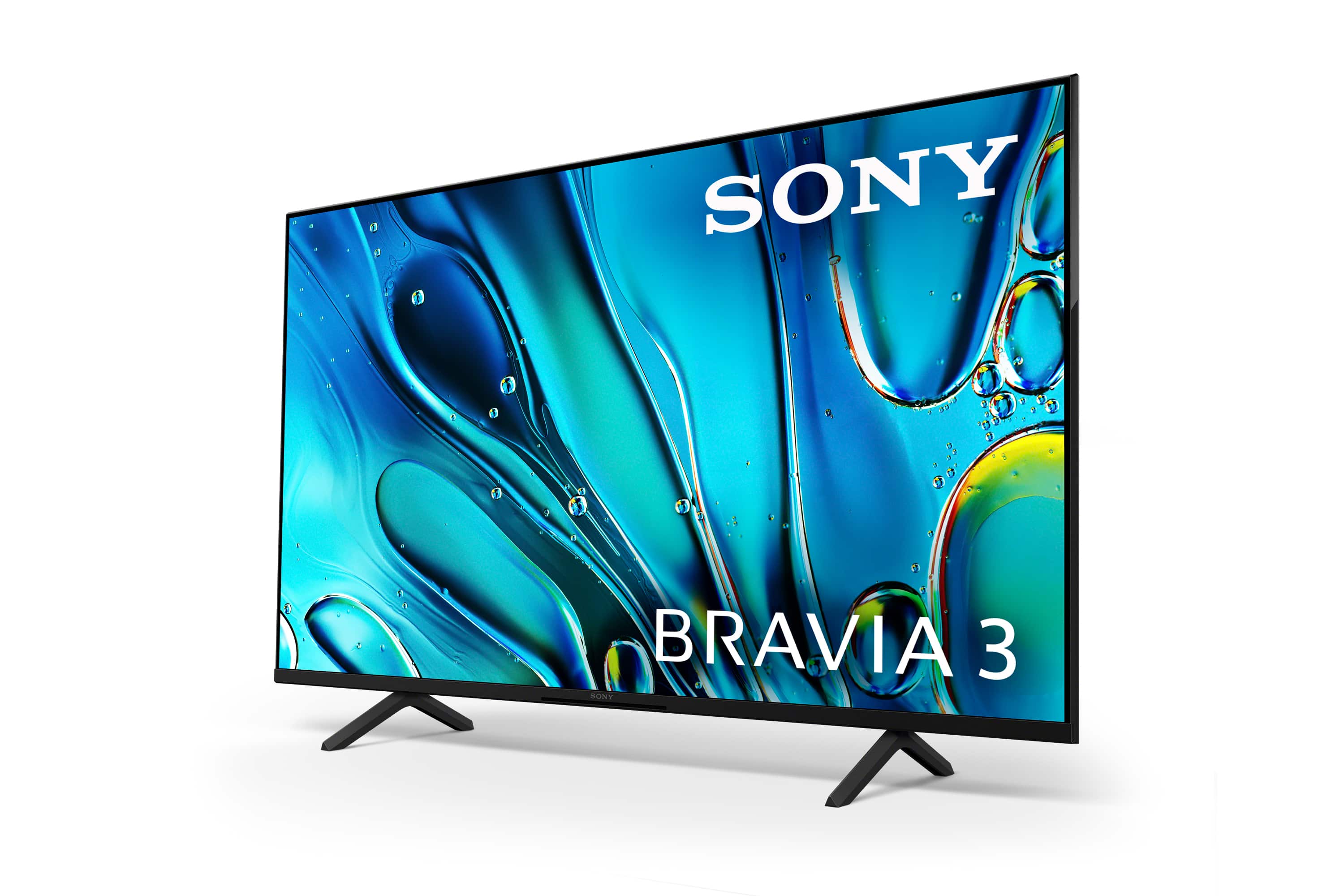
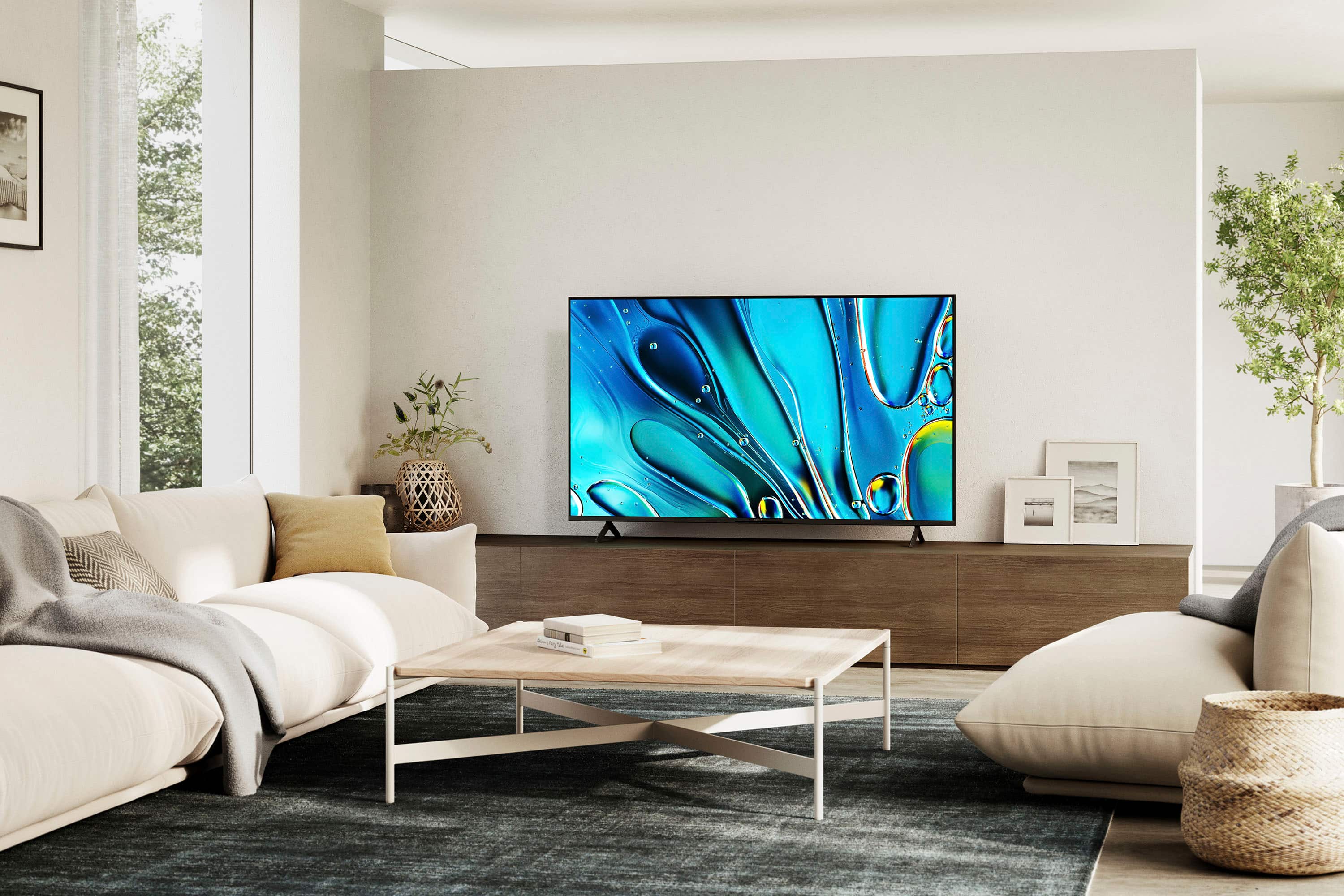








- Model:
- K65S30
- SKU:
- 6578579
Rating by feature
- Picture Quality
Rating 4.7 out of 5 stars
- Sound Quality
Rating 4.5 out of 5 stars
- Brightness
Rating 4.7 out of 5 stars
to a friend
Customers are saying
Customers frequently mention the excellent picture quality and ease of use as major positives of the 65" Class BRAVIA 3 LED 4K UHD Smart Google TV (2024). Color, price, and setup are also appreciated by users. However, some customers have reported issues with connectivity and the remote control.
This summary was generated by AI based on customer reviews.
Avoid this model!
||Posted . Owned for 3 weeks when reviewed.This reviewer received promo considerations or sweepstakes entry for writing a review.TV fails to turn ON and requires the unit to be unplugged in order to Reset. This has happened a few times in 30 days since purchase and is frustrating! Unplugged sounds simple unless your outlet is located behind a wall mounted TV, then you have to reset using the circuit breaker! UGH!!!!!
No, I would not recommend this to a friendBrand response from SonyListens
Posted .Hi Danny, we're sorry to hear that you have an issue turning on your Sony unit. This not usually the case for our BRAVIA TVs. We will do our best to help you out. Please follow this link to isolate the issue:
https://www.sony.com/electronics/support/articles/00153674?utm_source
May we contact you to help? If so, please email the below information to socialsupport@am.sony.com .
Apologies if you disclosed some of this information in your review and to customer service, we just want to ensure that we have your accurate details at the time of communication.
Full Name:
Best Buy Username:
Telephone Number:
Sony TV Model Number:
Additional Information regarding your experience with the K65S30
Sincerely,
~Earl
Fuzzy picture
||Posted . Owned for 1 week when reviewed.This reviewer received promo considerations or sweepstakes entry for writing a review.We went with Sony because that’s what we have had for the last 20 years. We got it home and the picture was fuzzy as if it was a 10 year old TV. We ended up returning it the next morning. Entry level TV. Not great.
No, I would not recommend this to a friendBrand response from SonyListens
Posted .Hi SandyP, thanks for choosing and purchasing our product. We're sorry to hear that you have a picture issue with your new TV. Please isolate the issue by following this link:
https://www.sony.com/electronics/support/articles/00032635?utm_source
May we contact you to help? If so, please email the below information to socialsupport@am.sony.com .
Apologies if you disclosed some of this information in your review and to customer service, we just want to ensure that we have your accurate details at the time of communication.
Full Name:
Best Buy Username:
Telephone Number:
Sony TV Model Number:
Additional Information regarding your experience with the K65S30
~Earl
Terrible TV - do not buy
||Posted .This reviewer received promo considerations or sweepstakes entry for writing a review.This tv is garbage. There’s something really wrong with it — the picture intermittently decides to display upside down. Calling the Geek Squad and returning this junk for a better model.
No, I would not recommend this to a friendBrand response from SonyListens
Posted .Hello BethB,
Thank you for considering Sony products.
We sincerely apologize for the inconvenience you experienced with your K65S30 TV, which occasionally displayed the picture upside down, leading you to ultimately return it.
This is certainly not up to the quality standards we strive for, and we appreciate you taking the time to share your feedback. Rest assured, we will forward your comments to our dedicated Sony team for their review as we continue to work diligently to improve our products.
Best regards,
-Fred
Kevin
||Posted . Owned for 3 weeks when reviewed.This reviewer received promo considerations or sweepstakes entry for writing a review.Wrong TV for me to to review. I have a bravo 7 I will not writer a review until I have it
I would recommend this to a friendLousy TV
||Posted . Owned for 1 week when reviewed.This reviewer received promo considerations or sweepstakes entry for writing a review.Tv lasted 3 months then went dead—Sony tried to repair but lasted only 2 weeks before lost picture again!!!
No, I would not recommend this to a friendBrand response from SonyListens
Posted .Hi GeekSquadUser,
We're very sorry to hear about the issues you're experiencing with your BRAVIA 3 TV. We can imagine how frustrating it must be to have the TV fail again so soon after a repair.
The situation you've described is definitely not the experience we want for our customers. We stand by our products and want to make sure this is resolved for you.
To get this sorted out, your best next step is to contact our support team again. They have access to your case history and can review the details of the previous repair attempt. Find their information here: https://us.esupport.sony.com/support/s/support-contact?language=en_US&category=tv
Thanks for considering Sony products and for bringing this to our attention.
Sincerely,
Estefany
Horrible tv and customer service
||Posted . Owned for 1 month when reviewed.This reviewer received promo considerations or sweepstakes entry for writing a review.Worst purchase and service I have ever received from Best Buy and geek squad. 65 inch Sony tv broke within days of installation outside. No one ever even watched it. Geek squad came back and said it was working when they left and maybe a bird hit it. Lost all my money. I never want to shop at Best Buy again after 20yrs.
No, I would not recommend this to a friendSaddened
||Posted . Owned for 2 weeks when reviewed.This reviewer received promo considerations or sweepstakes entry for writing a review.I’ve now returned the TV twice bc of the i WiFi card not working
No, I would not recommend this to a friendBrand response from SonyListens
Posted .Hi, CM45,
Thank you for letting us know about this situation and your thoughts towards the unit. This is certainly not up to the quality standards we strive for, and we appreciate you taking the time to share your feedback. Rest assured, we will forward your comments to our dedicated Sony team for their review as we continue to work diligently to improve our products.
Thank you for considering Sony products. Best regards.
-DiegoV
Not impressed with this product at all
||Posted . Owned for 3 weeks when reviewed.This reviewer received promo considerations or sweepstakes entry for writing a review.Having issues with sound and picture. We are pretty disappointed with our purchase.
No, I would not recommend this to a friendBrand response from SonyListens
Posted .Hi, MariaB,
We are truly sorry to hear that you are having some inconveniences with you BRAVIA 3. This is definitely not what we would like you to go through.
For us to further assist you and get the situation resolved as soon as possible, please contact us at: https://us.esupport.sony.com/support/s/support-contact?language=en_US&category=tv. The Technical team will be more than glad to assist with any issues presented.
We appreciate the understanding, thank you for choosing Sony!
-DiegoV
It Sonys best
||Posted . Owned for 2 weeks when reviewed.This reviewer received promo considerations or sweepstakes entry for writing a review.Worked for three days then no picture. Went through all the reset steps and decided to return
No, I would not recommend this to a friendBrand response from SonyListens
Posted .Hi CraigP. We're sorry to hear you went through this. This is not the experience we want you to have with our products. We'll definitely take care of your situation if you can reach us directly at Sony Electronics 800-222-7669. Monday through Friday, 10:00 AM to 7:00 PM ET. -Milton
Sony TV
||Posted . Owned for 1 month when reviewed.This reviewer received promo considerations or sweepstakes entry for writing a review.Tv does not power on and in store personal at SW Military refuse to help as incident was 4 days past 14 days.
No, I would not recommend this to a friendBrand response from SonyListens
Posted .Hi ElsieS, We are sorry to hear about the no power issue you are having with your Sony Bravia 3. This is definitely not the news that we would like to hear. Please allow us to help you and turn this into a better experience. Let's try to resolve this issue by following the troubleshooting steps on this link: https://www.sony.com/electronics/support/articles/00153674
If the issue continues after completing the troubleshooting steps, your TV may require service. For further assistance, please contact us through this link: https://us.esupport.sony.com/support/s/service?language=en_US.
Regards,
Sam
Trash
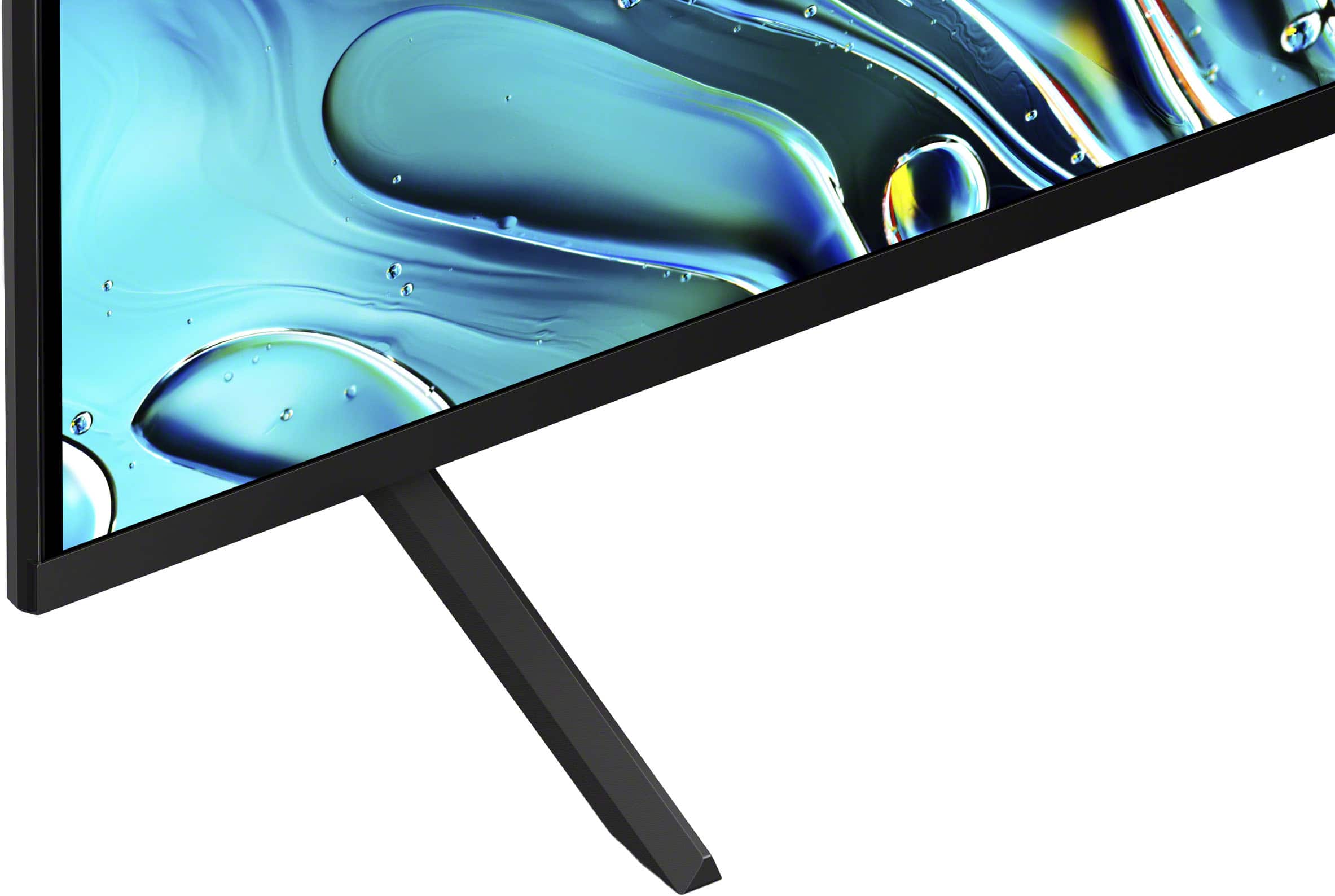
||Posted . Owned for 3 weeks when reviewed.This reviewer received promo considerations or sweepstakes entry for writing a review.The support legs are not adequate for this product. Tv fell and was trashed.
No, I would not recommend this to a friendBrand response from SonyListens
Posted .Hi Dead. We're sincerely sorry to hear about the issue with the K65S30 TV. Given that the support legs were not adequate for the product, and it caused the TV to fell down, please get in contact with us via email to provide you better assistance on this matter. Send your name, username, model number, issue and telephone number to socialsupport@am.sony.com. Thank you. Regards. -Jenn
Love sony
Posted .This reviewer received promo considerations or sweepstakes entry for writing a review.Such a simple and intuitive interface plus excellent picture and interaction with my ps5
I would recommend this to a friendBrand response from SonyListens
Posted .Hi NathanH,
We are thrilled to hear that you're enjoying the intuitive interface and the seamless integration with your PS5! It’s great to know the picture quality is meeting your expectations for both movies and gaming.
Thanks for choosing Sony.
Best regards,
Eliab
Sony 65 inch
Posted .This reviewer received promo considerations or sweepstakes entry for writing a review.Great picture and fits nicely on our wall.The geek squad did a fantastic job of installing it on our wall mount.
I would recommend this to a friendBrand response from SonyListens
Posted .Hi MarkA!
It brings us great joy to hear that your new K-65S30 looks so good on your wall.
Thanks for choosing Sony!
Best regards,
Estefany
Great TV
Posted .This reviewer received promo considerations or sweepstakes entry for writing a review.This is a great TV. I love the picture. I love the color.
I would recommend this to a friendBrand response from SonyListens
Posted .Hi JillB!
We are immensely pleased to hear that you love the picture and the vibrant colors on your new BRAVIA 3!
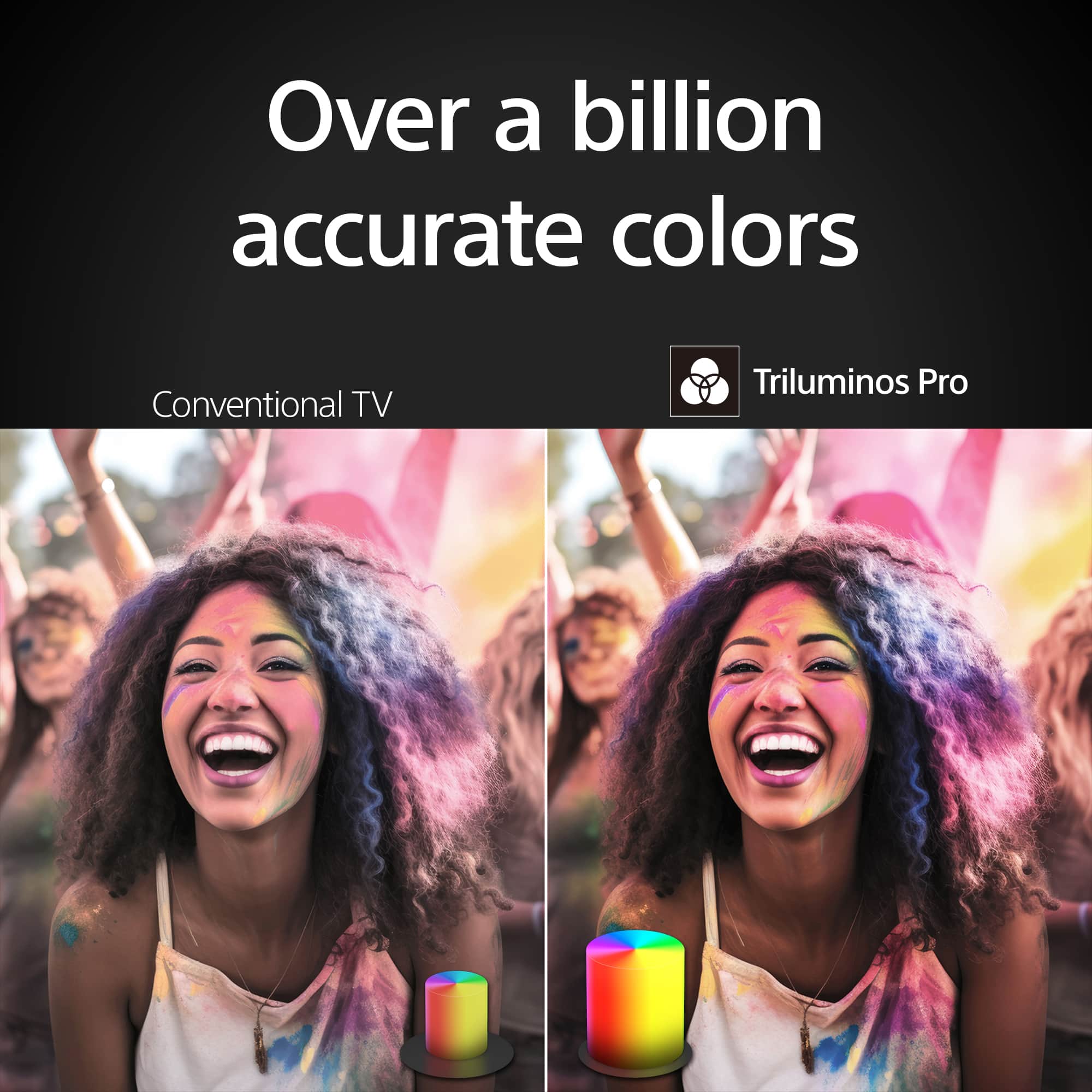
This model features the 4K HDR Processor X1 for vibrant, lifelike colors and Motionflow XR to keep fast action smooth. It also uses Triluminos Pro to display over a billion accurate colors for a truly natural look.
We're glad you chose Sony!
Best regards,
Estefany
Great tv and not that expensive
Posted .This reviewer received promo considerations or sweepstakes entry for writing a review.Fantastic picture Very realistic Remote is easy to use and the cabinet is alick
I would recommend this to a friendBrand response from SonyListens
Posted .Hi AlanB,
We are thrilled that your BRAVIA 3 is delivering such a realistic and fantastic picture! It is also great to hear that you are enjoying the simplified remote and the sleek, flush-surface design of the cabinet.
Thanks for choosing Sony.
Best regards,
Eliab
Sony Bravia TV
Posted .This reviewer received promo considerations or sweepstakes entry for writing a review.Amazing TV, can't find a comparable one at this incredible price!
I would recommend this to a friendBrand response from SonyListens
Posted .Hello MichaelD,
Thank you for choosing Sony!
We're honored to hear that your K65S30 TV is amazing and offers such great value. It means a lot to us that our product stands out for you. We hope it continues to bring enjoyment and quality to your viewing experience.
Best regards,
-Fred
nice at price
Posted .This reviewer received promo considerations or sweepstakes entry for writing a review.could not be happier good for the price the wife loves it. unless going for a wall mount you will need a very wide table
I would recommend this to a friendBrand response from SonyListens
Posted .Hi Maineman,
We are pleased to learn that you and your wife are enjoying your new BRAVIA 3! It is wonderful to know that the TV has found a perfect spot in your home and that you are finding such great value in the picture quality and features. We also truly appreciate the helpful tip regarding the stand width; sharing that kind of practical advice is incredibly useful for other members of our community who are planning their own home theater setups.
Thank you for making Sony part of your home and your family's entertainment.
Best regards,
Dominick
Good quality
Posted .This reviewer received promo considerations or sweepstakes entry for writing a review."I'm impressed with the Sony TV. The picture quality is top-notch, and the sound is also great. I appreciate you choosing this Sony TV for its reliability and excellent performance. Thank you for purchasing this high-quality product."
I would recommend this to a friendBrand response from SonyListens
Posted .Hi BereketH, Thanks for the great review! We're thrilled to know that your Sony BRAVIA 3 TV's picture and sound quality satisfies you. It's great also to know that you find its performance reliable and excellent. Thank you for trusting Sony! - Maria
Others may disagree but I love my Bravia 3!
Posted .This reviewer received promo considerations or sweepstakes entry for writing a review.Love this TV! I was used to my old Pioneer Elite plasma 720p. Nice to have the front end without using a box. Sound is a little tinny but we use our Polk system usually.
No, I would not recommend this to a friendBrand response from SonyListens
Posted .Hi Racer41,
We are thrilled to hear that the BRAVIA 3 is such a significant upgrade from your previous 720p plasma! It’s great to know you're enjoying the convenience of the built-in Google TV interface. While the TV speakers can sometimes sound a bit thin compared to a dedicated setup, we are glad your Polk system is providing that extra punch to match the 4K picture.
Thanks for choosing Sony.
Best regards,
Eliab
SONY THE BEST
Posted .This reviewer received promo considerations or sweepstakes entry for writing a review.GOOD SMART TV SONY THE BEST , GOOD PRICE GOOD
I would recommend this to a friendBrand response from SonyListens
Posted .Hi AlejandraP,
We are elated to hear that you are so impressed with your new television and that you feel you got a great value!
It is wonderful that you're enjoying the smart features and the user-friendly Google TV interface, which we designed to make finding your favorite movies and apps faster than ever. We strive to provide that "best" Sony experience at every price point, and hearing that the BRAVIA 3 hit the mark for you is fantastic.
Thank you for trusting Sony to provide your home with a top-tier smart TV experience!
Regards,
Dominick