Customer Ratings & Reviews
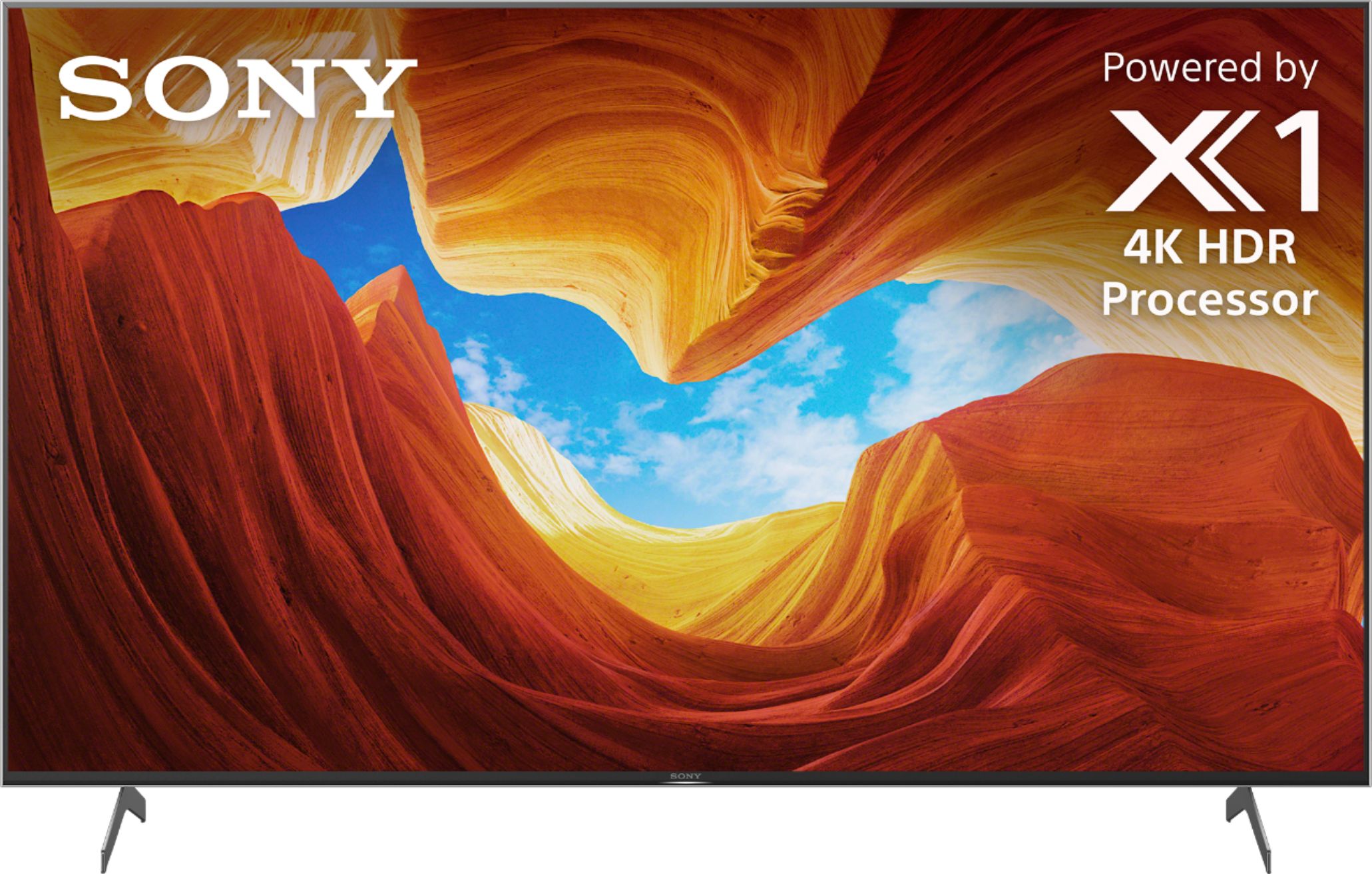
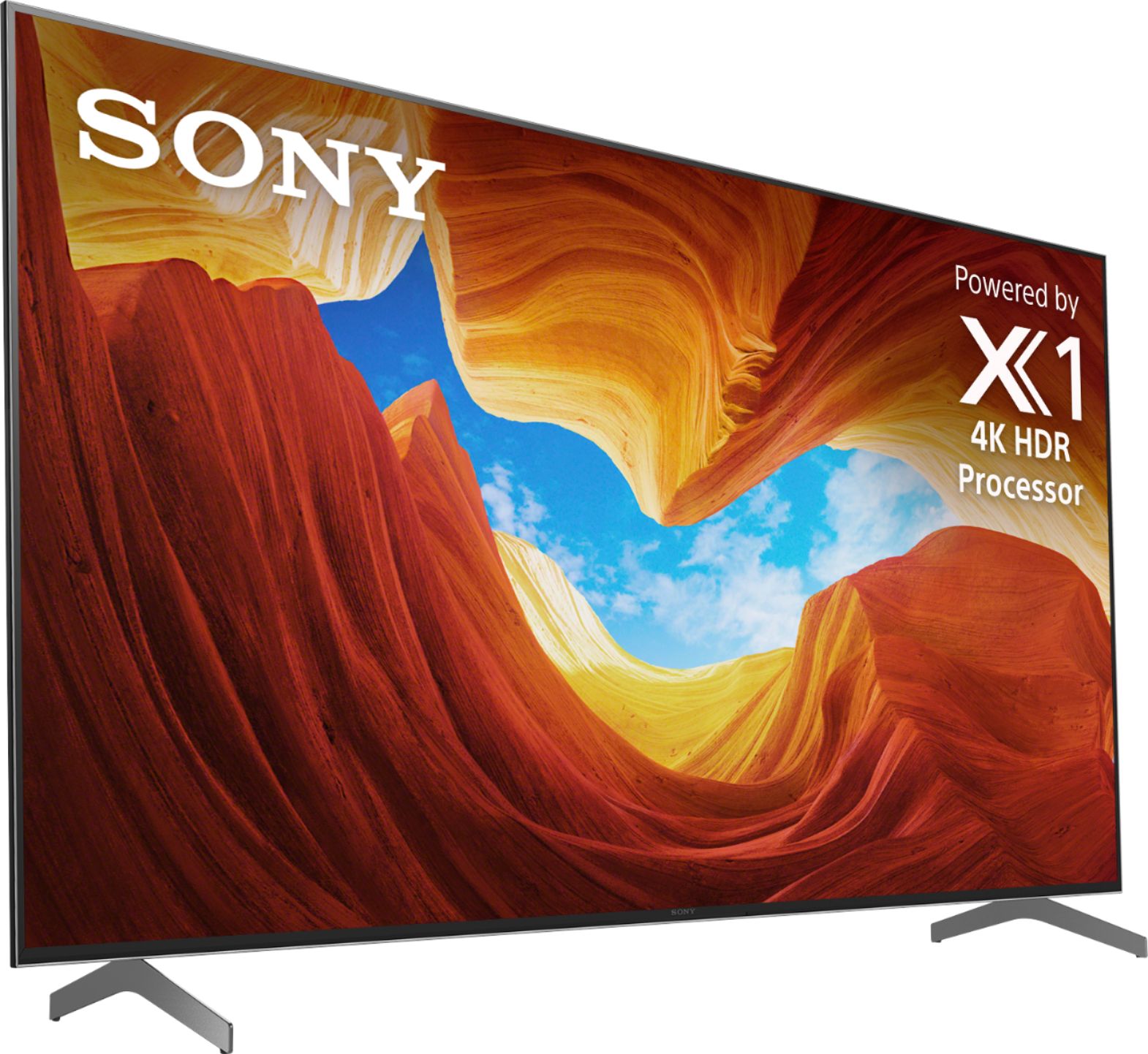
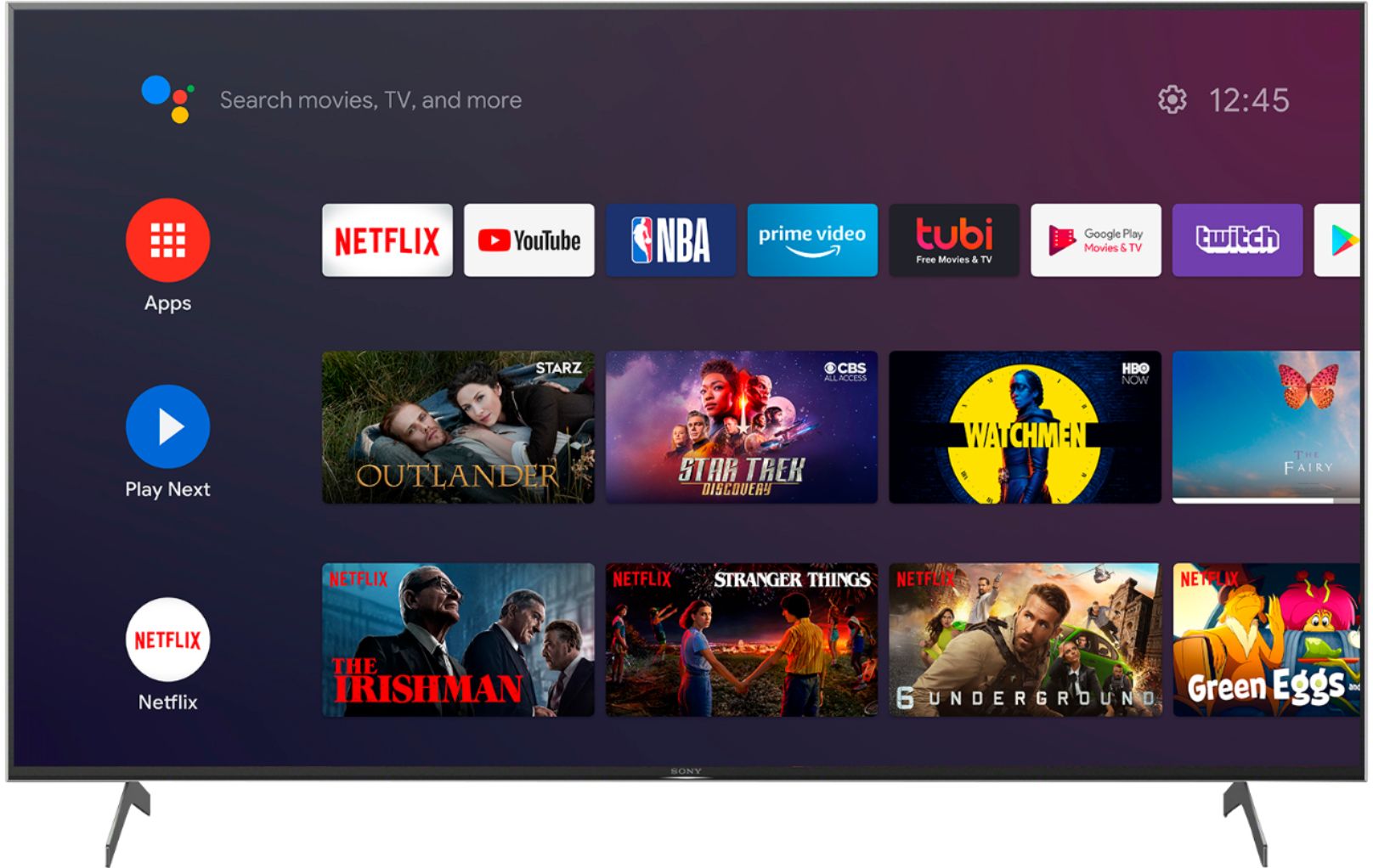
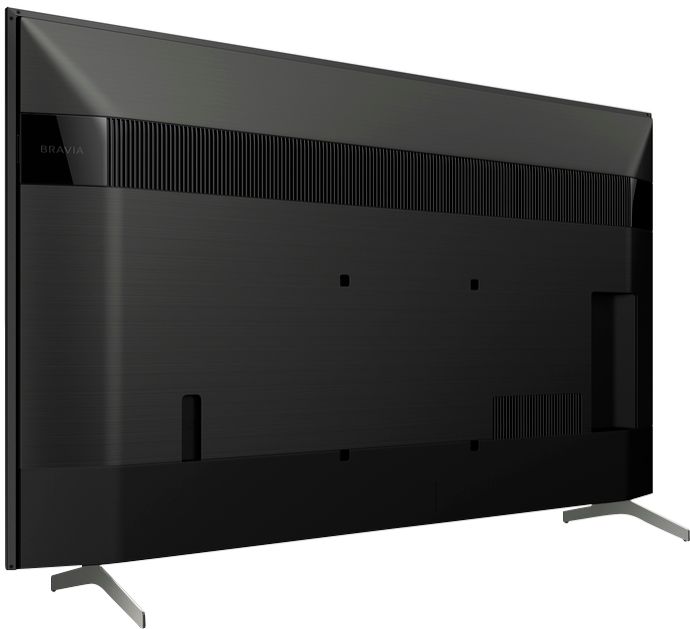
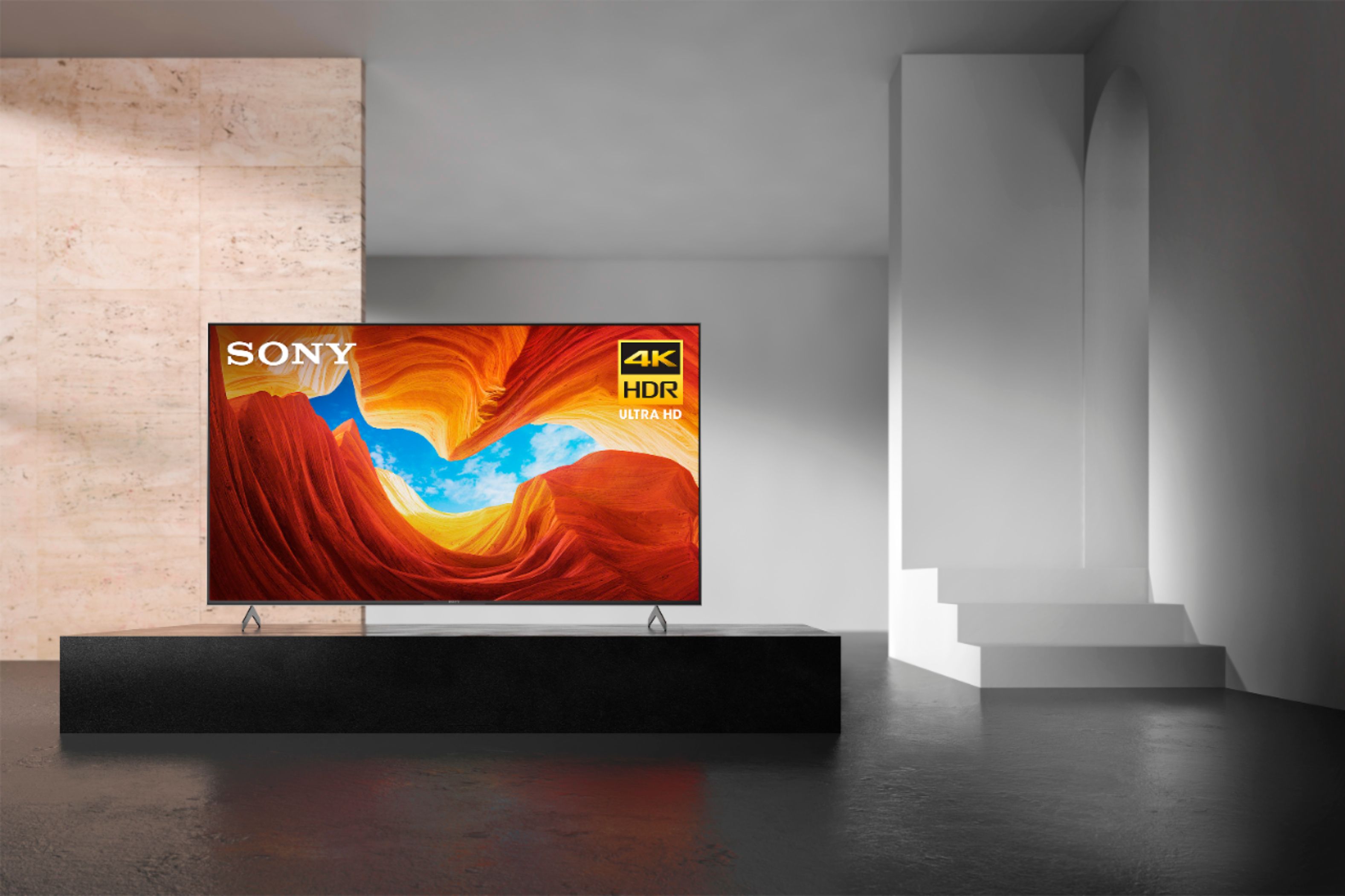



- Model:
- XBR65X900H
- SKU:
- 6401205
Rating by feature
- Picture Quality
Rating 4.7 out of 5 stars
- Sound Quality
Rating 4.3 out of 5 stars
- Brightness
Rating 4.6 out of 5 stars
Customers are saying
Customers are impressed with the 65" Class X900H Series LED 4K UHD Smart Android TV's picture quality, describing it as great, flawless, and amazing. They also appreciate its gaming capabilities, calling it perfect for gaming and streaming. The TV's price point is seen as a positive aspect, with customers saying it offers great value for the money. The easy setup process is another advantage mentioned by users.
This summary was generated by AI based on customer reviews.
- Cons mentioned:Vrr
NO VRR OR ALLM NOT READY FOR PS5
||Posted . Owned for 1 month when reviewed.This reviewer received promo considerations or sweepstakes entry for writing a review.Sony lied to us and said VRR AND ALLM IS GOING TO COME IN THE FUTURE THEY LIED OTHER THEN THAT GREAT TV
No, I would not recommend this to a friendBrand response from SonyListens
Posted .Hi khaled,
Thank you so much for reaching out!
Last week, a U.S. Sony Support article was updated and incorrectly removed reference to future support for VRR and ALLM for the X900H series.
Please note that this was an error, and the plan to support these features is unchanged from the previous communication wherein we state that the X900H will support VRR and ALLM via a future firmware update. The article containing the erroneous information on Sony Support has been updated with the correct information: https://www.sony.com/electronics/support/televisions-projectors/articles/00246472
Our apologies for any confusion this may have caused!
Please let us know if you have any questions. You can email us at [email protected] with the following details.
Full Name:
Best Buy Username:
Telephone Number:
Sony TV Model Number:
Additional Information regarding your experience with the X900H
Thank you,
Erin
Consistent problems, would not recommend.
||Posted .This reviewer received promo considerations or sweepstakes entry for writing a review.Ever since I have bought his TV, I have had problems with it consistently. Because of my job, I have the highest internet speed from my cable provider, yet when using the internet half the time the picture is choppy and pixelated. Then when I try to restart the television, it then is unable to connect to my internet and says that my password is incorrect and I have to unplug my modem and router in order to reconnect. I have had to do this every other week. Also a new problem has occurred when using the internet apps, the sound will just fade away for a minute or just go entirely mute and I have exit and renter the app in order to get sound back. Lastly when using the TV App, the picture is not as clear as my other televisions (Insignia, which are far cheaper), which use the same cable box. My parents have an older Sony 900 and they experience little to no issues at all. I don’t know why this newer version is terrible.
No, I would not recommend this to a friendBrand response from SonyListens
Posted .Hi MikeB,
Thank you for choosing and purchasing our Sony X900H Ultra HD Smart TV.
We are sorry to hear that you're having problems with the connection and audio with your TV. This is usually not the case with our premium TVs nor the experience we want you to have. We'd love to help you troubleshoot your problem and turn your experience around.
Is your TV software version up to date? Please make sure to try that first by going to help > system software update > software update.
Reference:https://www.sony.com/electronics/support/televisions-projectors-lcd-tvs-android-/xbr-65x900h/articles/00119543
For audio related issue, please refer to the steps here: https://www.sony.com/electronics/support/televisions-projectors-lcd-tvs-android-/xbr-65x900h/articles/00250275
For app-related concerns, please try performing clear cache and clear data first:
· On the supplied remote control, press the HOME button.
· Select Settings.
· Select See all apps
· Under See all apps, select an app you would like to clear data and cache.
· On the selected app, pull down the menu, and select Clear data or Clear cache.
Clear data and Clear cache require are performed on an app.
· Press the Enter button.
May we contact you to help and get more information? If so, please email the below information to [email protected].
Apologies if you disclosed some of this information in your review and to customer service, we just want to ensure that we have your accurate details at the time of communication.
Full Name:
Best Buy Username:
Telephone Number:
Sony TV Model Number:
Additional Information regarding your experience with the X900H
We are sorry for the inconvenience and hope to speak to you to resolve this matter.
We appreciate you and thanks again for shopping Sony!
Sincerely,
Erin
Not worth the extra money
||Posted . Owned for 2 months when reviewed.This reviewer received promo considerations or sweepstakes entry for writing a review.Not worth the money. Best Buy rep talked me up to double my budget and this TV is worse than my old 4K LG. There is motion blur on anything that isn’t 4K content. I’ve tried adjusting all the settings as well as going to other sites that had suggested settings and I can’t get this to no give me motion blur. That was the original selling point was that this TV was supposed to be great for action. Alas I’m just missed my return window so I’m stuck still paying this TV off. My recommendation would be LG. Their app selection is more limited, but the quality of the content is top notch in comparison.
No, I would not recommend this to a friendBrand response from SonyListens
Posted .Hi Kevin,
Thank you for choosing and purchasing our Sony X900H Ultra HD Smart TV.
We are sorry to hear you're having a motion blur issue with your TV. This is definitely not the viewing experience we'd like you to have. We'd love to help you troubleshoot your problem and turn your experience around.
If there's pixelation or motion blur on the TV, set Motionflow to Off.
On the supplied TV remote, press the HOME button.
Select Settings.
Under TV category, select Picture & Display or Display & Sound.
Select Picture adjustments.
Select Advanced settings.
Select Motion.
*If your TV has CineMotion setting, set it to Low or Off.
Select Motionflow.
Select Off.
If you're unable to resolve your concern, please email the below information to [email protected].
Apologies if you disclosed some of this information in your review and to customer service, we just want to ensure that we have your accurate details at the time of communication.
Full Name:
Best Buy Username:
Telephone Number:
Sony TV Model Number:
Additional Information regarding your experience with the X900H:
We are sorry for the inconvenience and hope to speak to you to resolve this matter. We appreciate you and thanks again for shopping Sony!
Sincerely,
Erin
Good picture, 4k HDR is amazing. Sound is crap.
||Posted . Owned for 1 month when reviewed.This reviewer received promo considerations or sweepstakes entry for writing a review.The sound on this TV constantly lags and/or gets gargly. Only way to fix it is to keep switching output options or completely restart the TV. Of course it got bad after my 30 day window so I'm stuck with it. My last Sony was amazing, zero issues for seven years, but I think after this one I might have to switch to a different brand.
No, I would not recommend this to a friendBrand response from SonyListens
Posted .Hi jareebz, thank you for reaching out with your concern. While we are glad you are satisfied with the outstanding picture quality- especially the 4K HDR quality of our X900H, we are sorry you are encountering an audio issue. This is definitely not the experience we wanted you to have on our premium TV.
Some of these issues can be fixed by updating the firmware of the TV to the latest version (v6.0466 - released February 23, 2021). The firmware update improves the functionality and features of your TV. It also provides fixes to any performance issues that you are encountering. For more details, please refer to the following link:
https://www.sony.com/electronics/support/televisions-projectors-lcd-tvs-android-/xbr-75x900h/downloads
If the issue persists, please perform the steps provided on the link below:
https://www.sony.com/electronics/support/televisions-projectors-lcd-tvs-android-/xbr-75x900h/articles/00250275
If this does not help or resolve the problem, please email the below information to [email protected] so we can better assist you.
Apologies if you disclosed some of this information in your review and to customer service, we just want to ensure that we have your accurate details at the time of communication.
Full Name:
BestBuy Username:
Telephone Number:
Sony TV Model Number:
Additional Information regarding your experience with the TV:
We value you being a Sony customer. Sorry for the inconvenience and hope to speak directly to try to resolve this matter.
Thank you for letting us help assist you.
Sincerely,
Romeo
- Cons mentioned:Software
Failure! Software Update
||Posted . Owned for 3 months when reviewed.This reviewer received promo considerations or sweepstakes entry for writing a review.Purchased August 17th, worked fine. Sony updated TV Oct 1st and it hasn't worked right since. The TV will not recognize the cable box Sony has promised another software update which as of this day, has not been released to my TV.
No, I would not recommend this to a friendBrand response from SonyListens
Posted .Hi Islhopr,
Thank you for choosing and purchasing our Sony X900H BRAVIA Smart TV.
We are sorry that your TV doesn't recognize your cable box after performing the software update. This is definitely not the viewing experience we'd like you to have. We'd love to help you troubleshoot the problem and turn this into a better experience.
A firmware update version v6.0414 is now available to resolve this issue.
The automatic update is released on a staggered schedule so it may take a week or so before it is sent to your TV.
Reference: https://www.sony.com/electronics/support/televisions-projectors-lcd-tvs-android-/xbr-65x900h/downloads
Note: After the firmware is updated, change the RS232C control setting back to the original setting if it was previously set to Via serial port.
On the remote control, press the HOME button.
Select Settings → Remotes & Accessories.
May we contact you directly to assist you? If so, please email the below information to [email protected].
Apologies if you disclosed some of this information in your review and to customer service, we just want to ensure that we have your accurate details at the time of communication.
Full Name:
Best Buy Username:
Telephone Number:
Sony TV Model Number:
Additional Information regarding your experience with the X900H:
We value you being a Sony customer. Sorry for the inconvenience and hope to speak directly to try to resolve this matter.
Thank you for letting us help assist you.
Sincerely,
Erin
Meh
||Posted . Owned for 11 months when reviewed.This reviewer received promo considerations or sweepstakes entry for writing a review.I bought this first I the picture was just ok so I returned it and bought the 65 Inch Hisense H9G which is wayyyy better!
No, I would not recommend this to a friendBrand response from SonyListens
Posted .Hi Love,
Thank you for choosing and purchasing our Sony X900H Ultra HD Smart TV.
We regret to hear that the TV had to be returned. This is usually not the case with our premium TVs nor the experience we'd like you to have. You can configures display settings that adjust the picture quality, such as screen brightness.
https://helpguide.sony.net/tv/husltn2/v1/en-003/07_08.html
We appreciate all of your feedback as it helps improve the product and we hope that you still consider Sony in your future purchases.
Sincerely,
Erin
First Sony Tv I bought. It’s not good as I thought
||Posted . Owned for 3 months when reviewed.This reviewer received promo considerations or sweepstakes entry for writing a review.It’s not to good as I thought. First one I had to return it due got freeze. Second one I have it for a while. But I am not pleased
No, I would not recommend this to a friendBrand response from SonyListens
Posted .Hi Jota,
This is not the news that we would like to hear. We would like to know more about your review and turn your experience around.
May we contact you to help? If so, please email the below information to [email protected]. Apologies if you disclosed some of this information in your review and to customer service, we just want to ensure that we have your accurate details at the time of communication.
Full Name:
Best Buy Username:
Telephone Number:
Sony TV Model Number:
Additional Information regarding your experience with the XBR65X900H.
We are sorry for the inconvenience and hope to speak to you to resolve this matter. We appreciate you and thanks again for shopping Sony!
Sincerely,
-Ralph
Sony Social Support
Great For The Price
||Posted . Owned for 3 weeks when reviewed.This reviewer received promo considerations or sweepstakes entry for writing a review.Overall, it’s a good television set. There’s definitely better options in this price range. Functions very well with the PS5!
I would recommend this to a friendBrand response from SonyListens
Posted .Hi Mekeil, Thank you for choosing and purchasing our Sony X900H Ultra HD Smart TV. We appreciate that you like the TV set and functions well with your consoles. The X900H boasts an impressive X1 4K HDR picture processor that preserves lifelike clarity and detail as the creator intended. With Full Array Local Dimming and TRILUMINOS Display, experience deeper black levels, greater contrast, and vibrant color from your favorite movies, TV shows, and games. Thank you for choosing Sony! Regards, Erin
- Pros mentioned:Picture quality
Great picture, banding issues.
||Posted .This reviewer received promo considerations or sweepstakes entry for writing a review.I loved this tv and its picture, but the 65in in my experience is plagued with vertical banding.
No, I would not recommend this to a friendBrand response from SonyListens
Posted .Hi Yooo , thank you for purchasing the X900H Ultra HD Smart TV.
We’re sorry to hear you are experiencing some banding issues. We’d love to help you troubleshoot your problem by isolating your sources and understanding your connections. In the meantime, we recommend trying the following steps below.
On the supplied remote control, press the HOME button. If the lines appear on the menu screen, proceed to the next step.
Perform a power reset.
Press the HOME button again to display the menu screen.
If no lines are visible on the menu screen after power reset, other external sources (such as cable or satellite box, internet video device, or other devices like a DVD player) or cable connections could be the cause of the issue.
Additional steps are available on the link below.
https://www.sony.com/electronics/support/televisions-projectors-lcd-tvs-android-/xbr-65x930d/articles/00032635
I hope this helps but if you still need assistance, do not hesitate to drop us an email at [email protected] with the following details:
Name:
Best Buy Username:
Model Number:
Issue:
Telephone Number:
Sincerely,
Erin
Good TV for a medium budget
||Posted . Owned for 1 month when reviewed.This reviewer received promo considerations or sweepstakes entry for writing a review.Big fan of sony TVs and was not disappointed. Only issue was that sometimes TV response gets slow, may be because of the android OS.
I would recommend this to a friendBrand response from SonyListens
Posted .Hi samn,
Thank you for purchasing the X900H Ultra HD Smart TV.
We are sorry to hear that the TV response get slow. This is definitely not the experience we'd like you to have. Allow us to help you and turn your experience around. May we contact you to help? If so, please email the below information to [email protected].
Apologies if you disclosed some of this information in your review and to customer service, we just want to ensure that we have your accurate details at the time of communication.
Full Name:
Best Buy Username:
Telephone Number:
Sony TV Model Number:
Additional Information regarding your experience with the X900H
We are sorry for the inconvenience and hope to speak to you to resolve this matter.
We appreciate you and thanks again for shopping Sony!
Sincerely,
Erin
Don’t Buy This TV
||Posted . Owned for 5 months when reviewed.This reviewer received promo considerations or sweepstakes entry for writing a review.Tv has had nothing but problems since it was taken out of the box. Began to cut off & on by itself. Then random lines in the screen. Bought the 2 year extended warranty. Clerk didn’t say Geek Squad would be handling services nor giving us the run around. My grandson tapped side of screen with a candy cane and Geek Squad told us that wasn’t covered under extended warranty. Told us we might as we buy another 1800 dollar tv and after months went buy waiting to fix first issue with the tv. They don’t stand behind their products. Don’t buy here and waste your money
No, I would not recommend this to a friend- Pros mentioned:Picture quality
dead pixels
||Posted . Owned for 1 week when reviewed.This reviewer received promo considerations or sweepstakes entry for writing a review.I bought this tv twice and returned it twice. Both times it had a dead pixel out of the box. Tv had a great picture and ran my Xbox games great but I can't live with defects on brand new items on $1000 purchases.
No, I would not recommend this to a friendBrand response from SonyListens
Posted .Hi TripleR, thank you for purchasing X900H Ultra HD Smart TV.
We are sorry to hear that the TV had to be returned twice because of the dead pixel issue. This is definitely not the shopping experience wed like you to have. Please be assured we take this very seriously and continuously strive to improve our products.
May we contact you to help? If so, please email the below information to [email protected].
Apologies if you disclosed some of this information in your review and to customer service, we just want to ensure that we have your accurate details at the time of communication.
Full Name:
Best Buy Username:
Telephone Number:
Sony TV Model Number:
Additional Information regarding your experience with the X900H
We are sorry for the inconvenience and hope to speak to you to resolve this matter.
We appreciate you and thanks again for shopping Sony!
Sincerely,
Erin
Tv
||Posted . Owned for 2 months when reviewed.This reviewer received promo considerations or sweepstakes entry for writing a review.It’s not a bad tv for the price. I also have a Samsung tv and they are about the same quality. Cant complain.
I would recommend this to a friendBrand response from SonyListens
Posted .Hi Payton, we appreciate sharing your feedback on your X900H. The X900H boasts an impressive X1 4K HDR picture processor that preserves lifelike clarity and detail as the creator intended. With Full Array Local Dimming and TRILUMINOS Display, experience deeper black levels, greater contrast, and vibrant color from your favorite movies, TV shows, and games. You'll surely enjoy this. Thanks for choosing Sony! Erin
Stopped working in 4 weeks!
||Posted . Owned for 1 month when reviewed.This reviewer received promo considerations or sweepstakes entry for writing a review.Purchased the X900H 65" Sony TV on November 29. December 27th, it started shutting off and had a red light blinking 4 times. We have reset, unplugged and checked for updates and nothing is working. It will not stay on for more than 3 minutes. We are still in our window for a return to the store. Not sure whether we will purchase this again. Too expensive for this to be happening and a lot of trouble to put up and now to have to take down!! Will update the review when we see how Best Buy handles this return. Would be curious if anyone else has had this issue.
No, I would not recommend this to a friendBrand response from SonyListens
Posted .Hi J04Ingram,
Thank you for choosing and purchasing our Sony X900H Ultra HD Smart TV.
We are sorry to hear that the TV started shutting off with red blinking lights. This is definitely not the viewing experience we'd like you to have. We’d love to help you troubleshoot your problem.
In the meantime, please follow the steps on the link below.
https://www.sony.com/electronics/support/televisions-projectors-lcd-tvs-android-/xbr-65x900h/articles/00119782
Should you need further assistance, please email the below information to [email protected].
Apologies if you disclosed some of this information in your review and to customer service, we just want to ensure that we have your accurate details at the time of communication.
Full Name:
Best Buy Username:
Telephone Number:
Sony TV Model Number:
Additional Information regarding your experience with the X900H
We are sorry for the inconvenience and hope to speak to you to resolve this matter.
We appreciate you and thanks again for shopping Sony!
Sincerely,
Erin
- Pros mentioned:Picture quality
Tv reboot on start up
||Posted . Owned for 2 weeks when reviewed.This reviewer received promo considerations or sweepstakes entry for writing a review.Great tv what I don’t like about this tv it keep reboot on start up every now then when i turn it on plus there is this loud buzzing noise coming from the tv the tv reboot it self!!!!
No, I would not recommend this to a friendBrand response from SonyListens
Posted .Hi Ninja7683, Thank you for choosing and purchasing our 65" X900H TV. While we're glad that you like the TV, we regret to hear that you are having issues with it. We'd love to troubleshoot this and make this a better experience for you. We would like to know if the issue happens all the time or if it has certain conditions on showing the symptoms.
In the meantime, here are some steps which may temporarily fix the issue. Each step is a potential fix, so check your TV after you complete each step. If it works, you do not need to continue. However, please note that, even if a temporary fix is successful, the issue may still reoccur until a final resolution can be made available
1. If you are using an HDMI® cable to connect a device to your TV, make sure it is a Certified Premium HDMI cable with a length of 6 feet or less.
·Skip this step if you don’t have one available.
2. Set the RS232C control to Via serial port.
Note: This setting may affect the power consumption of the TV.
A. On the remote control, press the HOME button.
B. Select Settings → Remotes & Accessories → Via serial port.
Note: If this step does not resolve the issue, change this back to the original setting before continuing.
3. Perform a reset on the TV.
Please refer to this link on how to reset the TV: https://www.sony.com/electronics/support/televisions-projectors-lcd-tvs-android-/xbr-65x900h/articles/00159487?model=XBR-65X900H&category=televisions-projectors-lcd-tvs-android-
May we contact you to help? If so, please email the below information to [email protected]
Apologies if you disclosed some of this information in your review and to customer service, we just want to ensure that we have your accurate details at the time of communication.
Full Name:
Best Buy Username:
Telephone Number:
Sony TV Model Number:
We are sorry for the inconvenience and hope to speak to you to resolve this matter.
Sincerely,
Carl
It was ok
||Posted . Owned for 2 weeks when reviewed.This reviewer received promo considerations or sweepstakes entry for writing a review.When I had it I wasn’t satisfied it never updated like it was supposed to and it didn’t run 120hz.
No, I would not recommend this to a friendBrand response from SonyListens
Posted .Hi Deejr,
Thank you for choosing and purchasing our Sony X900H BRAVIA Smart TV.
We are sorry if the TV didn't run 120Hz. This is definitely not the viewing experience we'd like to hear from you. We appreciate all of your feedback as it helps improve the product.
A firmware update version v6.0414 is now available to support a 4K 120Hz signal format to allow for PlayStation®️5 compatibility. You should have received a notification on your TV to download the latest firmware, just make sure you have an active internet connection.
For instructions on how you can setup your X900H to support a 4K 120Hz signal from another device, please follow the steps provided on this link :https://www.sony.com/electronics/support/televisions-projectors-lcd-tvs-android-/xbr-65x900h/articles/00254067
If you are unable to resolve your concern please email the below information to [email protected]. Apologies if you disclosed some of this information in your review and to customer service, we just want to ensure that we have your accurate details at the time of communication.
Full Name:
Best Buy Username:
Telephone Number:
Sony TV Model Number:
Additional Information regarding your experience with the X900H:
We are sorry for the inconvenience and hope to speak to you to resolve this matter.
We appreciate you and thanks again for shopping Sony!
Sincerely,
Erin
Cuts off
||Posted . Owned for 3 months when reviewed.This reviewer received promo considerations or sweepstakes entry for writing a review.Love it but it keeps turning off. Im not sure why. I wish it do that tho for the price i paid.
No, I would not recommend this to a friendBrand response from SonyListens
Posted .Hi Latinya,
Thank you for choosing and purchasing our Sony X900H BRAVIA Smart TV.
We are sorry to hear the TV keeps turning off. This is definitely not the experience we'd like you to have. When it turns off, does it turn back on by itself? If yes, we have identified the cause and have issued a firmware update to resolve this issue. You should have received a notification on your TV to download the latest firmware, just make sure you have an active internet connection.
We’d really love to help you troubleshoot your problem and turn this into a better experience.
Should you need further assistance, please email the below information to [email protected].
Apologies if you disclosed some of this information in your review and to customer service, we just want to ensure that we have your accurate details at the time of communication.
Full Name:
Best Buy Username:
Telephone Number:
Sony TV Model Number:
Additional Information regarding your experience with the X900H:
We value you being a Sony customer. Sorry for the inconvenience and hope to speak directly to try to resolve this matter.
Sincerely,
Erin
- Pros mentioned:Picture quality
Smh
||Posted . Owned for 2 months when reviewed.This reviewer received promo considerations or sweepstakes entry for writing a review.This tv has great pictures but I’m having a lot of problems with this tv!!! So Best Buy give me a new one and the same thing is happening again so this tv is not worth it
No, I would not recommend this to a friendBrand response from SonyListens
Posted .Hi Andrew,
Thank you for choosing and purchasing our Sony X900H Ultra HD Smart TV.
While we are glad that you like the picture quality, we regret to hear you're having a lot of problems with your TV. This is definitely not the experience we want you to have. We would love to help you troubleshoot your problem by isolating your sources and understanding your connections.
May we contact you to help? If so, please email the below information to [email protected].
Apologies if you disclosed some of this information in your review and to customer service, we just want to ensure that we have your accurate details at the time of communication.
Full Name:
Best Buy Username:
Telephone Number:
Sony TV Model Number:
Additional Information regarding your experience with the X900H
We are sorry for the inconvenience and hope to speak to you to resolve this matter.
We appreciate you and thanks again for shopping Sony!
Sincerely,
Erin
Dead Pixels
||Posted . Owned for 3 weeks when reviewed.This reviewer received promo considerations or sweepstakes entry for writing a review.TV was delivered and upon turning it on for the first time I was greeted with a cluster of dead pixels at top center of screen. Have tried calling multiple times to schedule a replacement but repeatedly get automated voice saying call center is receiving higher than normal call volume and then it hangs up. Did not pay this amount of money for a defective unit. Do not want to return for a refund - this is the TV I want. I just want a replacement that works properly. TV is too big to fit in my car so I cannot drive it back to a store.
No, I would not recommend this to a friendBrand response from SonyListens
Posted .Hi SonyTVReview,
Thank you for choosing and purchasing our Sony X900H Ultra HD Smart TV.
We are sorry to hear that the TV shows cluster of dead pixel. This is definitely not the experience we'd like you to have. We’d love to help you troubleshoot your problem and turn this into a pleasant experience.
May we contact you directly to assist you? If so, please email the below information to [email protected].
Apologies if you disclosed some of this information in your review and to customer service, we just want to ensure that we have your accurate details at the time of communication.
Full Name:
Best Buy Username:
Telephone Number:
Sony TV Model Number:
Additional Information regarding your experience with the X900H:
We value you being a Sony customer. Sorry for the inconvenience and hope to speak directly to try to resolve this matter.
Sincerely,
Erin
Sony X900H
||Posted . Owned for 9 months when reviewed.This reviewer received promo considerations or sweepstakes entry for writing a review.We had problems with the HDMI ports on TV and eventually traded it in for a Vizio
No, I would not recommend this to a friendBrand response from SonyListens
Posted .Hi mhu37,
Thank you for choosing and purchasing our X900H Full Array LED TV.
We are sorry to hear that the TV had to be returned due to issues you've had with the HDMI ports. This is usually not the case with our premium TVs nor the experience we'd like you to have. Your feedback matters to us as it helps us improve our product.
We apologize for the inconvenience this may have caused you. We hope you'll consider purchasing Sony in the future.
Sincerely,
Erin