Customer Ratings & Reviews
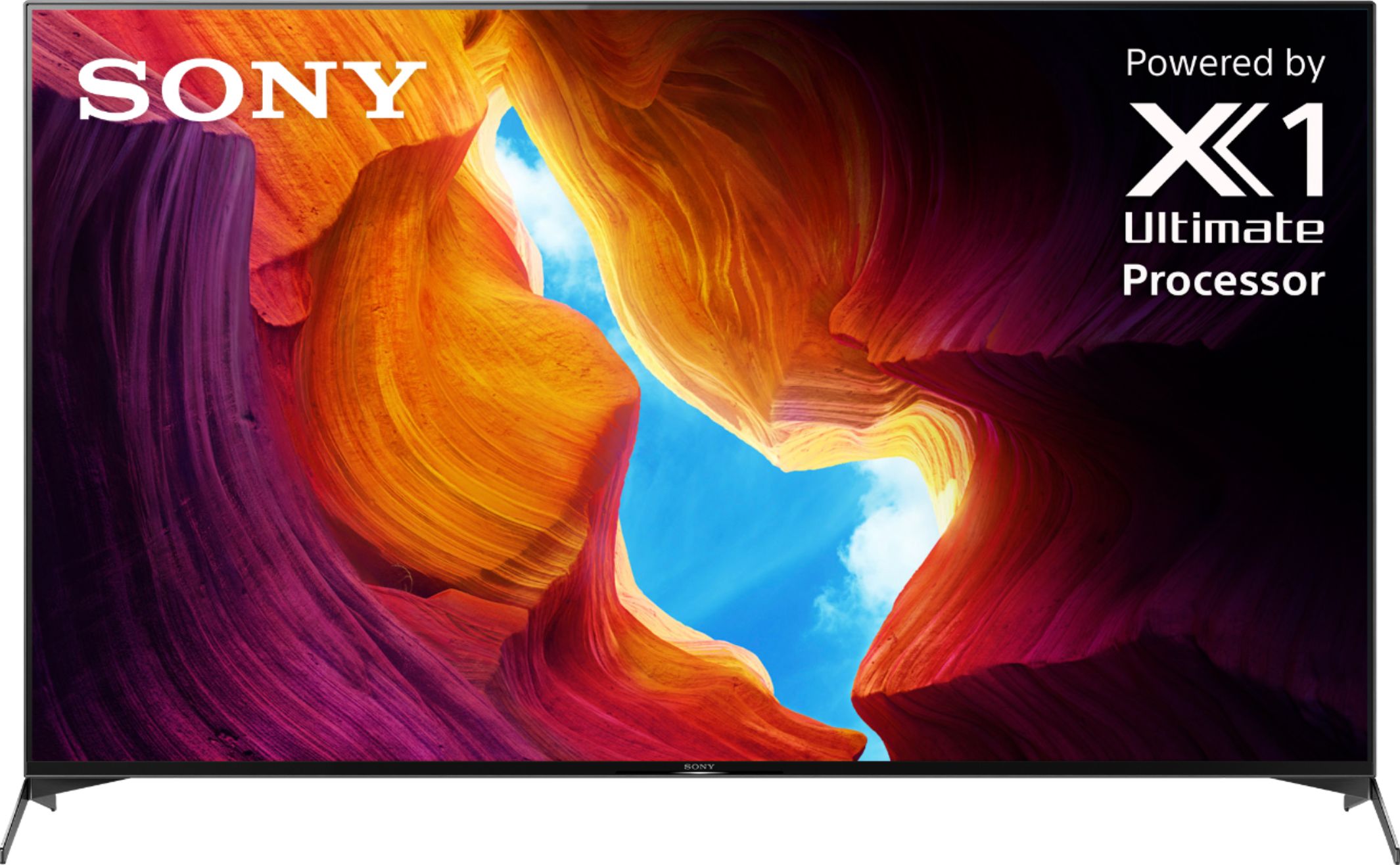
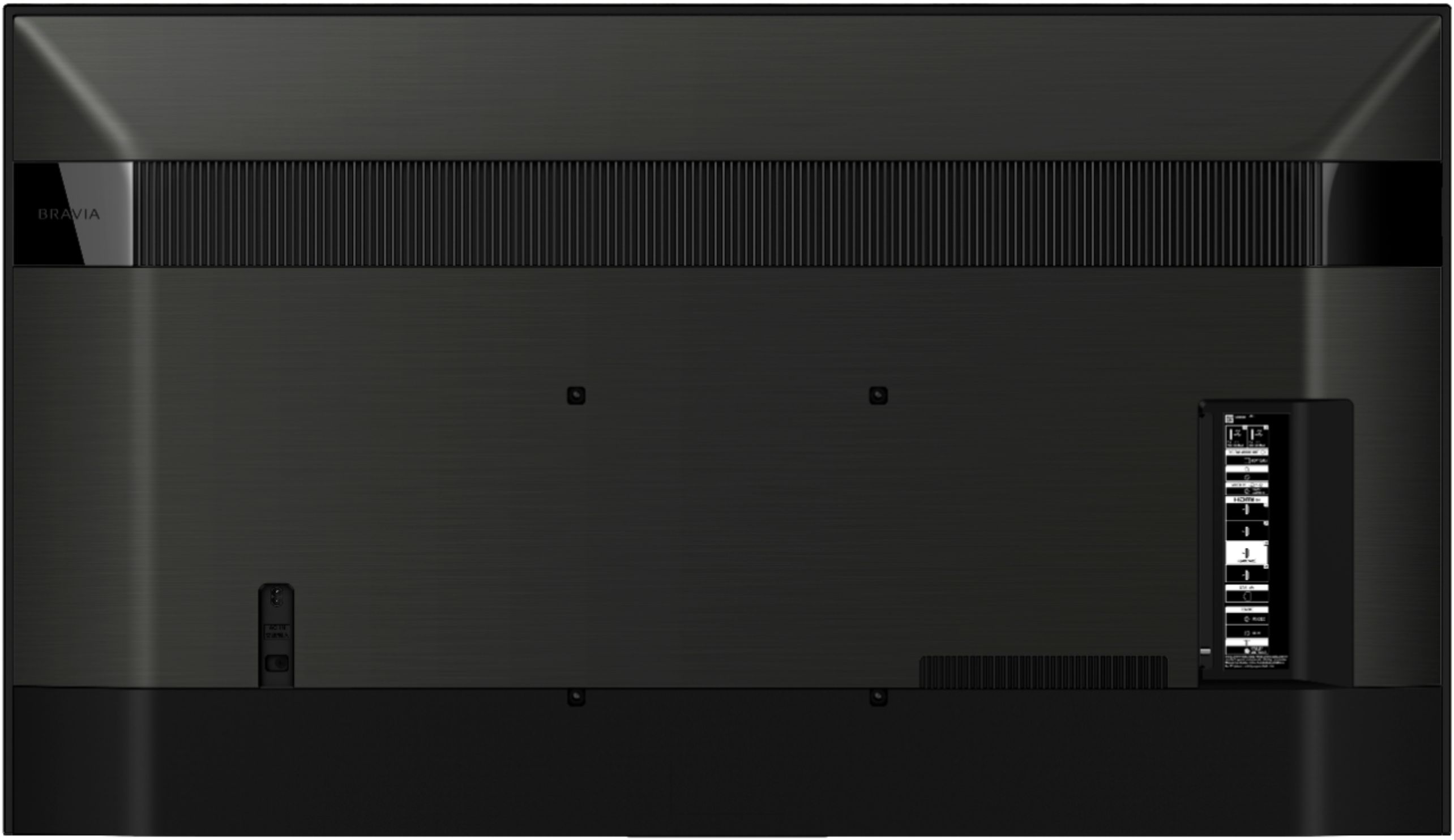





- Model:
- XBR65X950H
- SKU:
- 6401206
Rating by feature
- Picture Quality
Rating 4.8 out of 5 stars
- Sound Quality
Rating 4.3 out of 5 stars
- Brightness
Rating 4.8 out of 5 stars
Customers are saying
Customers often highlight the exceptional picture quality, describing it as outstanding and clear. They also appreciate the ease of setting up the TV and its intuitive operation. While many customers are pleased with the TV's color and sound quality, some express concerns about the lack of upgrades on the 2.1 HDMI ports and the high price.
This summary was generated by AI based on customer reviews.
Disappointed
||Posted . Owned for 1 month when reviewed.This reviewer received promo considerations or sweepstakes entry for writing a review.I was expecting much more, this kind of money I think it should be much more the biggest problem I'm having I think is the picture quality doesn't look like it should be cost this kind of money
No, I would not recommend this to a friendBrand response from SonyListens
Posted .Hi Cool, thank you for choosing and purchasing our 65" X950H TV. We are sorry to hear that the TV did not meet your expectations when it comes to the TV picture quality. We'd love to troubleshoot the issue and make this a better experience for you. You may change the picture setting of the TV using the Sony Remote by Pressing the HOME button, then select [Settings] — [Display & Sound] — [Picture]. This will let you fine-tune your TV picture based on your preference or select one of our preset picture settings.
You can also select Auto picture mode; this automatically selects the picture mode based on the content being viewed. You can check our help guide link https://helpguide.sony.net/tv/husltn1/v1/en-003/01-03-09_01.html?hl=picture+adjustment for more information.
If you need further assistance, please feel free to contact us for help.
Please email the below information to [email protected]
Apologies if you disclosed some of this information in your review and to customer service, we just want to ensure that we have your accurate details at the time of communication.
Full Name:
Best Buy Username:
Telephone Number:
Model Number:
Issue:
We are sorry for the inconvenience and hope to speak to you to resolve this matter.
Regards,
Carl
Sound issue
||Posted . Owned for less than 1 week when reviewed.This reviewer received promo considerations or sweepstakes entry for writing a review.I have had this TV for two days and already the sound is cutting out when watching shows through the Apps. I have to turn the tv off and then back on for sound to resume. I had to do this no less than 5 times while trying to get through an hour long show. Based on a Google search, this is not an isolated issue. This TV is defective and should not be sold by Best Buy.
No, I would not recommend this to a friendBrand response from SonyListens
Posted .Hi Tracy, Thank you for choosing and purchasing our Sony X950H Ultra HD Smart TV. We are sorry to hear that you are having an issue with the audio cutting out when watching through TV apps. We’d love to help you troubleshoot your problem by isolating your sources and understanding your connections. In the meantime, we’ve recently released a firmware upgrade to address some of the sound issues. Please make sure to try that first as well by going to help > system software update > software update.
May we contact you to help? If so, please email the below information to [email protected]
Apologies if you disclosed some of this information in your review and to customer service, we just want to ensure that we have your accurate details at the time of communication.
Full Name:
Best Buy Username:
Telephone Number:
Sony TV Model Number:
Additional Information regarding your experience with the X950H
We are sorry for the inconvenience and hope to speak to you to resolve this matter.
Sincerely,
Carl
bad experience with best buy delivery and cust ser
||Posted .This reviewer received promo considerations or sweepstakes entry for writing a review.the delivery process and customer service was horrible. my tv was dead upon arrival. i brought it back to the nearest best buy to return it but after waited in line for over an hour, i was told that i have to return the dead item to the original location which was almost 2 hours away!
No, I would not recommend this to a friendBrand response from SonyListens
Posted .Hi ndesign,
We're sorry to hear about what happened to the TV. We apologize for any inconvenience. Let me more about the issue of the TV so we can help you further. In any case that you need our assistance, please email the below information to socialsupport@am.sony.com or chat with us from Sony’s e-support webpage. Apologies if you disclosed some of this information in your review and to customer service, we just want to ensure that we have your accurate details at the time of communication.
Full Name:
Best Buy Username:
Telephone Number:
Sony Model Number:
Additional Information regarding your experience with the X950H:
We are sorry for the inconvenience and hope to speak to you to resolve this matter. We appreciate you and thanks again for shopping Sony!
Sincerely,
Jay
Doesn't even qualify for one star
||Posted . Owned for less than 1 week when reviewed.This reviewer received promo considerations or sweepstakes entry for writing a review.This television lasted ten days from the date of installation. It started making popping noises; the screen would periodically go completely black and then suddenly reappear; when I got closer to the screen, I could see there were vertical rows of purple dots. I had to stop using it before I could get it replaced because I thought it was a fire hazard. Never had a Sony before and I thought I was upgrading. This television deserves five negative stars. Total junk.
No, I would not recommend this to a friendBrand response from SonyListens
Posted .Hi LVLaHood,
Thank you for your input and concern. Sony takes all such reports seriously and will investigate appropriately.
In order for Sony to investigate your product concern appropriately, we will need to evaluate your product. Please email us at safetysupport@am.sony.com. Once we have your contact information we can arrange your product to be evaluated.
Regards,
Carl
captain
||Posted . Owned for 1 month when reviewed.This reviewer received promo considerations or sweepstakes entry for writing a review.had to wait 35 min just to see a sales person to purchase a ipad.When calling the store put on hold for at least 15 mins.. finally i hung up.
No, I would not recommend this to a friendBrand response from SonyListens
Posted .Hi help,
Thank you for sharing your feedback.
We are sorry to hear about your experience. If your concern is about an iPad, we highly suggest contacting Best Buy directly. We are sure that they will take care of you.
If this is about a Sony Bravia TV and you have concerns or need further assistance, we are here to help. May we contact you directly to assist you? If so, please email the below information to [email protected].
Apologies if you disclosed some of this information in your review and to customer service, we just want to ensure that we have your accurate details at the time of communication.
Full Name:
Best Buy Username:
Telephone Number:
Sony TV Model Number:
Additional Information regarding your experience with the X950H:
We value you being a Sony customer. Sorry for the inconvenience and hope to speak directly to try to resolve this matter.
Thank you for letting us help assist you.
Sincerely,
Vincent
Poor
||Posted . Owned for 3 weeks when reviewed.This reviewer received promo considerations or sweepstakes entry for writing a review.It has lost sound 3 times and connection to the internet 2. I believe it is going back
No, I would not recommend this to a friendBrand response from SonyListens
Posted .Hi Patrick,
Thank you for choosing and purchasing our Sony X950H Ultra HD Smart TV.
We’re sorry to hear you are experiencing some audio and internet connection issues. We’d love to help you troubleshoot your problem by isolating your sources and understanding your connections.
In the meantime, please ensure the firmware installed is v6.4770. Updating the software address some of the sound issues. Please make sure to try that first as well by going to HELP > SYSTEM SOFTWARE UPDATE > SOFTWARE UPDATE.
May we contact you to help? If so, please email the below information to [email protected]. Apologies if you disclosed some of this information in your review and to customer service, we just want to ensure that we have your accurate details at the time of communication.
Full Name:
Best Buy Username:
Telephone Number:
Sony TV Model Number:
Additional Information regarding your experience with the X950H
We are sorry for the inconvenience and hope to speak to you to resolve this matter.
We appreciate you and thanks again for shopping Sony!
Sincerely,
Erin
6 Months Need Replacement Can’t Be Fixed
||Posted .This reviewer received promo considerations or sweepstakes entry for writing a review.Loved the tv at the beginning but sadly 6 months later it started to fail and the panel now needs to be replaced. Sony won’t replace the panel so now I need to buy a new tv. Thank goodness for the Geek Squad Warranty however doesn’t roll over to new purchase. I will get a credit for what I paid towards it. STRONGLY SUGGEST GETTING WARRANTY.
No, I would not recommend this to a friendBrand response from SonyListens
Posted .Hi Trish,
Thank you for sharing your feedback on your experience using the Sony X950H LED Ultra HD Android TV. We regret to hear about your experience with your Sony BRAVIA TV. Sony commitment to customer satisfaction is our top priority. If the unit is still with you, we'd love to know more details as to what have been discussed when you called. The TV comes with a 1-year manufacturer's limited warranty. Sony product warranty information, including what is covered by the warranty, is part of the documentation inside the box for each Sony product. Electronic copies of the warranty card, primary user manual, and other documentation are available online.
Should you need further assistance, please email us at socialsupport@am.sony.com with the following details:
Apologies if you disclosed some of this information in your review and to customer service, we just want to ensure that we have your accurate details at the time of communication.
Name:
Bestbuy Username:
Model Number:
Issue:
Telephone Number:
Additional Information regarding your experience with the X950H:
We are sorry for the inconvenience and hope to speak to you to resolve this matter.
Sincerely,
Jess
Avoid Best Buy and this crappy TV at all costs.
||Posted . Owned for 1.5 years when reviewed.This reviewer received promo considerations or sweepstakes entry for writing a review.Wish I could do zero stars. TV conveniently went out 16 months after purchase. Geek squad is awful. Got the run around and nothing solved. Just a “sorry to bought a bad TV, please buy another”. This is why Amazon will shut down all stores before long. I’d be blown away if Best Buy is around in the next 5 years.
No, I would not recommend this to a friend- Pros mentioned:Color, Picture quality
Really good Tv
Posted .This reviewer received promo considerations or sweepstakes entry for writing a review.Excellent tv with a solid cinematic picture. Also great for gaming. Pretty colors, good picture and quick refresh for its time.
I would recommend this to a friend Sony tv
||Posted . Owned for 3 weeks when reviewed.This reviewer received promo considerations or sweepstakes entry for writing a review.Sony TV is not working properly. We have been told that Sony is having problems with their tv’s. It is brand new and will not come on we have to oust on button several time. We called Sony they walked us through several steps and was suppose to return our call in a couple of days it has been several days and have not heard from them.
No, I would not recommend this to a friendBrand response from SonyListens
Posted .Hi Channel,
We are sorry to hear that the TV is not working properly and does not turn on. This is usually not the case with our premium TV nor the experience we want you to have. We'd love to help you troubleshoot the issue and make sure that you are taken care of.
May we contact you to help? If so, please email the below information to socialsupport@am.sony.com
Apologies if you disclosed some of this information in your review and to customer service, we just want to ensure that we have your accurate details at the time of communication.
Full Name:
Best Buy Username:
Telephone Number:
Model Number:
Issue:
Case ID:
Regards,
Carl
Have you tried turning it off and back on again
||Posted . Owned for 3 months when reviewed.This reviewer received promo considerations or sweepstakes entry for writing a review.Shortly after purchasing the TV it quit turning on. The online tip of unplugging for 1 minute and plugging it back in works. It, however, is happening more and more frequently, and for the money I spent I would expect better quality. I will not be buying a Sony product again.
No, I would not recommend this to a friendBrand response from SonyListens
Posted .Hi DaveFox42, we are sorry to hear that you are experiencing a problem with the TV not powering on and needs to unplug and re-plug the TV from the power outlet to turn it on. We'd love to troubleshoot the issue and make this a better experience for you. In the meantime, please make sure that the power cord and AC adaptor are not disconnected or loose and if the issue occurs press the power switch of the TV to see if the TV turns on this will let us know if this is happening only when using the remote.
You may also follow this article link for further troubleshooting steps for your TV.
https://www.sony.com/electronics/support/televisions-projectors-lcd-tvs-android-/xbr-65x950h/articles/00153674
Should you need further assistance, please contact us for help.
Please email the below information to socialsupport@am.sony.com
Apologies if you disclosed some of this information in your review and to customer service, we just want to ensure that we have your accurate details at the time of communication.
Full Name:
Best Buy Username:
Telephone Number:
Model Number:
Issue:
Regards,
Carl
Not What I Expected
||Posted . Owned for 1 week when reviewed.This reviewer received promo considerations or sweepstakes entry for writing a review.Bought add a rival to the Samsung q80t but was not impressed
No, I would not recommend this to a friendBrand response from SonyListens
Posted .Hi Jmurray, thank you for choosing and purchasing our 65" X950H 4k UHD TV. We are sorry to hear that the TV did not meet your expectations. We would love to make sure that you are taken care of.
May we contact you for help? If so, please email the below information to [email protected]. Apologies if you disclosed some of this information in your review and to customer service, we just want to ensure that we have your accurate details at the time of communication.
Full Name:
Best Buy Username:
Telephone Number:
Model Number:
Issue:
Regards,
Carl
Missing parts, poor warranty
||Posted . Owned for 2 months when reviewed.This reviewer received promo considerations or sweepstakes entry for writing a review.I purchased an open-box excellent TV as a present. It was missing all the screws and spacers. Both Best Buy and Sony only allowed for 30 days after purchasing to obtain any missing parts. WOULD NOT BUY from either company again
No, I would not recommend this to a friendBrand response from SonyListens
Posted .Hi RobB, We're sorry to hear that you purchased an open box TV. Please report directly to the retail store regarding your concern with the TV. We apologize for the inconvenience.
If you are unable to resolve your concern, please chat with us from Sony’s e-support webpage. I hope this helps! Jay
Not happy
||Posted .This reviewer received promo considerations or sweepstakes entry for writing a review.Was not happy with the picture. Returned it........
No, I would not recommend this to a friendBrand response from SonyListens
Posted .Hi BlueTide, thank you for choosing and purchasing our 65" X950H TV. We are sorry to hear that the TV did not meet all of your expectations with the picture quality and had to return the unit. For this, you can adjust the TV picture to fine-tune your TV picture using the Sony Remote. Press the HOME button, then select [Settings] — [Display & Sound] — the desired option. You can also set the TV to Auto picture mode which automatically selects the picture mode based on the content being viewed.
We would like to make sure that you are taken care of.
May we contact you to help? If so, please email the below information to socialsupport@am.sony.com
Apologies if you disclosed some of this information in your review and to customer service, we just want to ensure that we have your accurate details at the time of communication.
Full Name:
Best Buy Username:
Telephone Number:
Model Number:
Issue:
We hope you reconsider SONY again in your future purchases.
Regards,
Carl
Dumb smart tv
||Posted . Owned for 9 months when reviewed.This reviewer received promo considerations or sweepstakes entry for writing a review.Crappy, very expensive smart tv quit working less than 9 months after purchase and I'm getting the runaround to get it fixed.
No, I would not recommend this to a friendBrand response from SonyListens
Posted .Hi Miqo,
Thank you for choosing and purchasing Sony X950H Bravia LED Ultra HD TV.
We regret to hear that you are having an issue with your Bravia 9 months after purchase. This is usually not the case with our premium TVs. We want to make sure you’re taken care of and help check on your TV. If you already called our Technical Support Team, we could review your file so we can understand the main issue with your TV and make a follow-up, if necessary.
May we contact you directly to assist you? If so, please email the below information to socialsupport@am.sony.com.
Apologies if you disclosed some of this information in your review and to customer service, we just want to ensure that we have your accurate details at the time of communication.
Case Number:
Full Name:
Best Buy Username:
Telephone Number:
Sony TV Model Number:
Additional Information regarding your experience with the X950H :
We value you being a Sony customer. Sorry for the inconvenience and hope to speak directly to try to resolve this matter.
Thank you for letting us help assist you.
Sincerely,
Vincent
Horrible
||Posted . Owned for less than 1 week when reviewed.This reviewer received promo considerations or sweepstakes entry for writing a review.Really poor. I paid 1650 and it didn't come with an electric cord and the tv came out with defections. I went to best buy to buy a brand new tv to avoid all the problems but it came with a few. Very disappointing.
No, I would not recommend this to a friendBrand response from SonyListens
Posted .Hi Sonyx950h, Thank you for choosing and purchasing Sony X950H Bravia LED Ultra HD TV. We regret to hear that the Sony Bravia TV that you purchased does not come with a power cord and that you are having some issues with it. This is definitely not the customer experience we want you to have. You may contact Best Buy directly to address the missing accessories. We are also here to help you, especially with other issues with your Sony TV. We want to make sure you’re taken care of and help check on your TV. May we contact you directly to assist you? If so, please email the below information to [email protected]. Apologies if you disclosed some of this information in your review and to customer service, we just want to ensure that we have your accurate details at the time of communication. Full Name: Best Buy Username: Telephone Number: Sony TV Model Number: Additional Information regarding your experience with the X950H: We value you being a Sony customer. Sorry for the inconvenience and hope to speak directly to try to resolve this matter. Thank you for letting us help assist you. Sincerely, Vincent
Sony sad
||Posted .This reviewer received promo considerations or sweepstakes entry for writing a review.TV has glitches and poor connectivity. Sometimes it does not turn off and I need to unplug from outlet. Sometimes it turns on by itself.
No, I would not recommend this to a friendBroken
||Posted . Owned for 1 year when reviewed.This reviewer received promo considerations or sweepstakes entry for writing a review.Broke after a year of owning it keeps blinking red turns on than immediately turns off
No, I would not recommend this to a friendHORRIBLE screen judder when watching sports
||Posted . Owned for less than 1 week when reviewed.This reviewer received promo considerations or sweepstakes entry for writing a review.Terrible screen fir sports. Lots of judder. Tv froze twice and remote froze 4 times in a 2 week period. So disappointed. Returned for a Sony
No, I would not recommend this to a friendBrand response from SonyListens
Posted .Hi Reegirl76, We are sorry to hear that you are experiencing issues with the picture quality while watching sports and had to return the TV.
For this, if there's pixelation or motion blur on the TV, set Motionflow to Off.
On the supplied TV remote, press the HOME button.
Select Gear settings iconSettings.
Under TV category, select Picture & Display or Display & Sound.
Select Picture adjustments.
Select Advanced settings.
Select Motion.
If your TV has CineMotion setting, set it to Low or Off.
Select Motionflow.
Select Off.
We hope that you still consider Sony in your future purchases.
Regards,
Carl
Not happy
||Posted . Owned for 8 months when reviewed.This reviewer received promo considerations or sweepstakes entry for writing a review.Alot of problems with this tv . It turns on by itself , it changes the channels .
No, I would not recommend this to a friendBrand response from SonyListens
Posted .Hi Bobh, We are sorry to hear about the issue you are having. This is usually not the case for our TVs nor the experience we want you to have. If the TV turns on by itself, please follow the troubleshooting steps on the link below to isolate and resolve the issue.
https://www.sony.com/electronics/support/televisions-projectors-lcd-tvs-android-/xbr-65x950h/articles/00114471
And if the channel changes automatically, please perform a power reset on the TV and on the cable box/satellite box.
Turn off the TV/cable box.
Unplug the television/cable box power cord (mains lead) from the electrical outlet.
Let the television/cable box remain without power for 2 minutes.
Plug the power cord (mains lead) back into the electrical outlet.
Also, make sure that the firmware version of the TV is up to date.
If you are unable to resolve your concern, may we contact you to help and get more information? If so, please email the below information to socialsupport@am.sony.com. Apologies if you disclosed some of this information in your review and to customer service, we just want to ensure that we have your accurate details at the time of communication.
Full Name:
Best Buy Username:
Telephone Number:
Sony Model Number:
Additional Information regarding your experience with the X950H:
We are sorry for the inconvenience and hope to speak to you to resolve this matter.
Sincerely,
Sam