Customer Ratings & Reviews
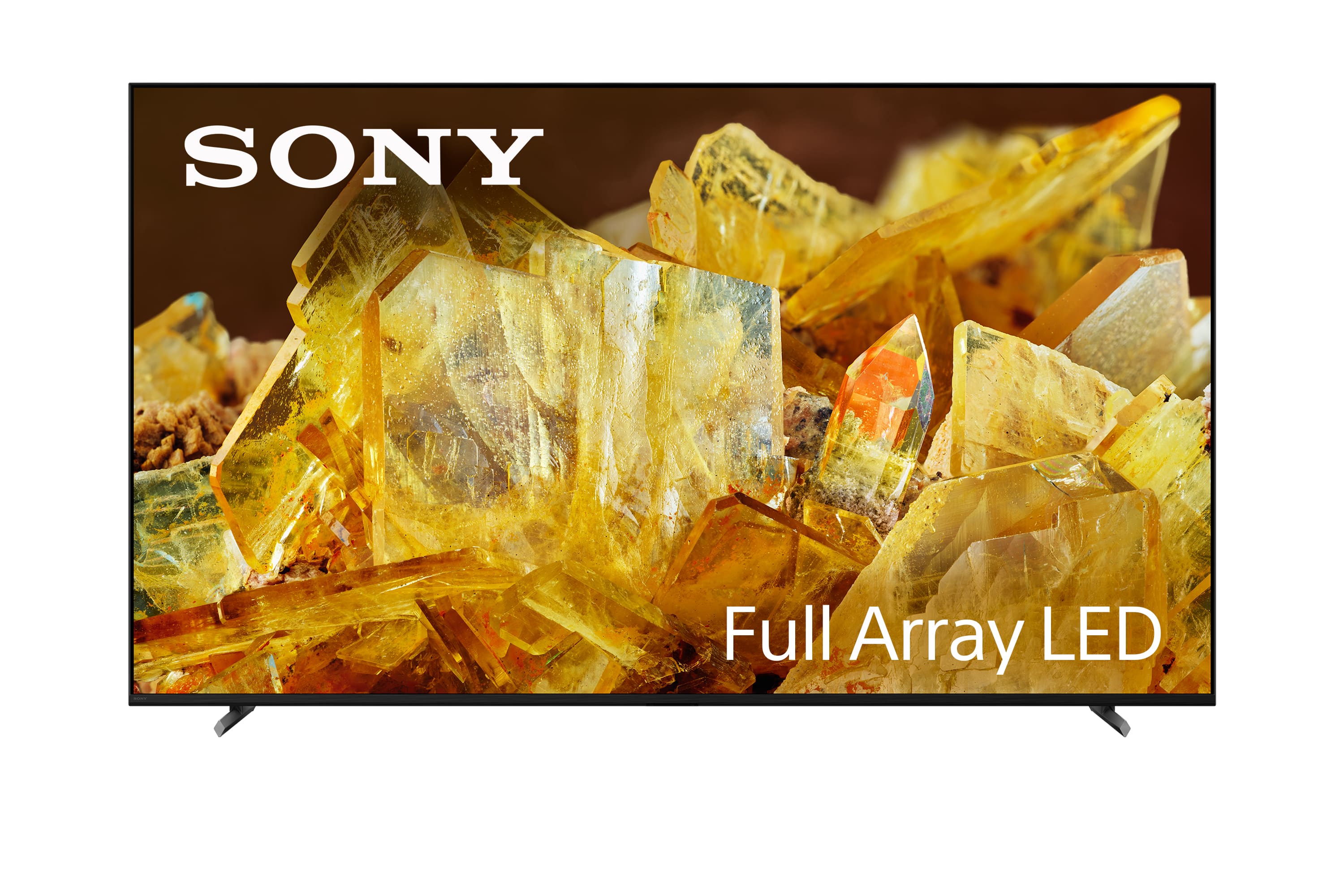
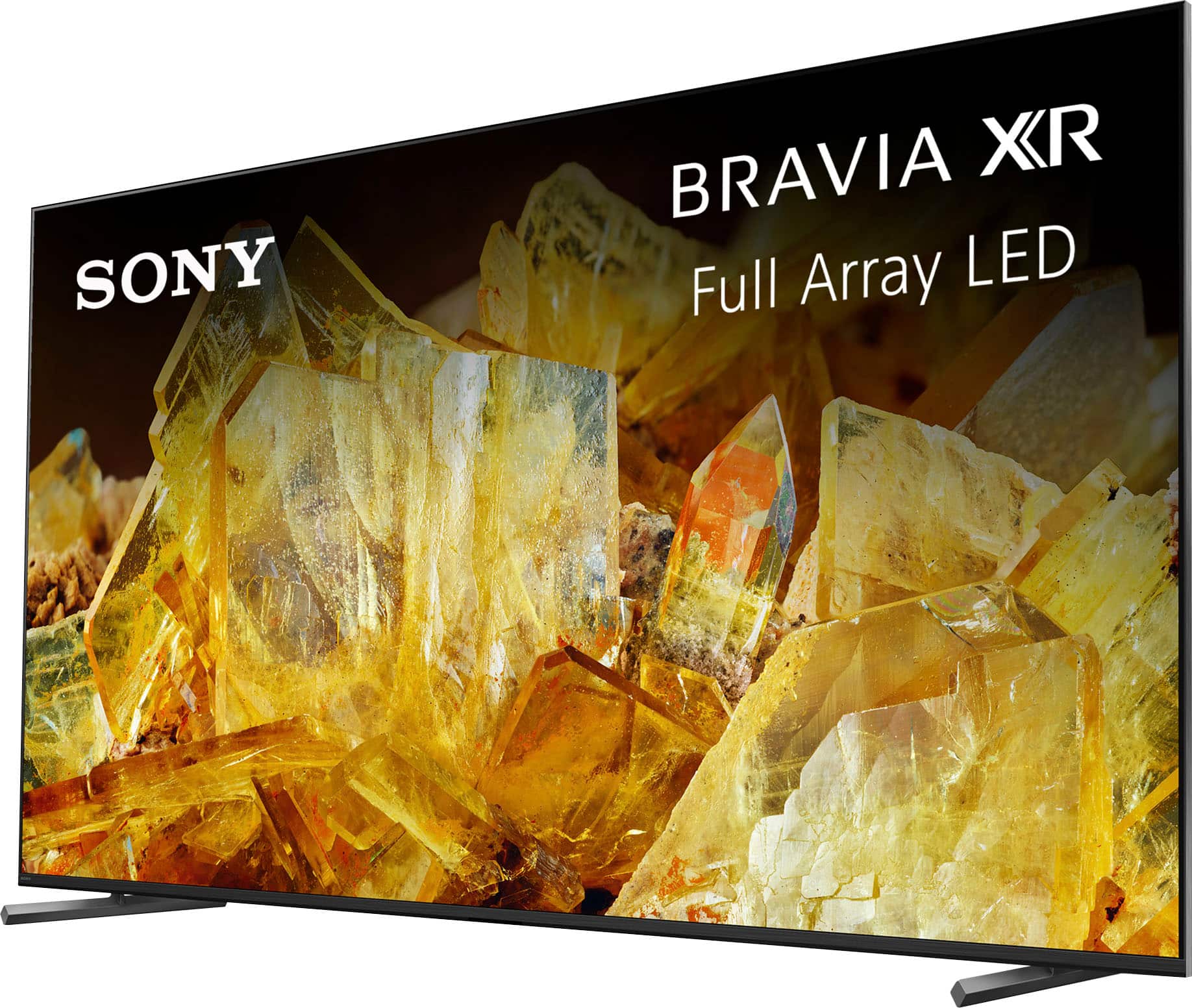
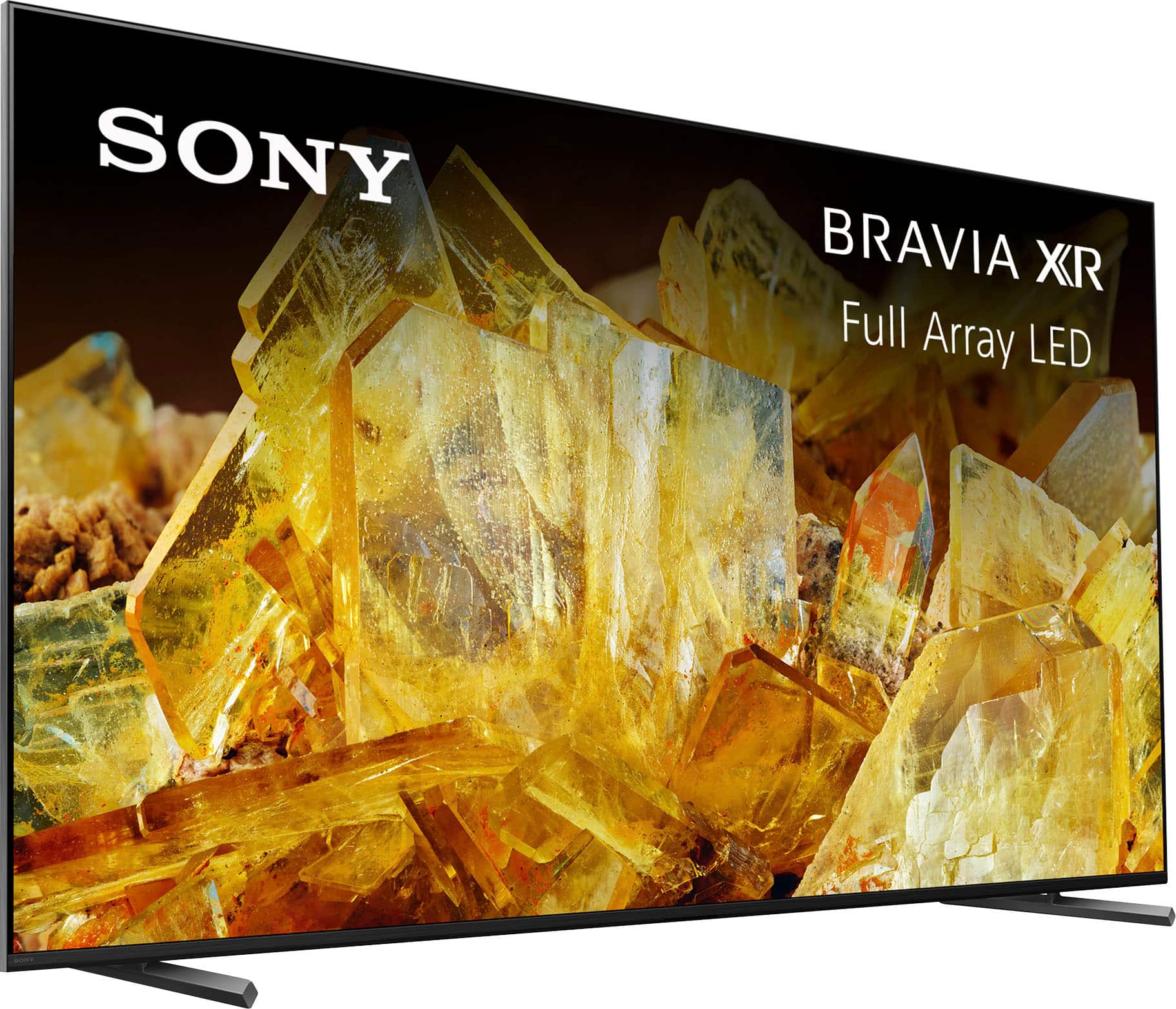
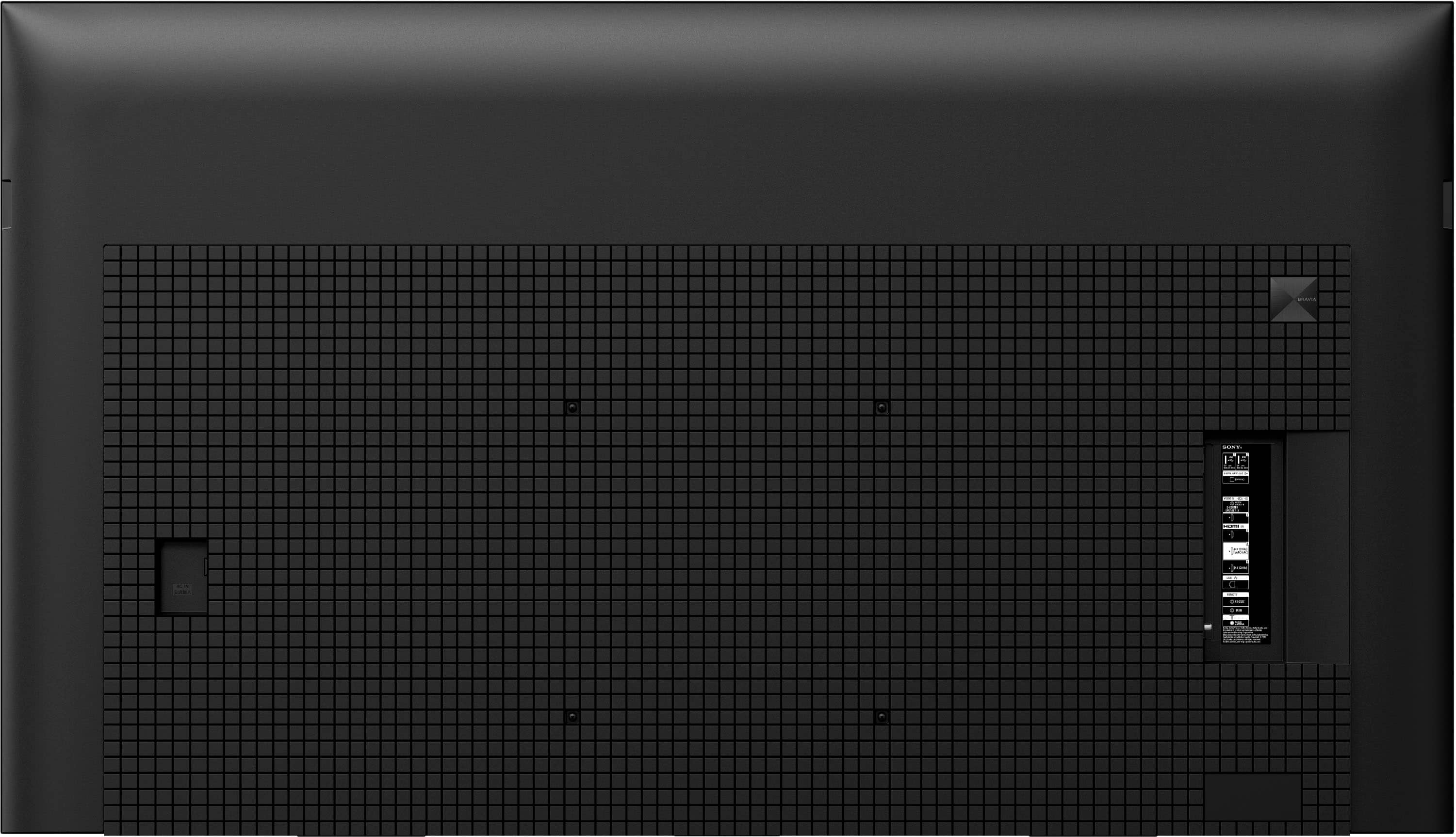

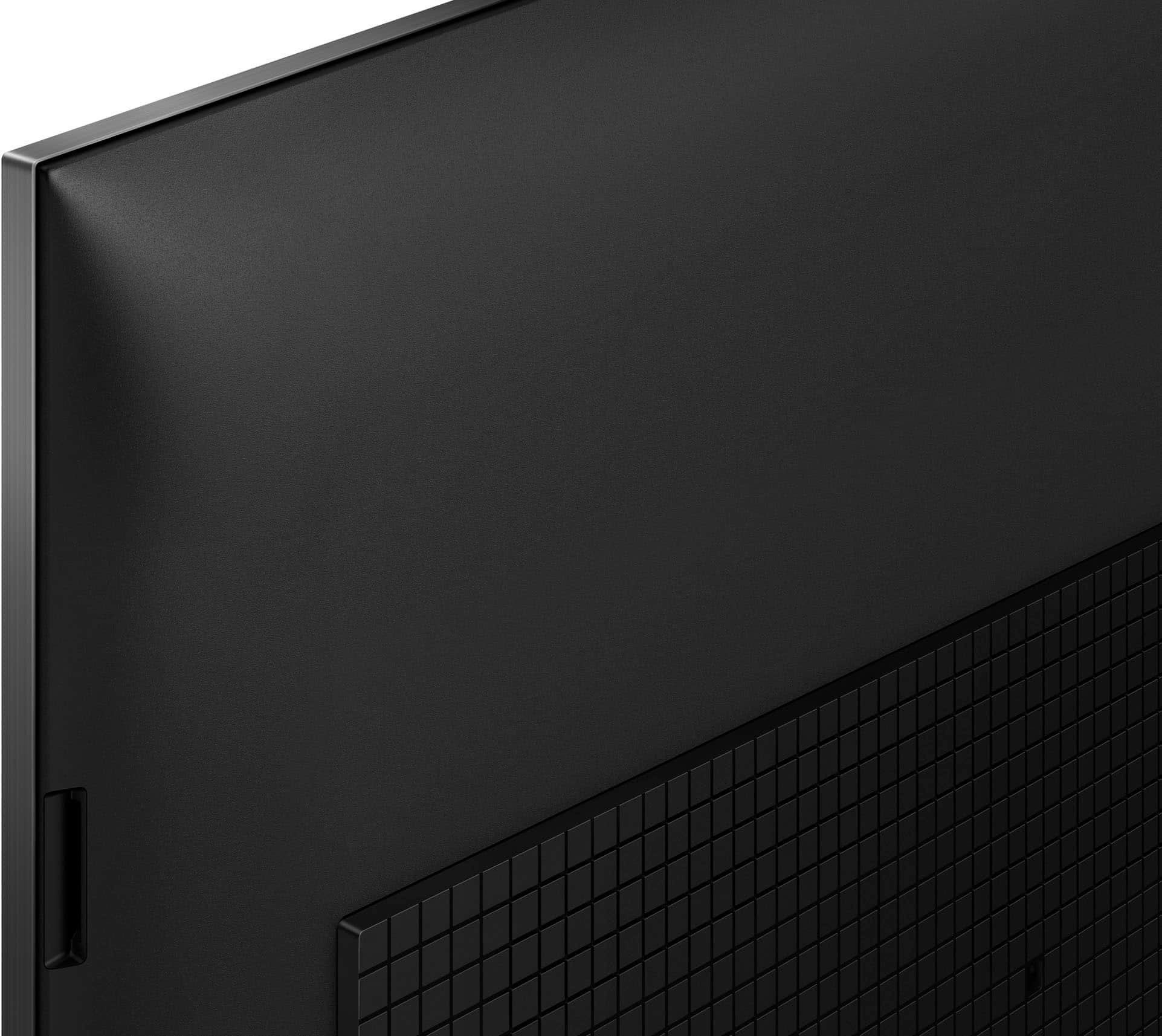

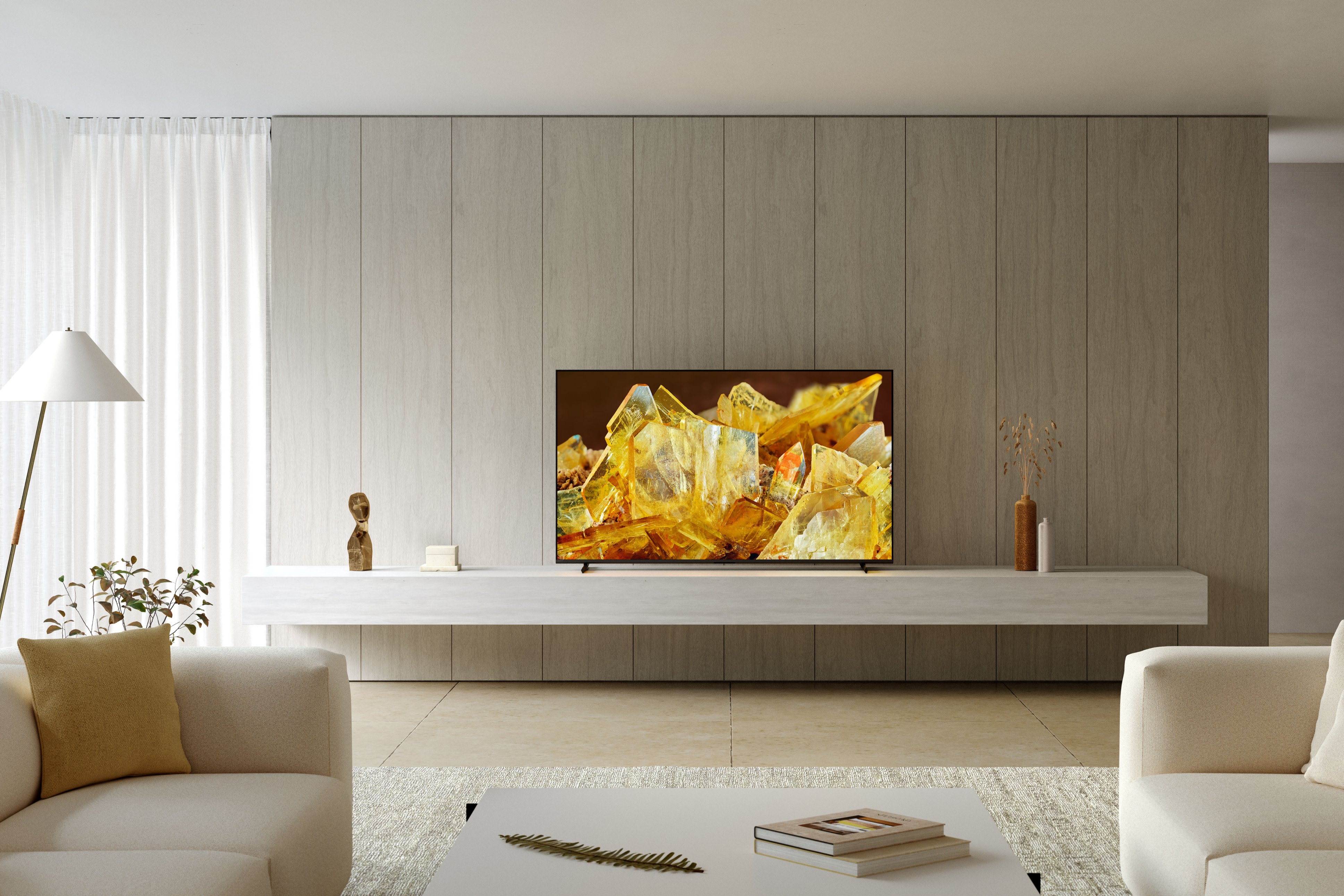
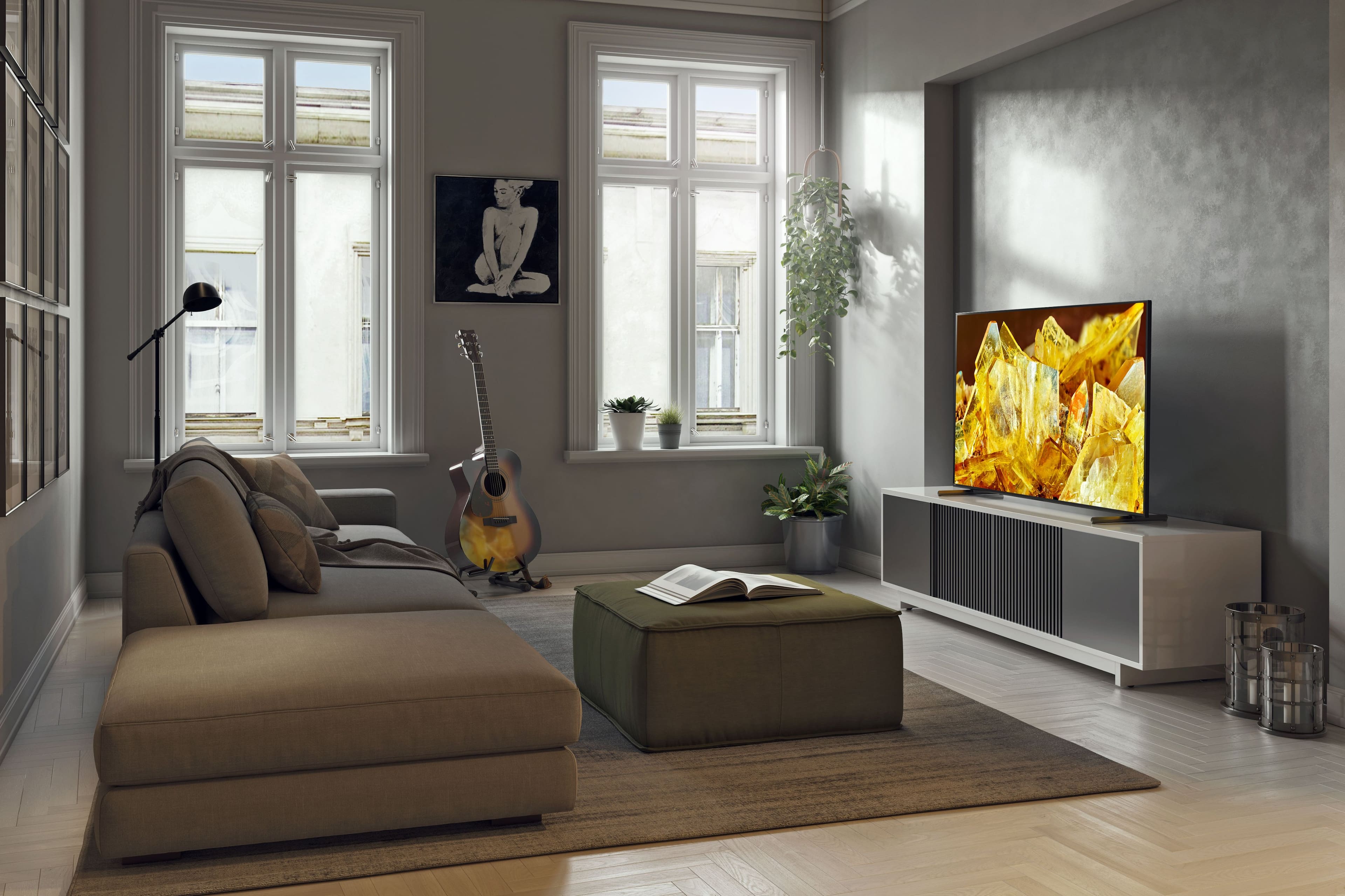
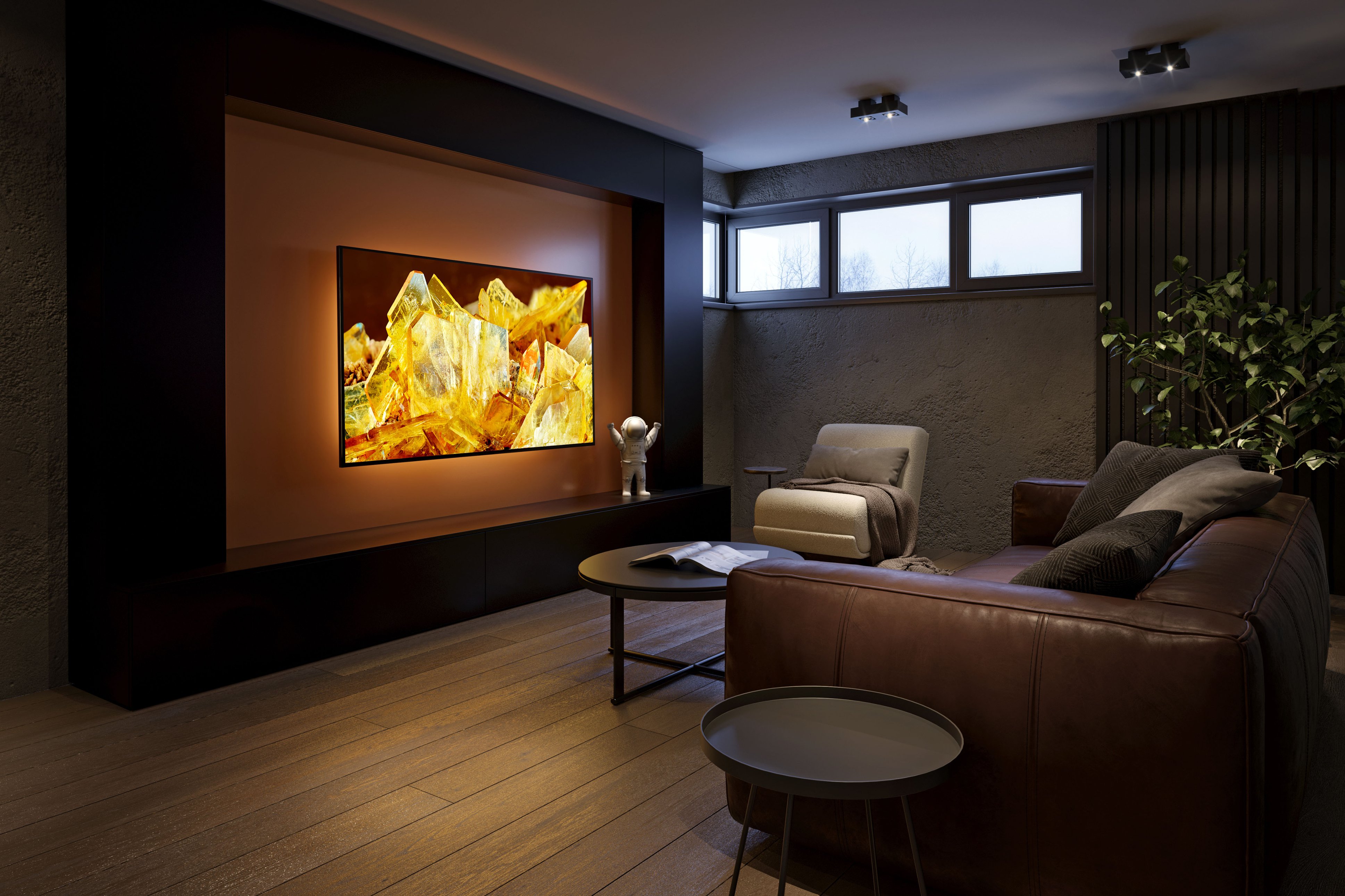










- Model:
- XR75X90L
- SKU:
- 10562814
Rating by feature
- Picture Quality
Rating 4.9 out of 5 stars
- Sound Quality
Rating 4.6 out of 5 stars
- Brightness
Rating 4.9 out of 5 stars
KS
Posted .This reviewer received promo considerations or sweepstakes entry for writing a review.Picture is not as sharp as hoped. Sound is not the greatest either. Overall for the money, i would make a different choice.
No, I would not recommend this to a friendBrand response from SonyListens
Posted .Hi KellyS,
Thank you for sharing your experience using your X90L Full Array LED 4K Ultra HD Google TV. We really appreciate the feedback regarding the picture and sound quality of this TV. Picture quality depends on the signal and content. Having said that, you can configure various settings related to the TV display such as color and brightness for picture quality, or screen size.
For more information on how you can enhance your viewing experience, check the Adjust Picture Settings on your Google TV. Please visit this link here: https://www.sony.com/electronics/support/articles/00190409
If you are watching from an external output like a cable box or your blu-ray please make sure that you have enabled the Enhanced Format setting on the TV. When you watch 4K picture with High-Quality, use a Premium High Speed HDMI Cable(s) that supports speeds of 18 Gbps or more. We also have some good information on how to enjoy 4K and HDR content depending on the content source in this helpful link: https://www.sony.com/electronics/support/televisions-projectors-lcd-tvs-android-/xr-75x90l/articles/00245141
If you need more information or technical assistance with your product, please feel free to contact us and we'll be more than happy to assist you. You may send us an email at socialsupport@am.sony.com with the following:
Name:
Best Buy Username:
Model Number:
Issue:
Telephone Number:
We appreciate you and thanks for sharing your feedback!
Regards,
Jess
Great TV but no warrenty
Posted .This reviewer received promo considerations or sweepstakes entry for writing a review.We love this TV but disappointed there is no warrenty
I would recommend this to a friendBrand response from SonyListens
Posted .Hi user934209,
Thank you for your time writing this review. We're glad to hear you love your new Sony TV. A brand new X90L TV comes with a 1-year limited manufacturer's warranty (for US and Canada only). For more details about the warranty, please contact your dealer(BestBuy).
You may also contact us by sending an email to socialsupport@am.sony.com with the following:
Name:
Best Buy Username:
Telephone Number:
Model Number:
Issue:
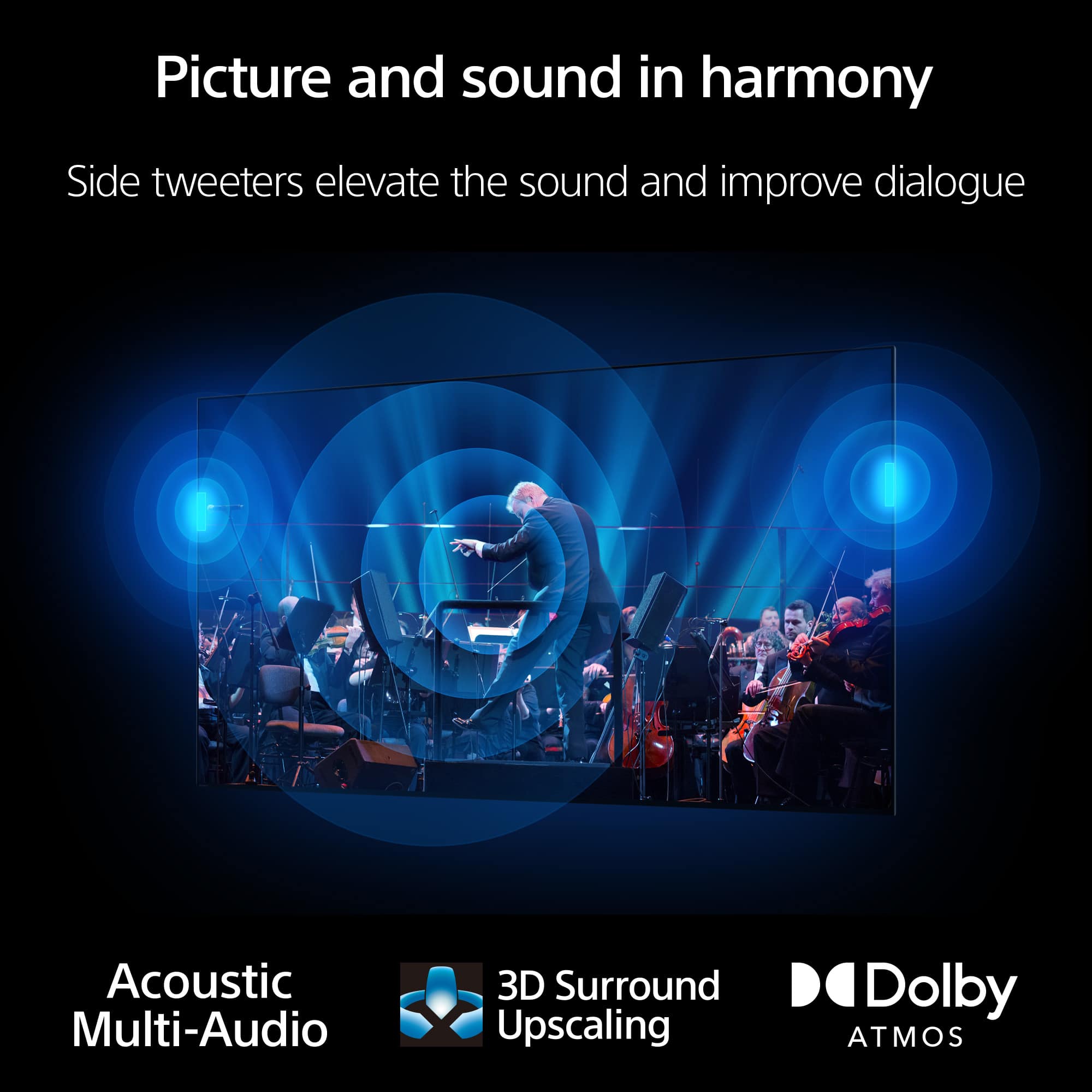
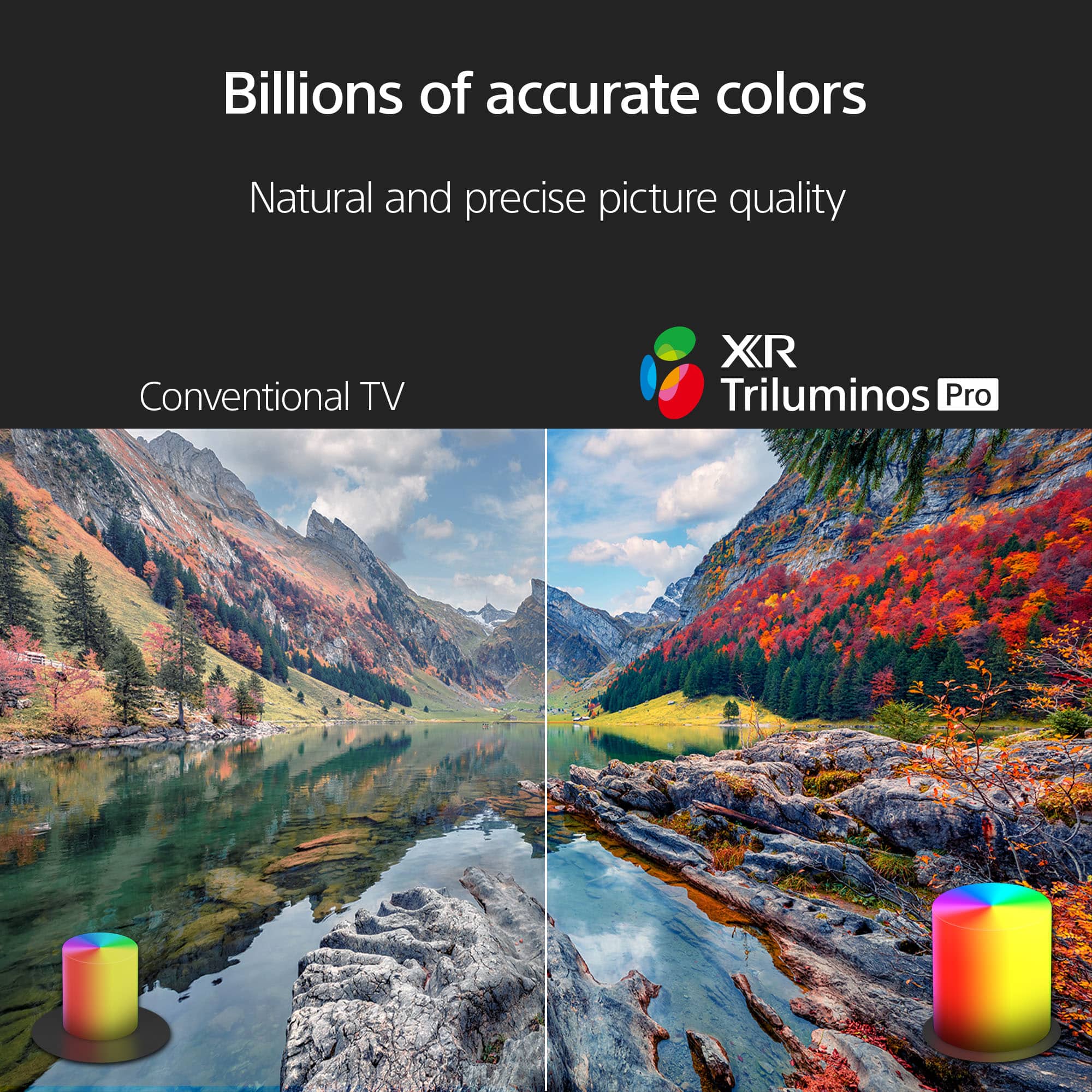
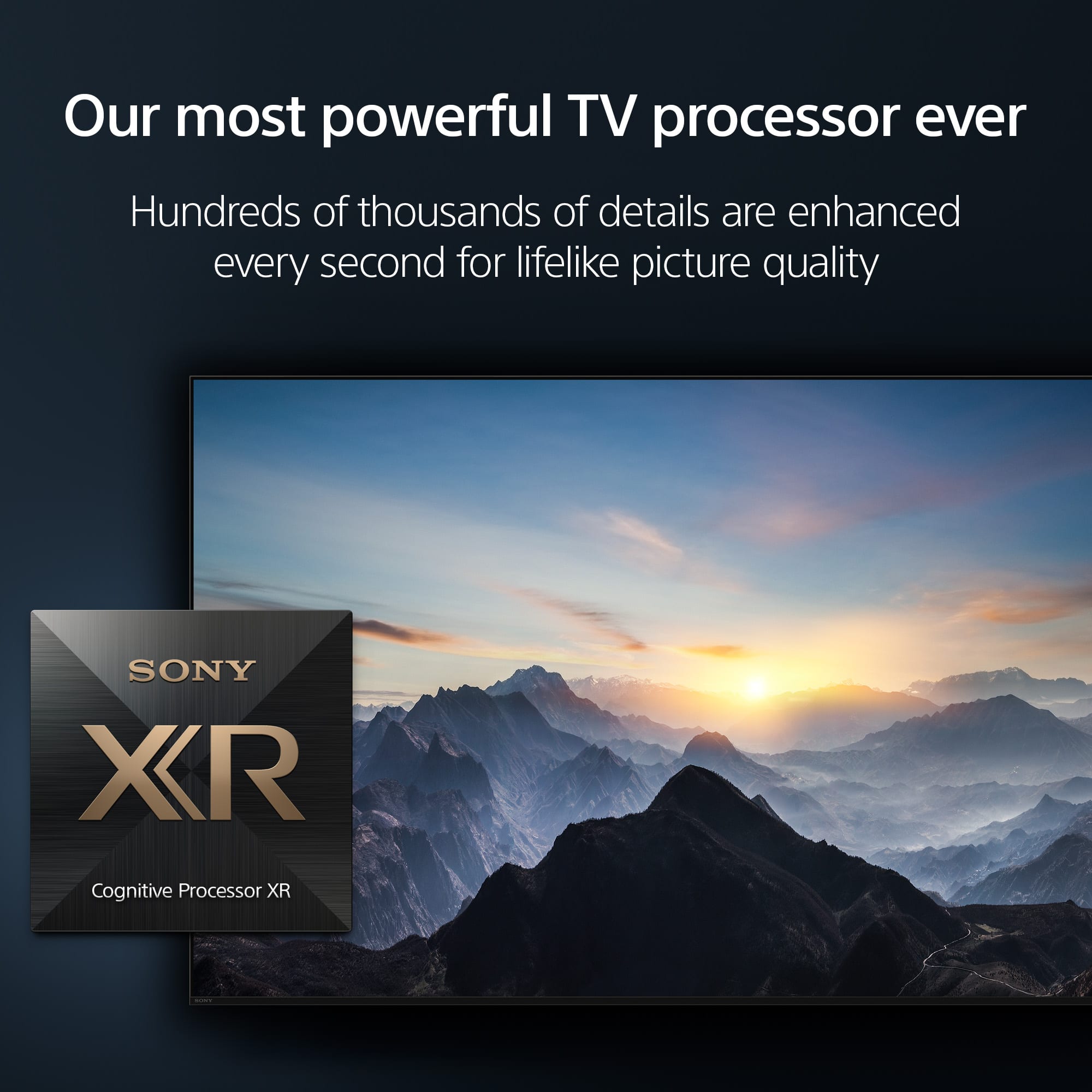
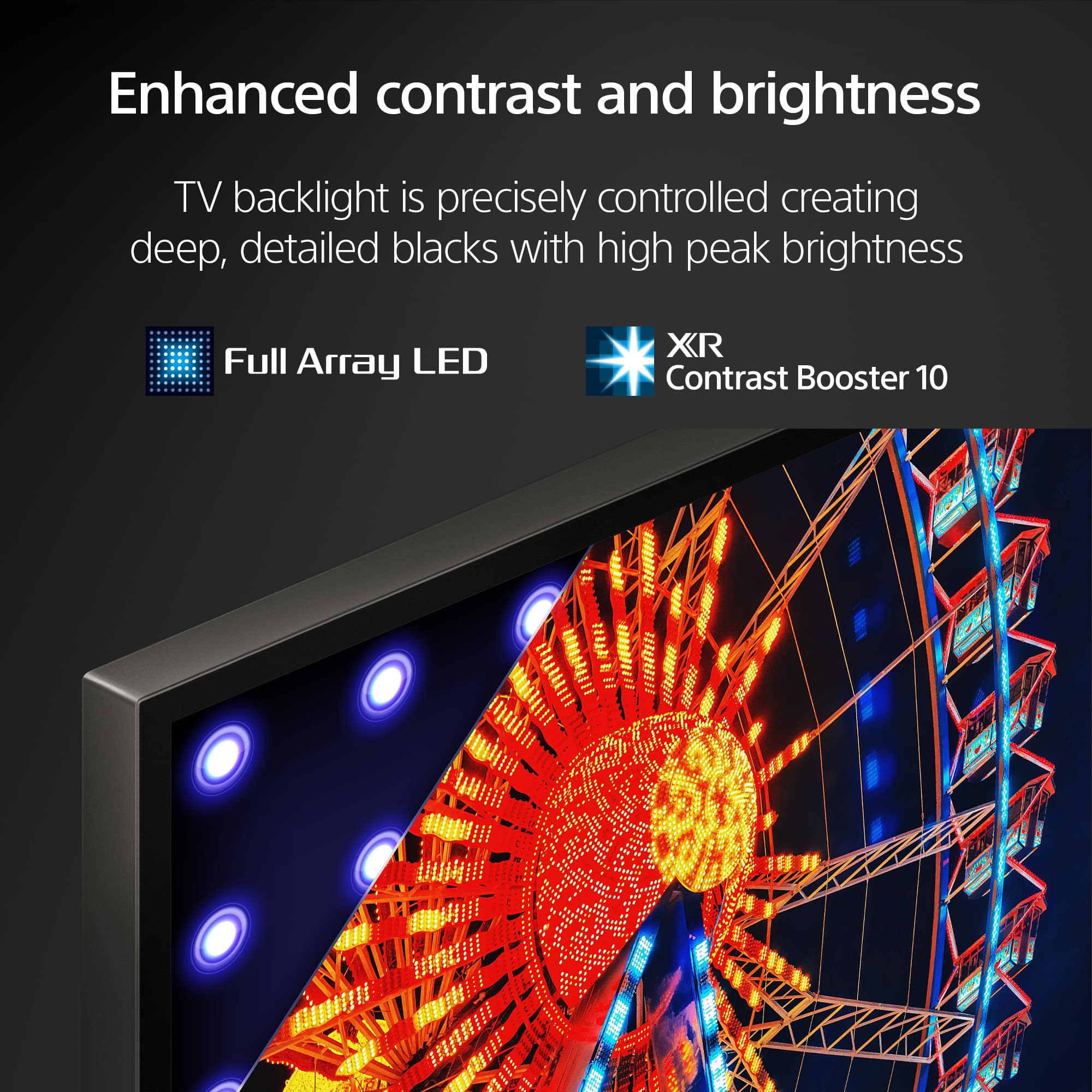
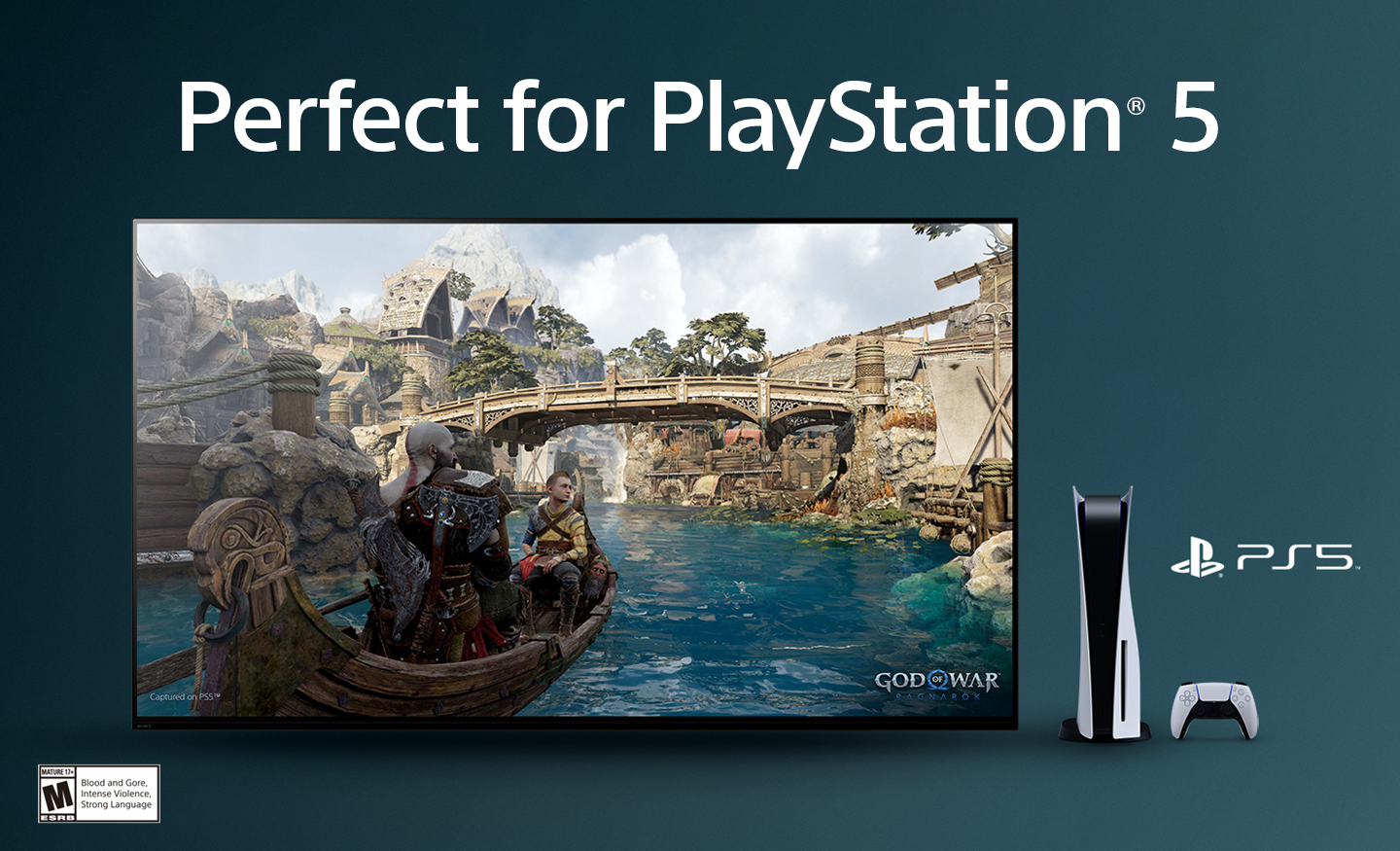
With Sony X90L, see breathtakingly beautiful pictures full of realistic depth on our Full Array LED screen powered by Cognitive Processor XR. Hear sound straight from the screen, perfectly matching the action. Cognitive Processor XR™ turns any sound immersive with more precise sound position. And with 4K/120fps, a Variable Refresh Rate and Auto Low Latency Mode, our TVs give you smooth and clear movement for responsive gameplay. Thanks for choosing Sony! - Kris
VERY BAD INSTALLATION SERVICE
Posted .This reviewer received promo considerations or sweepstakes entry for writing a review.This review is on Best Buy, not this TV, which, due to their incompetence is not here yet. I ordered this TV, a stand and their set up service. The 1st delivery/install notice said they"d be here today between 7AM and 7PM, but they would call me last night with a 4-hour widow, They didn't and this A.M. only person I could contact was in a foreign country and he couldn't help. I then used their chat with agent text service. It said an agent would be with me shortly. The agent responded 14 hours later, but not with a time. The installers arrived at 6:15 tonight, but NOT with the TV. Their work order did not include my phone number and just said to put the stand on my old TV. Seriously? I waited around 11 hours for nothing. BUYER BEWARE: AVOID GEEK SQUAD OR THEIR DELIVERY SSERVICE.SERVICES.
No, I would not recommend this to a friendSony died after 38 months
Posted .This reviewer received promo considerations or sweepstakes entry for writing a review.I purchased a similar model in July 2021 along with a 36 month warranty. After 38 months the TV started cutting off on its own and when powered back on would stay on 30 seconds and then power off and started flashing the 4 red lights of "death." TV repair person said panel is bad and can't be replaced. Sony really should be ashamed for selling a product at this price point and it having such a short life span.
No, I would not recommend this to a friendBrand response from SonyListens
Posted .Hi EricB,
Thank you for taking the time to share your experience with your Sony BRAVIA XR TV. We deeply regret the inconvenience this has caused you, and we are committed to assisting you in resolving the issue as quickly as possible.
If your TV is experiencing problems such as no picture, no power, or the LED light blinking/flashing red, you might find this link helpful https://www.sony.com/electronics/support/articles/00153674?utm_source . Additionally, you can use our interactive guided support for step-by-step assistance https://us.esupport.sony.com/support/s/gs?language=en_US&treeid=639716112000.
Hopes this information works with you!
If the issue still persist, the unit requires service. You may find this link helpful: https://us.esupport.sony.com/support/s/service?language=en_US&cpint=spt-subfooter_prodrepair We are sorry for the inconvenience and hope you still consider Sony for your future purchases.
Sincerely,
Maria
DO NOT BUY THIS TV OR ANY SONY TV
Posted .This reviewer received promo considerations or sweepstakes entry for writing a review.DO NOT BUY THIS TV OR ANY SONY TV’S .. this tv no longer works and I have only had it for a year and a half. The panel needs to be replaced and Sony does not sell the panel. Geek squad just left my house and said they’ve seen this issue often with the Sony TV’s and they don’t recommend buying them. If you purchased a Samsung or LG they do sell the panel but Sony does not.
No, I would not recommend this to a friendBrand response from SonyListens
Posted .Hi, AprilM,
Thanks for the review. We are truly sorry to hear you have had some issues with your BRAVIA TV, We'd be more than glad to explore any further options regarding this matter. Please, feel free to reach our Technical Support Department at: https://us.esupport.sony.com/support/s/support-contact?language=en_US&category=tv.
Thanks for considering Sony products, have a nice day,
-DiegoV
Not as good as prior Bravia 75 90E
Posted .This reviewer received promo considerations or sweepstakes entry for writing a review.Not as good of a picture as my prior Bravia 75 90E. New one is only two weeks old - should have bought a better model. This display is not as good - even after adjustments - as my prior model. I would not recommend this model.
No, I would not recommend this to a friendBrand response from SonyListens
Posted .Hi GJBC, We're sorry to hear that the picture quality of your new Sony X90L did not live up to your expectations. This is definitely not the news that we would like to hear. Please allow us to help you and turn this into a better experience. We would like to know more about this so we can better assist you. May we contact you to help and get more information? If so, please email the below information to socialsupport@am.sony.com. Apologies if you disclosed some of this information in your review and to customer service, we just want to ensure that we have your accurate details at the time of communication.
Full Name:
Best Buy Username:
Telephone Number:
Sony Model Number:
Additional Information regarding your experience with the XR75X90L:
Sincerely,
Sam
Skip this tv
Posted .This reviewer received promo considerations or sweepstakes entry for writing a review.Spend at least once a day pulling it off the wall and unplugging it because it locks up. Everything is updated but it runs slow and lags a lot. Have done all the updates and nothing g works.
No, I would not recommend this to a friendBrand response from SonyListens
Posted .Hi BrandonE,
Thank you for your time writing this review. We're sorry to hear if you are having some issues with your TV. This is definitely not the news we would like to hear. We also appreciate your time and effort in troubleshooting the problem. Allow us to help and turn this experience around.
We understand that your X90L TV is running slow and lagging, which can be quite frustrating. There could be several reasons for this, and here are some steps you can take to troubleshoot the issue:
Restart the TV.
Disconnect unnecessary devices.
Check for available TV software.
Install all pending updates from Google Play Store.
Clear the data and cache of the app.
Check your internet connection.
Perform factory data reset.
For reference, please refer to this link:
https://www.sony.com/electronics/support/articles/00200862?utm_source=glean
https://www.sony.com/electronics/support/articles/00141896?utm_source=glean
May we contact you to help? If so, please email the below information to socialsupport@am.sony.com:
Name:
Best Buy Username:
Telephone Number:
Model Number:
Issue:
We are sorry for the inconvenience and hope to speak to you to resolve this matter. - Kris
Low quality tv.
Posted .This reviewer received promo considerations or sweepstakes entry for writing a review.The quality of the tv is very low, lost the pixels on fast moving movies most of the time the screen is blurry I purchased only Samsung tv for the last 20 years and I want to try Sony tv but big mistake Sorry Sony but I prefer Samsung.
No, I would not recommend this to a friendBrand response from SonyListens
Posted .Hi BelizarioB,
Thank you for your time writing this review. We're sorry to hear some issues that you are experiencing with your X90L TV. This is definitely not the news we'd like to hear. Allow us to help make this a better experience.
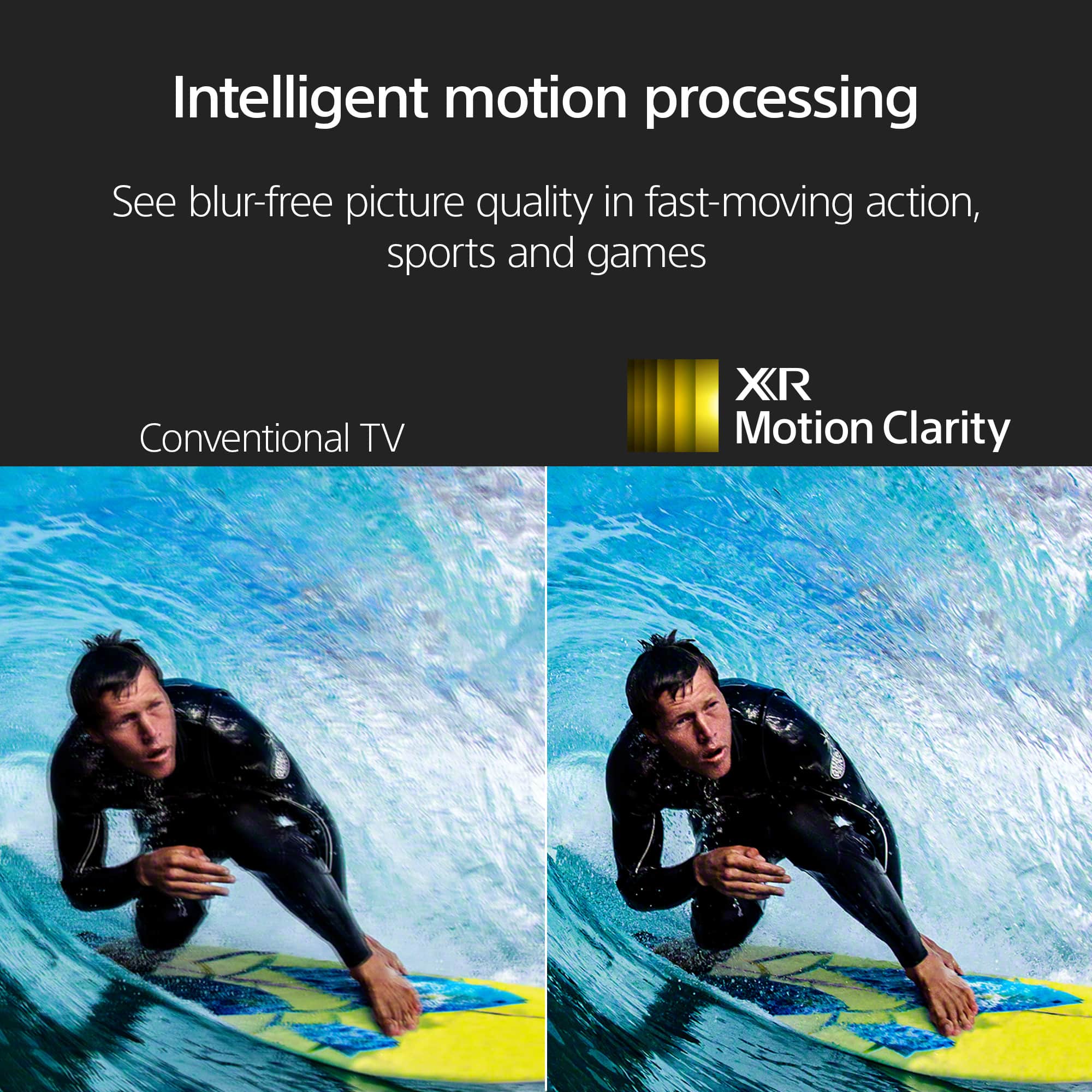
If the picture isn't clear or displays artifacts when watching sporting events or fast-action programs, follow the troubleshooting steps below:
Press the (Quick Settings) button on the remote control, and select [Settings] — [Display & Sound] — [Picture] — [Motion] — [Motionflow] — [Off].
Change the current setting of [CineMotion] to [Off].
Press the (Quick Settings) button on the remote control, and select [Settings] — [Display & Sound] — [Picture] — [Motion] — [CineMotion].
If the issue still occurs, the video or program you're watching could be the issue.
For additional troubleshooting steps, please refer to this article links:
https://www.sony.com/electronics/support/articles/00190409?utm_source=glean
https://www.sony.com/electronics/support/articles/00032635?utm_source=glean
May we contact you to help? If so, please email the below information to socialsupport@am.sony.com:
Name:
Best Buy Username:
Telephone Number:
Model Number:
Issue:
We are sorry for the inconvenience and hope to speak to you to resolve this matter. - Kris