Customer Ratings & Reviews
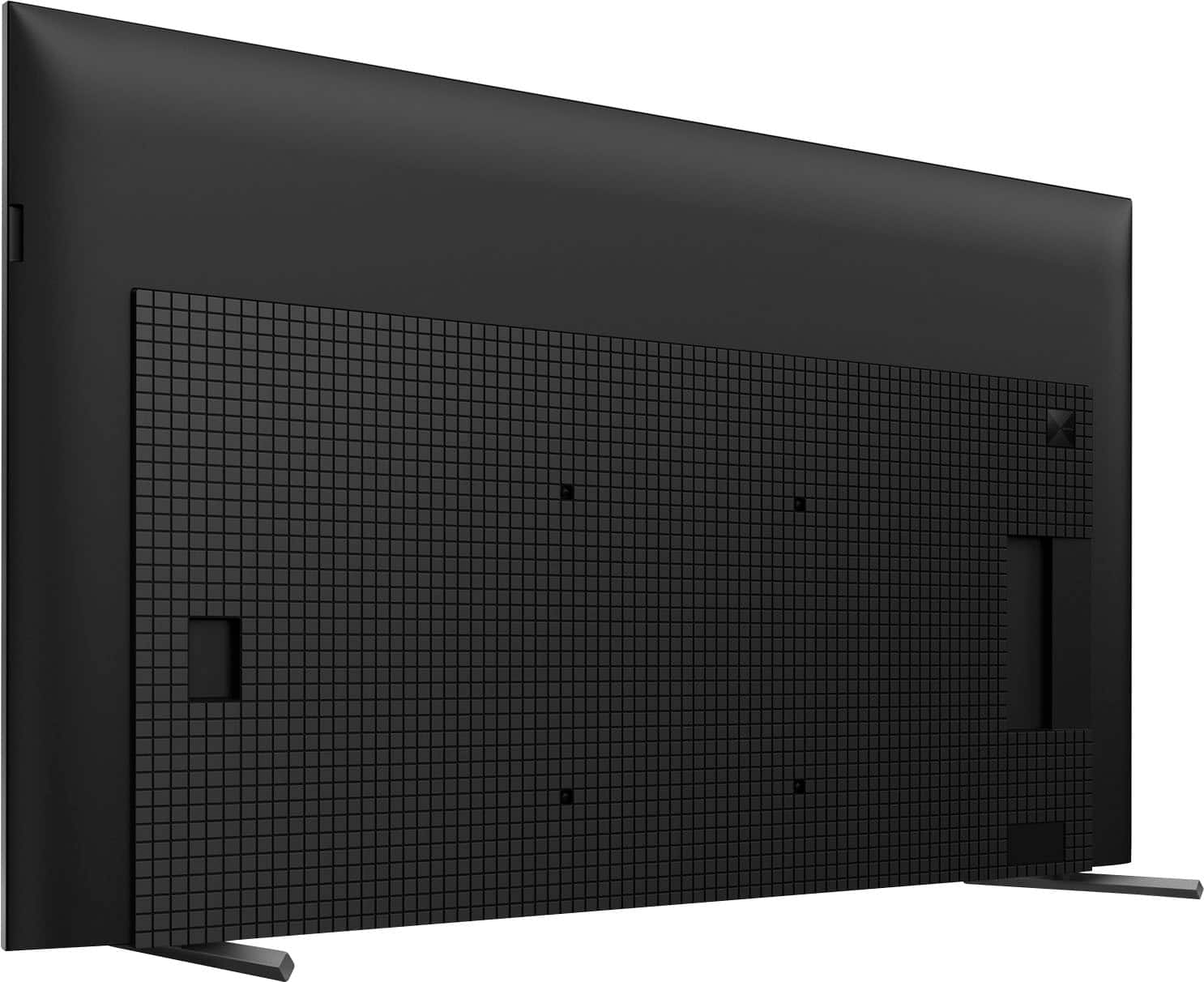
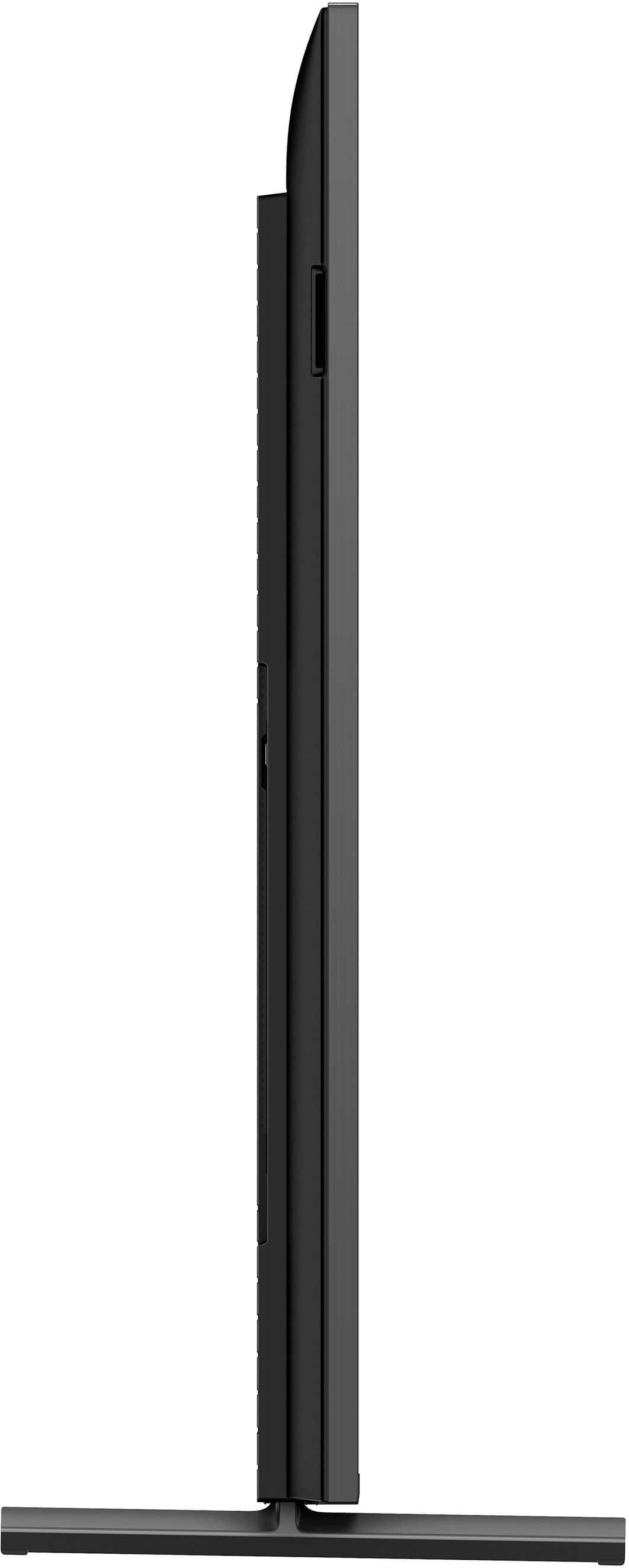
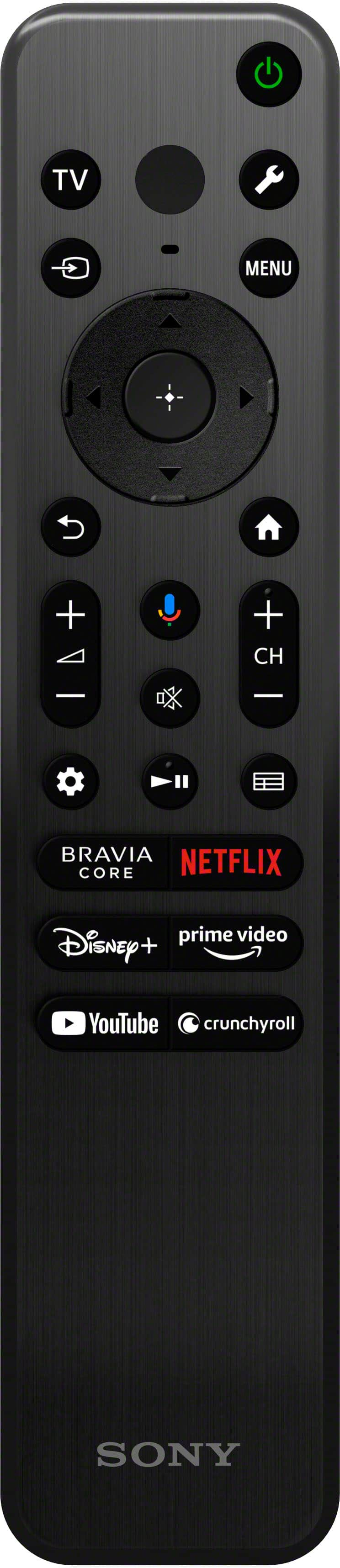
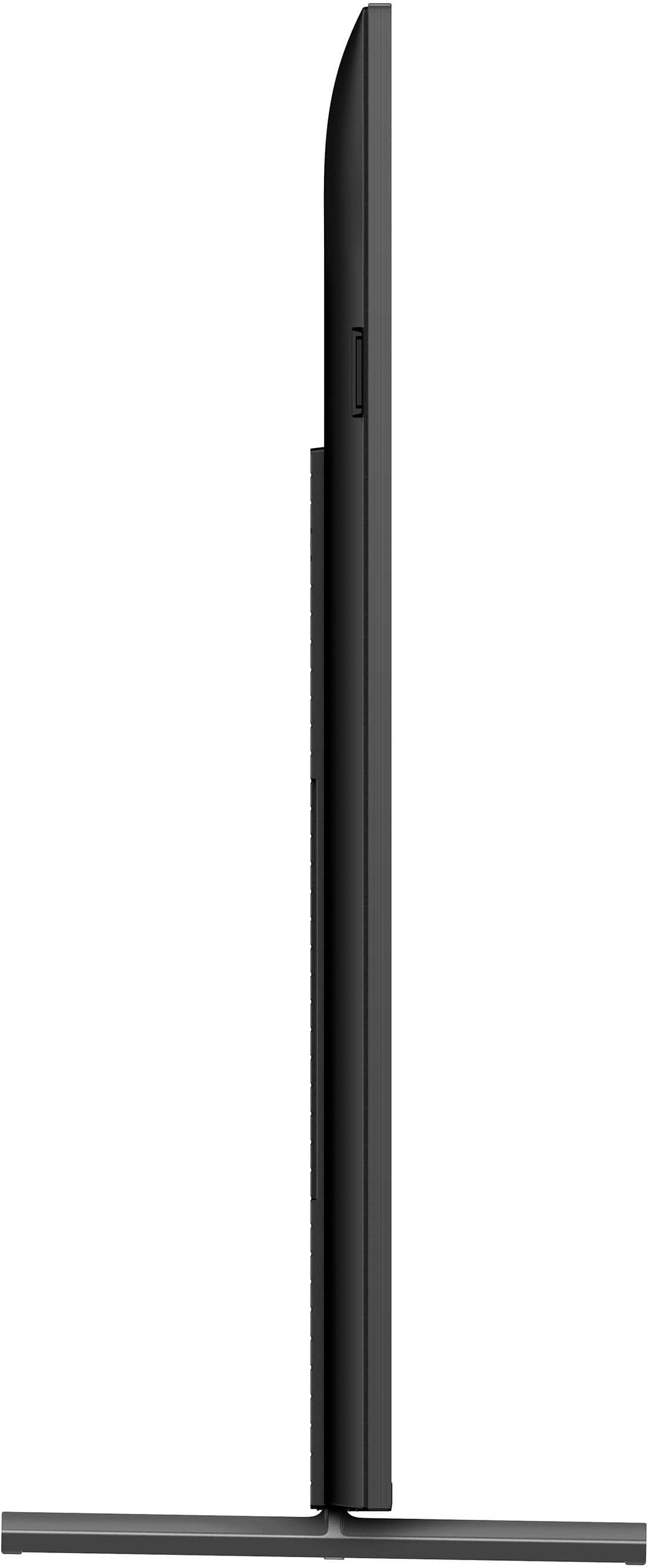












- Model:
- XR75X90L
- SKU:
- 6544735
Rating by feature
- Picture Quality
Rating 4.9 out of 5 stars
- Sound Quality
Rating 4.6 out of 5 stars
- Brightness
Rating 4.9 out of 5 stars
Customers are saying
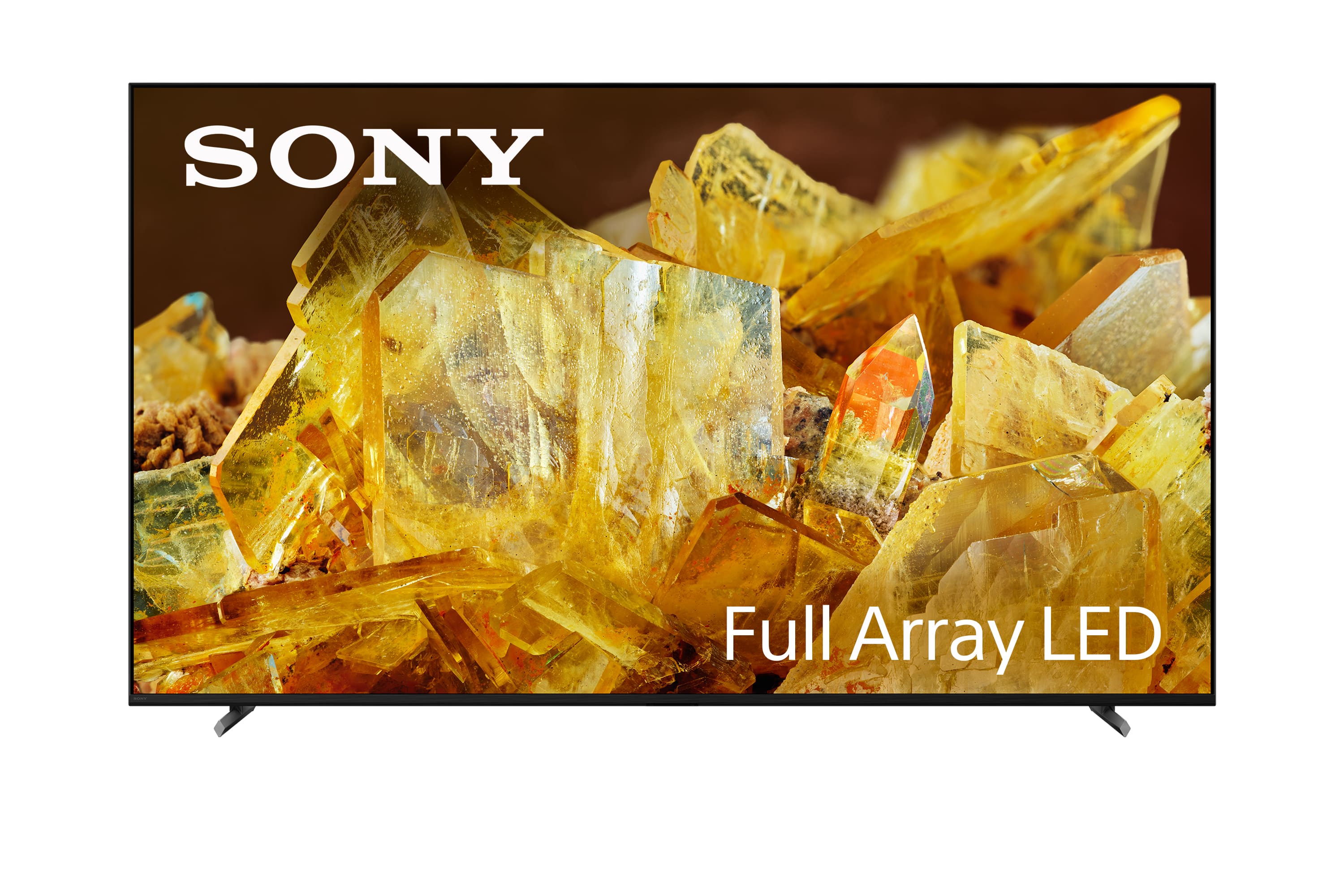
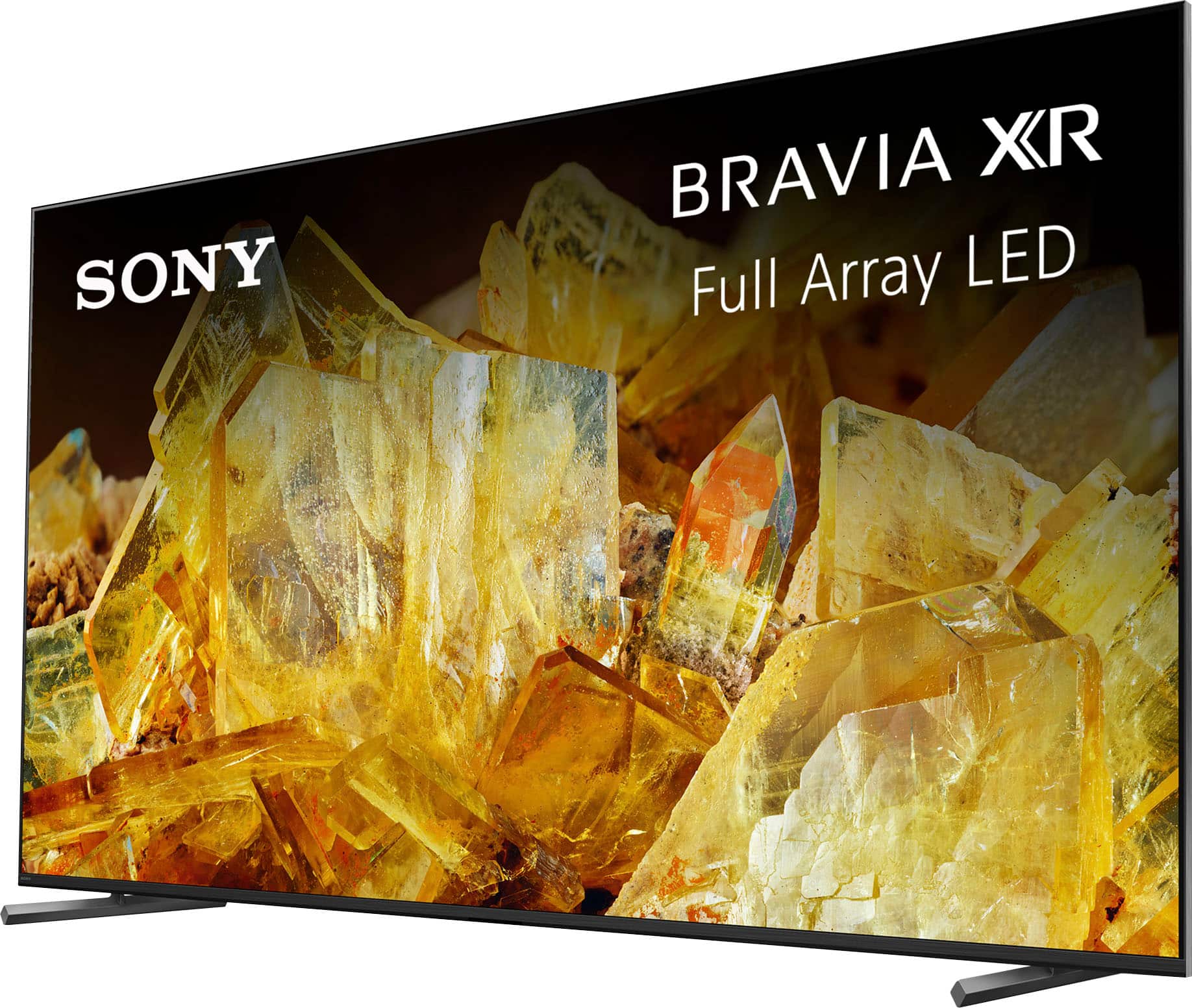
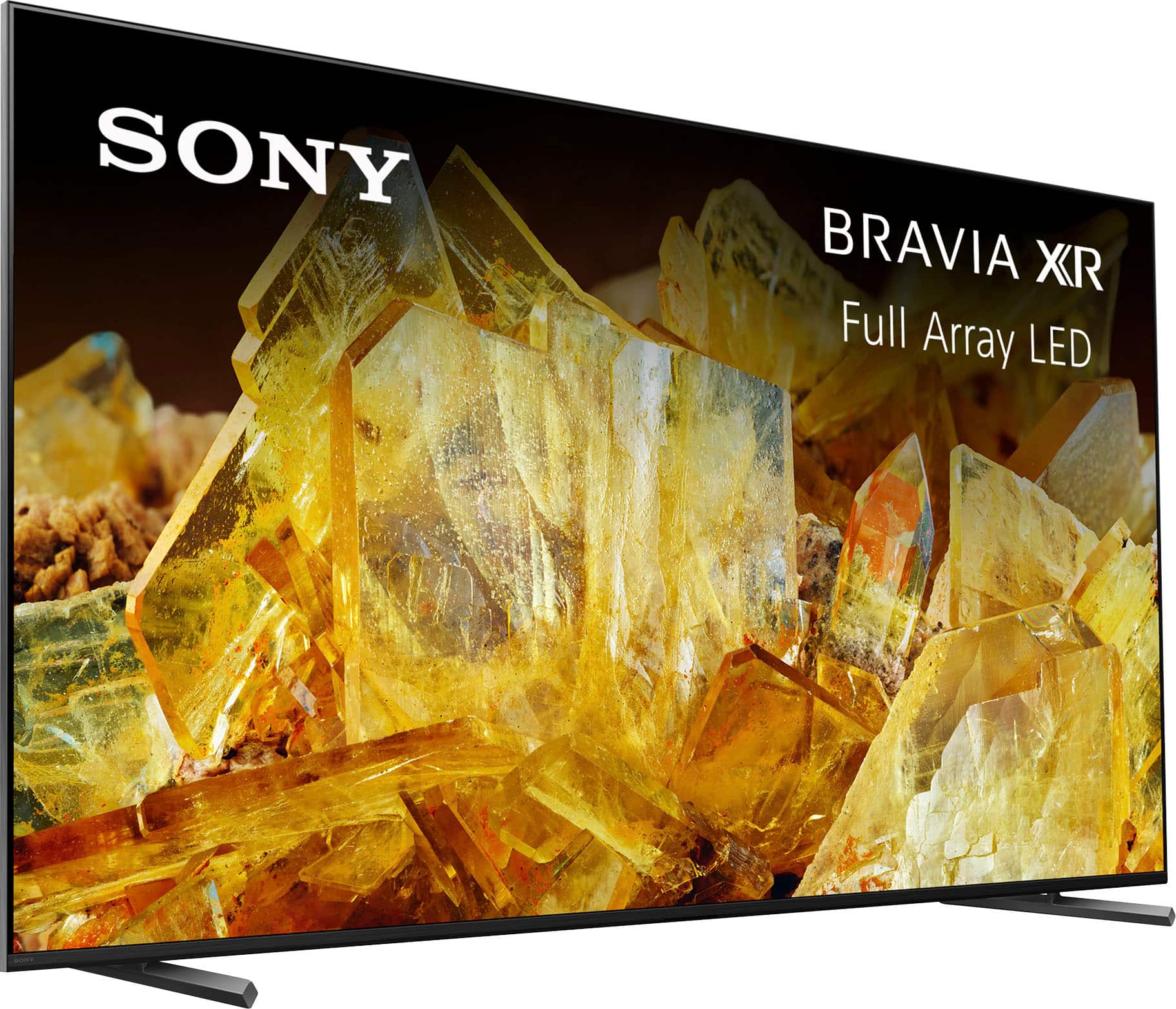
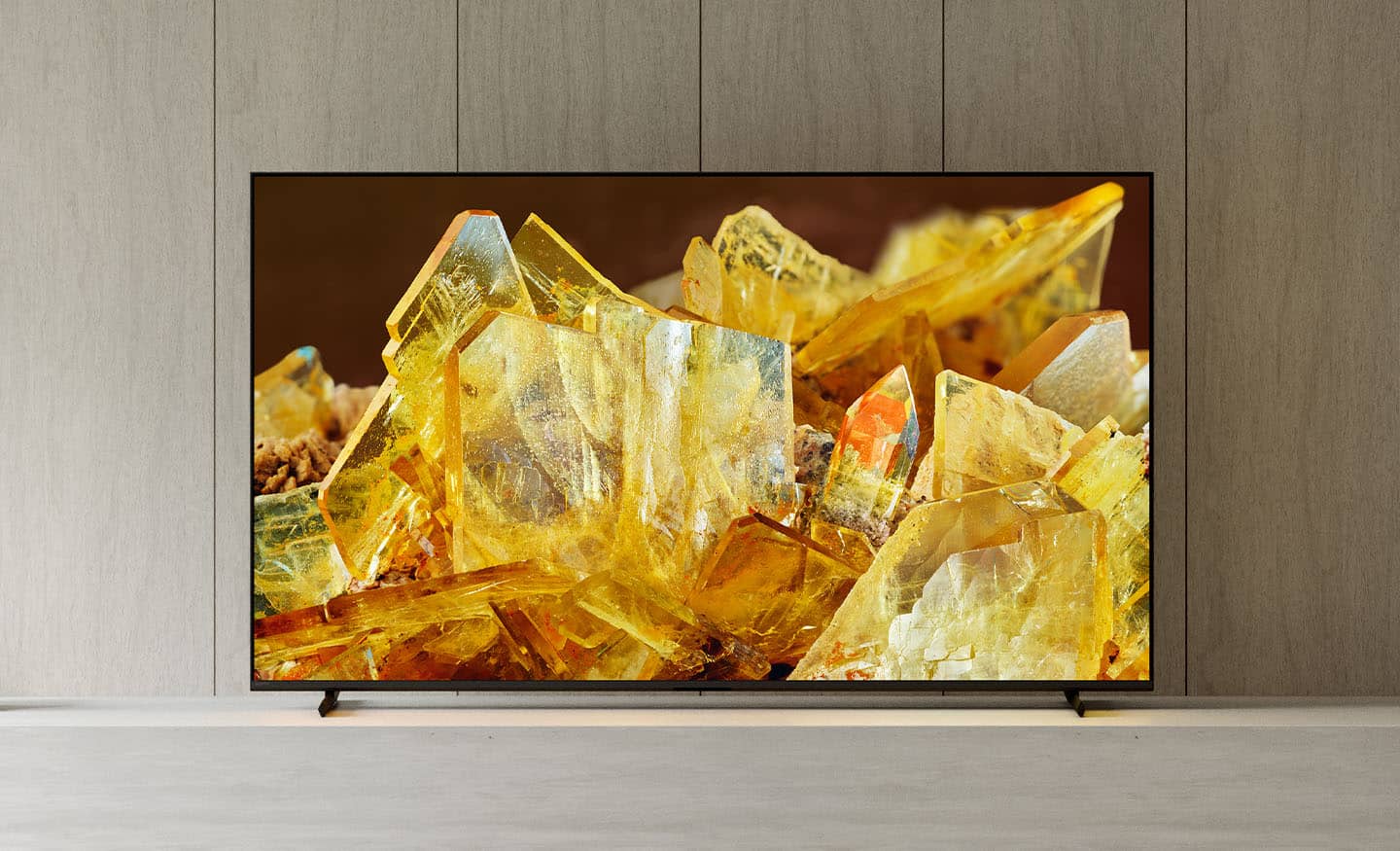
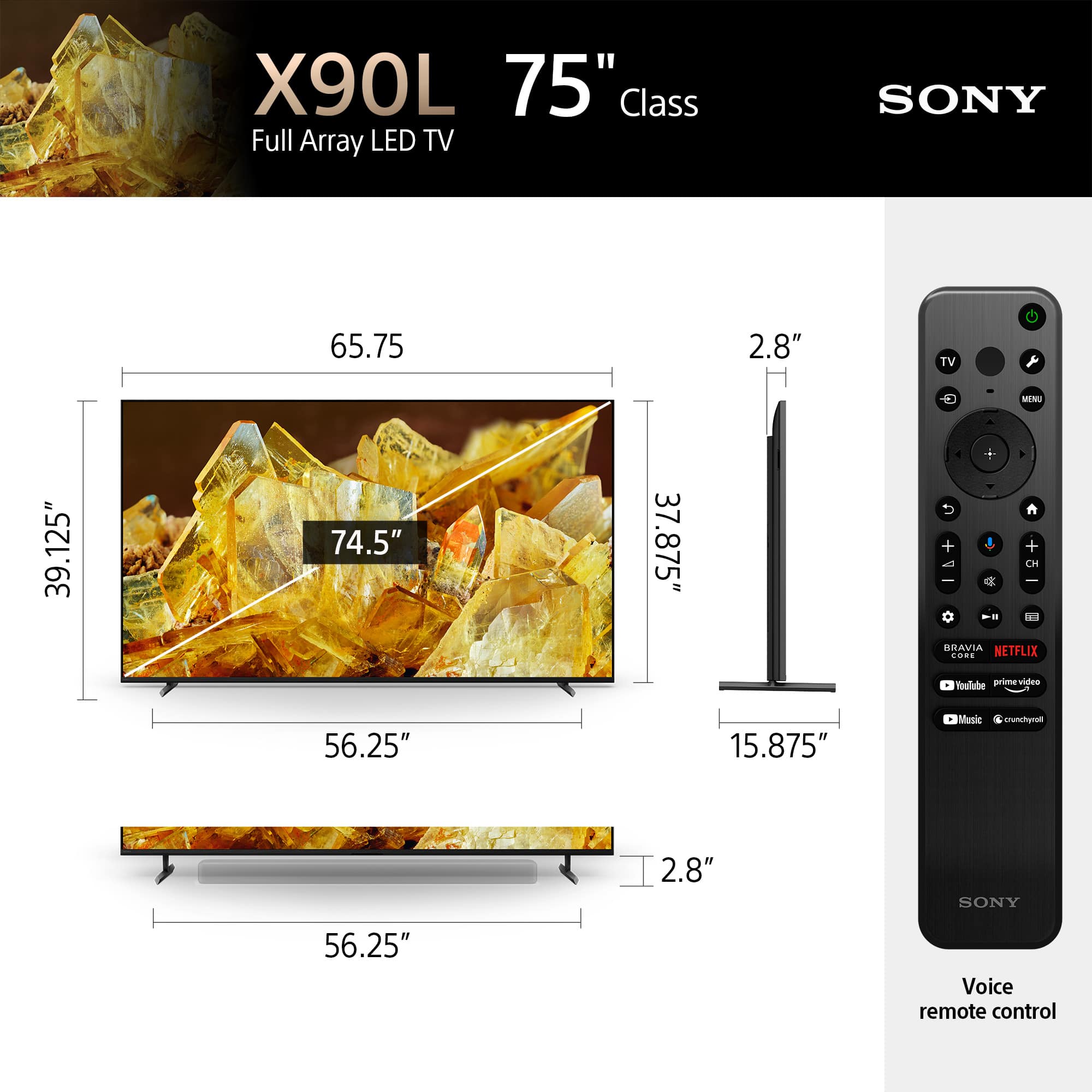
Customers regard the 75" Class BRAVIA XR X90L as having incredible picture quality, vivid color, and ease of use. Some appreciate the TV quality and price, especially when on sale, as well as the refresh rate. However, some customers have noted the TV is a bit heavy, and the remote control could be more user-friendly. Additionally, a few have mentioned blooming and concerns about viewing angles.
This summary was generated by AI based on customer reviews.
- Pros mentioned:Picture qualityCons mentioned:Viewing angle
Horrible off axis viewing
||Posted . Owned for less than 1 week when reviewed.This reviewer received promo considerations or sweepstakes entry for writing a review.If you sit directly in front of the TV the picture is stunning, however its off axis viewing is some of the worst I’ve seen. My sister 6 year old, $400 Vizio has better off axis viewing than thia set. Very disappointing. I will be exchaning it for an OLED.
No, I would not recommend this to a friendBrand response from SonyListens
Posted .Hi KBNuck,
Thank you for your time writing this review. While we are glad you like the stunning picture of your X90L TV, we're sorry to hear your disappointments when watching the TV from an off-axis angle. The best viewing distance depends on the TV's size and display resolution. The recommended distance for comfortable viewing depends on the video or program you are watching, the viewing environment, and the physical conditions of the person watching it. The X90L is viewable up to 178 degrees. However for the very best in viewing angle, the Sony OLED TV would be a great choice. Sony values the opinions of customers and is always striving to provide the best experience possible. We do apologize for the inconvenience and thank you for your kind understanding. - Kris
- Pros mentioned:Picture quality
Excellent TV, Incomplete Open-Box Package
||Posted . Owned for 3 weeks when reviewed.This reviewer received promo considerations or sweepstakes entry for writing a review.I recently purchased this mammoth 75” Sony TV in Excellent open-box condition. While I’m very satisfied with the TV itself — the picture quality and features are great — I was disappointed to find that not all the parts and accessories were included as advertised. When something is labeled “excellent,” I expect it to be complete. This took away from the otherwise positive experience. Please double-check packaging on open-box items to match the listed condition.
No, I would not recommend this to a friend - Pros mentioned:Color
Great upscaling but average local dimming
||Posted . Owned for 3 weeks when reviewed.This reviewer received promo considerations or sweepstakes entry for writing a review.Processing and color are amazing on this tv. I also have a TCL mini led and the local dimming on the TCL is far superior to the Sony. However HDR brightness is better on the Sony. The performance gap between manufacturers nowadays is getting slimmer every year. Do your research because it can really save you some money.
No, I would not recommend this to a friendBrand response from SonyListens
Posted .Hi Johhny, thanks for taking the time to share your detailed thoughts on the X90L. We're glad to hear you're impressed with the processing and color performance, as well as the HDR brightness. We appreciate your honest comparison, it's true that the technology across the board is getting more competitive each year. At Sony we strive to deliver the best quality on our products and we'll make sure to pass your feedback on local dimming to our development team. Thanks for choosing Sony. Regards, - Dominick
- Pros mentioned:Picture quality
Glitchy
||Posted . Owned for 7 months when reviewed.This reviewer received promo considerations or sweepstakes entry for writing a review.Bang for the buck with the picture. But, after owning it for 8 months, it freezes up a lot. I have to unplug it from the outlet and plug it back in about twice a week. Nice TV, but they need to fix the software.
I would recommend this to a friendBrand response from SonyListens
Posted .Hi Boom, thanks for taking the time to share your experience with the Sony - 75" Class BRAVIA XR X90L! We're glad to hear you really like the rich colors and clear picture that the TV delivers, but we're sorry to know that you've come across some freezing issues with it. Here are some steps and recommendations:
1- Make sure the TV is up to date, you can check this manually by going to settings > system > about > system software update > update the software
2- Free up some space within the TV storage, you need to have at least 800MB of available space for the TV to work properly, you can check this going to settings > system > storage > internal shared storage. You can clear the Cached Data and delete some apps you no longer use to free up some space.
3- Perform a factory data reset, in case there is a glitch this can take care of that, just be aware this will delete everything on the TV and take it to factory settings. You start the process by selecting Settings > system > about > reset > factory data reset.
We hope these steps help you in getting the TV to work smoothly again, if the issue persists, please contact us via: https://us.esupport.sony.com/support/s/support-contact?language=en_US&category=tv
Thanks for choosing Sony. Regards, -Dominick
- Pros mentioned:Picture quality
Disappointed
||Posted . Owned for 2 months when reviewed.This reviewer received promo considerations or sweepstakes entry for writing a review.It's hard to enjoy this TV. The picture quality is great, but, it won't stay connected to WiFi. I procrastinated and didn't return it so I missed the cutoff. I don't recommend Smart Google TV. All my other products and TVs has no issue staying connected.
No, I would not recommend this to a friendBrand response from SonyListens
Posted .Hi SupermanLes, thanks for choosing and purchasing our product. We're glad you are enjoying the picture quality of the X90L. We're sorry to hear that you have an issue with the wireless connection of your Sony unit. Please perform a power reset on your TV. Sometimes, simply restarting your TV and router can resolve connectivity issues. Unplug both devices, wait for about a minute, and then plug them back in. Reset the network settings on your TV. Go to "Settings," then "Network," and select "Network Setup." Choose "Easy" and follow the prompts to reconnect to your Wi-Fi network. Please follow this link for more details:
https://www.sony.com/electronics/support/articles/00151038?utm_source
May we contact you to help? If so, please email the below information to socialsupport@am.sony.com .
Apologies if you disclosed some of this information in your review and to customer service, we just want to ensure that we have your accurate details at the time of communication.
Full Name:
Best Buy Username:
Telephone Number:
Sony TV Model Number:
Additional Information regarding your experience with the X90L
We are sorry for the inconvenience and hope to speak to you to resolve this matter.
We appreciate you and thanks again for shopping Sony!
Sincerely,
~Earl
Bad to Good
||Posted . Owned for 3 weeks when reviewed.This reviewer received promo considerations or sweepstakes entry for writing a review.The downgrade is for the Geek Squad who canceled three delivery appointments weeks apart making me just go to the store to pick it up. The store staff made up for the 30 day delay and I was impressed with the service. Love the Sony TV just like the Sony TV I had for 20 years before. The software is fantastic its a pretty smart
I would recommend this to a friendBrand response from SonyListens
Posted .Hi GaryZ,
We're thrilled to hear you love your new BRAVIA XR X90L TV, especially its fantastic and smart software, and that it's living up to the legacy of your previous Sony TV! We're genuinely sorry for the significant delay and inconvenience caused by the delivery issues.
Thanks for choosing Sony.
-Eliab
- Pros mentioned:Picture quality
Amazing picture
||Posted . Owned for 1 month when reviewed.This reviewer received promo considerations or sweepstakes entry for writing a review.The size is great and the picture is so rich and vibrant. My only issue is that less than 2 weeks old, it froze up while watching Netflix. Nothing would get the TV to unfreeze except unplugging it. It corrected after that but has me concerned
I would recommend this to a friendBrand response from SonyListens
Posted .Hi AnnG,
Thank you for your time writing this review! While we are glad you like the size, rich picture, and vibrant colors of your X90L TV, we're sorry to hear if TV freezes while watching Netflix.
Video streaming performance is often related to your internet speed and network connection. Check the troubleshooting steps to help resolve the issue:
Check if the issue occurs when viewing content from other online video services.
Note: If the issue only occurs when viewing content from one particular service, then that service may be experiencing an issue. In this case, try the service again at a later time.
Reset the router and/or cable modem and then try again.
Check your internet connection speed to ensure it meets or exceeds the recommendations for your streaming service provider.
Perform a power reset or restart your streaming device.
For more troubleshooting steps, please refer to these links:
https://www.sony.com/electronics/support/articles/00013427?utm_source=glean
https://www.sony.com/electronics/support/articles/00141896?utm_source=glean
May we contact you to help? If so, please email the below information to socialsupport@am.sony.com:
Name:
Best Buy Username:
Telephone Number:
Model Number:
Issue:
We are sorry for the inconvenience and hope to speak to you to resolve this matter. - Kris
Good tv
||Posted . Owned for 1 month when reviewed.This reviewer received promo considerations or sweepstakes entry for writing a review.Since a week, rarely it’s happening that a few of the tv channels were available only audio. But if we turn other channels on we get both audio and video. Then the channel which I wanted to watch also gives both audio and video. I don’t know why it’s happening.
I would recommend this to a friendBrand response from SonyListens
Posted .Hi AgusteenA, thank you for taking the time to share your feedback on the Sony BRAVIA - X90L. We're genuinely sorry to hear about the intermittent audio-only issue you're experiencing with certain TV channels. This is definitely not the experience we want for our customers, and we understand how frustrating it must be when your viewing is interrupted in this way. This behavior often requires specific diagnostics and tailored troubleshooting steps, therefore we highly recommend reaching out to our technical support team through the link below, they have the specialized tools and expertise to conduct a more in-depth analysis of your TV.
Contact Support: https://us.esupport.sony.com/support/s/support-contact?language=en_US&category=tv
Thank you for considering Sony products!
Regards,
Dominick
tv
||Posted . Owned for 3 weeks when reviewed.This reviewer received promo considerations or sweepstakes entry for writing a review.was ok at first. but the processor seems a bit slow in changing stations and focusing took a little to long. after it did it was ok. also it kept switching to stereo speakers when it was not on. had to turn off then back on again sometimes to get it to use tv speakers. has to just change it to a different one different brand. now things are better. in my experience Sony has gone down gradually over the years.
No, I would not recommend this to a friendBrand response from SonyListens
Posted .Hi mawfein,
Thank you for your time writing this review. We're sorry to hear if you are experiencing some issues with your X90L TV. Allow us to help make this a better experience.
You may try some solutions below if the TV is a bit slow when changing stations:
Perform power reset.
Make sure that the TV software us updated as it includes key features, applications, bug fixes, and feature improvements.
Reset your TV to factory settings.
For reference: https://www.sony.com/electronics/support/articles/00200862?utm_source=glean
The TV and external speakers have a feature called HDMI CEC that allows them to communicate with each other. This can sometimes cause your TV to automatically switch to connected speaker system even if you want to use the TV speakers. Try disabling HDMI CEC on both your TV and speaker. To know about BRAVIA Sync (HDMI-CEC) and troubleshooting information, please check this link: https://www.sony.com/electronics/support/articles/00161073?utm_source=glean
May we contact you to help? If so, please email the below information to socialsupport@am.sony.com:
Name:
Best Buy Username:
Telephone Number:
Model Number:
Issue:
We are sorry for the inconvenience and hope to speak to you to resolve this matter. - Kris
Sony Bravia XR
||Posted . Owned for 1 year when reviewed.This reviewer received promo considerations or sweepstakes entry for writing a review.The only major problem with this TV is that I have a hard time streaming/mirroring from my phone. Sometimes it work and sometimes it don't. To inconsistent. Other than that everything else is good
No, I would not recommend this to a friendBrand response from SonyListens
Posted .Hi Stower820, Thank you for sharing us your experience! We'd like to apologize for the issue you were encountering with streaming or mirroring on your Sony BRAVIA XR X90L. This is not the experience we expect you to have, and want to make things better for you. For more information on how to use the Screen mirroring feature on my BRAVIA TV, you may visit this link: https://www.sony.com/electronics/support/articles/00044548?utm_source. On the other hand, we're glad to hear that you are enjoying your viewing experience. Thank you for choosing Sony! Happy viewing! -Maria
Frustrated
||Posted . Owned for 2 weeks when reviewed.This reviewer received promo considerations or sweepstakes entry for writing a review.We had to return the 1st TV and get a new one within 10 days. The picture just went away. We had volume but the screen was black. Very frustrating. Hoping this one will be better
I would recommend this to a friendBrand response from SonyListens
Posted .Hi Frustrated,
Thank you for your time writing this review. We're sorry to hear the issue that you've experience with the original TV. This does not happen often and definitely not the buying experience we want you to have. Sony's commitment to customer satisfaction is our top priority. We really do apologize for the inconvenience and rest assured that we will help you in case there will be a problem with the TV. We appreciate your feedback and thanks again for purchasing Sony. - Kris
It’s okay
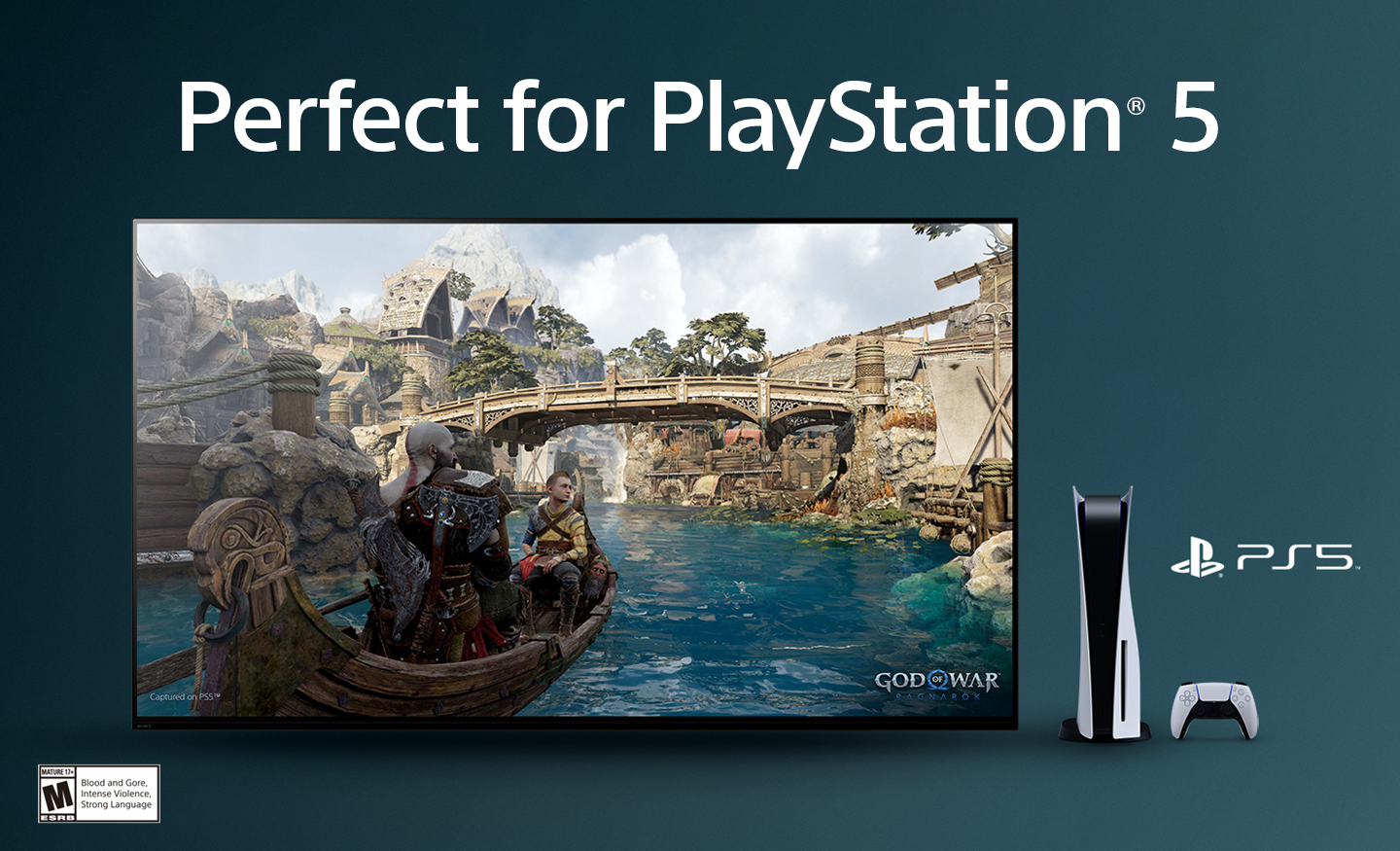
||Posted . Owned for 1 month when reviewed.This reviewer received promo considerations or sweepstakes entry for writing a review.Was hoping for a better picture quality from Sony but alas it disappoints on that side. Menu is easy to navigate and the pairing with PS5 isn’t all it’s cracked up to be.
No, I would not recommend this to a friendBrand response from SonyListens
Posted .Hi RyanA,
Thank you for your time writing this review! While we are glad you had an easy time navigating the menu and pairing the X90L TV to your PS5 gaming console, we're sorry to hear that we were not able to meet your full expectations with the picture quality. Allow us to help turn this to a better experience.
TV display may also vary depending the source, connection, and content you are watching. The X90L TV has picture settings which allow a wide array of changes to color, contrast, motion settings, and brightness that can improve the viewed content on your TV. For more information on how to adjust the picture settings and enhance your viewing experience, please check these links below:
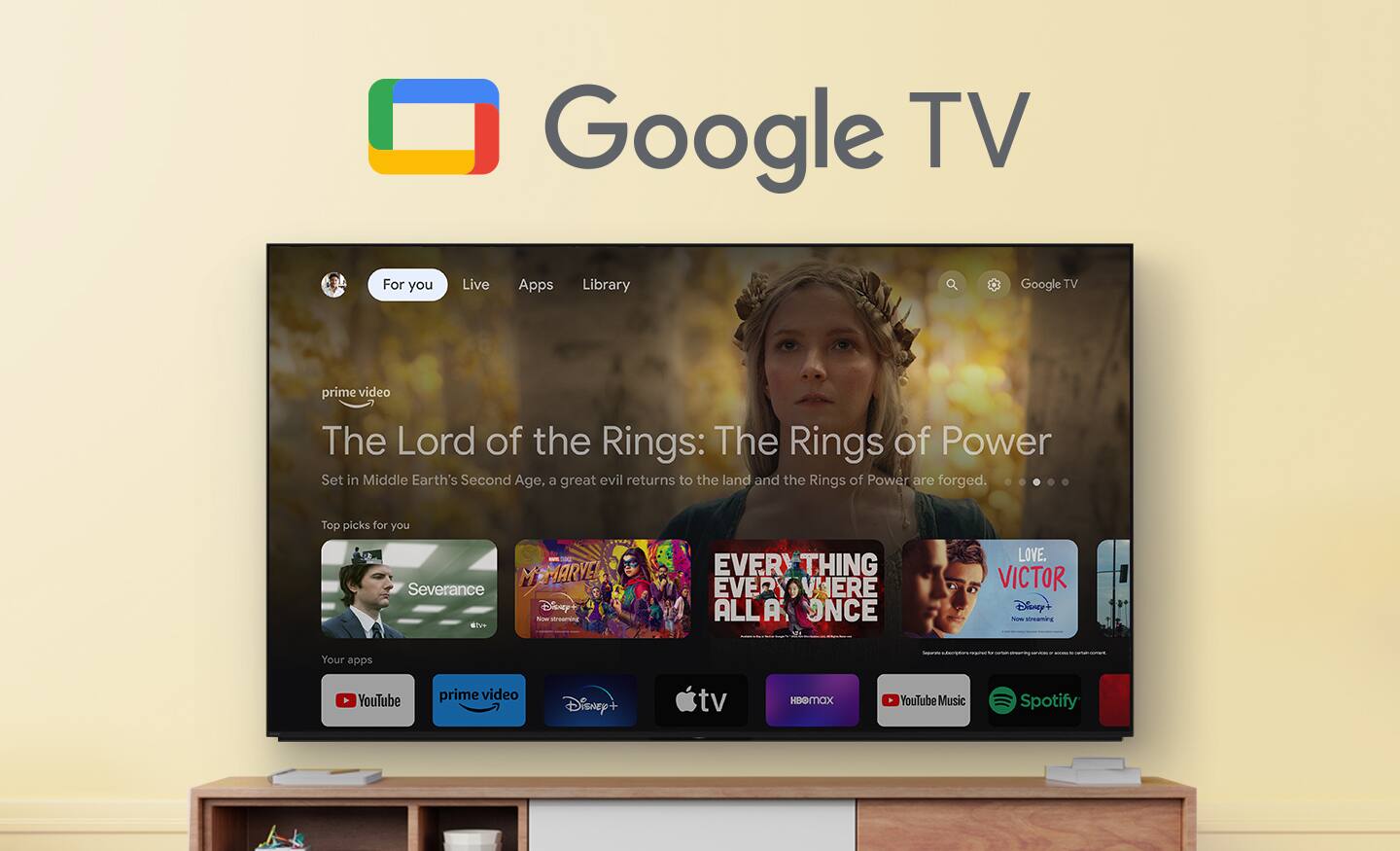
Adjust the picture settings on your Google TV
https://www.sony.com/electronics/support/articles/00190409?utm_source=glean
Experience high quality picture with your 4K TV
https://www.sony.com/electronics/support/articles/00245141?utm_source=glean
May we contact you to help? If so, please email the below information to socialsupport@am.sony.com:
Name:
Best Buy Username:
Telephone Number:
Model Number:
Issue:
We are sorry for the inconvenience and hope to speak to you to resolve this matter. - Kris
75 inch Sony
||Posted . Owned for 3 weeks when reviewed.This reviewer received promo considerations or sweepstakes entry for writing a review.TV worked fine for three weeks then had a problem with the picture called Sony and they tried to remotely fix it yesterday I had problems again
I would recommend this to a friendBrand response from SonyListens
Posted .Hi DanR,
Thank you for sharing your experience, and we're sorry to hear about the ongoing issues with your TV. We understand how frustrating this must be. Please don't hesitate to reach out again so we can further assist you and ensure your Sony BRAVIA XR X90L gets back to working perfectly. We're committed to resolving this for you.
Please email the following information to socialsupport@am.sony.com. Apologies if you've already shared this information with customer service — we just want to ensure we have your most accurate details:
Full Name:
Best Buy Username:
Telephone Number:
Additional Information regarding your experience with the BRAVIA XR X90L.
Thank you for your patience, and we look forward to improving your experience!
Sincerely,
Maria
Edge to Samsung
||Posted . Owned for 6 months when reviewed.This reviewer received promo considerations or sweepstakes entry for writing a review.Good picture but have continued issue with screen locking in solid green screen… requires tv to be hard re started or unplugged.. happens about 2-3 per month. Should have stuck with Samsung.
No, I would not recommend this to a friendBrand response from SonyListens
Posted .Hi RandyH,
Thanks for sharing your review and experience with the X90L. We're glad that you like the picture quality of the TV. It's unfortunate that you are experiencing green screen on the TV. For optimum performance, make sure that the software version of the TV is up-to-date. Aside from performing a power reset, resetting the TV to factory settings may also help resolve the issue. For more information, please refer to these links:
https://www.sony.com/electronics/support/articles/00028577
https://www.sony.com/electronics/support/articles/00159487
Hope this helps. If still not resolved or you need further assistance, please email us at socialsupport@am.sony.com with the following details:
Name:
Username:
Model Number:
Issue:
Telephone Number:
Or contact our product support team via phone call or chat through this link:
https://us.esupport.sony.com/support/s/support-contact?language=en_US&category=tv
Sincerely,
-Ralph
Tv
||Posted . Owned for 1 month when reviewed.This reviewer received promo considerations or sweepstakes entry for writing a review.Doesn’t allow for streaming of the Xfinity app on tv
No, I would not recommend this to a friendBrand response from SonyListens
Posted .Hi JaimeC,
Thank you for taking the time to write this review. We are sorry but the Xfinity Stream app is currently not available to install on the X90L TV at the moment. However, you can use the built-in Chromecast feature to cast the content from the Xfinity Stream app on your mobile device to the TV. Also, these TVs are equipped with HDMI connectivity which allows you to connect smart media devices such as Xfinity box directly to the TV. Sony values the opinions of customers and is always striving to provide the best experience possible. We appreciate your feedback and thanks again for purchasing Sony. - Kris
- Pros mentioned:Picture quality
Great picture, horrible network card
Posted .This reviewer received promo considerations or sweepstakes entry for writing a review.Great picture wether watching through a cable box or other streaming devices. Using the tv as a smart tv is extremely slow and frustrating. Takes forever to load apps and shows. Tried hardwiring with cat6 line from a gigabit switch and then wireless and it didn’t make a difference. I have an AppleTv box hardwired on the same gigabit switch and it has no issues. So if you’re using it strictly as a tv/monitor I highly recommend. If you want it as a stand alone smart tv for streaming I would try something else. I do actually like the remote though because it is small enough to easily use with no extra junk but not so small that it is easy to lose.
No, I would not recommend this to a friend - Pros mentioned:Picture quality
No Spectrum allowed on this TV!!! Awesome display.
Posted .This reviewer received promo considerations or sweepstakes entry for writing a review.We bought this TV today, and you cannot put the spectrum app on here to watch our cable TV, it is not allowed. How crazy is it that in this day and age this is a concern to consider when purchasing a TV? Certainly, if I would’ve known, I would not have picked this model before hand. Does indeed have a superior picture compared with our Samsung OLED TV’s but they work better. Not sure what the fix is but hooking up a streaming device to a modern day smart tv seems backwards. What the heck, Sony?? Why is one of the largest cable companies apps not allowed on your products???
No, I would not recommend this to a friendBrand response from SonyListens
Posted .Hi Jgbuzzin,
Thank you for your time writing this review. We really appreciate you like the exceptional picture quality of your new Sony X90L TV. We are sorry but Spectrum TV app is currently not available to download on the built-in Google Play Store of this TV. However, you can use your mobile device to cast Spectrum TV content from your smartphone to this TV using the built-in Chromecast feature. Also, these TVs are equipped with HDMI connectivity which allows you to connect devices such as Spectrum receiver(cable box) directly to the TV. You may refer to this link on how to use the Chromecast built-in (Google Cast) of this TV:
https://www.sony.com/electronics/support/articles/00135368?utm_source=glean
With X90L, see breathtakingly beautiful pictures full of realistic depth on our Full Array LED screen powered by Cognitive Processor XR. Hear sound straight from the screen, perfectly matching the action. Cognitive Processor XR™ turns any sound immersive with more precise sound position. And with 4K/120fps, a Variable Refresh Rate and Auto Low Latency Mode, our TVs give you smooth and clear movement for responsive gameplay. Thanks for choosing Sony! - Kris