Customer Ratings & Reviews
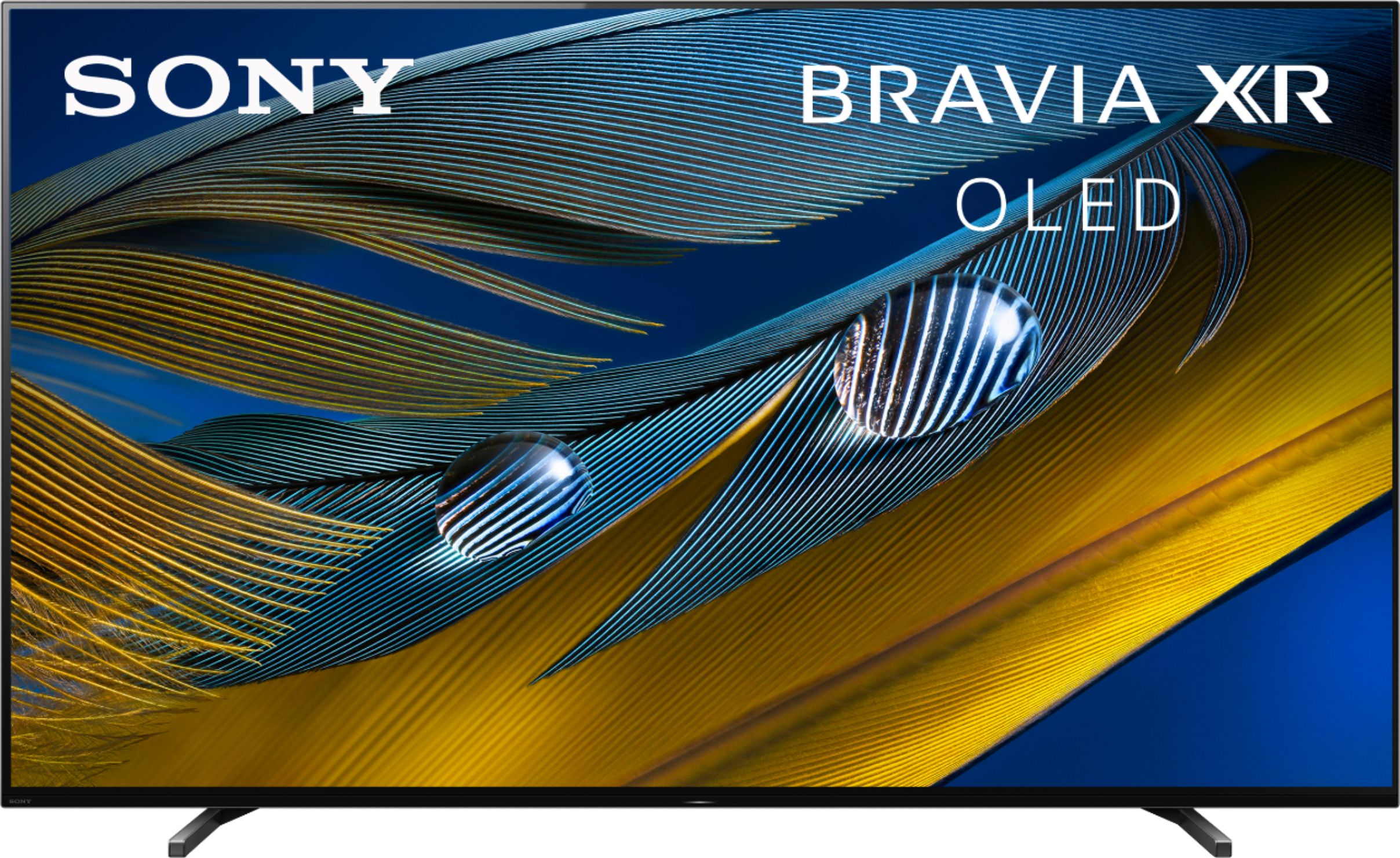
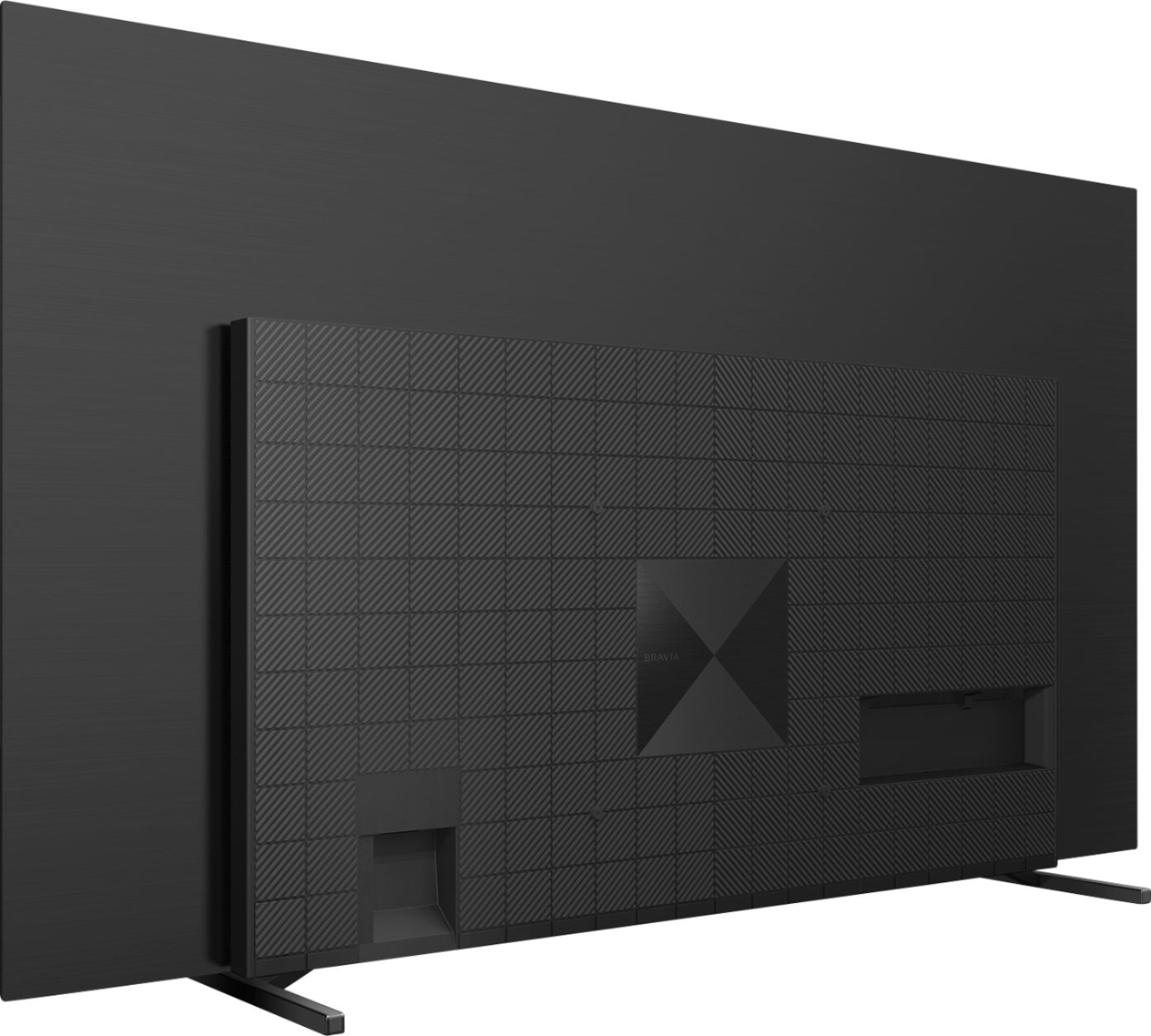
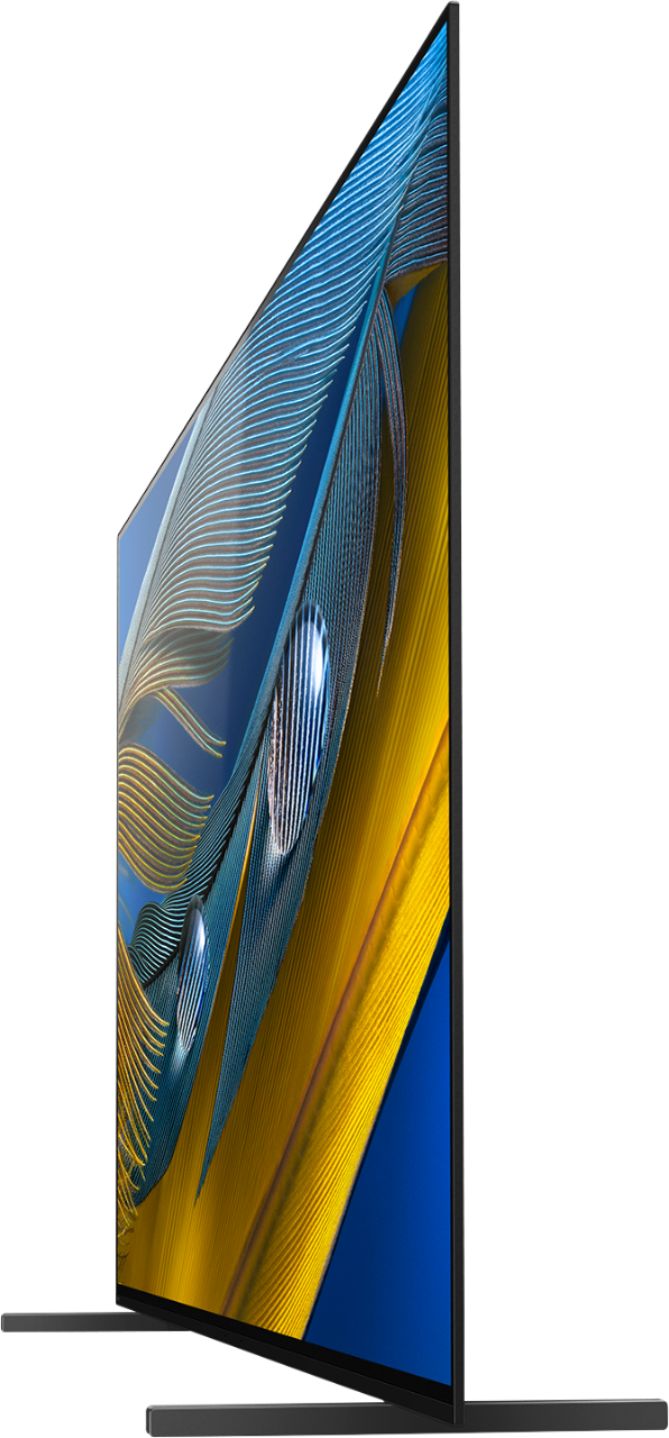
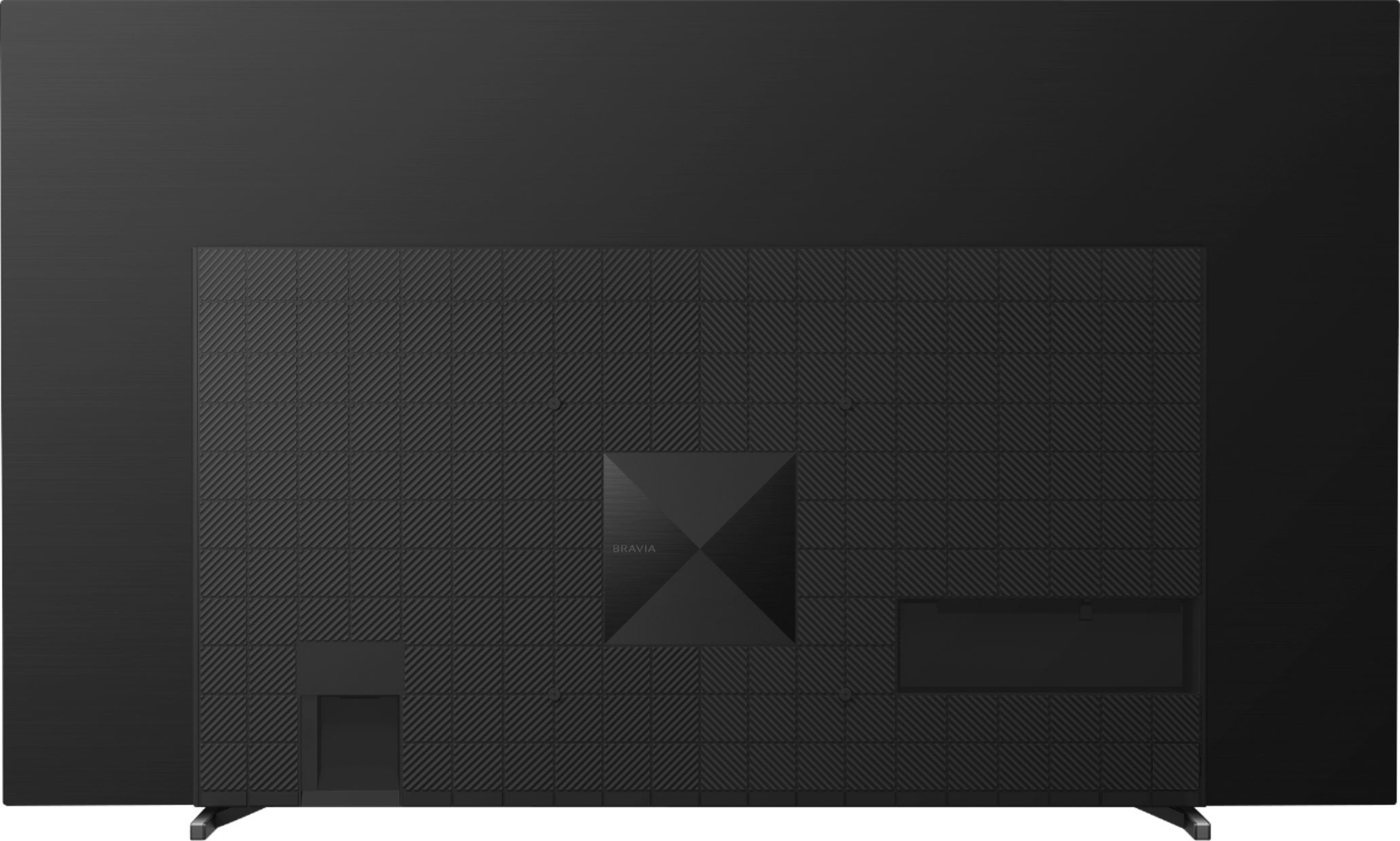

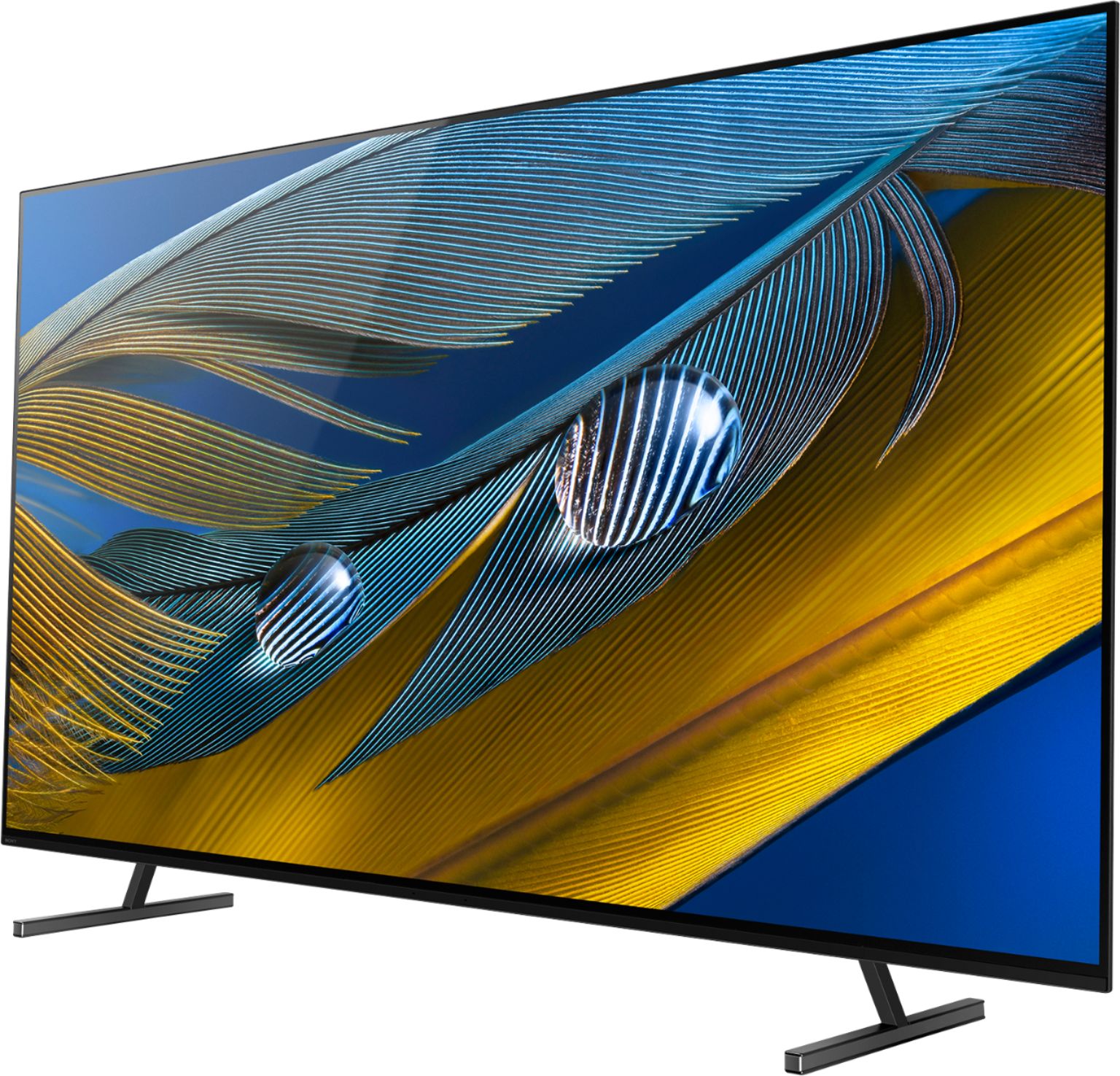

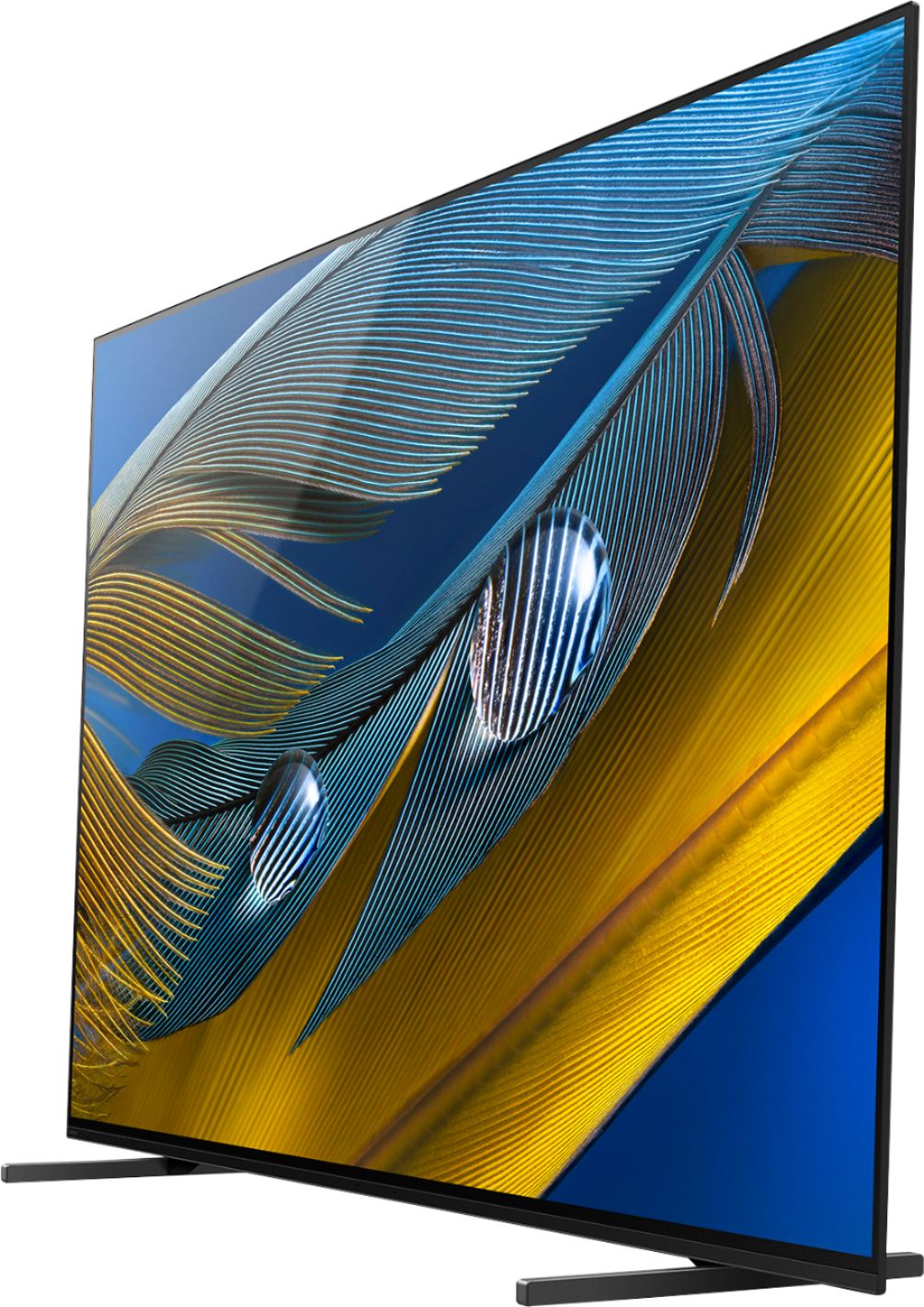
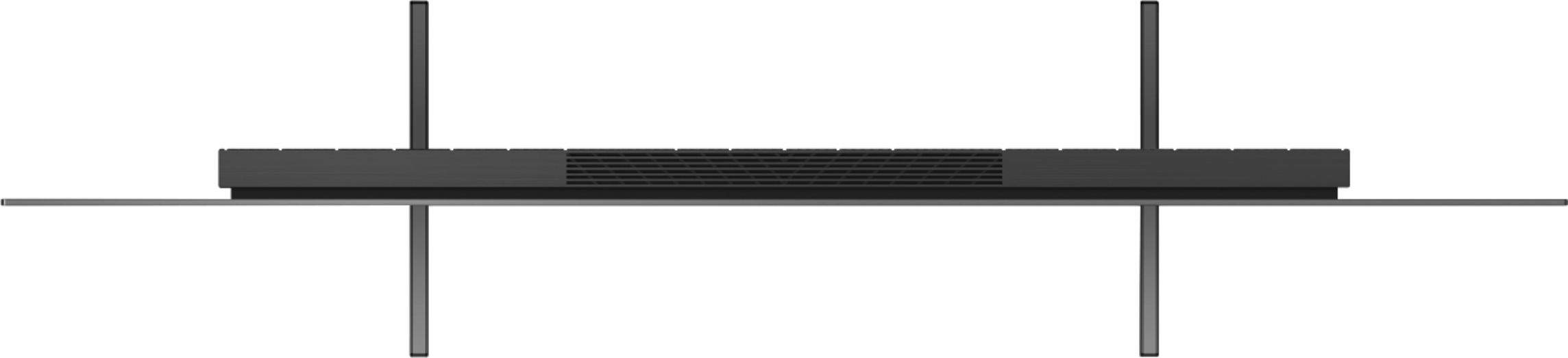
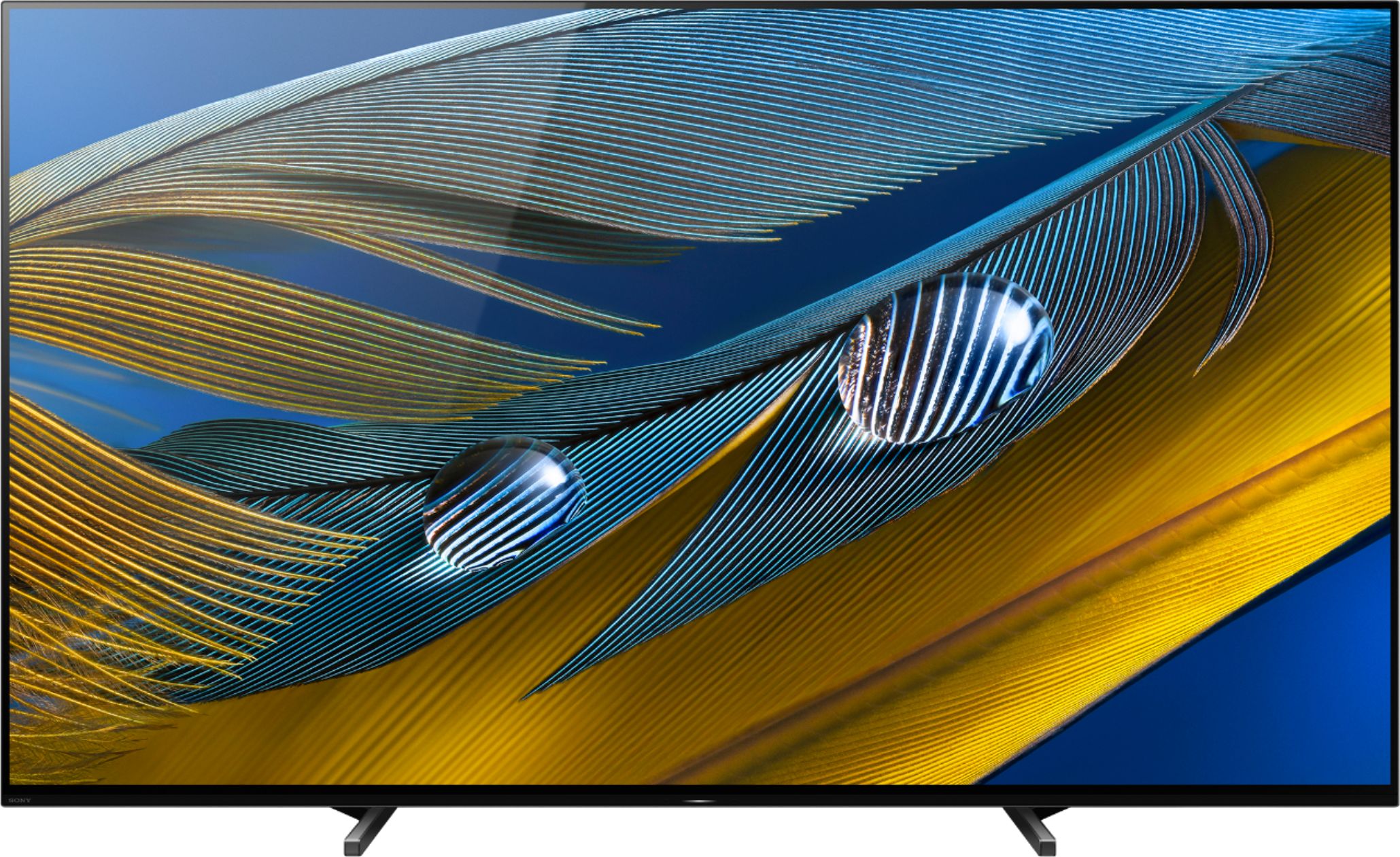
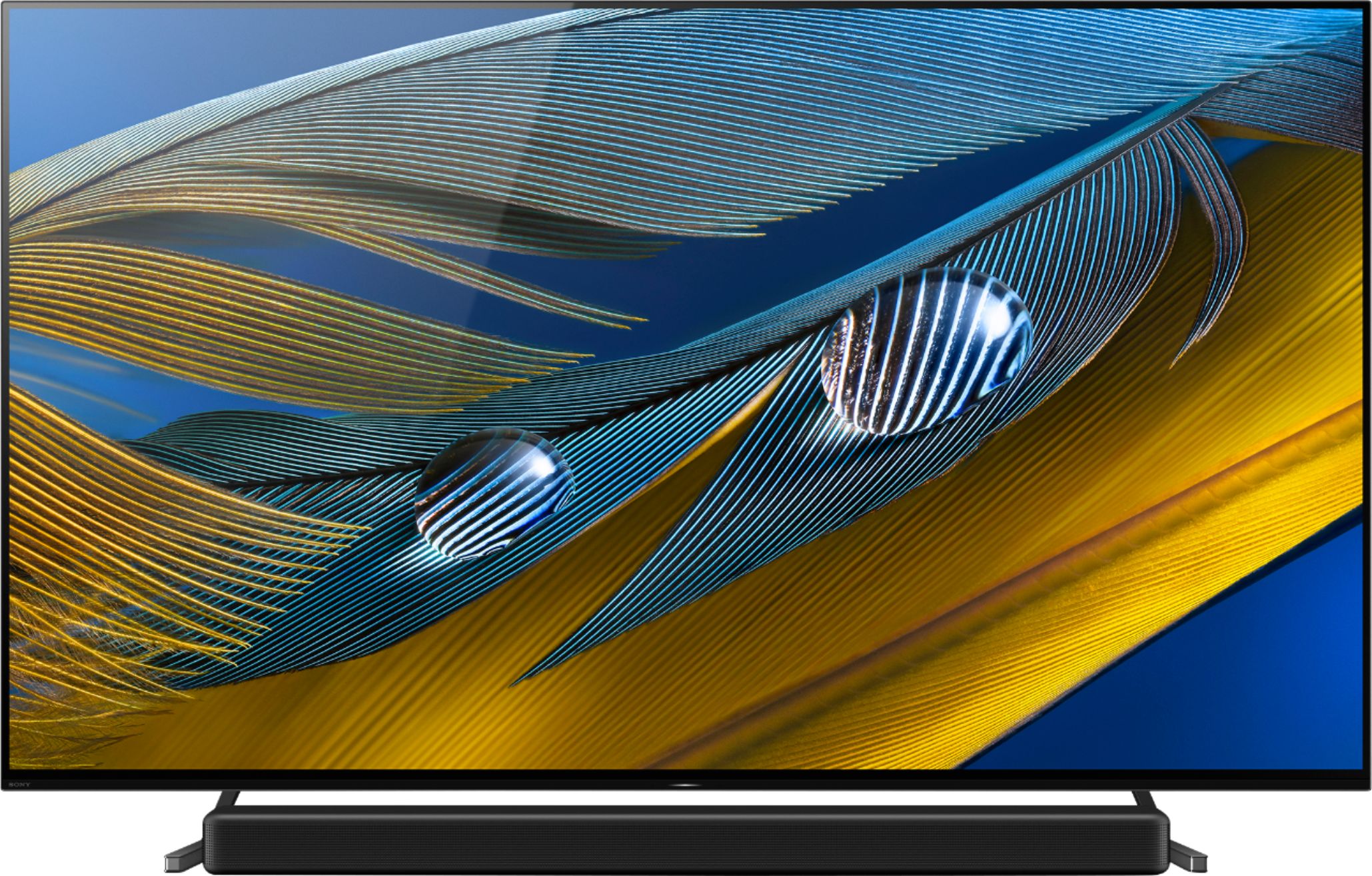
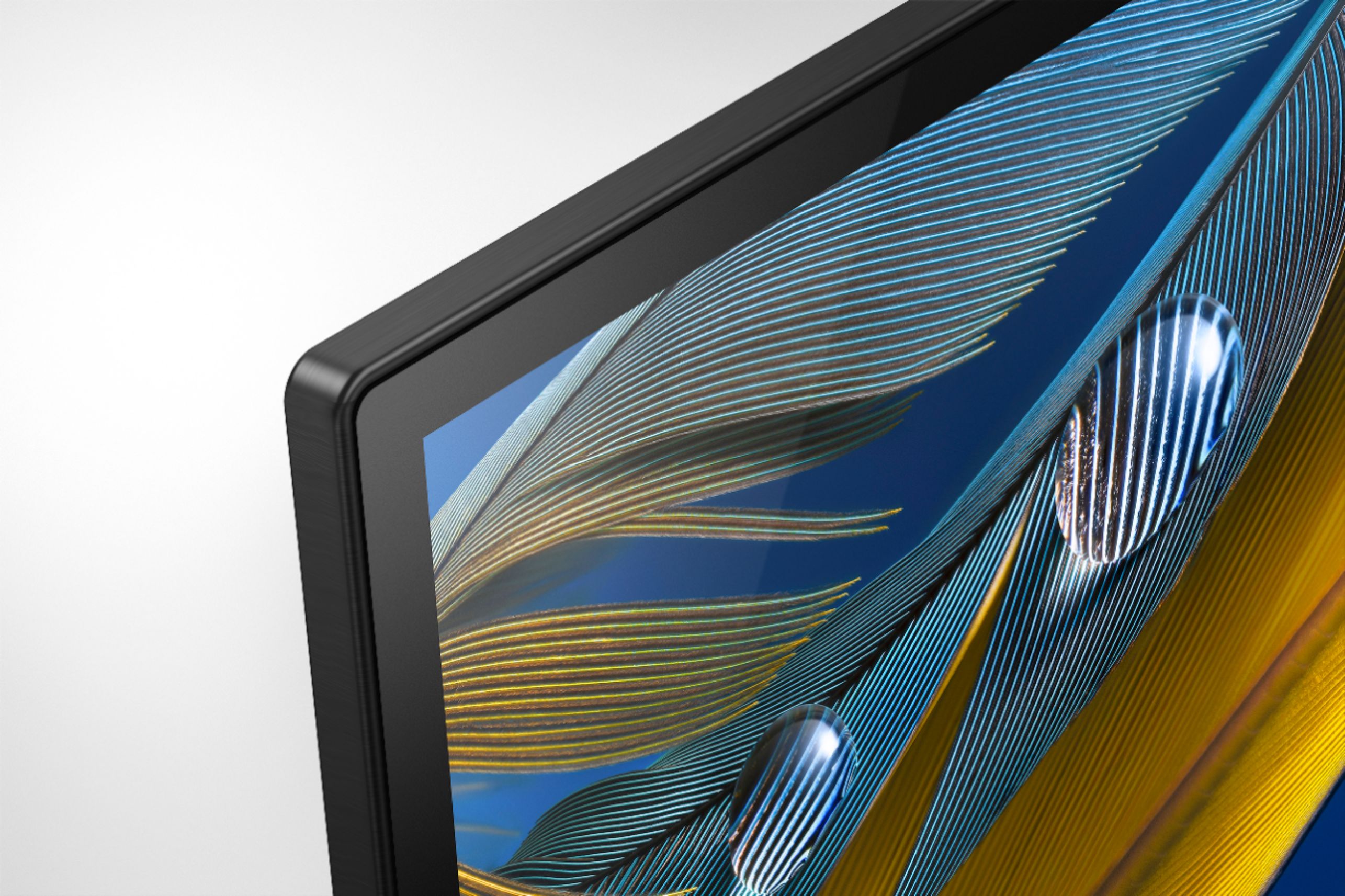
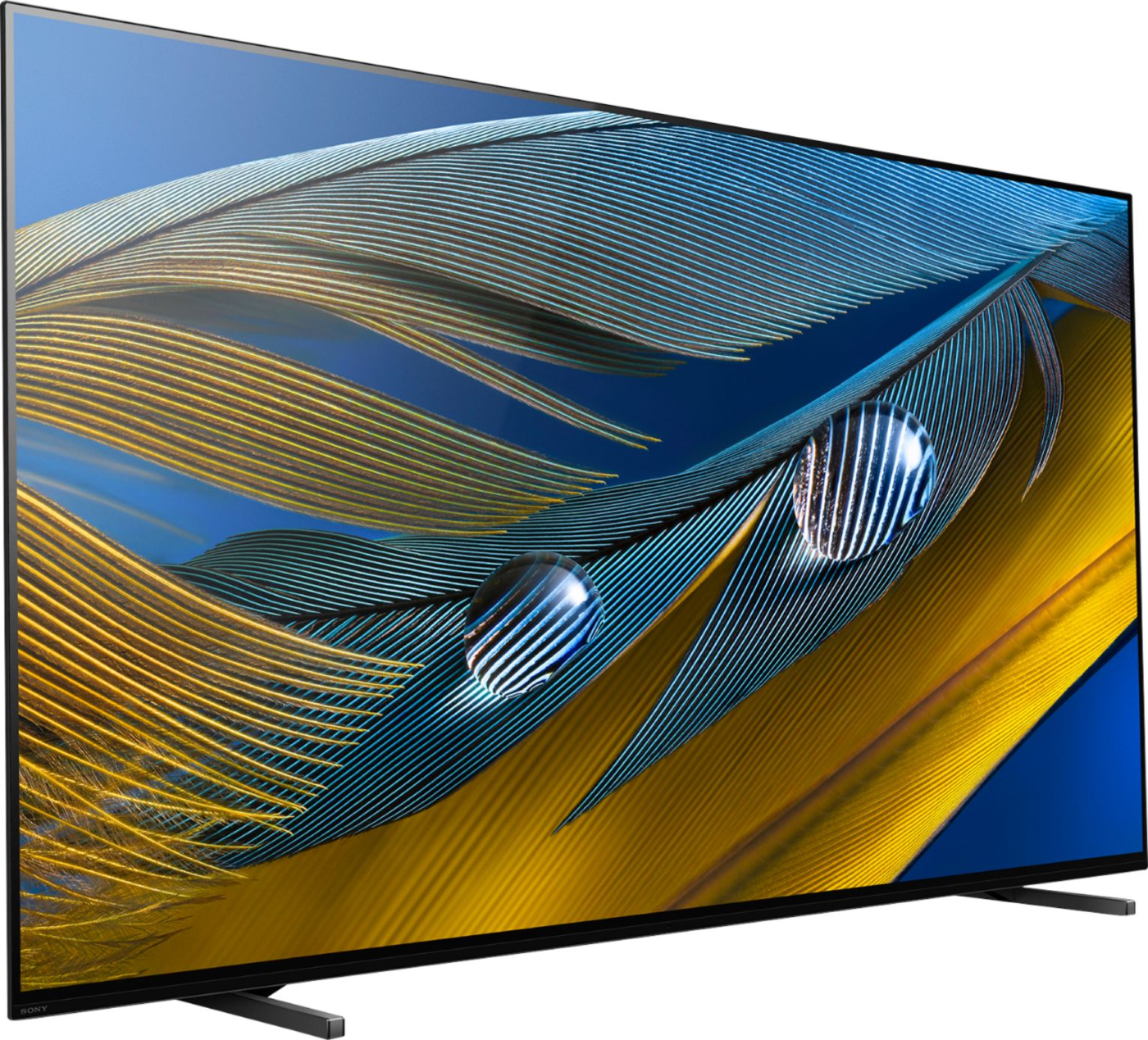
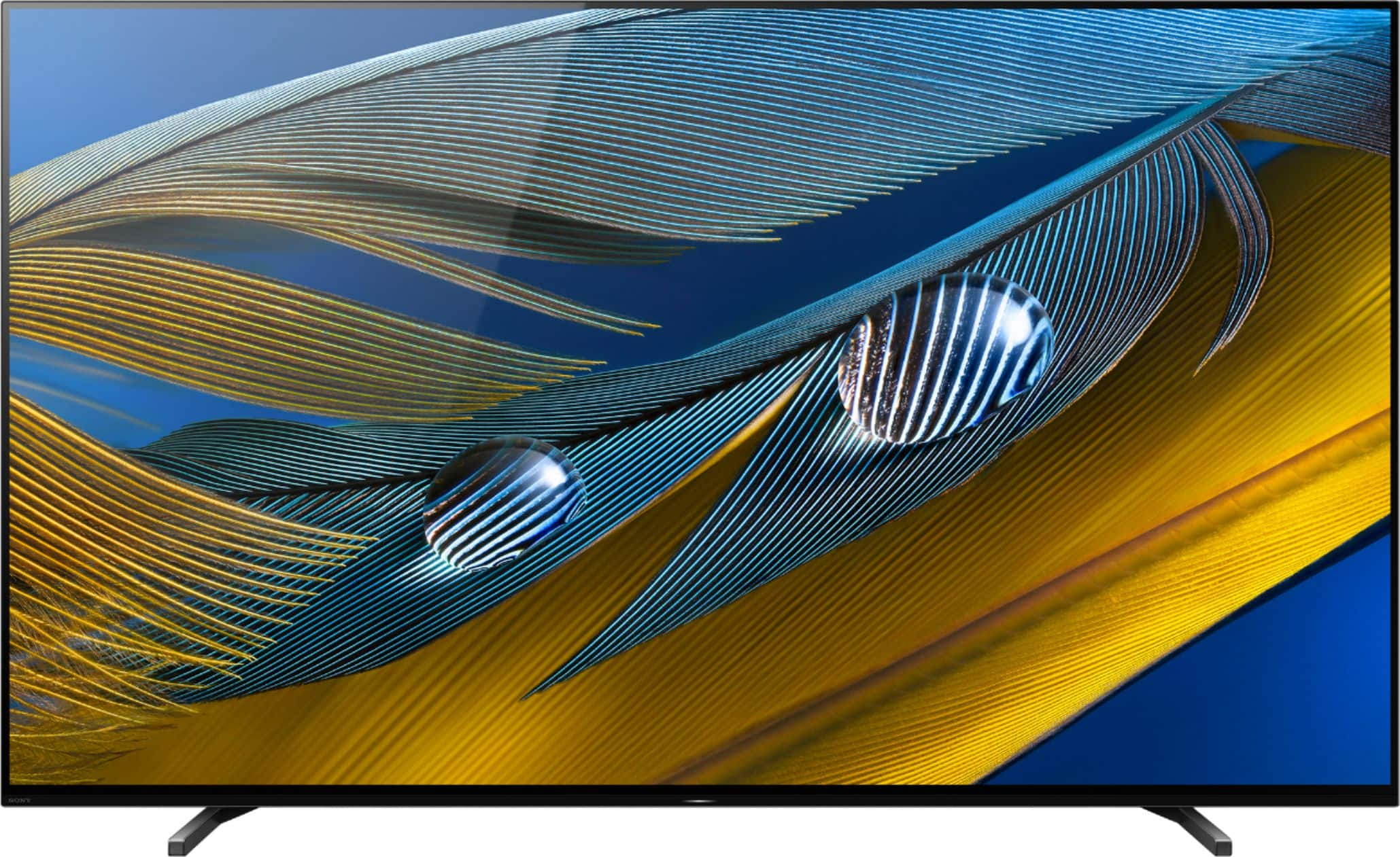








- Model:
- XR77A80J
- SKU:
- 6455215
Rating by feature
- Picture Quality
Rating 4.8 out of 5 stars
- Sound Quality
Rating 4.6 out of 5 stars
- Brightness
Rating 4.7 out of 5 stars
Customers are saying
Customers appreciate the 77" Class BRAVIA XR A80J Series OLED 4K UHD Smart Google TV for its exceptional picture quality, vibrant colors, and immersive sound that creates a theater-like experience at home. They also find the setup process easy and are pleased with the TV's size options. However, some customers express concerns about its high price, occasional remote control issues, and rare instances of dead pixels or the TV stopping working prematurely.
This summary was generated by AI based on customer reviews.
Can do a lot better for the price.
||Posted . Owned for 3 weeks when reviewed.This reviewer received promo considerations or sweepstakes entry for writing a review.After the TV was delivered and set up the picture was lousy! After several day of changing the setting the picture was executable but not great. It is short on connecting ports so it will be returned with the awful sound bar and replaced with a Samsung.
No, I would not recommend this to a friendBrand response from SonyListens
Posted .Hi Enjoy,
We regret to learn that the picture quality hasn't performed to your standards. Please allow us to help you and turn this into a better experience. We'd like to verify if you're getting poor picture quality from an internal app or an external device?
The quality of the source is also a big factor in getting an excellent picture quality. Having said that, picture mode settings provide preset adjustments for the type of picture you are viewing. Picture settings also allow a wide array of changes to color, contrast, motion settings, and brightness that can improve the viewed content on your Google TV. The picture quality may improve if you change it in [Picture] under [Settings].
If you still have the unit, please visit this link for more information: https://www.sony.com/electronics/support/televisions-projectors-oled-tvs-android-/xr-77a80j/articles/00263533
In any case that you need our assistance, please email the below information to socialsupport@am.sony.com.
Apologies if you disclosed some of this information in your review and to customer service, we just want to ensure that we have your accurate details at the time of communication.
Full Name:
Best Buy Username:
Telephone Number:
Sony TV Model Number:
Additional Information regarding your experience with the A80J:
We are sorry for the inconvenience and hope to speak to you to resolve this matter.
Thanks for sharing your feedback.
-Jess
Sony Bravia XR A80J 77 stopped working
||Posted . Owned for 1.5 years when reviewed.This reviewer received promo considerations or sweepstakes entry for writing a review.The Sony Bravia XR A80J 77 stopped working for me after 18 months. I tried to use my Total Tech program to come look at it and they told me that the panel is dead.
No, I would not recommend this to a friendGo master class
||Posted . Owned for 1 month when reviewed.This reviewer received promo considerations or sweepstakes entry for writing a review.Went with A90J instead, don't regret paying the extra money!
I would recommend this to a friendBrand response from SonyListens
Posted .Hi Dude, Thank you for the 4-star rating! We're happy your purchase went well and you're enjoying our product. We value your input and appreciate the feedback. With the BRAVIA XR A80J, you will enjoy a premium OLED picture with contrast and color that feels deep, natural, and real. The revolutionary Cognitive Processor XR™ optimizes thousands of on-screen elements simultaneously for a lifelike picture. Feel the action with Acoustic Surface Audio+ and experience truly immersive sound that perfectly matches the picture on screen. Thank you for sharing your feedback and for choosing Sony! -Jess
Worst TV ever
||Posted . Owned for 9 months when reviewed.This reviewer received promo considerations or sweepstakes entry for writing a review.The worst TV ever. I used to have Samsung which I replaced with this Sony TV, worst decision, the interface is so bad, TV is so slow to respond. It boots up automatically for no reason.
No, I would not recommend this to a friendRaffy
||Posted . Owned for 1 month when reviewed.This reviewer received promo considerations or sweepstakes entry for writing a review.Not as I anticipated, i don't get the same clear picture as I saw in the store I thought the installers will give me some education about it but they were rushing to the next job as they ware behind
No, I would not recommend this to a friendBrand response from SonyListens
Posted .Hi Raffy,
We regret to hear that the A80J hasn't performed to your standards, particularly with the picture quality. With regards to the picture quality when you view the TV in store, Sony TV's are set up for Demo mode (Retail mode settings), while in a store, which are very bright and vivid. It will enrich the display for retail use and is not recommended at home.
The quality of the source is also a big factor in getting an excellent picture quality. Having said that, picture mode settings provide preset adjustments for the type of picture you are viewing. Picture settings also allow a wide array of changes to color, contrast, motion settings, and brightness that can improve the viewed content on your Google TV. For more information, please visit the link here: https://www.sony.com/electronics/support/televisions-projectors-oled-tvs-android-/xr-77a80j/articles/00263533
If you are watching from an external output like a cable box or your blu-ray, please make sure that you have enabled the Enhanced Format setting on the TV. When you watch 4K picture with High-Quality, use a Premium High Speed HDMI Cable(s) that supports speeds of 18 Gbps. Set [HDMI signal format] to [Enhanced format] by selecting [Settings] — [BRAVIA Settings] — [External inputs] — [HDMI signal format] — the HDMI terminal you want to set.
May we contact you to help and get more information? If so, please email the below information to socialsupport@am.sony.com.
Apologies if you disclosed some of this information in your review and to customer service, we just want to ensure that we have your accurate details at the time of communication.
Full Name:
Best Buy Username:
Telephone Number:
Sony TV Model Number:
Additional Information regarding your experience with the A80J:
We are sorry for the inconvenience and hope to speak to you to resolve this matter.
Sincerely,
Jess
Not the best for me.
||Posted .This reviewer received promo considerations or sweepstakes entry for writing a review.I asked about the apps i watch and was advised it could be added and when we got it set up the specific app i asked about was not able to be added. Also the TV was hung a little crooked.
No, I would not recommend this to a friendBrand response from SonyListens
Posted .Hi Mcguti, thank you for choosing and purchasing our product. We're sorry to hear that you have an issue with the apps and the installation of your SONY unit. For apps issue, please follow this link:
https://www.sony.com/electronics/support/televisions-projectors-oled-tvs-android-/xr-77a80j/articles/00114472
For any issues on mounting/installing the unit on the wall, you need to contact your installer.
May we contact you to help? If so, please email the below information to socialsupport@am.sony.com.
Apologies if you disclosed some of this information in your review and to customer service, we just want to ensure that we have your accurate details at the time of communication.
Full Name:
Best Buy Username:
Telephone Number:
Sony TV Model Number:
Additional Information regarding your experience with the A80J
We are sorry for the inconvenience and hope to speak to you to resolve this matter.
We appreciate you and thanks again for shopping Sony!
~Earl
Don't Buy it
||Posted . Owned for 1 year when reviewed.This reviewer received promo considerations or sweepstakes entry for writing a review.after 14 Months (two months past the Warranty) TV would not turn on, 8 Blinking lights Gee Squad told me hardware issue Sony/BestBuy will cover
No, I would not recommend this to a friendBrand response from SonyListens
Posted .Hi Jack,
We regret to hear that the TV won't turn on. We apologize for the inconvenience. Please restart the TV with the supplied remote control to isolate this issue: Press and hold the POWER button until Power off appears on the screen Press and hold the POWER button until a menu appears → select Restart
If you are unable to resolve your concern, please follow the troubleshooting steps from this link: https://www.sony.com/electronics/support/televisions-projectors-oled-tvs-android-/xr-77a80j/articles/00153674
In any case that you need our assistance, please chat the below information to Sony’s e-support webpage. Apologies if you disclosed some of this information in your review and to customer service, we just want to ensure that we have your accurate details at the time of communication.
Full Name:
Best Buy Username:
Telephone Number:
Sony Model Number:
Additional Information regarding your experience with the XR77A80J:
We are sorry for the inconvenience and hope to speak to you to resolve this matter. We appreciate you and thanks again for shopping Sony!
Sincerely,
Jay
Not happy
||Posted . Owned for 1 week when reviewed.This reviewer received promo considerations or sweepstakes entry for writing a review.This tv has a serious reflective issue and when I watch certain movies the picture looks like ants are moving around on the tv. I’m thinking about down grading. Not happy!
No, I would not recommend this to a friendBrand response from SonyListens
Posted .Hi Trina,
We're sorry to hear about the issue with this TV. This is definitely not the experience we wanted you to have on our products. We apologize for the inconvenience. You can isolate this issue by following the troubleshooting steps from this link: https://www.sony.com/electronics/support/televisions-projectors-oled-tvs-android-/xr-77a80j/articles/00200749?cpint=spt-tv_triage_00200862_line.
If you are unable to resolve your concern, may we contact you to help? If so, please email the below information to socialsupport@am.sony.com or chat with us from Sony’s e-support webpage. Apologies if you disclosed some of this information in your review and to customer service, we just want to ensure that we have your accurate details at the time of communication.
Full Name:
Best Buy Username:
Telephone Number:
Sony Model Number:
Additional Information regarding your experience with the A80J:
We are sorry for the inconvenience and hope to speak to you to resolve this matter. We appreciate you and thanks again for shopping Sony!
Sincerely,
Jay
Panel is VERY dim in a average room
||Posted . Owned for 1 week when reviewed.This reviewer received promo considerations or sweepstakes entry for writing a review.Great clarity but way to dim. Sports look horrible on it (football, ice skating). Not worth the extra money over a good LED
No, I would not recommend this to a friendBrand response from SonyListens
Posted .Hi MPT76058,
We're sorry to learn you're not having the best watching experience with the TV. Please allow us to help you and turn this into a better experience. In the meantime, we have some good information if your TV screen suddenly gets brighter or darker in this helpful article: https://www.sony.com/electronics/support/televisions-projectors-oled-tvs-android-/xr-77a80j/articles/00173465
Watching sports and fast-moving movies just got a whole lot better. Our Cognitive Processor XR with XR Motion Clarity™ cross analyzes data to ensure action stays smooth, bright, and clear. With the BRAVIA XR A80J you will enjoy a premium OLED picture with contrast and color that feels deep, natural, and real. The revolutionary Cognitive Processor XR™ optimizes thousands of on-screen elements simultaneously for a lifelike picture.
For watching sports and more, you can configure various settings related to the TV display such as motionflow and cinemotion settings for picture quality to smooth out any content. For more information on how you can enhance your viewing experience check the Adjust Picture Settings on your Google TV.
If you need further assistance regarding your concern, please follow the steps below for ways to contact us.
May we contact you to help? If so, please email the below information to socialsupport@am.sony.com.
Apologies if you disclosed some of this information in your review and to customer service, we just want to ensure that we have your accurate details at the time of communication.
Full Name:
Best Buy Username:
Telephone Number:
Sony TV Model Number:
Additional Information regarding your experience with the A80J:
We value you being a Sony customer.
Regards,
Jess
- Cons mentioned:Price
Unsatisfied customer
||Posted .This reviewer received promo considerations or sweepstakes entry for writing a review.A cheaper one probably would have been better or just as good
No, I would not recommend this to a friendBrand response from SonyListens
Posted .Hi Unsatisfied,
We apologize if the unit did not meet your expectations. This is definitely not the experience we wanted you to have in our product. We would like to know more about the issue that you are having with the TV. Please allow us to help you and turn this into a better experience. If you are watching from an external output like a cable box or your Blu-ray, please make sure that you have enabled the Enhanced Format setting on the TV. When you watch 4K picture with High-Quality, use a Premium High-Speed HDMI Cable(s) that supports speeds of 18 Gbps. We do have good information on how to experience high quality picture with your 4K TV on this link: https://www.sony.com/electronics/support/televisions-projectors-oled-tvs-android-/xr-77a80j/articles/00245141
For streaming, quality depends on the original video provided by the video content provider and your connection bandwidth. If your network is not fast enough, you cannot enjoy 4K/HDR content at the best quality. The required network speed depends on the service.
If there is something that we can help you with regarding your 2-star rating, we are more than happy to help you out. Please email the below information to socialsupport@am.sony.com.
Apologies if you disclosed some of this information in your review and to customer service, we just want to ensure that we have your accurate details at the time of communication.
Full Name:
Best Buy Username:
Telephone Number:
Sony TV Model Number:
Additional Information regarding your experience with the A80J:
We are sorry for the inconvenience and hope to speak to you to resolve this matter.
Sincerely,
Jess
Need to update OS at the factory level
||Posted . Owned for 1 week when reviewed.This reviewer received promo considerations or sweepstakes entry for writing a review.Having issue with Bluetooth. Some random product keeps trying to pair, and it's overwhelming everything. Major flaw in the OS, in my opinion.
No, I would not recommend this to a friendBrand response from SonyListens
Posted .Hi Tommy71,
Thank you for choosing and purchasing our Sony A80J OLED 4K HDR Smart Google TV. It's unfortunate to hear you're experiencing unexpected issues with your Bravia TV. We value your input and appreciate the feedback. We want to make sure that you’re taken care of and go through some troubleshooting with you to make sure your TV is great.
You can pair some wireless headphones, speakers, or soundbars to your Android TV through a Bluetooth connection, however, the devices must be compatible. To resolve the issue, simply restarting the TV. To do that, simply press the power button for about 5-10 secs while the TV is on until a menu appears, then select Restart. Unfortunately, there currently are no downloads for this product.
Follow the steps from this article to troubleshoot Bluetooth connection pairing issues between your audio device and Google TV: https://www.sony.com/electronics/support/televisions-projectors-oled-tvs-android-/xr-77a80j/articles/00175078
If the issue is still unresolved, please follow the steps below for ways to contact us so we can better assist you.
May we contact you to help? If so, please email the below information to socialsupport@am.sony.com.
Apologies if you disclosed some of this information in your review and to customer service, we just want to ensure that we have your accurate details at the time of communication.
Full Name:
Best Buy Username:
Telephone Number:
Sony TV Model Number:
Additional Information regarding your experience with the A80J:
We are sorry for the inconvenience and hope to speak to you to resolve this matter.
We appreciate you and thanks again for shopping Sony!
Sincerely,
Jess
Sony won’t stand behind their products
||Posted . Owned for 7 months when reviewed.This reviewer received promo considerations or sweepstakes entry for writing a review.I have bought two of these tv. It will go black at random times for last 4 months - Sony blames it on everything but their product. They have removed the software and reinstalled it and it does it again Sunday but the level 2 people don’t work on sundays son anymore says call today- guess what they say oh call when it does it - it happens randomly- the sound bar stops after 30 seconds - oh that’s the sound bar issue - but it works then the tv switches to tv speakers - oh it’s the Apple TV - but it goes black when watching from Home Screen Best Buy - i buy extended warranty and cause it’s not a year old they pass they buck to Sony I would never buy another Sony product If you are having this issue please let me know cause I would like to do a class action against them - but I’m sure in the set up they probably forced us into arbitration so we can’t file a class action against them #sonydefectivetv #sonywontstandbehindproducts
No, I would not recommend this to a friendBrand response from SonyListens
Posted .Hi JayM,
This is not the experience that we want you to have. Your feedback is extremely important to us and is very much appreciated. We would like to know more about what happened and help you out. Please email us at socialsupport@am.sony.com with the following details:
Name:
Username:
Model Number:
Issue:
Telephone Number:
Case Number:
We are sorry for the inconvenience and hope to speak to you to resolve this matter.
Sincerely,
-Ralph
Garbage 77” tv do not buy
||Posted . Owned for 4 months when reviewed.This reviewer received promo considerations or sweepstakes entry for writing a review.I give it one star of the way the tv is built, that’s all . I only have this tv for 4 months and already experiencing issues . Second month was the tv would turn itself off . If I was watching Any show and put in in pause 5 minutes later the tv is off. Now it goes to some lifesaver screen . Second thing , Tv freezing, remote unresponsive. Got to unplug the tv from outlet each time it happens . Then I also get this black screen where no picture is present that also happens few times , but now in my fourth month of ownership Iam starting to see some sort of different picture patches on screen forming once in a while . And the big one is line across tv like if the screen was shattered. That happen to me the fourth month of owner ship only once. I could not believe it what a pice of crap. I need a new tv for my bedroom, it will not be Sony . I will get Samsung instead. Iam still paying this tv off. So fed up with the Bravia want to throw it in the garbage. Sony Bravia 77”
No, I would not recommend this to a friendBrand response from SonyListens
Posted .Hi 700bose, We are sorry to hear about the issues you are having with your Sony A80J. This is usually not the case for our TVs nor the experience we want you to have. Let's try to resolve these issues by following the troubleshooting steps on the link below:
If the TV turns itself off automatically, please refer to this link:
https://helpguide.sony.net/tv/iusltn1/v1/en-003/08-08_01.html
And if the TV freezes or if the buttons on the remote control doesn't respond, follow the instructions on this link:
https://www.sony.com/electronics/support/televisions-projectors-oled-tvs-android-/xr-77a80j/articles/00167132
https://www.sony.com/electronics/support/televisions-projectors-oled-tvs-android-/xr-77a80j/articles/00141896
For no picture issue, follow the steps on this link:
https://www.sony.com/electronics/support/televisions-projectors-oled-tvs-android-/xr-77a80j/articles/00153674
For the line issue across the TV screen, refer to the troubleshooting steps on this link:
https://www.sony.com/electronics/support/articles/00032635
If you're unable to resolve these issues after following the suggested steps, may we contact you to help and get more information? If so, please email the below information to socialsupport@am.sony.com. Apologies if you disclosed some of this information in your review and to customer service, we just want to ensure that we have your accurate details at the time of communication.
Full Name:
Best Buy Username:
Telephone Number:
Sony Model Number:
Additional Information regarding your experience with the XR77A80J:
We are sorry for the inconvenience and hope to speak to you to resolve this matter.
Sincerely,
Sam
- Cons mentioned:Reliability
Awful smart tv
||Posted . Owned for 1 year when reviewed.This reviewer received promo considerations or sweepstakes entry for writing a review.Absolutely worst smart tv I’ve ever owned. Almost 1.5 years now and it gets worse every day. Apps don’t work, external devices even struggle, I have no faith in playing a movie or game on this this without it freezing up. $300 TVs are much more reliable
No, I would not recommend this to a friendBrand response from SonyListens
Posted .Hi AdamN,
We're sorry to hear about the apps, external devices freezing constantly or TV is responding slow to input from remote. This is definitely not the buying experience we want our customers to have. Sony takes into consideration all feedback to improve the performance and quality of our products and services. To make sure your TV runs as smooth as possible, we highly recommend downloading and installing the latest software for the TV.
https://www.sony.com/electronics/support/televisions-projectors-oled-tvs-android-/xr-77a80j/downloads
If the behavior continues, performing a factory reset may solve the issue: https://www.sony.com/electronics/support/televisions-projectors-oled-tvs-android-/xr-77a80j/articles/00159487
If the issue is still unresolved even after performing a Factory Data Reset and installing the latest software for the TV, please follow the instruction below on how to contact us.
We want to make sure you’re taken care of. If you require further assistance, please email the below information to socialsupport@am.sony.com.
Apologies if you disclosed some of this information in your review and to customer service, we just want to ensure that we have your accurate details at the time of communication.
Full Name:
Best Buy Username:
Telephone Number:
Sony TV Model Number:
Additional Information regarding your experience with the A80J:
Sincerely,
Jess
Not the TV for a lighted room
||Posted . Owned for 3 weeks when reviewed.This reviewer received promo considerations or sweepstakes entry for writing a review.In a dark room this TV is very nice, but not in a lighted room. No matter how I set the controls, the whites are blurred, there is no definition in shadows and there is too much glare. In addition, dark skin appears waxy. OLED does not suit my taste. I have exchanged it for the Sony Bravia XR X95J LED TV.
No, I would not recommend this to a friendBrand response from SonyListens
Posted .Hello joet567,
Thank you for choosing and purchasing our A80J Ultra HD Smart TV. This is definitely not the news that we would like to hear. Please allow us to help you and turn this into a better experience.
The picture quality of the TV will depend on the source that you're playing. Also, you may try to adjust the auto luminance level of the TV, its the luminance level of the screen according to the luminance level of the ambient light to reduce glare then set it to on. More details on the link below. (Select light sensor)
https://www.sony.com/electronics/support/televisions-projectors-oled-tvs-android-/xr-77a80j/articles/00263533
If you need further assistance with your new TV, we are more than happy to help you out. Please email the below information to socialsupport@am.sony.com. Apologies if you disclosed some of this information in your review and to customer service, we just want to ensure that we have your accurate details at the time of communication.
Full Name:
Best Buy Username:
Telephone Number:
Sony TV Model Number:
Additional Information regarding your experience with the A80J
We are sorry for the inconvenience and hope to speak to you to resolve this matter.
Regards,
David
Not so happy with the new TV
||Posted .This reviewer received promo considerations or sweepstakes entry for writing a review.It's disappointing with the picture quality and thought OLED is better than QLED but it's not
No, I would not recommend this to a friendBrand response from SonyListens
Posted .Hi OLED, Thank you for the feedback on your experience with your XR77A80J. Amd we're sorry to hear you're having low picture quality issue. Usually, picture quality depends on the original source. But there are various settings that you can configure in [Picture] settings to ensure optimal viewing experience. You may refer to the link below for more information about the picture adjustment settings of the TV:
REF: https://helpguide.sony.net/tv/iusltn1/v1/en-003/01-03-09_01.html
Should you need further assistance, we can offer assistance on how to set up or operate the features and functions, and troubleshoot the issue of your Sony product by visiting our Sony Support website to download the help guide and look for additional information about your product. Also, you can reach out to one of our agents through this link: https://us.esupport.sony.com/support/s/service?language=en_US. who would be glad to help.
With the BRAVIA XR A80J you will enjoy a premium OLED picture with contrast and color that feels deep, natural, and real. The revolutionary Cognitive Processor XR™ optimizes thousands of on-screen elements simultaneously for a lifelike picture. Feel the action with Acoustic Surface Audio+ and experience truly immersive sound that perfectly matches the picture on screen. Thanks for choosing Sony! -Sam
Average
||Posted . Owned for 1 month when reviewed.This reviewer received promo considerations or sweepstakes entry for writing a review.Some series i have viewed have been grany. The darker scenes are hard to see
No, I would not recommend this to a friendBrand response from SonyListens
Posted .Hi Average,
We are sorry to hear the picture is blurry or grainy when you watch some series on your Google TV. We’d love to help you troubleshoot your problem. Some of these issues can be fixed by simply restarting the TV. To do that, simply press the power button for about 5-10 secs while the TV is on. If you're experiencing a blurry, grainy, or dull screen, follow the troubleshooting steps provided.
• Try other content to see if the issue is specific to the content you are watching or if the issue occurs with other content or streaming services.
• Check if the menu screen still appears blurry, grainy, or dull.
• If issues still occur, try to adjust the picture settings such as Sharpness, Contrast, etc.
• If the menu screen doesn't appear as blurry, grainy, or dull, check if the issue is resolved while watching TV. If the issue continues, an external source (such as cable or satellite box, internet video device, or other devices like a DVD player) or cable connections could be the cause of the issue.
For further troubleshooting, please refer to this link: https://www.sony.com/electronics/support/televisions-projectors-oled-tvs-android-/xr-77a80j/articles/00032635
The quality of the source is also a big factor in getting an excellent picture quality. Having said that, picture mode settings provide preset adjustments for the type of picture you are viewing. Picture settings also allow a wide array of changes to color, contrast, motion settings, and brightness that can improve the viewed content on your Google TV.
For more information, please visit the link here: https://www.sony.com/electronics/support/televisions-projectors-oled-tvs-android-/xr-77a80j/articles/00263533
In any case that you need our assistance, please email the below information to socialsupport@am.sony.com.
Apologies if you disclosed some of this information in your review and to customer service, we just want to ensure that we have your accurate details at the time of communication.
Full Name:
Best Buy Username:
Telephone Number:
Sony TV Model Number:
Additional Information regarding your experience with the A80J:
We are sorry for the inconvenience and hope to speak to you to resolve this matter.
Sincerely,
Jess
3 months and TV out
||Posted . Owned for 2 months when reviewed.This reviewer received promo considerations or sweepstakes entry for writing a review.I’ve owned 3 Sony TVs and they’ve all lasted me many years. This OLED is by far the most expensive Sony TV purchase and TV looks great when it’s working. I purchased it in September 2021 and as of today December 5, 2021 I am out of a tv. Not even 3 months of having the TV and I have no picture. I was watching a movie and it started flickering on and off then started glitching and now it’s just a black screen. No picture only sound. I Called Sony and they are sending a tech to repair it. This is horrible and possibly not having any tv for the holidays is even worst. I am very disappointed and cannot believe Sony would have such a bad quality tv be so expensive. I shouldn’t be having a brand new tv have issues at all with the screen, I guess Sony is no longer the quality product I used to believe in. I am going to have to move on from Sony.
No, I would not recommend this to a friendBrand response from SonyListens
Posted .Hi FelixHDZ,
This is not the experience that we want you to have. This isn't normally the case with our premium TVs like the A80J. Your feedback is greatly appreciated. It seems that the TV is already scheduled for repair. We hope that everything will be resolved asap. Rest assured that it will be handled accordingly.
In case you need further assistance, please email the below information to socialsupport@am.sony.com. Apologies if you disclosed some of this information in your review and to customer service, we just want to ensure that we have your accurate details at the time of communication.
Full Name:
Best Buy Username:
Telephone Number:
Sony TV Model Number:
Issue:
Case Number:
Additional Information regarding your experience with your XR77A80J.
Sincerely,
-Ralph
Sony Social Support
Ask not for whom the 4 blinking LED's toll...
||Posted . Owned for 3 weeks when reviewed.This reviewer received promo considerations or sweepstakes entry for writing a review.I LOVE this TV. At least I do when it works. Which it did for six days until just now. I'm a lifelong Sony Video owner (XBR's/Umatic tape formats going back to 1987) and this has not been my prior experience with their display technology. There is a white noise band that appears about one-third of the way over from the Center-Left and then the aforementioned "four blinking lights of death" announce its fleeing to "shutdown mode". I can reboot it, and it repetitively does the same thing. Now it's either an A90J (ye Gods..."The (outlay) HORROR, the HORROR...) or the C1 (no XR processing...phooey). I'm seriously into cord-cutting so I have to have an ATSC 3.0 tuner. I'm running out of options...
No, I would not recommend this to a friendBrand response from SonyListens
Posted .Hi NOMOSONYBALONEY,
Thank you for sharing your thoughts and experiencing on using your A80J OLED 4K TV. We're sorry you've been running into difficulty. We would like to know more about the situation you faced with the TV. Please allow us to help you and turn this into a better experience.
Your OLED TV automatically performs a panel refresh to adjust the uniformity of the screen when it's in use for long periods of time. You may see a white line move through the screen as it checks the pixel condition of your TV screen and performs a panel refresh. This is normal and not a malfunction.
This takes about one hour to complete. If a white line appears on the screen, please visit this Help Guide link: https://helpguide.sony.net/tv/iusltn1/v1/en-003/08-02-31_03.html?
You also access this link for some helpful information: https://www.sony.com/electronics/support/televisions-projectors-oled-tvs-android-/xr-77a80j/articles/00173467
If the issue is still unresolved, please follow the steps below for ways to contact us so we can better assist you.
May we contact you to help? If so, please email the below information to socialsupport@am.sony.com.
Apologies if you disclosed some of this information in your review and to customer service, we just want to ensure that we have your accurate details at the time of communication.
Full Name:
Best Buy Username:
Telephone Number:
Sony TV Model Number:
Additional Information regarding your experience with the A80J:
We are sorry for the inconvenience and hope to speak to you to resolve this matter.
We appreciate you and thanks for the feedback.
Sincerely,
Jess
Shutting off, not enough momories to add channels
||Posted . Owned for 1 week when reviewed.This reviewer received promo considerations or sweepstakes entry for writing a review.I got my 77 inch Sony with the new Sony 7.1.2 speaker bar system last week. I have two major issues with my new TV 1) from the box, it shut it itself off with no notice. 2) I installed few channels of local TV from the application store, when I tried to install them, I receive a message "TV does not have any memories/space to install this channel" I deleted my cache, data and notification and still have less than 500K, which not enough to install any application. With the cheap cost of memories, this is sad to cut corner for the gain of few cents. This is a major concern for a new tv that I received it last week; I am considering returning it to the store. I thought Sony has a better quality and design, I could purchase the same TV specification from a competitor at half the price. Thank you
No, I would not recommend this to a friendBrand response from SonyListens
Posted .Hi ChuckM,
Thank you for choosing and purchasing our BRAVIA XR A80J OLED TV.
We regret to hear that you are having an issue with your TV. This is definitely not the experience we'd like you to have. We’d love to help you troubleshoot your problem by isolating your sources and understanding your connections.
If you have an HDMI-CEC devices connected to the TV, the CEC control of these devices may be the issue of why the tv is waking up. In the meantime, please try restarting or resetting the TV.
Power Reset or Restart Options
If the power cord is accessible, try a power reset. If not, then use either of the restart options.
Unplug the TV power cord from the wall outlet, wait two minutes, then plug the power cord back in.
Restart the TV with the supplied remote control:
-Press and hold the POWER button until Power off appears on the screen
-Press and hold the POWER button until a menu appears → select Restart
Restart the using the menu. On the remote:
Press (Quick Settings) → Settings → System → Restart → Restart
Press HOME → navigate to Settings → About → Restart → Restart
Press HOME → navigate to Settings → Device Preferences → About → Restart → Restart
Note: When restarting with the remote or menu, the TV will automatically power off and back on after a short time.
Reference: https://www.sony.com/electronics/support/televisions-projectors-oled-tvs-android-/xr-77a80j/articles/00159487
If the storage capacity of your TV is insufficient, you can move downloaded apps to an optional USB storage device to free up space.
To check the remaining storage capacity.
On the supplied remote, press the HOME button.
Select Settings.
Under the TV category, select Storage & reset.
Select Internal Shared Storage or Storage.
Select Available.
May we contact you to help and get more information? If so, please email the below information to socialsupport@am.sony.com.
Apologies if you disclosed some of this information in your review and to customer service, we just want to ensure that we have your accurate details at the time of communication.
Full Name:
Best Buy Username:
Telephone Number:
Sony TV Model Number:
Additional Information regarding your experience with the A80J
We are sorry for the inconvenience and hope to speak to you to resolve this matter.
We appreciate you and thanks again for shopping Sony!
Sincerely,
Erin