Customer Ratings & Reviews
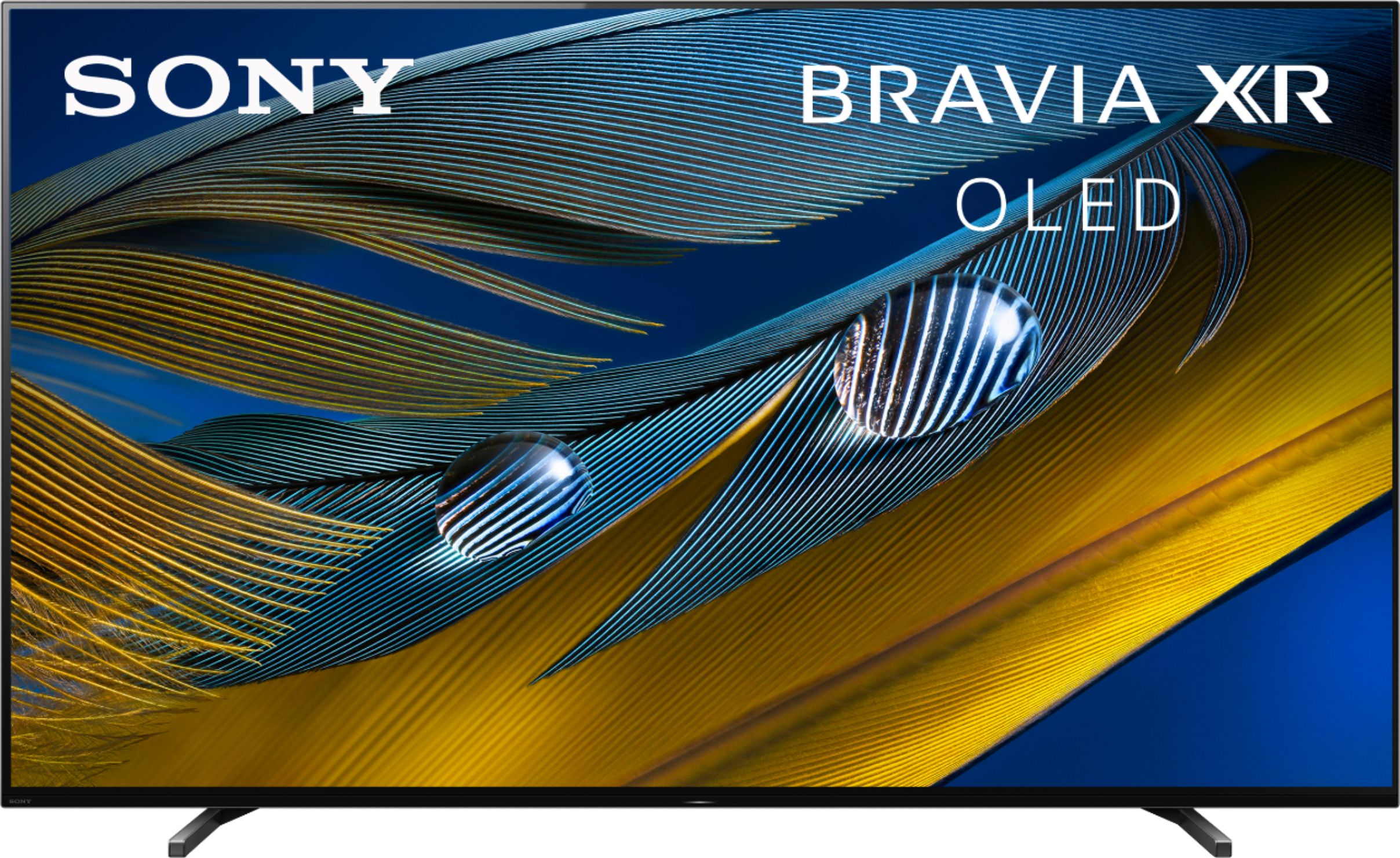
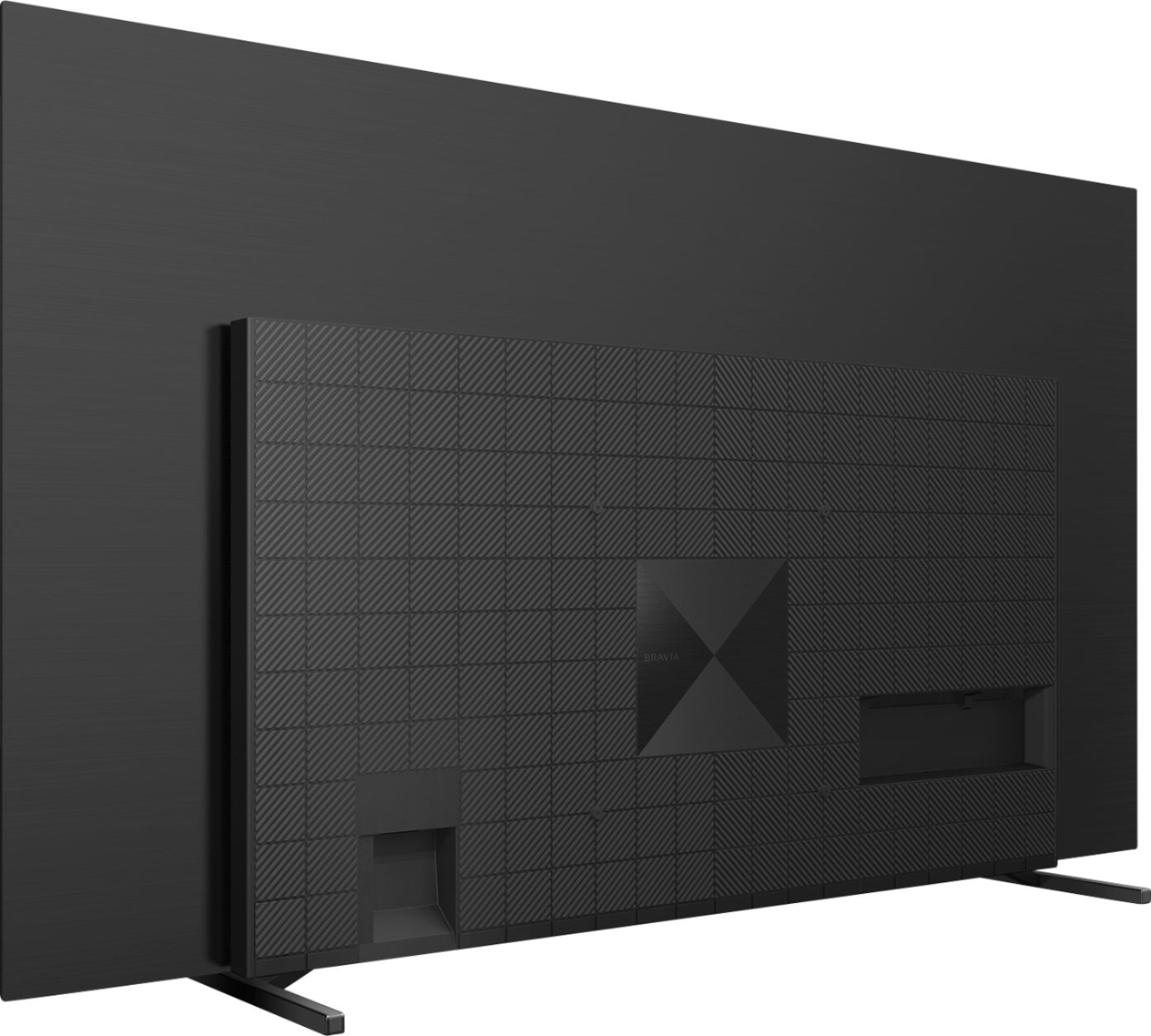
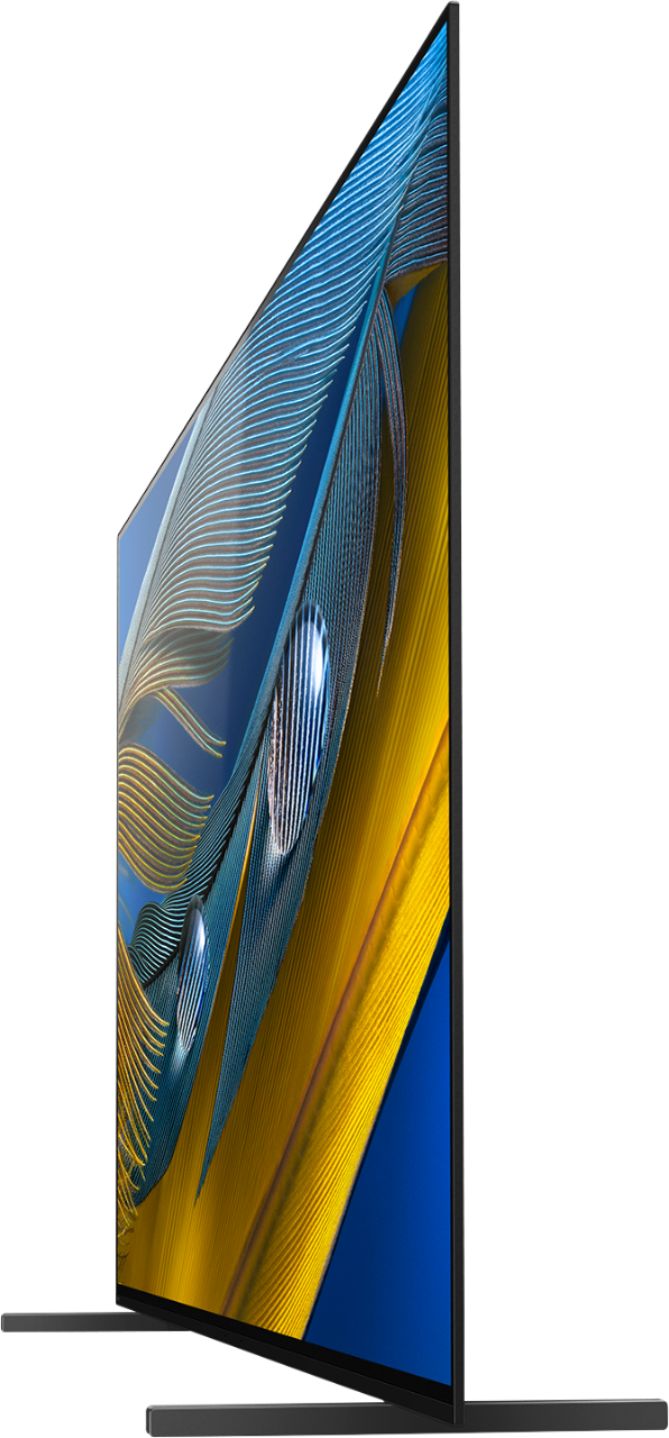
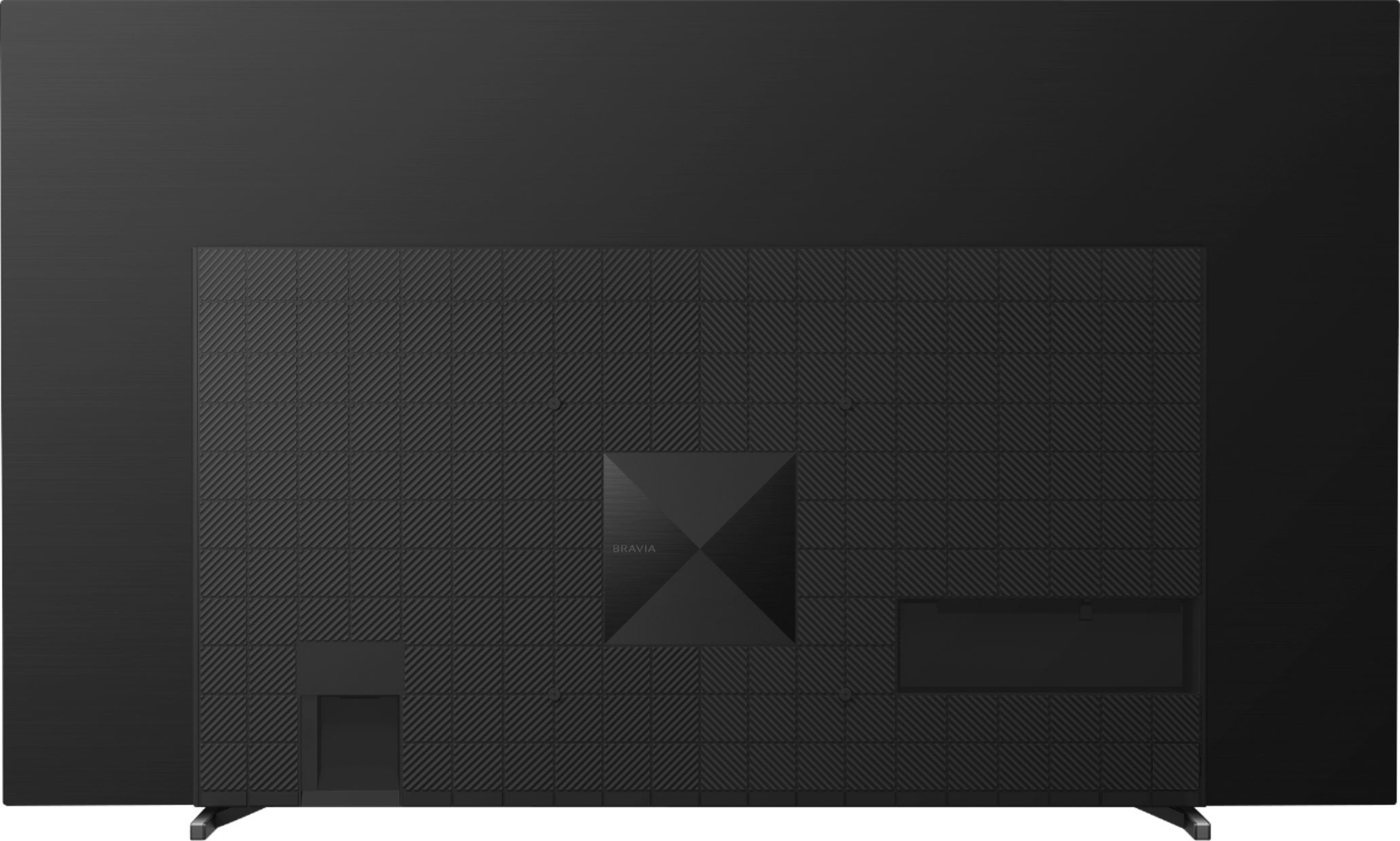

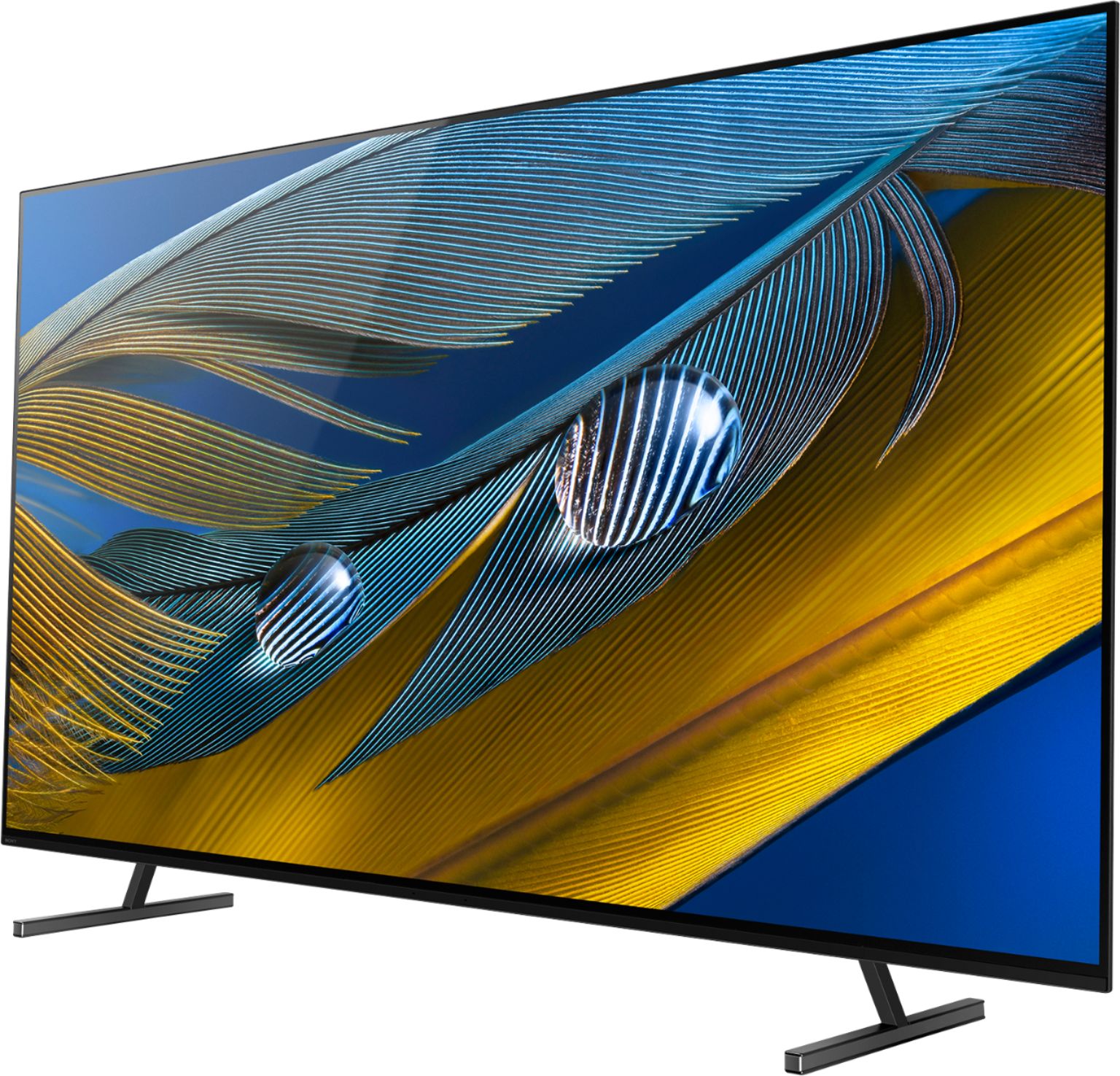

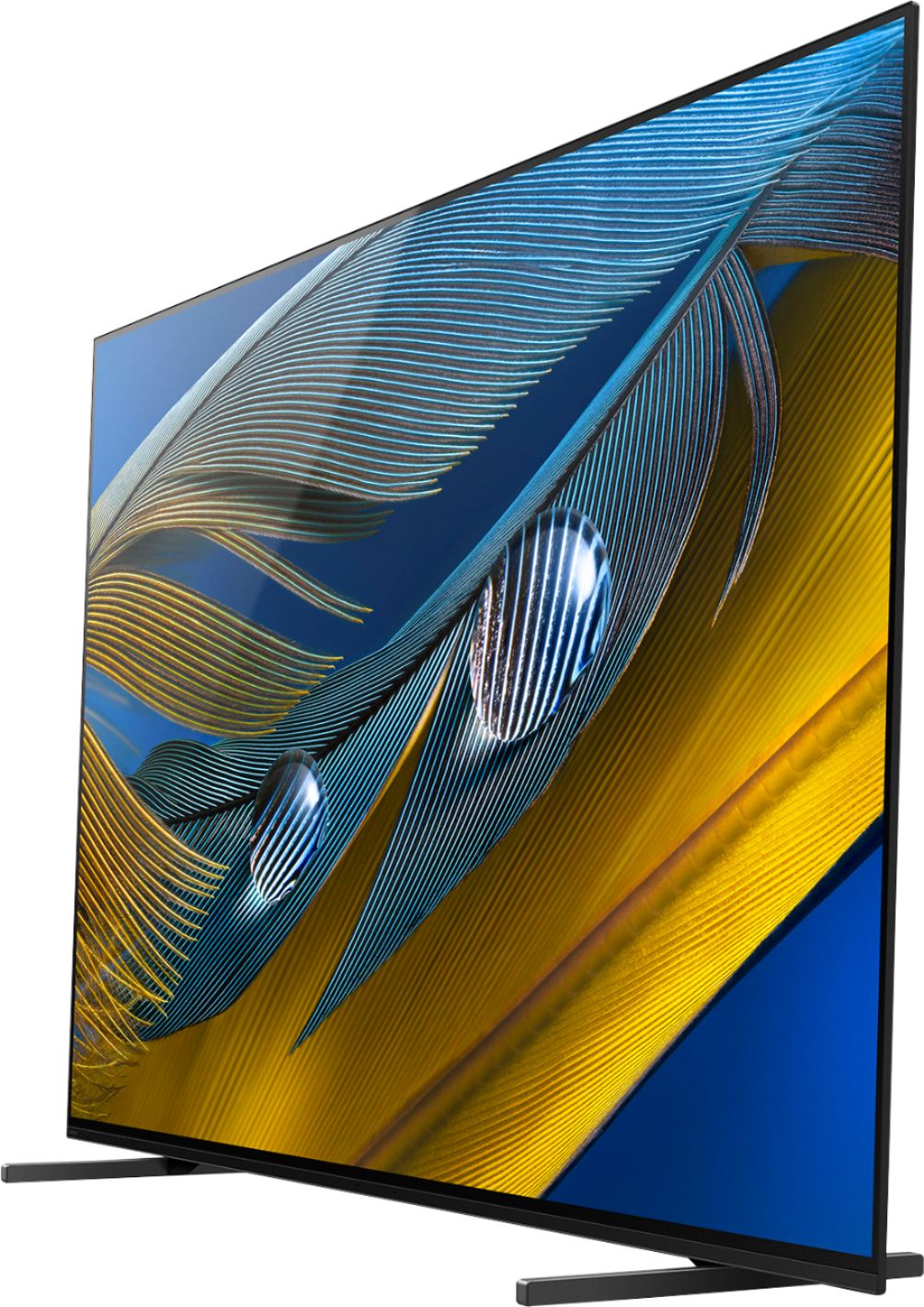
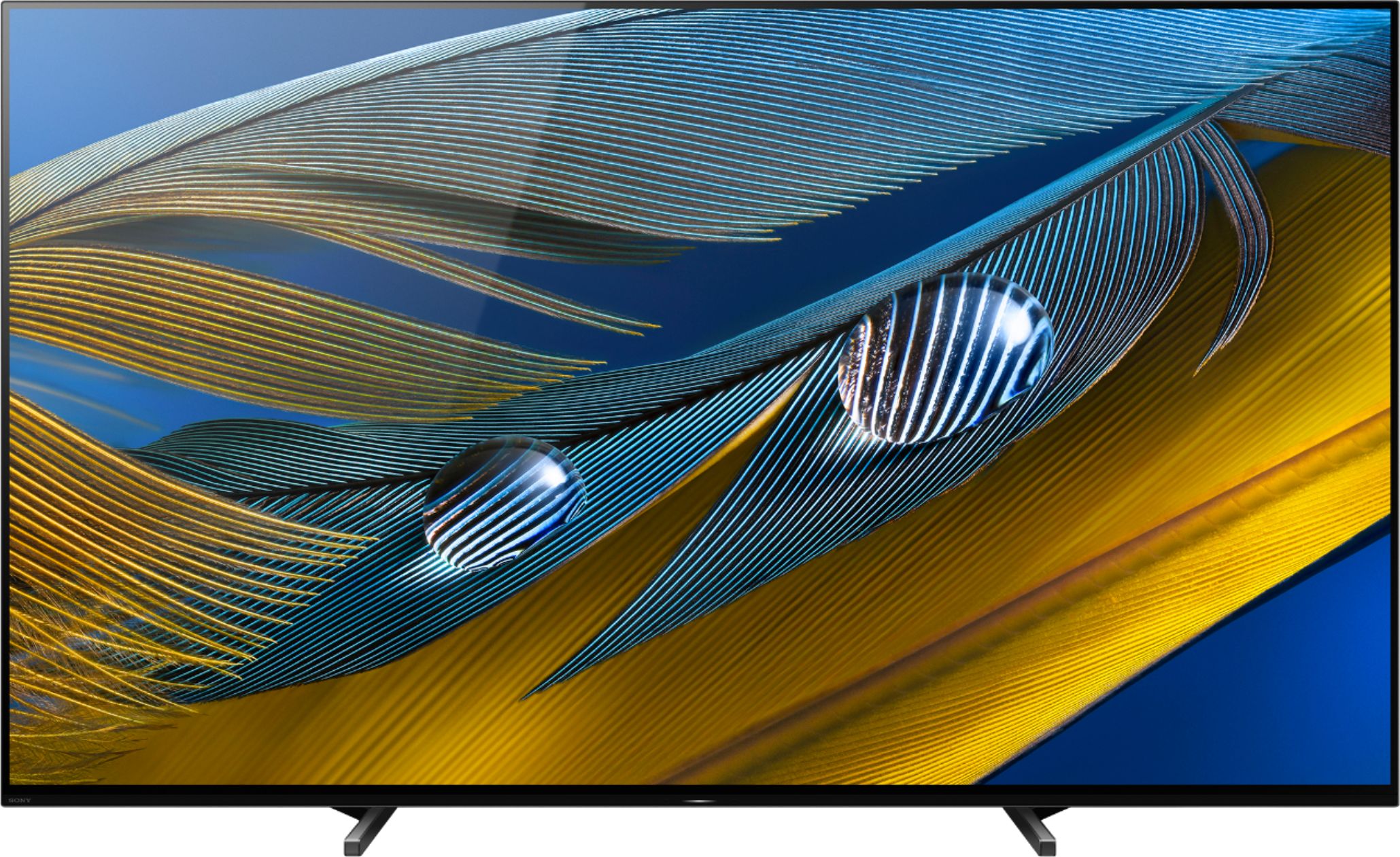
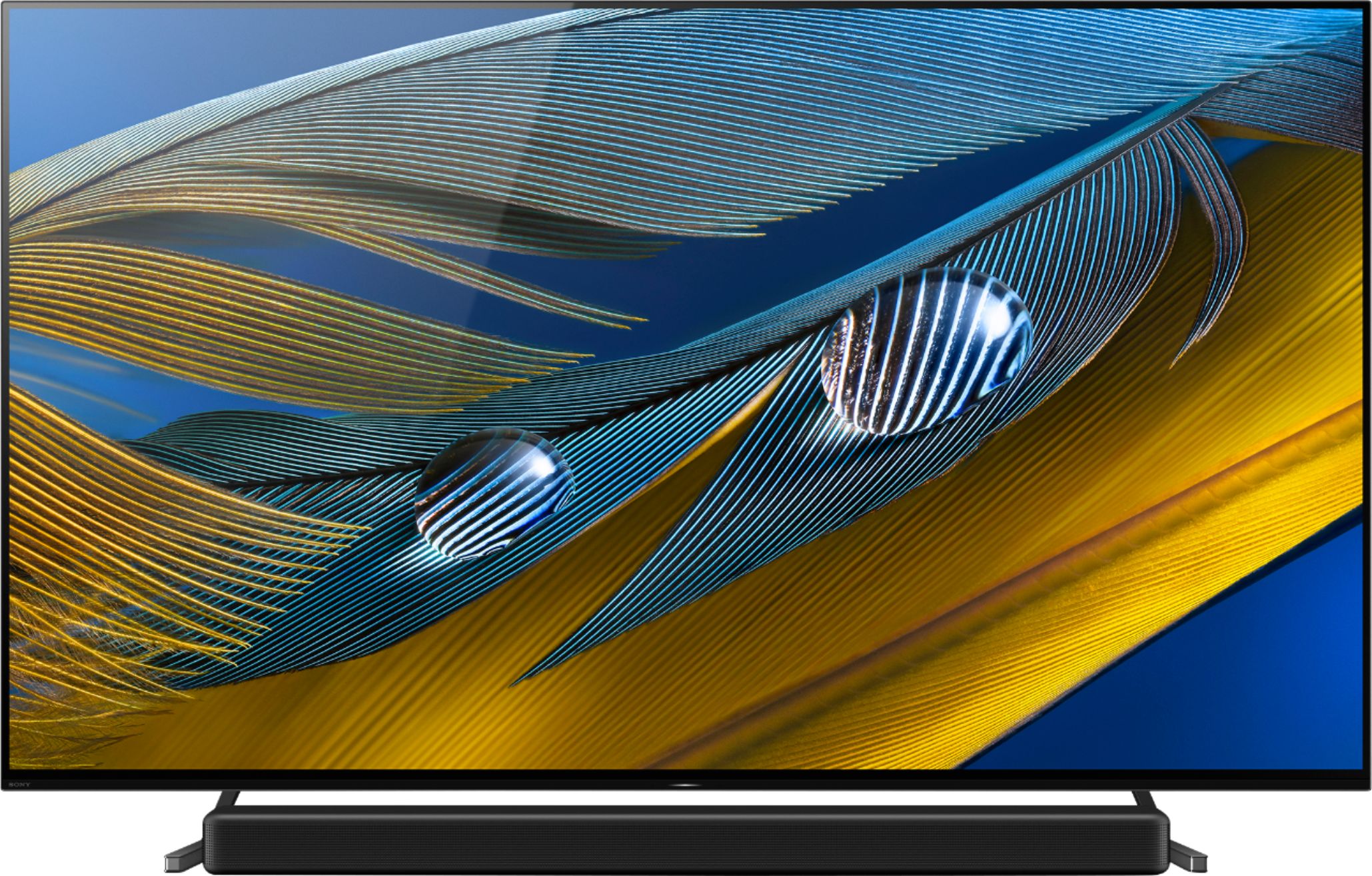
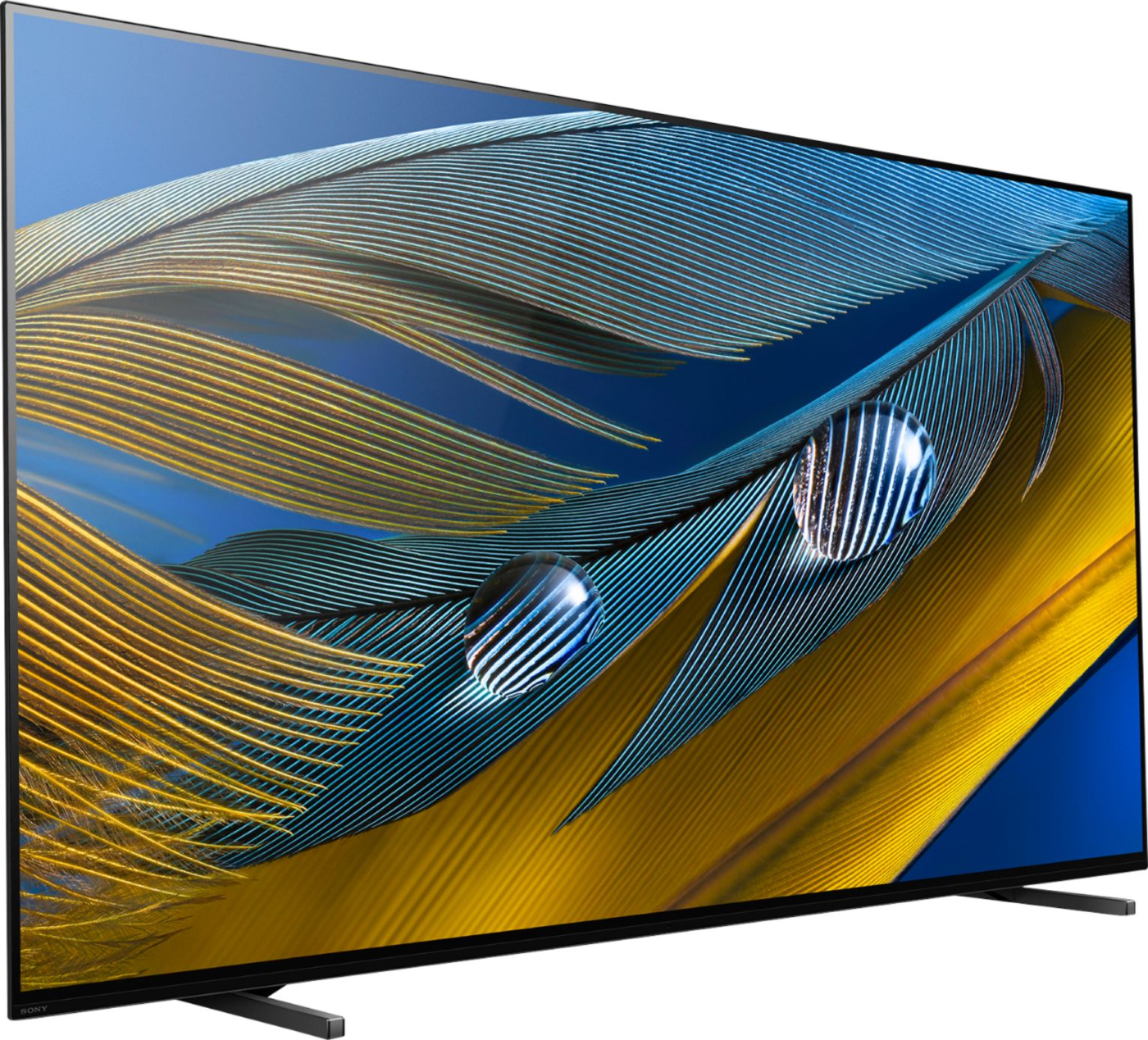
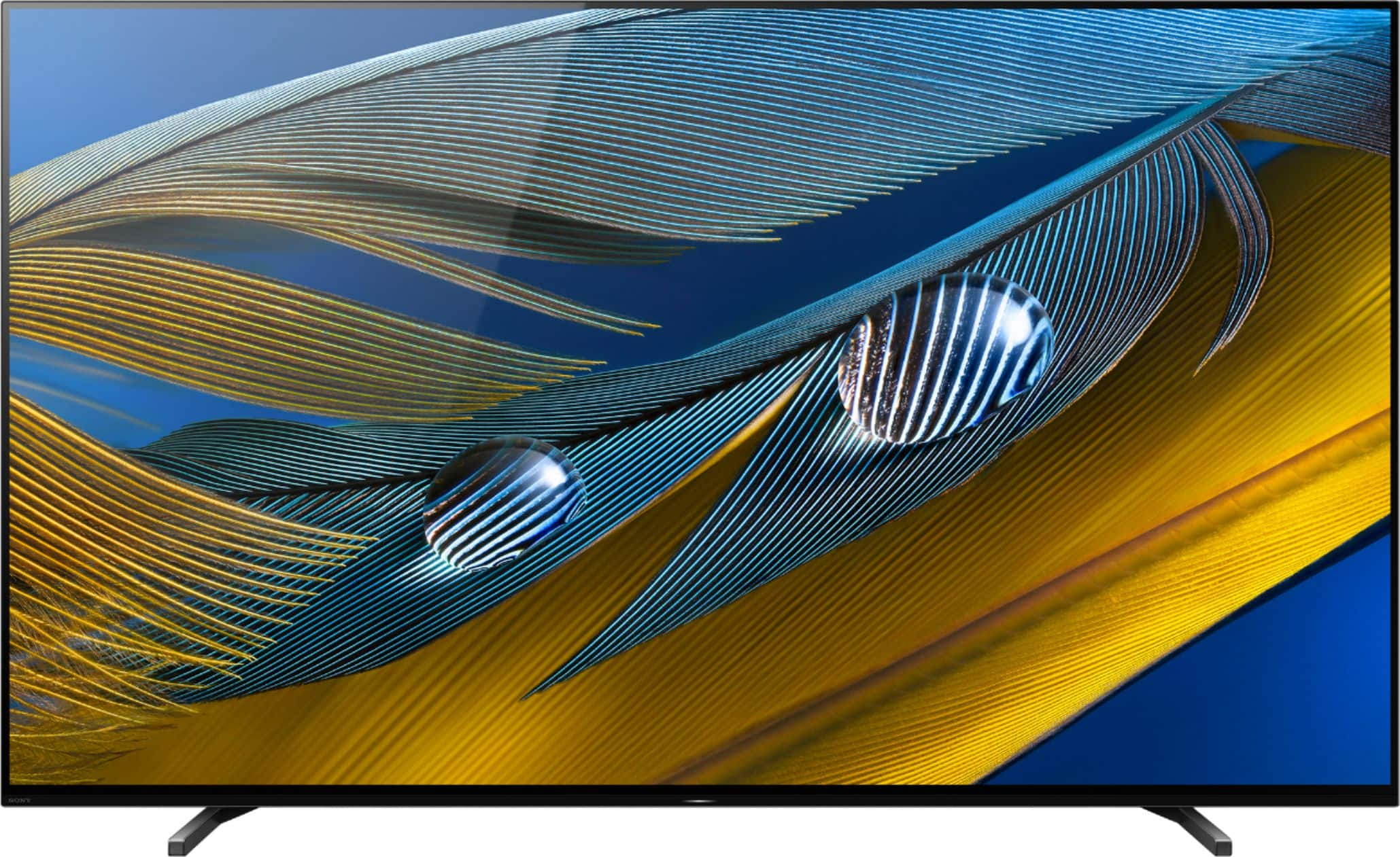








- Model:
- XR77A80J
- SKU:
- 6455215
Rating by feature
- Picture Quality
Rating 4.8 out of 5 stars
- Sound Quality
Rating 4.6 out of 5 stars
- Brightness
Rating 4.7 out of 5 stars
Customers are saying
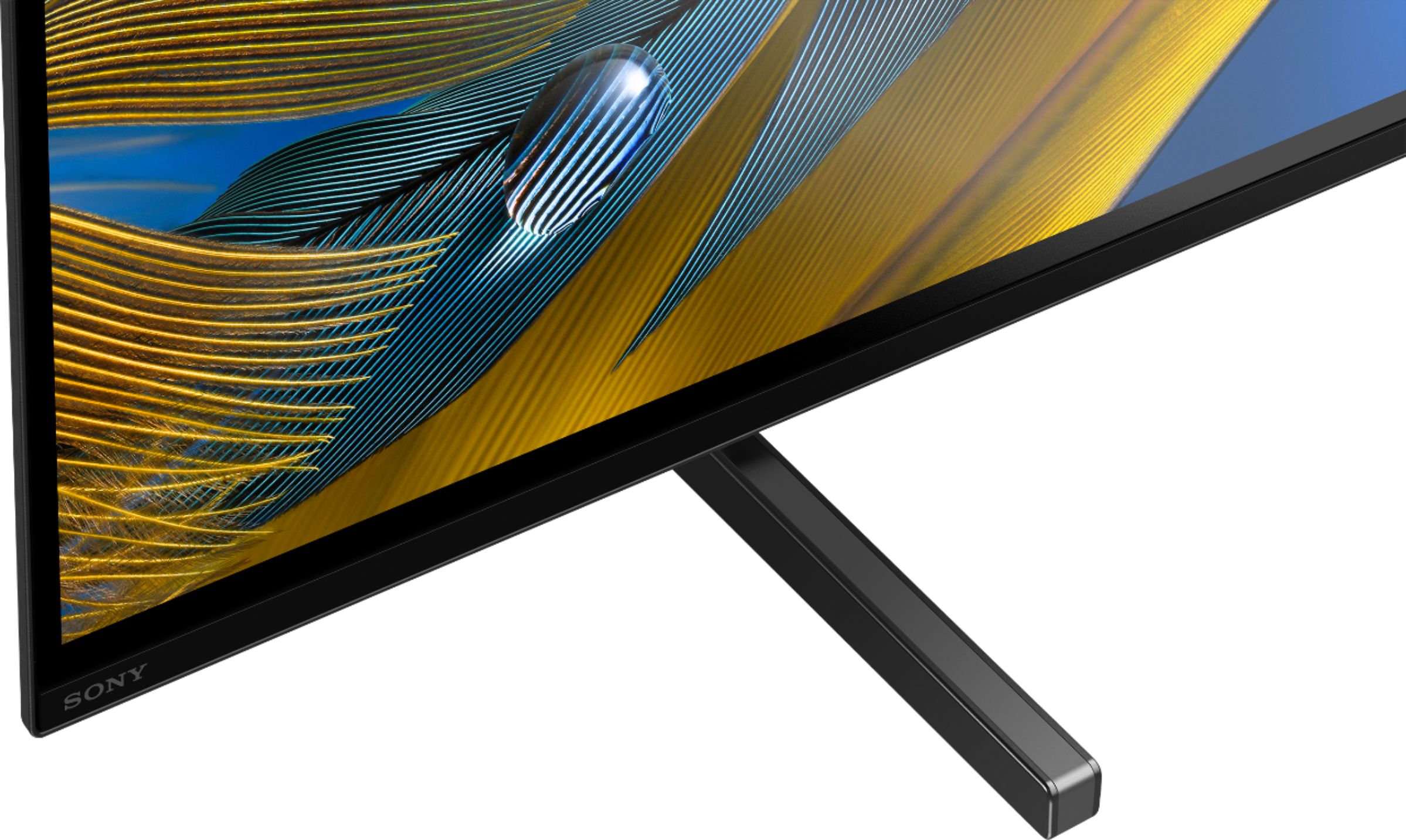
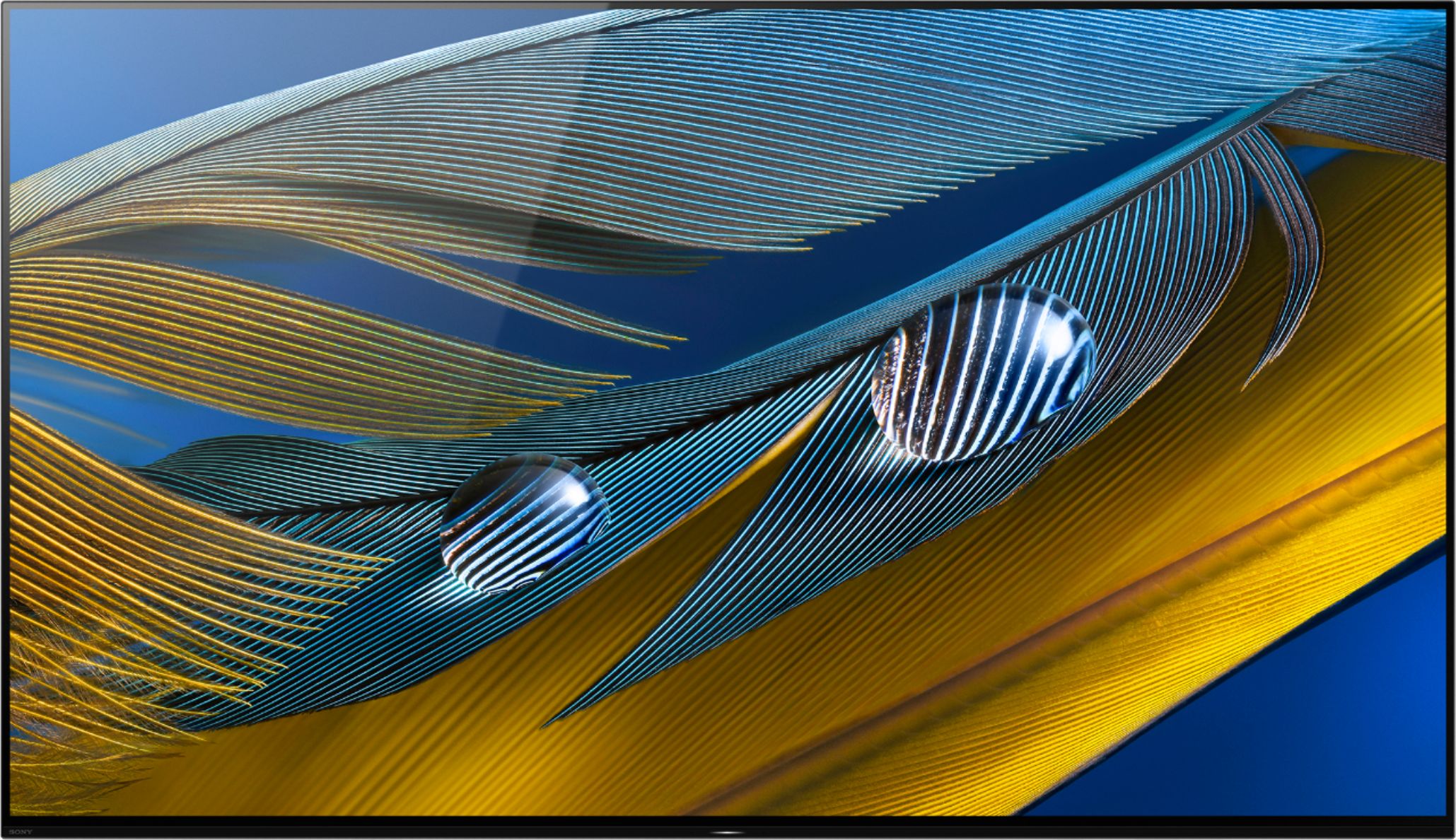
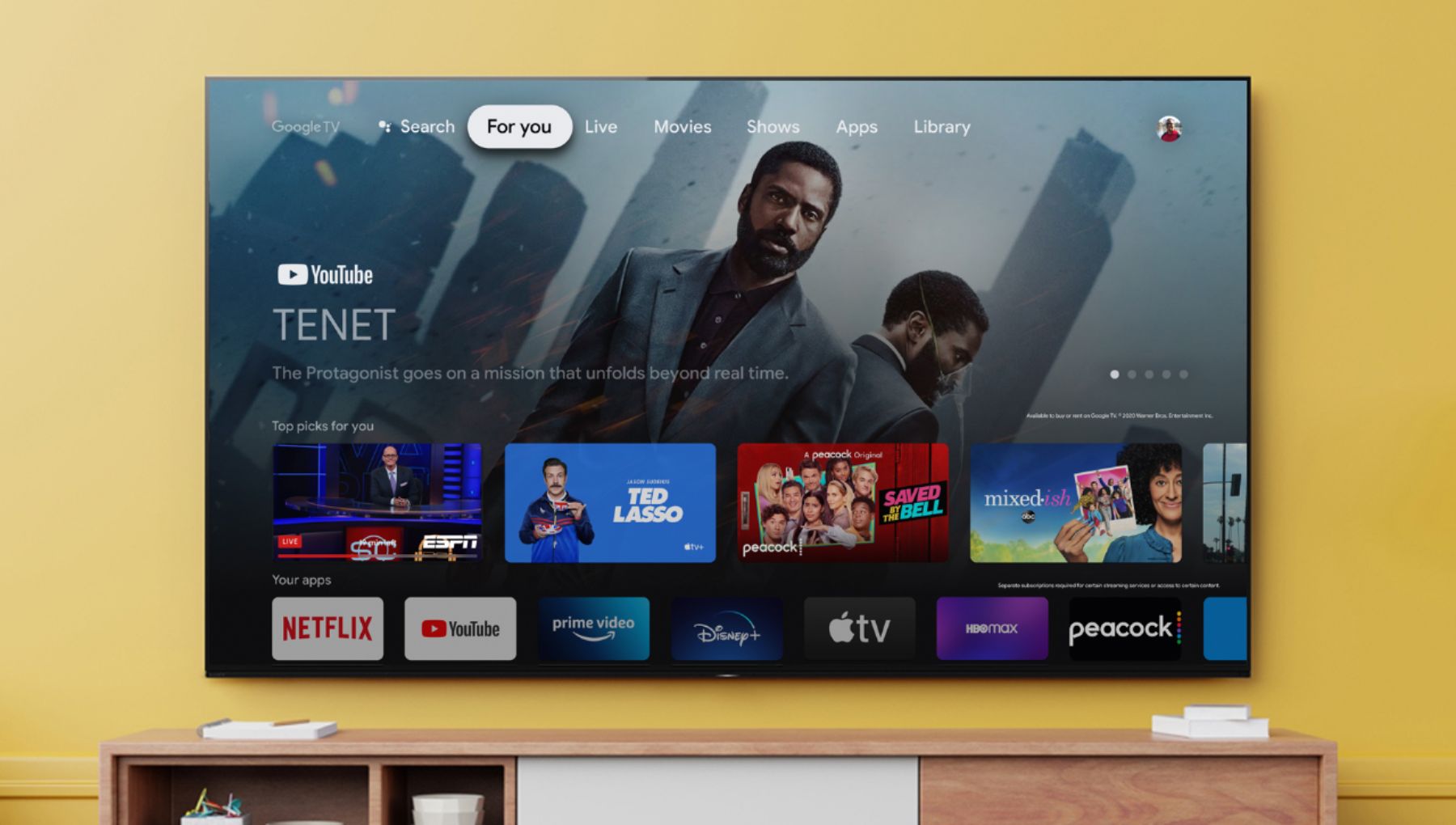
Customers appreciate the 77" Class BRAVIA XR A80J Series OLED 4K UHD Smart Google TV for its exceptional picture quality, vibrant colors, and immersive sound that creates a theater-like experience at home. They also find the setup process easy and are pleased with the TV's size options. However, some customers express concerns about its high price, occasional remote control issues, and rare instances of dead pixels or the TV stopping working prematurely.
This summary was generated by AI based on customer reviews.
Floridahouse
||Posted .This reviewer received promo considerations or sweepstakes entry for writing a review.Haven’t watch it enough to give a review of this TV
I would recommend this to a friendBrand response from SonyListens
Posted .Hi Floridahouse,
Thanks for purchasing our A80J OLED 4K Ultra HD Google TV. The XR-77A80J provides exceptional picture quality using our Cognitive Processor XR - Our Cognitive Processor XR cross-analyzes data, enhancing picture quality in the same way that the human eye focuses on more realistic color and depth. With XR OLED Contrast, brightness is adjusted for higher peaks in glare and deeper blacks in shadow—no more details overwhelmed by shadow or lost in blown-out highlights.
If there is something that we can help you, we are more than happy to help you out. You can email us at socialsupport@am.sony.com with the following details:
Name:
Best Buy Username:
Model Number:
Issue:
Telephone Number:
With the BRAVIA XR A80J, you will enjoy a premium OLED picture with contrast and color that feels deep, natural, and real. The revolutionary Cognitive Processor XR™ optimizes thousands of on-screen elements simultaneously for a lifelike picture. Feel the action with Acoustic Surface Audio+ and experience truly immersive sound that perfectly matches the picture on screen.
Thanks for sharing your feedback!
-Jess
Piece of Garbage
||Posted . Owned for 1 year when reviewed.This reviewer received promo considerations or sweepstakes entry for writing a review.If I could give this zero stars I would. TV was delivered on 5/22/21, and of course 1 week after the initial warranty, the tv starts acting up. I always blamed it on our internet, but it was actually the tv. The tv no longer turns on. The red light flashes 4 times and everuthing we've read states disaster. Called Sony and they say, "Sorry no warranty, use yellow pages to find someone to fix"
No, I would not recommend this to a friendBrand response from SonyListens
Posted .Hi MamaBear,
We are sorry to hear that the TV is no longer turning on with 4 red light flashing. This is definitely not the experience we'd like you to have with our products. We'd love to help you troubleshoot your problem and turn your experience around.
You may find the article below if the TV has no picture, no power, or the LED light blinks or flashes red.
https://www.sony.com/electronics/support/televisions-projectors-oled-tvs-android-/xr-77a80j/articles/00153674
May we contact you to help and get more information? If so, please email the below information to socialsupport@am.sony.com.
Apologies if you disclosed some of this information in your review and to customer service, we just want to ensure that we have your accurate details at the time of communication.
Full Name:
Best Buy Username:
Telephone Number:
Case Number:
Sony TV Model Number:
Additional Information regarding your experience with the A80J
We are sorry for the inconvenience and hope to speak to you to resolve this matter.
Sincerely,
Erin
TV IS JUNK!! SOUND CUTS OUT ON APPS AS DOES WIFI!!
||Posted . Owned for 2 months when reviewed.This reviewer received promo considerations or sweepstakes entry for writing a review.DO NOT BUY THIS TV!!! IT'S GOT PROBLEMS SONY WON'T FIX!! We bought this TV in July. We have had nothing but problems with it. The sound on any TV apps like YouTube and Netflix cuts out intermittently. If you look this up online, it's a problem with the TV that apparently Sony refuses to fix in a firmware update. More recently, the wifi connection cuts out intermittently as well. Once again, this is a problem other Sony TV owners have if you look online. We have fiber internet at 250mb connection and only run the TV and no other devices. When watching NF, it will not stay connected and constantly drops the connection. Other devices have no problems.
No, I would not recommend this to a friendBrand response from SonyListens
Posted .Hi TXGal,
Thank you for the feedback on using your A80J OLED 4K HDR Google TV. We're sorry to hear about the audio drops out on apps and Wi-Fi signal drops or loses internet connection issues with your unit. We’d love to help you troubleshoot your problem by isolating your sources and following some workarounds to fix the issue. Please check the downloads section of your TV model support page periodically for an update.
https://www.sony.com/electronics/support/televisions-projectors-oled-tvs-android-/xr-77a80j/downloads
To resolve the issue, restart the TV using the power button on the remote control or the TV. To do that, simply press and hold the Power button until Restart appears on the screen, and then select it to restart the TV.
If the Wi‑Fi signal on your Google TV device drops or intermittently disconnects, check your network connection status and troubleshooting from this helpful article: https://www.sony.com/electronics/support/televisions-projectors-oled-tvs-android-/xr-77a80j/articles/00184183
If the issue still occurs, perform a factory data reset: https://www.sony.com/electronics/support/televisions-projectors-oled-tvs-android-/xr-77a80j/articles/00159487
If you are still having the same issue, please follow the steps below for ways to contact us.
May we contact you to help and get more information? If so, please email the below information to Sony E-support that you can find on Sony’s official website.
Apologies if you disclosed some of this information in your review and to customer service, we just want to ensure that we have your accurate details at the time of communication.
Full Name:
Best Buy Username:
Telephone Number:
Sony TV Model Number:
Additional Information regarding your experience with the A80J:
We are sorry for the inconvenience and hope to speak to you to resolve this matter.
Sincerely,
Jess
Very bad experience
||Posted . Owned for 3 weeks when reviewed.This reviewer received promo considerations or sweepstakes entry for writing a review.Second time TV was delivered with broken LCD panel and I returned it. Overall I have very bad experience with BestBuy in 2021. My Washer and Dryer were delivered in borken condition and was replaced 4 times. I went to the store and met with Manager and I was directed to meet with representative. Not able to get any assurance on delivering quality product. Not sure whose fault it is but store guys told me many customers have the issue this year. Bestbut management shoud rise up and protect the customers even if its manufacturer or supply chain issues.
No, I would not recommend this to a friendBrand response from SonyListens
Posted .Hi Ravi,
Thank you for sharing your feedback on purchasing our A80J BRAVIA XR OLED TV. We regret to hear that you had a display issue with the first and second Bravia TV that you received. This is definitely not the buying experience we want our customers to have. This does not happen often and we want to make sure you get taken care of.
Could you let us know if you’ve been helped by Best Buy? We want to make sure you get an exchange.
May we contact you to help? If so, please email the below information to socialsupport@am.sony.com.
Apologies if you disclosed some of this information in your review and to customer service, we just want to ensure that we have your accurate details at the time of communication.
Full Name:
Best Buy Username:
Telephone Number:
Sony TV Model Number:
Additional Information regarding your experience with the A80J:
We are sorry for the inconvenience and hope to speak to you to resolve this matter.
Sincerely,
Jess
- Pros mentioned:Color, Picture quality
Amazing product for its price
Posted .This reviewer received promo considerations or sweepstakes entry for writing a review.Amazing product. 4K OLED is super good to watch. The blacks are really dark. This makes it difficult to watch during day if the room is bright or there’s sunlight. Also doesn’t connect properly with other brand sound bars. Overall a great quality product worth the money.
I would recommend this to a friend - Cons mentioned:Reliability
Lemon TV
||Posted . Owned for 3 months when reviewed.This reviewer received promo considerations or sweepstakes entry for writing a review.Worked for about a month, can't get Sony to fix it. They want me to be a TV repair man to my own TV.
No, I would not recommend this to a friendBrand response from SonyListens
Posted .Hi LemonTV,
We regret to hear you're not having the best experience with your TV and you're experiencing unexpected issues. This is usually not the case with our premium TVs and definitely not the buying experience that we want our customer to have. Sony commitment to customer satisfaction is our top priority. Please note we have a customer hotline that is happy to assist you and help troubleshoot any concerns you have, and your TV has a 1-year warranty.
In the meantime, many issues can be fixed without a repair, please check these common solutions first on the link below.
https://www.sony.com/electronics/support/articles/S1F1507
We want to make sure you get taken care of. May we contact you to help? If so, please email the below information to socialsupport@am.sony.com.
Apologies if you disclosed some of this information in your review and to customer service, we just want to ensure that we have your accurate details at the time of communication.
Full Name:
Best Buy Username:
Telephone Number:
Sony TV Model Number:
Additional Information regarding your experience with the A80J:
We are sorry for the inconvenience and hope to speak to you to resolve this matter.
Sincerely,
Jess
Operating System Failure (2 different TV's)
||Posted . Owned for 1 week when reviewed.This reviewer received promo considerations or sweepstakes entry for writing a review.This Sony TV is the worst TV I have ever owned. As a matter of fact I am on my second one in 2 weeks. The install by the Lubbock team was to perfection. Each time when they tried to set up the network, it would connect to the network, but would not load any of the apps. The operating system on these TV's have both failed. I am now moving on to other options. Stay away from this TV. The Samsung QLED will most likely be my best choice overall. They have never failed me.
No, I would not recommend this to a friendBrand response from SonyListens
Posted .Hi Darrell,
Thank you for the feedback on using your BRAVIA XR A80J OLED 4K HDR Google TV. We're sorry to hear about the network issues you're experiencing causing apps to not load, not play properly, or other errors. We'd love to help you troubleshoot your problem and turn this into a better experience. If the issue occurs with other content or streaming services. Check the following steps to help resolve the issue.
1. Restart your TV and reset your router.
• Restart the TV using the power button on the remote control or the TV. To do that, simply press and hold the Power button until Restart appears on the screen, and then select it to restart the TV.
• Internet connection issues are often resolved after performing a power reset. If you have a separate modem and router, power reset both devices
2. Check signal strength and possible interference.
When using Wi-Fi, the distance of the router to your device is another factor to consider. To maximize your viewing experience when streaming video or listening from an audio app, make sure that the router is placed near your device. They shouldn't be more than 25 feet away from each other. If possible, install both devices in a location without walls in between them.
3. Perform a network diagnosis to check the condition of the network.
Your device must be connected to your network with internet access to use streaming services. Check the network status of your device to make sure it's connected to your network.
Visit the links below for additional troubleshooting instructions.
https://www.sony.com/electronics/support/televisions-projectors-oled-tvs-android-/xr-77a80j/articles/00151038
https://www.sony.com/electronics/support/televisions-projectors-oled-tvs-android-/xr-77a80j/articles/00184183
We want to make sure you get taken care of. If the problem persists, please follow the instruction below on how to contact us.
May we contact you to help? If so, please email the below information to socialsupport@am.sony.com.
Apologies if you disclosed some of this information in your review and to customer service, we just want to ensure that we have your accurate details at the time of communication.
Full Name:
Best Buy Username:
Telephone Number:
Sony TV Model Number:
Additional Information regarding your experience with the A80J:
We are sorry for the inconvenience and hope to speak to you to resolve this matter.
Sincerely,
Jess
NEVER AGAIN
||Posted . Owned for 1 month when reviewed.This reviewer received promo considerations or sweepstakes entry for writing a review.We picked up this tv and brought home and plugged it in and it never worked. We contacted Sony technical support, and they said said it was defective and they would send us a new one and pick u the old one. That was 4 weeks ago and they have not yet ordered the replacement even tho they have approved the replacement set.
No, I would not recommend this to a friendBrand response from SonyListens
Posted .Hi 5616,
We are so sorry to learn about what happened to your TV. This is definitely not the news that we would like to hear. Please allow us to help you and turn this into a better experience.
We want to make sure you’re taken care of. For us to better assist you, please email us at socialsupport@am.sony.com with the following details:
Full Name:
Best Buy Username:
Telephone Number:
Sony TV Model Number:
Additional Information regarding your experience with the A80J:
We are sorry for the inconvenience and hope to speak to you to resolve this matter.
Sincerely,
Jess
Poor Customer Support Deliveries
||Posted . Owned for 1 month when reviewed.This reviewer received promo considerations or sweepstakes entry for writing a review.Purchased TV in November. Deliver scheduled first of January. No show and no call. Called and got one new date. Then cancellation - they provided another day and then cancelled this date. Working with management to resolve. Plan to refund purchase if not resolved quickly.
No, I would not recommend this to a friendC1 is better
||Posted . Owned for 1 week when reviewed.This reviewer received promo considerations or sweepstakes entry for writing a review.Horrible upscaling compared to the LG C1. For the money go with an LG OLED
No, I would not recommend this to a friendBrand response from SonyListens
Posted .Hi YEPPERS, thank you for choosing and purchasing our product. We're sorry to hear that you have an issue with the upscaling of your SONY unit. With XR 4K UPSCALING, you can enjoy all your HD content in close to 4K resolution and bring back lost texture and detail with intelligent TV processing. 4K: 3,840 x 2,160 pixels. Upscaled, simulated and enhanced 4K images will vary based on source content. Please try other sources like Blu-ray, cable box, or satellite box to isolate the issue. Please make sure that the TV has the latest software. Please check this link for more details:
https://www.sony.com/electronics/support/televisions-projectors-oled-tvs-android-/xr-77a80j/articles/00119543?nick-error=data-articledetails
You can configure various settings related to the TV display such as color and brightness for picture quality, or screen size. Please follow this link for more details:
https://helpguide.sony.net/tv/iusltn1/v1/en-003/01-03-09_01.html
May we contact you to help? If so, please email the below information to socialsupport@am.sony.com.
Apologies if you disclosed some of this information in your review and to customer service, we just want to ensure that we have your accurate details at the time of communication.
Full Name:
Best Buy Username:
Telephone Number:
Sony TV Model Number:
Additional Information regarding your experience with the A80J
We are sorry for the inconvenience and hope to speak to you to resolve this matter.
We appreciate you and thanks again for shopping Sony!
~Earl
TV
||Posted . Owned for 1 month when reviewed.This reviewer received promo considerations or sweepstakes entry for writing a review.Picture is not as clear and crisp as expected. Other brands for price much cleaner.
No, I would not recommend this to a friendBrand response from SonyListens
Posted .Hi Flippers,
Thanks for your feedback on your experience using our A80J OLED 4K HDR Google TV. We regret to learn that the picture quality failed to meet your expectations. Please allow us to help you and turn this into a better experience. We'd like to verify if you're getting poor picture quality from an internal app or an external device?
The quality of the source is also a big factor in getting an excellent picture quality. Having said that, picture mode settings provide preset adjustments for the type of picture you are viewing. Picture settings also allow a wide array of changes to color, contrast, motion settings, and brightness that can improve the viewed content on your Google TV. The picture quality may improve if you change it in [Picture] under [Settings].
For more information, please visit the link here: https://www.sony.com/electronics/support/televisions-projectors-oled-tvs-android-/xr-77a80j/articles/00263533
In any case that you need our assistance, please email the below information to socialsupport@am.sony.com.
Apologies if you disclosed some of this information in your review and to customer service, we just want to ensure that we have your accurate details at the time of communication.
Full Name:
Best Buy Username:
Telephone Number:
Sony TV Model Number:
Additional Information regarding your experience with the A80J:
We are sorry for the inconvenience and hope to speak to you to resolve this matter.
Sincerely,
Jess
Don't expect customer service via chat....
||Posted . Owned for 2 weeks when reviewed.This reviewer received promo considerations or sweepstakes entry for writing a review.Defective Bravia. New TV has a black line that extends from the right side of the TV about 7/8ths of the width of the screen. I've been waiting for my third team member on Best Buy Chat for much too long. I'm going into the store tomorrow....
No, I would not recommend this to a friendBrand response from SonyListens
Posted .Hi Mothership, Thank you for choosing and purchasing our product. We're sorry to hear that you have a picture issue with your SONY unit and that you're unable to get assistance from Best Buy.
Please follow this link to isolate the issue:
https://www.sony.com/electronics/support/televisions-projectors-oled-tvs-android-/xr-55a80j/articles/00032635.
May we contact you to help and get more information? If so, please email the below information to socialsupport@am.sony.com. Apologies if you disclosed some of this information in your review and to customer service, we just want to ensure that we have your accurate details at the time of communication.
Full Name:
Best Buy Username:
Telephone Number:
Sony Model Number:
Additional Information regarding your experience with the (insert model):
Regards,
-Craig
Bad tech support
||Posted . Owned for 3 weeks when reviewed.This reviewer received promo considerations or sweepstakes entry for writing a review.Bad customer service and incapable tech support. We used Best Buy’s installation team for our dishwasher and they told us they could not get the old one out because the floor was too high. We had to pay a plumber extra to have the dishwasher removed.
No, I would not recommend this to a friendHope the next one is better
||Posted . Owned for 1 week when reviewed.This reviewer received promo considerations or sweepstakes entry for writing a review.This device does not connect consistently to the wifi server. Band width is unstable and sometimes we cannot get into the apps. It is being replaced under the warranty.
No, I would not recommend this to a friendBrand response from SonyListens
Posted .Hi Tvwifi,
Thank you for choosing and purchasing our A80J Ultra HD Smart TV. This is definitely not the news that we would like to hear. Please allow us to help you and turn this into a better experience.
Wireless internet connection is dependent on the ISP (internet service provider) and environmental factors like distance from the router, location of the wireless connection, etc.
Please let us know how the replacement goes. For further assistance, please email the below information to socialsupport@am.sony.com. Apologies if you disclosed some of this information in your review and to customer service, we just want to ensure that we have your accurate details at the time of communication.
Full Name:
Best Buy Username:
Telephone Number:
Sony TV Model Number:
Additional Information regarding your experience with the A80J
We are sorry for the inconvenience and hope to speak to you to resolve this matter.
Regards,
David
Sony A80J 77’ TV display issues.
||Posted . Owned for 1 month when reviewed.This reviewer received promo considerations or sweepstakes entry for writing a review.I bought the open box in outlet store. After couple of days, it stopped working. Due to the coverage, I got the replacement. I am still doubtful about getting the issue later.
No, I would not recommend this to a friendMeh!
||Posted . Owned for 3 weeks when reviewed.This reviewer received promo considerations or sweepstakes entry for writing a review.It's nothing special. I really can't tell any difference between this tv and the last three basic 4k led Bravia I have owned. There are a ton of gimmicks but generally no difference in quality or appearance in picture.
No, I would not recommend this to a friendBrand response from SonyListens
Posted .Hi Kruger,
Thank you for sharing your experience using your A80J OLED 4K Ultra HD Google TV. We value your input and appreciate the feedback regarding the picture quality of this TV. The XR-77A80J provides exceptional picture quality using our Cognitive Processor XR - Our Cognitive Processor XR cross-analyzes data, enhancing picture quality in the same way that the human eye focuses on more realistic color and depth. With XR OLED Contrast, brightness is adjusted for higher peaks in glare and deeper blacks in shadow—no more details overwhelmed by shadow or lost in blown-out highlights.
Picture quality depends on the signal and content. Having said that, you can configure various settings related to the TV display such as color and brightness for picture quality, or screen size. Select the appropriate picture setting for your Google TV. For more information on how you can enhance your viewing experience, check the Adjust Picture Settings on your Google TV. Please visit this helpful link here: https://www.sony.com/electronics/support/televisions-projectors-oled-tvs-android-/xr-77a80j/articles/00263533
If you need further assistance, we are more than happy to help you out. May we contact you to help? If so, please email the below information to socialsupport@am.sony.com.
Apologies if you disclosed some of this information in your review and to customer service, we just want to ensure that we have your accurate details at the time of communication.
Full Name:
Best Buy Username:
Telephone Number:
Sony TV Model Number:
Additional Information regarding your experience with the A80J:
We value you being a Sony customer. Thank you for your feedback.
Sincerely,
Jess
Not worth the price.
||Posted .This reviewer received promo considerations or sweepstakes entry for writing a review.I purchased the tv on 2-6-22. It was delivered 2-11-22. It was put on wall on 2-13-22. By 2-16-22 the tv stopped working. No picture. It will not even click on. Tried everything. Returning to Sony.
No, I would not recommend this to a friendBrand response from SonyListens
Posted .Hi Patsy,
Thank you for choosing and purchasing Sony A80J Bravia OLED Ultra HD TV.
We regret to hear about your experience with your Sony BRAVIA TV. This is usually not the case with our premium TVs. If the unit is still with you, we suggest following the steps from the links below to isolate and hopefully resolve this issue (you can skip the steps that you already tried):
- https://helpguide.sony.net/tv/iusltn1/v1/en-003/08-09_01.html
- https://www.sony.com/electronics/support/articles/00153674
We want to make sure you’re taken care of and help check on your TV.
May we contact you directly to assist you? If so, please email the below information to socialsupport@am.sony.com.
Apologies if you disclosed some of this information in your review and to customer service, we just want to ensure that we have your accurate details at the time of communication.
Full Name:
Best Buy Username:
Telephone Number:
Sony TV Model Number:
Additional Information regarding your experience with the A80J:
We value you being a Sony customer. Sorry for the inconvenience and hope to speak directly to try to resolve this matter.
Thank you for letting us help assist you.
Sincerely,
Vincent
Bad vertical pixel lines
||Posted . Owned for 2 months when reviewed.This reviewer received promo considerations or sweepstakes entry for writing a review.I have had this TV for no more than a couple of months and now I have a dead row of vertical pixels. Need to contact Sony to get my TV fixed. Sad, I have always trusted Sony and now they are in doubt.
No, I would not recommend this to a friendBrand response from SonyListens
Posted .Hi there, we are sorry to hear that you are experiencing issues with your Sony TV screen. We'd love to troubleshoot the issue that you are having and make this a better experience for you. In the meantime, check if the issue occurs on specific channels, inputs or if it also occurs on the home screen of the TV. If so, please try and power reset the TV unplug the TV power cord from the wall outlet, wait two minutes, then plug the power cord back in.
If your TV power cord is inaccessible, restart the TV with the supplied remote control:
1. Press and hold the POWER button until Power off appears on the screen
2. Press and hold the POWER button until a menu appears, then select Restart
Should you need further assistance, please contact us for help.
Please email the below information to socialsupport@am.sony.com
Apologies if you disclosed some of this information in your review and to customer service, we just want to ensure that we have your accurate details at the time of communication.
Full Name:
Best Buy Username:
Telephone Number:
Model Number:
Issue:
Regards,
Carl
- Pros mentioned:Color, Picture quality
Fantastic Entertainment Experience
Posted .This reviewer received promo considerations or sweepstakes entry for writing a review.This TV performs just as it says it will. We have had it for 2 weeks now and it is something quite spectacular. The clarity is amazing and the speakers in the screen awesome! We have a surround sound system and when that is working in conjunction with the TV speakers it is very immersive, although for normal TV viewing the screen sound is more than enough. It was a bit pricey but I have to say it's worth every penny. We were lucky enough to get it on sale for 1K less which was fantastic. Love the view from any angle, no distortion perfect viewing. It automatically adjusts to lighting in the room to accommodate brightness, no more dark picture if the scene it super dark. The Bravia Core that comes with it free for a year offers a lot of movies and many 4K HDR along with IMAX movies(for a charge). This is our 3rd Sony Bravia TV , first OLED and by far this one is the best in it's class as far as we are concerned. Buy it, don't think about it anymore you won't regret it. We researched all the OLED TV's and LG looked like it was going to be the winner until we went in a looked at them in person and saw a huge difference in clarity, it was night and day, a bit more expensive but when you see it in person you begin to understand why, again Sony beat the competition as far as quality. Really liking that this TV is also built with future intelligence. It's a win win---DO IT!
I would recommend this to a friendBrand response from SonyListens
Posted .Hi Buckles, Wow! Thank you for taking the time to write such an in-depth review of your experience with your A80J Sony OLED TV! We're glad to hear that you appreciate the impressive performance and beautiful picture and sound of this A80J OLED 4K Ultra HD TV. You’re now able to enjoy immersive, engaging cinematic experience in your home. With the BRAVIA XR A80J, you will enjoy a premium OLED picture with contrast and color that feels deep, natural, and real. The revolutionary Cognitive Processor XR™ optimizes thousands of on-screen elements simultaneously for a lifelike picture. Feel the action with Acoustic Surface Audio+ and experience truly immersive sound that perfectly matches the picture on screen. We really appreciate you being a loyal customer and helping to share the word about us. Thank you for purchasing our 77" A80J and for trusting Sony! -Jess
Tv
||Posted . Owned for 3 months when reviewed.This reviewer received promo considerations or sweepstakes entry for writing a review.After 1 1/2 turns on and off by itself and sometimes it didn't turn on is what I didn't like about this tv I would recommend it if they fix that problem...
No, I would not recommend this to a friendBrand response from SonyListens
Posted .Hi Aguilar,
We're sorry to hear that your TV turns on or off by itself. We are happy to help look into this with you. Your TV may turn on or off for a variety of reasons. In the meantime, you may access this article for some help information:
https://www.sony.com/electronics/support/televisions-projectors-oled-tvs-android-/xr-77a80j/articles/00032613
Verify if the TV turns on or off at regular intervals such as 30 minutes to an hour, or if the TV turns on or off when an HDMI-connected device is powered on or off:
1. Perform a power reset of the TV
Restart the TV using the power button on the remote control. To do that, simply press and hold the Power button until Power off appears on the screen
2. If your TV turns on or off at regular intervals, such as 30 minutes to an hour, it's likely caused by power saving functions such as Idle TV Standby, On Timer, and Sleep Timer. Follow the steps from this link to disable Sleep timer, Idle TV standby, and Auto shut-off settings that may cause the TV to turn off automatically: https://www.sony.com/electronics/support/televisions-projectors-oled-tvs-android-/xr-77a80j/articles/00114471
• If your TV turns on or off at regular intervals, such as 30 minutes to an hour, it's likely caused by power saving functions such as Idle TV Standby, On Timer, and Sleep Timer
• If the TV turns on or off when an HDMI-connected device is powered on or off, check the Bravia Sync settings.
You can try to disable the [TV auto power on] setting in [BRAVIA Sync settings].
We want to make sure you’re taken care of. If you are still having the same issue, you can email us at socialsupport@am.sony.com with the following details:
Apologies if you disclosed some of this information in your review and to customer service, we just want to ensure that we have your accurate details at the time of communication.
Full Name:
Best Buy Username:
Telephone Number:
Sony TV Model Number:
Additional Information regarding your experience with the A80J:
We are sorry for the inconvenience and hope to speak to you to resolve this matter.
Sincerely,
Jess