Customer Ratings & Reviews

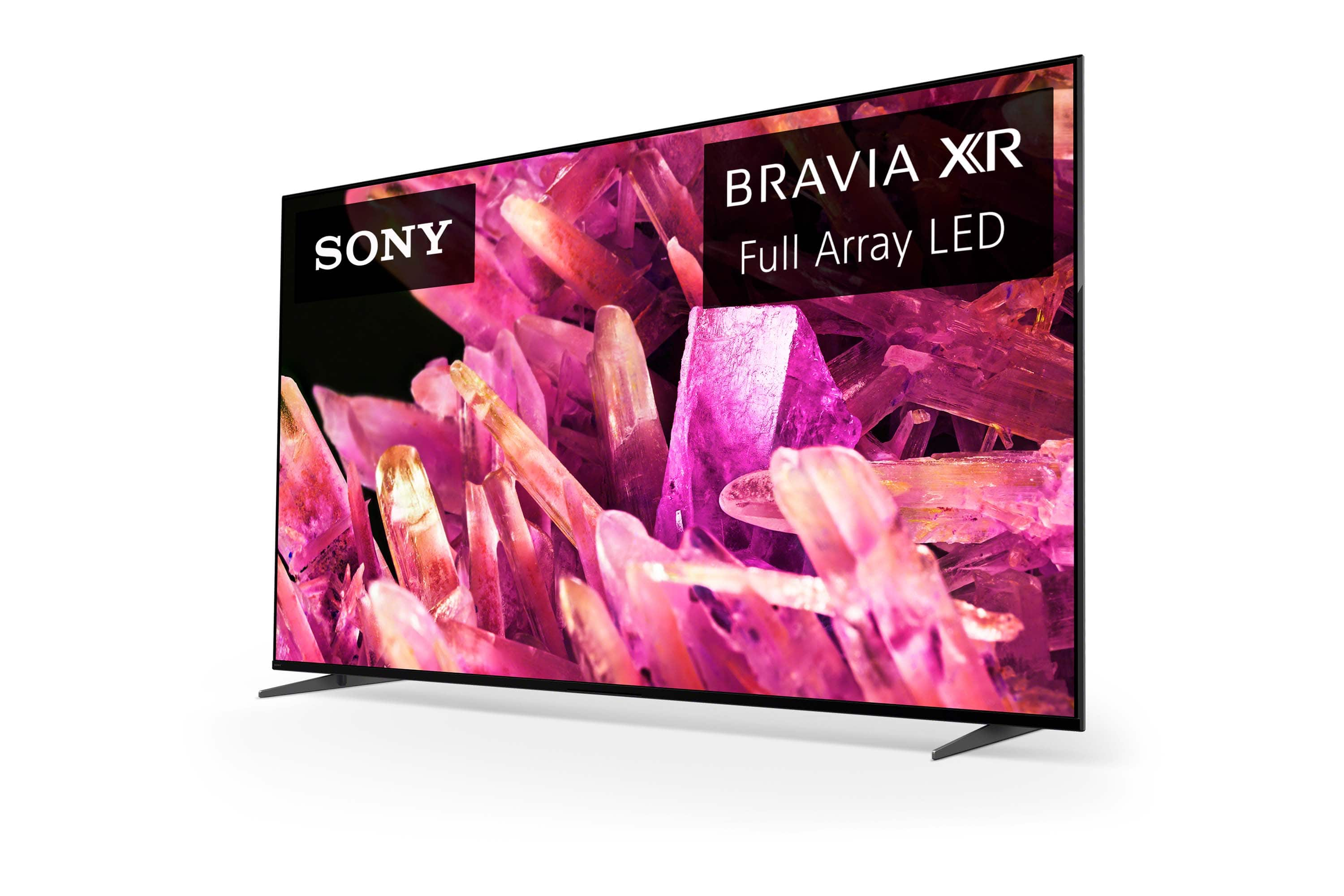
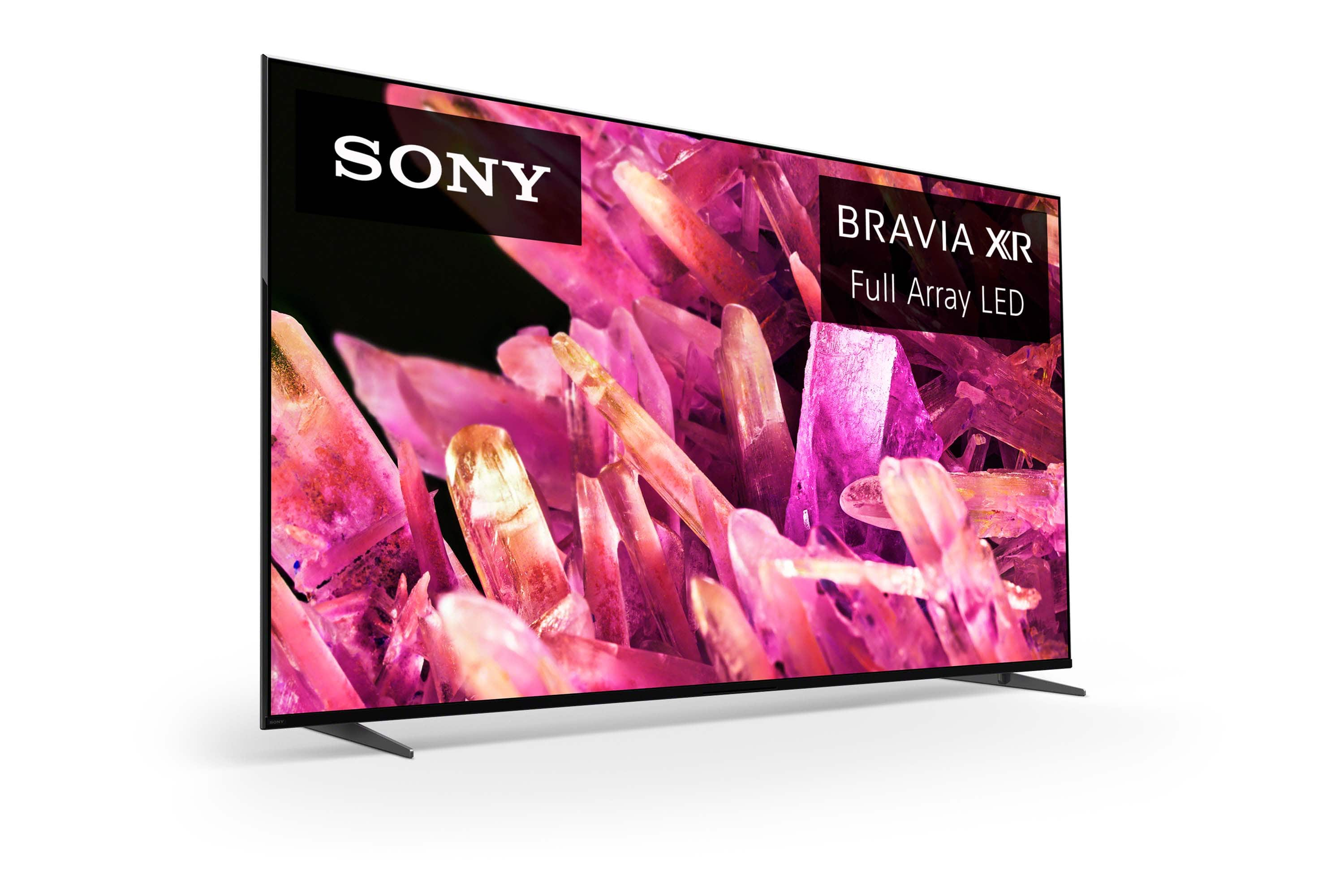
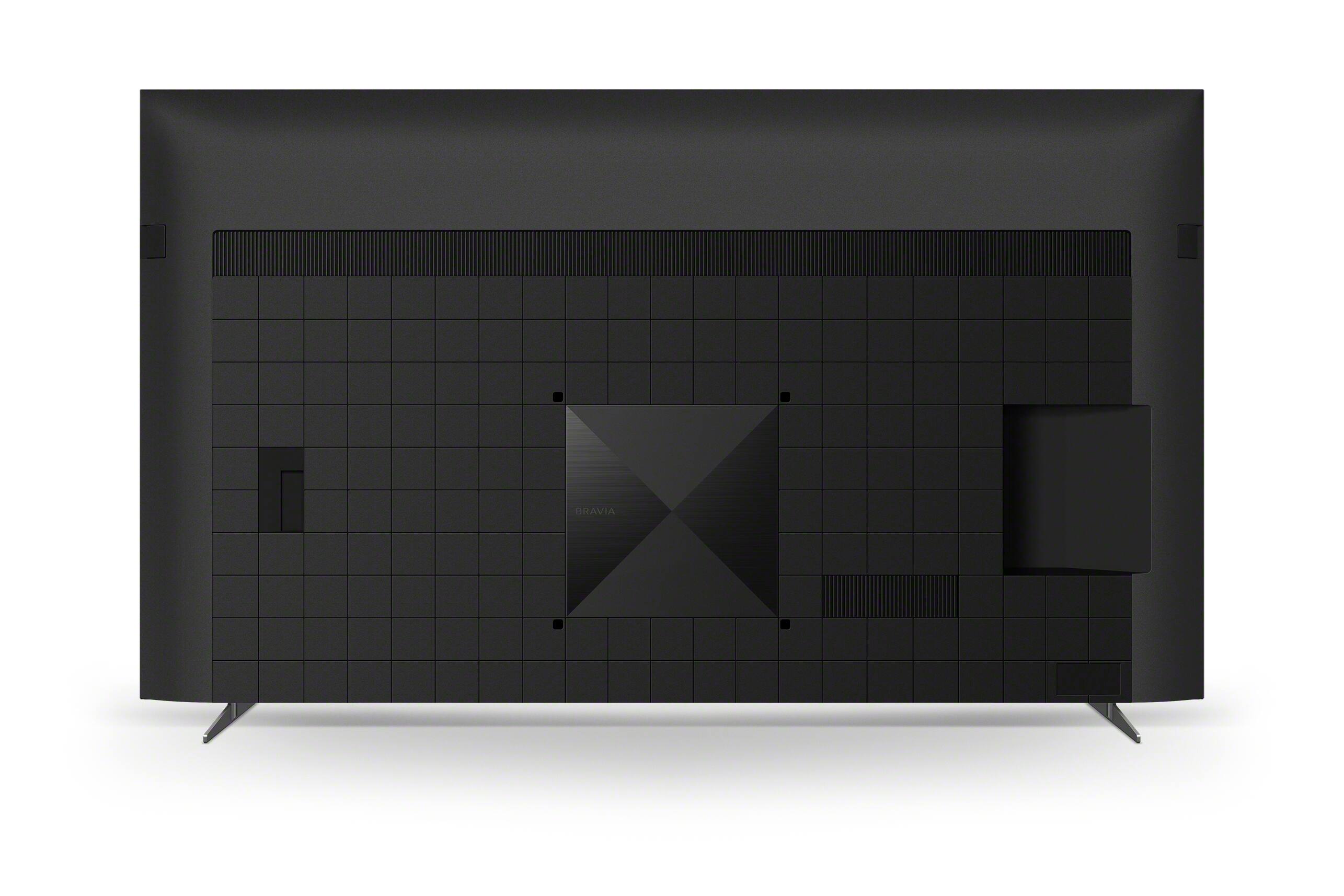
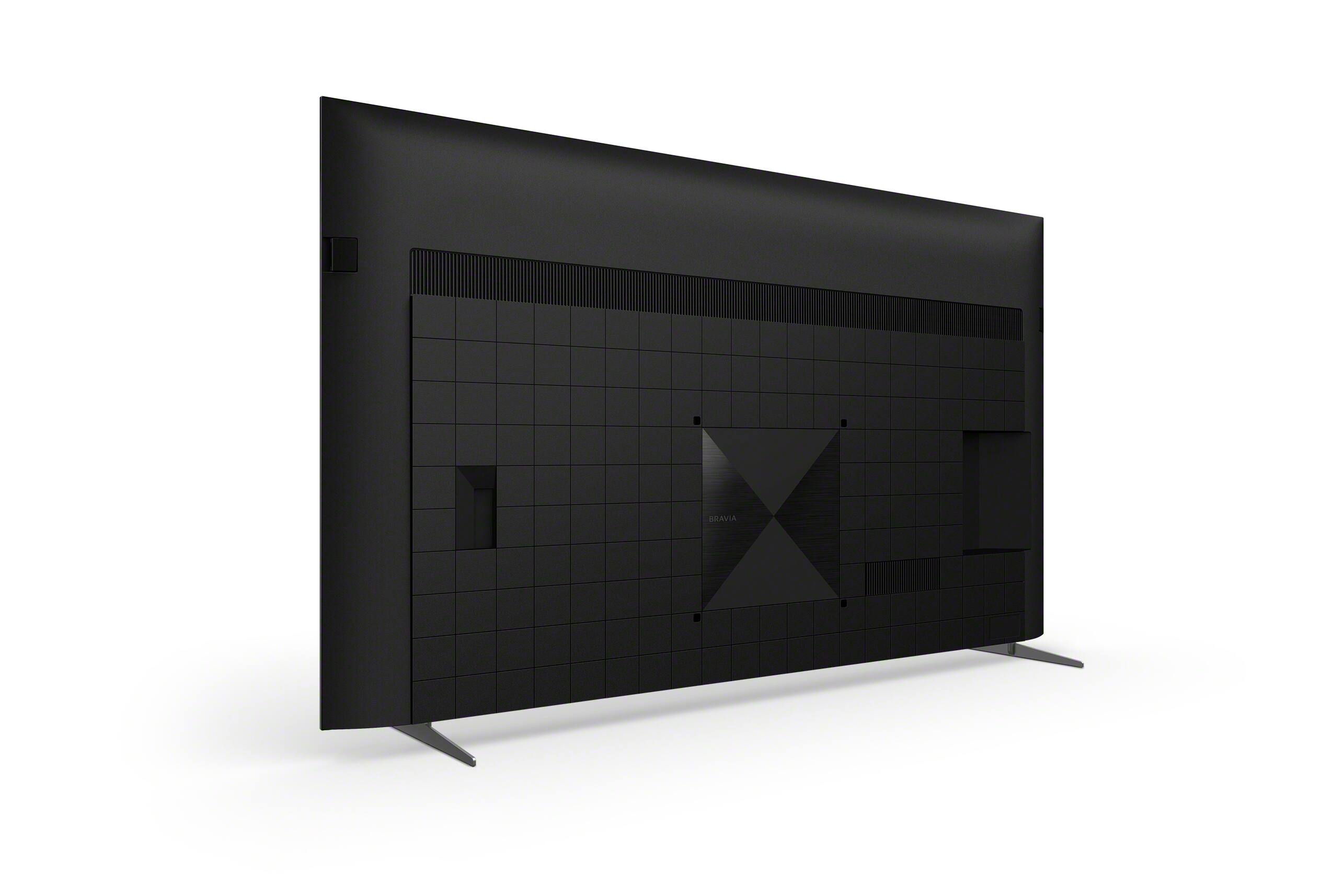










- Model:
- XR85X90K
- SKU:
- 6499748
Rating by feature
- Picture Quality
Rating 4.8 out of 5 stars
- Sound Quality
Rating 4.6 out of 5 stars
- Brightness
Rating 4.8 out of 5 stars
Customers are saying
Customers have good things to say about the picture quality, color accuracy, and ease of use of the 85" Class BRAVIA XR X90K LED 4K UHD Smart Google TV. Many also appreciate the TV's features and find it offers good value for the price. However, some customers have expressed concerns regarding the remote control's functionality and potential glare issues. A few users also reported problems with the sound quality and, in rare instances, the motherboard.
This summary was generated by AI based on customer reviews.
- Pros mentioned:Picture qualityCons mentioned:Remote control
An excellent TV with two caveats...
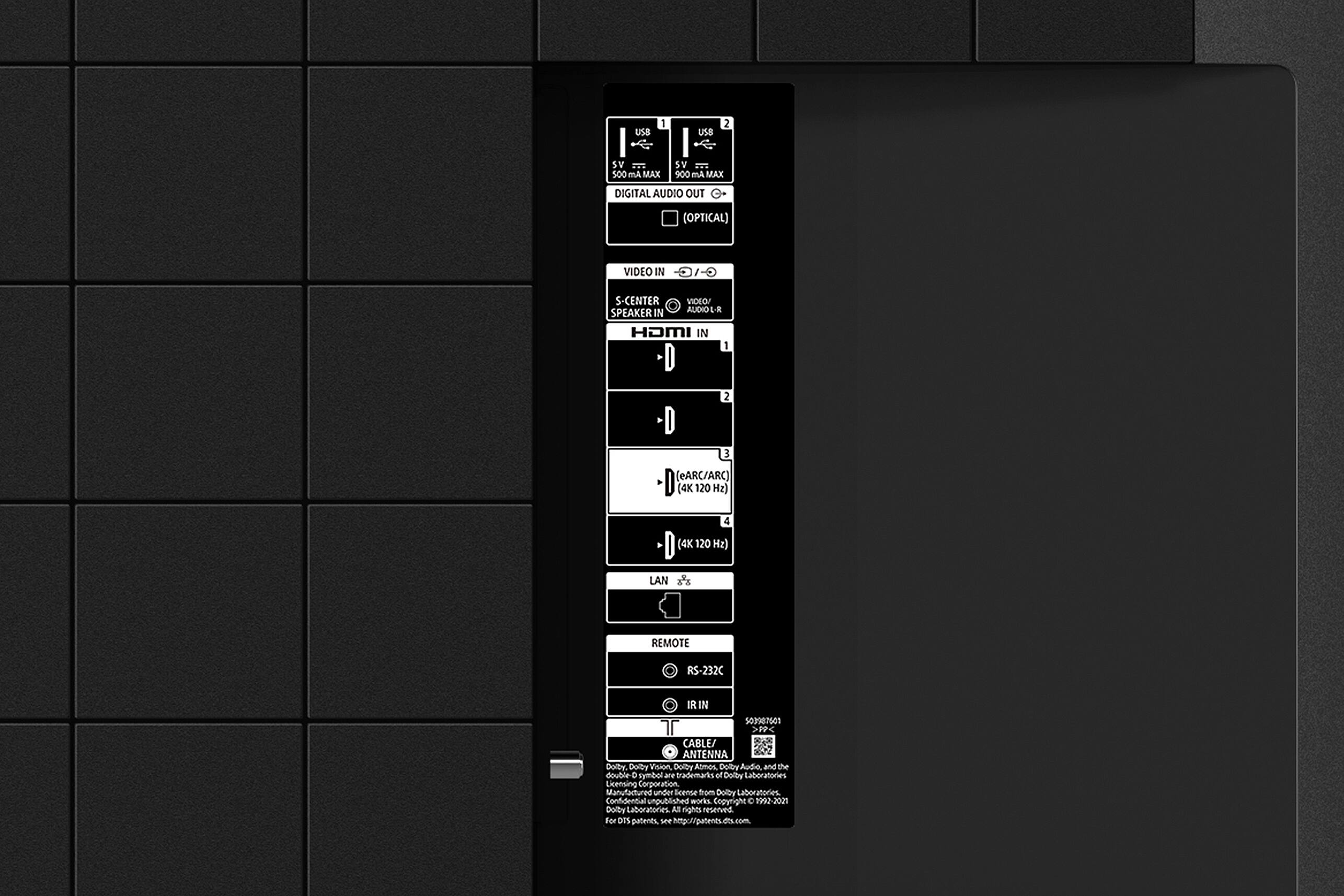
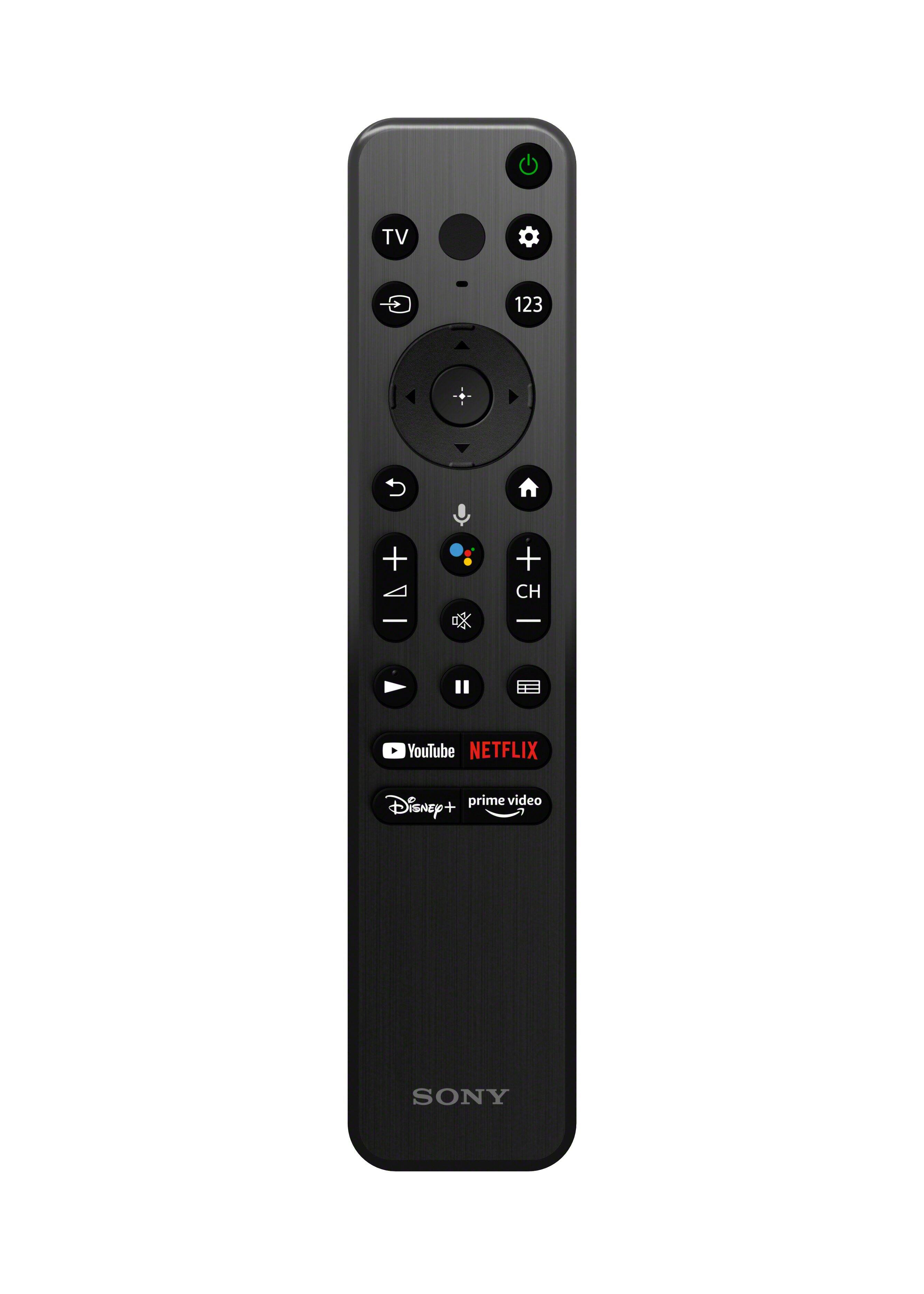
||Posted . Owned for 1 month when reviewed.This reviewer received promo considerations or sweepstakes entry for writing a review.I’ve had this TV for a couple of months now, which I think is long enough to provide a decent review. To describe my situation, I have it wall mounted (that was a huge undertaking), and connected to several peripheral devices. (Xfinity 4k Cable box, Blue-Ray, FireTV 4k stick, and a JBL Bar 9.1 soundbar.) The remote is missing essential buttons to make it useful as an ‘all-in-one’ remote. To begin with, there are no “Fast Forward” or “Reverse” buttons. Those are necessary to use most cable DVR boxes effectively, as well as the FireTV that’s built into the TV. So, you can log into your Amazon account and watch FireTV, but you will not be able to fast forward or reverse, so to me, the app and remote that came with the TV are completely useless. A HUGE fail for Sony in my mind. The next thing it’s missing is the Record button, so you can't use it to record DVR things on your cable box. I wouldn’t mention this, but the TV actually "pairs" itself to your cable box, so it seems like it should have all the necessary buttons. Nope. Additionally, the menu options for DVR and VOR, and all the other items on the paired Xfinity 4k Cable Box do NOT work, except the Guide button and channel buttons. There is no way to pull up the Xfinity main screen, to access recorded programs, so it’s pretty useless to me, and I’m forced to use my Xfinity/Comcast box remote. It’s the largest ISP in the US, so if it “pairs” properly with anything, you’d think it would be Xfinity’s boxes. FAIL again. The TV itself is crazy heavy, and although the mount I bought is for a 150lb television, it still seems feeble under the load of this enormous TV. And here’s something concerning… the back of the TV’s Vesa mount is 400x400. That’s really small for a TV this size, AND the screws are M6 instead of M8. Even Sony’s website says that for a TV this size the Vesa mount should be minimum 400x800 or 800x1200, and the bolts should be M8. I was (okay, I still am) seriously concerned about the feeble Vesa mount on this TV. The electronic setup process was painless, except that I don’t like that Google is involved, and of course they want to know everything about you. Your exact address, your phone number, your email address, and access to everything on your home network. That information was somehow sold or traded immediately, and before I even got finished setting up the TV, and I was getting Spam on my unused Google email account. I’ve had the account for more than 5 years, with zero spam until then. I miss the days when a TV was just a TV, and didn’t harvest and sell your life for a few cents. My JBL BAR 9.1 soundbar works flawlessly, and I did nothing to set it up except plug it into the HDMI 3 eARC slot. Likewise, every other peripheral device I plugged in was recognized and functions properly, and completely automatically. (FireTV, Sony Blue Ray player, and Comcast/Xfinity box (except the button problem above)). I thought I’d like all the available apps, but as I said above, the lack of necessary buttons on the Sony remote control that comes with this renders it all but useless. Because of that, I don't use any of them... I just use my FireTV stick. I also really dislike that Disney, Netflix, and others have their own buttons. Completely unnecessary, and Sony should have used that space for useful buttons, as listed above. The good news is that the picture, is AWESOME. This TV is REALLY bright and crisp, and can be used in the brightest rooms. There is an easy-to-access 3-position control for brightness, so you don’t have to fumble with actual numbers. Dimming is automatic (if you so choose), but additionally there are 3 settings for overall brightness, and we love that. Sometimes at night you want to reduce the brightness, and those 3 settings are perfect for that. There is one anomaly that we noticed, and it’ll probably cause you a bit of a scare. My wife and I have been in bed in another room, and we regularly (like every night) hear the TV turn itself on for a second or two, then off again. It will do that once or twice a night, and we haven’t figured out why. Other than the sadly unusable remote, and that one anomaly, we love the TV. Hope this helps.
I would recommend this to a friendBrand response from SonyListens
Posted .Hi SFLMarshal,
Thank you for the review and we really appreciate the time you took to share so many details about your experience and the television. We're glad to hear that you like the picture quality and customizable brightness options of the TV. With the BRAVIA XR X90K Full Array LED TV everything you watch becomes more detailed and immersive with true-to-life 4K picture, powered by the Cognitive Processor XR™. With immersive picture and sound, and sleek flush bezel design, be prepared to level up your favorite movies, TV shows, and games. Thank you for choosing Sony!
-David
- Pros mentioned:Picture qualityCons mentioned:Remote control
Great value, but a little slow
||Posted . Owned for 11 months when reviewed.This reviewer received promo considerations or sweepstakes entry for writing a review.The picture is great, especially for the price. The only thing lacking is speed - it struggles a tiny bit running Google TV, and remote isn't really Bluetooth, so it needs line of sight to TV and has a bit of latency. Other than that the size and quality of screen is perfect for a home theater.
I would recommend this to a friend - Cons mentioned:Remote control
And excellent TV.
||Posted . Owned for 1 month when reviewed.This reviewer received promo considerations or sweepstakes entry for writing a review.This is an excellent product. The screen details and colors are striking to view. The User Interface is easy to use (this was my first Android TV). My only area of disappointment is that the remote doesn't have back light buttons. I see Sony makes such a device but it doesn't appear to support this particular model. I recommend this product.
I would recommend this to a friendBrand response from SonyListens
Posted .Hi neilk,
Fantastic! You've made a great choice! We are truly delighted to know your satisfaction with the incredible picture quality, user-friendly Google TV interface, and superb performance of the XR85X90K. We truly appreciate your feedback with the supplied remote control. With the BRAVIA XR X90K Full Array LED TV everything you watch becomes more detailed and immersive with true-to-life 4K picture, powered by the Cognitive Processor XR™. With immersive picture and sound, and sleek flush bezel design, be prepared to level up your favorite movies, TV shows, and games.
Thank you very much for recommending our X90K and for choosing Sony!
- Romeo
- Pros mentioned:Tv qualityCons mentioned:Remote control
Great picture
||Posted . Owned for 1 month when reviewed.This reviewer received promo considerations or sweepstakes entry for writing a review.Good quality television the remote is still a little complicated
I would recommend this to a friendBrand response from SonyListens
Posted .Hi MichaelH,
Thanks for commenting! We are thrilled to know that you satisfied with the exceptional quality of the XR85X90K. We greatly appreciate your input with the supplied remote control. You may find the following link helpful:
Remote control buttons - https://helpguide.sony.net/tv/jusltn1/v1/en-003/01-07-04_01.html
With the BRAVIA XR X90K Full Array LED TV everything you watch becomes more detailed and immersive with true-to-life 4K picture, powered by the Cognitive Processor XR™. With immersive picture and sound, and sleek flush bezel design, be prepared to level up your favorite movies, TV shows, and games.
Thank you very much for purchasing our X90K and for choosing Sony!
- Romeo
- Pros mentioned:Picture qualityCons mentioned:Remote control
Review Sony - 85" Class BRAVIA XR X90K 4K HDR Full
||Posted . Owned for 1 month when reviewed.This reviewer received promo considerations or sweepstakes entry for writing a review.Looks great in 4K. Looks like any other LED or even LCD display picture in High Definition. The blacks are washed out and the image is not very crisp and blurry at times. The remote does not have a number keypad. It has a button to select on the remote to access the numbers in the menu. It's just a pain. Of course, most TVs are going in that direction. The speakers sound very nice for a TV. The price should be around $1400 even though it's on sale for $1999 for December 2022. You need two people to help wall mount it.
I would recommend this to a friendBrand response from SonyListens
Posted .Hi GaryW,
While we are glad that you like the TV speakers' sound and the picture quality of our XR-85X90K when playing 4K videos, we are really sorry if you are encountering some issues. This is definitely not the news that we would like to hear. We greatly appreciate your feedback with the price and number keypad on the remote.
Please allow us to help you and turn this into a better experience.
For picture quality, this usually depends on the signal and content. While we are not sure what brand/model of audio video device or streaming application you are having blurry image, you may try adjusting the Motion settings of the TV and see if it improves your viewing experience:
Press the (Quick Settings) button on the remote control, and select [Settings] — [Display & Sound] — [Picture] — [Motion]
You may also try configuring various settings related to the TV display according to your preferences:
https://helpguide.sony.net/tv/jusltn1/v1/en-003/01-03-09_01.html
And for additional troubleshooting, please refer to the following article:
https://www.sony.com/electronics/support/televisions-projectors-lcd-tvs-android-/xr-85x90k/articles/00032635
Lastly, as a general recommendation, to ensure you are getting the most out of our XR-85X90K, we highly recommend updating its firmware to the latest version. The software includes key features, applications, bug fixes, and feature improvements. It also provides fixes to any performance issues you are encountering. For more details, please visit the link below:
https://www.sony.com/electronics/support/televisions-projectors-lcd-tvs-android-/xr-85x90k/downloads
I hope this helps.
With the BRAVIA XR X90K Full Array LED TV everything you watch becomes more detailed and immersive with true-to-life 4K picture, powered by the Cognitive Processor XR™. With immersive picture and sound, and sleek flush bezel design, be prepared to level up your favorite movies, TV shows, and games.
Should you need more assistance, please feel free to contact us and we'll be more than happy to assist you. You may send us an email at socialsupport@am.sony.com with the following:
Name:
BestBuy Username:
Model Number:
Issue:
Telephone Number:
I hope this helps, and thanks for choosing Sony!
Best regards,
Romeo
- Pros mentioned:Picture qualityCons mentioned:Remote control
Amazing picture and sound, freezes sometimes.
||Posted . Owned for 2 weeks when reviewed.This reviewer received promo considerations or sweepstakes entry for writing a review.The picture is amazing - particularly with the PS5. The Google interface is pretty nice. My only complaint is that sometimes the screen hangs - usually when trying to start an app or switching between apps. The remote doesn't do anything. Holding down the physical power button on the screen doesn't do anything. You have to unplug it and wait a few seconds to get it to reset. Maybe I just got a bad unit but after paying for professional install and all of that it just isn't worth it to try to return it. We'll live with it unless it gets worse.
I would recommend this to a friendBrand response from SonyListens
Posted .Hi Oatman77,
While we are delighted to know your satisfaction with the exceptional picture quality, great TV speakers' sound, and outstanding Google TV interface of our X90K, we are really sorry if you are encountering a picture freezing issue. This is definitely not the news that we would like to hear. Please allow us to help you and turn this into a better experience. If you haven't yet, let's try to isolate and fix your freezes issue by performing some troubleshooting using this article:
The TV freezes or displays a blank screen when streaming video on Android TV or Google TV - https://www.sony.com/electronics/support/televisions-projectors-lcd-tvs-android-/xr-85x90k/articles/00141896
And as a general recommendation, to ensure you are getting the most out of your X90K, we highly recommend updating its firmware to the latest version. The software includes key features, applications, bug fixes, and feature improvements. It also provides fixes to any performance issues you are encountering. For more information, please visit the link below:
https://www.sony.com/electronics/support/televisions-projectors-lcd-tvs-android-/xr-85x90k/downloads
We want to make sure you’re taken care of and help check on your TV.
May we contact you directly to assist you? If so, please email the below information to socialsupport@am.sony.com.
Apologies if you disclosed some of this information in your review and to customer service, we just want to ensure that we have your accurate details at the time of communication.
Full Name:
Best Buy Username:
Telephone Number:
Sony TV Model Number:
Additional Information regarding your experience with the TV:
We value you being a Sony customer. Sorry for the inconvenience and hope to speak directly to try to resolve this matter.
Thank you for letting us help assist you.
Sincerely,
Romeo
Sony Social Support
- Cons mentioned:Remote control
Do not buy this TV!!!!!!!!!!!
||Posted . Owned for 1 year when reviewed.This reviewer received promo considerations or sweepstakes entry for writing a review.I have had the Sony Bravia for year, and can say with 100% confidents this is a piece of junk that I am stuck with absolute garbage TV, If I could select negative stars I would. 1. It randomly turns off while in use. 2. its slow to do anything with remote. 3. Smart google TV is worst on this device than any other device I have ever owned. 4. The media app won't play anything correctly so you can't even use it as a just a display. The only thing this TV does well is play the Google Ads, and the Screen saver. Even if you turn on App mode, the TV still runs poorly to the point I would rather watch TV on my phone. Sony use to have a good reputation, I should have bought any other brand.
No, I would not recommend this to a friend - Cons mentioned:Remote control
Poor control
||Posted . Owned for 1 month when reviewed.This reviewer received promo considerations or sweepstakes entry for writing a review.Tv and remote control due not work when tv is turned on
No, I would not recommend this to a friendBrand response from SonyListens
Posted .Hi DavidK,
We are really sorry if you are experiencing an issue with the remote control of your XR-85X90K. This is definitely not the news that we would like to hear. Please allow us to help you and turn this into a better experience. Some of these problems may happen due to various reasons. To isolate and hopefully fix the issue, please perform our suggested troubleshooting steps on this article:
The TV remote control is not operating properly or doesn't work at all - https://www.sony.com/electronics/support/televisions-projectors-lcd-tvs-android-/xr-85x90k/articles/00030297?model=XR-85X90K&category=televisions-projectors-lcd-tvs-android-
Note:
Before continuing to the various troubleshooting steps on the link above, we recommend that you remove the batteries from the remote control, then press and hold the Power button for three seconds. Wait at least a minute, then reinsert the batteries according to the polarity (+ and -). If the issue continues, continue with the troubleshooting suggestions provided.
We want to make sure you’re taken care of and help check on your TV.
May we contact you directly to assist you? If so, please email the below information to socialsupport@am.sony.com.
Apologies if you disclosed some of this information in your review and to customer service, we just want to ensure that we have your accurate details at the time of communication.
Full Name:
BestBuy Username:
Telephone Number:
Sony TV Model Number:
Additional Information regarding your experience with the TV:
We value you being a Sony customer. Sorry for the inconvenience and hope to speak directly to try to resolve this matter.
Thank you for letting us help assist you.
Sincerely,
Romeo
Sony Social Support