Customer Ratings & Reviews





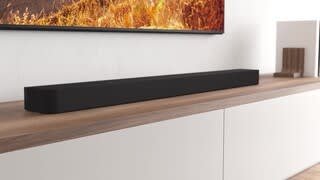
- Model:
- HTA8000
- SKU:
- 10316955
Rating by feature
- Value
Rating 4.2 out of 5 stars
- Quality
Rating 4.5 out of 5 stars
- Ease of Use
Rating 4.4 out of 5 stars
- Pros mentioned:Sound quality

Love, Love, Love this Sound Bar!
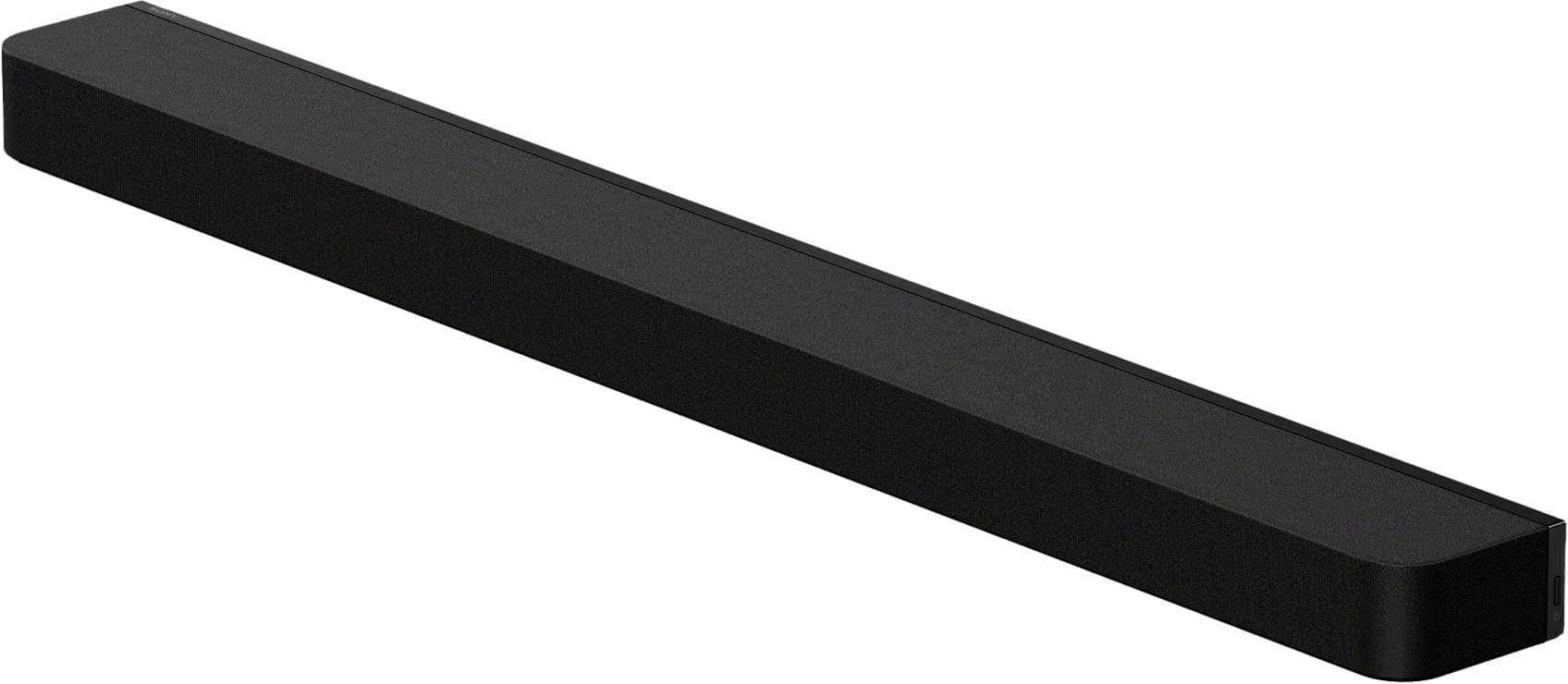
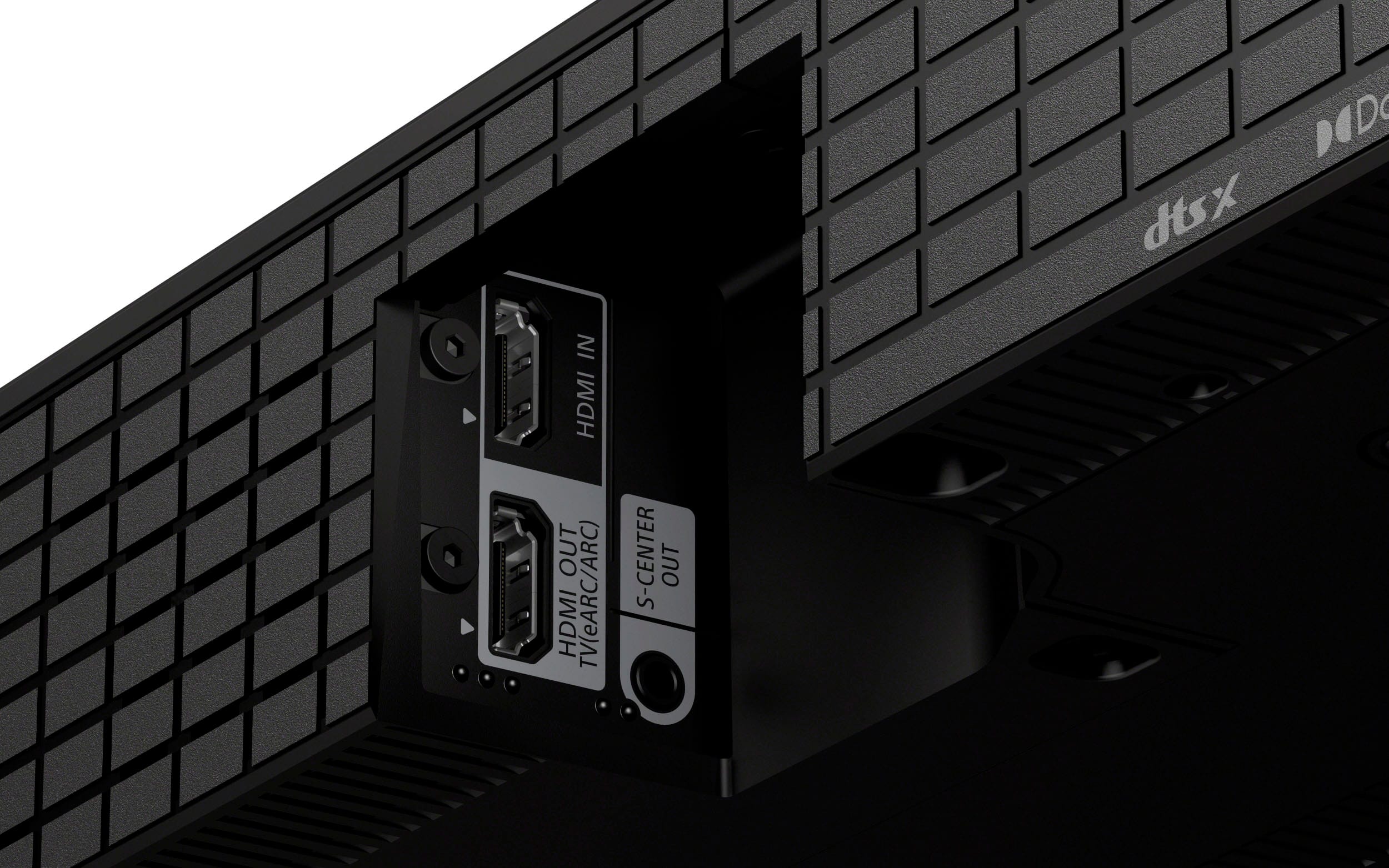
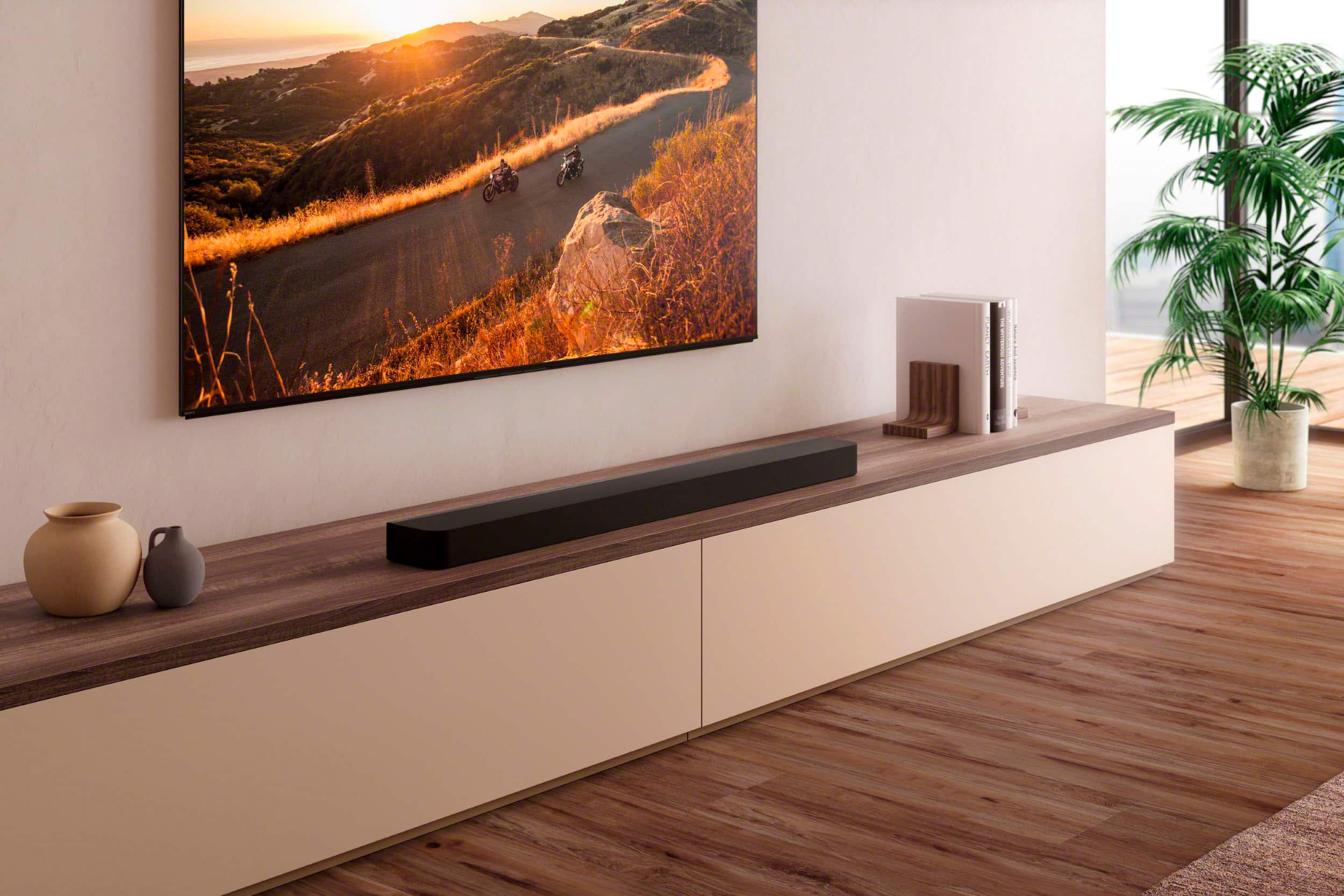
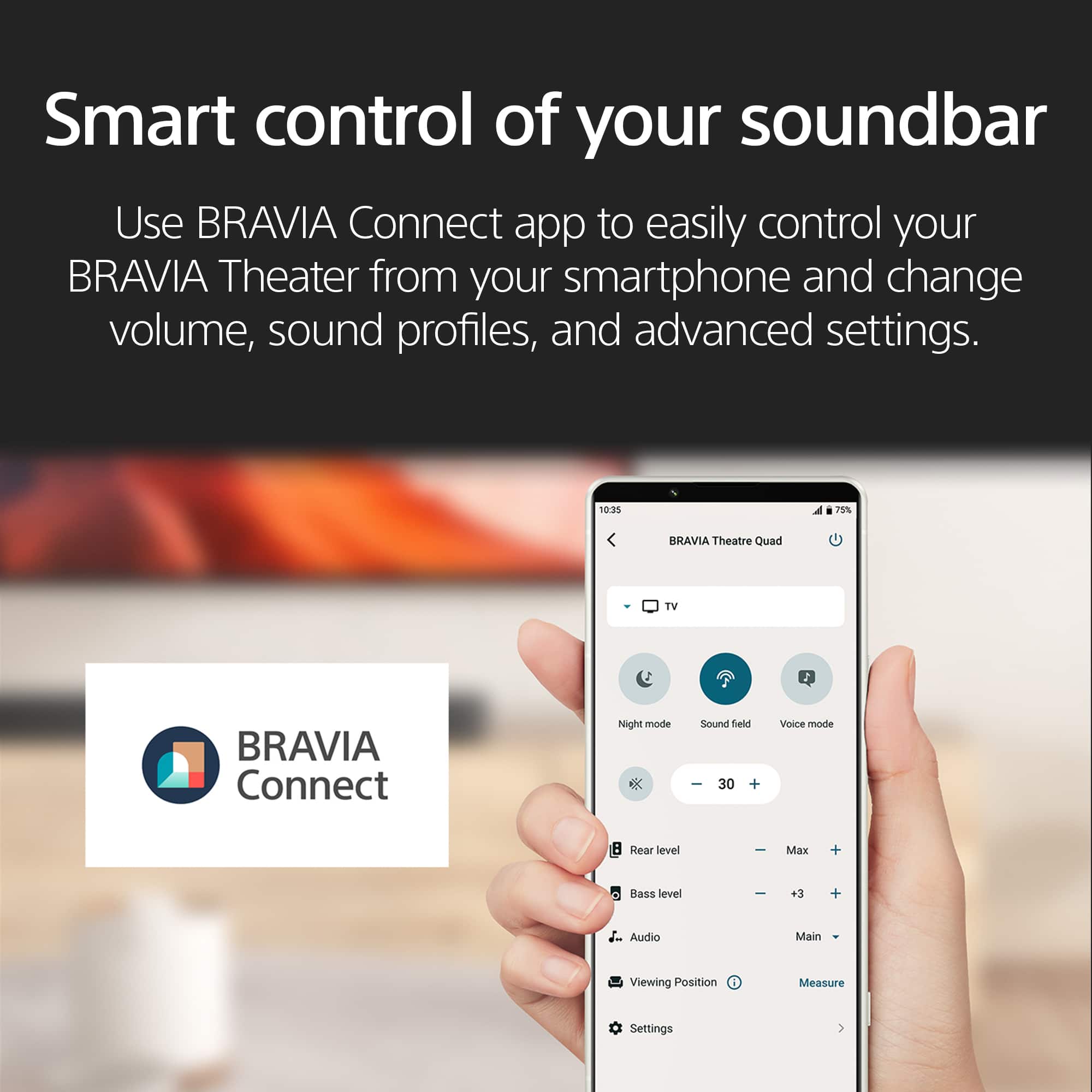
|Posted .This reviewer received promo considerations or sweepstakes entry for writing a review.Overall: Wow! The sound is amazing. I can actually hear what the actors are saying. And the volume is at normal range. Setup: Easy. I rarely read directions and when I opened the box there was a power cable and a HDMI cable. How hard can it be? It turns out, you do need to the read the directions. It’s the large paper the same color as the packaging, right on top when you open the box. The directions are pictures only. It clearly shows to plug the HDMI cable into the TV HDMI ARC connection, not the HDMI connection. App: Sony Bravia Connect. Installs without issues. Will run through a sound check and set the soundbar up appropriately for your room and where you normally sit in the room. The settings option will allow customization. Size: The soundbar is 52” long and 4.5” wide. Additional: The soundbar is a bit longer than the table my TV sits on. I put the soundbar behind the TV so it would be a better aesthetic. The sound is still incredibly clear. There’s an English TV show I watch and I can clearly hear every word they say. I didn’t have this experience with the previous sound bar I had connected to the TV.
I would recommend this to a friendBrand response from SonyListens
Posted .Wonderful, Debbi! We're glad that you are amazed by the sound quality of the soundbar. We're also happy to hear that you are able to use the app easily. Enjoy and thanks for choosing Sony. -Craig

- Pros mentioned:Sound quality
No regrets!
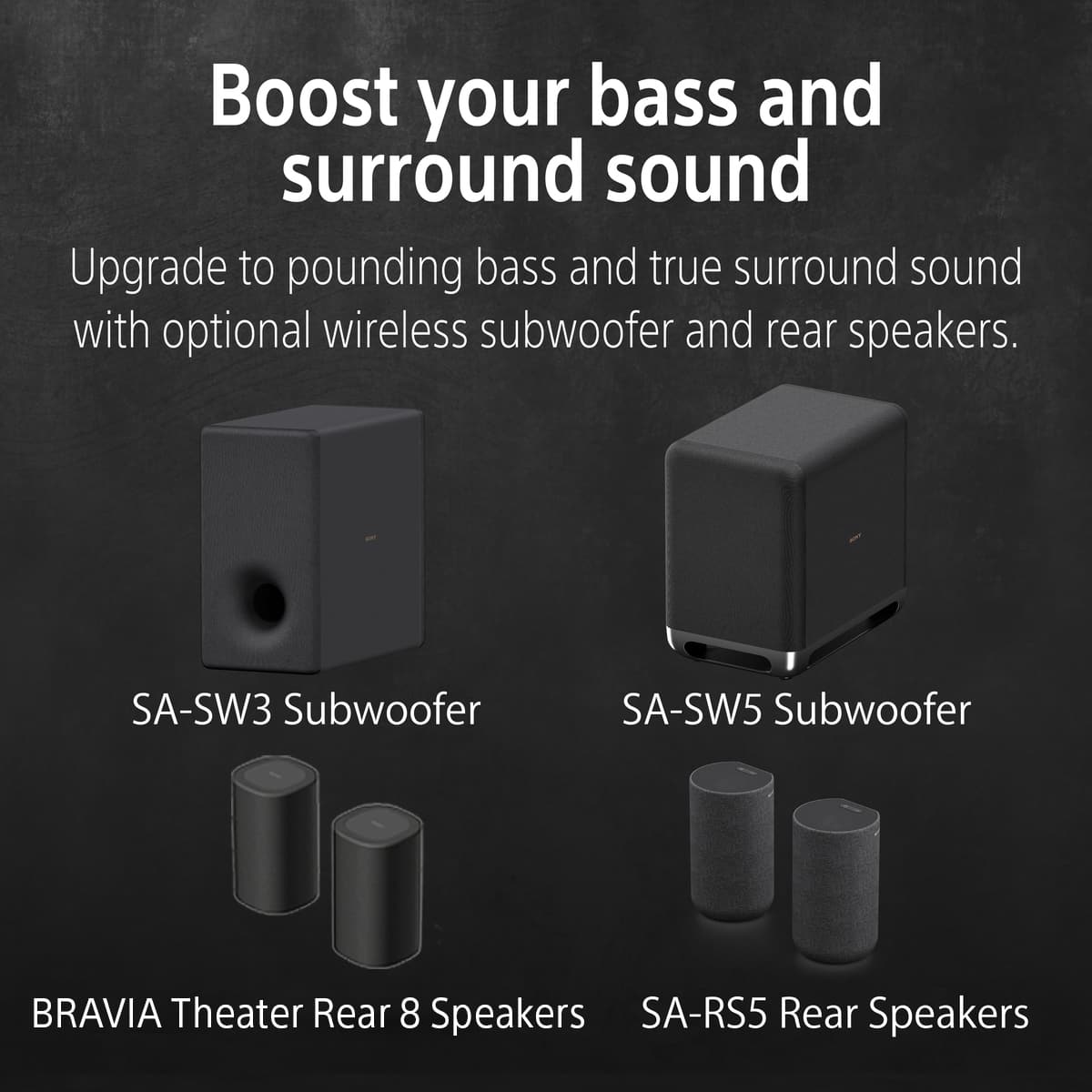
Posted .This reviewer received promo considerations or sweepstakes entry for writing a review.Absolutely wonderful, paired with S5 rear speakers and subwoofer. Stayed up until 2:00am listening to our favorite music. No regrets!
I would recommend this to a friendBrand response from SonyListens
Posted .Thank you for the fantastic review, Joey!
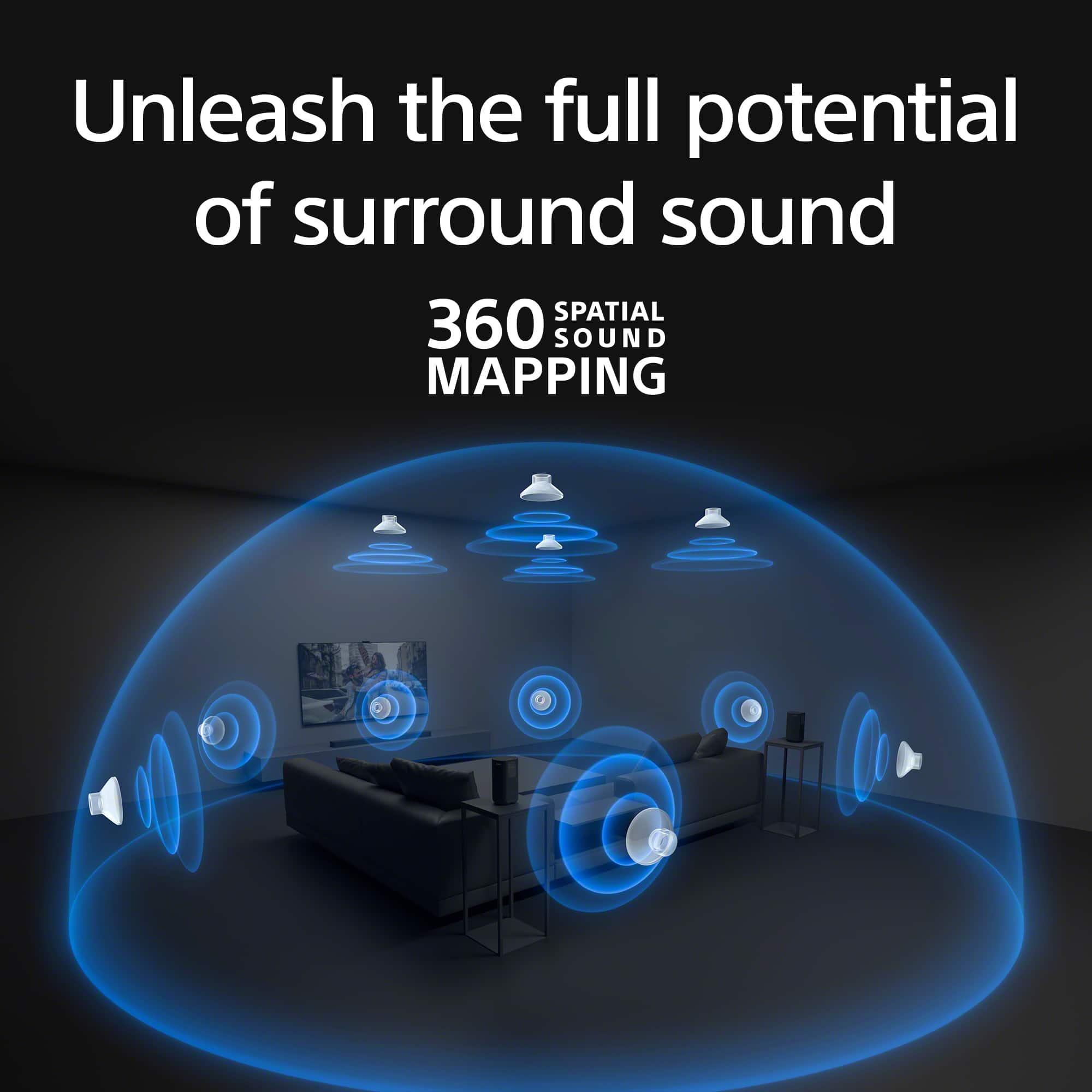
We’re thrilled to hear you’re loving the BRAVIA Theatre Bar 9! There’s no better compliment than a listening session that lasts until 2:00 AM. Pairing it with the SA-RS5 rear speakers and a subwoofer truly unlocks the full potential of 360 Spatial Sound Mapping, making your favorite music feel like a live performance.
Thank you for choosing Sony!
Best regards,
Gus,
Sony Social Media Tea
- Pros mentioned:Sound quality
Sound bar sounds great. Easy to connect to Sony TV
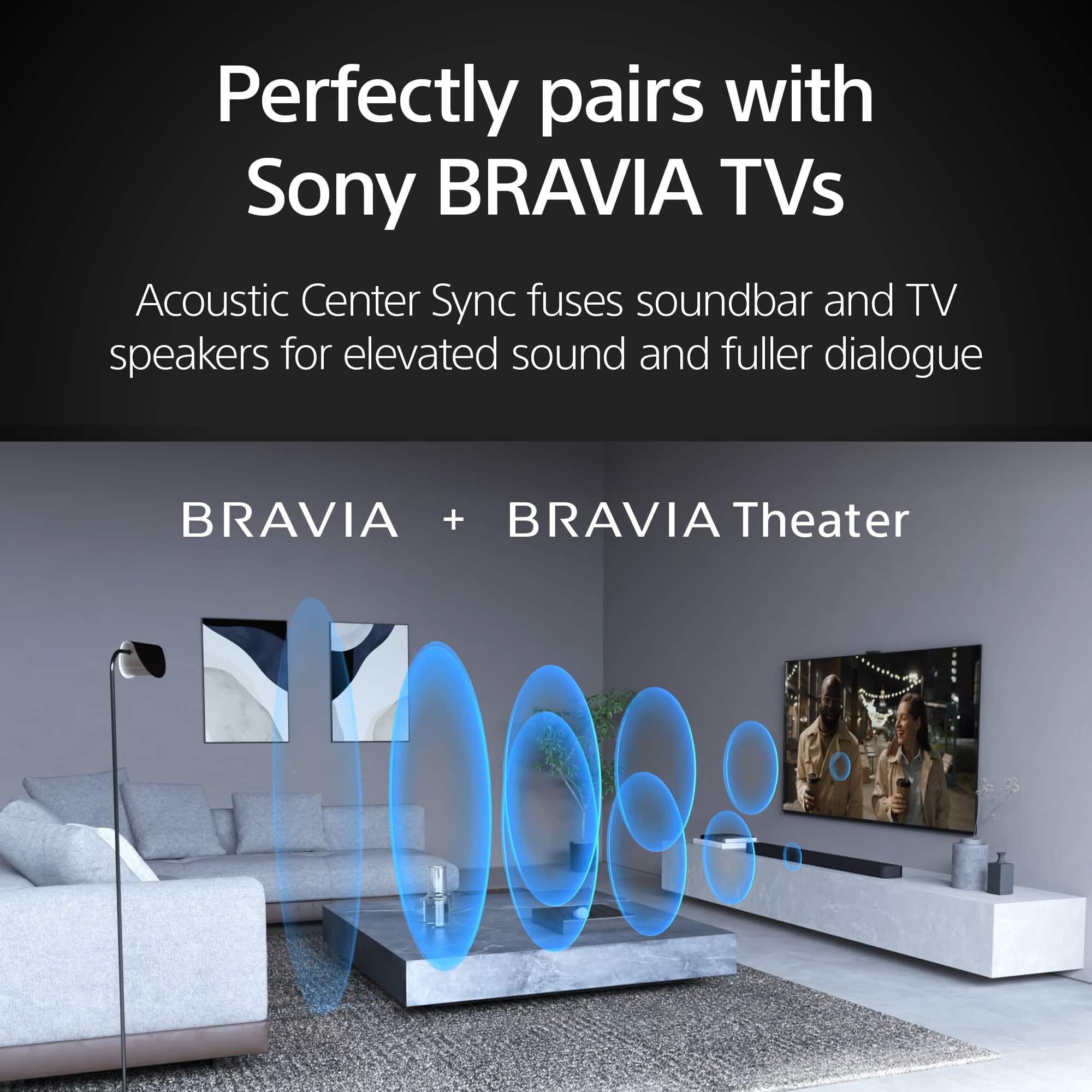
Posted .This reviewer received promo considerations or sweepstakes entry for writing a review.The soundbar sounds great paired with my Sony subwoofer and rear speakers. I had to use the Bravia app to improve the sound, and once that was done, I’ve been happy ever since. Easy to connect with a Sony TV
I would recommend this to a friendBrand response from SonyListens
Posted .Hi Thorough, Awesome! We are so glad to hear that you are happy with your new Theater Bar 8! Thank you so much for choosing Sony! -Carl
- Pros mentioned:Sound quality
Good sound
Posted .This reviewer received promo considerations or sweepstakes entry for writing a review.Good sound for shows, movies, games, and music. I didn't think a sound bar would be loud enough but I was wrong.
I would recommend this to a friendBrand response from SonyListens
Posted .Hi JoshuaJ,
We’re glad to hear that the BRAVIA Theater Bar 8 is delivering the power and clarity you need for all your favorite movies, games, and music.
Thanks for choosing Sony.
Best regards,
Eliab
- Pros mentioned:Sound quality
Best Sound bar for the price
Posted .This reviewer received promo considerations or sweepstakes entry for writing a review.This is the best soundbar that I have every owned. Very easy to install. I would highly recommend this pr
I would recommend this to a friendBrand response from SonyListens
Posted .Hi Memory!
We are thrilled to hear that this is the best soundbar you’ve ever owned! It’s awesome to know that you found the setup process for your HT-A8000 to be so quick and easy. We truly appreciate the recommendation.
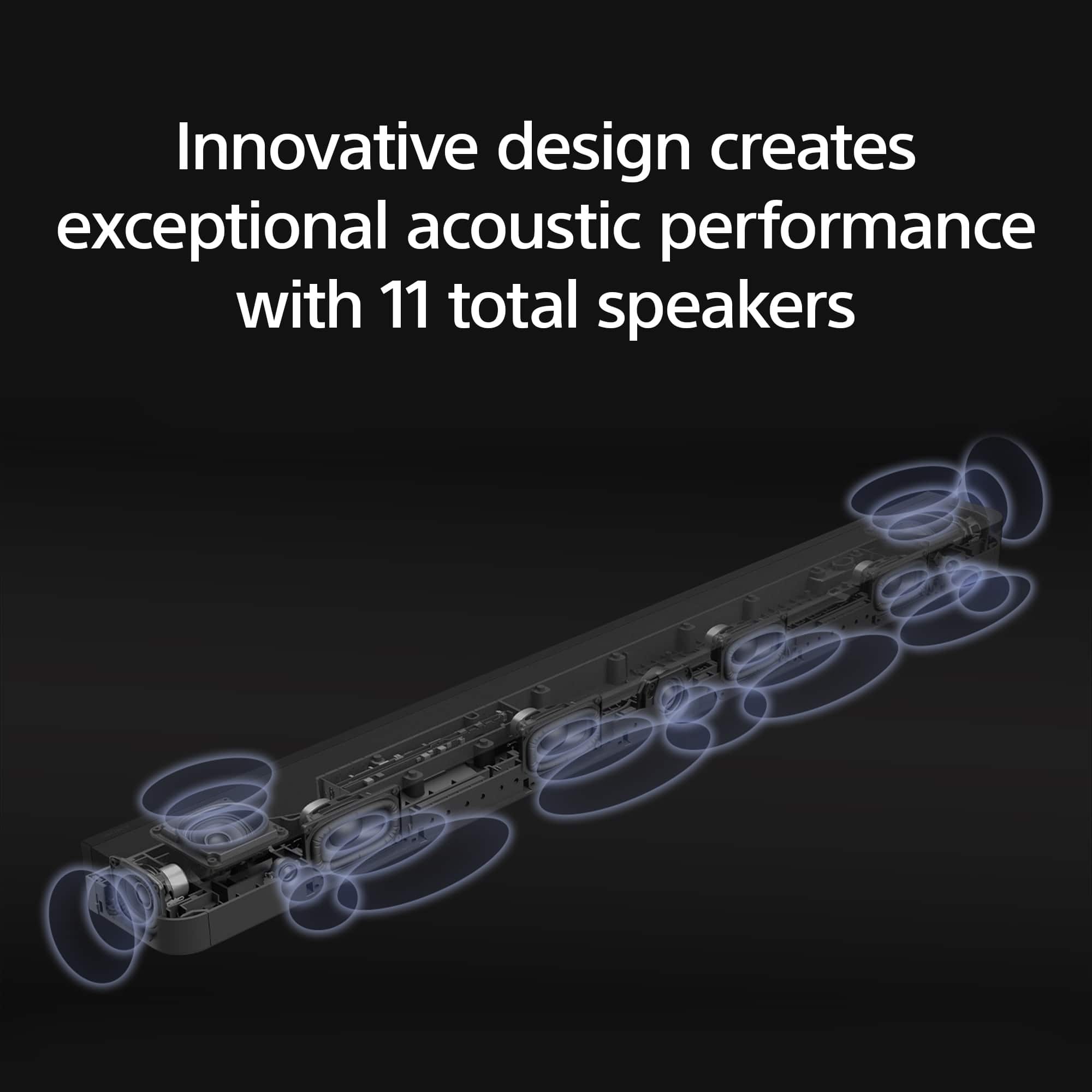
The HT-A8000 is built to bring the cinema experience right into your living room. It features 11 speaker units that work together to create massive surround sound, along with 360 Spatial Sound Mapping technology that makes you feel like you're right in the middle of the action.
Thanks for choosing Sony!
Best regards,
Estefany
- Pros mentioned:Sound quality
Salesman misinformed me horribly.
Posted .This reviewer received promo considerations or sweepstakes entry for writing a review.For the price and it being a stand alone system that can not be connected to home Theater A/V Unit like My Denon 7.1.2 system and can only add 4 more surround speakers due to it being stand alone. I was very disapointed and was misinformed by the sales man who told me i couls connect it to my A/V unit, & said i could add up to 7 more RS5 to get a total of 7 more speakers was disappointing. I will be returning this in the next few days. As by itself with the SW5 sub, it is ok. But for me to have perfect surround sound in my huge master suite i need to be able to add up to 7 more speakers & now i know i can only add 4 more. So hugely disappointed. Been trying to find out if i buy the Bravia 9 Bar, if i could add 7 more speakers or at minimum 5 pairs of the RS5 speakers. Hopefully i can find the answers somewhere, but not even Sony themselves can provide that answer. I had bought the Sony XR95L TV, and added the bar and sub due to connectivity issues, but if i can't connect the Bar to my Denon A/V unit it means both 4K HDMI ports on my TV are used. The only downfall to the XR95L is only 2 out of 4 HDMI are 4K and only 1 is EARC. So if you plan to buy the best OLED TV as I did, this is something you must consider when buying the Sony Bar, sub, and rear speakers.
No, I would not recommend this to a friend - Pros mentioned:Sound quality
Sony Bravia Theater Bar review
Posted .This reviewer received promo considerations or sweepstakes entry for writing a review.Looking forward to sound quality that allows for that home theatre experience.
I would recommend this to a friendBrand response from SonyListens
Posted .Hi AnnK,
Thank you so much for the 5-star review! We are thrilled that you’re looking forward to that full home theater experience with the BRAVIA Theater Bar 8. This model is specifically engineered to bring cinema-grade immersion into your living room using 360 Spatial Sound Mapping, which creates 'phantom speakers' all around you for a soundstage that feels much wider than the bar itself.
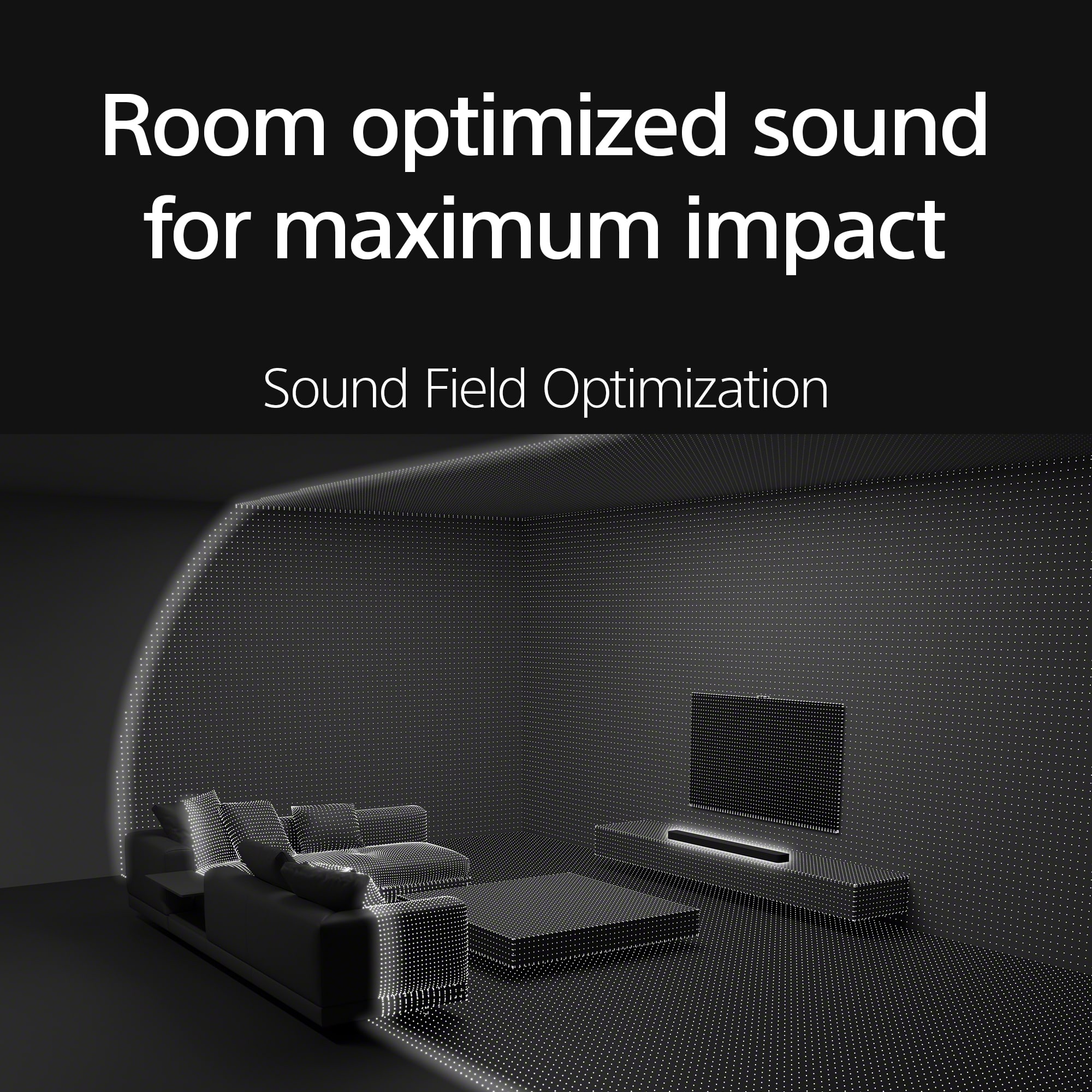
To get the most out of your setup, we highly recommend using the Sound Field Optimization feature within the BRAVIA Connect app. It automatically measures your room's unique acoustics and tunes the 11 speaker units to your environment. With native support for Dolby Atmos® and DTS:X®, you’re all set to enjoy truly multidimensional sound that brings your favorite movies to life.
Thank you for choosing Sony!
Regards,
Dominick
- Pros mentioned:Sound quality
Bravia TheaterBar 8
Posted .This reviewer received promo considerations or sweepstakes entry for writing a review.Excellent sound Easy to use I had Geek Squad do the set up. You need the Sony App on your phone to keep subwoofer connected.
I would recommend this to a friendBrand response from SonyListens
Posted .Hi RobertO, we're glad you like the ease of use and sound quality of our product! Thanks for choosing Sony. ~Earl
- Pros mentioned:Sound quality
Excellent soundbar
Posted .This reviewer received promo considerations or sweepstakes entry for writing a review.Great sound. A major upgrade from my previous soundbar. The only knock I have on it is the bass. Adding a sub is a must
I would recommend this to a friendBrand response from SonyListens
Posted .Hi nino313, Thanks for the 5-star rating! Enjoy and thanks for choosing Sony. -Carl
- Pros mentioned:Sound quality
You can feel the sound!
Posted .This reviewer received promo considerations or sweepstakes entry for writing a review.Wow - I love this sound bar! It's so good I am adding the rears speakers to my system!
I would recommend this to a friendBrand response from SonyListens
Posted .Hello TomL!
Thank you for your enthusiastic feedback! It is fantastic to know that you’re loving the HT-A8000 soundbar.
Adding the rear speakers will take your audio experience to the next level with immersive surround sound that truly fills the room.
Thank you for becoming a Sony customer!
Warm regards,
Estefany
- Pros mentioned:Sound quality
Owner
Posted .This reviewer received promo considerations or sweepstakes entry for writing a review.Very good sound is so clean we love it my son he using too much
I would recommend this to a friendBrand response from SonyListens
Posted .Hello BhaminiP,
Thank you for choosing Sony!
We're excited to hear that you and your son are enjoying the clear, high-quality sound of the HTA8000. It’s wonderful to know our product is enhancing your listening experience and bringing joy to your family. Thank you for sharing your positive feedback!
Best regards,
-Fred
- Pros mentioned:Sound quality
Sony bar 9,with sub
Posted .This reviewer received promo considerations or sweepstakes entry for writing a review.Awesome sound very easy to hook up, having trouble pairing sub
I would recommend this to a friendBrand response from SonyListens
Posted .Hi TEoldone, Thanks for the 5-star rating! Enjoy and thanks for choosing Sony. -Craig
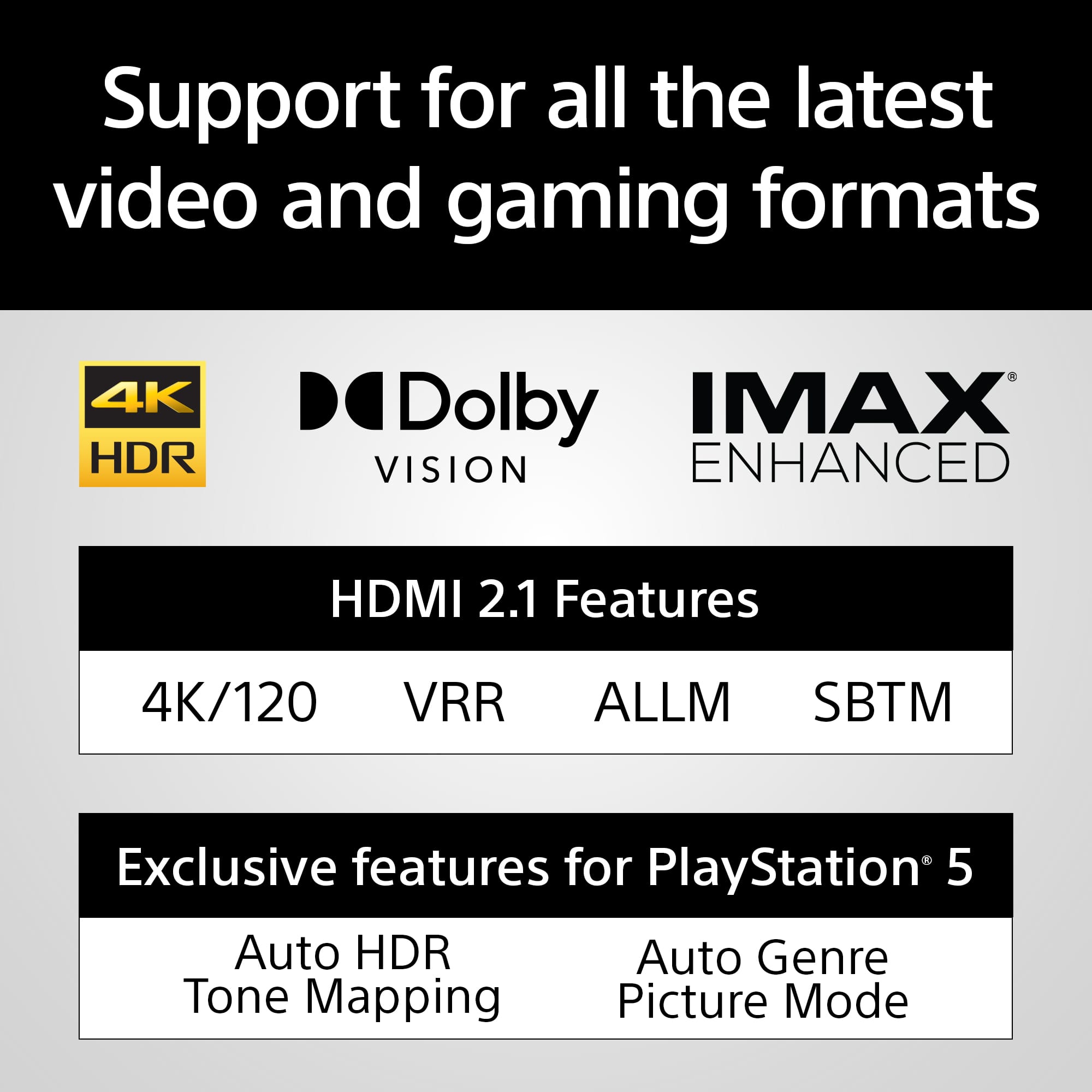
Sounds great and love the 4K pass through
Posted .This reviewer received promo considerations or sweepstakes entry for writing a review.May be on the pricey side but you get what you pay for, for my purposes I don’t even need the sub woofer add on.
I would recommend this to a friendBrand response from SonyListens
Posted .Hi Chronos886, Thanks for the perfect rating! We're glad you like your new soundbar. Enjoy and thanks for choosing Sony. -Craig
- Pros mentioned:Sound quality
Great
Posted .This reviewer received promo considerations or sweepstakes entry for writing a review.Excellent soundbar! Movies are so much better!……..
I would recommend this to a friendBrand response from SonyListens
Posted .Hi RobertN, You made the right choice with the Sony BRAVIA Theatre Bar 8! We're thrilled that you are enjoying the superb sound quality and functionality of the soundbar. Thank you for choosing Sony! -Jess
Do not understand the necessity of this.
Posted .This reviewer received promo considerations or sweepstakes entry for writing a review.Sound from this extra piece of equipment does not seem to add to the experience beyond what would have been TV speakers.
No, I would not recommend this to a friendBrand response from SonyListens
Posted .Thank you for your feedback, LindaB.
We are sorry to hear that your new HT-A8000 isn't providing the "wow" factor you expected compared to your TV speakers. The Bravia Theatre Bar 8 is designed to create a 360-degree "bubble" of sound, but this often depends on the room's layout and settings.
To get a more immersive experience, we recommend running the Sound Field Optimization through the Sony | BRAVIA Connect app. This calibrates the 11 internal speakers to your specific room acoustics. Also, checking that your TV’s audio output is set to "Audio System" and that you are using a high-speed HDMI (eARC) cable can make a significant difference in depth and clarity!
Thank you for choosing Sony!
Best regards,
Gus, Sony Social Media Team
Not what i expected
Posted .This reviewer received promo considerations or sweepstakes entry for writing a review.Voices and small back ground noises are clear, but i expected to be louder. The speaker on my tv is louder than this is.
No, I would not recommend this to a friendBrand response from SonyListens
Posted .Hi BrandonZ, We're sorry to hear that you're having a sound quality issue with your Sony BRAVIA Theater 8. This is not the experience we expect you to have, and want this to better for you. Here are a few steps you can take to potentially resolve this issue: 1. Check Sound Settings: Ensure that the sound settings on your HT-A8000 are optimized. You can try adjusting the volume levels, sound modes, and any equalizer settings to enhance the output. https://helpguide.sony.net/ht/208283c/v1/en/contents/075_Troubleshooting.html https://helpguide.sony.net/ht/208283c/v1/en/contents/022_Adjusting_Sound_Quality.html 2. Firmware Update: Make sure that your HT-A8000 has the latest firmware installed. Firmware updates can sometimes improve performance and fix issues. https://www.sony.com/electronics/support/sound-bars-home-theater-systems-sound-bars-surround-speakers/ht-a8000/software/00346076 3. Connection Type: Verify that the soundbar is connected to your TV using a high-quality HDMI ARC (Audio Return Channel) or optical cable. These connections typically provide better sound quality compared to standard audio cables. 4. TV Settings: Check the audio output settings on your TV. Ensure that the TV is set to output audio to the external soundbar rather than its internal speakers. You may also need to adjust the TV's audio settings to ensure compatibility with the soundbar. 5. Soundbar Placement: Ensure that the soundbar is placed in an optimal position for sound projection. Avoid placing it in enclosed spaces or behind objects that could obstruct the sound. Hope this information helps! If the problem persists after trying these steps, we recommend reaching out to our product support team via phone call at 239-245-6354 or chat through this link: https://us.esupport.sony.com/support/s/support-contact?language=en_US Hours of Operation: Monday - Friday 9:00 am - 9:00 pm ET Saturday - Sunday 10:00 am - 8:00 pm ET Thank you for your patience, and we look forward to resolving this issue promptly! Sincerely, Maria
Bravia speaker bar
Posted .This reviewer received promo considerations or sweepstakes entry for writing a review.Sound could be improved. Does not project well. Otherwise, is okay.
No, I would not recommend this to a friendBrand response from SonyListens
Posted .Hi TishaC, thanks for the feedback and for giving the HT-A9000 a try.
We're sorry to hear the sound doesn’t project as well as you hoped. We know that can be disappointing, and we really appreciate you pointing it out.
A few things you can try to improve the sound:
-Use the Sony | BRAVIA Connect app to run Sound Field Optimization, which helps the soundbar adjust to your specific room layout. https://helpguide.sony.net/ht/208283c/v1/en/contents/067_Sound_Settings.html
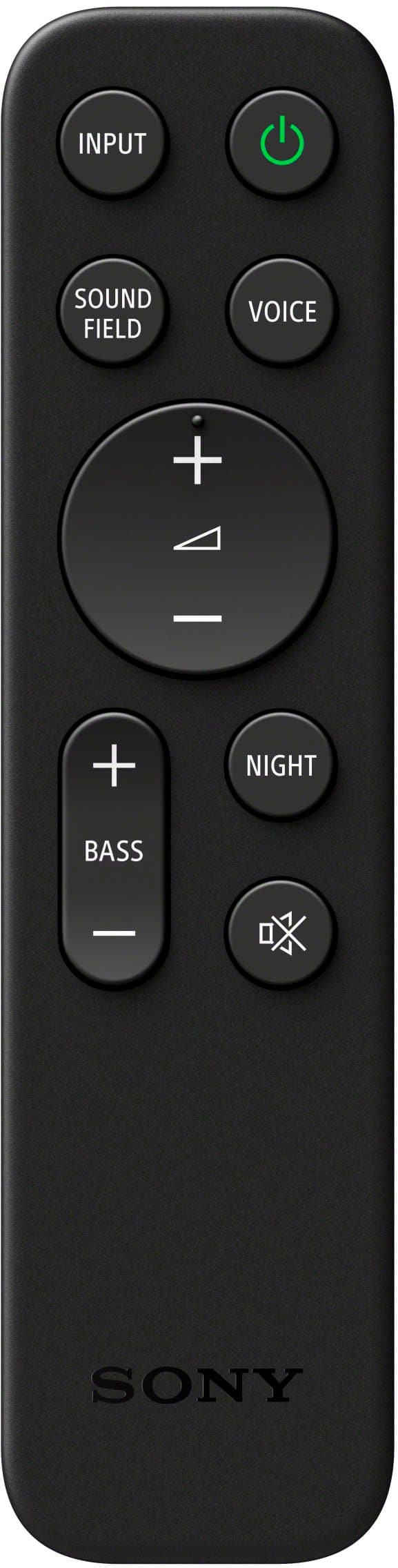
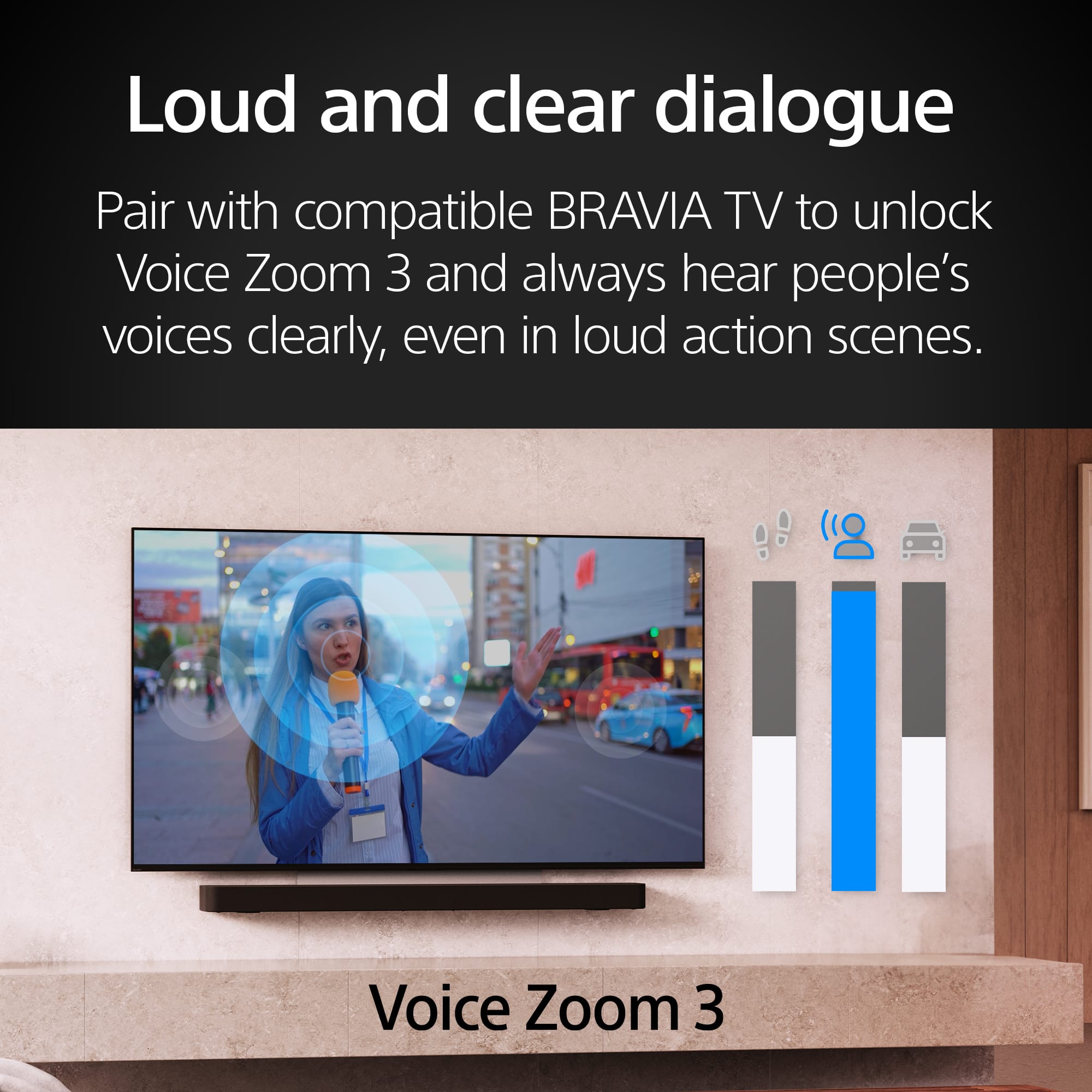
-Adjust your sound settings to Voice mode for clearer dialogue, or toggle the Sound Field setting based on your content.
-Make sure the soundbar is not inside a cabinet or too close to objects on the sides, so the side and up-firing speakers can bounce sound off the walls and ceiling.
Thanks for considering Sony and sharing your thoughts. We hope these tips help!
Warm regards,
Estefany
Overpriced
Posted .This reviewer received promo considerations or sweepstakes entry for writing a review.not worth the price. Cannot see the volume of init and sub.
No, I would not recommend this to a friendBrand response from SonyListens
Posted .Hi user571310,
We apologize for any inconvenience you're experiencing with your Sony BRAVIA Theater Bar 8. We understand how frustrating it can be when the volume and subwoofer levels aren't easily visible.
To enhance your experience and make it easier to control and customize your sound system, we highly recommend downloading the “Sony | BRAVIA Connect” App. This app allows you to:
Adjust the volume and subwoofer levels easily.
View the current volume and subwoofer status.
Customize your sound settings for the best audio experience.
Connect and optimize any optional rear speakers or subwoofer.
You can learn more about the app or download it through this link: https://helpguide.sony.net/ht/208283c/v1/en/contents/018_Performing_Initial_Settings_with_App.html.
Additionally, please ensure your soundbar has the latest software update to enhance its performance: https://www.sony.com/electronics/support/sound-bars-home-theater-systems-sound-bars-surround-speakers/ht-a8000/software/00346076.
If you still have any concerns, please don’t hesitate to contact our support team for further assistance: https://us.esupport.sony.com/support/s/support-contact?language=en_US.
Thank you for choosing Sony, and we hope you’ll be able to enjoy the immersive sound experience that the BRAVIA Theater Bar 8 is designed to deliver.
-Maria
STAY AWAY LIFELESS
Posted .This reviewer received promo considerations or sweepstakes entry for writing a review.This id the most disappointing audio equipment purchase I have ever bought! Hows this 110-1400$. The sound is ok it doesn't clip but it lacks life. Feeling very flat and boring there is NO mid bass audio from this. Overwhelming mid I dont see how this is anymore then a 250$ audio experience. If sony adds a proper eq like any and all audio systems have, especially one of this price point. You just might be able to eek out alittle bit more performance. But still just a very lack luster experience. If you like wasting money by this but if you want something with a lifeful audio experience look elsewhere. Im so sad I have to own thus and know im going to be stuck with it for a couple years because I cant afford to replace it right away. Go use a demo unit before buying it! I trusted youtube review videos apparently thise were all payed off reviews. I think sony has officially lost a lifetime customer. I feel ripped off. My budget surround sound has better audio quility lol. Also the atmos effect/ 3d audio doesn't project they way you would expect. Especially for all of the marketing that hyped this system up. Sony if you read this please do the right thing and update your app to have a EQ also give us color grading adjustments for the tv. Also disappointed in the bravo 8 but thats a different review. Ps the sw-5 subwoofer is also just as lack luster and not musical at all. For boomy imagine a subwoofer mad out of a vibrating motor! Its misses almost of frequency short of large booms. How can you mess up this bad. You really need to fire your whope team. Most disappointing purchase of all time. Enough complaining hope this helps someone. Just thought of one more thing to make the subwoofer work you have to use the app and have a wifi router that isnt part of the modem so if you have a cellular based internet provider it wont work. I spent days on customer service and none of them could tell me why it wasnt working I only figured it out once I tried hooking up a separate router. Please do the right thing and add EQ and color adjustment to the app. I feel like store brand equipment has more features/ adjustment then these products at the moment. Might as well buy a insagna LOL YOU REALLY MISSED THE MARK
No, I would not recommend this to a friendBrand response from SonyListens
Posted .Hi Chris, we're sorry to hear that you have issues with your new soundbar. We'd like the turn your experience around regarding our BRAVIA Theater Bar 9. On the Sony|BRAVIA Connect or Sony | Home Entertainment Connect app, go to Settings > Wireless Speaker Settings > Wireless Playback Quality, and set it to "Priority on Sound Quality"
You can adjust the sound quality of the unit by following this link:
https://helpguide.sony.net/ht/208283c/v1/en/contents/022_Adjusting_Sound_Quality.html?search=sound%20quality
Please check that your soundbar's software is up to date:
https://www.sony.com/electronics/support/sound-bars-home-theater-systems-sound-bars-surround-speakers/ht-a9000/downloads
The HT-A9000 soundbar does not have a built-in equalizer (EQ) feature. However, you can adjust the sound quality using the Sony | BRAVIA Connect app, which allows you to control various settings of your home entertainment system, including the soundbar. Please check this link for more details:
https://www.sony.com/electronics/support/software/00292034?utm_source
If you require any additional support with regard to this product, please email us at socialsupport@am.sony.com with the following details: Name: Username: Model Number: Issue: Telephone Number:
~Earl
.
Sound bar
Posted .This reviewer received promo considerations or sweepstakes entry for writing a review.What’s not compatible with audio system even though I specifically asked prior to purchasing
No, I would not recommend this to a friendBrand response from SonyListens
Posted .Hi CheriR,
We are very sorry for the compatibility confusion after your purchase. The BRAVIA Theater Bar 9 requires an HDMI eARC/ARC connection and is not compatible with older optical/analog inputs or non-Sony wireless speakers. To troubleshoot, ensure your HDMI cable is in the TV’s designated eARC/ARC port, set your TV audio output to external speakers, and power cycle both devices by unplugging them for 60 seconds. For a full compatibility list, please visit our official support page at: https://www.sony.com/electronics/support.
Thanks for choosing Sony.
Best regards,
Eliab