Customer Ratings & Reviews


- Model:
- SARS3S
- SKU:
- 10095903
Rating by feature
- Value
Rating 4.3 out of 5 stars
- Quality
Rating 4.6 out of 5 stars
- Ease of Use
Rating 4.6 out of 5 stars
to a friend
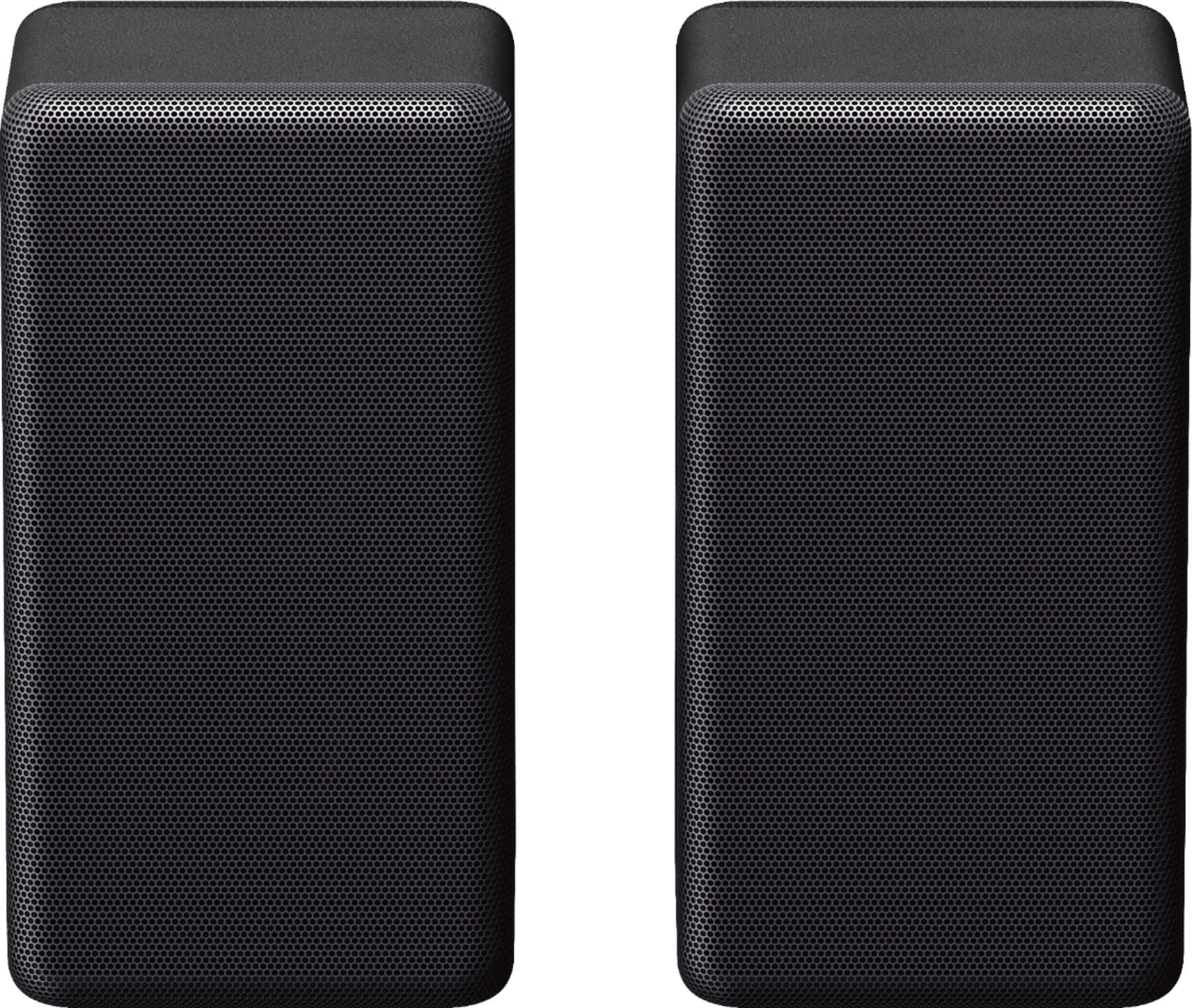
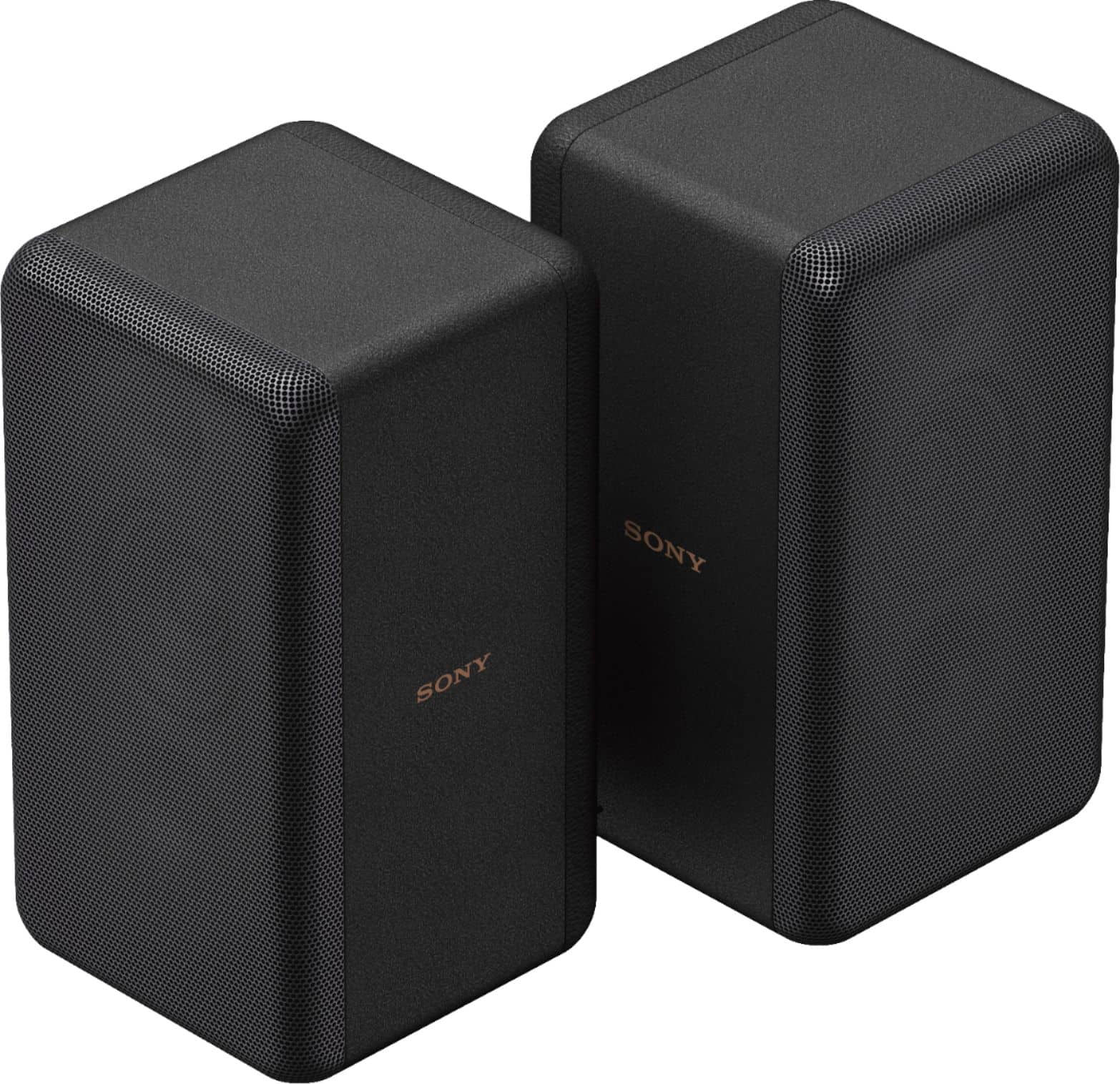
Sony Rear speakers
Posted .This reviewer received promo considerations or sweepstakes entry for writing a review.Love these speakers. This is my second set for the bedroom.
I would recommend this to a friendBrand response from SonyListens
Posted .Hello DevonC,
Thank you for choosing Sony!
We're delighted to hear that you love your SARS3S speakers and have chosen to get a second set for your bedroom. These speakers are designed to provide exceptional audio quality, enhancing your music and entertainment experience. Enjoy your new setup!
Best regards,
-Fred
Connection Issues
Posted .This reviewer received promo considerations or sweepstakes entry for writing a review.We have not been able to get our speakers connected to our Sony Bravo soundbar. We downloaded the Sony app and can't figure it out to get the hearing/experience value.
No, I would not recommend this to a friendBrand response from SonyListens
Posted .Hi Hemi,
We are sorry to hear you're having trouble getting your SA-RS3S speakers synced up! While the Sony BRAVIA Connect App is great for many things, these speakers often require a quick manual "handshake" via your TV screen to get them talking to the soundbar.
If you are using the HT-A7000 soundbar, please try these steps using your soundbar's remote:
1. Open the Menu: Press HOME on your remote to bring up the menu on your TV.
2. Navigate to Settings: Select [Setup] > [Advanced Settings].
3. Initiate Linking: Select [Speaker Settings] > [Wireless Speaker Settings] > [Start manual linking].
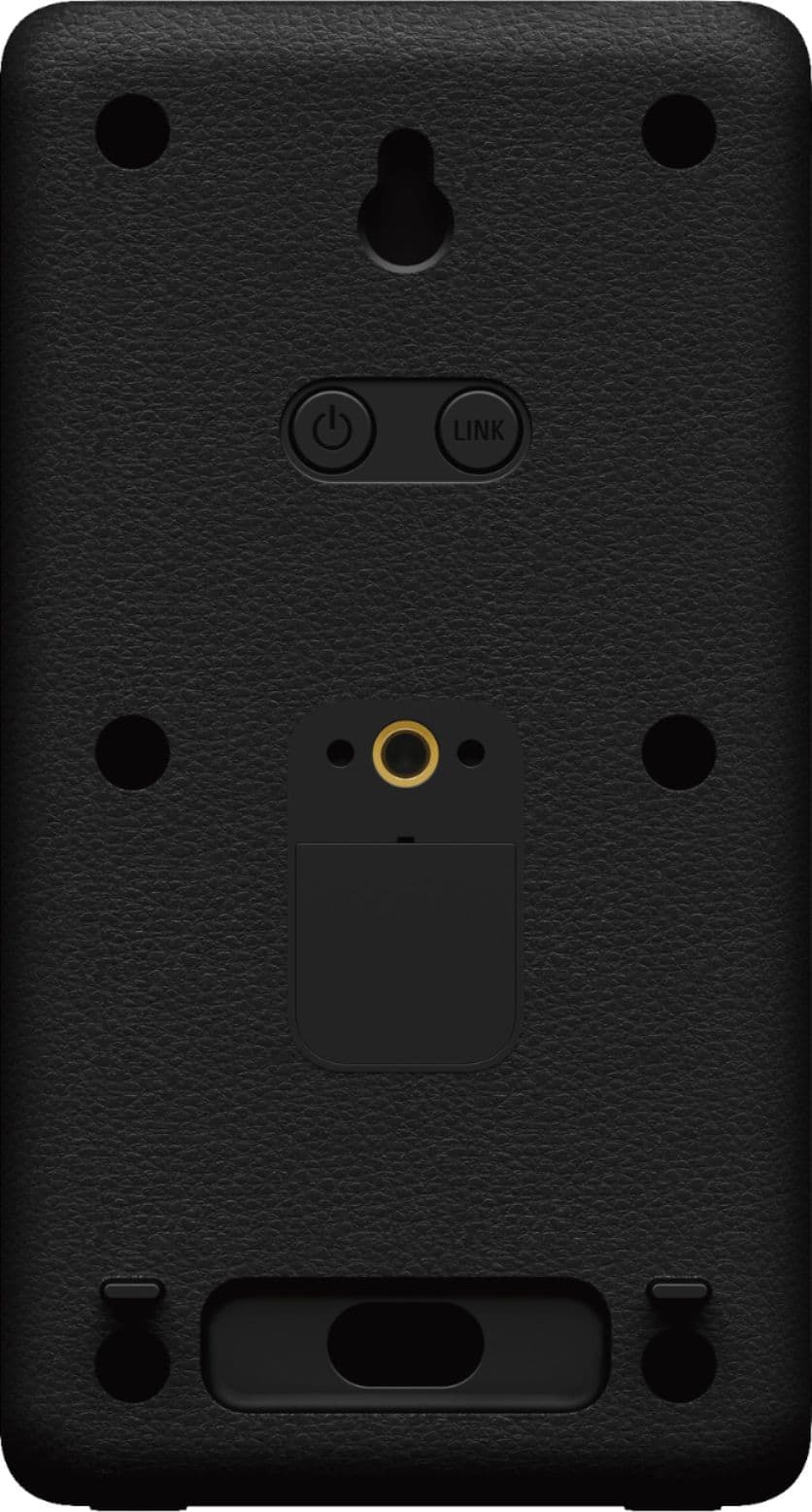
4. Sync the Speakers: Press the LINK button on the back of your rear speakers. The power light should flash green.
5. Finalize: Select [Start] on your TV screen. Once the screen shows both speakers as "Connected," select [Finish].
Note: If you are using a different Sony soundbar model, please refer to the specific manual for that unit as the menu steps may vary slightly.
We want to make sure you get the full surround sound experience you paid for. For personalized, step-by-step assistance, please reach out to our dedicated technical support team here:
https://us.esupport.sony.com/support/s/support-contact?language=en_US&category=ht
Thank you for considering Sony!
Best regards,
Dominick
Read the fine print.
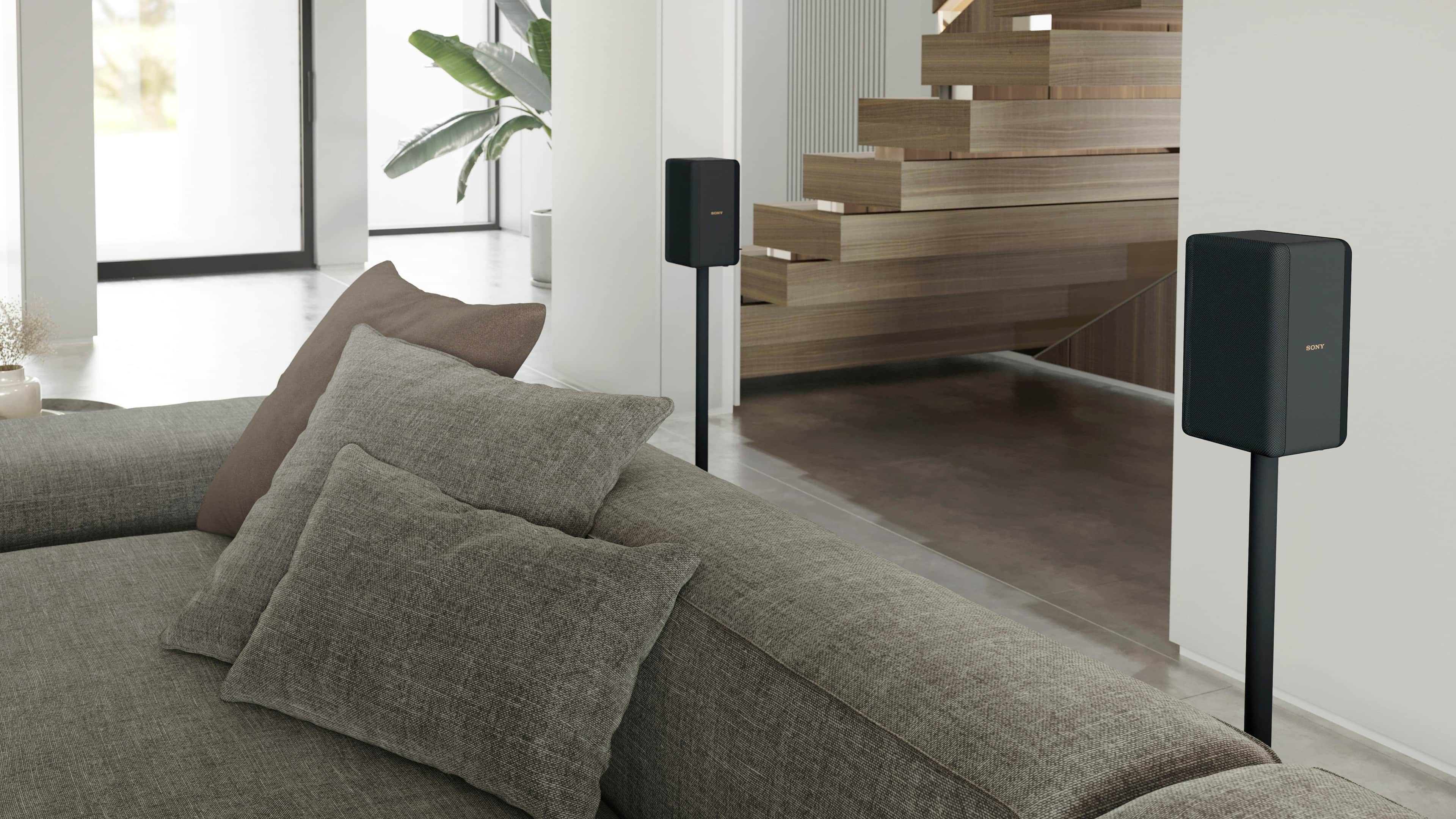
Posted .This reviewer received promo considerations or sweepstakes entry for writing a review.Well built speakers. Wireless audio with the AT5000 & AT7000 soundbars. AC powered, requires AC receptacle. Keep this in mind when laying out your entertainment room. Attach a wooden wedge to provide a better upfiring of the sound waves. Recommended for the AT5000 & AT7000 soundbars only.
I would recommend this to a friendBrand response from SonyListens
Posted .Hi ChuckB, Great! We're glad that you find these speakers well built. You can't go wrong with our SA-RS3S Sony rear speakers. We hope that the additional speakers enhances your home theater system so that if feels like you are entirely surrounded by incredible, immersive audio. Thank you for choosing Sony! Erin
Specs are not accurate, not even close...
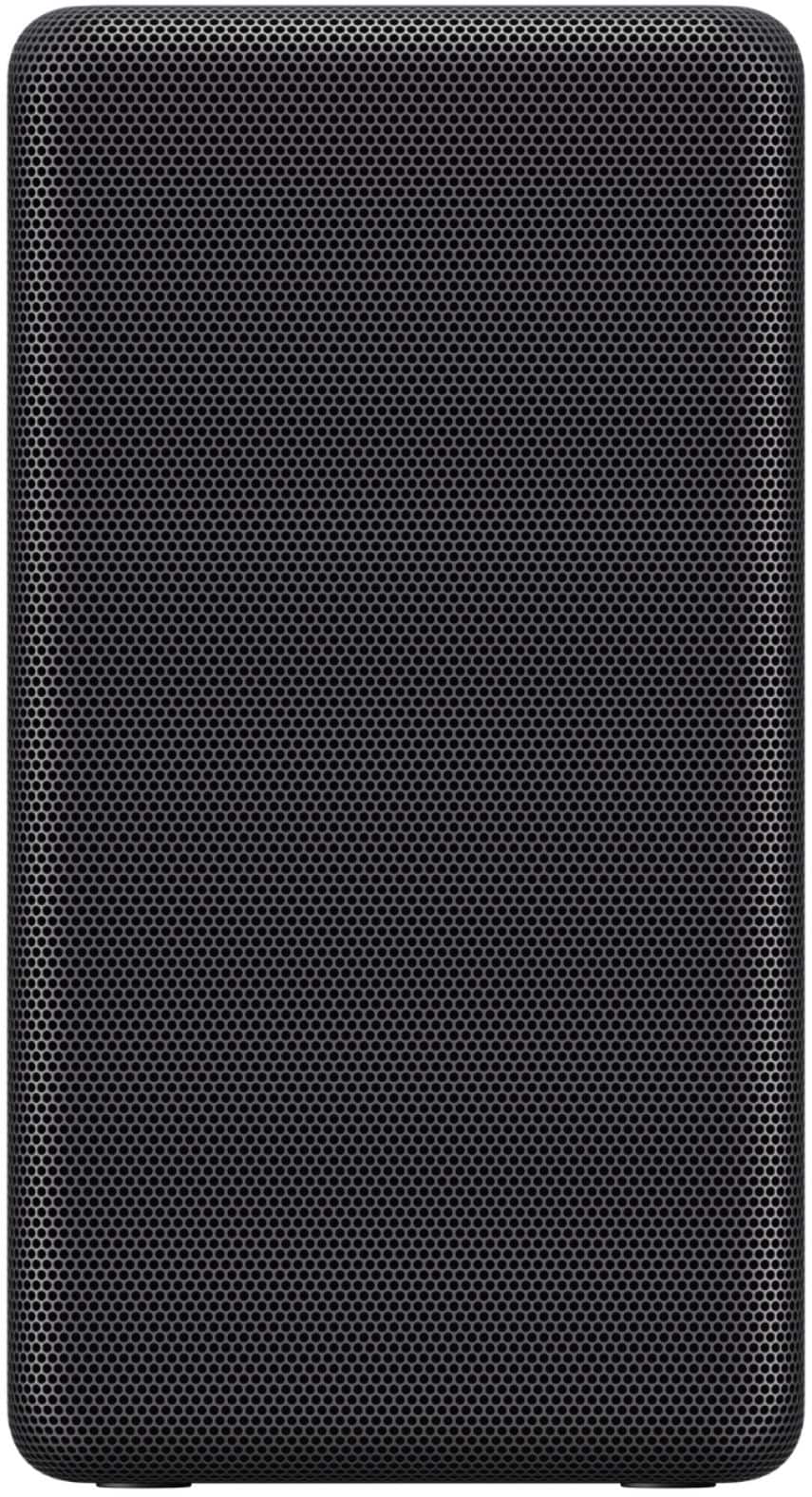
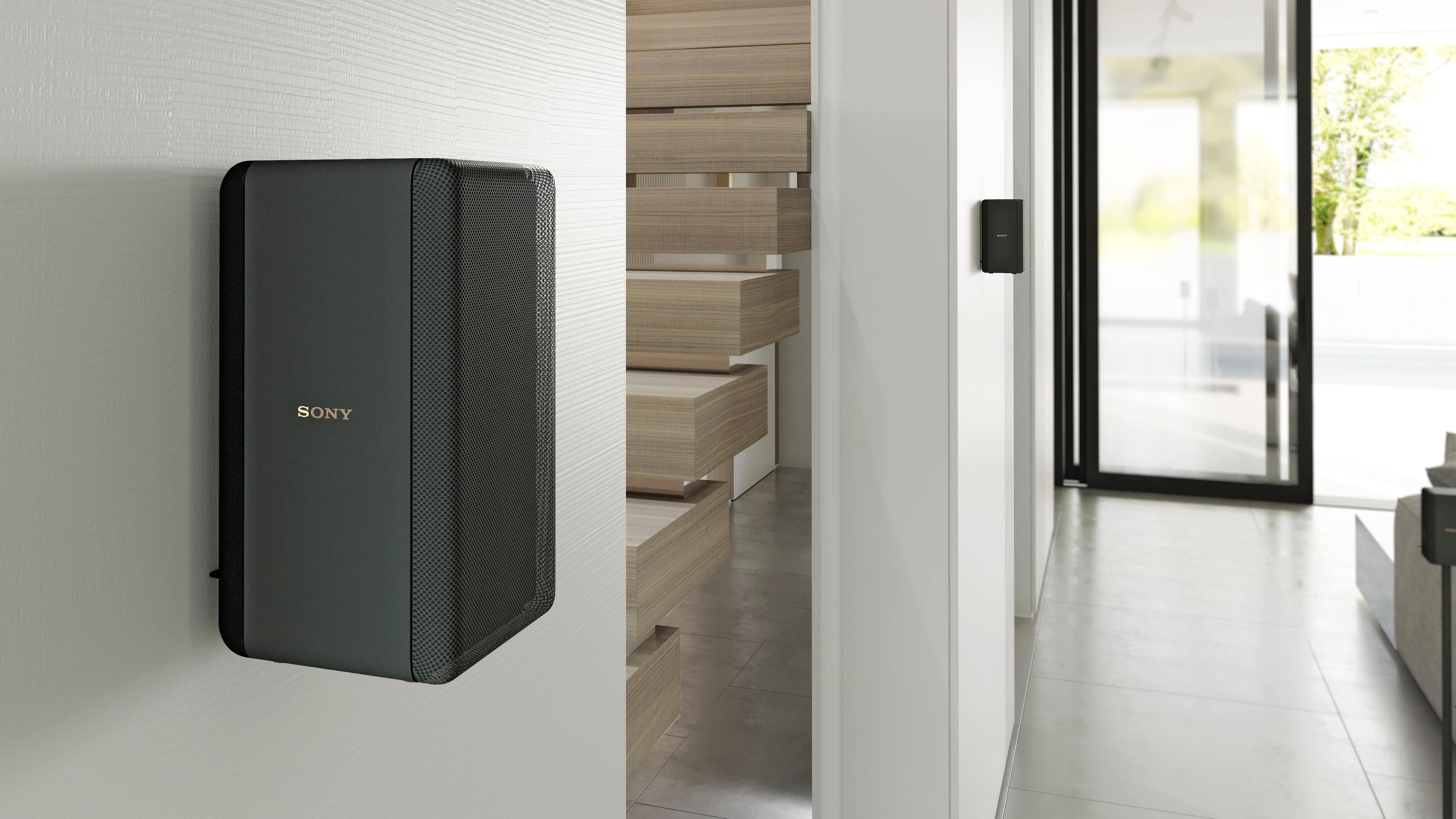
Posted .This reviewer received promo considerations or sweepstakes entry for writing a review.Haven't used them, just delivered. Sound bar is coming with the Sony Tv next week which I will send back the sound bar also without trying...BB specs say 12" H , 13" W, 6.6" Depth! This speaker is 7.5" H, 4" W, 3.5" D!... Maybe 4 pounds, certainly not 7...Bought stands to accommodate a bigger speaker and now need to go back also. If dimensions are off that means all specs are fabricated like the wattage, etc...Shame on BB!
No, I would not recommend this to a friendBrand response from SonyListens
Posted .Hi Doug,
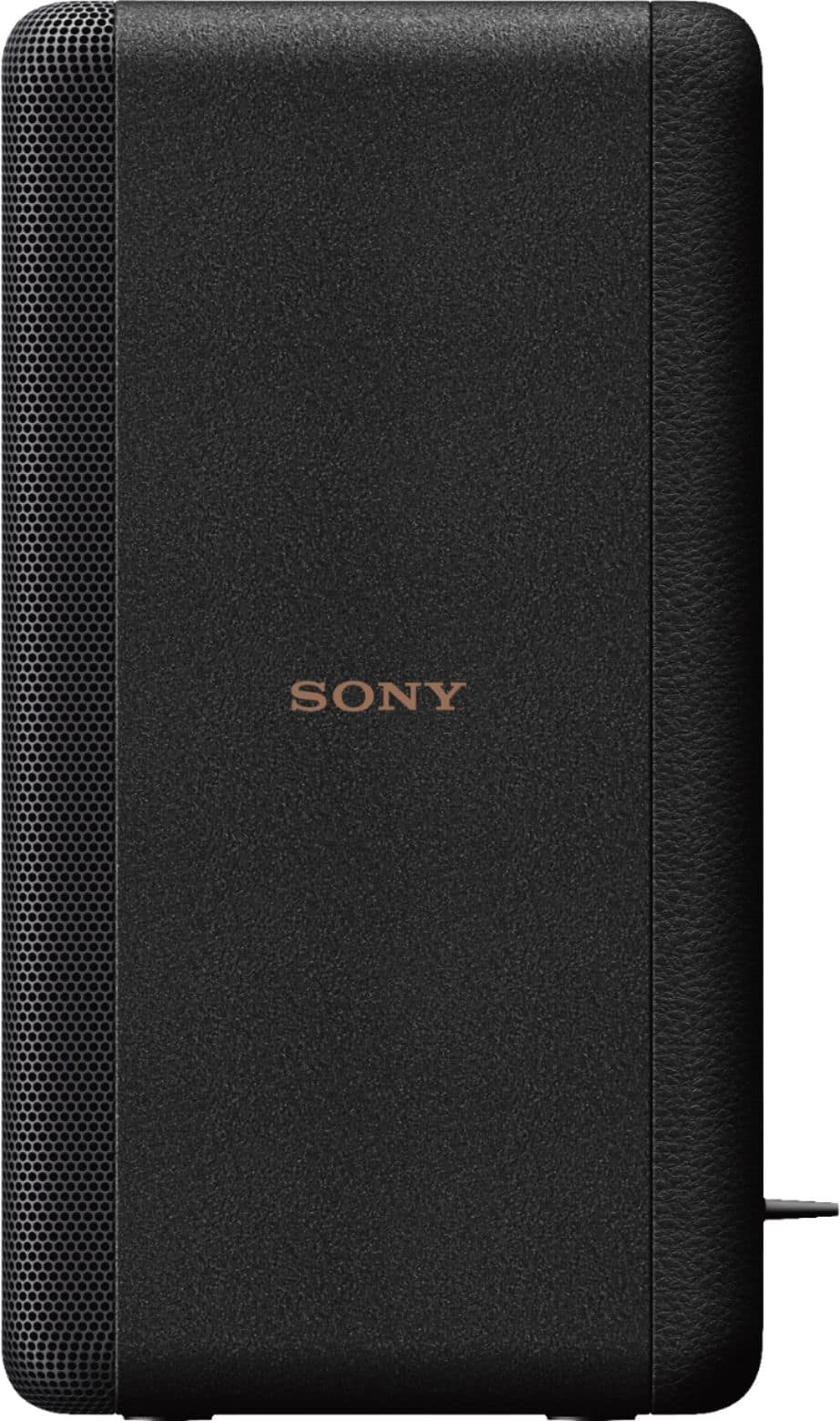
Thank you for bringing this to our attention, and we are sorry for the confusion. You are correct. It appears that we have an incorrect information on the Best Buy website Please refer to the size & weight information of the SA-RS3S below:
- Dimensions (w/h/d) (approx.): 100 mm × 187 mm × 100 mm (4 in × 7 3/8 in × 4 in)
(projecting parts not included)
- Mass (approx.): 1.1 kg (2 lb 7 oz)
For more details, refer to the operating instructions supplied with this unit: https://www.sony.com/electronics/support/res/manuals/5011/25ba7aa1f75e8d2cc5defccfee5539b4/50115271M.pdf
We'll communicate to Best Buy to correct the dimensions of these wireless rear speakers on their website. We appreciate your feedback and thank you for your inquiry!
Regards,
Jess