Customer Ratings & Reviews



- Model:
- UBPX800M2
- SKU:
- 6336494
Rating by feature
- Value
Rating 4.4 out of 5 stars
- Quality
Rating 4.6 out of 5 stars
- Ease of Use
Rating 4.6 out of 5 stars
Customers are saying
Customers often highlight the outstanding picture quality, frequently praising its 4K capabilities, Dolby Vision support, and effective upscaling. They also appreciate its ease of use and good value. However, some customers express concerns regarding its reliability and the fact that it is not a streaming device. Other minor drawbacks include the absence of a display and its slightly larger size.
This summary was generated by AI based on customer reviews.
- Cons mentioned:Size
Horrible picture and old type menu
||Posted . Owned for less than 1 week when reviewed.This reviewer received promo considerations or sweepstakes entry for writing a review.Huge player and remote control, menu looks like from the 90's, movies don't look good at all! I will continue using my Xbox as a player instead of this 4K player.
No, I would not recommend this to a friend How do I use this box
||Posted . Owned for 3 weeks when reviewed.This reviewer received promo considerations or sweepstakes entry for writing a review.This box like many we see these days need a more detailed manual. I can get a pdf copy on the internet but it is too big to print.
I would recommend this to a friendWorks good if it'll work!
||Posted . Owned for 1 month when reviewed.This reviewer received promo considerations or sweepstakes entry for writing a review.Bought this new, straight out of the box it did not work. Got the second one a couple of days ago, it worked. I'll be checking it real good this weekend. I do not like to buy things that do not work right out of the box. I was skeptical when I bought this thing!
No, I would not recommend this to a friendScan scenes to find stopping point
||Posted . Owned for 3 weeks when reviewed.This reviewer received promo considerations or sweepstakes entry for writing a review.doesn't pick up where I left off after a couple of weeks. Have to scan "scenes" to find something that looks like what I remembered. Very inconvenient, unless I'm missing something.
No, I would not recommend this to a friendDoes not support Atmos on Netflix or any other app
||Posted . Owned for less than 1 week when reviewed.This reviewer received promo considerations or sweepstakes entry for writing a review.If you need this strictly for 4k Blu-ray playback this is an acceptable purchase. If you are trying to utilize your home theater to the fullest get an xbox one x which has 4k Blu-ray support as well as atmos support for all your streaming applications.
No, I would not recommend this to a friendUltra 4K player
||Posted . Owned for 3 weeks when reviewed.This reviewer received promo considerations or sweepstakes entry for writing a review.When playing 4K HDR on few movies, no issues and picture is superb. When switching manually to Dolby Vision, movie paused for a second and continued to play on a couple movies. I am ok with it, but then played on another movie, the player permanently freezes and whole experience messed up. Had to power cycle, played the same scene, and player played ok. Seems like its random. Hopefully there is a firmware update to allow automatically detect Dolby Vision and fixes the pause/freeze issue.
I would recommend this to a friend- Cons mentioned:Disc playback
Good till its not
||Posted . Owned for 8 months when reviewed.This reviewer received promo considerations or sweepstakes entry for writing a review.Worked great up to this point have not had if for a year it just stopped playing disk
No, I would not recommend this to a friend 4K discs freeze
||Posted .This reviewer received promo considerations or sweepstakes entry for writing a review.It would freeze about 8 minutes into a 4K disc, and every 5 minutes after that. The player would lock up, and the only way to restart it is to unplug the power every time it freezes. I tested Lord of the Rings The Two Towers and Tenet. Tenet didn't freeze on my Sanyo 4K player, but it did with the Sony. The X800 M2 I received was manufactured in July 2020. Firmware was up to date and the player was not connected to internet.
No, I would not recommend this to a friendDON'T BUY THIS--FREEZES CONSTANTLY!!
||Posted . Owned for more than 2 years when reviewed.This reviewer received promo considerations or sweepstakes entry for writing a review.****** DON'T BUY!!!!! I can't make it through a movie without it freezing several times, this is truly a PIECE OF CRAP!!!!I I expected a lot more from Sony, especially when spending over $250. Can't even enjoy a movie night anymore...
No, I would not recommend this to a friendBrand response from SonyListens
Posted .Hi SHARON, We're sorry to hear about the freezing issue you're having with your Sony UBPX800M2. This is definitely not the news that we would like to hear. Please allow us to help you and turn this into a better experience. Let's try to isolate this issue by following the troubleshooting steps on this link:
https://www.sony.com/electronics/support/articles/00008473?utm_source=glean
If you are unable to resolve your concern, please email us at socialsupport@am.sony.com with the following details:
Name:
Username:
Model Number:
Issue:
Telephone Number:
Sincerely,
Sam
Video Lock
||Posted . Owned for 1 month when reviewed.This reviewer received promo considerations or sweepstakes entry for writing a review.Sony has taken a dive with quality in the past 10 years. This unit is no exception. The 700 model has video lock issues, I have returned four (4) and one on of these 800 models...video lock after 10 minutes or after the 3rd DVD...intermittent. Don't waste your time with the 700 or the 800 models, you will be returning them after 1-5 days, waiting in line to get a refund. Best Buy is great with customer service but someone has to pull the plug on these low quality 4K dvd players.
No, I would not recommend this to a friendAll you need
||Posted . Owned for 10 months when reviewed.This reviewer received promo considerations or sweepstakes entry for writing a review.Best to get a disc player or two to be able to watch the movies you have. Seems like they won’t be available much longer.
I would recommend this to a friendGood but not great
||Posted .This reviewer received promo considerations or sweepstakes entry for writing a review.Not a good player. Kept having iusses with it not wanting to power on and the none auto switch for dv sucks
No, I would not recommend this to a friendBrand response from SonyListens
Posted .Thank you for sharing your feedback, cdizo.
We are so sorry to hear about the issues you've been experiencing with your UBP-X800M2 player. This is not the reliable experience we aim to deliver, and we understand your frustration with the power-on issues and the manual switching for Dolby Vision. We designed this player to provide a seamless, high-quality viewing experience, and we apologize that it has not met your expectations.
We would like to help you resolve these problems. For the power-on issues, we recommend trying a simple reset by unplugging the unit for a few minutes and then plugging it back in. If the problem persists, our product support team is the best resource to provide specific troubleshooting steps or further assistance. You can reach them directly for help.
https://us.esupport.sony.com/support/s/support-contact?language=en_US&category=bd
Thank you again for your valuable feedback. We will also be sure to share your comments about the auto-switch feature with our product development team.
Best regards, Gus, Sony Social Media Team
Was not what I needed.
||Posted . Owned for 5 months when reviewed.This reviewer received promo considerations or sweepstakes entry for writing a review.Not going into a lot of detail, but I ended up buying the UBP-X1100. It worked better for my setup. A little more expensive but I'm very happy with the 1100 unit.
I would recommend this to a friendJUNK
||Posted . Owned for 1.5 years when reviewed.This reviewer received promo considerations or sweepstakes entry for writing a review.Total junk, waste of$300. I've had if for less than 2 years and have only played about 6 discs total and now it won't read or recognize any disc inserted. I've cleaned it, reset it, etc.. I'll never buy Sony again. Overpriced crap
No, I would not recommend this to a friend- Pros mentioned:Dolby vision, Picture quality

Solid 4K Ultra HD player with the latest tech
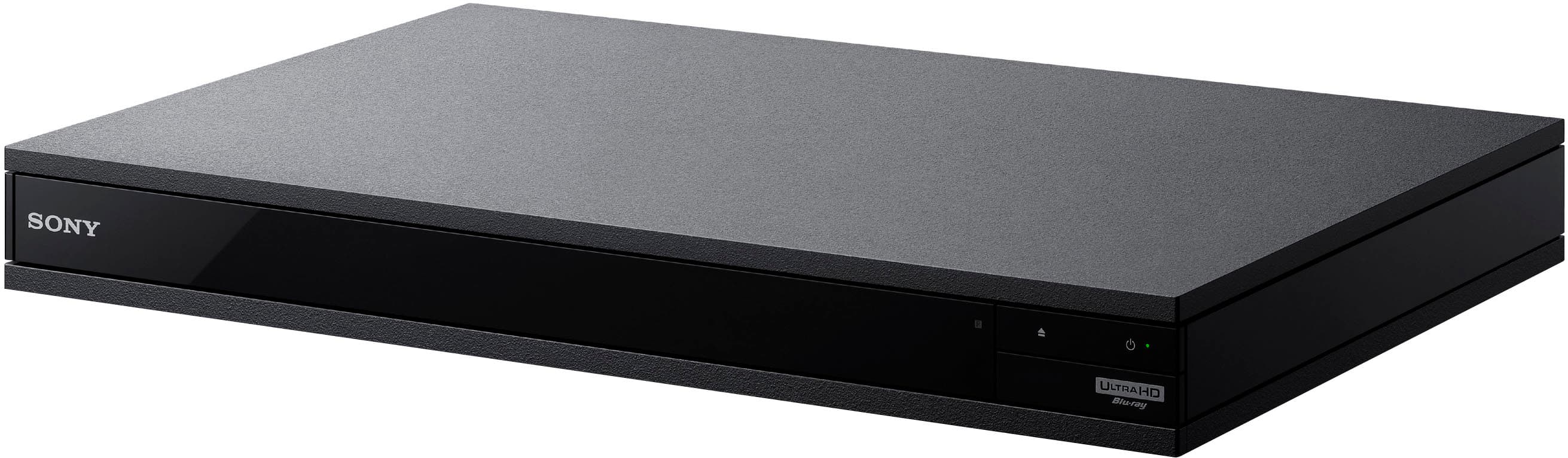
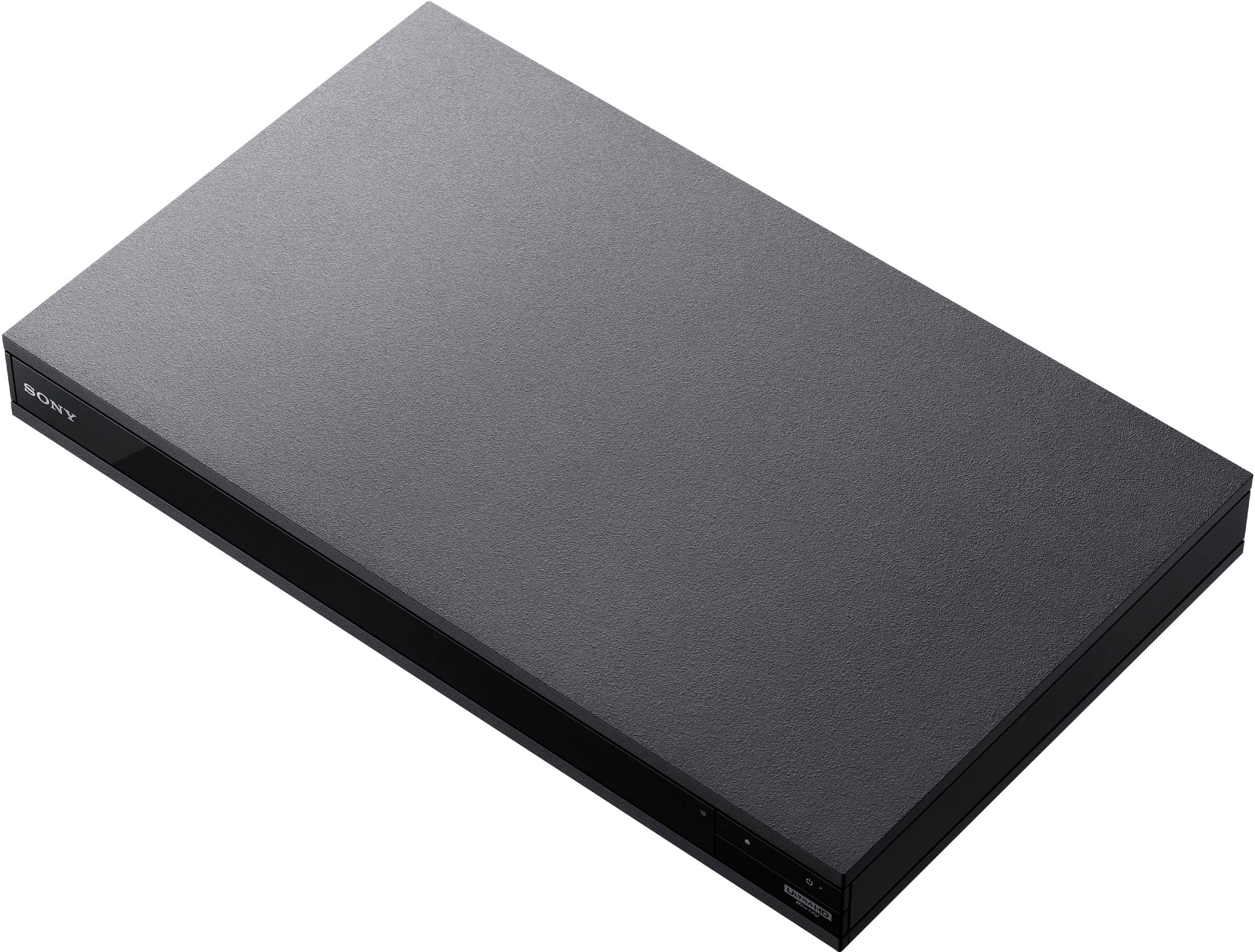
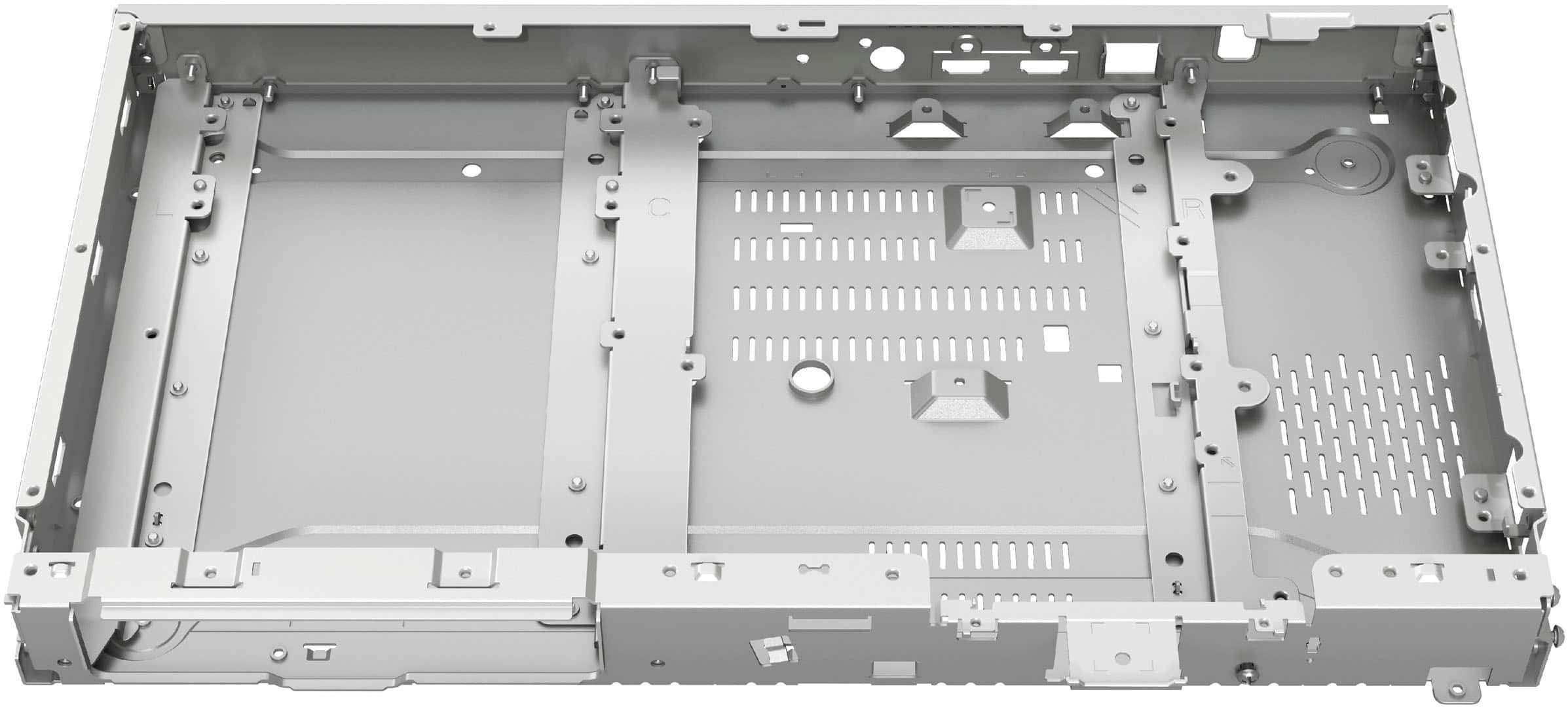
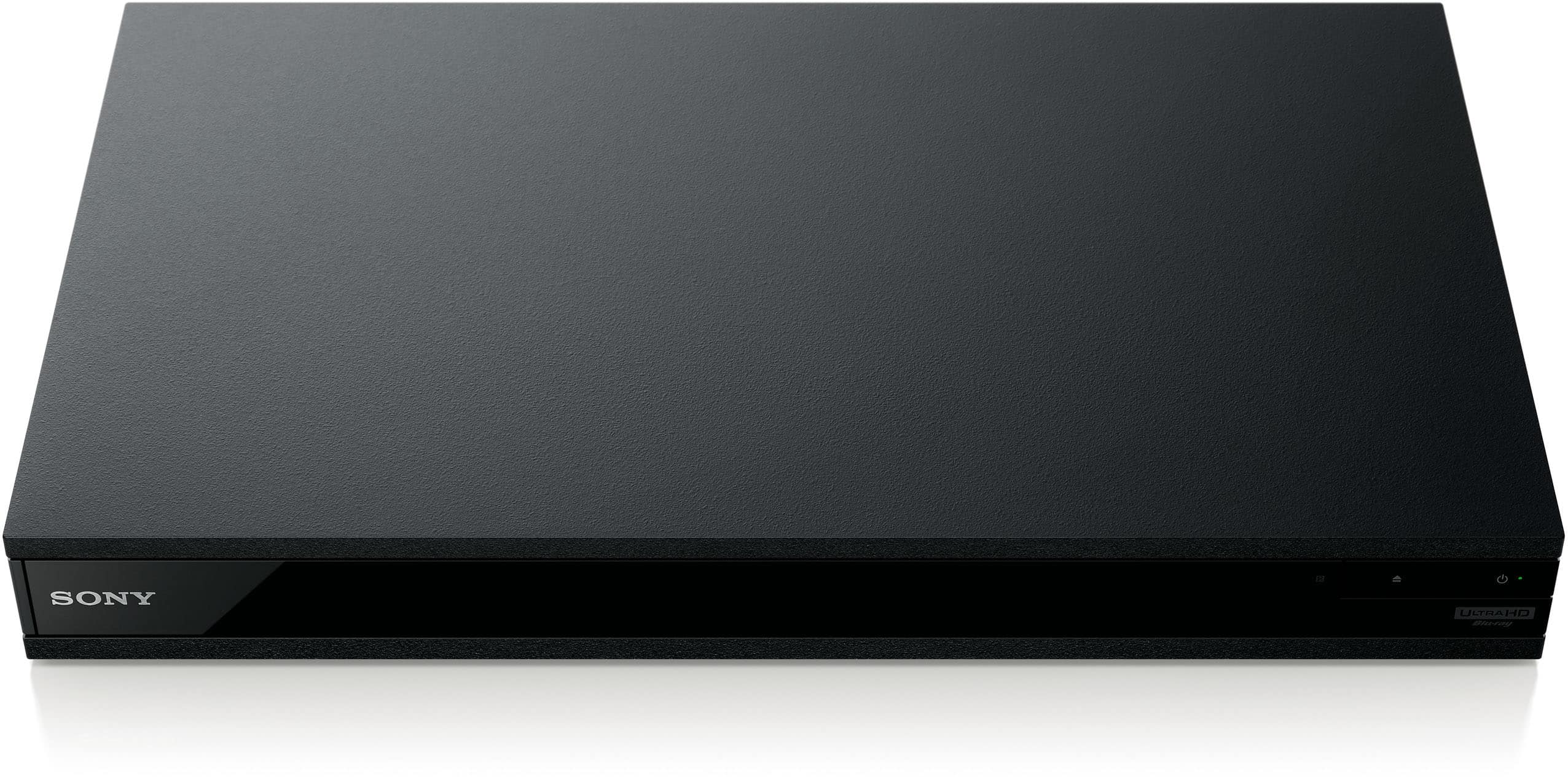
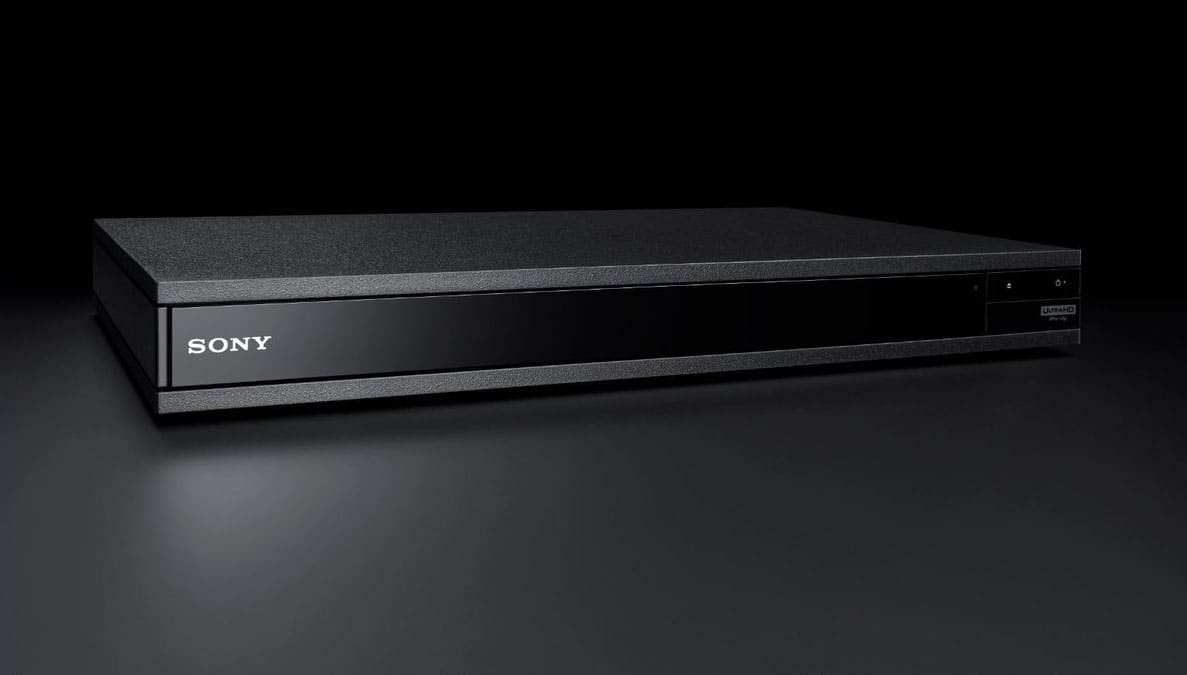
|Posted .This reviewer received promo considerations or sweepstakes entry for writing a review.If you have a 4K HDR capable television and you have never hooked it up to a 4K Ultra HD Blu-Ray player, you haven't really seen what it is really capable of. That's because even if you are streaming 4K content from Netflix, Amazon or some other streaming service, the picture and sound quality are degraded because the signals are compressed. The only way get the full 4K effect is from a 4K ultra HD blu-ray disc and player. The difference can be quite dramatic, and there is no better way to demonstrate that than using Sony's new X800M2 4K Ultra HD Blu-ray player. It may not be much to look at -- your basic unremarkable rectangular black box with no display of any kind beyond a tiny green LED that lights up when it is turned on. But as soon as you pick it up, you know there is a big difference between this Home Theater grade player and the bargain basement models that cost a third as much. That's because this deck is built on a VERY heavy chassis, a deliberate design decision to ensure the spinning disc platter is as stable as possible, providing the best possible picture and sound. But it isn't just weight that makes this a top quality. Crammed inside is all the tech most home theater buffs crave, including support for HDR 10 and Dolby Vision (new with this year's model), Dolby Atmos and DTS-X and even high-end music-centered codecs, like those found on Super Audio CDs. This deck will play pretty much any video or audio disc there is. (Well except HDR 10+, since Samsung developed that , so Sony is ignoring it.) All this tech can make initial setup a bit of a challenge since you must make the correct choices from the setup menu to get the best picture and sound from your system. Fortunately for owners of Sony Bravia TVs, there is a shortcut to make things a lot easier. Simply opt for the Bravia setting, which automatically makes all the correct choices for you. (Make sure you turn the Bravia sync option on your TV ON first) Everyone else needs to read the instructions carefully and opt for the settings that match their TV's capabilities. Be aware you probably also will be required to do a system update, as I did, when you fire up the player for the first time. It takes 10- 15 minutes. Fortunately, the 800M2 supports both wired ethernet connections as well as fast MIMO wi-fi. So getting online and doing the system update is fairly quick and easy. I had been using a different 4K Ultra HD Blu-ray player before I got this one so did not expect to see a big improvement in video or sound quality. But I was wrong. Picture and sound were both noticeably better when using the Sony X800M2 with my Sony 4K TV. I do not have a TV capable of Dolby Vision but even the contrast boost from regular HDR 10 looked better. And sound quality seemed MUCH better, with stronger thumps coming from my soundbar's subwoofer and overall cleaner sound across the rest of the spectrum. Sound is a real weak point on all streamed content since it is all downgraded and compressed to save bandwidth. So you really hear the difference when playing 4K movie discs. Picture and sound quality varies from one movie to the next. Look for movies with HDR support for the best picture (you just have to guess on Dolby Vision support since that is NEVER on the package) . On the sound side, I find DTS generally sounds better than any Dolby variant except Atmos. And you need a very expensive speaker setup to do that right. Keep in mind you also must have a soundbar or home audio system that supports the latest DTS and Dolby codecs to hear the best sound. Otherwise, sound will default to a lower quality spec. For those who prefer private listening, the X800M2, also supports bluetooth. So you can pipe the sound from movies or music discs directly to your headphones or earbuds and instead. One nice bonus for those buying this Sony 4K Ultra HD player at release is two free 4K movies. They are packed right inside. I got "Jumanji: Welcome to the Jungle" and "Spider-Man: Into the Spiderverse." Not exactly blockbusters . But if this is your first 4K Ultra Blu-ray player, it's nice to get a couple fo 4K discs to get you started.
I would recommend this to a friend Power OFF issues
||Posted . Owned for more than 2 years when reviewed.This reviewer received promo considerations or sweepstakes entry for writing a review.Just over two years since purchase and seldom use during this period, the power does not shut off on the unit. Once you do power off by remote control or the button on the unit itself, the green power light stays on and the disc ejection/disc close button on the unit or by remote does not work. Must unplug the unit and make sure you only press the ON button once and do not try to turn it Off. Apparently poor quality. Too expensive of a unit to get only two years of infrequent use.
No, I would not recommend this to a friendNot happy
||Posted . Owned for 1 year when reviewed.This reviewer received promo considerations or sweepstakes entry for writing a review.Well I have the 4K TV I had to get the blue Blu-ray player with a 4K I bought 4K DVDs I don't see the difference I really don't it's a bunch of hype as far as I'm concerned
No, I would not recommend this to a friendPoor performance as a system
||Posted . Owned for 4 months when reviewed.This reviewer received promo considerations or sweepstakes entry for writing a review.Should have gone with the Sony system. DVD works okay but the receiver DVD combo are a nightmare to operate. See the reviews from the Sony receiver
No, I would not recommend this to a friendSolid state of the art
||Posted . Owned for 1 month when reviewed.This reviewer received promo considerations or sweepstakes entry for writing a review.Solid player with great upscaling quality. Also very quick response time with basic but functional remote.
I would recommend this to a friendSony 800 xm
||Posted . Owned for 1.5 years when reviewed.This reviewer received promo considerations or sweepstakes entry for writing a review.Wont respond to remote. Used it probably about 30 days in the nine months. A Sony failure. No more.
No, I would not recommend this to a friendBrand response from SonyListens
Posted .Hi Unhappy,
We're truly sorry to hear that your Sony UBP-X800M2 is no longer responding to the remote. We understand how frustrating this can be, especially after using it for only about 30 days.
Here are some useful troubleshooting steps that can help resolve this problem:
1- Power reset the player. You will need to disconnect the power cord from the outlet and leave it like this for 2 minutes. Then plug the power cord back into the outlet and turn it on.
2- Please try changing the batteries in the remote and resetting it. To reset, remove the old batteries, press each button on the remote twice, then insert the new batteries and test it.
3- Check if the player responds to the physical buttons on the front panel of the unit. This will help you diagnose whether is an issue with the remote or the player itself.
If after performing these steps the Blu-Ray is still not responding, we highly recommend reaching out to our technical support team through the link below:
https://us.esupport.sony.com/support/s/support-contact?language=en_US&category=bd
Thank you for considering Sony products!
Best regards,
Dominick