Customer Ratings & Reviews
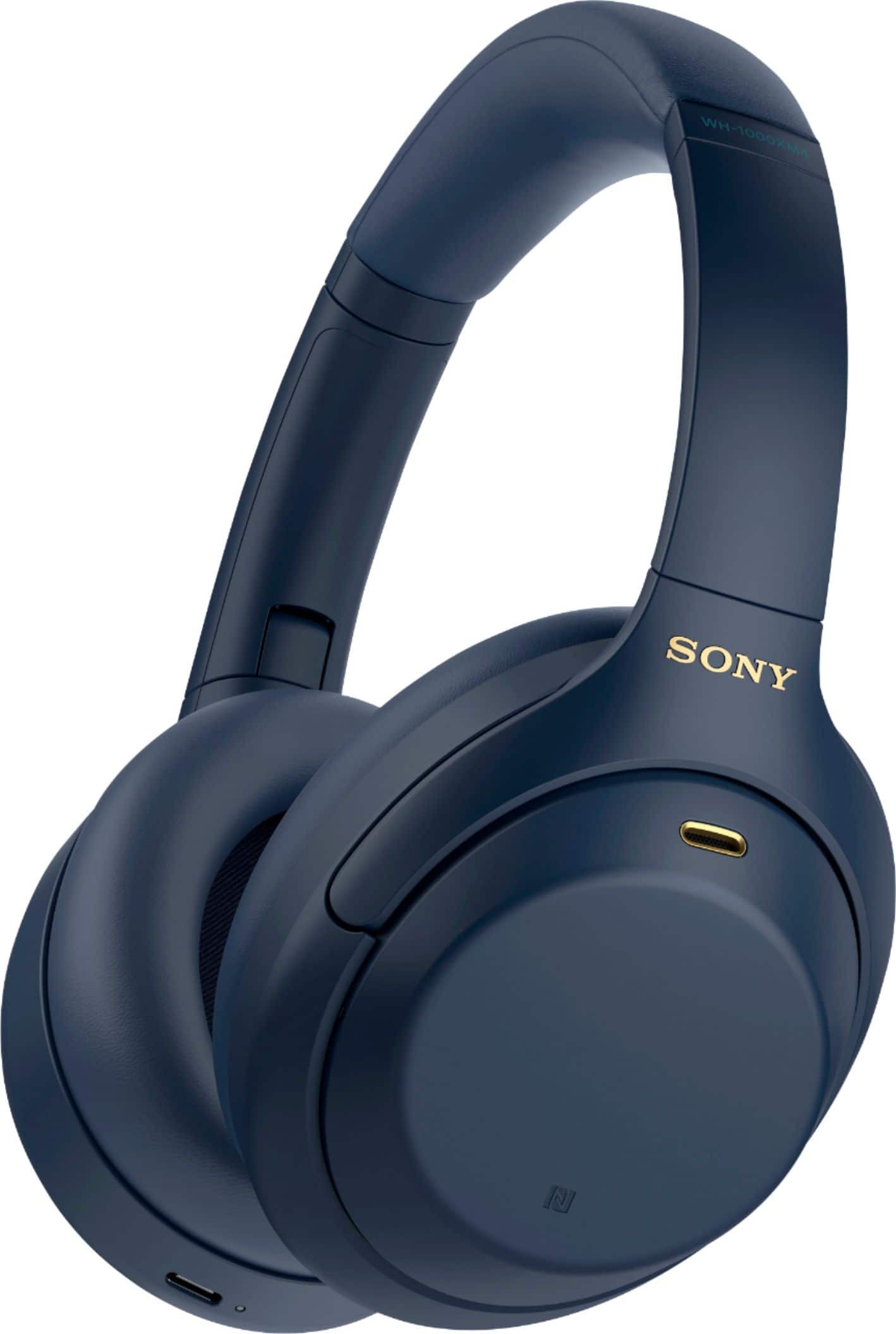
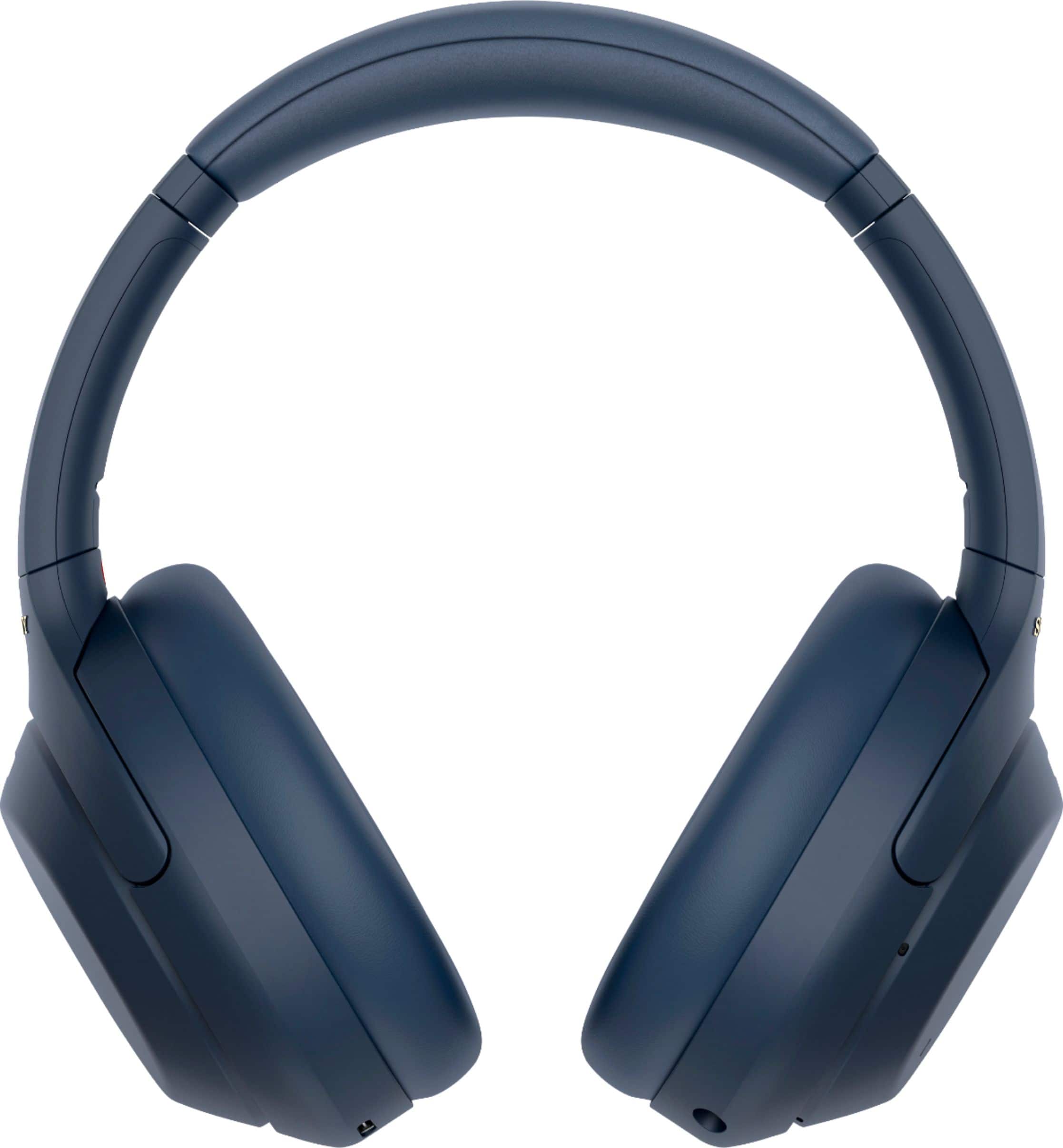
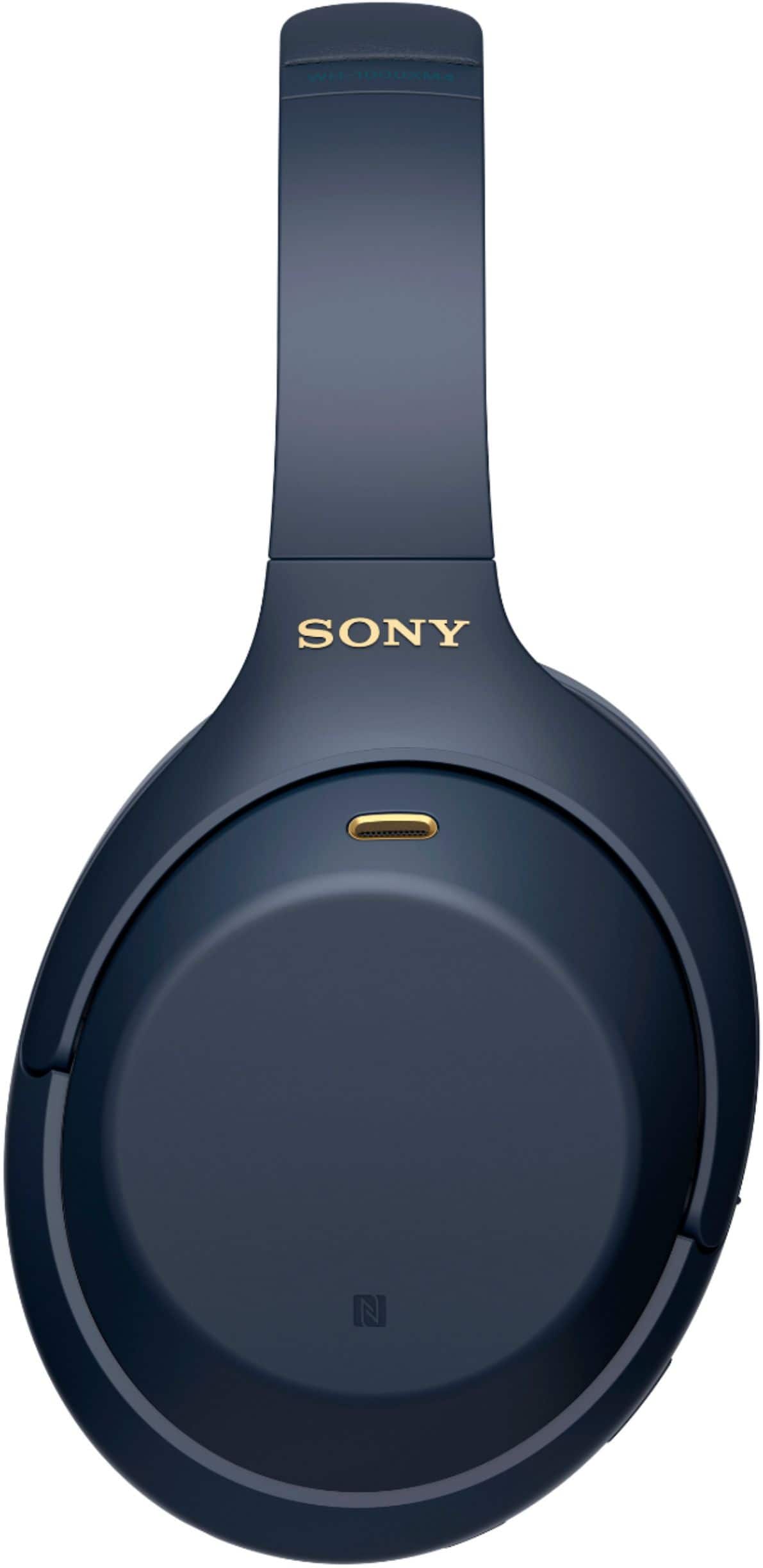

- Model:
- WH1000XM4/L
- SKU:
- 12015470
Rating by feature
- Sound Quality
Rating 4.9 out of 5 stars
- Battery Life
Rating 4.8 out of 5 stars
- Connectivity
Rating 4.7 out of 5 stars
Customers are saying
Customers enjoy the phenomenal sound quality, comfort, and impressive battery life. They also appreciate the solid bass, lightweight design, and good fit, along with reliable connectivity. However, some customers find the touch controls annoying, believe the product is overpriced, and desire more volume.
This summary was generated by AI based on customer reviews.
Good, but...
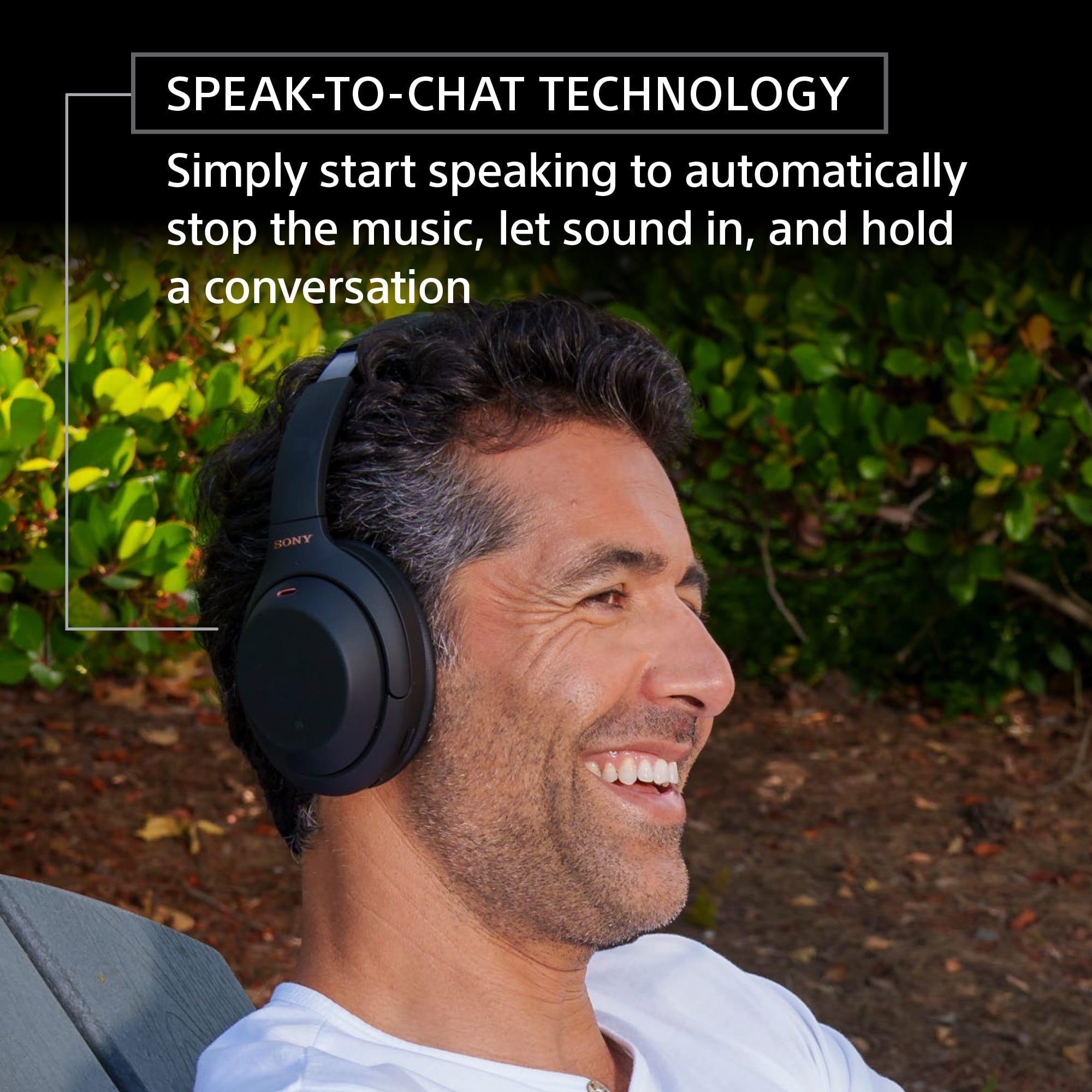
Posted .This reviewer received promo considerations or sweepstakes entry for writing a review.I really like Sony headphones, but this "speak to chat" feature that keeps activating by itself again and again, even when deactivating it in the app, it's so annoying and ruining my experience, I hope it gets fixed
No, I would not recommend this to a friendBrand response from SonyListens
Posted .Hi Pepe,
Thank you for your review.
While we are pleased you like our WH-1000XM4, we are really sorry if you are encountering an issue with the Speak-to-Chat feature. This is definitely not the news we'd like to hear from you.
The Speak-to-Chat mode activates when it detects the speech of the person wearing the headset. but in rare cases, it may activate in response to the voices of other people, ambient environmental sounds, transportation announcements, etc. To disable the Speak-to-Chat function of these headphones, please follow the steps below:
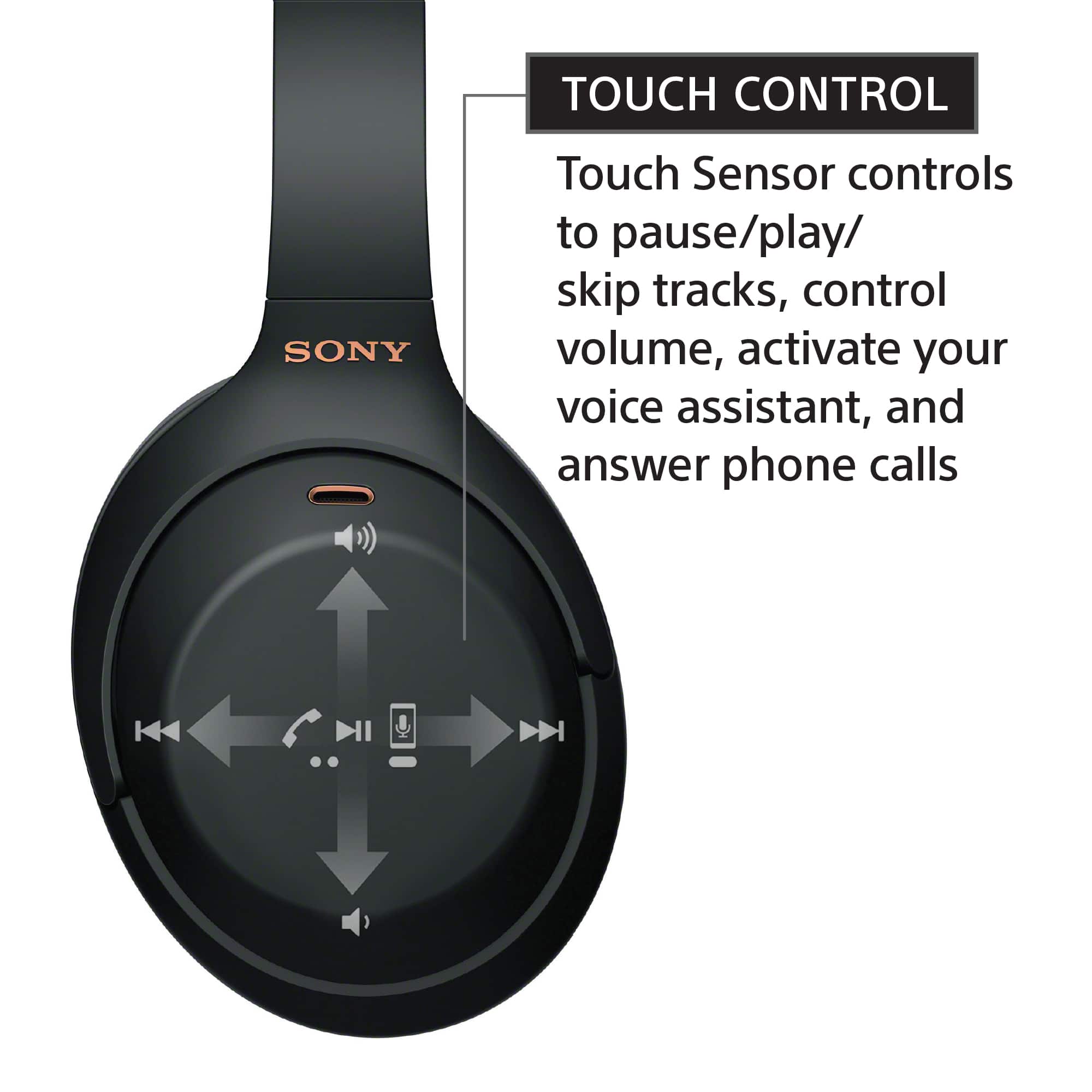
• Hold 2 fingers to the touch sensor control panel until you hear the voice guidance say, “Speak-to-chat deactivated”.
For more details, please refer to the following link:
https://helpguide.sony.net/mdr/wh1000xm4/v1/en/contents/TP0002754732.html
And as a general recommendation, to get the most out of your WH-1000XM4, we recommend updating its firmware to the latest version (2.5.0). The software includes key features, applications, bug fixes, and feature improvements. For more information, please visit https://www.sony.com/electronics/support/wireless-headphones-bluetooth-headphones/wh-1000xm4/downloads.
Should you need more technical assistance, please feel free to contact us and we'll be more than happy to assist you. You may send us an email socialsupport@am.sony.com with the following:
Name:
BestBuy Username:
Model Number:
Issue:
Telephone Number:
Hope this helps, and thanks for choosing Sony.
Sincerely,
Romeo
Sony Social Support
- Pros mentioned:Battery life
LISTEN TO US ! Dont Buy It! Instant Regret!
Posted .This reviewer received promo considerations or sweepstakes entry for writing a review.After 6 months of use the hinge breaks and the hrd part of it is, the repair is almost half of the price of the headphones soo just buy Airpods. For those who bought this, Im sorry for your experience. For those who are going to buy it, dont say we didnt warn you!!!
No, I would not recommend this to a friendBrand response from SonyListens
Posted .Hi Lemuel, We regret to hear about what happened. This is definitely not the news that we would like to hear. The WH-1000XM4 headphones have a robust design which helps prevent any type of breakage under normal use. Unfortunately, the limited warranty of your WH-1000XM4 does not cover any kind of accidental or physical damage. For more information, please refer to the link below. Thanks.
https://us.esupport.sony.com/support/s/service?language=en_US
Should you need any assistance, please email us at socialsupport@am.sony.com with the following details:
Name:
Username:
Model Number:
Issue:
Telephone Number:
Sincerely,
Sam
Terrible headphones
Posted .This reviewer received promo considerations or sweepstakes entry for writing a review.do not buy without googling WH-1000xm4 squealing noise. Very poor performance, squealing can't be fixed. App quit working, and can't be fixed by reloading reloaded 0 stars.
No, I would not recommend this to a friendBrand response from SonyListens
Posted .Hi Ticked,
Thanks for sharing your feedback on your experience so far with your WH-1000XM4. It's unfortunate to learn that you're hearing unwanted noise on your headphones. Please allow us to help you and turn this into a better experience. Make sure to update the firmware of the headphones by performing a software update (via the Sony Headphones Connect app) for optimum performance. We recommend performing the steps provided on the links below to refresh the content of your headphones.
https://helpguide.sony.net/mdr/wh1000xm4/v1/en/contents/TP0002752743.html
https://helpguide.sony.net/mdr/wh1000xm4/v1/en/contents/TP0002752746.html
Try opening the Sony Headphones Connect app, verify if it resolves the issue. If still unresolved, the Sony Headphones Connect app can also be removed and reinstalled as an additional step.
Should you need further assistance, you can email us at socialsupport@am.sony.com with the following details:
Name:
Best Buy Username:
Model Number:
Issue:
Telephone Number:
Sincerely,
Jess
Dont buy this product
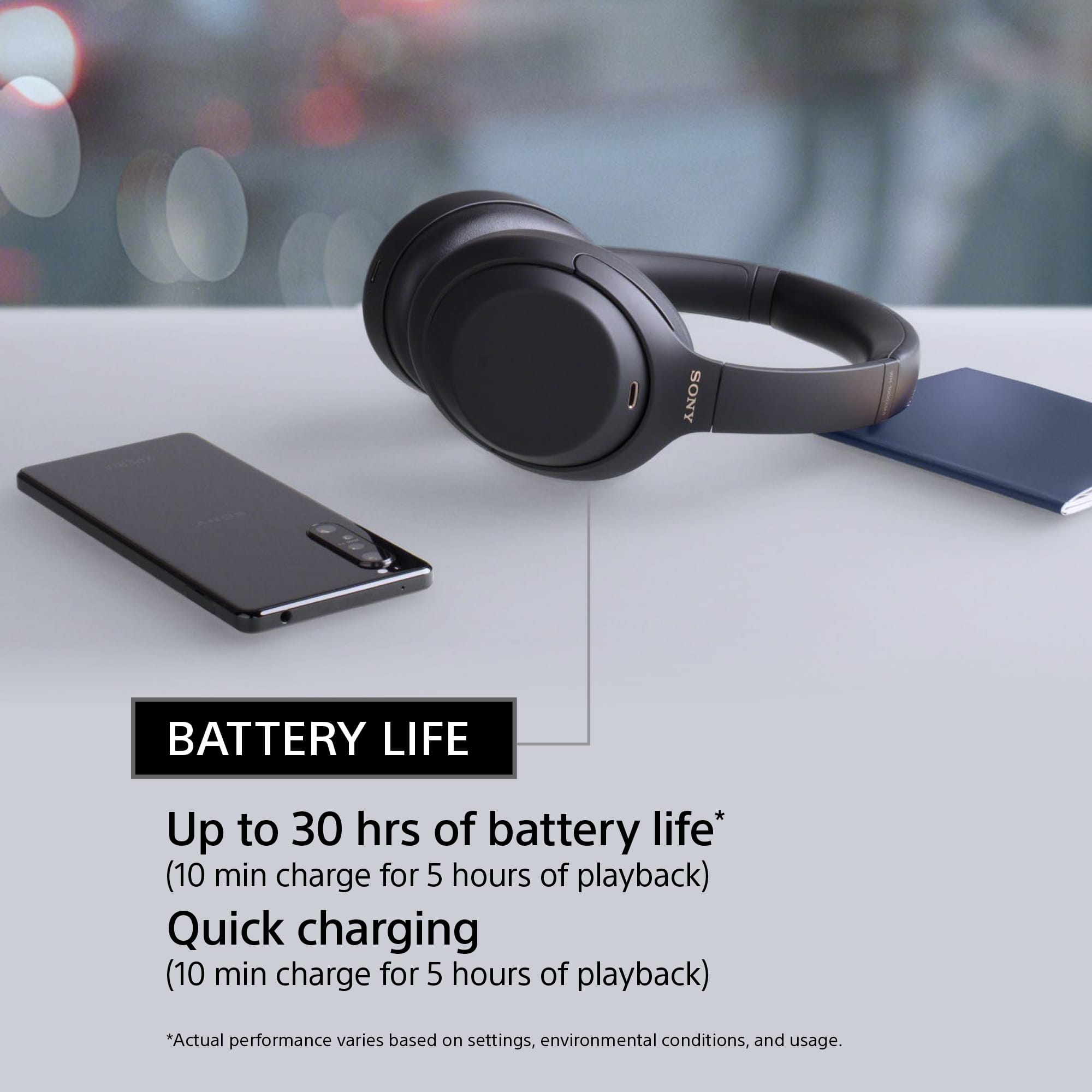
Posted .This reviewer received promo considerations or sweepstakes entry for writing a review.Battery dont last more than 2 hrs when they said it will last 30 hrs not worth it is over price sound experience sucks
No, I would not recommend this to a friendBrand response from SonyListens
Posted .Hi Shadow,
We regret to hear that you are not having a great experience with the battery life of the headphones. Make sure to charge the headphones sufficiently. Battery life may also vary depending on the settings and conditions of use. Please refer to this link for more information:
https://helpguide.sony.net/mdr/wh1000xm4/v1/en/contents/TP0002752809.html
If the headphones are still not working properly, reset and initialize unit. You may refer to these links:
https://helpguide.sony.net/mdr/wh1000xm4/v1/en/contents/TP0002752743.html
https://helpguide.sony.net/mdr/wh1000xm4/v1/en/contents/TP0002752743.html
If still not resolved or you need further assistance, please email the below information to socialsupport@am.sony.com.
Full Name:
Best Buy Username:
Telephone Number:
Sony Headphones Model Number:
Issue:
Additional Information regarding your experience with your WH1000XM4.
Sincerely,
-Ralph
Sony Social Support
Worst
Posted .This reviewer received promo considerations or sweepstakes entry for writing a review.Dont buy this. Very sensitive to moist and sweat. No worth the price
No, I would not recommend this to a friendBrand response from SonyListens
Posted .Hi Worst,
We take this matter seriously and we apologize for the inconvenience. We'd like to make sure you are taken care of. May we contact you to help and get more information? If so, please email the below information to socialsupport@am.sony.com. Apologies if you disclosed some of this information in your review and to customer service, we just want to ensure that we have your accurate details at the time of communication.
Full Name:
BBY Username:
Telephone Number:
Model Number:
Additional Information regarding your experience with the WH1000XM4:
Again, we apologize for the inconvenience and thank you for sharing your feedback.
Sincerely,
Marco
Terrible for price
Posted .This reviewer received promo considerations or sweepstakes entry for writing a review.After just 2 years of owning, the earphones died and will not turn on.
No, I would not recommend this to a friendBrand response from SonyListens
Posted .Hi mimi,
Thank you for the review and we're sorry to hear what happened with your headphones. The indicator does not light up. There may be a problem with charging. Make sure that the USB AC adaptor is firmly connected to the AC outlet. When charging the headset through a USB port on a computer, try the following as well:
- Make sure that the computer is turned on.
- If the computer is equipped with multiple USB ports, use another port.
- Connect the headset directly to the computer without using a USB hub.
If the situation does not improve, the headphones may be malfunctioning and require repair. For us to better assist you, please email us at socialsupport@am.sony.com with the following details:
Name:
Best Buy Username:
Model Number:
Issue:
Telephone Number:
Regards,
David
Complete Trash
Posted .This reviewer received promo considerations or sweepstakes entry for writing a review.Bass too muddy, removed aptx support. No windows app, multipoint communication too buggy.
No, I would not recommend this to a friendBrand response from SonyListens
Posted .Hi CaptJack,
We do apologize for the inconvenience. To isolate the issue, please try to reset the headphones to factory default settings and try again. Turn off the headset while the USB Type-C cable is disconnected and then press and hold the (power) button and the CUSTOM button simultaneously for 7 seconds or more. The indicator (blue) flashes 4 times, and the headset is initialized. This operation resets volume settings, etc. to the factory settings, and deletes all pairing information. In this case, delete the pairing information for the headset from the device and then pair them again.
We recommend you download the Sony Headphones Connect App so you can adjust the audio settings.
For further assistance, please email us at socialsupport@am.sony.com with the following details:
Name:
Best Buy Username
Model Number
Issue:
Telephone Number:
Regards,
David
Worst heafphones
Posted .This reviewer received promo considerations or sweepstakes entry for writing a review.Lasts only for 2 hours. Alot of static sound while usung it
No, I would not recommend this to a friendBrand response from SonyListens
Posted .Hi Jimy, We are sorry to hear about the battery and static sound issue you are having. This is definitely not the news that we would like to hear. Please allow us to help you and turn this into a better experience. If the duration of the battery is short, please follow the troubleshooting steps on the link below:
https://helpguide.sony.net/mdr/wh1000xm4/v1/en/contents/TP1000466396.html
For static, distorted, or poor sound quality issues, please refer to the link below to resolve the issue.
https://helpguide.sony.net/mdr/wh1000xm4/v1/en/contents/TP0002752820.html
https://helpguide.sony.net/mdr/wh1000xm4/v1/en/contents/TP0002752755.html
https://www.sony.com/electronics/support/wireless-headphones-bluetooth-headphones/wh-1000xm4/articles/00235161
If you are unable to resolve your concern, please email us at socialsupport@am.sony.com with the following details:
Name:
Username:
Model Number:
Issue:
Telephone Number:
Sincerely,
Sam
Problem with earphone
Posted .This reviewer received promo considerations or sweepstakes entry for writing a review.Left side makes static sounds when playing music. Specially noticeable when there is vibration, like on a bus.
No, I would not recommend this to a friendBrand response from SonyListens
Posted .Hi user325207, We are sorry to hear that you are experiencing issues with your WH-1000XM4 headphones. We'd love to troubleshoot the issue and make this a better experience for you. Depending on the surrounding environment, wind noise may increase when the Ambient Sound Mode is turned on. In that case, cancel the voice focus with the “Sony | Headphones Connect” app. If the wind noise is still significant, turn off the Ambient Sound Mode.
Also, please make sure that the WH-1000XM4 has the latest software update installed as this will help improve the overall performance of the headphones. To check on the updates, please click on this link: https://www.sony.com/electronics/support/wireless-headphones-bluetooth-headphones/wh-1000xm4/downloads
If the issue still occurs, please try resetting and initializing the WH-1000XM4.
To reset: https://helpguide.sony.net/mdr/wh1000xm4/v1/en/contents/TP0002752743.html
To initialize: https://helpguide.sony.net/mdr/wh1000xm4/v1/en/contents/TP0002752746.html
May we contact you to help? If so, please email the below information to socialsupport@am.sony.com
Apologies if you disclosed some of this information in your review and to customer service, we just want to ensure that we have your accurate details at the time of communication.
Full Name:
Best Buy Username:
Telephone Number:
Model Number:
Issue:
Regards,
Carl