Customer Ratings & Reviews
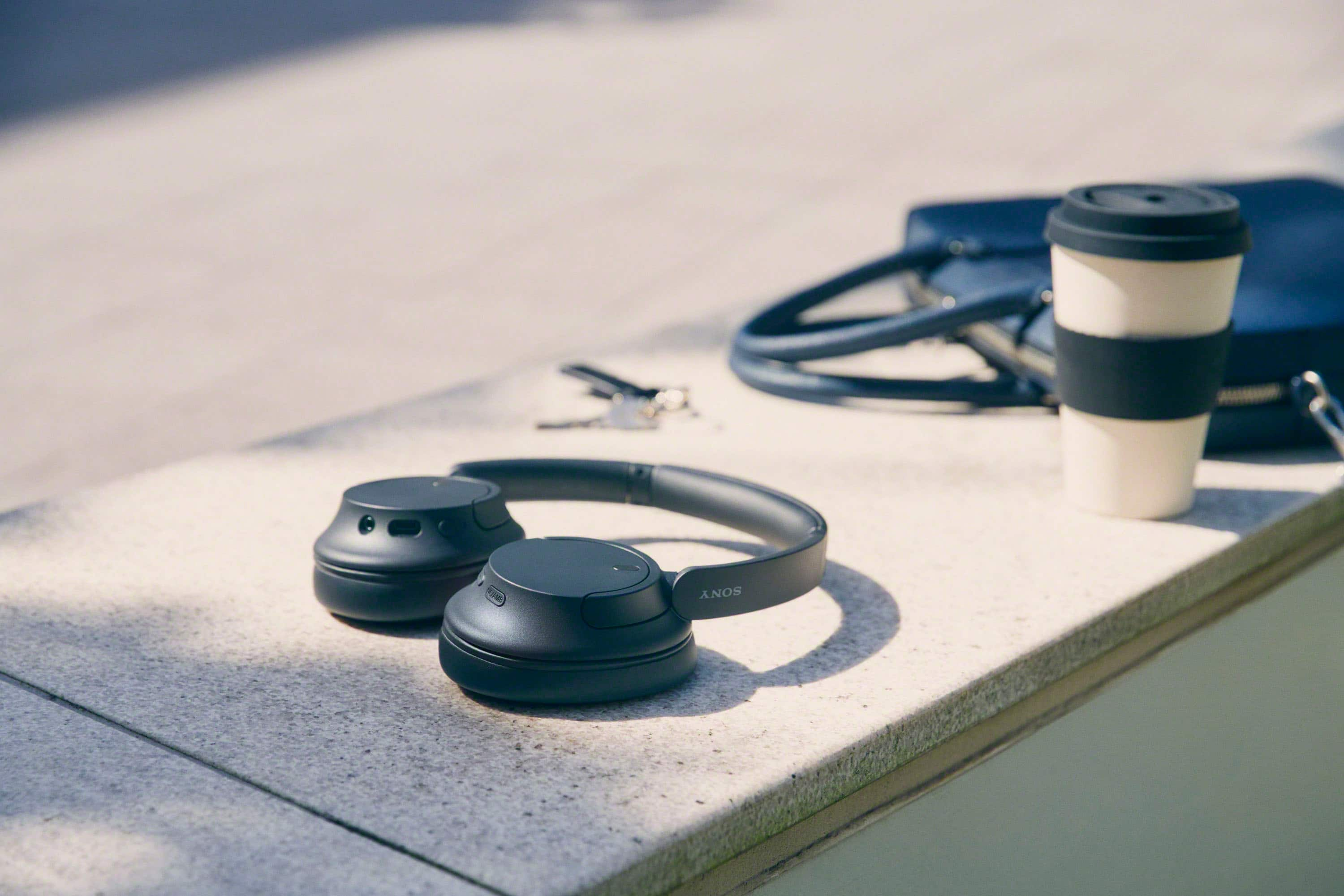


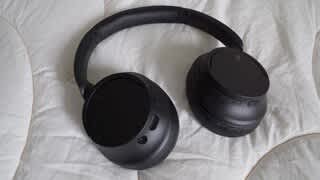
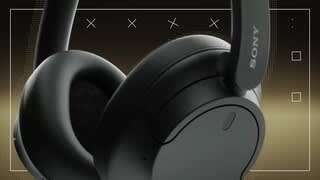
- Model:
- WHCH720N/B
- SKU:
- 6533162
Rating by feature
- Sound Quality
Rating 4.7 out of 5 stars
- Battery Life
Rating 4.8 out of 5 stars
- Connectivity
Rating 4.7 out of 5 stars
Customers are saying
Customers are positive about the noise cancellation, comfort, sound quality, battery life, price, lightweight design, and connectivity of the WHCH720N Wireless Noise Canceling Headphones. They appreciate the excellent noise cancellation, comfortable fit, great sound, long battery life, reasonable price, lightweight design, and easy connectivity. However, some customers have concerns about the fit, bass, app, and pairing process. They mention that the headphones do not fit snugly on the head, lack bass, require an app for full functionality, and can be tricky to pair initially.
This summary was generated by AI based on customer reviews.
Great headphones
||Posted . Owned for 1 month when reviewed.This reviewer received promo considerations or sweepstakes entry for writing a review.This was a wonderful purchase. I had doubts about Bluetooth headphones with not holding a long battery life charge and comfortability around the ears. I am very impressed with this purchase and recommend it to anyone.
I would recommend this to a friendBrand response from SonyListens
Posted .Hi ShondellK, That's awesome! We are thrilled to hear that you are very impressed with your new Sony WHCH720N wireless noise canceling headphones. Thank you for choosing Sony! Vincent

Earbuds
||Posted . Owned for 3 weeks when reviewed.This reviewer received promo considerations or sweepstakes entry for writing a review.These earbuds are OK good sound but hard to make him lower and higher on sound
I would recommend this to a friendWhy?
||Posted . Owned for 3 weeks when reviewed.This reviewer received promo considerations or sweepstakes entry for writing a review.I thought those were noise canceling ear muffs, without having to be connected to Bluetooth!
I would recommend this to a friendBrand response from SonyListens
Posted .Hi JoeB!
We are sorry to hear you had this bad experience with your Sony - WHCH720N, the type of noise cancelation your headphones have is active noise canceling (ANC), which means that in order to block the incoming noise, you have to turn the headphones on and also the ANC, the WH-CH720N has a button to toggle noise canceling settings, allowing you to switch between Ambient Sound Mode and Noise Cancelling Mode.
The Active Noise Cancellation (ANC) on the Sony WH-CH720N works by using built-in microphones that analyze ambient sound waves around you. The system then generates opposite sound waves to reduce surrounding noise. This process effectively cancels out low-frequency noises, such as engine sounds from an airplane or train, thereby providing a quieter listening environment.
It's worth noting that ANC does not fully eliminate all sounds, especially higher-pitched noises like human speech, and its effectiveness can vary based on how you wear the headset and environmental conditions.
You can check the link below for further info about this feature, thanks for choosing Sony!
Wireless Noise Canceling Stereo Headset (WH-CH720N)
https://helpguide.sony.net/mdr/2966/v1/en/contents/TP1000776935.html?utm_source=glean
-Gus
mr
||Posted . Owned for 1 month when reviewed.This reviewer received promo considerations or sweepstakes entry for writing a review.Great headset! Buttons take time to work by touch.
I would recommend this to a friendBrand response from SonyListens
Posted .Thank you for your feedback and for choosing the WH-CH720N, Frank. We’re happy to hear you’re enjoying the headset overall! We appreciate your comment about the buttons taking some time to get used to by touch. Your input helps us as we continuously strive to refine our products for the best possible user experience. If you have any further questions or need tips on button navigation, please let us know—we’re here to help.
Thank you again for being a valued Sony customer!
Best regards,
Gus
Sony Social Media Team
My Sony headset great product
||Posted . Owned for 1 month when reviewed.This reviewer received promo considerations or sweepstakes entry for writing a review.Love all my Sony products from my noise canceling to my TV headphone so I don’t disturb my wife this is my third noise cancellation
I would recommend this to a friendBrand response from SonyListens
Posted .Hi KennethE,
That's very nice to hear! We're glad that you like the noise canceling of the headphones. Thank you for choosing Sony and enjoy your headphones!
-David
- Pros mentioned:Sound quality
Good
||Posted . Owned for 1 month when reviewed.This reviewer received promo considerations or sweepstakes entry for writing a review.They are good they sound good and will use them for a while
No, I would not recommend this to a friendBrand response from SonyListens
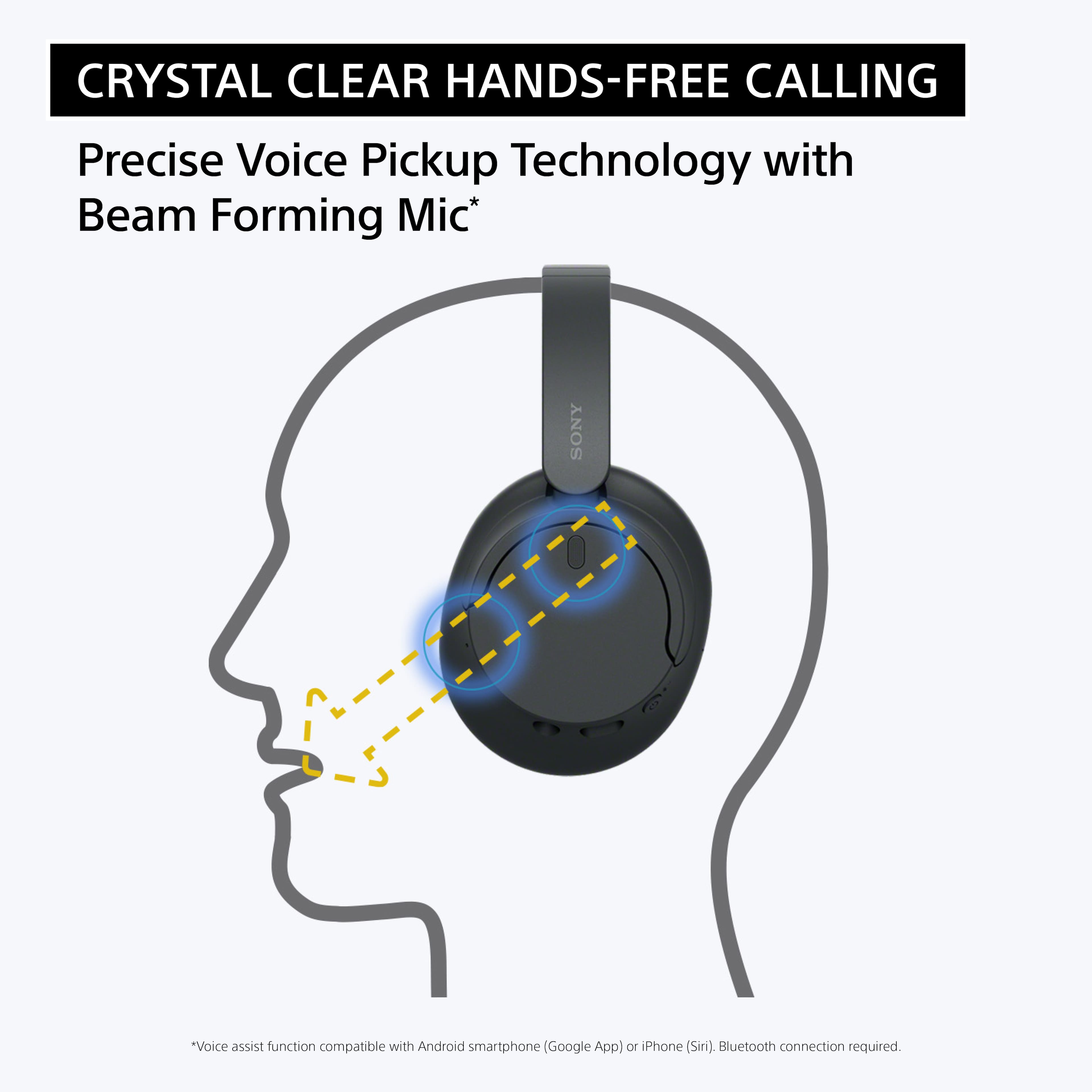
Posted .Hi Alex, You definitely made the right choice with these headphones. We are thrilled to hear about your amazing experience so far with your WH-CH720N and you appreciate everything about these headphones. Enjoy all-day comfort without the noise. With noise-canceling technology, a lightweight design and a long-lasting battery life you can enjoy your music for longer and without background interruptions. Our WH-CH720N headphones allow you to enjoy natural vocals, crystal-clear sound and balanced tuning audio, thanks to the Integrated Processor V1 and Digital Sound Enhancement Engine (DSEE), producing a high-quality sound exactly as the artists intended. The Precise Voice Pickup technology Wind Noise Reduction Structure will give you a clear and natural conversation during calls. Thank you for choosing Sony! -Jess
Sony Headphone WH-CH720N
||Posted . Owned for 1 month when reviewed.This reviewer received promo considerations or sweepstakes entry for writing a review.With noise-cancelling technology, a lightweight design and a long-lasting battery life you can enjoy your music for longer and without background interruptions.
I would recommend this to a friendBrand response from SonyListens
Posted .Hi RobertoM, We're glad you're happy with your purchase. Make sure to keep your device's firmware up to date to enjoy all its features. Thanks for choosing Sony! -Craig
Great headphones!
||Posted . Owned for 3 weeks when reviewed.This reviewer received promo considerations or sweepstakes entry for writing a review.These are great headphones, the noise canceling works great but not as well as Bose or some more expensive headphones. I bought these with that expectation though.
I would recommend this to a friendBrand response from SonyListens
Posted .Hi Adamm,
We're glad you're happy with your purchase. Make sure to keep your device's firmware up to date to enjoy all its features. Thanks for choosing Sony! -Craig
Great headphones
||Posted . Owned for 3 weeks when reviewed.This reviewer received promo considerations or sweepstakes entry for writing a review.Great headphones for the money. Sound quality is excellent and the battery life means more time out of the charger. Out of all of the headphones I looked at this was the best bang for the buck!
I would recommend this to a friendBrand response from SonyListens
Posted .Hi KrisD, Thanks for the positive feedback! We're glad you're happy with your purchase. Make sure to keep your device's firmware up to date to enjoy all its features. Thanks for choosing Sony! -Craig
My dad is a audiophile
||Posted . Owned for 3 weeks when reviewed.This reviewer received promo considerations or sweepstakes entry for writing a review.Decent. But more than worth it on sale. Would definitely buy again
I would recommend this to a friendVery good
||Posted . Owned for 2 weeks when reviewed.This reviewer received promo considerations or sweepstakes entry for writing a review.This turned out to be a way better pair of headphones than I expected. Only thing I could complain about is the sometimes sound a little muffled compares to higher priced Sony headphones. Battery life is excellent!!!
I would recommend this to a friendBrand response from SonyListens
Posted .Wonderful, NoahMcAll! We're glad you like your new headphones. Make sure to keep your device up to date to avoid any performance issues. Enjoy and thanks for choosing Sony. -Craig
Good ones
||Posted . Owned for 3 weeks when reviewed.This reviewer received promo considerations or sweepstakes entry for writing a review.Love how light they are. They connect well to my phone and good sound.
I would recommend this to a friendBrand response from SonyListens
Posted .Hi, NataliaV,
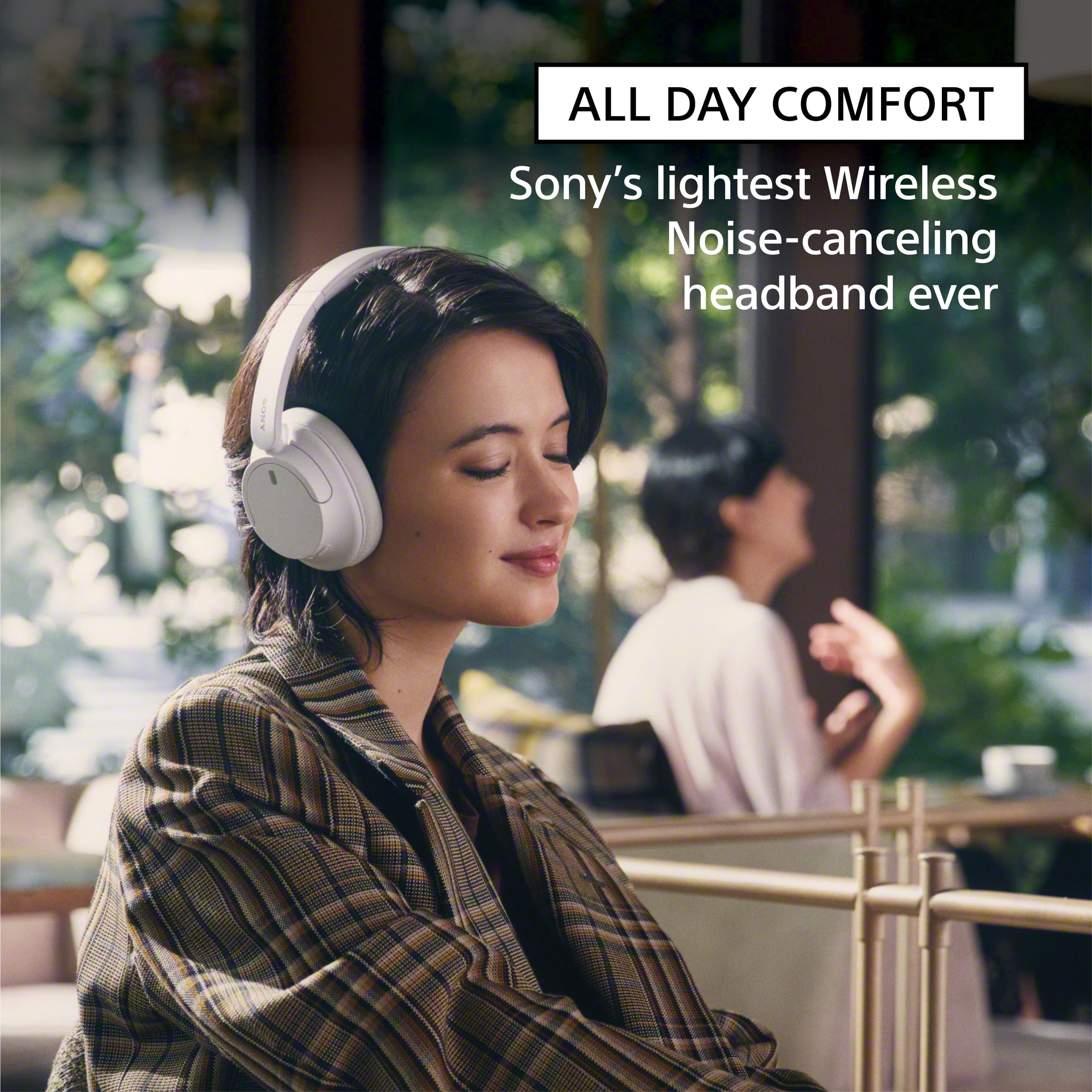
Thanks for the review and the 5-stars rating! We are delighted to hear that our headphones have made a great impression on you! Designed to be Sony’s lightest wireless noise-cancelling headphones yet. Featuring a slimmer, lightweight headband, these headphones have been re-structured to create more space and comfort for the ears. Making them the ideal headphones to work from home or listen to some tunes! Do not forget to download the Sony Sound Connect app to enhance the experience!
Thank you for choosing Sony, have a good day!
-DiegoV
Awesome Headphones!
||Posted . Owned for less than 1 week when reviewed.This reviewer received promo considerations or sweepstakes entry for writing a review.Great headphones! They are very comfortable and have great sound quality. I have a big head and struggle with over the ear headphones, but these fit great.
I would recommend this to a friendBrand response from SonyListens
Posted .Hi Zach, We're glad you like your new headphones. Enjoy and thanks for choosing Sony! -Craig
Sony headphone review
||Posted . Owned for 1 month when reviewed.This reviewer received promo considerations or sweepstakes entry for writing a review.I really enjoy this product because it has very good quality and good it also has good sounds, and it is very comfortable to use. Finally, the sound quality is very good and it also has very good material. I recommend this product.
I would recommend this to a friendBrand response from SonyListens
Posted .Hi Goodnice,
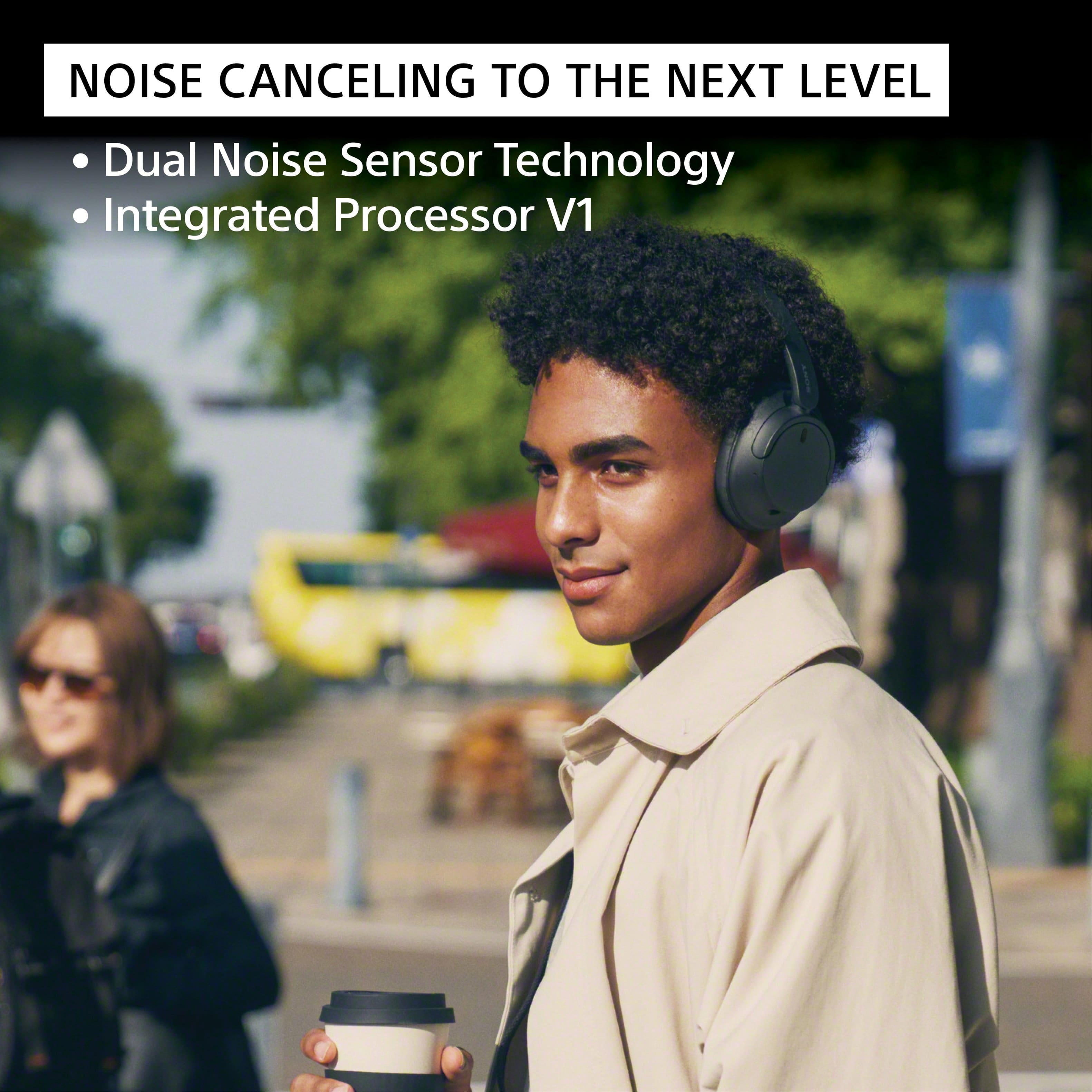
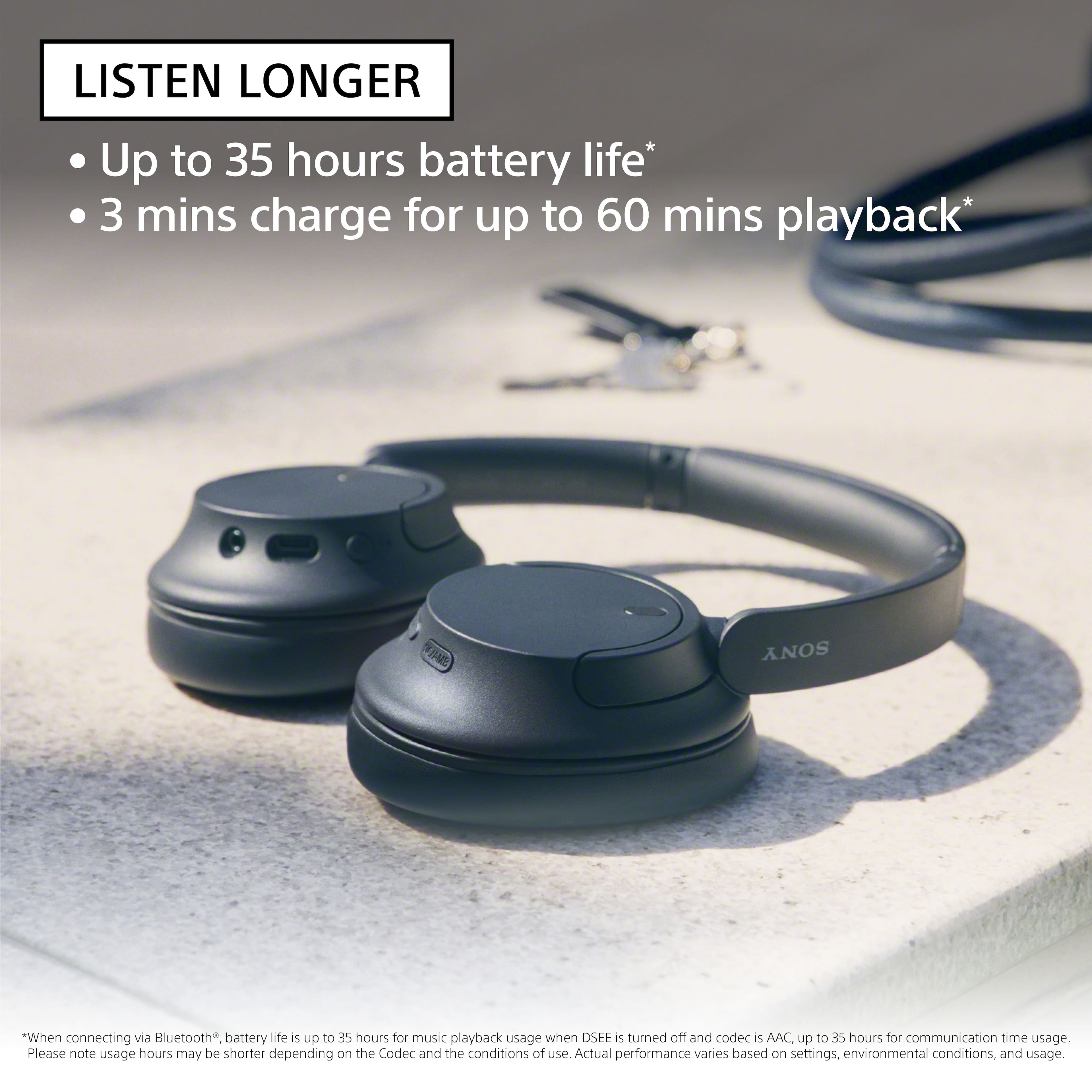
Fantastic! We're thrilled to hear your enjoyable experience with the amazing sound, build quality, and comfortable fit of your new headphones. Turn down the world's noise with the long-lasting noise cancellation performance. Featuring Dual Noise Sensor technology and an Integrated Processor V1, the WH-CH720N allows you to fully immerse yourself in music without any distractions. Ergonomically designed to be lightweight, comfortable, and with up to 35 hours of battery life, you’ll almost forget you’re wearing it. Thanks for choosing Sony! - Kris
worth the price i paid
||Posted . Owned for 1 month when reviewed.This reviewer received promo considerations or sweepstakes entry for writing a review.excellent price and sound quality. The build of the headphones feels cheap and lightweight but it doesn't affect anything overall. also, the battery life is better than any other headphones I've tried.
I would recommend this to a friendBrand response from SonyListens
Posted .Hi Maxb, We appreciate your feedback and we are glad that you like the overall quality of your new Sony wireless noise canceling headphones. Our WH-CH720N headphones also allow you to enjoy natural vocals, crystal-clear sound and balanced tuning audio, thanks to the Integrated Processor V1 and Digital Sound Enhancement Engine (DSEE), producing a high-quality sound exactly as the artists intended. The Precise Voice Pickup technology Wind Noise Reduction Structure will give you a clear and natural conversation during calls. We take all user input seriously and will make sure your comments reach the appropriate person. Thank you for trusting Sony! Vincent
Nice set for the price!
||Posted . Owned for 1 month when reviewed.This reviewer received promo considerations or sweepstakes entry for writing a review.They are really good. I enjoy mine as they are a nice break from my AirPods. My husband loves them, he just got his own pair.
I would recommend this to a friendBrand response from SonyListens
Posted .Hi MiltonC, we're glad to hear that you and your husband are enjoying our product. Thanks for choosing Sony! ~Earl
- Pros mentioned:Sound quality
Nice product
||Posted . Owned for 1 month when reviewed.This reviewer received promo considerations or sweepstakes entry for writing a review.This works great and the noise canceling is perfect
I would recommend this to a friendBrand response from SonyListens
Posted .Hi VVreview,
Awesome! We're glad you like how your WHCH720N headphones works. Turn down the world's noise with the long-lasting noise cancellation performance. Featuring Dual Noise Sensor technology and an Integrated Processor V1, the WH-CH720N allows you to fully immerse yourself in music without any distractions. Ergonomically designed to be lightweight, comfortable, and with up to 35 hours of battery life, you’ll almost forget you’re wearing it. Thank you for choosing Sony! - Kris
Student headphone
||Posted . Owned for 2 months when reviewed.This reviewer received promo considerations or sweepstakes entry for writing a review.Excellent headphone at unbeatable price. Good for student.
I would recommend this to a friendBrand response from SonyListens
Posted .Hi VinhL,
Amazing! We're thrilled that you are enjoying the performance of the headphones. Thank you for choosing Sony!
-Ralph
Sony -720N Wireless Noise
||Posted . Owned for 1 week when reviewed.This reviewer received promo considerations or sweepstakes entry for writing a review.Great product, good sound quality, but call answer button difficult to find when headphone is over the head. I sometimes press the wrong button
I would recommend this to a friendBrand response from SonyListens
Posted .Hi Harsha, Thanks for sharing your review. We're thrilled to hear that you love your new headphones! However, we're sorry to learn that you're experiencing difficulties with the buttons. We suggest taking some time to familiarize yourself with their functionality. Alternatively, you can also control the headphones using your mobile device. Enjoy and thanks for choosing Sony. -Craig
Love my sony noise cancelling headphones!
||Posted . Owned for 3 weeks when reviewed.This reviewer received promo considerations or sweepstakes entry for writing a review.My children got these for me for my 60th birthday. I had no idea what I was missing out on! The noise cancelling feature helps me to hear everything in the movie I'm watching at the gym on the treadmill. Love these. No more earbuds for me.
I would recommend this to a friendBrand response from SonyListens
Posted .Hi Sandra, We're glad that you are enjoying your new headphones. Turn down the world's noise with the long-lasting noise cancellation performance. Featuring Dual Noise Sensor technology and an Integrated Processor V1, the WH-CH720N allows you to fully immerse yourself in music without any distractions. Ergonomically designed to be lightweight, comfortable, and with up to 35 hours of battery life, you’ll almost forget you’re wearing it. Thanks for choosing Sony! Erin