Customer Ratings & Reviews
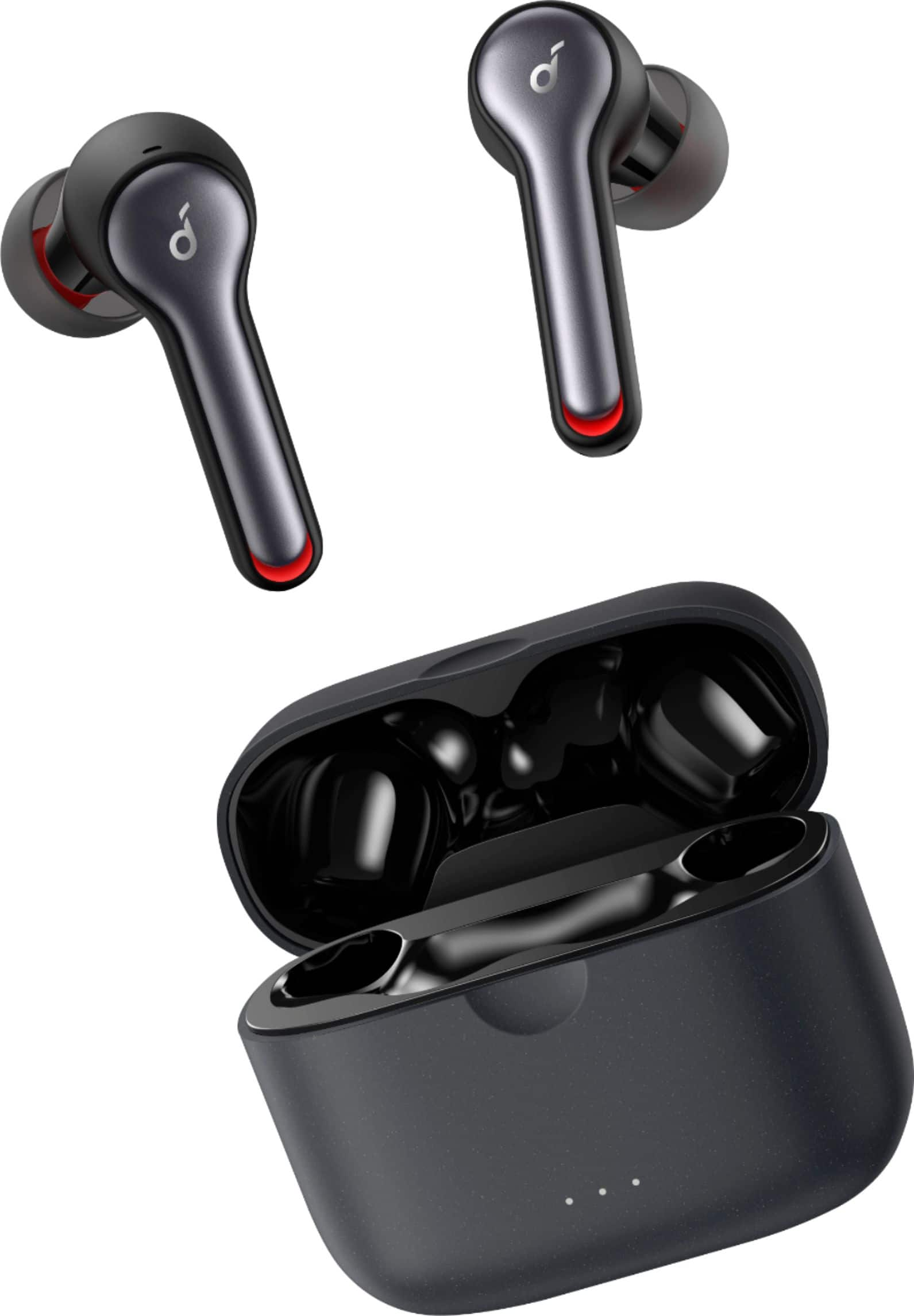
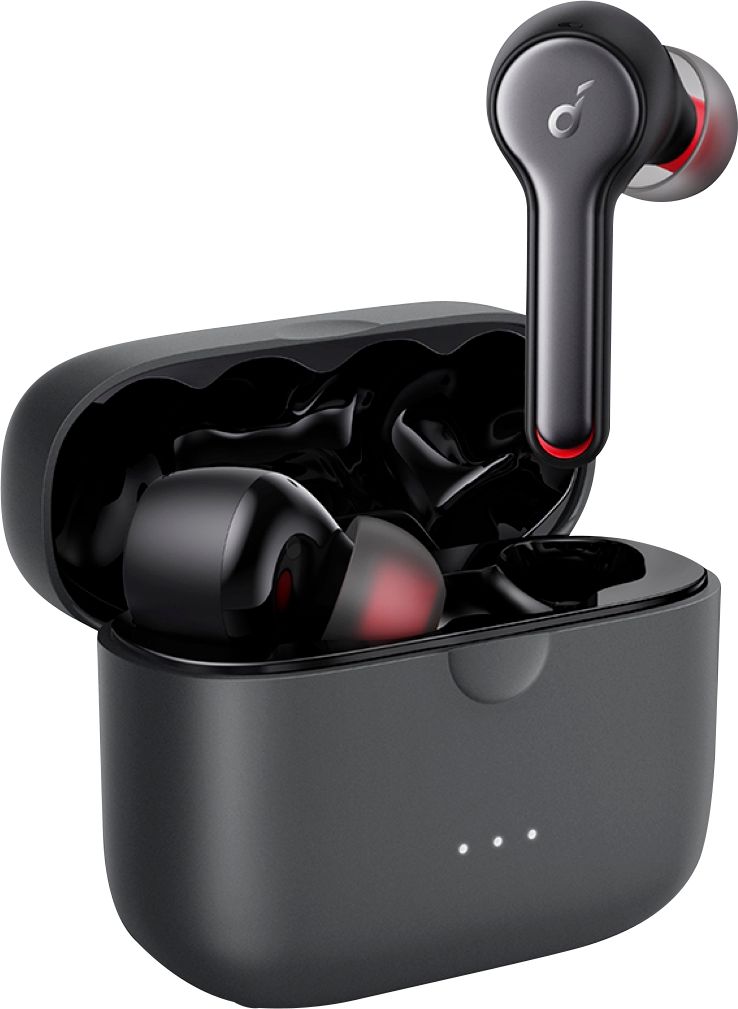
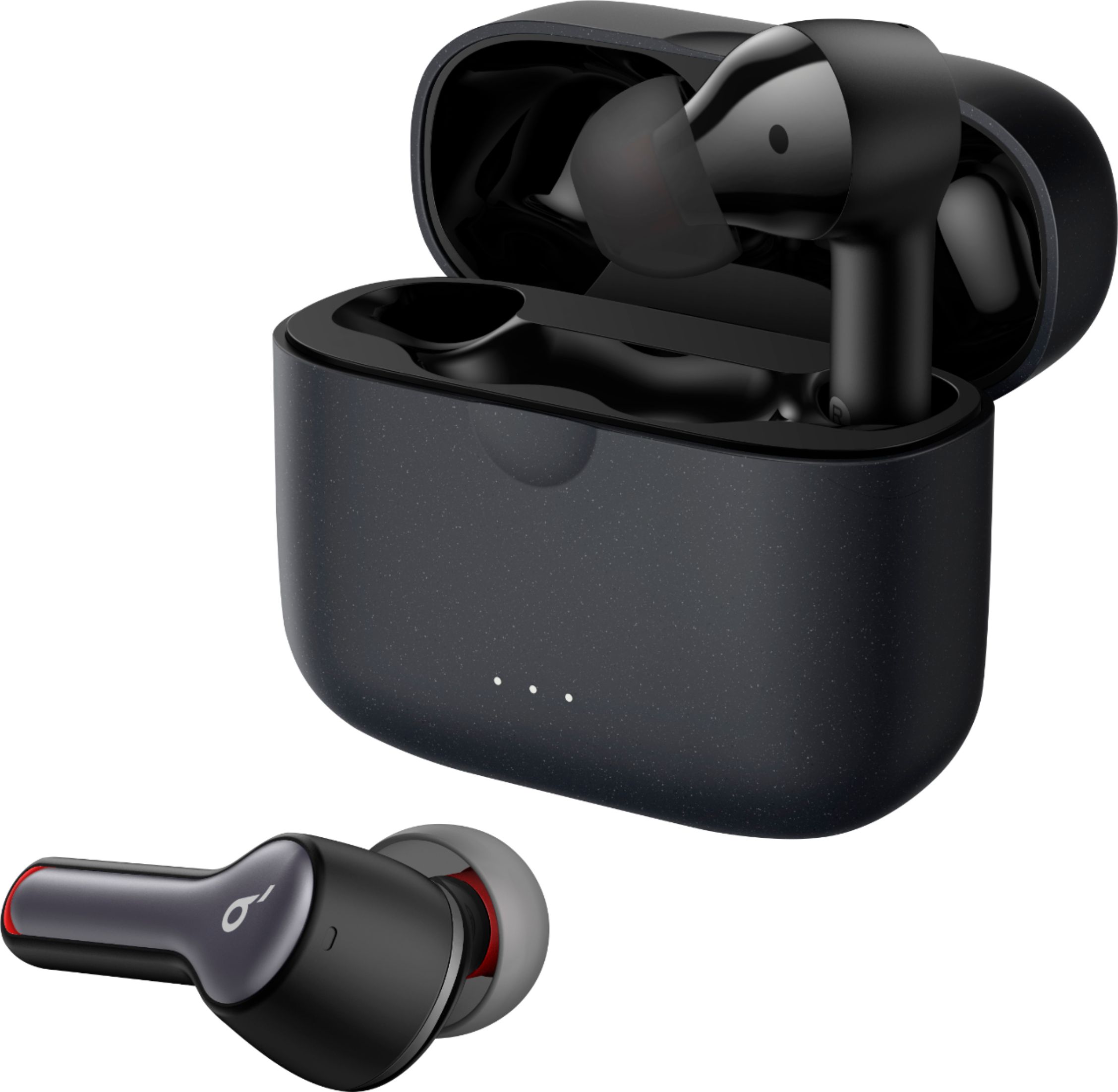
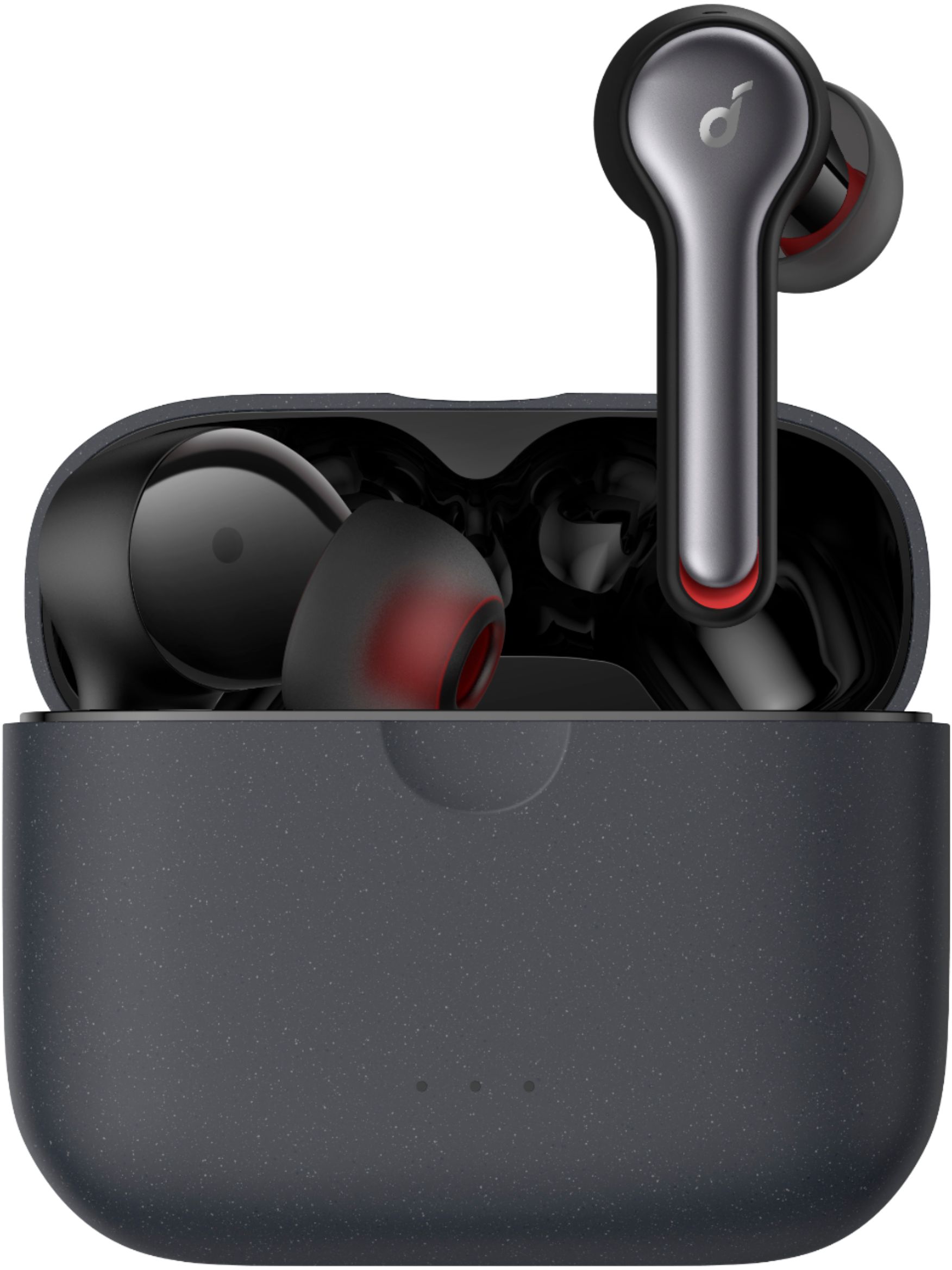
- Model:
- A3910Z11
- SKU:
- 6374960
Rating by feature
- Sound Quality
Rating 4.3 out of 5 stars
- Battery Life
Rating 4.2 out of 5 stars
- Connectivity
Rating 4.0 out of 5 stars
Customers are saying
Customers are delighted by the Anker Liberty Air 2 Earbuds for their exceptional sound quality, long battery life, and affordable price. Many users have praised the earbuds' comfort, with some even saying they are the most comfortable earbuds they've ever used. However, some customers have expressed concerns about the fit, connectivity, and touch controls of the earbuds.
This summary was generated by AI based on customer reviews.
- Pros mentioned:Fit
Great headphones and customer service!
Posted .This reviewer received promo considerations or sweepstakes entry for writing a review.Amazing headphones, comparable to beats but feel more comfortable and stick into my ear much better. Along with that I did have an issue with one headphone and was easily able to return them and get a brand new pair. Kaya was of great assistance and helped me along the entire process.
I would recommend this to a friend Huge improvement over the first ones
Posted .This reviewer received promo considerations or sweepstakes entry for writing a review.Anker really outdid themselves with these pairs. The connection problems with the first generation Liberty Airs seem to be gone. Battery life was been improved greatly over the fist generation. The sound better than the first generation with a broader sound stage and instrument separation. Sound isolation is in line with the first pair. Thankfully, Anker went with USB-C with fast charging (ten minutes for two hours) and wireless Qi charging. Anker emblazoned the front of the box with "Crystal Clear Calls" and I'm happy to say that the call quality is great. The HearID tech is pretty interesting, customizing the EQ to your ears. Great value for the money.
I would recommend this to a friend- Pros mentioned:Sound qualityCons mentioned:Pairing
Too much trouble pairing, don’t work with calls
Posted .This reviewer received promo considerations or sweepstakes entry for writing a review.Two problems. Took way to long to figure how to pair so that both buds work at same time. Poor/no documentation. Fumbled with this and online searches for TWO HOURS! Now finally paired to iPhone 7+, and music sounds great. BUT, if phone rings audio stays on the phone, does not work with the ear buds. Looked and looked online for solutions, none found. Have now spent a couple of hours and still not working. I have reset and reset. I love Anker products, but this is a hassle and a disappointment. Will probably return and just get Apple pods. These were to be my work/play buds, but too much trouble.
No, I would not recommend this to a friendBrand response from Roav Team
Posted .So sorry to learn about this. Regarding the mic issue, please try the following troubleshooting steps:
1. Forget the pairing record on your device and turn off your device's Bluetooth.
2. Place the earbuds into the charging case and make sure they are being charged. When you put the left earbuds into the charging case, the left LED light on charging case will flash 2 times which means the earbuds is charging, please also note the right side will also do the same time, when you put it into charging case, the right LED light on charging case will also flash.
3. Keep the charging case open, then press and hold the button on the bottom of the charging case for 10 seconds until the LED indicators on both earbuds flash red 3 times. All the memory data will be cleared, then close the charging case.
4. Re-open the charging case or take both sides out of the charging case, the white light on one side will flash quickly, which means it enters pairing mode
5. Enable the Bluetooth on your bluetooth devices. You can find the device name "Soundbuds Liberty Air 2" or "Soundcore Liberty Air 2-L" on the Bluetooth list.
6. Please click "Soundbuds Liberty Air 2" or "Soundcore Liberty Air 2-L" for pairing, the white light will flash slowly, which means it paired successfully.
7. Then there will pop out a screen with "Bluetooth Pairing Request", just click "Pair" (This step is very important)
8. Try them on another devices
If still the same, please reach out to us via [email protected] for further assistance. We offer an 18-month warranty for this product, plus lifetime technical support. Our standard for responding to email quests is less than 24 hours, and we look forward to hearing from you!
- Pros mentioned:Sound quality
Airpod experience on any device
Posted .This reviewer received promo considerations or sweepstakes entry for writing a review.Great sound quality and feature set build quality is superb also hear ID works great
I would recommend this to a friend Problem/No problem
Posted .This reviewer received promo considerations or sweepstakes entry for writing a review.We bought a pair last year for my daughter and one of the ear head phones went out before the year was up. I contacted Best Buy who gave me a website to go to for a replacement. Anker gave me a couple of suggestions to see if the problem could be resolved. It didn't work and so they sent us a whole new set in just a few days. Very good and easy to work with.
I would recommend this to a friendWas hoping for a gem but was disappointed
Posted .This reviewer received promo considerations or sweepstakes entry for writing a review.My Jabra 75ts are going back due to hardware issue covered under warranty. I can't work 10 hrs a day without my music so I bought these while I wait for a replacement. I know these and my Jabra are in 2 different pricing leagues but my gosh these things sound terrible compared to them. They are just like so many other headsets in the sub 125 price range, very harsh in the 3~5khz range where even the best 10 band eq in the play store can't fully correct them! The best way to describe the frequency is when you make a "chssssshh" sound blowing air thru your teeth. I don't know how PC Mag and other tech firms can rate these things so highly even with sound being a subjective thing. I'm an audiophile and I know these won't touch a good wired set of cans but c'mon these people that sample electronics for a living can't have that deaf of an ear. I will be retuning these once my replacement arrives.
No, I would not recommend this to a friend- Cons mentioned:Connectivity
Not a happy customer
Posted .This reviewer received promo considerations or sweepstakes entry for writing a review.I just bought these buds today. They do not make them user friendly. Both ears won’t connect simultaneously. Either the left connects or just the right. The picture manual is NOT helpful at all. The quality is “eh,” but I would love to be able to connect to the app to adjust and see if the helps the sound for me. I was FINALLY able to connect the app but I can’t do anything else within it until both sides are connected. Not my first rodeo with wireless headphones so this is a disappointment. Shouldn’t be this complicated. Oh, and the YouTube videos are not helpful either.
No, I would not recommend this to a friendBrand response from Anker Team
Posted .Thanks for your writing and so sorry to learn about this, please help us try the following steps to get both sides paired:
1. Forget the pairing record on your device and turn off your device's Bluetooth.
2. Place the earbuds into the charging case and make sure they are being charged. When you put the left earbuds into the charging case, the left LED light on charging case will flash 2 times which means the earbuds is charging, please also note the right side will also do the same time, when you put it into charging case, the right LED light on charging case will also flash.
3. Keep the charging case open, then press and hold the button on the bottom of the charging case for 10 seconds until the LED indicators on both earbuds flash red 3 times. All the memory data will be cleared, then close the charging case.
4. Re-open the charging case or take both sides out of the charging case, the white light on one side will flash quickly, which means it enters pairing mode
5. Enable the Bluetooth on your bluetooth devices. You can find the device name "Soundbuds Liberty Air 2" or "Soundcore Liberty Air 2-L" on the Bluetooth list.
6. Please click "Soundbuds Liberty Air 2" or "Soundcore Liberty Air 2-L" for pairing, the white light will flash slowly, which means it paired successfully.
7. Then there will pop out a screen with "Bluetooth Pairing Request", just click "Pair" (This step is very important). If still the same, please reach out to us at [email protected] so we can take care of you. You are important to us, and we want to help as much as we're able to. Looking forward to hearing from you!
- Pros mentioned:Sound qualityCons mentioned:Pairing
Not so reliable !!
Posted .This reviewer received promo considerations or sweepstakes entry for writing a review.First week was an amazing sound both for media and calls , 2nd week phone calls quality decreased a little and left earbud started to take a little long to pair , today after only 24 days of having them I can place any calls with them because people can't ear me. I did try my wife's airpods to see if it was my phone acting up , but they worked just fine. I'm now starting a claim with Anker , will update on how my process went !!
No, I would not recommend this to a friend dont like this version
Posted .This reviewer received promo considerations or sweepstakes entry for writing a review.i had the liberty air version but lost them, so i bought this new version ones thinking there better but didn't like them. i don't know if its the app or what but when u put them in your ear snug tight they sound low. when making any movement (example) moving your head sideways or any other way and the sounds decreases. they sounds if your far away or coming off your ears. i have to be fixing them in my ears to get a better sounds. so i don't like them. the other Anker sound core liberty air are awesome. never had a problem with it. so i bought the Anker sound core liberty air X version since there like the first ones i had and love.
No, I would not recommend this to a friend- Cons mentioned:Touch controls
Worst Bluetooth headphones I have ever seen
Posted .This reviewer received promo considerations or sweepstakes entry for writing a review.I'm baffled that Anker would release headphones this bad. There are so flaky. It's unreal. I have a cheap pair of Insignia Bluetooth headphones that work way better and I only spent 20 dollars on those. The touch controls are awful. They sometimes work. How can you release a product that sometimes work. My Insignia with physical buttons work all the time. Who at Anker thought it was a good idea to release such trash? The original pairing didn't work. Had constant issues with getting left side to work. Very unprofessional. The microphone is junk. It cut me off mid conversation with someone. Bottom line is don't buy this trash. I'm shocked that Anker thought it was ok to release headphones in this state. When you look at how to fix any of these issues they always want you to reset the headphones. That's a lazy stupid excuse. You shouldn't buy them if you value your sanity.
No, I would not recommend this to a friendBrand response from Anker Team
Posted .Sorry to learn these issues. Regarding the touch control, may I know if you touch the headset to find the location of the touchpad before you click or double click the control, if yes, in fact, the action to find the location of the touchpad is also meant one tap. So I will recommend you put the thumb and middle finger on the left and right sides of the earphone, and then double-click or long-press the touchpad with the index finger, so that the positioning effect is accurate and the action execution can be accurate.
Regarding the mic issue, please help us do the following troubleshooting steps to see if there are helpful:
1. Use the default phone call on another phone to see if it makes any difference.
2. Reset the earbuds by the following steps to see if the problem still persists.
--Place the earbuds into the charging case and make sure they are being charged.
--Keep the charging case open, then press and hold the button on the charging case for 10 seconds until the LED indicators on both earbuds flash red 3 times.
3. Upgrade the firmware to the last version 4.20 through Soundcore APP to see if there are helpful.
Please reach out to us at soundcore@service.com so we can take care of you. You are important to us, and we want to help as much as we're able to. Looking forward to hearing from you!
- Pros mentioned:Sound quality
best true wireless earbud
Posted .This reviewer received promo considerations or sweepstakes entry for writing a review.very happy with this ear bud, it's sound very good. it meet all my expectation and good price.
I would recommend this to a friend - Pros mentioned:Battery life
Hard to place in ear
Posted .This reviewer received promo considerations or sweepstakes entry for writing a review.These earphones have a great battery life! However they are very bulky and do not fit well in my small ears.
No, I would not recommend this to a friend Correct Pairing Problem
Posted .This reviewer received promo considerations or sweepstakes entry for writing a review.For those out there having an issue with pairing the left pod, here's a solution. Unpair from device. Next put the pods back in the case. Push the reset button on the bottom of case for 10sec. Light will flash red on both then white. Take out of case hold them together, bluetooth search for pods on device. Both will get recognized. I had the same issue and saw on YouTube what to do. Hope this helps.
I would recommend this to a friend- Pros mentioned:Sound quality
Doesn't stay in my ear
Posted .This reviewer received promo considerations or sweepstakes entry for writing a review.Even though these earpods sound great, they keep slipping out of my ear and I've tried the different sized cups. Sorry, I don't have a perfectly clean, oil-free ear. This company should go back to the drawing board and design one where it rests against your ear and not solely rely on the ear tips.
No, I would not recommend this to a friendBrand response from Anker Team
Posted .Thank you so much for writing. So sorry to learn this!
Regarding the fit issue, although we prepared different sizes of eartips still it cannot fit 100% for some customers. I will forward your valuable feedback to our product team to improve this acpect in the future version. Here are some instructions for you:
1. Choose the ear tips and ear wings that fit your ears the best.
2. Insert the earbuds into the inner canal of your ears.
3. Turn and find the most comfortable position.
Please reach out to us at soundcore@service.com so we can take care of you. You are important to us, and we want to help as much as we're able to. Looking forward to hearing from you!
- Pros mentioned:Sound quality
Good quality
Posted .This reviewer received promo considerations or sweepstakes entry for writing a review.It's good in sound and it's easy to get out. Keep making more soundcore
I would recommend this to a friend - Cons mentioned:Charging
Beware, disposable product.
Posted .This reviewer received promo considerations or sweepstakes entry for writing a review.I had version 1 and 2 of the Anket Soundcore Liberty Air. And both units did not reach the end of the warranty period working. Version 1, lasted 8 months. When the right unit has stopped charging. And without it the device doesn't work. With version 2, the usage time did not reach the second month. The problem was the same. The right unit has stopped charging. And neither the case reset procedure (something that was not possible in version 1), solved the problem. In both cases, I contacted Anker support. And the only answer I got was that, as I don't live in the USA, they have no way to attend me. So, if you live in the USA. You will need to request replacement of the item before the warranty ends. If you don't live in the USA. Do not have this device on your shopping list. In time - My brother also has version 1. And with him the problem happened in 4 months. He also started to have a nice paperweight.
No, I would not recommend this to a friend Okay
Posted .This reviewer received promo considerations or sweepstakes entry for writing a review.I asked for a wireless ear phones to connect to my Apple Watch. These worked great. The only thing is they don’t have a great fit and I use a headband to keep them falling out when I run. Recently I can’t get the left earbud to work. It turns on but there is no Bluetooth connection. I have reseted it several times and no luck. I truly did like these over paying over 100 dollars for the Apple pods.
No, I would not recommend this to a friend- Cons mentioned:Connectivity
Huge Disappointment
Posted .This reviewer received promo considerations or sweepstakes entry for writing a review.My husband and I purchased these, he got the black and I got the white. Husband had no problem pairing and connecting to his phone. I, on the other hand, had problems from the start. Connected, but couldn't pair at first. After multiple tries, they finally paired. Put them in my ears, only the left one played. Retried all over again and the same issues came up. This time the right played, but not the left. We tried for over thirty minutes, but neither earbuds played at the same time. The one not playing kept making on/off sound, telling me the battery charge amount, and then went dead. I also think these were purchased before. I was missing an instruction page that my husband had. Plus, the plastic for the earbuds were already in the charging case, instead of being attached to the earbuds as my husband was. Purchased them today and taking them back in the morning. Such a headache.
No, I would not recommend this to a friendBrand response from Roav Team
Posted .Thank you so much for sharing your experience. It's unusual for this product to be acting like this, and we'd love to get you what you need!
Please try these steps to see if they help resolve the issue or not:
1) Firstly try to forget the pairing records(both Liberty Air 2 and Liberty Air 2 L) on your device and turn off the Bluetooth.
2) Reset the earbuds per the steps below. After the reset, you will see the white light flashes quickly on the one earbud and the light flashes slowly on the other side, which means they pair together.
--Place the earbuds back into the charging case and keep the case open.
--Tap and hold the button at the back of the case for 10 seconds until both earbuds' LED lights flash red 3 times.
3) Turn on the Bluetooth again and search for Liberty Air 2(not Liberty Air 2 L) and pair.
When there is a pop-up window for you to confirm pairing. Select "pair". If you select "cancel" accidentally, you need to delete the earbuds from the device's Bluetooth history and re-pair the earbuds.
If those steps don't help, please reach out to us at [email protected] for further assistance.
We offer an 18-month warranty for this product, plus lifetime technical support. Our standard for responding to email quests is less than 24 hours, and we look forward to hearing from you!
- Cons mentioned:Connectivity
Not great
Posted .This reviewer received promo considerations or sweepstakes entry for writing a review.They are a master/slave setup still. The left cannot be used without the right. If you have the left in and take the right out and put it in the case both earbuds disconnect. Sound is just ok. Can only be connected to one device at a time, no multipoint. Very plastic feeling to them.
No, I would not recommend this to a friendBrand response from Anker Team
Posted .We apologize to hear that you are having this experience with our headphones. These features are not for everyone, but if you have any questions at all don't hesitate to call:
800-988-7973
- Cons mentioned:Pairing
Stopped connecting after 7 months
Posted .This reviewer received promo considerations or sweepstakes entry for writing a review.These headphones were my dream for the first 7 months! But in the last few weeks, I can’t get them to reliably pair with any device, which I learned when suddenly only one earbud worked. I’ve reset them many times and can’t get it to work. Super disappointing!
No, I would not recommend this to a friendBrand response from Roav Team
Posted .Thank you so much for sharing your experience. It's unusual for this product to be acting like this, and we'd love to get you what you need!
Before the reset, please make sure the earbuds are charging fine in the charging case.
If those steps don't help, please reach out to us at [email protected] for further assistance.
We offer an 18-month warranty for this product, plus lifetime technical support. Our standard for responding to email quests is less than 24 hours, and we look forward to hearing from you!