Customer Ratings & Reviews
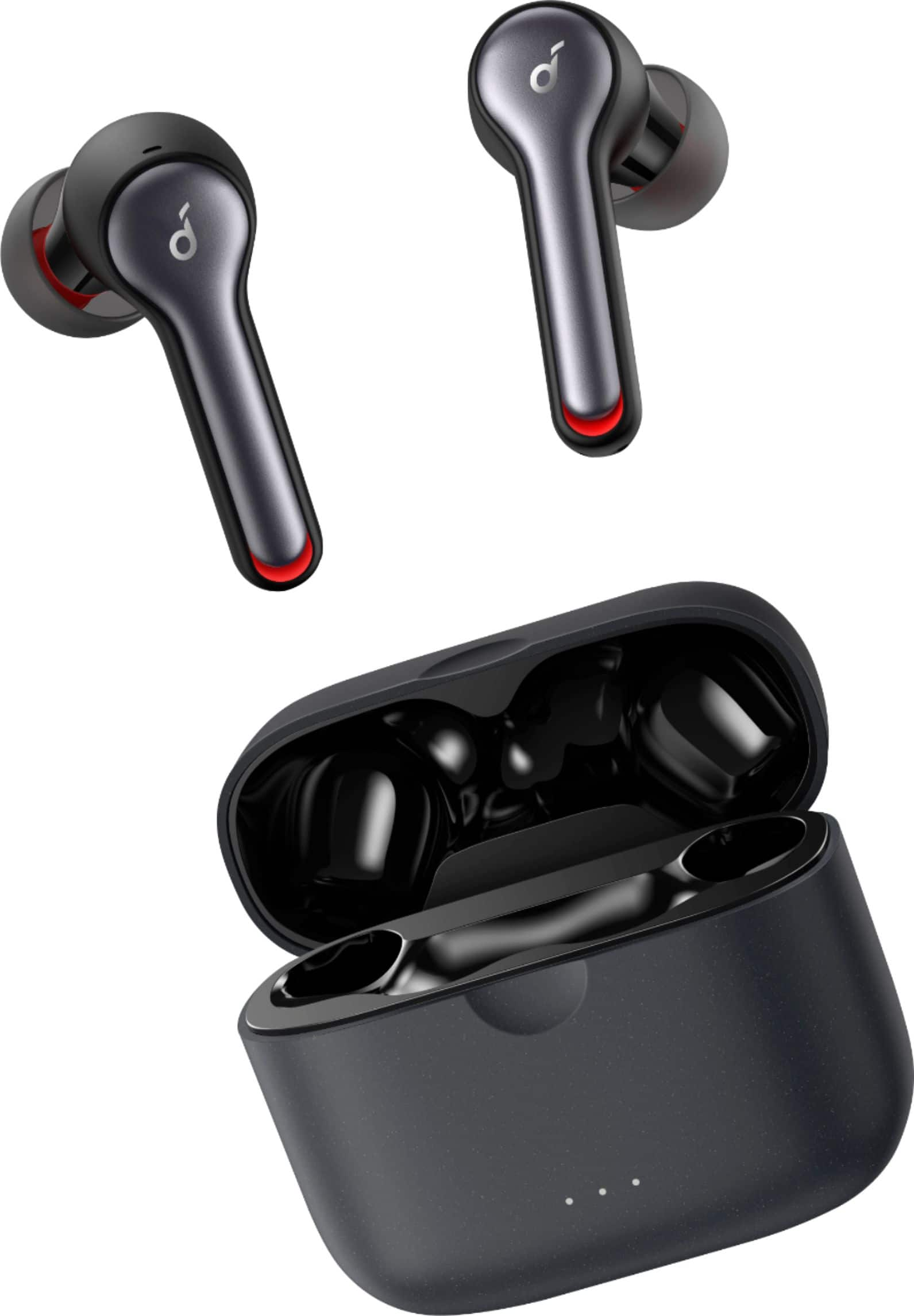
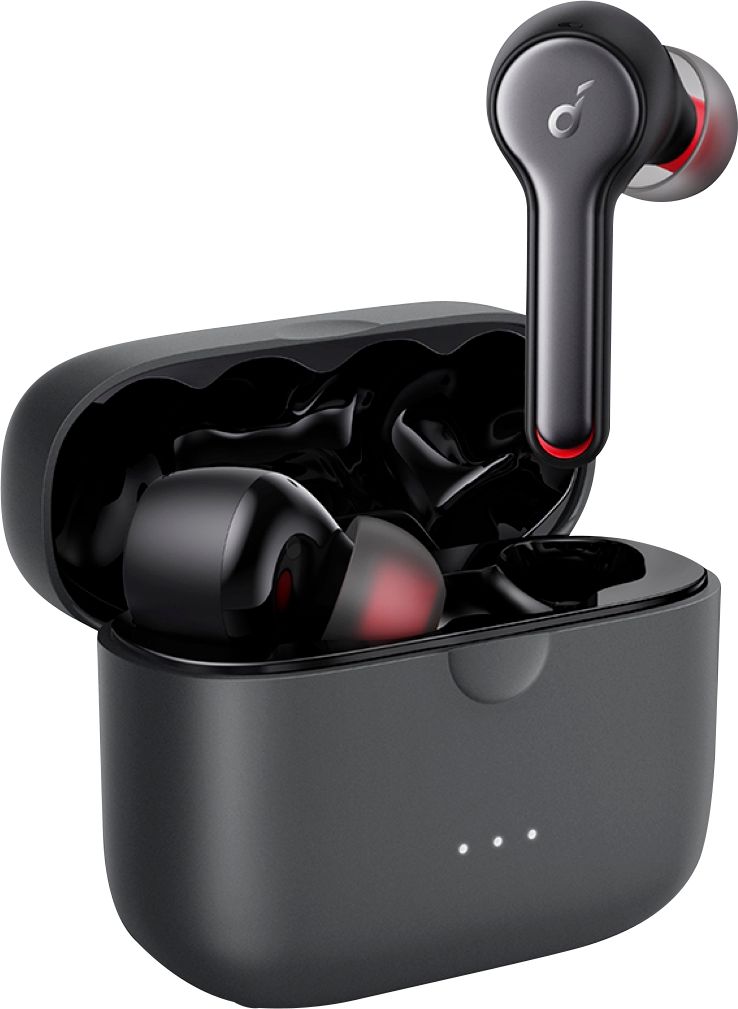
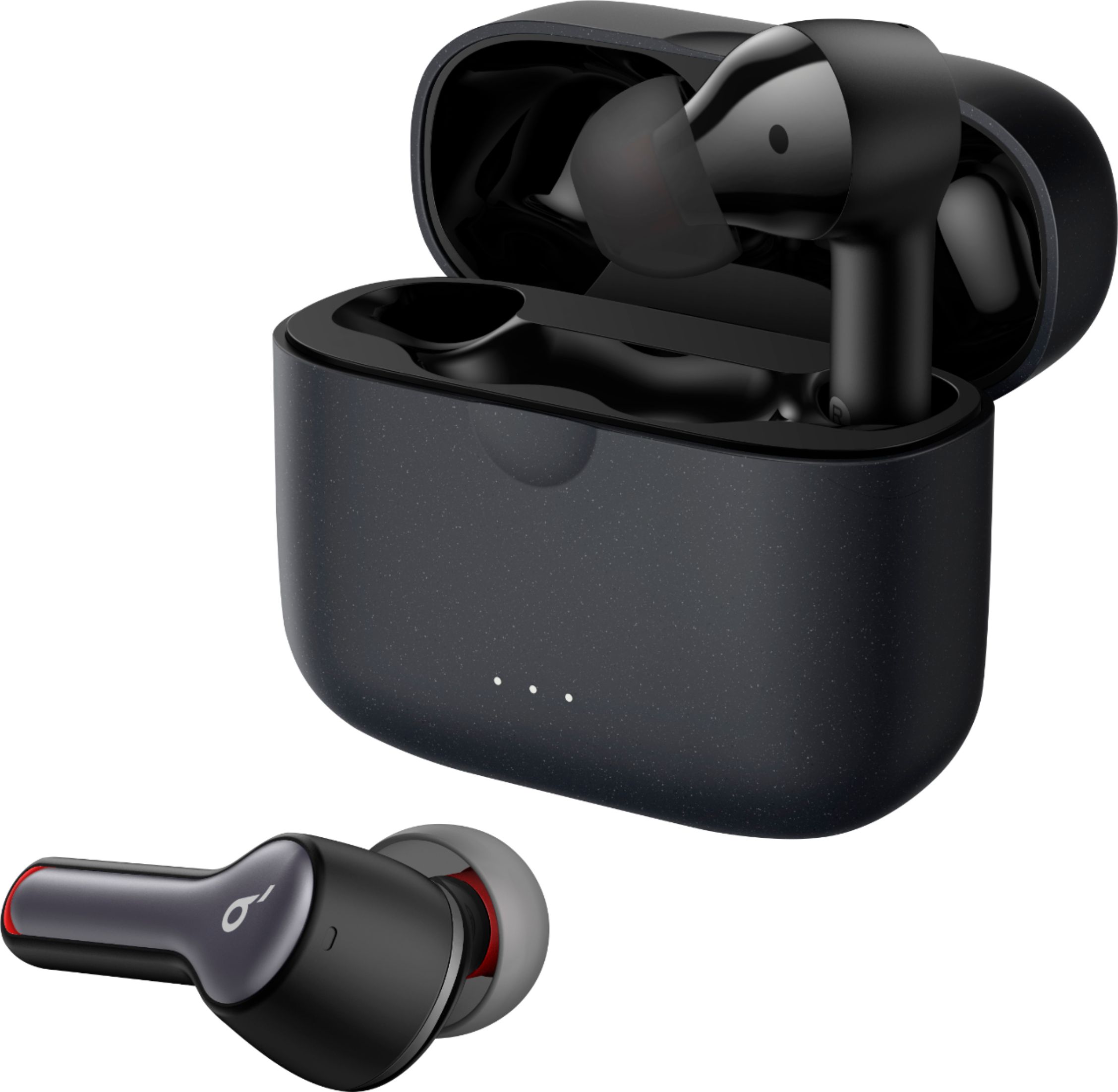
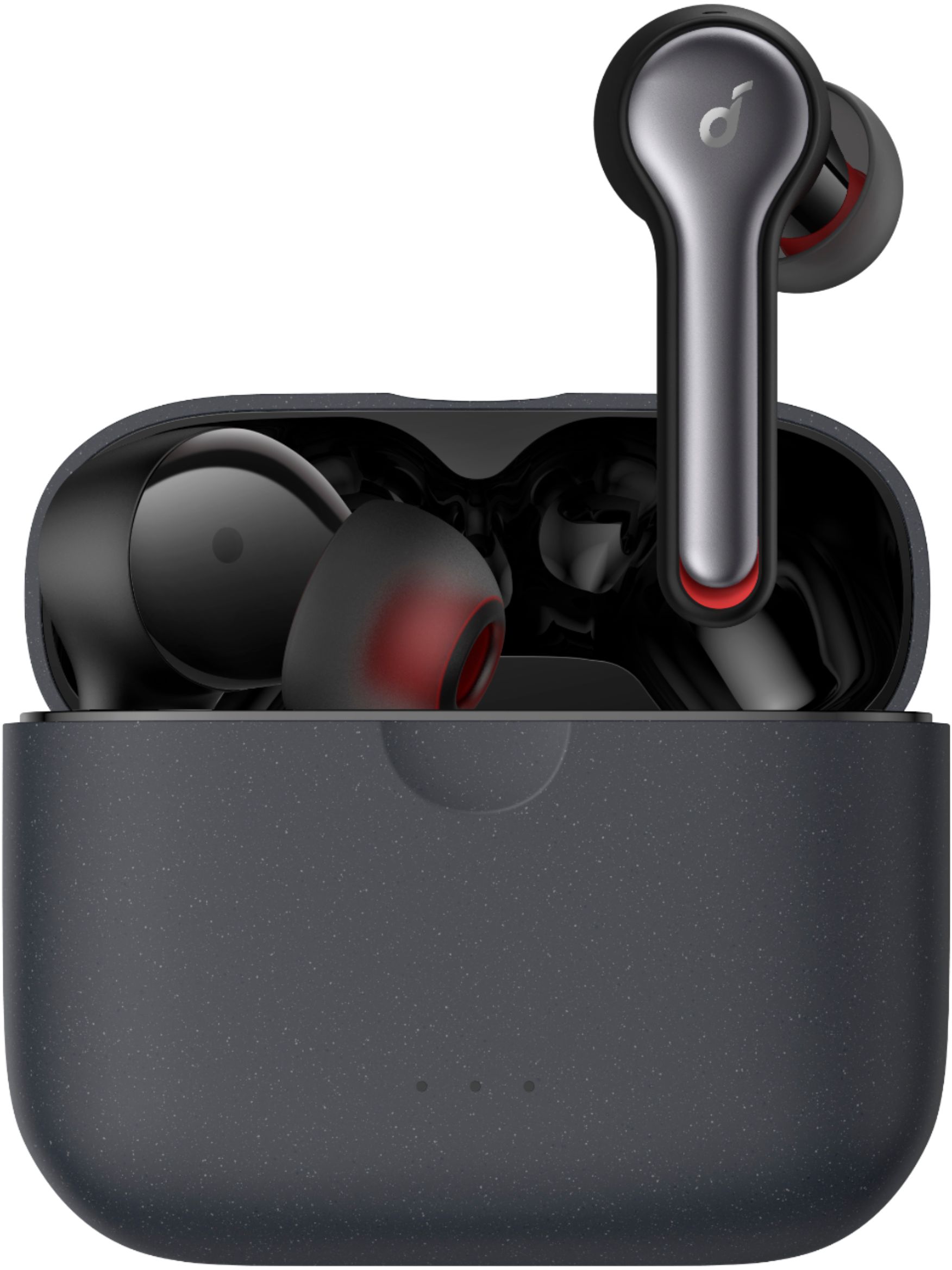
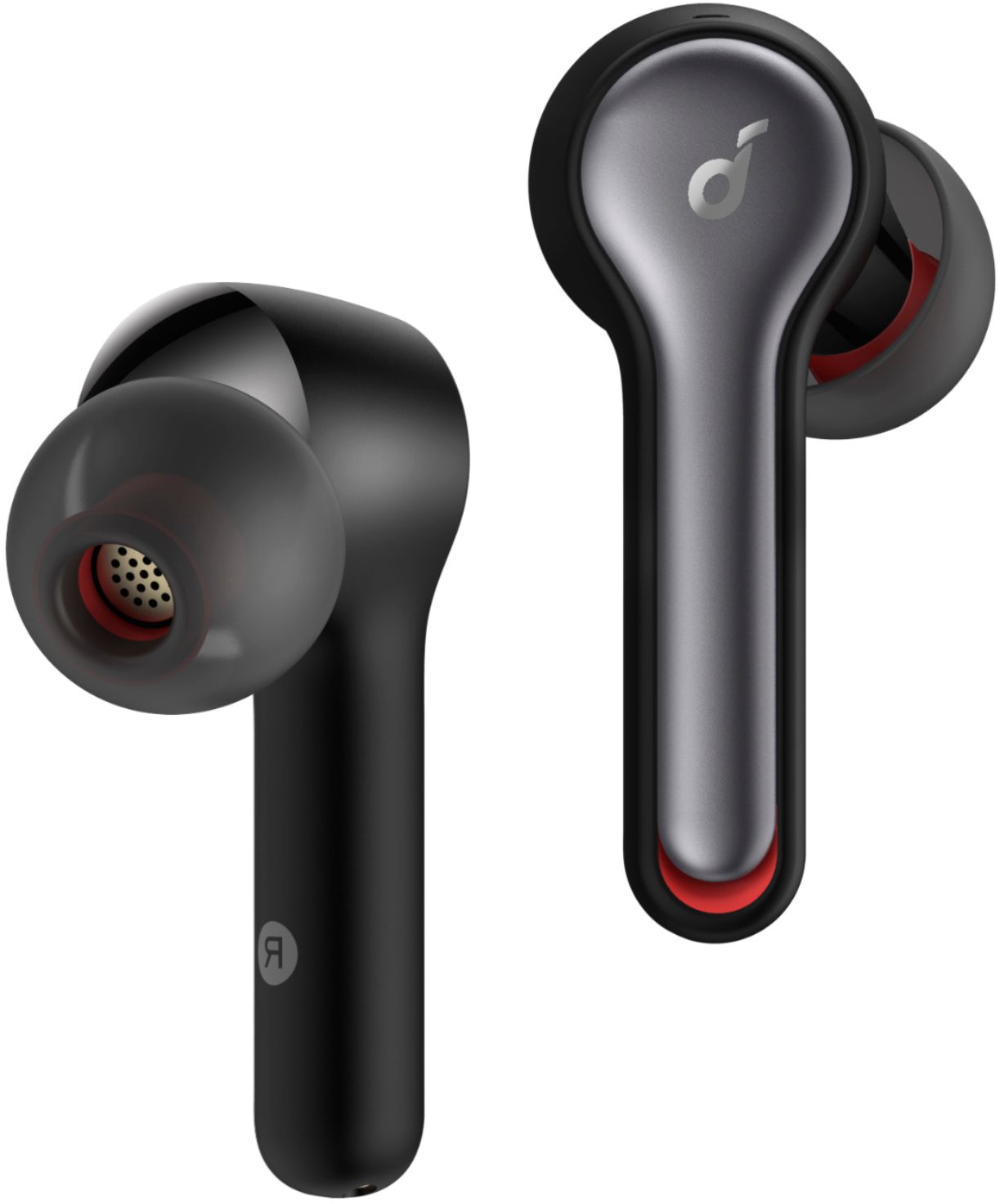
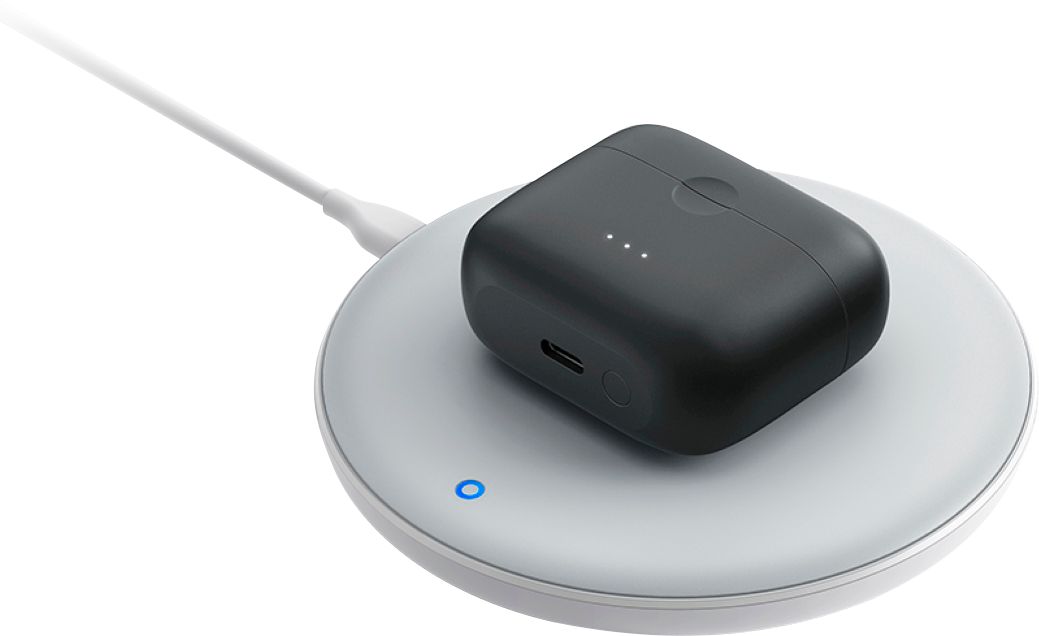
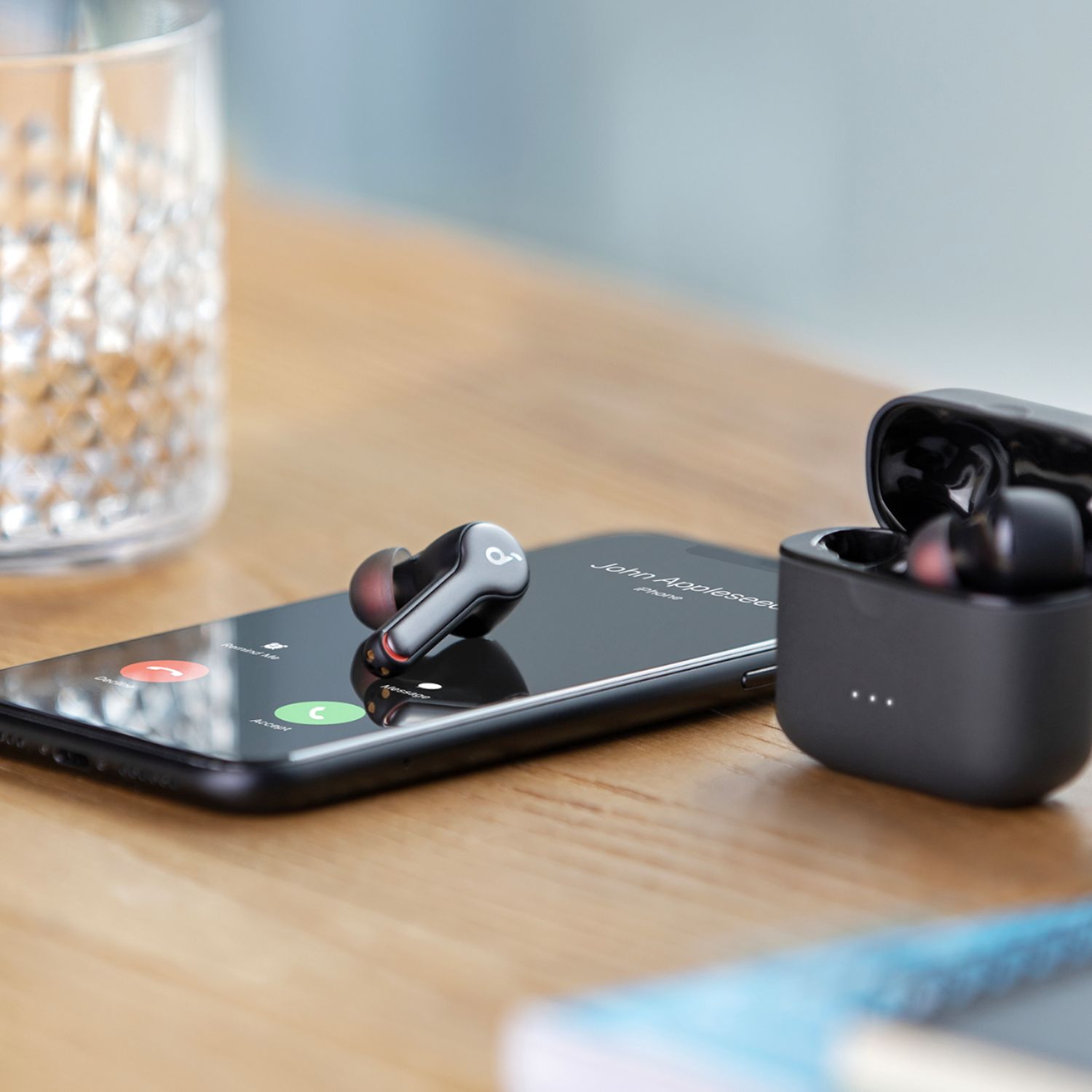
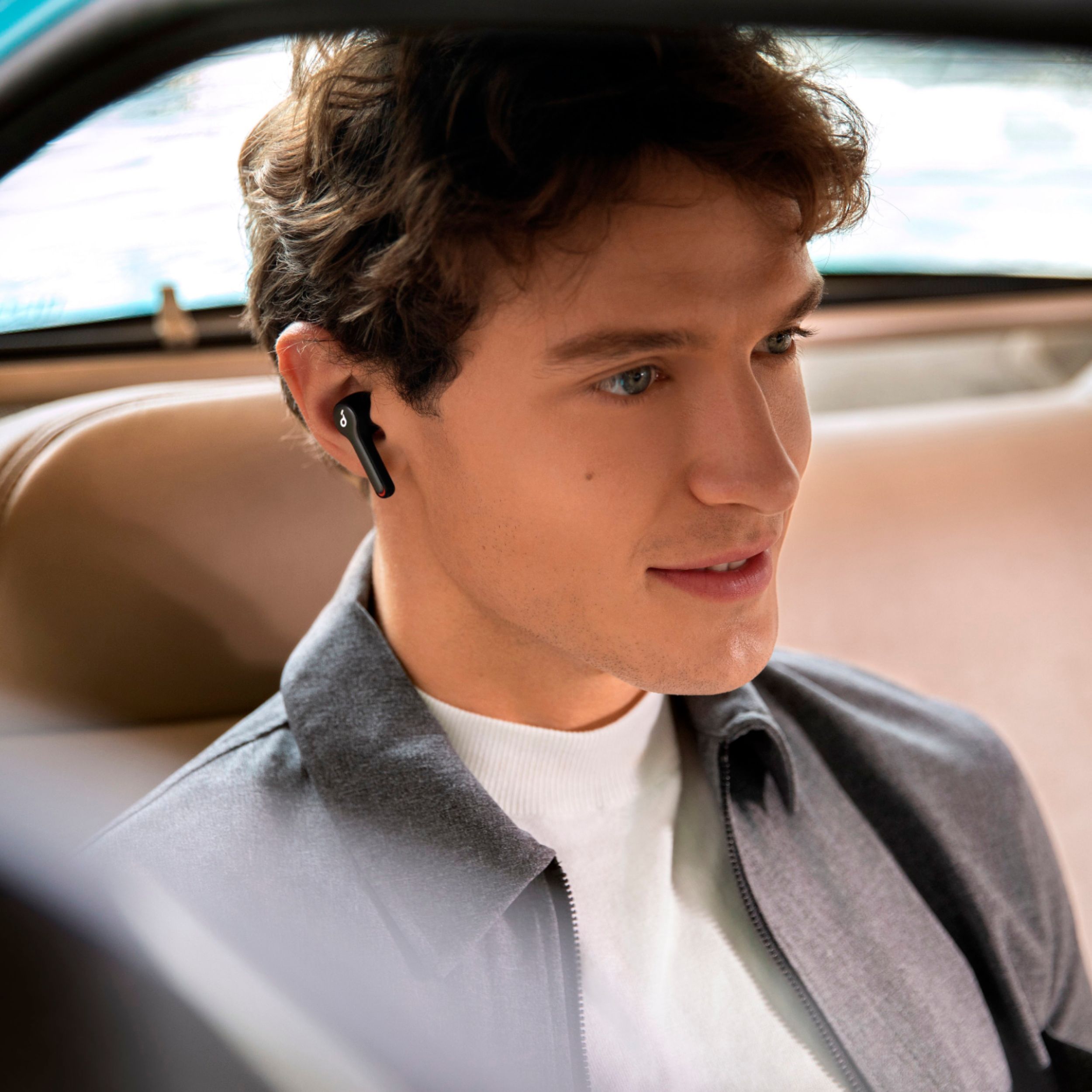
- Model:
- A3910Z11
- SKU:
- 6374960
Rating by feature
- Sound Quality
Rating 4.3 out of 5 stars
- Battery Life
Rating 4.2 out of 5 stars
- Connectivity
Rating 4.0 out of 5 stars
Customers are saying
Customers are delighted by the Anker Liberty Air 2 Earbuds for their exceptional sound quality, long battery life, and affordable price. Many users have praised the earbuds' comfort, with some even saying they are the most comfortable earbuds they've ever used. However, some customers have expressed concerns about the fit, connectivity, and touch controls of the earbuds.
This summary was generated by AI based on customer reviews.
Bought as a gift and returned
Posted .This reviewer received promo considerations or sweepstakes entry for writing a review.Bought these as a gift. The recipient didn't care for them. It was said that they hurt her ears. They were returned and exchanged for something else. While my experience with an earlier model was favorable, I thought it might be beneficial you give another view.
I would recommend this to a friendWow!!
Posted .This reviewer received promo considerations or sweepstakes entry for writing a review.I was blown away bythe sound from these! They rival the sound from a wired set. Airpods have NOTHING on these, for less than half the price.
I would recommend this to a friendBrand response from Roav Team
Posted .So glad you love the product! Thank you for your support. We are super excited to provide something that betters your life. We promise to continue striving to exceed your expectations!
Remember your device comes with an 18-month warranty, and anytime you need help just let us know. You can easily reach out to us at [email protected] for any help.
good product
Posted .This reviewer received promo considerations or sweepstakes entry for writing a review.good product good product good product good product
I would recommend this to a friend- Cons mentioned:Connectivity
Very Poor Connectivity for the Price
Posted .This reviewer received promo considerations or sweepstakes entry for writing a review.WOW I should have checked the reviews before investing. I figured spending the dough would finally result in high quality buds after wasting on $35 on cheaper pairs. Nope. The connectivity sucks. I fully charged these before pairing the first time to my phone and laptops. After just one day's use, only 1 ear stayed fully charged and connected. Tried the reset, and it didn't work. The case blinked then went solid and then nothing. The case kept blinking random dots then nothing.
No, I would not recommend this to a friendBrand response from Roav Team
Posted .Thank you so much for sharing your experience. It's unusual for this product to be acting like this, and we'd love to get you what you need!
If possible, please try the following steps to see if the issue persists:
1. Confirm the charging case has power left (press the button on the case and note if an LED is illuminated). If the case LED does not light up, please charge the case first. Connect the case with the included USB-C cable and plug it into a USB power source to charge it for 2 hours.
2. Ensure all charging contact pins on the earbuds and charging case are completely clean and dry of sweat and water. You can also use cleaning alcohol for cleaning the contacts. Use a dry cloth to ensure the parts are clean and dry afterwards before using.
3. Please place the earbuds correctly into the charging case. When you put the earbuds back into the case, the first and third lights on the case flash twice to indicate both earbuds are charging normally. Charge the headphones for 1.5 hours until they are fully charged. While charging the LED on the earbuds is breathing. When the devices are full, the LEDs will turn off.
Hint: Searching the following keyword on a search engine will bring you to a short video showing how to clean our earbud contacts on an older model for reference: MkbTerepwUk.
If the earbud is charging fine but can't connect or play sound, would you try the following tips:
-Delete (forget/ignore) the pairing records for the headphones (both Liberty & Liberty L) on your device (phone/tablet/etc.) and turn off the Bluetooth.
-Reset the earbuds using the following steps:
1). Place the earbuds back into the charging case and keep the case open.
2).Tap and hold the button at the back of the case for 10 seconds until both earbuds' LED lights flash red 3 times.
-After the reset you will see the white light flashes quickly on the one earbud and the light flashes slowly on the other side, which means they pair together.
-Turn on the Bluetooth on your device again, search for the Liberty (not Liberty L) and pair the device to see if that worked.
-Please try with another device (phone/tablet/etc.) and see if the issue is the same.
Note: When there is a pop-up window for you to confirm pairing. Select "pair". If you select "cancel" accidentally, you need to delete the earbuds from the device's Bluetooth history and re-pair the earbuds.
If it doesn’t help, please reach out to us via service@soundcore.com or call us at +1 (800) 988 7973. We are more than happy to assist you further.
We offer an 18-month warranty for this product, plus lifetime technical support. Our standard for responding to email quests is less than 24 hours, and we look forward to hearing from you!
- Cons mentioned:Connectivity
Awful
Posted .This reviewer received promo considerations or sweepstakes entry for writing a review.Probably the worst headphones I have ever owned. They never seem to work how they should, which is frustrating. I’ve had to reset them twice in two months just so they would both work at the same time. Resetting them was a process I had to research both times. Finally got them reset (after 30 minutes) and then they just stopped communicating with the phone. Bluetooth was connected, ear buds were connected but no sound. I give up. I’m going to try to return them, but I think it’s too late. Won’t use them again, that’s for sure.
No, I would not recommend this to a friendBrand response from Anker Team
Posted .Thank you so much for writing. It's unusual for this product to be acting like this, and we'd love to get you what you need!
We noted that you have tried the reset but would you mind trying the tips below again to see if any help for you?
1) Firstly try to forget the pairing records(both Liberty Air 2 and Liberty Air 2 L) on your device and turn off the Bluetooth.
2) Reset the earbuds per the steps below. After the reset, you will see the white light flashes quickly on the right earbud and the light flashes slowly on the left side, which means they pair together.
--Place the earbuds back into the charging case and keep the case open.
--Tap and hold the button at the back of the case for 10 seconds until both earbuds' LED lights flash red 3 times.
3) Turn on the Bluetooth again and search for Liberty Air 2 and pair.
When there is a pop-up window for you to confirm pairing. Select "pair". If you select "cancel" accidentally, you need to delete the earbuds from the device's Bluetooth history and re-pair the earbuds.
Our product comes with 18-month warranty. Please reach out to us at [email protected] so we can take care of you. You are important to us, and we want to help as much as we're able to. Looking forward to hearing from you!
- Pros mentioned:Sound quality
Microphone is awful
Posted .This reviewer received promo considerations or sweepstakes entry for writing a review.I bought these and was so impressed with sound quality when i was listening to music but as soon as I took these outside to make calls, people were appalled by how bad the background noise was. Someone asked if I was getting hit by a bus it was so loud. Really disappointing and unless I can figure out a fix, I'm going to return.
No, I would not recommend this to a friendBrand response from Anker Team
Posted .Regarding your issue, I double confirm with my colleague and the issue itself regards one kind of “Mic background noise”, and please also note, due to the long distance from the mouth, call quality of Total Wireless Earphone is usually not good. By using the mic noise reduction, Liberty Air 2 could provide much better call quality than most of the TWS on the market. But if the noise is too loud or too close to the user, the noise will still influence the call quality. In order to improve this, please try the following troubleshooting steps to see if there are helpful:
1. Use the default phone call on another phone to see if it makes any difference.
2. Reset the earbuds by the following steps to see if the problem still persists.
--Place the earbuds into the charging case and make sure they are being charged.
--Keep the charging case open, then press and hold the button on the charging case for 10 seconds until the LED indicators on both earbuds flash red 3 times.
3. Upgrade the firmware to the last version 4.20 through Soundcore APP to see if there are helpful.
Please reach out to us at [email protected] so we can take care of you. You are important to us, and we want to help as much as we're able to. Looking forward to hearing from you!
- Cons mentioned:Pairing
24 hours I won’t get back
Posted .This reviewer received promo considerations or sweepstakes entry for writing a review.Got these as a gift and I was thrilled. 24 hours later they finally paired, downloaded the app and installed the update and then it all turned into a waste of time for a product that won’t pair again. Total waste of time for a product that basically doesn’t work as it should.
No, I would not recommend this to a friendBrand response from Roav Team
Posted .Thanks for your writing and so sorry to learn about this, we understand that you have tried some troubleshooting already, but please confirm that you have also tried the following steps:
1. Forget the pairing record on your device and turn off your device's Bluetooth.
2. Place the earbuds into the charging case and make sure they are being charged. When you put the left earbuds into the charging case, the left LED light on charging case will flash 2 times which means the earbuds is charging, please also note the right side will also do the same time, when you put it into charging case, the right LED light on charging case will also flash.
3. Keep the charging case open, then press and hold the button on the bottom of the charging case for 10 seconds until the LED indicators on both earbuds flash red 3 times. All the memory data will be cleared, then close the charging case.
4. Re-open the charging case or take both sides out of the charging case, the white light on one side will flash quickly, which means it enters pairing mode
5. Enable the Bluetooth on your bluetooth devices. You can find the device name "Soundbuds Liberty Air 2" or "Soundcore Liberty Air 2-L" on the Bluetooth list.
6. Please click "Soundbuds Liberty Air 2" or "Soundcore Liberty Air 2-L" for pairing, the white light will flash slowly, which means it paired successfully.
7. Then there will pop out a screen with "Bluetooth Pairing Request", just click "Pair" (This step is very important)
8. After these, open the soundcore app, you will see "Liberty Series" on the home page- just click it-then Swipe left/right, you will see Liberty Air 2 on the list- Click "connect" to see if the same problem persists. If still the same, please reach out to us at [email protected] so we can take care of you. You are important to us, and we want to help as much as we're able to. Looking forward to hearing from you!
I wanted to like them...
Posted .This reviewer received promo considerations or sweepstakes entry for writing a review.This was one that will go down for me as one of the bigger disappointments. I came away from having some great Galaxy Buds that met a sad demise in a cupholder in the car. Loved those headphones...RIP. Anyway I watched video reviews and read multiple reviews too and these looked so good, but when I got em the perception drastically changed. I was so excited for the hear ID feature and the call quality. I didn't even get there. I fired up a song hit the bass profile in the Soundcore app and it sounded like a static phone line trying to imitate base. Instead of just throwing in the towel, I headed to another BB and tried a second pair. Although this time I didn't leave before I tried em. Exactly the same result. So instead of going through anymore I said forget this and moved to a set of Bose Soundsport wireless instead. Well worth the money, these on the other hand, were worth.....(my point exactly)
No, I would not recommend this to a friend- Pros mentioned:Sound quality
Good sound quality but that's it
Posted .This reviewer received promo considerations or sweepstakes entry for writing a review.These earbuds have good sound quality & good microphones, but that's it. They're great- if you can get them connected to the phone, which 2/3 of the time, I can't. These will be going in the garbage & replaced with another brand, probably Apple.
No, I would not recommend this to a friendBrand response from Anker Team
Posted .Please try these steps to see if they help resolve the issue or not:
1. Forget the pairing record on your device and turn off your device's Bluetooth.
2. Place the earbuds into the charging case and make sure they are being charged. When you put the left earbuds into the charging case, the left LED light on charging case will flash 2 times which means the earbuds is charging, please also note the right side will also do the same time, when you put it into charging case, the right LED light on charging case will also flash.
3. Keep the charging case open, then press and hold the button on the bottom of the charging case for 10 seconds until the LED indicators on both earbuds flash red 3 times. All the memory data will be cleared, then close the charging case.
4. Re-open the charging case or take both sides out of the charging case, the white light on one side will flash quickly, which means it enters pairing mode
5. Enable the Bluetooth on your bluetooth devices. You can find the device name "Soundbuds Liberty Air 2" or "Soundcore Liberty Air 2-L" on the Bluetooth list.
6. Please click "Soundbuds Liberty Air 2" or "Soundcore Liberty Air 2-L" for pairing, the white light will flash slowly, which means it paired successfully.
7. Then there will pop out a screen with "Bluetooth Pairing Request", just click "Pair" (This step is very important). Please reach out to us at soundcore@service.com so we can take care of you. You are important to us, and we want to help as much as we're able to. Looking forward to hearing from you!
Good for about a year ONLY!
Posted .This reviewer received promo considerations or sweepstakes entry for writing a review.Although these are sometimes hard to pair especially with an iPhone, once working they were ok. Although they are not designed to block outside noise and the fit can be better. The quality was was acceptable at first but degraded over time. The big problem is they only lasted a year. One side went out and after trying to reset and re-pair several times, no luck. These have been babied over the last few months so any kind of abuse was not a factor. Something somewhere went out and now I'm out. Maybe spend a little more for something a little better with a better known name. By the way, customer service was of no help despite the problem occurring within the warranty period.
No, I would not recommend this to a friendBrand response from Roav Team
Posted .Thank you so much for sharing your experience. It's unusual for this product to be acting like this, and we'd love to get you what you need!
Please reach out to us at service@soundcore.com for further assistance.
We offer an 18-month warranty for this product, plus lifetime technical support. Our standard for responding to email quests is less than 24 hours, and we look forward to hearing from you!
- Cons mentioned:Connectivity
Stopped working after 2 months
Posted .This reviewer received promo considerations or sweepstakes entry for writing a review.So frustrating! The Best Buy employee told me to buy these and they are junk! Don’t buy! Left airbud completely stopped working and don’t get good connection to my phone. Terrible.
No, I would not recommend this to a friendBrand response from Roav Team
Posted .Thank you so much for sharing your experience. It's unusual for this product to be acting like this, and we'd love to get you what you need!
Please try these steps to see if they help resolve the issue or not:
1. Forget the pairing record on your device and turn off your device's Bluetooth.
2. Place the earbuds into the charging case and make sure they are being charged. When you put the left earbuds into the charging case, the left LED light on charging case will flash 2 times which means the earbuds is charging, please also note the right side will also do the same time, when you put it into charging case, the right LED light on charging case will also flash.
3. Keep the charging case open, then press and hold the button on the bottom of the charging case for 10 seconds until the LED indicators on both earbuds flash red 3 times. All the memory data will be cleared, then close the charging case.
4. Re-open the charging case or take both sides out of the charging case, the white light on one side will flash quickly, which means it enters pairing mode
5. Enable the Bluetooth on your bluetooth devices. You can find the device name "Soundbuds Liberty Air 2" or "Soundcore Liberty Air 2-L" on the Bluetooth list.
6. Please click "Soundbuds Liberty Air 2" or "Soundcore Liberty Air 2-L" for pairing, the white light will flash slowly, which means it paired successfully.
7. Then there will pop out a screen with "Bluetooth Pairing Request", just click "Pair" (This step is very important). If still the same, please reach out to us at [email protected] so we can further assist you. You are important to us, and we want to help as much as we're able to. Looking forward to hearing from you!
disappointing sound quality
Posted .This reviewer received promo considerations or sweepstakes entry for writing a review.I read copious positive reviews for these. After a dubious set up process, I finally got them running. I went through the custom EQ settings, did the custom hearing mapping process, tried, every EQ option, and ultimately the sound was quite disappointing. They don't sound TERRIBLE, but they definitely don't sound good. I'd put them somewhere in between my $12 basic Skullcandy earbuds, and the cheap crappy free ear buds they give you on the airplane to watch movies with. Most certainly not worth $100.
No, I would not recommend this to a friendBrand response from Anker Team
Posted .Thank you so much for writing. We're sorry this item is not able to meet your needs! Please try other sizes eartips to get a better seal and sound. Please reach out to us at service@soundcore.com so we can see what we can do to make up for this disappointment. You are important to us, and we want to help as much as we're able to. You reaching out helps us know what our customers are looking for, which in turn allows us to improve our products and services, so thank you again for writing. We promise to keep improving, and we're so grateful for your support!
1 year product life
Posted .This reviewer received promo considerations or sweepstakes entry for writing a review.The design of these earbuds causes corrosion to build up on the charging ports. Even after properly cleaned they will stop fully charging. If you use your earbuds for frequent exercise plan on needing to buy new earbuds in less than a year as they will stop charging fully. Mine stopped at the beginning of a long bicycle ride and again on a flight. If you’re okay with paying $99 every year for new earbuds and don’t mind quiet bike rides, exercise sessions, or music less plane rides then these are for you.
No, I would not recommend this to a friendEar Buds
Posted .This reviewer received promo considerations or sweepstakes entry for writing a review.I have purchased the Anker Soundcore Liberty Air 2 ear buds in March 2020. When I connected them to my phone the quality was not very good. I thought my phone is old so that must be the reason. So I waited till I was eligible for a new phone, but the quality of my ear buds wasn't better. And now I can't even return them as it is too late. And I can't even use them.
No, I would not recommend this to a friendNot pleased
Posted .This reviewer received promo considerations or sweepstakes entry for writing a review.I am not the most tech savvy person, but these are horrible. Constantly having to "re-pair" with my phone, then only the right one works, then they both work. I have Googled how to fix this and apparently I'm not the only one since it pops right up in the google search box. IF you can get them to work, they do sound nice.
No, I would not recommend this to a friendBrand response from Roav Team
Posted .Thank you so much for sharing your experience. It's unusual for this product to be acting like this, and we'd love to get you what you need!
If possible, please try the following steps to see if the issue persists:
-Delete (forget/ignore) the pairing records for the headphones (both Liberty & Liberty L) on your device (phone/tablet/etc.) and turn off the Bluetooth.
-Reset the earbuds using the following steps:
1). Place the earbuds back into the charging case and keep the case open.
2).Tap and hold the button at the back of the case for 10 seconds until both earbuds' LED lights flash red 3 times.
-After the reset you will see the white light flashes quickly on the one earbud and the light flashes slowly on the other side, which means they pair together.
-Turn on the Bluetooth on your device again, search for the Liberty (not Liberty L) and pair the device to see if that worked.
-Please try with another device (phone/tablet/etc.) and see if the issue is the same.
Note: When there is a pop-up window for you to confirm pairing. Select "pair". If you select "cancel" accidentally, you need to delete the earbuds from the device's Bluetooth history and re-pair the earbuds.
If it doesn’t help, please reach out to us via service@soundcore.com or call us at +1 (800) 988 7973. We are more than happy to assist you further.
We offer an 18-month warranty for this product, plus lifetime technical support. Our standard for responding to email quests is less than 24 hours, and we look forward to hearing from you!
Awful
Posted .This reviewer received promo considerations or sweepstakes entry for writing a review.These headphones are the worst. Worked great for about a year until the warranty ran out, then they turned to saying they’re fully charged and disconnecting and playing the dying sound every 20 minutes. I plug them in for a few hours, take them back out and still dead after 20 minutes. Awful product.
No, I would not recommend this to a friendBrand response from Soundcore Team
Posted .Thank you so much for sharing your experience. It's unusual for this product to be acting like this, and we would love to get you what you need! If possible, please try the following steps to see if the issue persists:
Please reset your headphone:
1.Place the earbuds into the charging case and remain the case open.
2.Press and hold the button on the case for 10 seconds until the earbud LED indicators flash red 3 times and then turn white.
If it doesn’t help, please reach out to us via support
service@soundcore.com or call us at +1 (800) 988 7973. We are more than happy to assist you further.
We offer an 18-month warranty for this product, plus lifetime technical support. Our standard for responding to email quests is less than 24 hours, and we look forward to hearing from you!
Bad sound Quality
Posted .This reviewer received promo considerations or sweepstakes entry for writing a review.The fit and feel good in your ear . But they sound so bad( for their price )
No, I would not recommend this to a friendBrand response from Anker Team
Posted .Sorry to hear you are having this experience with our headphones. Give us a call at 800-988-7973 as this is not a usual experience with our headphones.
No way to replace missing AIR BUD
Posted .This reviewer received promo considerations or sweepstakes entry for writing a review.makes it kind of pointless too buy,if you cant replace a lost air bud,called customer service,only option is too buy a new pait of headphones. so pretty much i spent 120$(with warranty), for no reason. research headphones before you buy ,make sure they offer replacement buds
No, I would not recommend this to a friendBrand response from Roav Team
Posted .Thanks for your writing. We are so sorry to learn about this, regretfully, we are currently unable to sell the earbuds separately. We do understand your frustrating situation but please notice that the Anker Warranty only covers our products and accessories against manufacturing defects for 18 months from the date you bought your product.
It doesn't cover damage caused by accidents, unauthorized modifications and lost/stolen products. Anyway, we're going to do our best to make sure you're 100% satisfied! We would really like to be in touch to see what we can do to take care of you. Please reach out to us at [email protected] so we can further assist you. You are important to us, and we want to help as much as we're able to. Looking forward to hearing from you!
Does not charge
Posted .This reviewer received promo considerations or sweepstakes entry for writing a review.I received these as a birthday gift. 3 months later one ear quit charging. I went through tech support and they could not help. They said I needed a receipt to get them replaced! That’s hard to do if it’s a gift. Not happy at all.
No, I would not recommend this to a friendBrand response from Roav Team
Posted .Thank you so much for sharing your experience. It's unusual for this product to be acting like this, and we'd love to get you what you need! For the receipt, please understand that we need it to locate your order so that we can arrange a replacement in our system.
So please reach out to us at [email protected] for further assistance if you get it.
We offer an 18-month warranty for this product, plus lifetime technical support. Our standard for responding to email quests is less than 24 hours, and we look forward to hearing from you!
Terrible quality and customer service
Posted .This reviewer received promo considerations or sweepstakes entry for writing a review.Lasted 5 months, tried to warranty and Lost patience with the Soundcore warranty process. Take my advice and go buy some $30 jdubs that will last way longer
No, I would not recommend this to a friend